The camera on a modern phone is often its most expensive single part, and it sits on the back, standing proud of the phone, where it touches every table, pocket and bag the phone goes into. A camera lens protector is a small piece of glass or a set of metal rings that covers it. This guide explains why phone cameras get scratched in the first place, the kinds of protector there are, what one can do to your photos if it is the wrong one or badly fitted, and how to fit one so that it is not noticed in a single picture.
Why phone cameras get scratched
On most phones of recent years, the cameras sit in a raised block, often called the camera bump, because the lenses and sensors are too deep to fit inside the body of the phone. When the phone lies on its back on a table, it rests on that bump. When it goes into a pocket with keys or coins, the bump is the part that rubs against them. And when it is dropped, the bump is often the first thing to land.
The glass over each lens is hard. Apple, for instance, lists a sapphire crystal lens cover in the camera specifications of recent iPhones such as the iPhone 16 Pro and the iPhone 17. Hard is not the same as unbreakable, though. A lens cover can still crack in a fall, the metal or plastic ring round each lens can be dented or scuffed, and grit in a pocket or a bag can mark softer coatings and the edges of the bump. A crack or a deep scratch in front of a lens shows in photos as a soft, hazy patch or streaks of light, and the only real cure is a repair to the phone.
Where the damage comes from
- Tables and worktops. A phone put down on its back again and again rests its weight on the bump, and slides on it when picked up. Grit on the surface does the rest.
- Pockets and bags. Keys, coins, a zip or a buckle rub against the bump with every step.
- The beach and the garden. Sand and soil get into pockets and cases and grind against the glass and the rings.
- Drops. A phone that lands on its back, on a step or a kerb, can crack a lens cover even inside a case if the case's lip is low.
- Holders and mounts. A car or bike holder whose arm or clamp sits over the camera can rub the bump every time the phone goes in and out.
Not every scratch is a problem. Fine marks on the edge of the bump or on the ring round the lens do not touch the picture. What matters is anything over the glass in front of the lens itself, and that is what a lens protector covers.
What else protects the camera
A case is the first line of defence. Most cases have a raised edge round the camera opening, a lip that stands a little higher than the bump, so that when the phone lies on its back, the case touches the table, not the lenses. Tough and shockproof cases usually have a deeper lip, and cases with a camera cover have a slide or a flap that closes over the lenses when you are not taking photos. A lens protector adds to a case rather than replacing it, and suits anyone who carries the phone without a case, or with a slim case whose lip is too low to protect the bump.
Glass covers, metal rings and full camera-bump covers
Lens protectors come in three main forms. All are found in camera lens protectors, each made for a particular phone model, because no two phones place their lenses in quite the same way.
A glass sheet over the whole camera block
A single piece of thin tempered glass, shaped to the camera block, with the lenses showing through the glass and cut-outs or clear windows for the flash and any sensors. It is the simplest kind to fit, since there is only one piece to line up, and it covers the whole raised area. It adds a little thickness to the bump. Look at whether it is fully clear or has a printed border; a dark border can hide the edge neatly, while a fully clear sheet is less visible on a pale phone.
Individual lens rings
A separate ring for each lens, usually in aluminium or another metal, with a disc of glass set into it. Each ring sticks onto the glass over its own lens. They suit phones whose lenses stand out separately from the camera block, and many people choose them for their look, since they come in colours to match or contrast with the phone. They need more care to fit, as each ring must be centred over its lens, and Apple's camera troubleshooting notes that metallic cases and magnetic lens mounts can cause blur in low light, so if you see that after fitting metal rings, try the phone without them.
Full camera-bump covers
A cover that wraps the whole raised block, sides and top, sometimes in metal, sometimes in glass with a metal frame. It protects the edges of the bump as well as the lenses, which is where scuffs from tables and pockets usually land. It is the bulkiest kind and the one most likely to clash with a case, so check that your case's camera opening is large enough.
Clear, tinted and coloured
Glass sheets and rings come clear or with a coloured or tinted frame. The glass in front of each lens should always be clear; only the frame round it is coloured. A coloured ring or border is purely about looks, so choose it to match the phone or the case. Some people prefer a protector that disappears on the phone, others like the camera to stand out as a feature. Either works, as long as the glass over the lenses is clean and the frame does not reach over the edge of any lens.
Which suits which phone
Phones with a large, flat camera block, as on many recent models, suit a single glass sheet or a full cover. Phones where each lens stands out on its own suit individual rings. Folding phones and phones with very small camera bumps sometimes have only a ring or a film made for them. Choose the protector made for your exact model, since a model one year older or one size larger will usually have its lenses in a slightly different place. Ranges such as accessories for the iPhone 17 Pro or accessories for Samsung Galaxy S phones group them by phone.
Will it change my photos? Flash, glare and night shots
A well-made lens protector, cleanly fitted, should not show in normal daylight photos. It is another layer of glass in front of the lens, though, and the phone makers are frank that it can affect pictures. Samsung's support pages say a camera protector or lens cover may cause focus problems or light distortion, and that the first thing to try when photos are blurred is to take it off. Apple's first step for camera or flash faults is the same: remove any case, film or accessory that could block the camera or flash, or that puts a magnet near the camera.
The effects to watch for are these.
Flash bounce
If a single glass sheet covers both the lenses and the flash, light from the flash can travel sideways through the glass and into the lens, giving a hazy or washed-out picture when the flash is on. Protectors that leave a cut-out round the flash, or that cover each lens separately, avoid this. If your flash photos look foggy after fitting a protector, this is the most likely cause.
Glare and rings of light
Every surface in front of a lens can reflect bright light. Flare, the streaks, spots or haze that appear when a strong light such as the sun or a street lamp is in or near the picture, happens on phone cameras without any protector, because light reflects inside the camera itself. Apple's advice for flare has been to move the phone slightly so that the bright light enters the lens at a different angle, or to shade the lens with your hand. An extra layer of glass with no anti-reflective coating can add to it, most often as a ghost image of a bright light, or a ring round it.
Night shots
Night photos are where a protector shows most. In the dark, the phone keeps the shutter open longer and gathers every bit of light, including reflections from the protector's surfaces and any smear on it. Street lights and car headlights can pick up halos or green dots. If night photos matter to you, keep the protector spotless and choose one that sits close to the lens, with no gap.
Moisture and dust underneath
Samsung also notes that moisture or dust trapped between the camera and the protector can blur photos and video. A protector that has lifted at one edge lets damp and grit in, so it is worth checking now and then that the edges are still down.
Checking for damage you already have
Before you fit a protector, it is worth checking that the lens underneath is sound, so that you are not blaming the protector for a mark that was already there. Clean the camera block as described below, then look at each lens under a bright light, tilting the phone. A scratch in the glass catches the light as a fine line; a crack shows as a line that does not wipe away. Take a photo of something plain and evenly lit, such as a white wall, with each of the phone's cameras in turn. A soft patch or streak in the same place in every photo from one camera points to damage on that lens.
A quick way to test your own: take the same photo, of a bright light at night and of something close with the flash on, with and without the protector. If there is a difference you mind, try a different kind, or rely on a case with a deep camera lip instead.
Fitting one cleanly
A lens protector is small, which makes it quick to fit, but every speck under it is in front of a lens, so cleaning matters more than it does on the screen. The method is close to the one in the guide to fitting a screen protector.
- Take the case off and turn the phone off, so the camera does not open while you work.
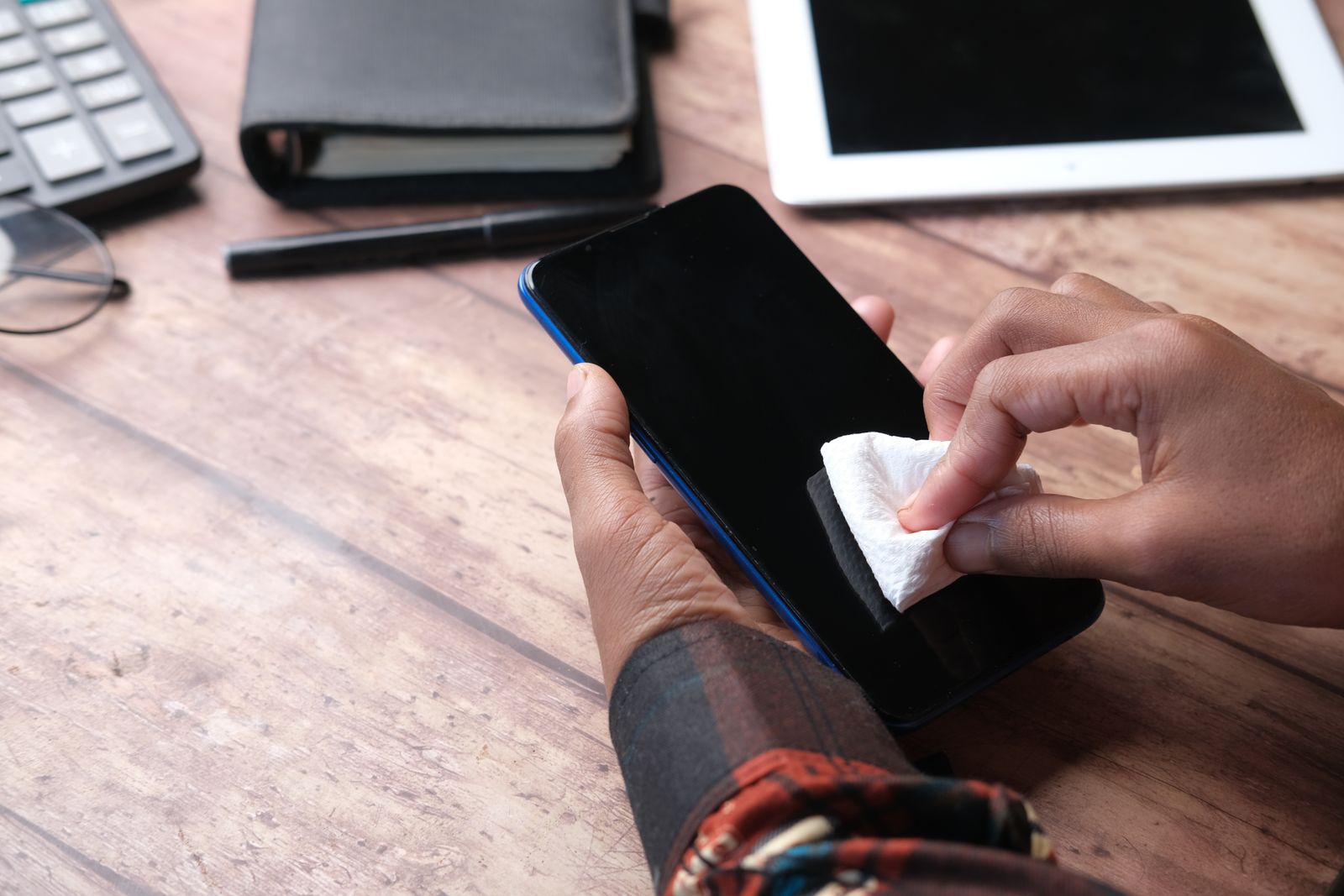
- Clean the camera block. Wipe it with the wet wipe from the kit, then dry it with a microfibre cloth. Apple's own advice for blurred photos is to wipe the lenses with a microfibre cloth, and its cleaning guidance for the iPhone asks you to keep moisture out of openings and not to use abrasive materials, so wipe gently and do not let liquid gather round the edges of the bump.
- Lift dust. Dab every lens with a dust sticker or a clean piece of tape. Look closely with a light across the block. A speck that is invisible on the screen can be obvious in front of a lens.
- Line it up. Many lens protectors come with a fitting frame or a tab that lowers the glass over the bump in the right place. Use it. Without one, hold the protector by its edges or its tab and line up the cut-outs with the lenses before it touches.
- Press it down firmly over each lens and round the edges, then check that every edge is down.
- Test it. Turn the phone on, open the camera and take a few photos: one in daylight, one close up, one with the flash. Look at them at full size. If one lens shows a soft patch, that lens has dust or a smear under it.
Individual rings
Fit one ring at a time, starting with the largest lens. Centre each ring over its lens by looking straight down at it, not from an angle, and press it down. If the pack includes a frame that holds all the rings at once, it will line them up for you.
Taking one off
Samsung warns that prying off a lens protector carelessly can scratch the ring round the camera, so lift it slowly with a fingernail or a thin plastic card under one edge, never a metal tool. A cracked glass protector can shed small sharp chips, so cover it with clear tape first. Clean off any adhesive left behind with the wet wipe and a microfibre cloth before you fit a new one.
Lens protectors with a case
A lens protector and a case have to fit together, and the camera opening on the case is where they meet.
- Check the opening. A protector adds thickness to the bump and, for full covers, width. If the case's camera opening is a tight fit round the bump, a full cover may stop the case going on, or press on the protector's edge and lift it.
- Check the lip. With the case and protector both on, lay the phone on its back on a flat table. The case's lip should still touch the table before the protector does. If the protector now stands higher than the lip, it takes the knocks instead, which is what it is for, but it will need replacing sooner.
- Check the flash. Some cases have their own flash surround. Make sure the case and the protector together do not leave a gap that lets flash light leak towards the lens.
- Magnets. Magnetic cases and metal lens rings both sit close to the camera. Apple's note that magnetic or metal accessories can cause blur in low light applies to both, so if you see it, test with one removed.
Fitting the case after the protector, and taking the case off from the bottom rather than the top, keeps the case's edge from catching the protector. Clear cases and slim cases usually have the largest camera openings and suit full covers best; the guide to choosing a phone case goes through the rest.
If you add a clip-on lens to the phone camera for wide-angle or close-up shots, take any thick protector off first, or the clip-on lens may sit too far from the phone's own lens. The guide to clip-on lenses and filters covers fitting those, and phone lens kits bring several together.
Questions people ask
Do I need a lens protector if I have a case?
Not always. A case with a deep camera lip keeps the lenses off the table and protects them in most drops. A protector adds cover against scratches when the phone is in a pocket or bag with other things, and against direct knocks on the bump. It suits anyone using a slim case or no case.
Will a lens protector stop the camera focusing?
A clean, well-fitted one usually does not. Samsung says a lens cover may cause focus problems, and Apple advises removing film or accessories when the camera misbehaves, so if focus suffers after fitting one, take it off and test again.
Why are my flash photos foggy?
Most often because a single glass sheet covers both the flash and the lenses, and flash light is travelling through the glass into the lens. A protector with a cut-out round the flash, or separate rings for each lens, usually stops it.
Can I fit a lens protector over a scratched lens?
You can, and it will protect it from more damage, but it will not hide a scratch already there. A scratch in front of a lens shows in photos with or without a protector over it.
How often does a lens protector need replacing?
When it is scratched, chipped or cracked, or when an edge has lifted and will not stay down. Its job is to take damage instead of the lens, so a marked protector has done what it was for. Replace it before the marks start showing in photos.
Does a lens protector fit any phone?
No. Each one is shaped for a particular model's camera layout, and even phones from the same family place their lenses differently. Choose the one made for your exact phone.
Where to go next
Lens protectors for every kind of camera are in camera lens protectors, with tempered glass for the screen, back films and skins for the rest of the phone, and fitting kits and screen sprays and cloths to put them on cleanly. For the other parts of the choice:
- Screen protectors explained: glass, privacy, anti-glare and film
- How to fit a screen protector without bubbles: cleaning, lining up and fixing dust
- How to clean your phone safely: what the phone makers say you can use