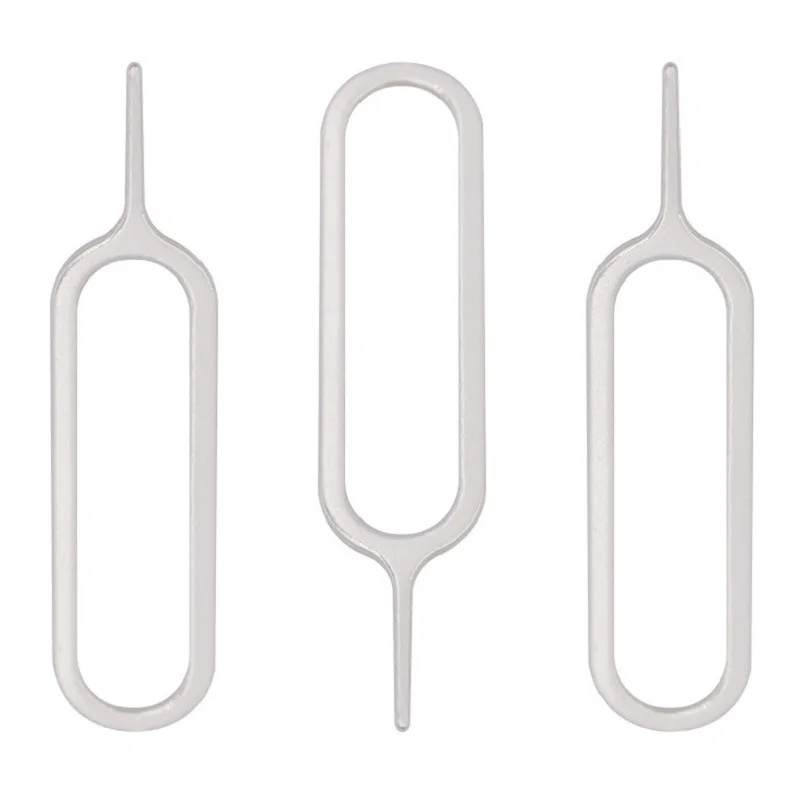
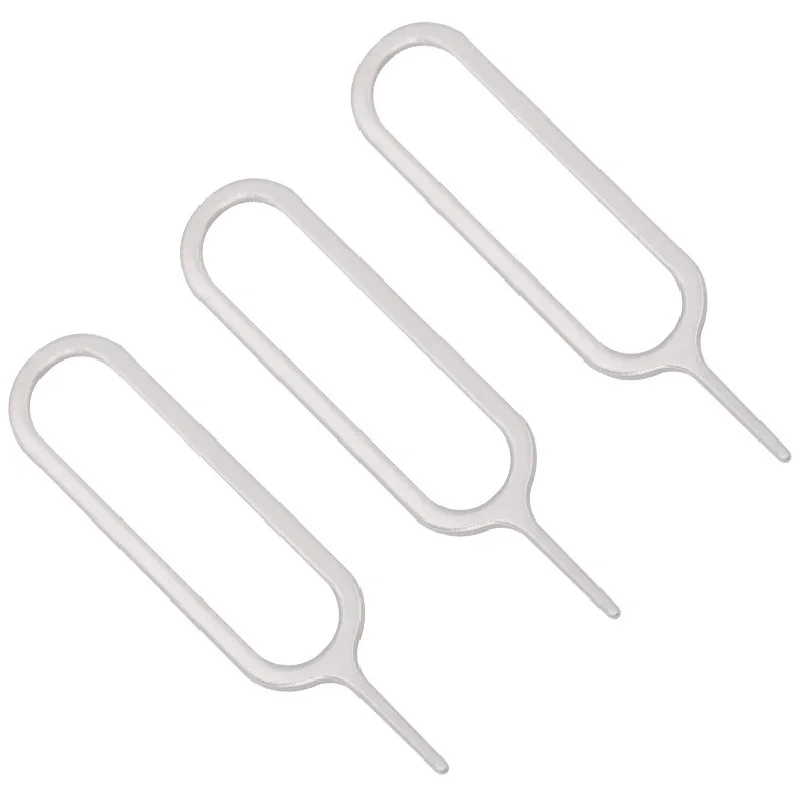
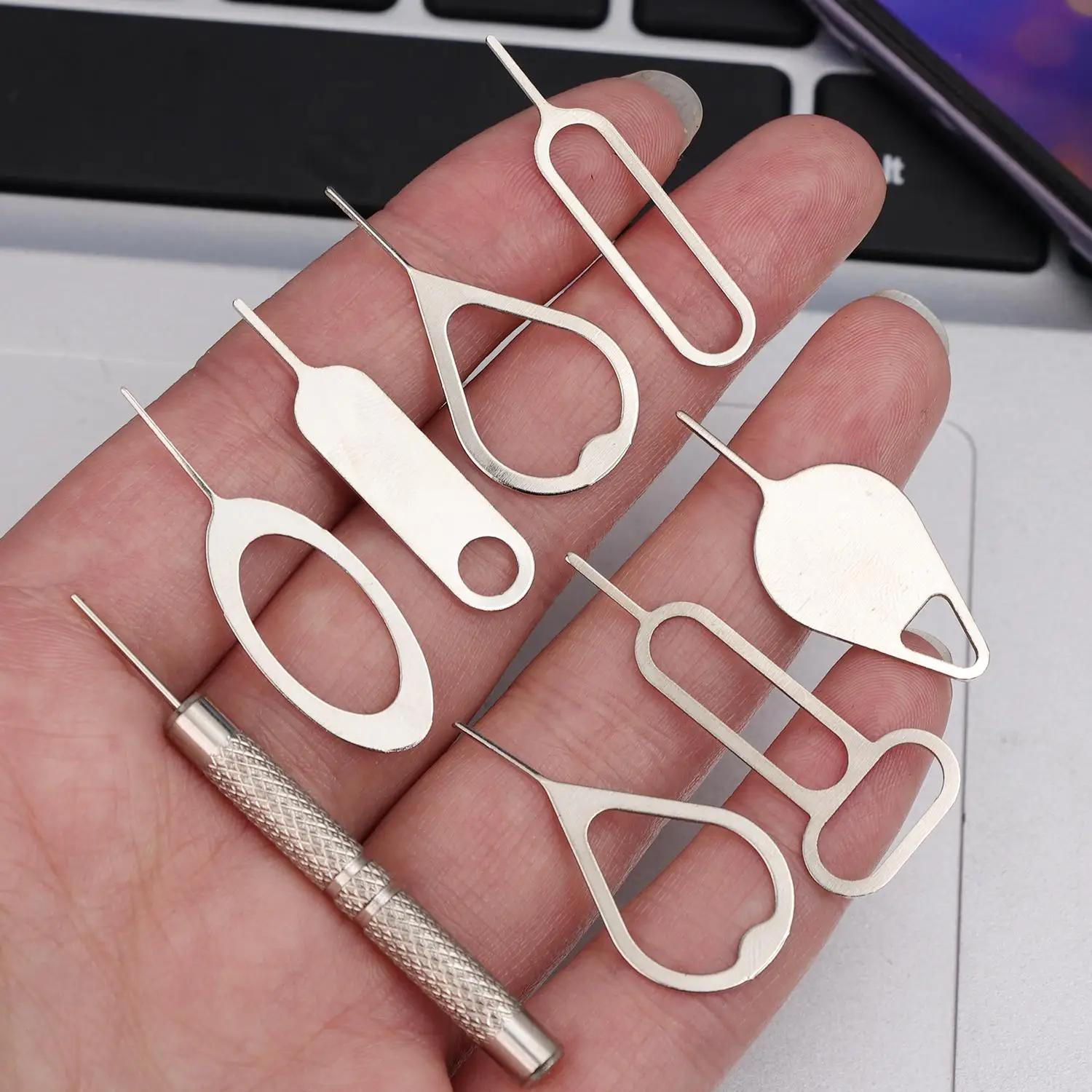
The pin that opens the SIM tray
Most phones with a physical SIM keep it in a small tray on the edge, opened by pushing a thin pin into a hole beside it. The pin comes in the box, and it is one of the first things to go missing. This range is for anyone changing a SIM, travelling with a local SIM, or looking after a few phones at work, and for repair shops that get through them.
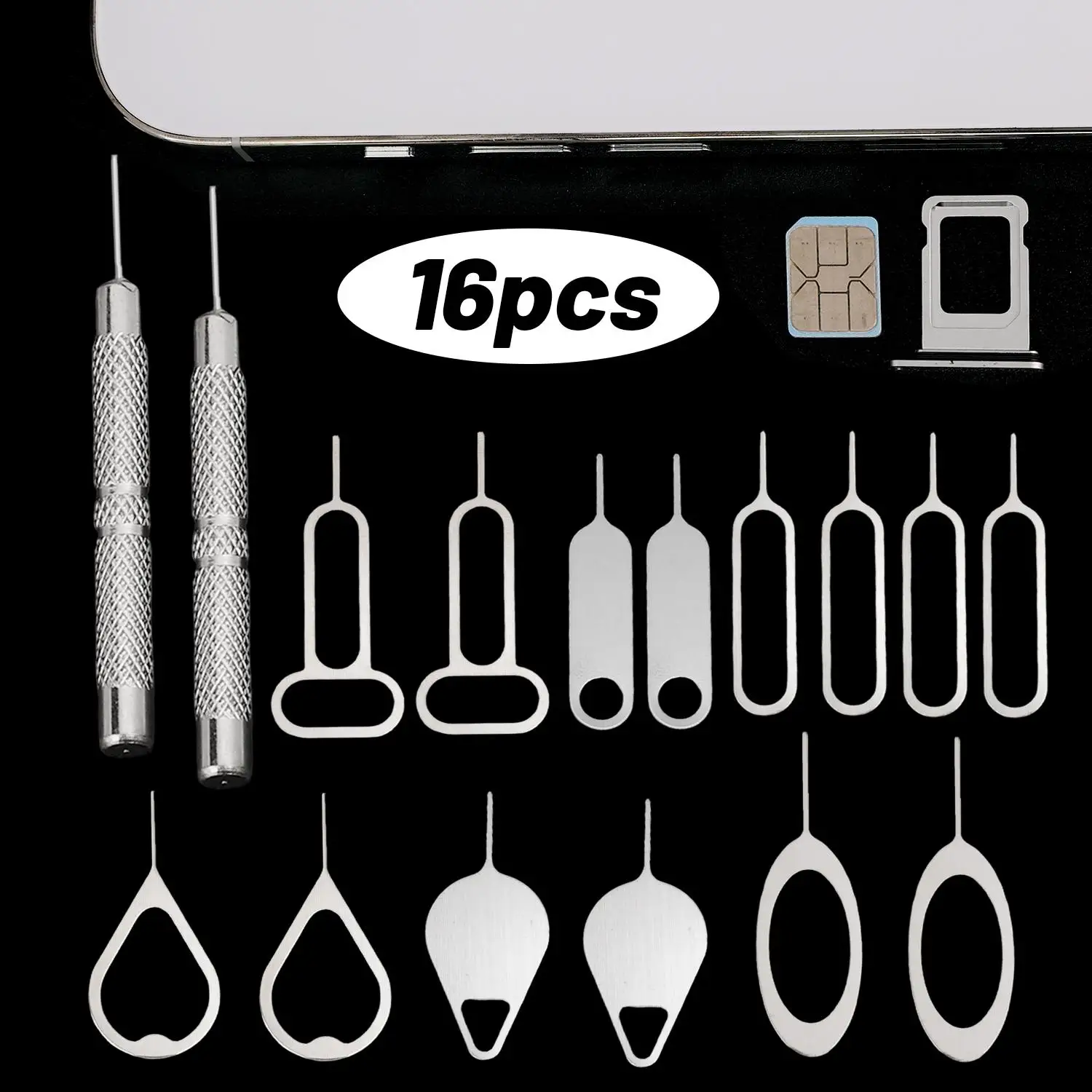
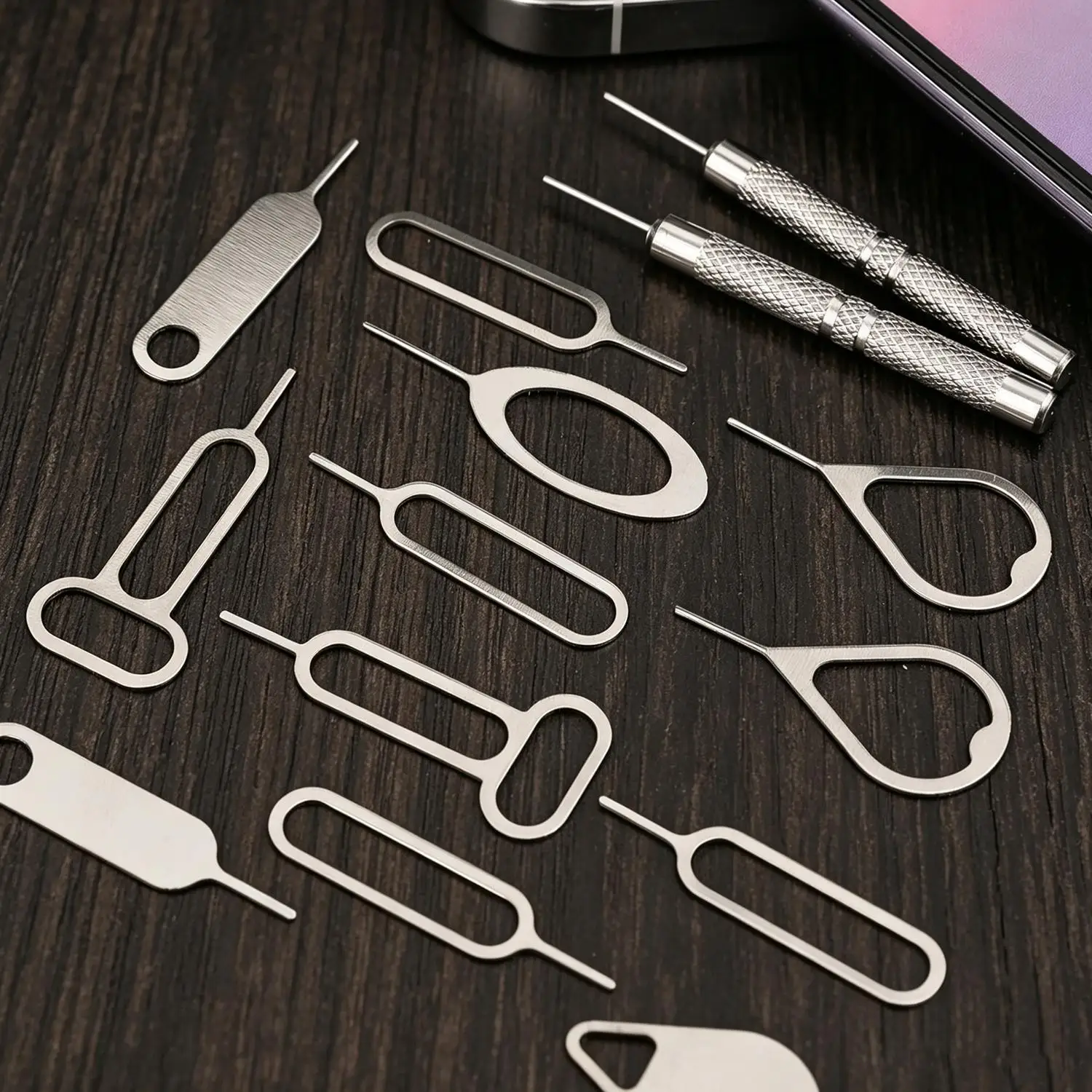
What is in this range
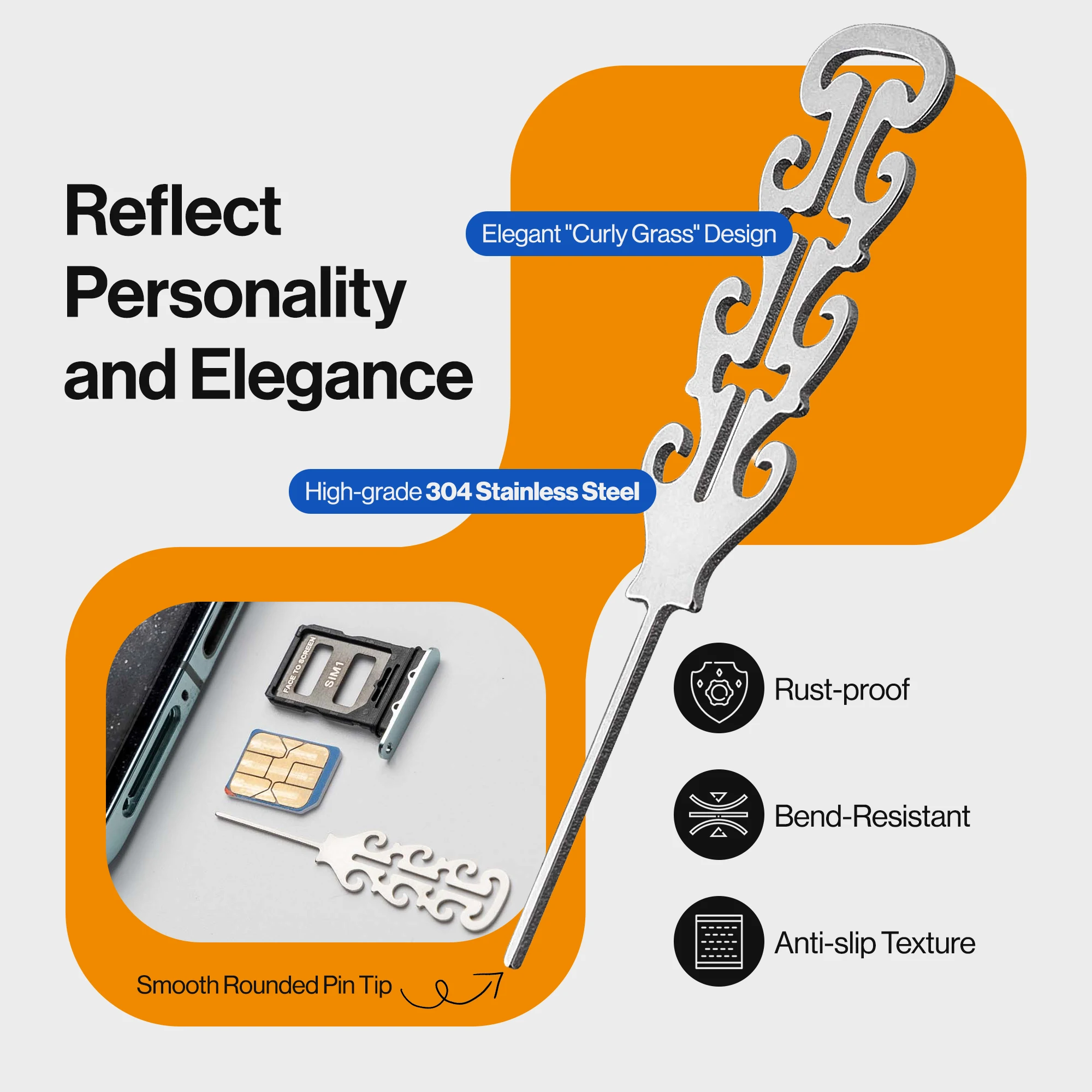
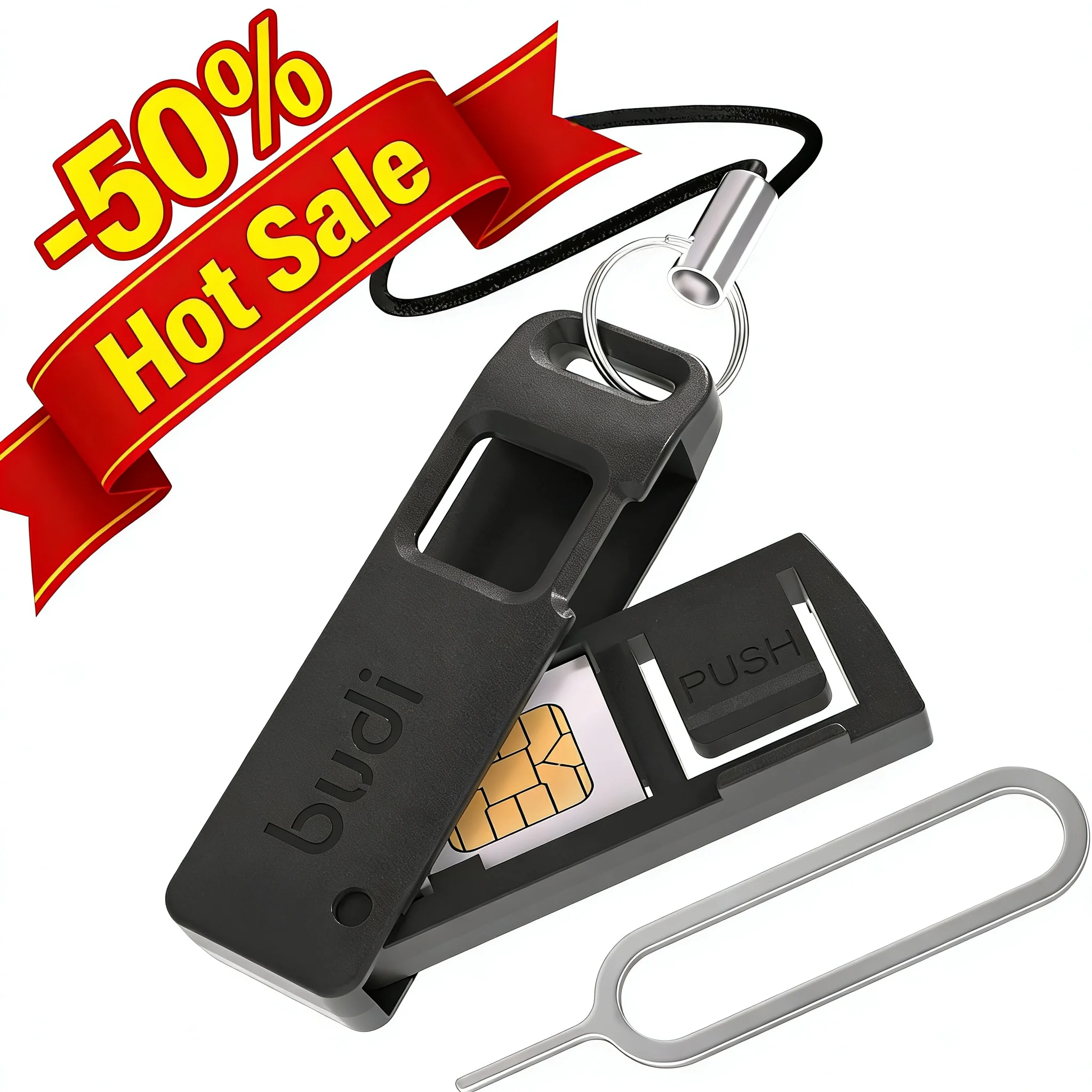
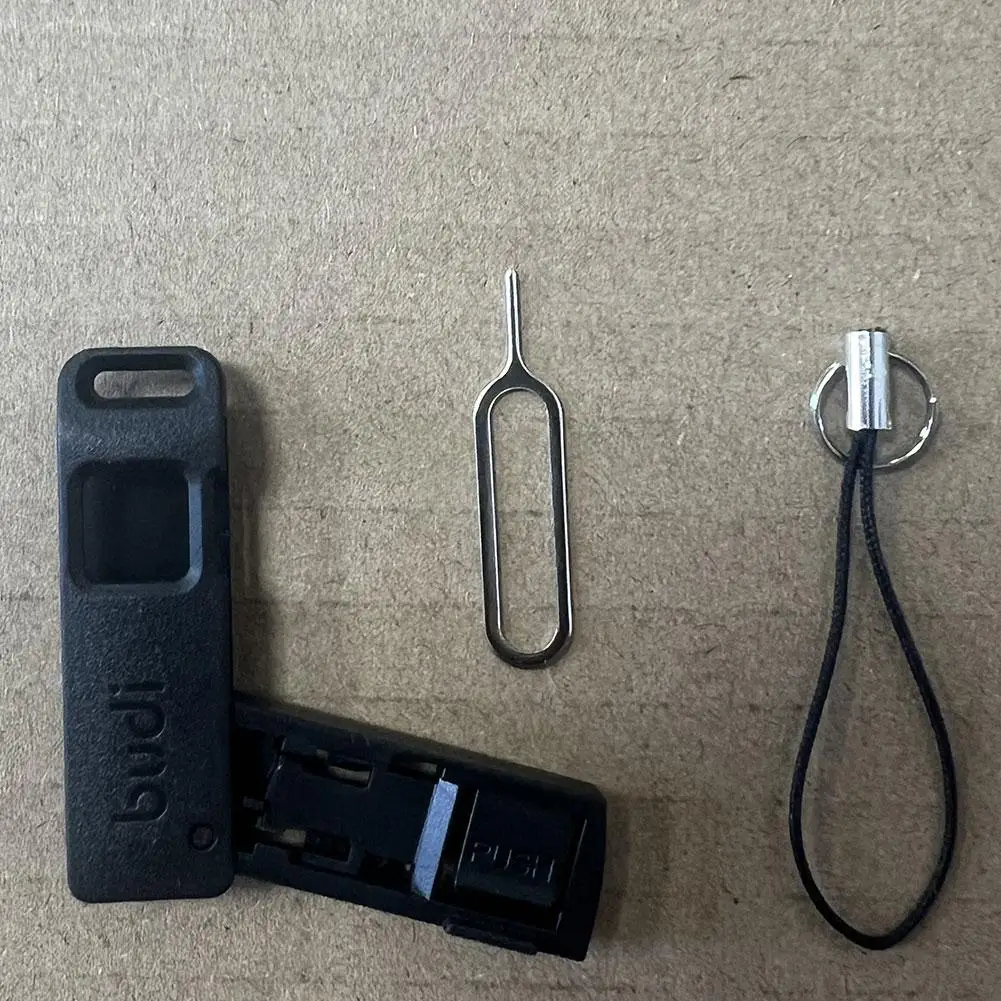
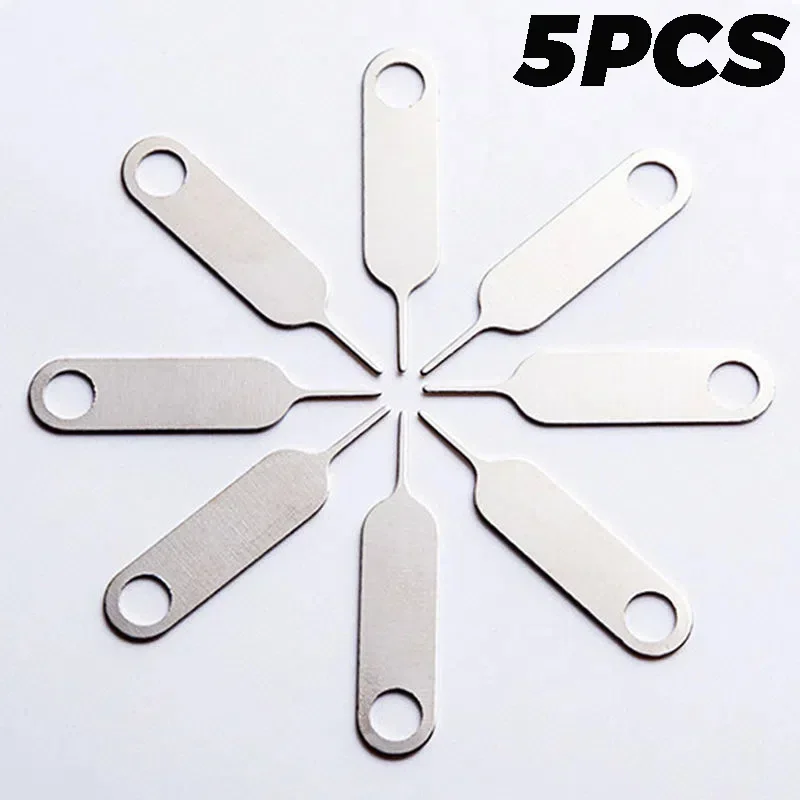
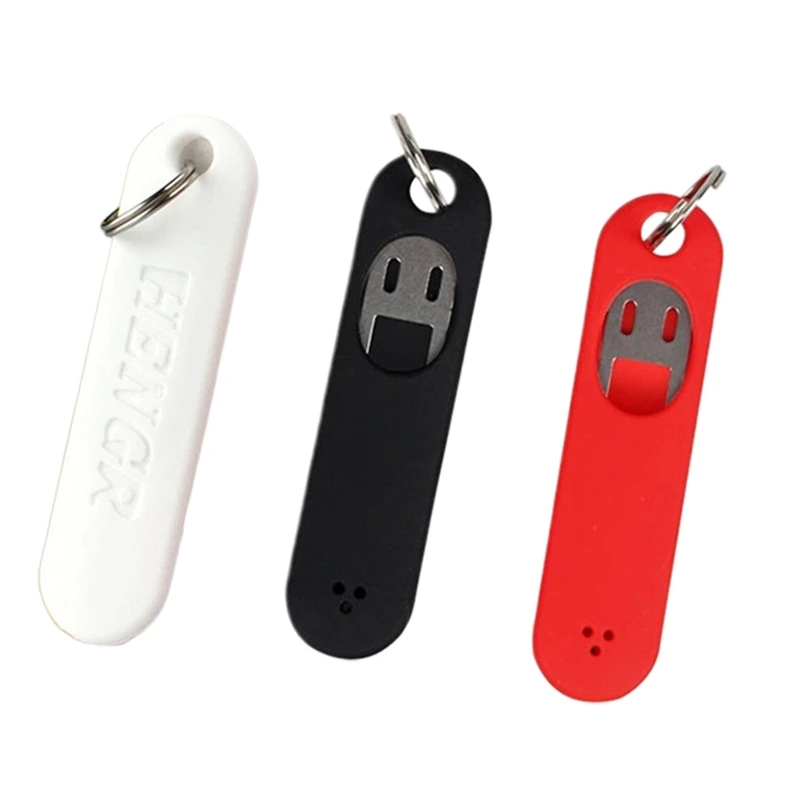
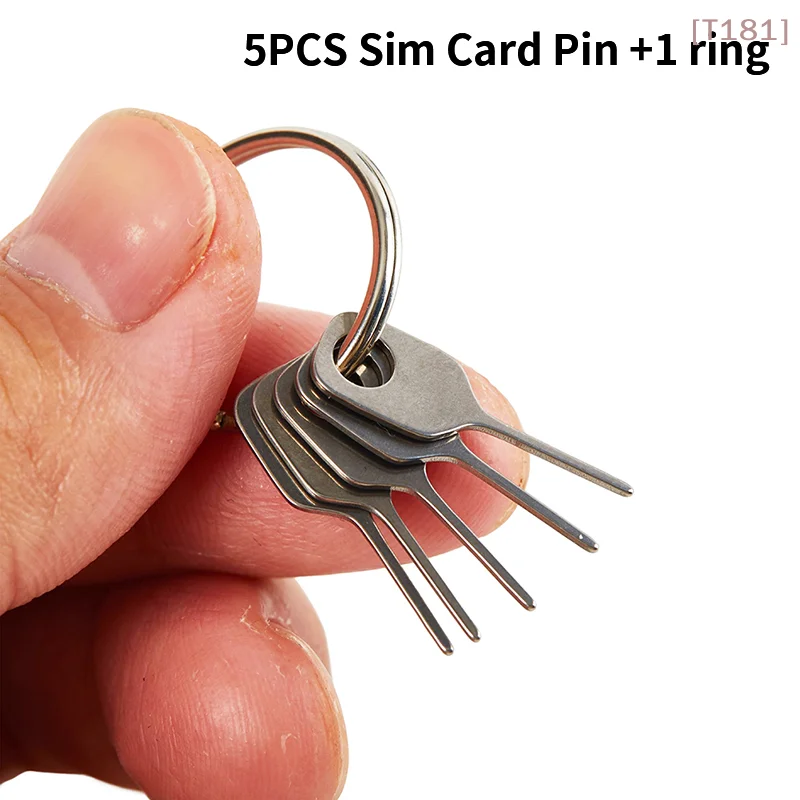
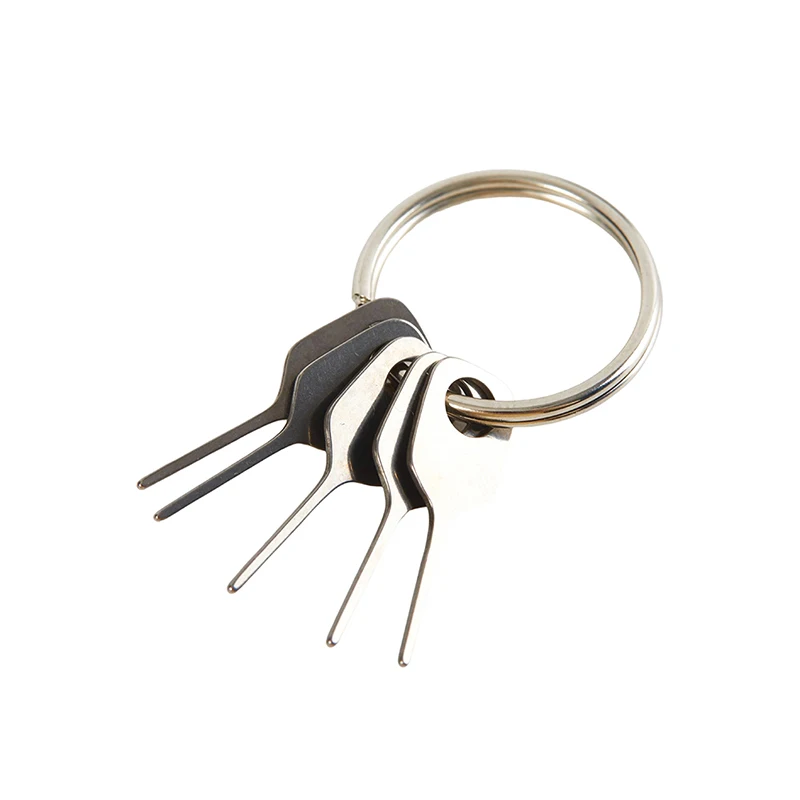
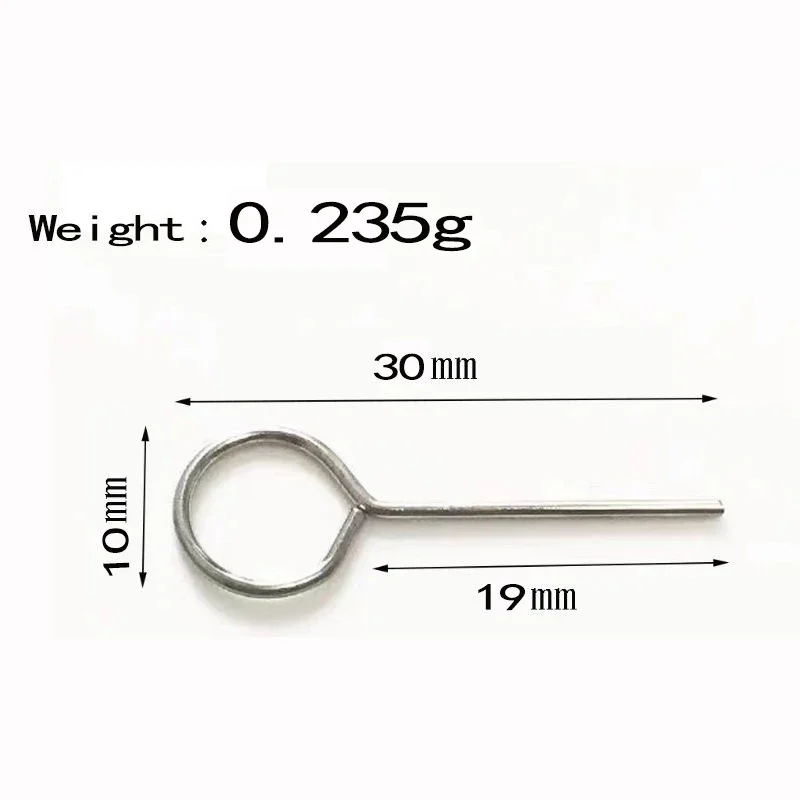
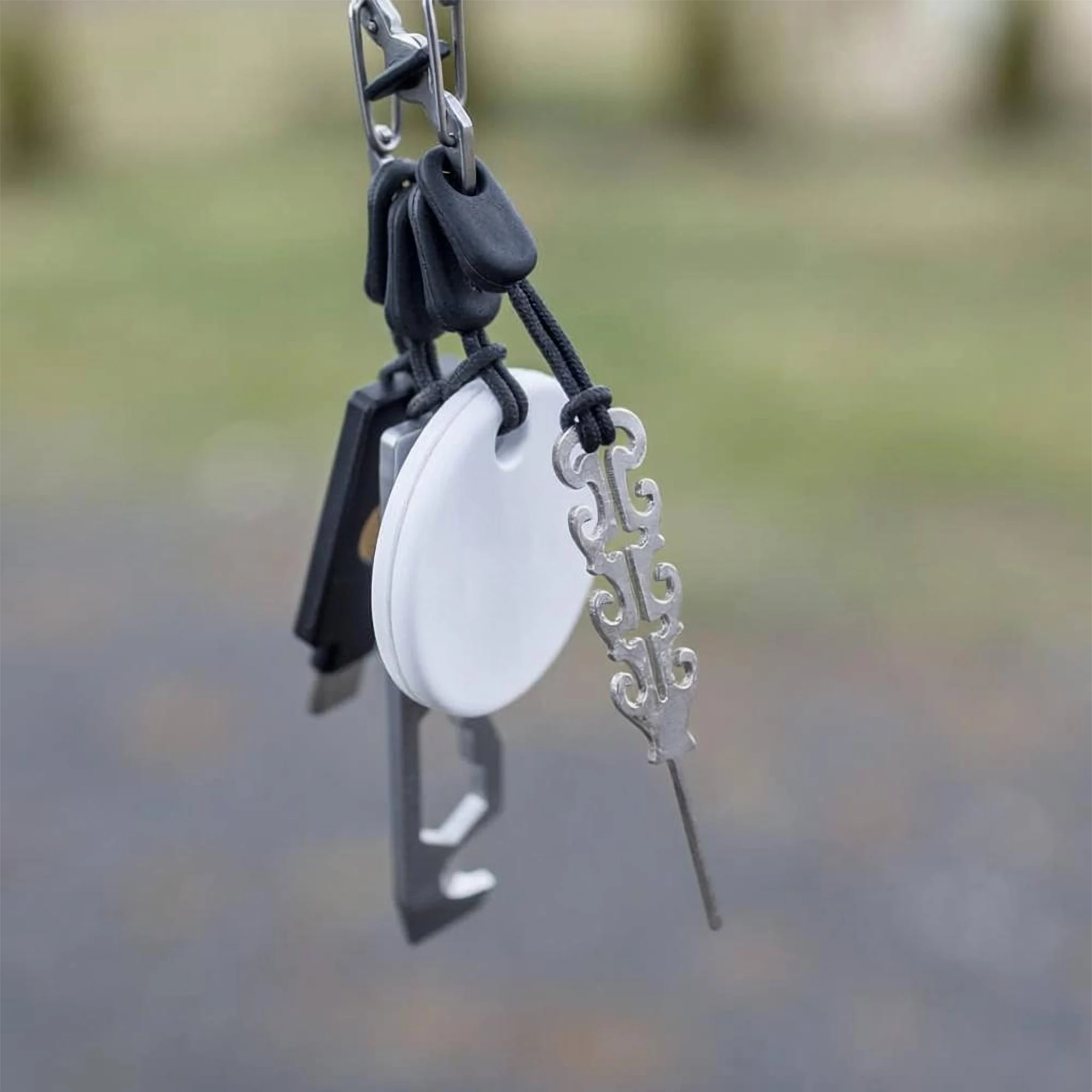
- Keyring sets. Stainless steel pins in a set, small enough to hang on a keyring or a bag, so one is always to hand.
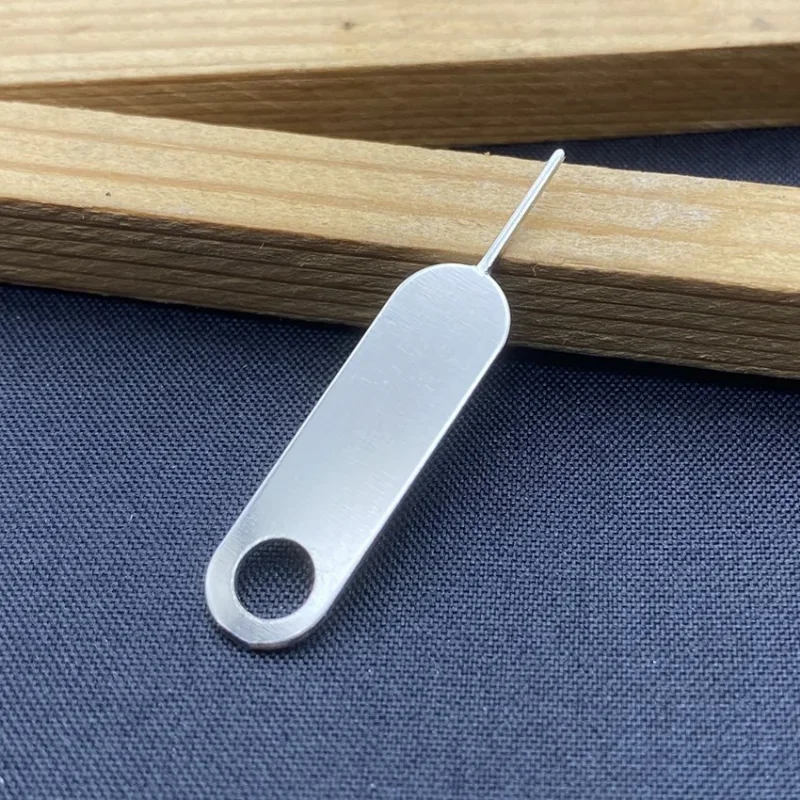
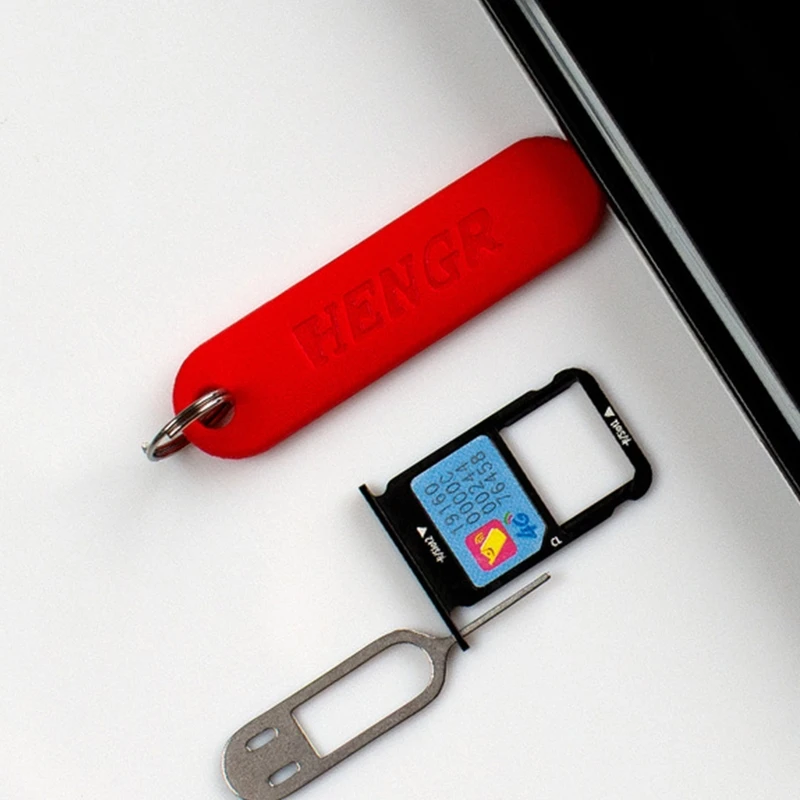
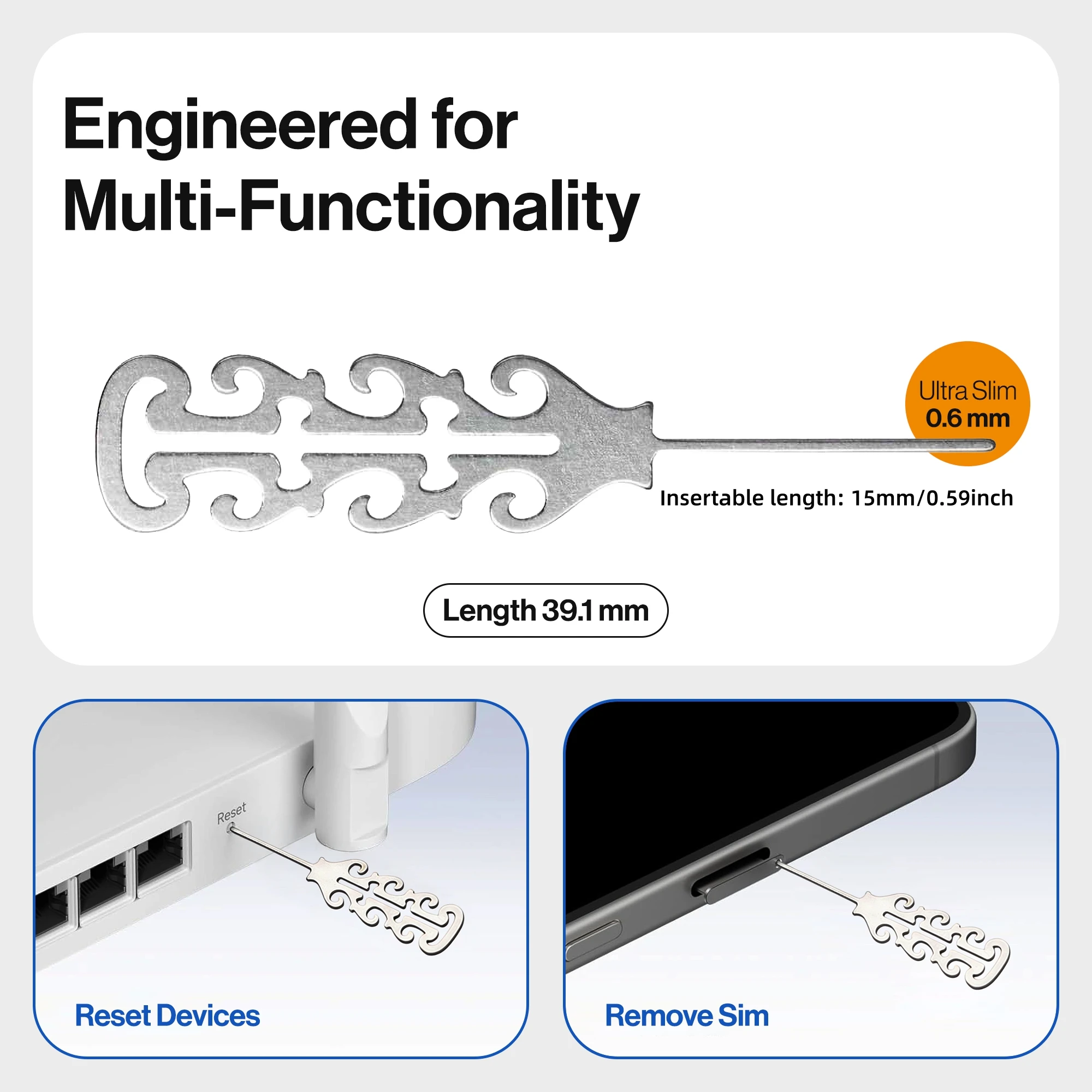
- Pins with a lanyard. Engraved stainless steel pins with a lanyard, for nano, micro and standard SIM trays. Their page says they also suit tablets, smartwatches and the reset hole on some WiFi routers.
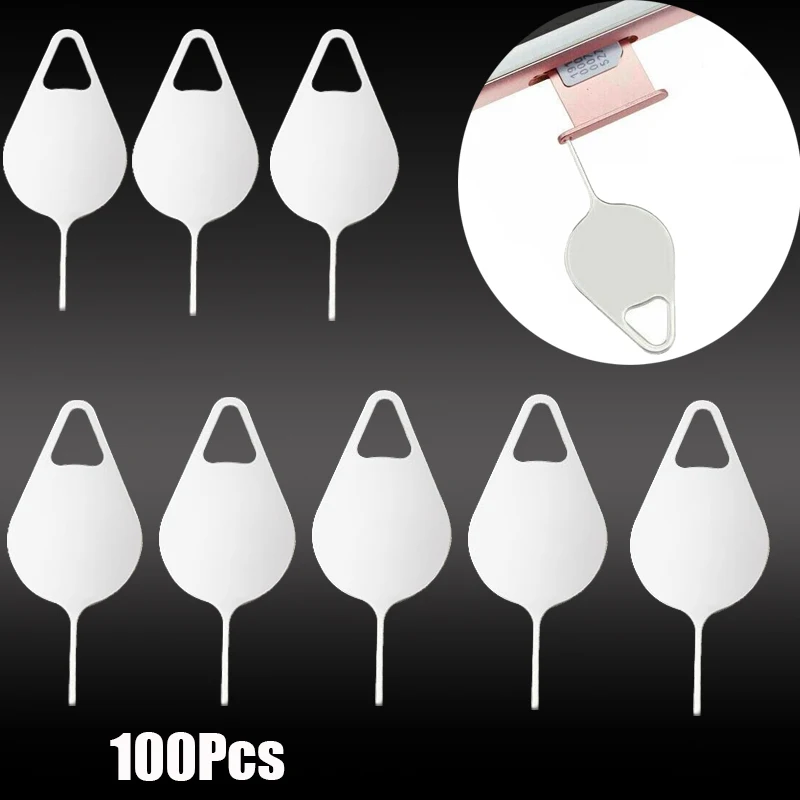
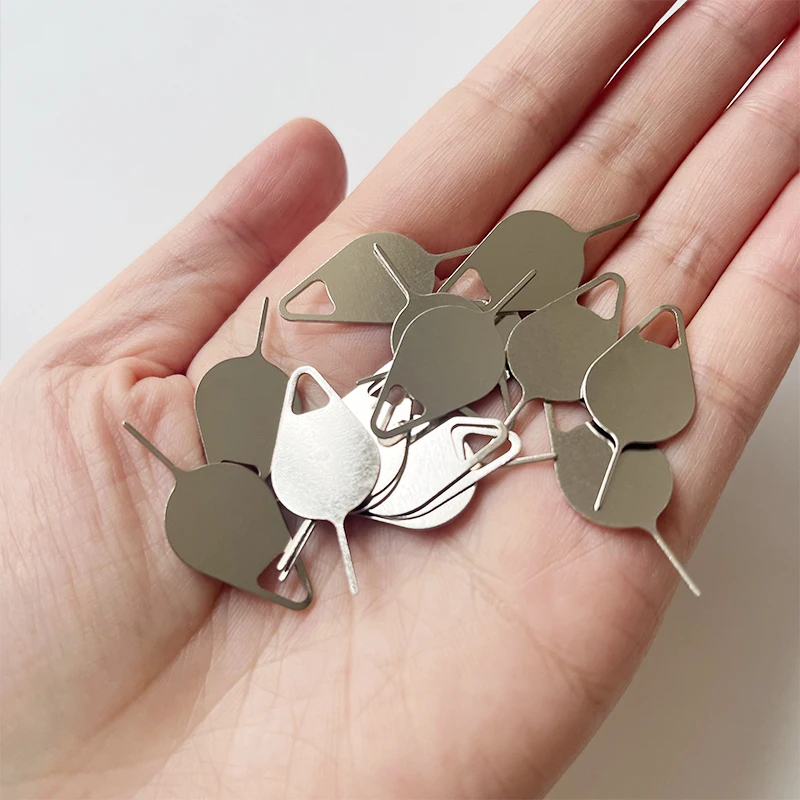
- Bulk packs. Plain metal pins in larger packs, for shops, offices and repair benches.
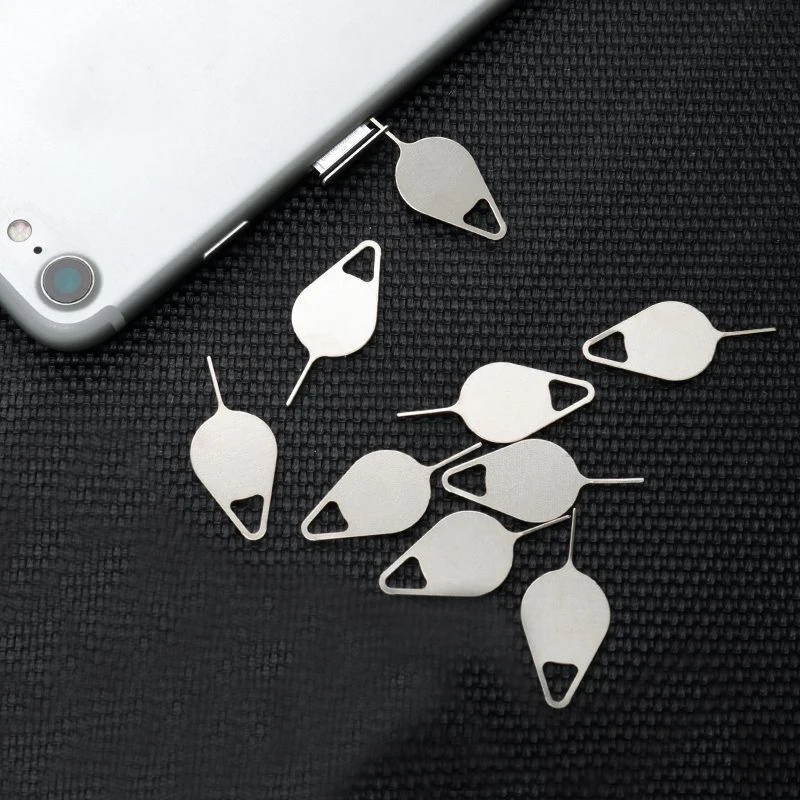
The pins here are sold as universal, for most phones and tablets that have a SIM tray.
How to open the SIM tray safely
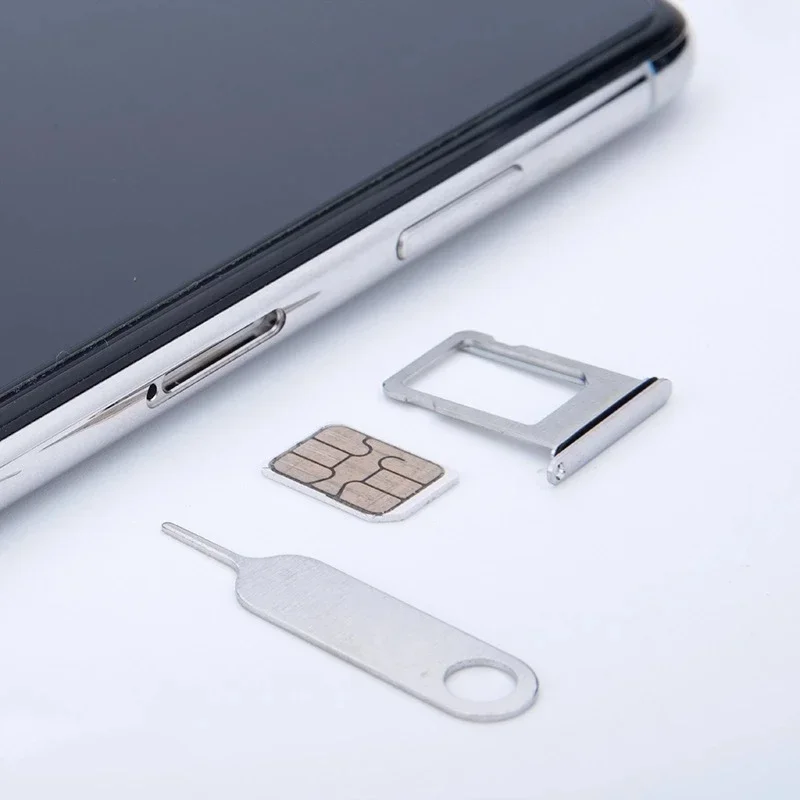
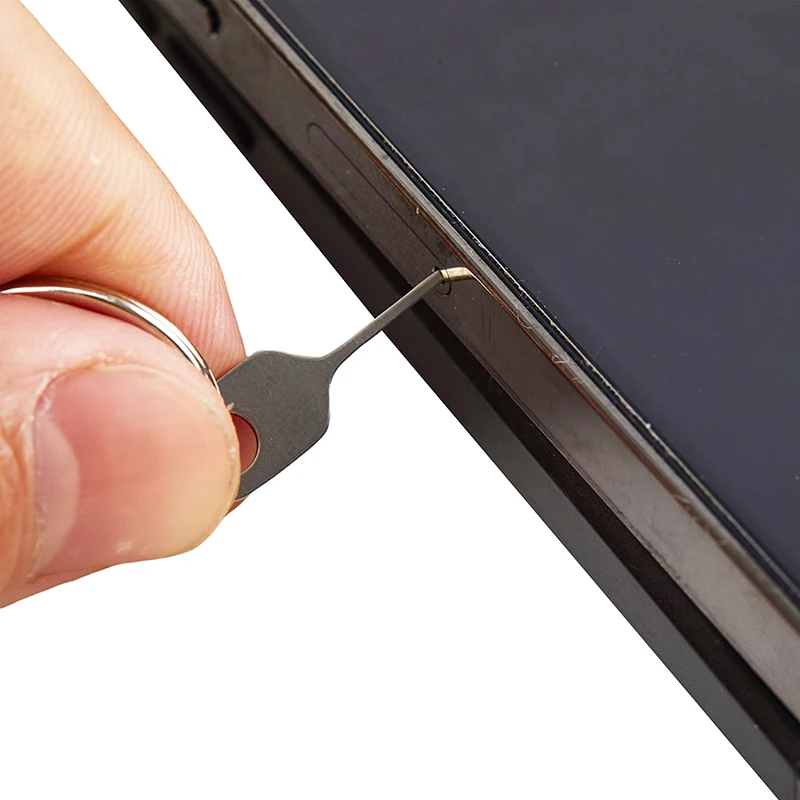
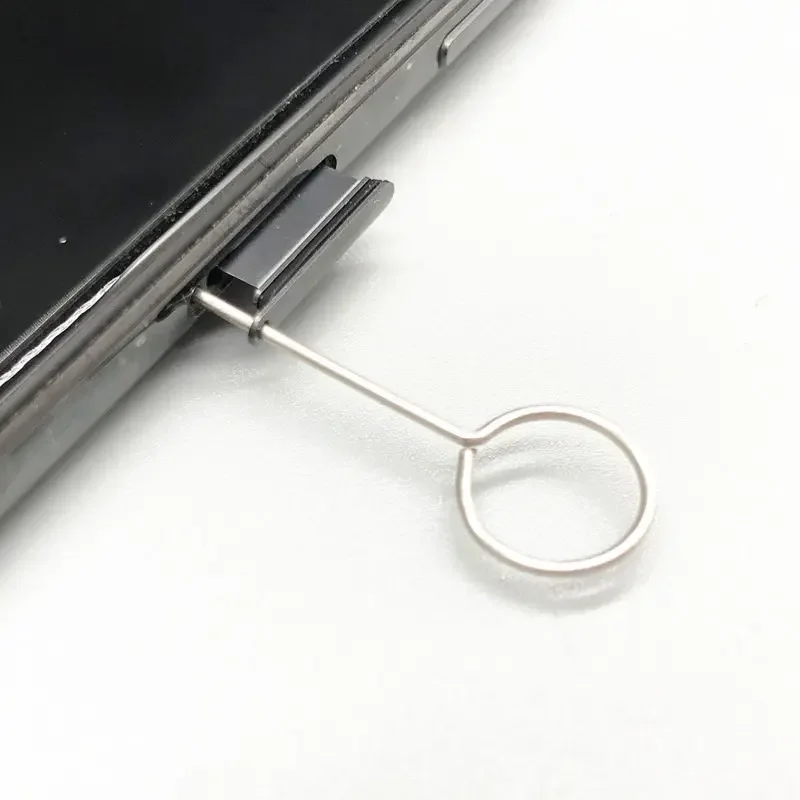
- Find the tray: a thin slot on the edge of the phone with a small hole beside it. On some phones the microphone is a hole nearby. The SIM hole is usually the larger one, with a slight dip round it, so the pin has a place to sit.
- Put the pin straight into the hole, not at an angle. Samsung warns that a pin at an angle can damage the phone.
- Push gently towards the phone until the tray clicks out. Apple's advice is to push in but not to force it.
- Pull the tray out with your fingers. The SIM fits one way only, guided by its cut corner, and the tray goes back in one way only.
If the tray will not come out, stop. Apple's advice is to take the phone to your network or an Apple Store rather than force it. If the phone has been wet, Apple says to leave the SIM tray shut until it is dry, as the guide to waterproof cases and IP ratings explains.
Keeping the pin
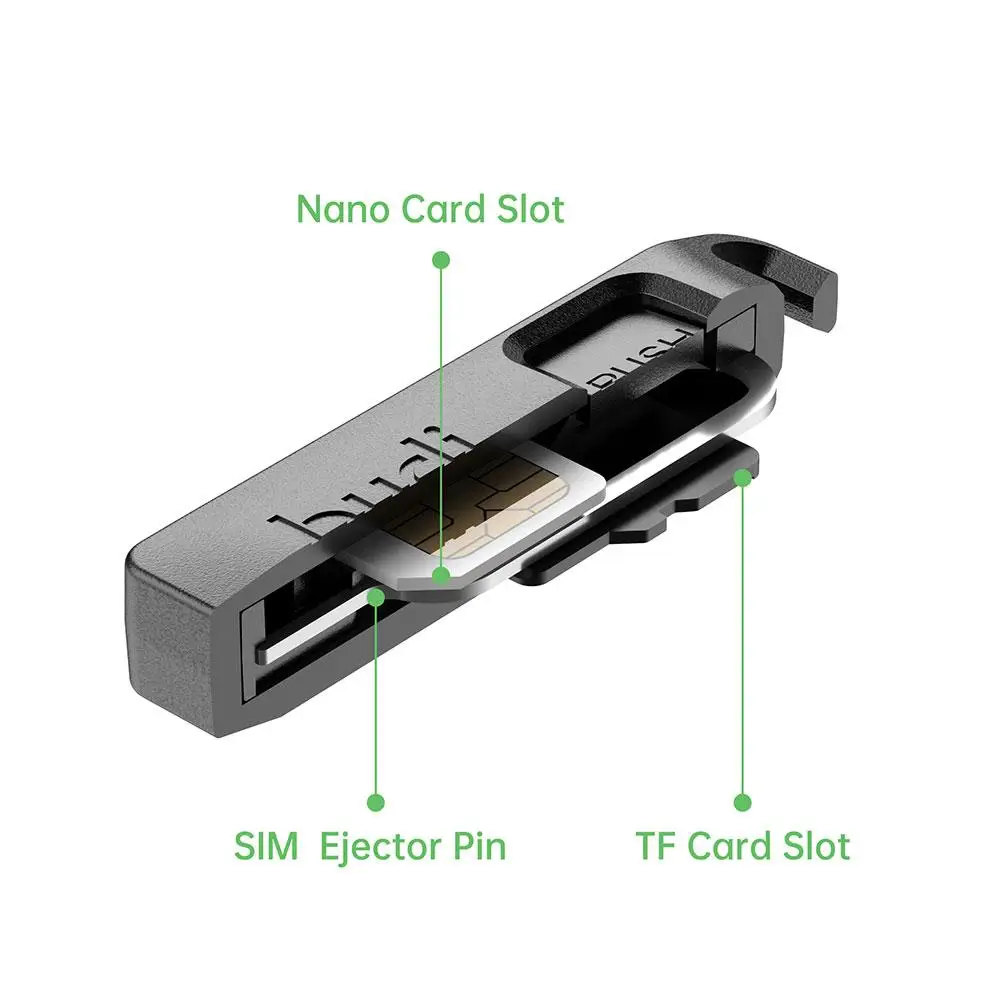
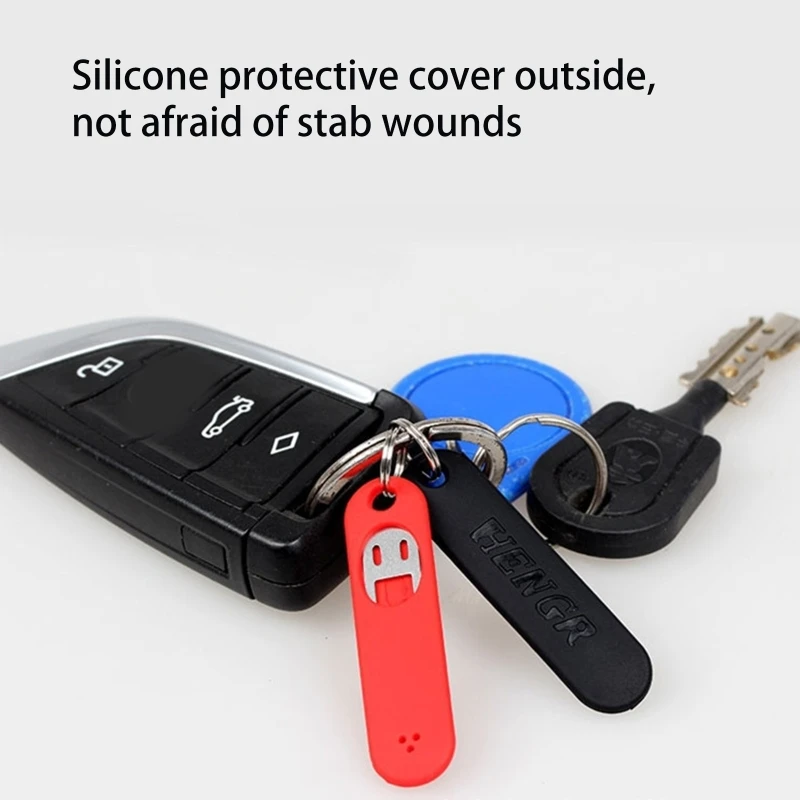
The easiest place to keep a pin is with something you never lose: your keys, your wallet or your phone case. A keyring pin does the first. The bank-card-sized kit in SIM adapters carries a pin in a wallet, and SIM card cases keep spare SIMs and memory cards in one place.
Questions people ask about SIM ejector tools
Can I clean my charging port with the pin?
No. A metal pin can bend or scratch the thin contacts inside a port. The guide to cleaning your phone safely explains what to use instead.
Is a pin safe around children?
Treat it like a needle. One maker's page says to keep its pins away from children because of the pointed tip.
My phone has no hole for a pin. Why?
Some newer phones have no SIM tray and use only an eSIM, built into the phone. Apple says an iPhone with no SIM tray supports eSIM only, so it needs no pin.
How long does delivery take?
Delivery is included in every price and tracked to your door. Each product page says when it usually arrives.
More to look at