A case with a keyboard built in
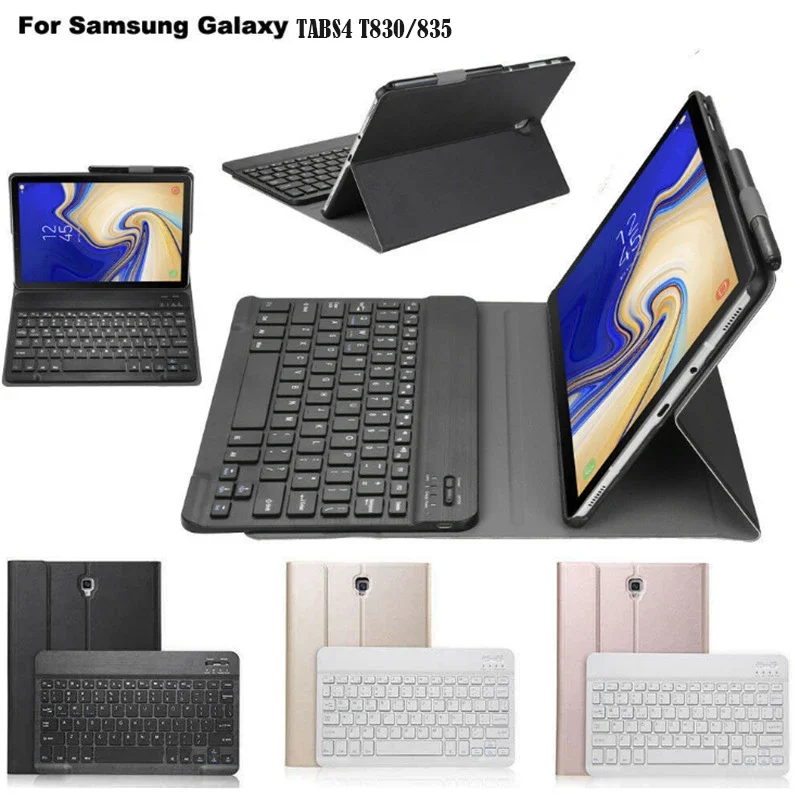
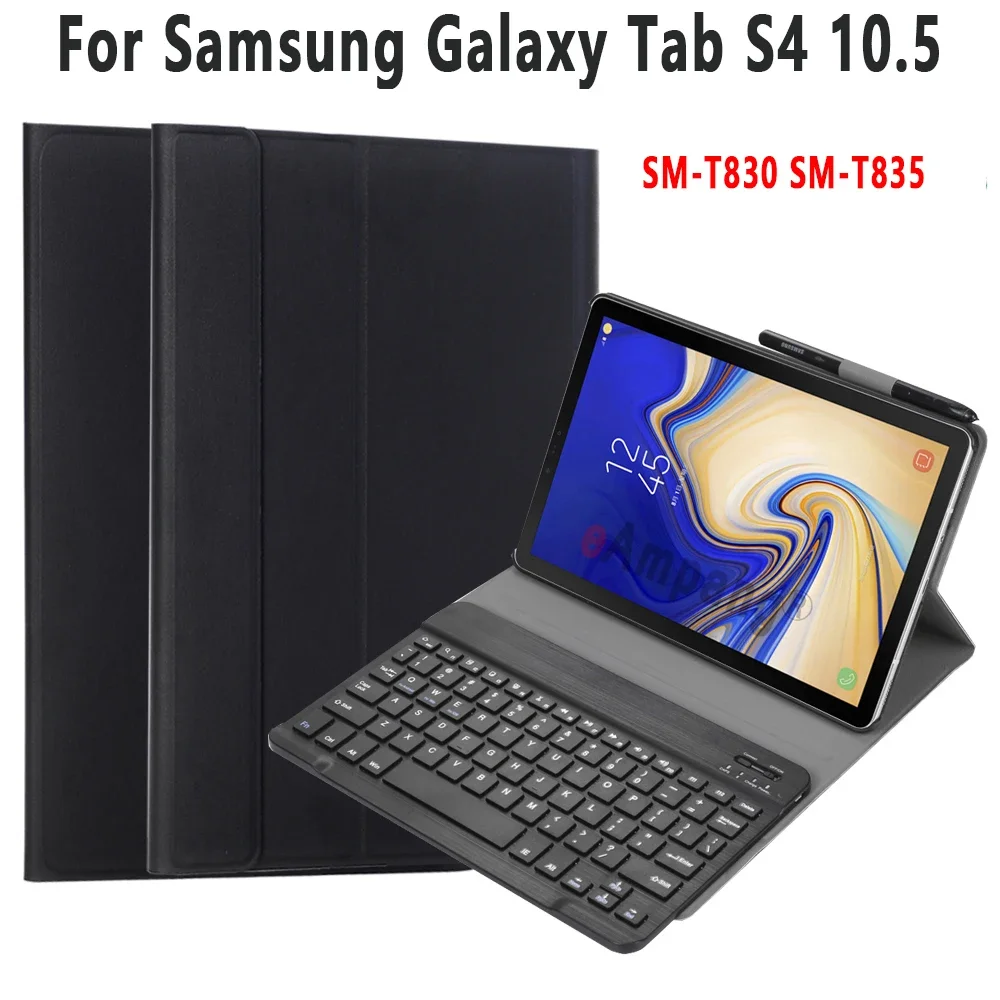
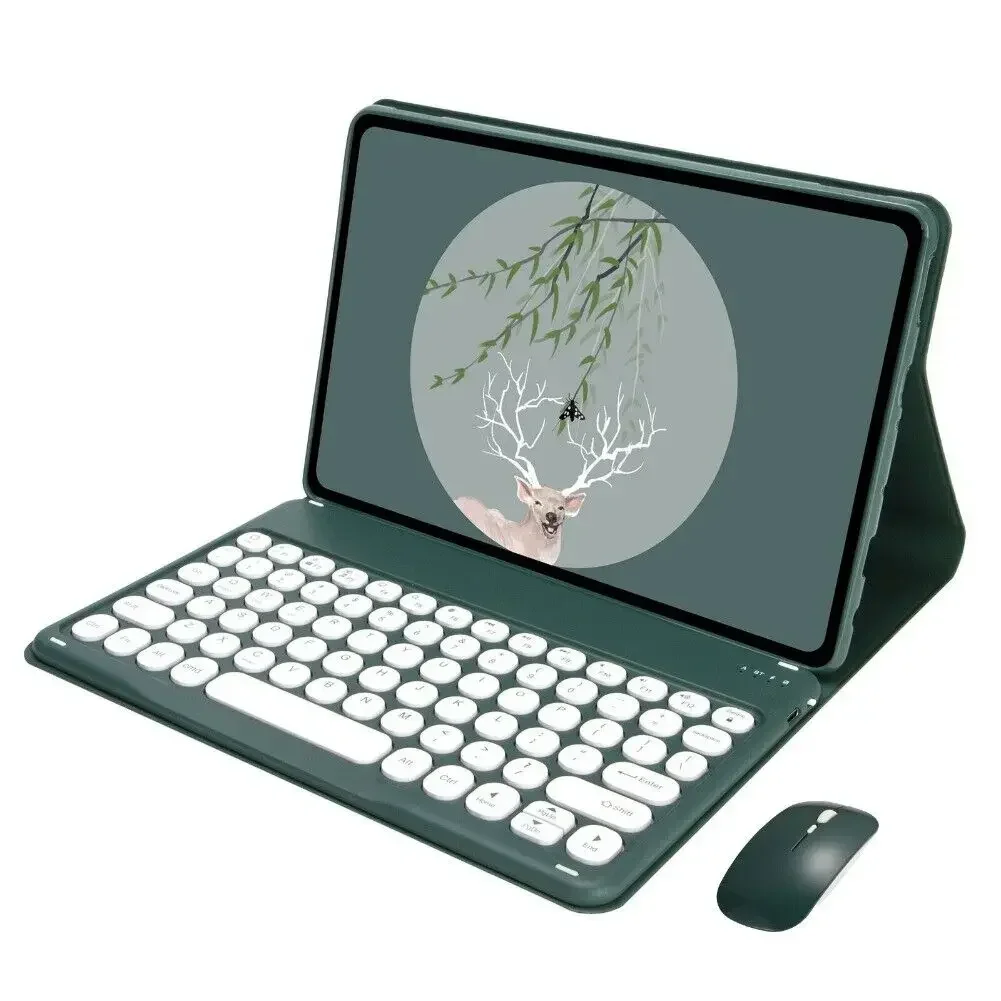
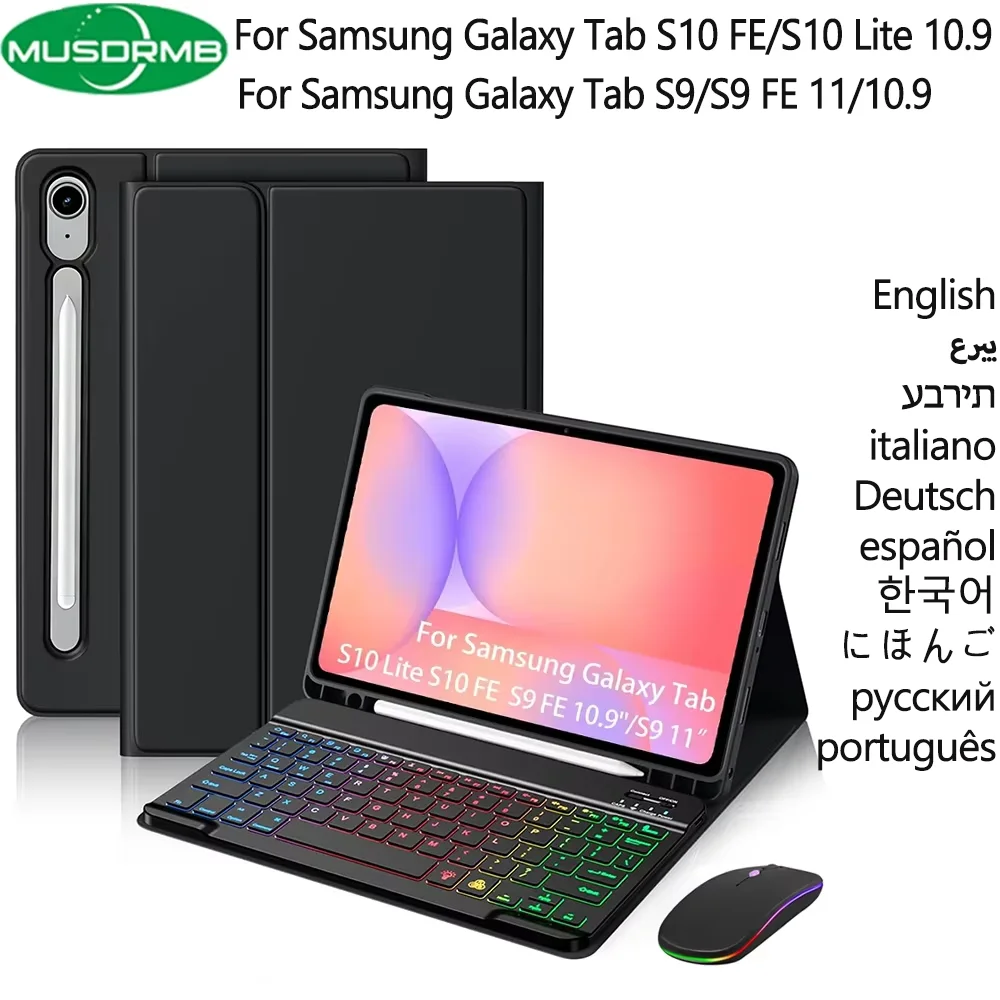
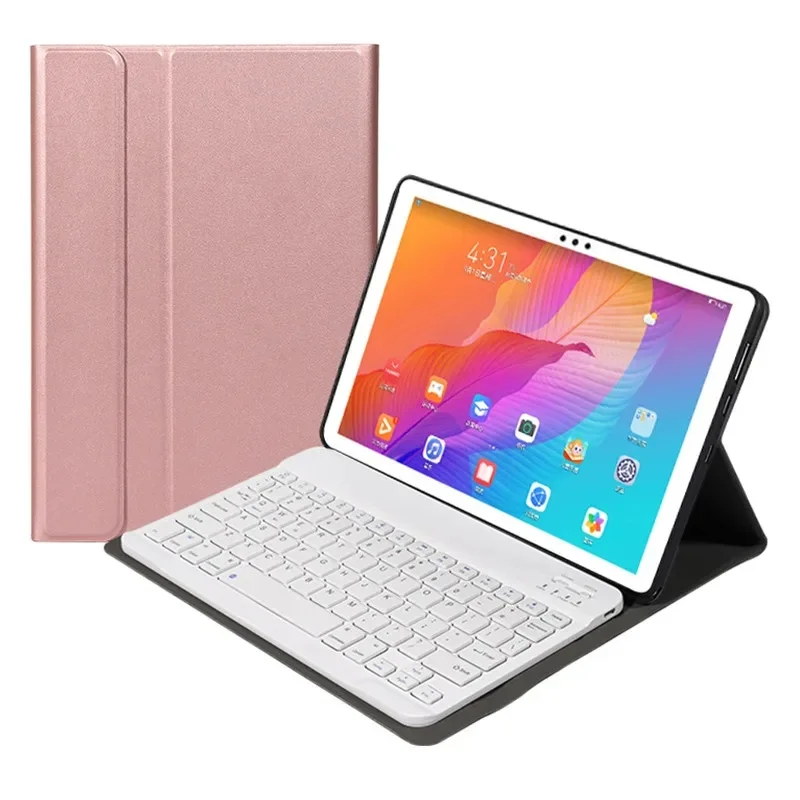
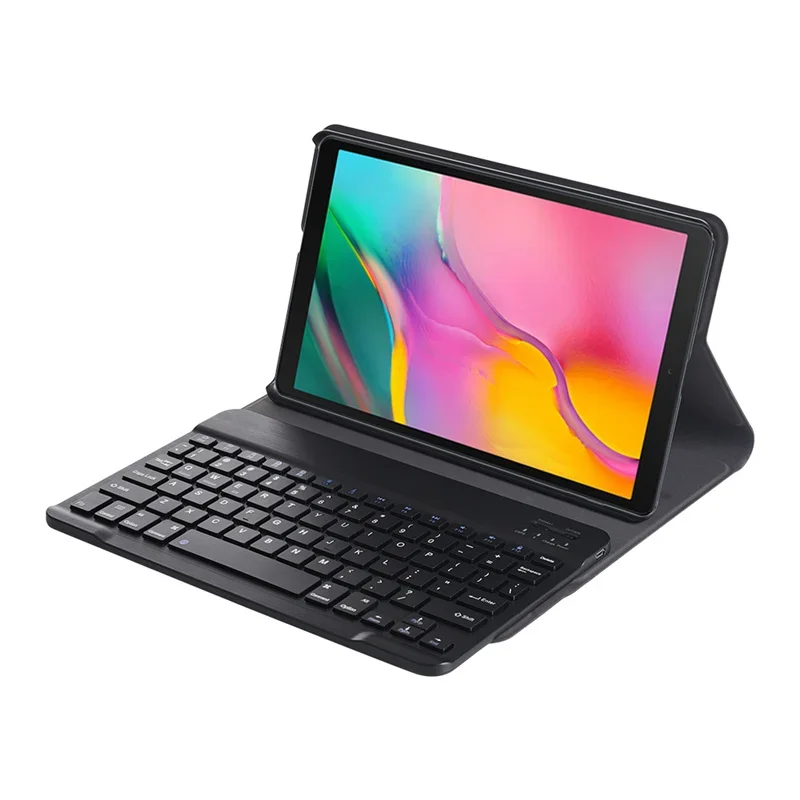
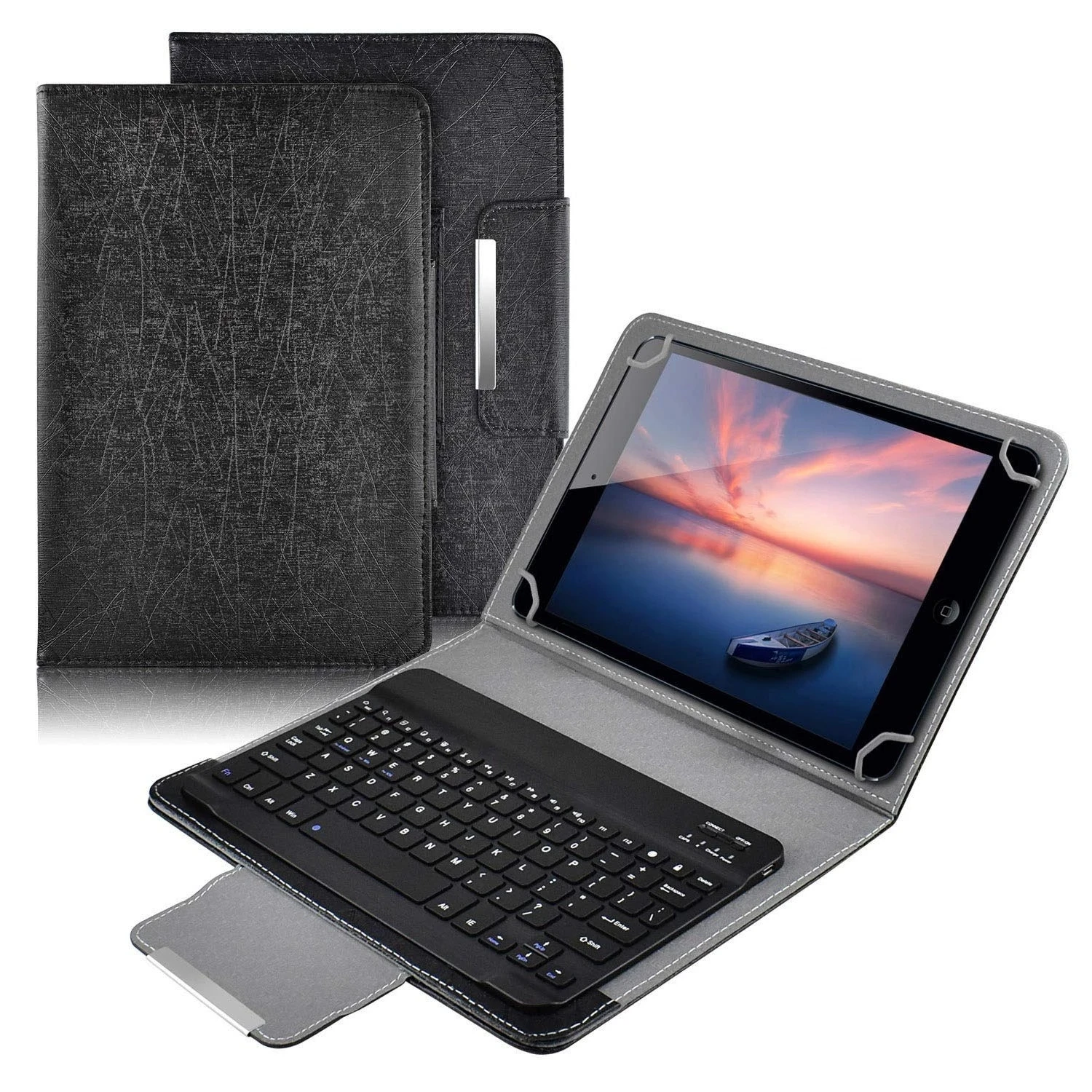
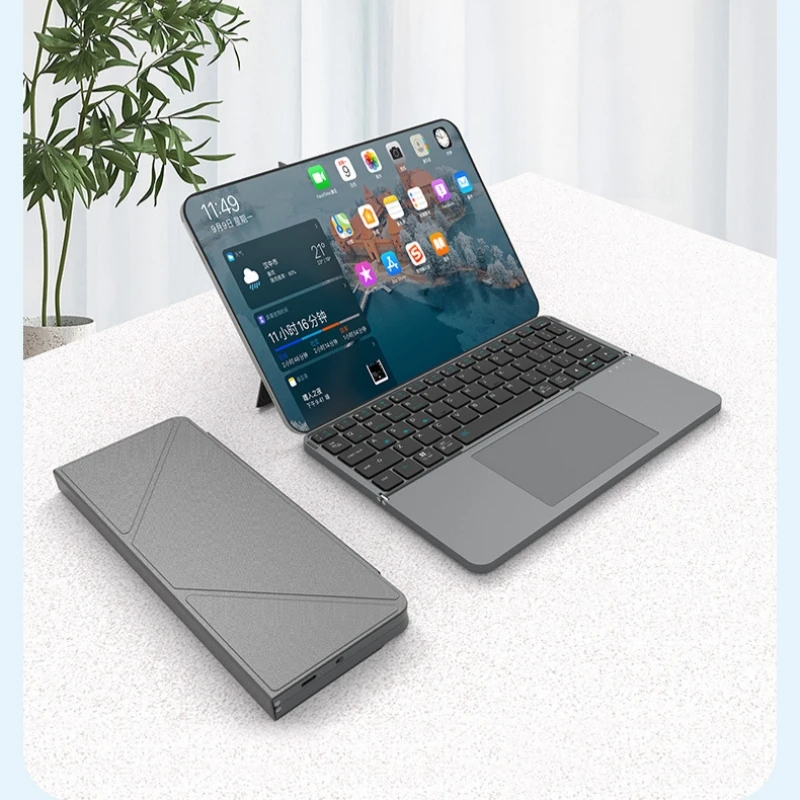
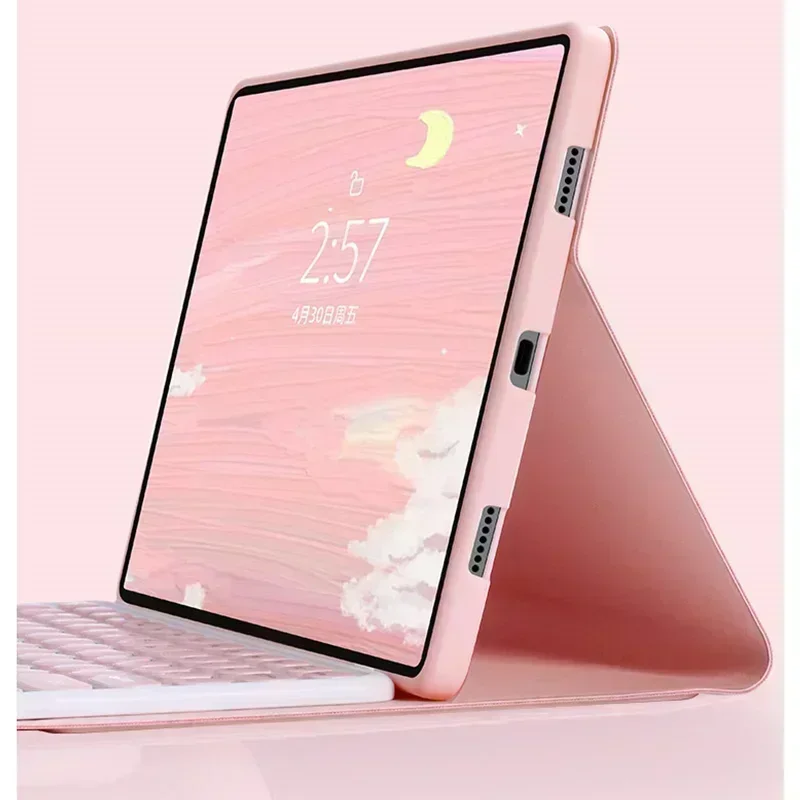
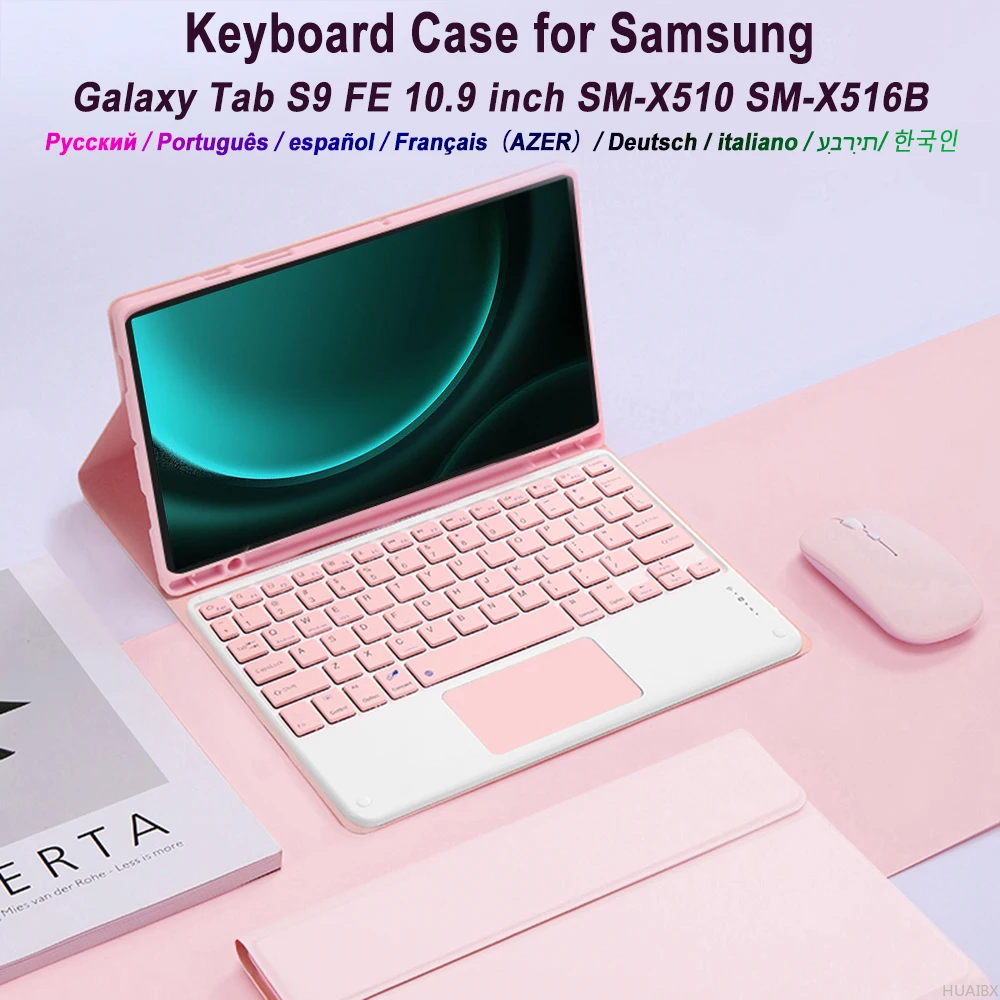
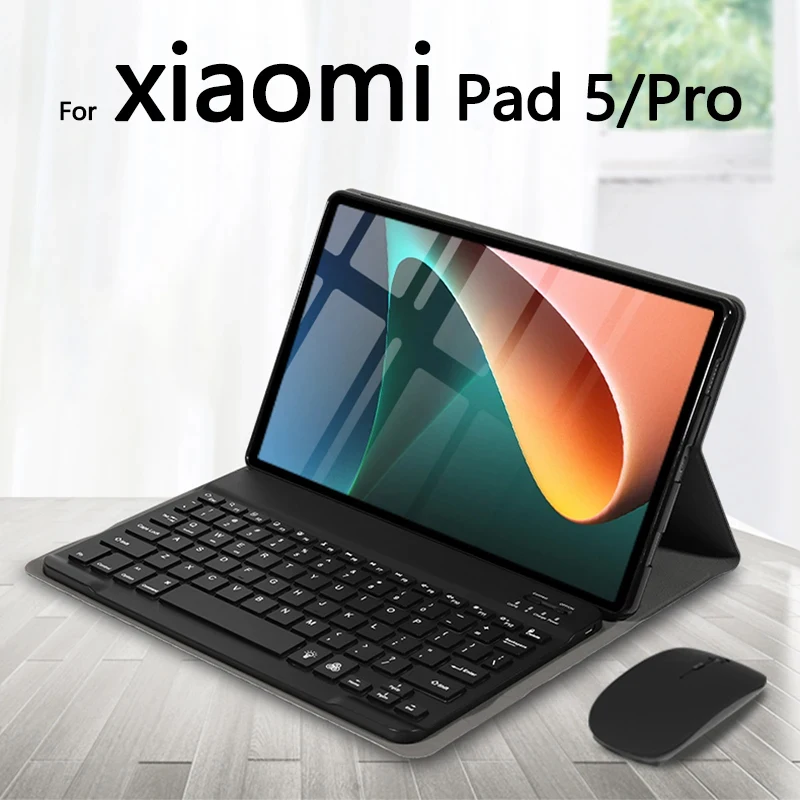
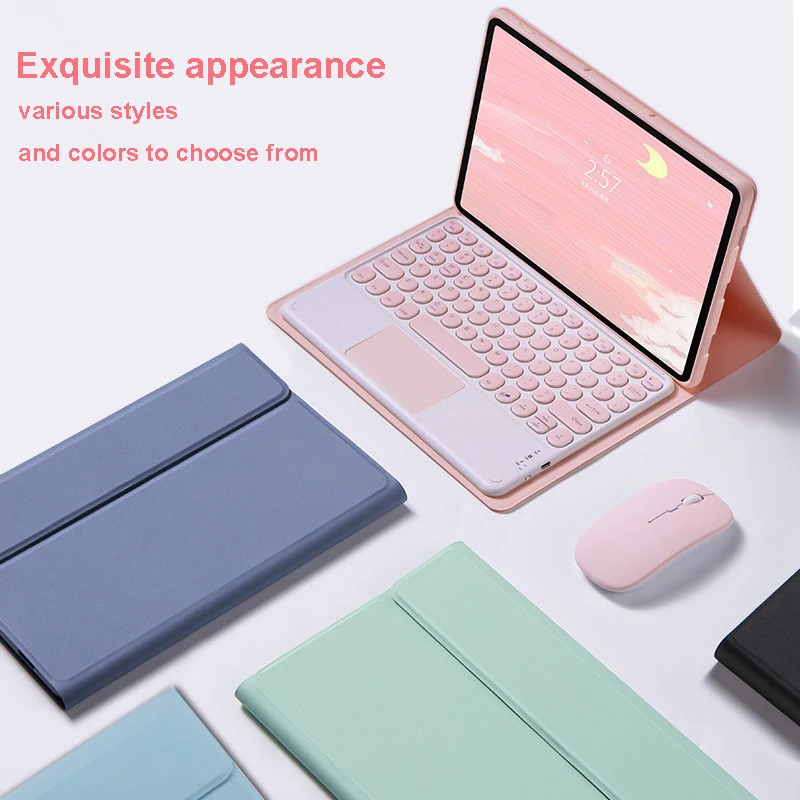
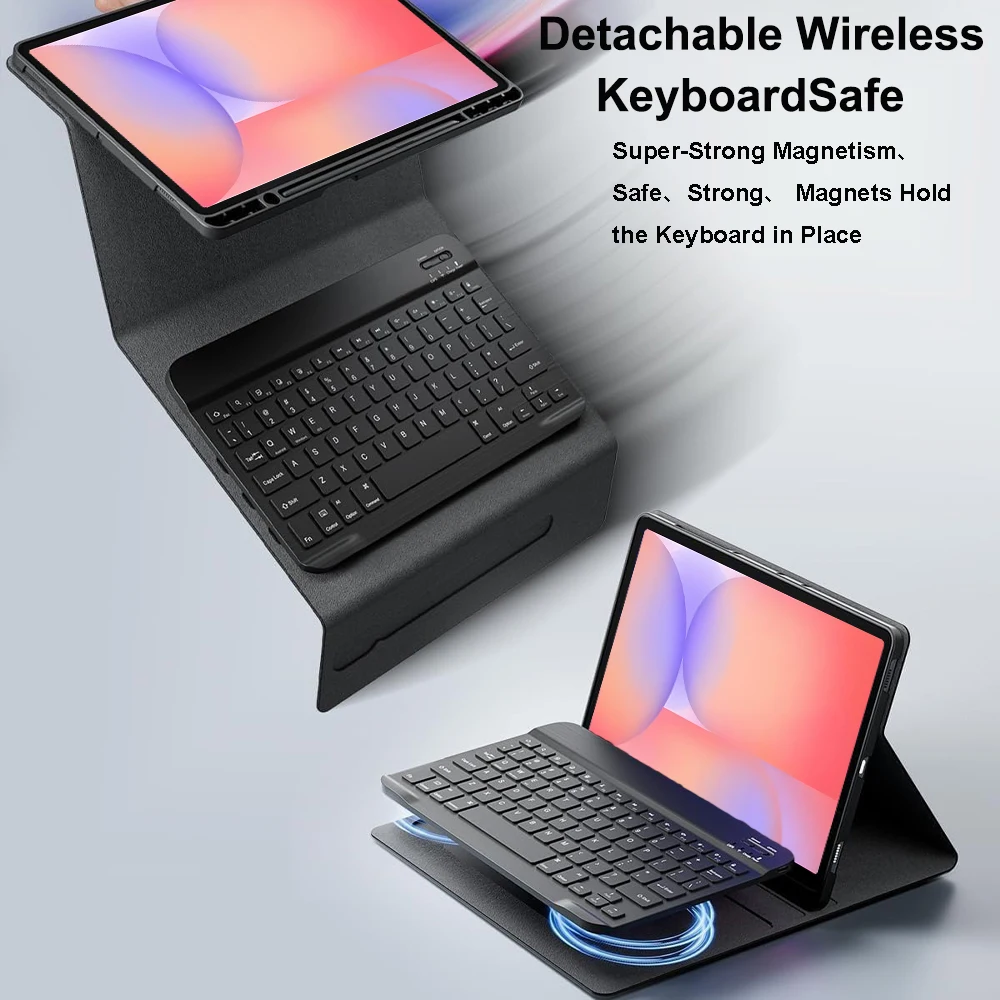
A keyboard case turns a tablet into something close to a small laptop. The tablet sits in a case that props it up, and a keyboard folds out in front of it, so emails, essays and long notes are typed on real keys instead of glass. This range is for keyboard cases made to fit a particular tablet: compatible with iPad, Samsung Galaxy Tab and other models, not made by the tablet makers.
How the keyboard connects
There are two ways a keyboard talks to a tablet, and the product page says which.
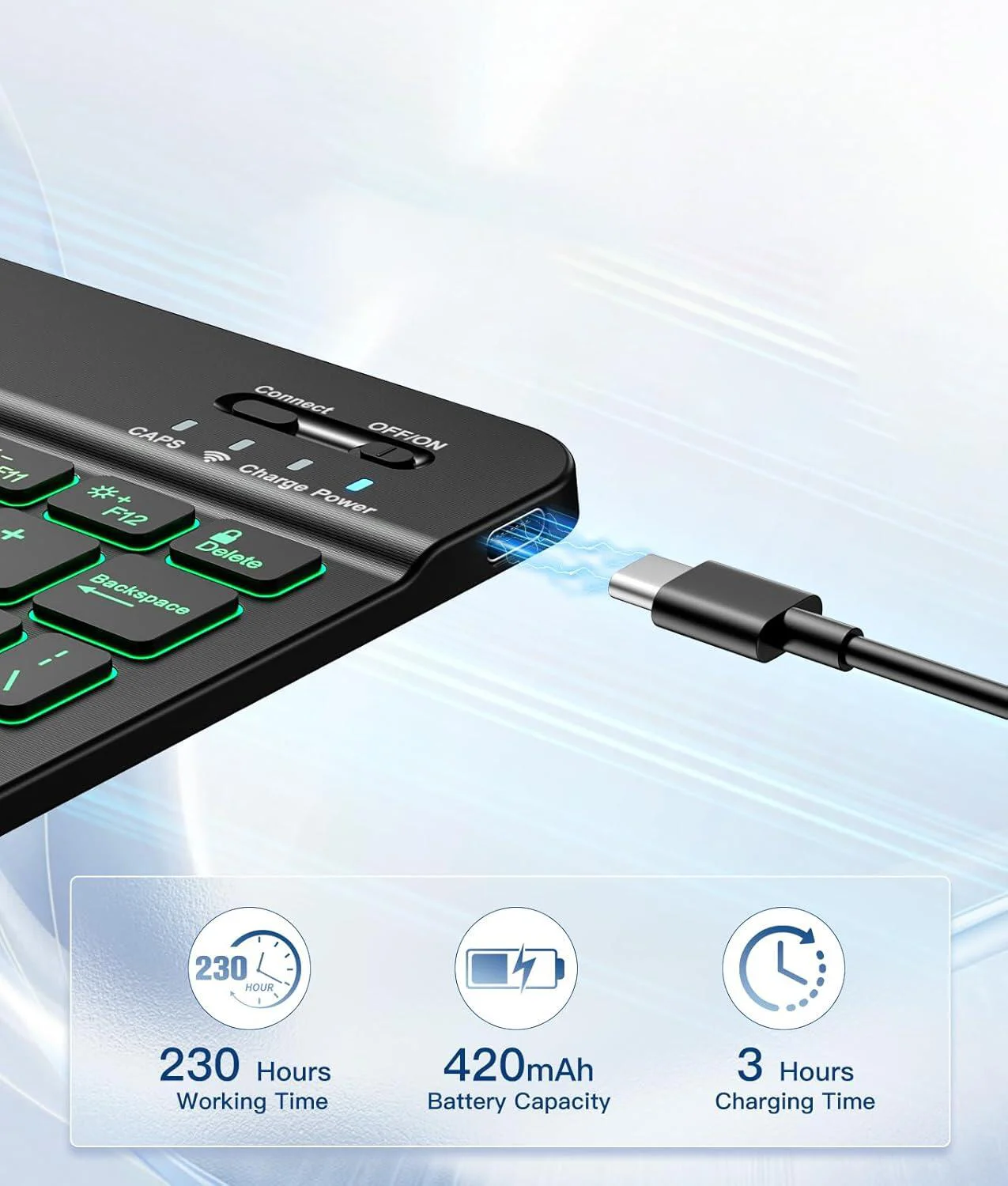
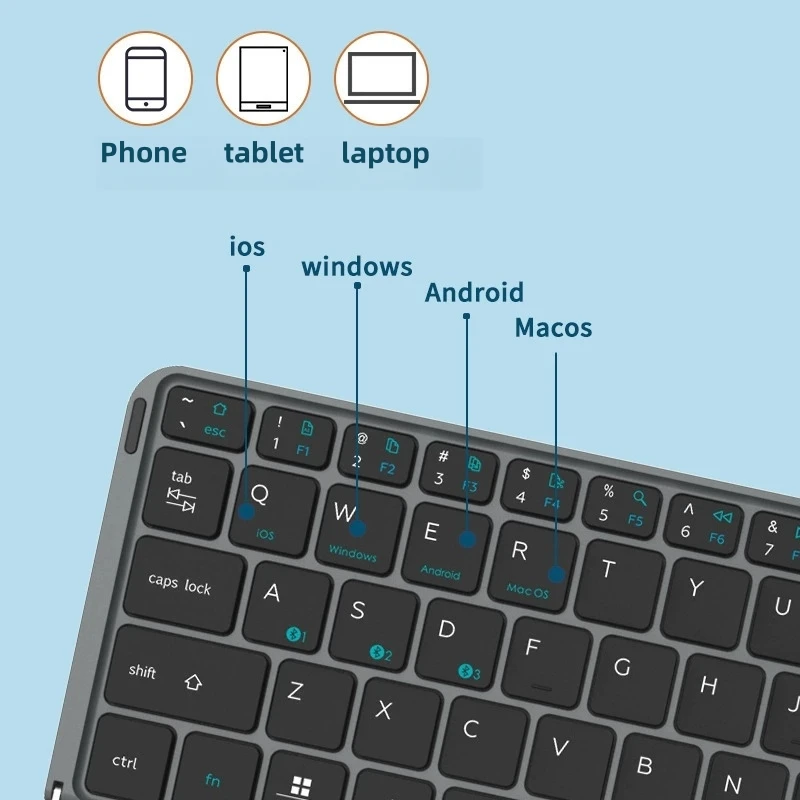
- Bluetooth. Most keyboard cases connect this way. The keyboard has its own battery, charged by cable. To connect it to an iPad, switch the keyboard on, open Settings, then Bluetooth, and tap the keyboard when it appears under Other Devices. A keyboard already paired with another device has to be unpaired from that one first.
- Contacts on the tablet's edge. Some iPads have a small row of contacts on one edge, which Apple calls the Smart Connector. A keyboard made for those contacts takes its power from the tablet and needs no pairing or charging. It only works on the models it is made for.
Detachable, fixed or with a trackpad
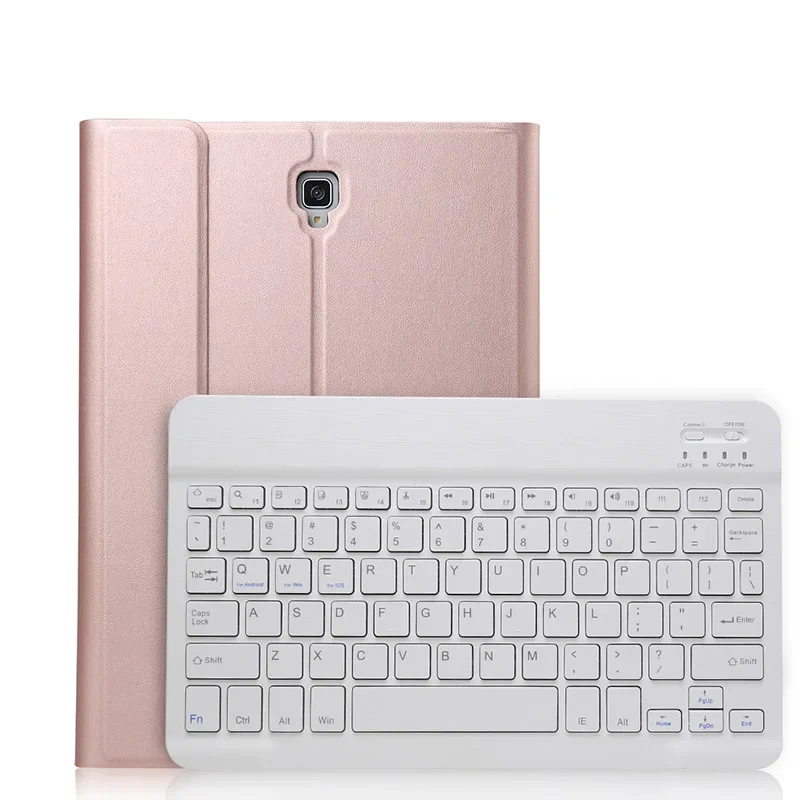
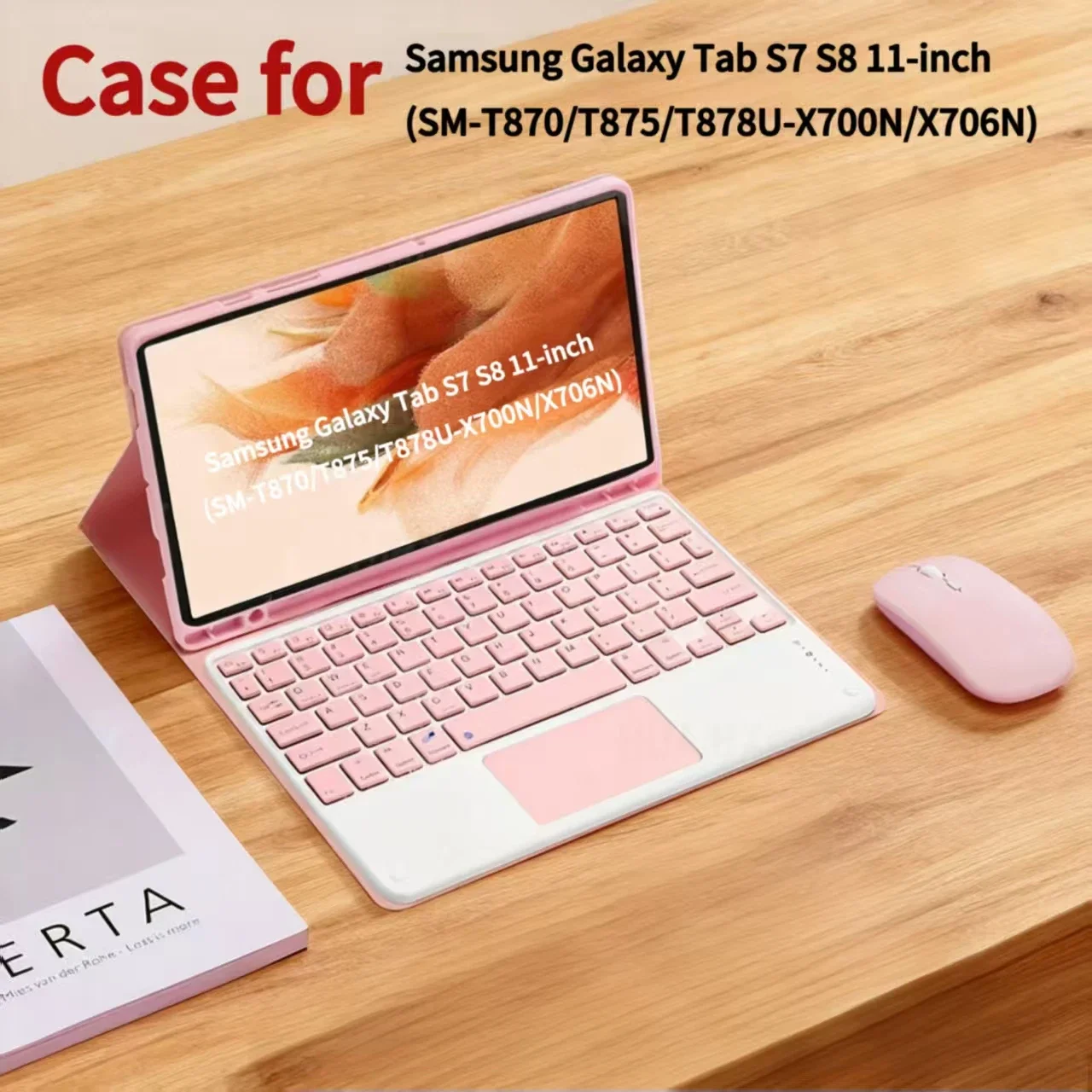
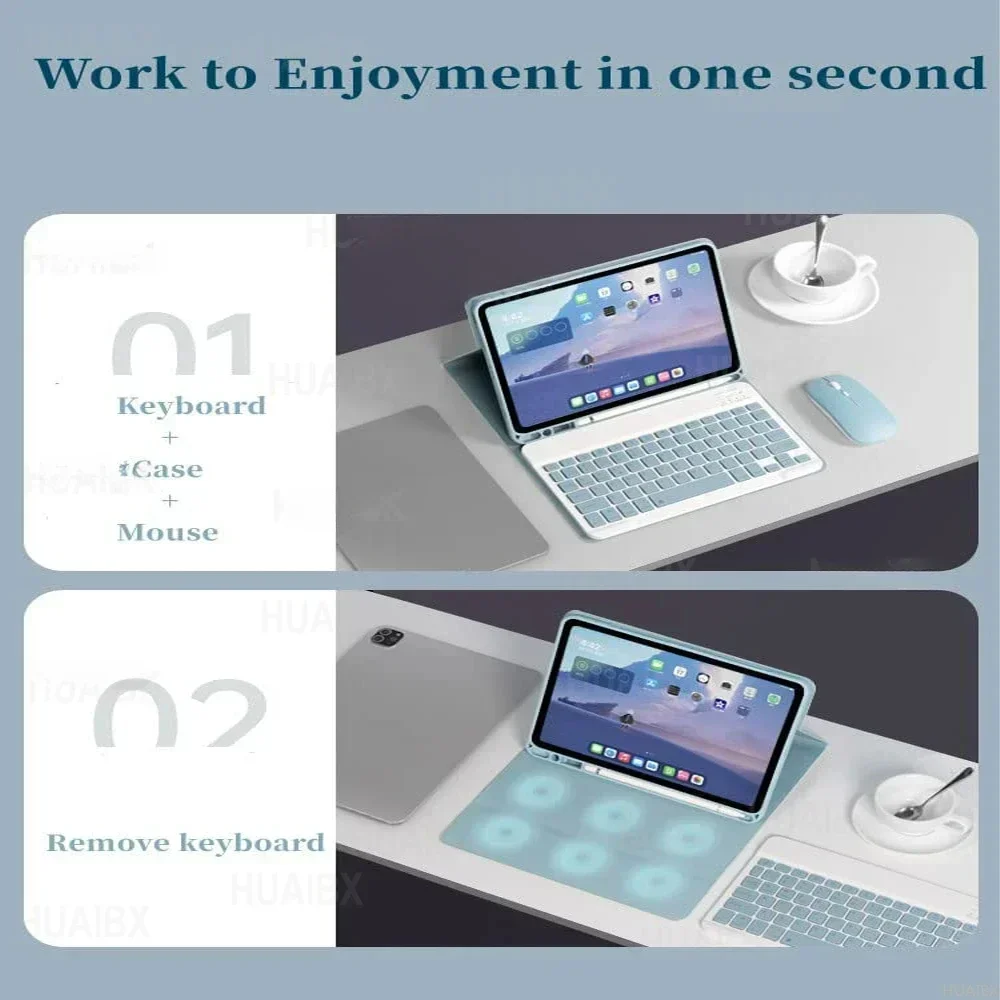
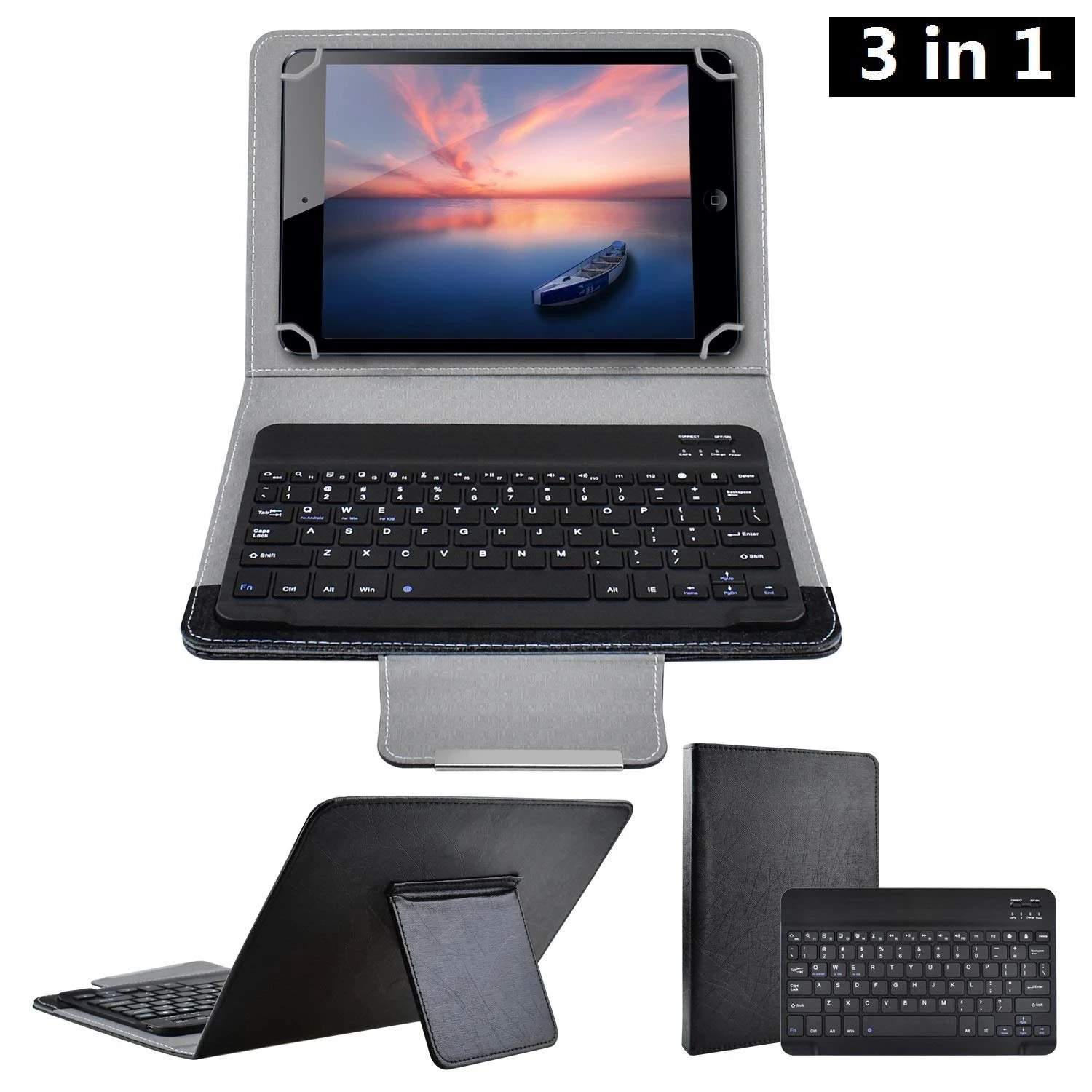
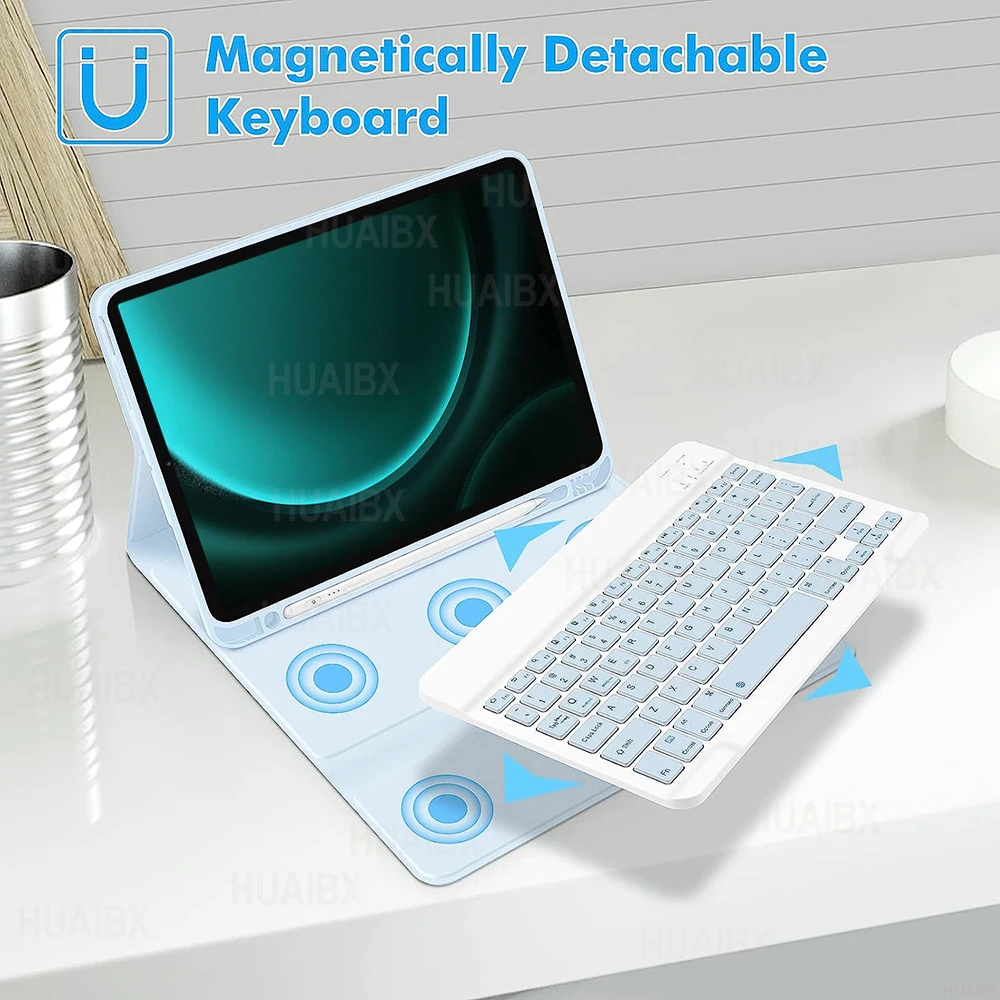
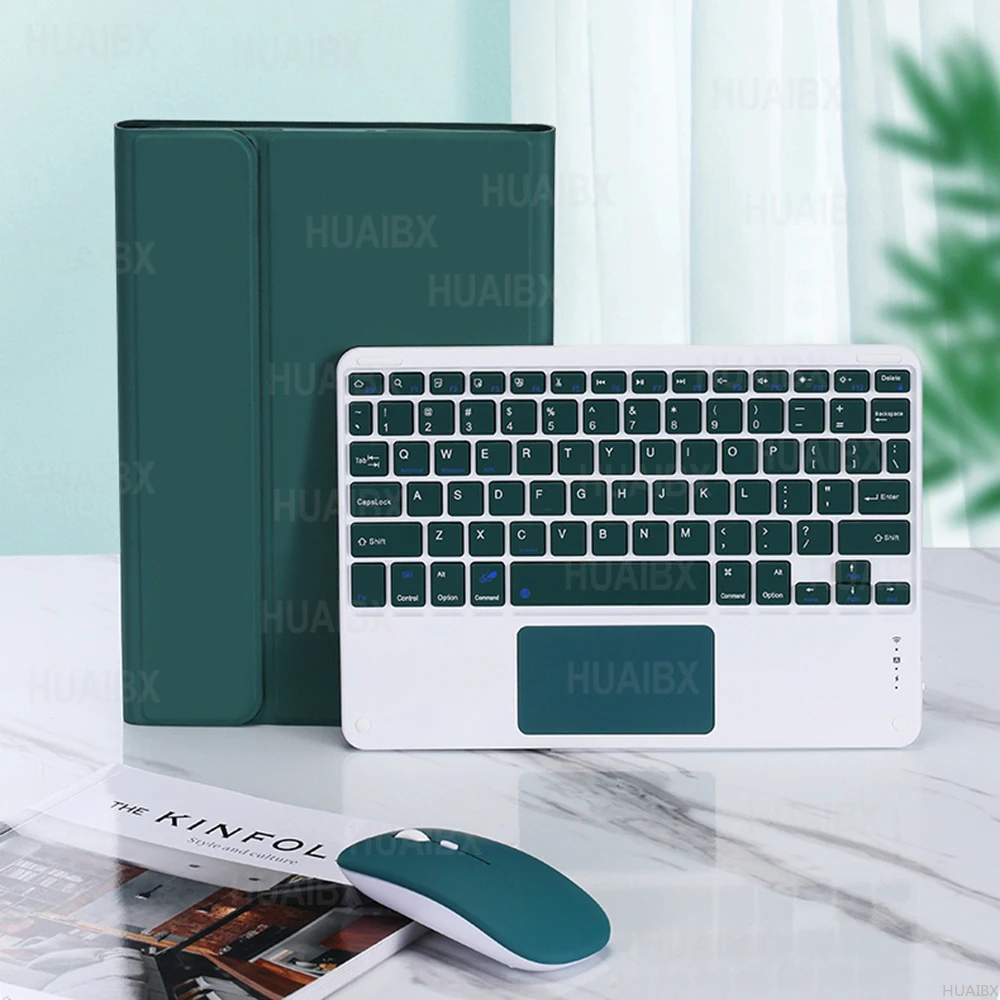
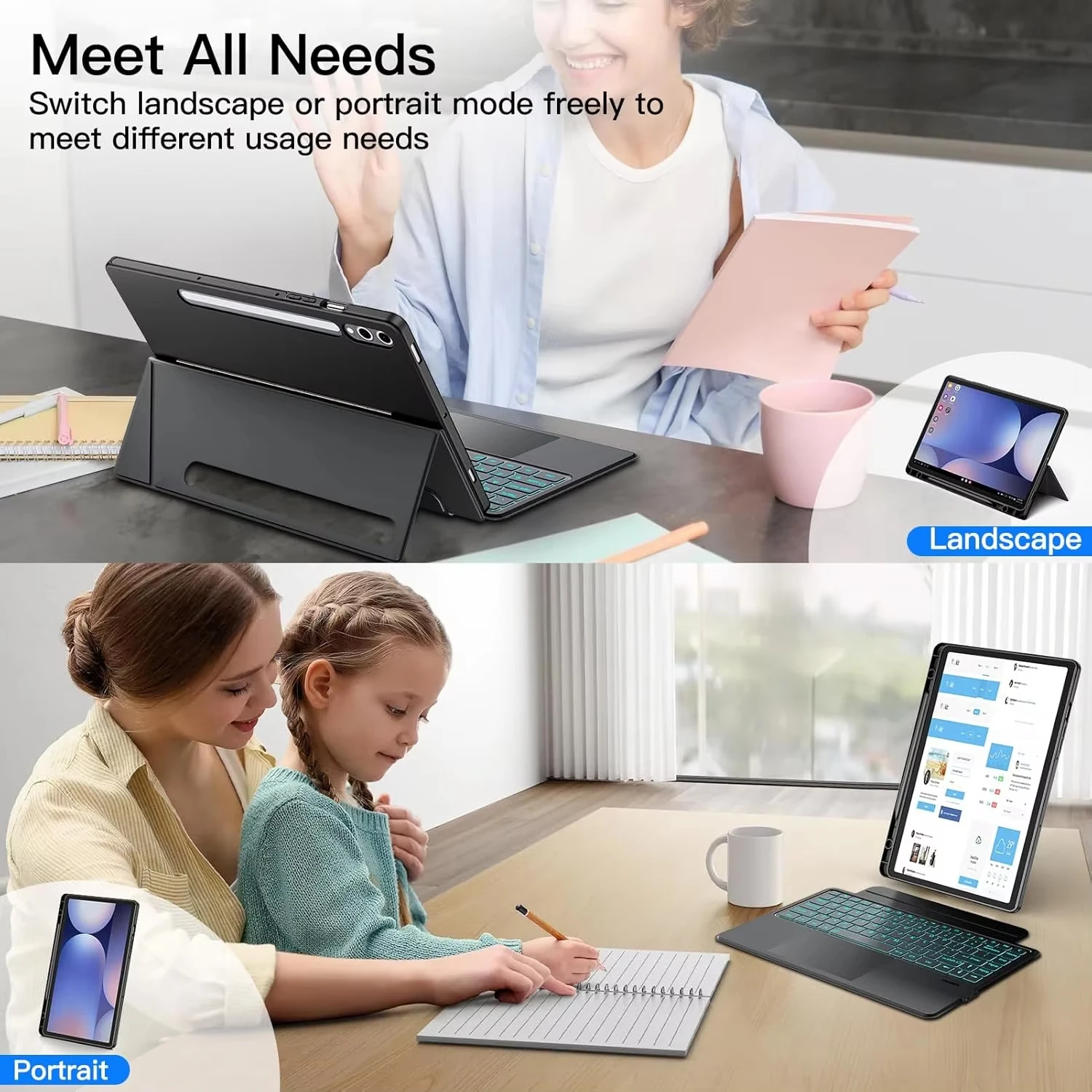
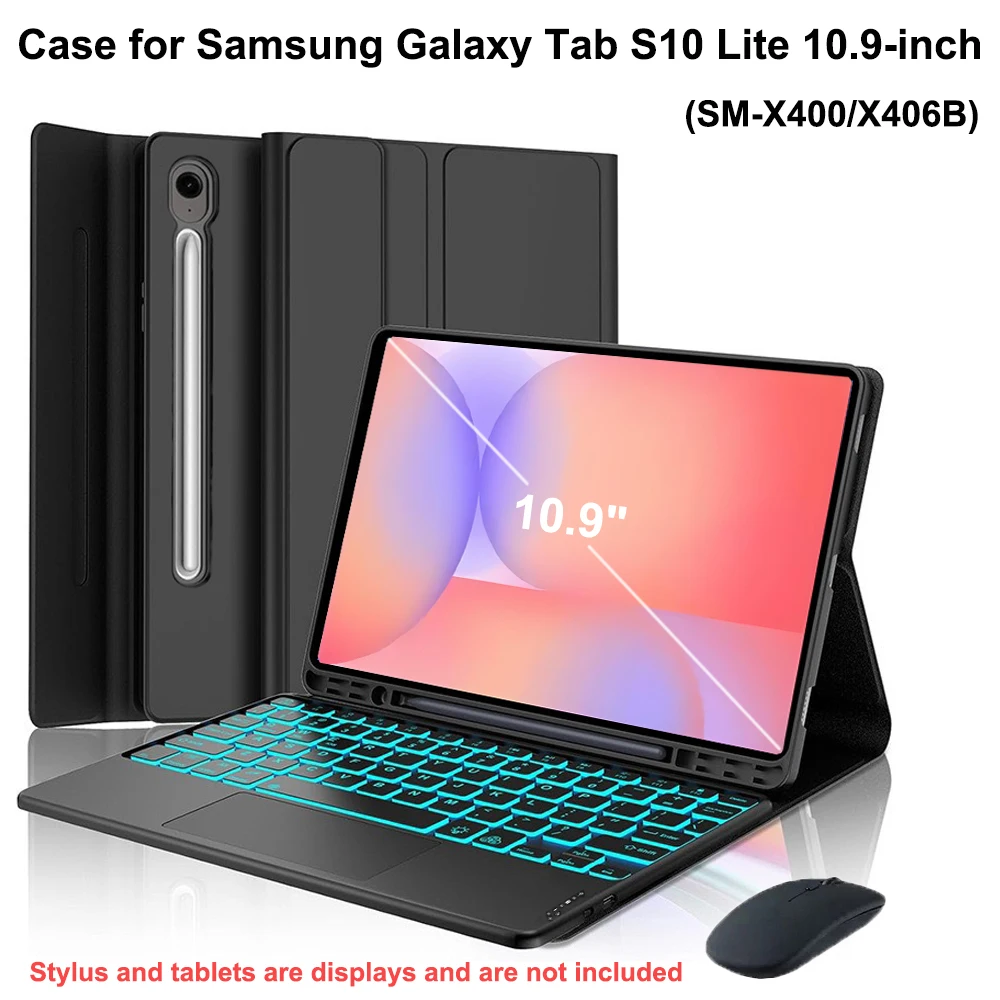
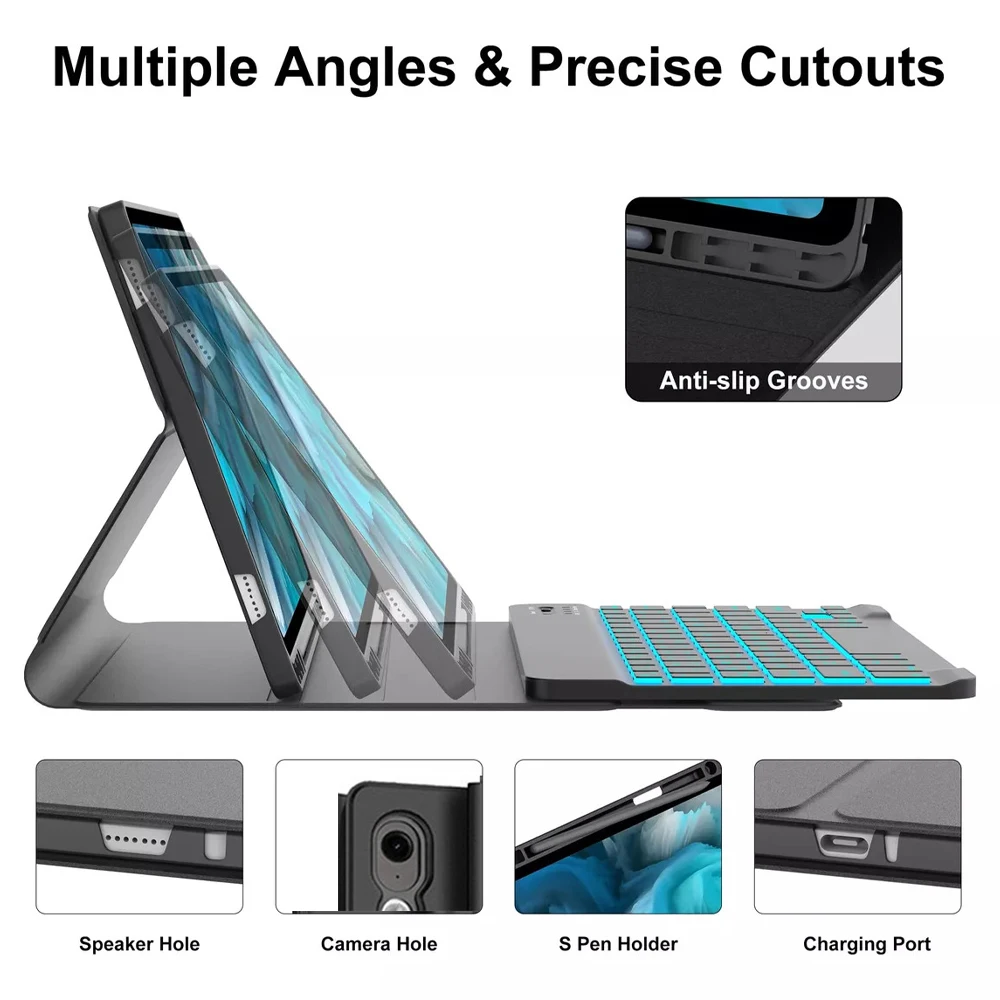
In some keyboard cases the keyboard comes off, so you can carry the tablet in a light cover and leave the keys behind. In others it is part of the case and folds round the back. Some keyboards have a trackpad, which moves a pointer on the screen like a laptop's. A backlit keyboard helps in a dim room. All of these add weight, so a keyboard case is heavier than a plain tablet case.
Fit and layout
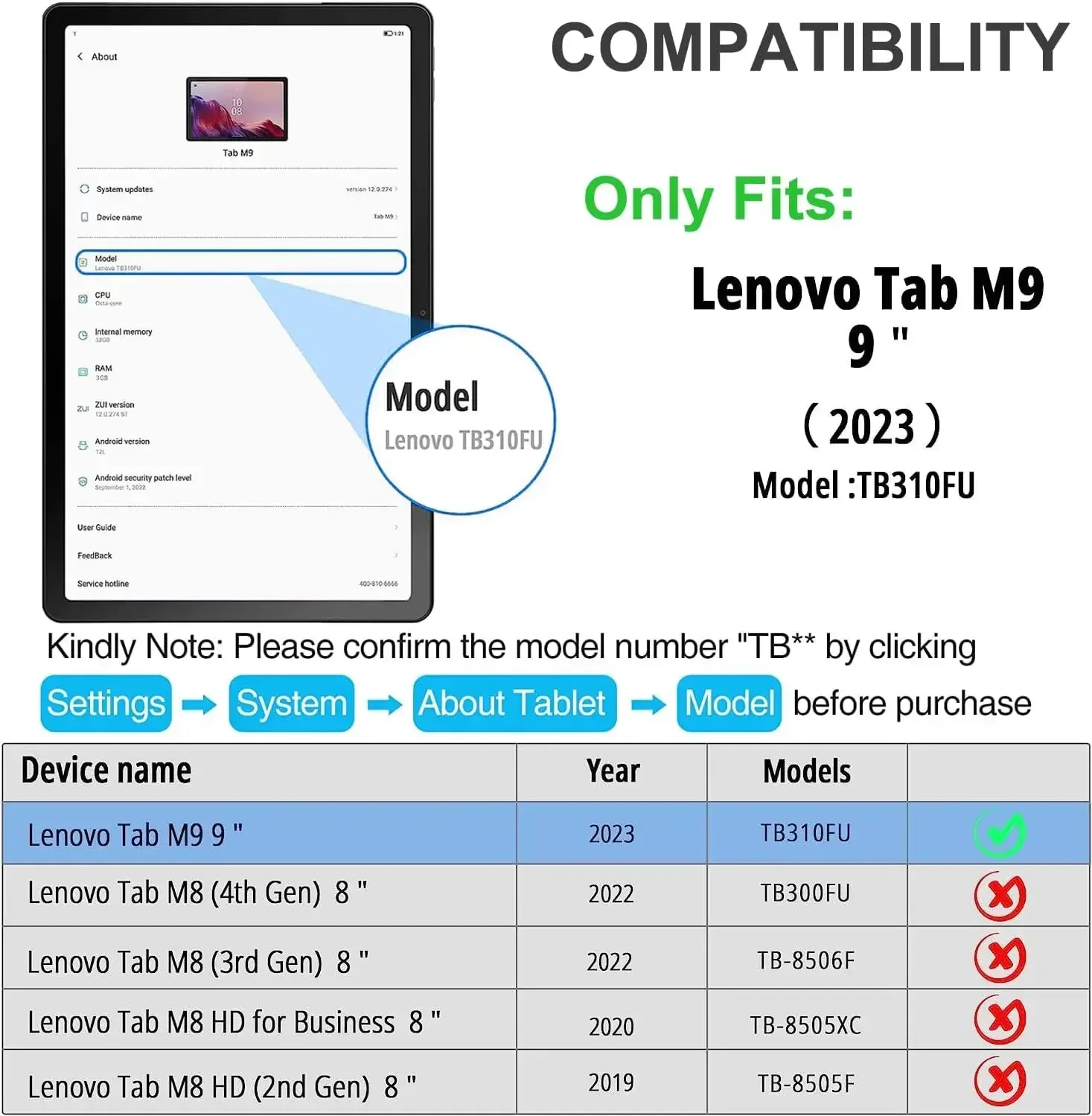
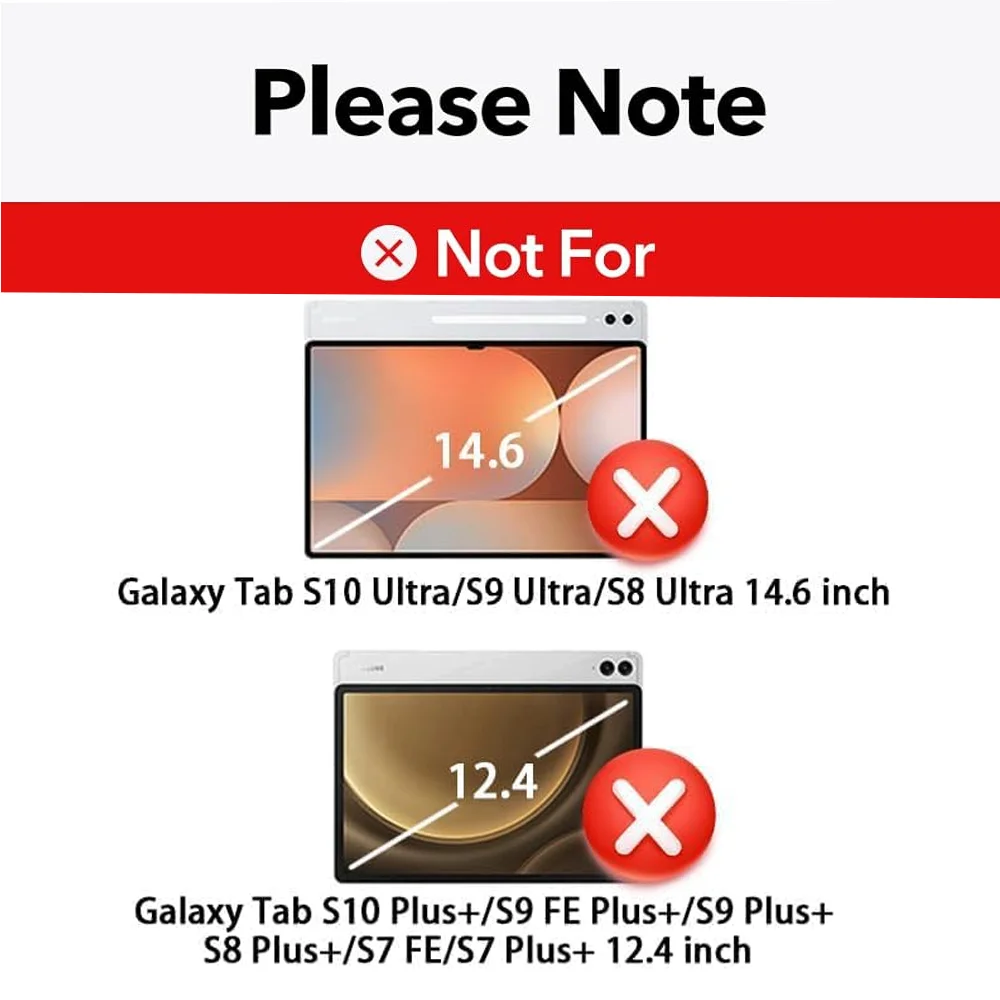
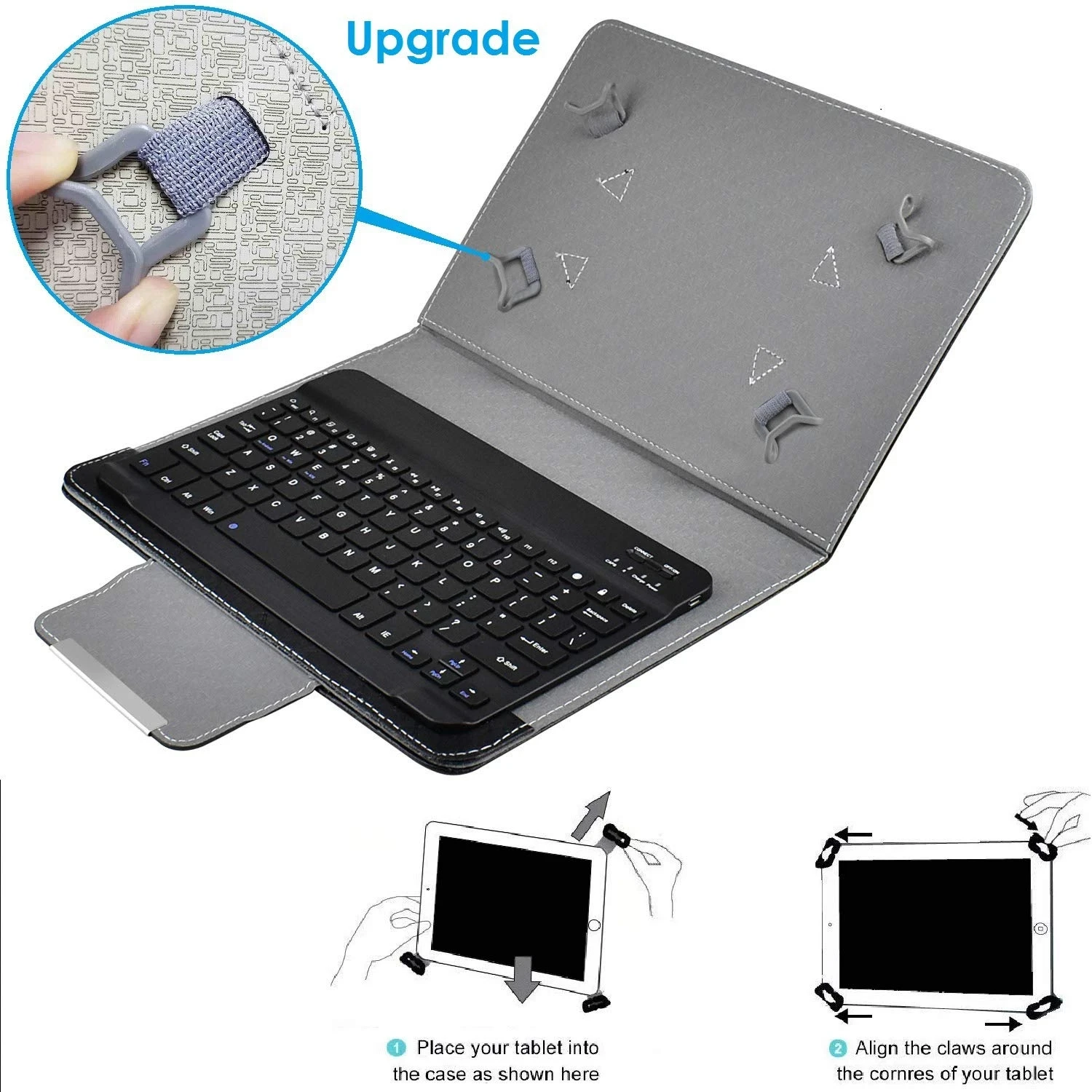
On an iPad, open Settings, then General, then About: the model name is near the top, such as iPad Air 11-inch. Tap the Model Number line and it changes to a number starting with A, which you can look up if two models share a name. On an Android tablet the model is in Settings, in the About section. The inch figure is measured corner to corner across the screen, and the name is a rounded number, so two tablets called 11-inch can differ in shape. Match the model, not the inches.
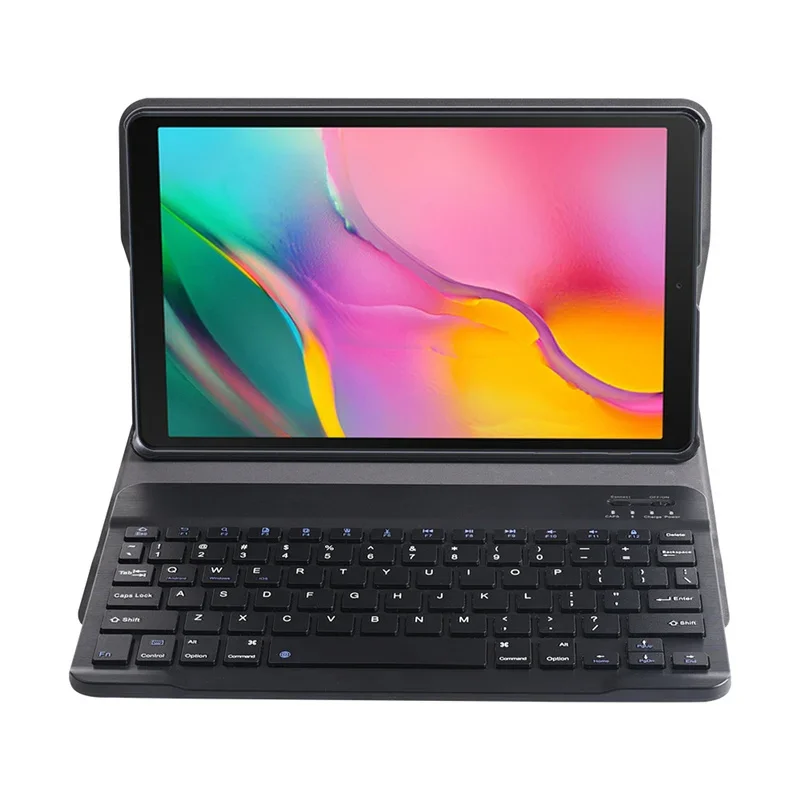
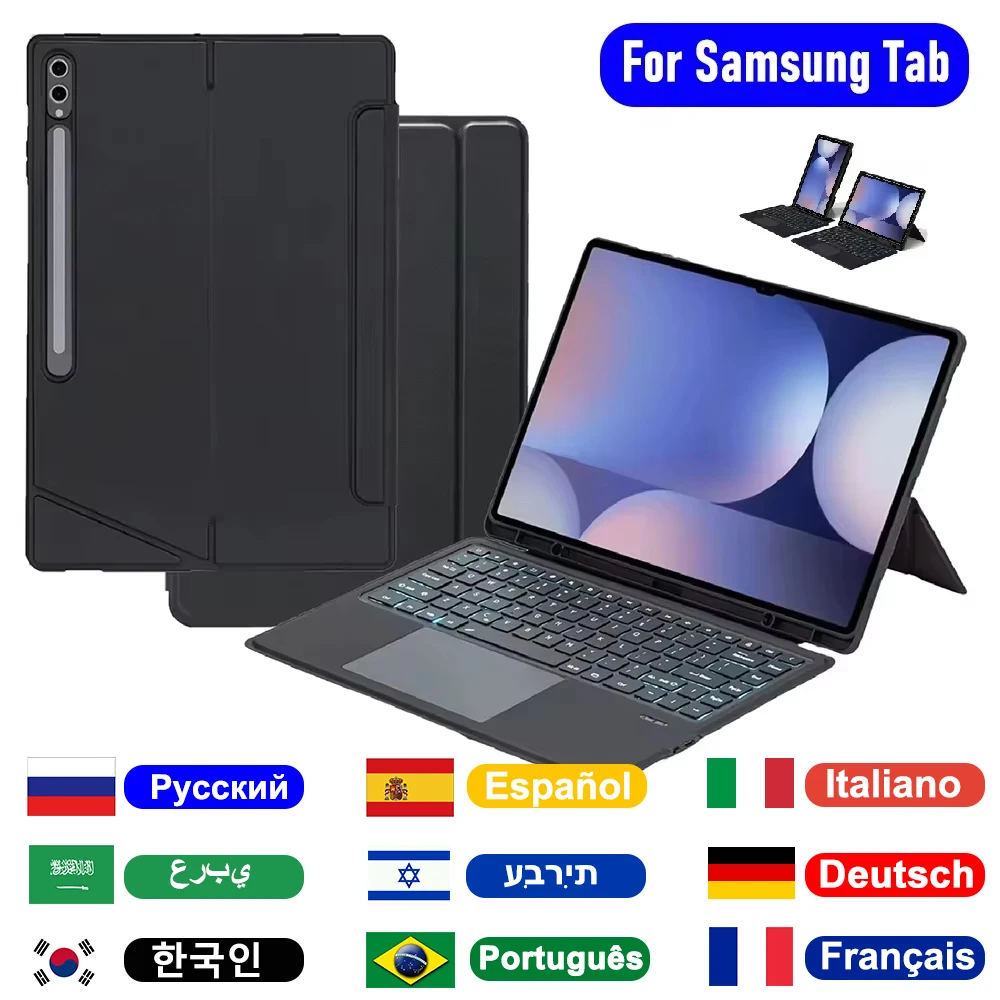
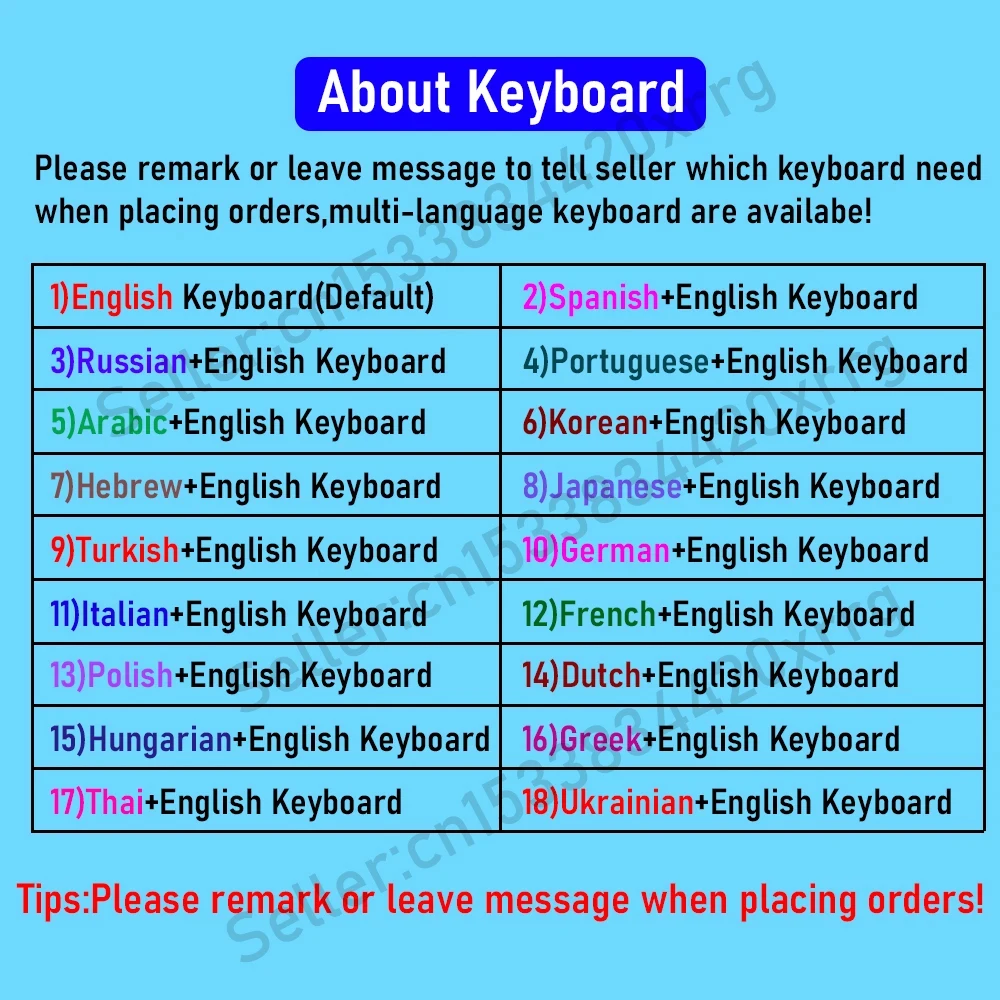
Check the keyboard's layout too. A UK layout has the pound sign on the 3 key and a larger Enter key. A US layout moves the @ and the quote marks. The product page or its pictures show which.
Questions people ask about tablet keyboard cases
Can I use the tablet as normal with the keyboard on?
Yes. The touchscreen still works, and with most keyboards the on-screen keyboard steps aside while the real one is connected.
How do I write with a pen on a tablet in a keyboard case?
Fold the keyboard back or take it off. Many cases have a slot for a pen: see tablet stylus pens.
What if the keyboard stops responding?
For a Bluetooth keyboard, charge it, check it is switched on, and look in Settings, Bluetooth that it still shows as connected.
How long does delivery take?
Delivery is included in every price and tracked to your door. Each product page says when it usually arrives.
More to look at