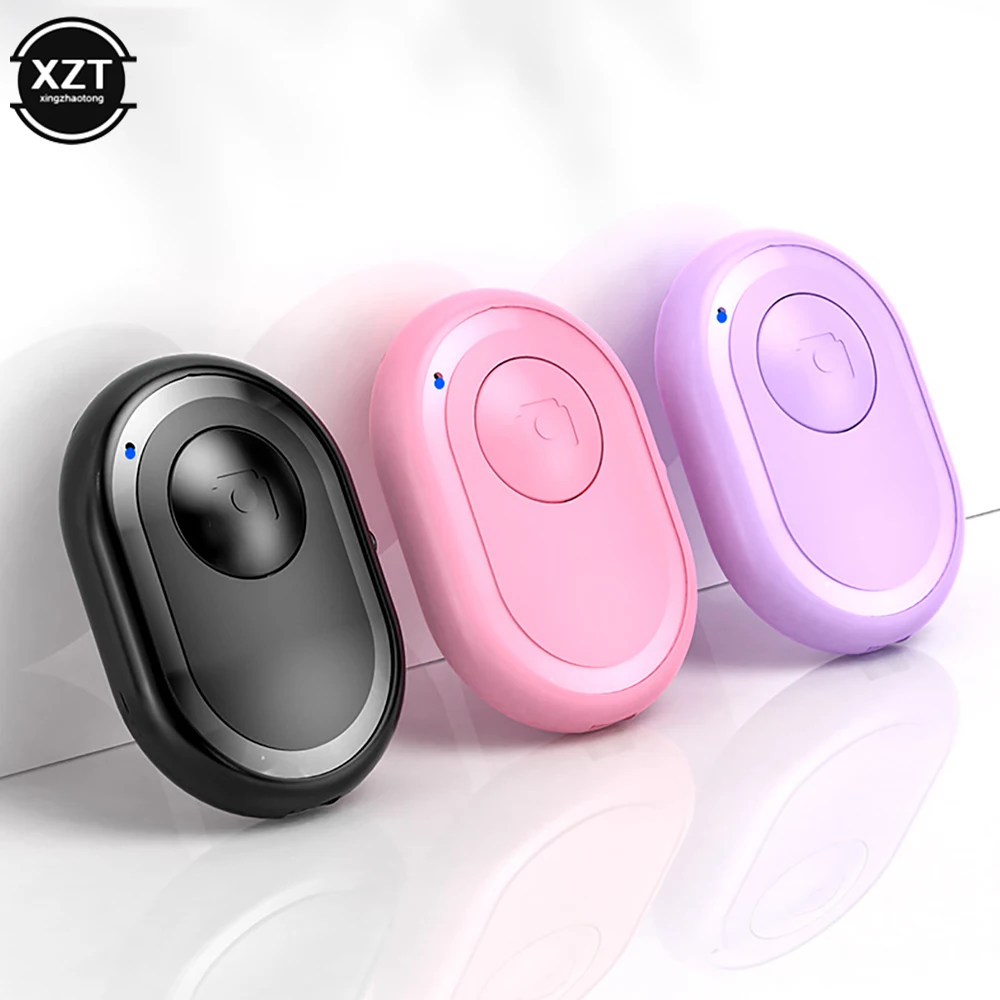
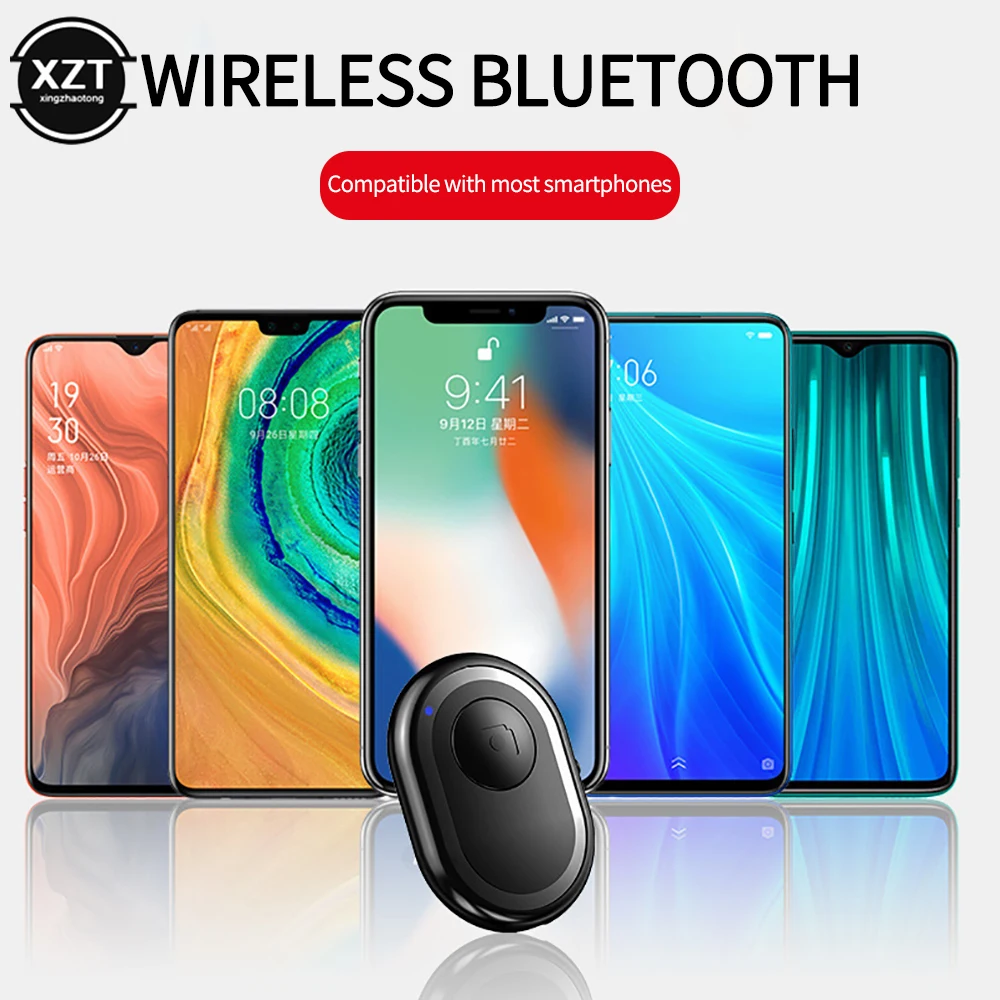
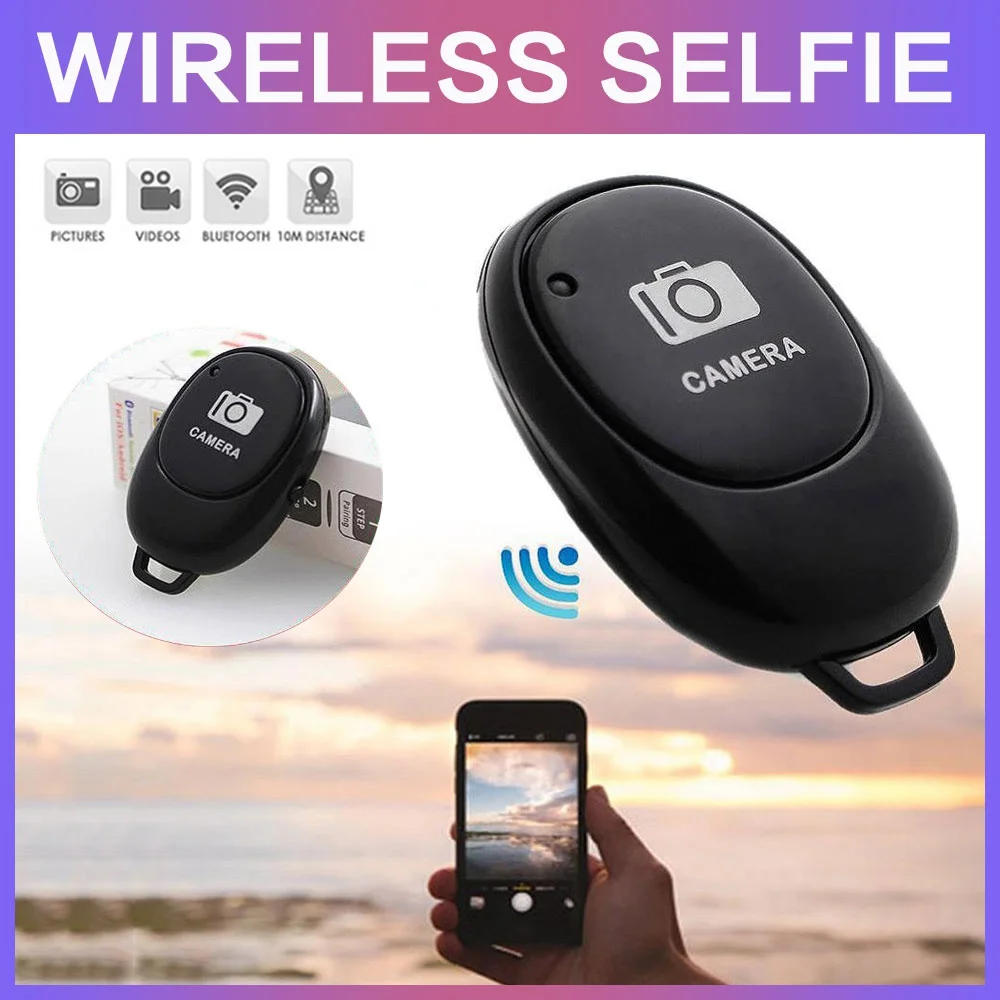
Take the photo from across the room
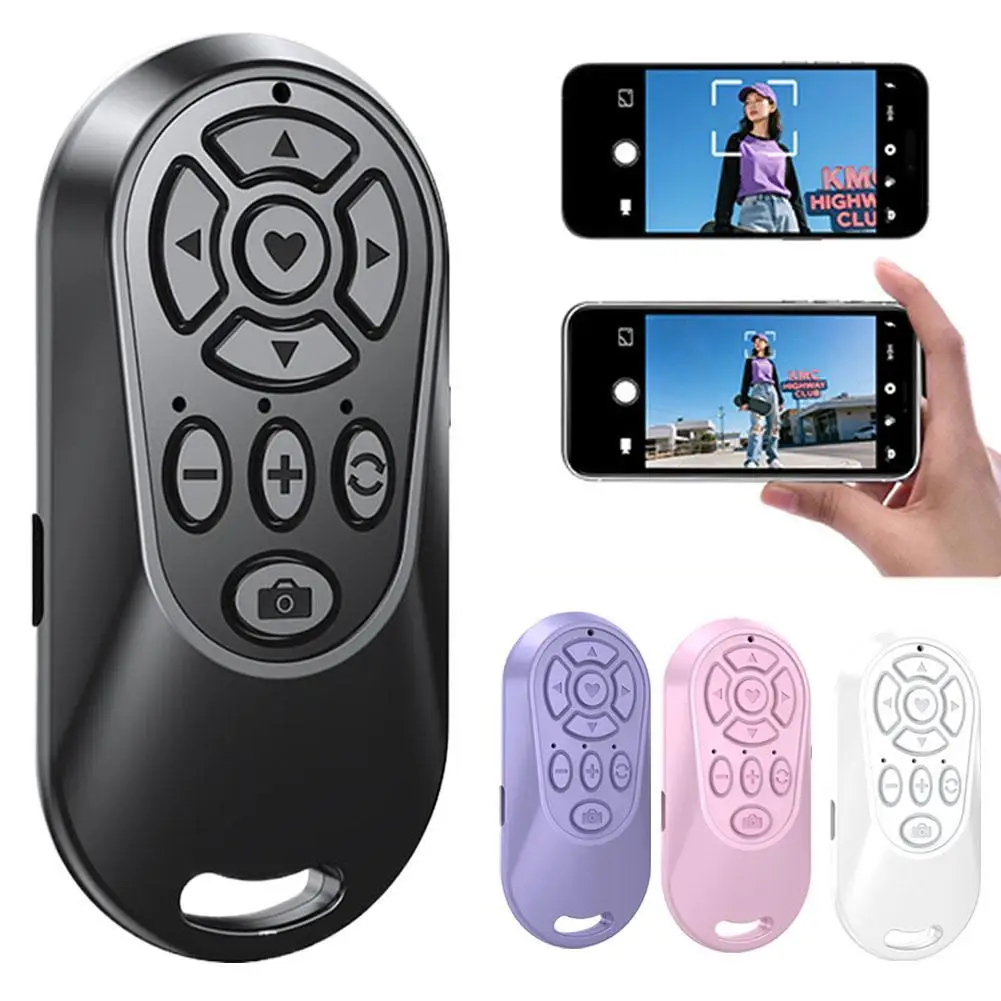
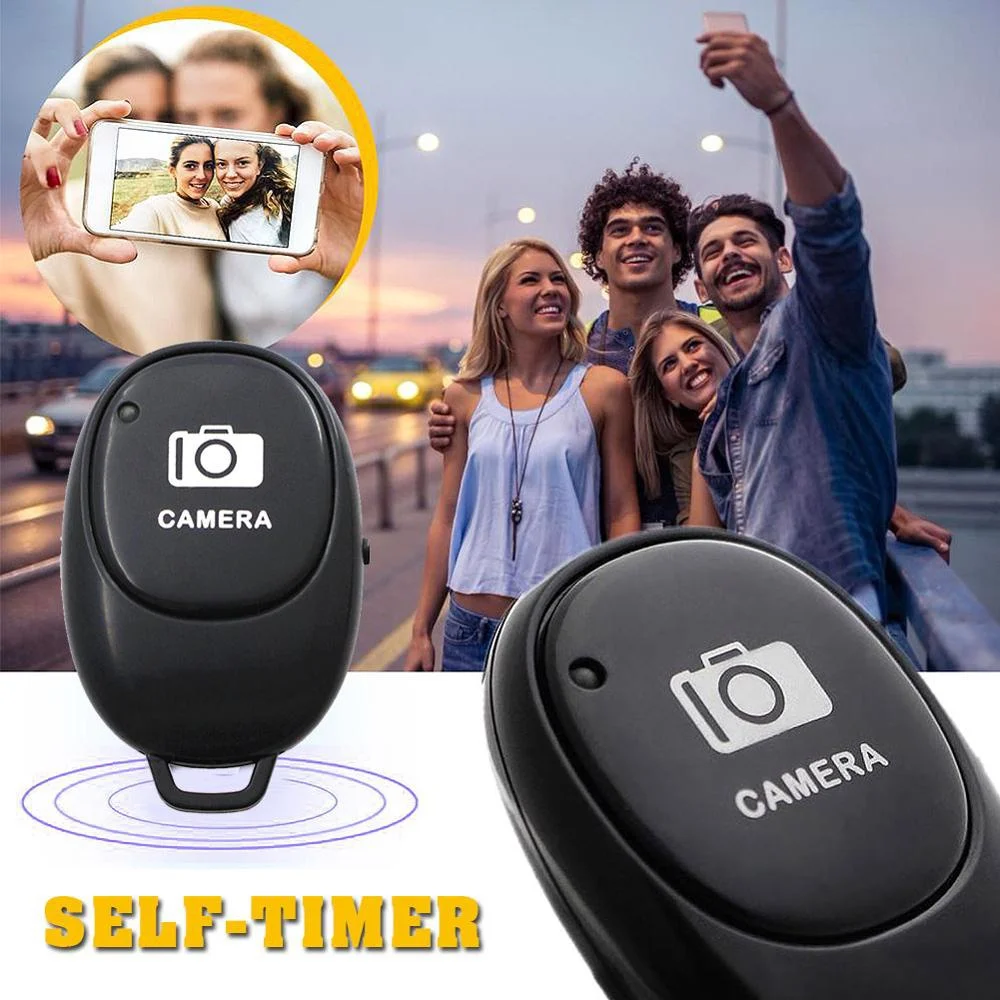
A remote shutter is a small Bluetooth button that takes the photo or starts the video without touching the phone. With the phone on a tripod, a selfie stick or a stand, you can be in the picture yourself, take a group photo with everyone in it, start a video of yourself from where you stand, or take a night shot without the shake of pressing the screen. Many work by pairing with the phone like a tiny keyboard and sending the same signal as the volume button, so they work with the phone's own camera app and need no extra app.
The kinds of remote here
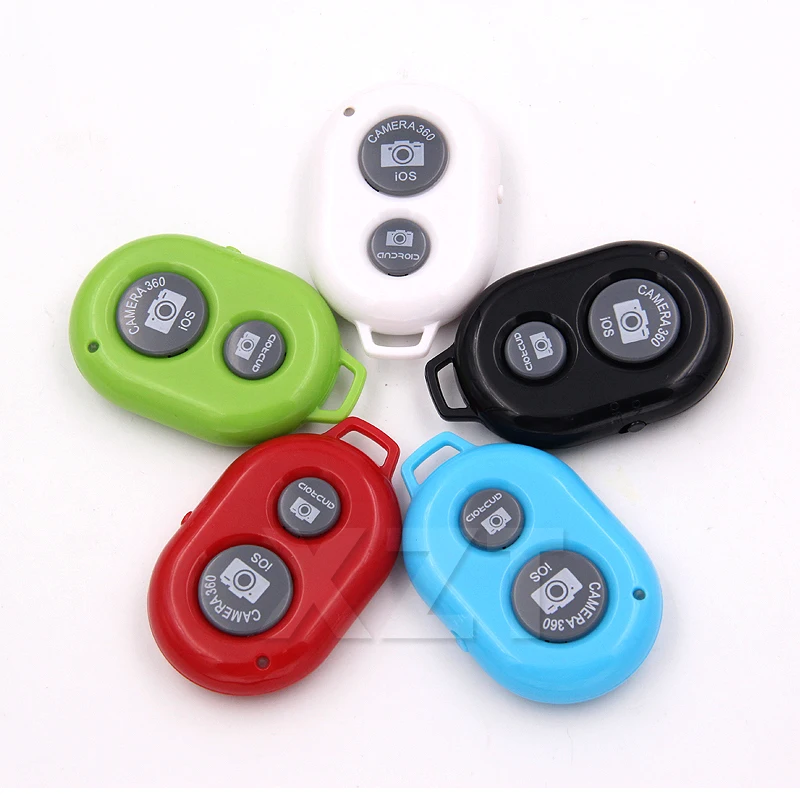
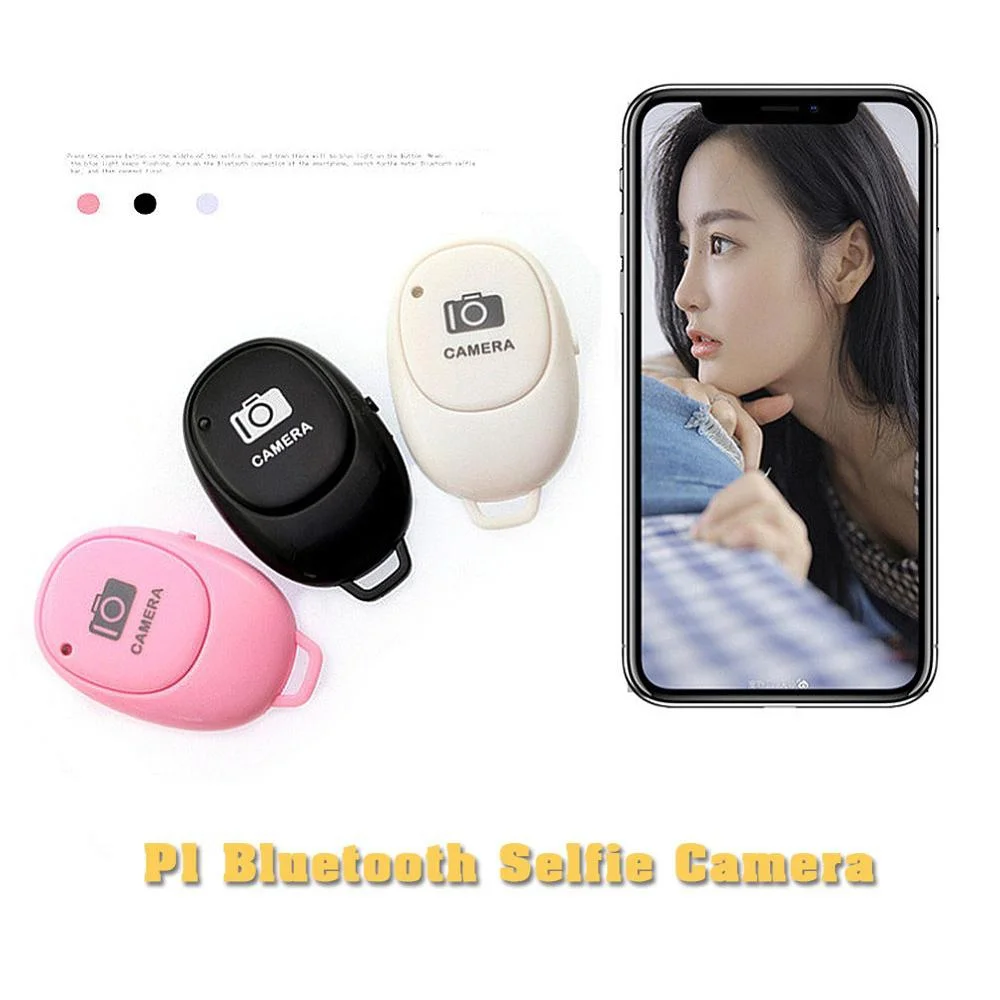
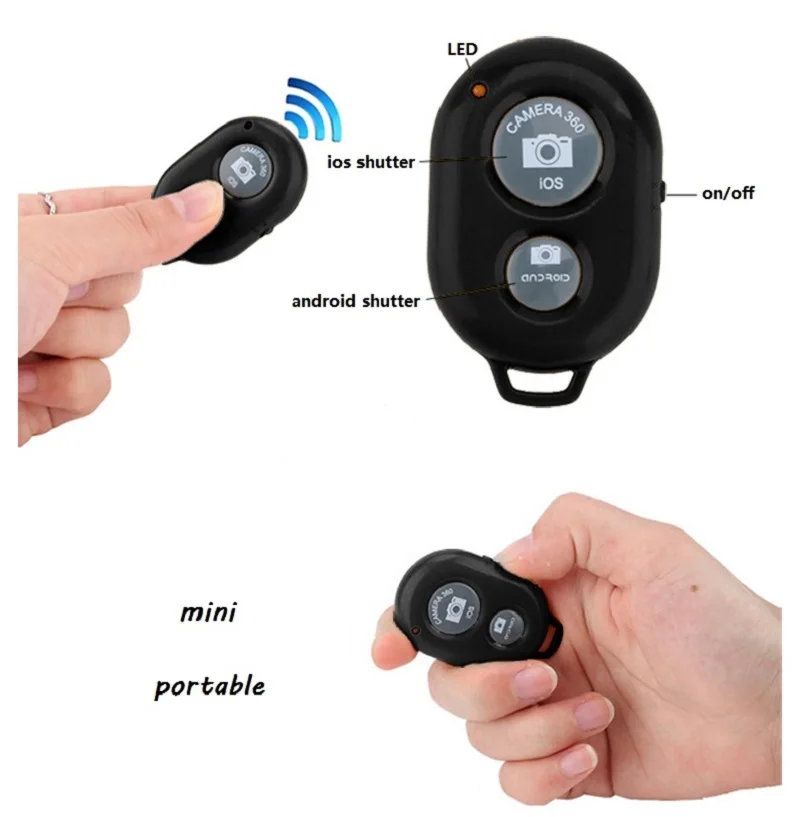
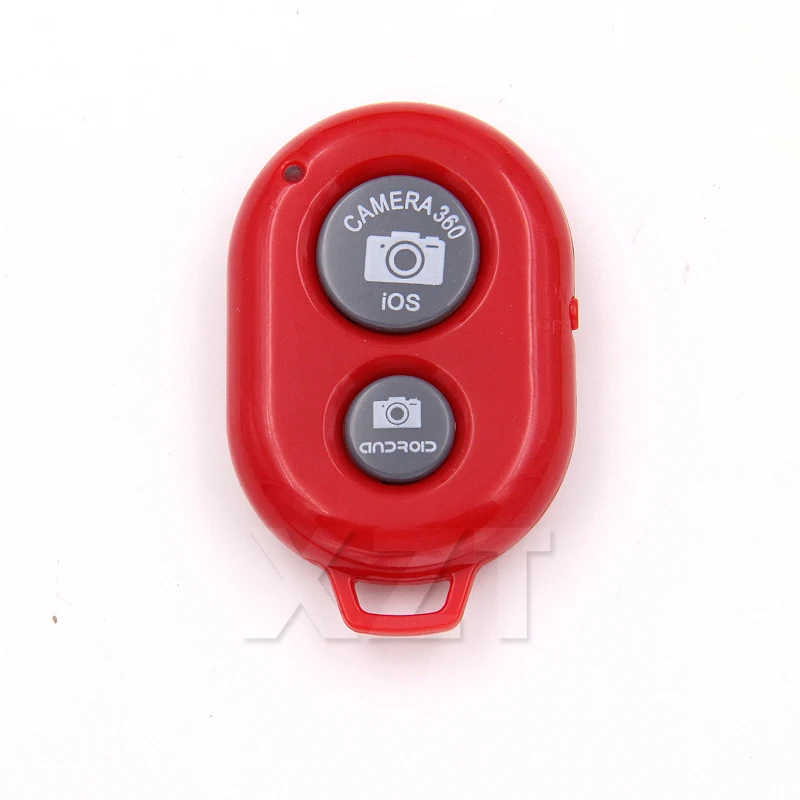
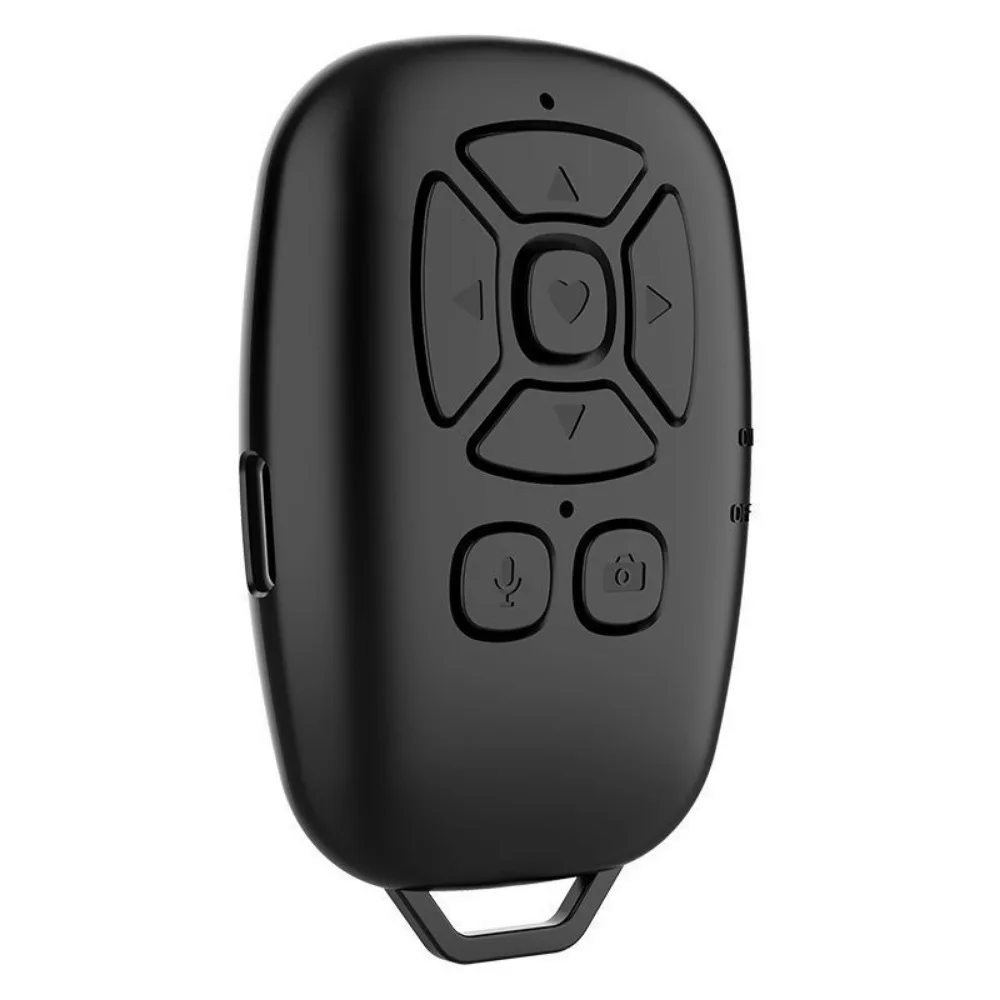
- Small Bluetooth buttons with a shutter button and a switch. One here has separate buttons for iPhones and Android phones, and goes to sleep after a few minutes of not being used to save its battery.
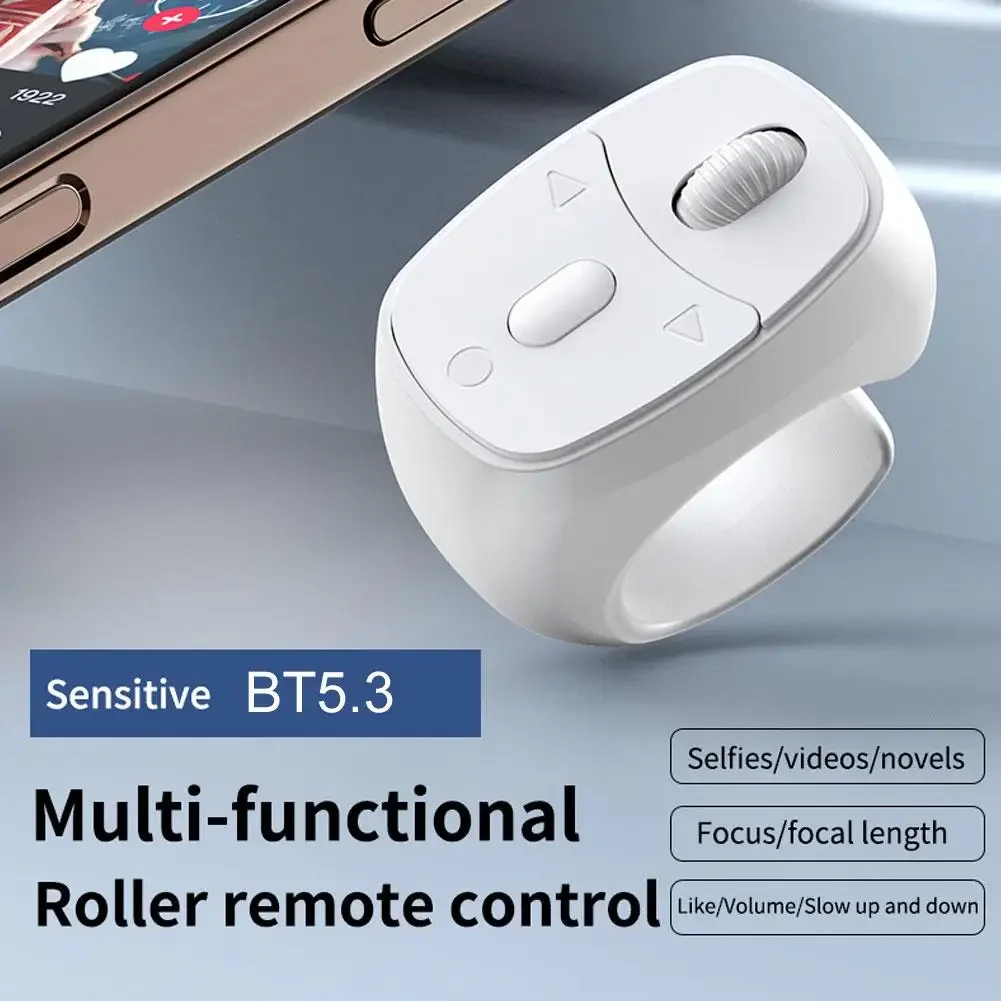
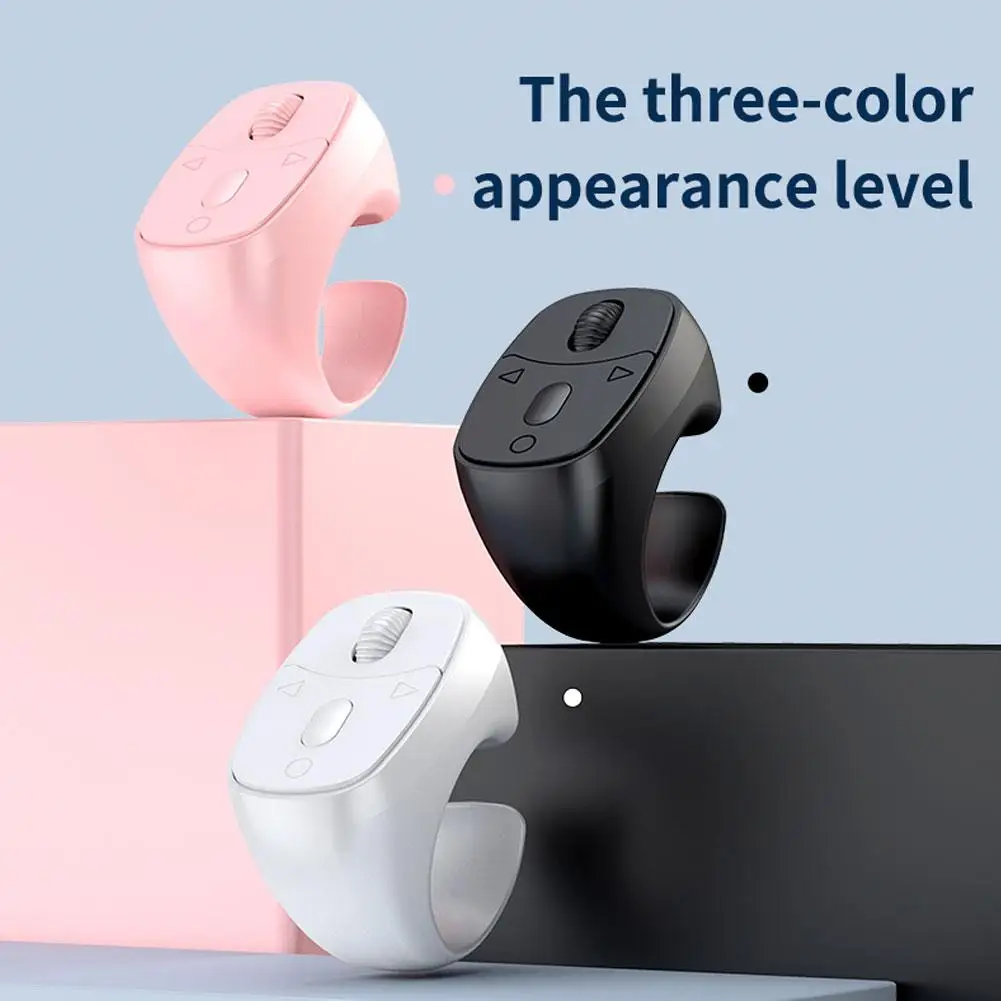
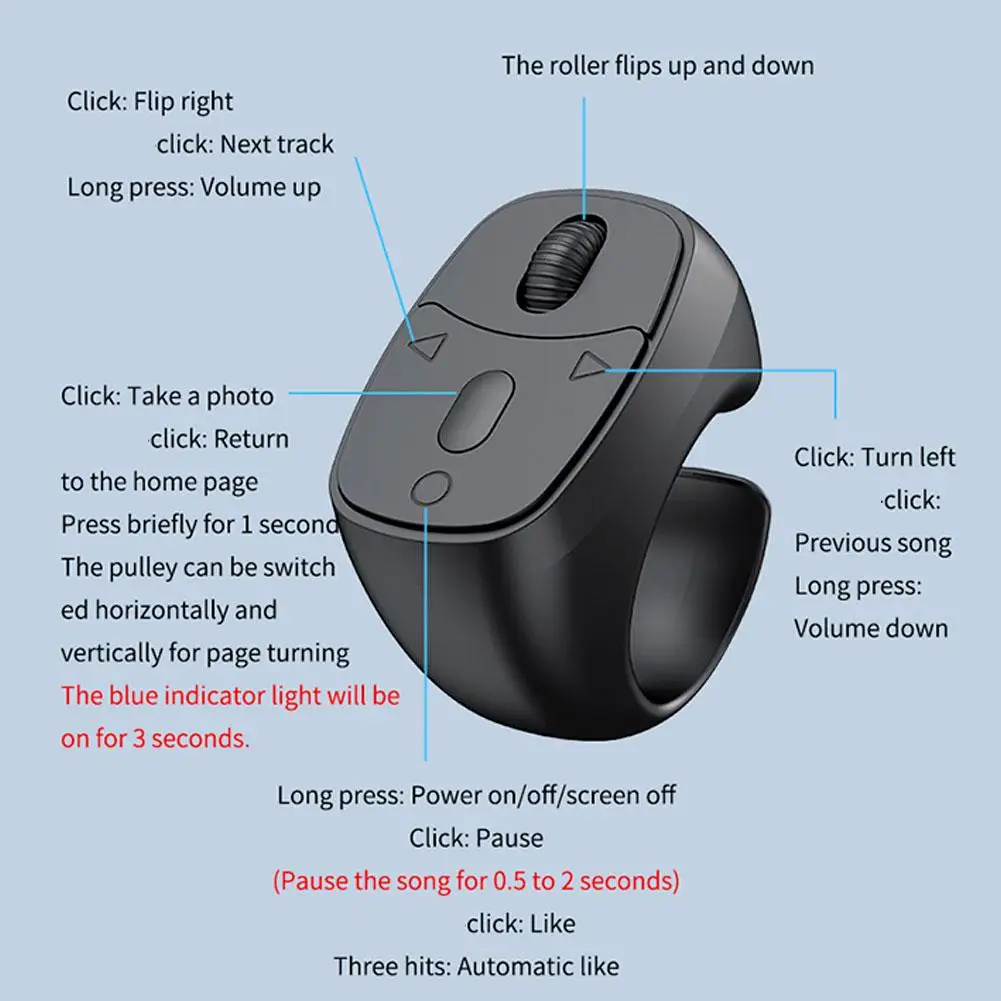
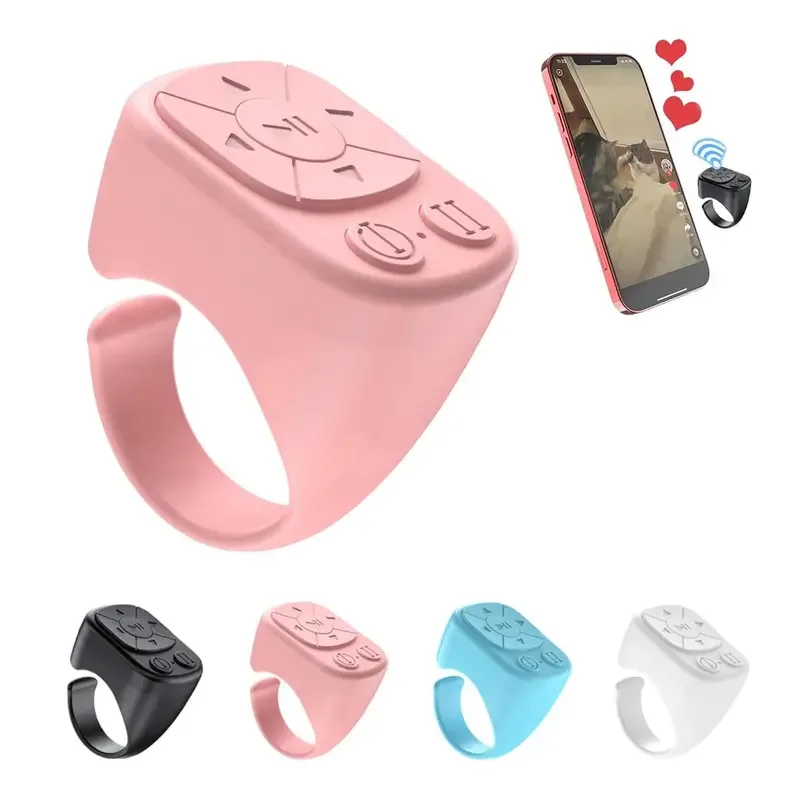
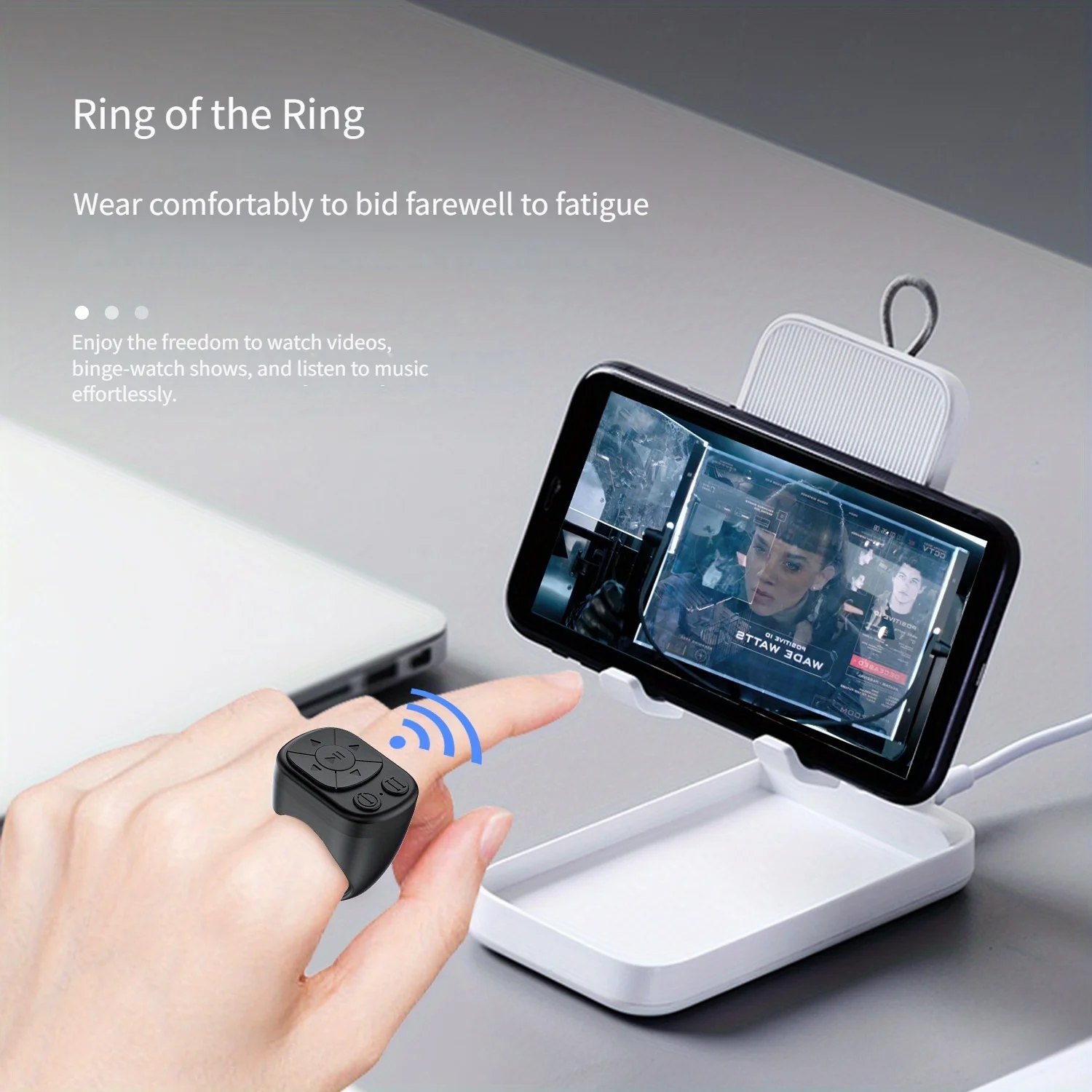
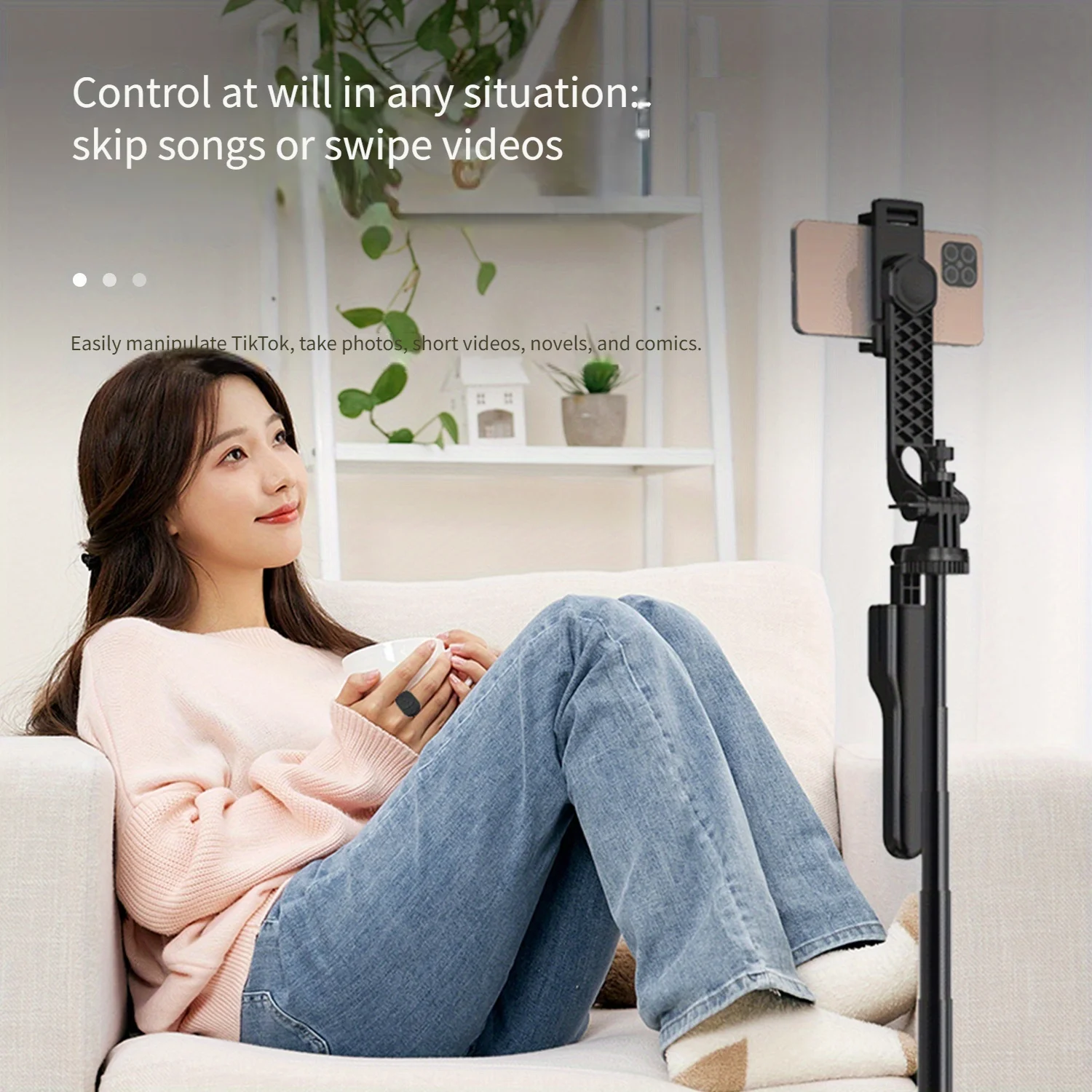
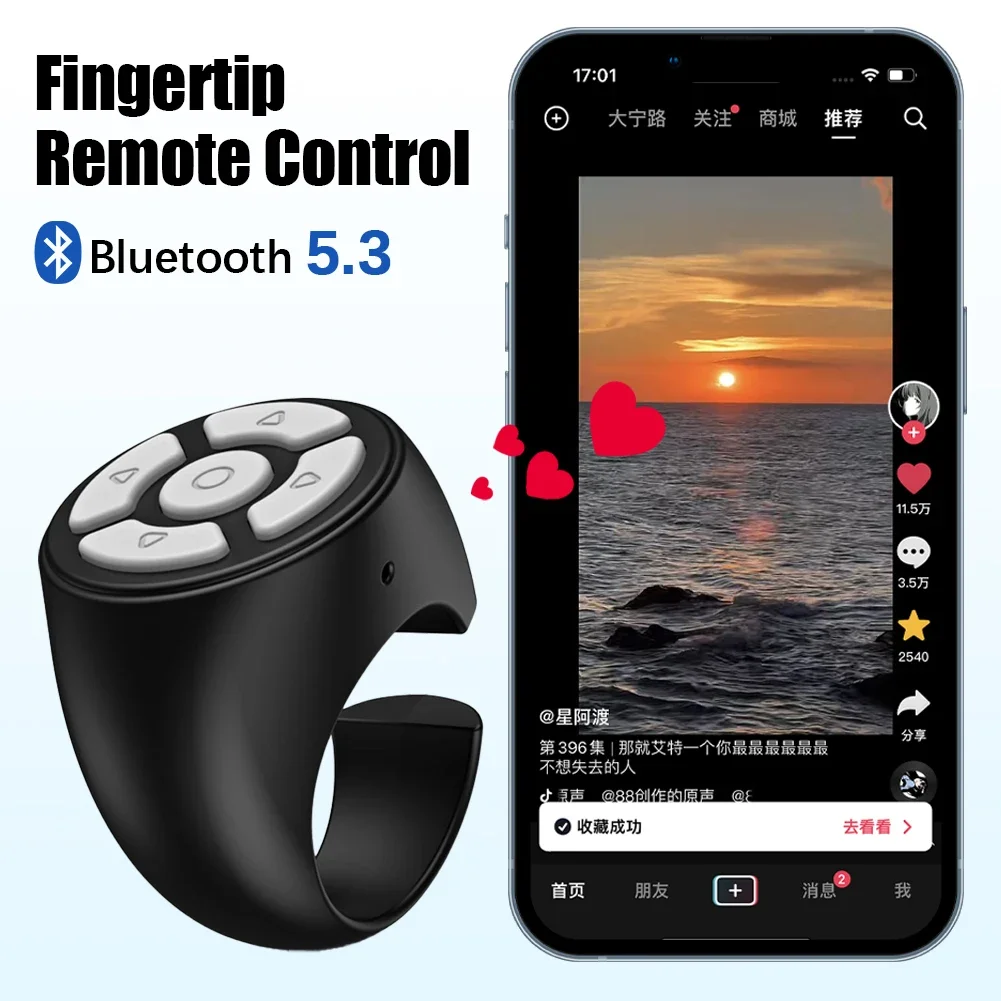
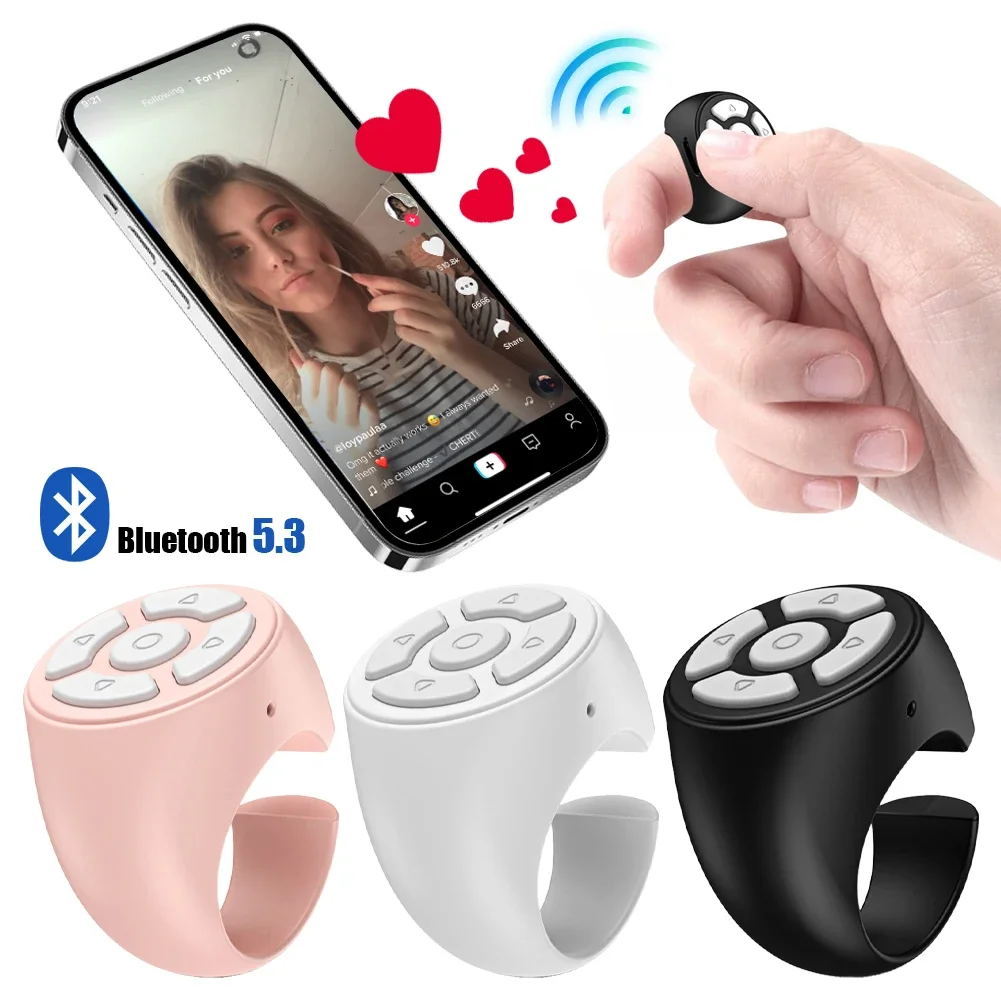
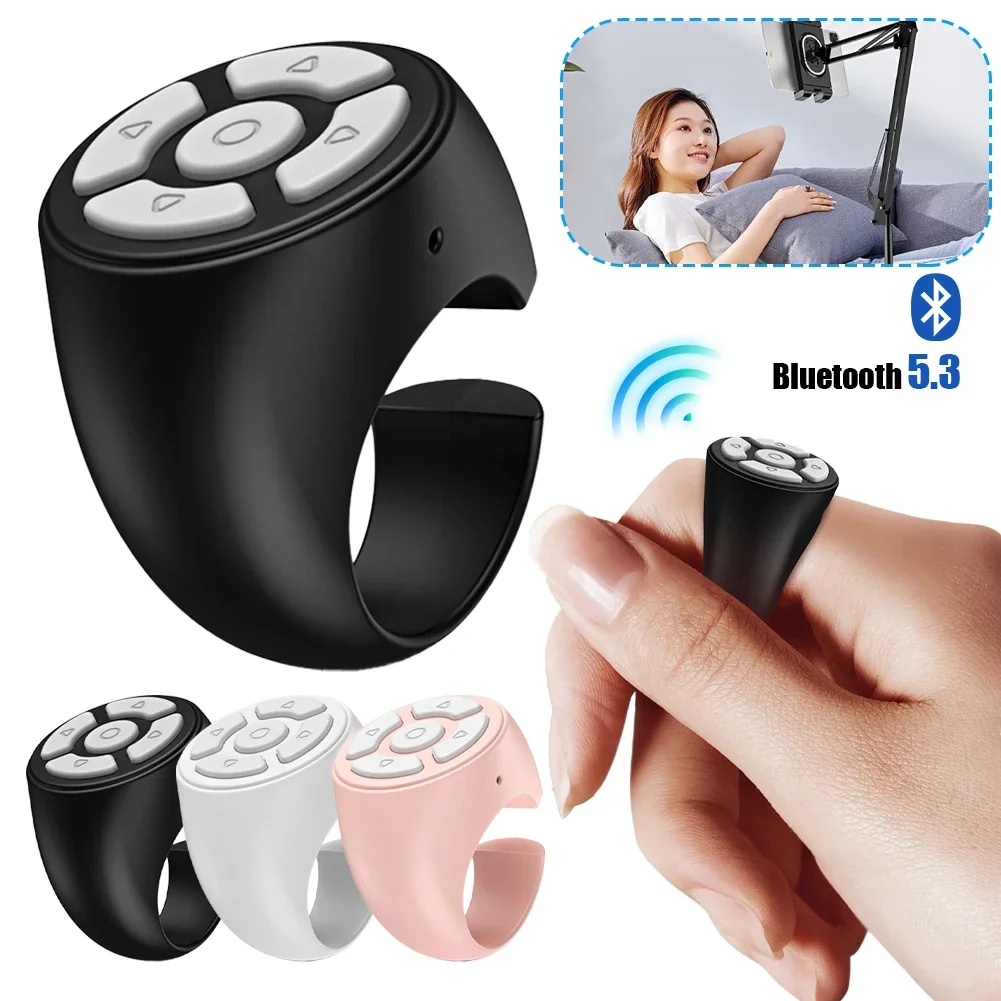
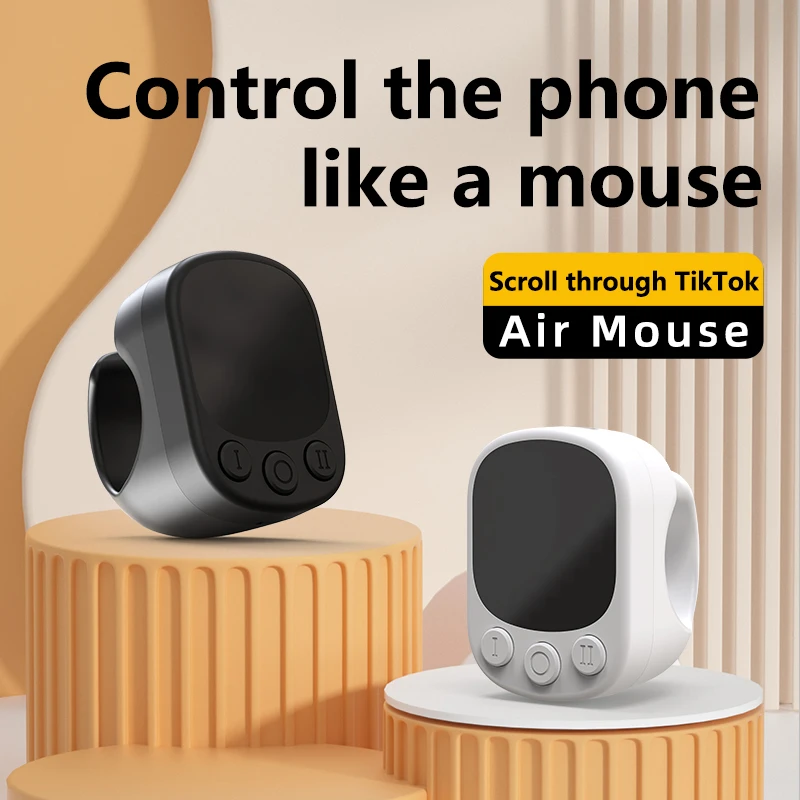
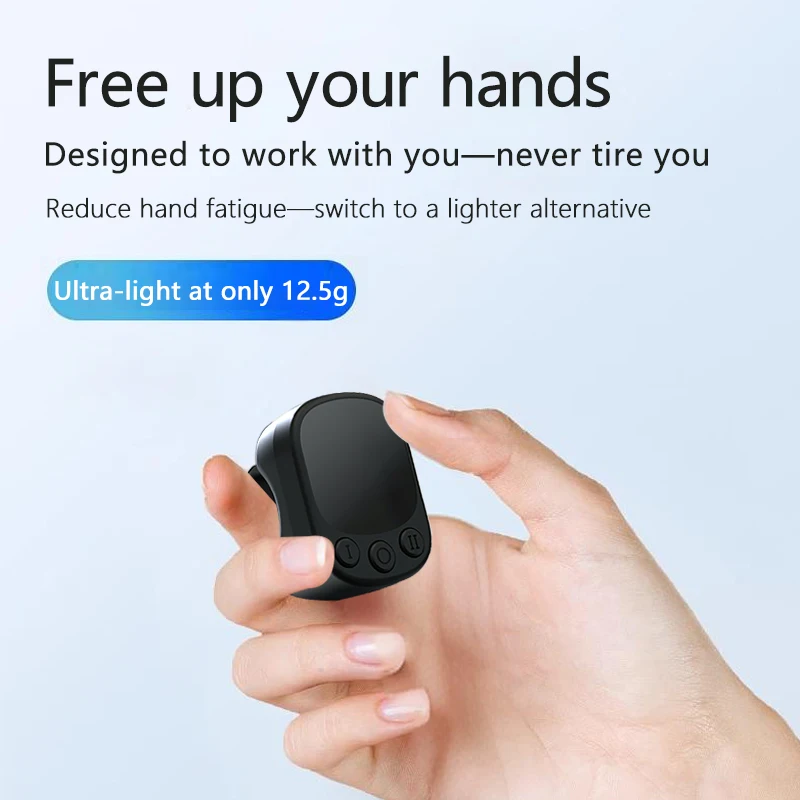
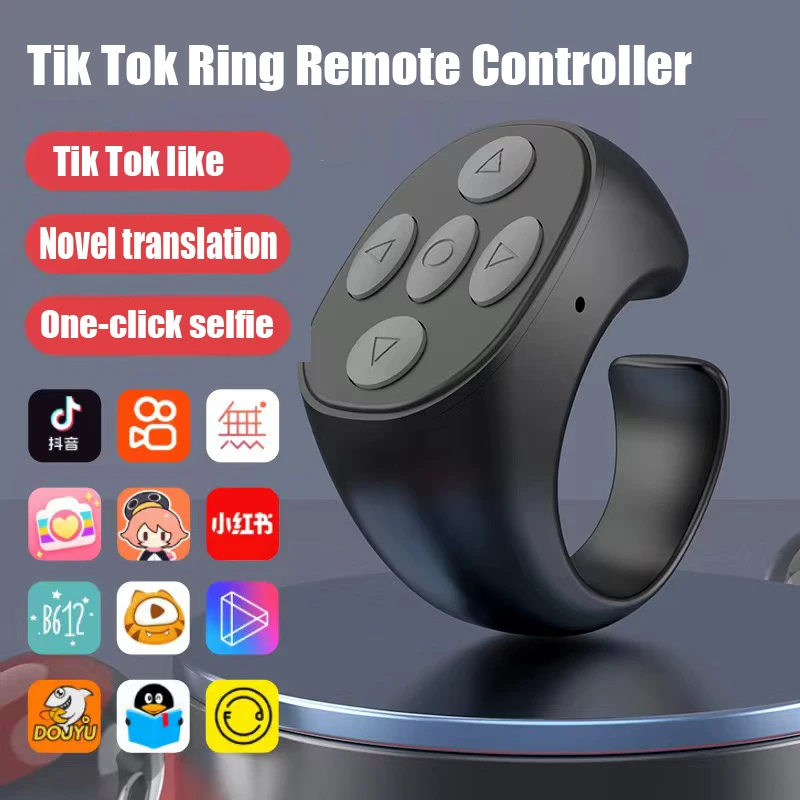
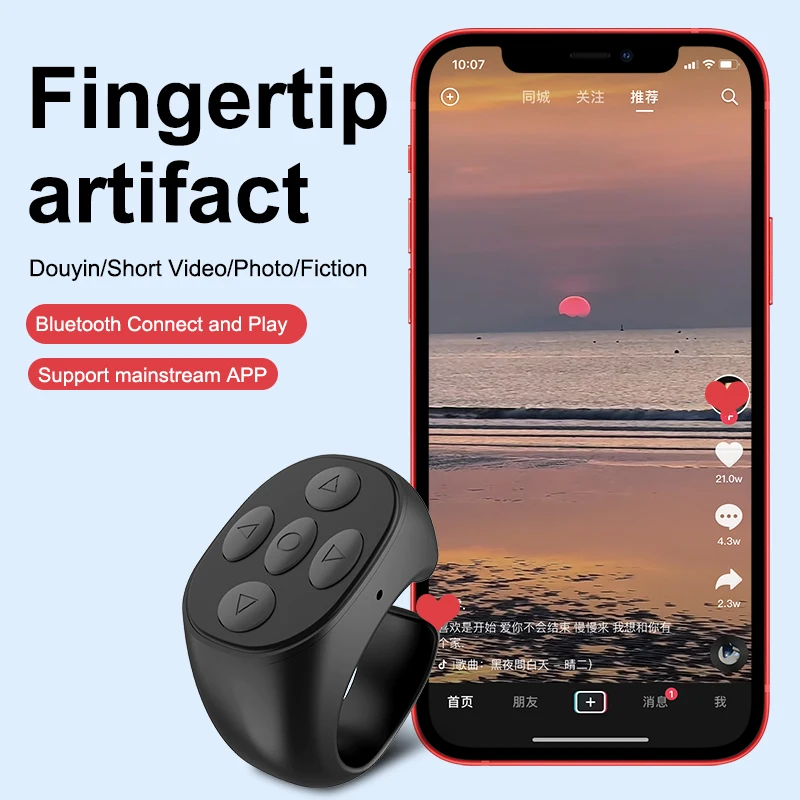
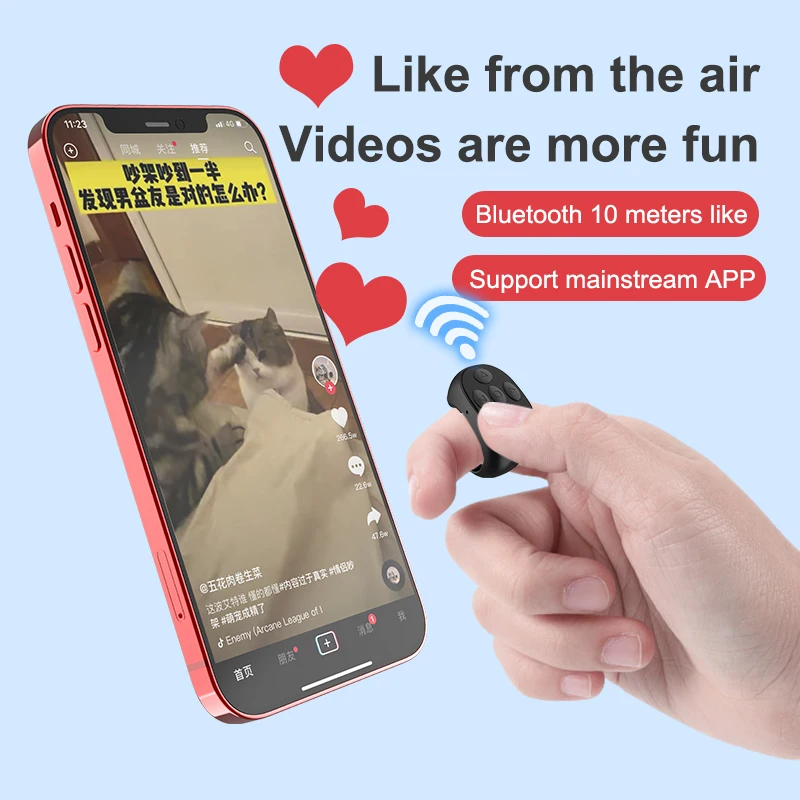
- Ring remotes that sit on a finger for one-handed use, so the button stays to hand while you hold a stick or talk to camera.
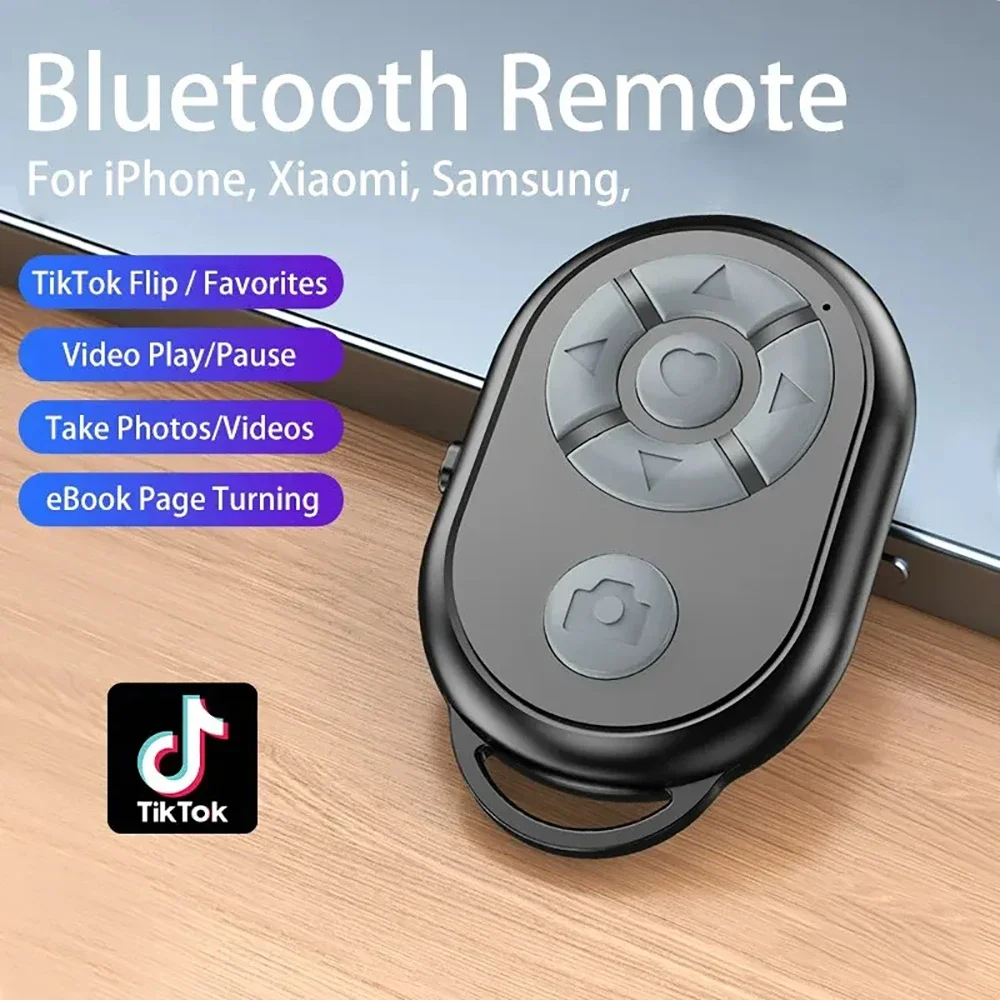
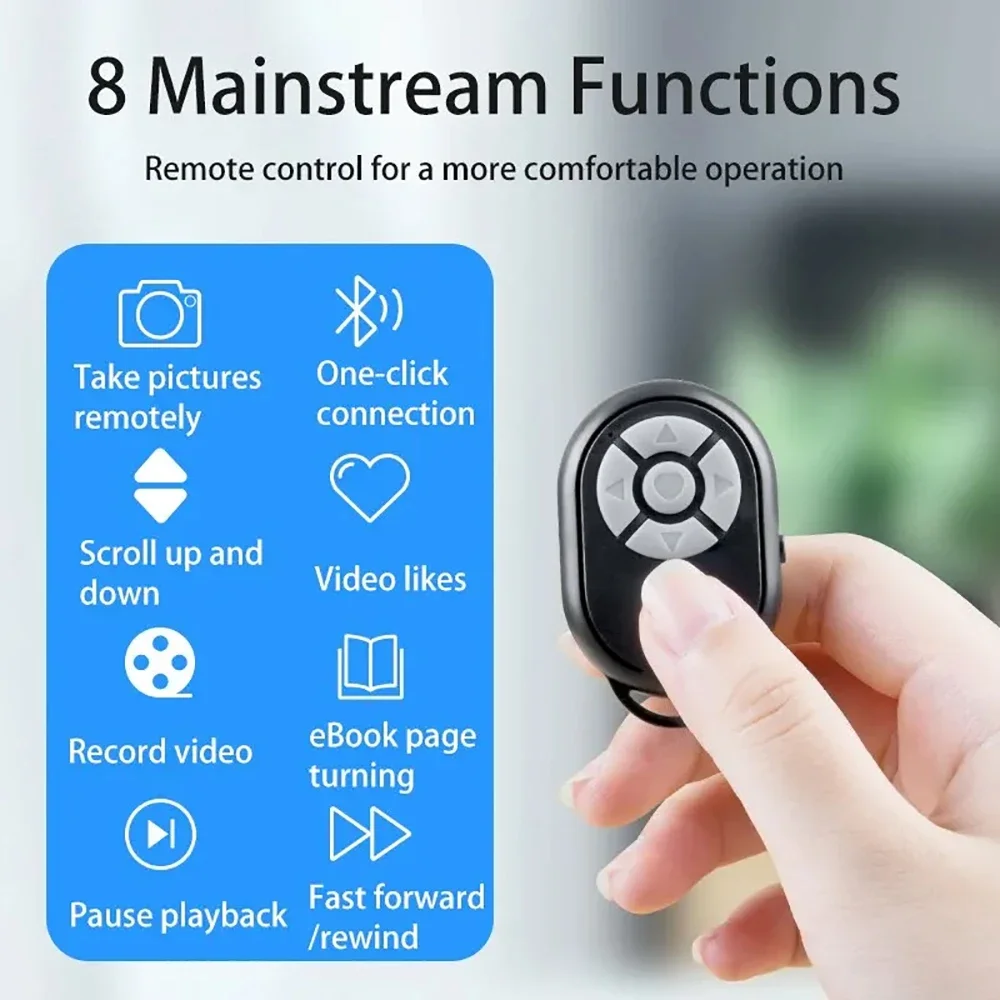
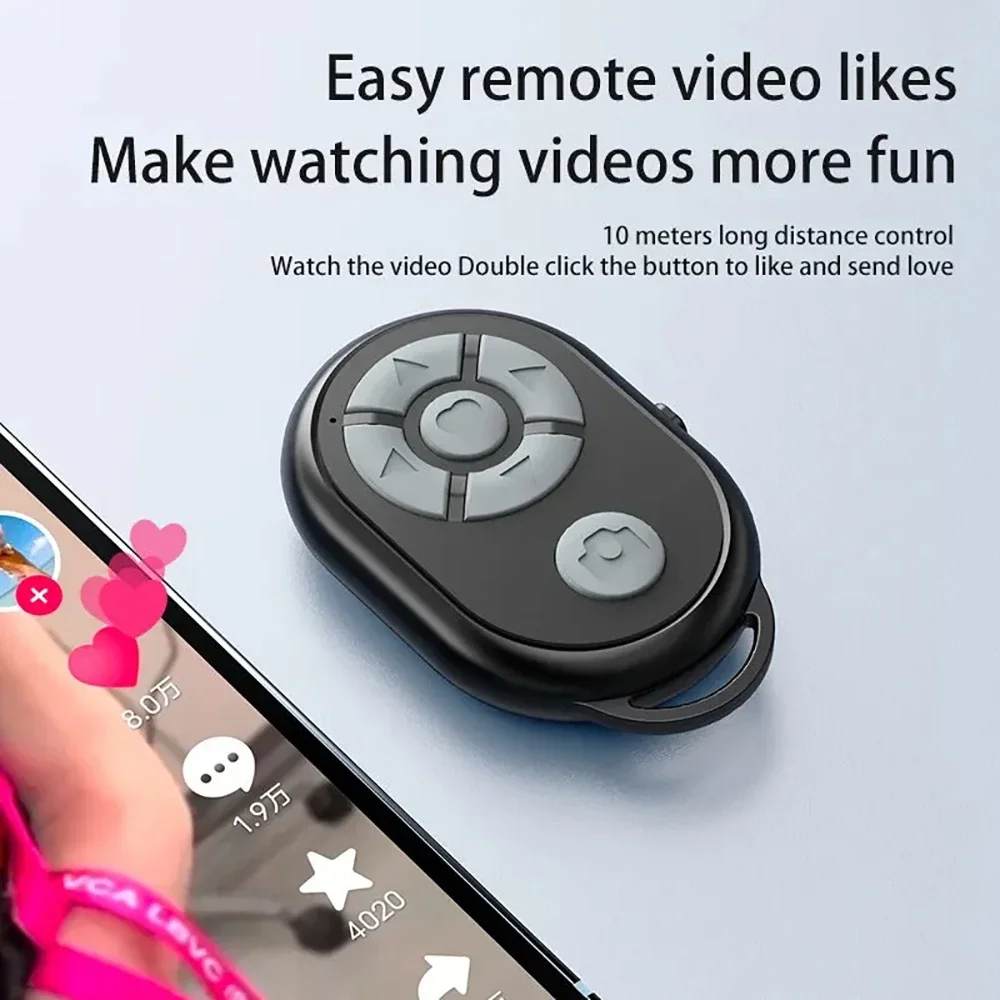
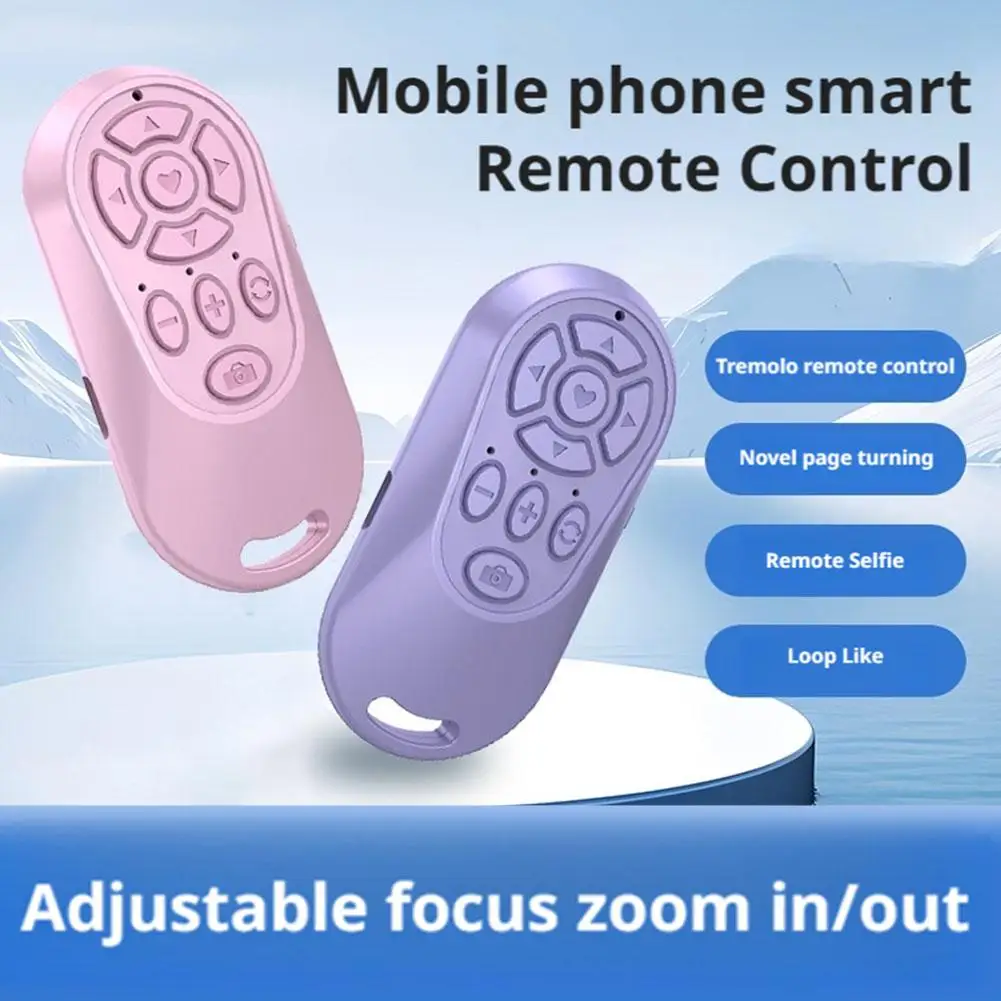
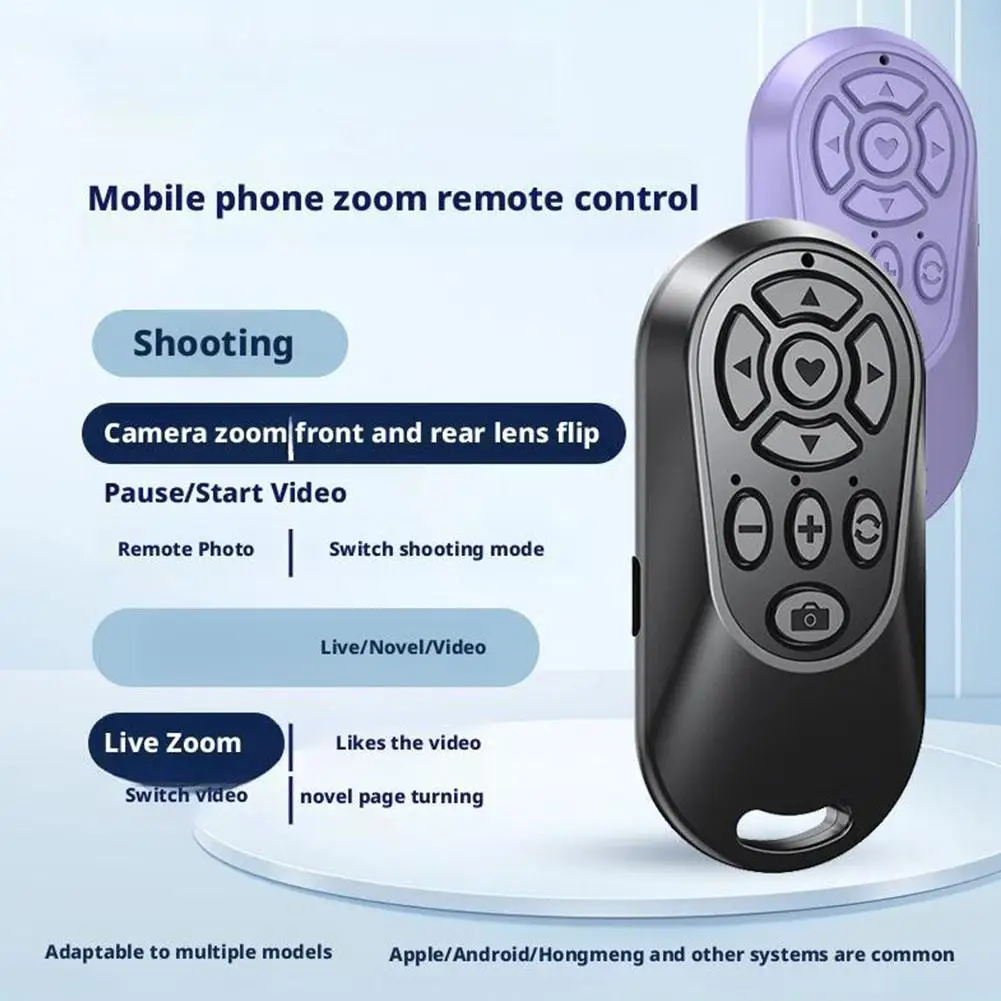
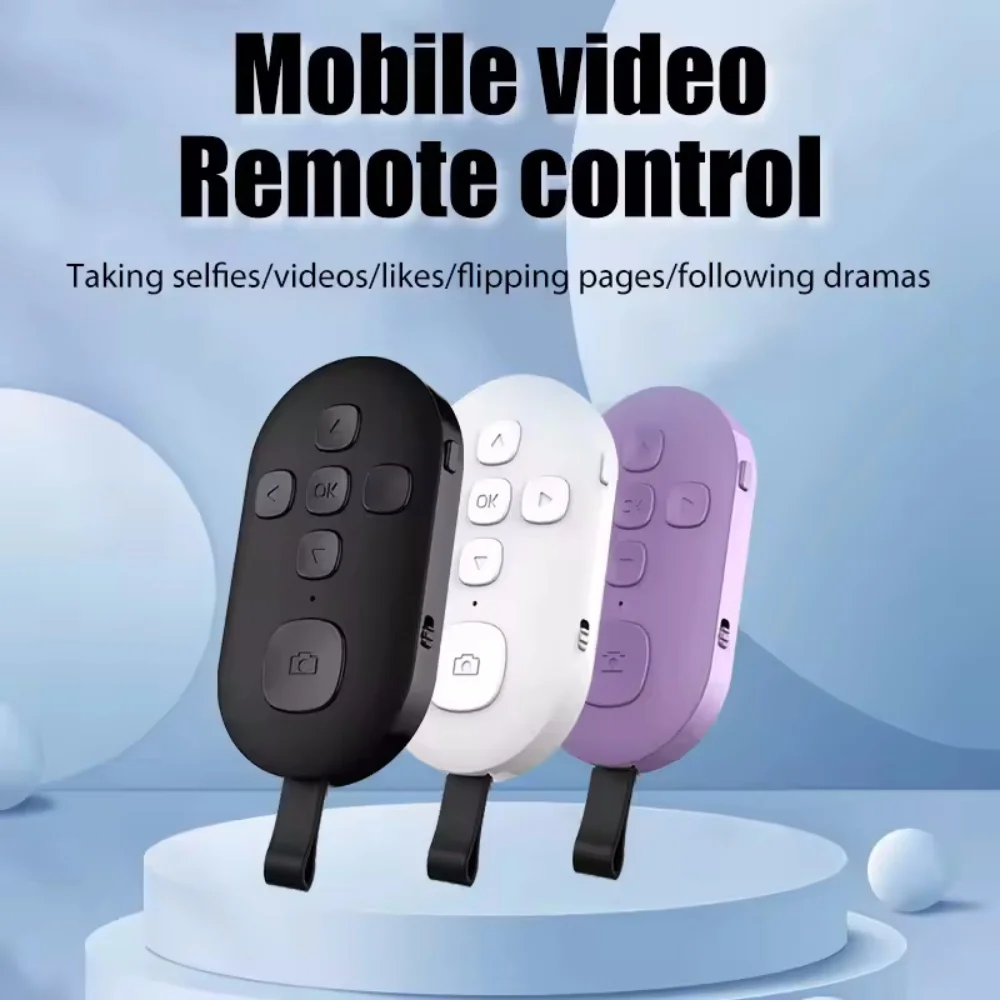
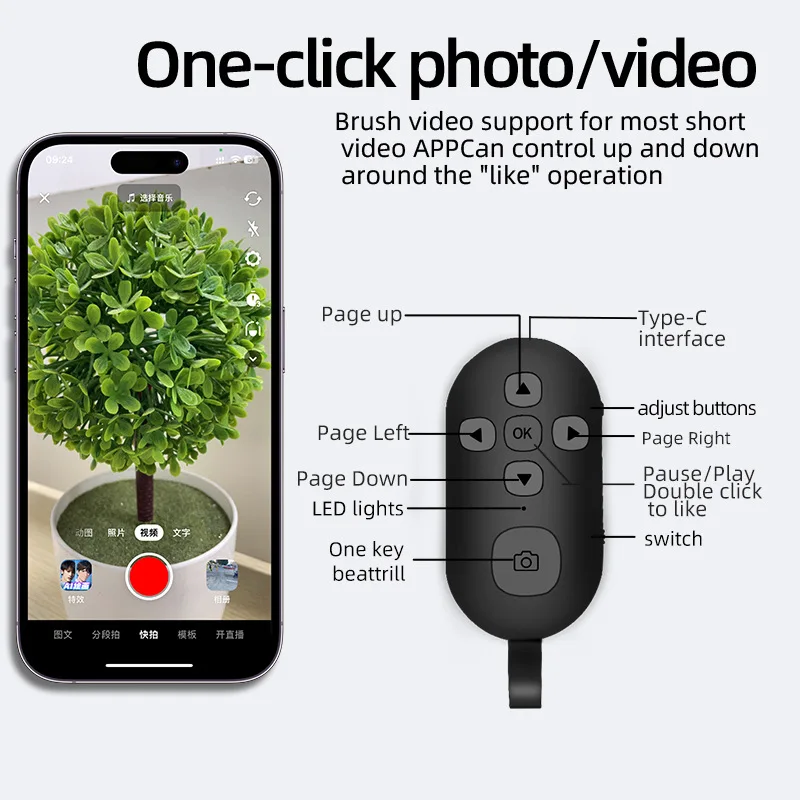
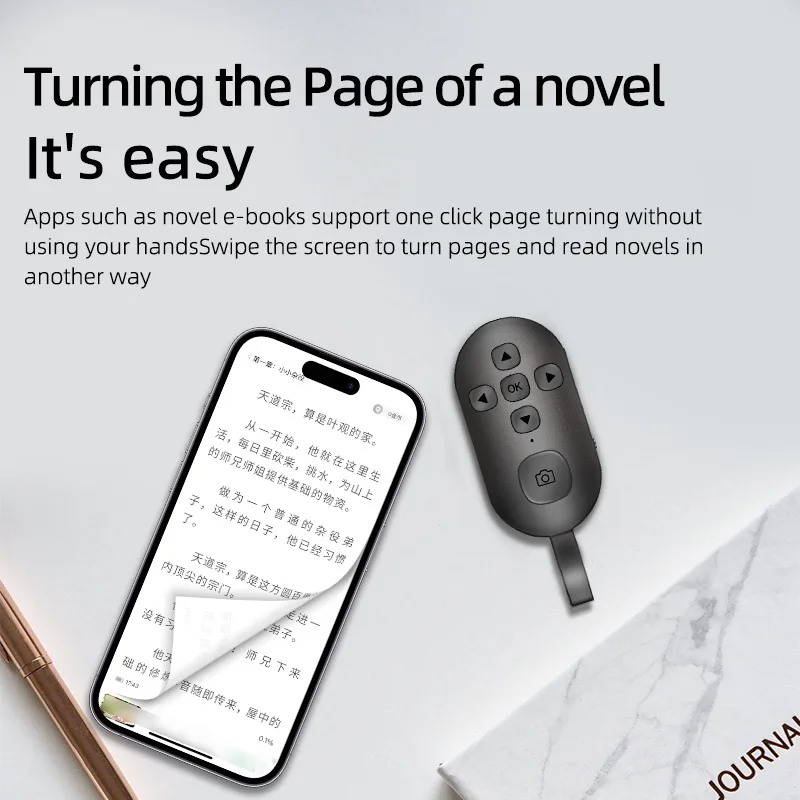
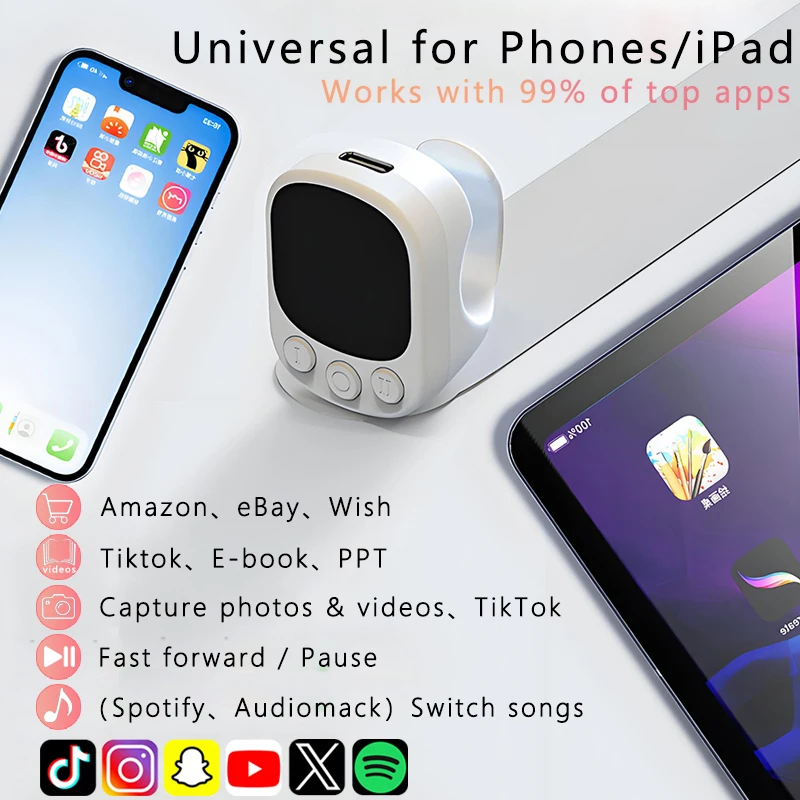
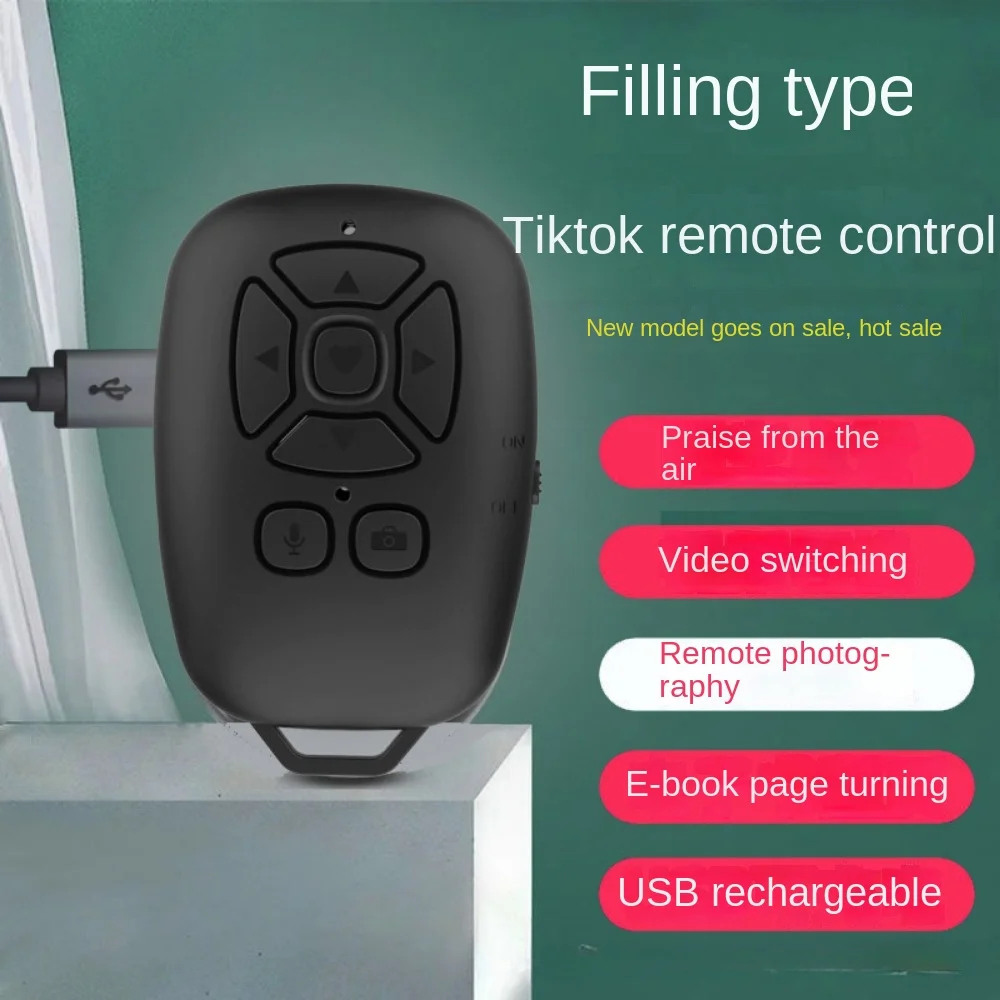
- Compact remotes that also turn pages, for moving on through short videos as well as taking photos.
A remote also comes with many tripods: see tripods with remotes. A side handle with a shutter button built in, for a phone cage, is in phone rigs and cages.
How to choose a remote shutter
Check it works with your phone: each product page names the phones or systems it works with. Then think about how you will use it. A ring suits filming yourself while you move about; a button suits a tripod and a group shot. Pair the remote at home rather than at the viewpoint.
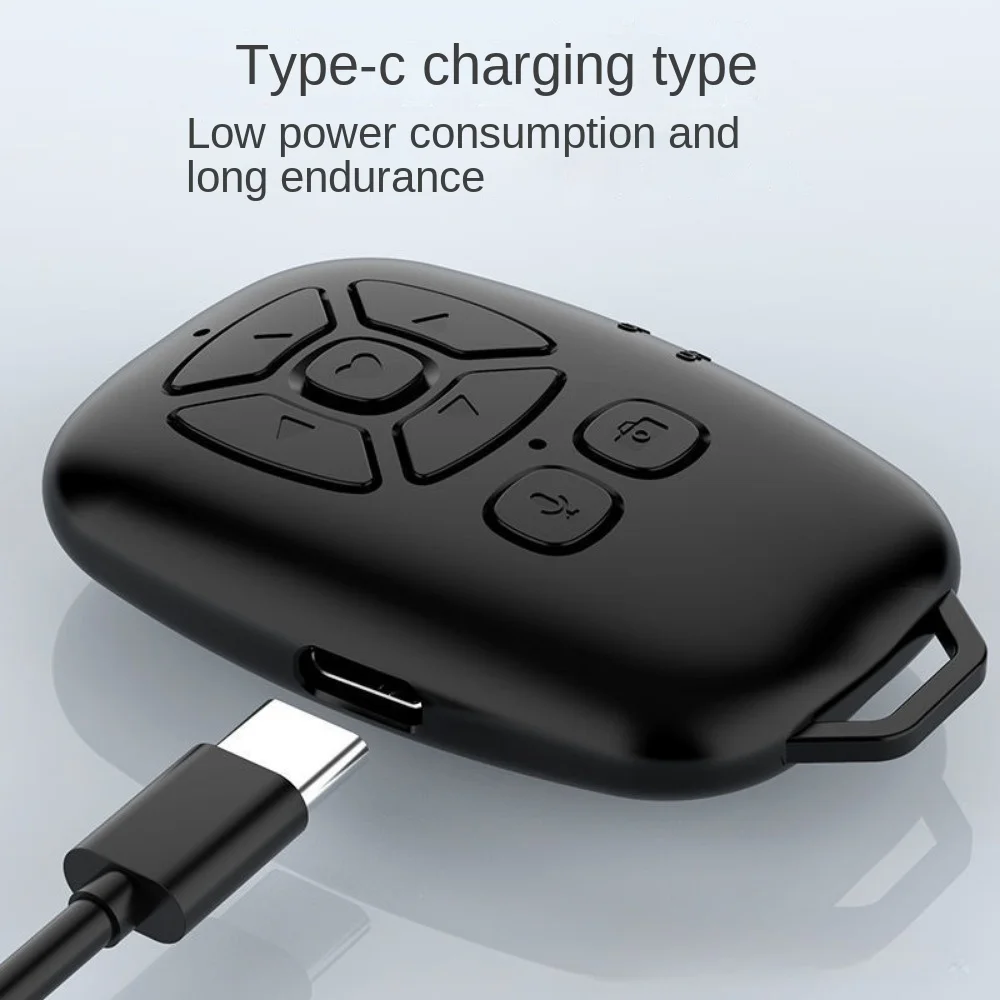
Look at the battery. Some take a coin cell, such as a CR2032, and some charge by cable. The government's product safety office warns that button and coin batteries can badly injure or kill a child if swallowed, and that a used one can still do harm. Keep remotes and spare cells out of reach of young children, and go straight to A&E if you think a child has swallowed one.
Questions people ask about remote shutters
Does a remote shutter need an app?
Many work with the phone's own camera app, because they send the same signal as the volume button. The product page says if one needs its own app.
Why will my remote not take a photo?
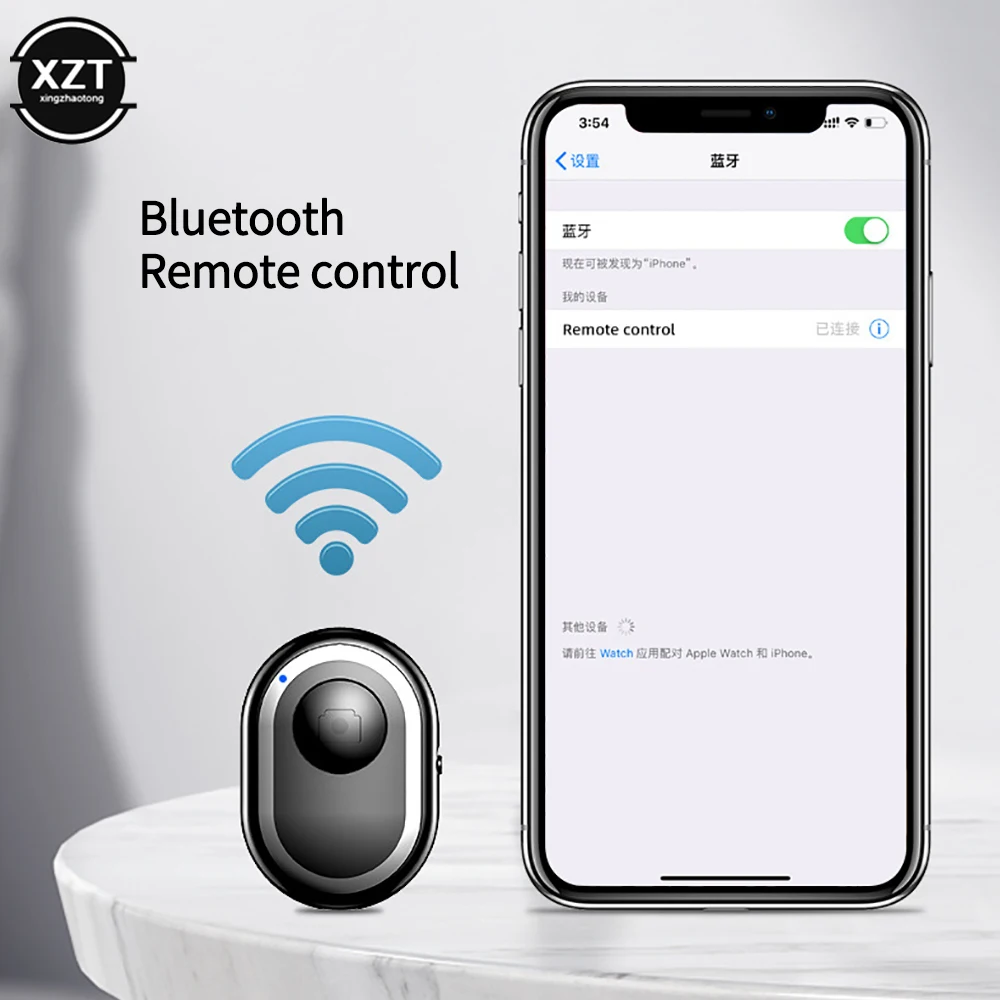
Check Bluetooth is on, the remote shows as connected rather than just seen nearby, and the camera app is open on the screen. If it has separate iPhone and Android buttons, try the other one. If it has stopped working, the battery may be flat or it may be paired to another phone: forget it in the Bluetooth settings and pair it again.
Can I use my phone's own timer instead?
Yes. On an iPhone the camera's timer gives 3, 5 or 10 seconds, and other phones have one too. A remote is easier for several shots in a row and for video you start and stop from a distance.
How long does delivery take?
Delivery is included in every price and tracked to your door. Each product page says when it usually arrives.
More to look at