Skip to the content

Delivery included in every priceTracked to your doorFind what fits your phone

Stylus Tips

Spare tips for stylus pens.

Shop Stylus Tips

12 products

1 of 32 of 33 of 3

Replacement Stylus Nib Tips for Samsung Galaxy Tab S Series Pen

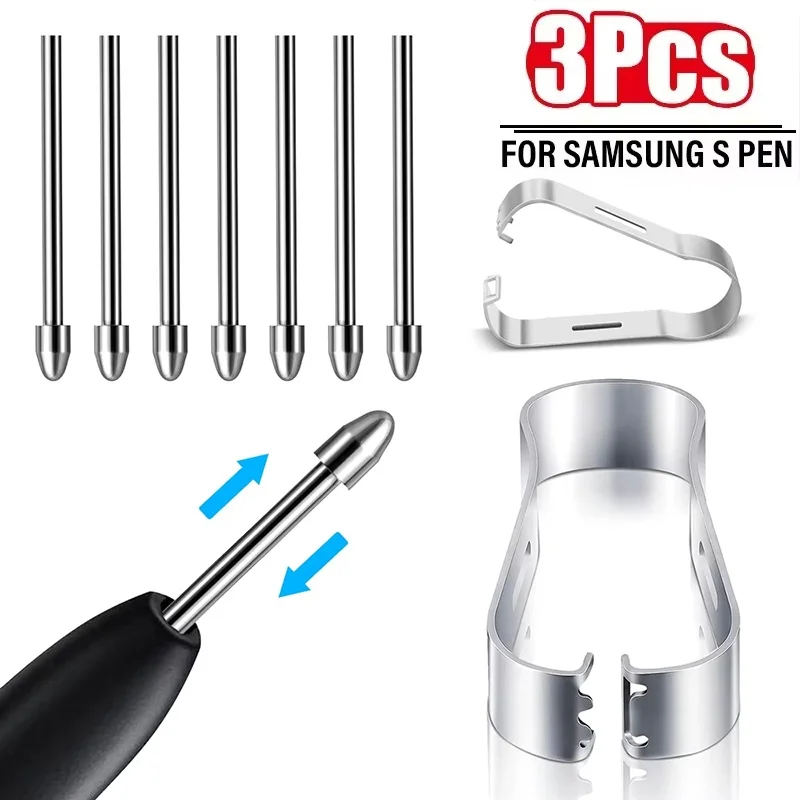
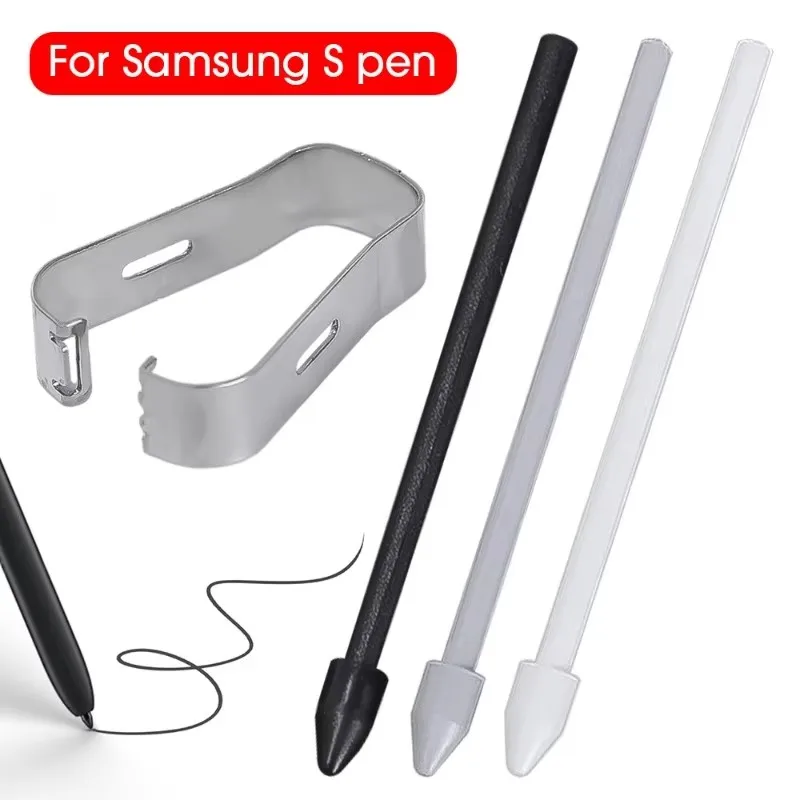
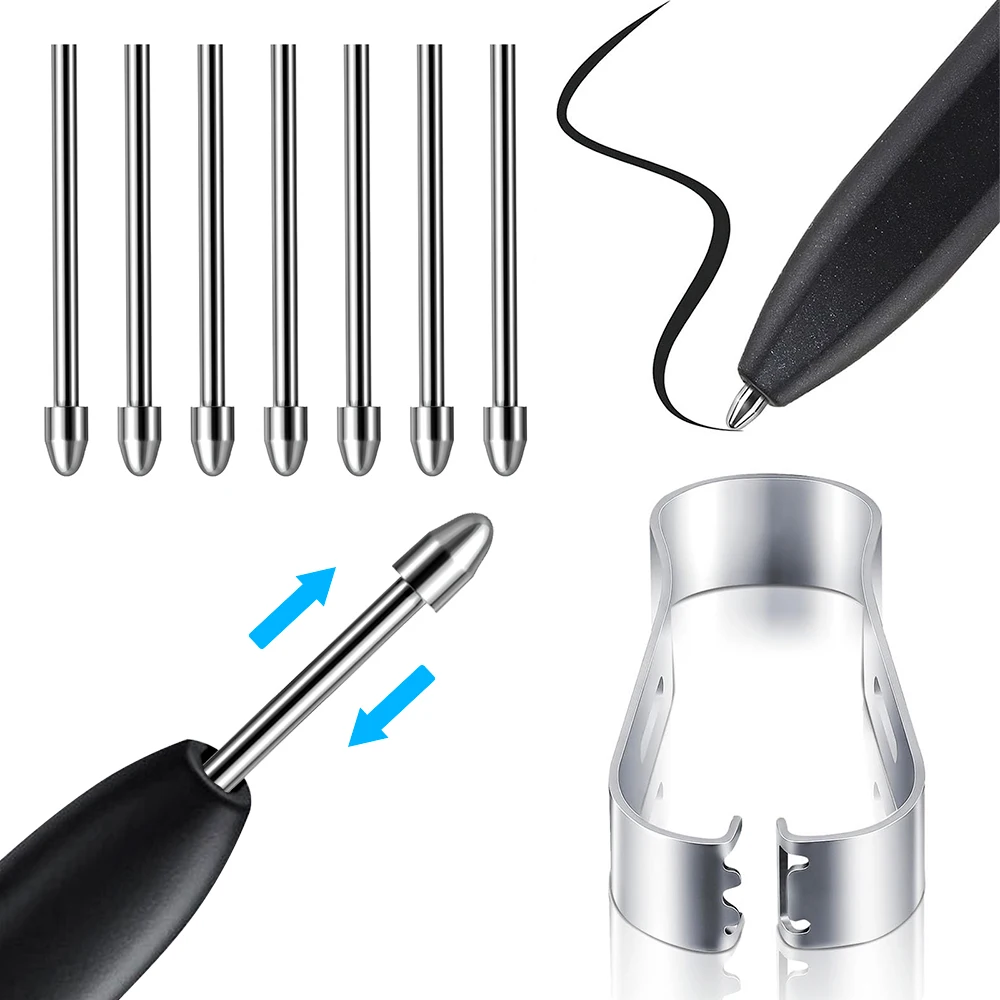
Titanium alloy replacement stylus nibs for Samsung Galaxy Tab S6-S9 and Note/S series phone S Pens, 3 nibs and 1 clip included.

£13.99
1 of 32 of 33 of 3

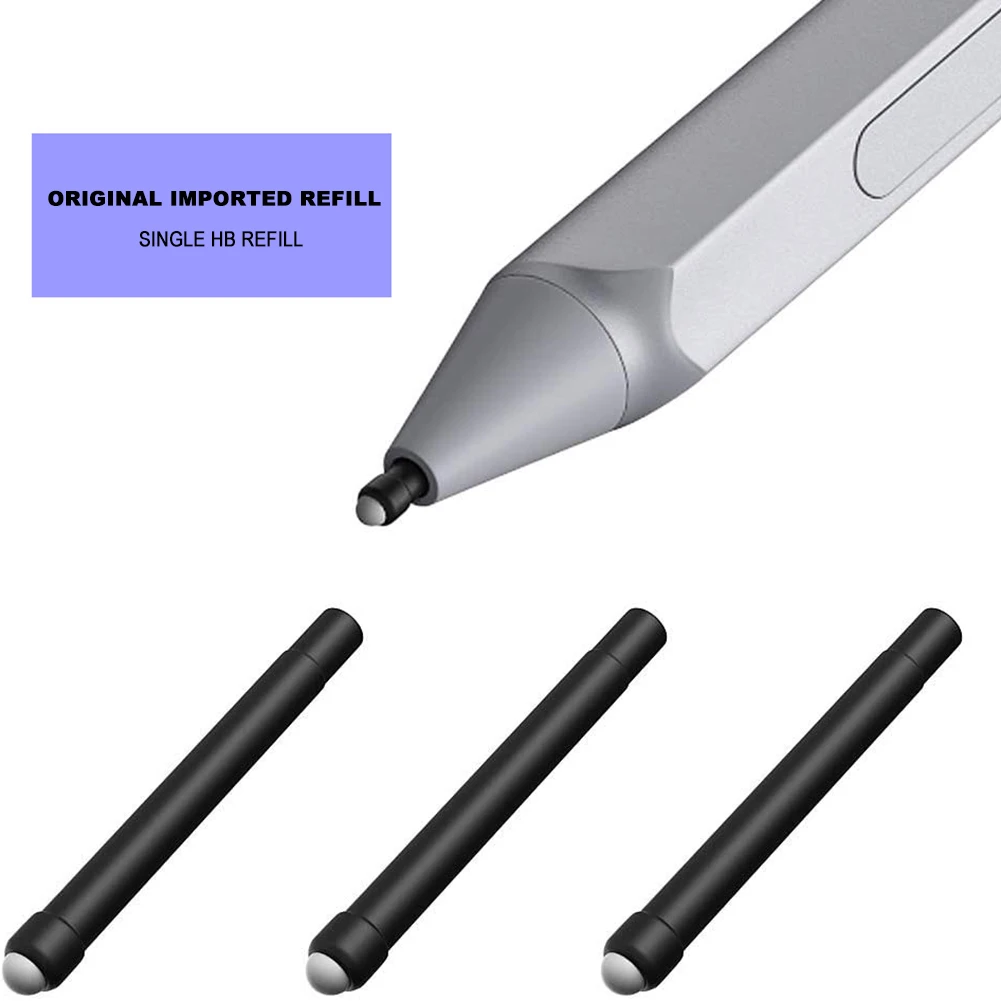
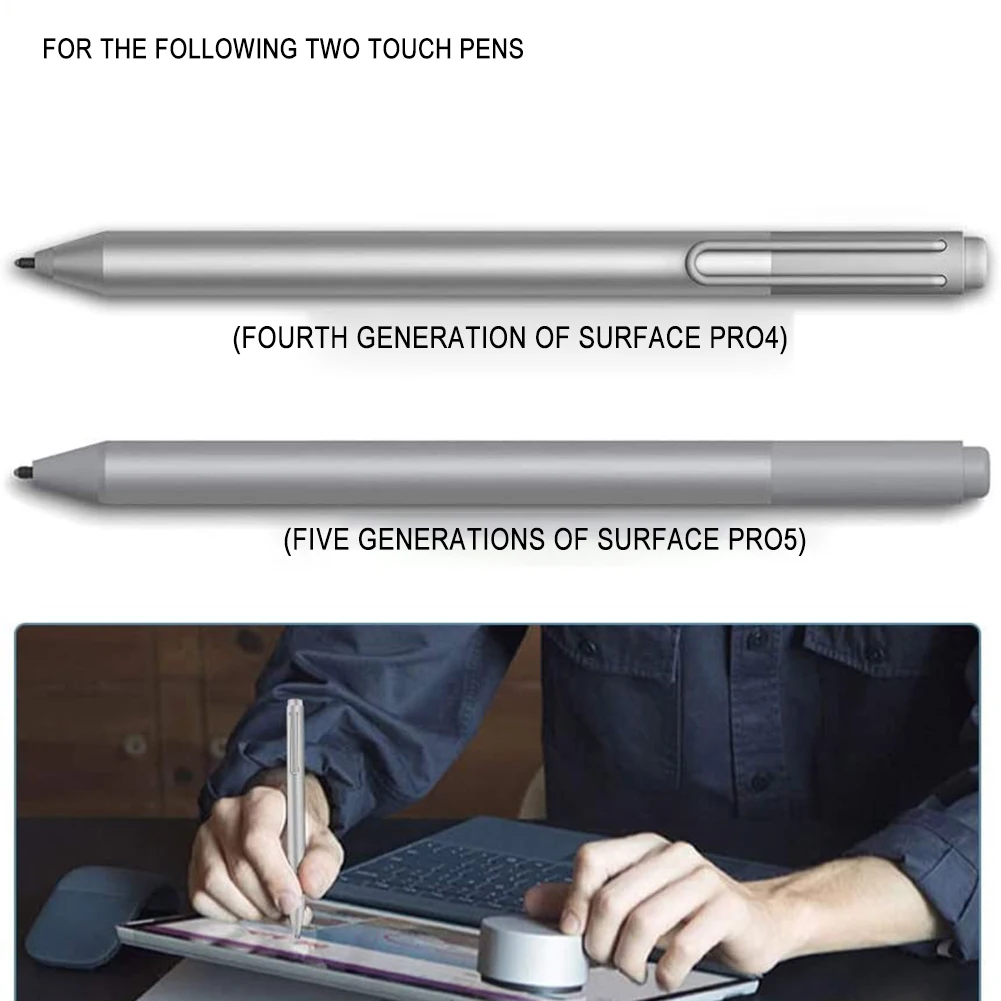
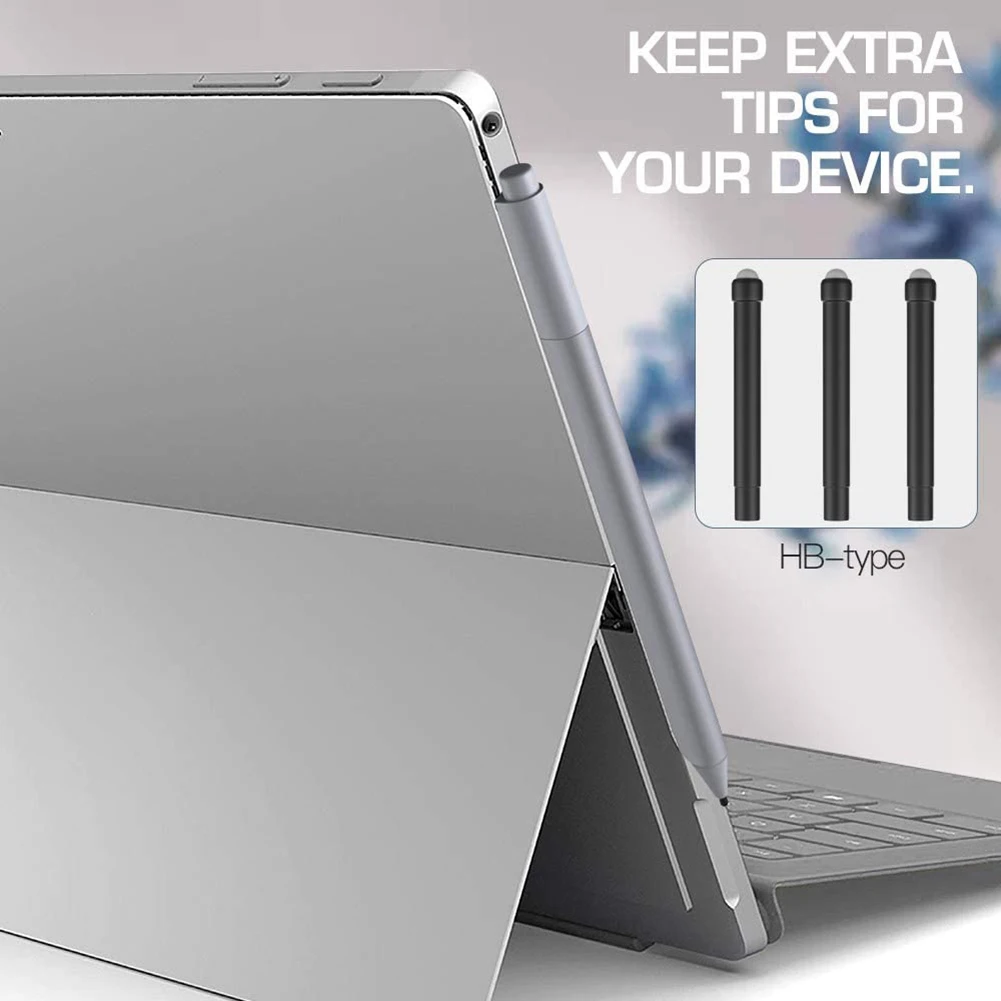
Replacement Stylus Pen Tips HB Refill for Microsoft Surface Pro

Replacement HB rubber stylus nibs for Microsoft Surface Pro, Book, Go, Laptop and Studio pens, sold in packs of 1, 3 or 6.

From £12.99
1 of 32 of 33 of 3

Replacement Stylus Pen Tips for Samsung Galaxy Tab S6/S7/S8/S9

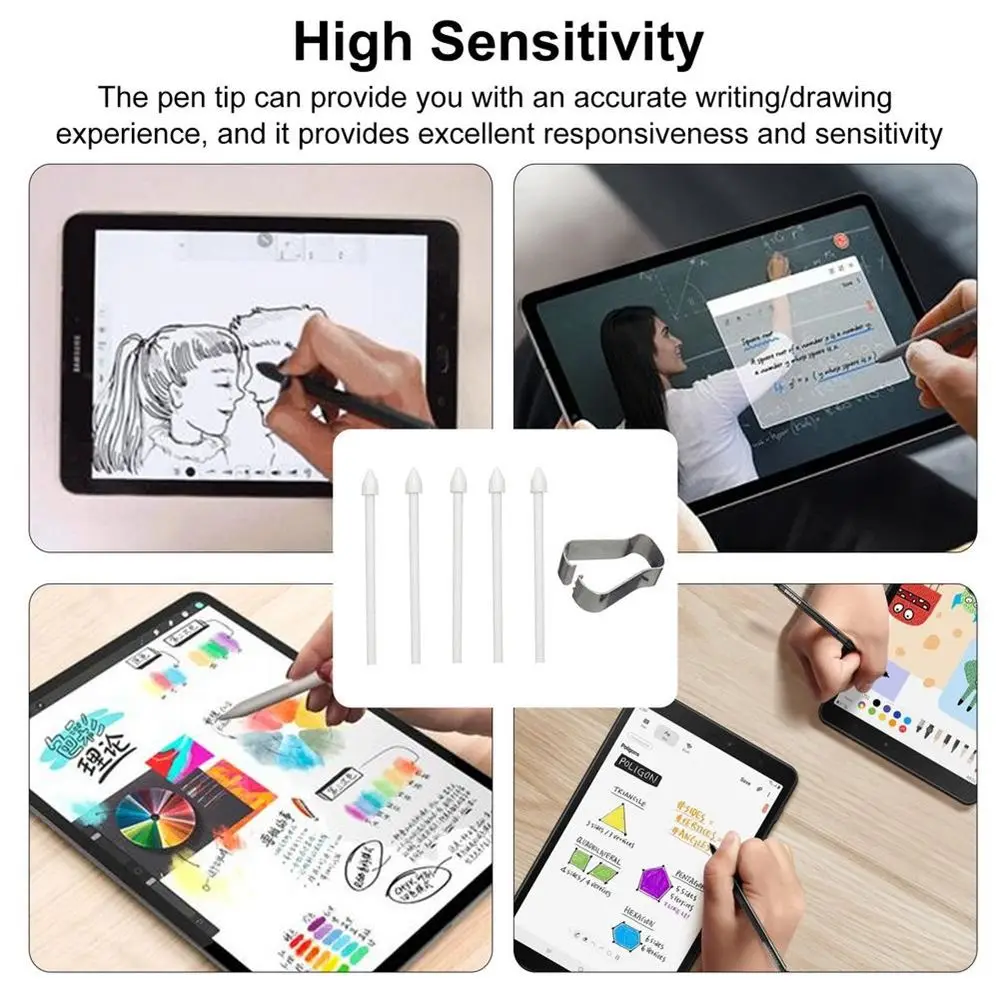
Replacement stylus pen tips for Samsung Galaxy Tab S6, S7, S8 and S9 series, supplied with a removal tool.

From £7.99
1 of 32 of 33 of 3

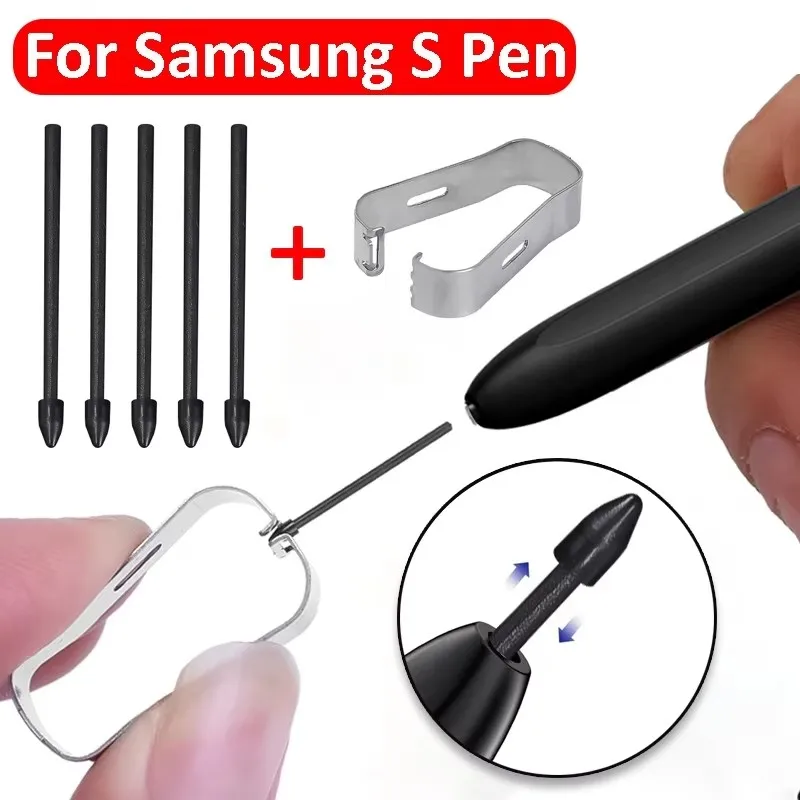
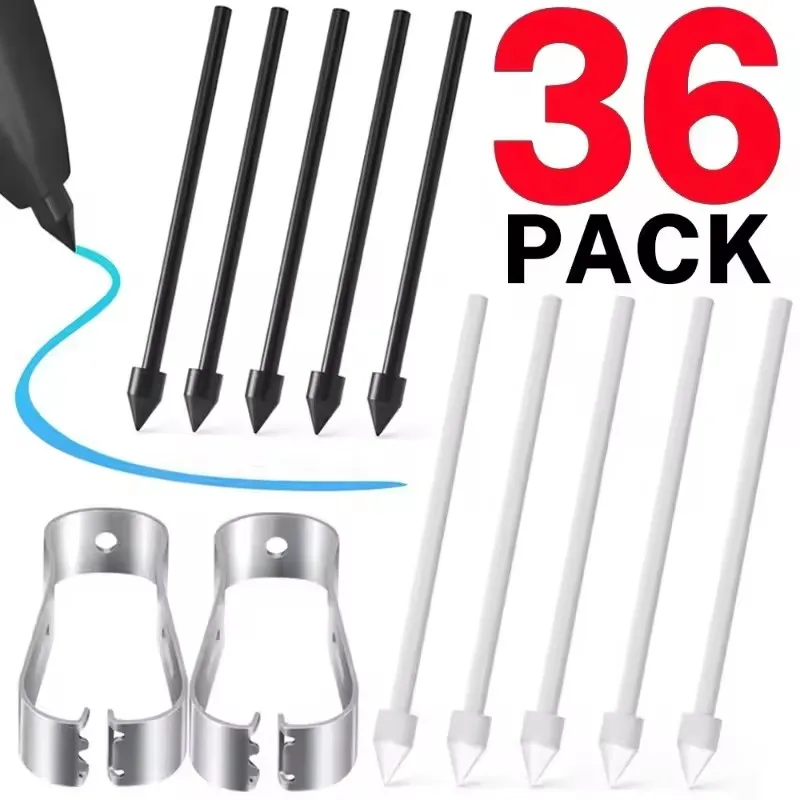
S Pen Replacement Nib Tips Set for Samsung Galaxy Tab S6/S7/S6 Lite

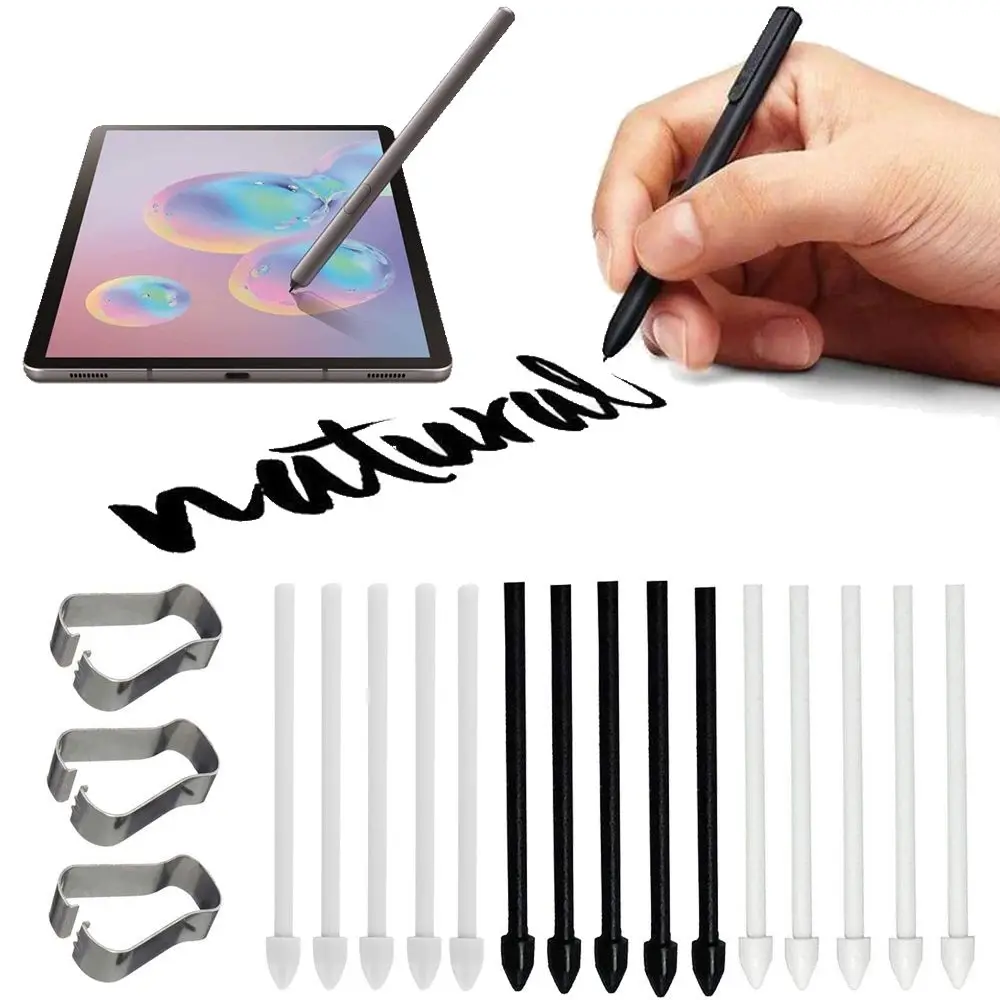
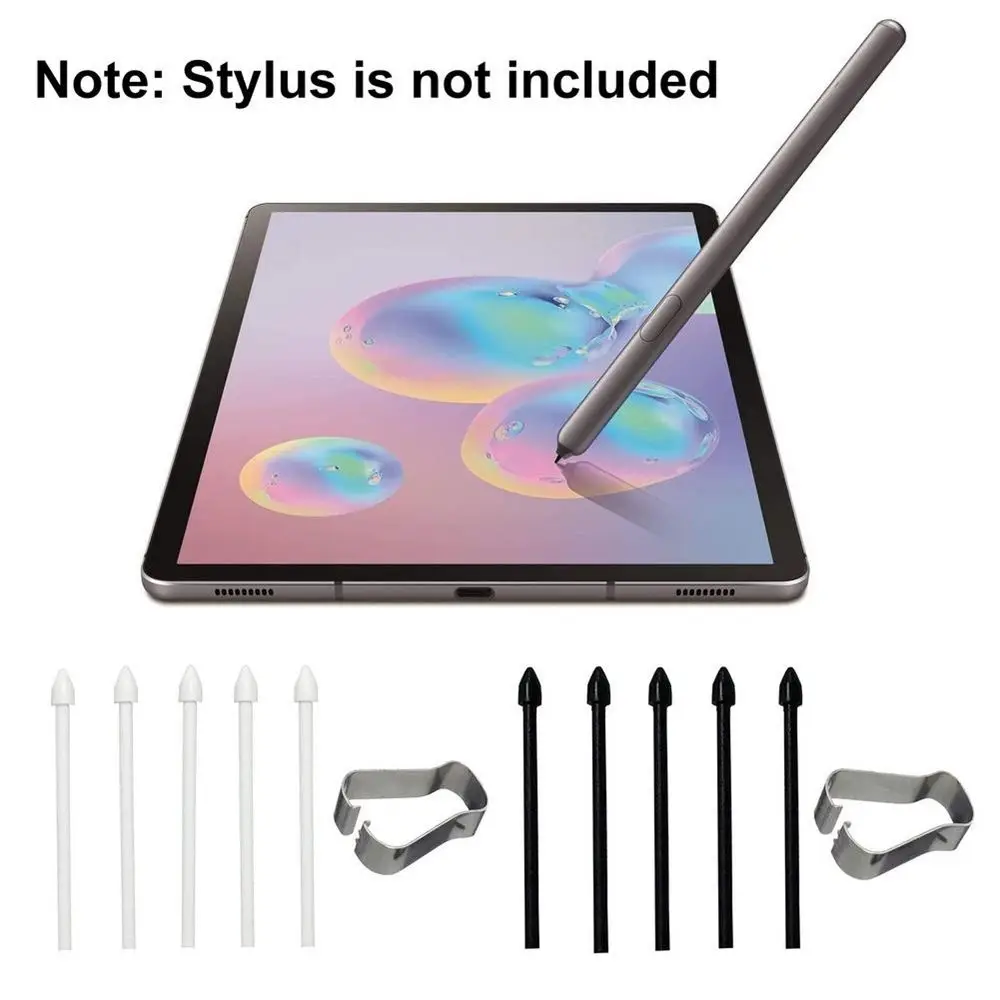
A 5-piece replacement nib set with metal clip for Samsung Galaxy S Pen styluses, including Tab S6, S7 and Note 20/10 series.

£7.99
1 of 32 of 33 of 3

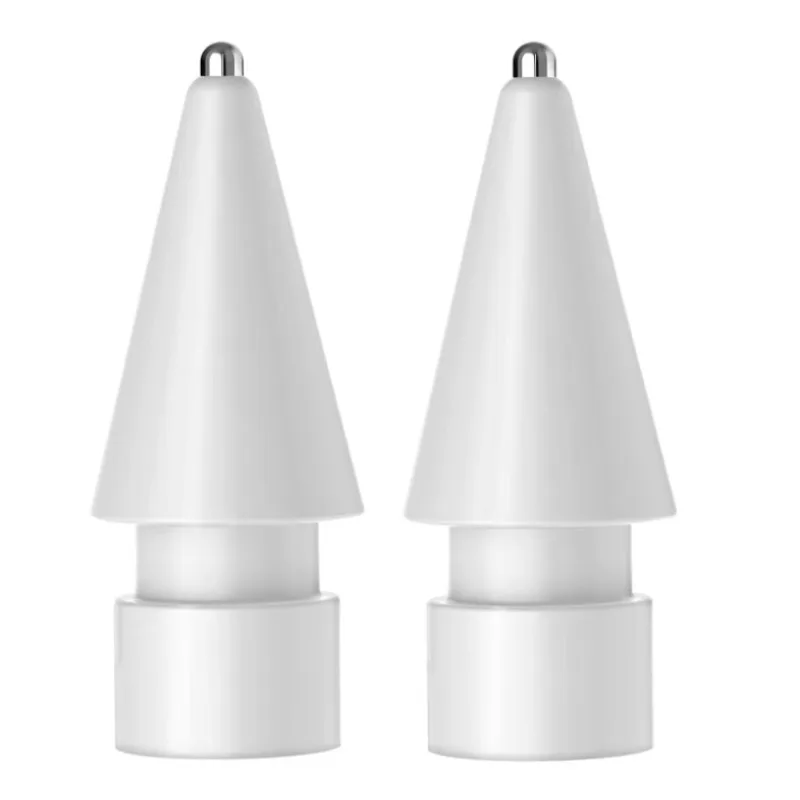
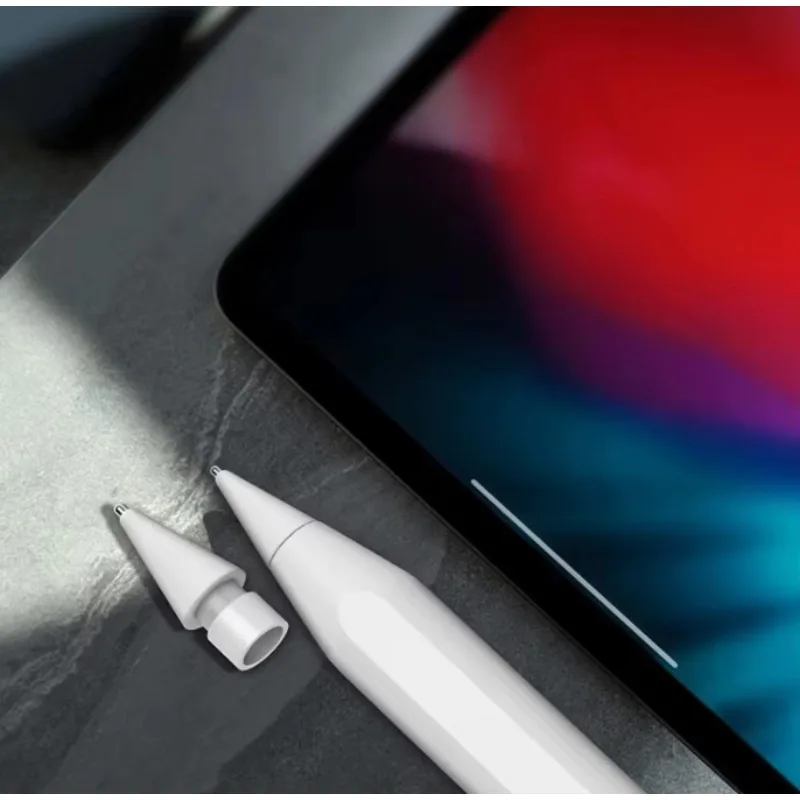
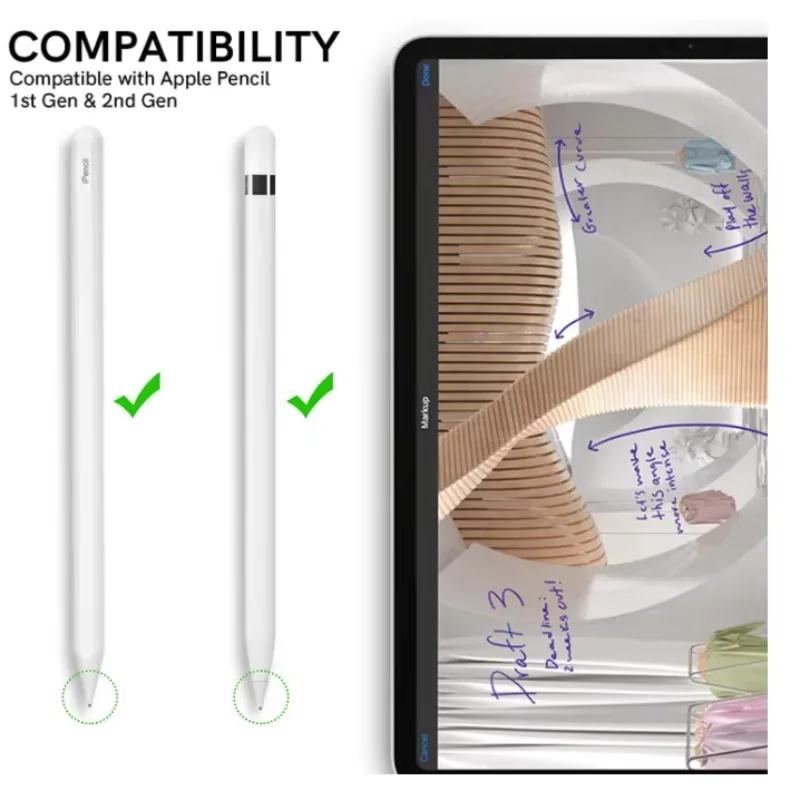
Replacement Nib for Apple Pencil (2nd Generation)

Replacement fine-point nib for Apple Pencil 2nd generation, available in packs of 1, 2, 4 or 6.

From £8.99
1 of 32 of 33 of 3

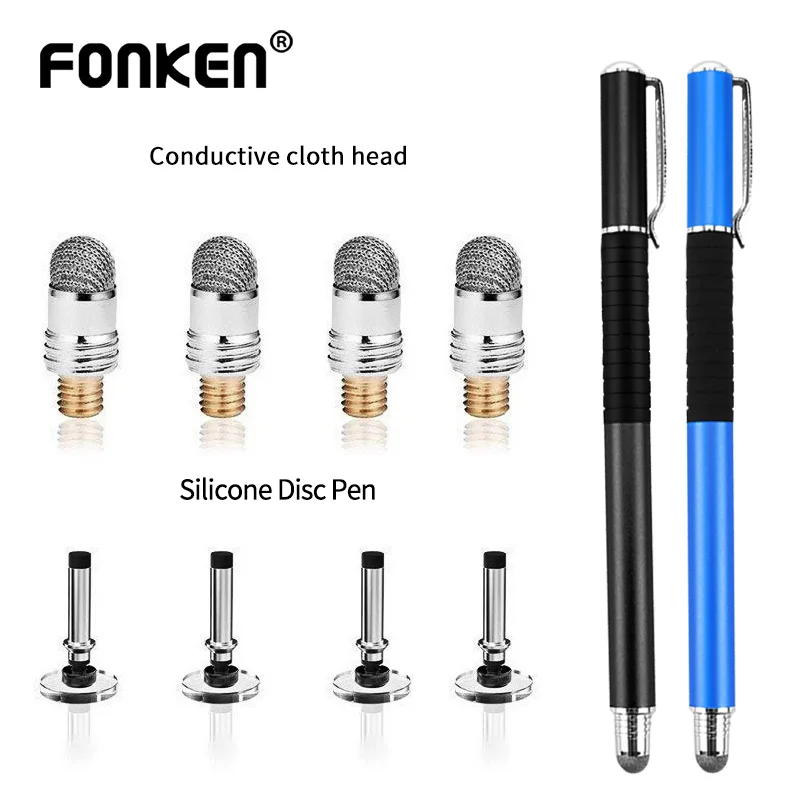
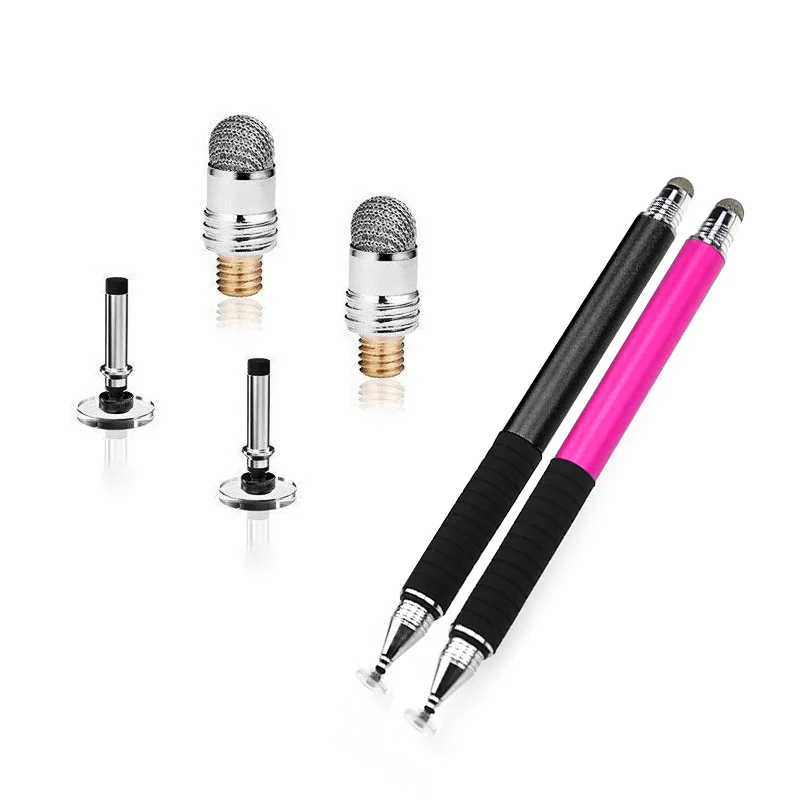
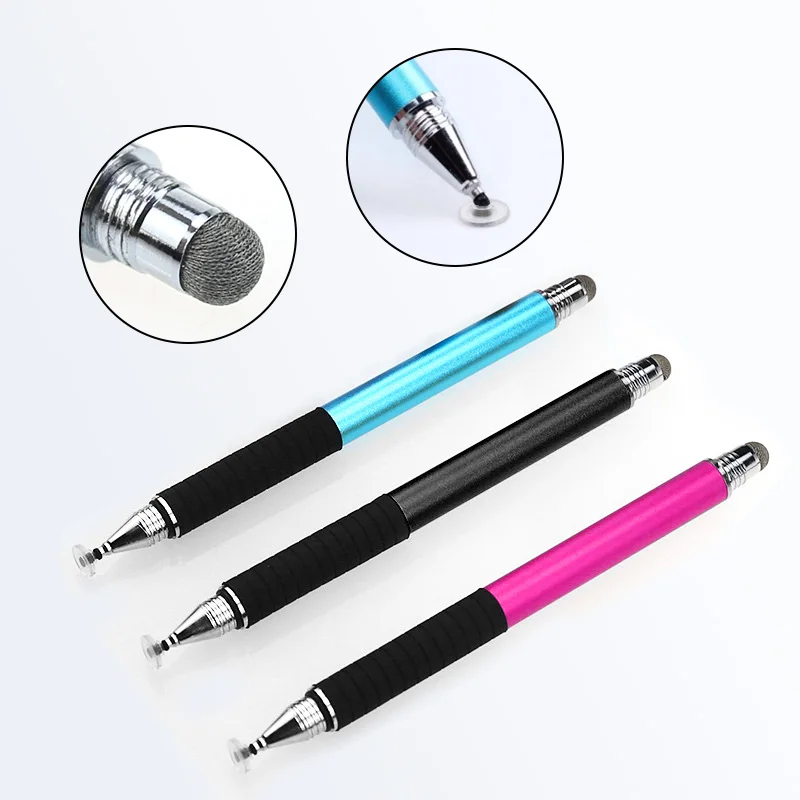
Universal Capacitive Stylus Pen with Replacement Disc & Fibre Tips

A universal capacitive stylus pen with interchangeable disc and fibre nibs for writing and drawing on touchscreens.

From £8.99
1 of 32 of 33 of 3

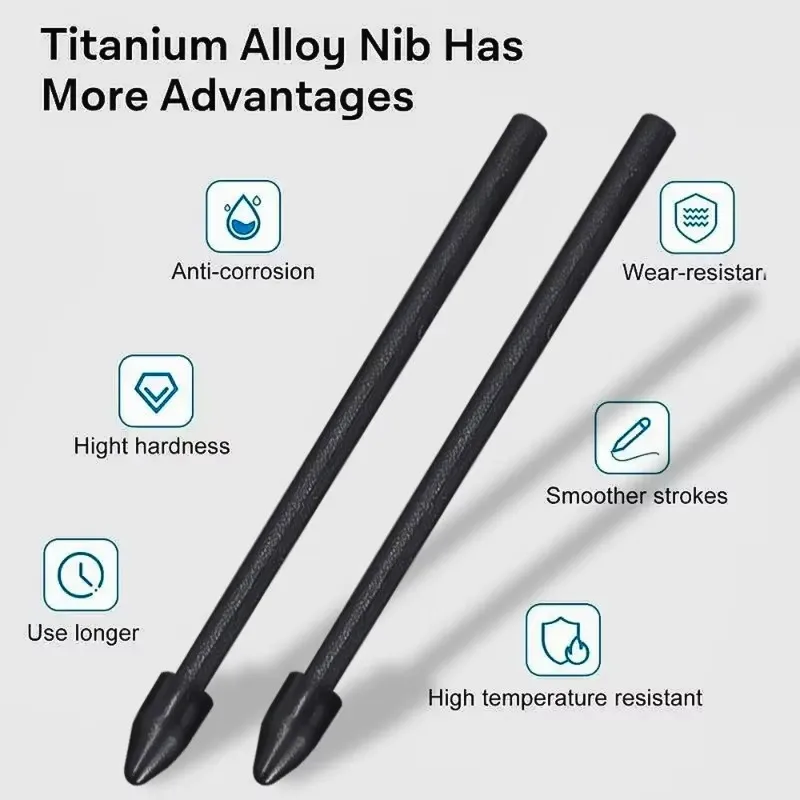
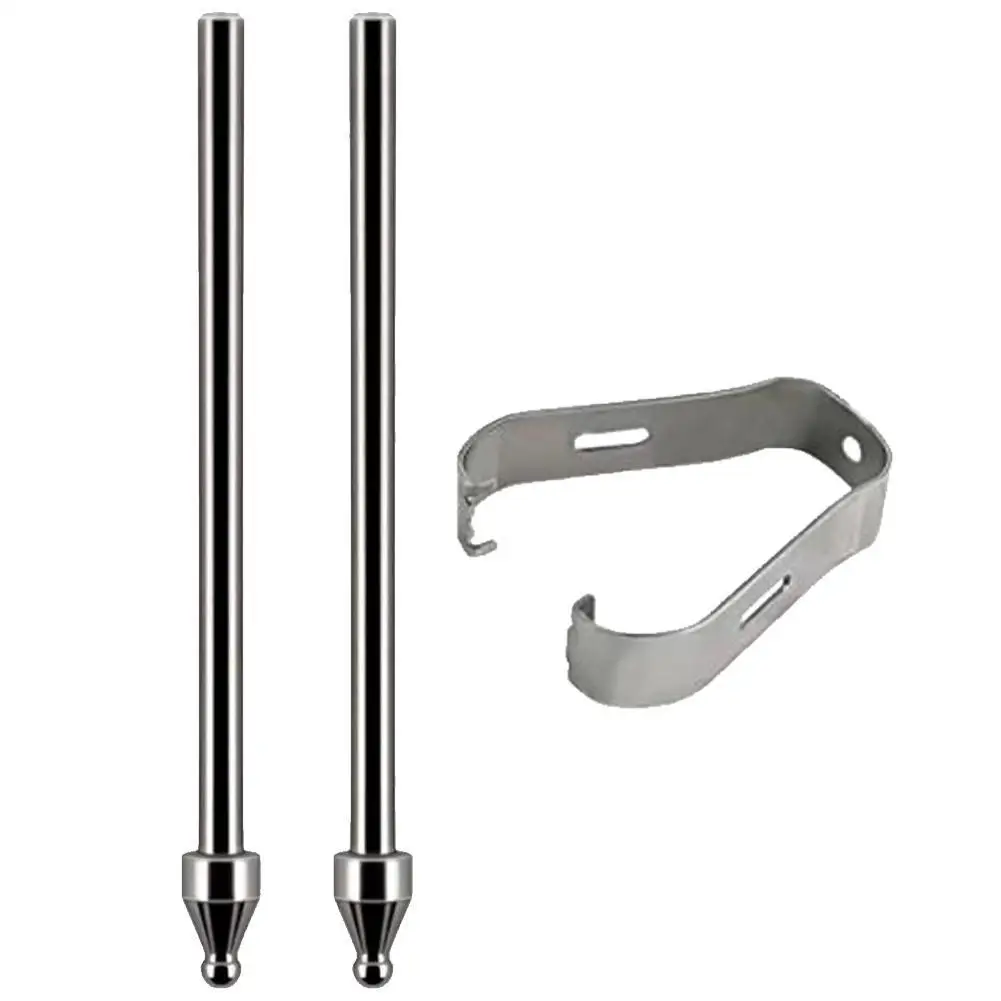
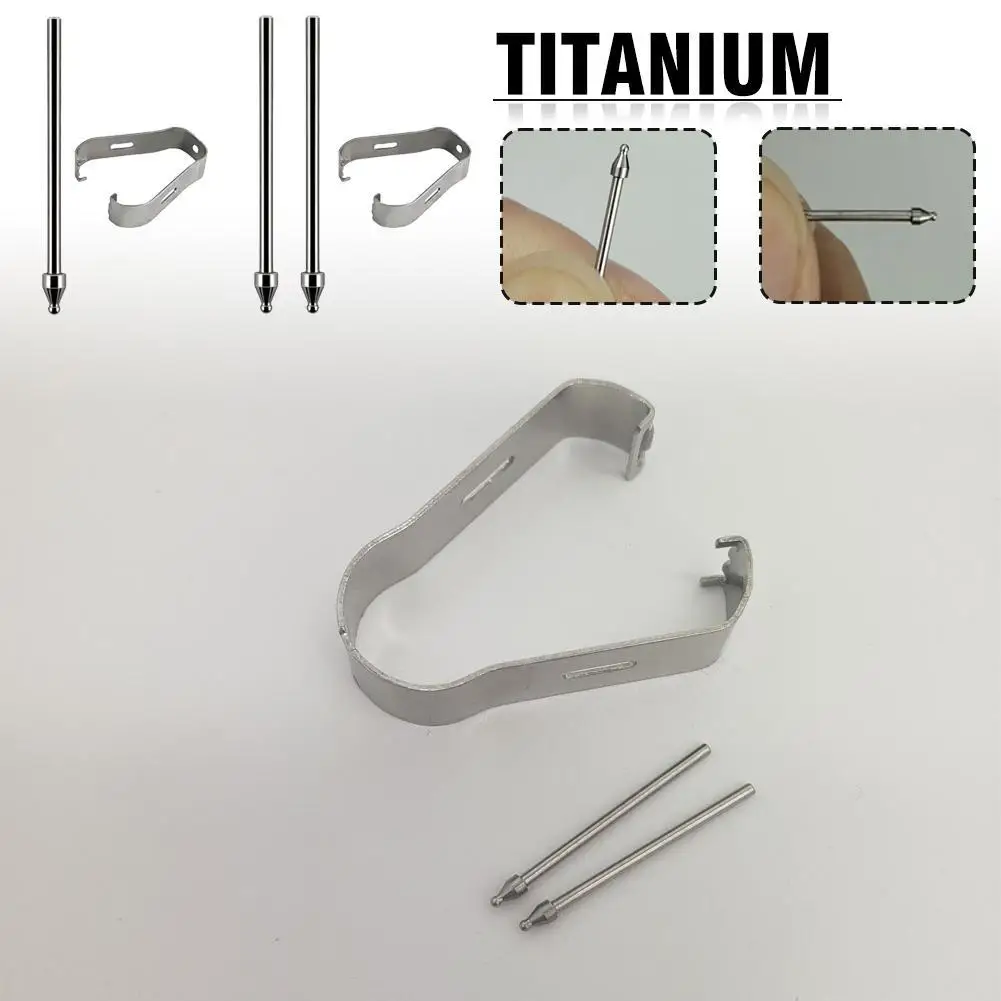
Titanium Alloy Replacement Stylus Nibs for Samsung Galaxy S Pen

Titanium alloy replacement nibs for Samsung Galaxy S Pen styluses, available in 2 or 3 piece sets.

From £10.99
1 of 32 of 33 of 3

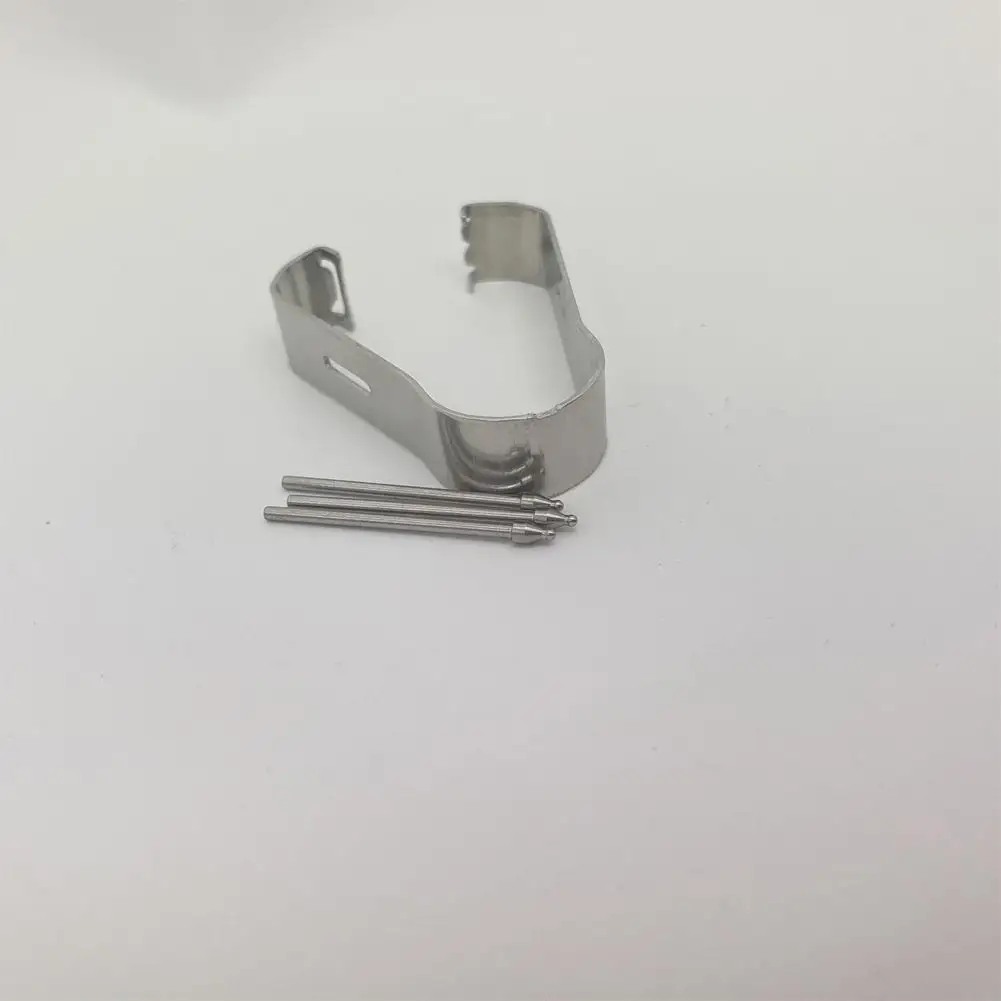
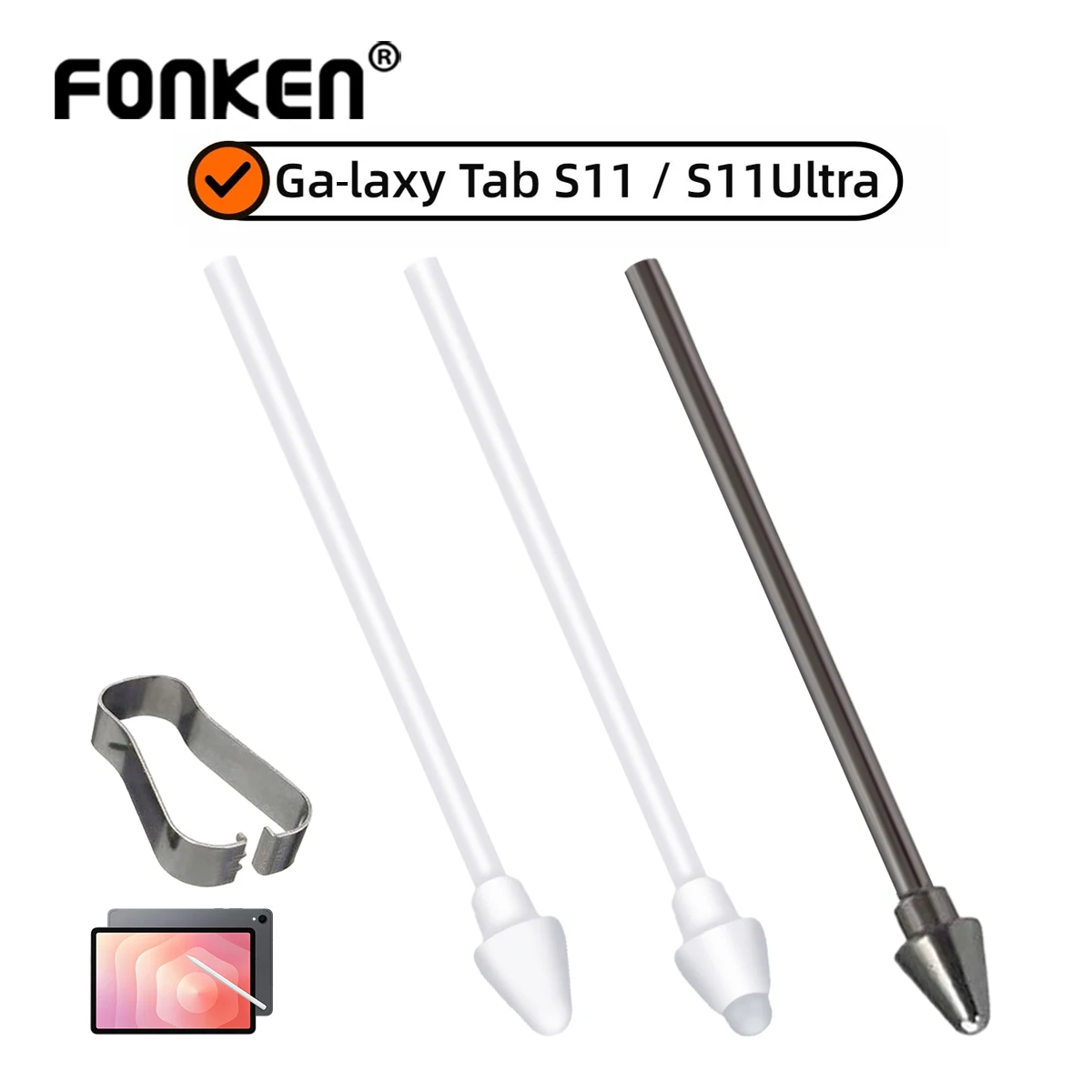
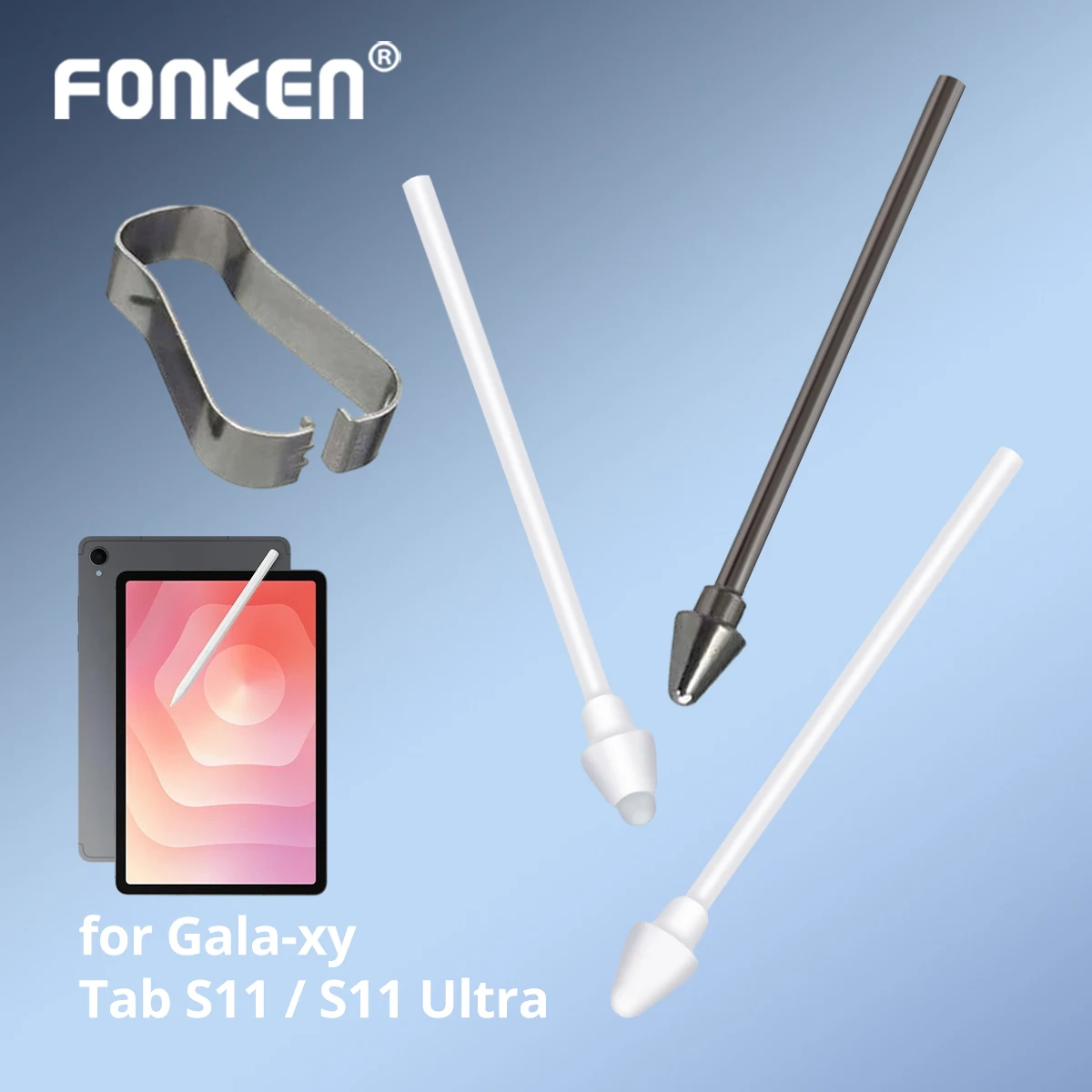
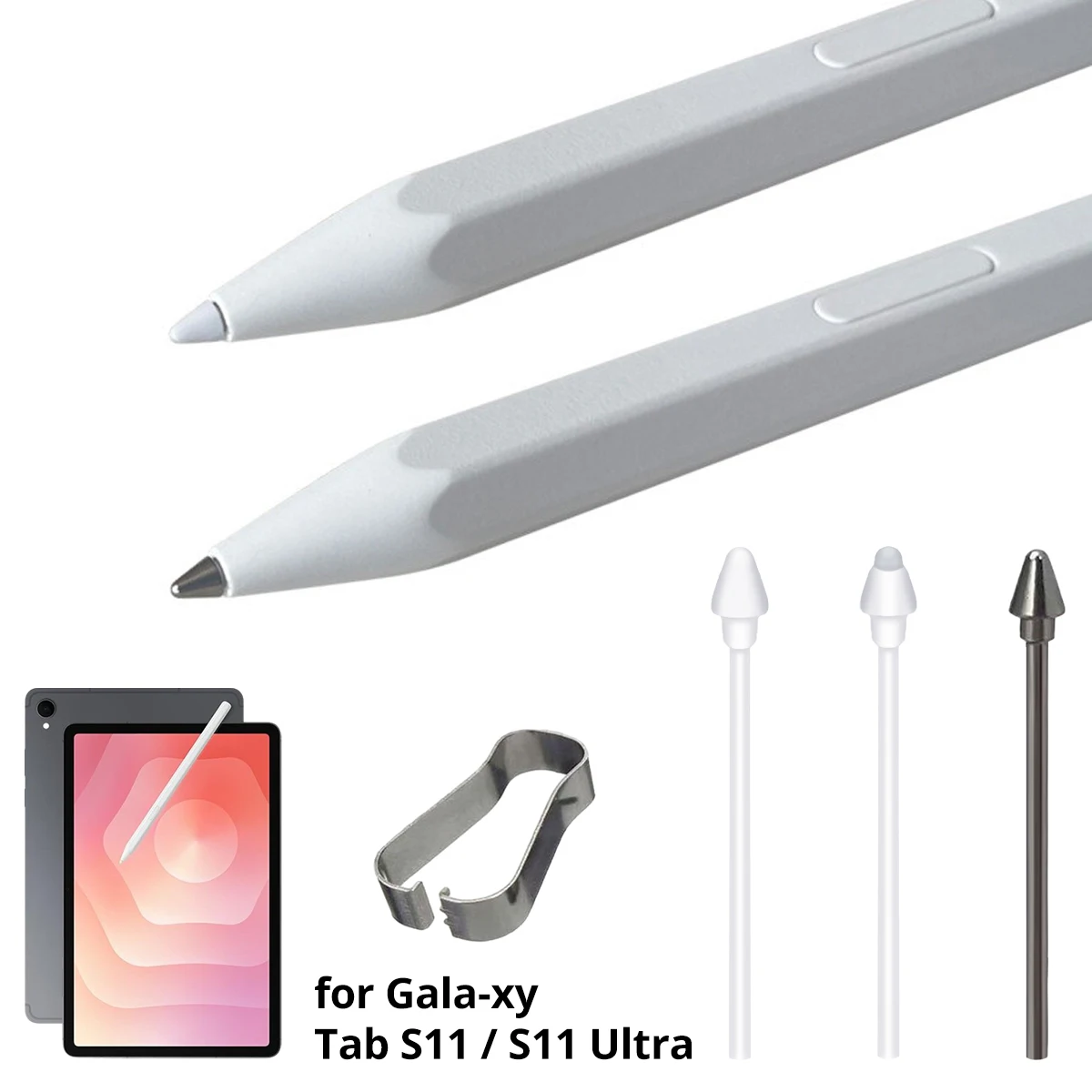
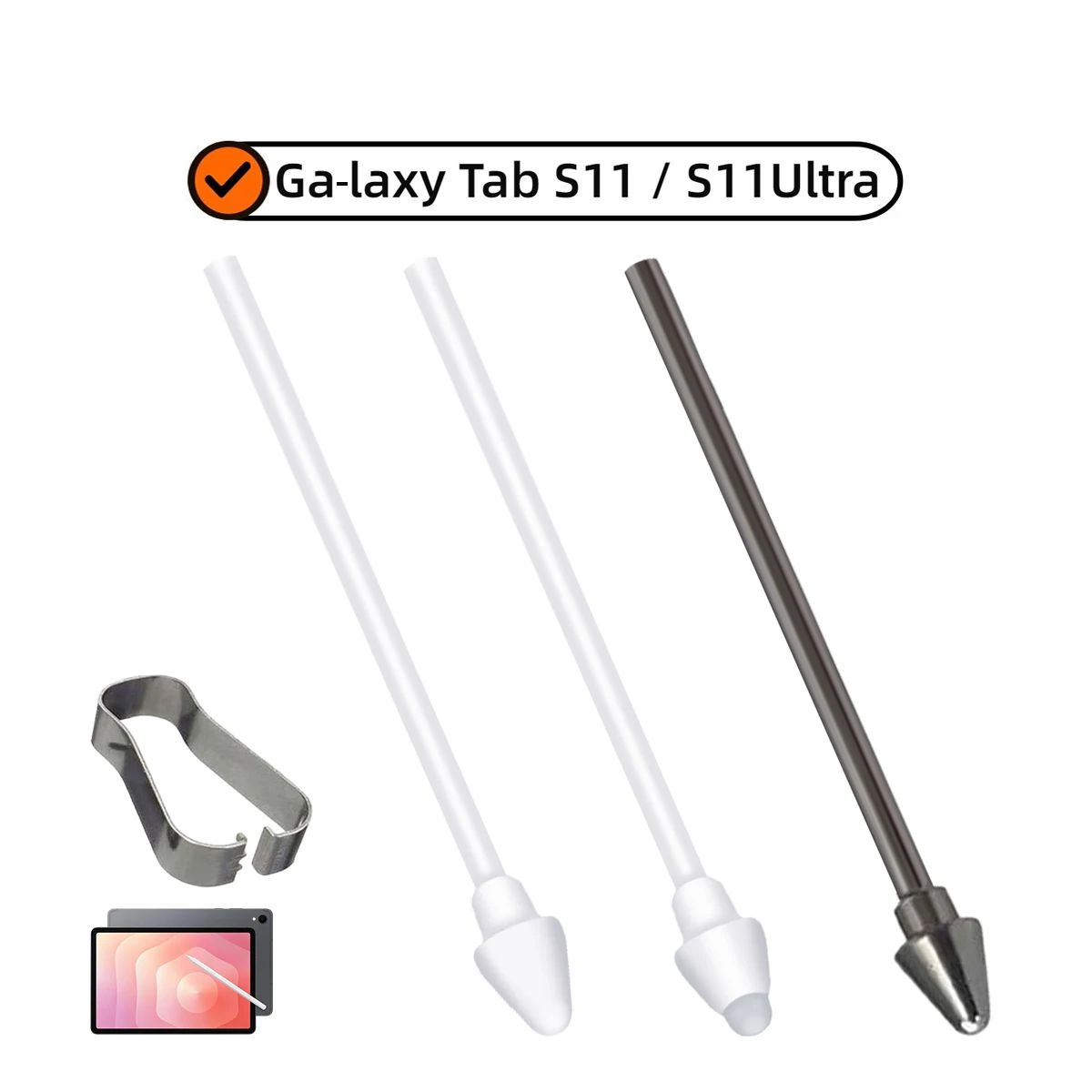
Replacement S Pen Tips with Removal Tweezer for Samsung Galaxy Tab S11 / Tab S11 Ultra

Replacement S Pen nibs with removal tweezer for Samsung Galaxy Tab S11 / Tab S11 Ultra, in soft, metal or normal tip options.

From £11.99
1 of 32 of 33 of 3

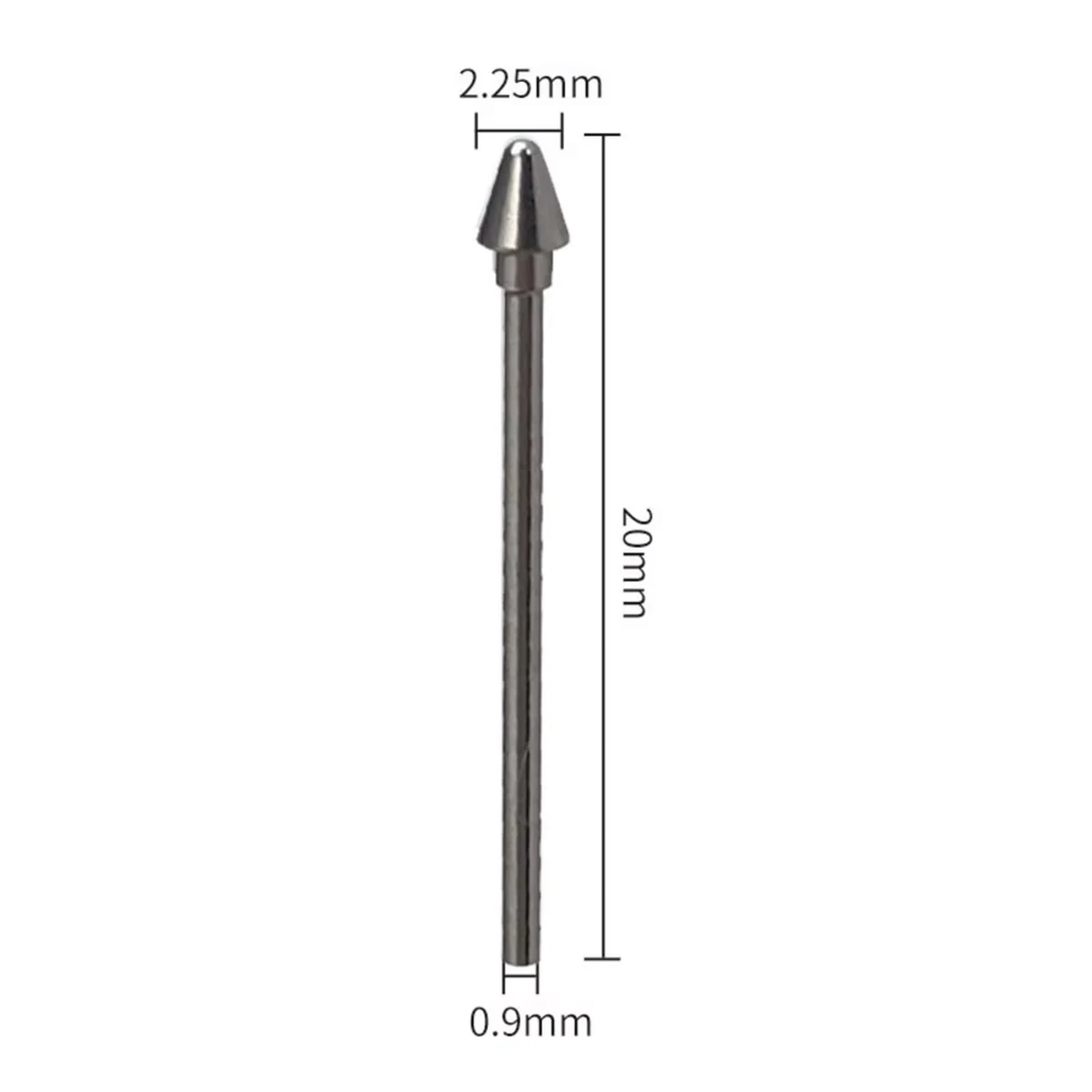
Replacement Stylus Nibs for Samsung Tablet - Titanium Alloy, 4096 Pressure Sensitivity

Pack of 3 titanium alloy replacement stylus nibs for Samsung tablets, supporting 4096 pressure sensitivity and easy tweezer-assisted fitting.

£10.99
1 of 32 of 33 of 3

Replacement Stylus Pen Tips with Tweezer for Samsung Galaxy Tab & Note

From £7.99
1 of 32 of 33 of 3

Replacement S Pen Nibs for Samsung Galaxy Tab S11 / S11 Ultra

Replacement S Pen nibs for Samsung Galaxy Tab S11 and S11 Ultra, available in packs of 2, 3 or 5.

£10.99
1 of 32 of 33 of 3

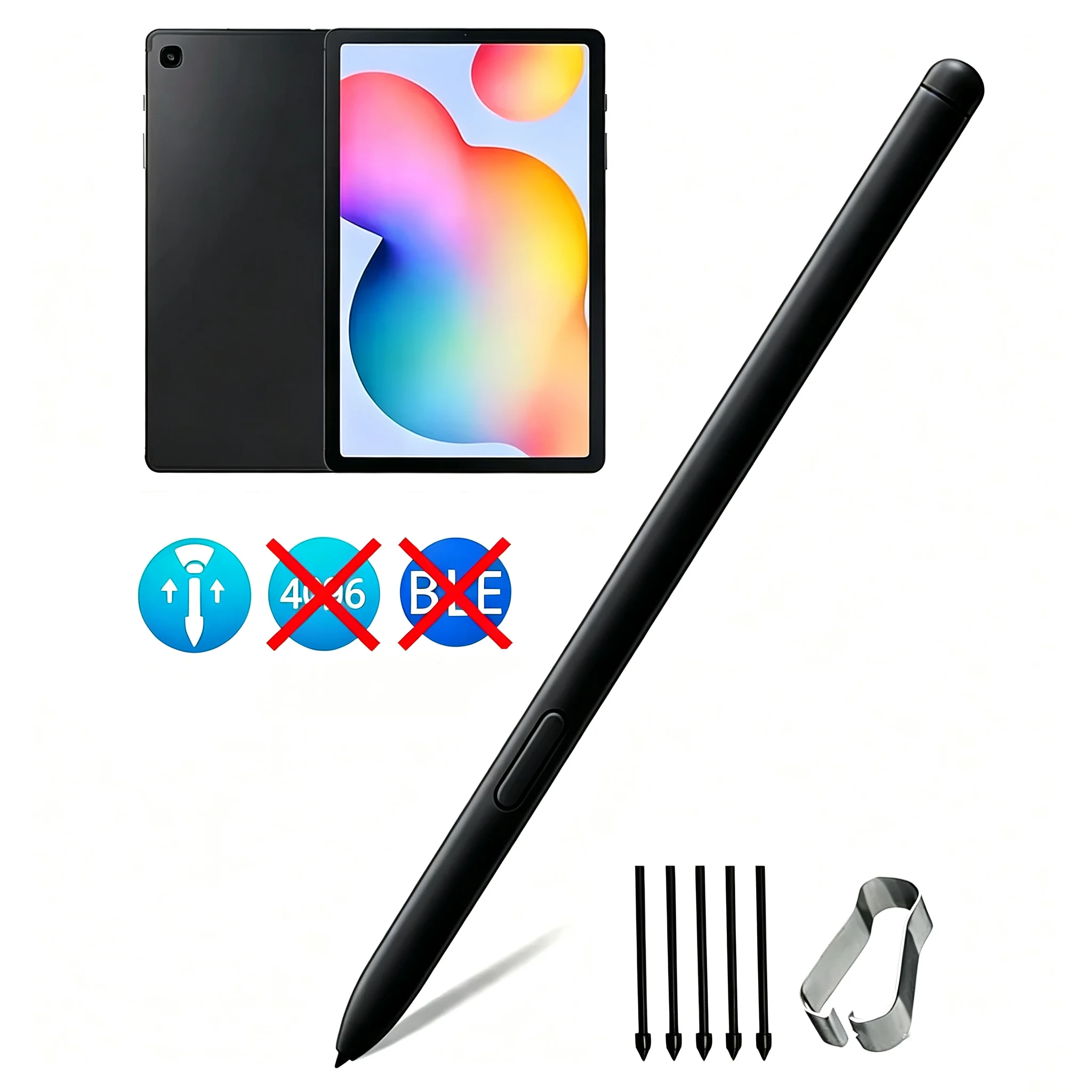
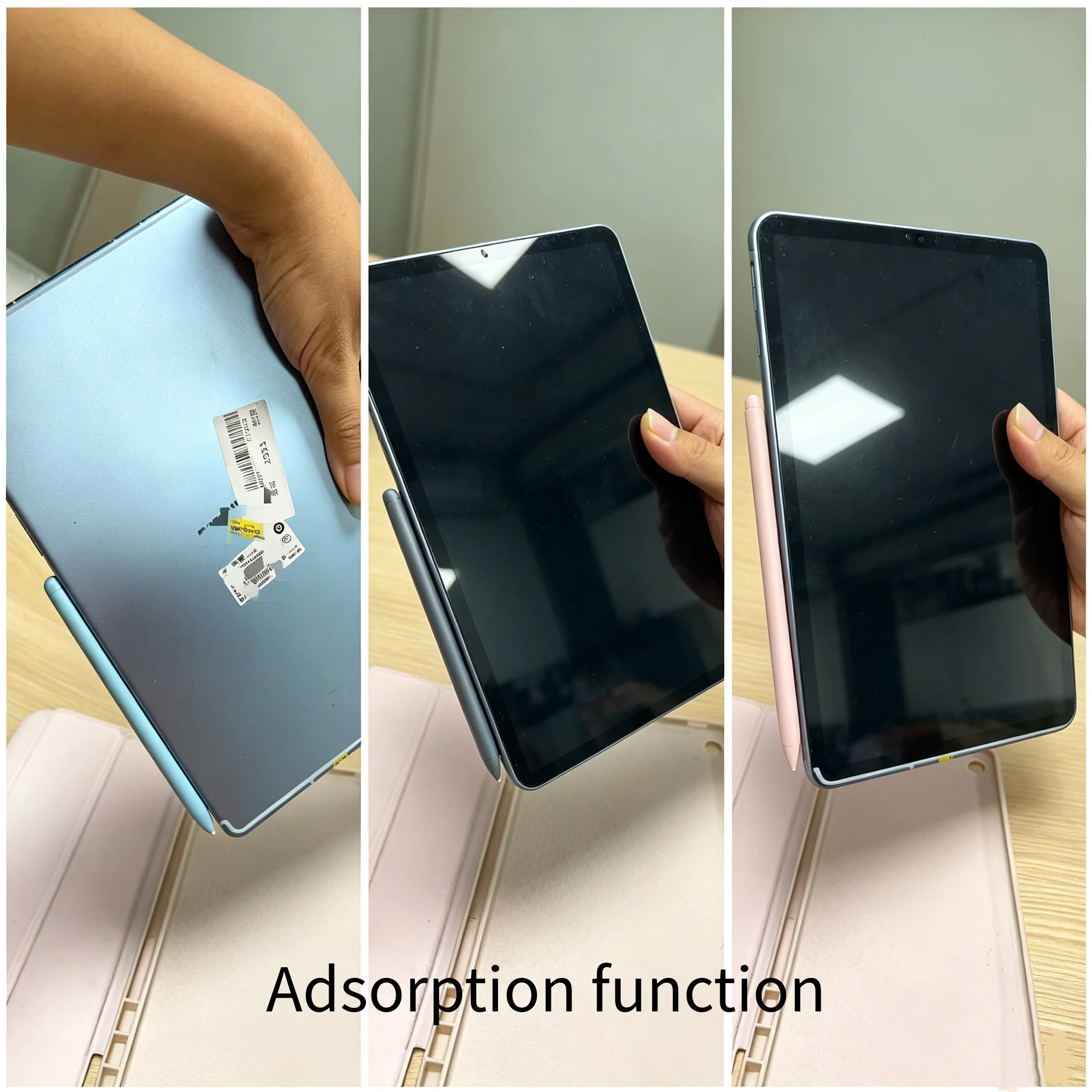
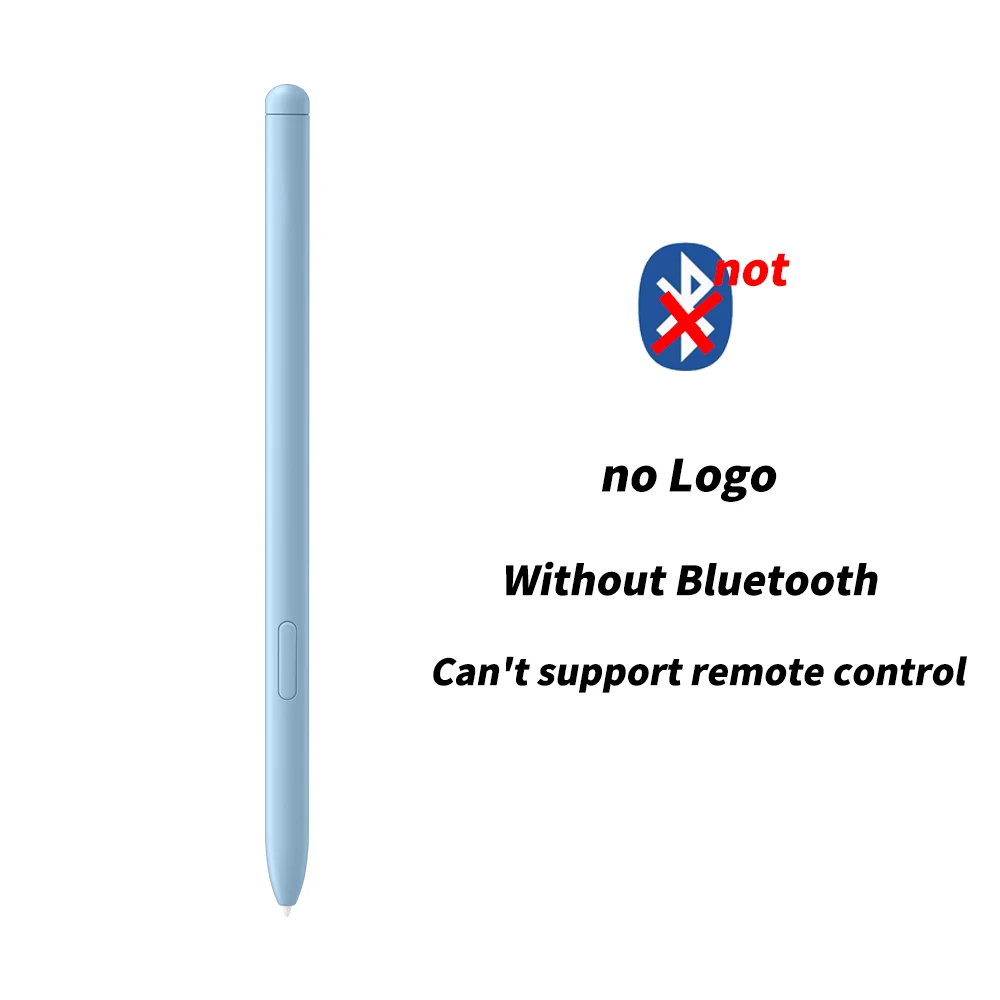
Replacement Stylus Pen for Samsung Galaxy Tab S6 Lite (with 5 Tips)

Replacement touch stylus pen with 5 spare tips for Samsung Galaxy Tab S6 Lite SM-P610/SM-P615, no Bluetooth.

From £11.99

A new point for the pen you already have

The tip of a stylus pen wears down with use. A worn tip feels scratchy, skips on the glass or goes flat, and in time it can snap off. A spare tip brings the pen back for much less than a new one. This range is for anyone whose pen still works but whose nib has had its day, and for anyone who has lost the pen itself.

What is in this range

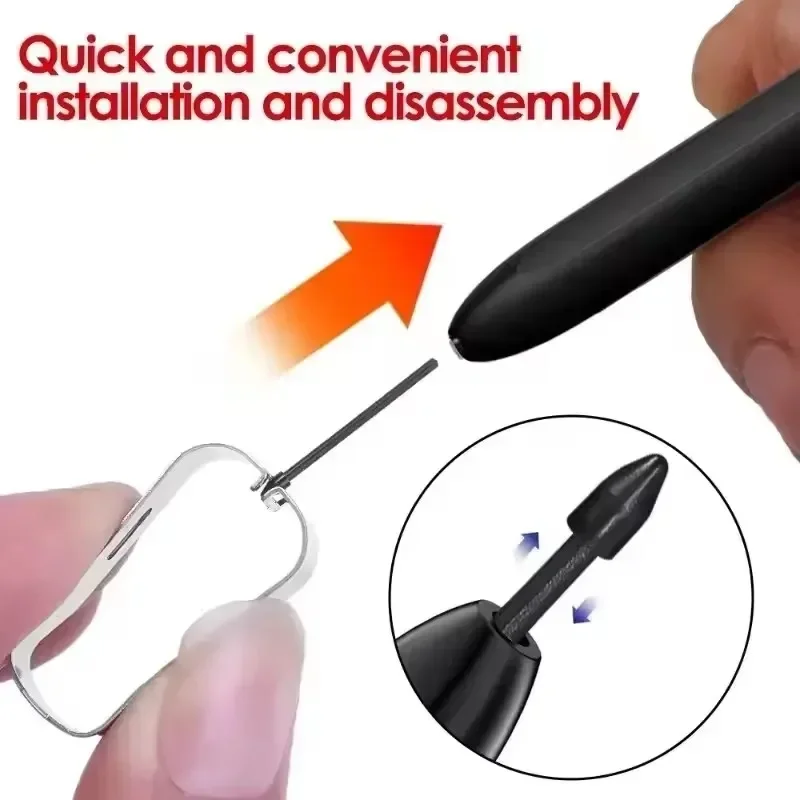
  • Nibs compatible with the Samsung S Pen. Most tips here are made to fit the S Pen supplied with Samsung Galaxy tablets and phones. One set is compatible with the S Pens of the Galaxy Tab S6 to S10 series and of several Galaxy Note and S Ultra phones, and comes with a small tweezer for pulling the old nib out. Another is compatible with the S Pen of the Galaxy Tab S11 and S11 Ultra, and pushes in with no tools. They come in packs of a few, so there are spares in the drawer.
  • A replacement pen. For a lost or broken pen, there is a replacement compatible with the Galaxy Tab S6 Lite, with five spare tips in the box. It writes and draws on the tablet, but has no Bluetooth and no remote control buttons.

Finding the right tip

Tips are made for particular pens, so fit matters more than anything else. Find your tablet or phone's model name, or its model number in Settings, then About, and check it against the list on each product page. A tip for one pen may be loose or too tight in another. If your pen is a universal rechargeable pen rather than an S Pen, its own spare tips usually come in the box: see active stylus pens.

Changing a stylus tip

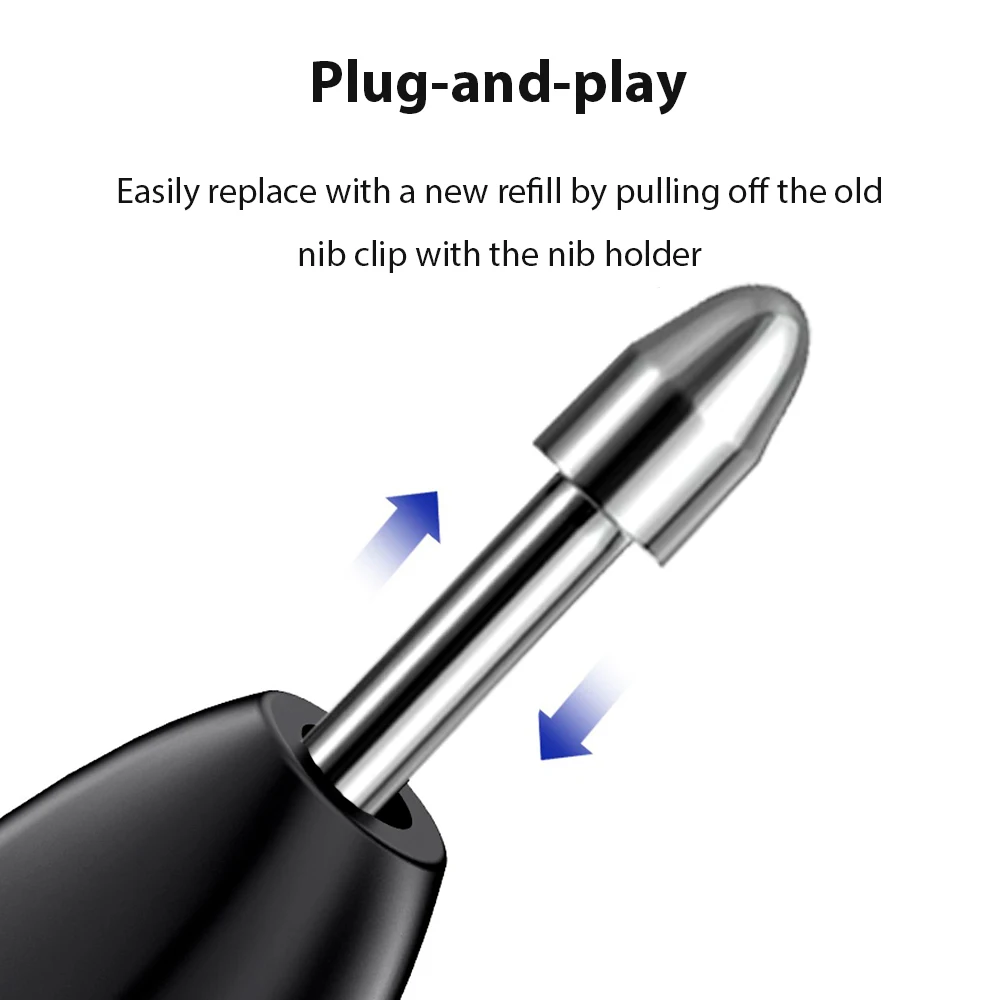
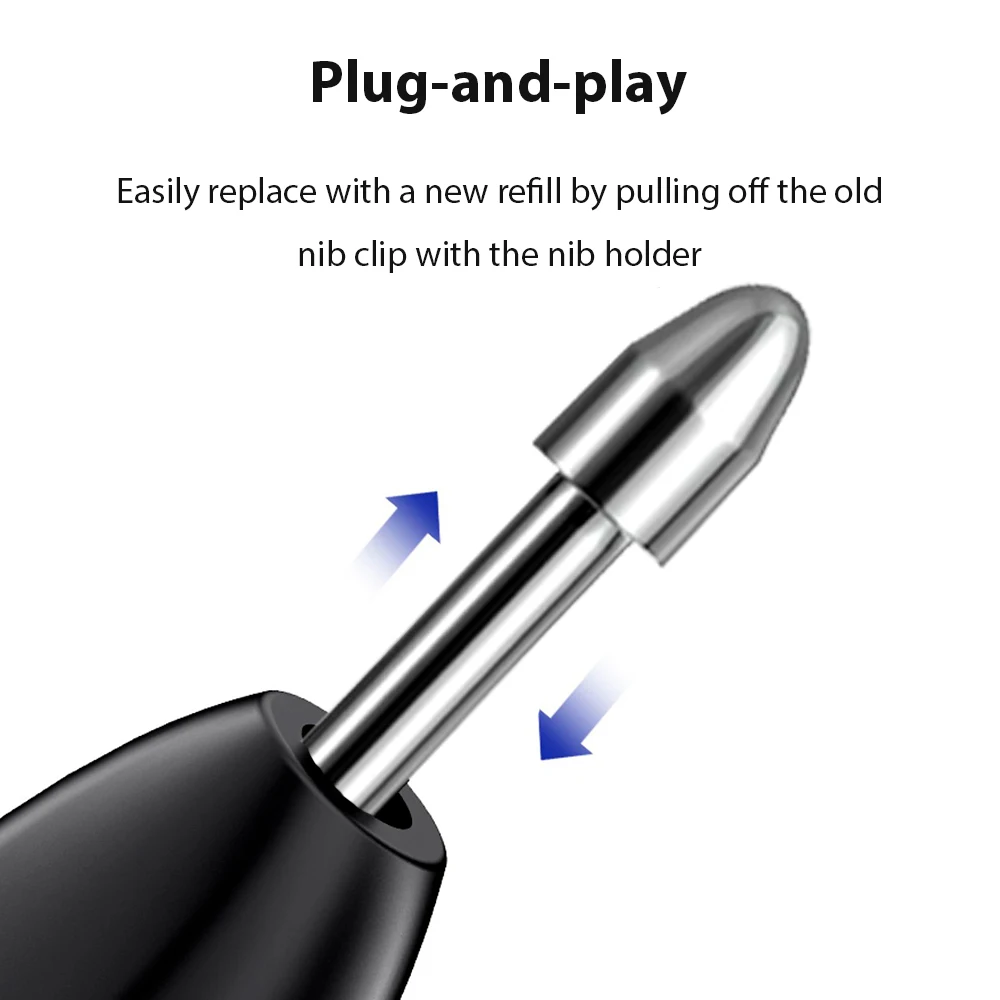
  1. Grip the old tip with the tweezer, or with your fingernails if the pen came without one, and pull it straight out. Do not twist or bend it.
  2. Push the new tip straight into the pen until it stops.
  3. Try it on the screen. If it skips, push it in a little further.

Questions people ask about stylus tips

How do I know my tip is worn?

Look at it side on. A tip that has gone flat, sharp-edged or shorter than a new one is due for a change, and so is one that has started to scratch or skip.

Will these tips fit a universal stylus?

No. The tips here are made for the S Pens listed on each page. A universal pen takes its own tips, which usually come in its box. To protect the screen the pen writes on, see tablet screen protectors.

How long does delivery take?

Delivery is included in every price and tracked to your door. Each product page says when it usually arrives.

More to look at
Website designed in Bristol by