Why protect the camera
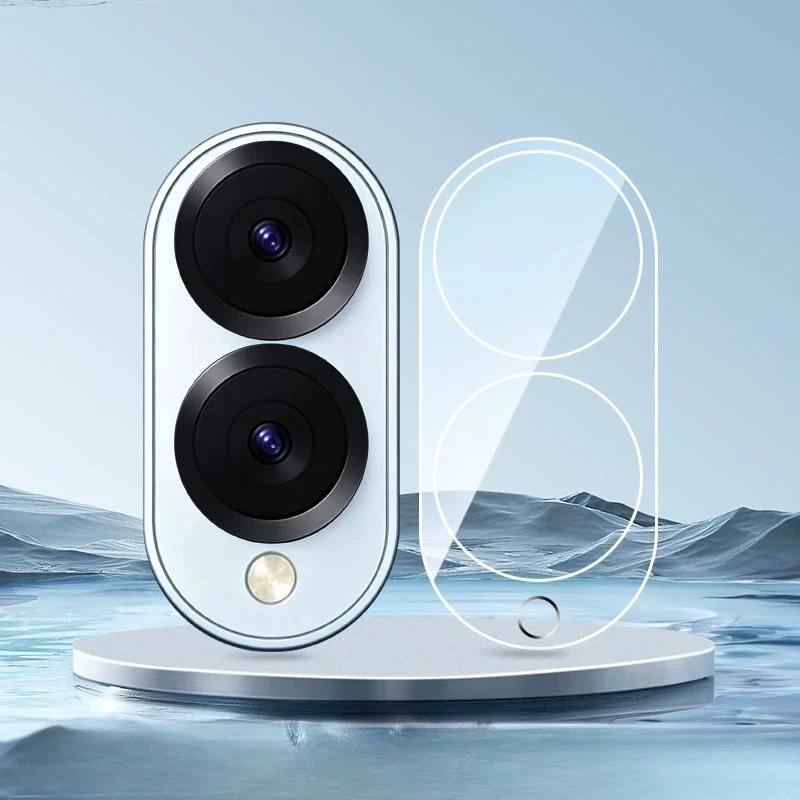
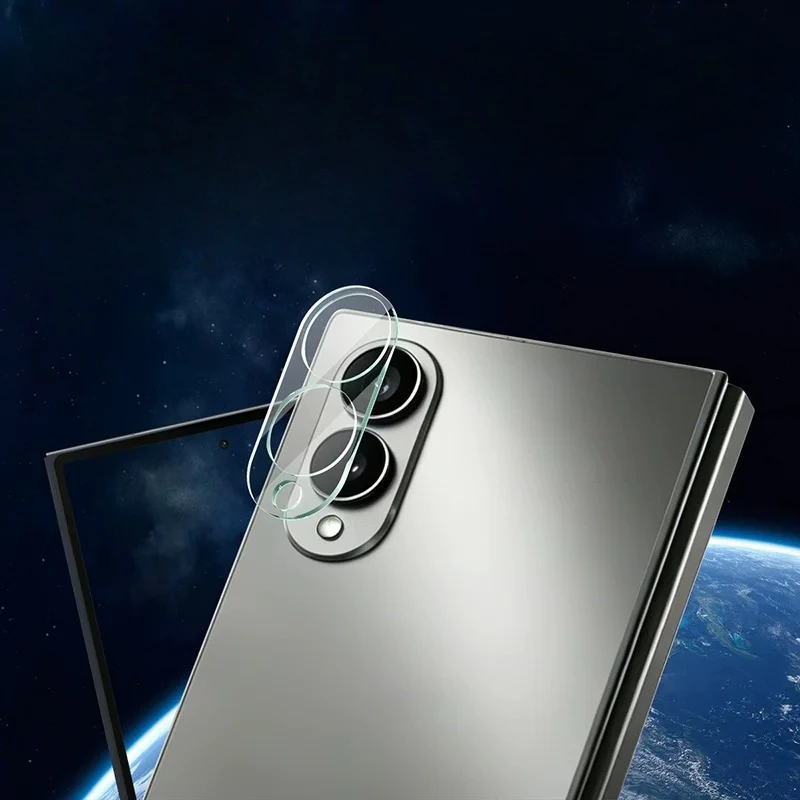
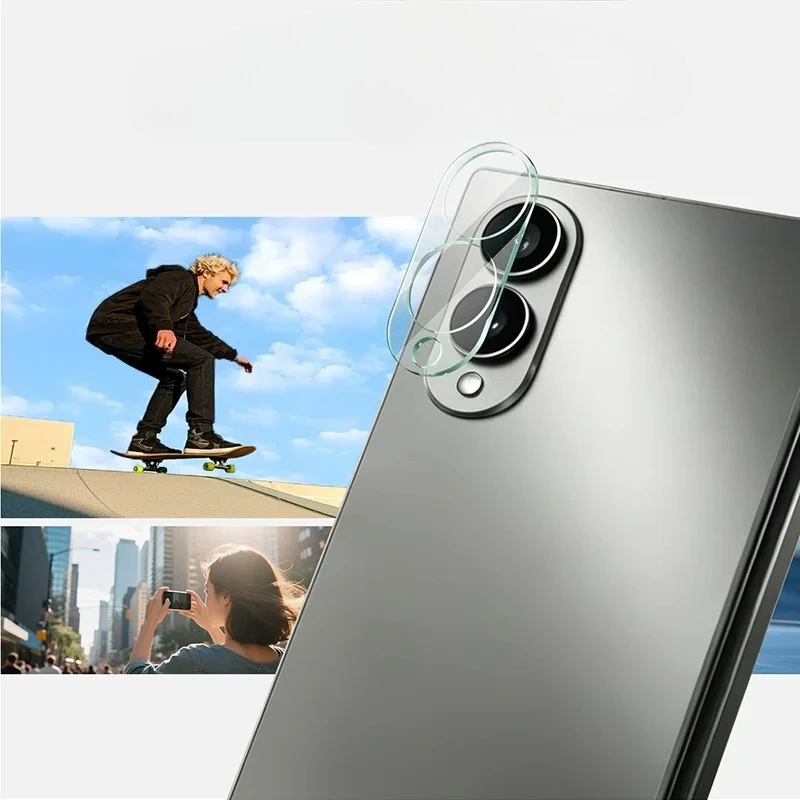
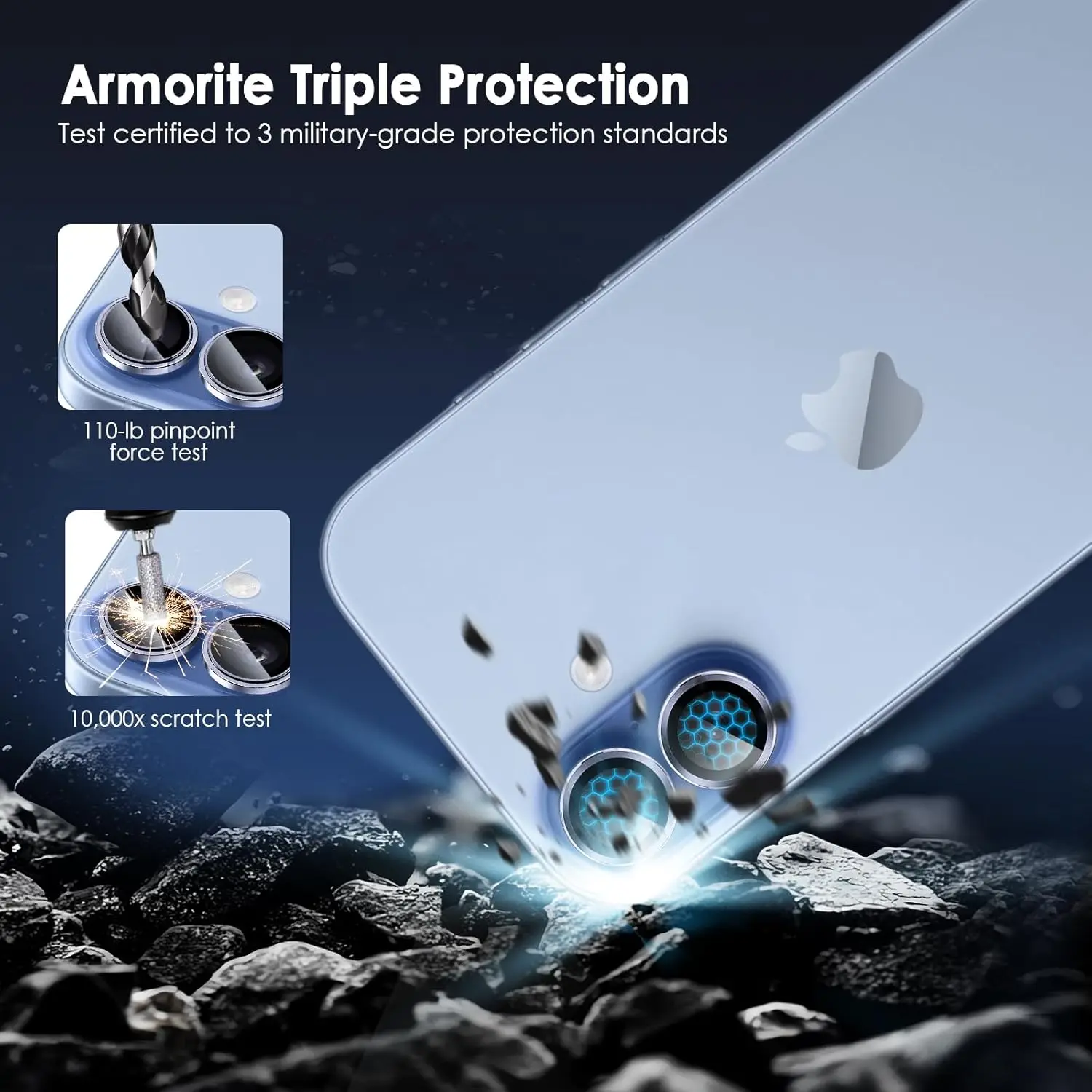
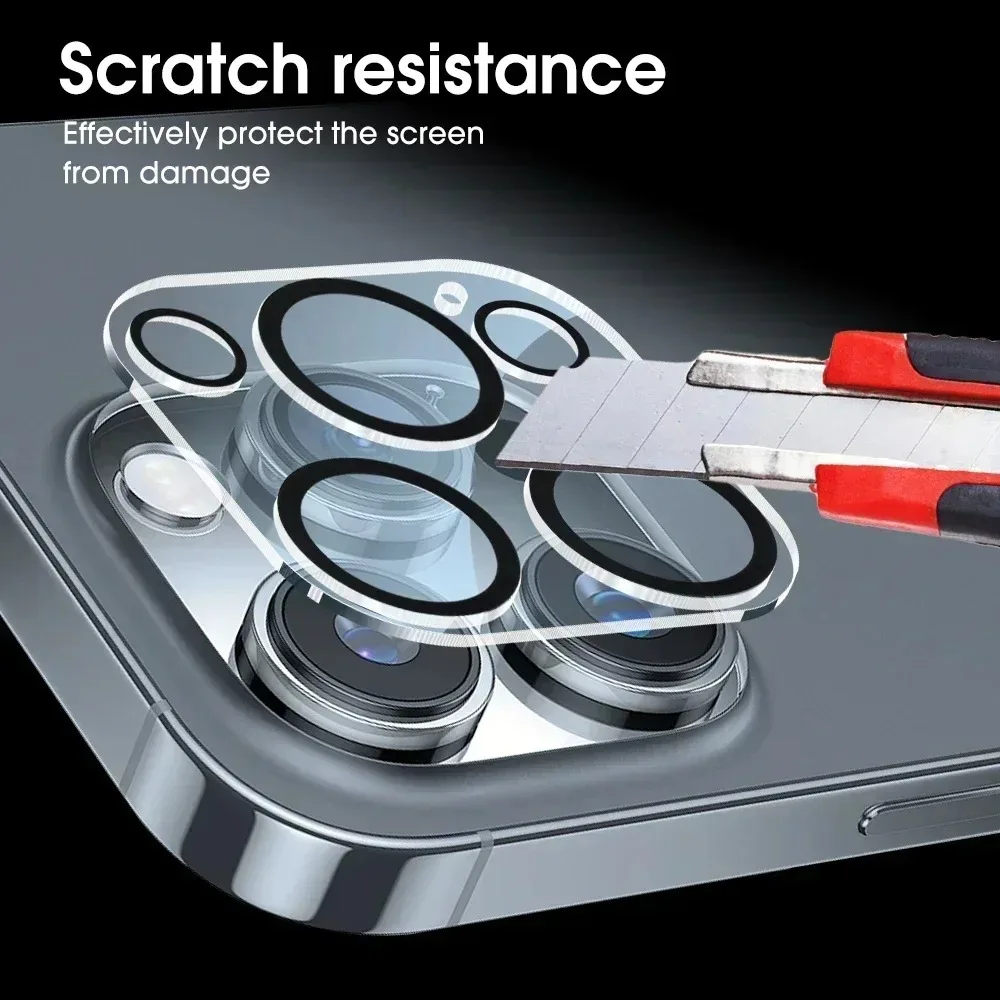
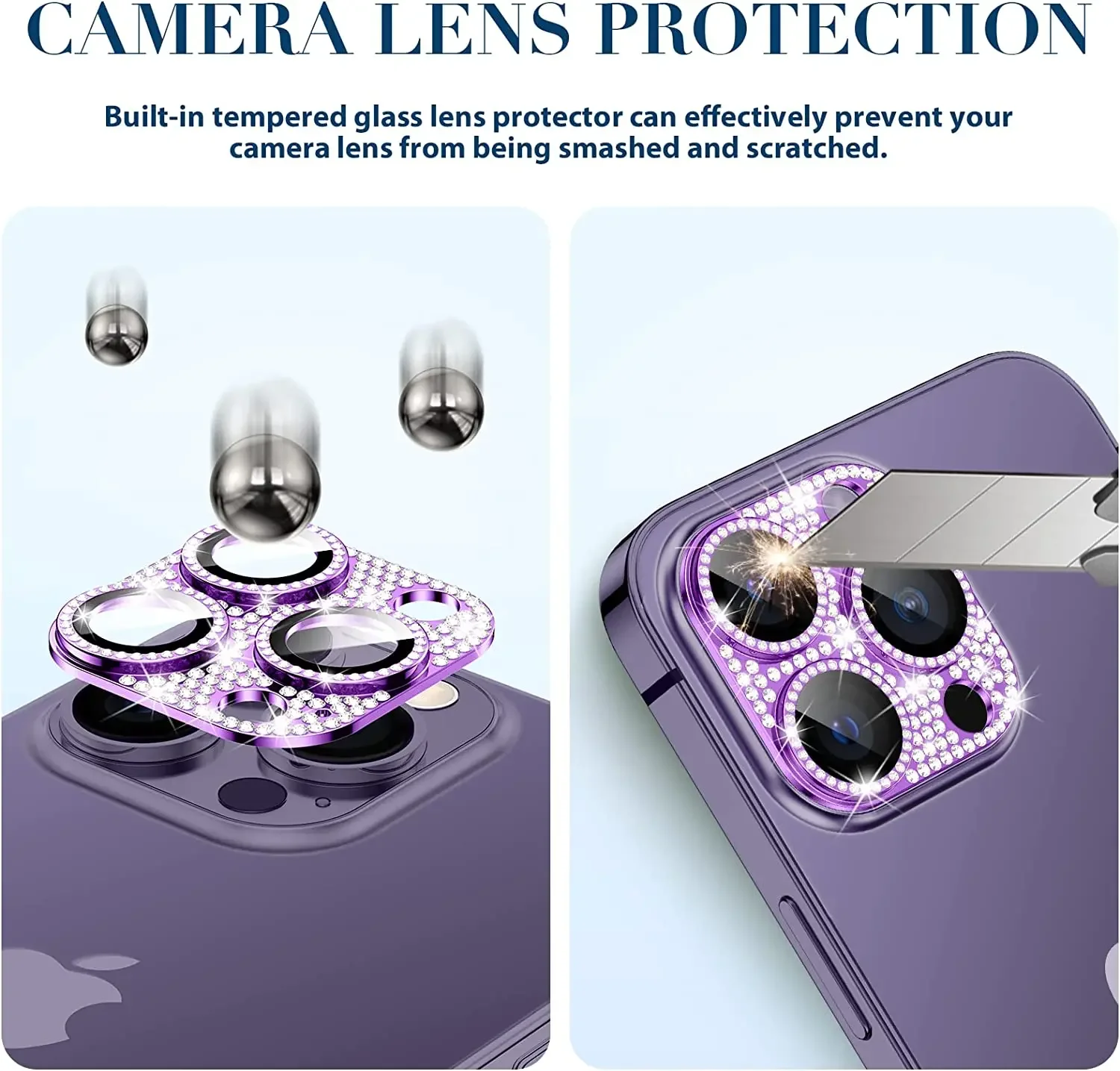
The cameras on a modern phone sit in a bump that stands proud of the back. When the phone is put down on a table, slid across a desk or carried with keys, that bump touches first. A scratch on a lens shows in photos as haze or a soft streak, most of all at night and against the light. A lens protector is a thin layer of glass over the lenses that takes those marks instead.
The lens protectors in this range
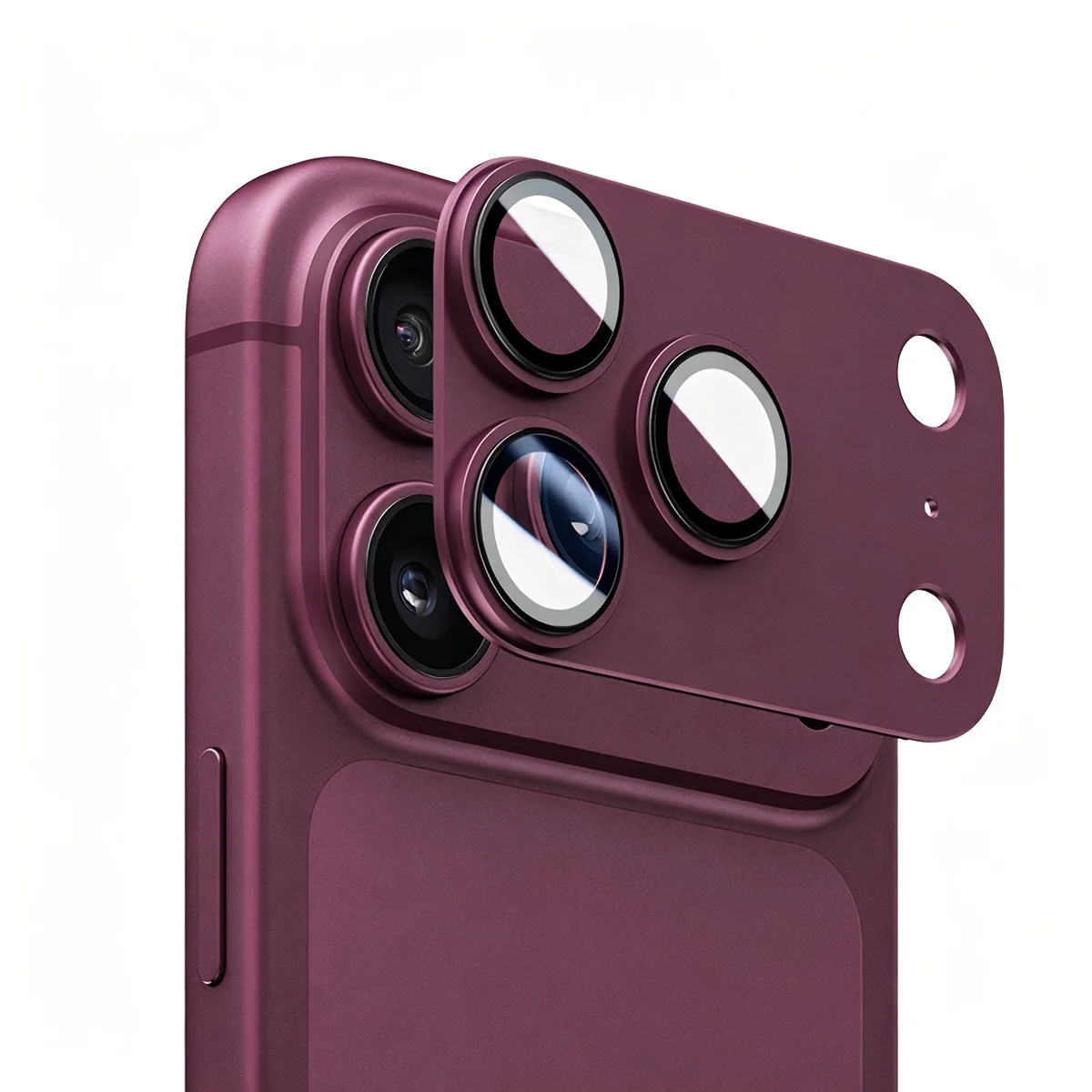
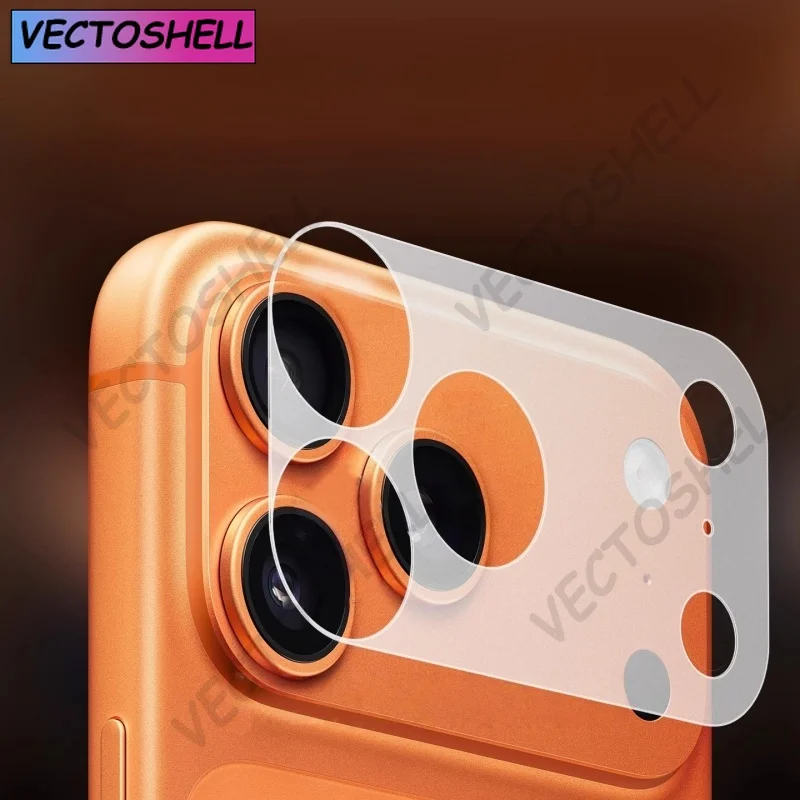
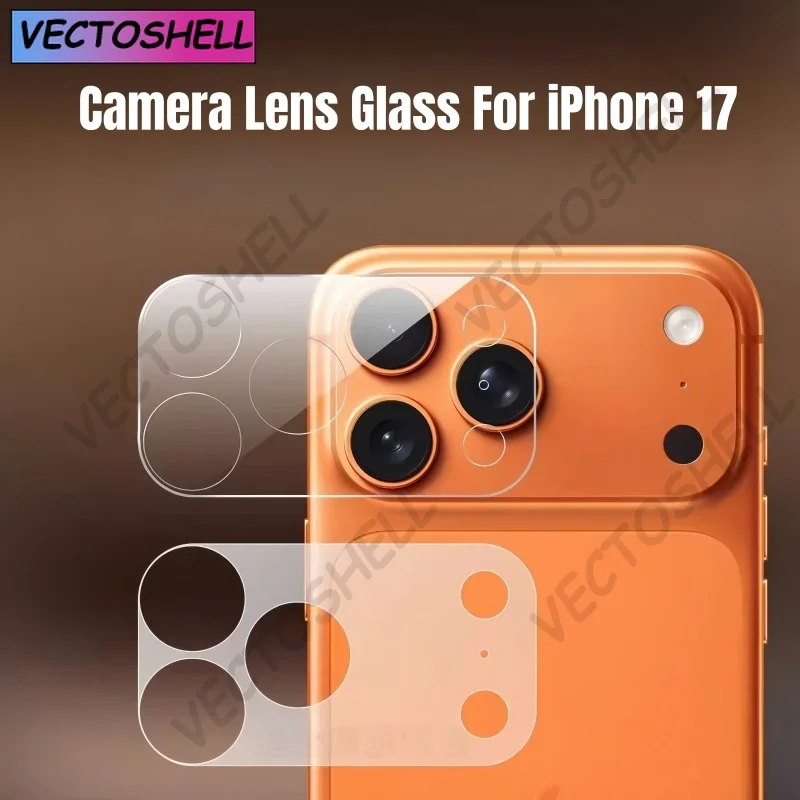
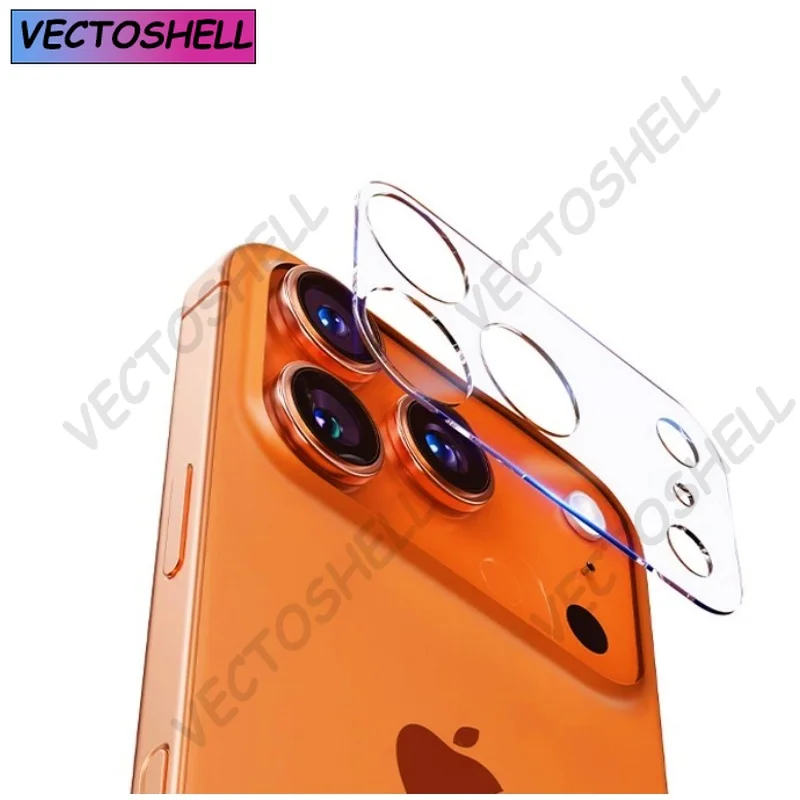
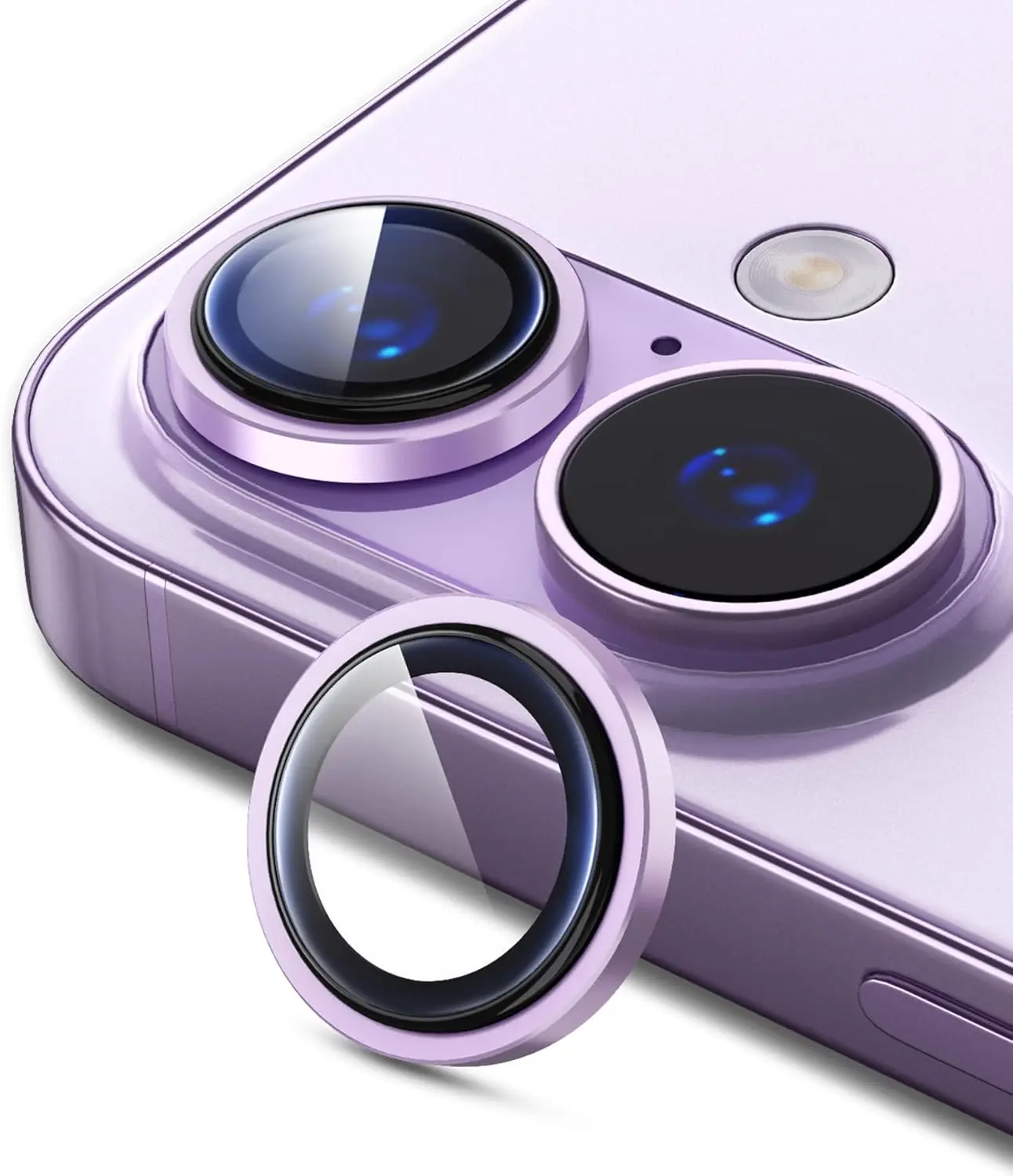
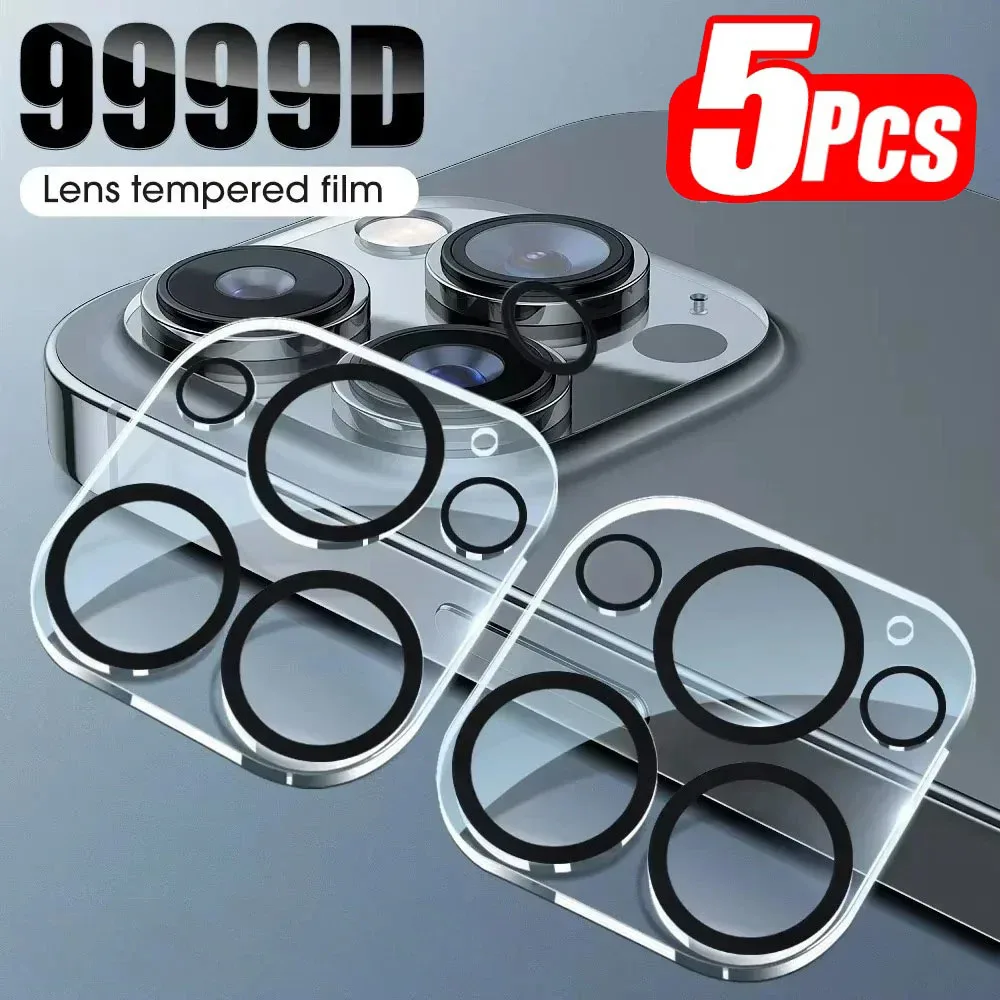
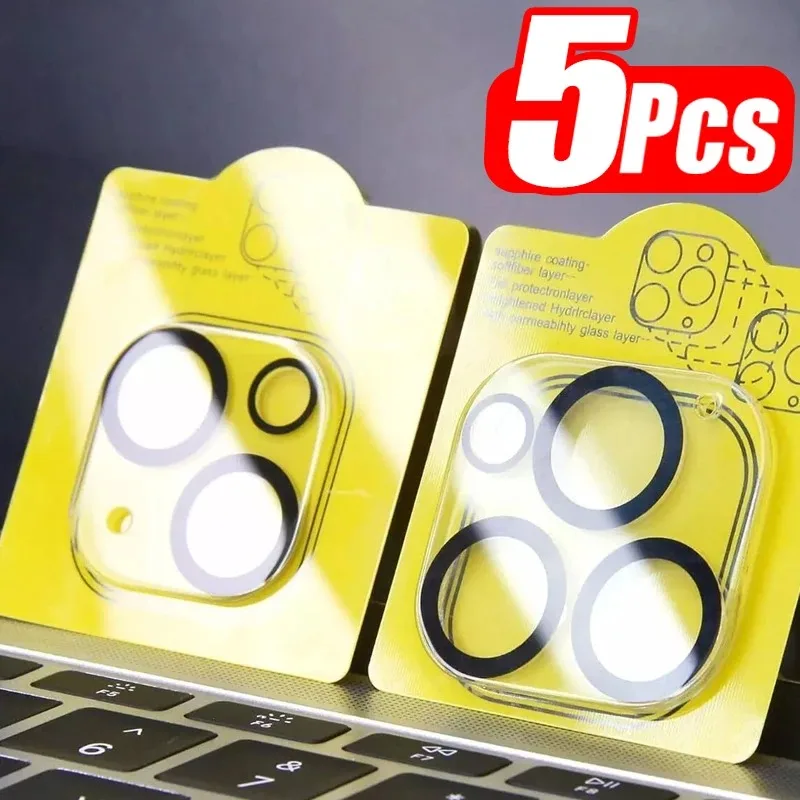
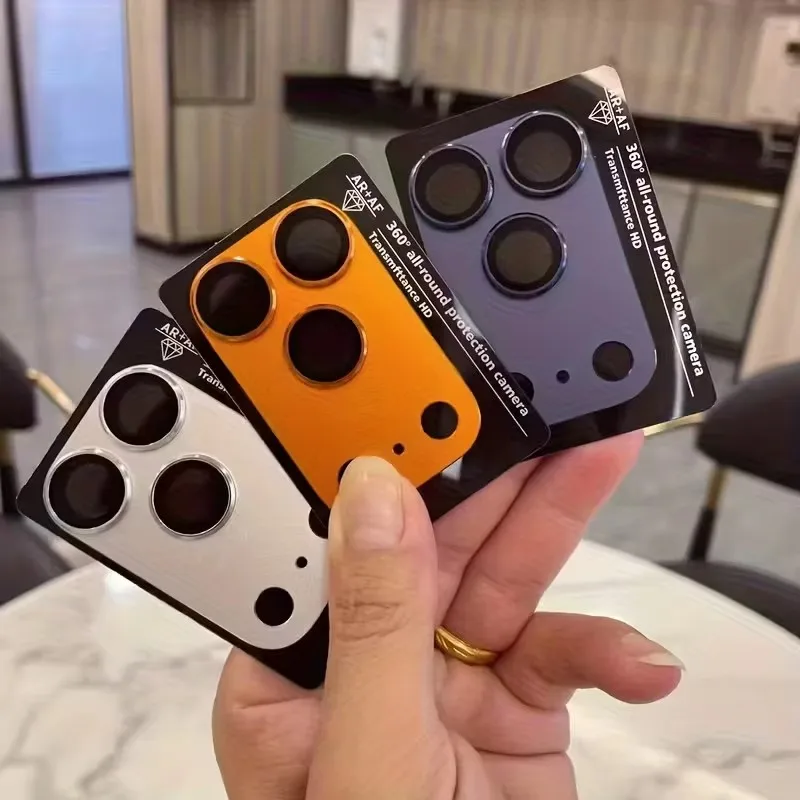
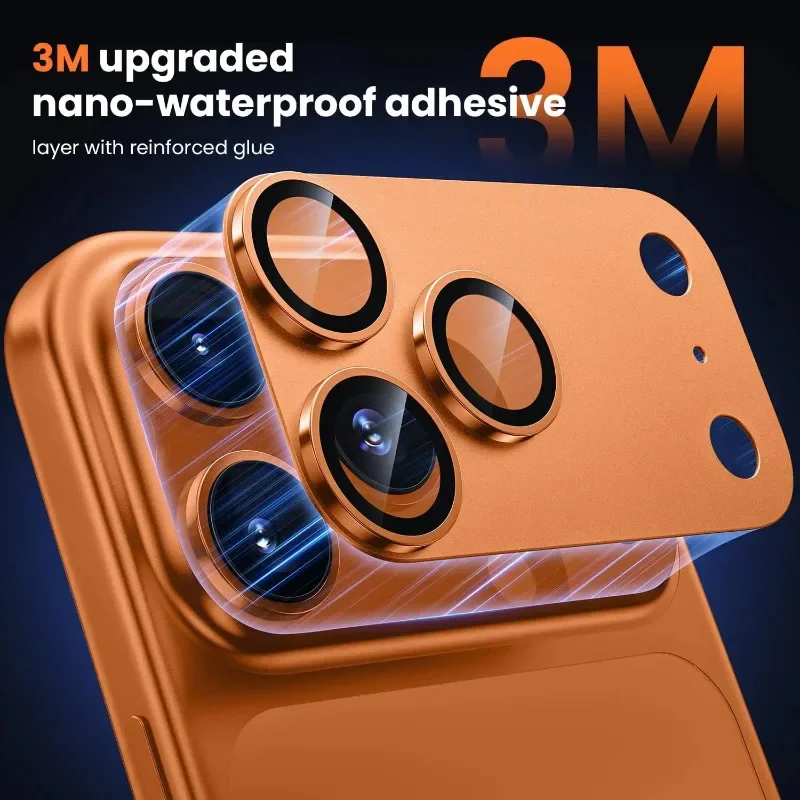
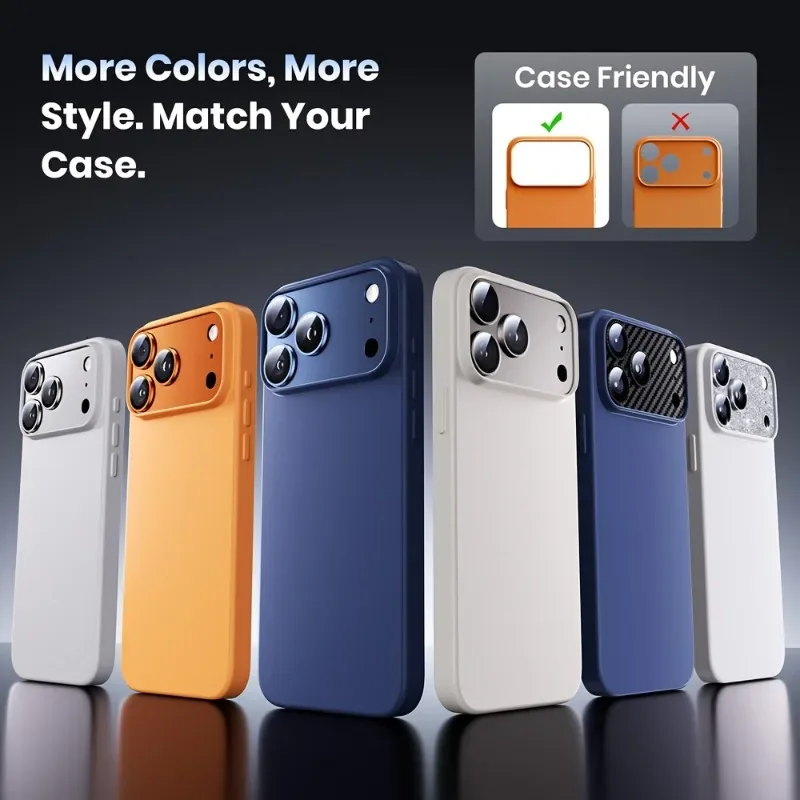
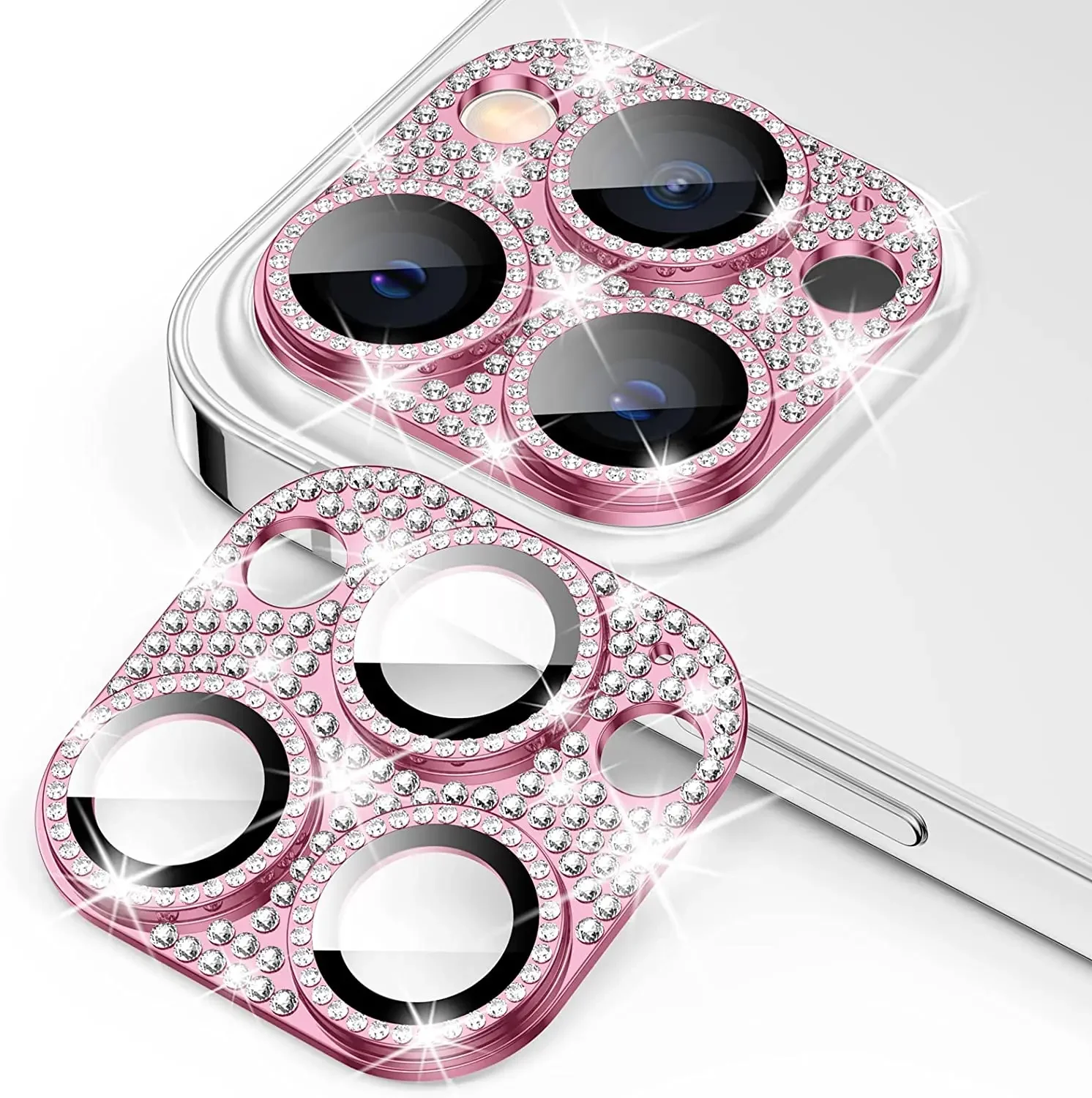
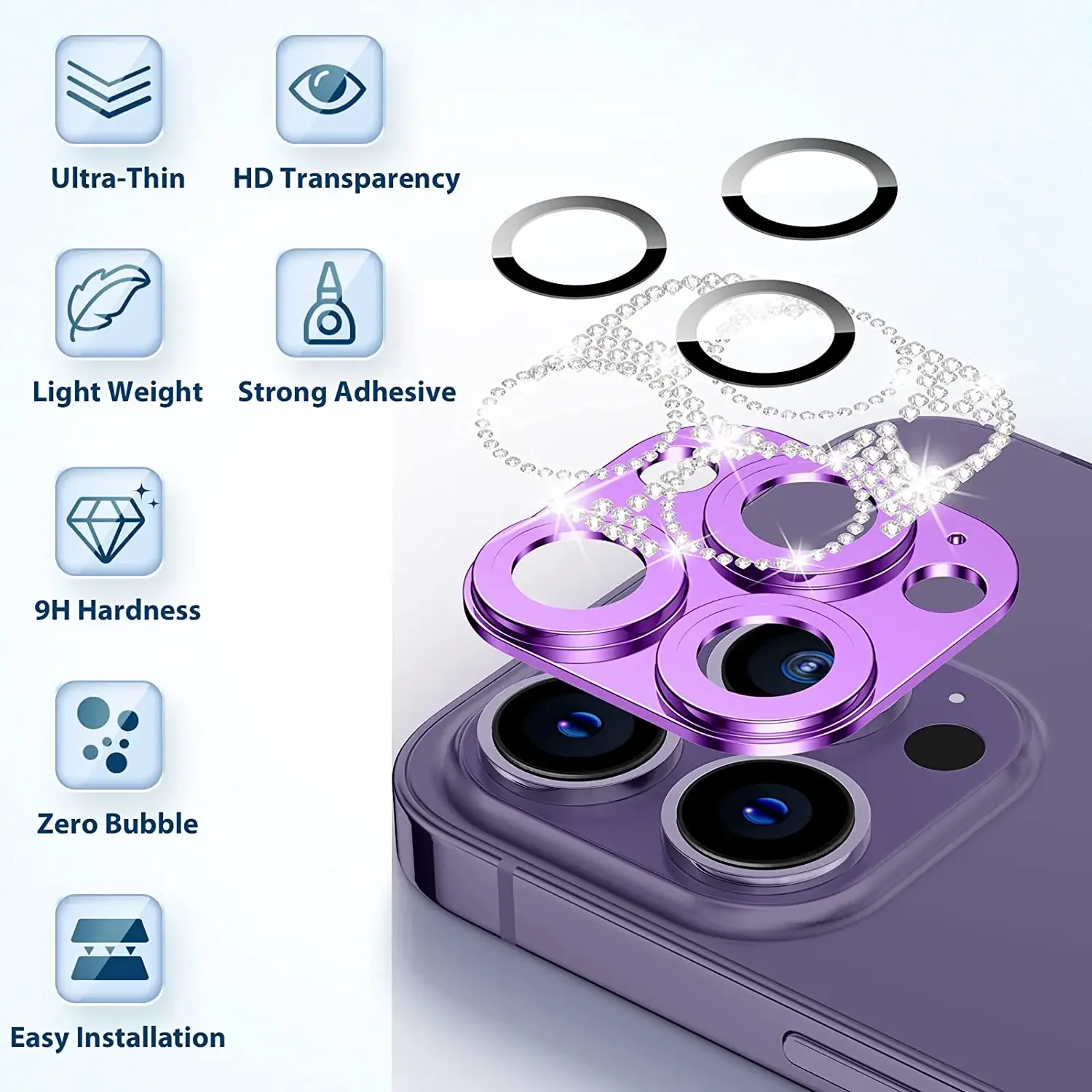
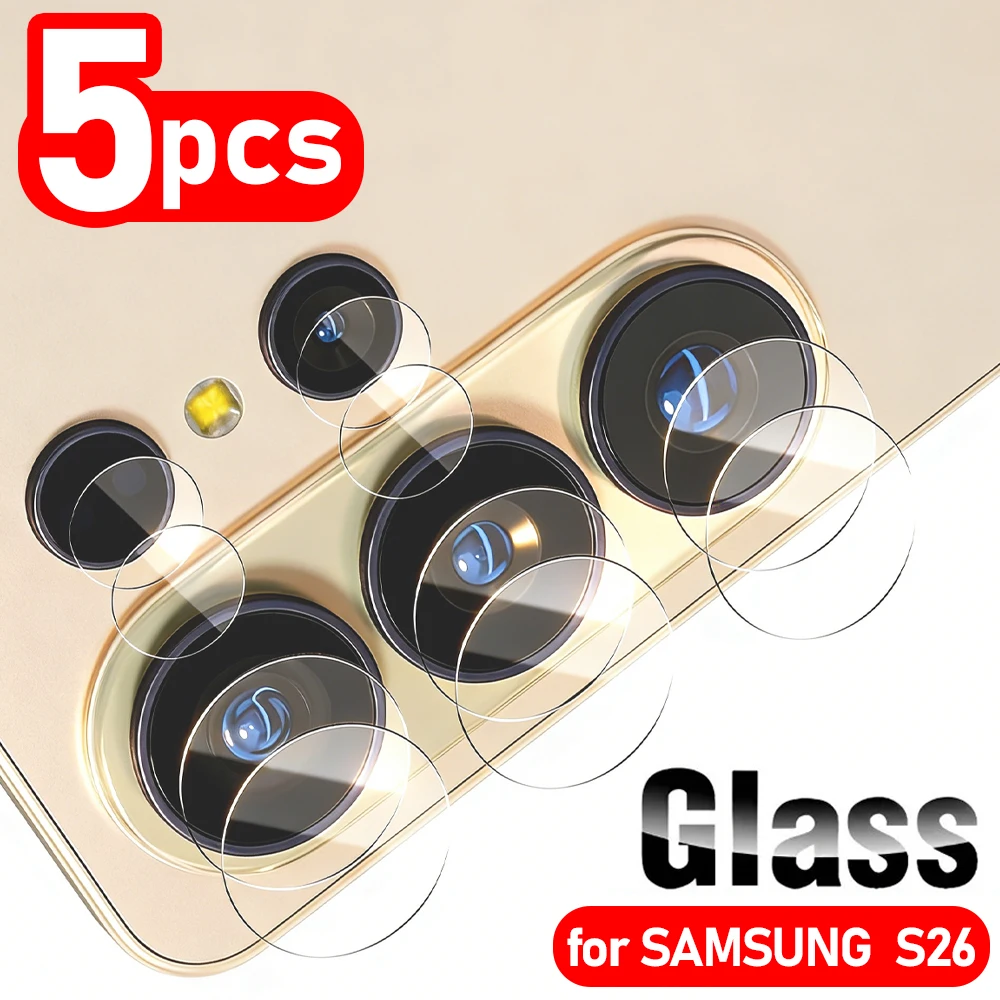
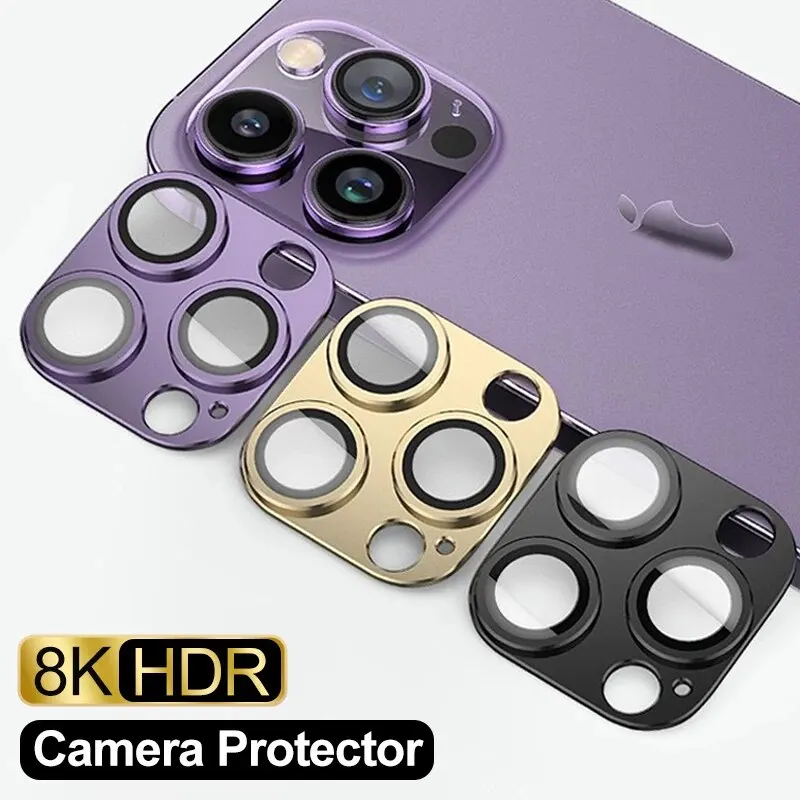
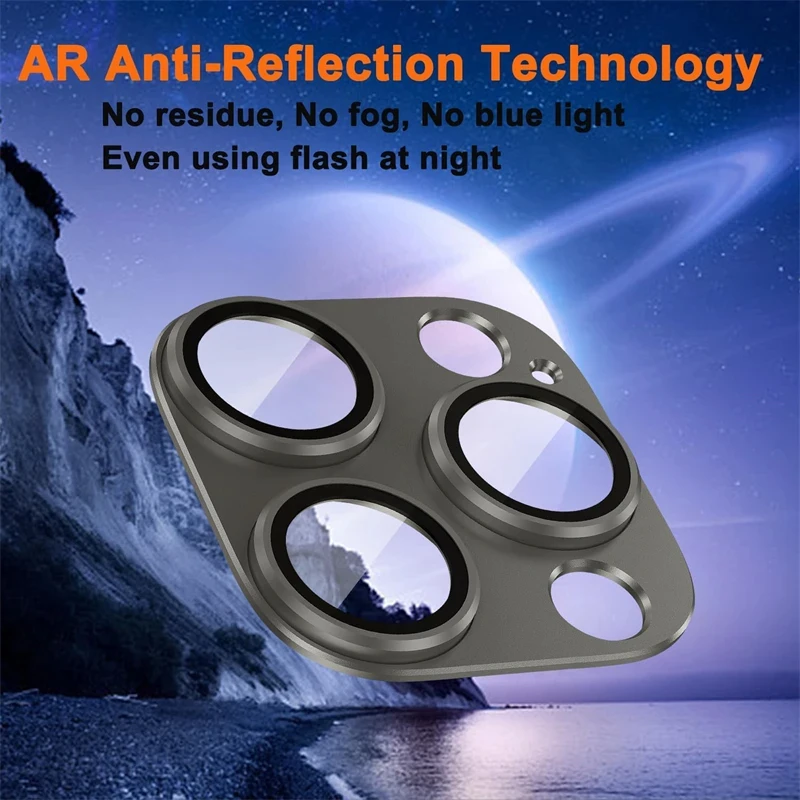
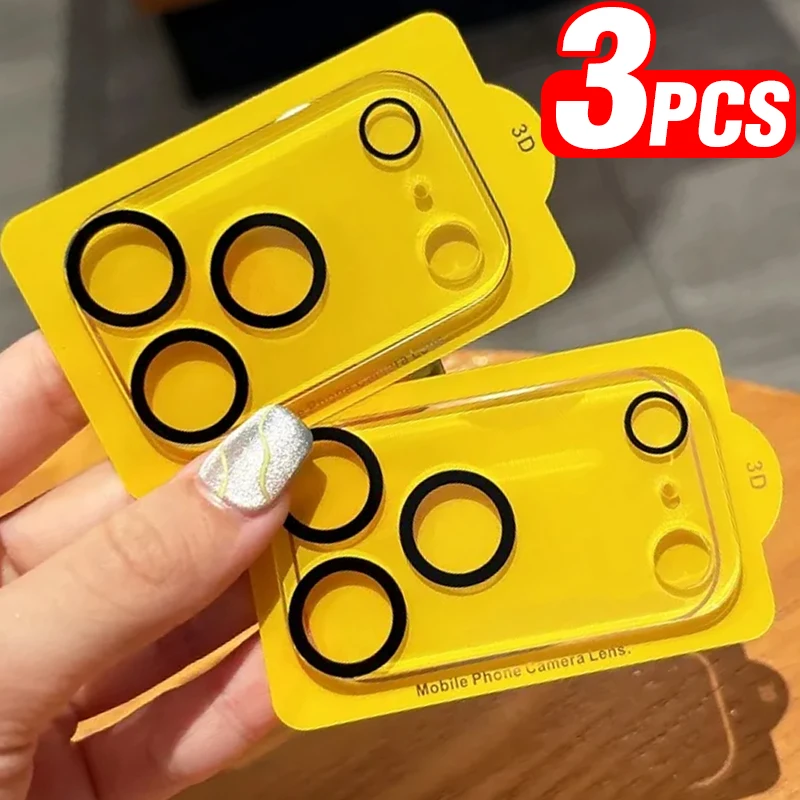
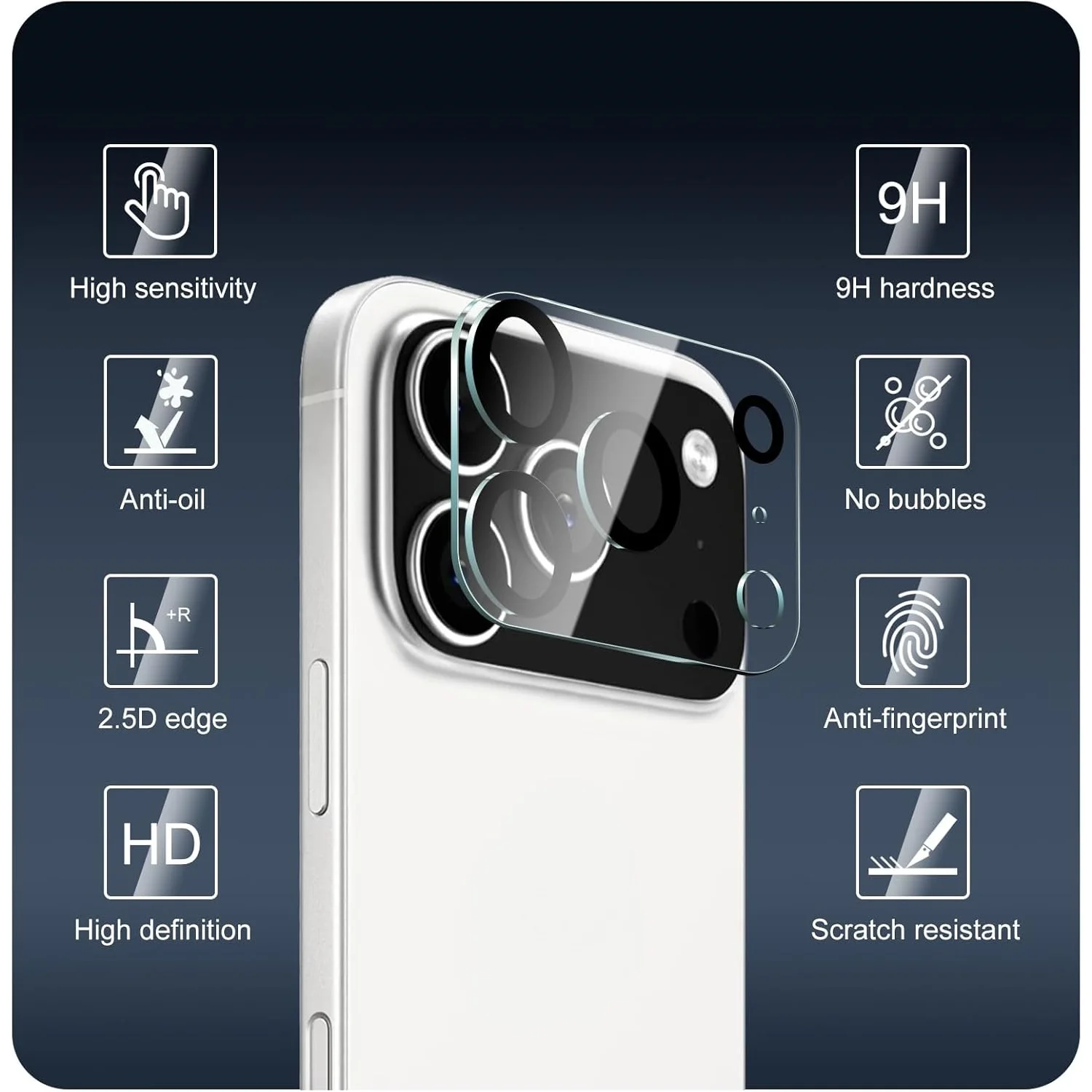
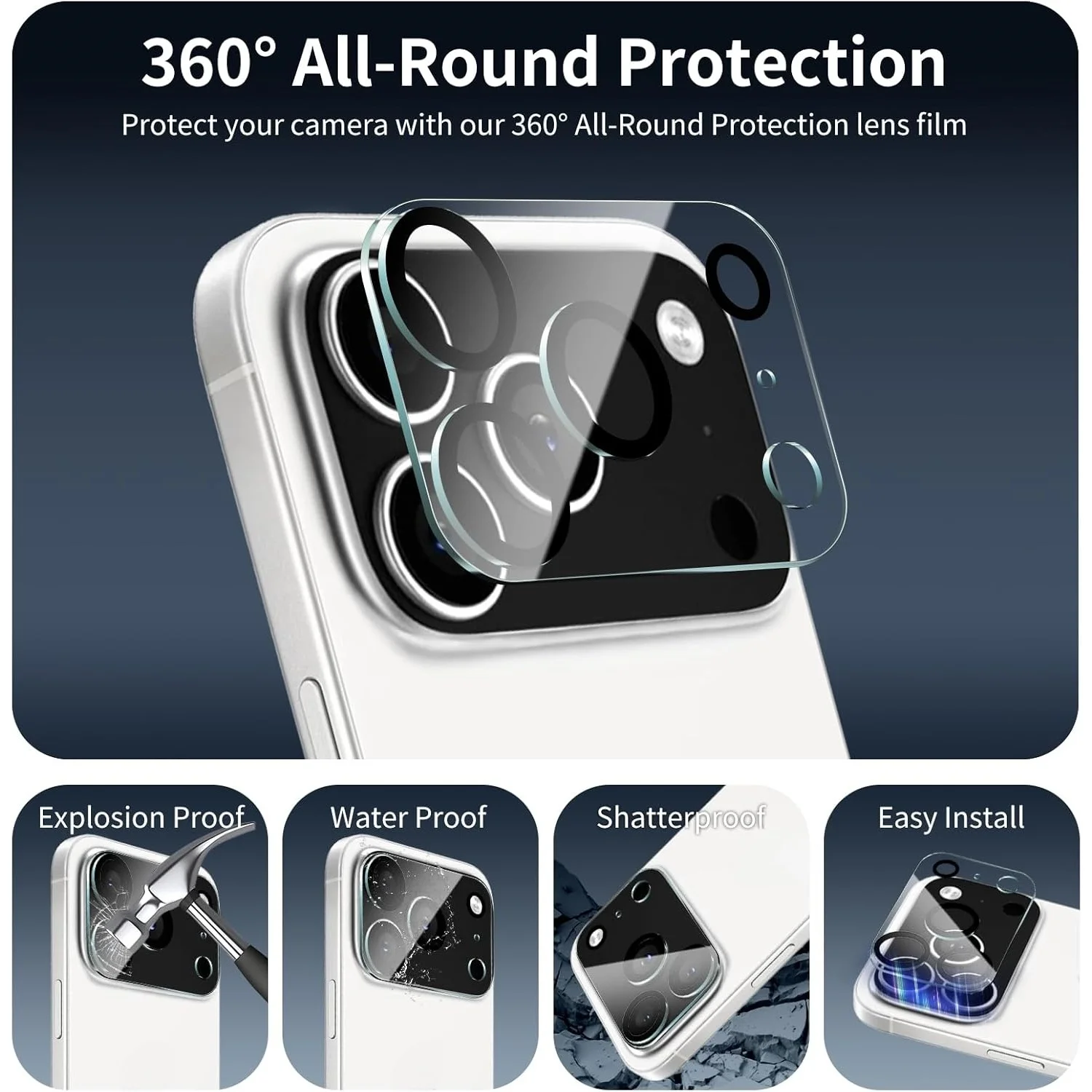
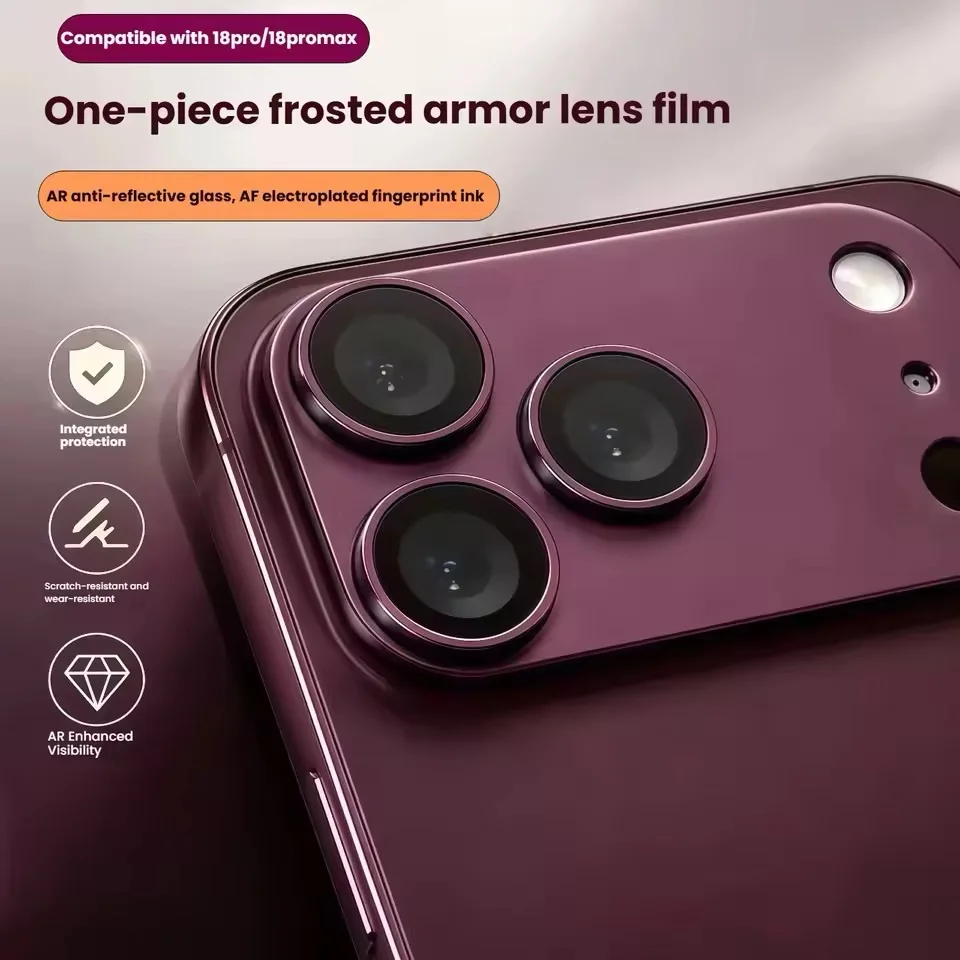
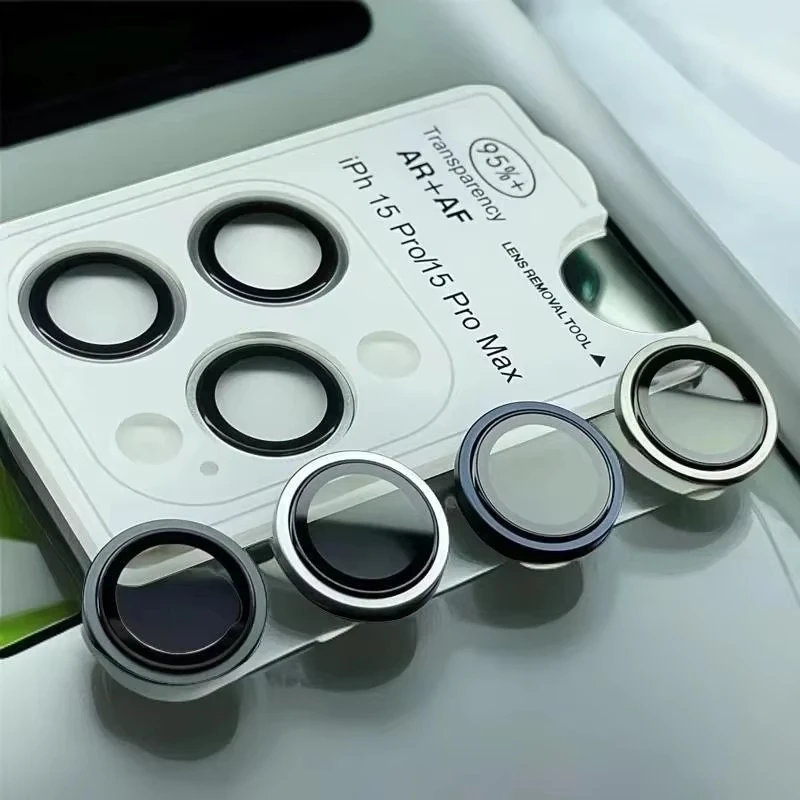
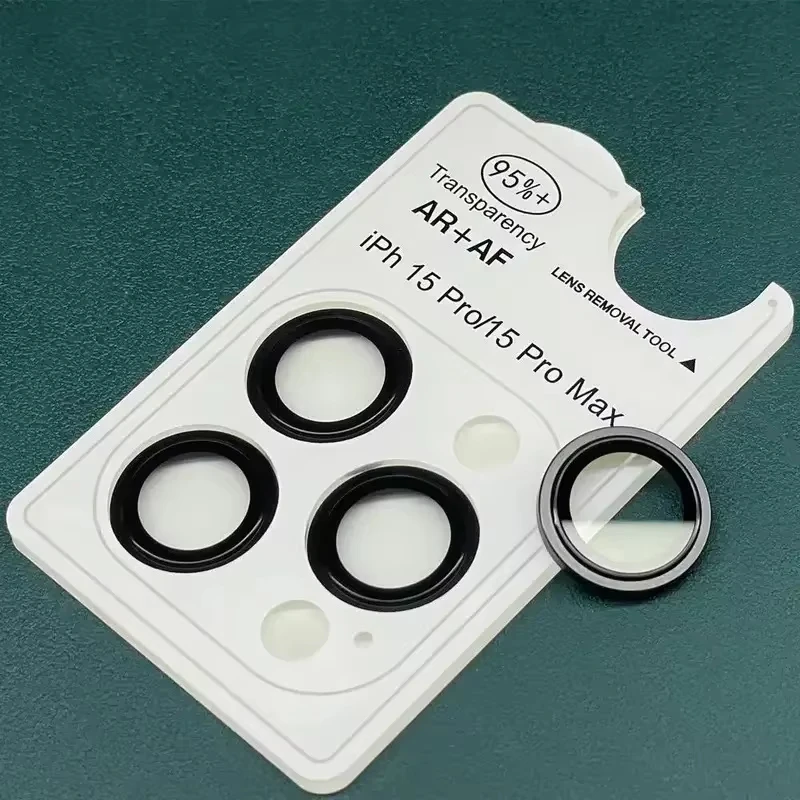
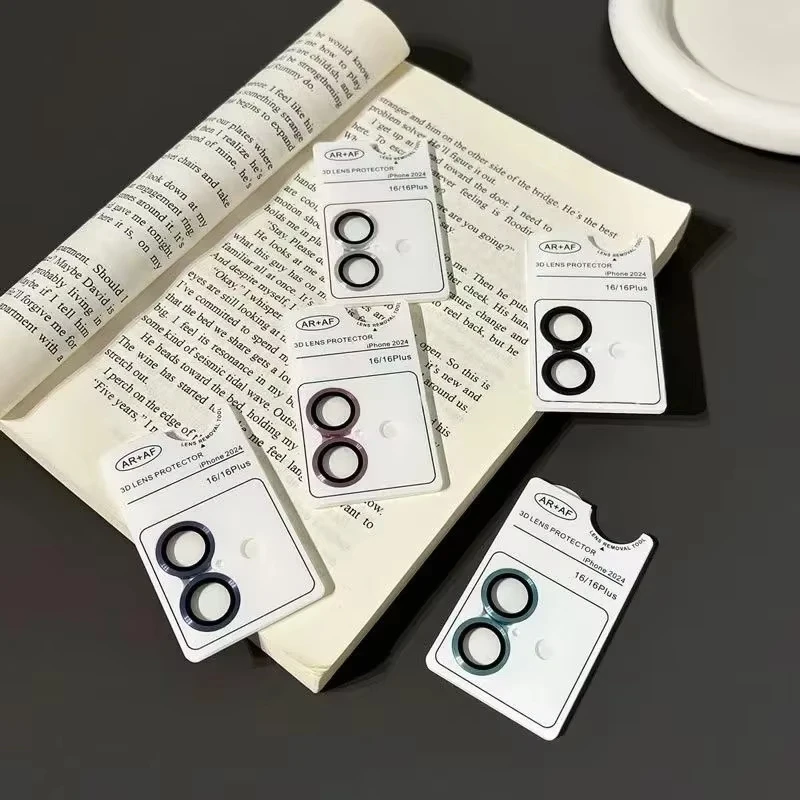
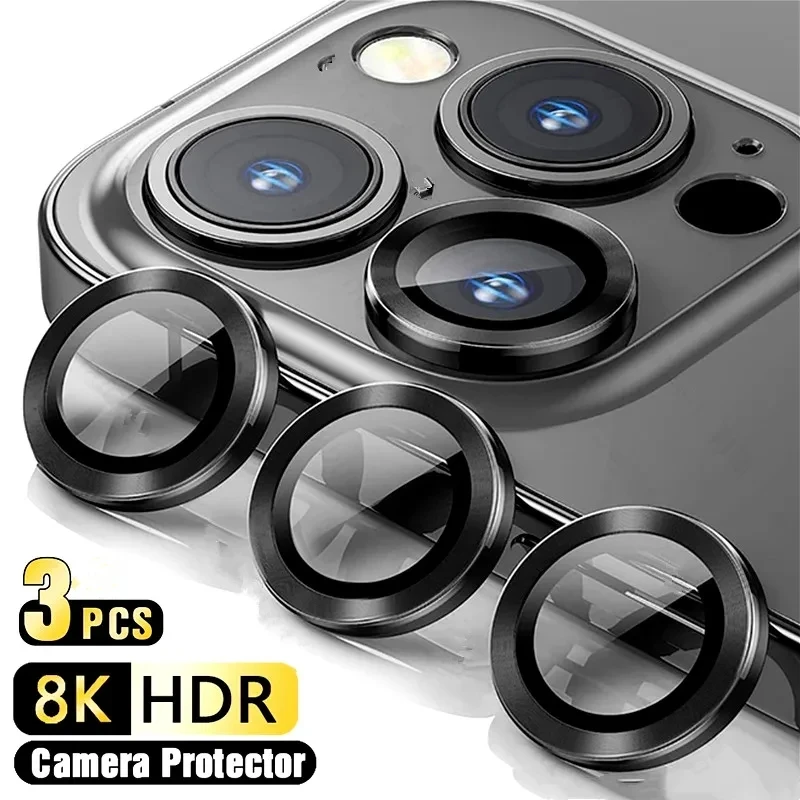
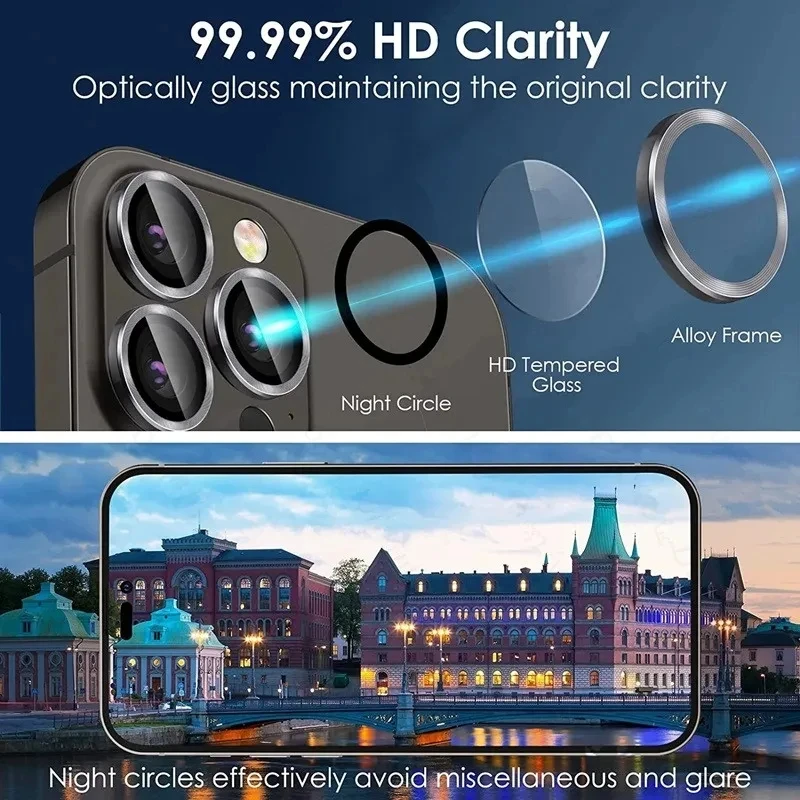
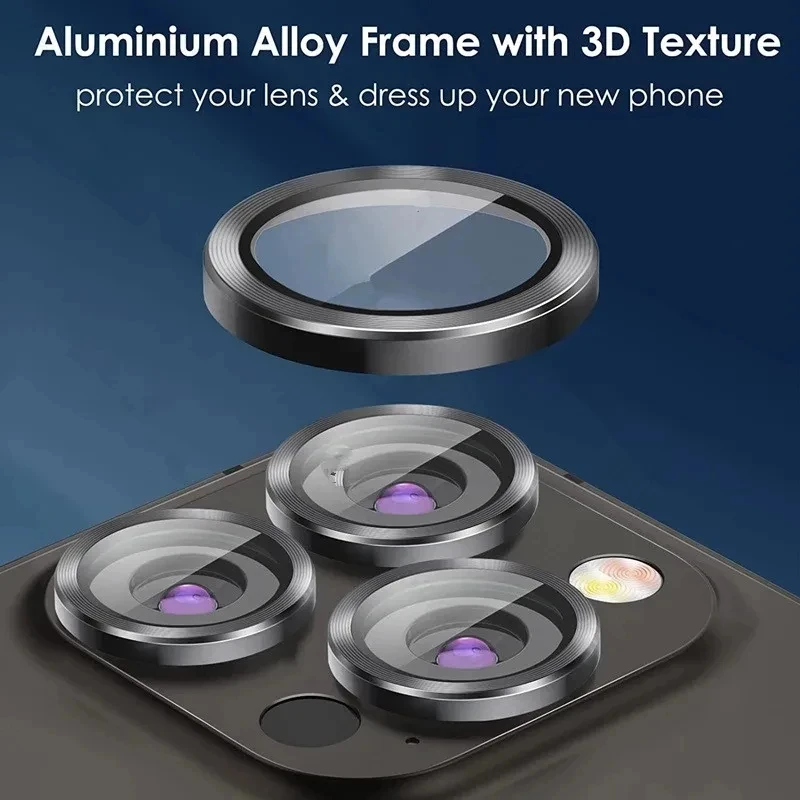
The lens protectors here today are made for iPhone models from the iPhone 11 on, the Pro and Pro Max included. Most are small discs of tempered glass, one for each lens, each in a rim that sits over the lens. Black and silver rims match the phone, and other colours make a feature of the cameras. Some come with a positioning frame that sits over the camera bump and puts every lens cover in the right place at once, with a tool to lift one off. Packs hold several, so there is a spare.
Will it change my photos?
A clean, well-fitted protector should not be noticed in most photos. Samsung notes that a lens cover can cause focus problems or light distortion on some phones, and that moisture or dust trapped under it will blur photos. Its answer is to remove the cover. Flare, a streak or ghost of light when shooting towards a bright lamp, is the thing to watch for. Moving the phone slightly or shading the lens reduces it, and a clean protector helps.
Apple lists a sapphire crystal lens cover for recent models such as the iPhone 16 Pro and iPhone 17. A protector adds a layer over that against knocks and deep marks.
How to choose and fit one
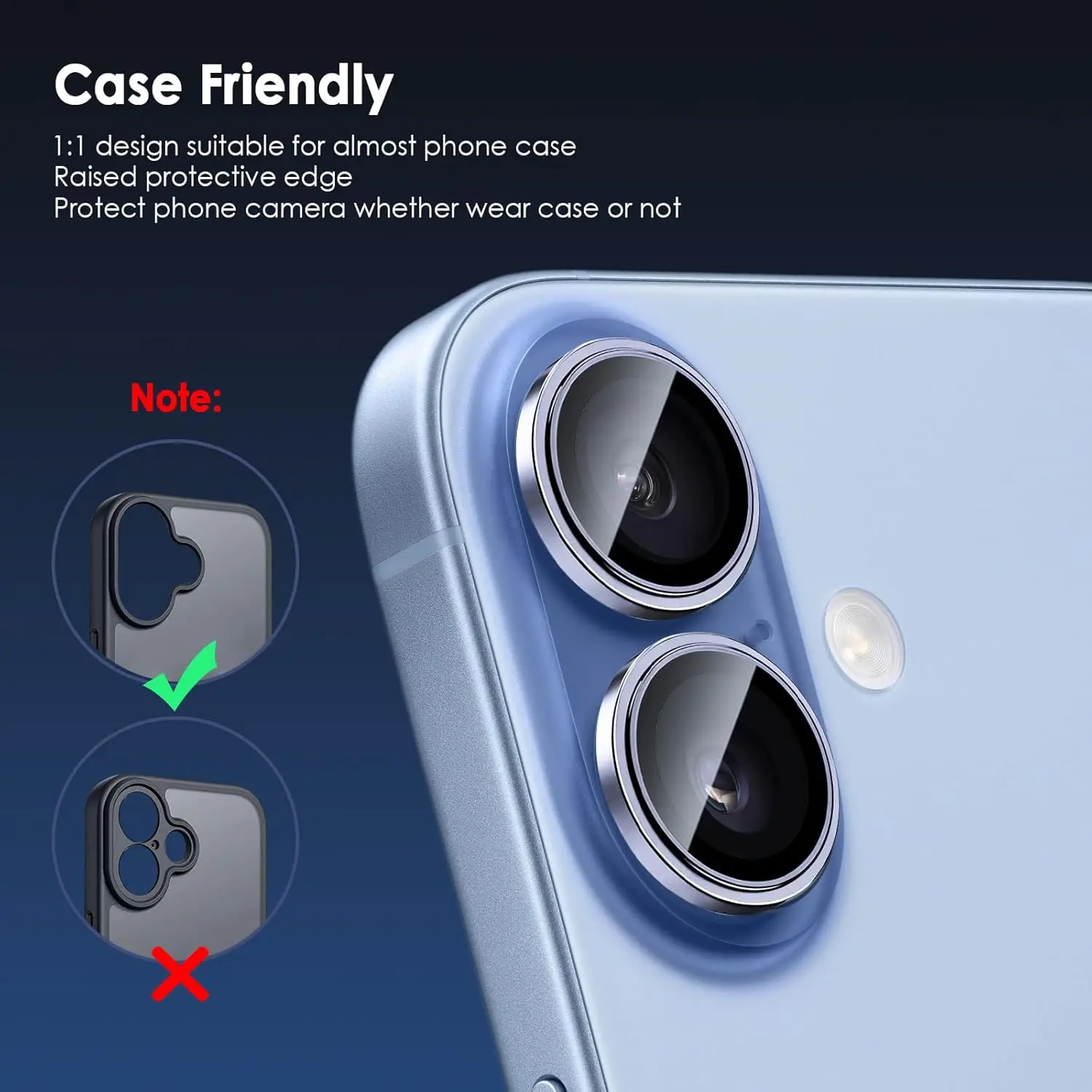
Choose your exact model: camera layouts change from one iPhone to the next, and a Pro model has more lenses than the standard one. Clean each lens with a microfibre cloth, line the protector up, and press it down. A frame makes this far easier. If you use a case, check its camera opening is large enough for the rims, or choose one of the camera cover cases instead. The guide to camera lens protectors goes into more detail.
Questions people ask about camera lens protectors
Will it affect the flash?
Apple's first step for camera or flash problems is to remove anything covering them, so check that the protector and your case leave the flash clear.
How do I take one off?
Gently, from one edge, with a plastic tool rather than a metal one. Samsung warns that lifting a lens cover carelessly can scratch the ring round the camera.
How long does delivery take?
Delivery is included in every price and tracked to your door. Each product page says when it usually arrives.
More to look at