Why put a phone on a tripod
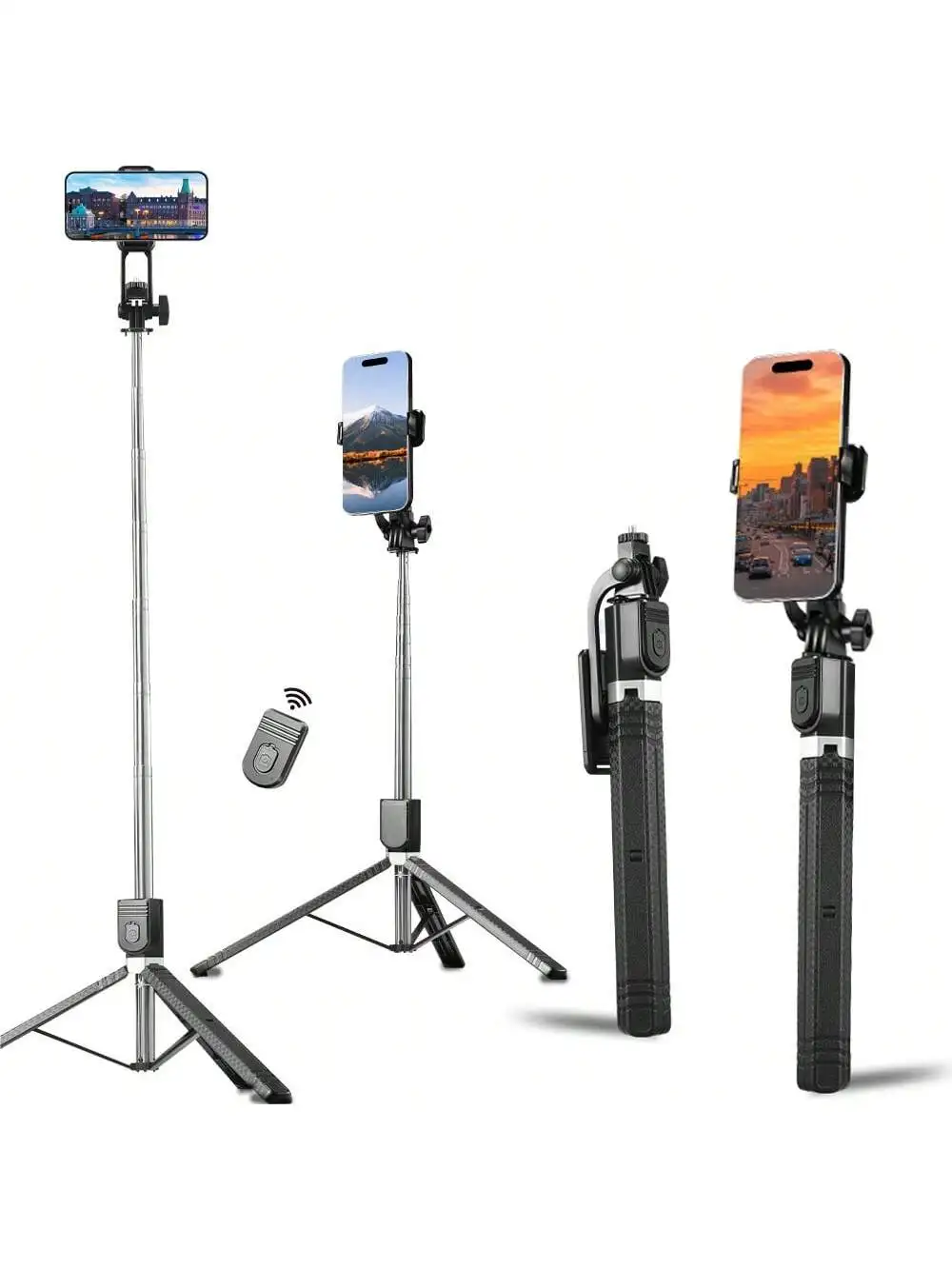
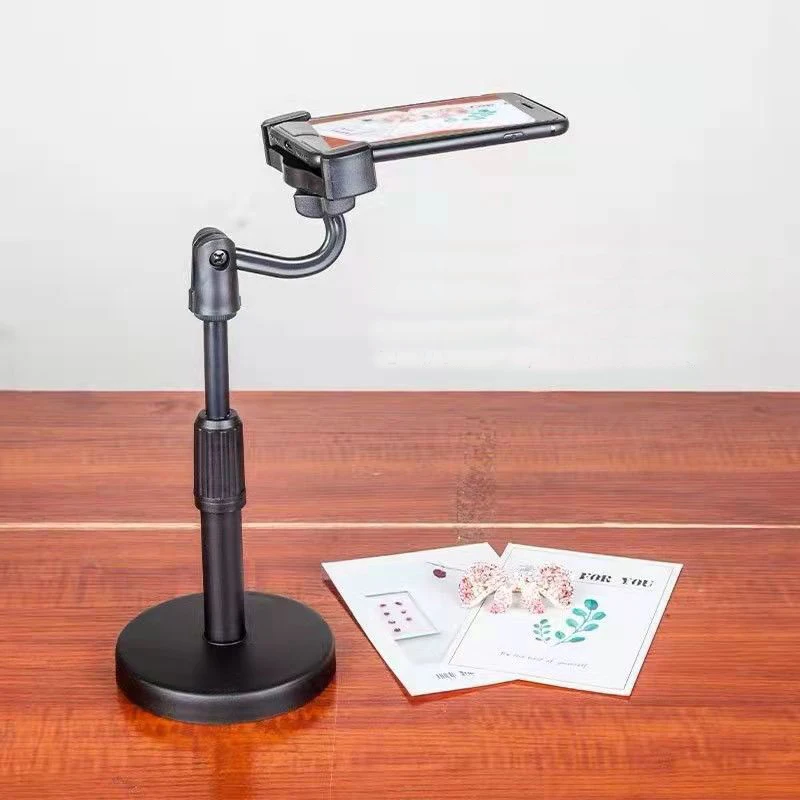
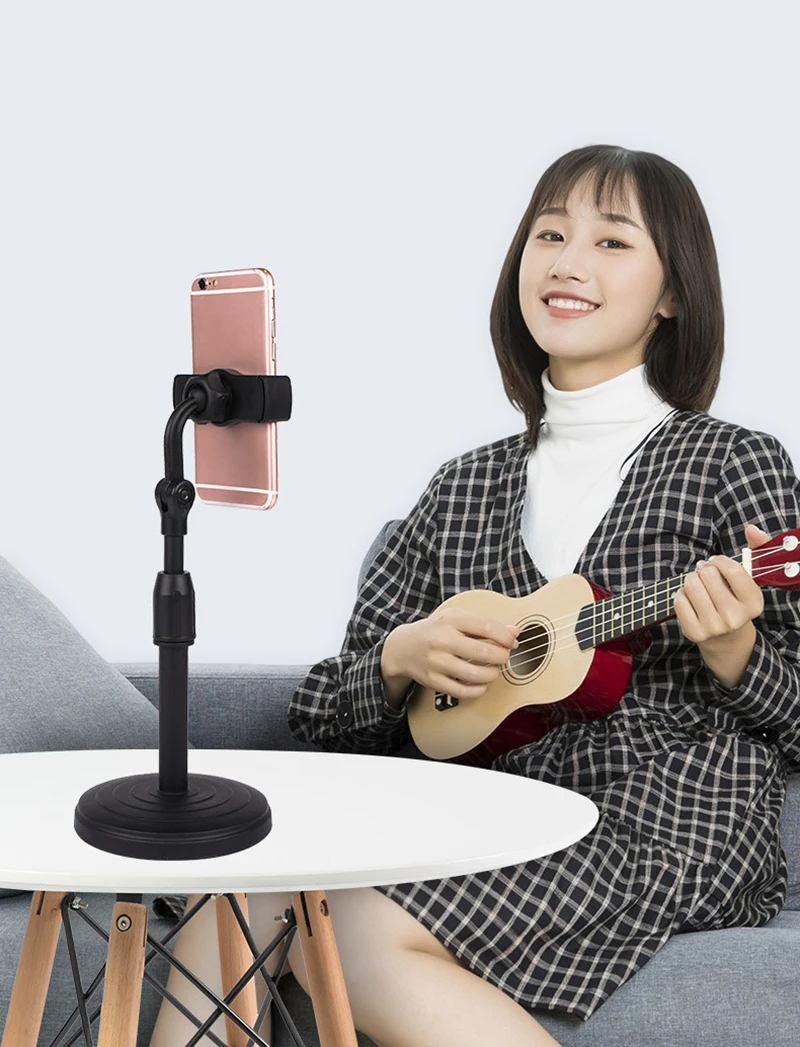
A phone held still takes a sharper picture in dim light, because it can keep the shutter open longer without a shaking hand blurring the shot, and night modes often do better when the phone is on a tripod. A tripod also lets you be in the picture, film yourself talking, run a time-lapse, or hold the phone at the right height for a video call for an hour. The tripods in this group are sorted by height and how they stand.
The kinds of phone tripod
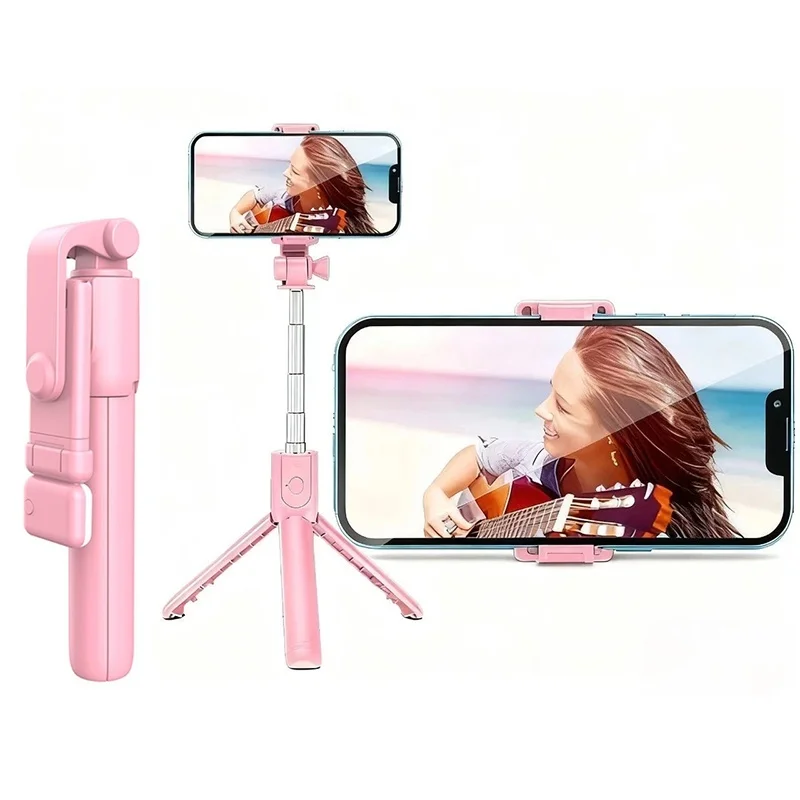
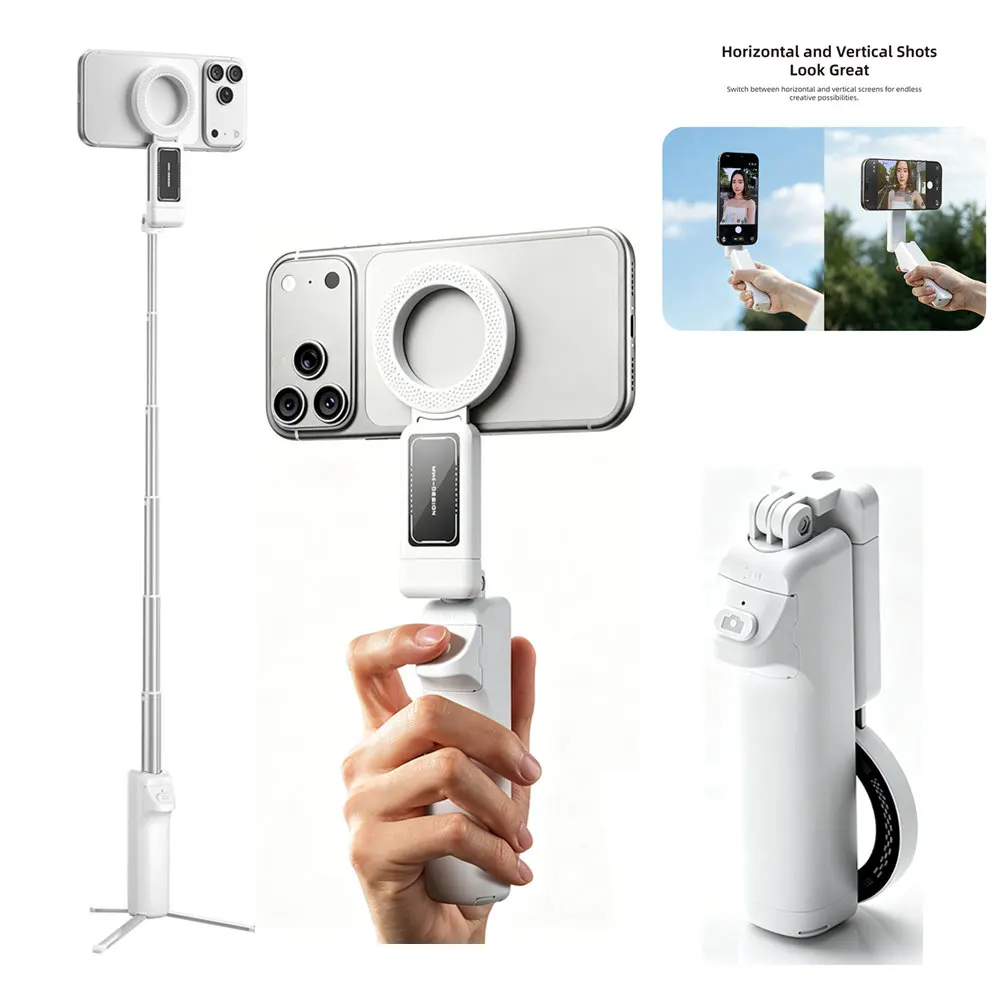
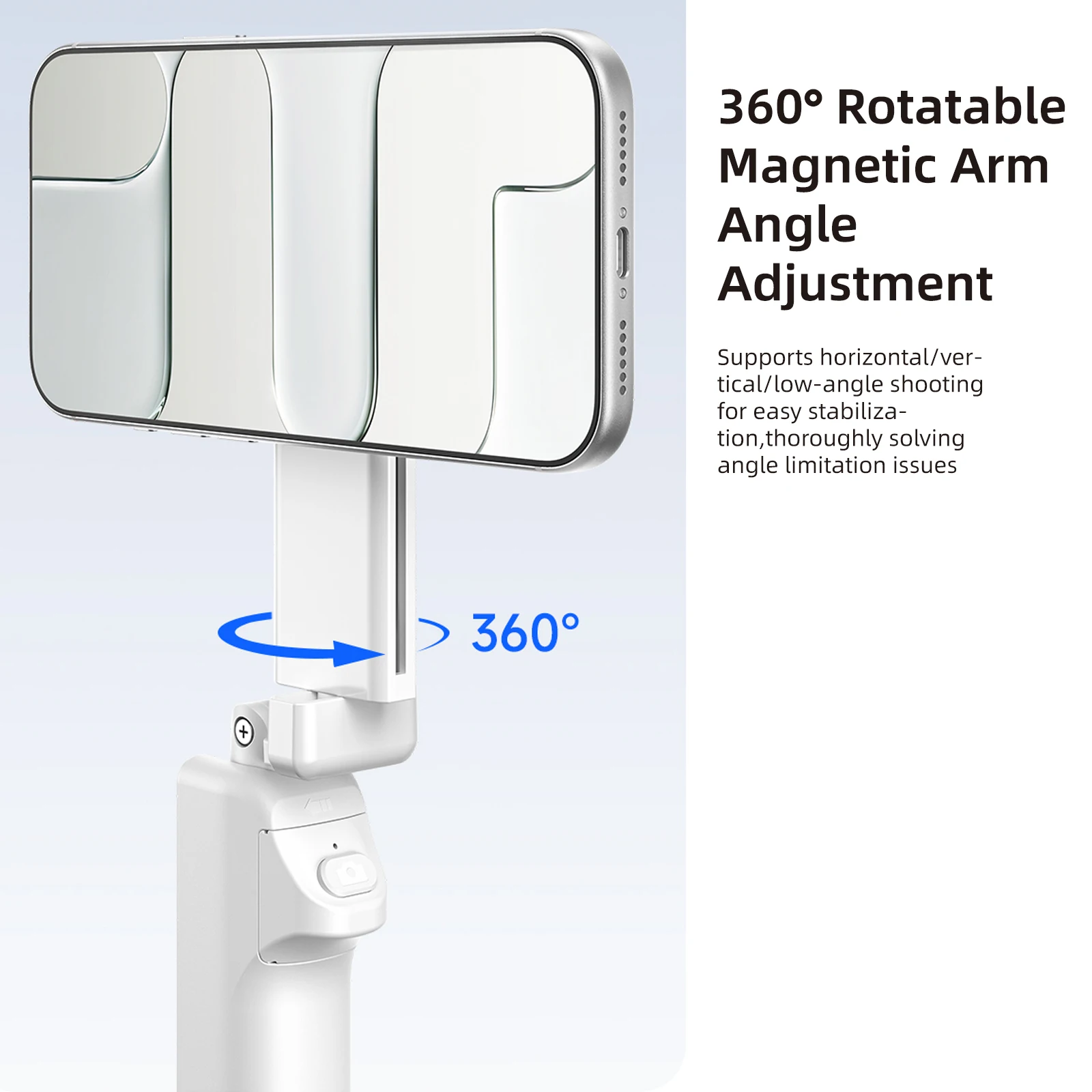
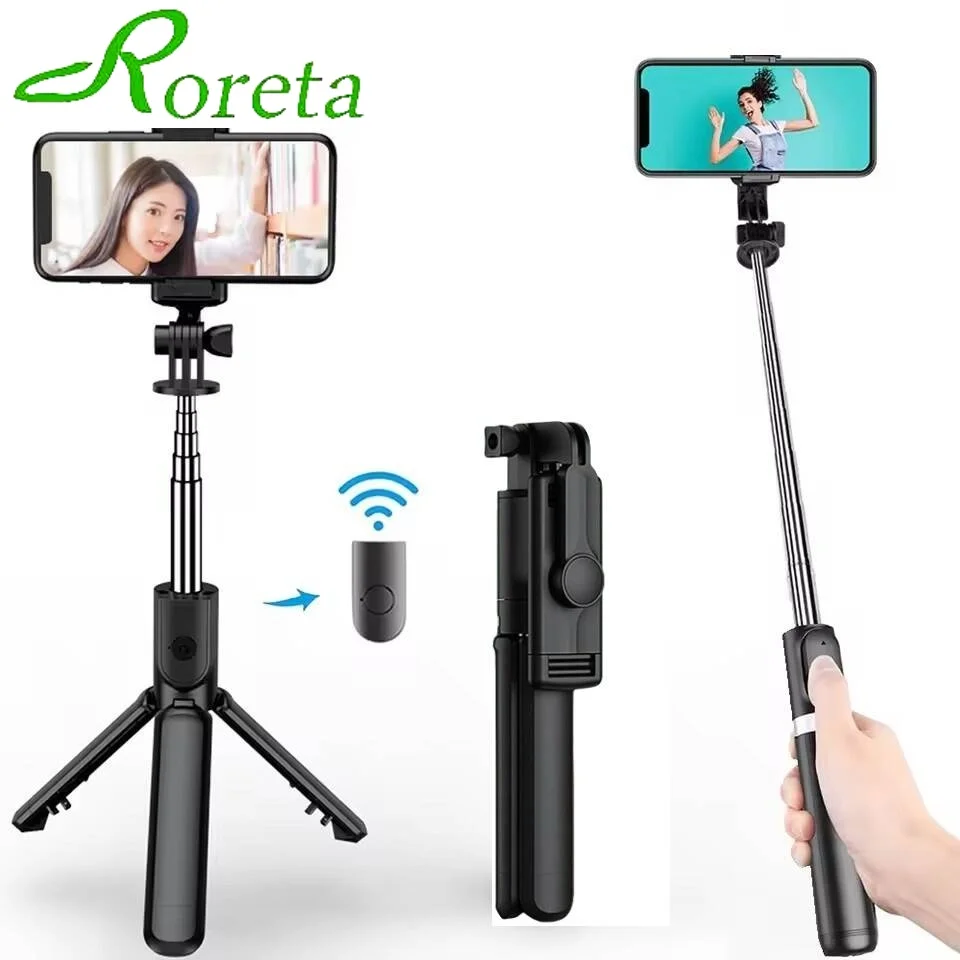
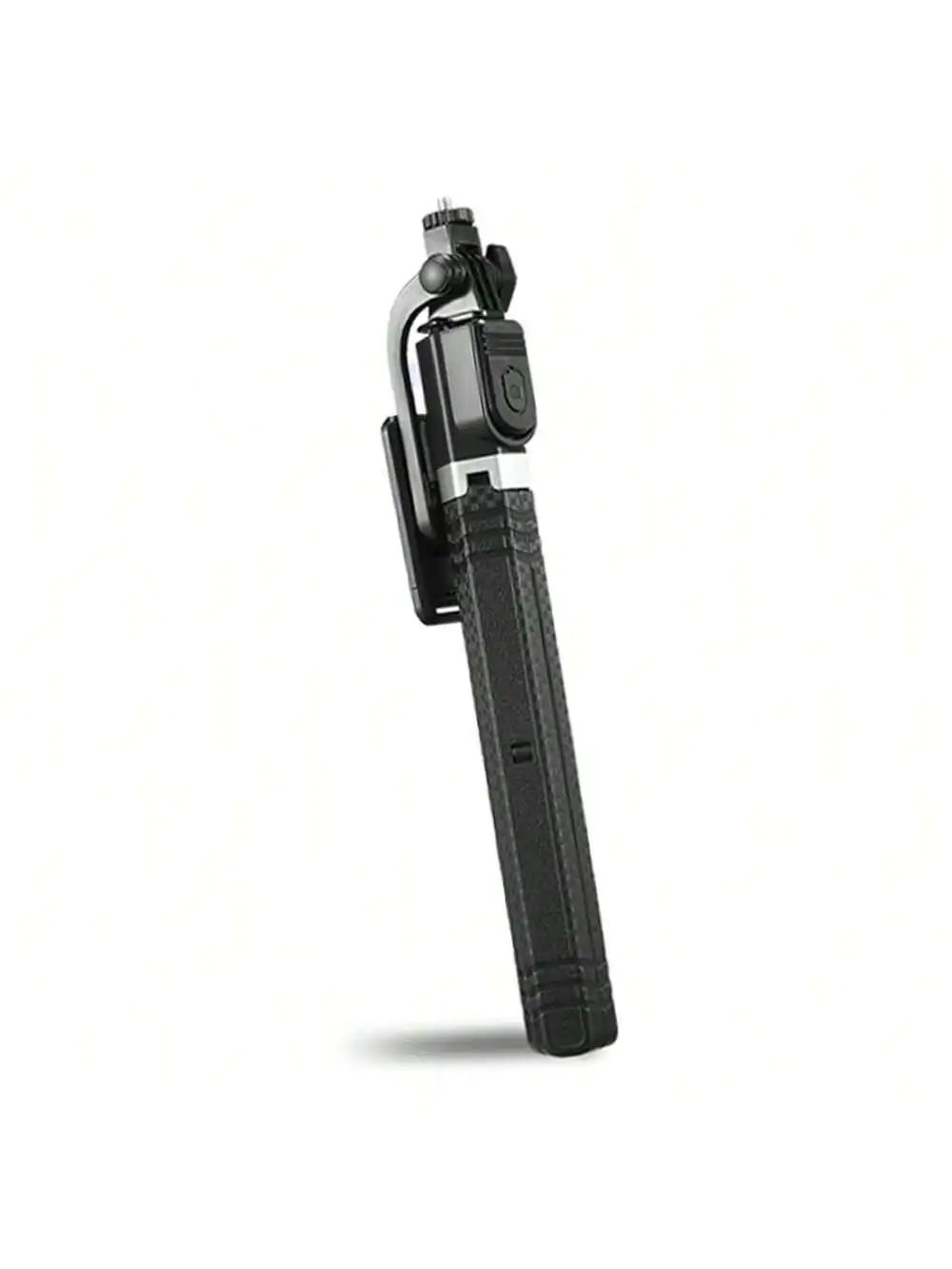
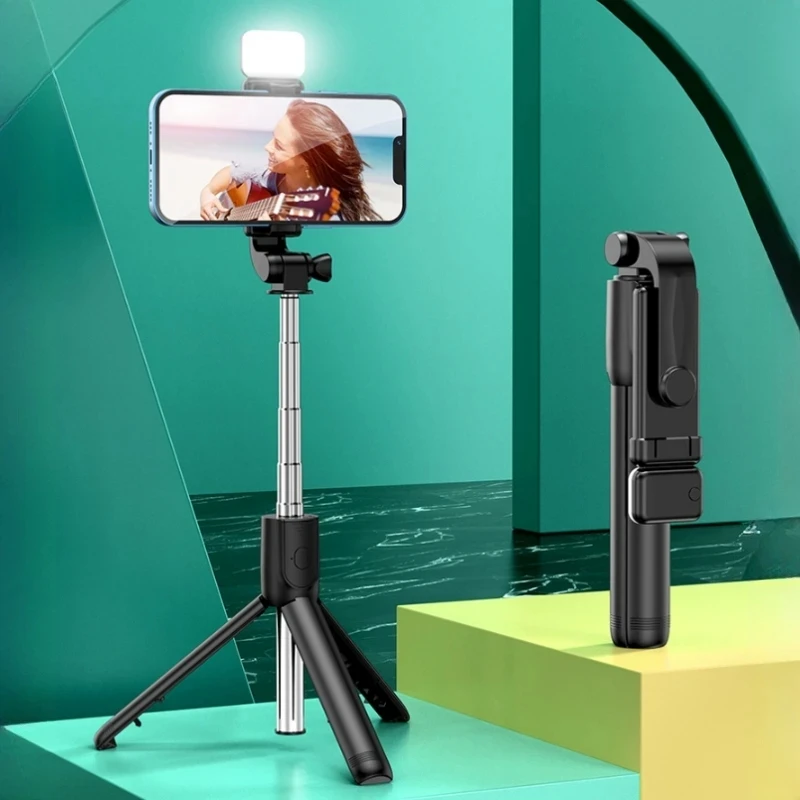
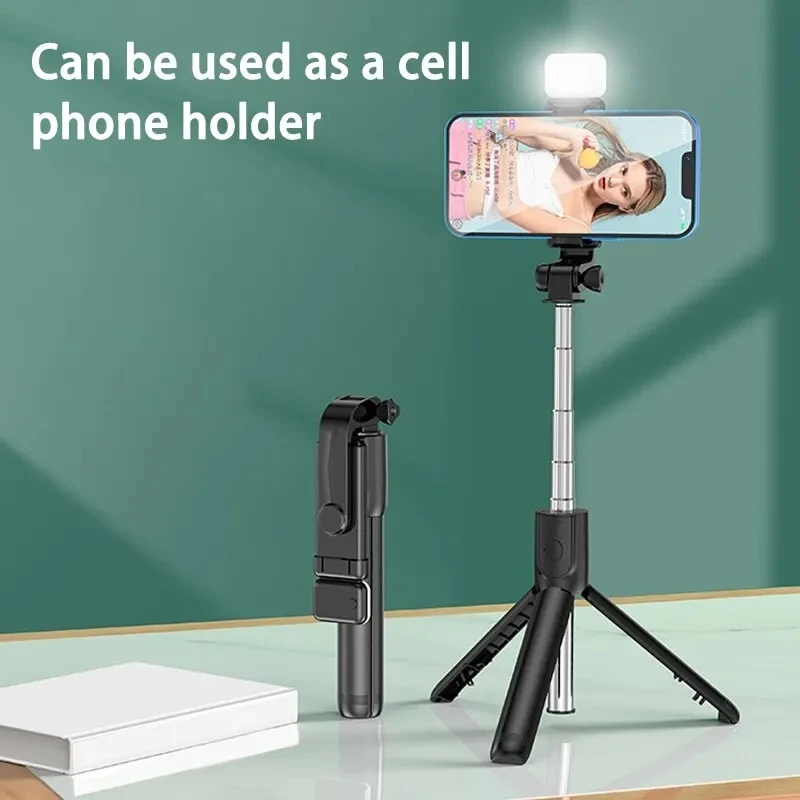
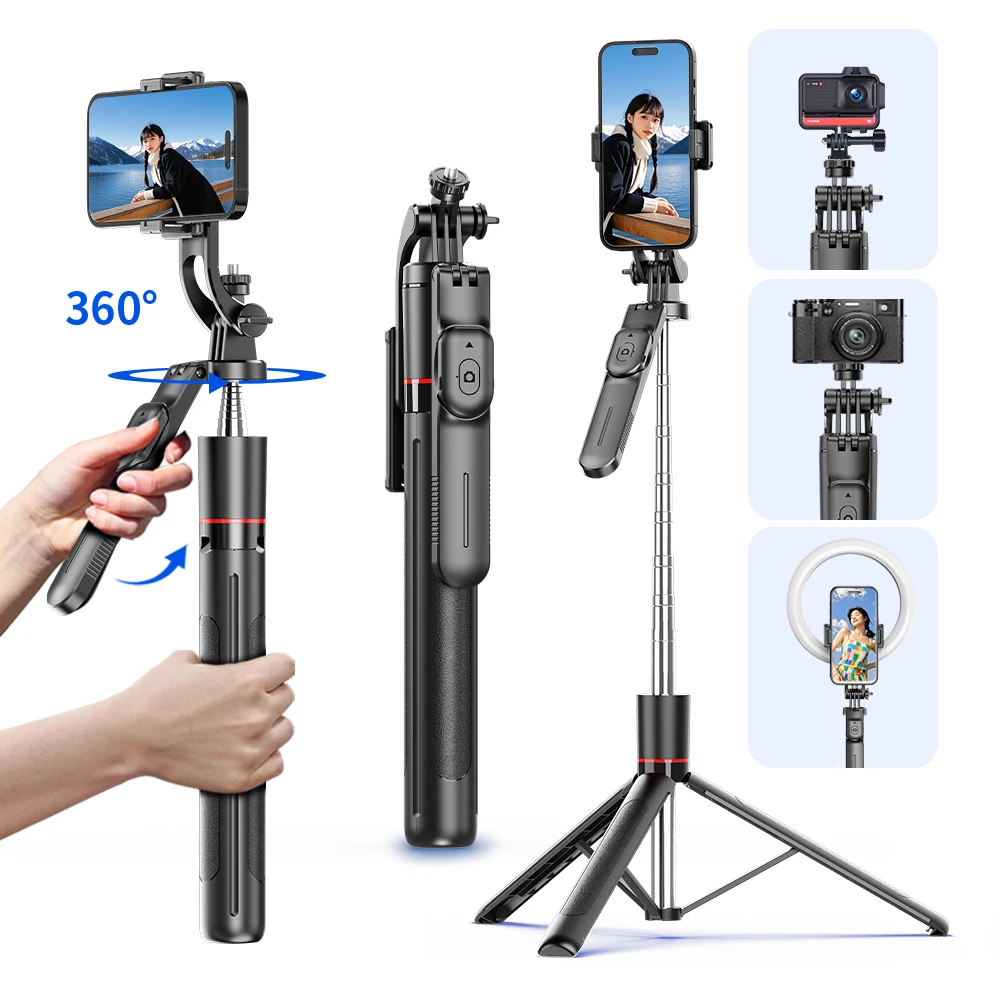
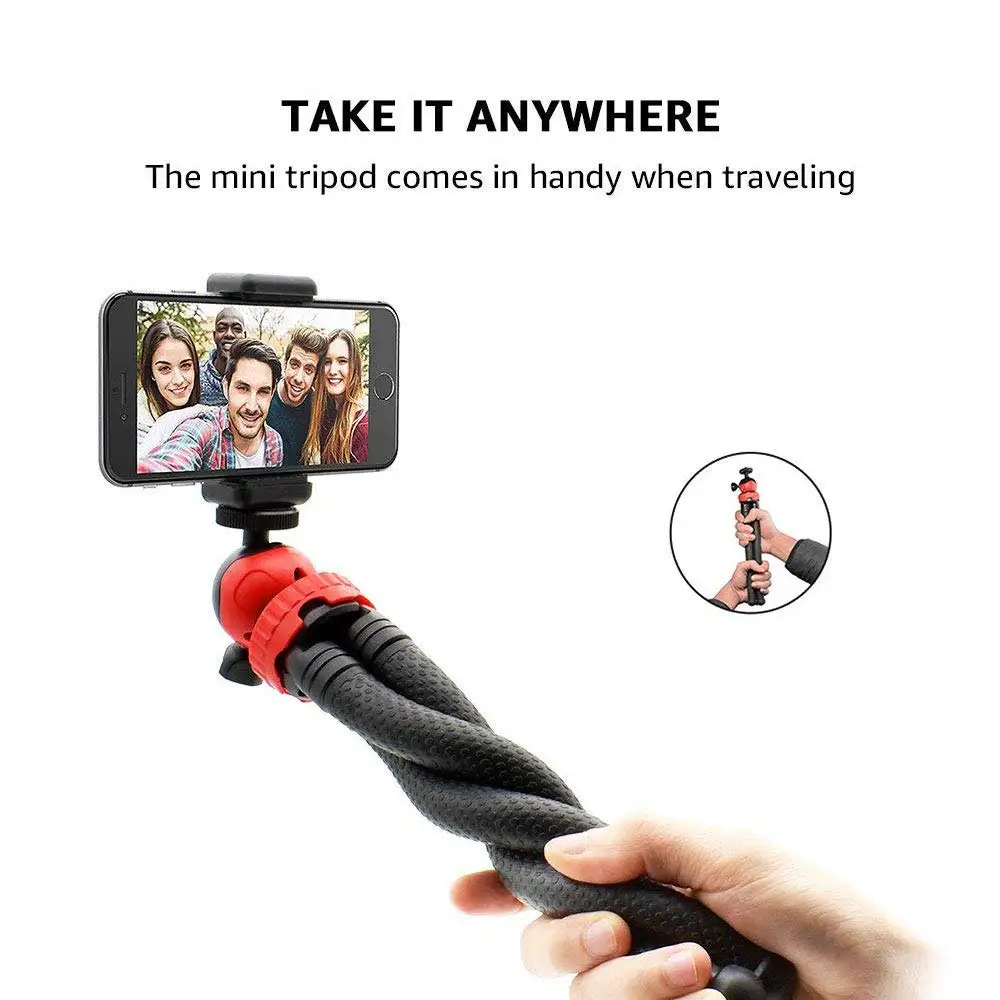
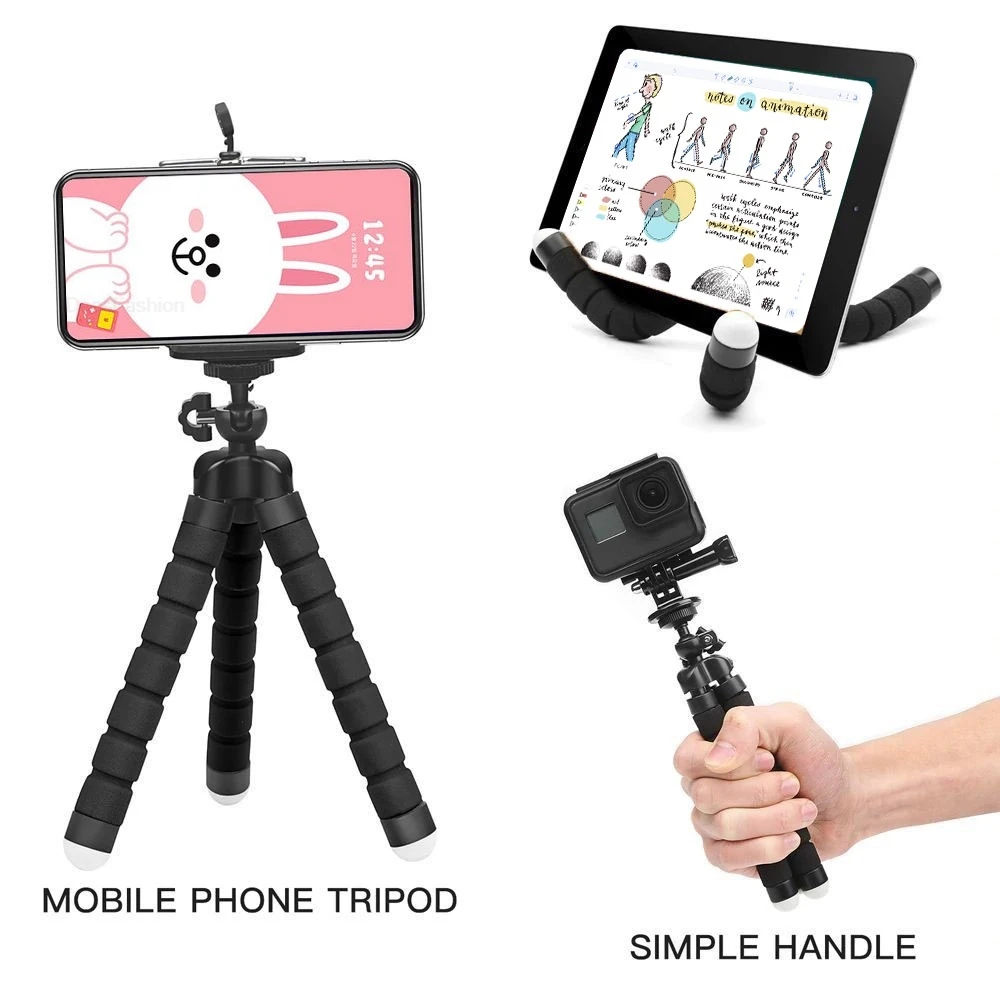
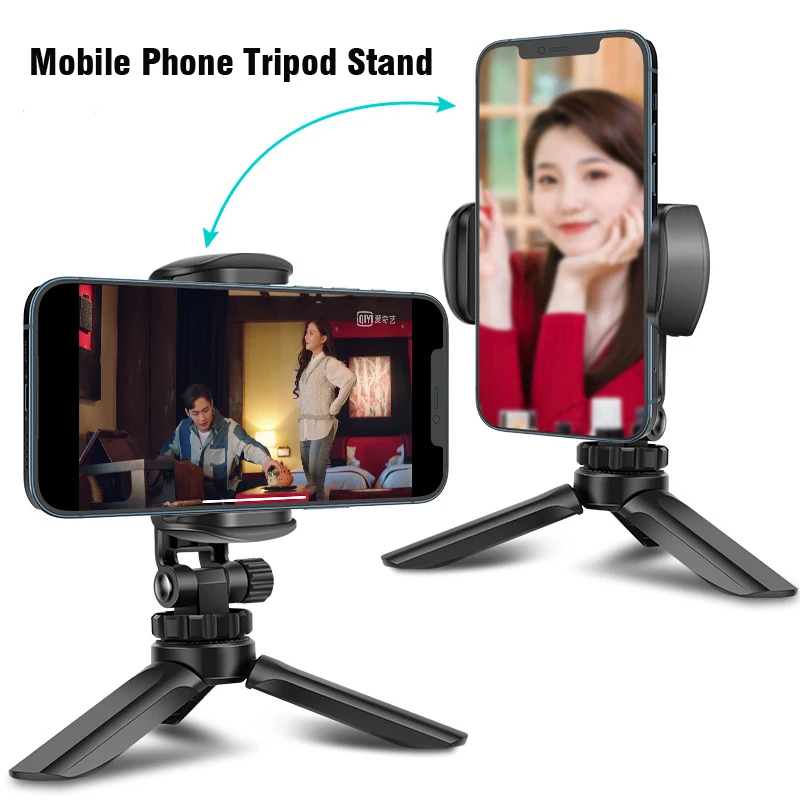
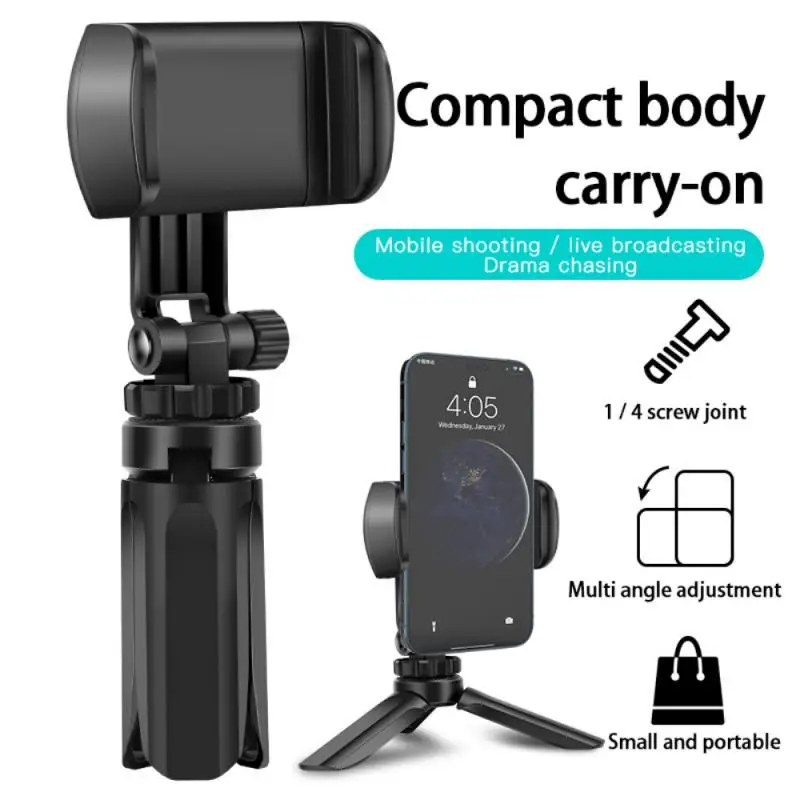
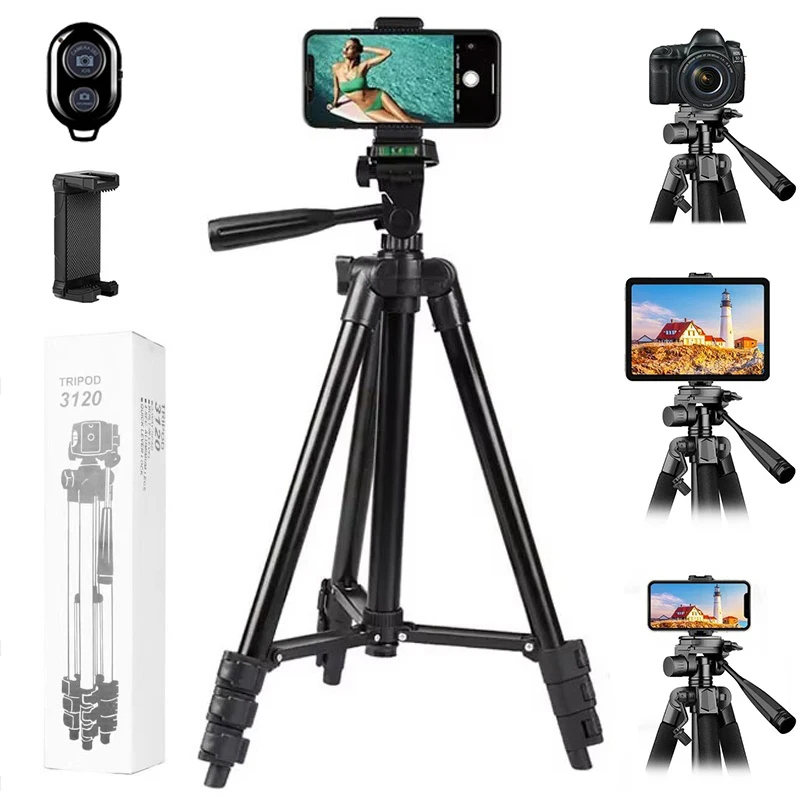
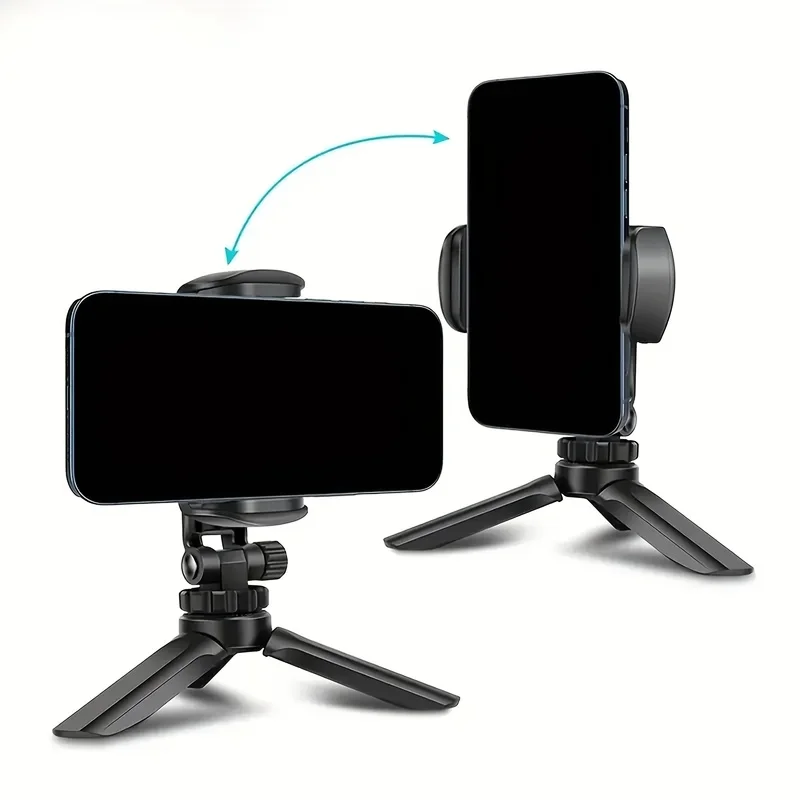
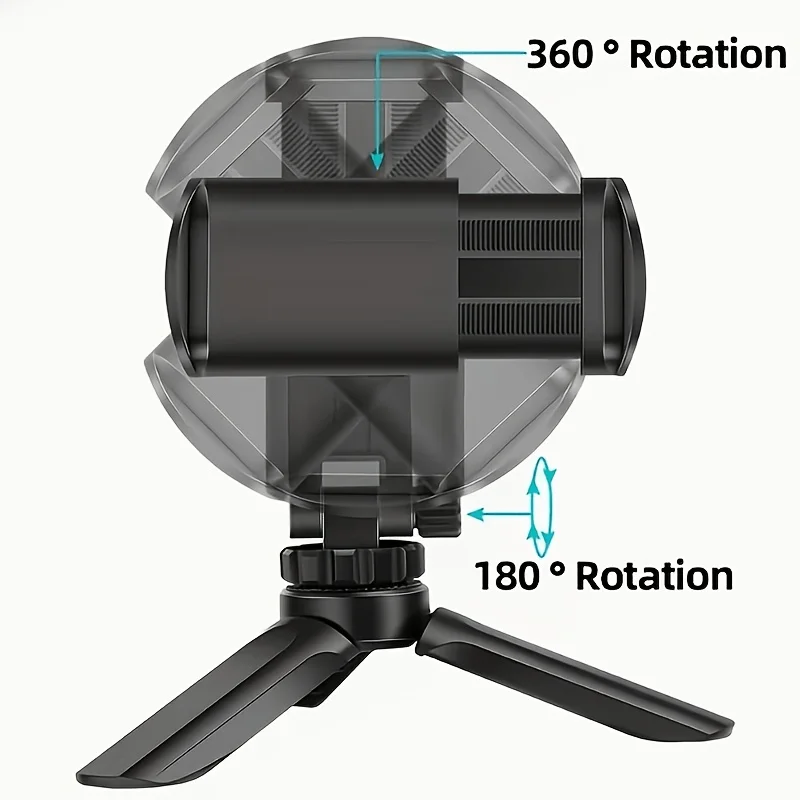
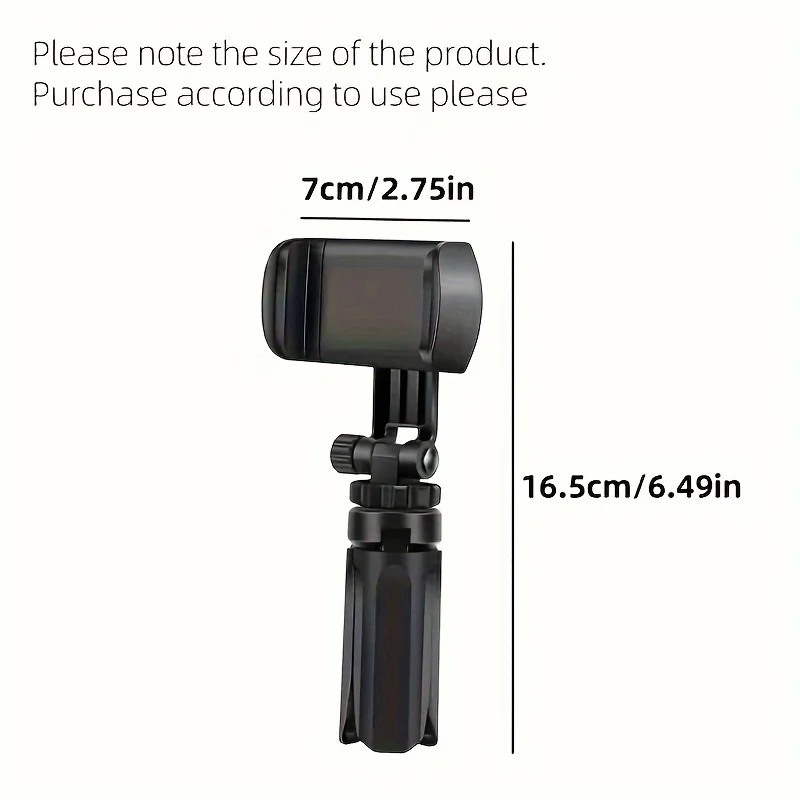
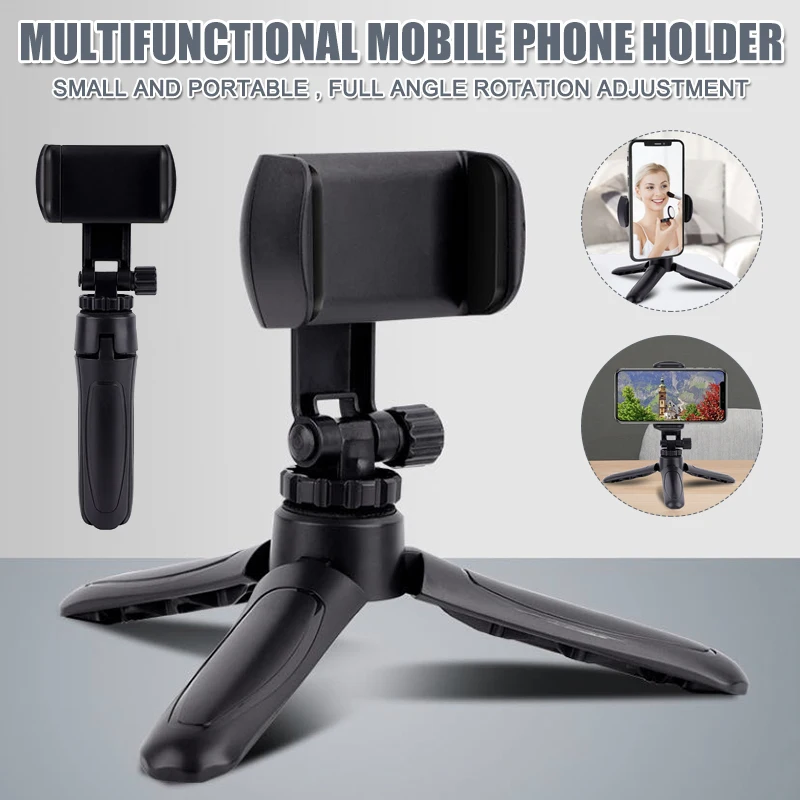
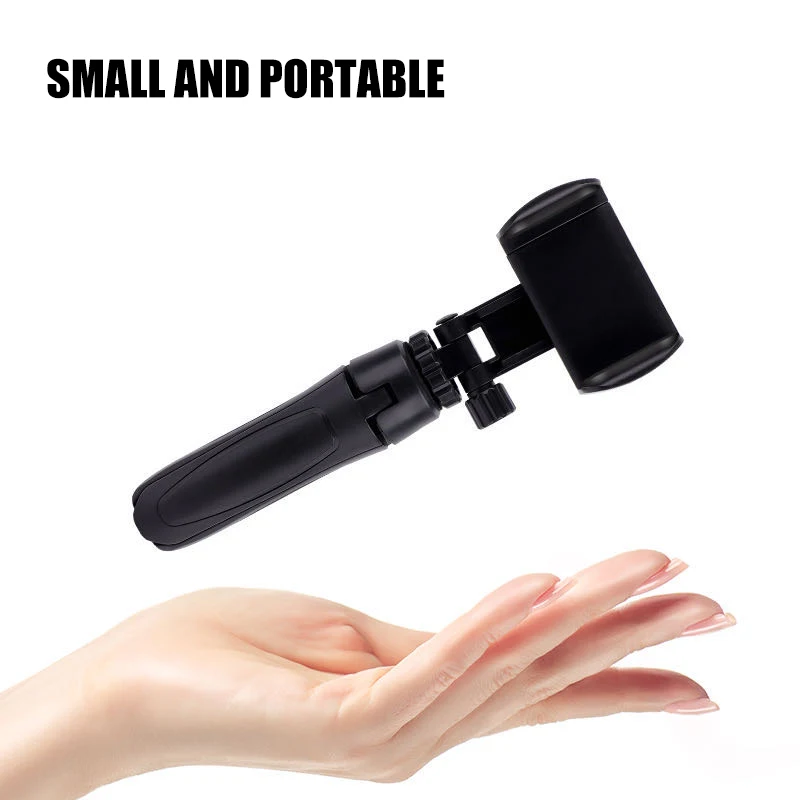
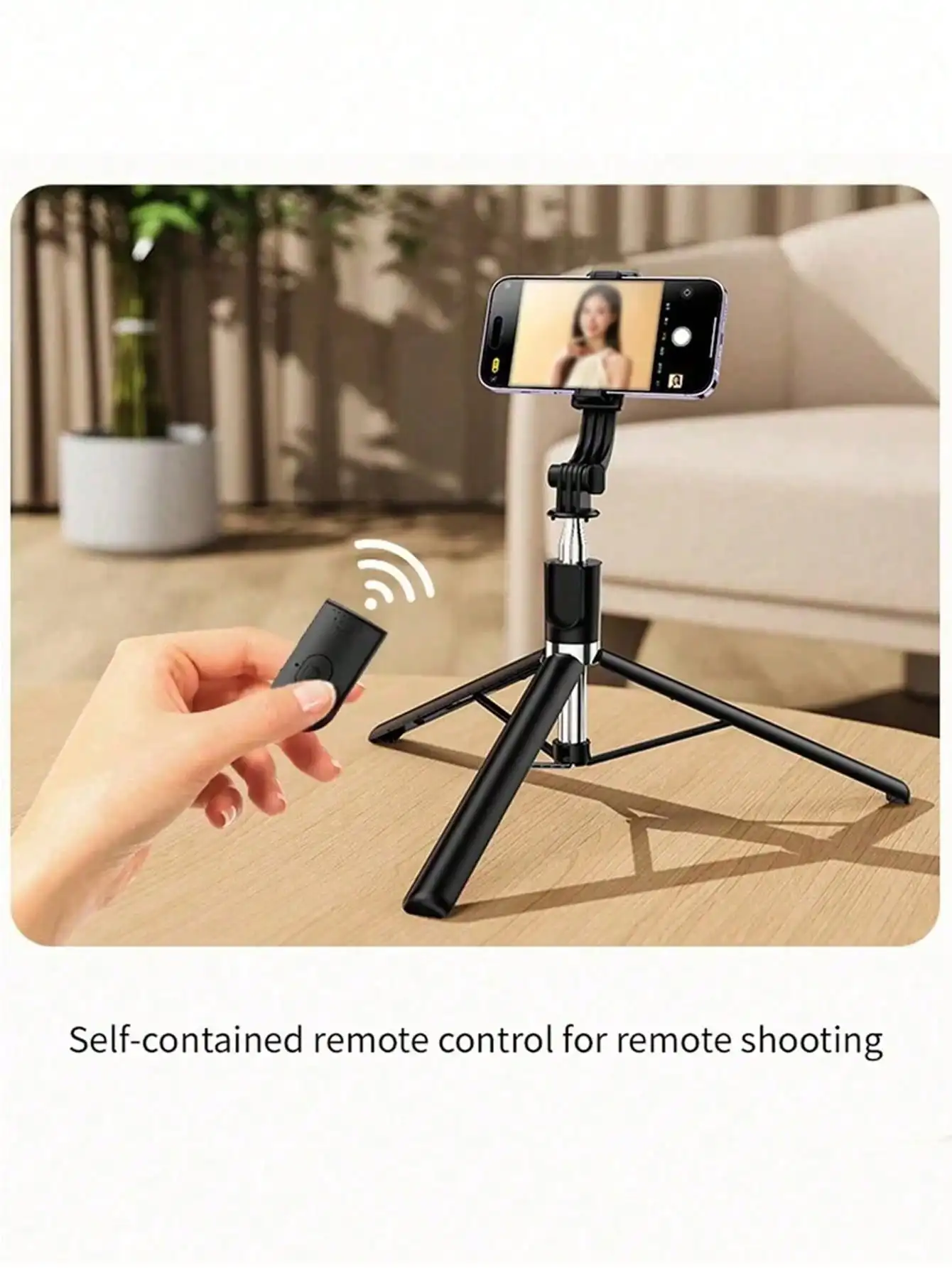
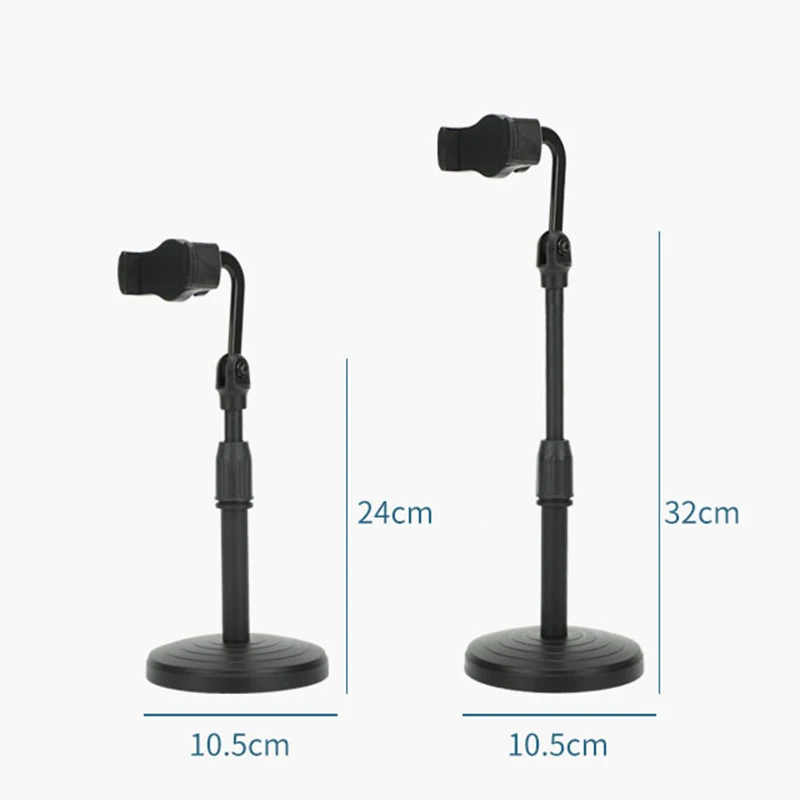
- Mini tripods stand on a table, a wall or a rock and pack into a bag. Some fold into a handle, so they double as a grip for filming handheld.
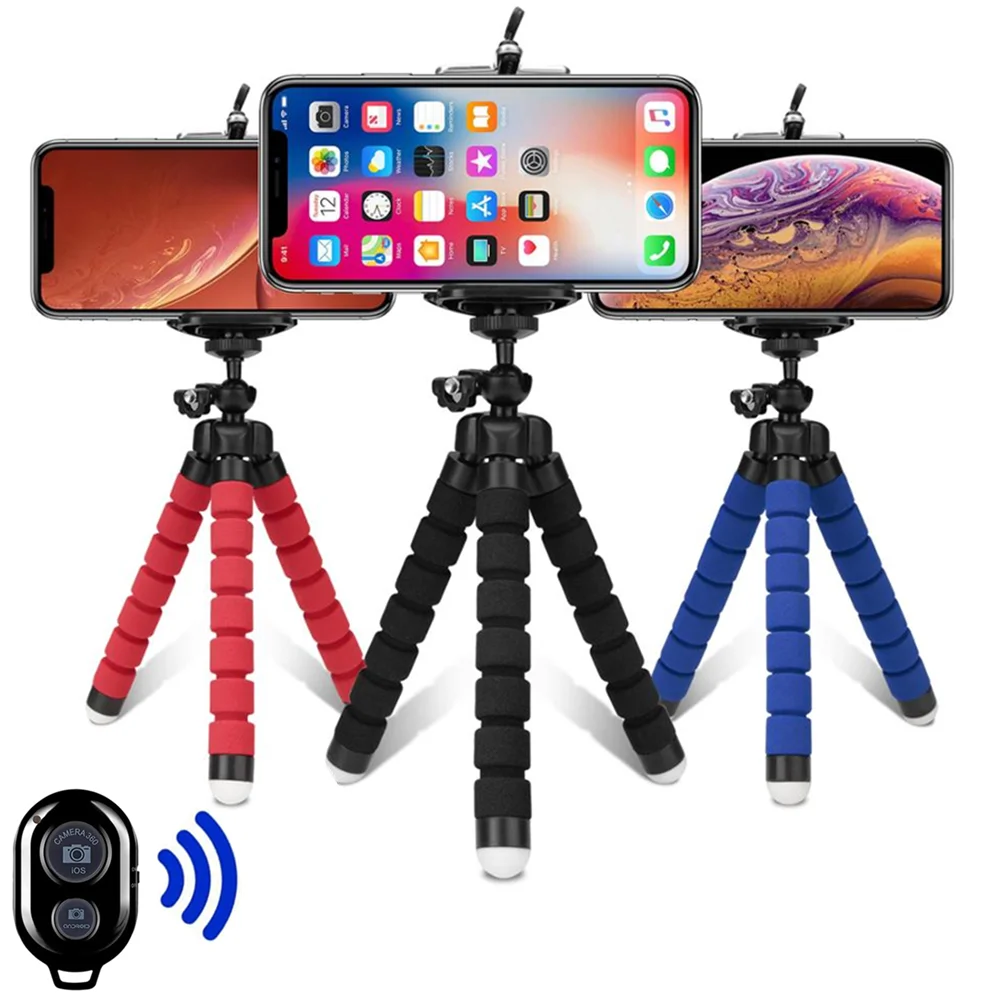
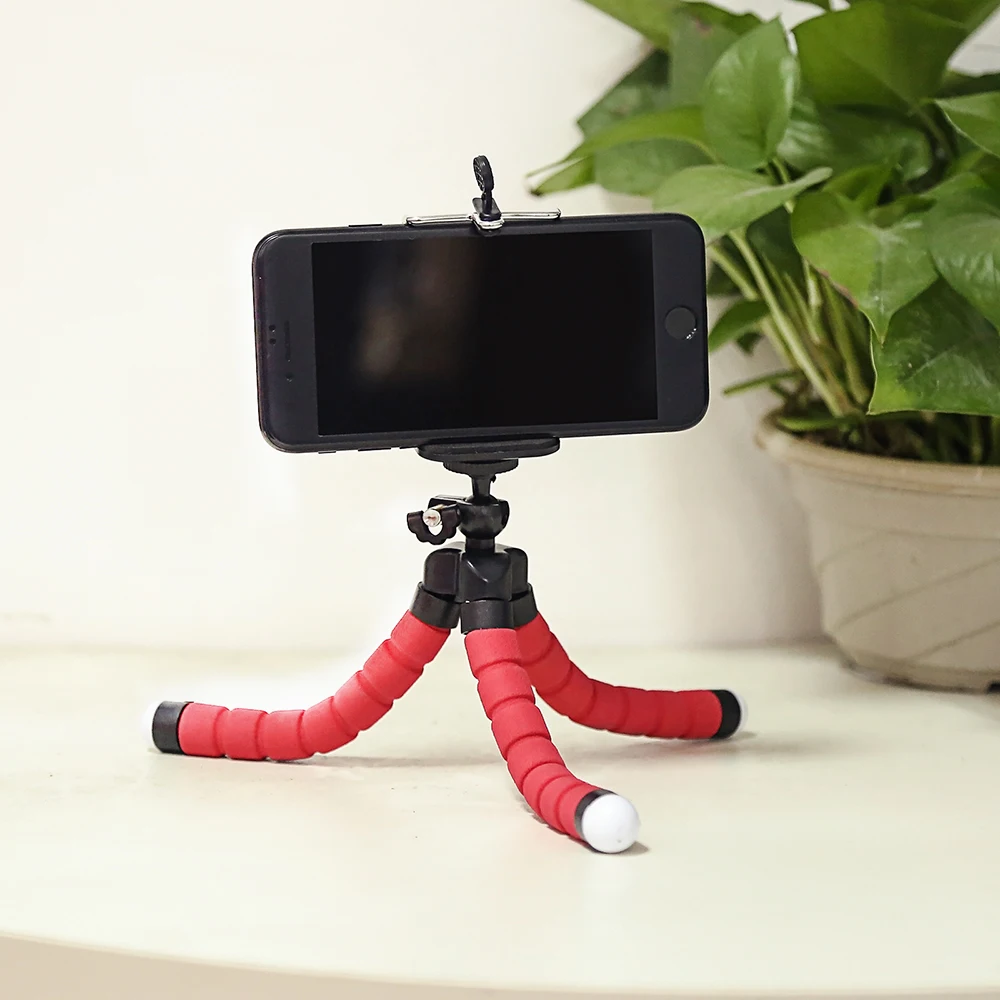
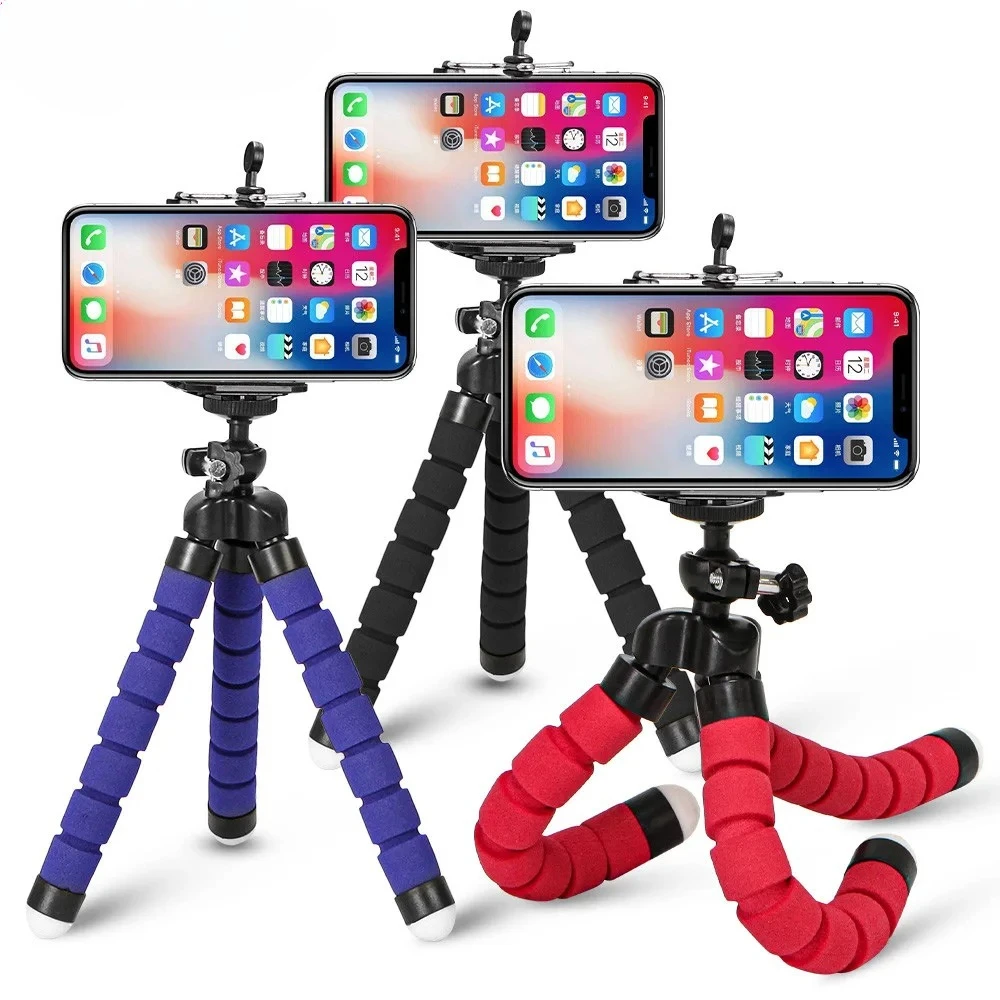
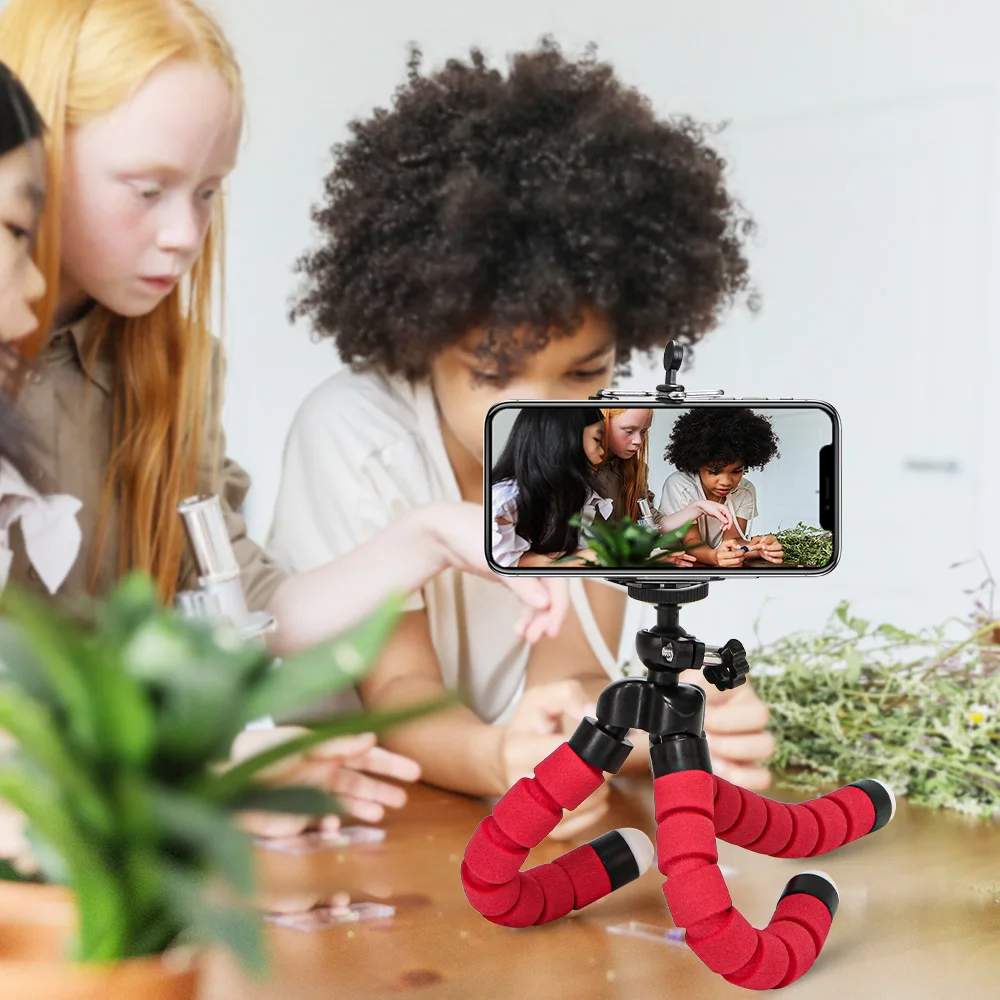
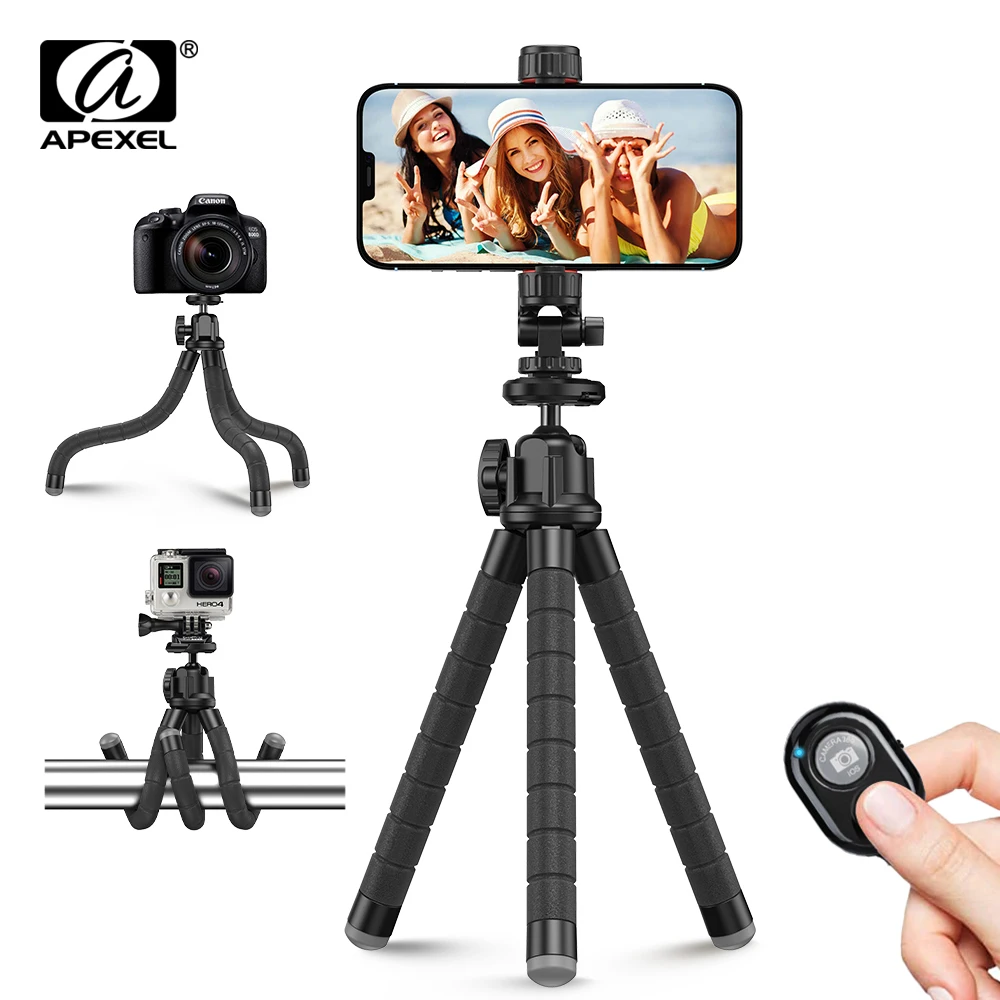
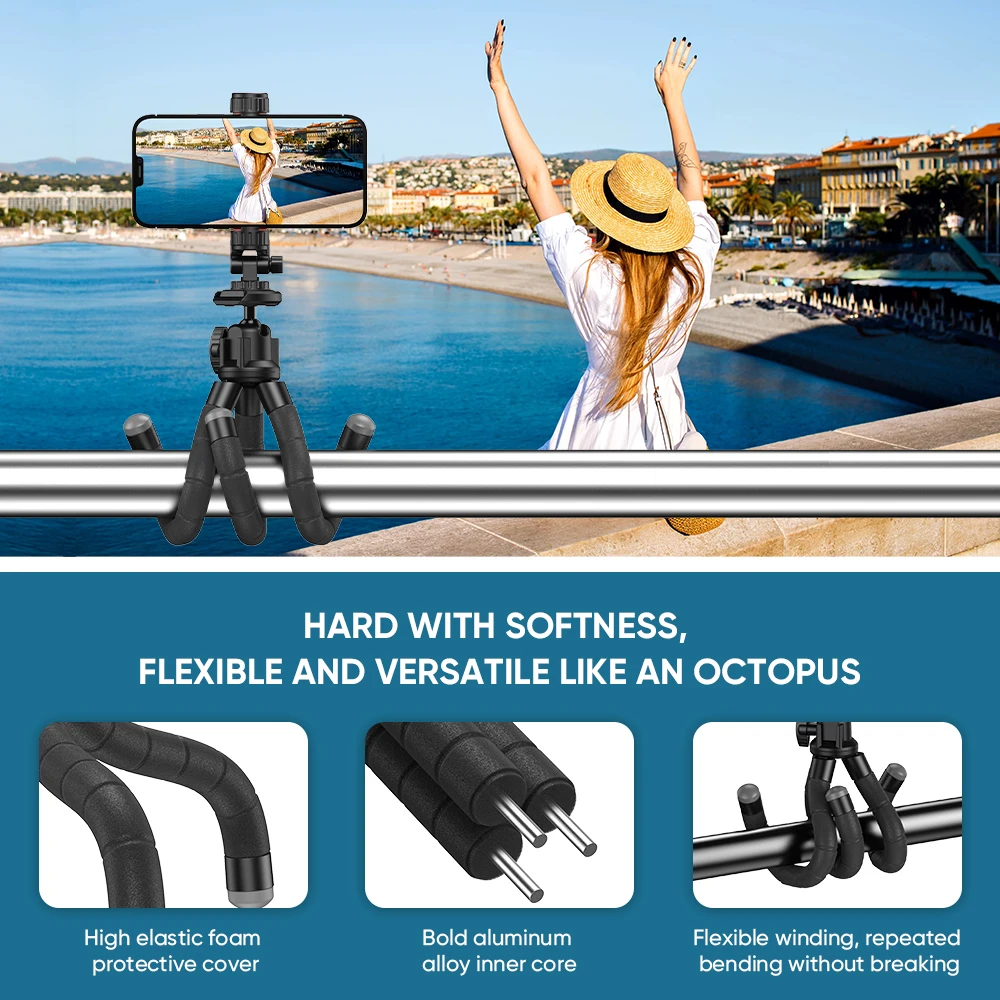
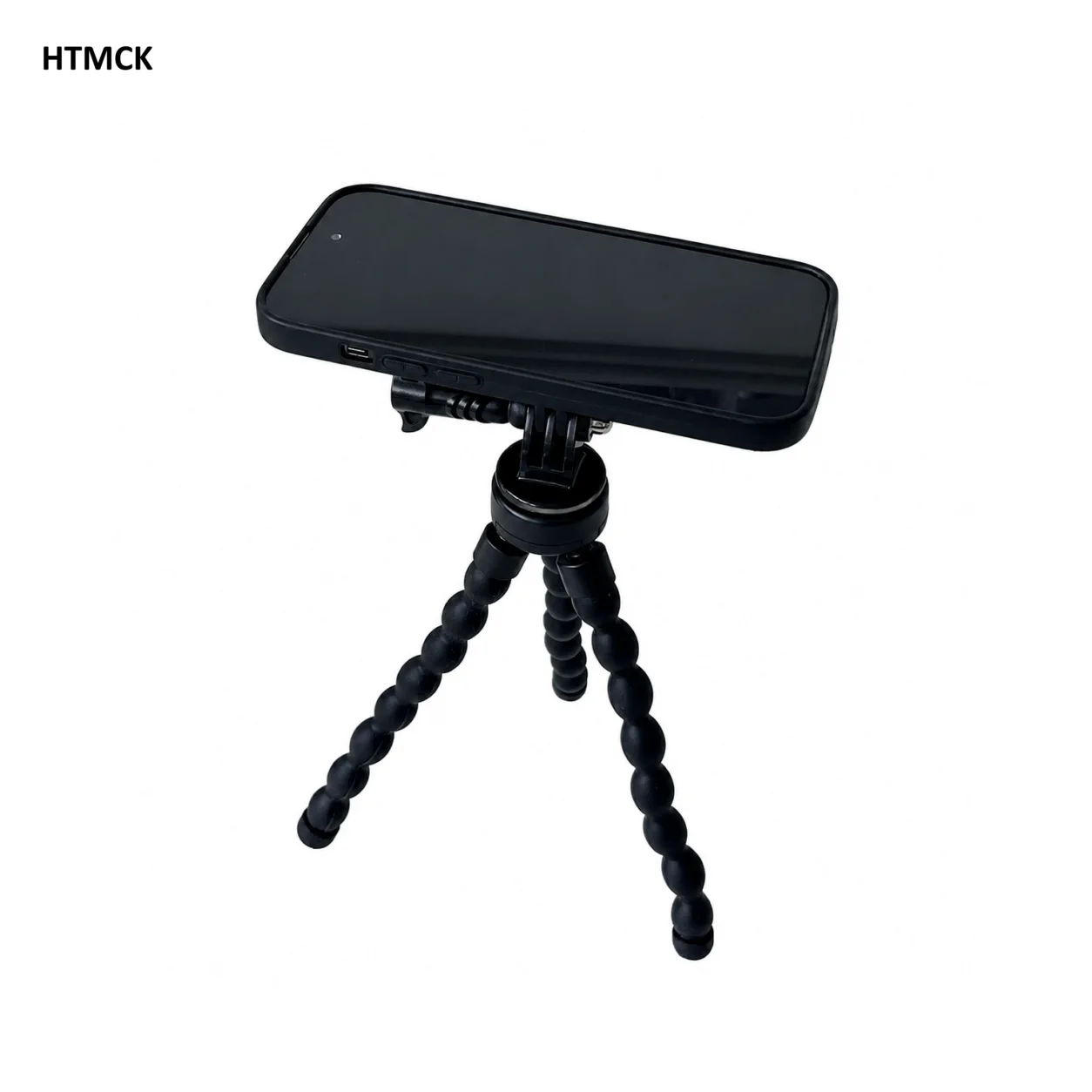
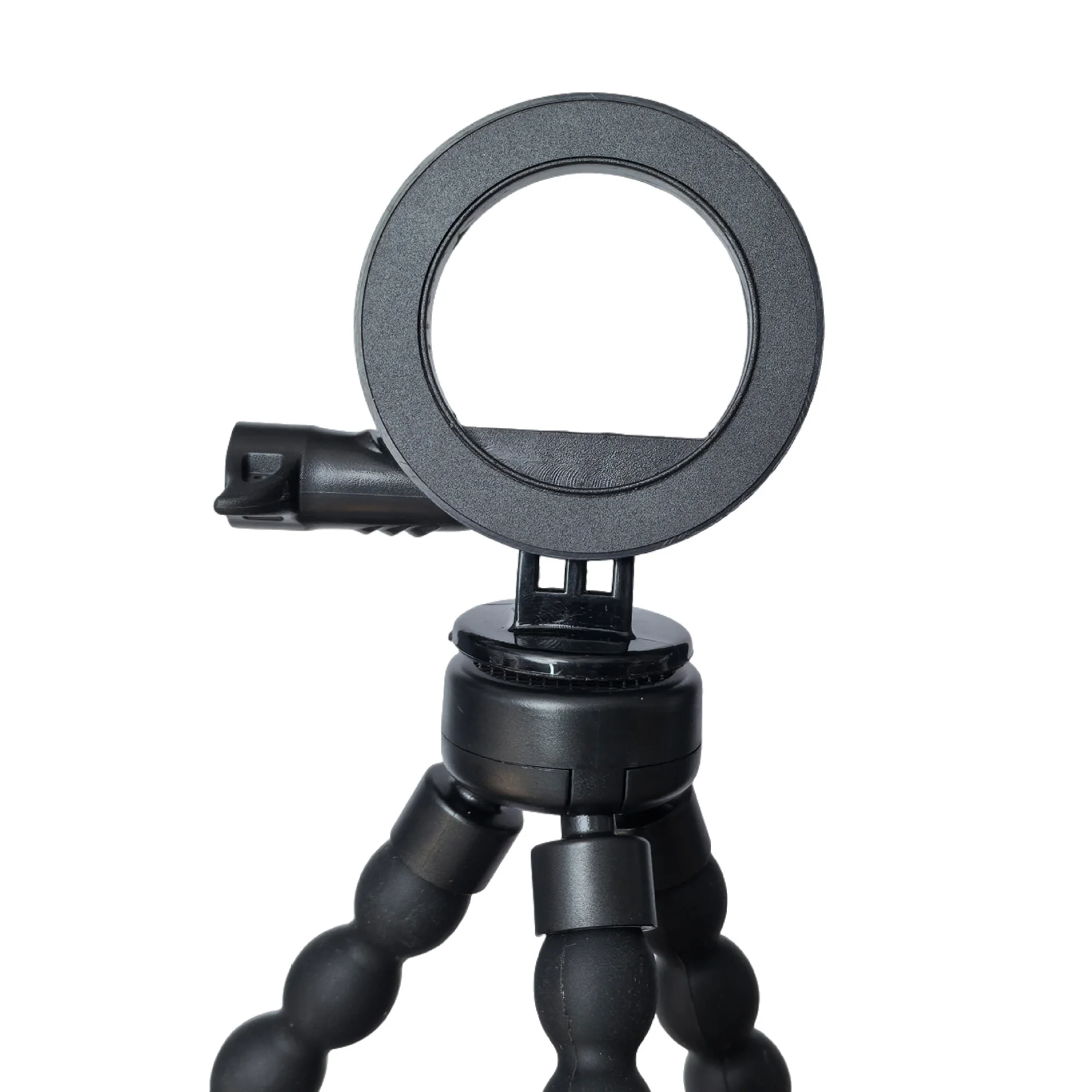
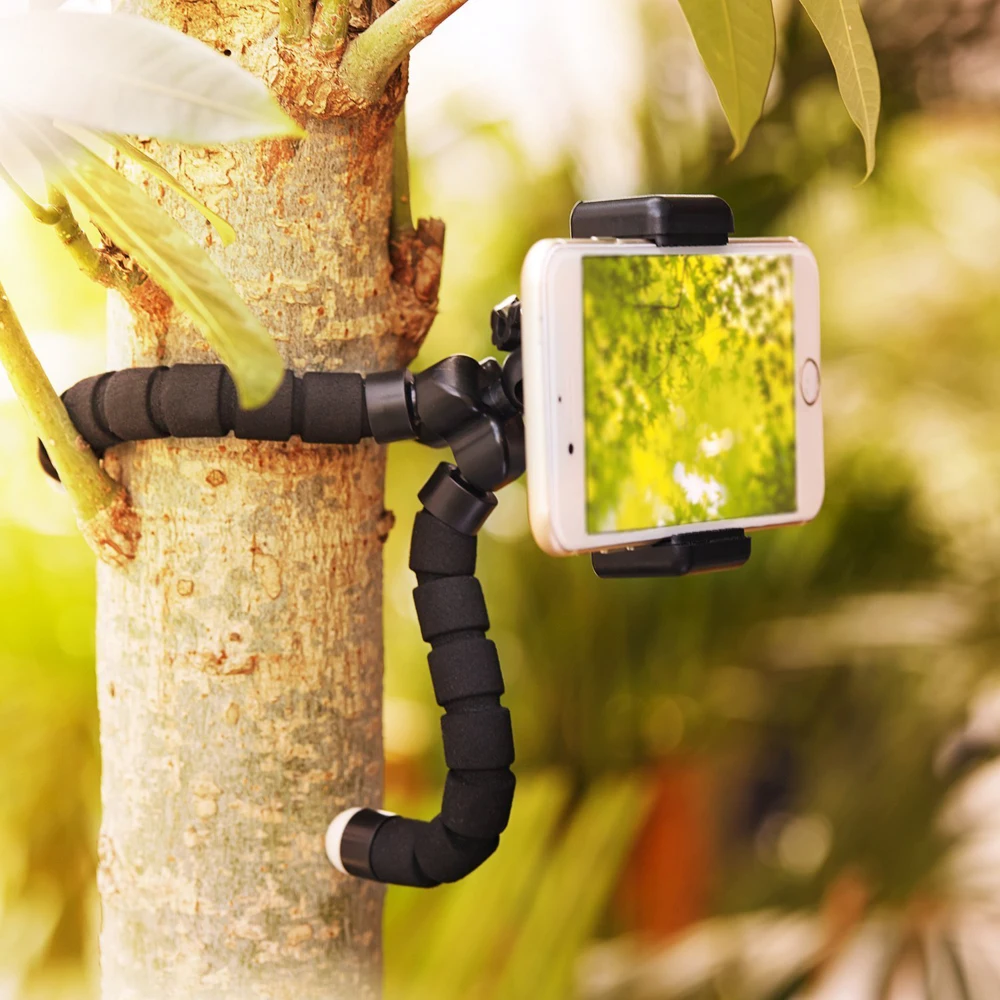
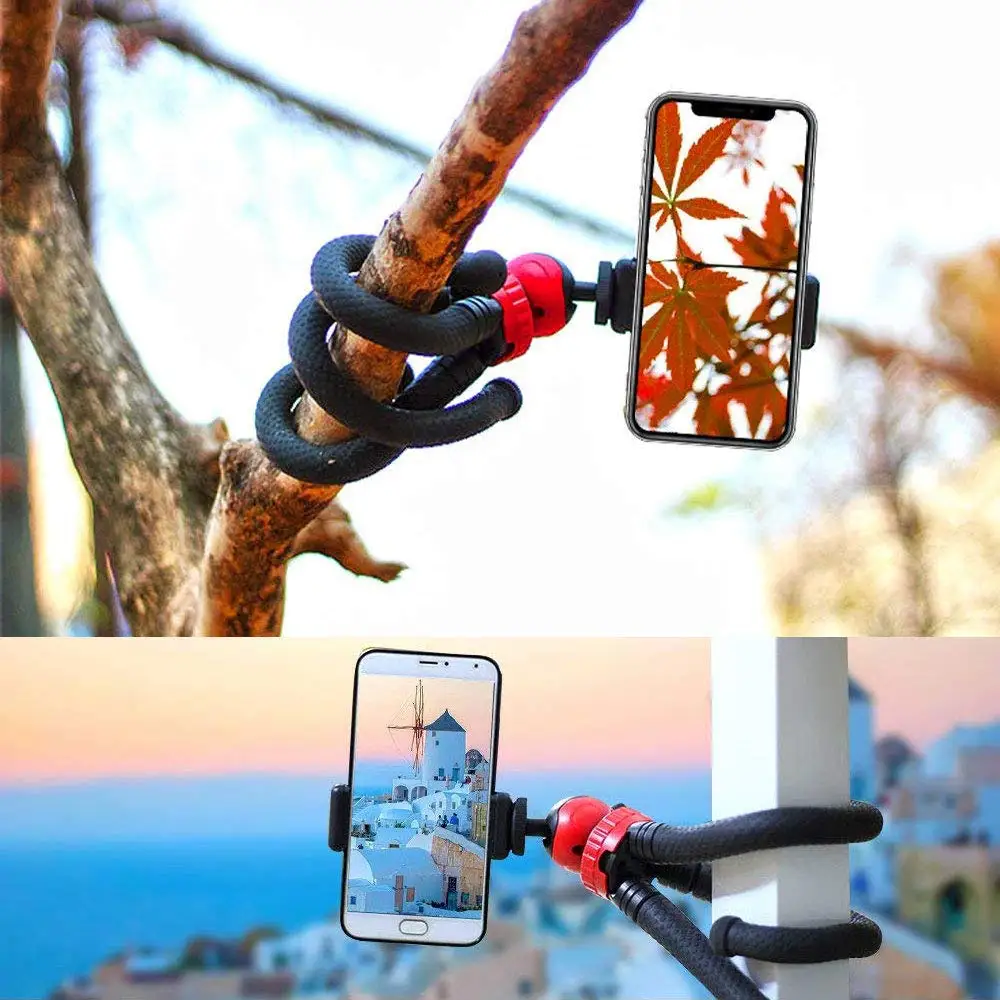
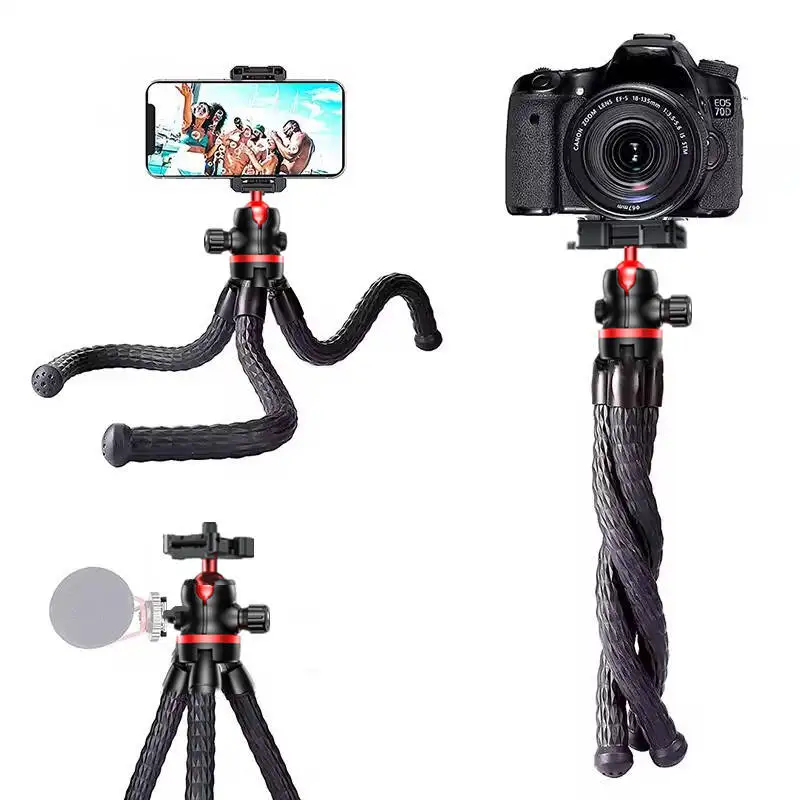
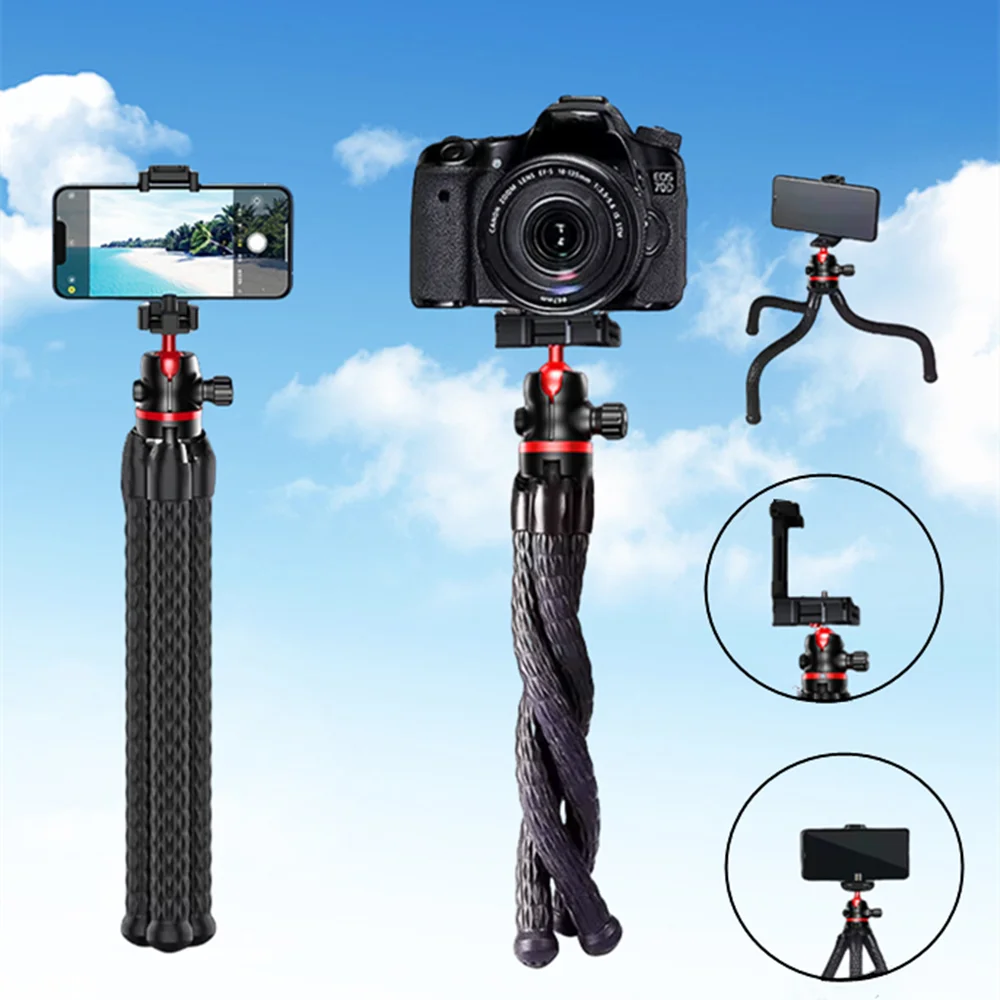
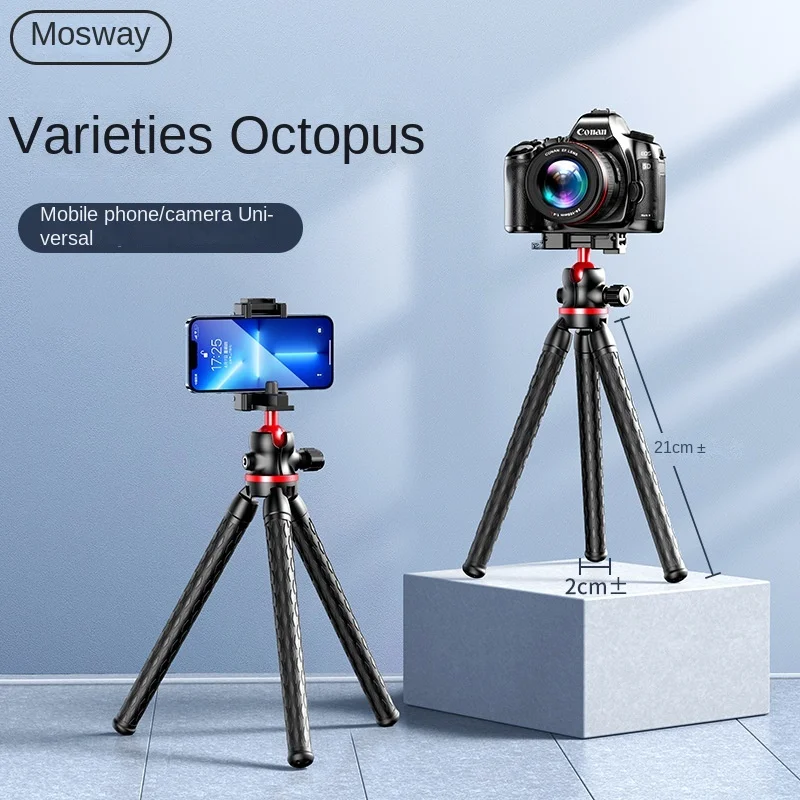
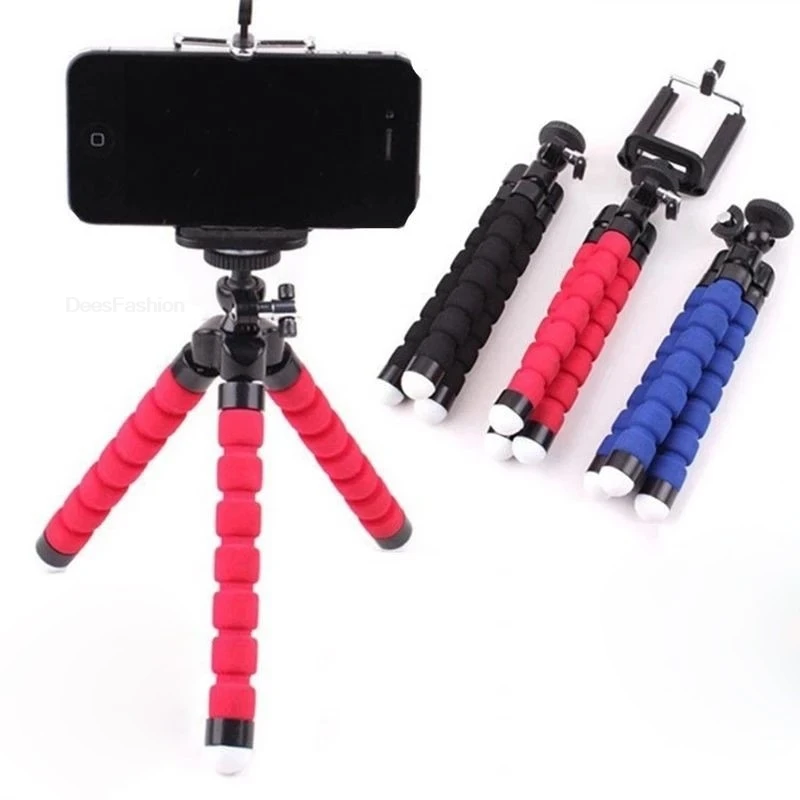
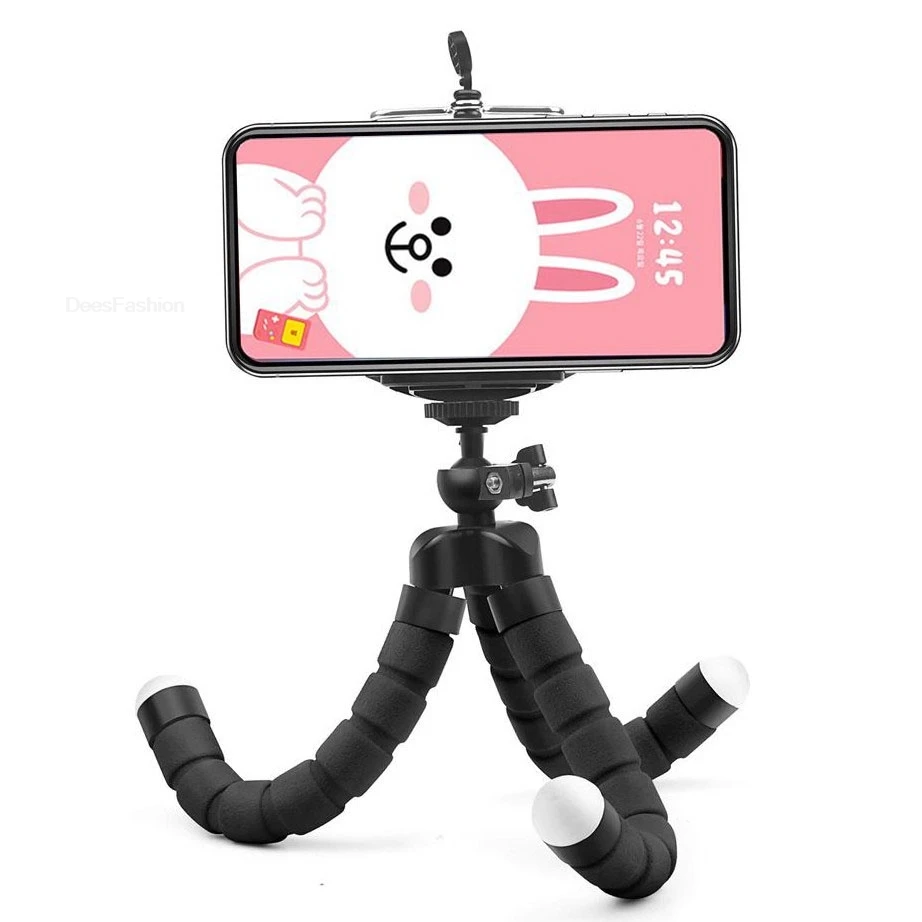
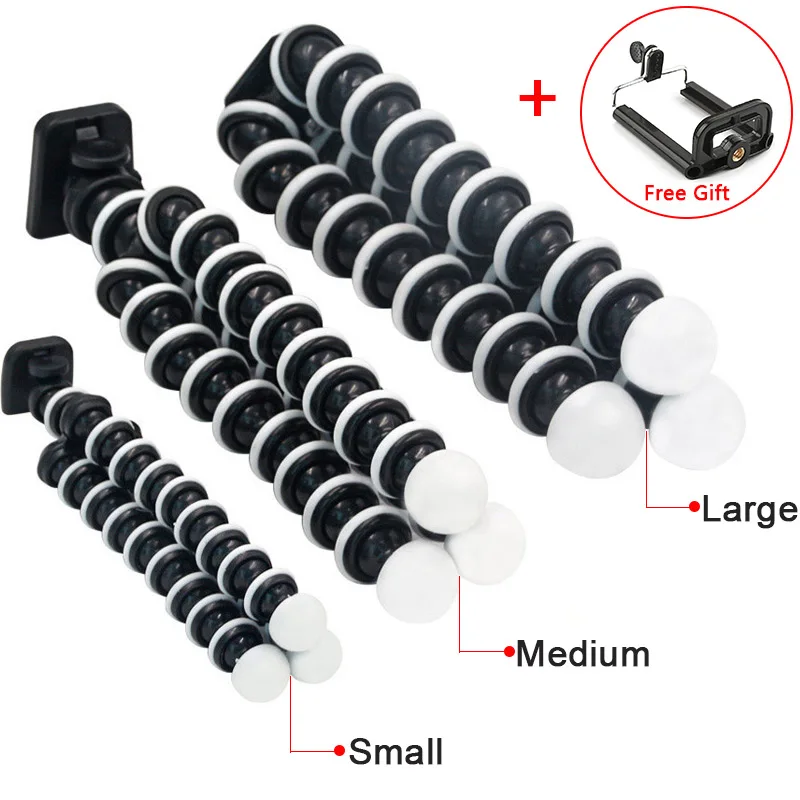
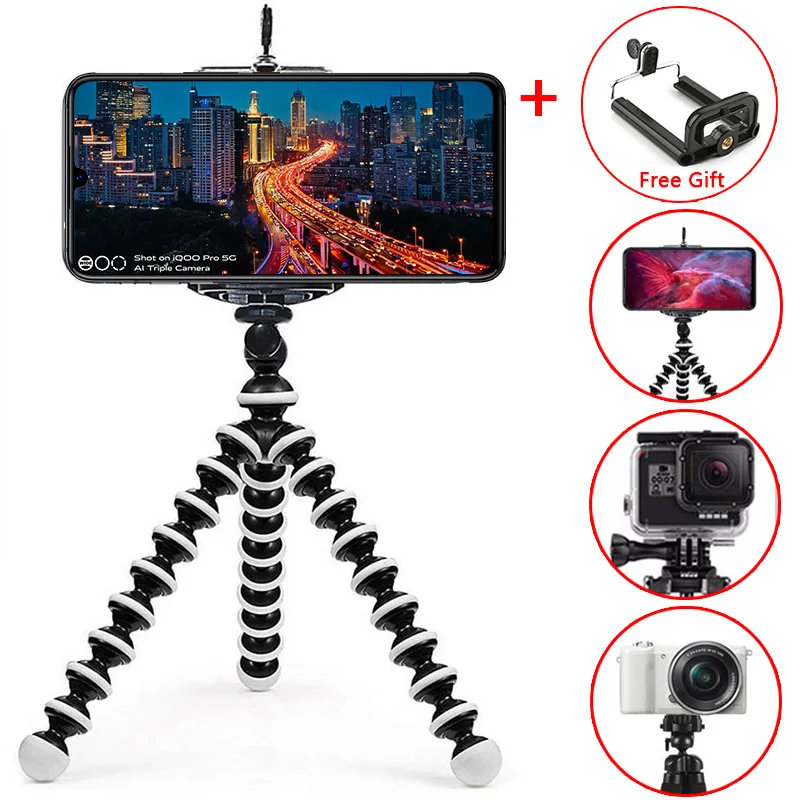
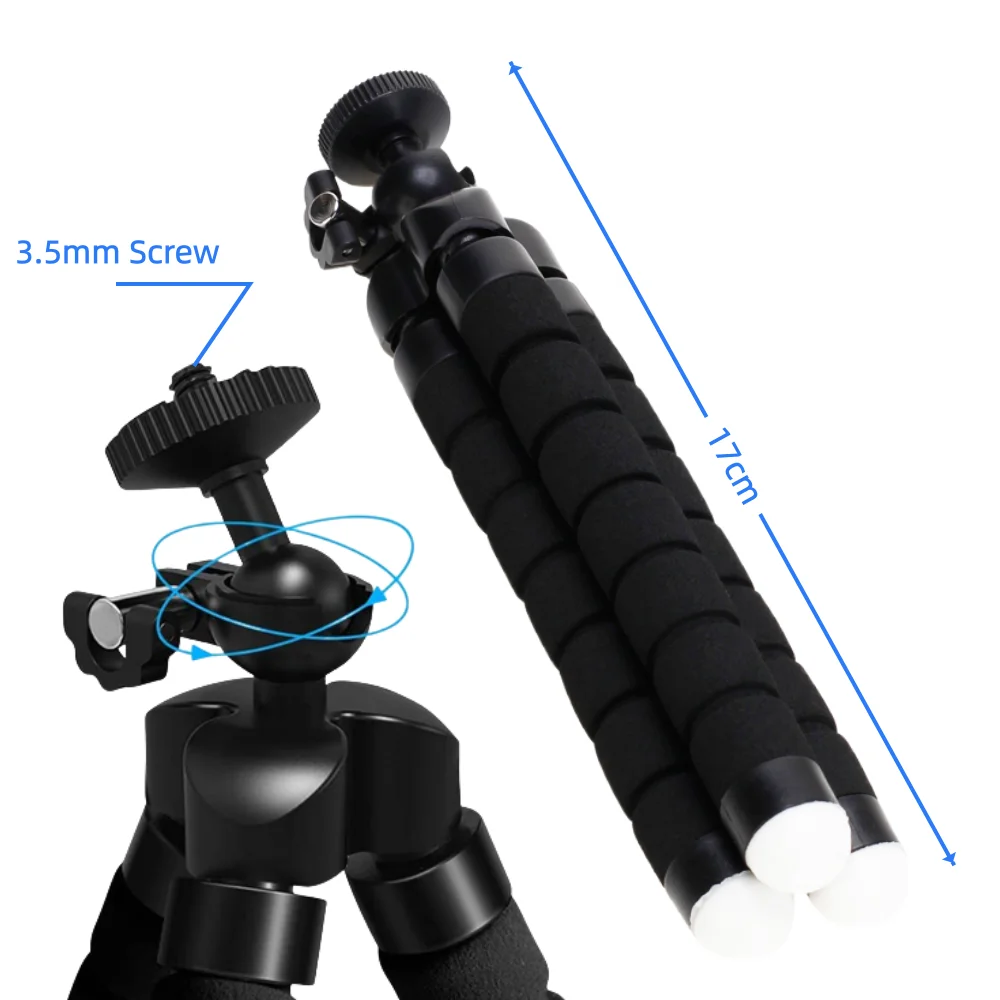
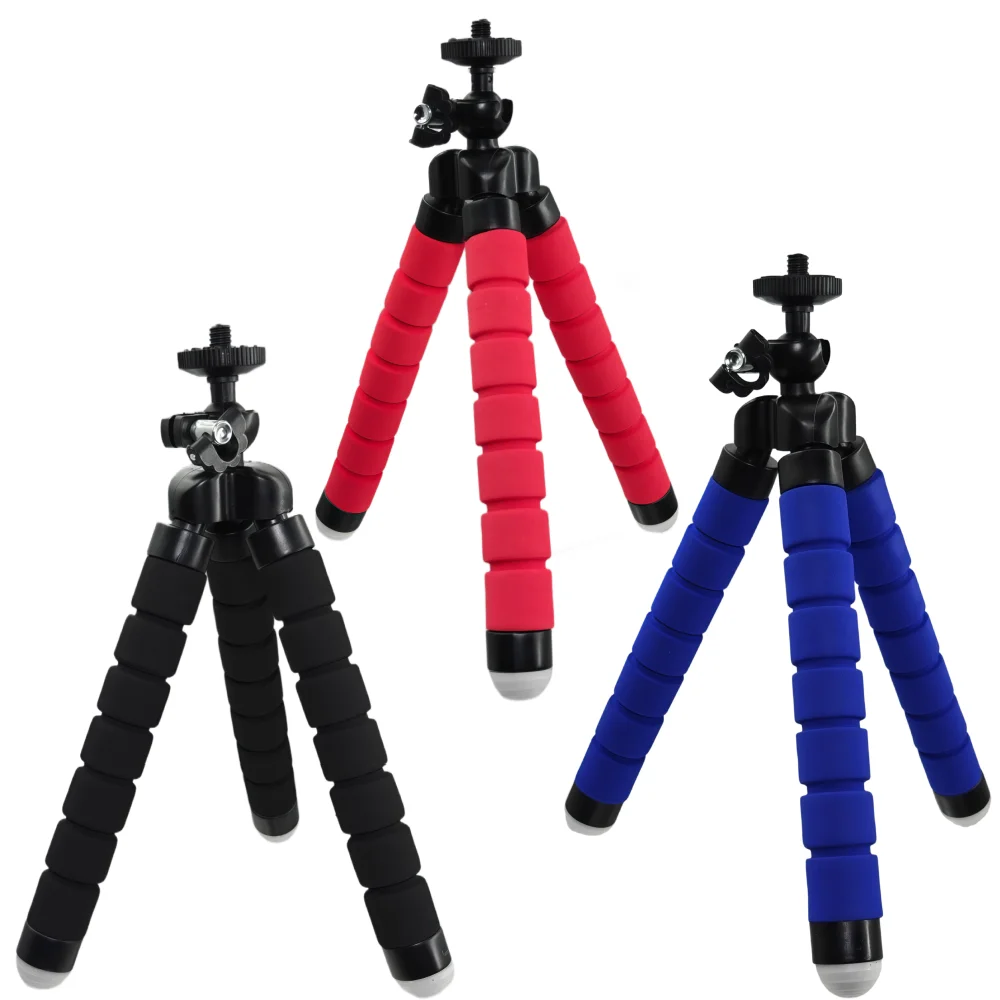
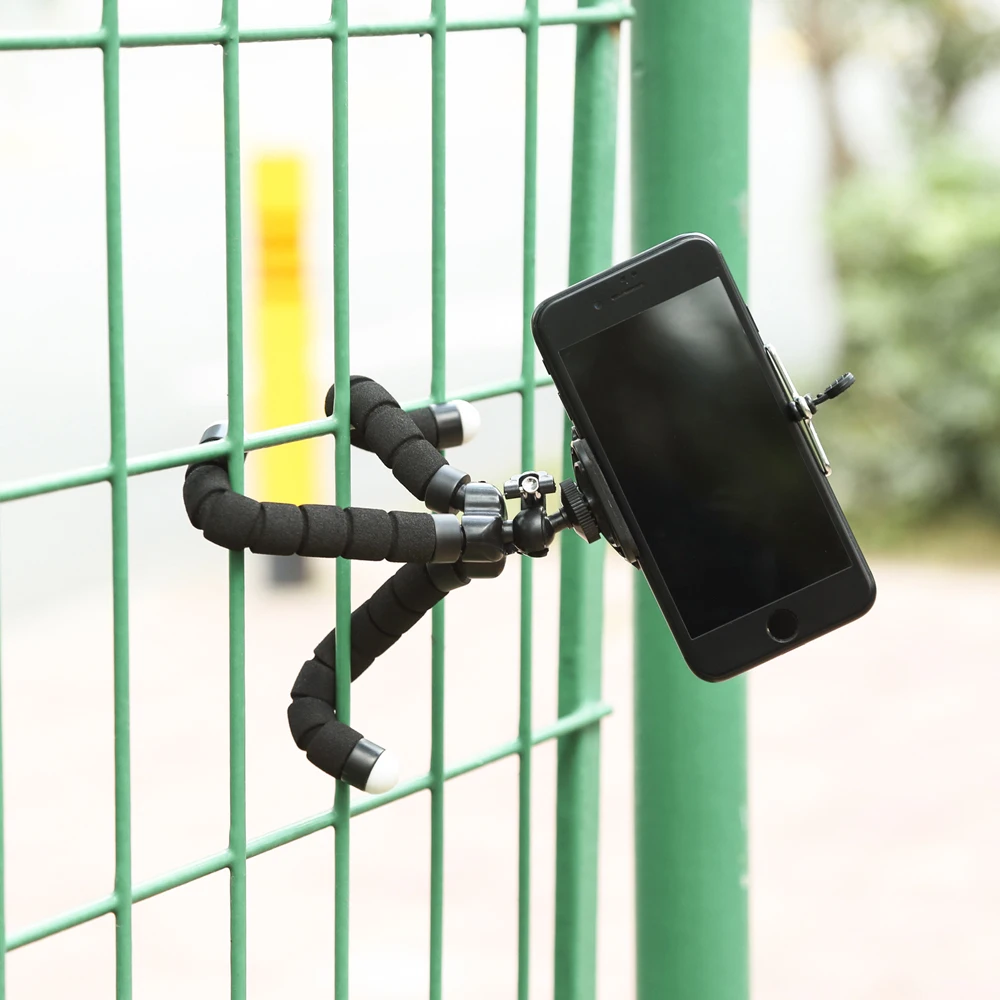
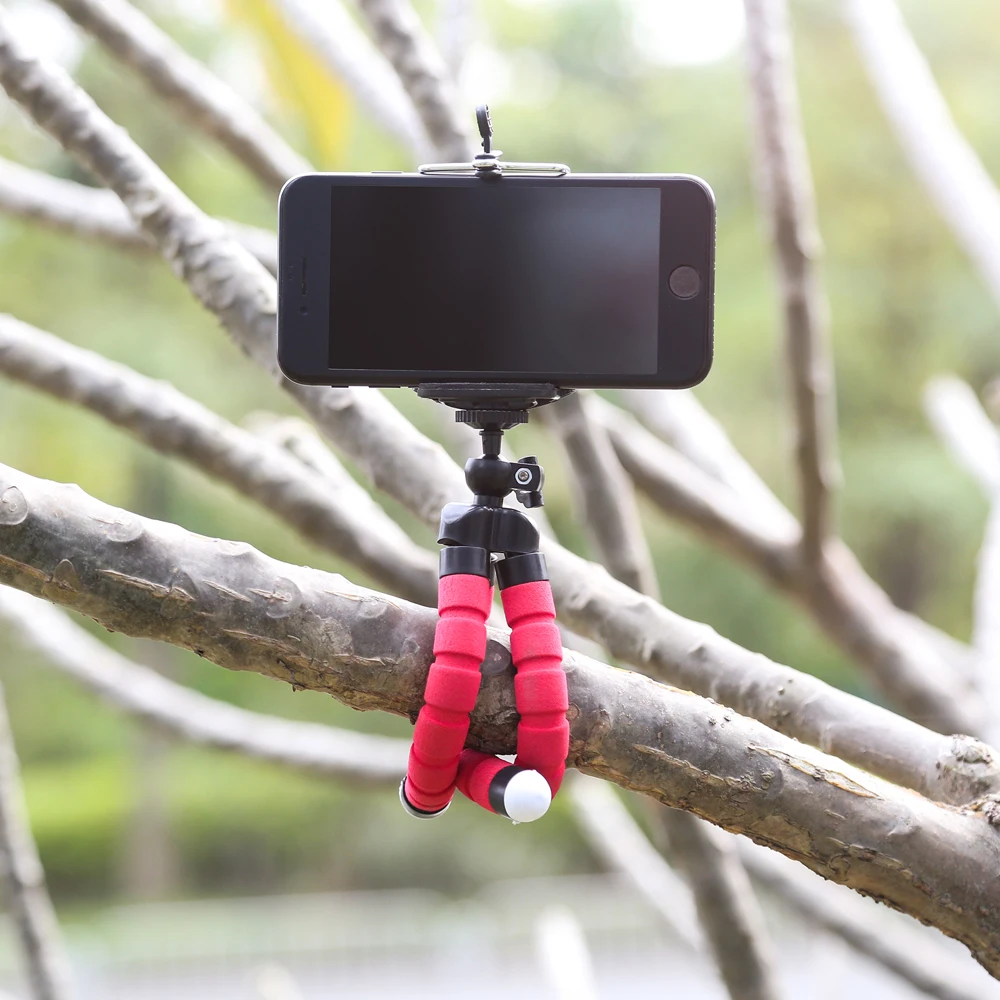
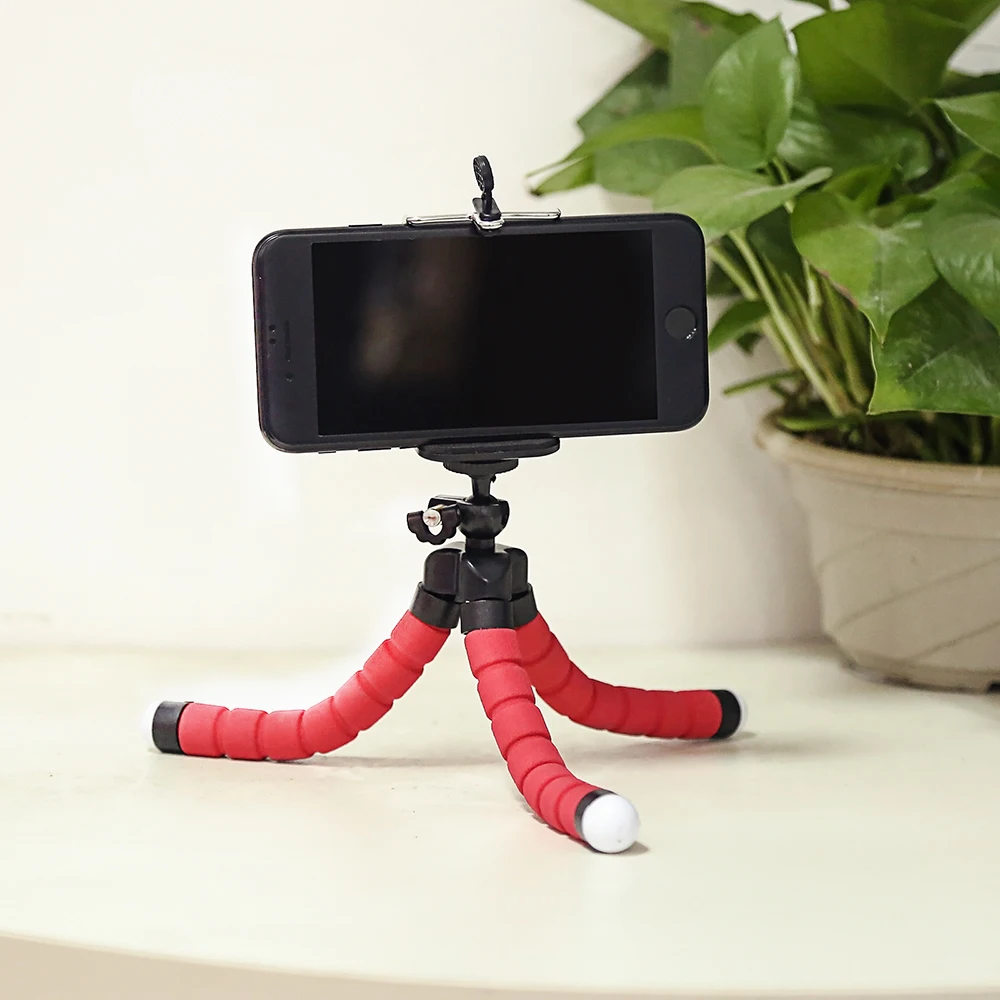
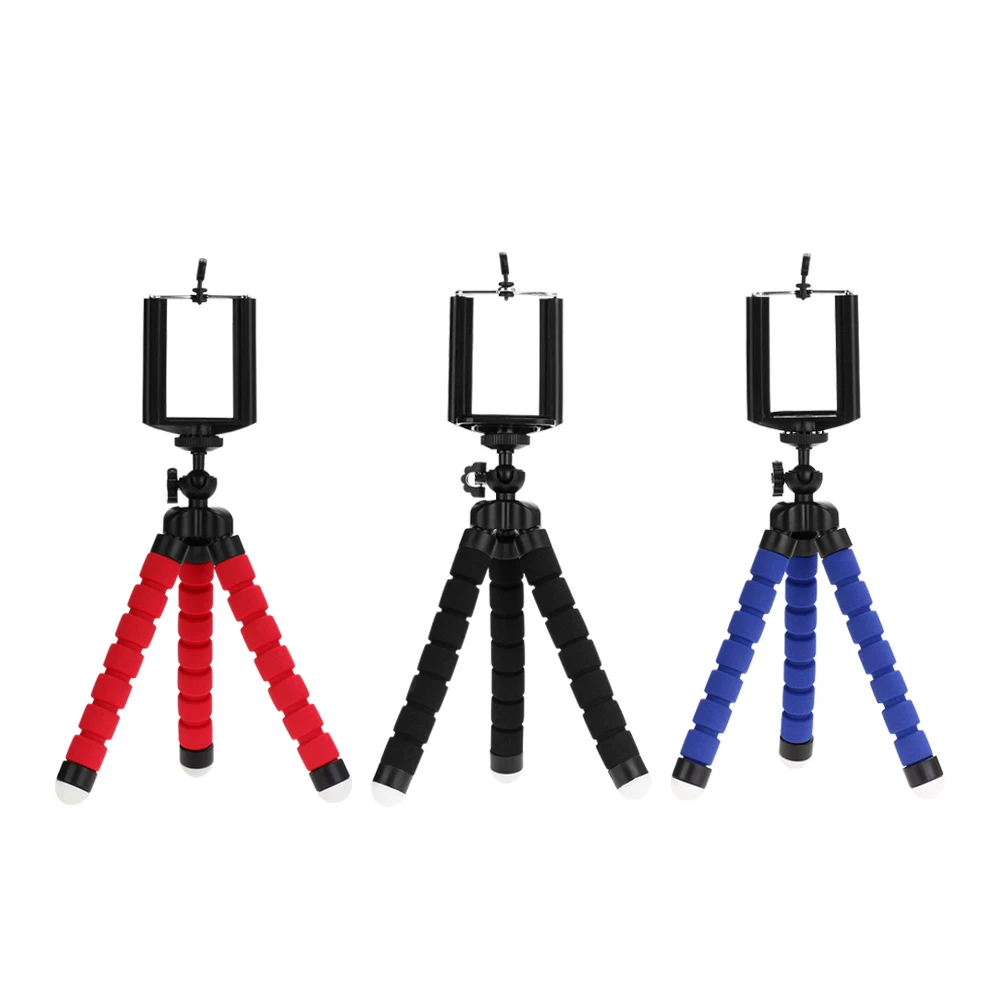
- Flexible tripods have bendable legs that wrap round a post, a branch or a railing, or stand level on uneven ground.
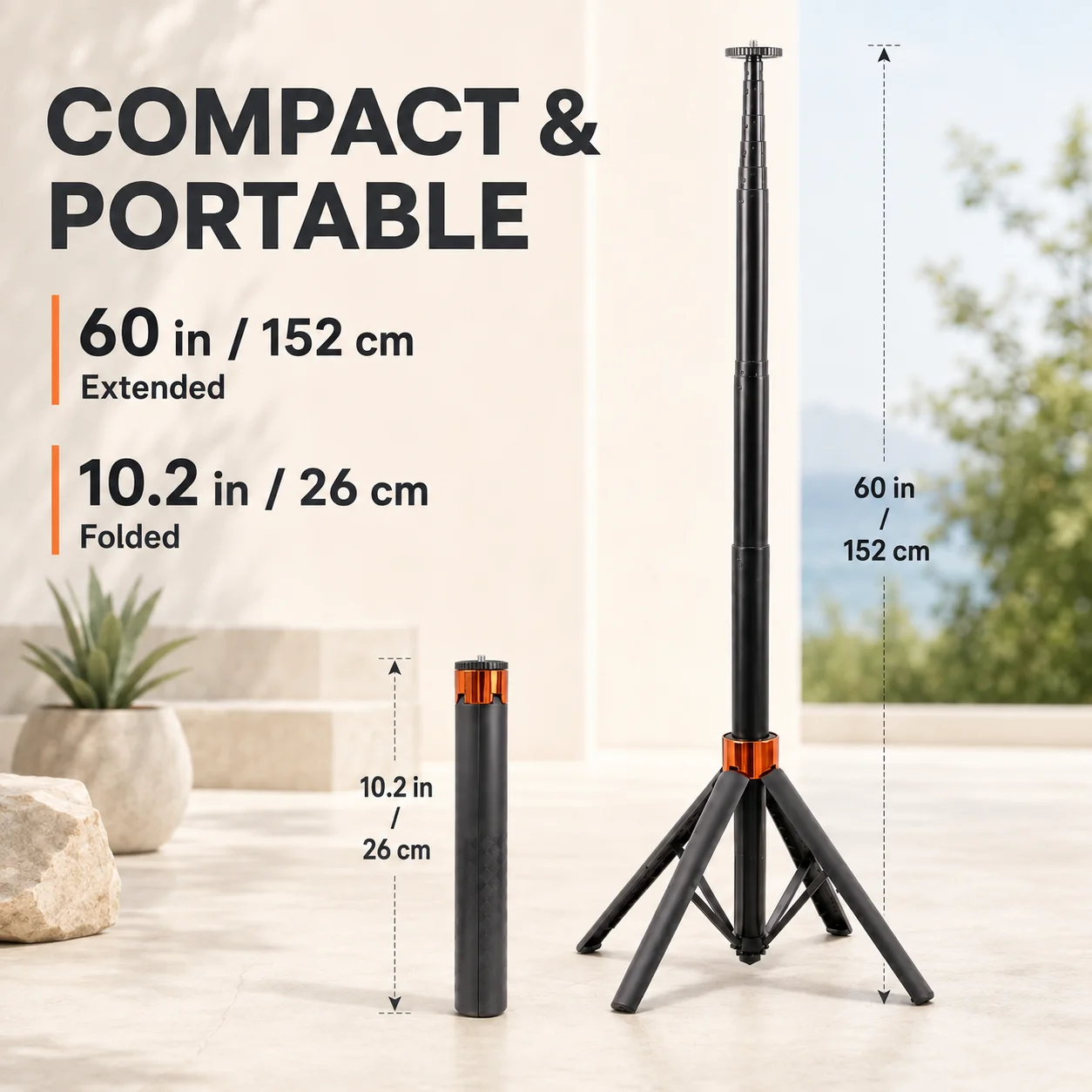
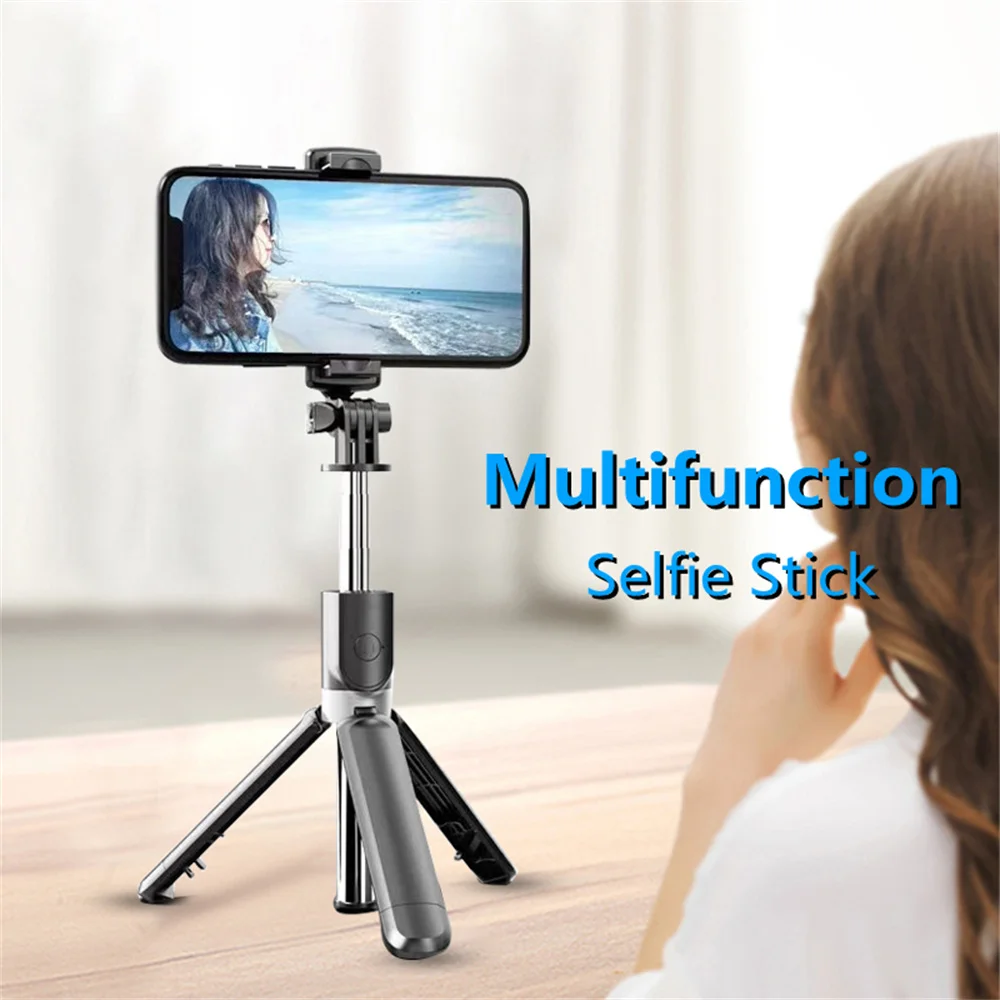
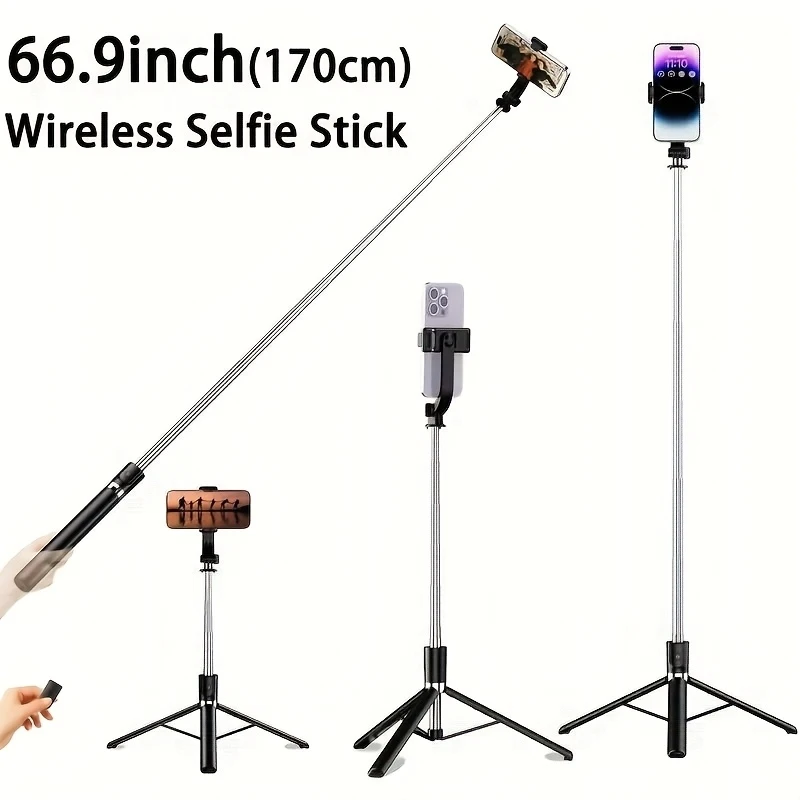
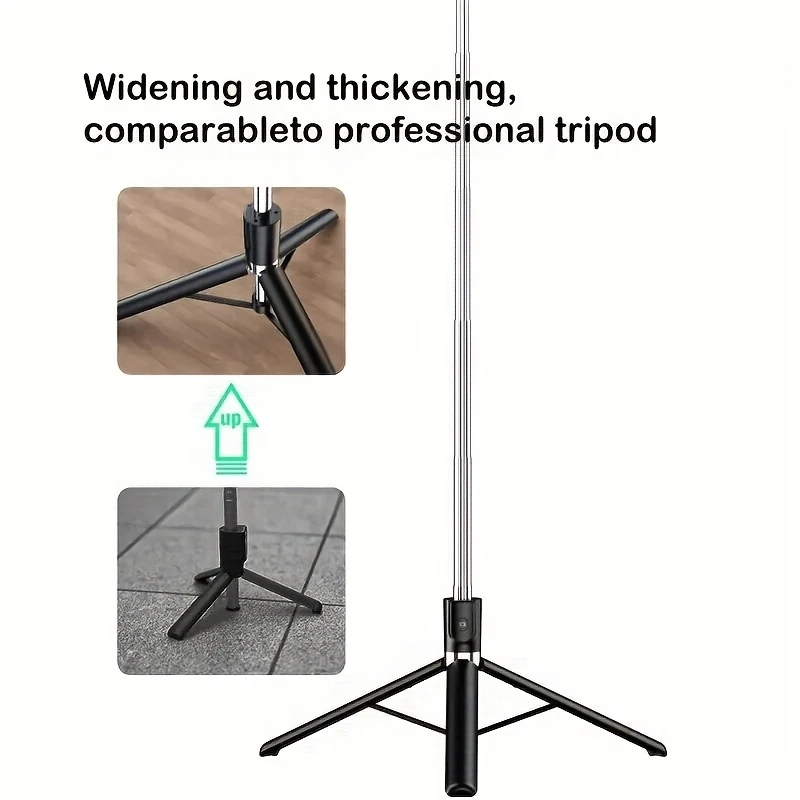
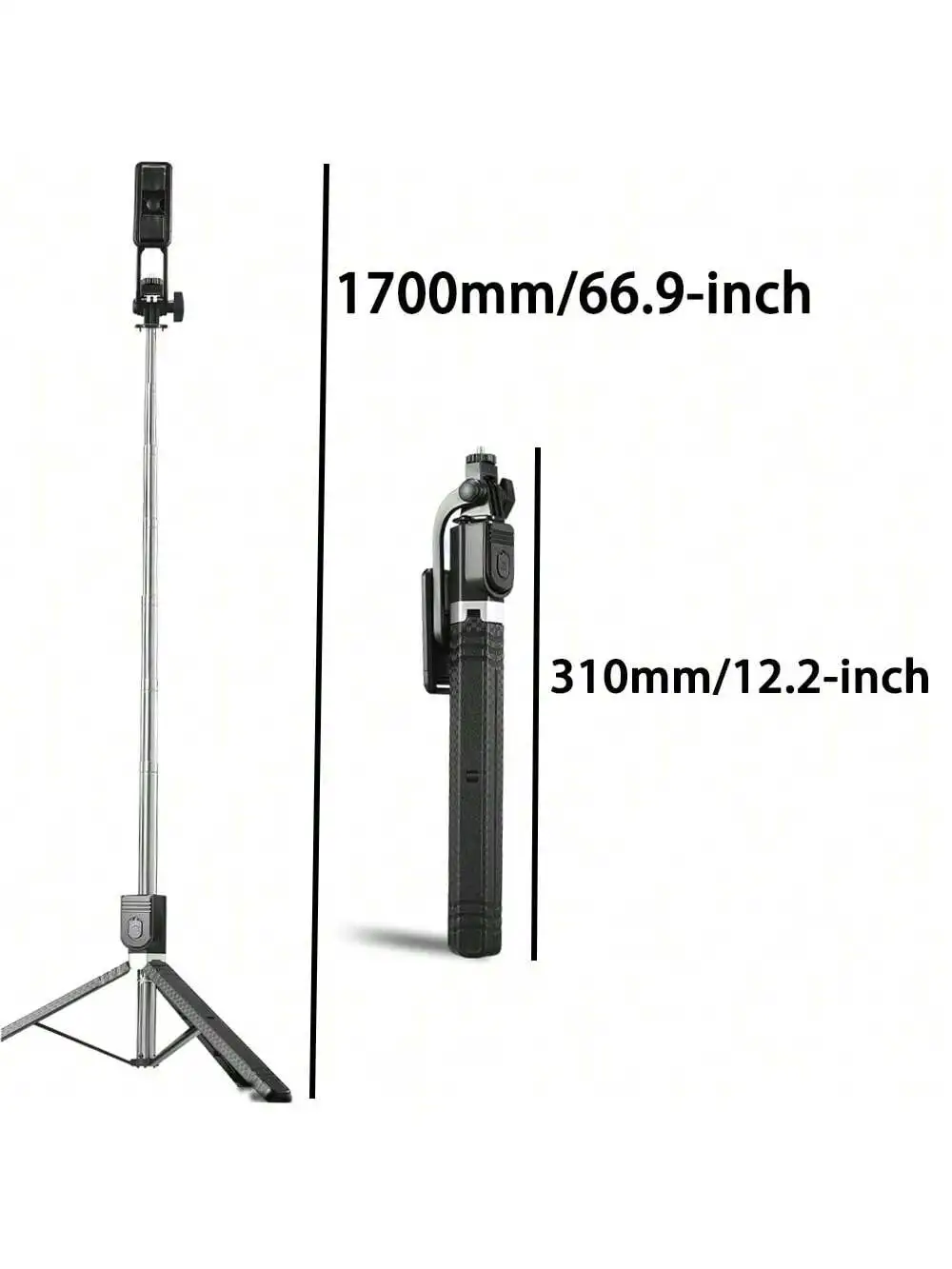
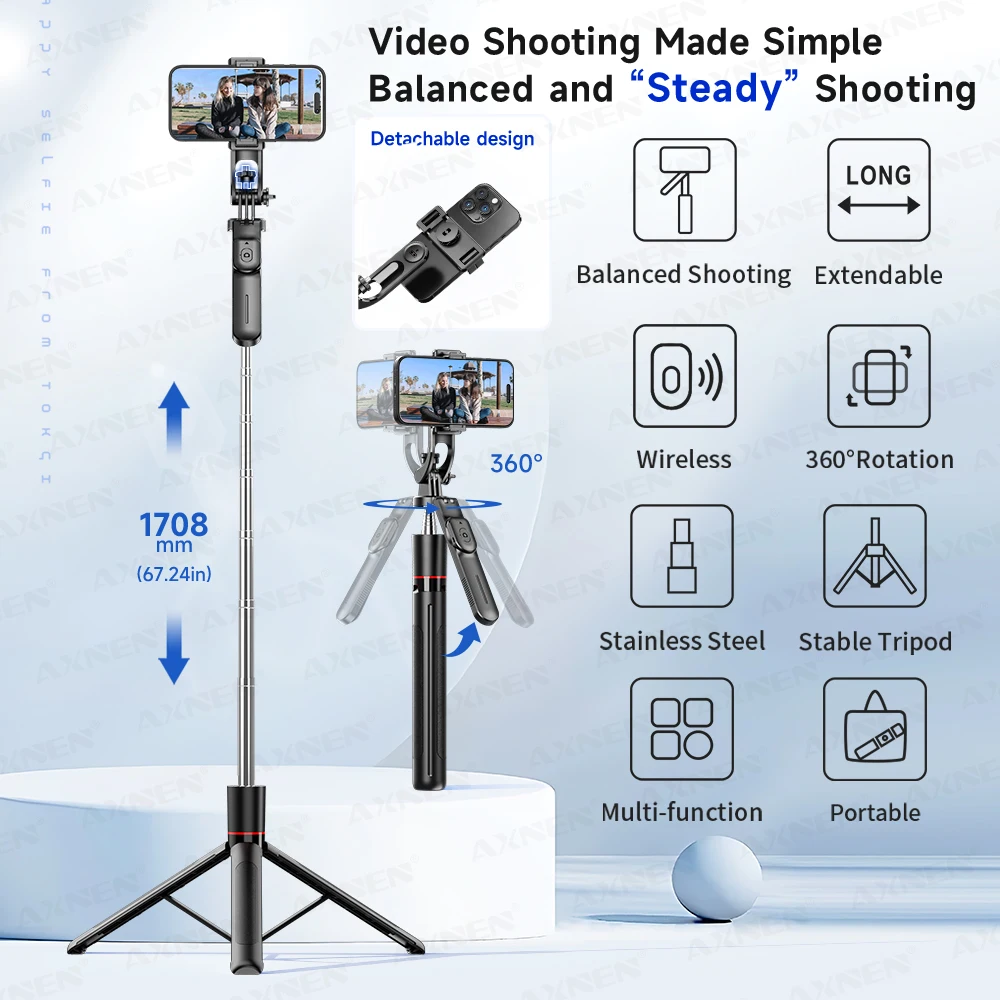
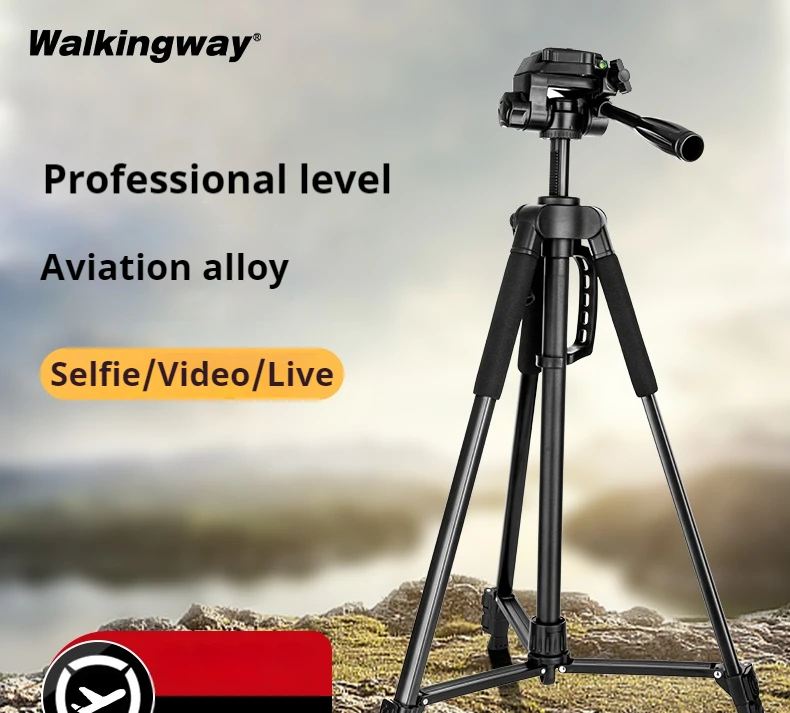
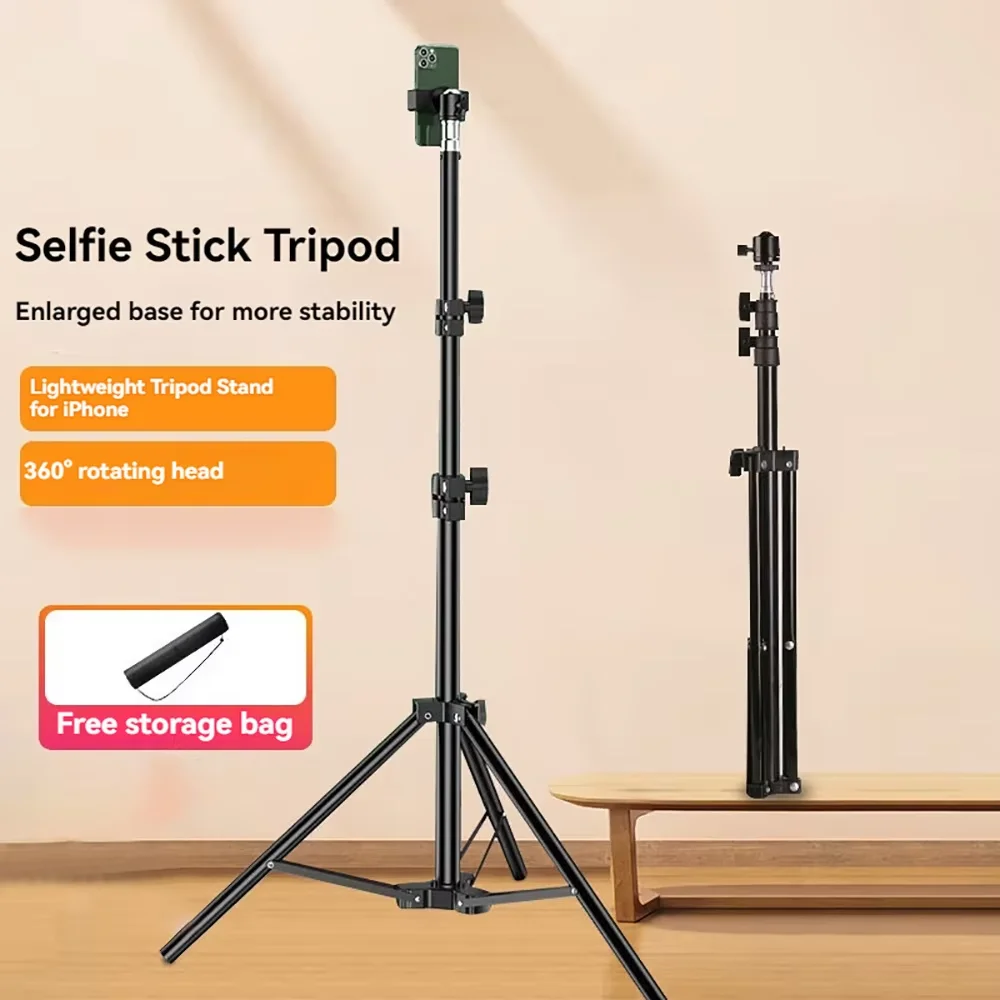
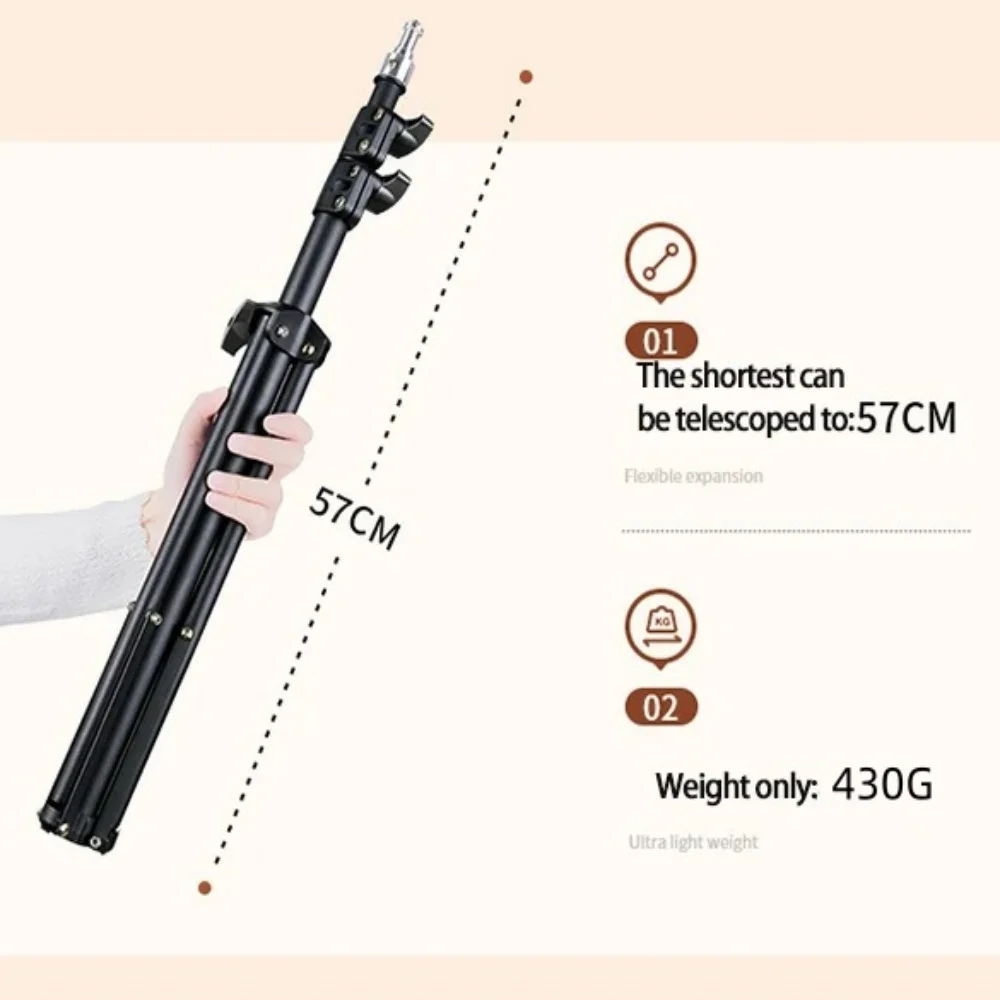
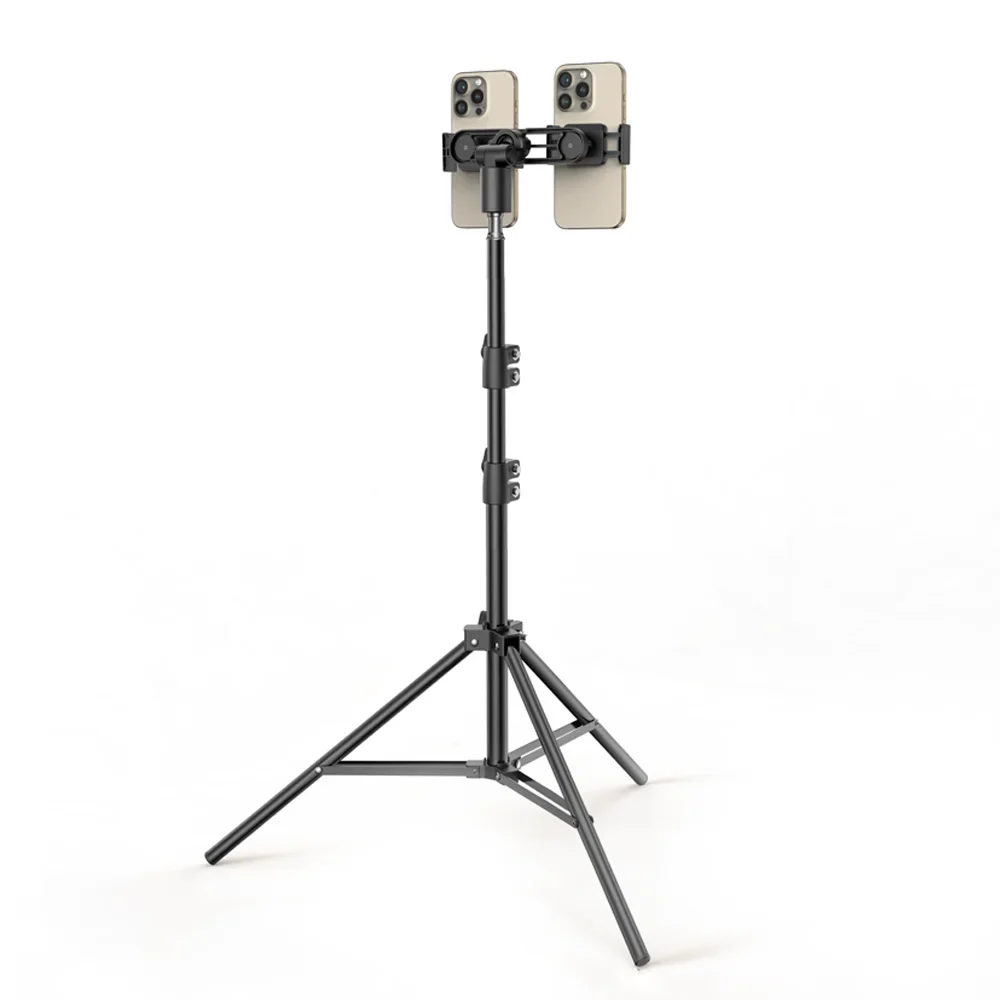
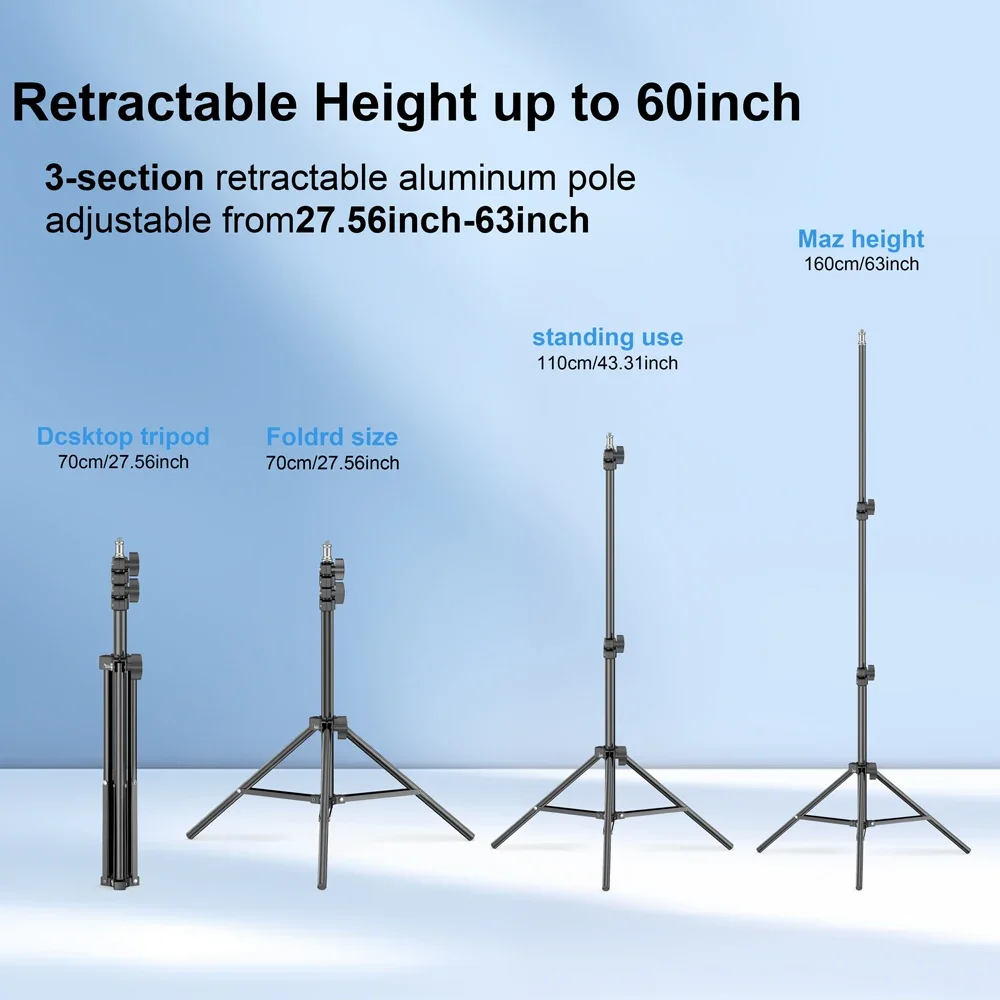
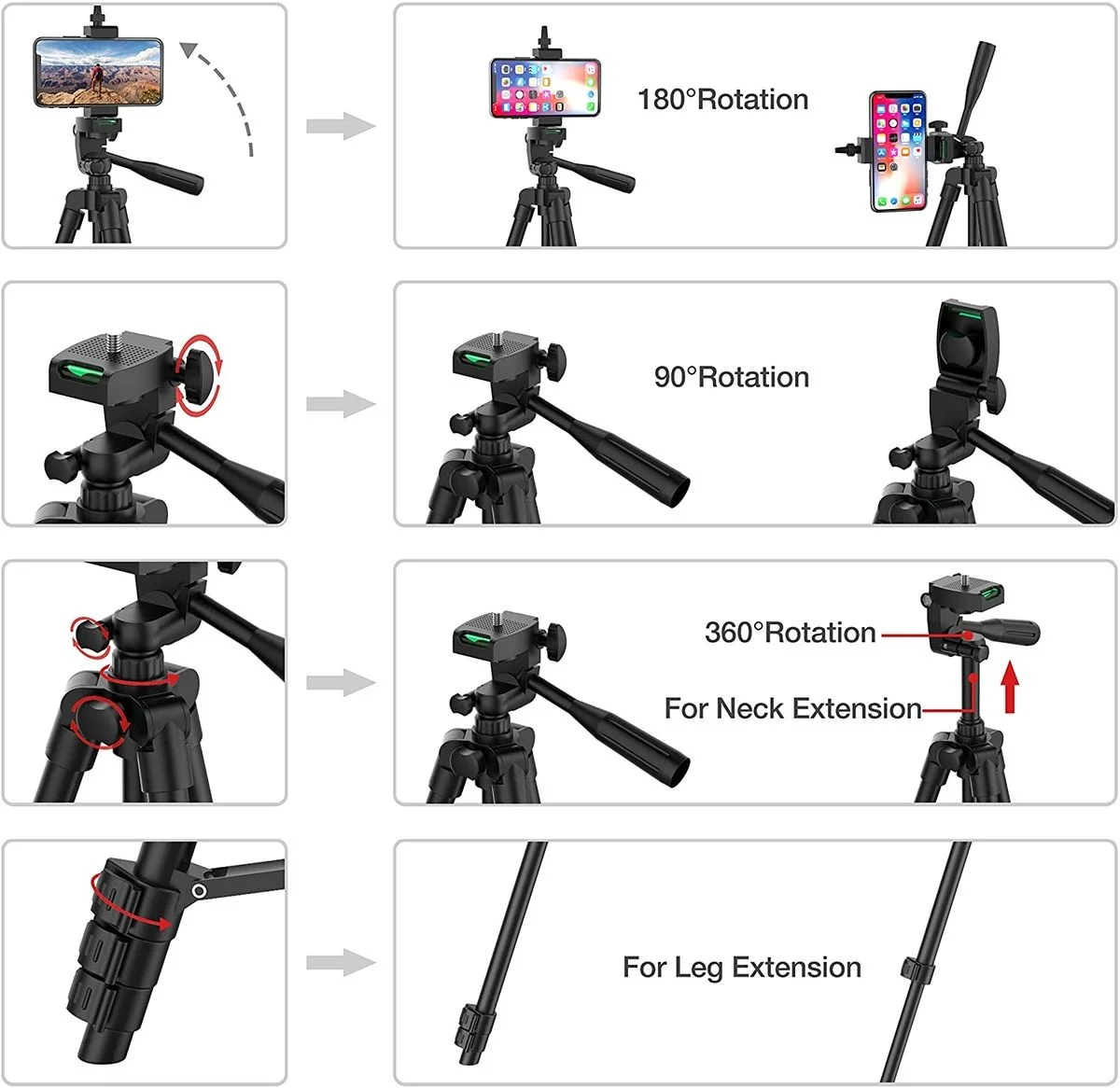
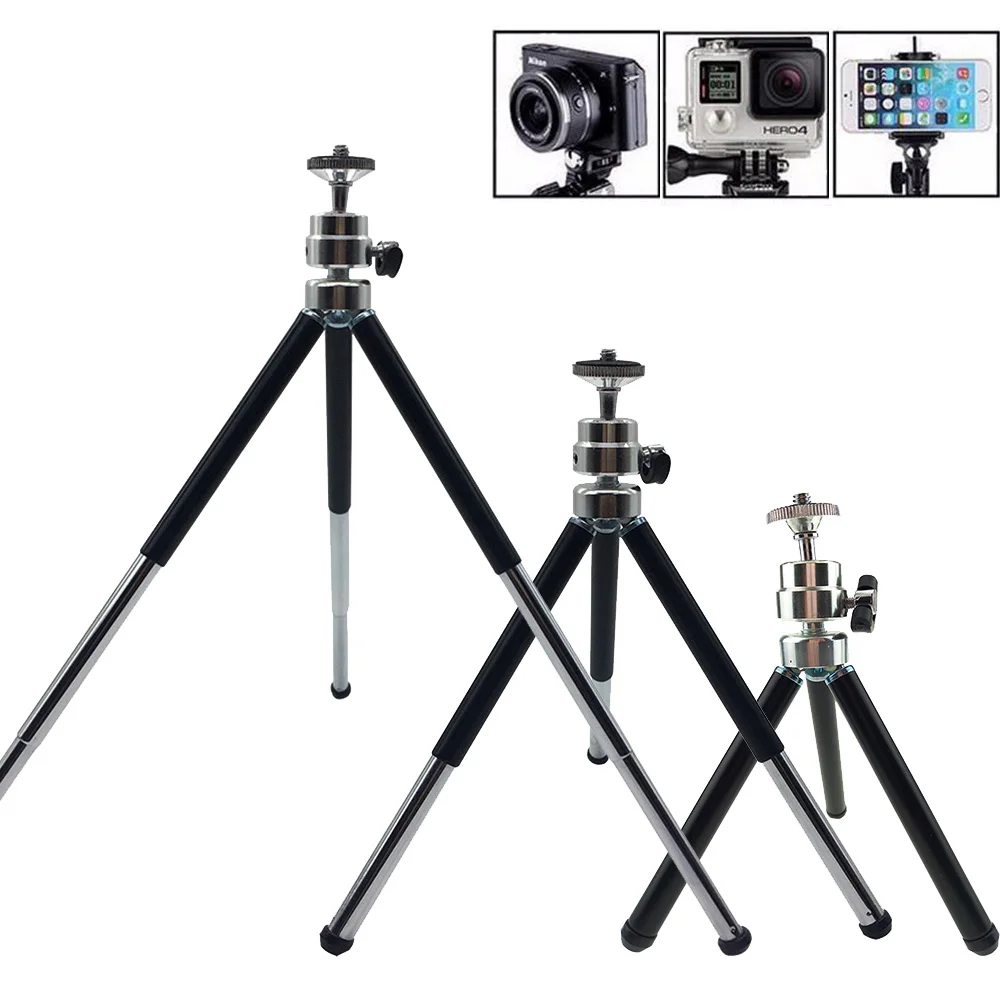
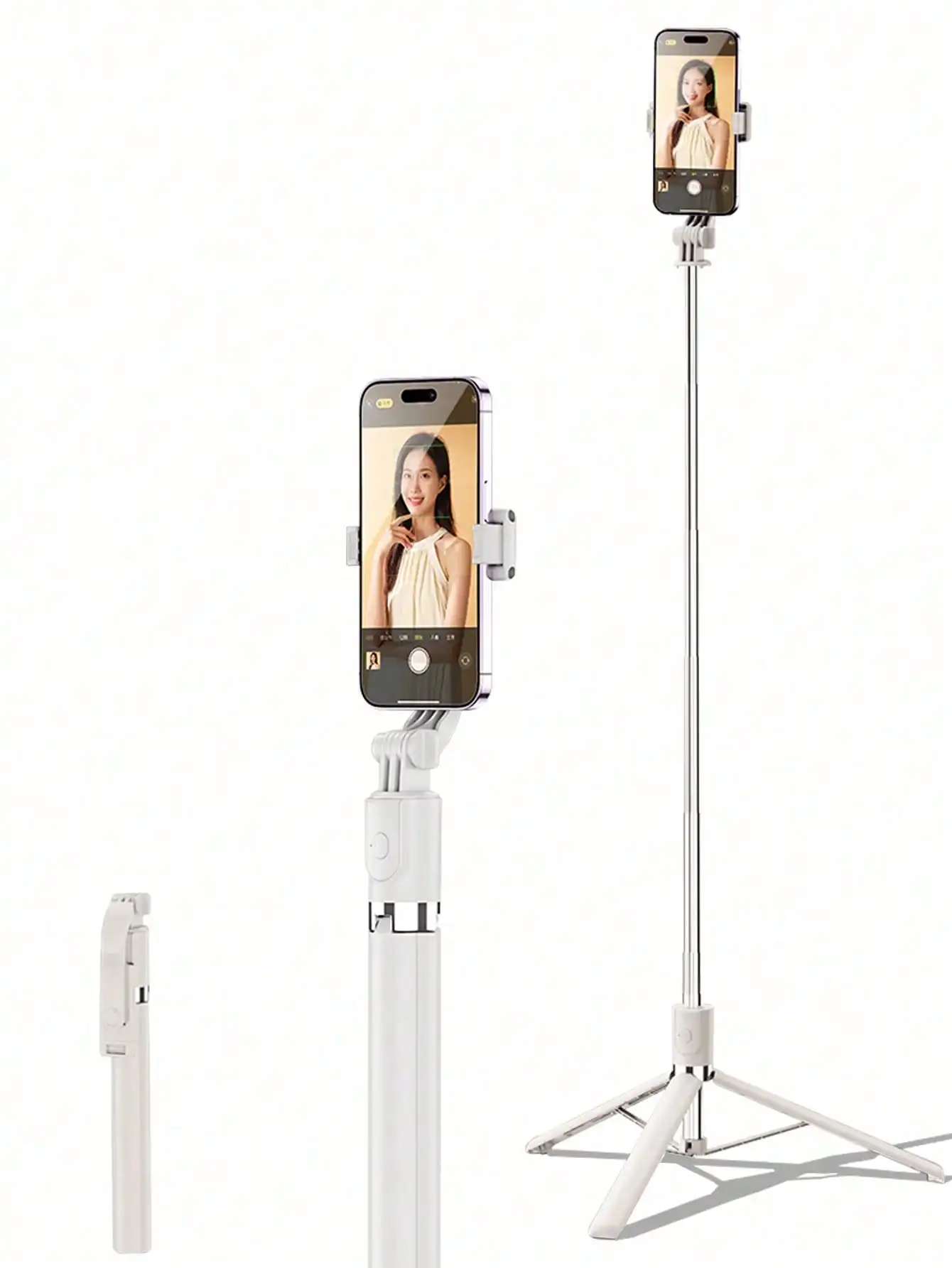
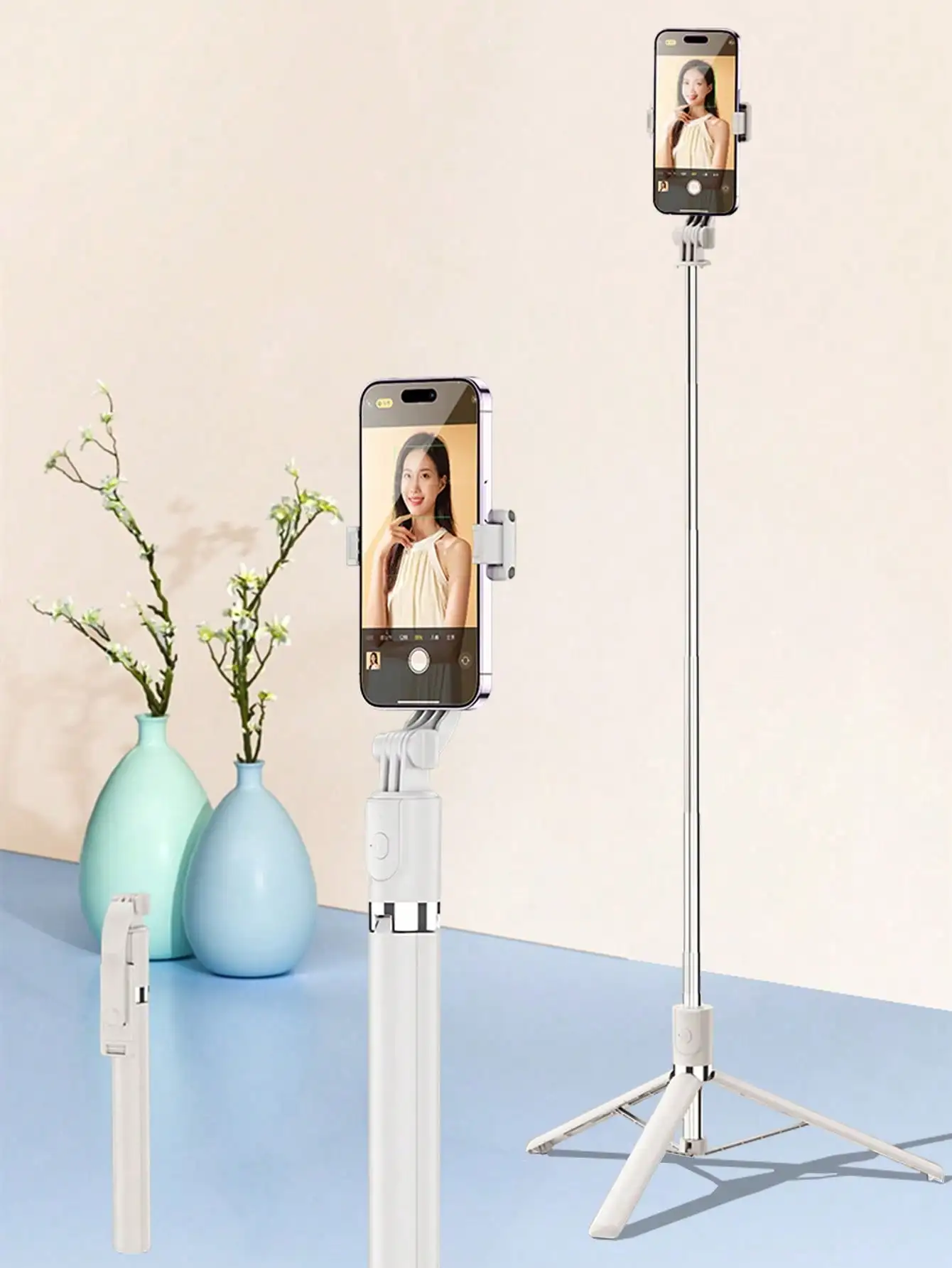
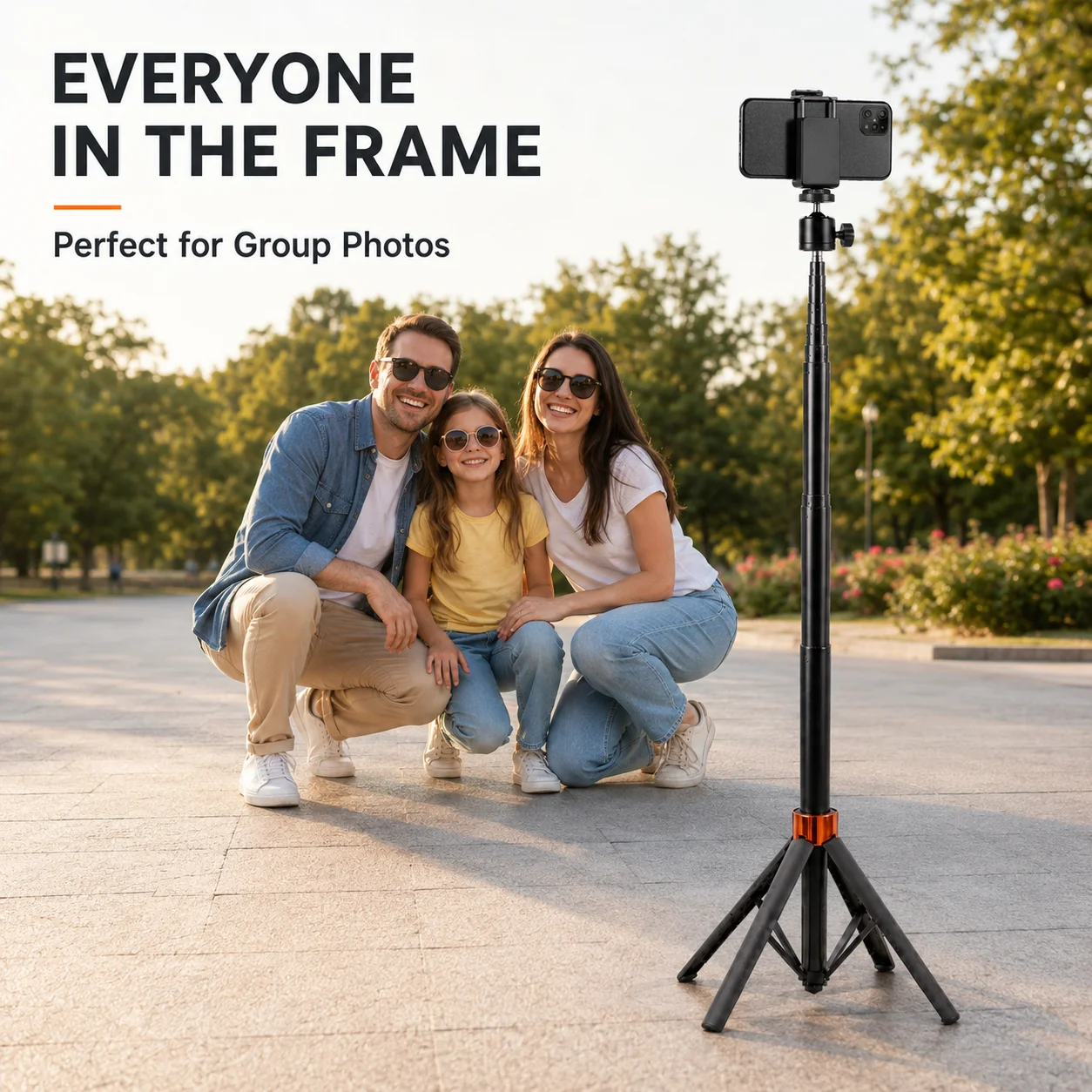
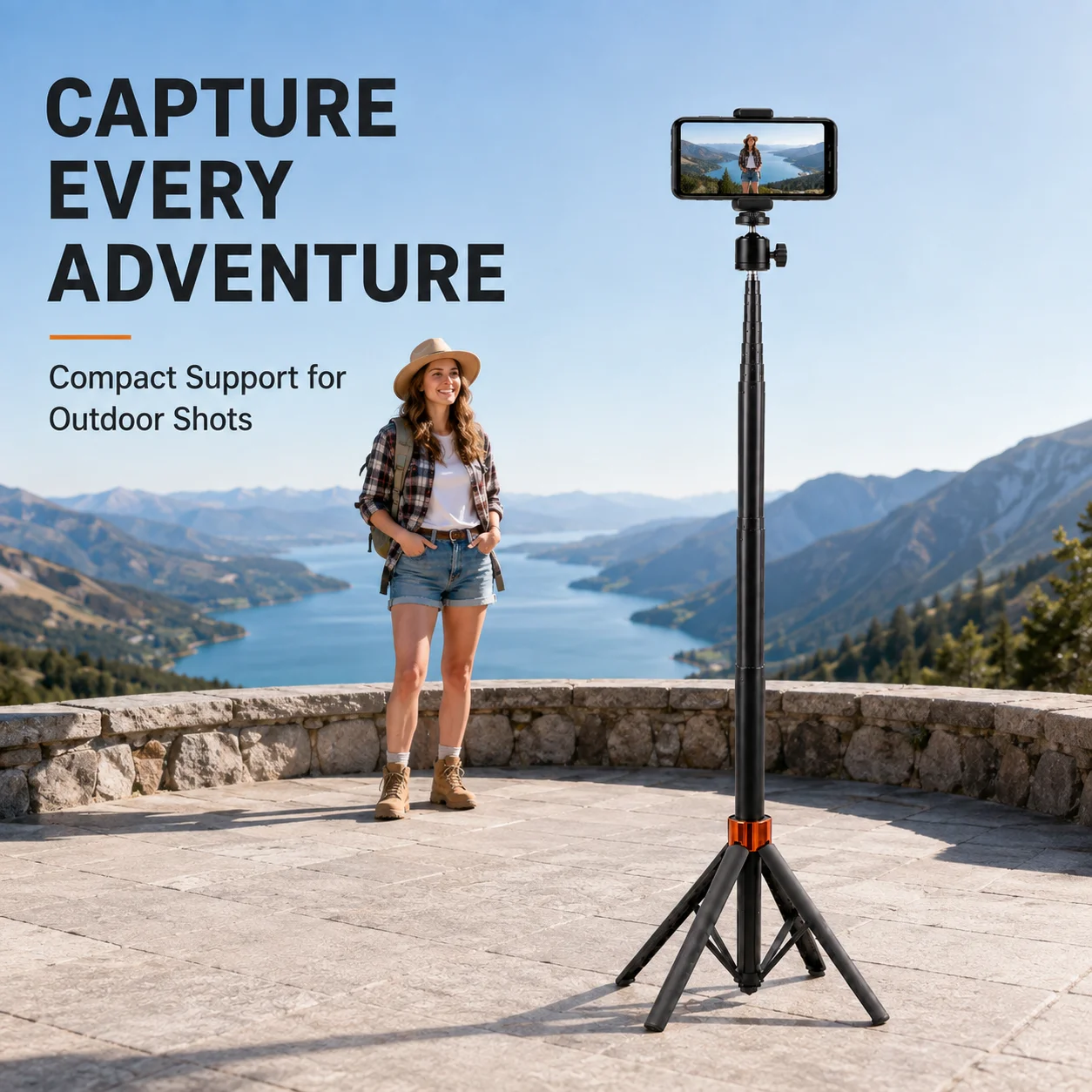
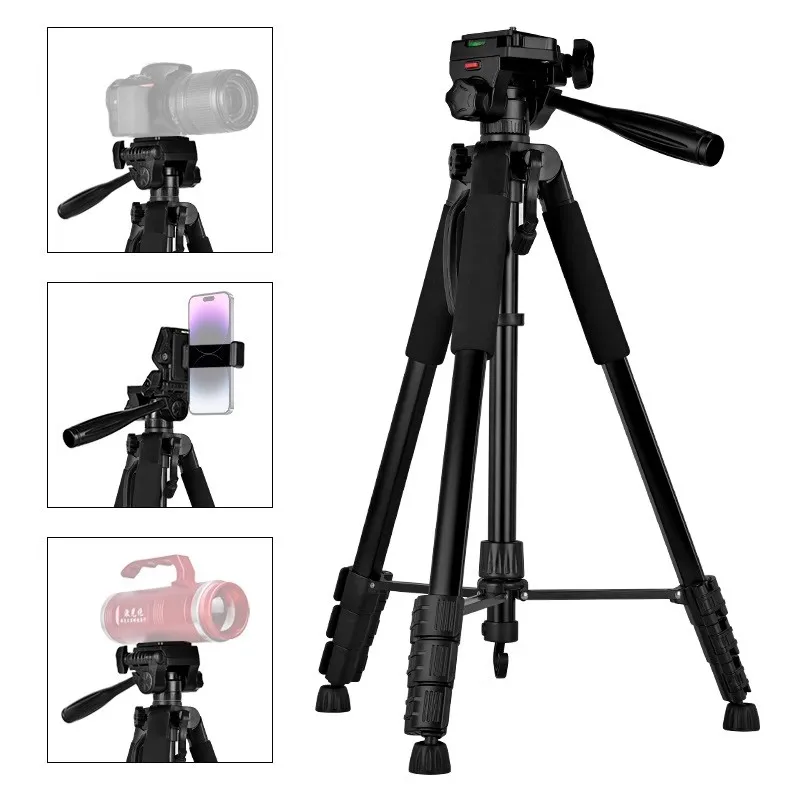
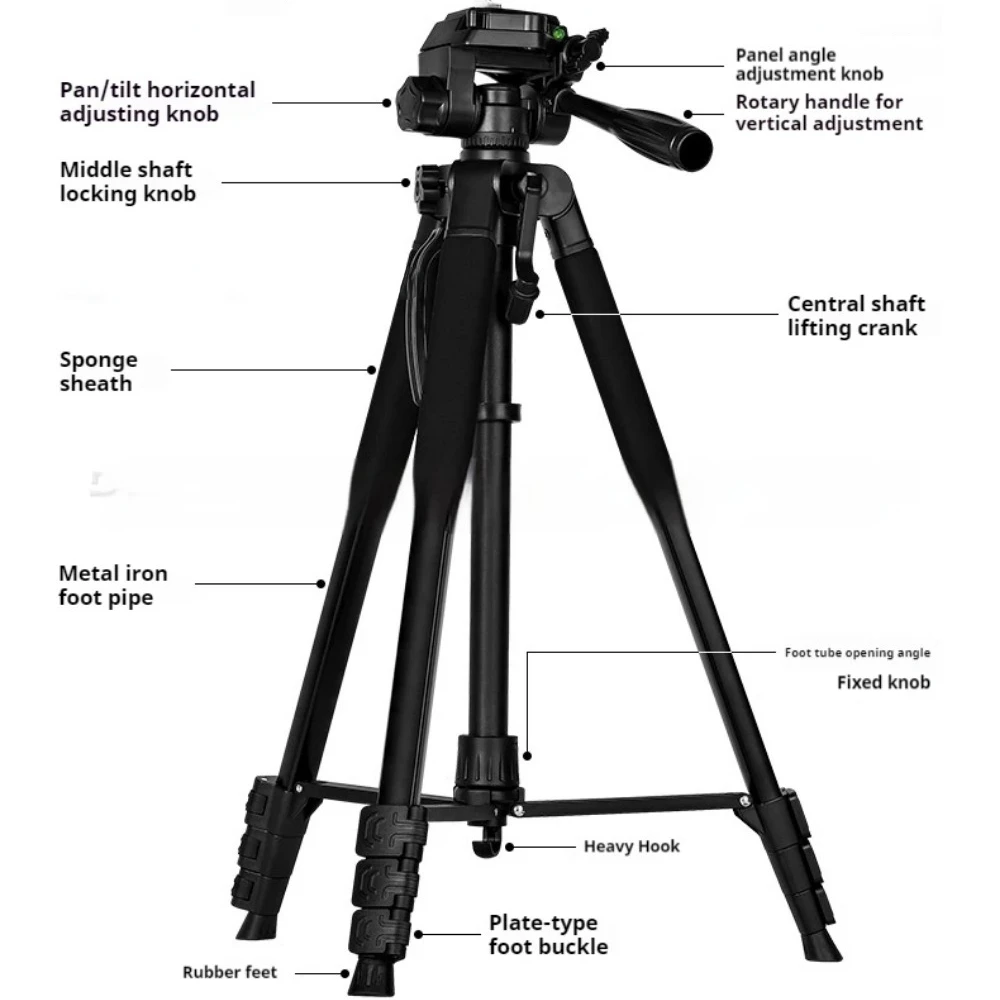
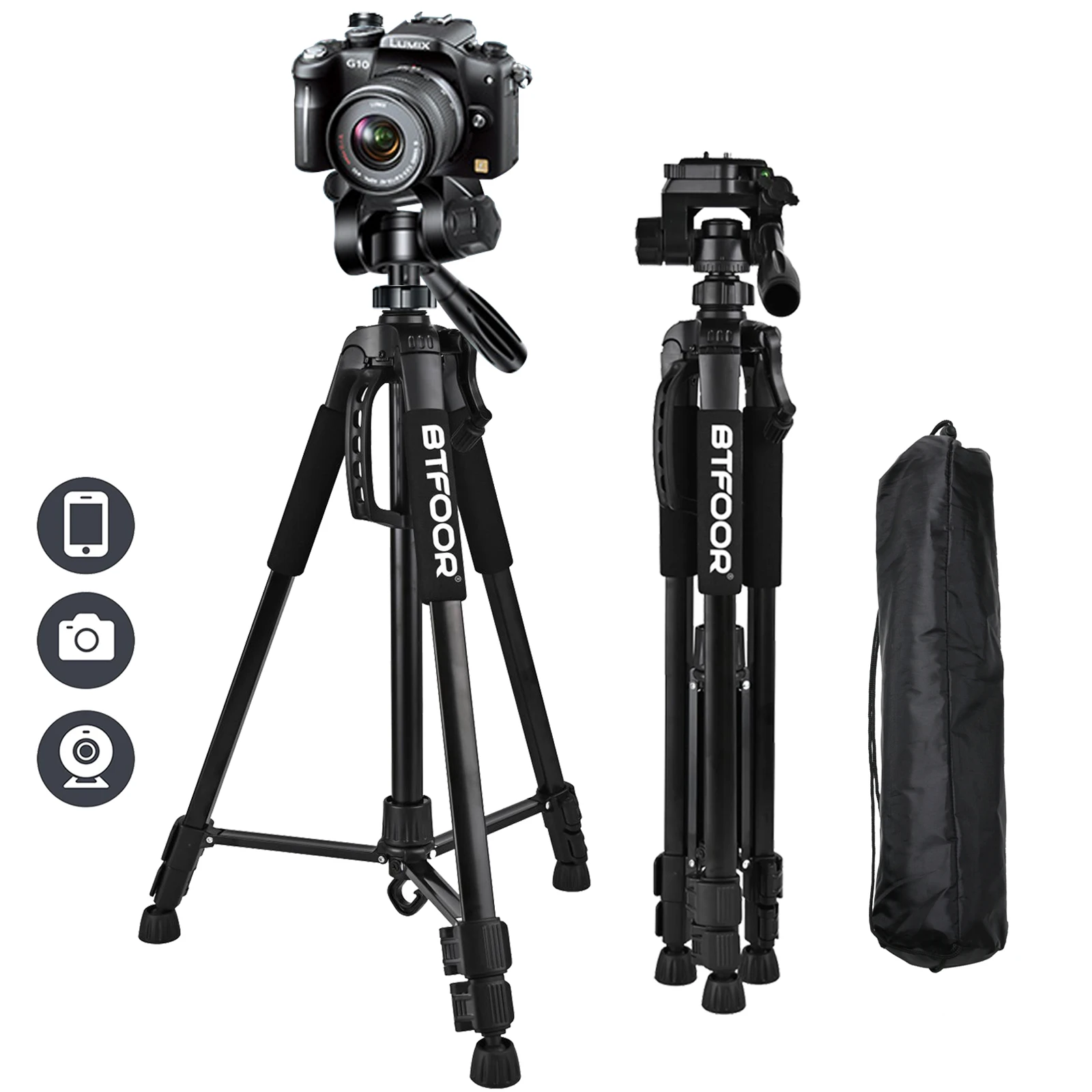
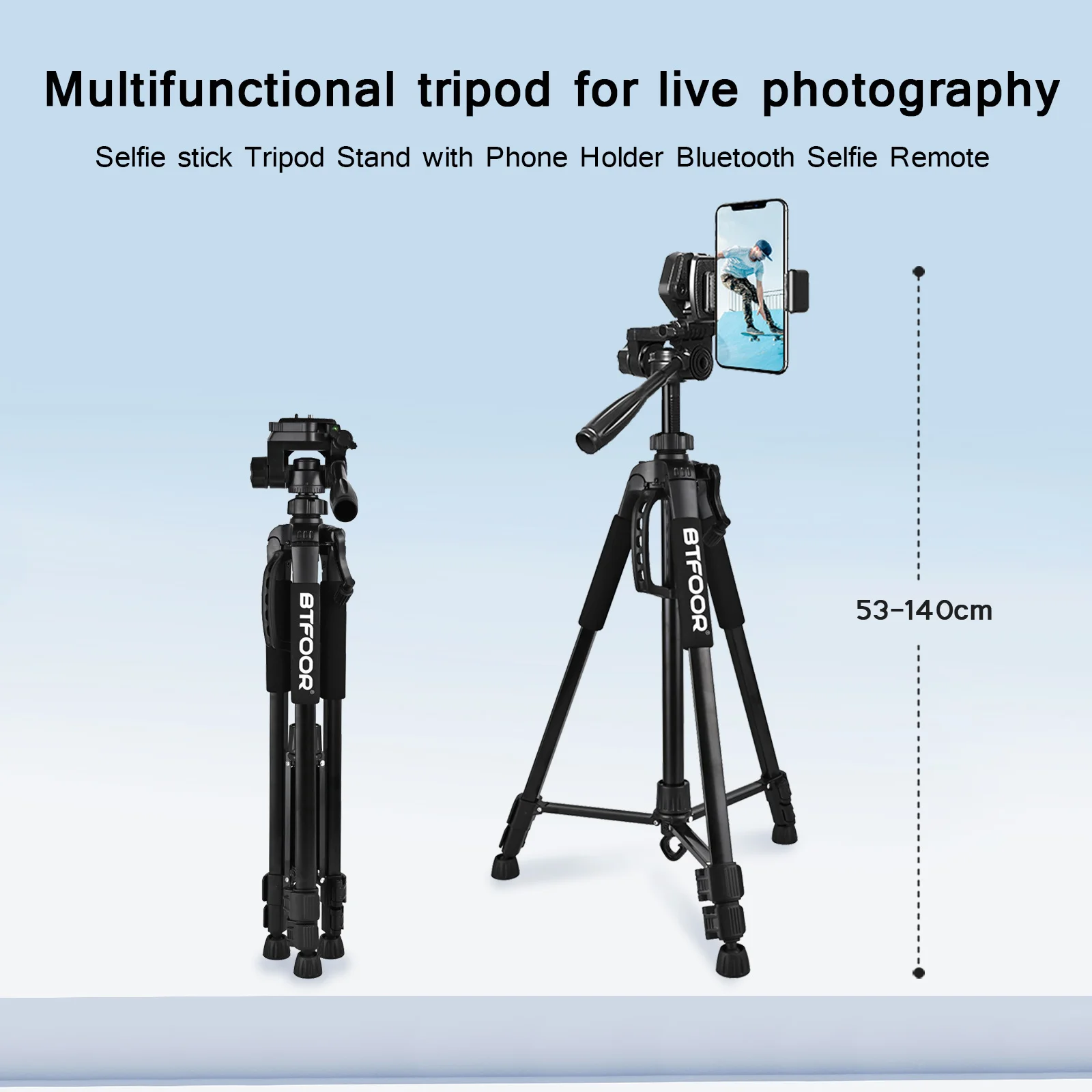
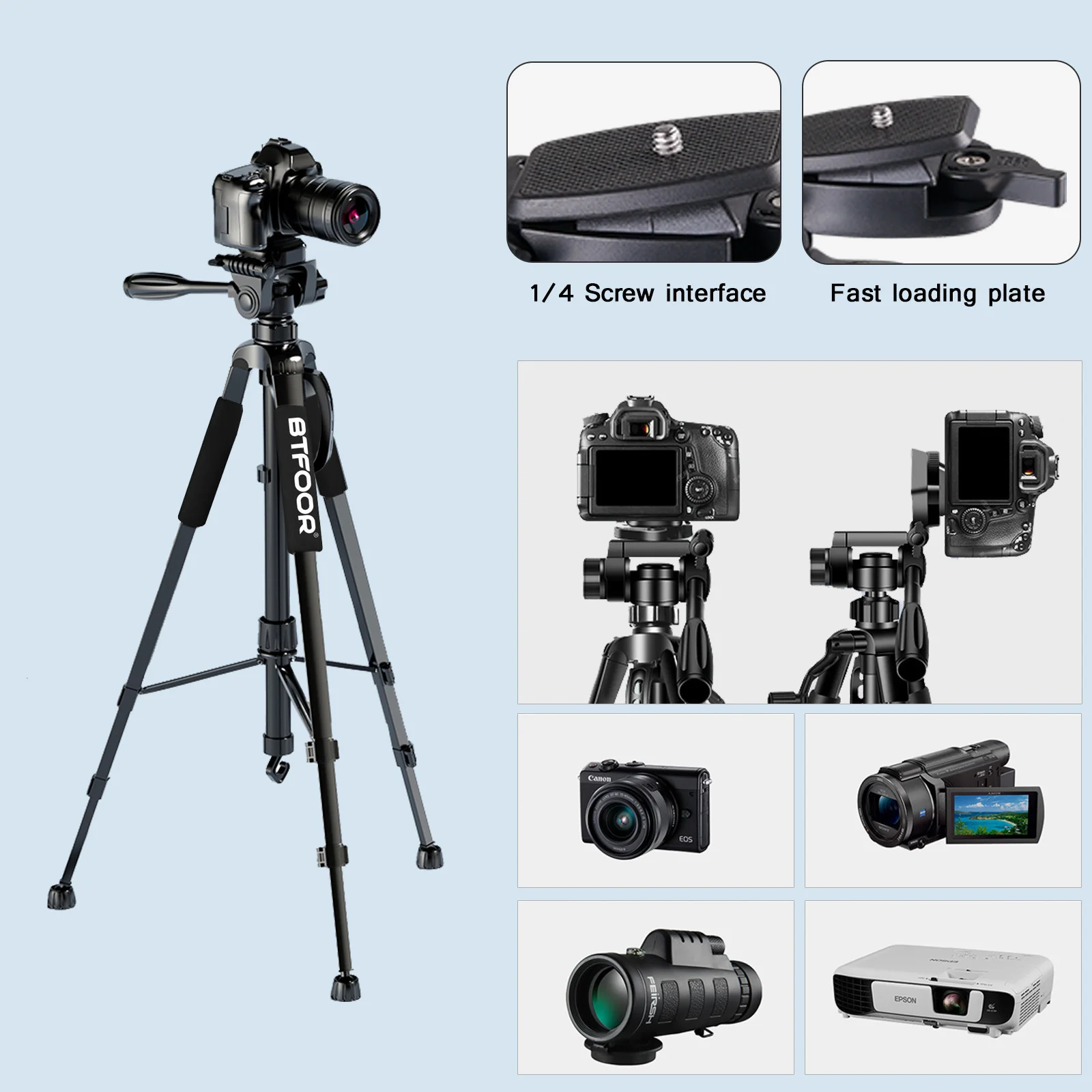
- Tall tripods have extending legs and stand at head height and above, for filming standing up, streaming and recording a talk or a workout.
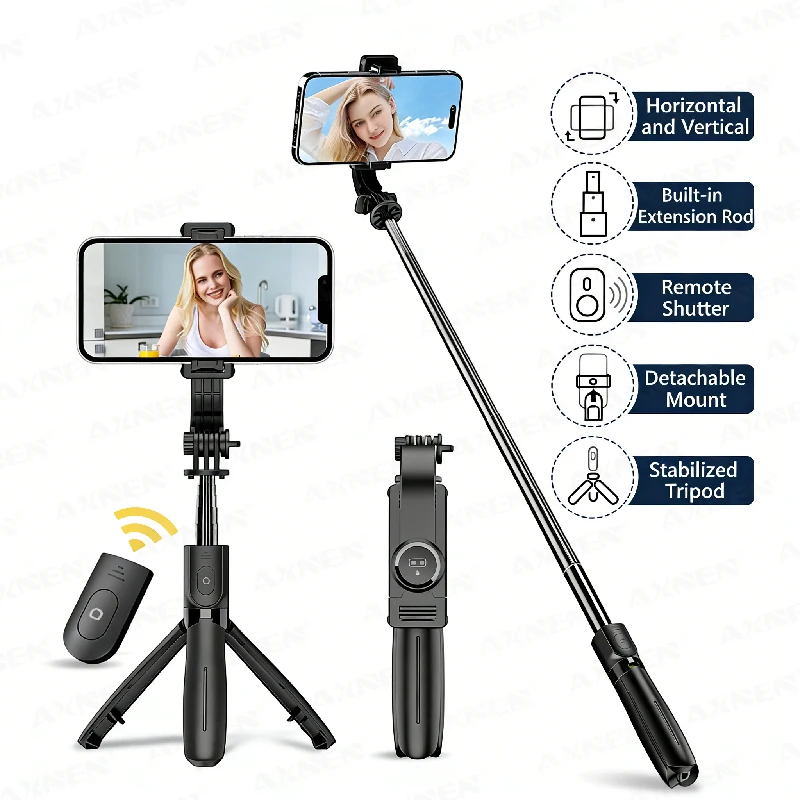
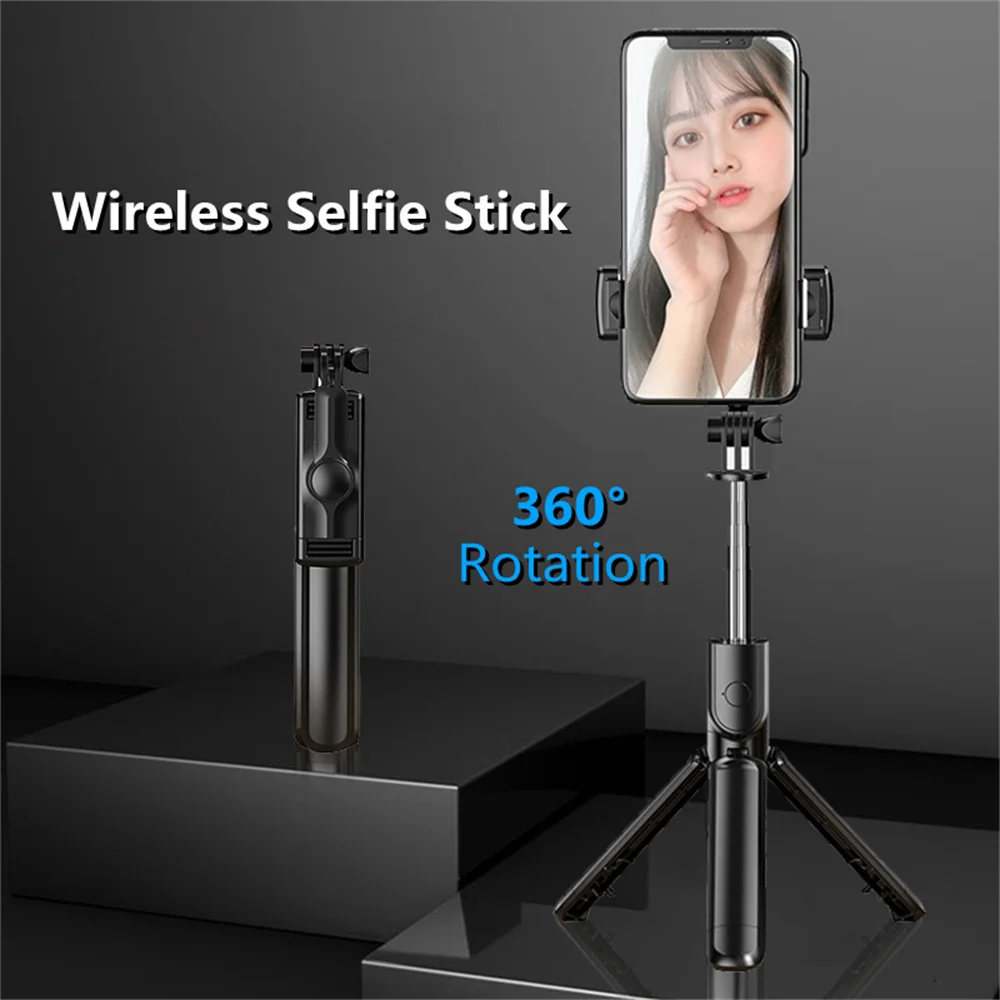
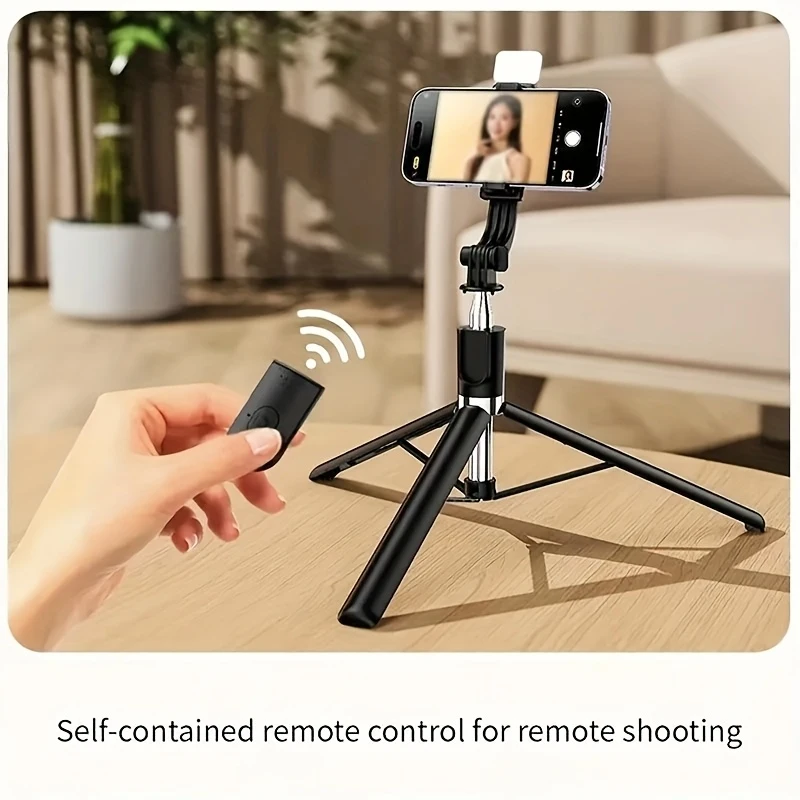
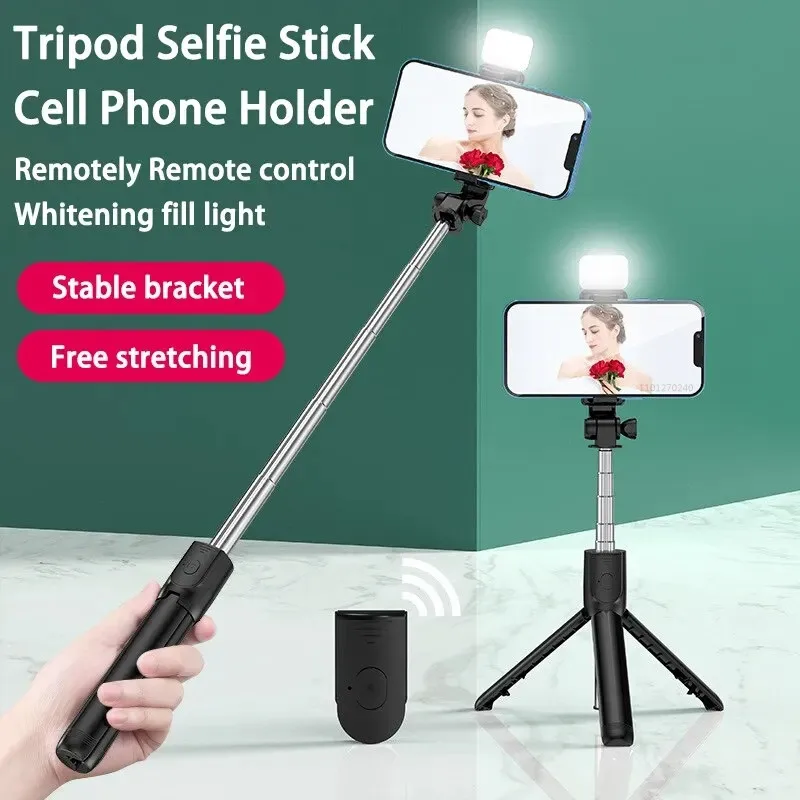
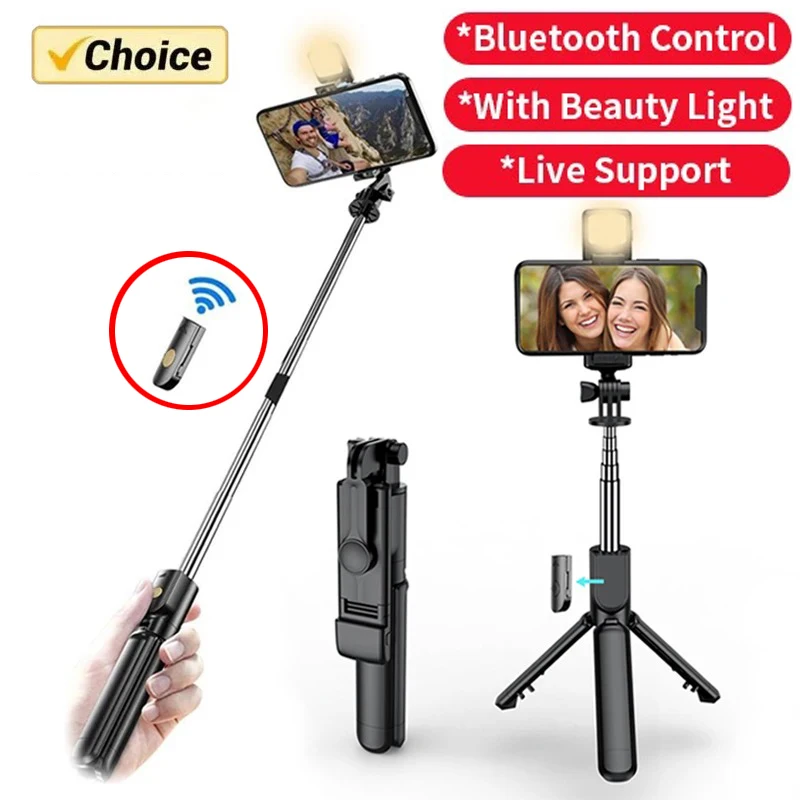
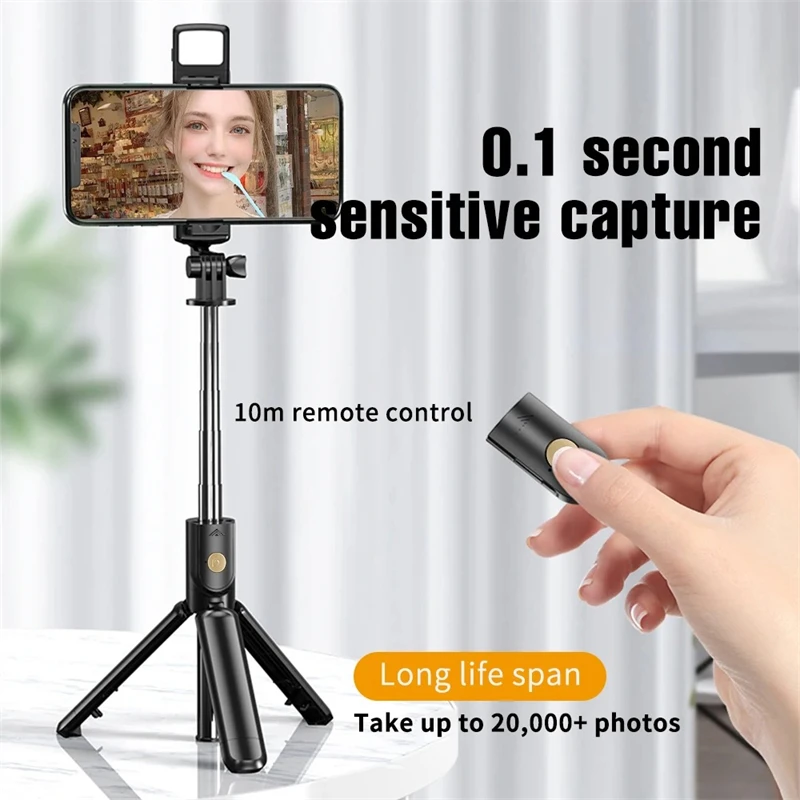
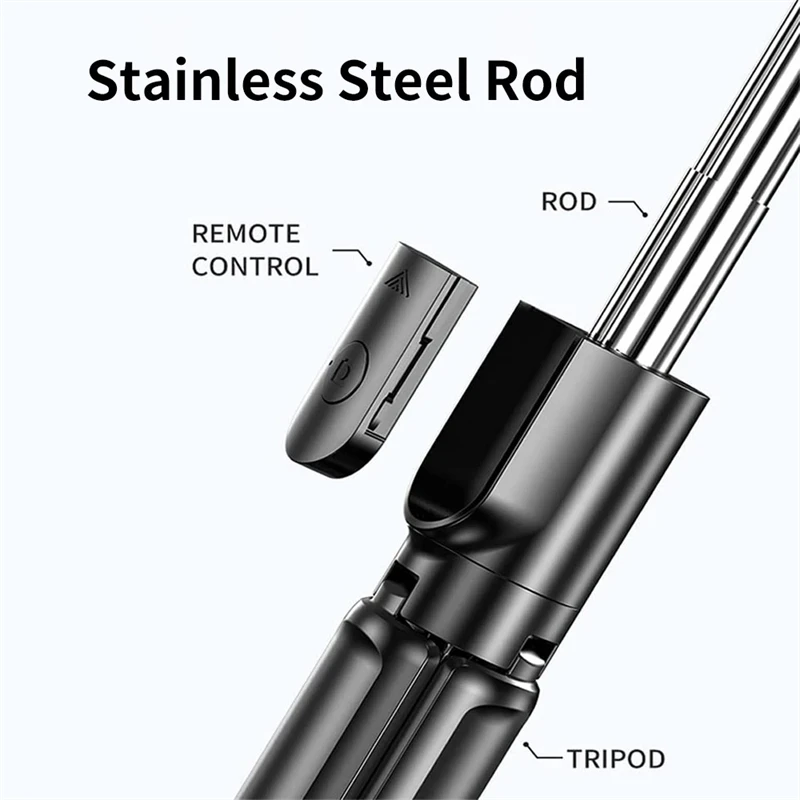
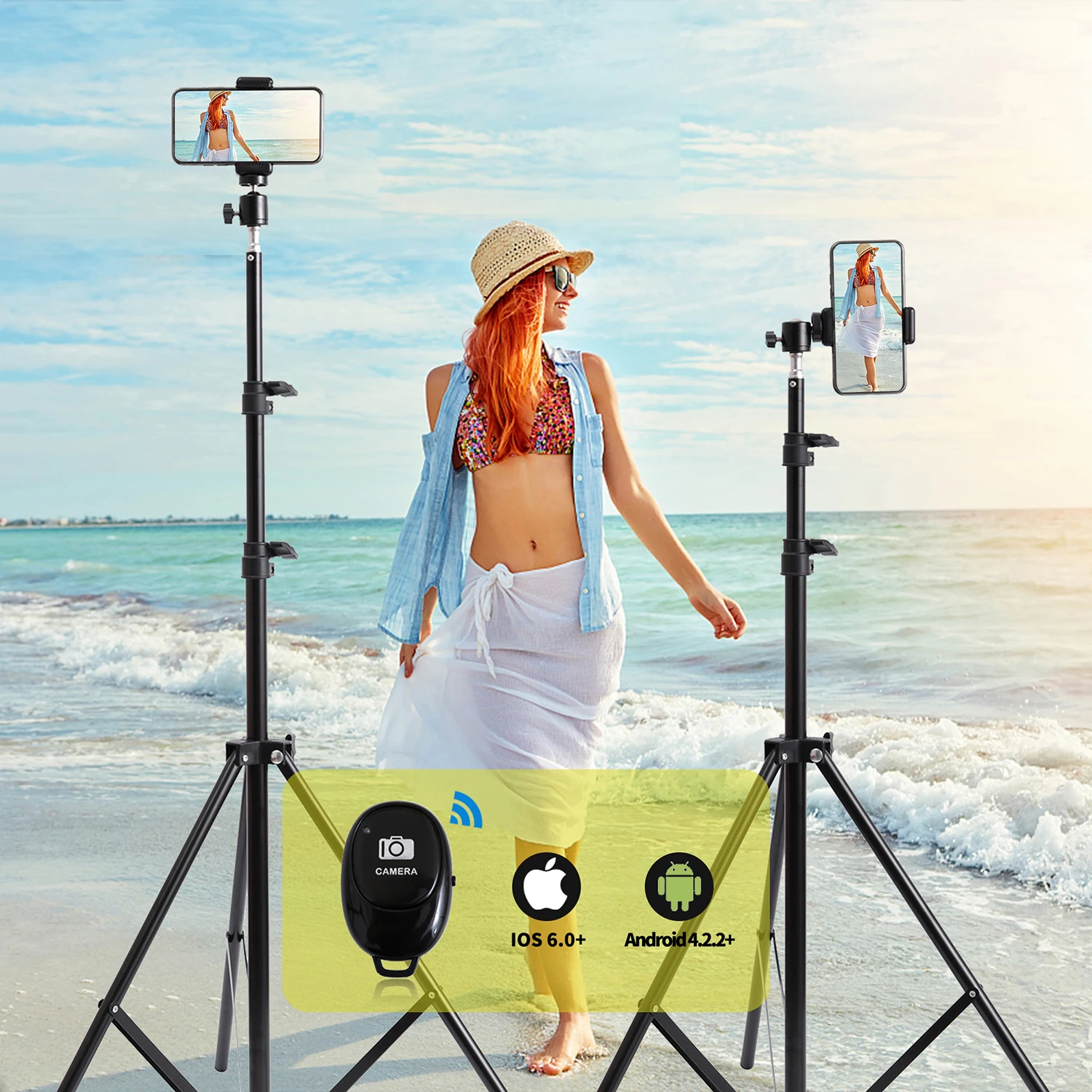
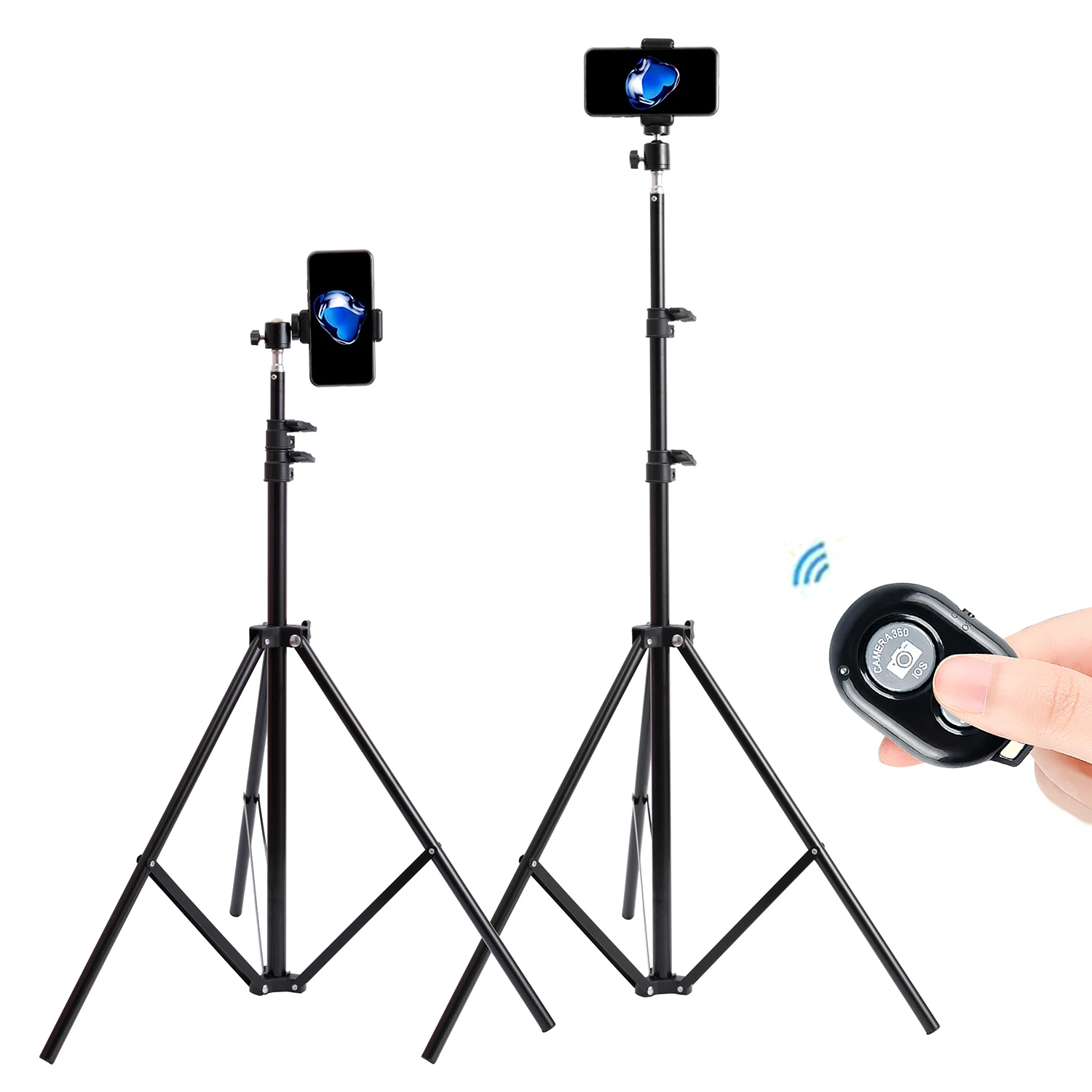
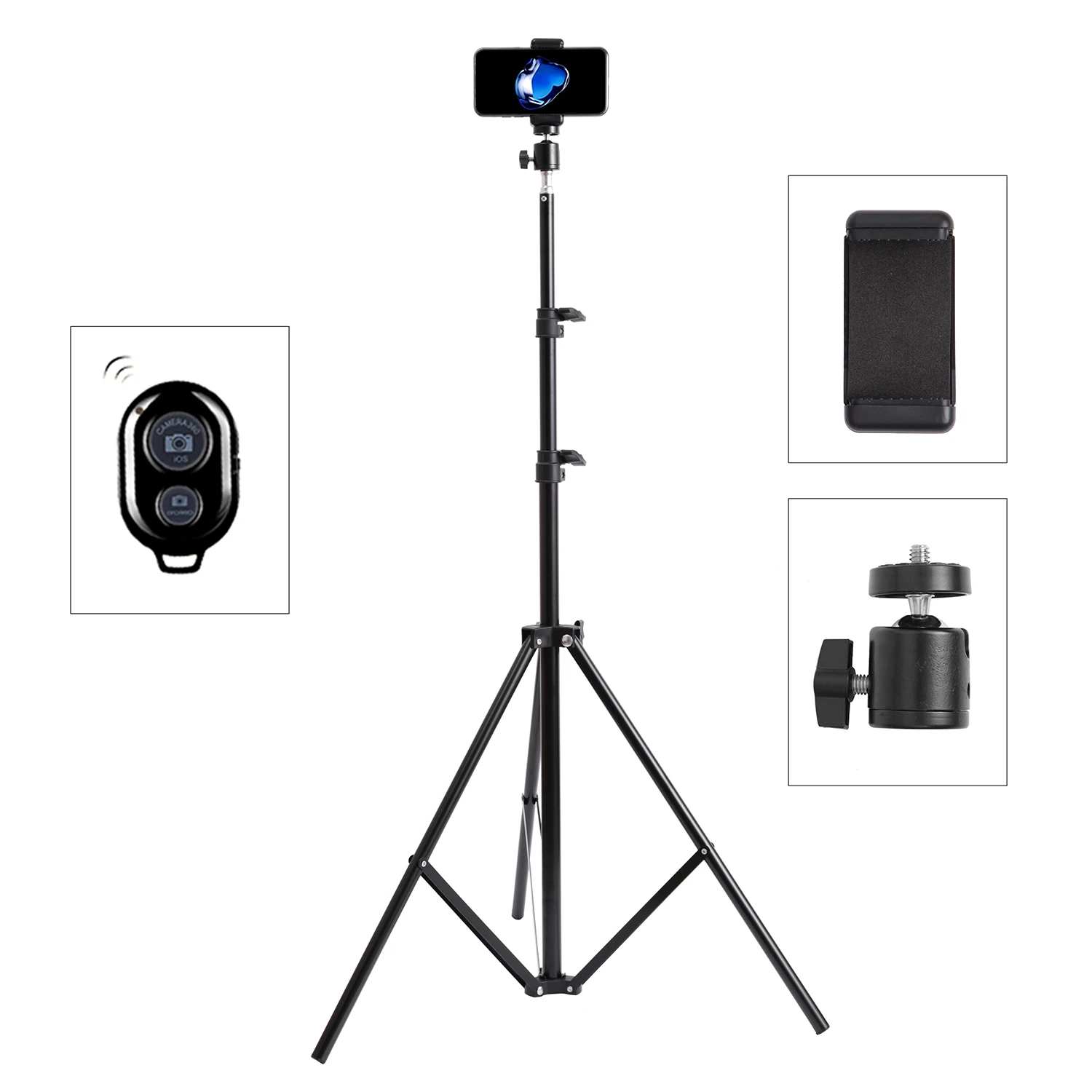
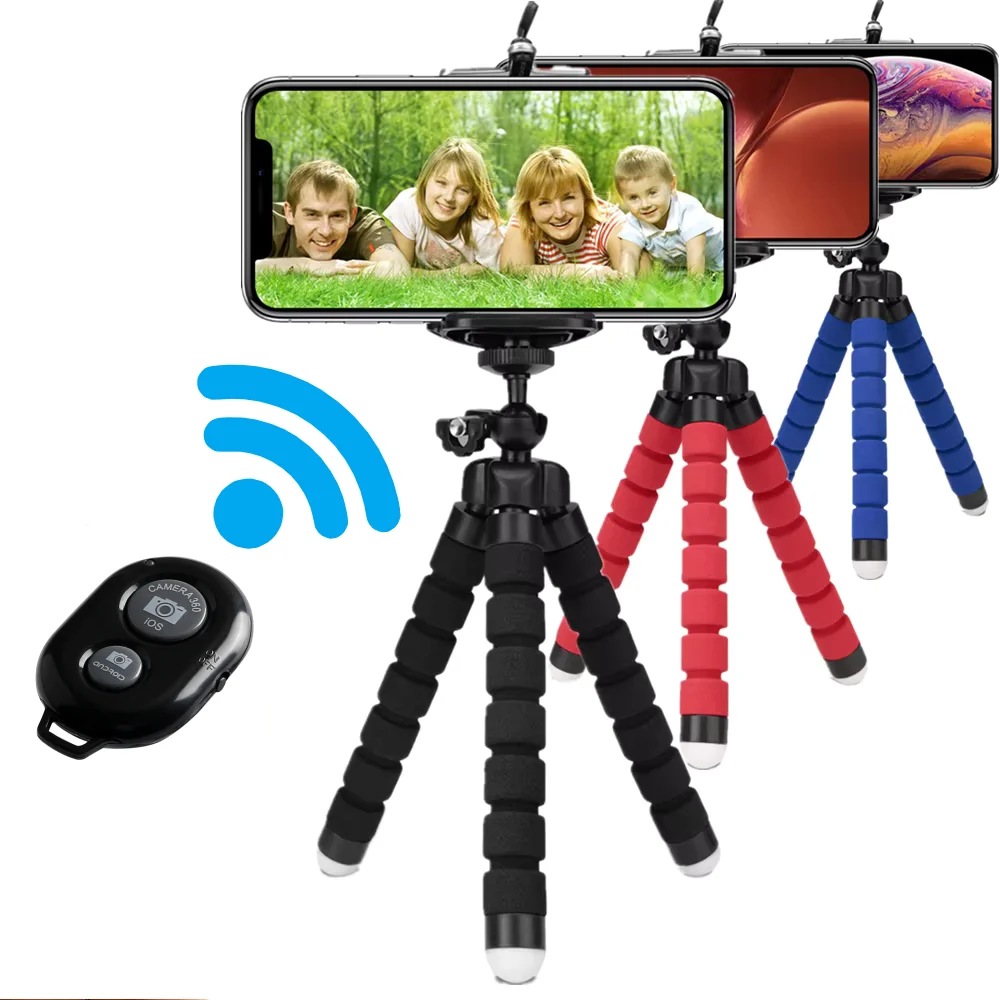
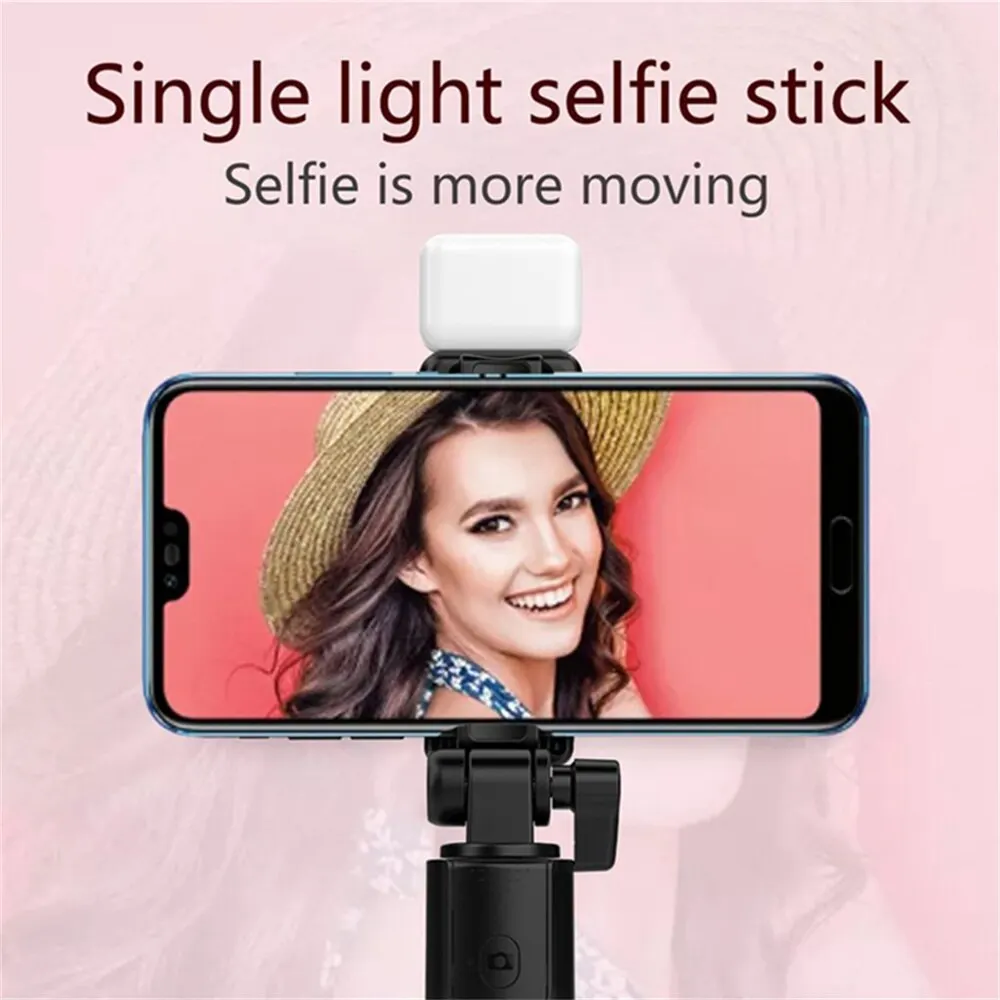
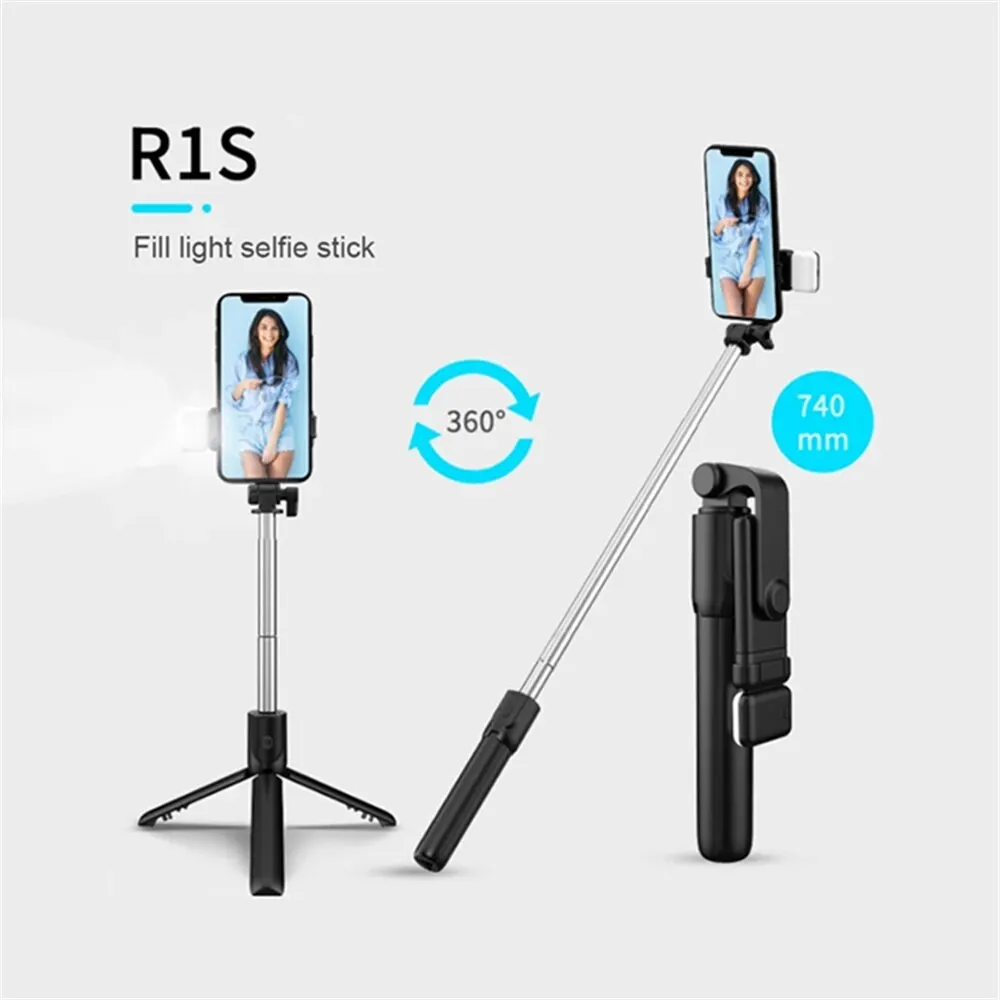
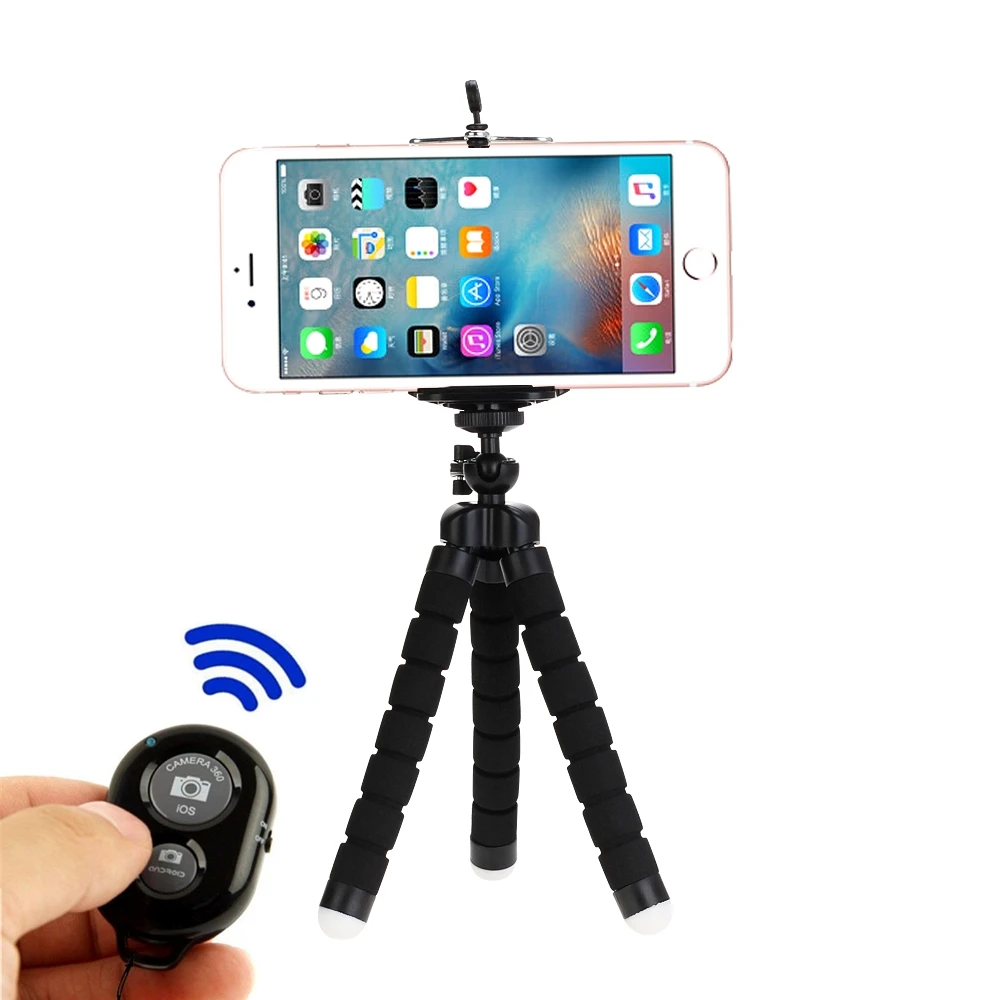
- Tripods with remotes come with a wireless button that takes the picture from a distance. Many of these are also selfie sticks.
How a phone fits a tripod
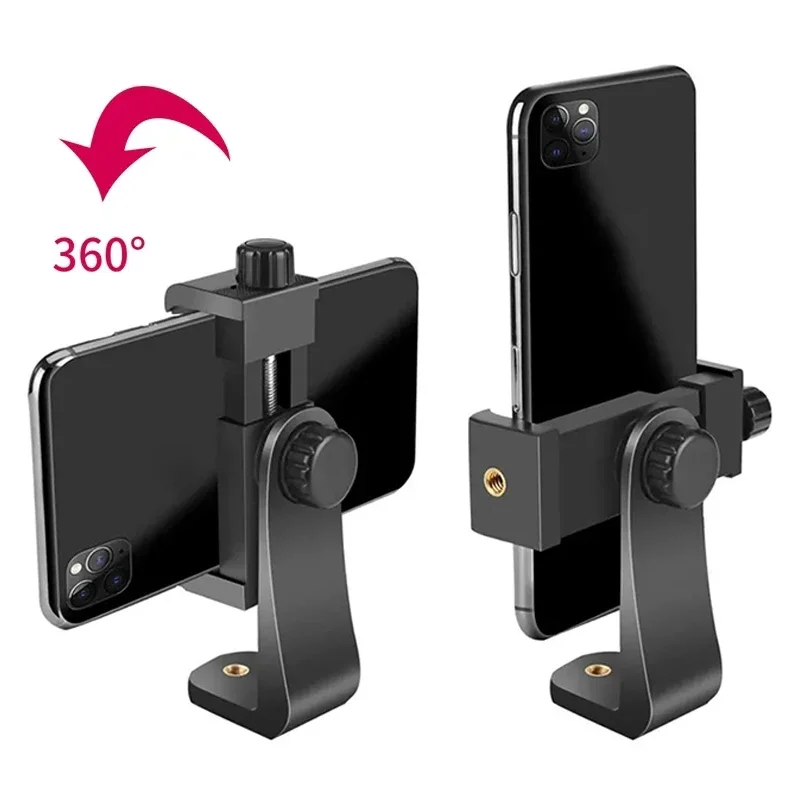
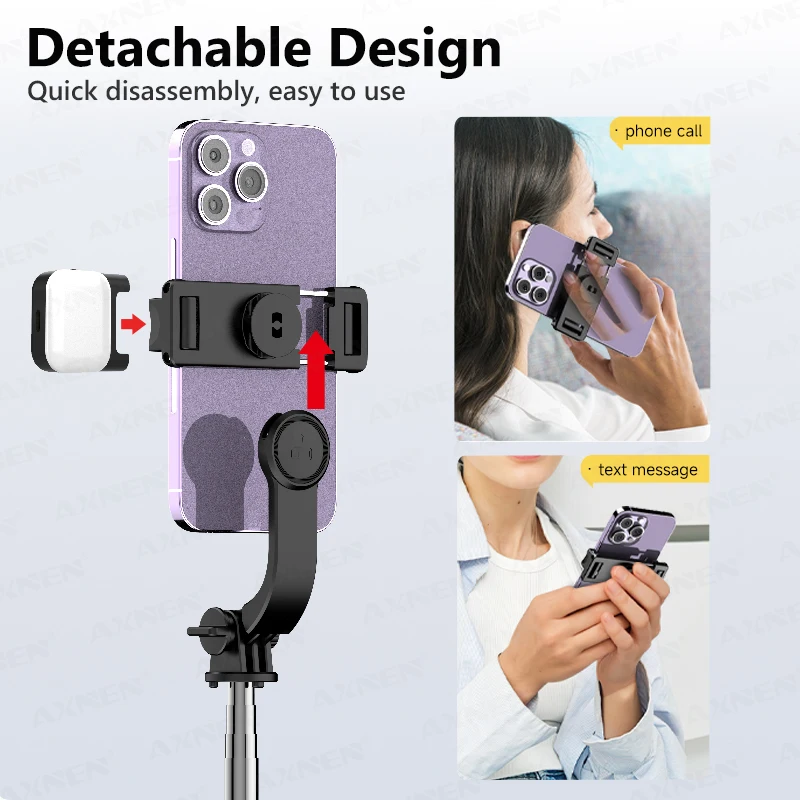
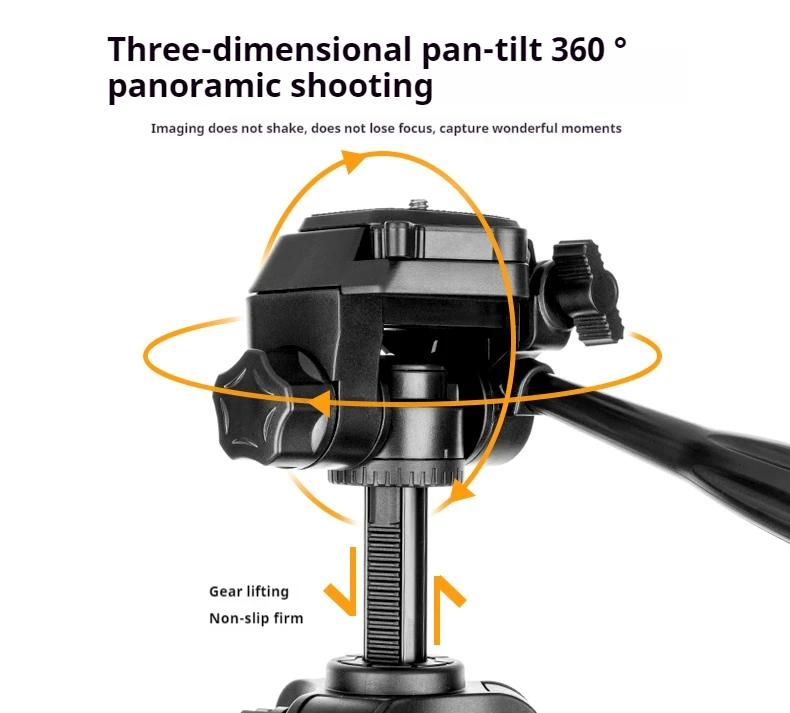
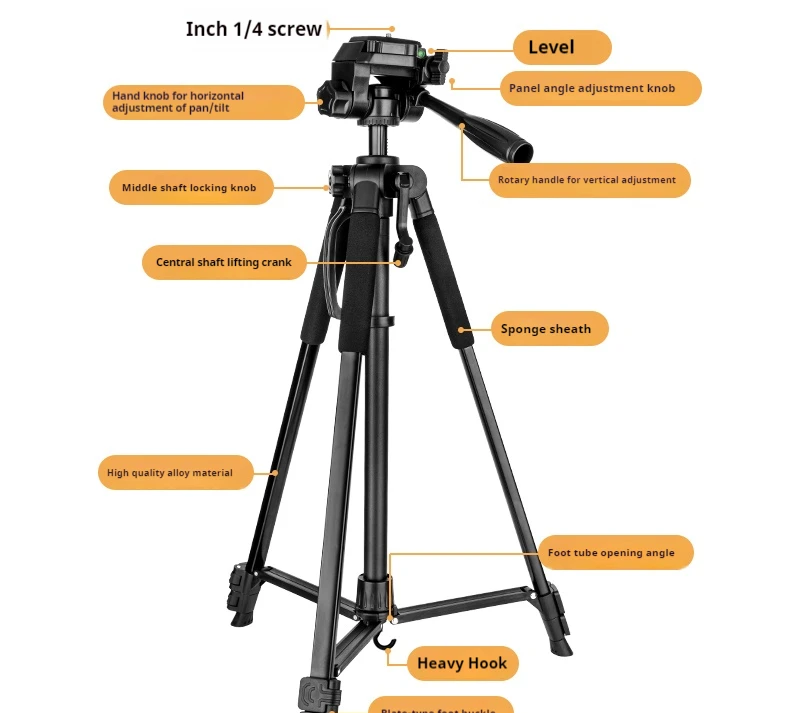
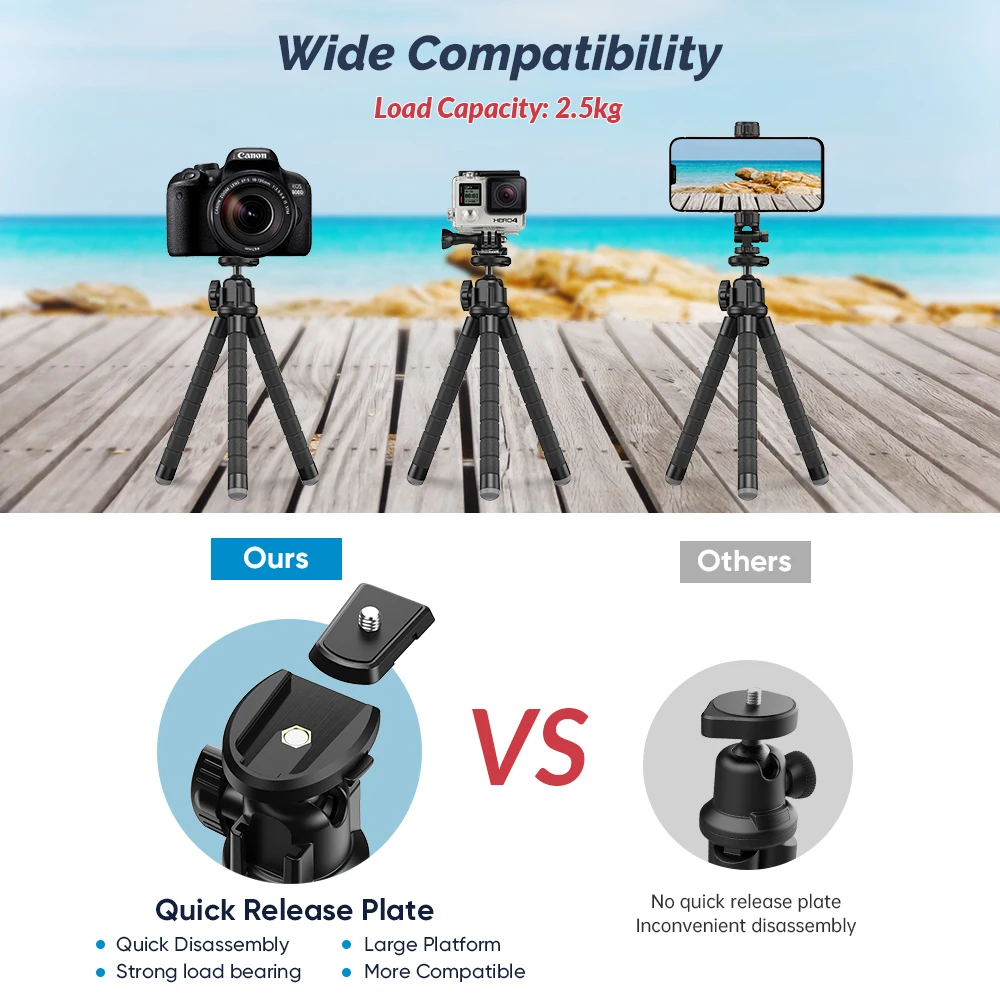
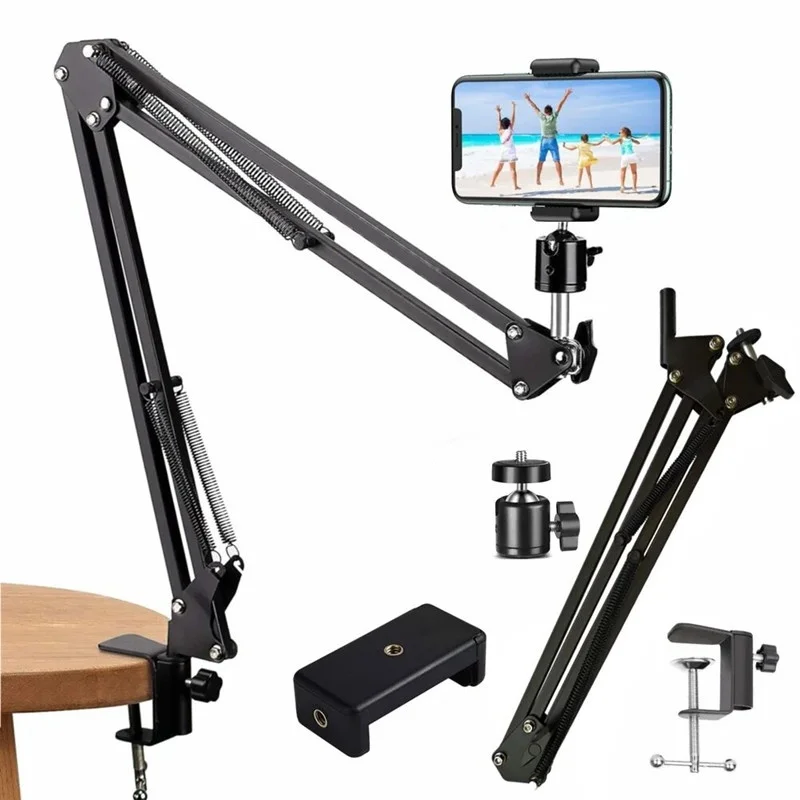
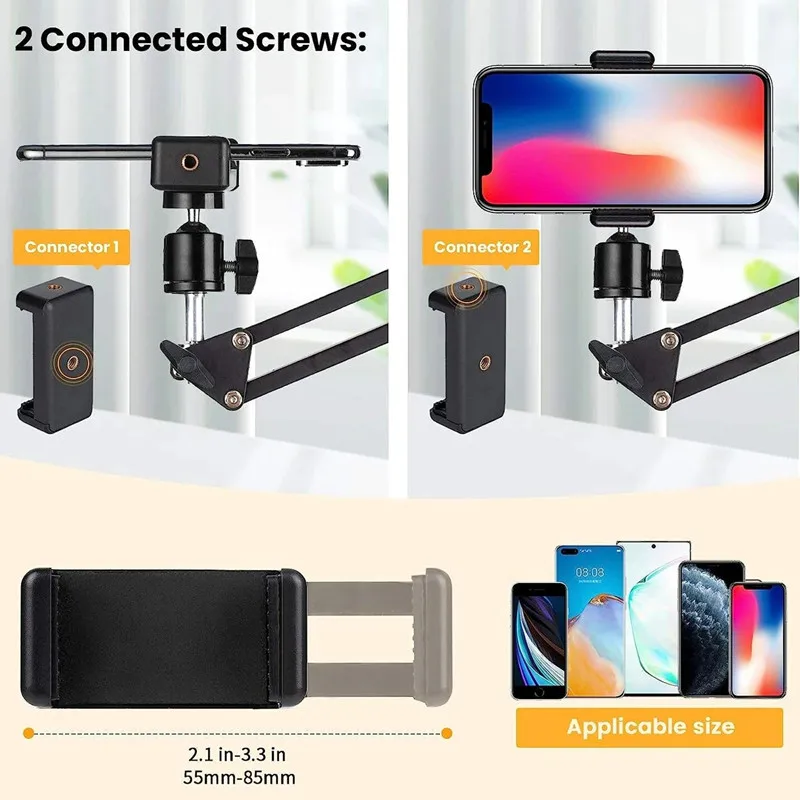
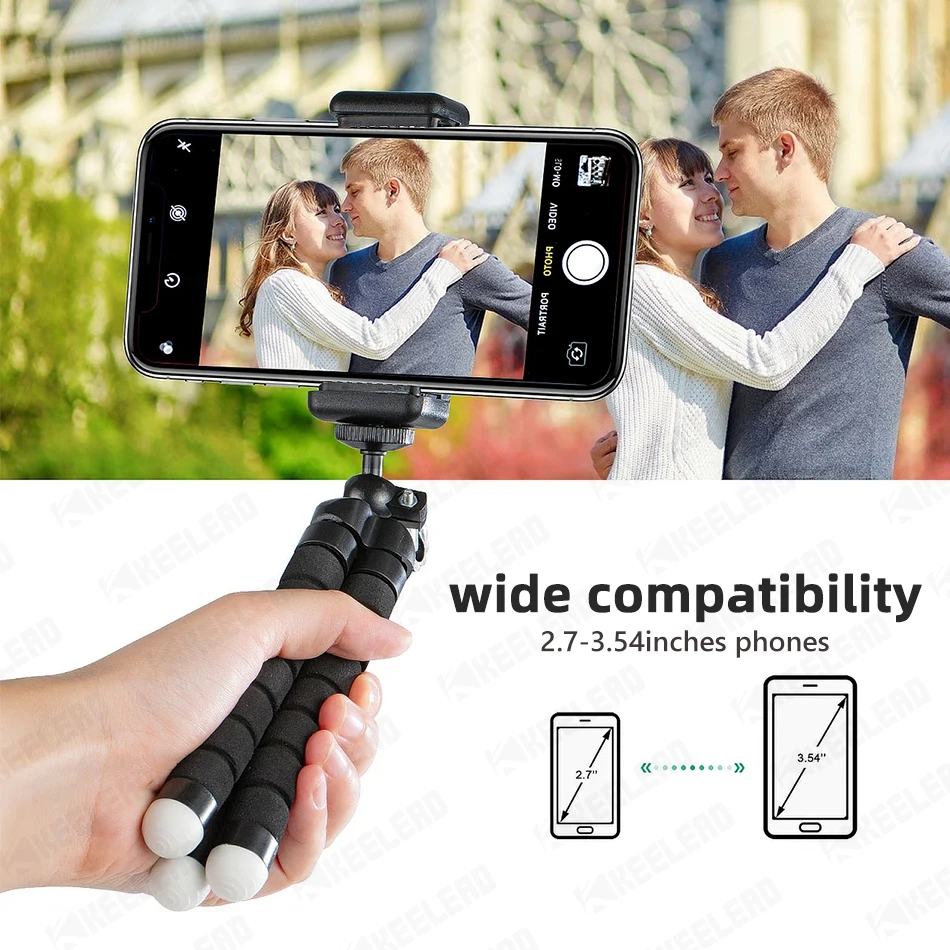
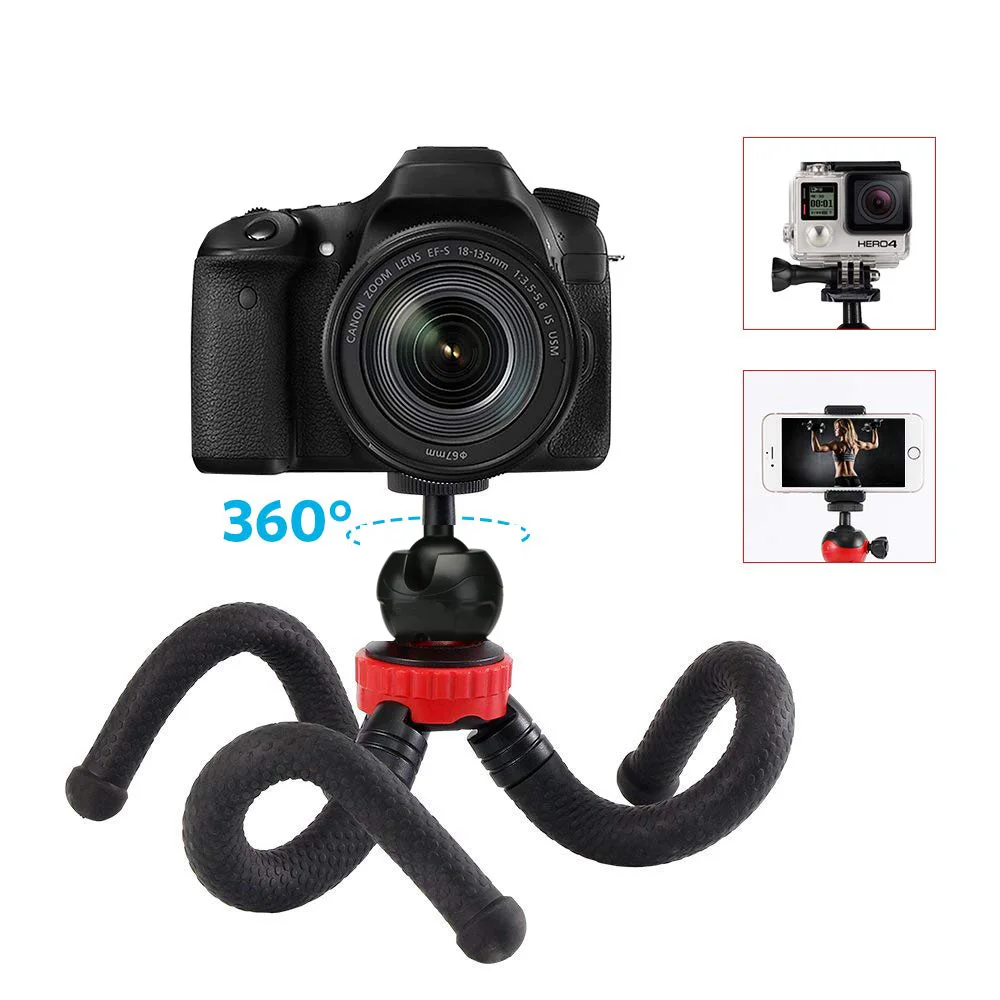
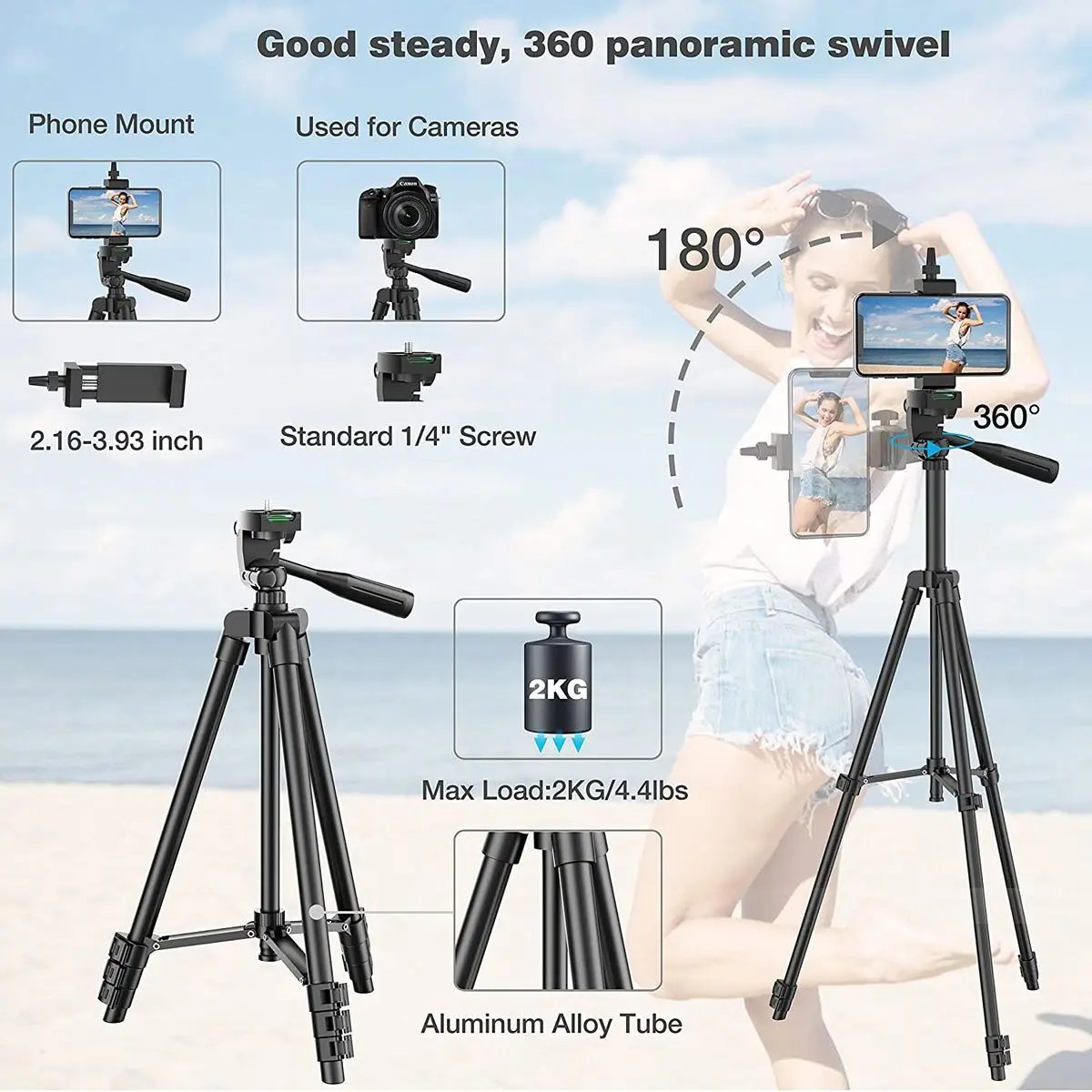
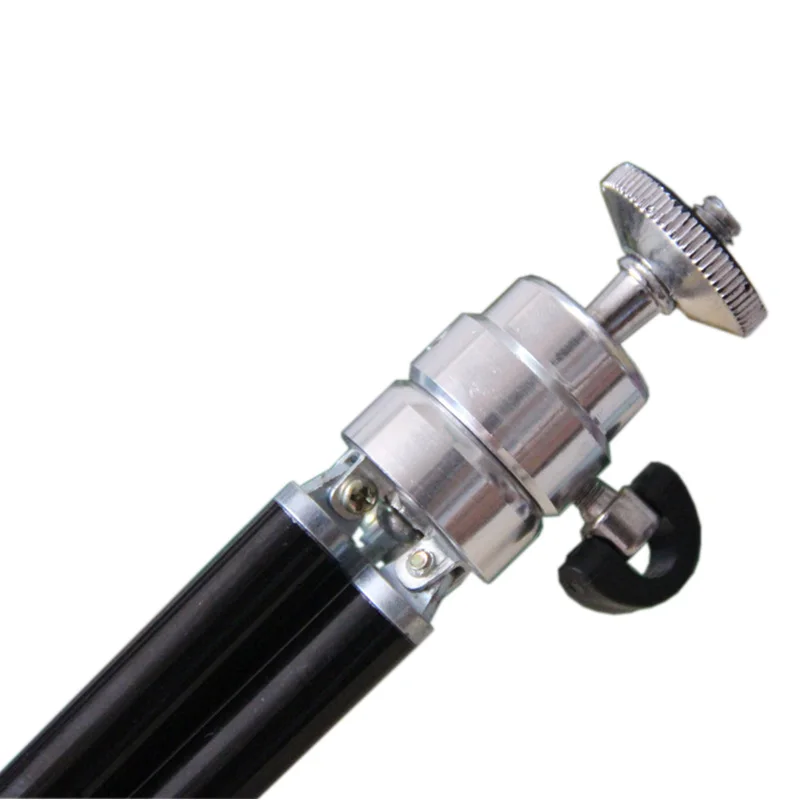
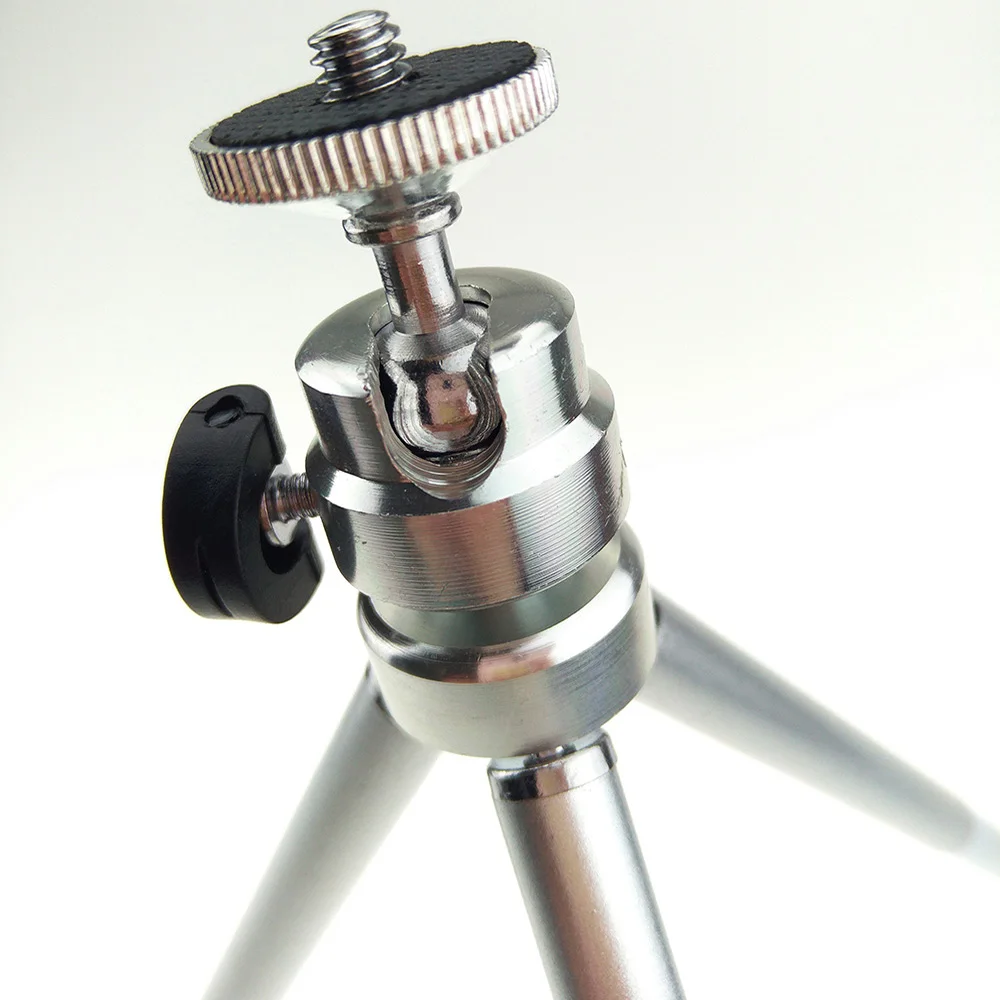
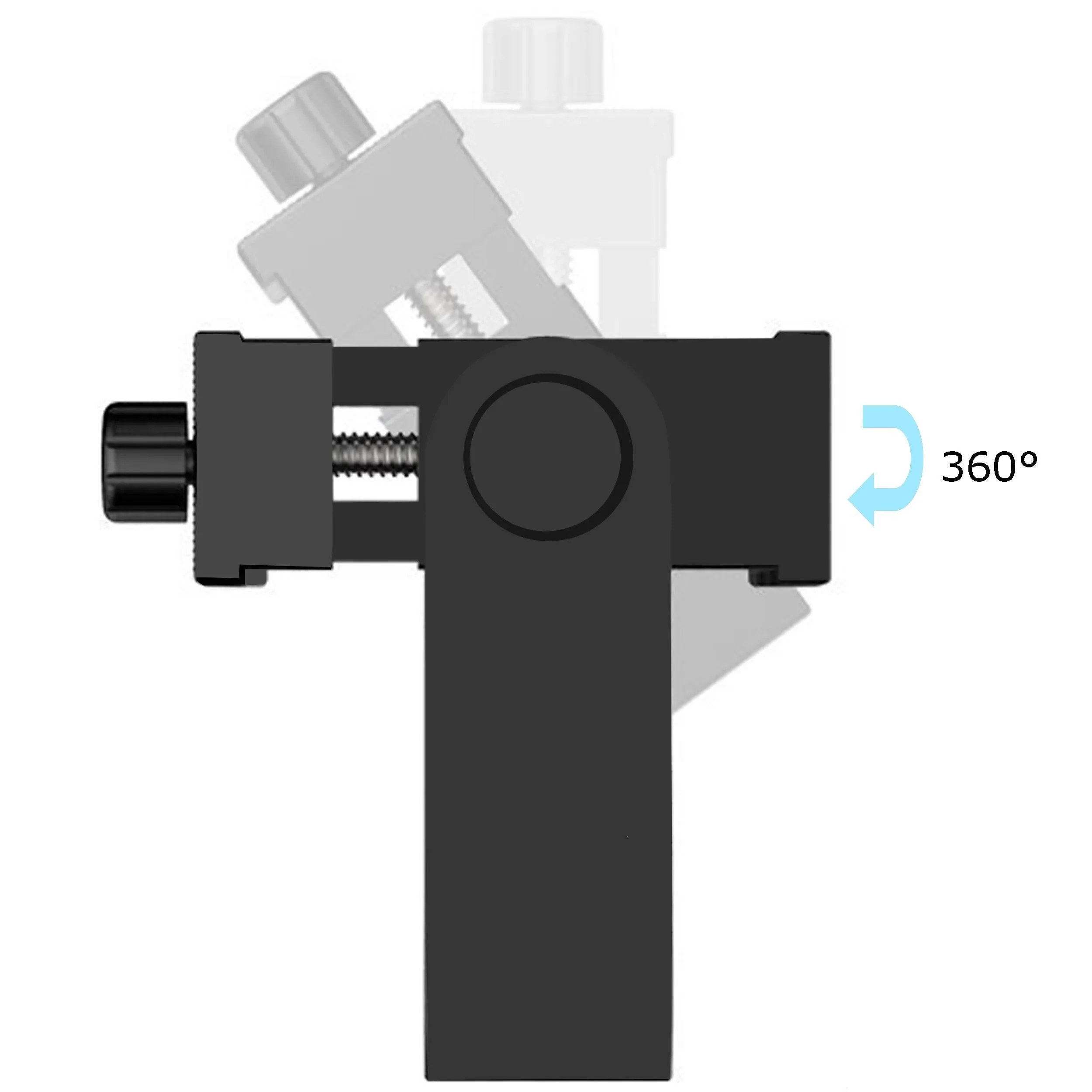
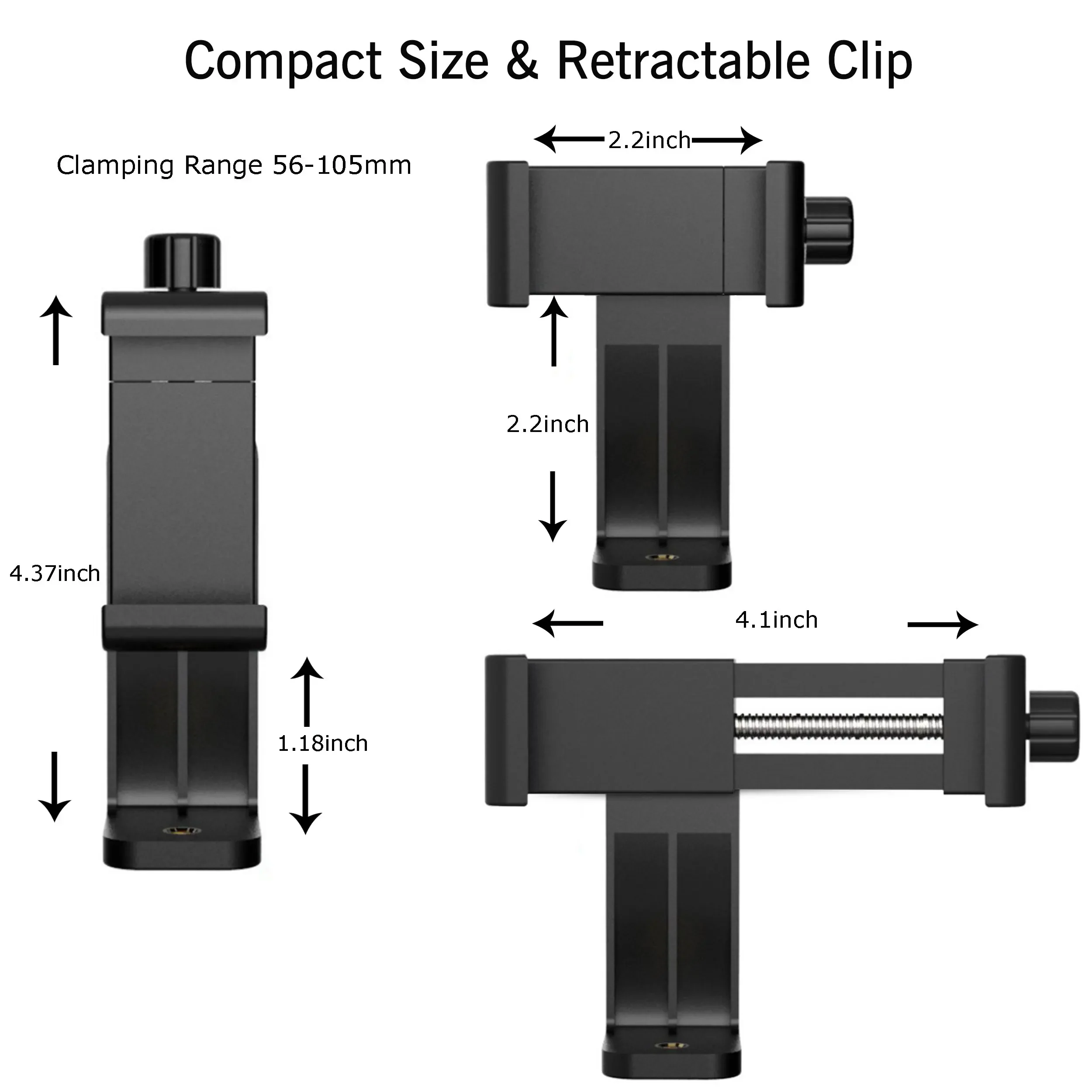
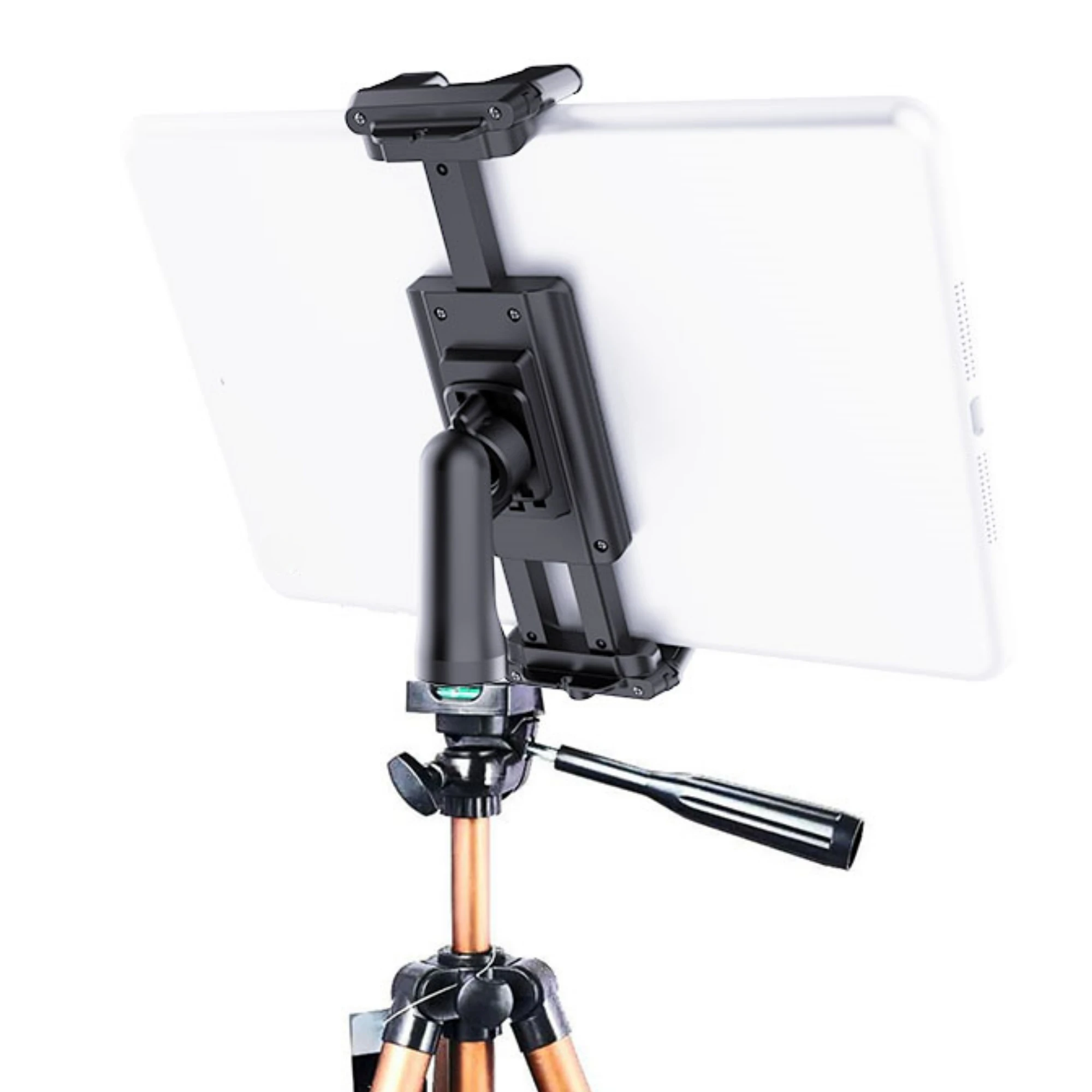
Cameras and tripods share a standard screw thread, a quarter of an inch across, set out in ISO 1222, the international standard for tripod connections. A phone has no thread of its own, so it sits in a sprung clamp that grips its sides and has the thread underneath. Most tripods here come with a clamp, and a separate one lets a phone go on any camera tripod.
How to choose a phone tripod
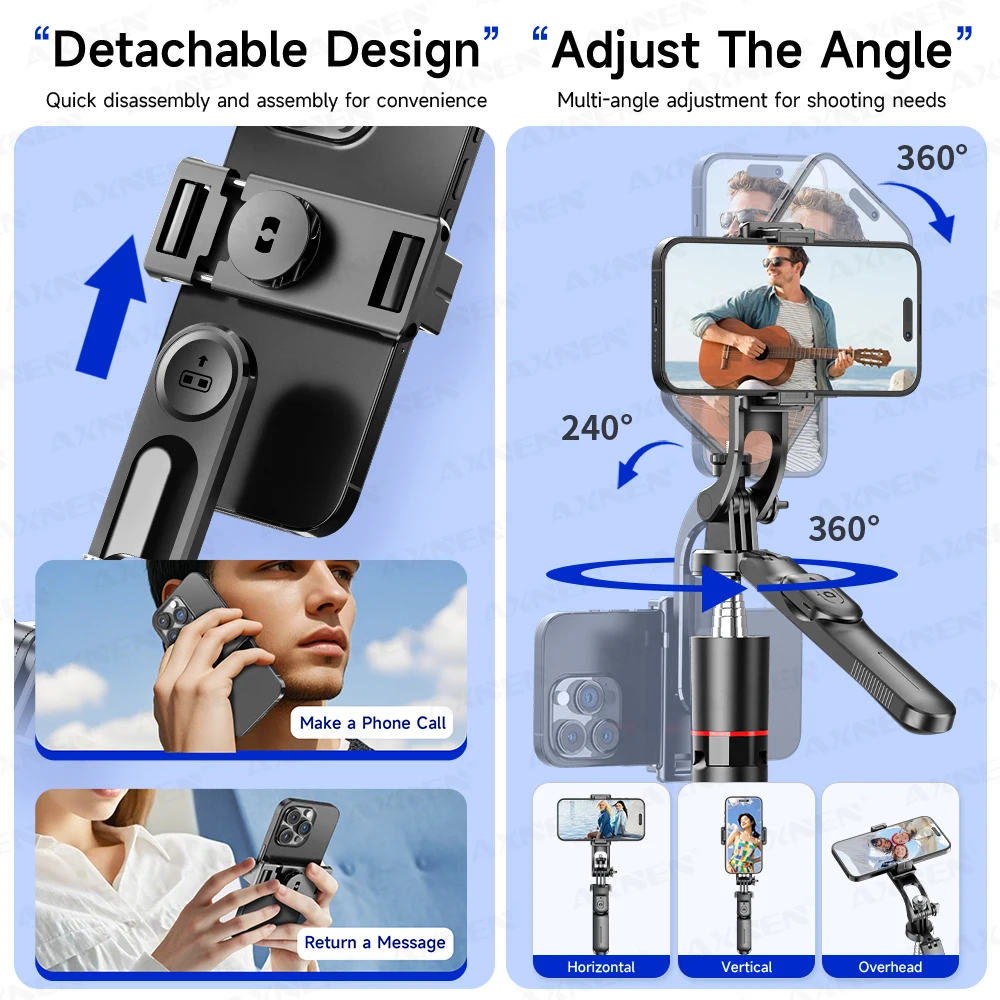
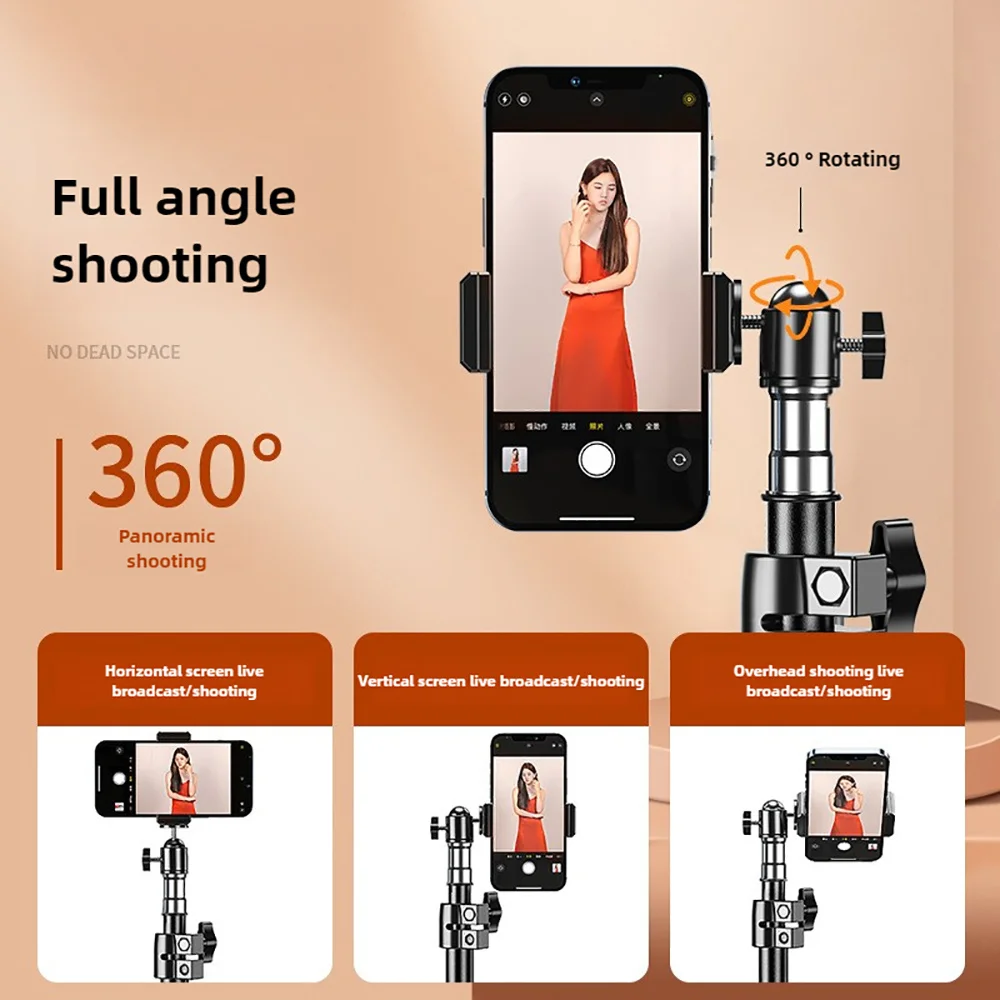
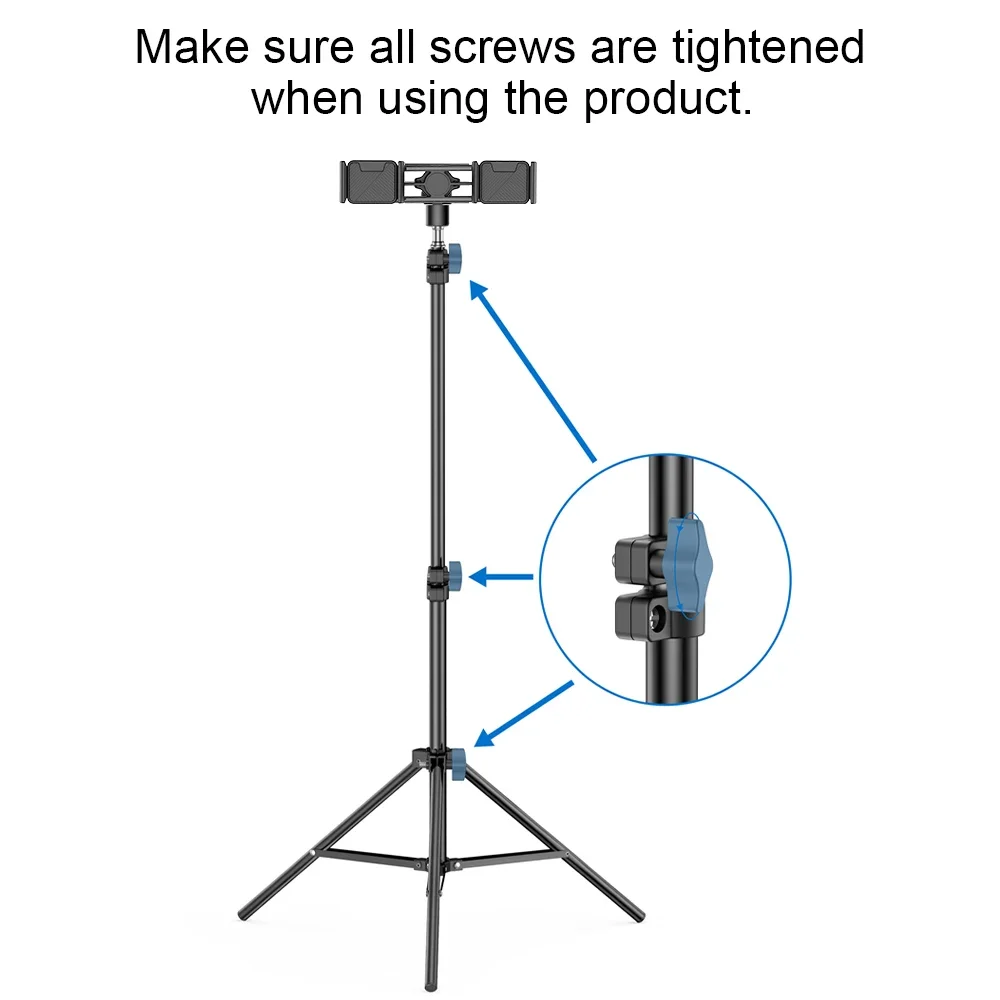
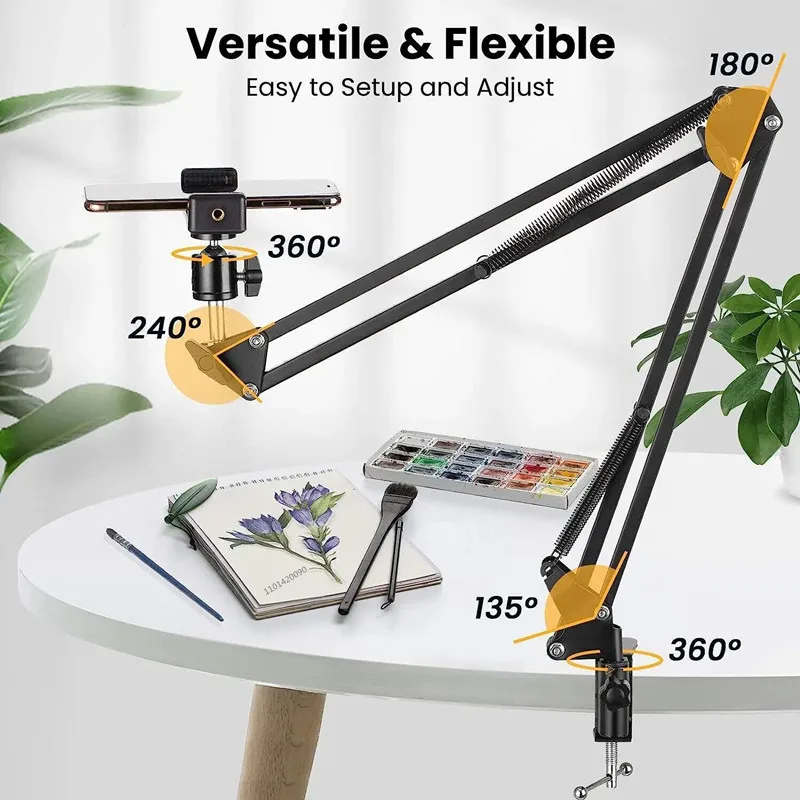
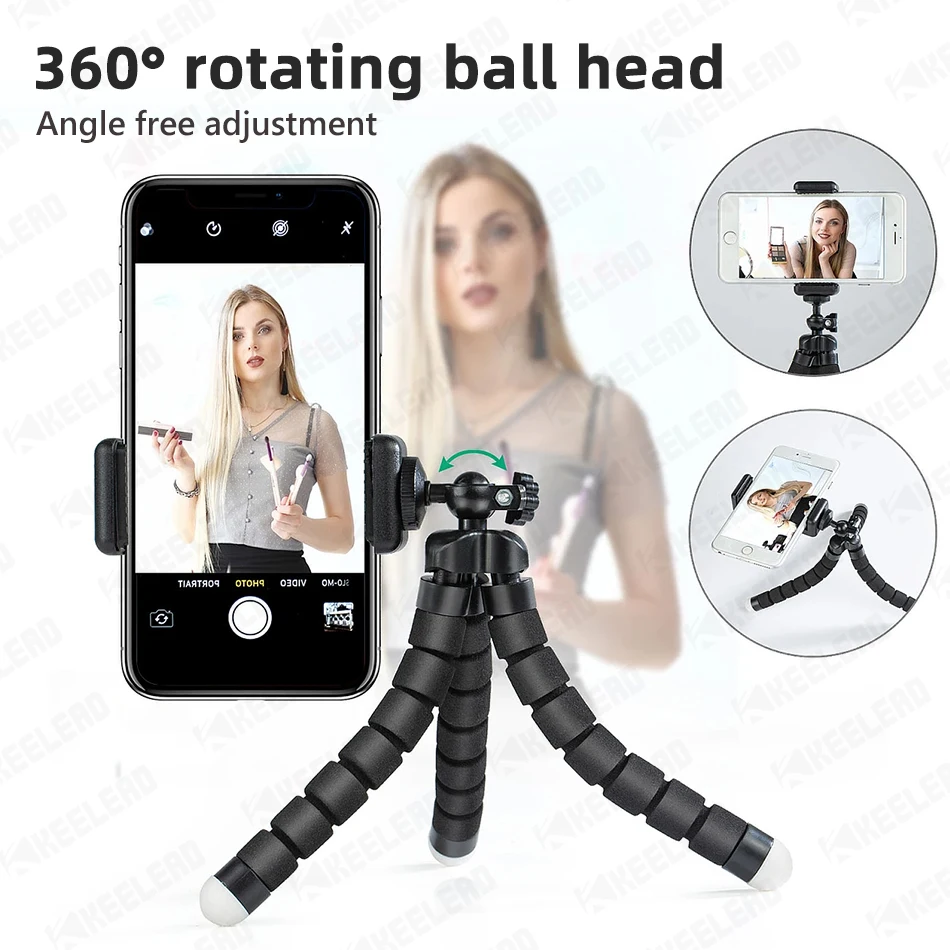
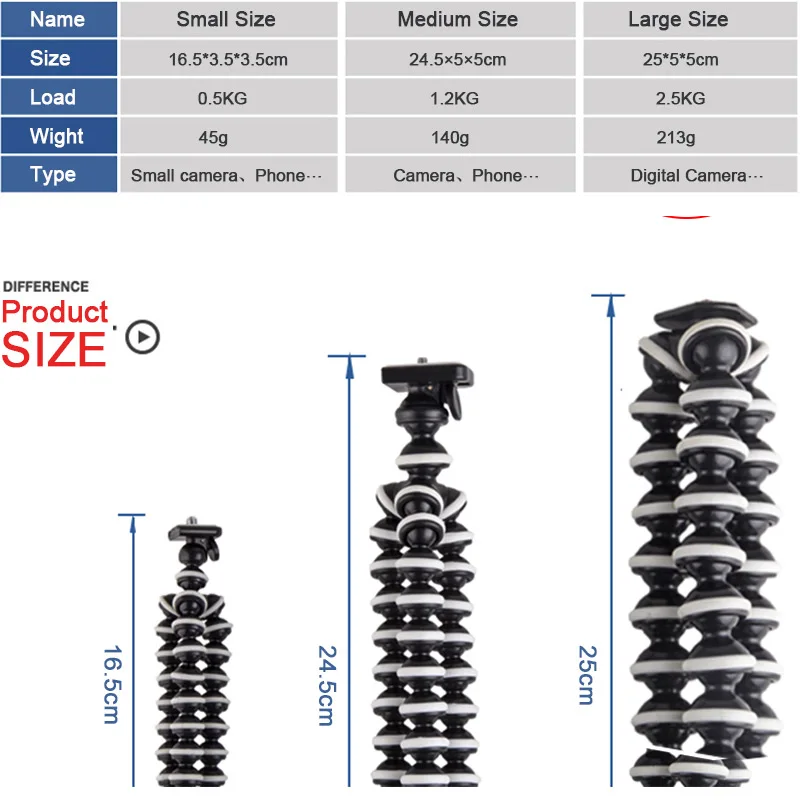
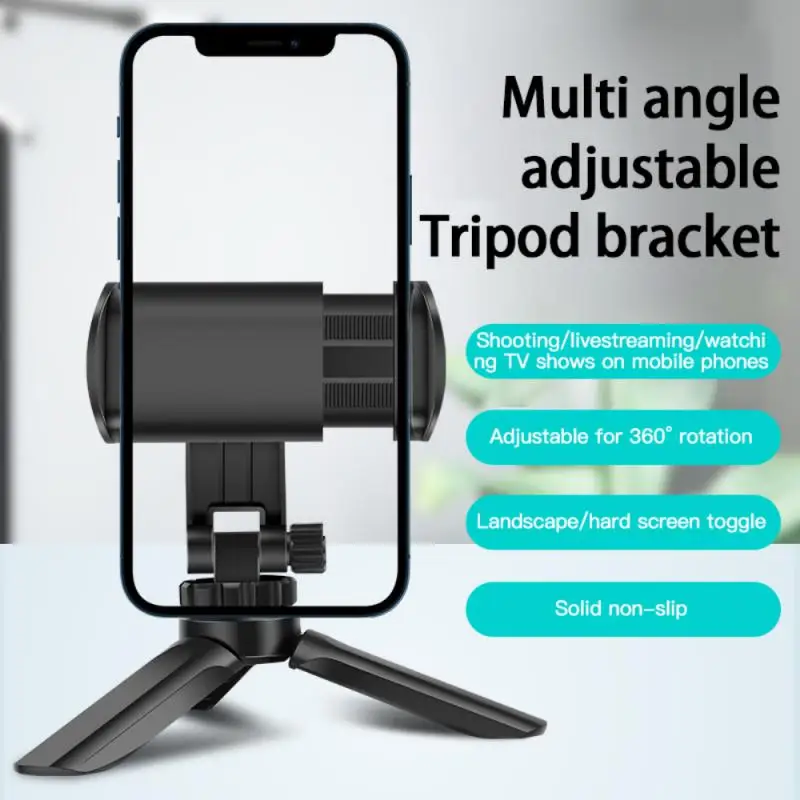
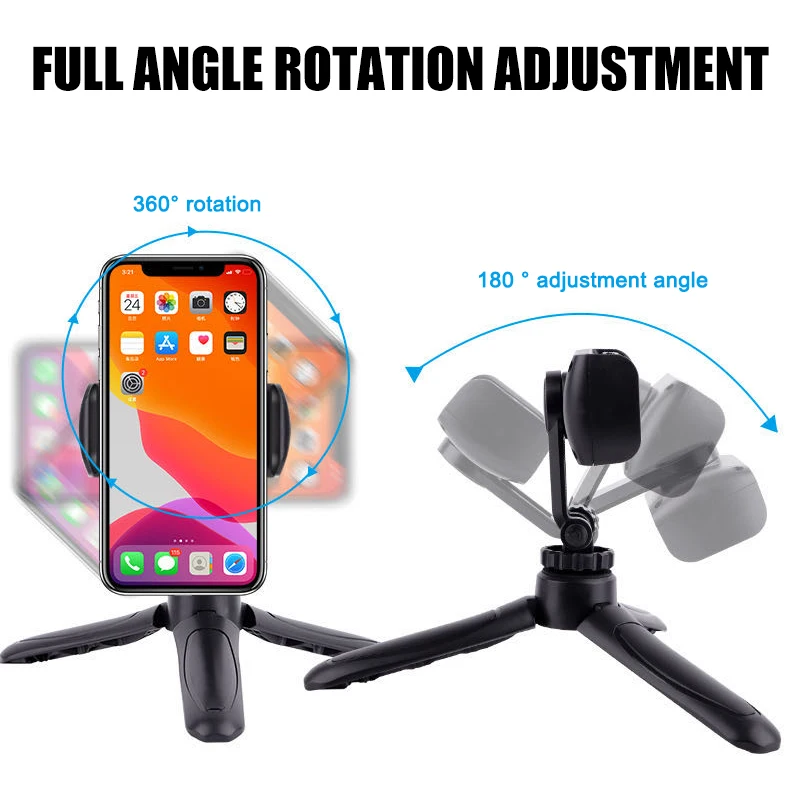
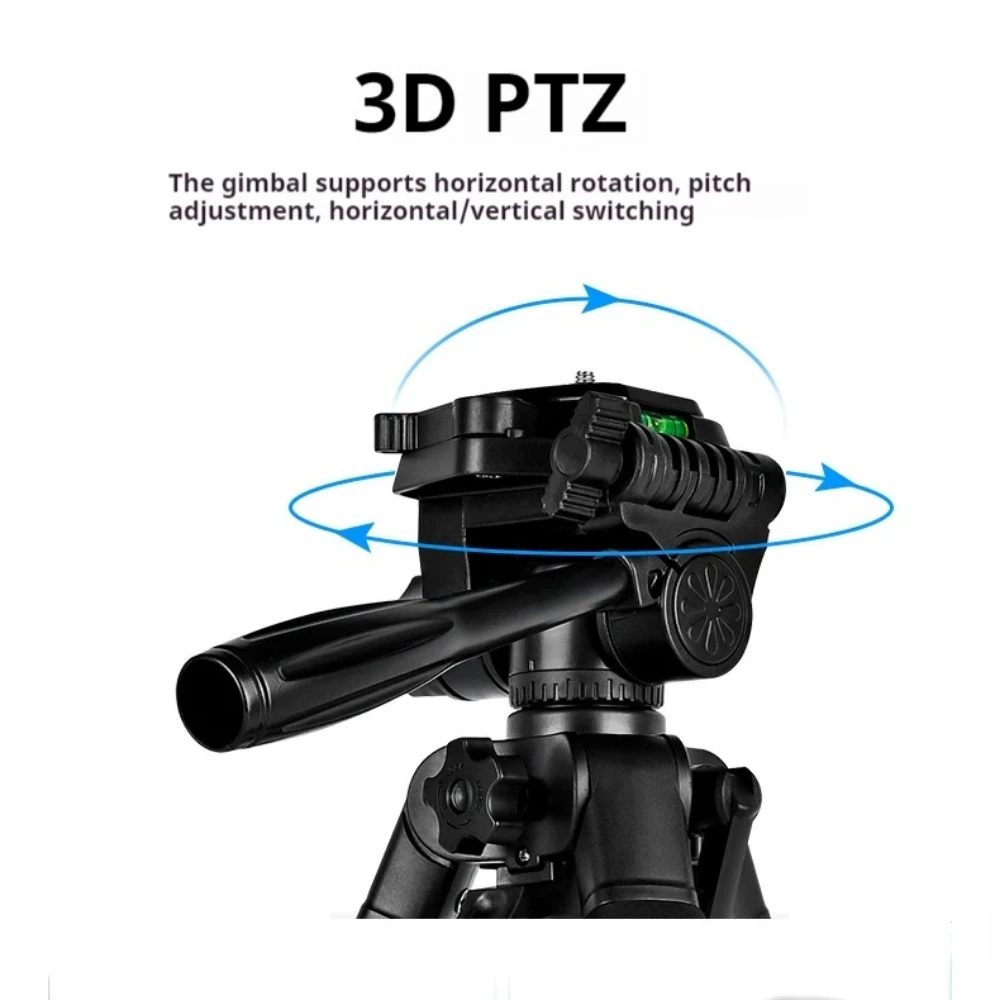
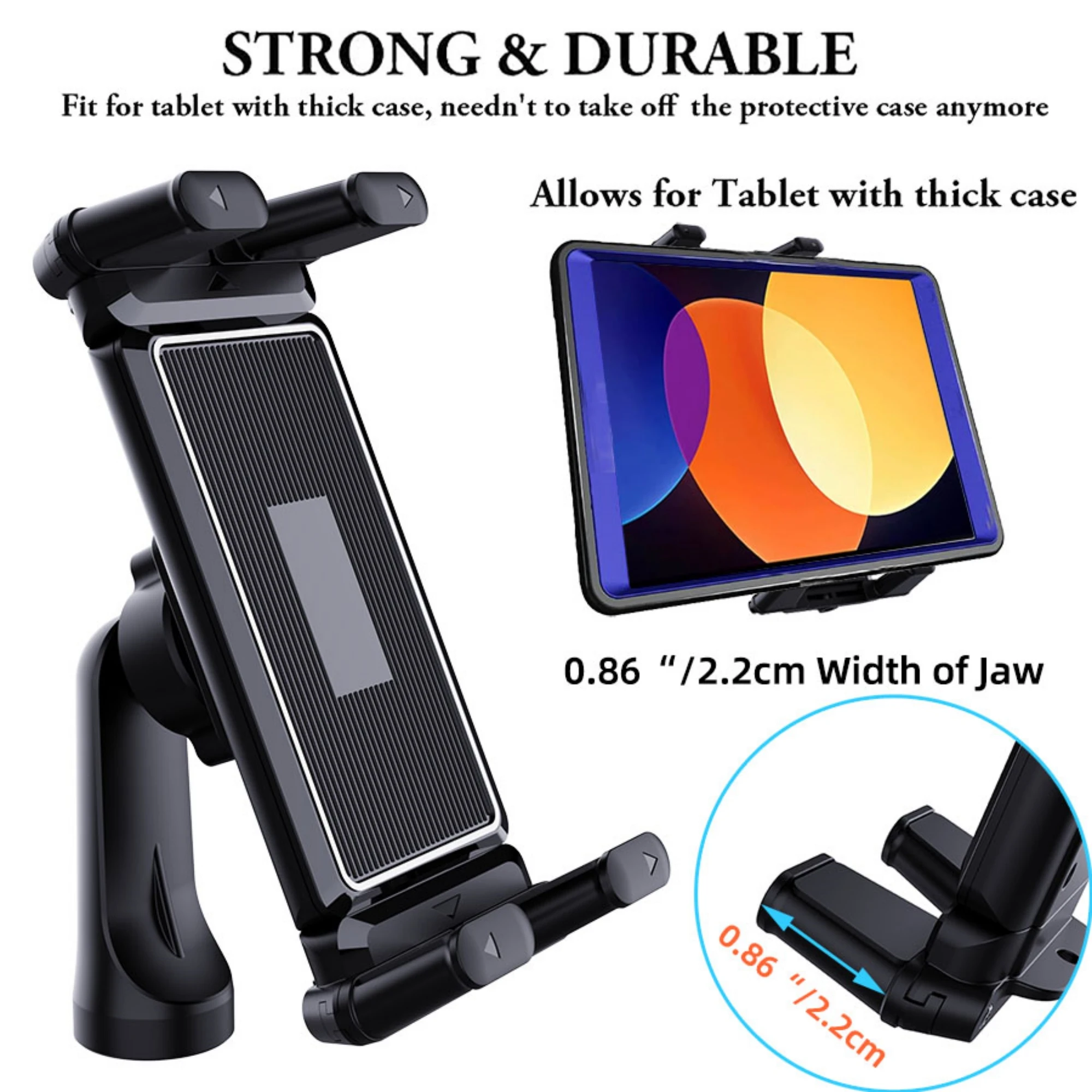
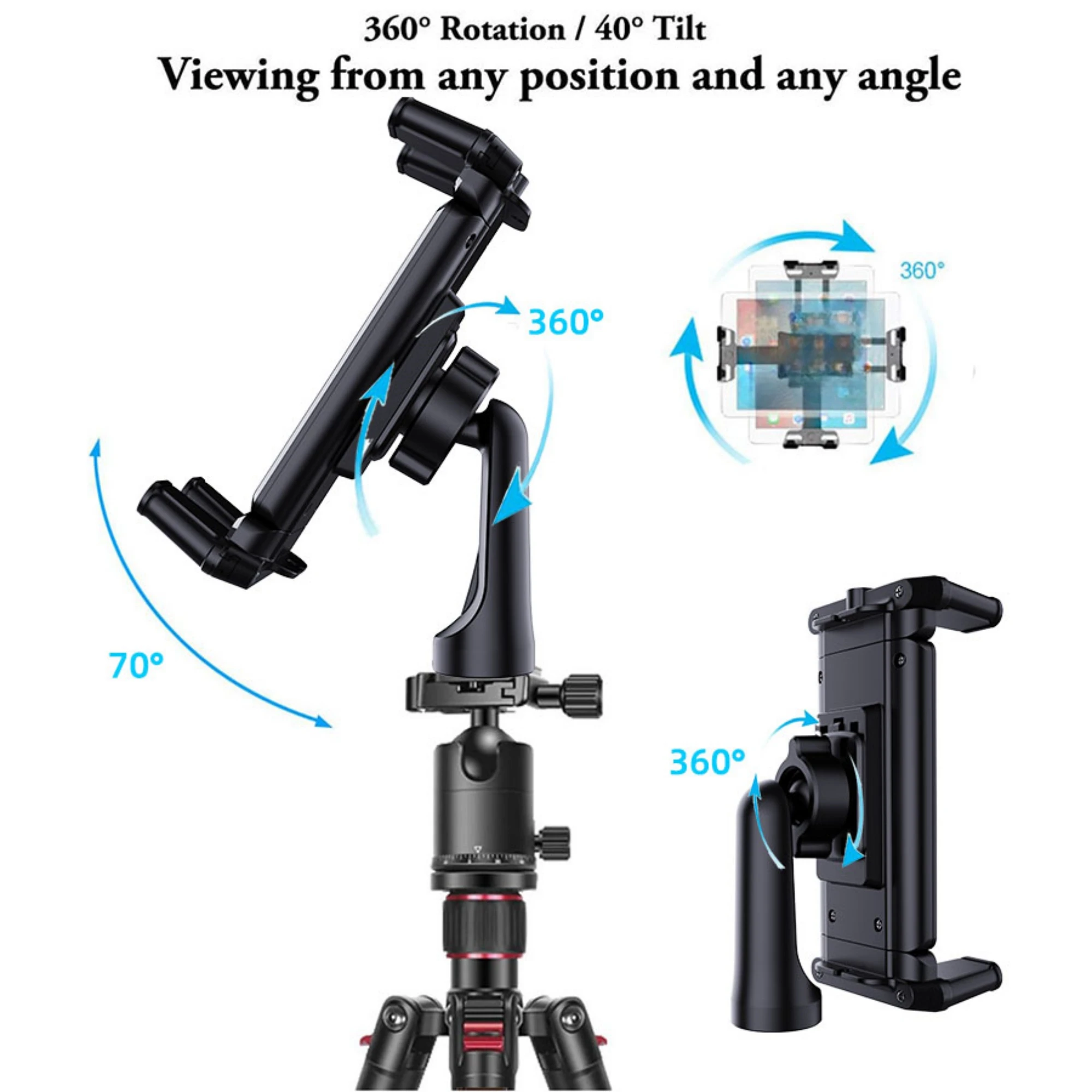
Start with where the phone needs to be: on a desk, wrapped round something outdoors, or at eye level when you are standing. Then check the weight it holds, because a phone in a heavy case with a clip-on lens or a light on top weighs more than the phone alone. Look for locks you can work quickly and a clamp that turns, so the phone can go upright for short social videos or on its side for photos.
Questions people ask about phone tripods
Will any tripod work with my phone?
Yes, with a phone clamp on the standard quarter-inch thread. Check the clamp's width against your phone in its case.
How do I take the photo without touching the phone?
Use the phone's timer, a remote shutter, or on an iPhone either volume button, which is gentler than tapping the screen. The guide to tripods, gimbals and selfie sticks has more.
How long does delivery take?
Delivery is included in every price and tracked to your door. Each product page says when it usually arrives.
More to look at