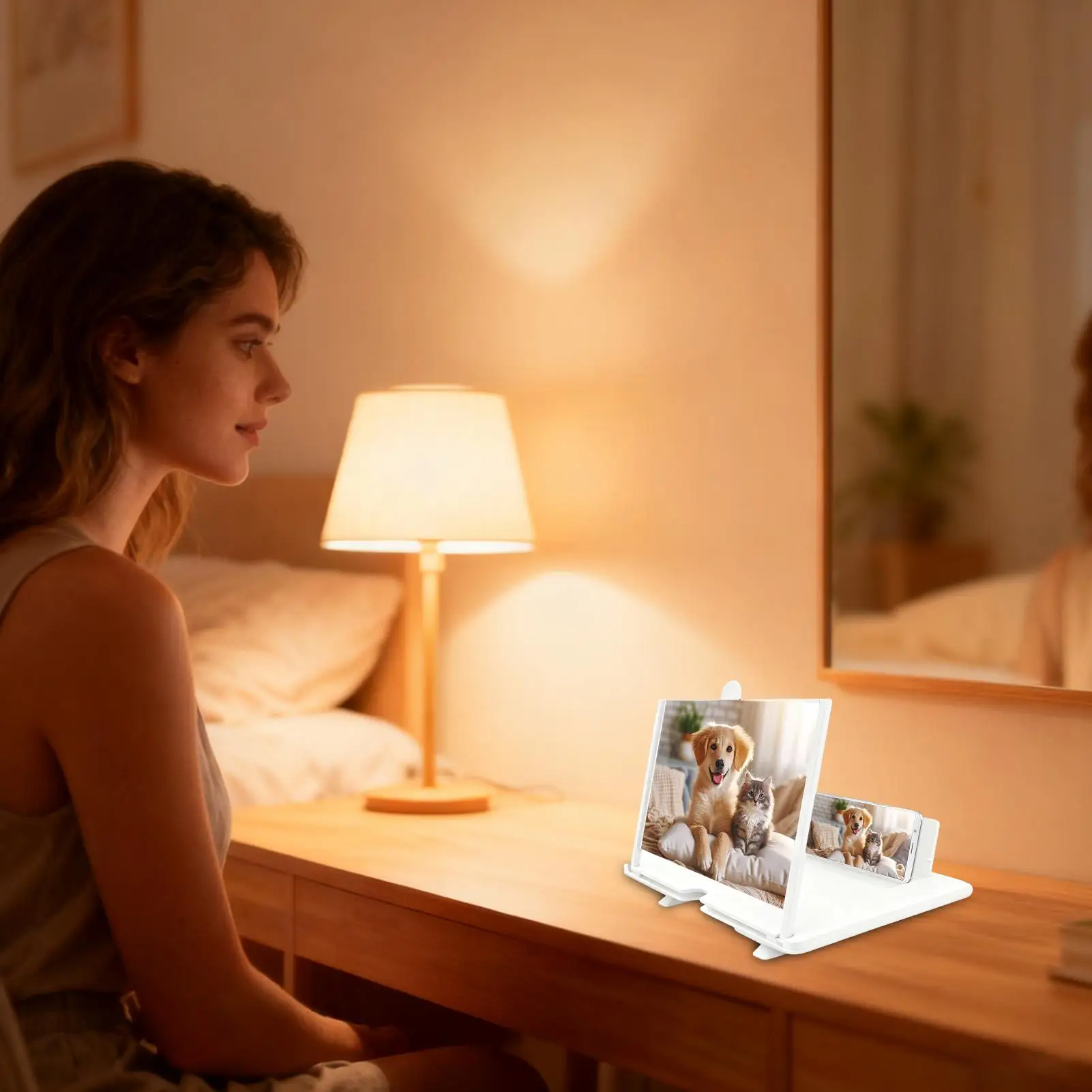
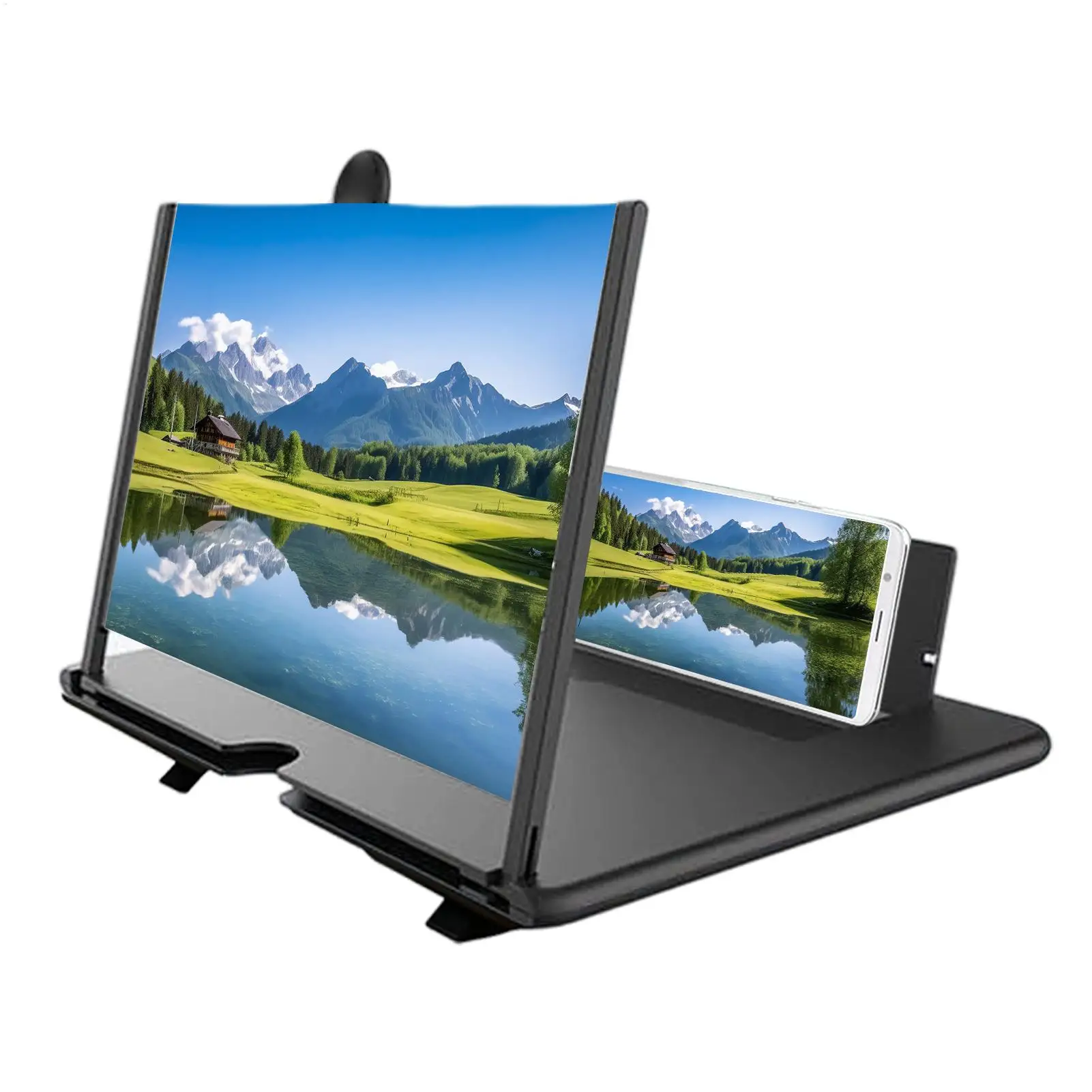
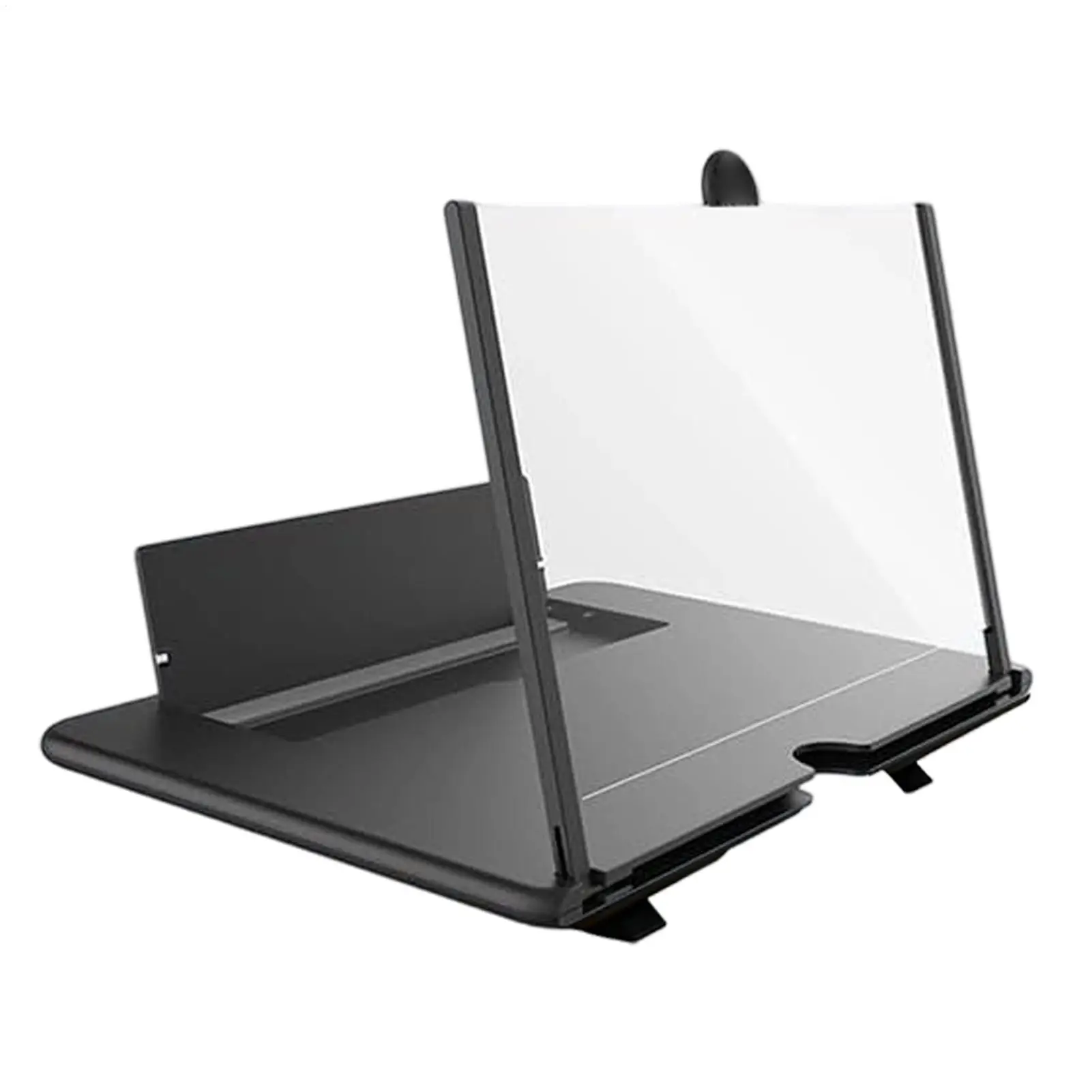
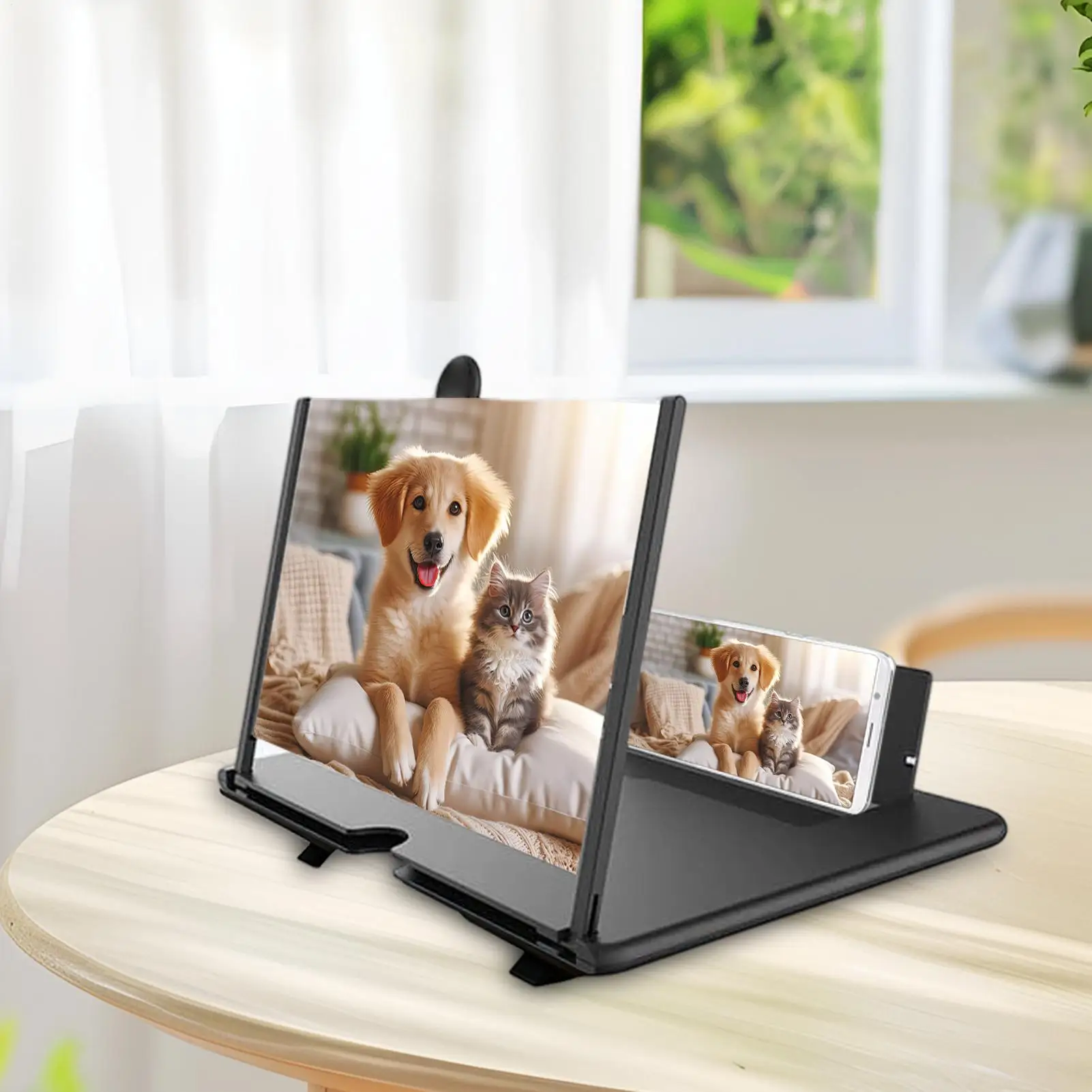
What a 3D screen magnifier is
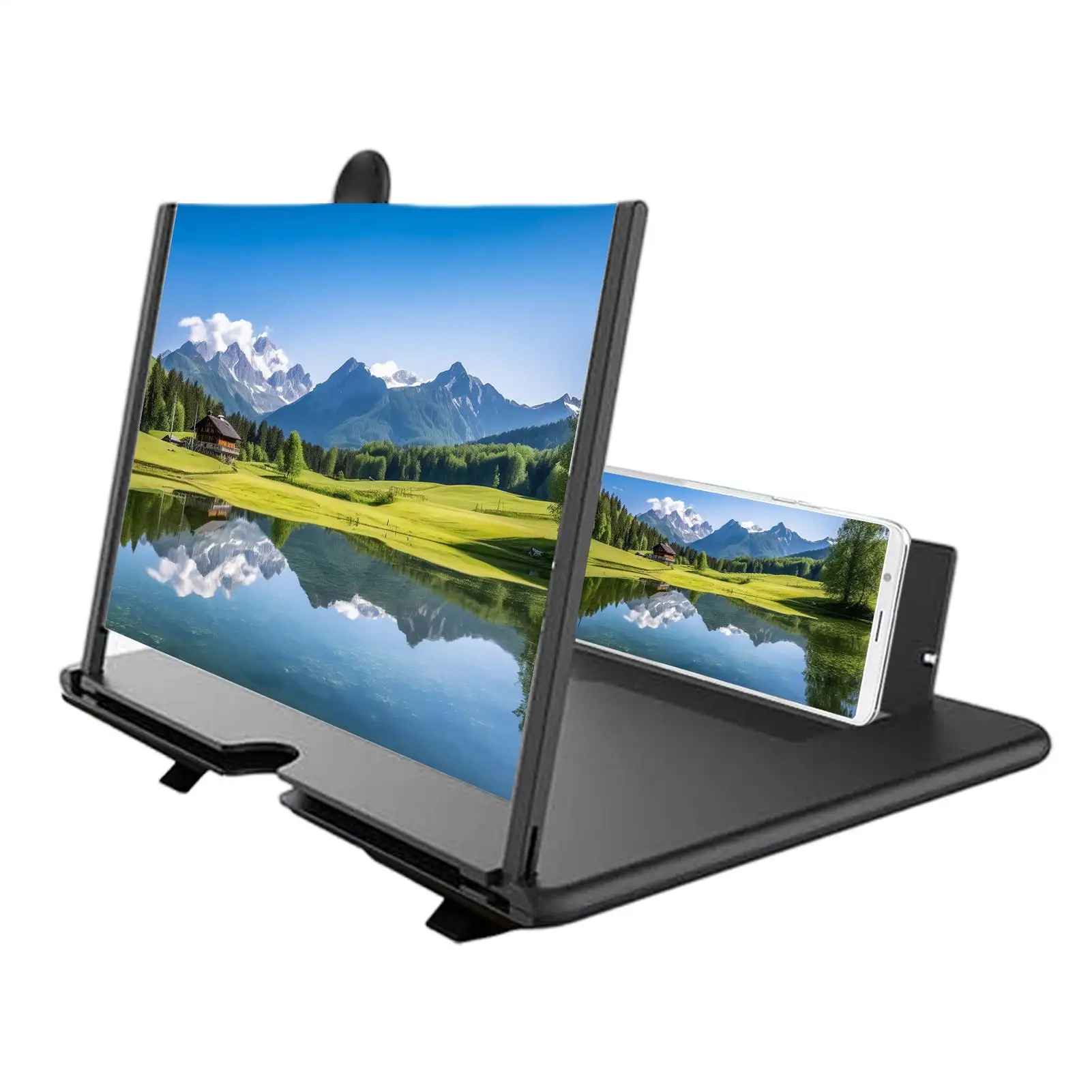
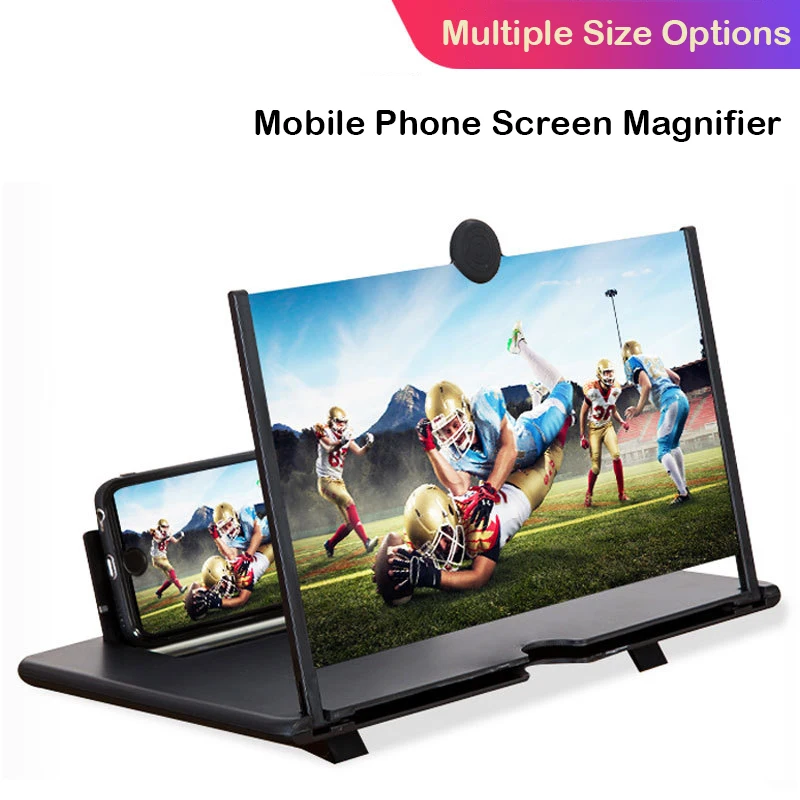
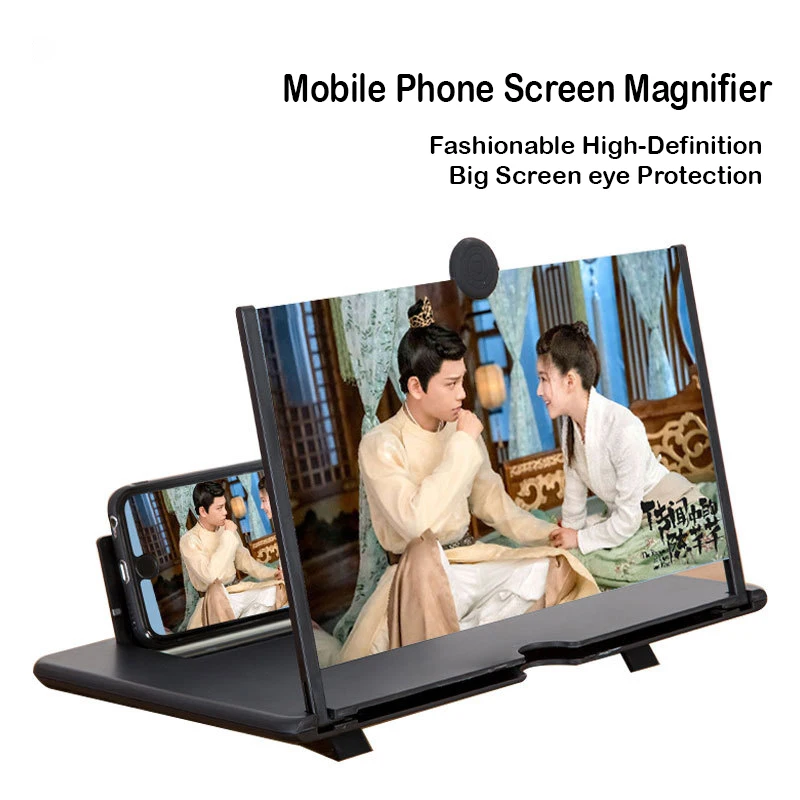
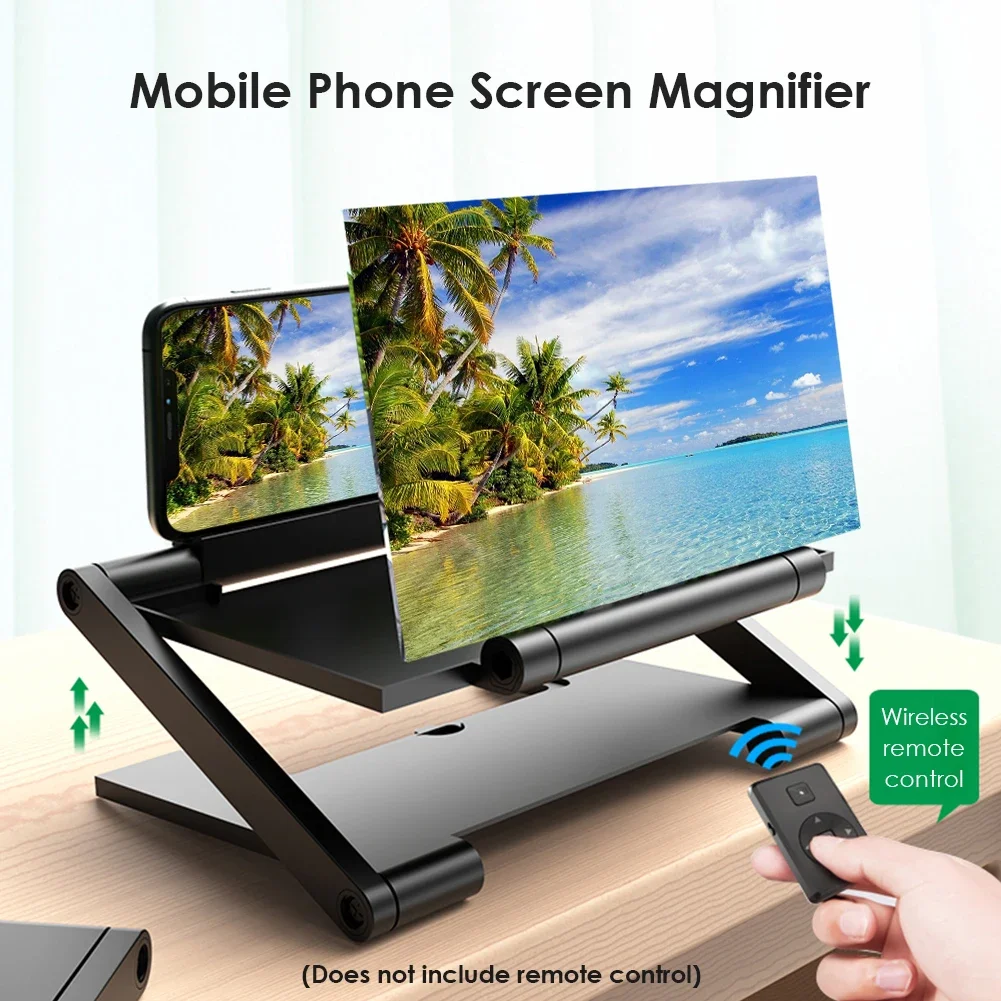
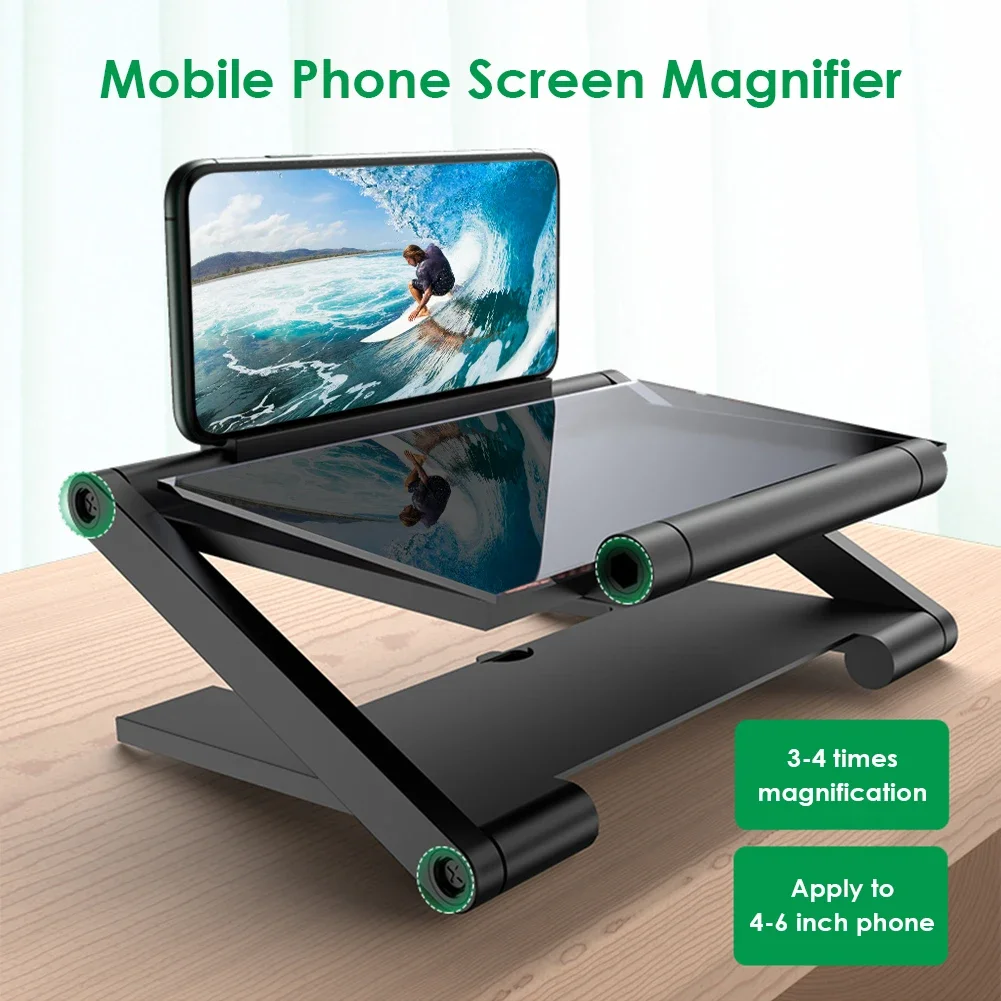
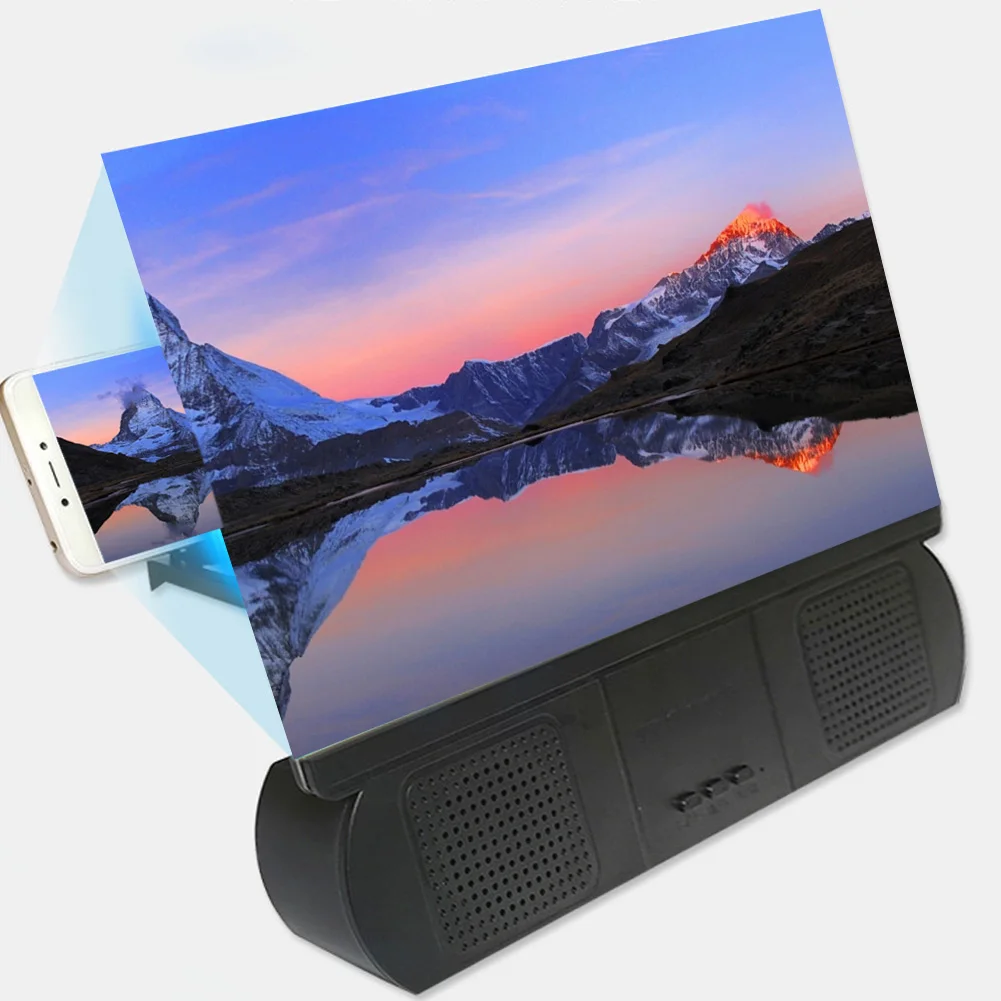
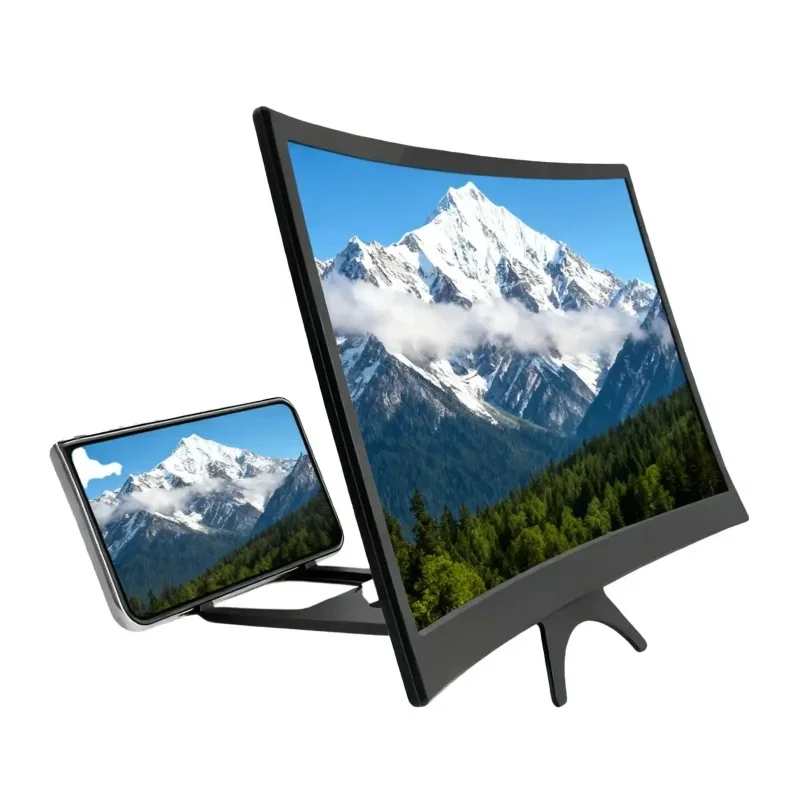
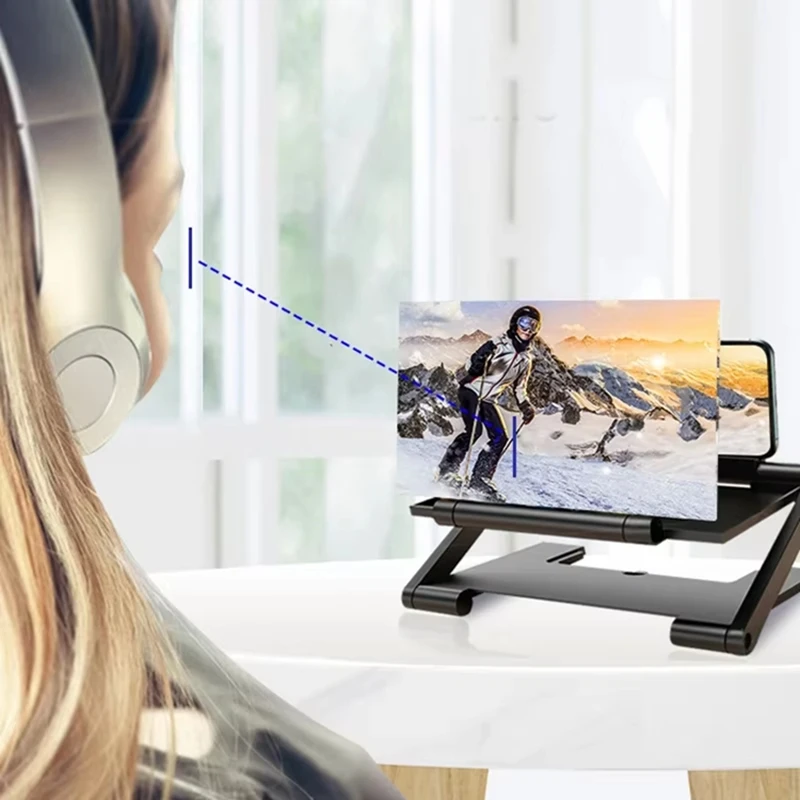
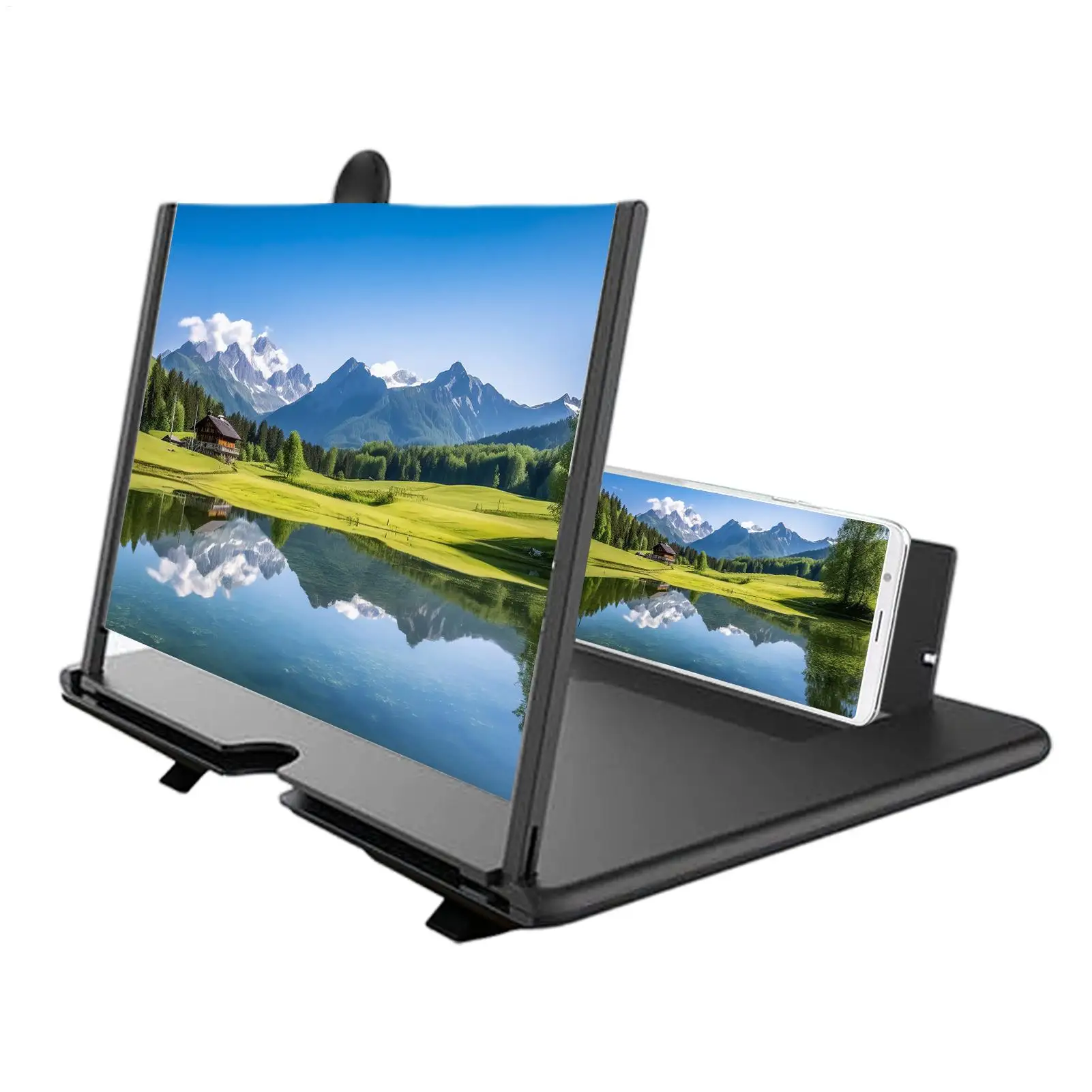
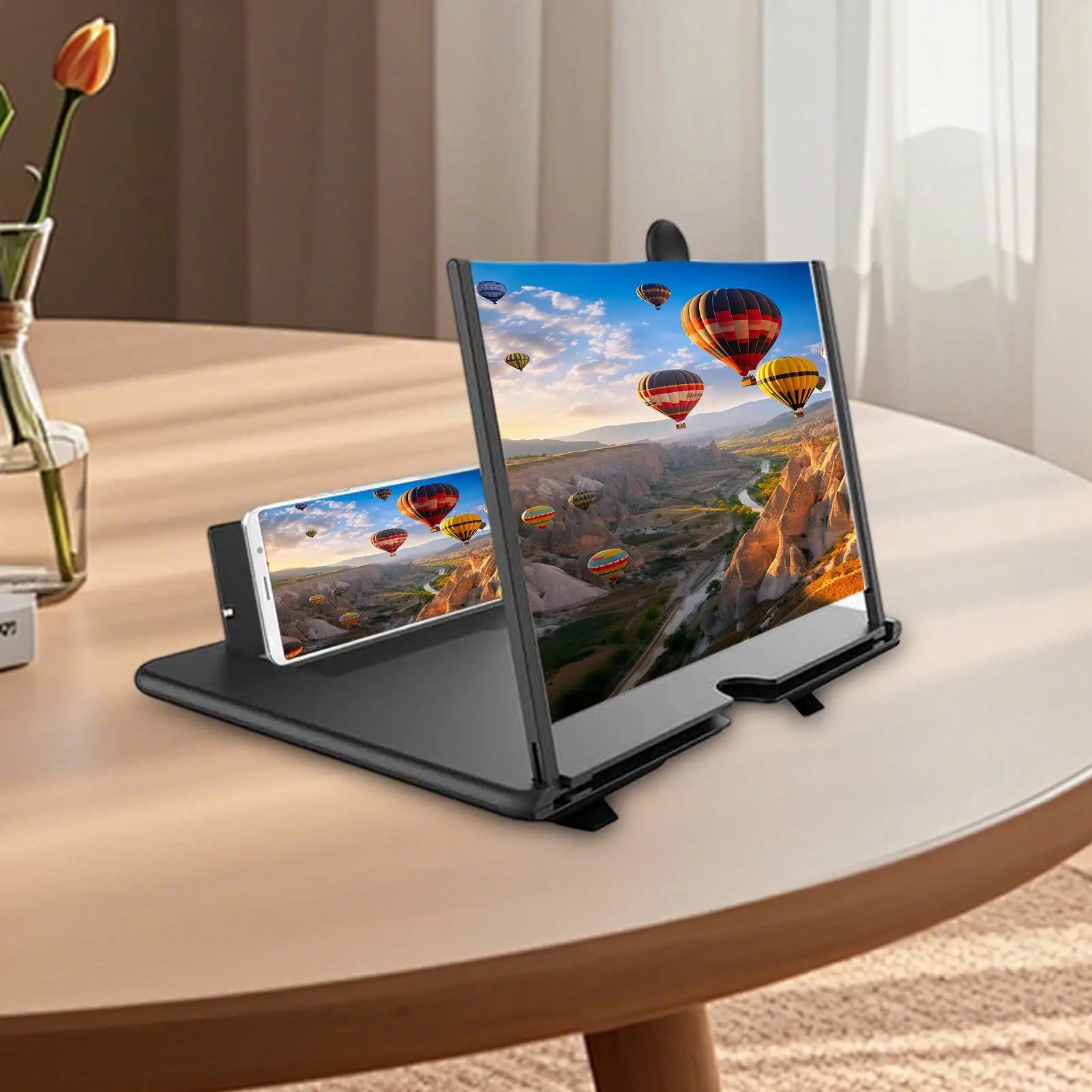
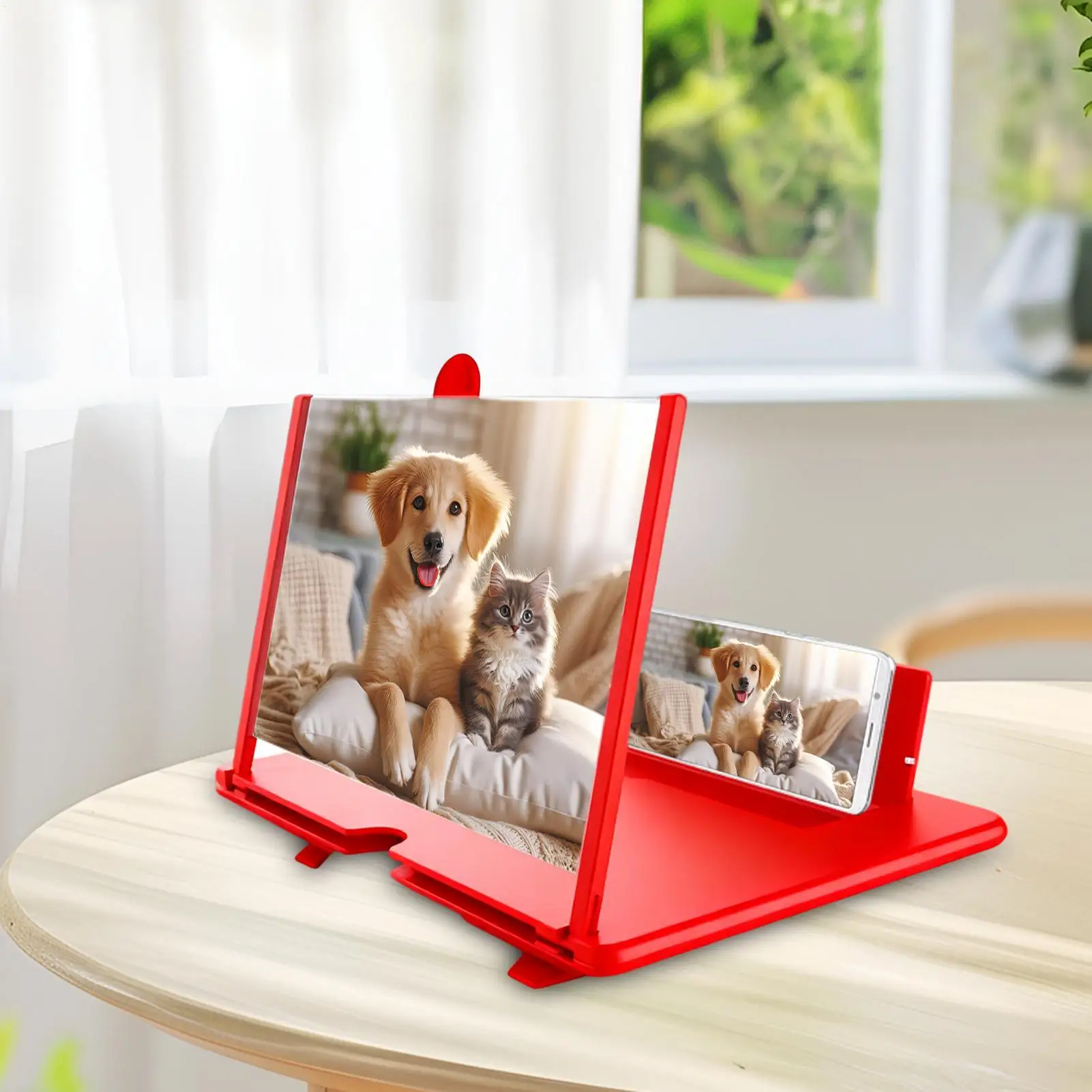
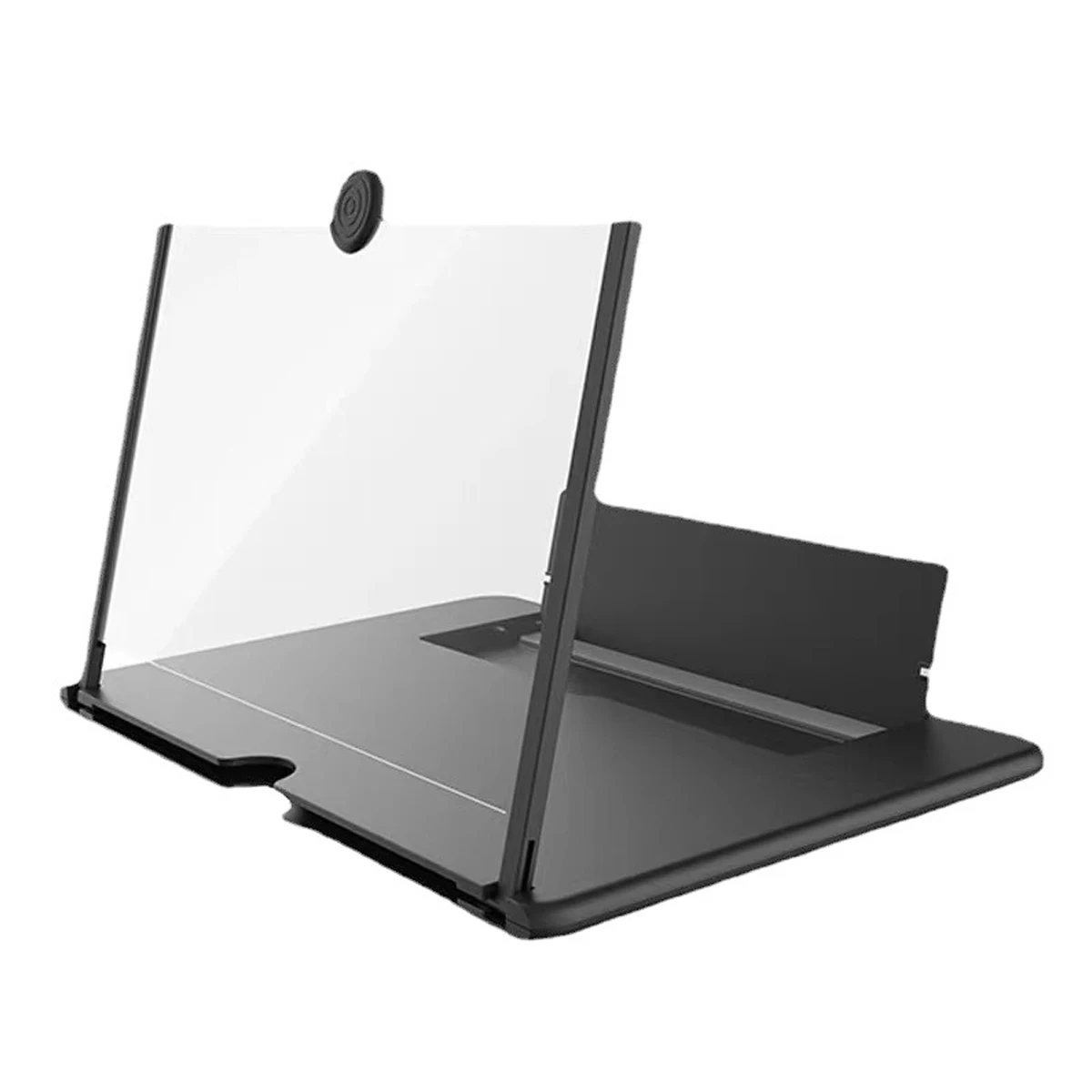
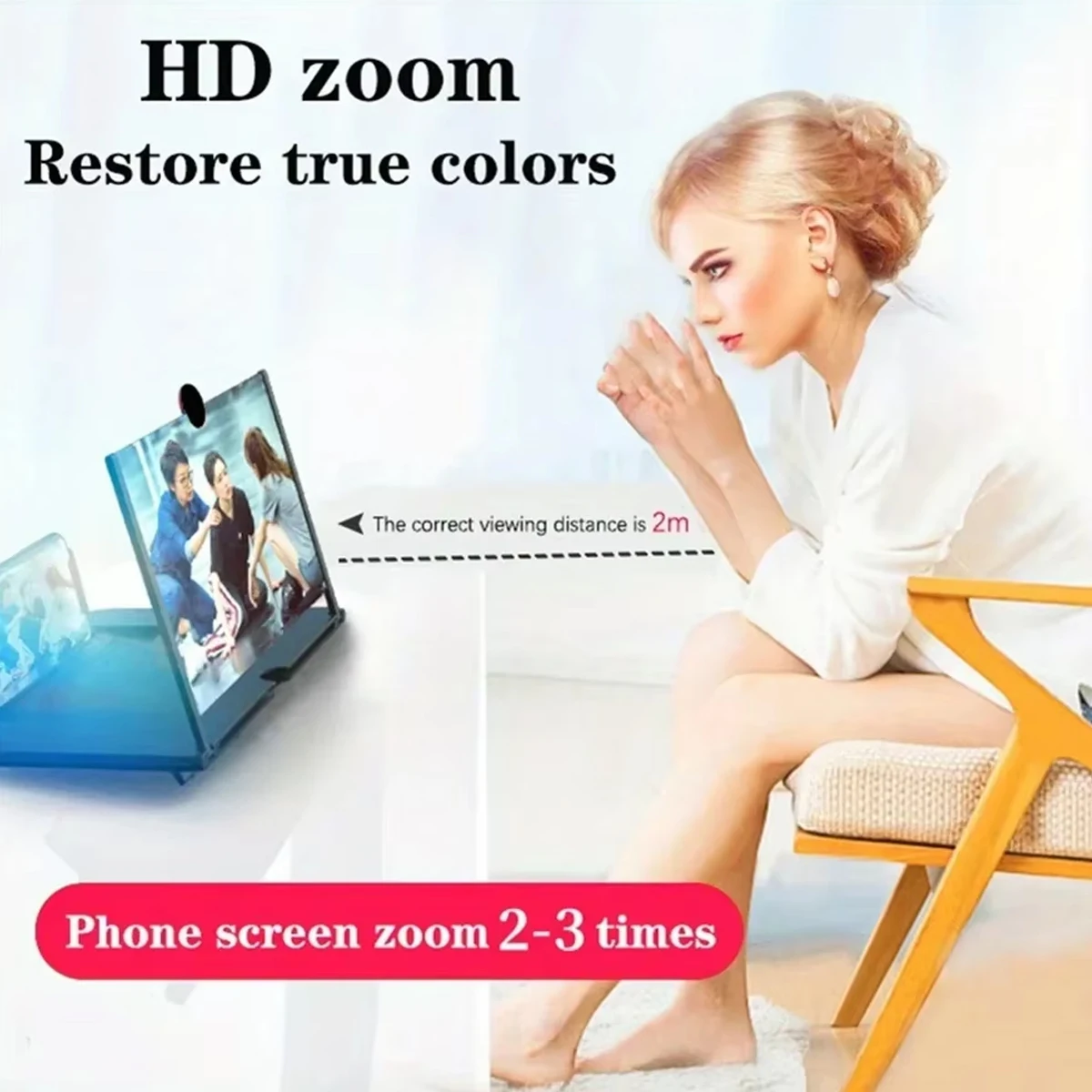
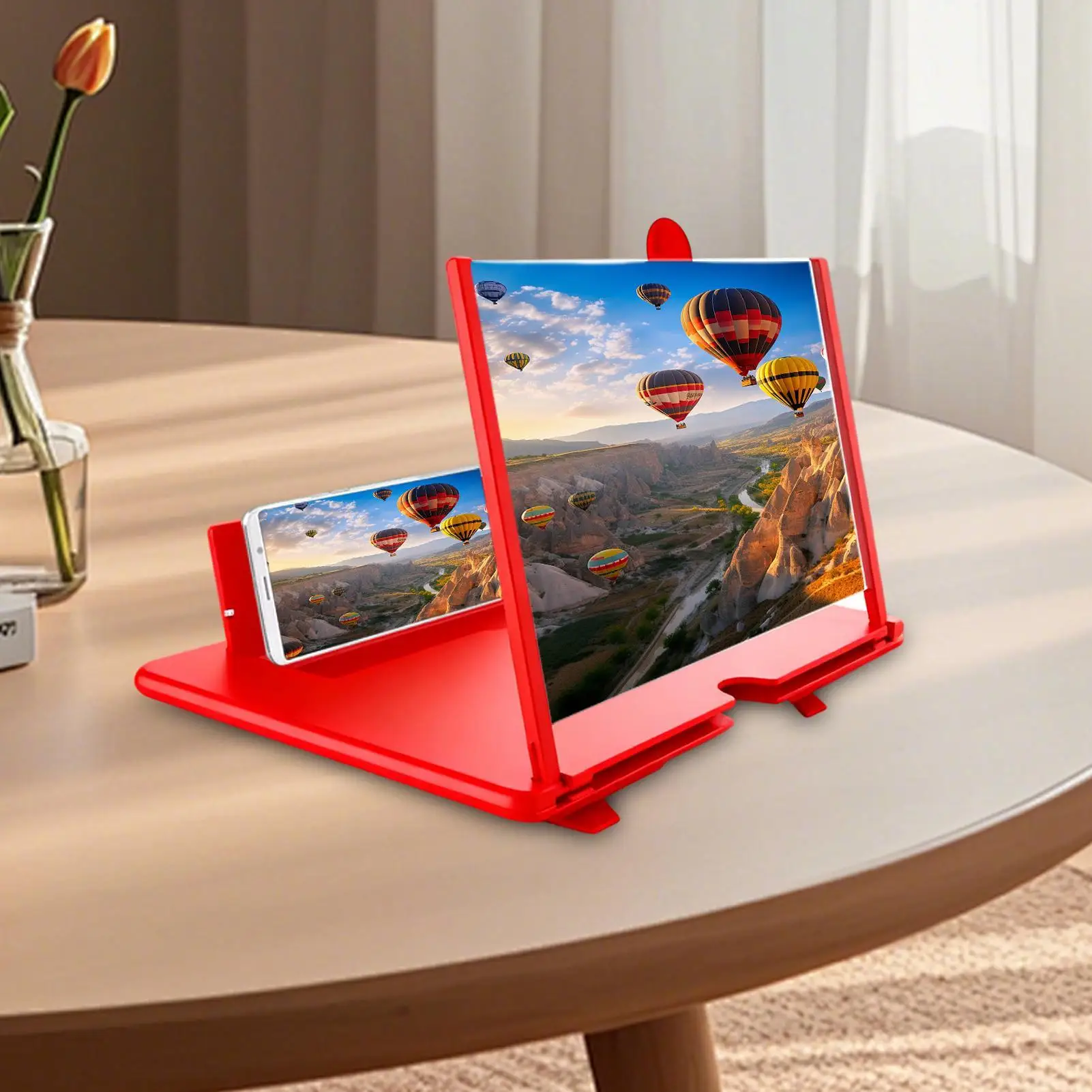
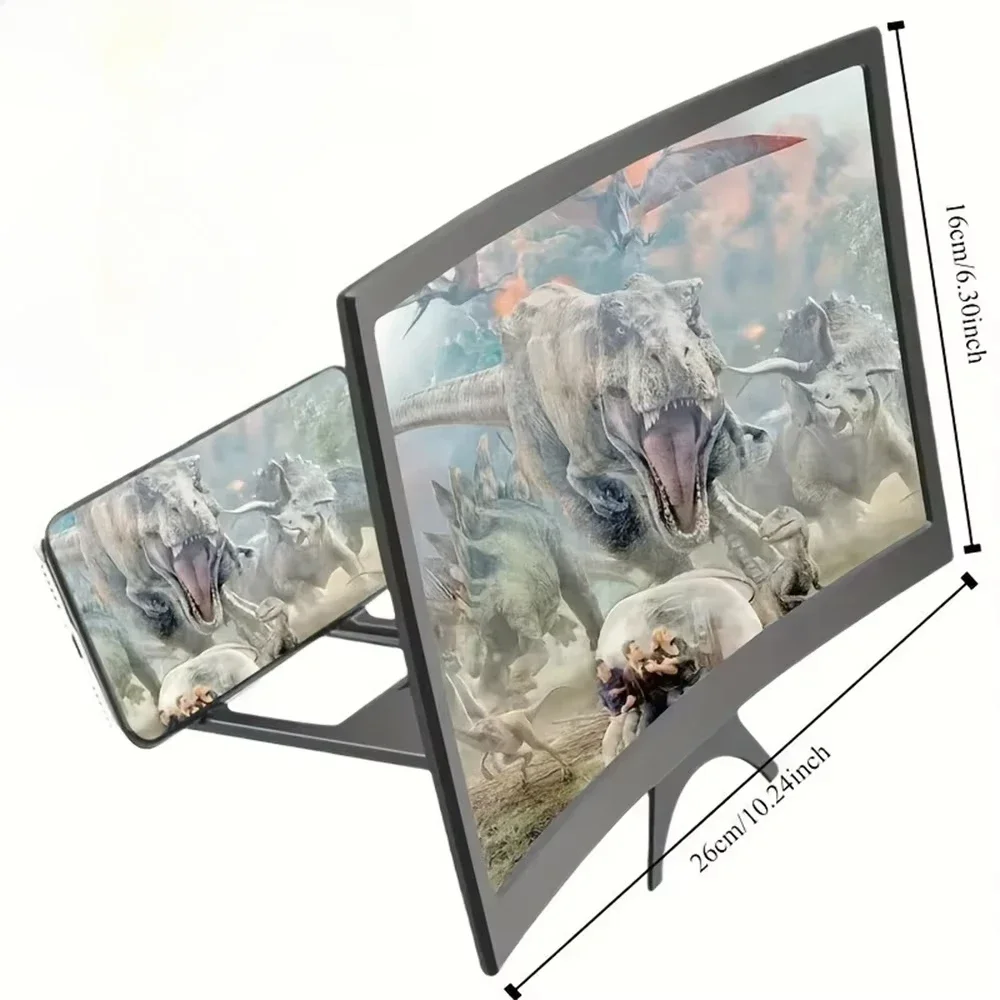
A 3D screen magnifier is a curved lens in a frame, with a cradle behind it for your phone. Look through the lens and the picture on the phone appears several times bigger. The magnifiers in this range give figures of three to four times. They need no power and no app, and they work with whatever the phone shows: films, programmes, video calls and games.
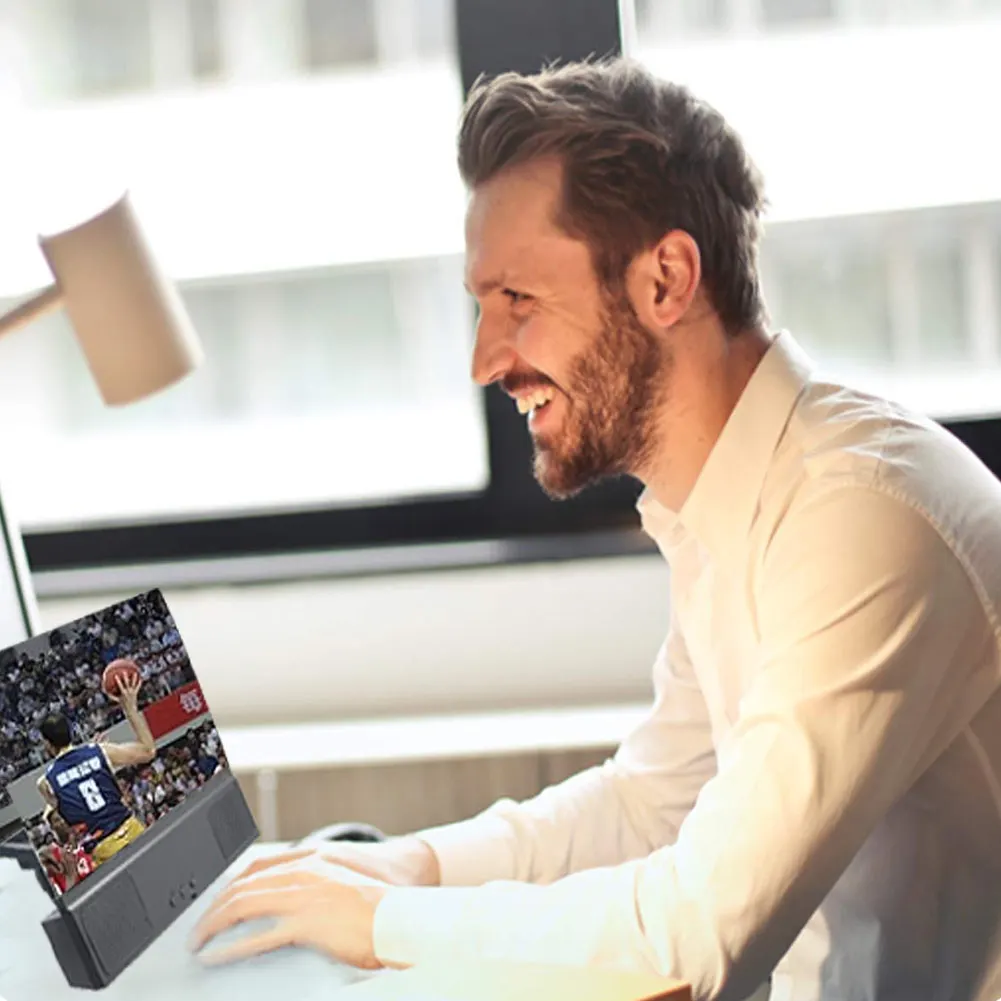
They suit anyone who watches a lot on a phone and would rather not hold it up for an hour, and families who want to share a video call or a clip without crowding round one small screen.
What "3D" means on a magnifier
"3D" is the makers' name for the curved lens and the sense of depth it gives. It does not turn an ordinary film into a 3D film, and there are no glasses. What you get is the same picture, bigger, a little way behind the lens.
The kinds in this range
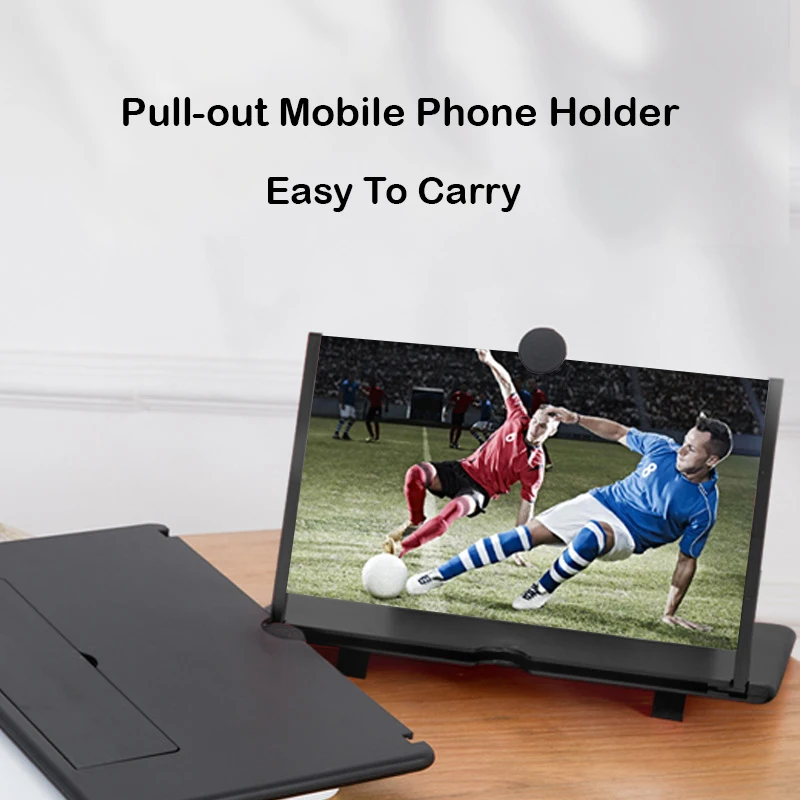
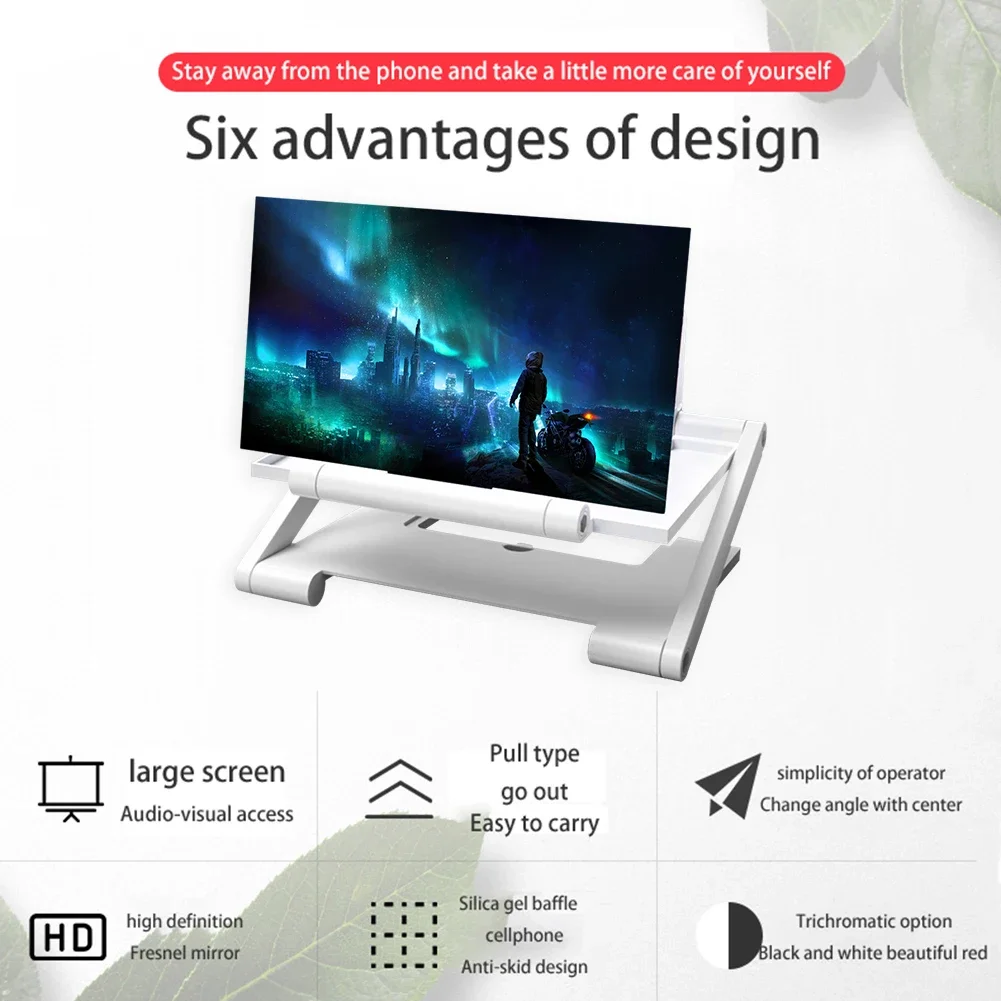
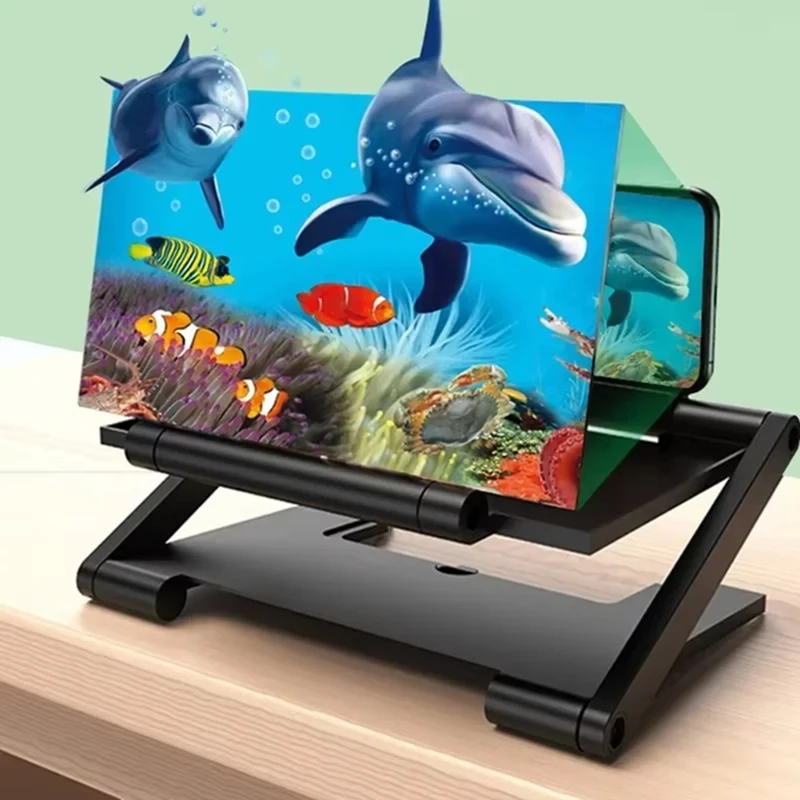
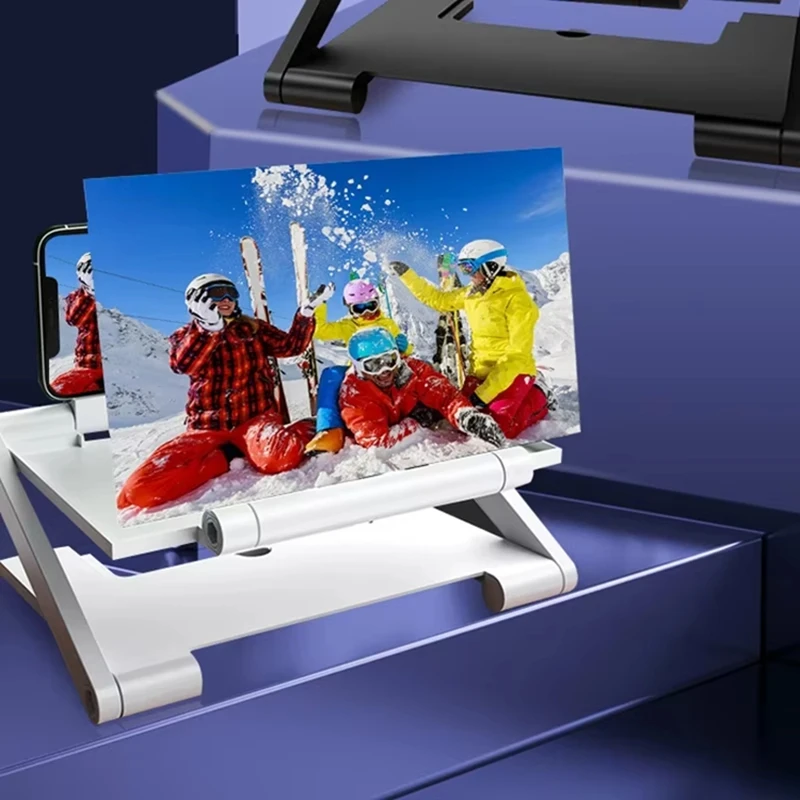
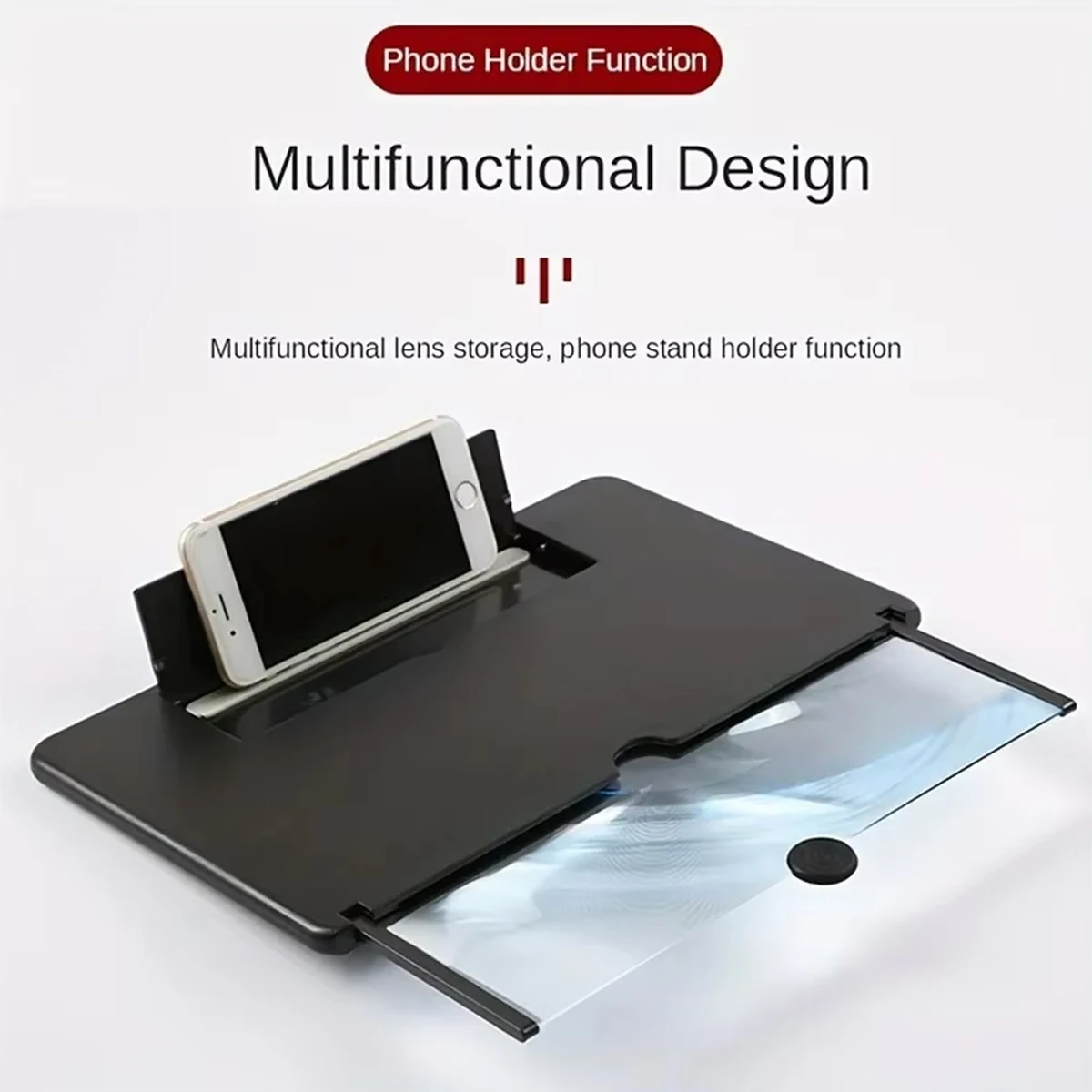
- Box magnifiers that double as a stand. Most here are light plastic boxes of about 22 by 17 by 16.6cm, weighing about 150g. The phone sits at the back, the lens at the front, and the box holds the phone upright for hands-free watching. They come in black, white and, on some, red.
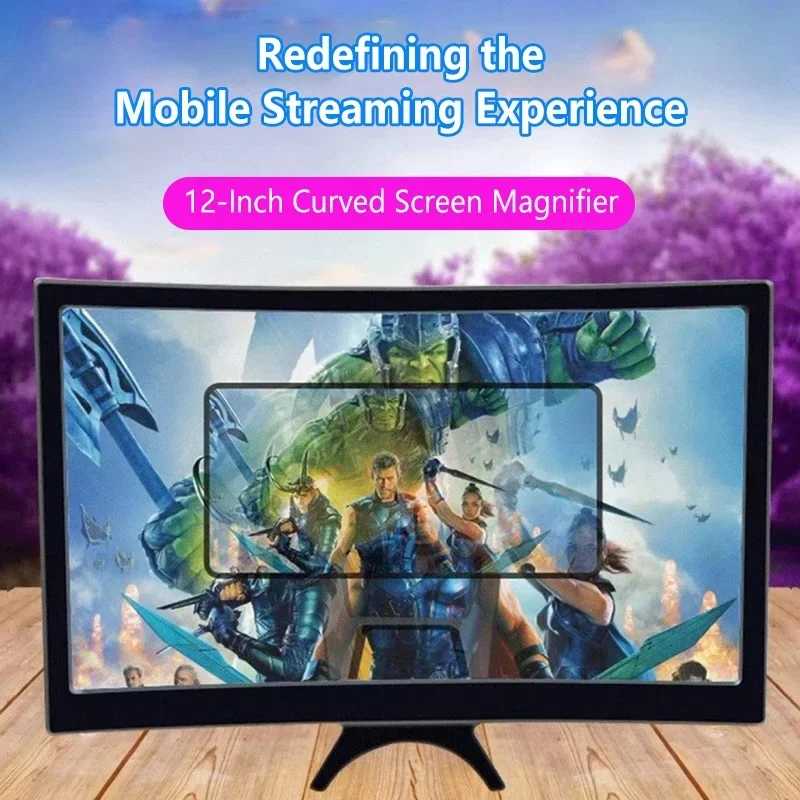
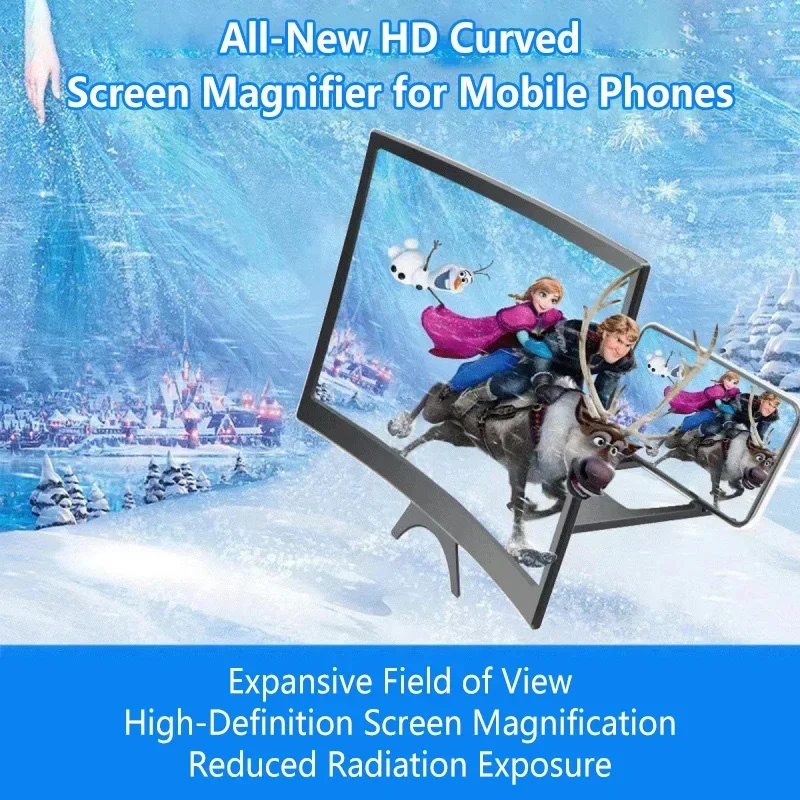
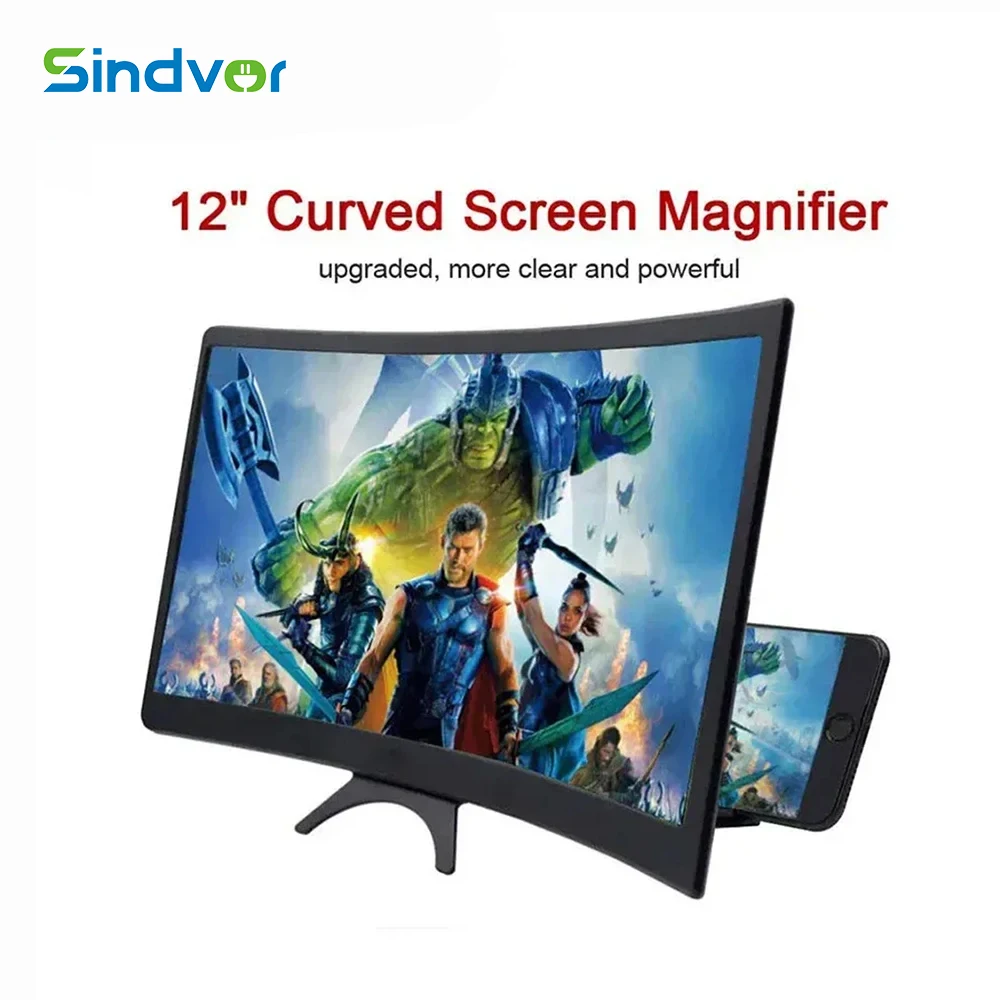
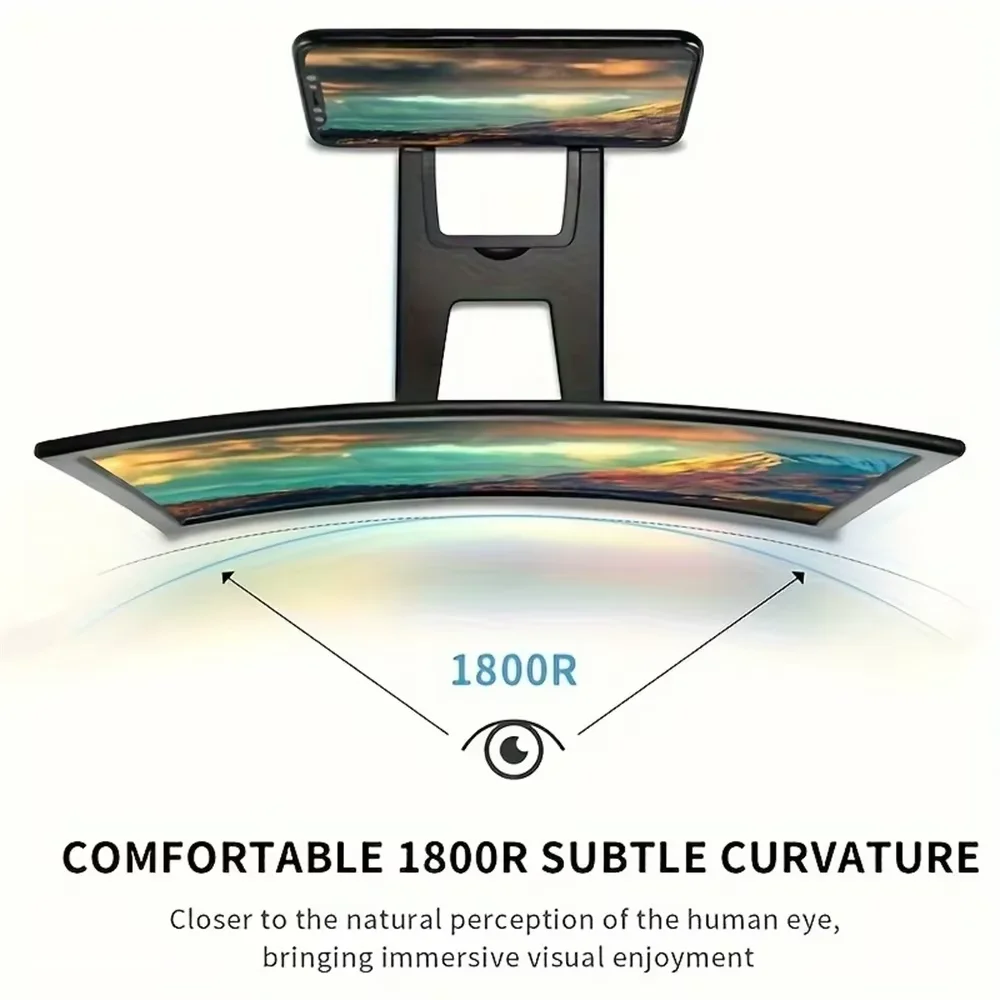
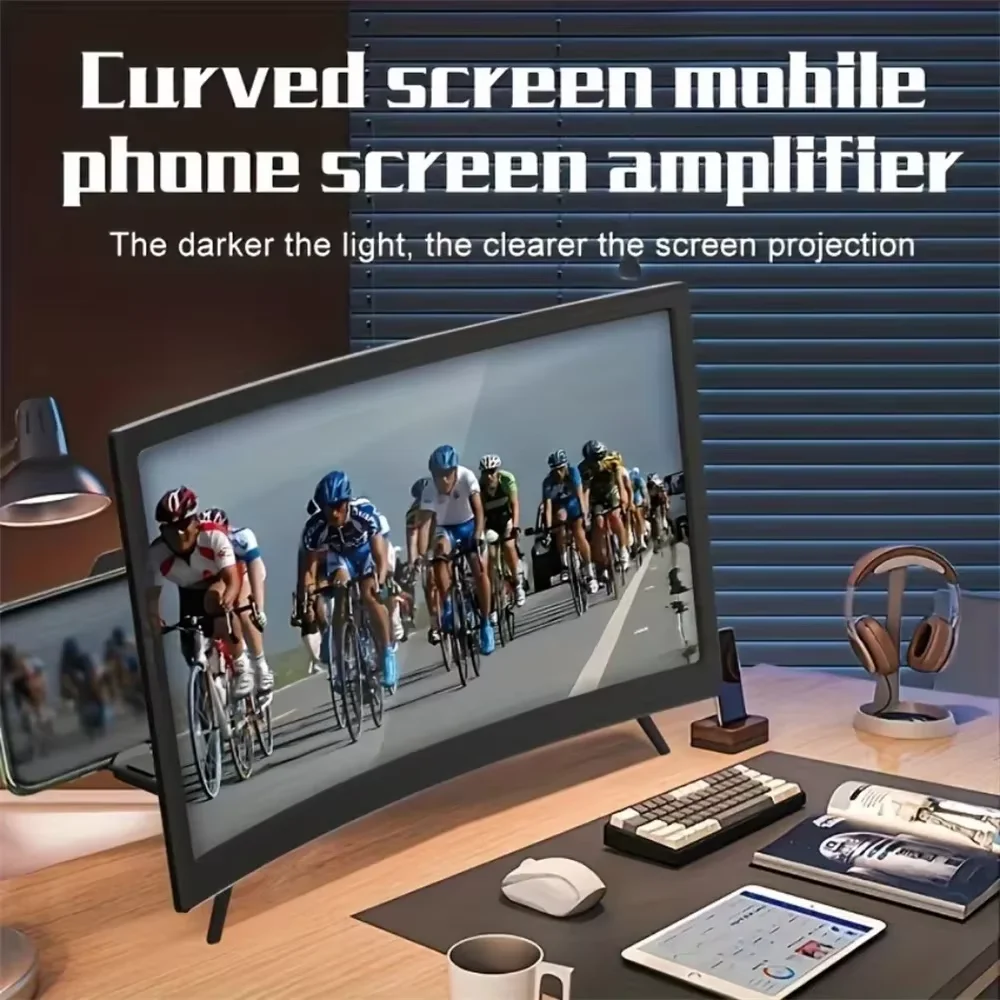
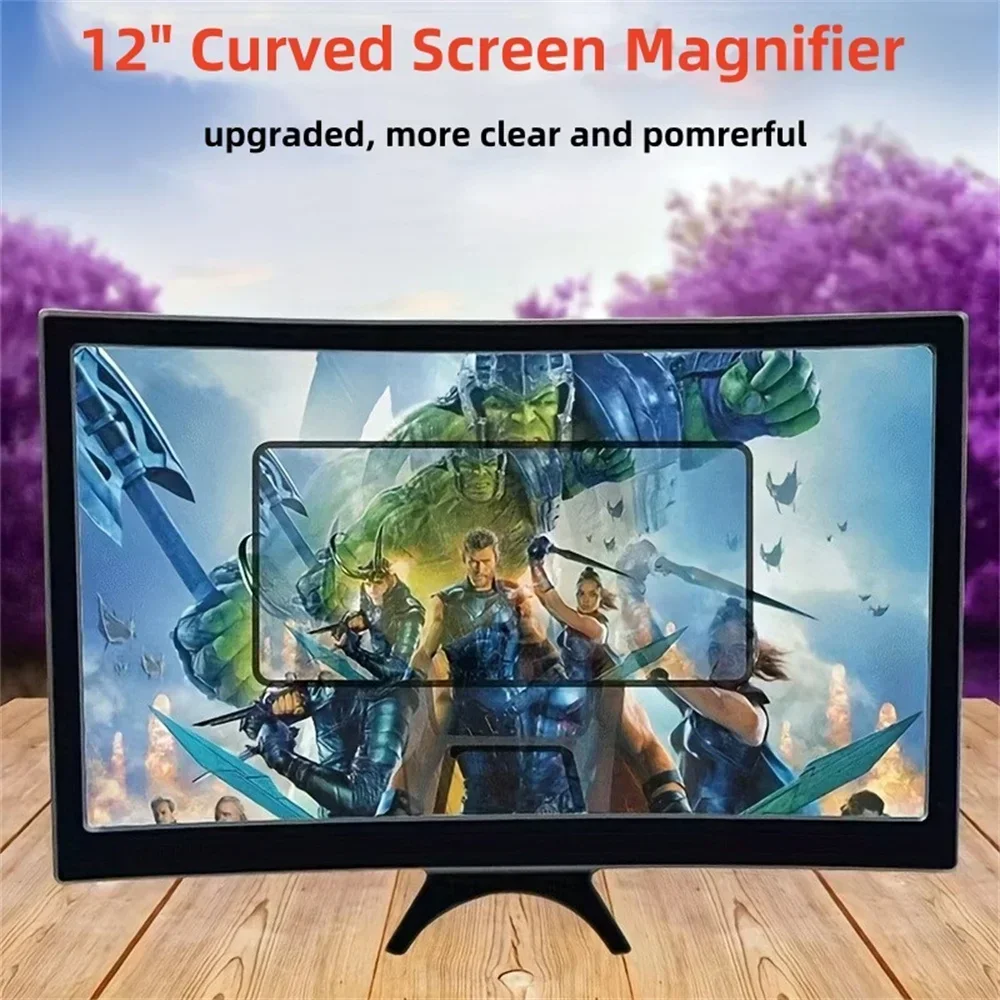
- A 12-inch curved magnifier on a bracket. This has a larger curved acrylic lens in a harder ABS housing, with a bracket that holds the phone behind it.
If you want the biggest picture, look also at the 14-inch model in screen magnifiers with a stand. If you want one to fold into a bag, see foldable screen magnifiers.
How to choose and set one up
The size of the lens decides the size of the picture: a 12-inch lens gives more than a small box, and takes more room. The box magnifiers are the lighter choice to move from room to room or take away.
Set the magnifier on a flat table at about eye height when you are sitting. Start the film first, then put the phone in the cradle, because the lens sits between you and the screen.
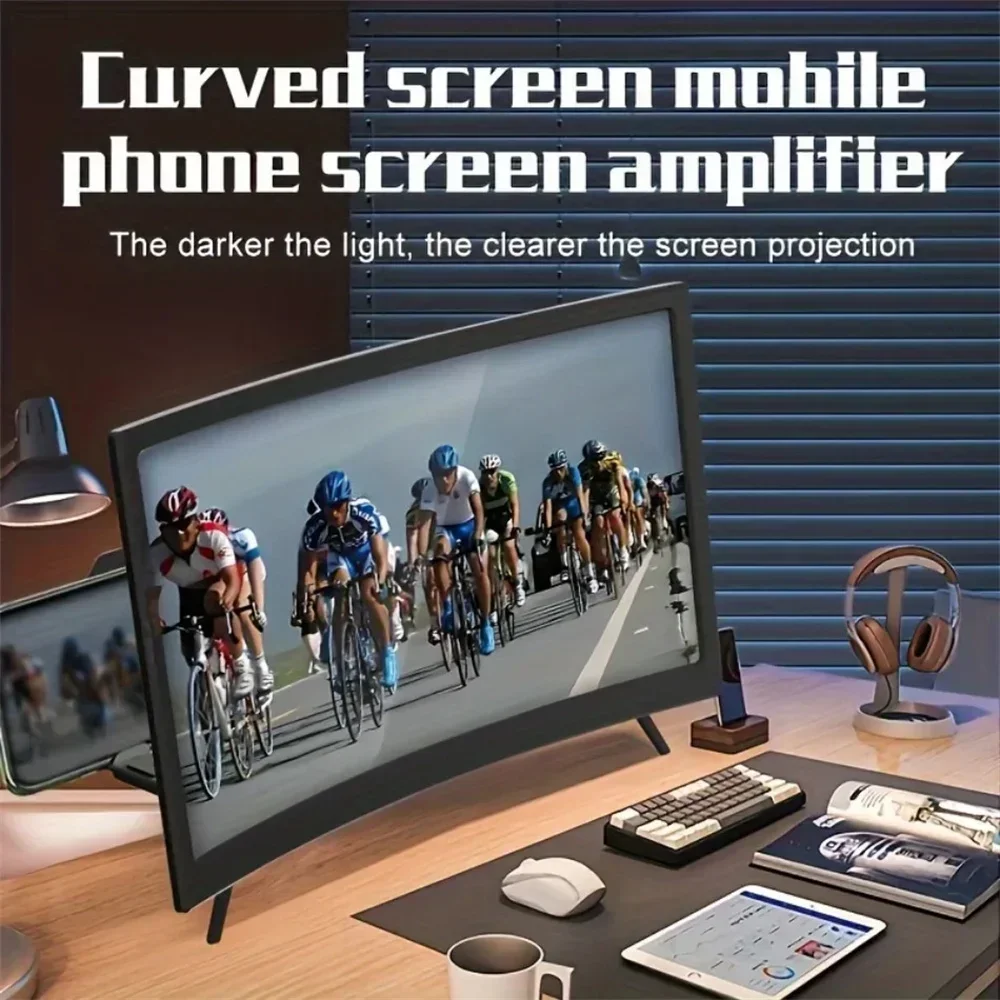
Sit straight in front of the lens. Seen from the side, the picture bends out of shape, so a magnifier works best for one or two people sitting close together. Turn the phone's brightness up, and dim the room if you can: the picture is easier to see without light falling on the lens.
Questions people ask about 3D screen magnifiers
Will my phone fit?
The makers describe these as working with most phones. A phone in a thick case may sit crooked in the cradle; take the case off if it does.
Will films look 3D?
No. The picture is bigger and appears a little further away, but it stays the flat picture the phone shows.
How do I clean the lens?
With a soft, dry microfibre cloth, gently, as you would a phone screen. Grit on the cloth can scratch plastic, so shake it out first. See screen sprays and cloths.
More to look at