An extra pair of fingers for shooting games
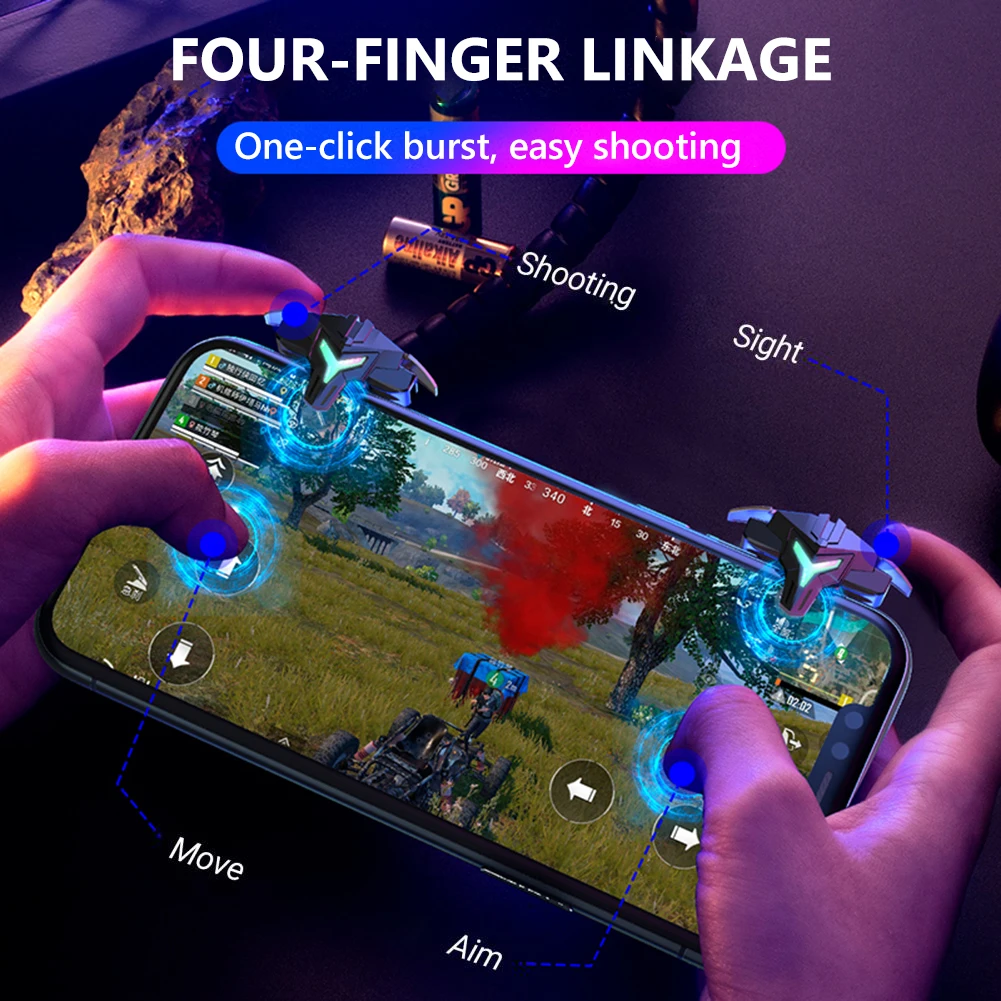
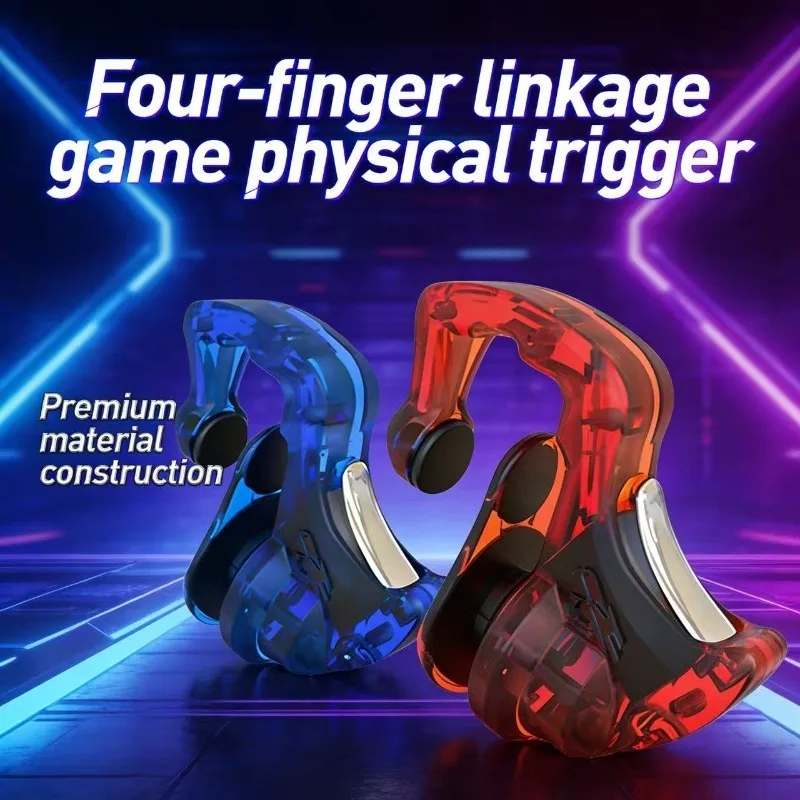
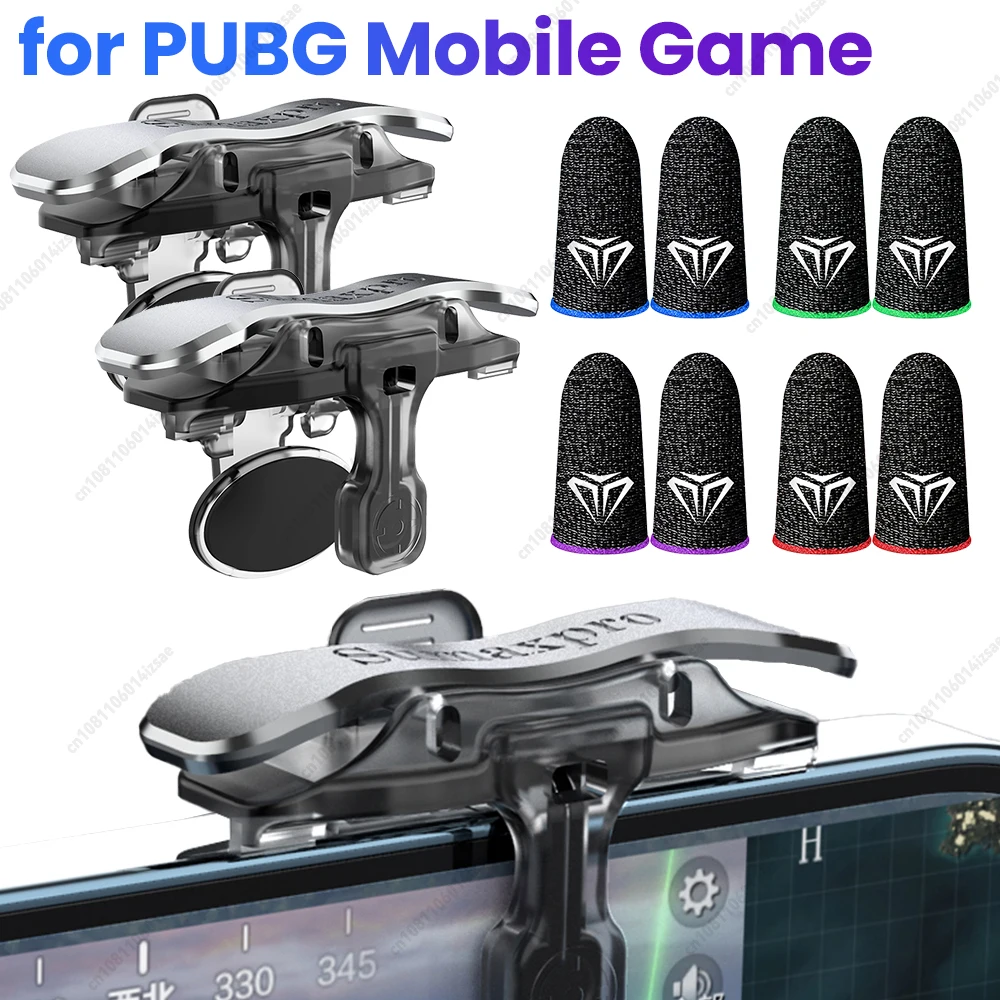
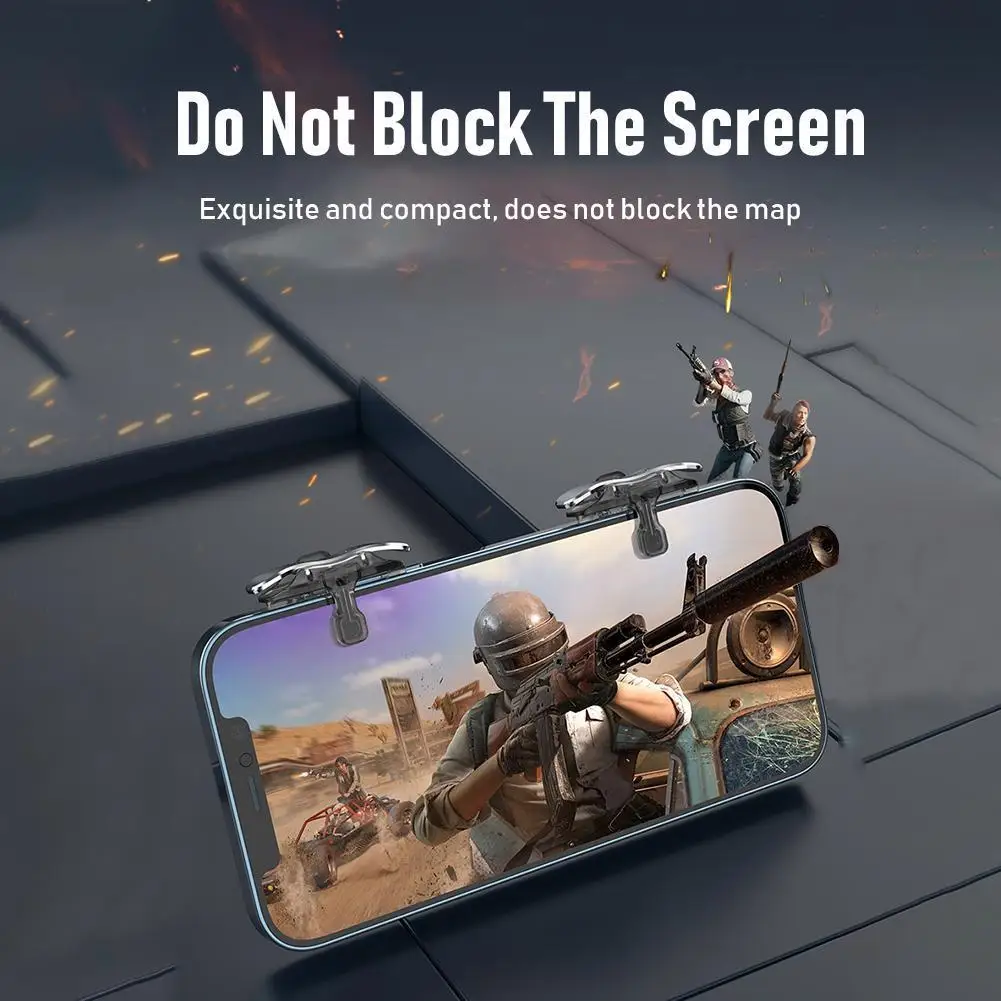
In a shooter or a battle royale game your thumbs are asked to move, look, aim and fire at once, which is more than two thumbs can do on glass. Triggers fix that simply. They are small clips that slide onto the top edge of the phone when you hold it sideways, roughly where your index fingers rest. Your thumbs keep moving and looking, and your index fingers aim and fire. They suit anyone who plays shooting games and wants a quicker hand without carrying a full controller.
How a trigger works
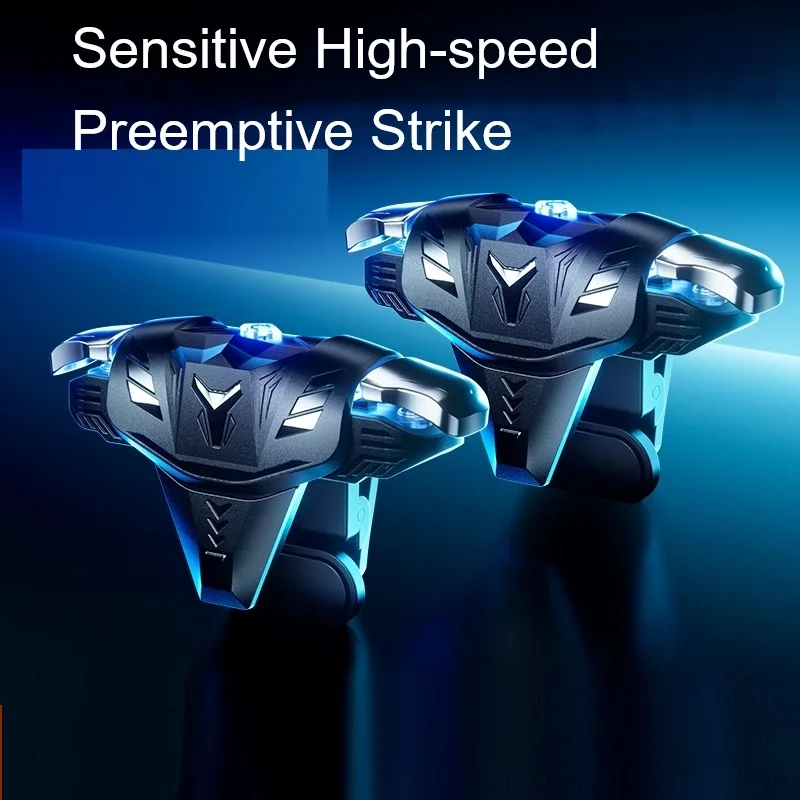
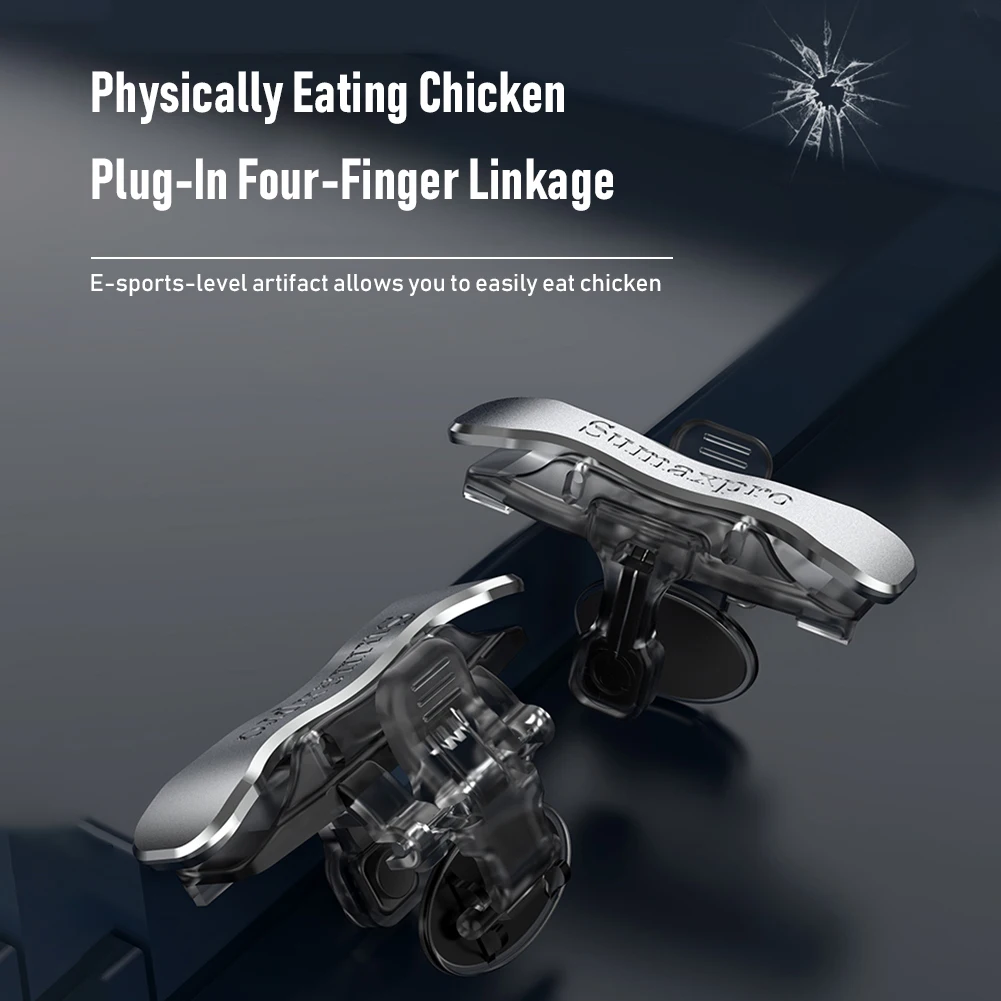
Each trigger has a button on top that your finger presses and, underneath, a small pad that touches the screen. When you press the button, the pad taps the screen at that spot. So a trigger does not talk to the phone at all: it presses the screen for you, in a place your thumb cannot easily reach while it is busy. That means it works in any game, because the game only sees a tap, and you move the game's on-screen buttons so they sit under the triggers.
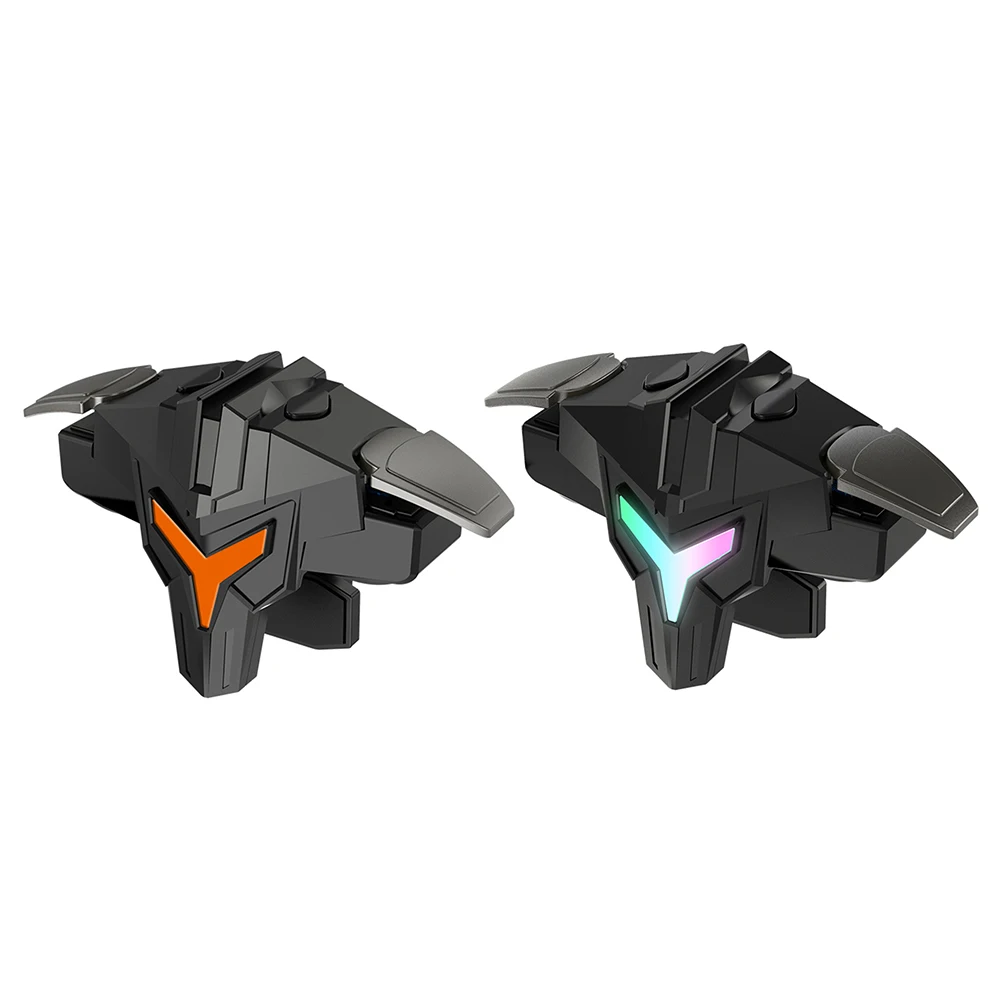
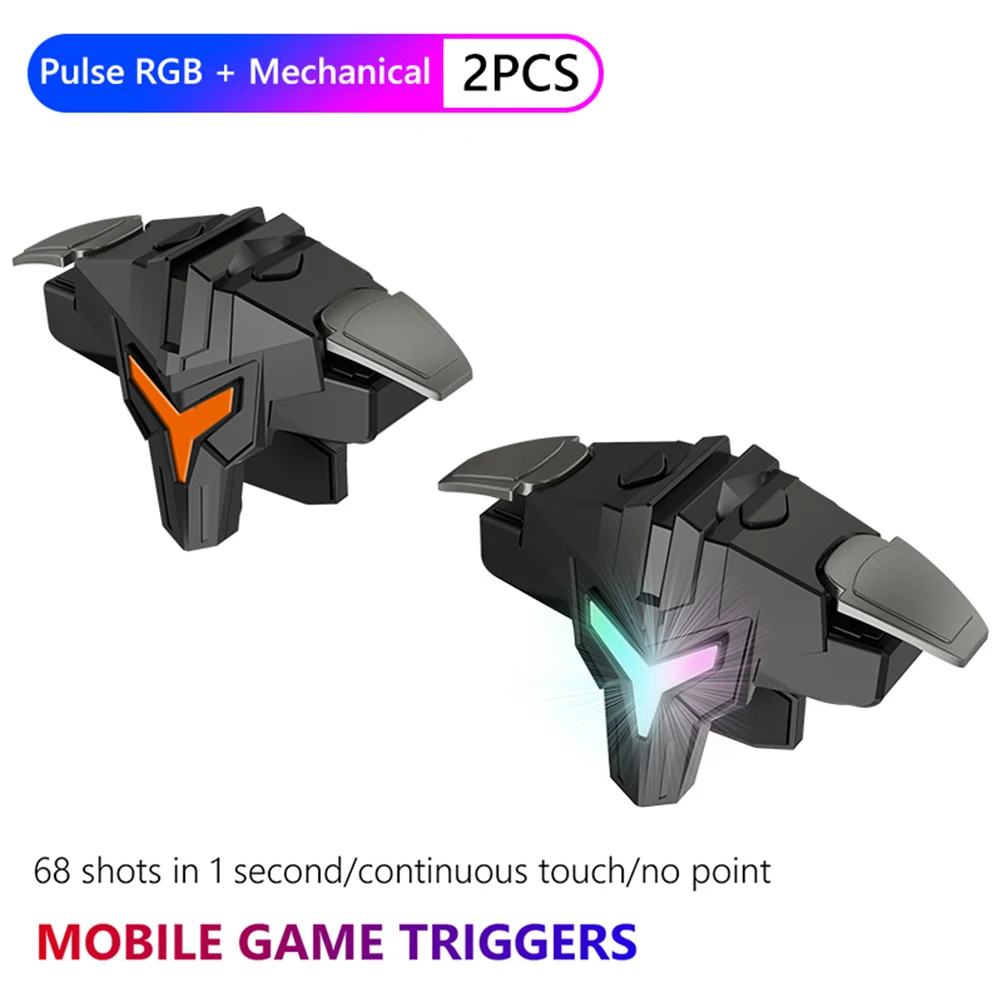
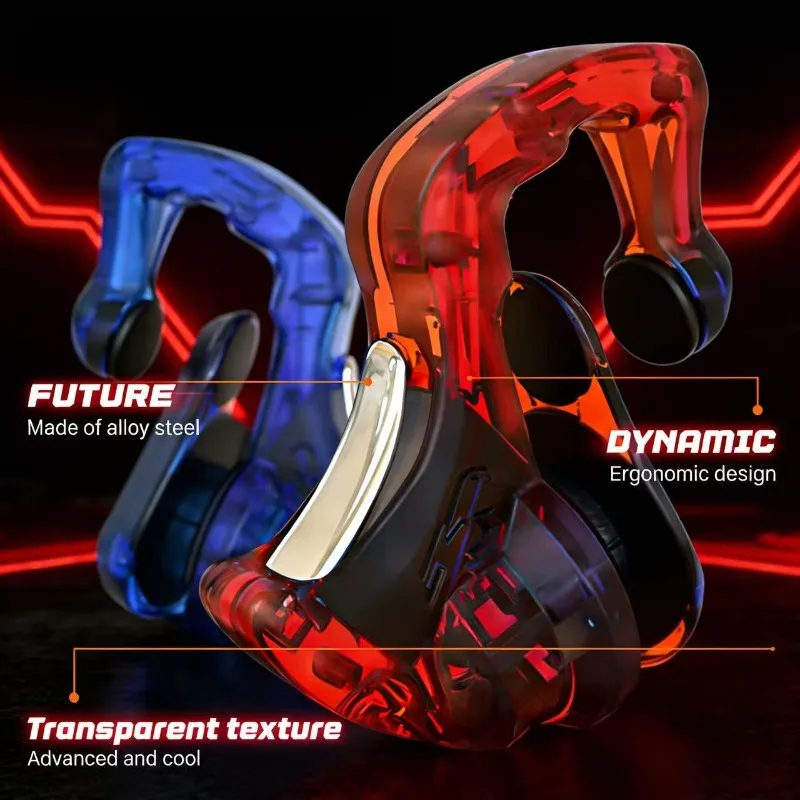
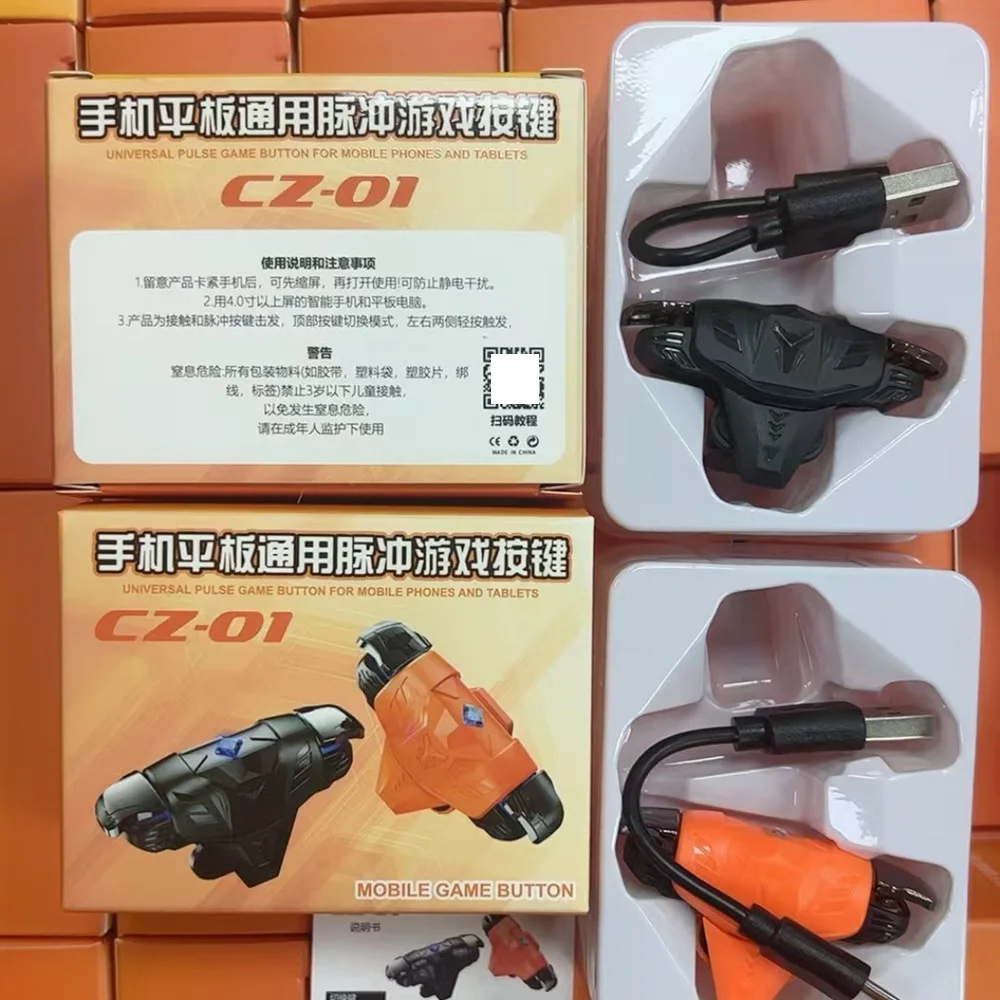
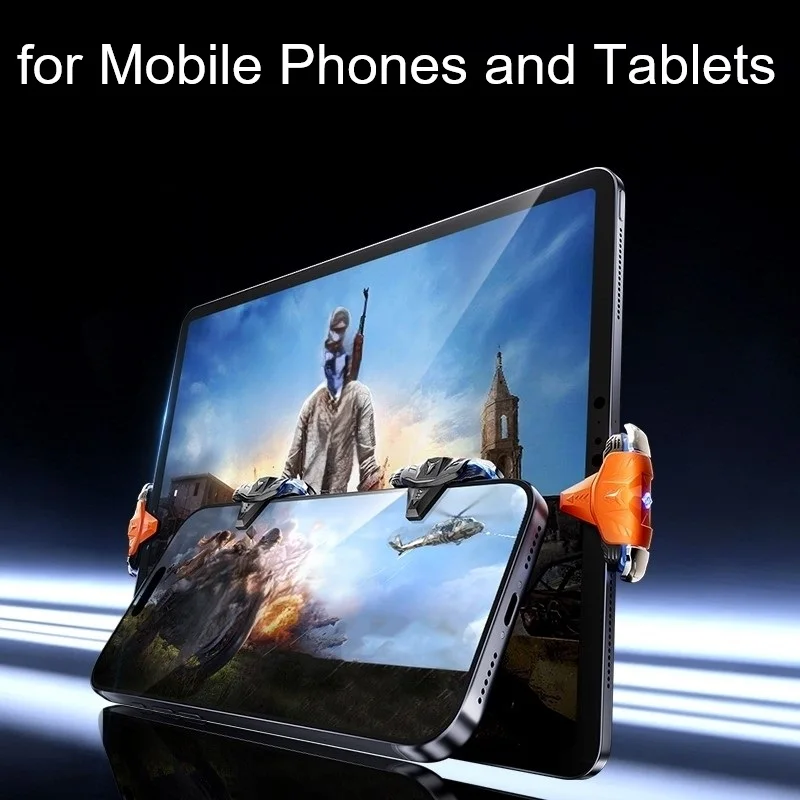
The simplest triggers need no battery, pairing or plug. The trigger here today is a powered kind: a light shows which mode it is in, and it switches between a single click and a fast repeating mode for rapid fire. It comes on its own or as a pair, one for fire and one for aim.
Setting triggers up
- Open the game and find its controls or button layout settings.
- Clip the triggers onto the top edge of the phone, where your index fingers rest.
- Drag the game's fire button under the right trigger and the aim or scope button under the left.
- Press each trigger a few times in a practice mode, and nudge the buttons or the triggers until every press lands.
- Save the layout, so you only have to do it once.
Questions people ask about phone triggers
Do triggers work with a case on?
A thick or bumpy case can stop them gripping the edge, so check whether a trigger suits a phone in a case before you choose one, or slip the case off for a game.
Triggers or a controller?
Triggers are small, work in any game and come off in seconds, so the phone is back to normal afterwards. A controller gives you a full set of sticks and buttons, but only in games that support one. Many players use triggers with a pair of finger sleeves for the thumbs.
How long does delivery take?
Delivery is included in every price and tracked to your door. Each product page says when it usually arrives.
More to look at