Phone cameras are good, but each one has the same few lenses fixed in place. A clip-on lens adds another view in front of one of them: wider, closer, rounder or further away. A clip-on filter changes the light coming in, cutting glare from water, calming bright sunshine for video or turning street lamps into stars. They are small, light and quick to fit, and they open up kinds of shot the phone cannot take on its own. This guide explains what each kind of lens and filter does, how to fit one to a phone with several cameras, and how to get sharp results.
What a clip-on lens adds to a phone camera
A clip-on lens is a small lens in a sprung clip. The clip goes over the edge of the phone and holds the lens directly in front of one of the phone's own cameras. The two lenses then work together: the clip-on changes the view, and the phone's camera focuses and takes the picture as normal.
Why add one when phones have several cameras
Many phones already have a wide camera, an ultra-wide and sometimes a telephoto, and some take close-ups too. So a clip-on lens is most useful in three cases:
- Phones with fewer cameras. A phone with one or two cameras gains a view it does not have, such as a wider shot of a room or a close-up of a flower.
- Views no phone has. Few phones take the round, bent view of a fisheye, and phone close-ups stop well short of what a strong macro lens shows.
- Going further. A clip-on wide-angle in front of a phone's ultra-wide, or a macro in front of its main camera, takes the phone past its own limits.
What to expect
A clip-on lens is a small piece of glass in front of a camera that was designed to work alone, so it is fair to expect some softness at the edges of the picture, a little bending of straight lines on wide lenses, and sometimes darker corners. Lenses with glass elements rather than plastic, and those with a coating to cut reflections, do better. The best results come from using each lens for what it is good at, and the sections below say what that is.
When to leave it off
If your phone already has an ultra-wide camera, try that before reaching for a clip-on wide-angle: it is often sharper, and it needs nothing fitted. The same goes for the phone's own close-up mode and its telephoto camera, where it has them. A clip-on lens earns its place when it gives a view the phone cannot, or takes one of its cameras further than it goes alone. Many people keep one or two clip-ons in a bag for exactly those shots and use the phone on its own the rest of the time.
How they attach
Most clip-on lenses use a sprung clip, which fits nearly any phone and comes off in a second. Some lenses and filters come with a holder or a plate that the lens screws into, and some phone rigs have a thread in front of the camera for the same purpose. A screwed fitting holds the lens more exactly than a clip, which helps with heavier telephoto lenses and filters you turn, such as a polariser.
Wide-angle, macro, fisheye and telephoto
All the single lenses are in clip-on phone lenses. Each does one job.
Wide-angle
A wide-angle lens fits more into the picture: a whole room, a group in a small space, a building from across the street, or a landscape with more sky and foreground. It is the most useful clip-on for phones that do not have an ultra-wide camera. Expect straight lines near the edges to bend a little, and keep the phone level, because tilting a wide lens up or down makes buildings lean.
Macro
A macro lens lets the phone focus very close, so small things fill the picture: an insect, the inside of a flower, the weave of a fabric, a coin, a watch face or a print for a craft listing. A clip-on macro works only at a short distance from the subject, often much closer than you expect, and the product page usually gives the distance. Hold the phone still, move it slowly towards the subject until it comes sharp, and let in plenty of light, because the phone and its own shadow are so close to the subject.
Fisheye
A fisheye lens gives a very wide, round view in which straight lines curve strongly. It is a look rather than a correction: skateboarding and action shots, fun pictures of pets with big noses, crowds and festivals, and playful shots of buildings. Some fisheyes fill the whole frame; others show a circle with black round it. Both can be fun, so look at the sample pictures on the product page.
Telephoto
A telephoto lens brings far things closer without the loss of detail that comes from zooming in digitally. It suits wildlife, sport, the stage at a school concert and portraits with a softer background. Telephoto clip-ons are usually bigger and heavier than the others, and because they magnify, they also magnify shake, so a tripod or a firm hold matters. Some come with their own small tripod.
Lens kits
A phone lens kit puts several clip-on lenses in one set, usually with one clip they share and a pouch to carry them. Typical kits pair a wide-angle with a macro, since the two often screw together as one, and larger kits add a fisheye, a telephoto and sometimes a filter.
Why a kit
A kit is the cheapest way to find out which kinds of shot you like. Many people find they use one or two lenses often and the rest now and then. A kit also makes a good present for someone who has just started taking photos on their phone, because it gives them several new kinds of picture to try.
Two-in-one lenses
Many kits include a two-in-one: a wide-angle lens with a macro lens screwed onto its back. Used together they give the wide view; unscrew the front and the remaining part is the macro. Keep the two parts together in the pouch, because the small macro is easy to lose.
What to look for in a kit
- A clip that suits your phone's size and opens wide enough for a thin case, if you want to keep it on.
- Caps for each lens, so the glass stays clean in the pouch.
- A pouch or box with a place for each lens.
- Only the lenses you think you will use: a big kit with lenses you never fit is just more to carry.
CPL, ND and star filters
A filter does not change the view the way a lens does. It changes the light coming in. Phone filters clip on the same way as lenses, and some kits combine both. All of them are in phone lens filters.
CPL filters
A CPL filter (circular polariser) cuts out light that has bounced off water, glass and wet surfaces. It is the filter for looking into water rather than at the reflections on it, for photos through a shop or car window, for deeper blue skies and for richer greens in leaves after rain. You turn the filter in its ring and watch the screen as the glare comes and goes, then stop where it looks best.
Two things are worth knowing. The effect on the sky is strongest when you are at 90 degrees to the sun, with the sun to your left or right, and almost nothing with the sun straight behind you. And a polariser cuts some light, by most accounts about one and a half to two stops, so in dim light the phone will need a longer exposure. On a very wide view, a polariser can make one part of the sky darker than another, so it is often better used on the main camera than on an ultra-wide.
ND filters
An ND filter (neutral density) is a grey glass that lets less light in without changing its colour. Most phone cameras have a fixed aperture, the opening that lets light in, so in bright sunshine the only way the phone can avoid an overexposed picture is to use a very fast shutter speed. For still photos that is fine. For video it can make movement look jerky and stuttering, because each frame freezes the action sharply.
Filmmakers work to a rule of thumb called the 180-degree rule: the shutter speed about twice the frame rate, such as 1/50 of a second at 25 frames per second or 1/60 at 30. An ND filter cuts the light so the phone can use a slower shutter like that in daylight, which gives video the natural, smooth movement people know from films. To set the shutter speed yourself, you need a manual or pro video mode in the phone's camera or a filming app.
ND filters are marked by how much light they cut. Each doubling of the number cuts one stop of light: ND2 cuts one stop, ND4 two, ND8 three, and an ND1000 about ten. Some makers mark the same filters by density instead, 0.3 for one stop. Strong ND filters are also used for long exposures of water and clouds in daylight, with the phone on a tripod. A variable ND turns to change its strength, which saves carrying several.
Star filters
A star filter has fine lines cut into its glass that turn bright points of light into stars with four, six or eight points, depending on the filter. It works on street lamps and car lights at night, candles, fairy lights, the sun glinting on water and the sparkle of jewellery. It does nothing to a scene with no bright points in it. Turn the filter to change the angle of the points.
Fitting a lens over a multi-camera phone
Most phones now have two, three or four cameras on the back, and a clip-on lens covers only one of them. Getting it over the right one, and stopping the phone from switching away from it, is the most important part of using one.
Find which camera is in use
Open the camera app at the normal 1x setting, then cover each of the phone's lenses in turn with a fingertip. The one that makes the screen go dark is the one the phone is using. That is where the clip-on lens goes. If you change the zoom to 0.5x or 2x, the phone moves to a different camera, and the clip-on is no longer in front of it.
Stop the phone switching cameras
Phones switch cameras by themselves, depending on the zoom, the distance and sometimes the light. On iPhones that support macro photography, the camera switches to the Ultra Wide camera when you get close to something, which would move the picture away from a clip-on lens on the main camera. Apple's Settings, under Camera, has a Macro Control setting that puts a button on the screen to stop that automatic switch; turn it on and use the button when a clip-on macro is fitted. On many Android phones, a pro or manual mode lets you choose the lens and keeps to it. A third-party camera app can also hold the phone to one camera.
Line it up exactly
The clip-on lens must sit dead centre over the phone's lens. Even a millimetre off can show as a dark corner or a blurred side. With the camera open, slide the clip slowly while watching the screen until the dark edges disappear and the picture is even. Clips often have soft pads to protect the screen; make sure they do not press on the screen's edge, a button or the side of a curved screen.
Cases and camera protectors
Most clips need the case off, or a thin one, to reach the camera. A thick case or a raised ring round the camera can hold the clip-on lens away from the phone's lens, letting in stray light and spoiling the alignment. A camera lens protector can do the same, so if a clip-on lens will not sit flat, that may be why. The guide to camera lens protectors explains the kinds and how they sit.
Getting sharp results
Most poor results with a clip-on lens come from a few simple things, and all of them can be fixed.
Clean both lenses
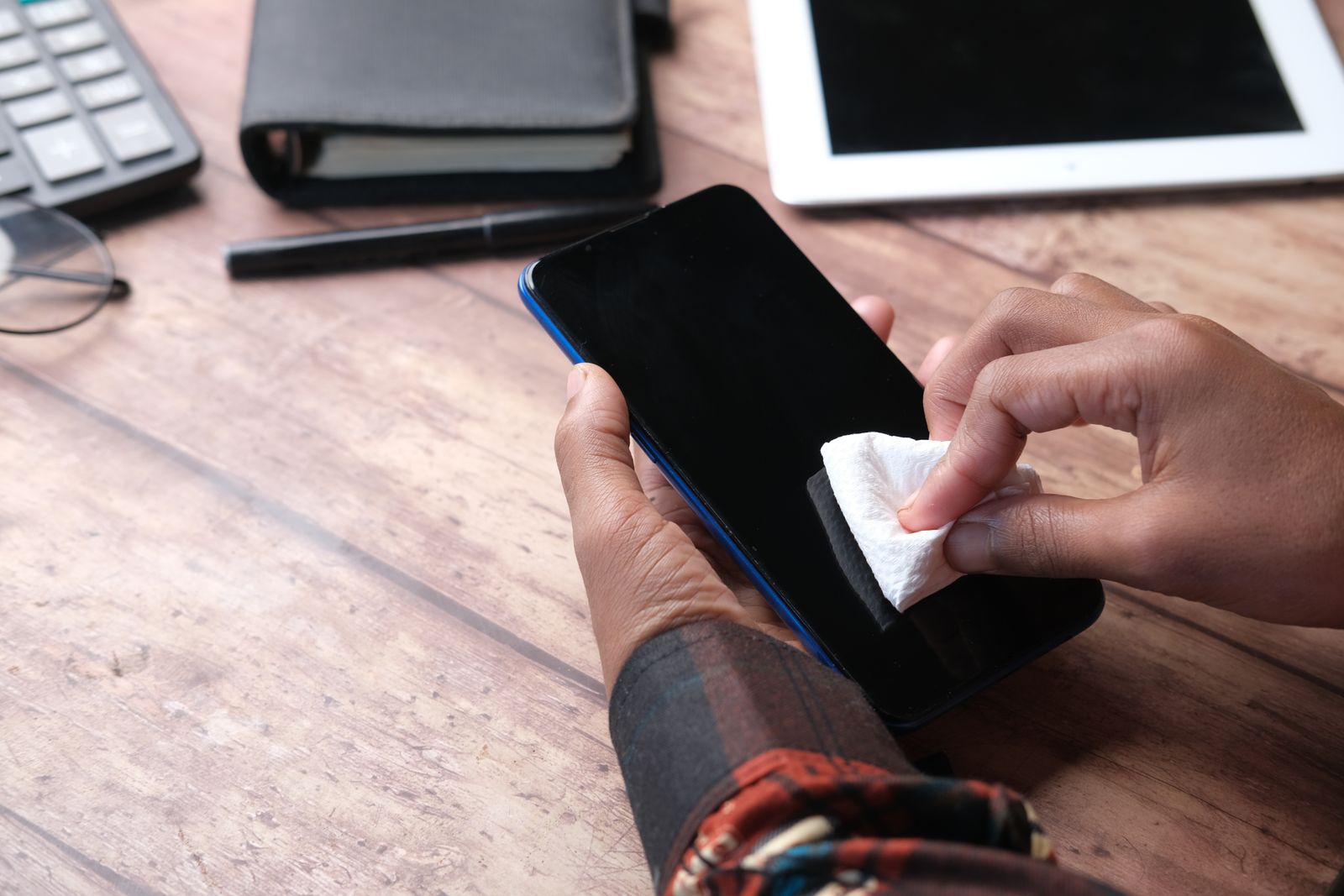
A fingerprint on the phone's lens, or on either side of the clip-on, makes every picture soft and hazy, with smeared light round bright things. Wipe both with a clean microfibre cloth before you start, and keep the caps on the clip-on lens when it is not in use. See screen sprays and cloths, and the guide to cleaning a phone safely for what is safe on a phone's glass.
Hold it still
Macro and telephoto lenses magnify shake as well as the subject. Brace your elbows against your body, lean on a wall, or put the phone on a phone tripod; the guide to tripods, gimbals and selfie sticks explains the kinds. Use the volume button or a timer to take the picture, so pressing the screen does not move the phone.
Give it light
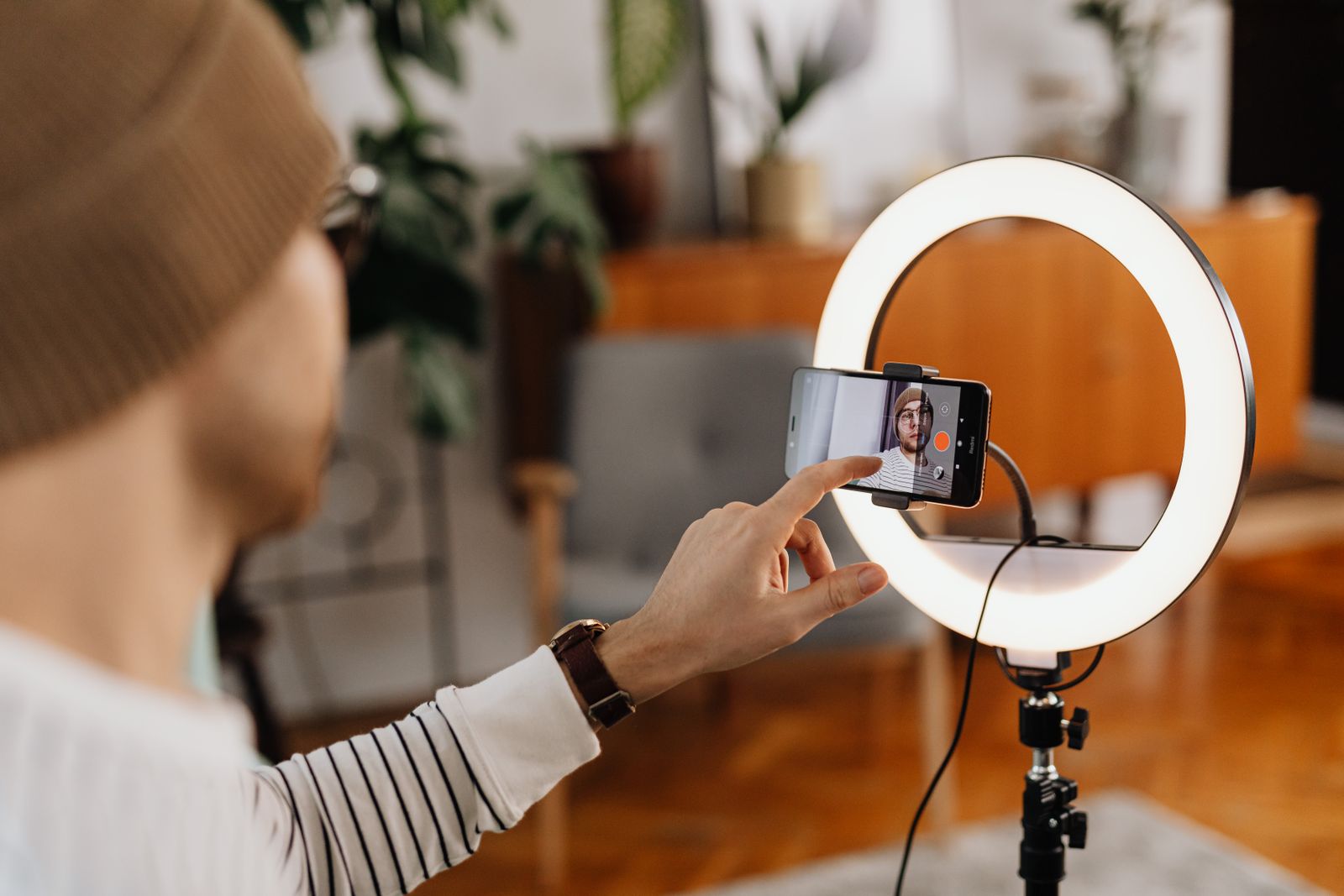
Extra glass in front of the camera costs a little light, and filters cost more. In daylight that does not matter; indoors and at dusk it means slower shutter speeds and more grain. Move to a window, take it outside, or add a small light; the guide to ring lights and video lights covers those.
Let it focus
Tap the screen on the subject to focus, and with a macro, move the phone rather than relying on the tap: the lens only focuses at one short distance, so slide closer or further until the subject comes sharp. If dark corners show on a wide-angle, the lens is off-centre, or the phone has moved to a wider camera; check the alignment and the zoom.
Mind the edges
Wide-angle and fisheye lenses are sharpest in the middle and softer at the edges. Put what matters in the centre of the frame, and if the corners disappoint, crop a little off afterwards.
Watch for flare
Light from the sun or a bright lamp just outside the picture can bounce between the clip-on lens and the phone's lens, making a haze or coloured spots. Shade the lens with your hand, turn slightly so the light comes from behind you, or check the clip is pressed flat to the phone so no light leaks in from the side.
Look after them
Clip-on lenses and filters are small and easy to scratch or lose. Keep each one capped and in its pouch, never loose in a pocket with keys or coins, and take the clip off before the phone goes back in a pocket, where the clip can press on the screen. After the beach, wipe off sand and salt spray with a soft, slightly damp cloth before the glass is scratched by a grain of sand.
Questions people ask
Will a clip-on lens fit my phone?
Most clips fit any phone, as long as the clip opens wide enough and can reach the camera. Very large camera bumps and thick cases are the usual problems, so check the clip's opening and the case.
Which camera does the lens go over?
The one the phone is using at the zoom you choose. Cover each lens with a finger in turn: the one that darkens the screen is the one to put the clip-on lens over.
Why are the corners of my photos dark?
The lens is slightly off-centre, or the phone has switched to a wider camera behind it. Slide the clip until the edges clear, and keep the zoom at the setting you lined it up on.
Do I need an ND filter for phone video?
Only if you want smooth, film-like movement in bright light and are willing to set the shutter speed yourself in a manual video mode or app.
Can I use a filter and a lens together?
Some kits are made so a filter screws onto a lens. Each extra layer of glass costs light and can darken the corners, so try it before relying on it.
Why will my iPhone not focus with a macro lens fitted?
It may be switching to the Ultra Wide camera close up. Turn on Macro Control under Settings, Camera, then use the button on screen to stop the switch.
Where to go next
All the clip-on lenses and filters are together under photo and video: wide-angle, macro, fisheye and telephoto lenses, lens kits, and CPL, ND and star filters. Delivery is included in every price and tracked to your door. For the rest of the kit:
- Phone tripods, gimbals and selfie sticks: holding the phone steady
- Ring lights and video lights: light and sound for filming
- Camera lens protectors: keeping the phone's own lenses safe
- How to clean your phone safely: lenses, screens and ports