Pens for writing and drawing on a tablet
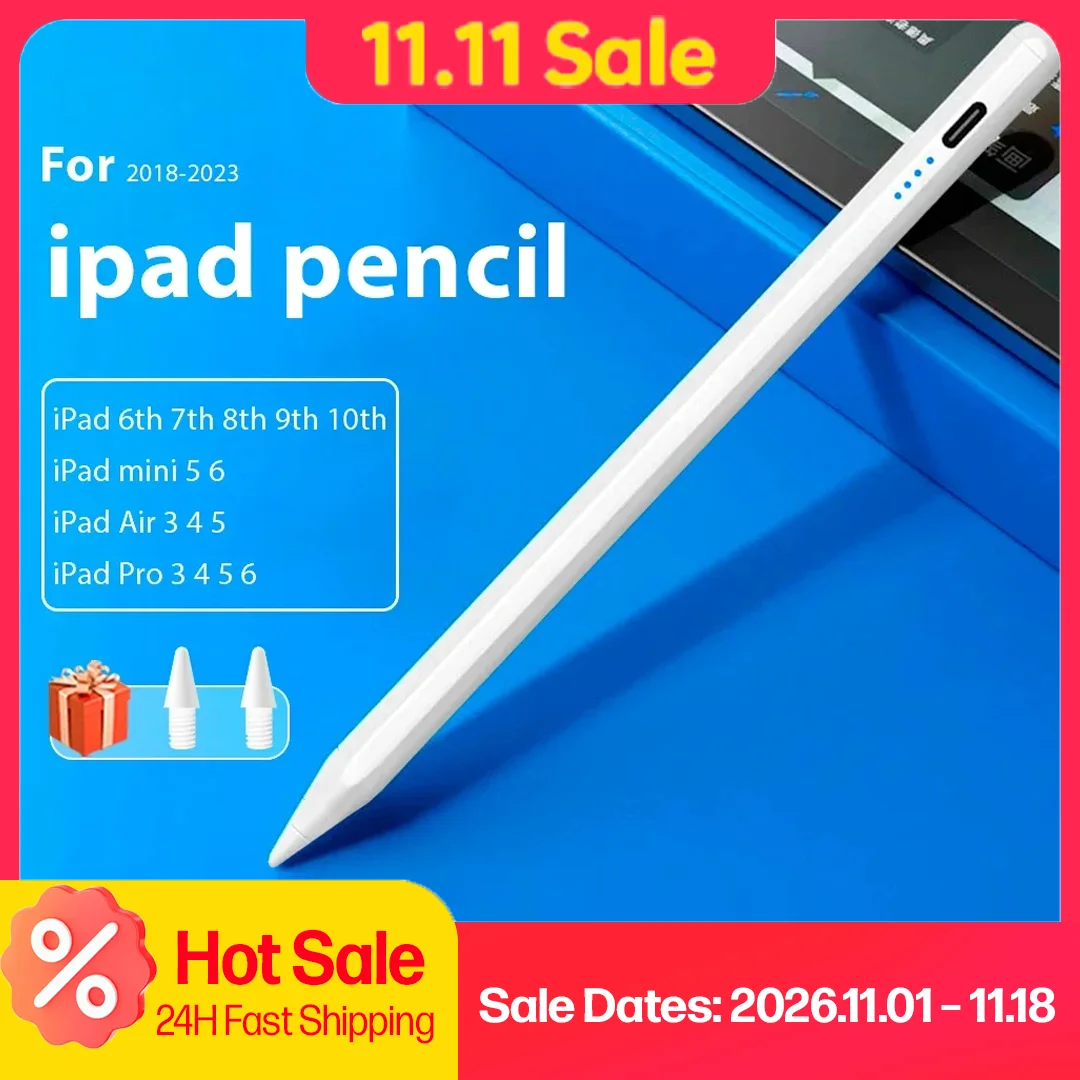
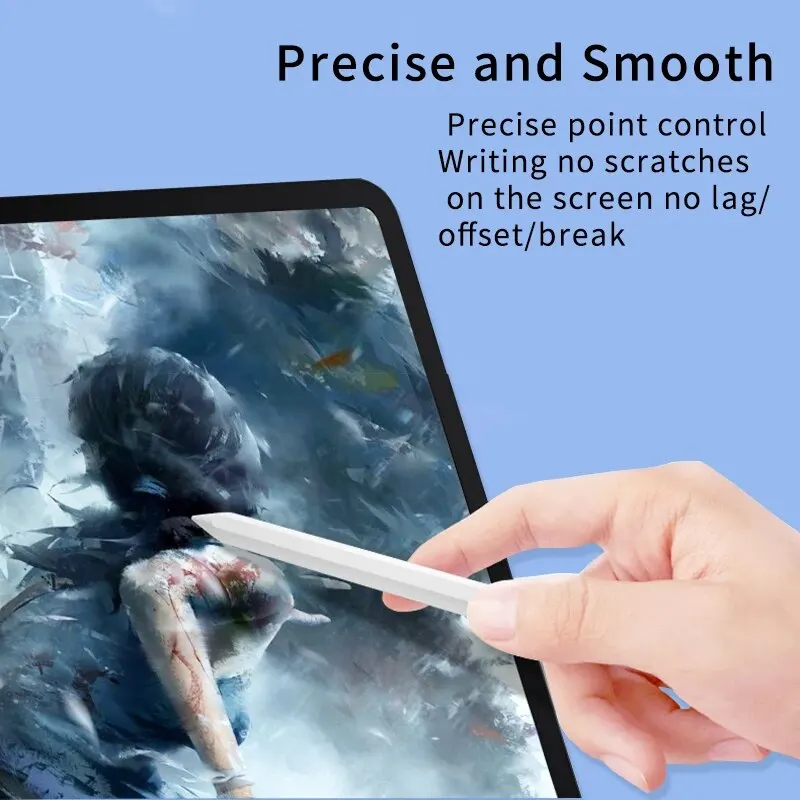
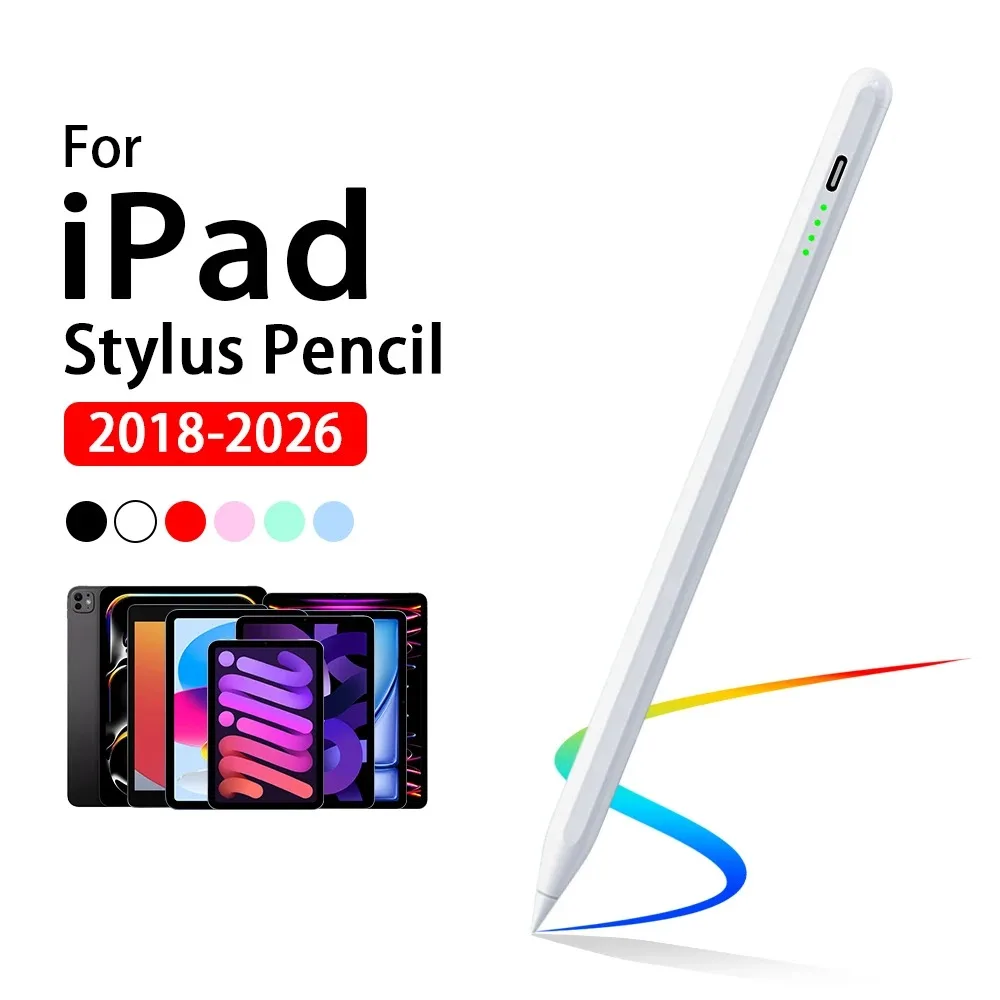
A finger is fine for tapping, but too broad for handwriting, a neat sketch or ticking small boxes on a form. A stylus pen gives a fine point to write with. The pens in this range are made for iPad: compatible with iPad models, not made by Apple, and not the Apple Pencil, which Apple lists for its own iPad models only.
What the pens here have in common
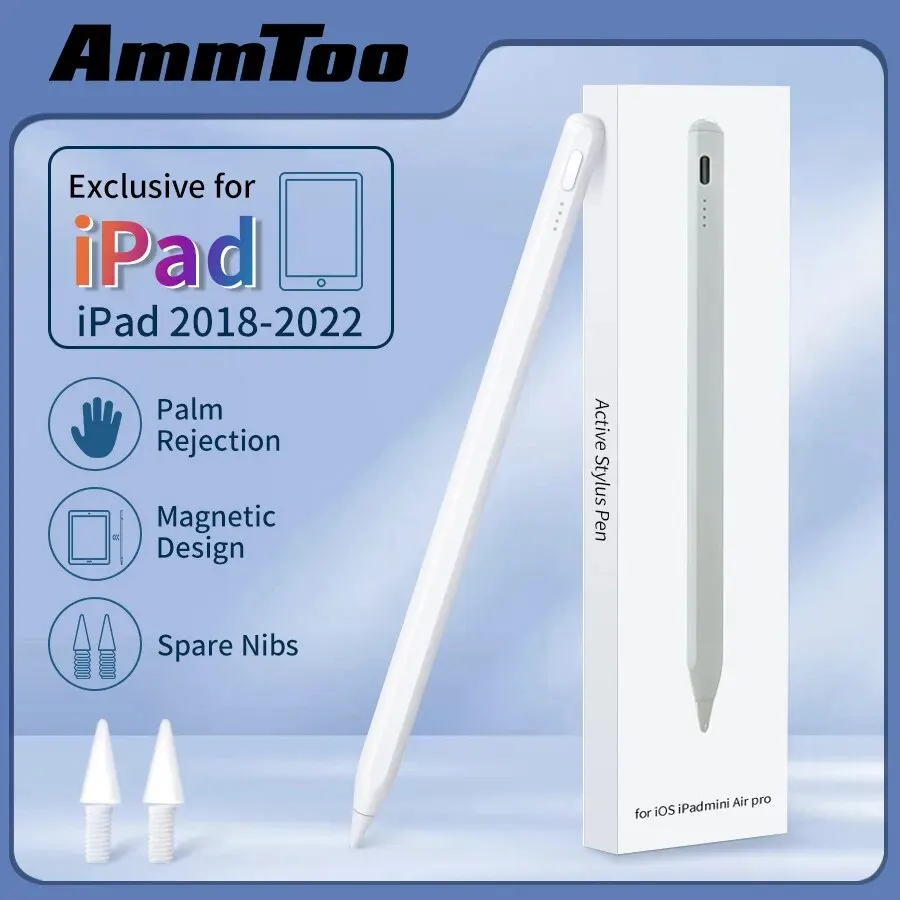
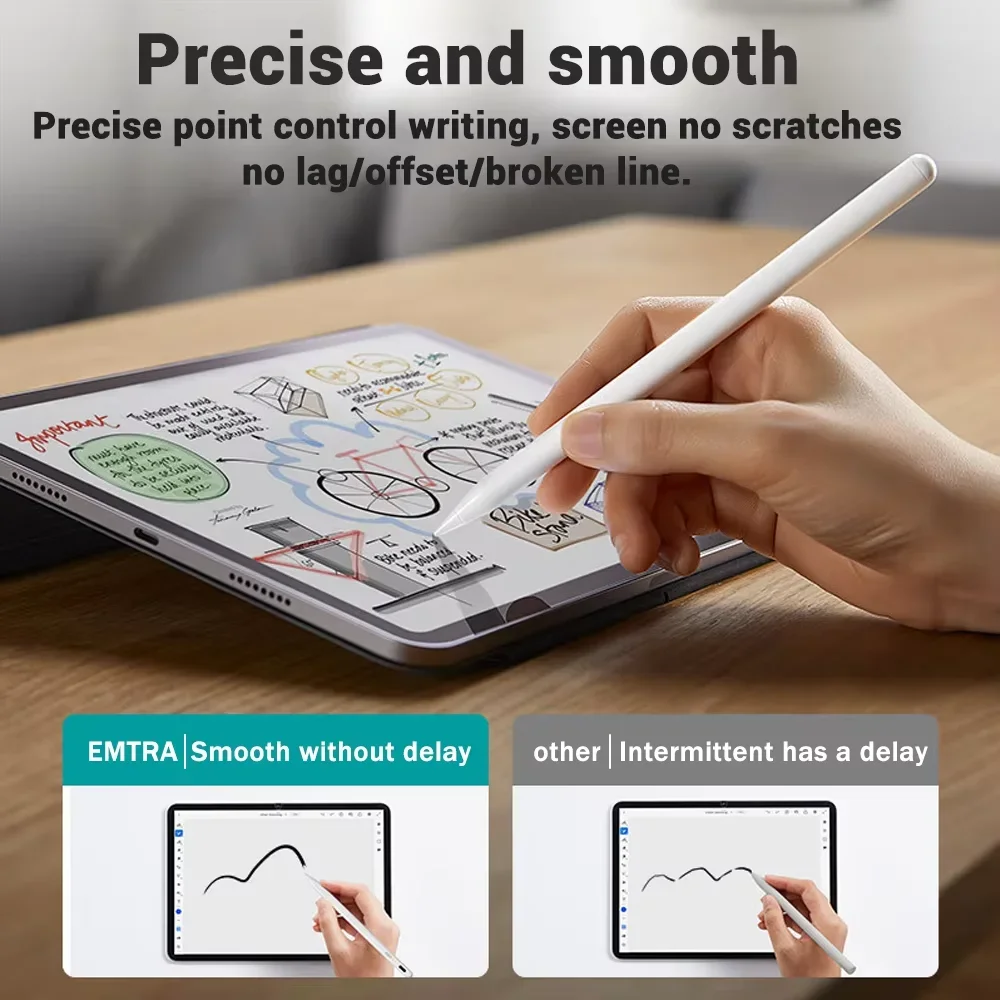
The pens filed here today are active pens: each has a small battery and makes its own signal, so the screen can feel a fine tip of about 1.5mm. They share several features.
- Palm rejection. You can rest the side of your hand on the screen while you write, and only the pen tip draws.
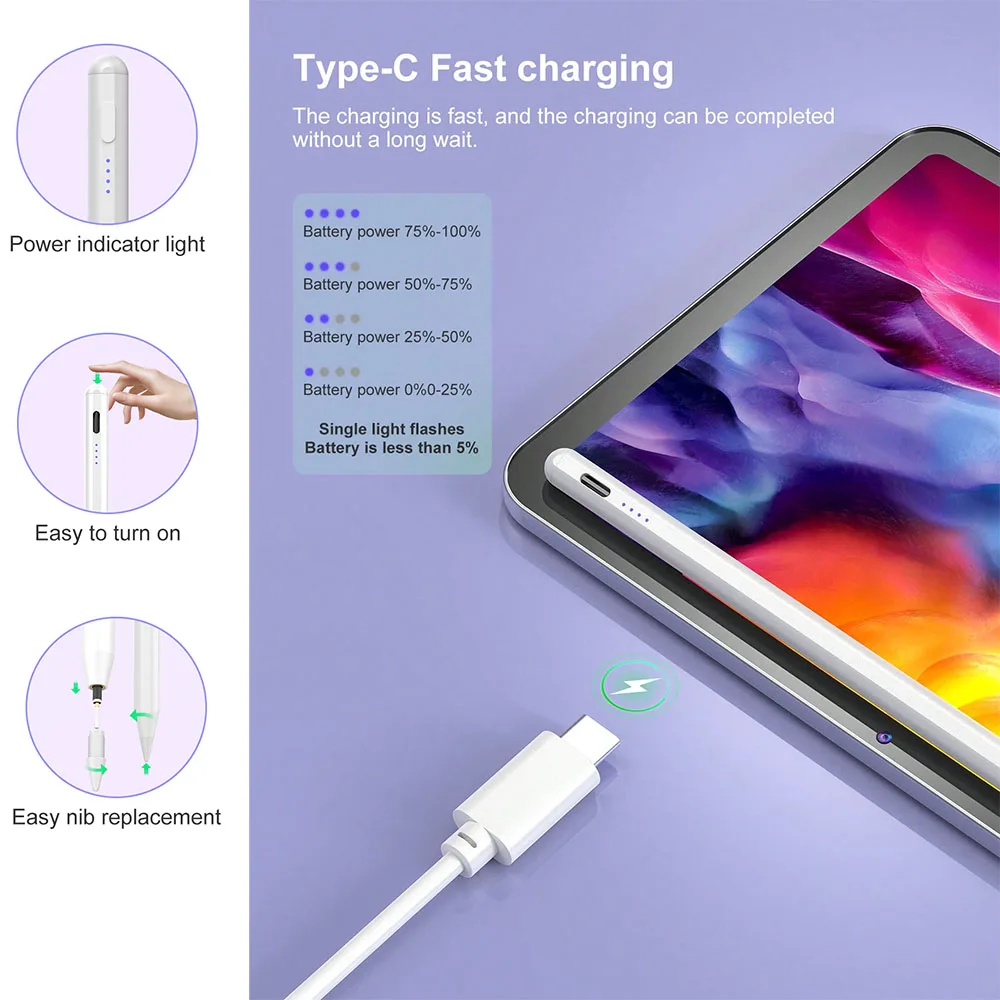
- No pairing. There is no Bluetooth to set up. You switch the pen on, on most by tapping the top twice, and start writing.
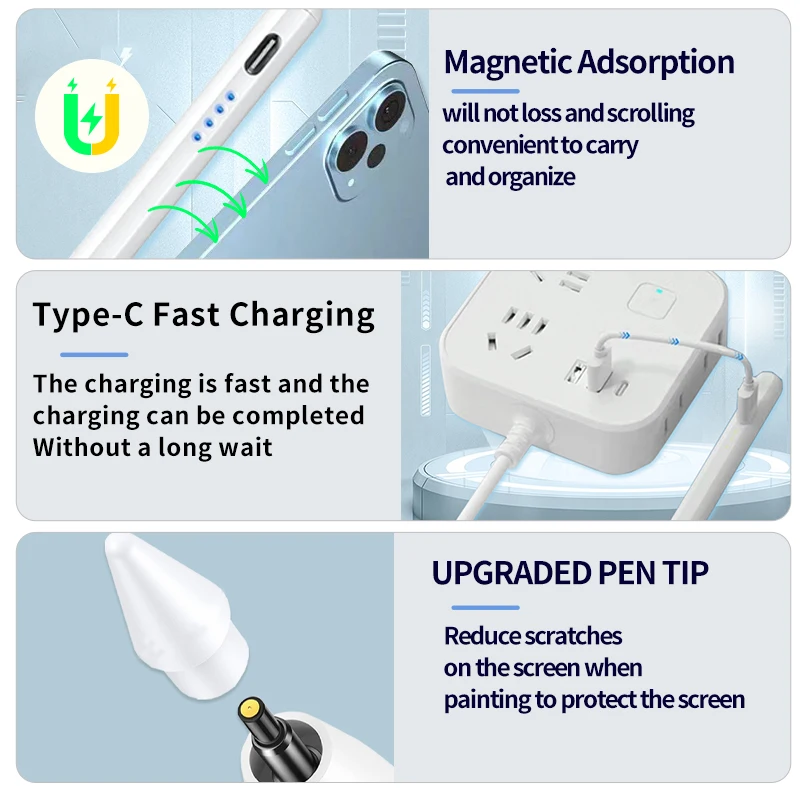
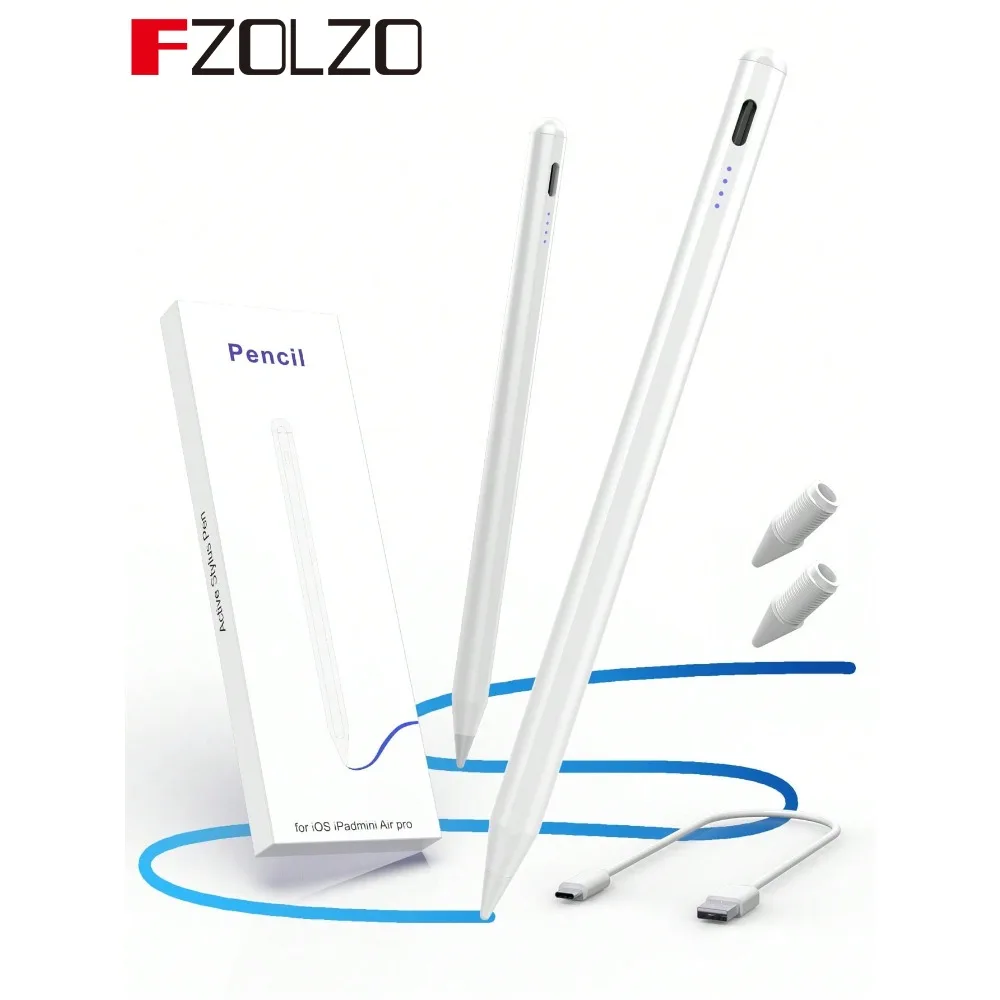
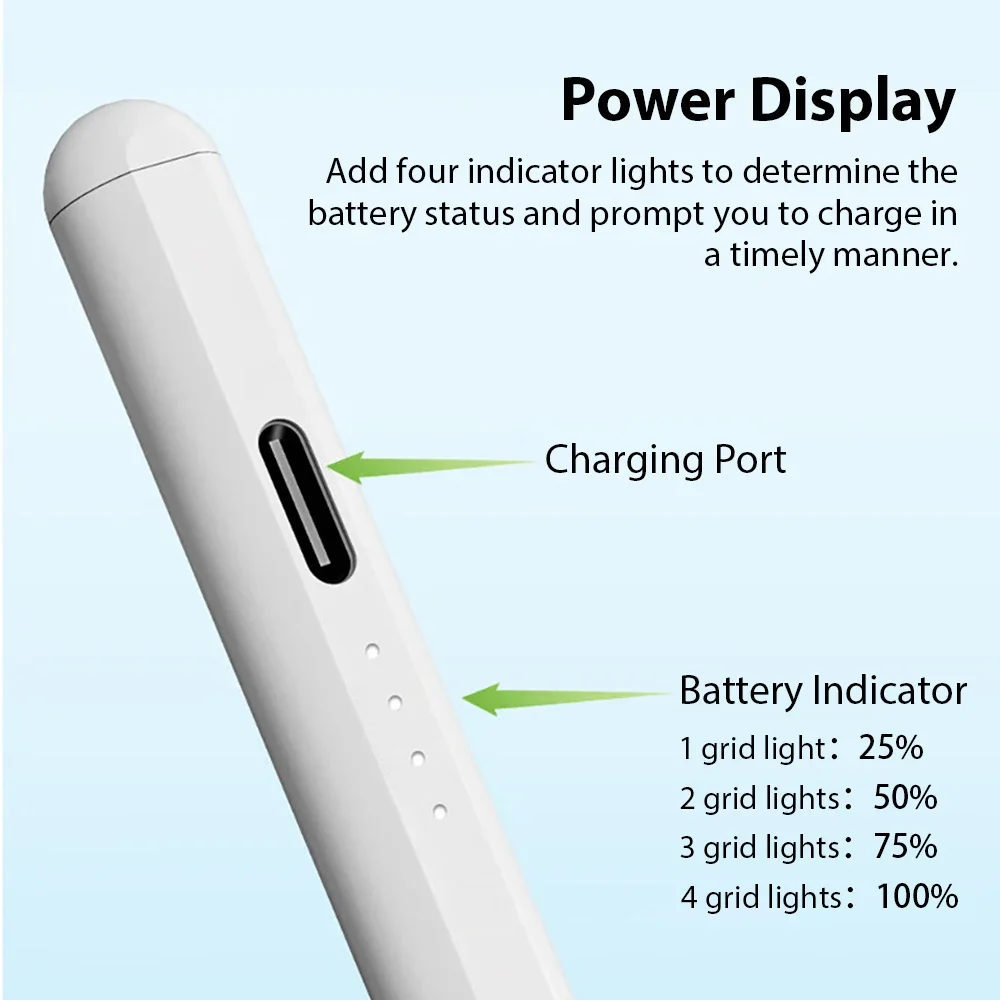
- USB-C charging. A charge takes a little over an hour and lasts for hours of writing. Some show the battery level with a light or a small display, and some switch off on their own when left idle.
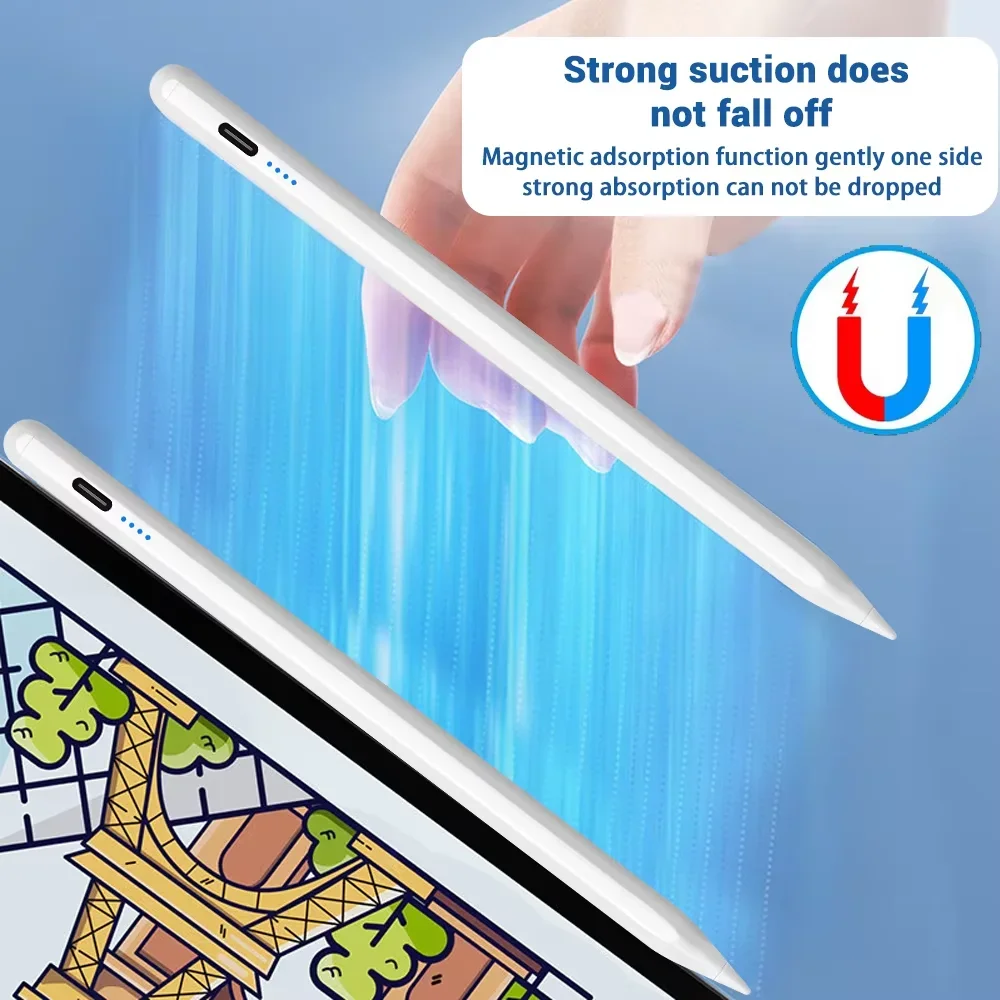
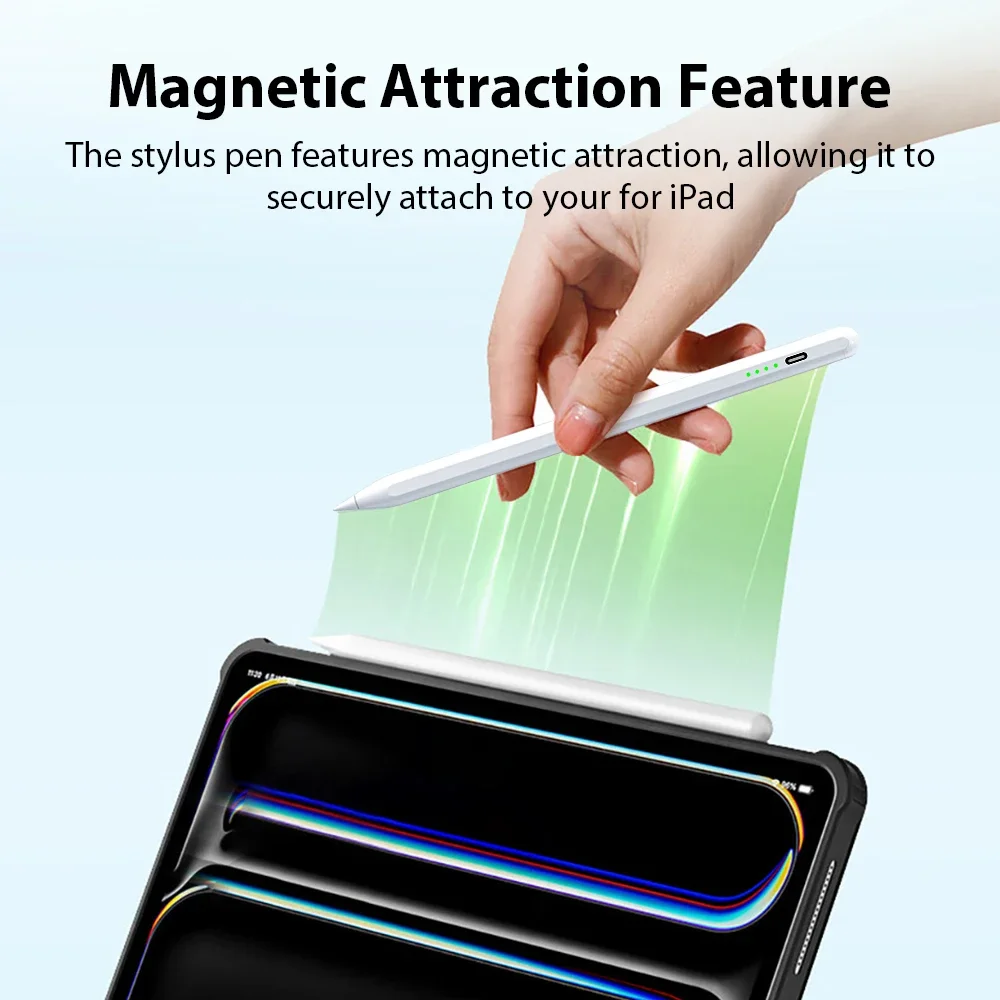
- A magnetic side. Several hold on to the magnetic strip down the side of an iPad that has one. That is for keeping the pen with the tablet only: it does not charge the pen.
- Replaceable tips. Some come with spare tips in the box.
Check your iPad model
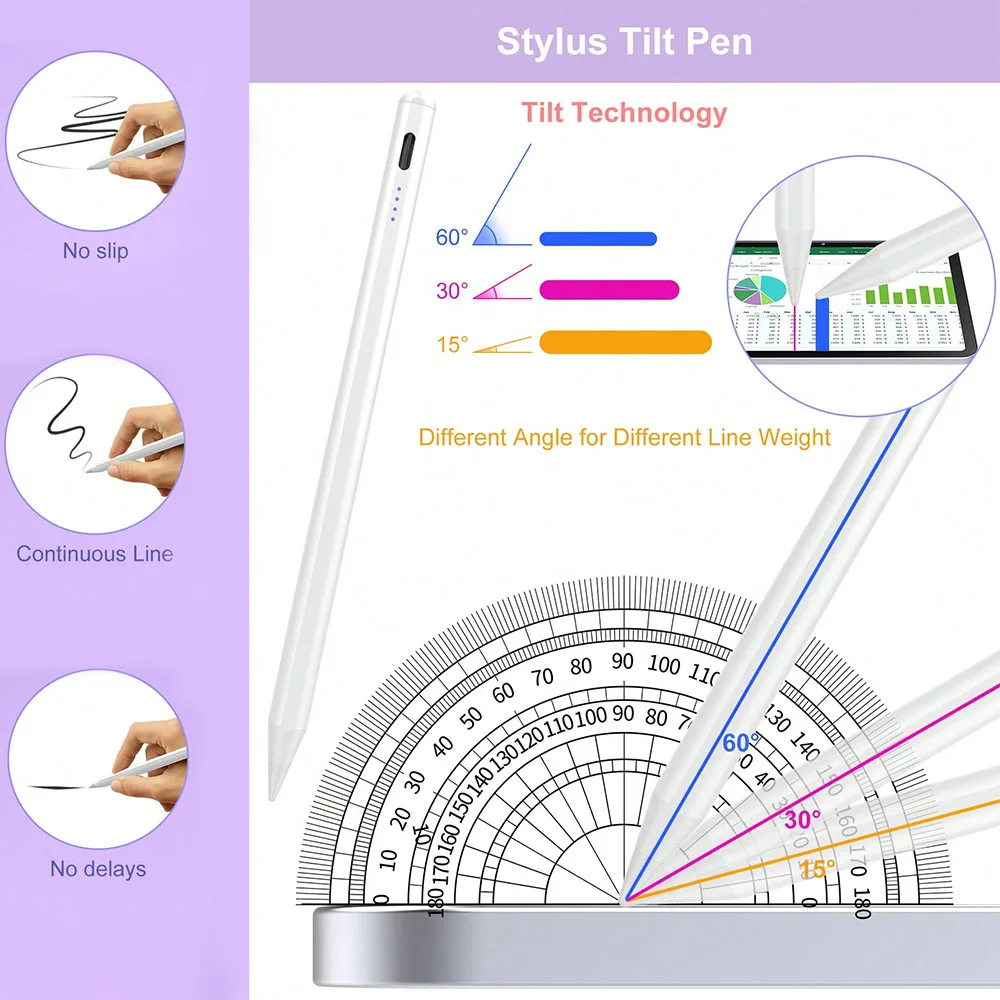
These pens work with iPad models from 2018 onwards, and each product page lists the models by name: iPad, iPad Air, iPad mini and iPad Pro, by generation. Older iPads are not on the lists. To find your model, open Settings, then General, then About. One pen here also has tilt sensitivity, giving a broader line when you tilt it, in apps that support it. None lists pressure sensitivity, so a line does not get thicker as you press harder.
For Android tablets and phones, see the active stylus pens, several of which work on both. A capacitive stylus needs no battery and works on any touchscreen, with a broader tip.
Questions people ask about tablet stylus pens
Will it work on an iPad from before 2018?
The pens here do not list older iPads, so do not count on it. Check the product page for your model by name.
Does a stylus scratch the screen?
The tips here are a smooth plastic made for glass. Change a worn or damaged tip at once, and keep a screen protector on if you write a lot. Spares are in stylus tips.
Which apps does it work in?
Any app that takes a touch: notes, drawing, forms and documents. Tilt works only in apps that support it.
How long does delivery take?
Delivery is included in every price and tracked to your door. Each product page says when it usually arrives.
More to look at