What an ND filter is for
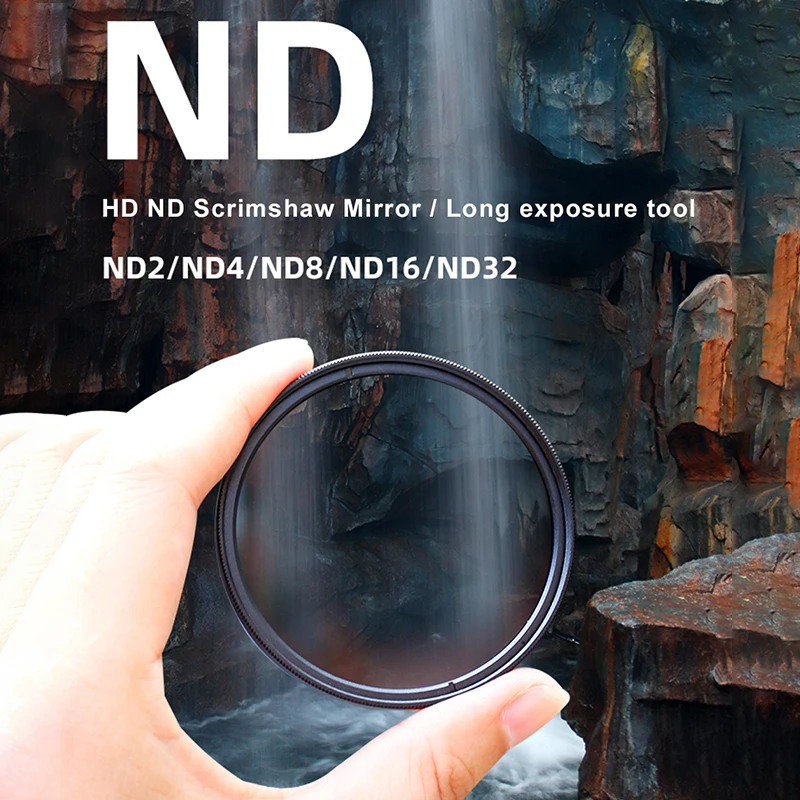
An ND filter, short for neutral density, is grey glass that lets less light into the camera without changing its colour. On a bright day a phone often has too much light. Most phone cameras have a fixed aperture, the opening that lets light in, so in sunshine the only way the phone can avoid a white, overexposed picture is a very fast shutter speed. For a photo that is fine. For video it can make movement look jerky, because each frame freezes the action sharply.
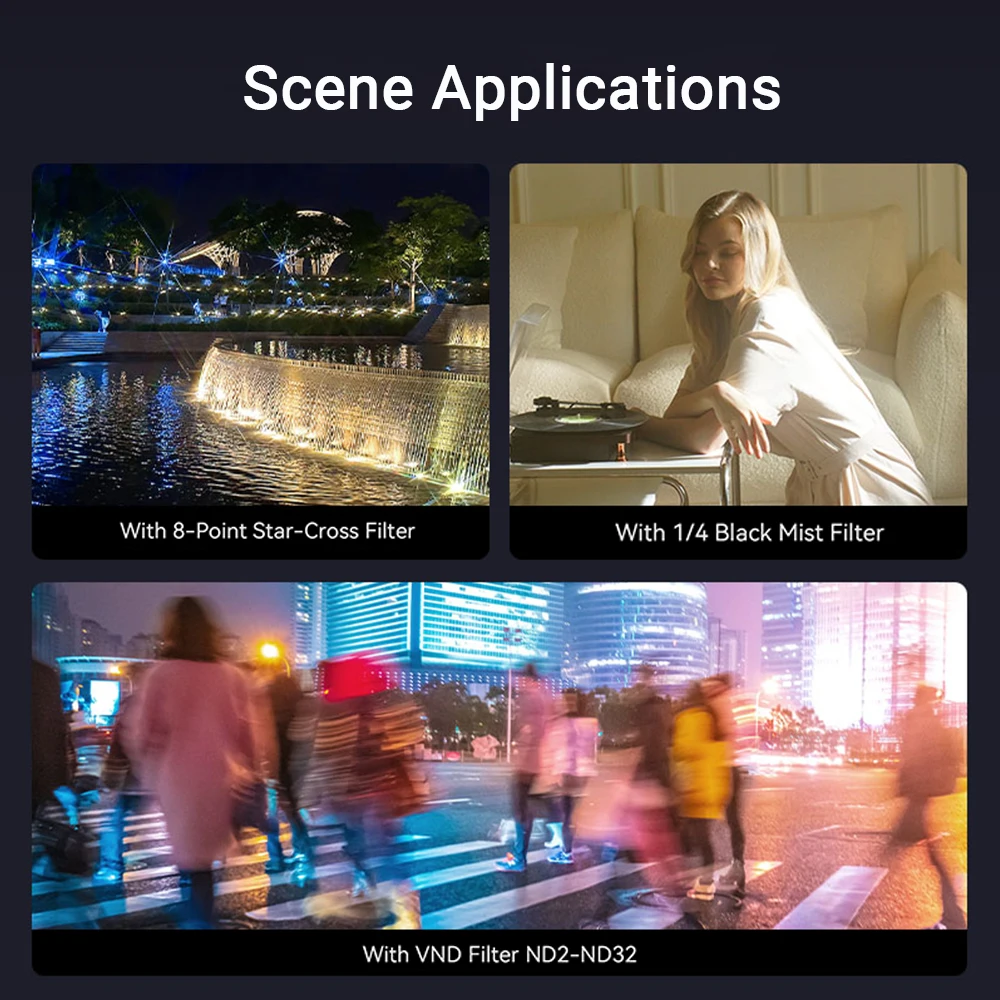
Filmmakers work to a rule of thumb called the 180-degree rule: a shutter speed about twice the frame rate, such as 1/50 of a second at 25 frames a second or 1/60 at 30. An ND filter cuts the light enough for the phone to use a slower shutter like that in daylight, which gives the natural blur of movement people know from films. Strong ND filters are also used for long exposures in daylight, turning moving water and clouds smooth, with the phone on a tripod.
The numbers on an ND filter
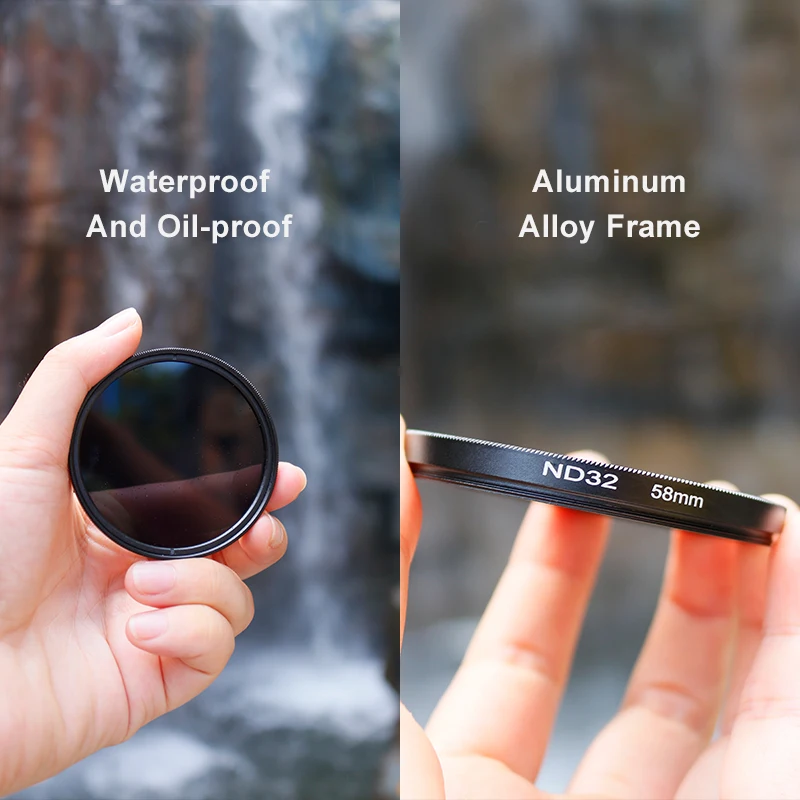
ND filters are marked by how much light they cut. Each doubling of the number cuts one more stop, which halves the light again: ND2 cuts one stop, ND4 two, ND8 three, ND16 four and ND32 five. An ND1000 cuts about ten stops. Some makers mark the same filters by density instead, with 0.3 for one stop. A variable ND turns to change its strength, so one filter covers a whole span.
The ND filters here
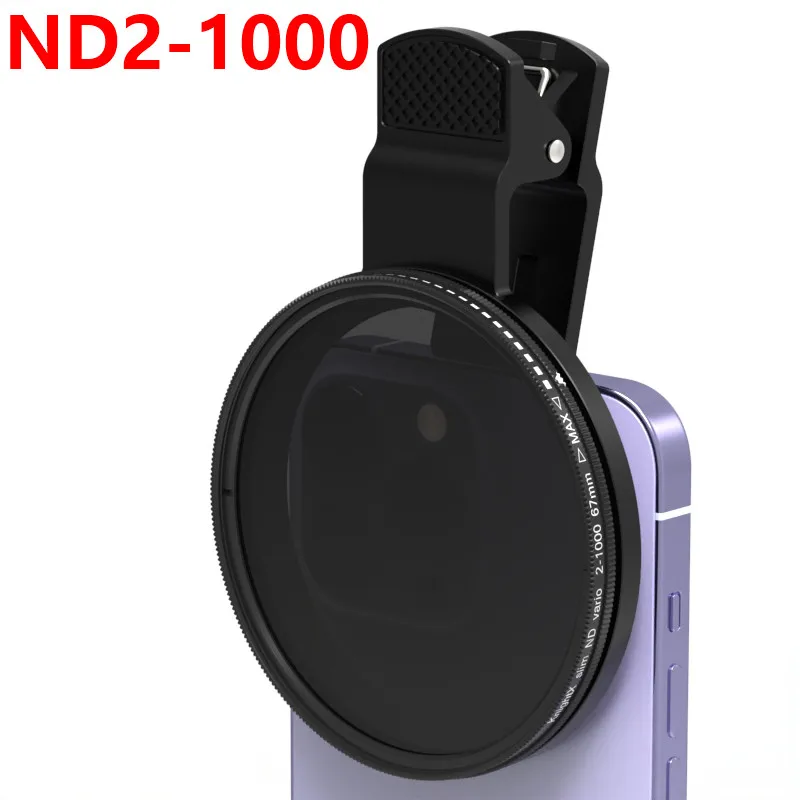
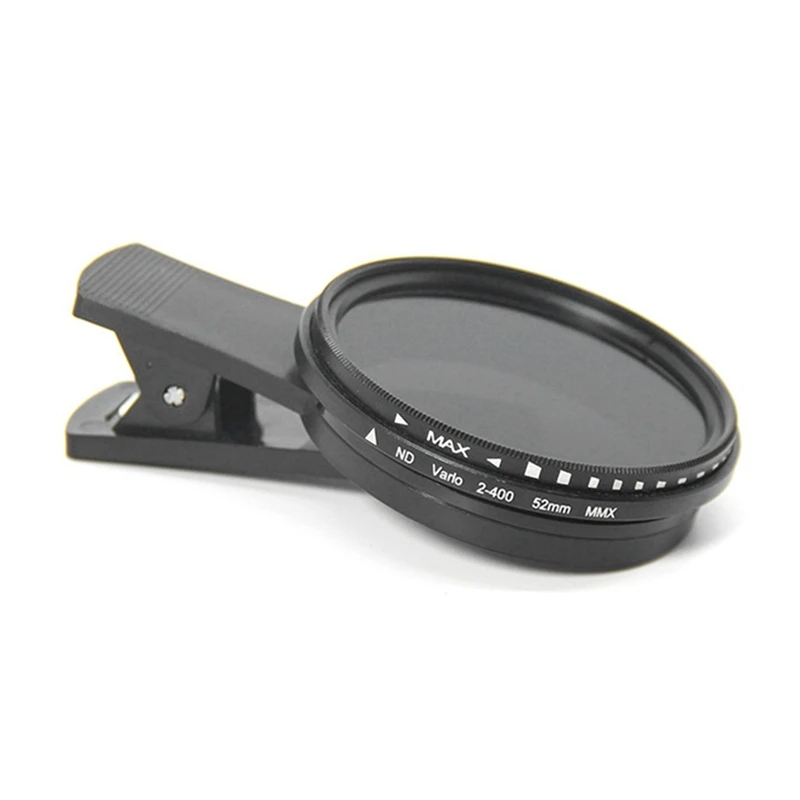
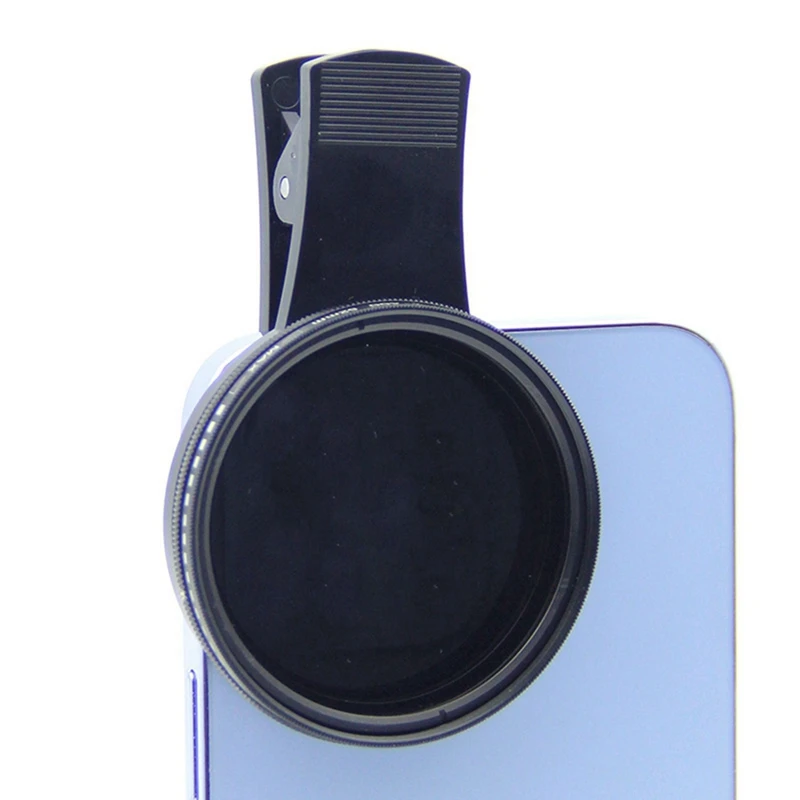
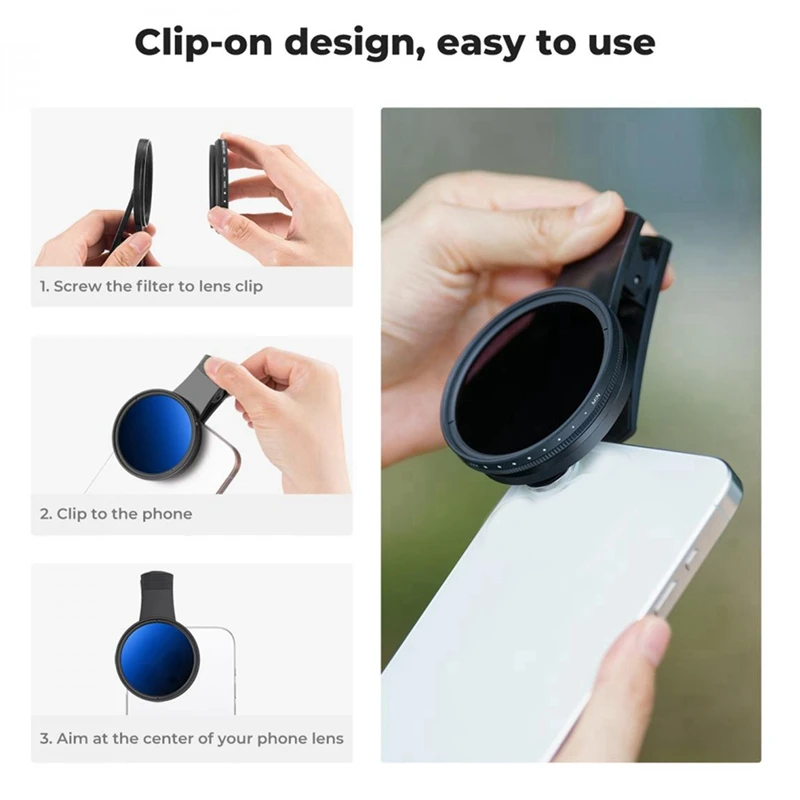
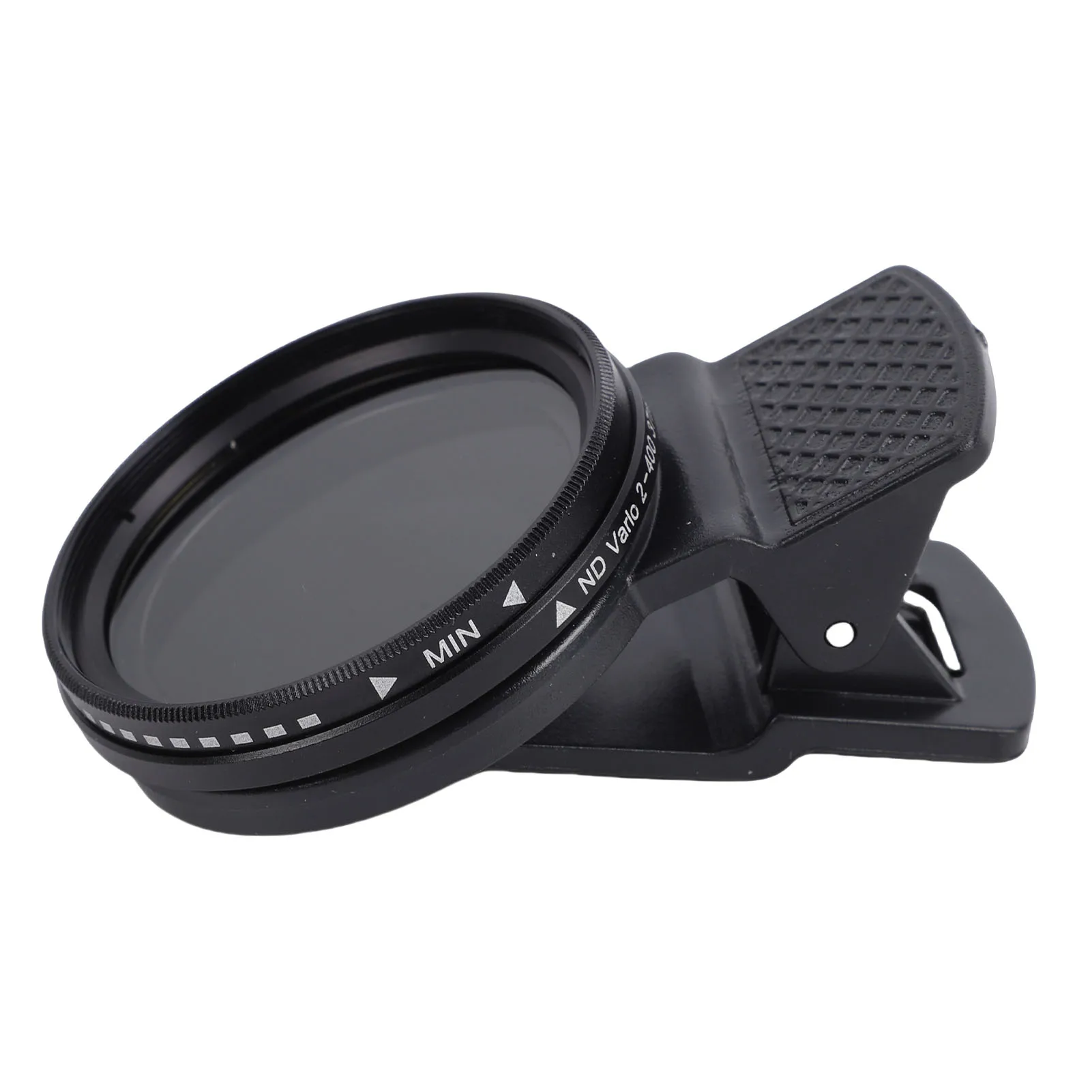
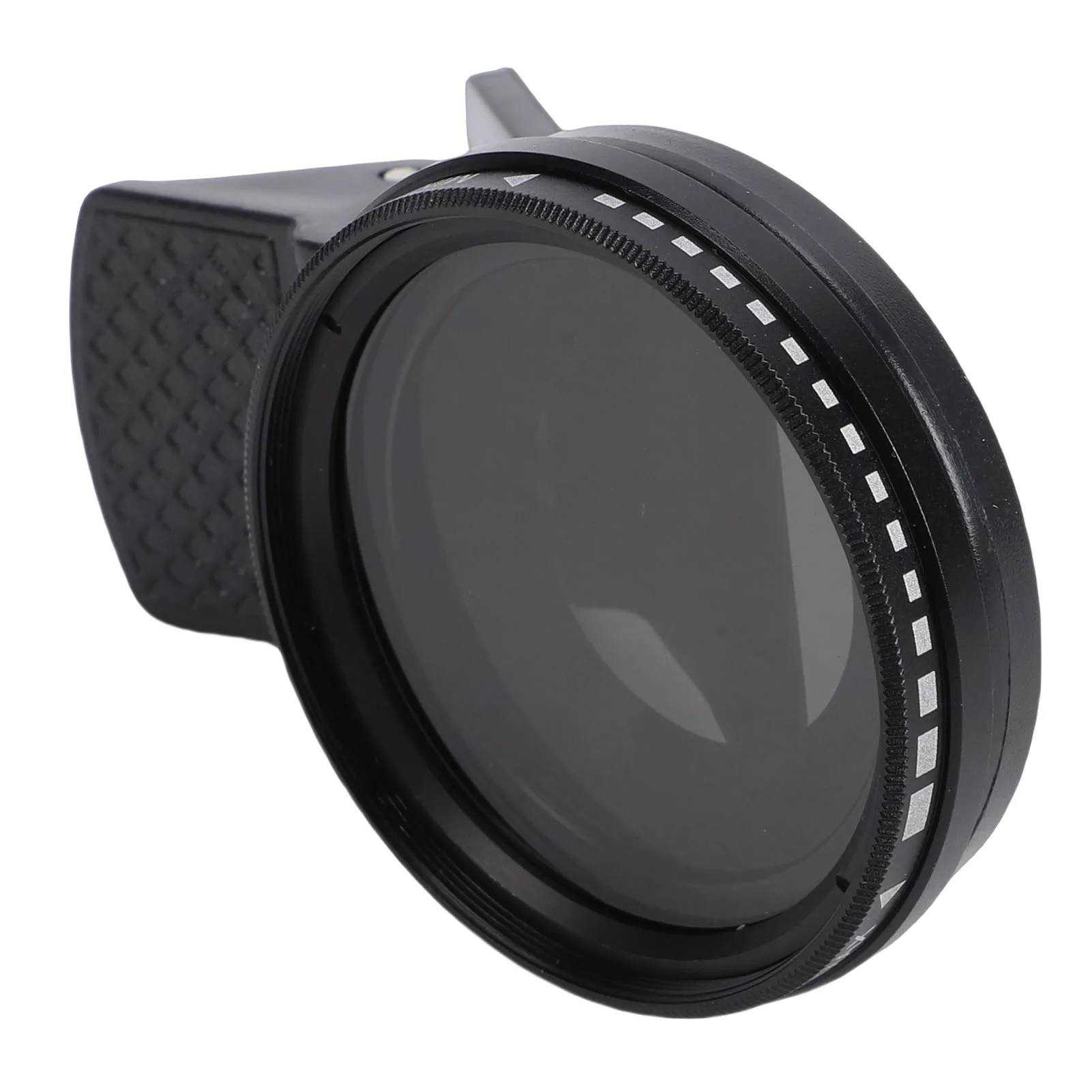
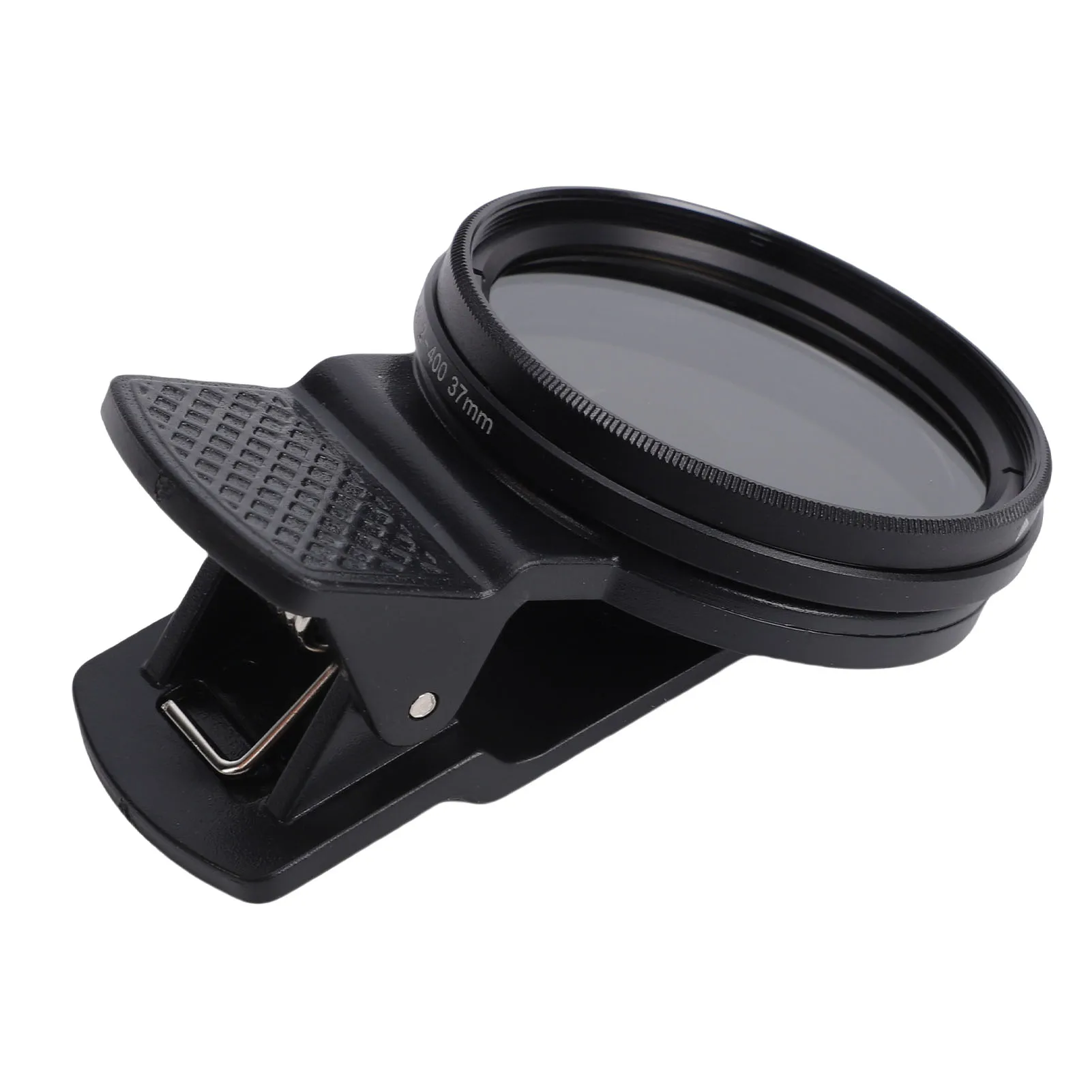
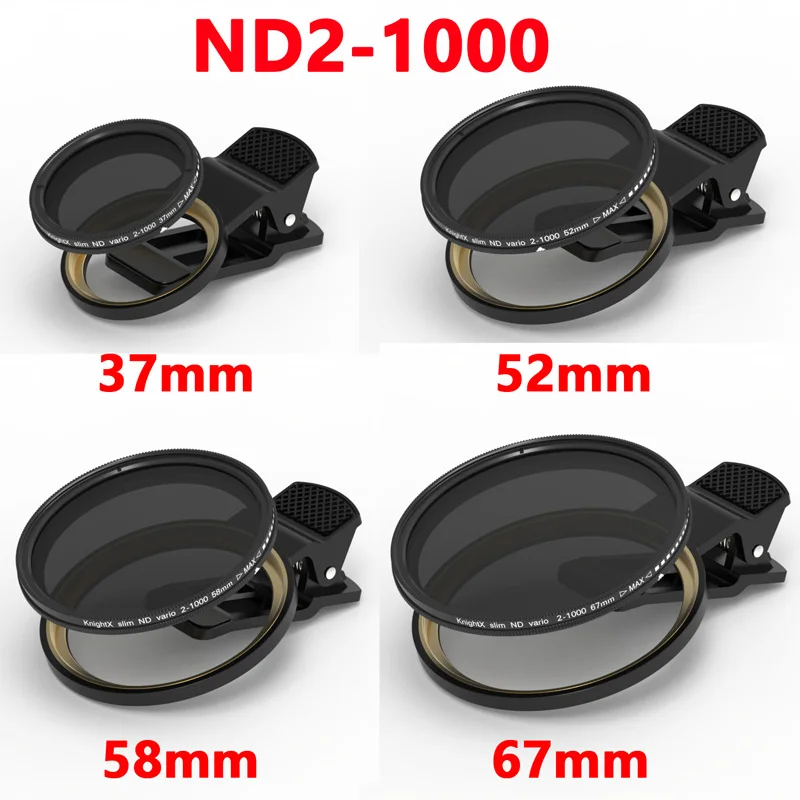
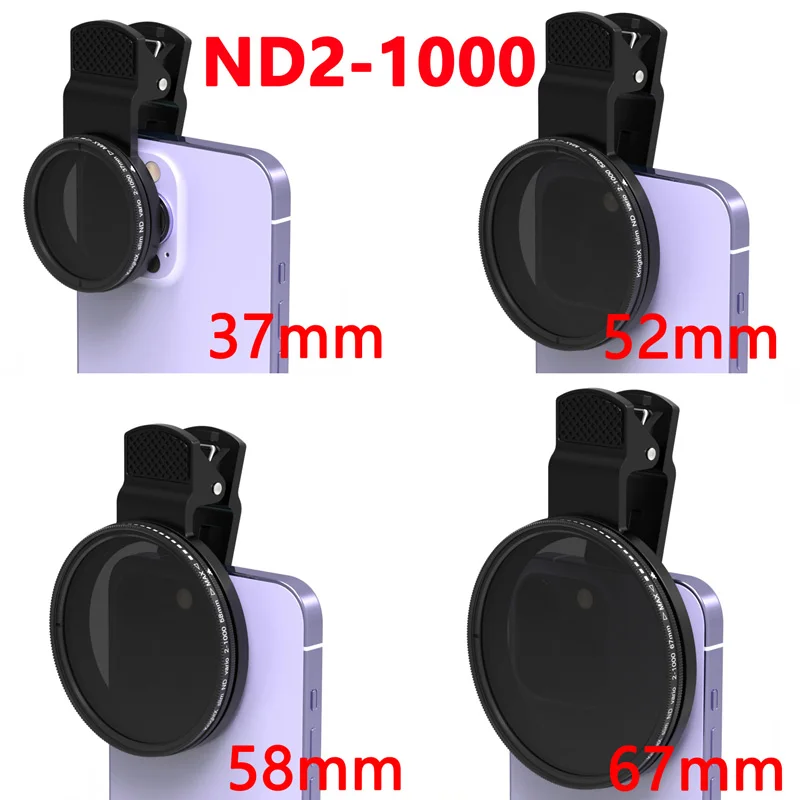
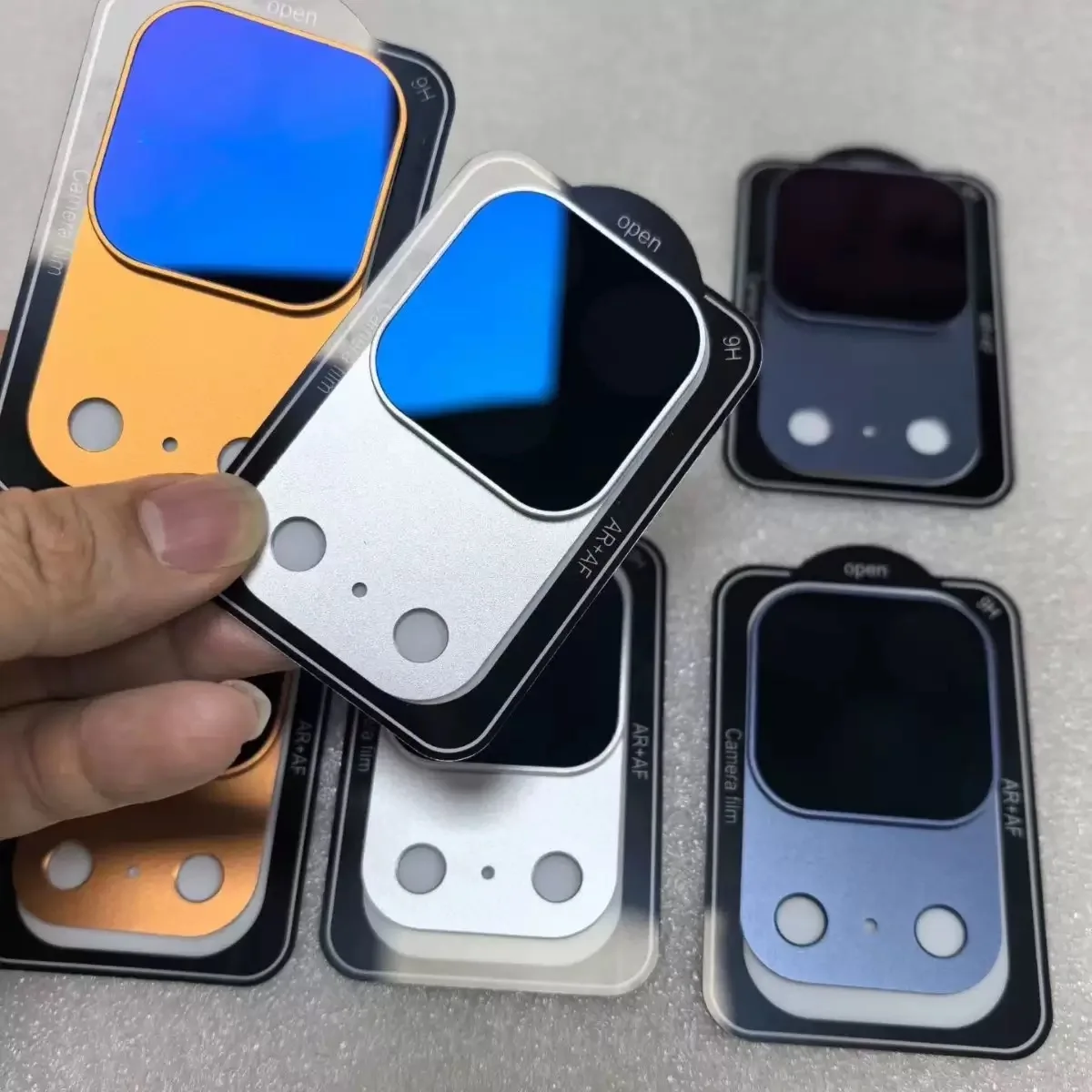
- A clip-on variable ND in optical glass that turns from ND2 to ND1000, on a clamp that comes in four sizes to suit the area round a phone's or tablet's camera.
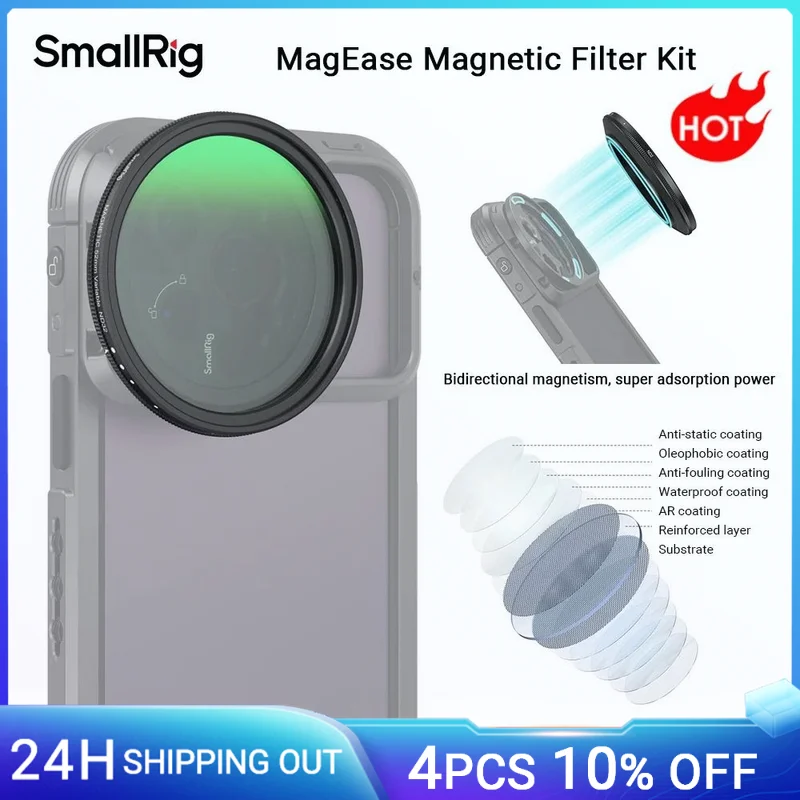
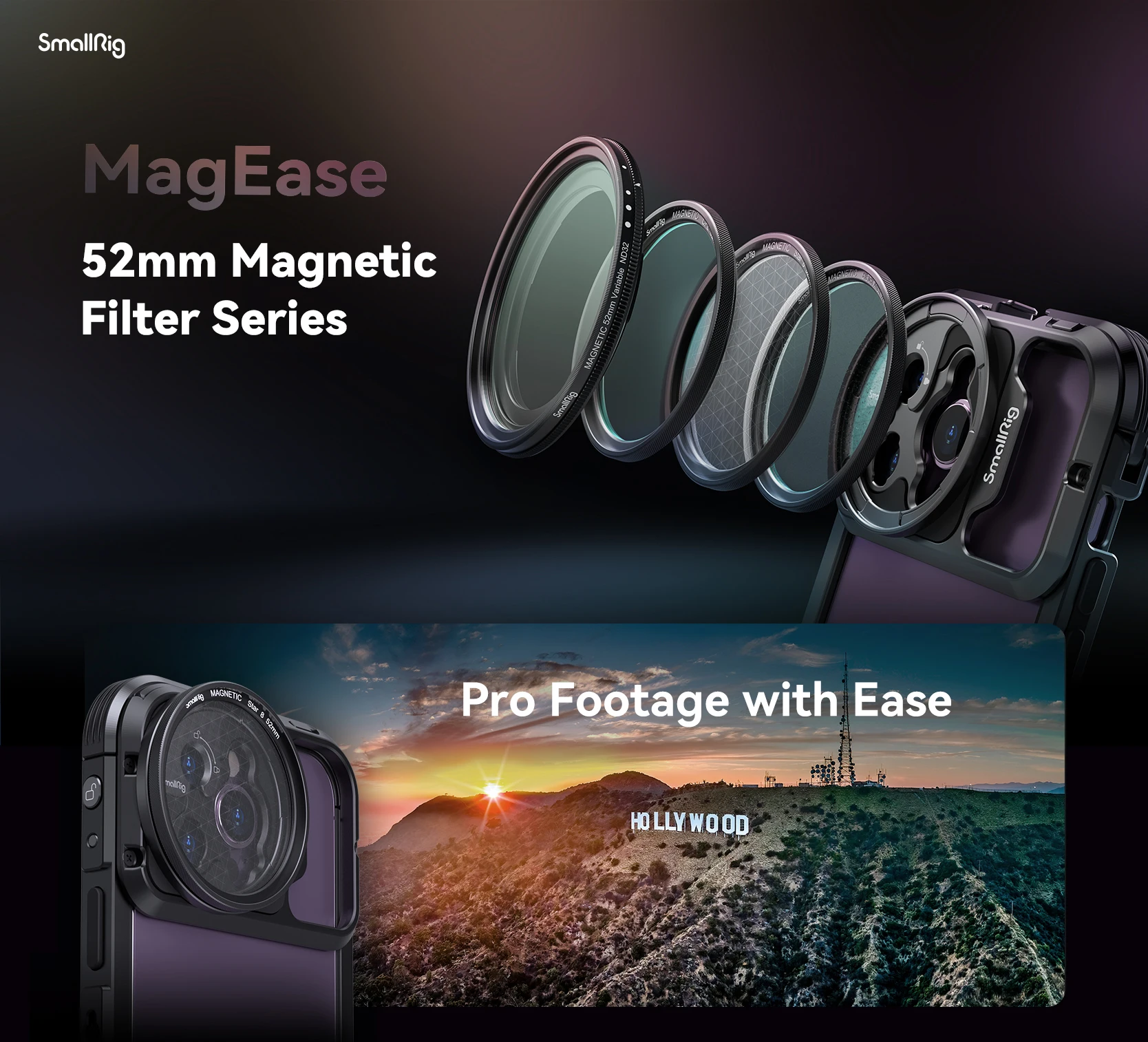
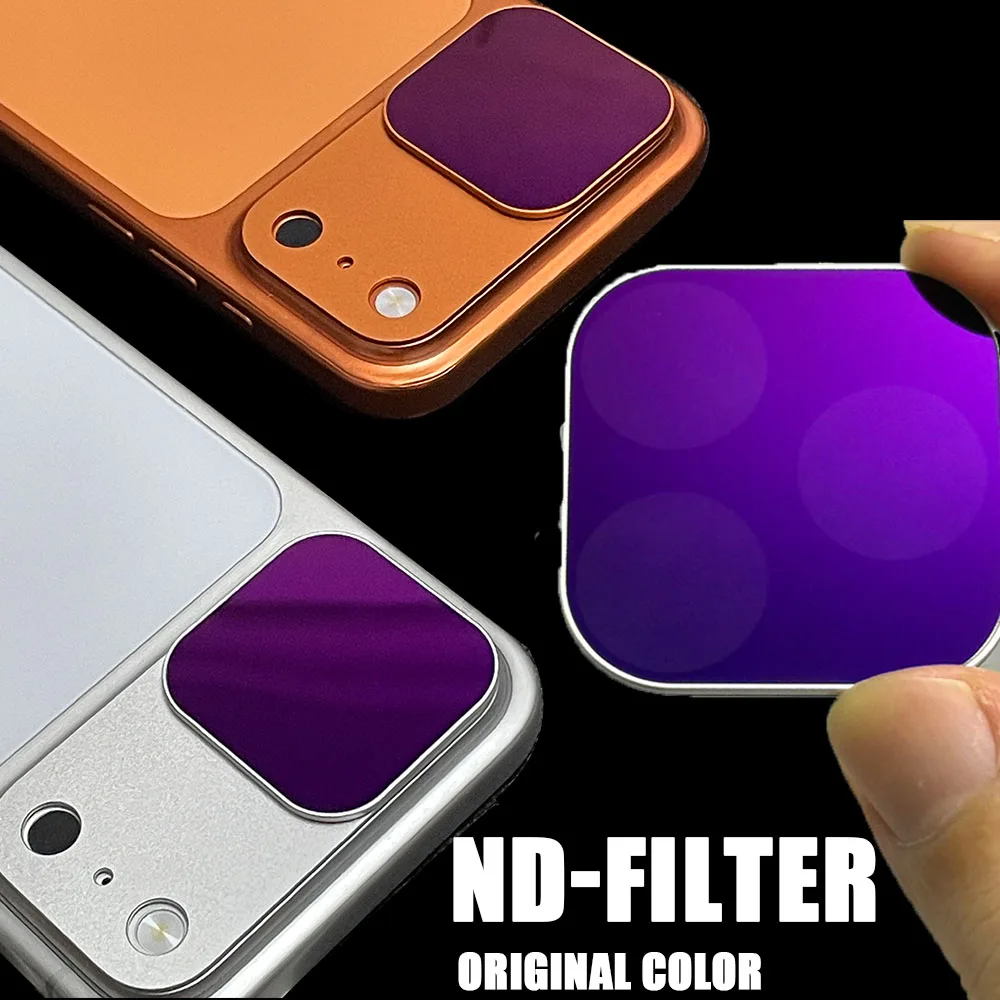
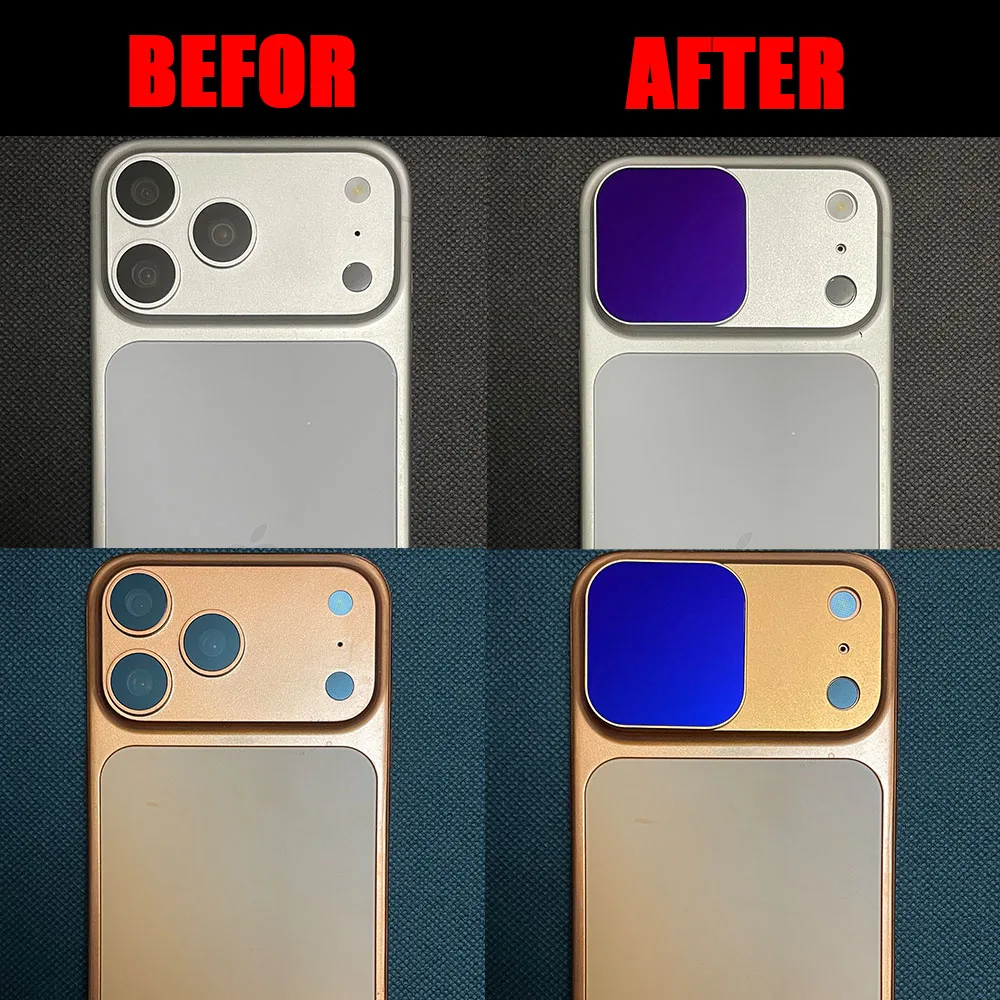
- A magnetic set of four filters compatible with the iPhone 17 Pro and 17 Pro Max, with an ND32, a CPL, a UV and an HD filter, in a choice of frame colours.
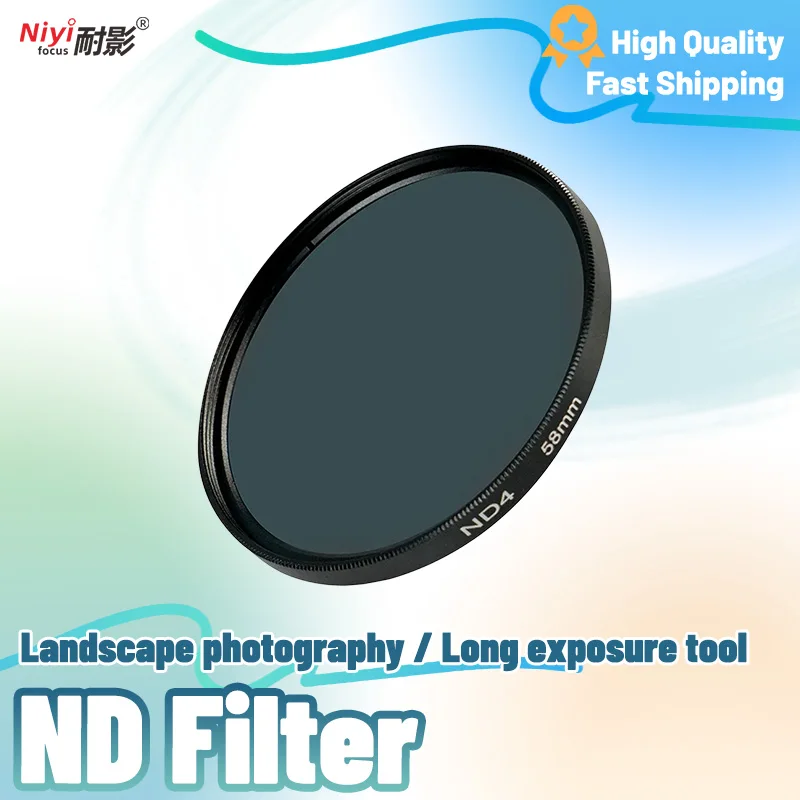
- Screw-in ND filters from ND2 to ND32, singly or in packs, in thread sizes made for camera lenses. On a phone, one of these needs a clip or holder with the same thread size.
A variable ND also comes with the magnetic system for the iPhone 15 Pro and 15 Pro Max in CPL filters.
Setting the phone up for ND video
An ND filter only helps if you can set the shutter speed yourself, which needs a manual or pro video mode in the phone's camera, or a filming app. Set the frame rate, set the shutter to about twice it, then fit the filter and turn or change it until the picture is neither too bright nor too dark. For long exposures, put the phone on a phone tripod and take the picture with a timer or a remote shutter.
Questions people ask about ND filters
Do I need an ND filter for phone video?
Only if you want smooth, film-like movement in bright light and are willing to set the shutter speed yourself.
Will an ND filter change the colours?
It is made not to: neutral density means it cuts all colours of light alike, so the picture is darker but not tinted.
How long does delivery take?
Delivery is included in every price and tracked to your door. Each product page says when it usually arrives.
More to look at