A phone case is one of the few things you will hold every day for years, so it is worth choosing with a little care. The right one protects the phone from the knocks it actually gets, fits it exactly, works with the charger and anything else you clip to it, and looks the way you want it to. This guide takes the choice in the order that matters: the phone you have, the protection you need, the kind of case, then the details of fit that decide whether you are still happy with it in a month.
Start with the phone you have
Every case is made for one phone model, and only that model. Phones that share a name are often different shapes: an iPhone 16 and an iPhone 16 Pro are different sizes, the camera lenses sit in different places, and the buttons are not in quite the same spot. A case for one will not fit the other properly, even if it looks close in a photograph.
So before anything else, find out exactly which phone you have. On an iPhone, open Settings, then General, then About, and read the Model Name. On an Android phone, open Settings and look for About phone, where the model name or number is shown. Write it down exactly, including any word such as Pro, Plus, Max, Ultra, mini, Fold or Flip, and any letter or number after the name. A Galaxy A05 and a Galaxy A05s are two different phones.
When you look at a case, check that the product page names your model, not a family of phones. Phrases such as "for iPhone 15 series" can mean several sizes are offered; make sure you choose yours from the list rather than taking the first one shown.
Phones with magnets in the back
From the iPhone 12 onwards, most iPhones have a ring of magnets round the wireless charging coil, which Apple calls MagSafe. Chargers, wallets and car holders that are MagSafe-compatible snap onto that ring. A plain case without its own magnets sits between the phone and the accessory and weakens the hold, so if you use magnetic accessories, choose a case with a magnet ring built in. Not every iPhone has the magnets: Apple lists the iPhone 16e as a Qi phone without MagSafe, so a magnetic case gives it the hold the phone itself lacks.
Many Android phones charge wirelessly but have no magnets at all. For those, a magnetic case adds the ring, which lets the phone use the same magnetic chargers and mounts. More on this below.
How much protection you need
Be honest about how your phone lives. A phone that goes from a desk to a handbag and back needs much less protection than one carried on a building site, dropped by a toddler or taken up a hill. More protection usually means more bulk, so a case that is far tougher than you need is a phone that no longer fits a pocket comfortably.
It helps to think about the three things that actually break phones:
- Drops onto a hard floor. The corners take the blow most often. A case with thicker, softer corners spreads the shock.
- Face-down landings. A lip that stands slightly proud of the screen keeps the glass off the ground when the phone lands flat on its front. A screen protector, explained in the guide to screen protectors, adds another layer.
- The camera hitting the table. Modern camera bumps stick out. A raised edge round the lenses, or a sliding cover, keeps them off the surface when the phone is laid on its back.
What "military grade" on a case means
Many tough cases say they are "military grade" or tested to MIL-STD-810. This refers to a United States Department of Defense set of test methods, not a certificate. Its drop test is 26 drops from about 1.22 metres, or four feet, onto a hard surface, and those drops may be shared across several units. Nobody issues an official pass for phone cases: makers test their own, or pay a laboratory to. So treat the phrase as a sign that the case was designed to take drops, read what drop height the maker gives, and do not take it as a promise that every phone survives every fall.
No case makes a phone unbreakable, and no case makes up for dropping it from a height onto stone. What a good case does is make the everyday knocks harmless.
Thinking about who uses the phone
The same phone can need very different cases in different hands. A phone handed to a young child to watch cartoons gets thrown, chewed and dropped down the stairs, so a thick, soft case with a handle or stand is far better than a slim one. A phone used by an older relative may be easier to hold and harder to drop in a case with a grippy edge, a finger ring or a strap. A phone carried for work in a van or on a site lives with dust, tools and concrete floors. A phone that goes running needs to be light. Choosing for the person, not just the phone, is usually what makes the difference between a case that lasts and one that is replaced within a month.
Everyday cases: clear, silicone, slim and leather
Most people want a case that protects against ordinary knocks and scratches without making the phone feel like a brick. There are four main kinds, and the guide to phone case materials goes into each material in more depth.
Clear cases
A clear case shows off the colour and finish of the phone you chose. Most are made of a soft, flexible plastic called TPU, some have a stiff polycarbonate back with soft edges, and they range from thin covers to thick-cornered protective cases. Their weakness is that clear plastic slowly turns yellow with sunlight and heat. Cases sold as anti-yellowing have additives that slow this down.
Silicone and soft cases
Silicone and soft cases are pleasant to hold and grip well, so the phone is less likely to slide off a sofa arm or out of a hand. They come in a huge range of colours. Silicone can pick up lint in a pocket, and the grip that stops it slipping on a table can also make it drag going into tight jeans.
Hard and slim cases
Hard and slim cases are thin shells that add very little to the size of the phone. They stop scratches and scuffs and slide easily into a pocket, but being thin they absorb less of a drop. They suit someone who looks after their phone and wants it to feel almost bare.
Leather cases
Leather cases, in real leather or leather-look materials, give a phone a smarter feel. Real leather darkens and softens with handling, which some people love and others do not. Leather-look materials keep their look but do not age in the same way.
Tough cases, bumpers and waterproof cases
Tough and shockproof cases
Tough and shockproof cases are built in layers: usually a soft inner layer that absorbs shock and a hard outer shell that spreads it, with thick corners and a raised lip round the screen and camera. Some have covers over the ports to keep dust out. They are the choice for work sites, outdoor jobs, children's hands and anyone who drops their phone often. The trade-off is weight and bulk, and some are too thick to charge wirelessly. Apple, for one, says a thick, metal or battery case can stop or slow wireless charging, and suggests taking the case off if that happens.
Bumpers
Bumpers are frames that go round the edge of the phone and leave the back on show. They protect the corners and sides, which is where most drops land, and keep the phone slim. They do nothing for the back glass, so they suit people who mostly worry about corner knocks.
Waterproof cases
Many phones are already water-resistant, but that resistance is not permanent. Apple says splash, water and dust resistance on iPhone "might decrease as a result of normal wear", and that liquid damage is not covered by its warranty. Waterproof cases seal the phone completely for the beach, the pool, kayaking or working in the rain. Look for an IP rating: an IPX7 or IP67 rating means the case was tested at one metre for 30 minutes, and IPX8 or IP68 means a deeper or longer test whose depth and time the maker should state. The guide to waterproof cases and IP ratings explains the numbers in full.
Cases that do more: magnetic, wallet, stand and lanyard
Some cases carry out a second job, which can save you buying and carrying something separate.
Magnetic cases
Magnetic phone cases have a ring of magnets built into the back. On an iPhone with MagSafe, they keep the phone's own magnets working through the case. On a phone without magnets, they add them. Either way, the phone then snaps onto magnetic chargers, card wallets, stands and car holders, and lines up with the charging coil without fiddling. If you use or plan to use any magnetic accessory, this is the case to choose.
Wallet and flip cases
Wallet and flip cases have a cover that folds over the screen, usually with slots for cards and sometimes a pocket for a note. The cover protects the screen in a bag and lets you leave a separate wallet at home. Many fold back to stand the phone up for watching. One thing to know: Apple warns not to put credit cards, security badges, passports or key fobs between an iPhone and a MagSafe charger, because the magnets can damage magnetic strips and RFID chips. Take cards out, or fold the cover so they are not behind the phone, before charging wirelessly. The guide to phone wallets and card holders covers the choices.
Stand and ring cases
Stand and ring cases have a fold-out kickstand or a ring on the back. A stand props the phone up for video calls, recipes and films. A ring slips over a finger so the phone is harder to drop while you type with one hand or take a photo, and often doubles as a stand.
Lanyard and crossbody cases
Lanyard and crossbody cases have holes or loops to fix a strap, so you can wear the phone across your body or round your neck. They are popular for travel, shopping, festivals and walking the dog, when you want the phone to hand without holding it. The guide to crossbody phone lanyards explains the strap types and how to get the length right.
Style: glitter, cute, printed and luxury
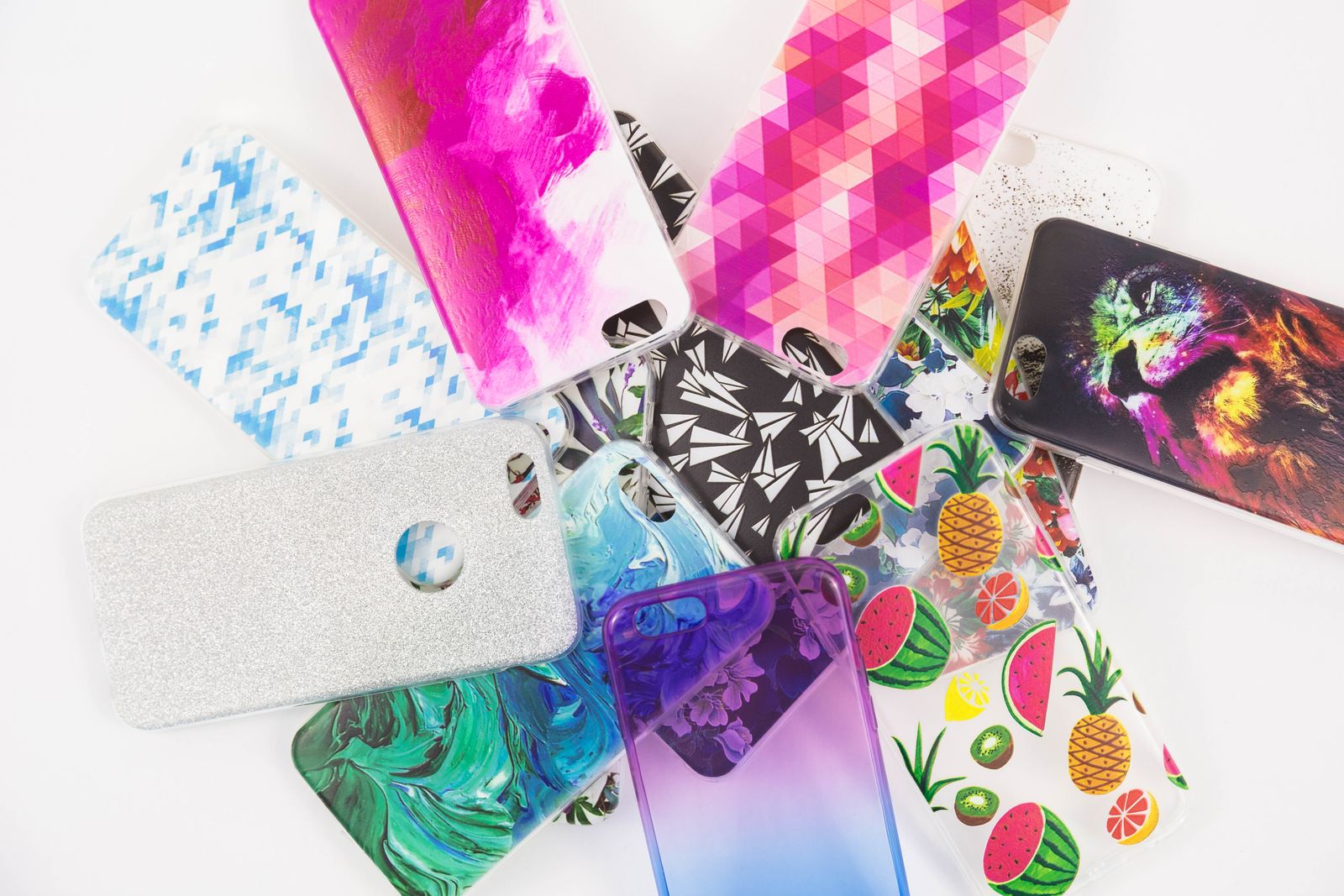
A case is also the easiest way to make a phone your own, and there is no reason a protective case cannot look good. Style cases are usually built on one of the everyday or protective designs above, so check what the case is underneath before you choose by looks alone.
- Glitter cases use loose glitter sealed in liquid, glitter set into the plastic, or a sparkling finish. Cases with liquid inside are sealed, but a hard knock on a sharp edge can split one, so they suit careful owners better than building sites.
- Cute cases have faces, ears, shapes and soft colours, and are popular with children and anyone who likes something cheerful. Raised shapes can make the case thicker, so check it still fits the pocket or bag you use.
- Printed and patterned cases carry designs, pictures and words printed onto the back, from florals to marble to plain bold colour blocks.
- Luxury cases use metal trims, plated finishes, textured leathers and stones to give a phone an expensive look. Metal parts can get in the way of wireless charging, so check the product page if you charge that way.
If you like to change your look often, a plain case with a phone charm or a strap is another route. Charms can be swapped in seconds and do not affect the case's fit or protection.
Fit, buttons, ports and the camera
This is where a good case and a disappointing one part company. When you look at a case, check these points on its pictures and description.
The fit
A case should hold the phone firmly without gaps at the corners, and the phone should not rattle or slide inside it. Soft cases stretch on; hard cases click on, often starting at one corner. A very tight hard case can be difficult to take off, which matters if you swap cases or need to remove it to fit a screen protector.
Thickness and weight
Every case adds some thickness and weight. A slim case adds barely anything; a tough case can add enough that the phone no longer slides into a jeans pocket or a phone holder. If you use a car holder, a bike mount, a running armband or a charging stand, check that the holder will still take the phone once the case is on. Clamp holders have a maximum width, and magnetic holders need a magnetic case to grip. The product page for a case usually gives its outside measurements or says how much it adds.
Buttons
There are two kinds of button design. Covered buttons have raised pads over the phone's buttons, which keep dust out but need to press cleanly. Cut-out buttons leave the phone's own buttons bare. Some newer phones have extra controls, such as the Action button or the Camera Control on the side of recent iPhones. A case made for your model will have a cut-out or a working cover in the right place for them; a case made for another model will not.
Ports
The opening round the charging port needs to be wide enough for your cable's plug. Thick tough cases sometimes have narrow openings that only fit slim plugs, which is annoying if you have a car charger or a cable with a chunky end. Speaker and microphone holes should line up with the phone's own.
The camera
Look at the camera opening. A raised rim round the lenses keeps them off the table. Camera cover cases have a slide or a flap that covers the lenses completely when you are not using them. A case whose camera opening is too tight, or whose edge sits too close to the lenses, can catch the flash and cause a glow in night photos, so a clean, well-shaped opening matters.
The screen edge
The lip round the screen should stand just proud of the glass so the screen does not touch a surface when the phone lands face down. If you use a screen protector, check that the case and protector work together: some cases press on the edges of full-cover glass and lift it. Choose a case described as screen-protector friendly, or a protector that leaves a small gap at the edge.
Wireless charging
If you charge on a pad or stand, check the case says it works with wireless charging. Most thin and medium cases do. Metal plates, very thick backs, battery cases and wallets full of cards can stop it working.
Questions people ask
Will a case for an iPhone 16 fit an iPhone 16 Pro?
No. They are different sizes, with cameras and buttons in different places. Always buy the case for your exact model, and check the name in your phone's settings if you are not sure.
Can I charge wirelessly with a case on?
Usually, yes, through most cases made of plastic, silicone or leather. Thick, metal and battery cases can stop or slow charging, and cards in the back of a wallet case should not sit between the phone and a magnetic charger.
Do I need a magnetic case if my iPhone has MagSafe?
If you use magnetic chargers, wallets or holders, yes. A case without magnets weakens the hold. A magnetic case keeps it strong.
Is a tough case worth it?
If you drop your phone often, work outdoors, or the phone is used by a child, yes. If your phone mostly lives on a desk and in a bag, a slimmer case will protect it from everyday knocks and be nicer to carry.
How do I stop a clear case going yellow?
You cannot stop it entirely, but you can slow it. Choose an anti-yellowing case, keep the phone out of strong sun and hot cars, and clean the case gently. The materials guide explains why it happens.
Should I take my case off to clean it?
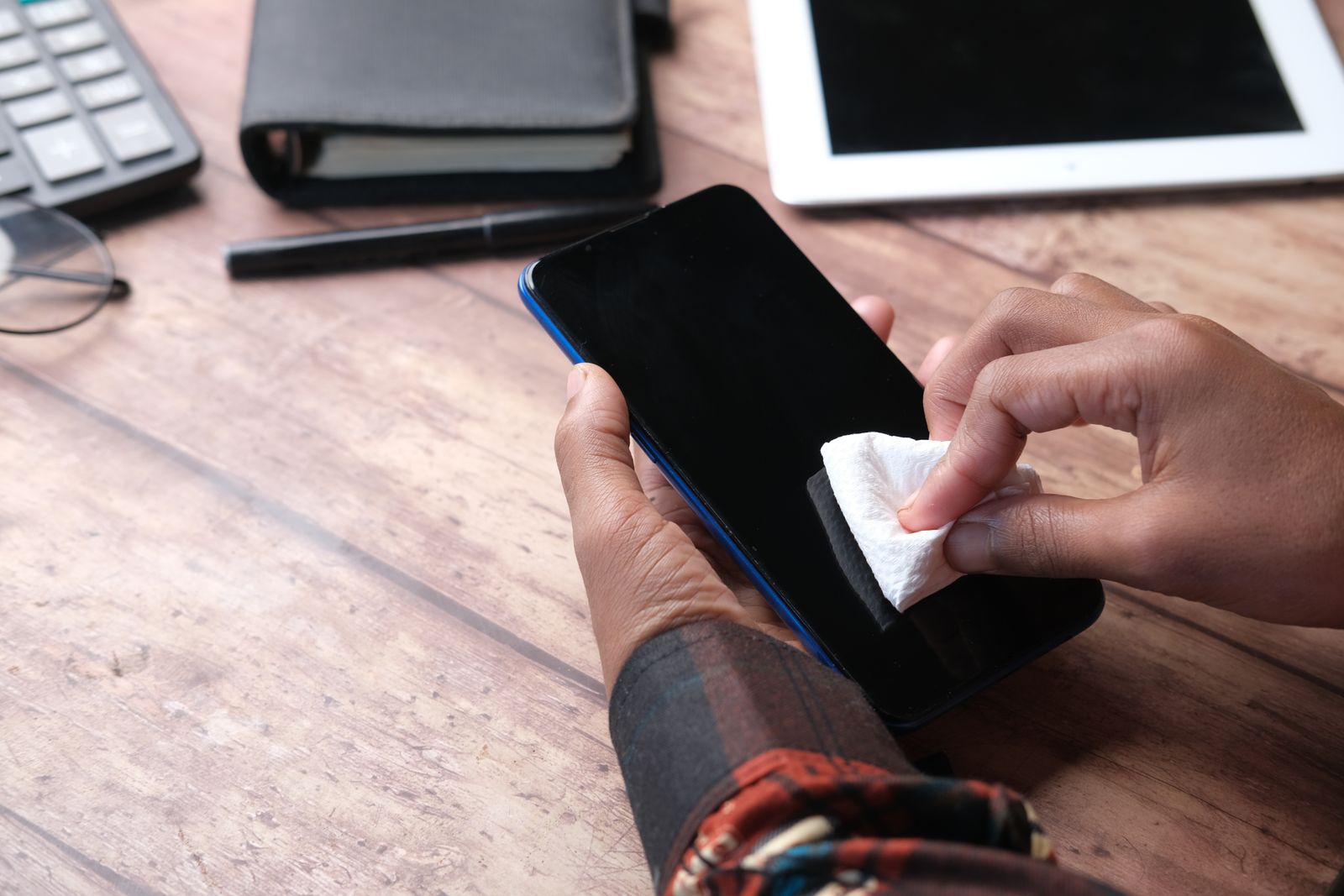
Yes. Take the phone out, wipe the case inside and out, and let it dry before you put the phone back. Grit trapped inside a case can scratch the phone over time.
Where to go next
All the cases are in clear, silicone and soft, tough and shockproof, magnetic and wallet and flip cases, with the style ranges beside them. For the other parts of the choice:
- Phone case materials explained: silicone, TPU, polycarbonate and leather, and how to care for each
- Screen protectors explained: glass, privacy, anti-glare and film
- Waterproof cases and IP ratings: what the numbers mean
- Phone wallets and card holders: carrying cards with your phone