Skip to the content

Delivery included in every priceTracked to your doorFind what fits your phone

Port and Earbud Brushes

Small brushes and picks for charging ports, speakers and earbuds.

Shop Port and Earbud Brushes

12 products

1 of 32 of 33 of 3

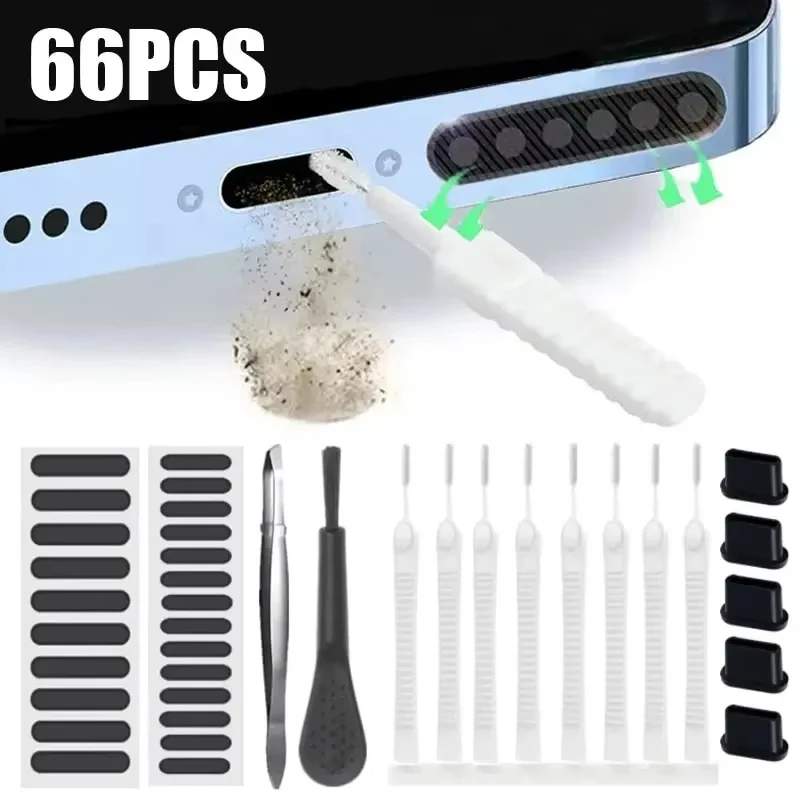
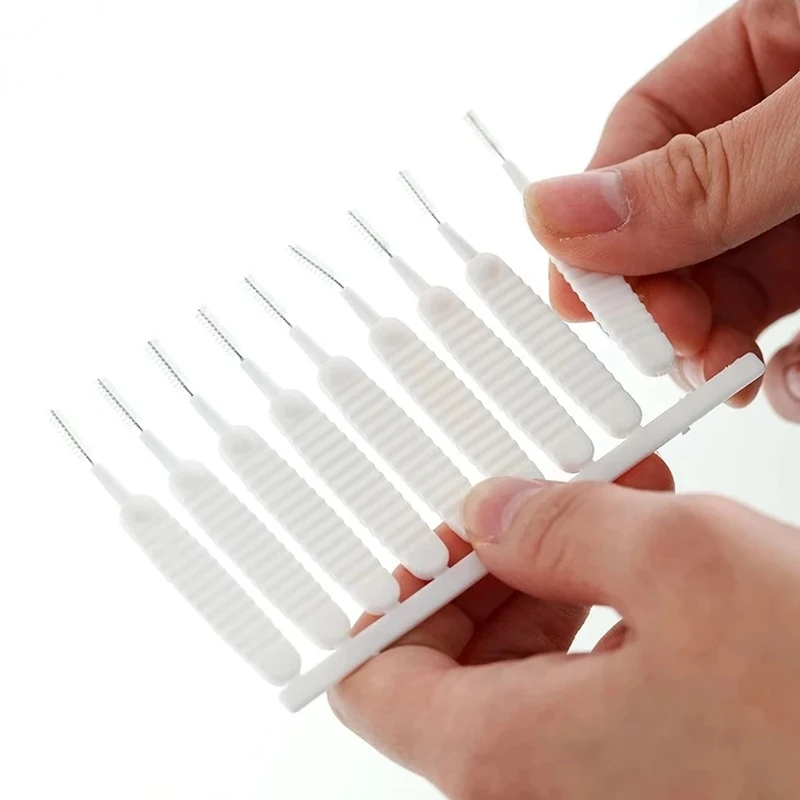
66pcs Phone Charging Port & Earphone Cleaning Kit with Speaker Dust Mesh

66-piece cleaning kit with brushes and dust mesh stickers for phone charging ports, earphone jacks and speakers.

From £8.99
1 of 32 of 33 of 3

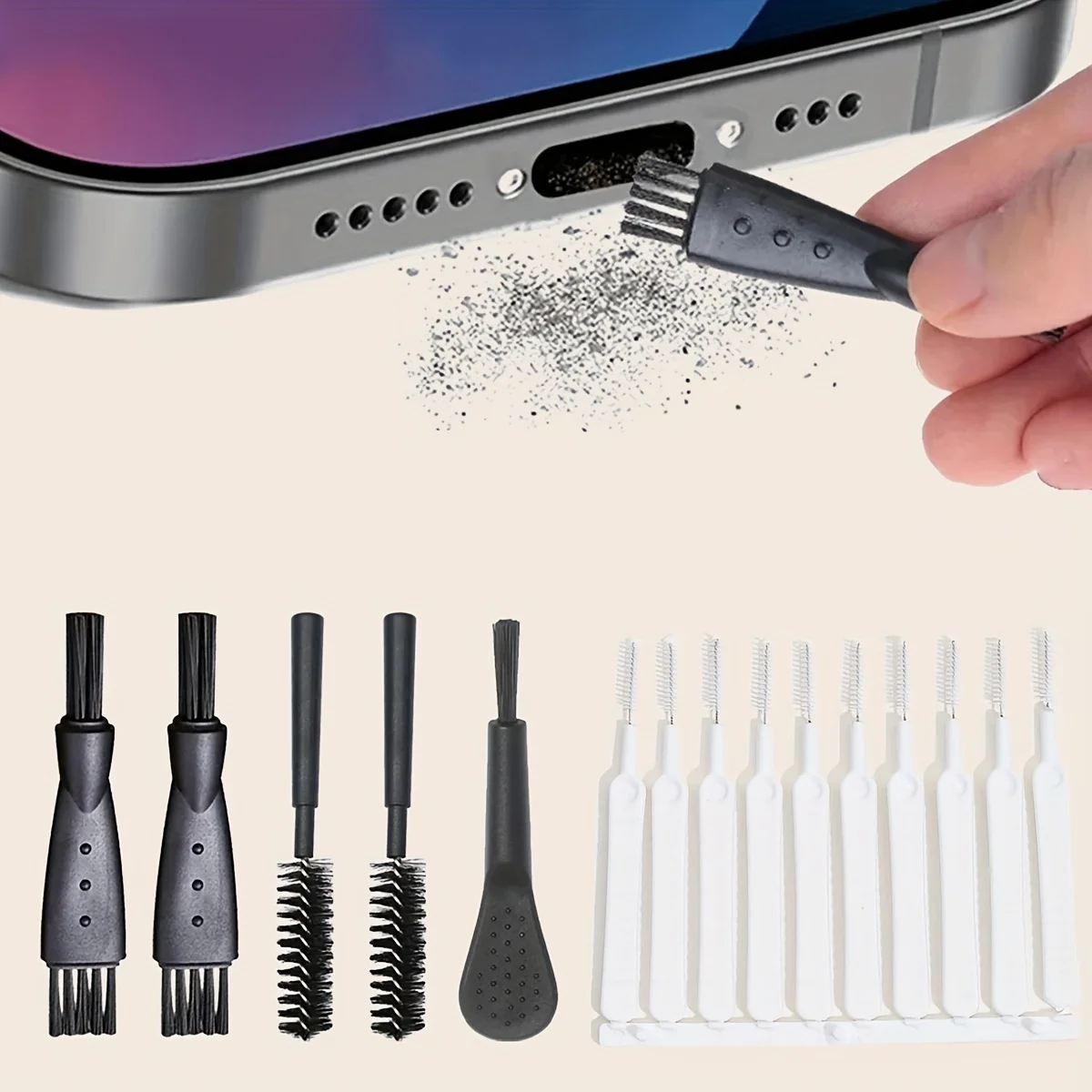
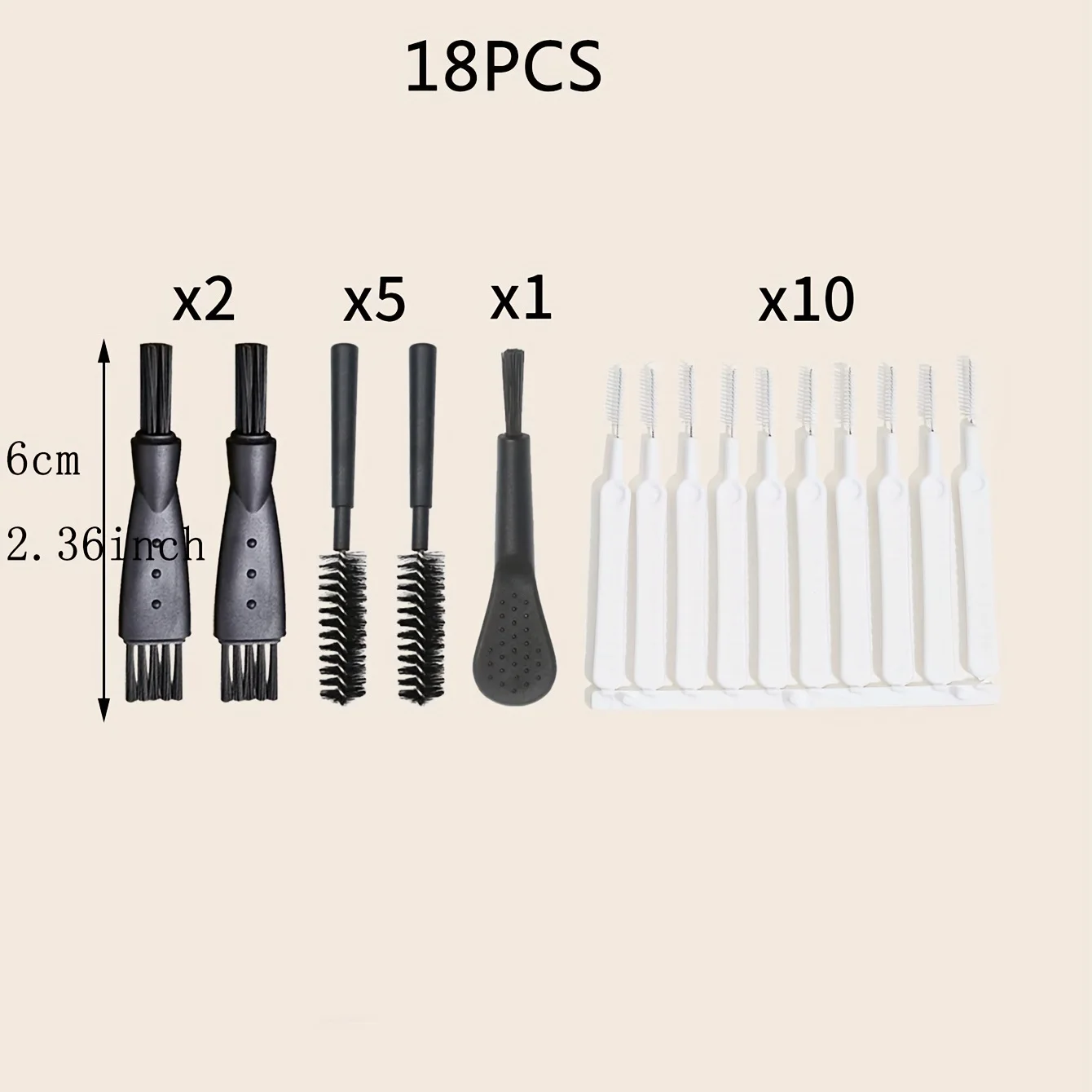
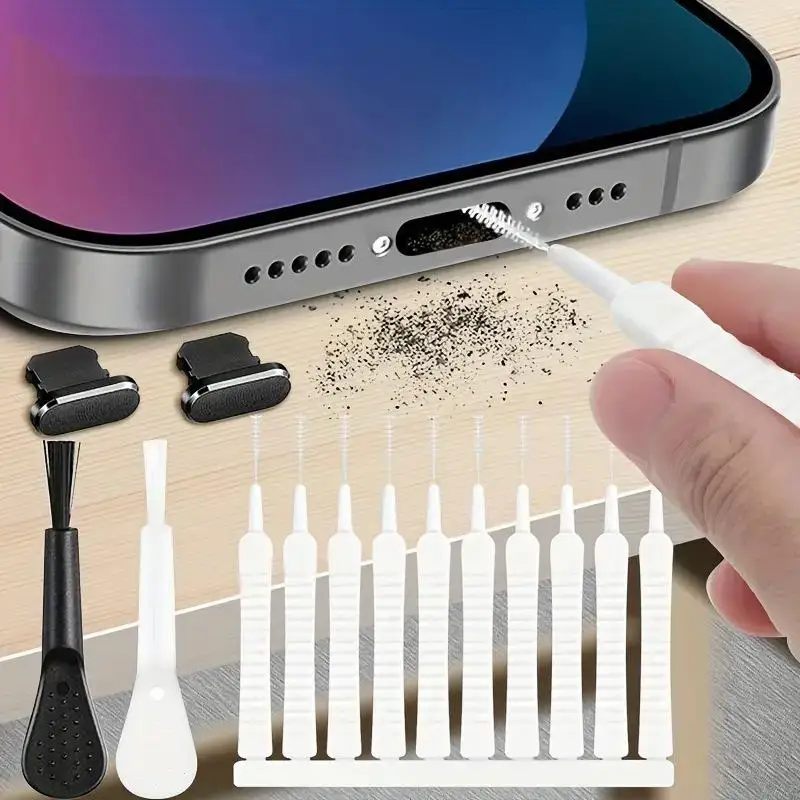
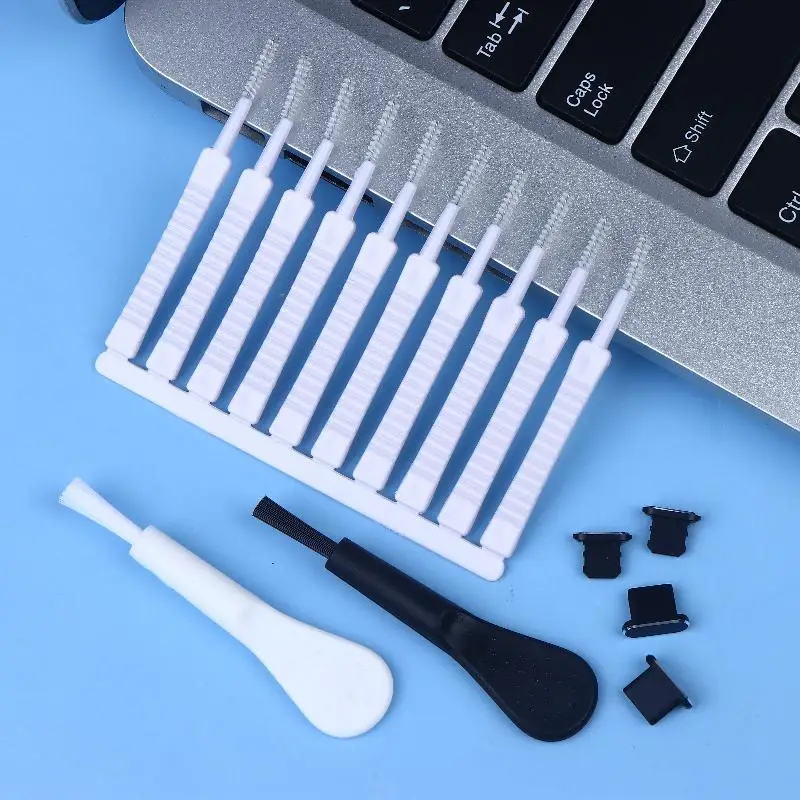
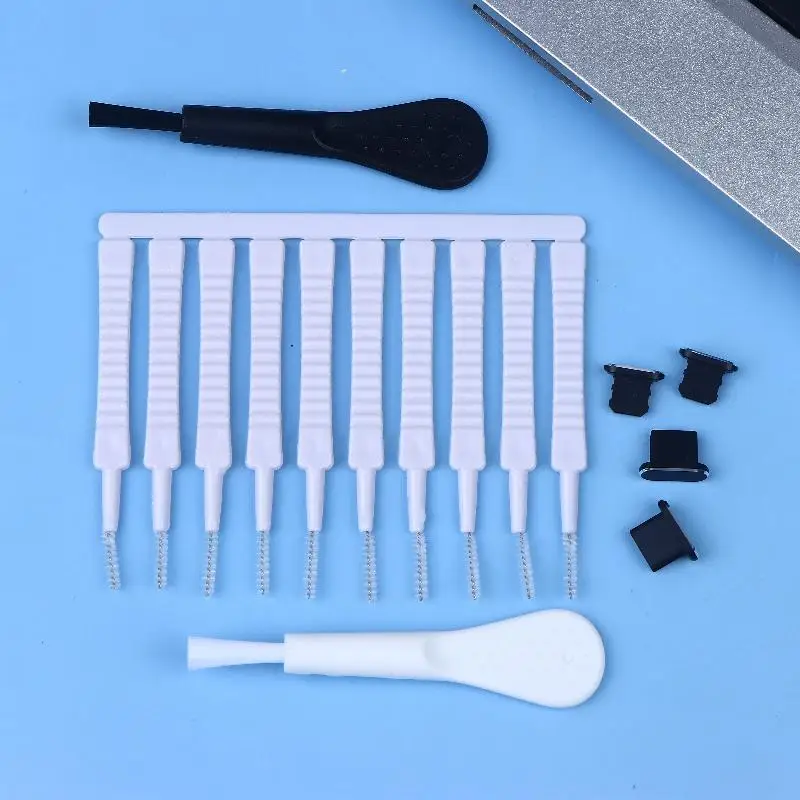
18PCS Phone Charging Port Cleaning Brush Set, Universal Dust Removal Tool

Set of 18 universal cleaning brushes for clearing dust and lint from mobile phone charging ports and small gaps.

£9.99
1 of 32 of 33 of 3

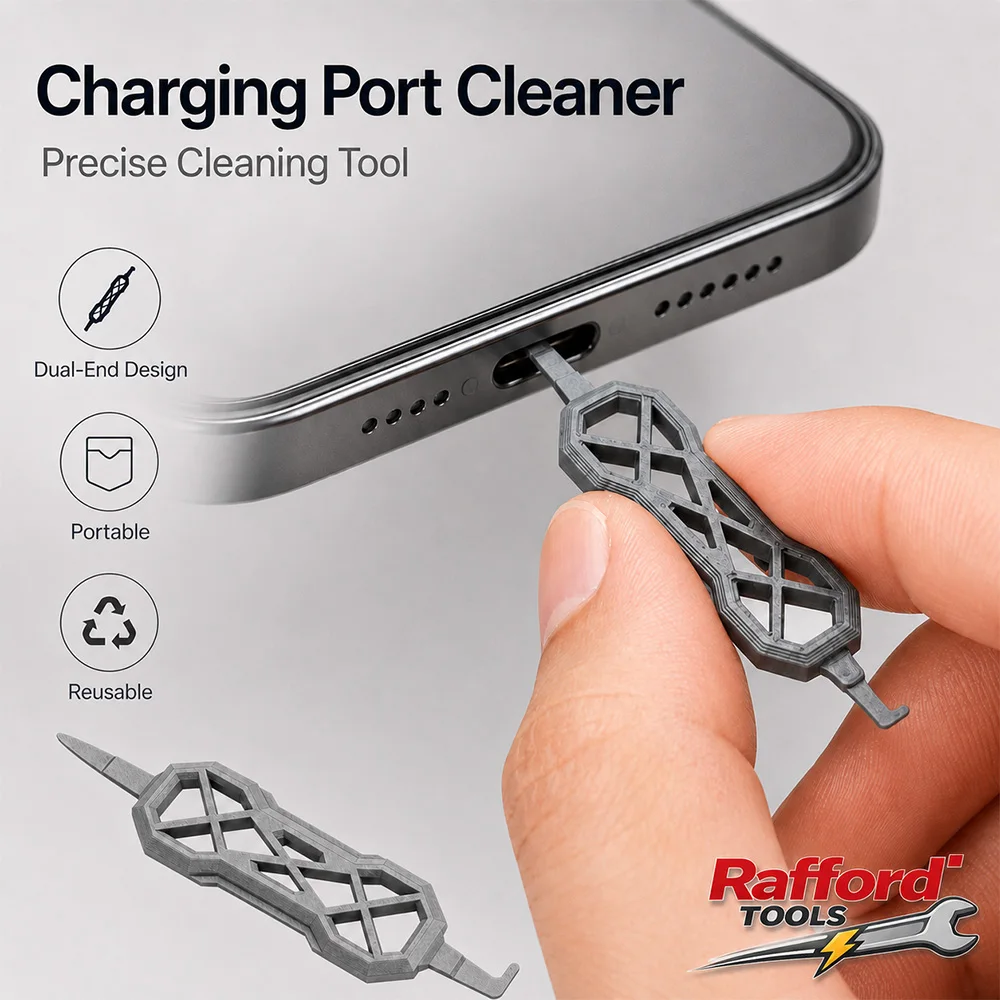
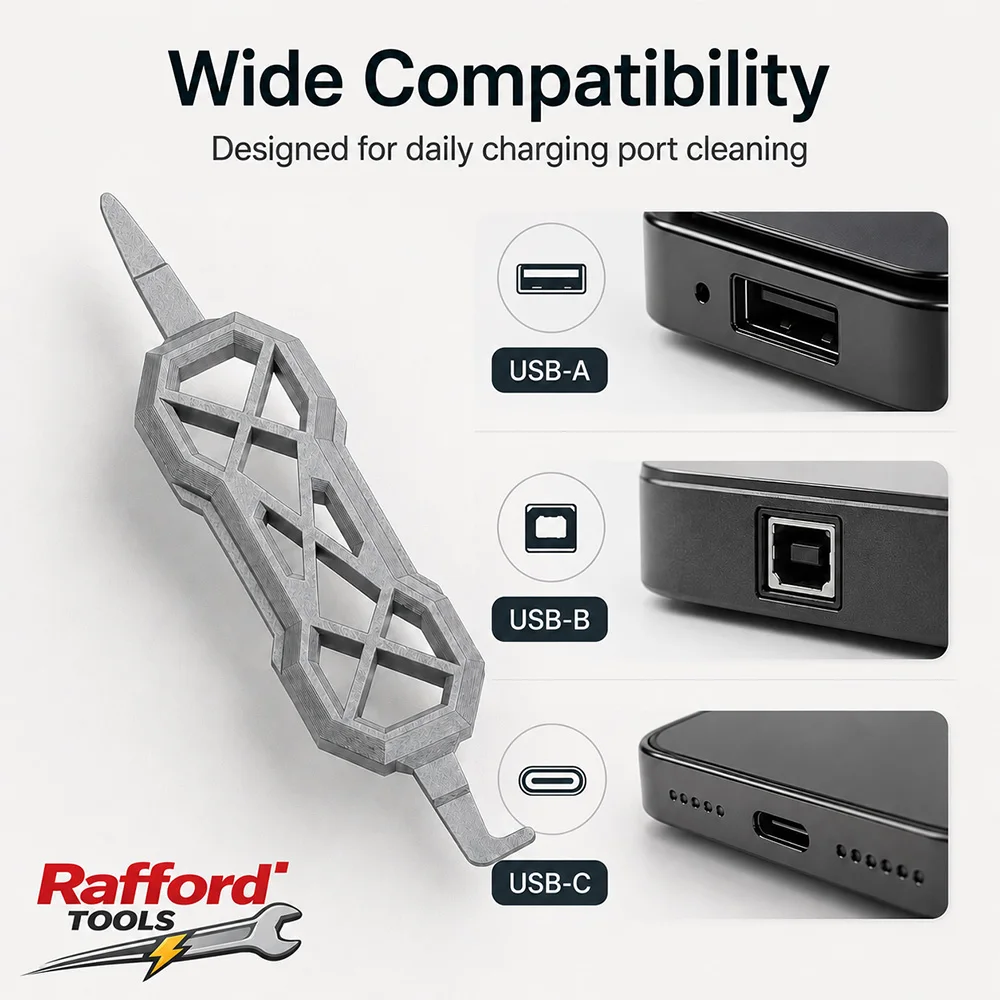
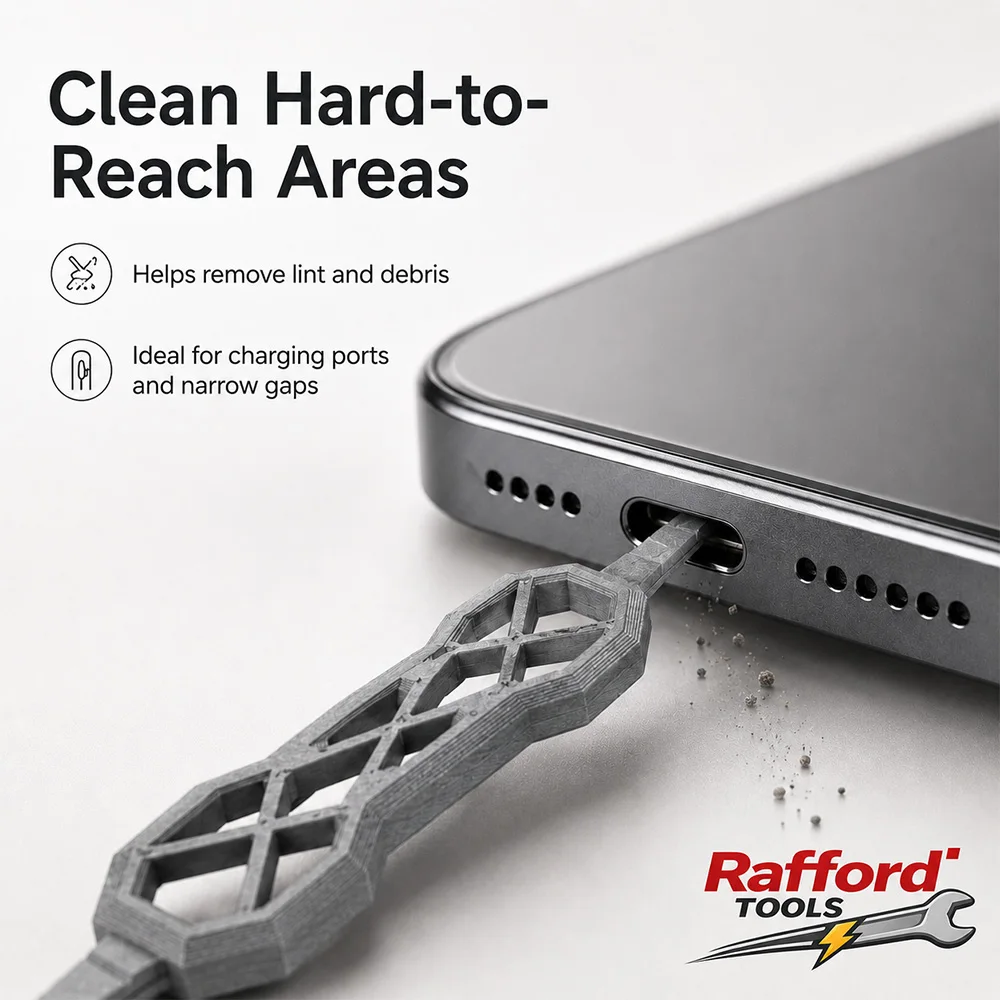
2pcs Charging Port Cleaner, Dual-End Dust Remover Tool for USB-C USB-A USB-B

Pack of 2 dual-end charging port cleaners for clearing dust and lint from USB-C, USB-A and USB-B ports.

From £6.99
1 of 32 of 33 of 3

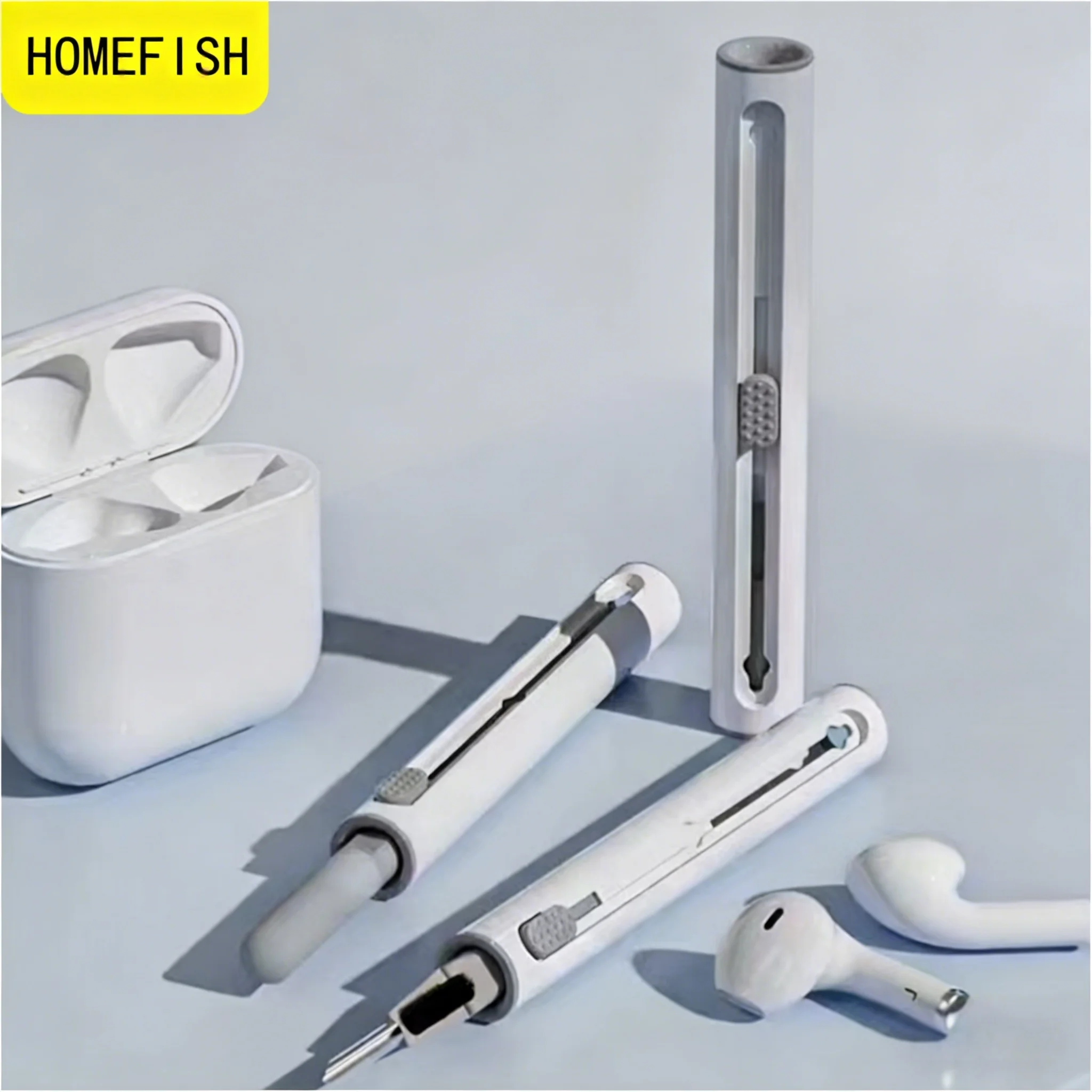
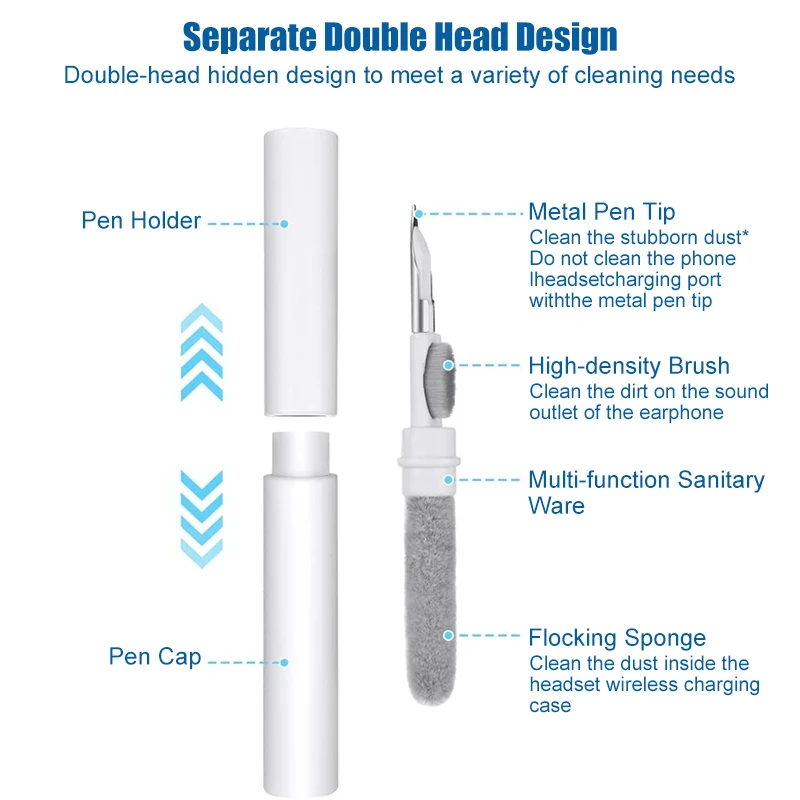
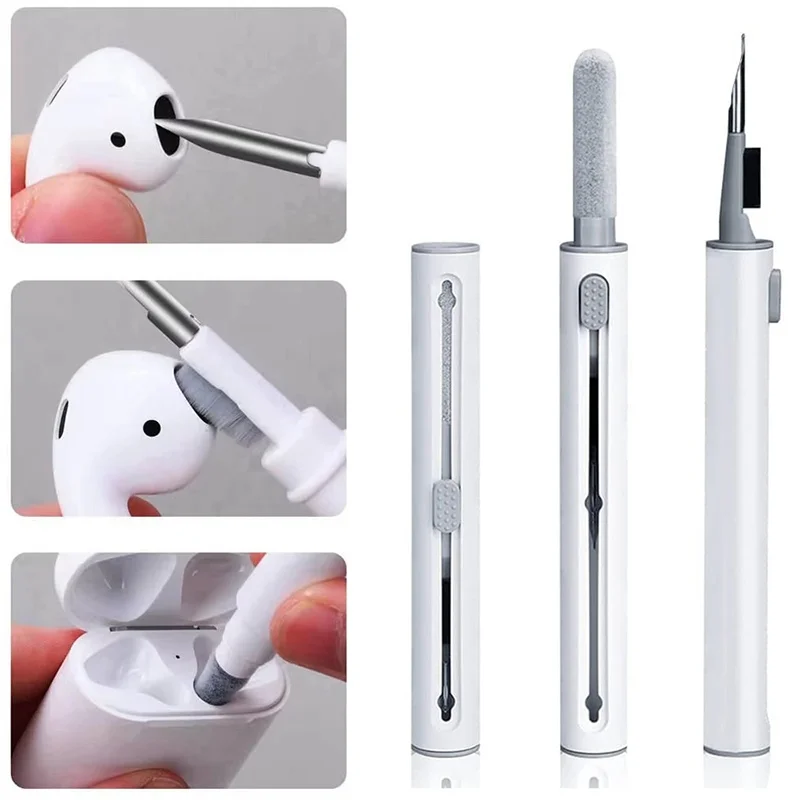
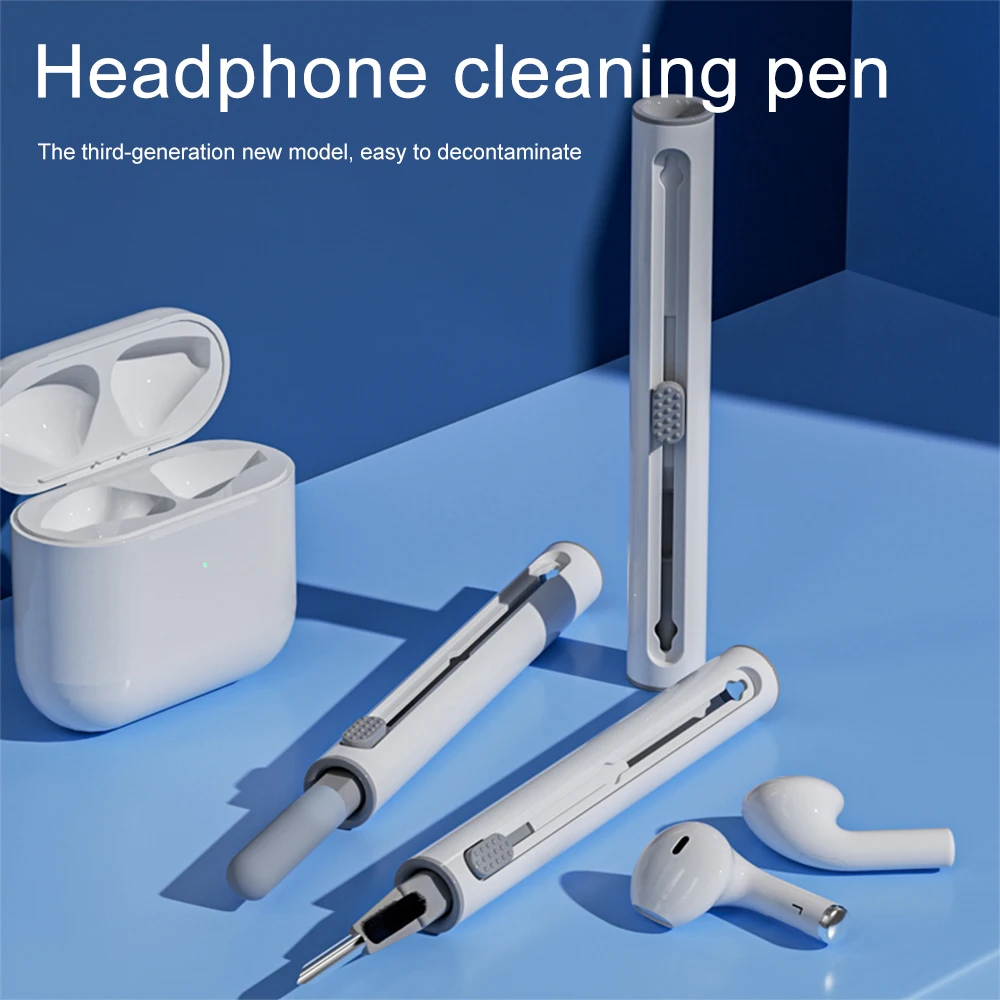
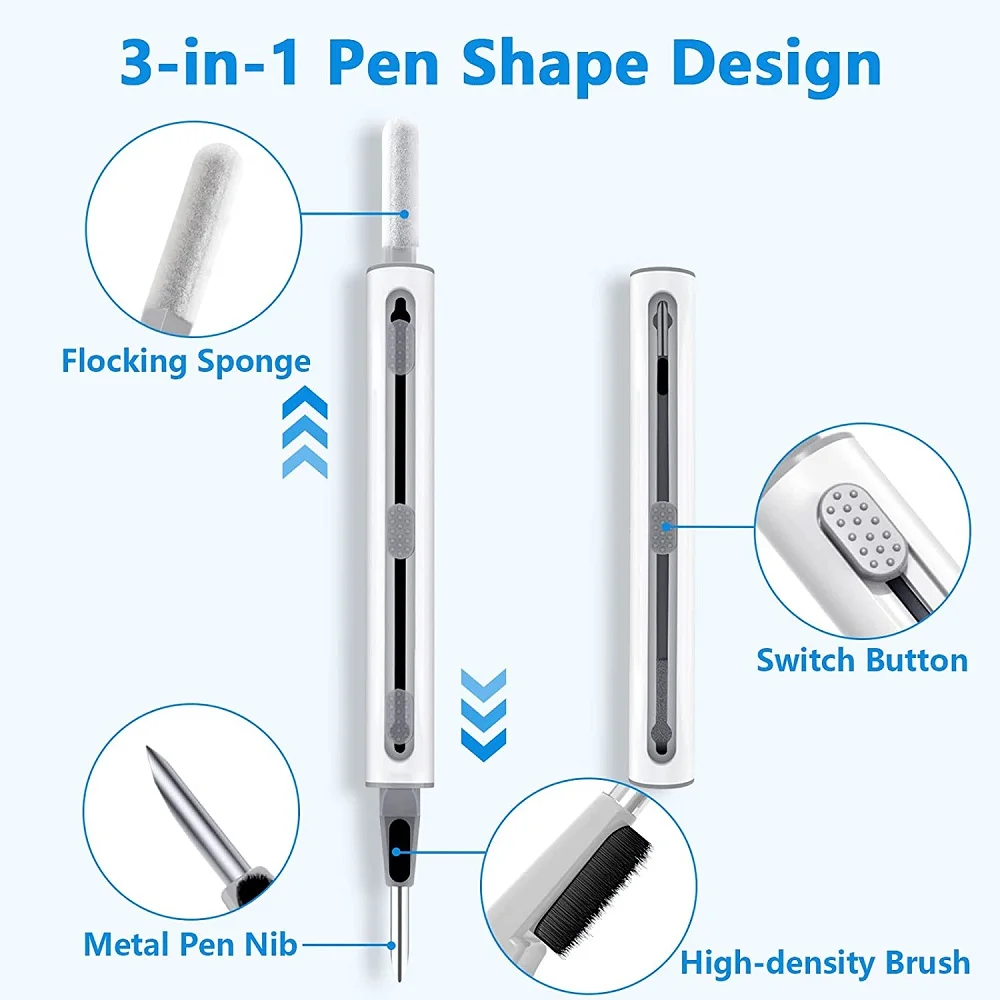
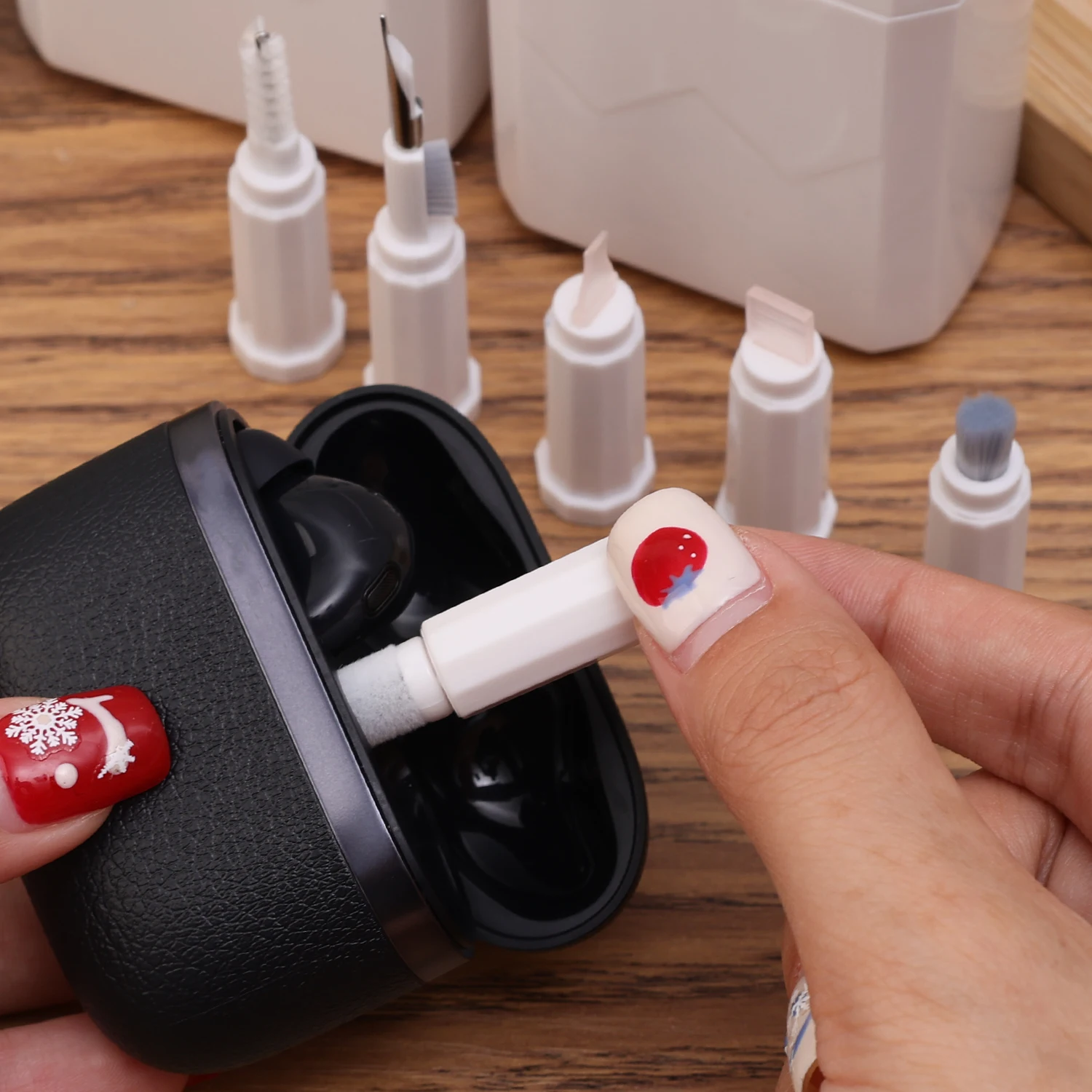
3-in-1 Earbuds Cleaning Pen Kit for AirPods, Galaxy Buds & Xiaomi

A 3-in-1 cleaning pen with brush and metal tip for keeping earbuds and cases free from dust and earwax.

£9.99
1 of 32 of 33 of 3

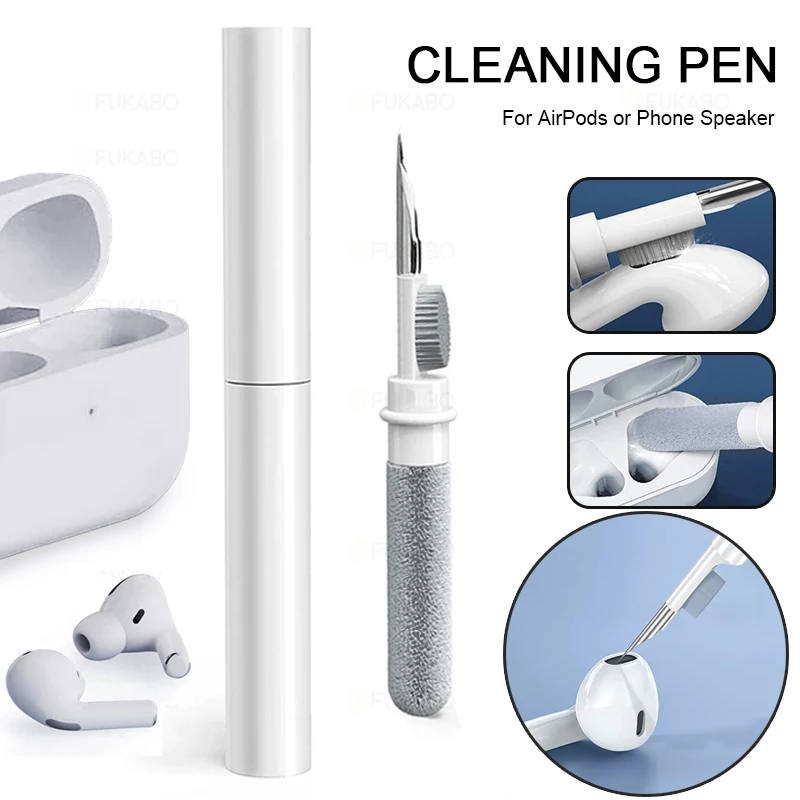
3-in-1 Earphone Cleaning Brush Pen for Wireless Earbuds Case

A pen-shaped 3-in-1 brush for cleaning wireless earbuds, charging cases and other small devices.

£8.99
1 of 32 of 33 of 3

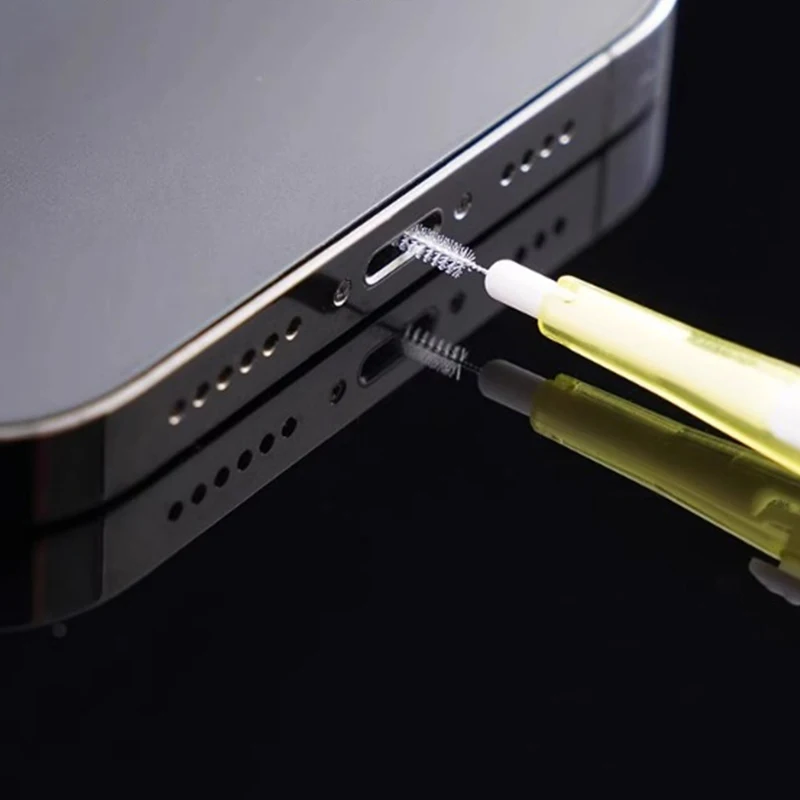
USB-C Charging Port Cleaning Brush - Dual-Head Dust Removal Tool

Dual-head cleaning brush for removing dust from phone charging ports and headphone jacks.

From £7.99
1 of 32 of 33 of 3

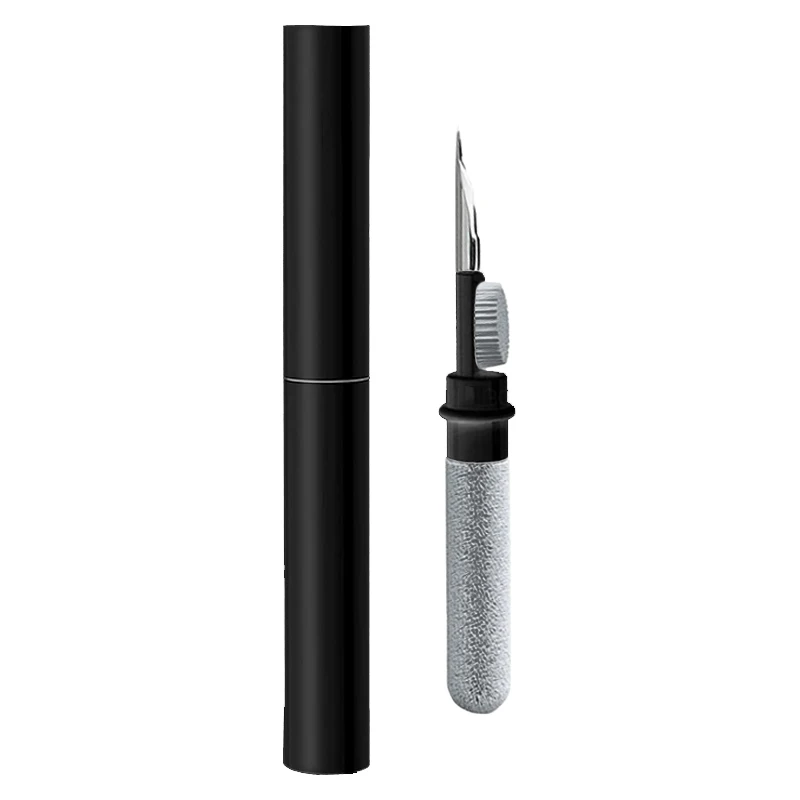
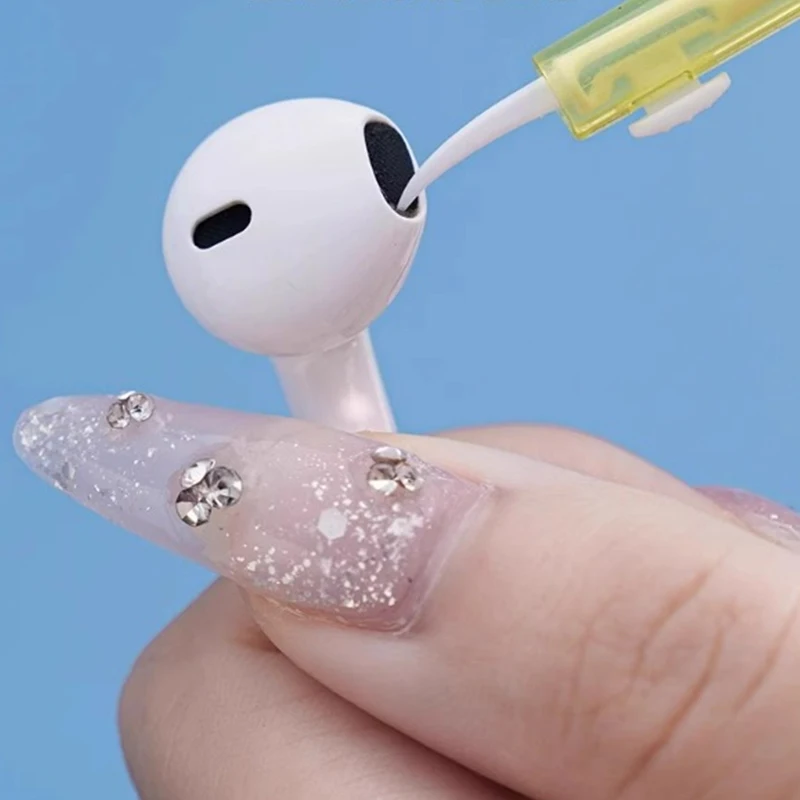
Bluetooth Earphone Cleaning Pen Kit for Airpods Pro Earbuds

Cleaning pen kit for removing dust and debris from Bluetooth earbuds and charging cases, compatible with Airpods Pro, Xiaomi and Huawei.

£7.99
1 of 32 of 33 of 3

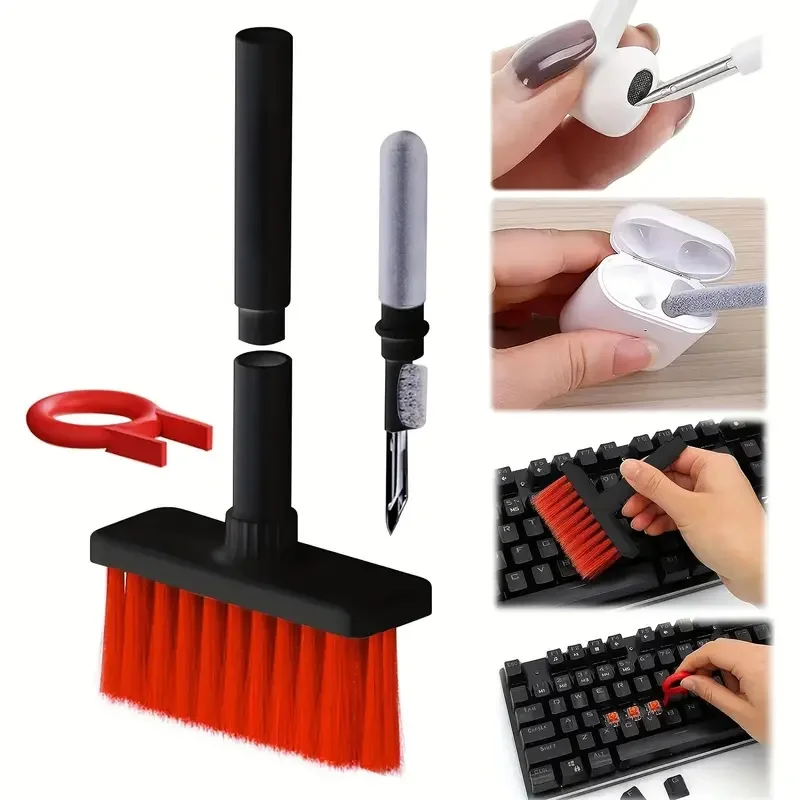
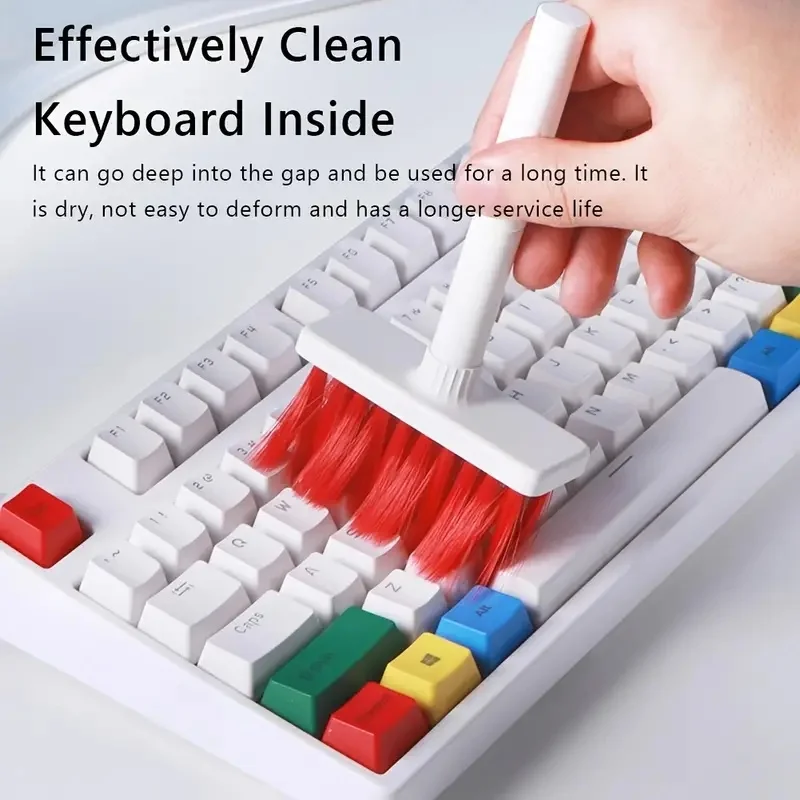
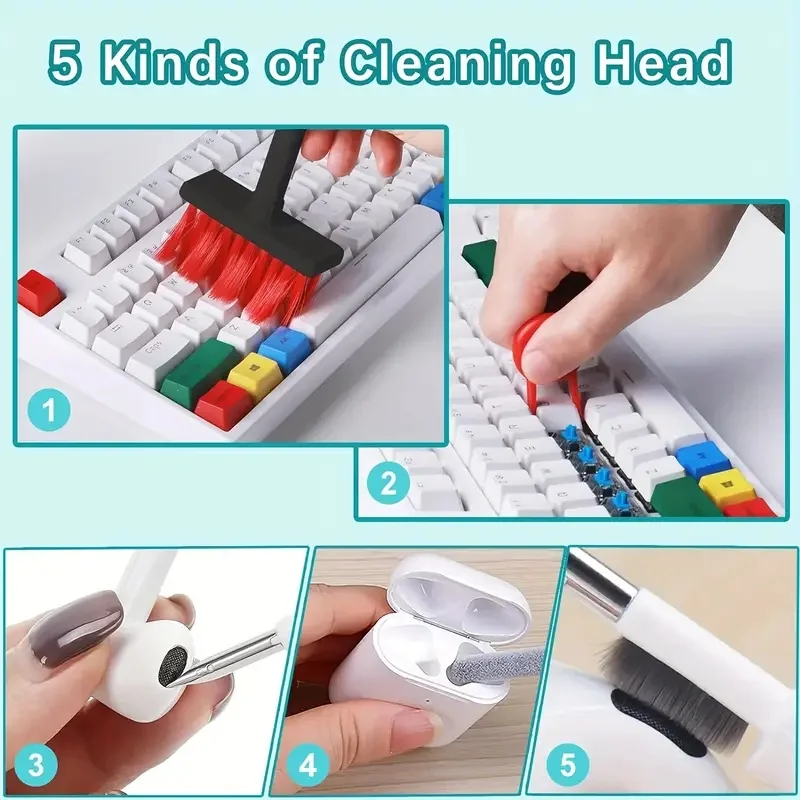
5 in 1 Keyboard Cleaning Brush Kit with Keycap Puller and Earbuds Cleaner

A 5 in 1 brush kit with keycap puller for cleaning keyboards, earbuds and earphone cases.

Only 2 left

£11.99
1 of 32 of 33 of 3

Type C Phone Dust Plug with Cleaning Brush Set, Charging Port Protector

A Type C dust plug and cleaning brush set that protects and cleans your phone's charging port.

From £7.99
1 of 32 of 33 of 3

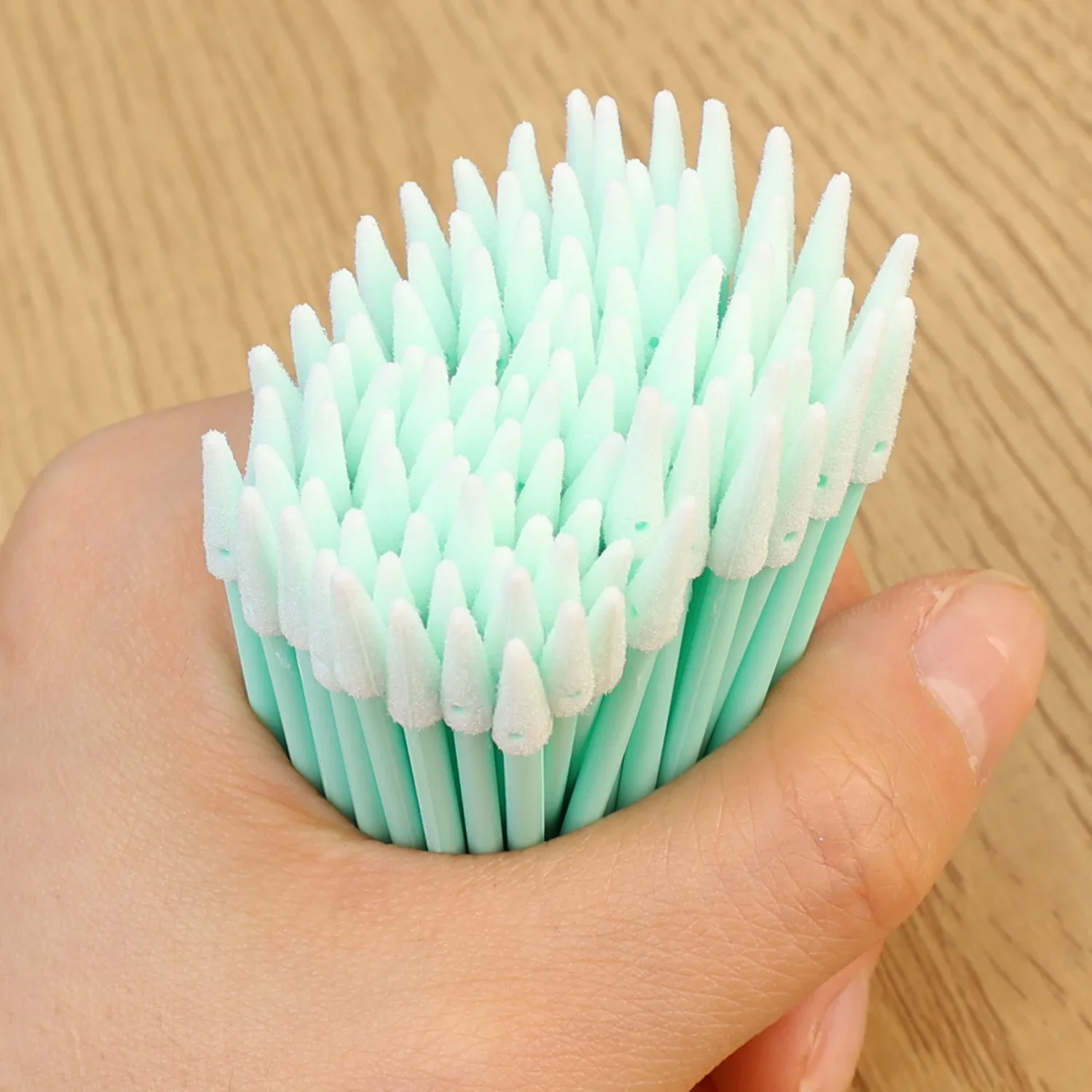
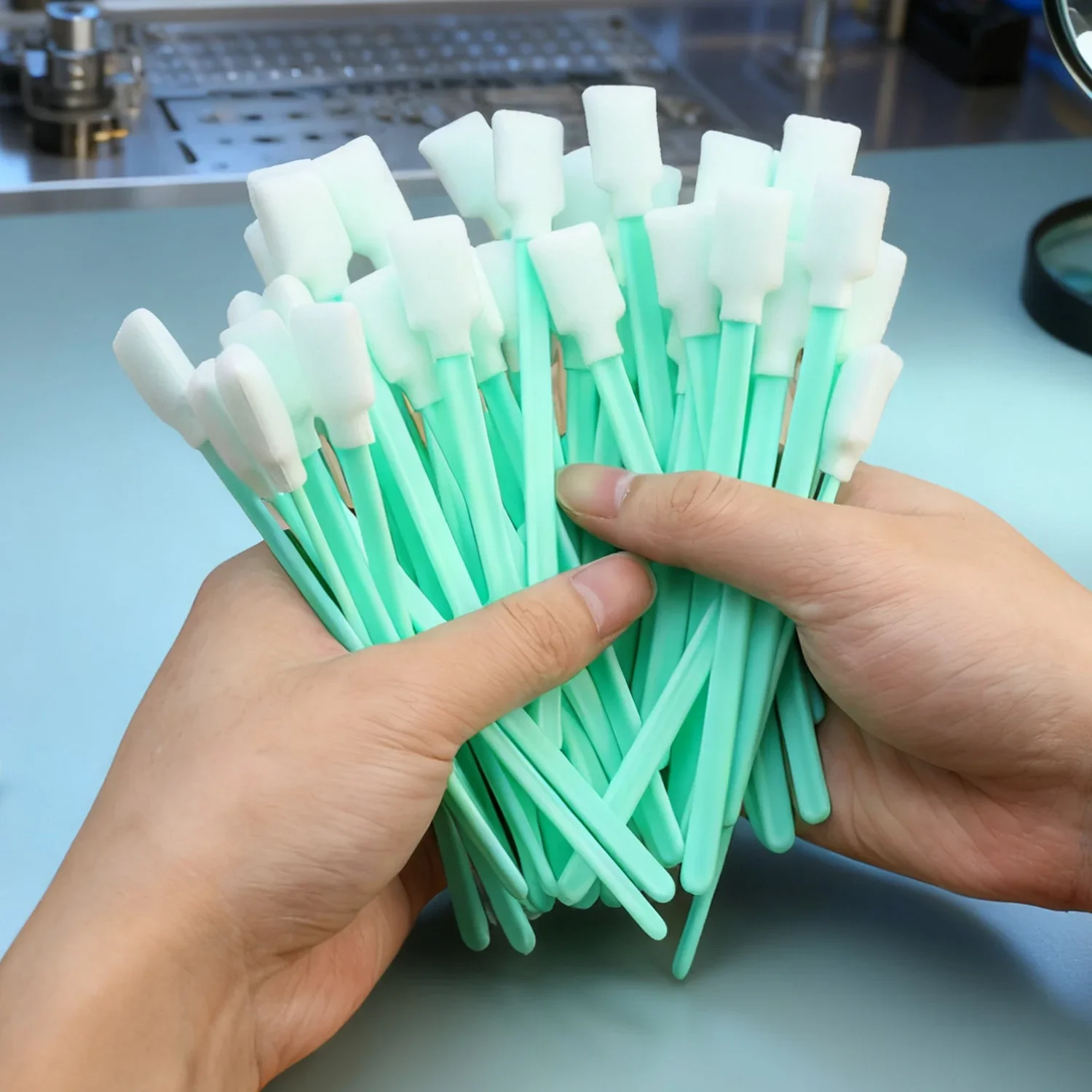
Dust-Free Sponge Cleaning Swabs for Cameras, Phones, Earphones & Printers

Dust-free sponge swabs for safely cleaning camera lenses, phone ports, earphones and printers.

From £12.99
1 of 32 of 33 of 3

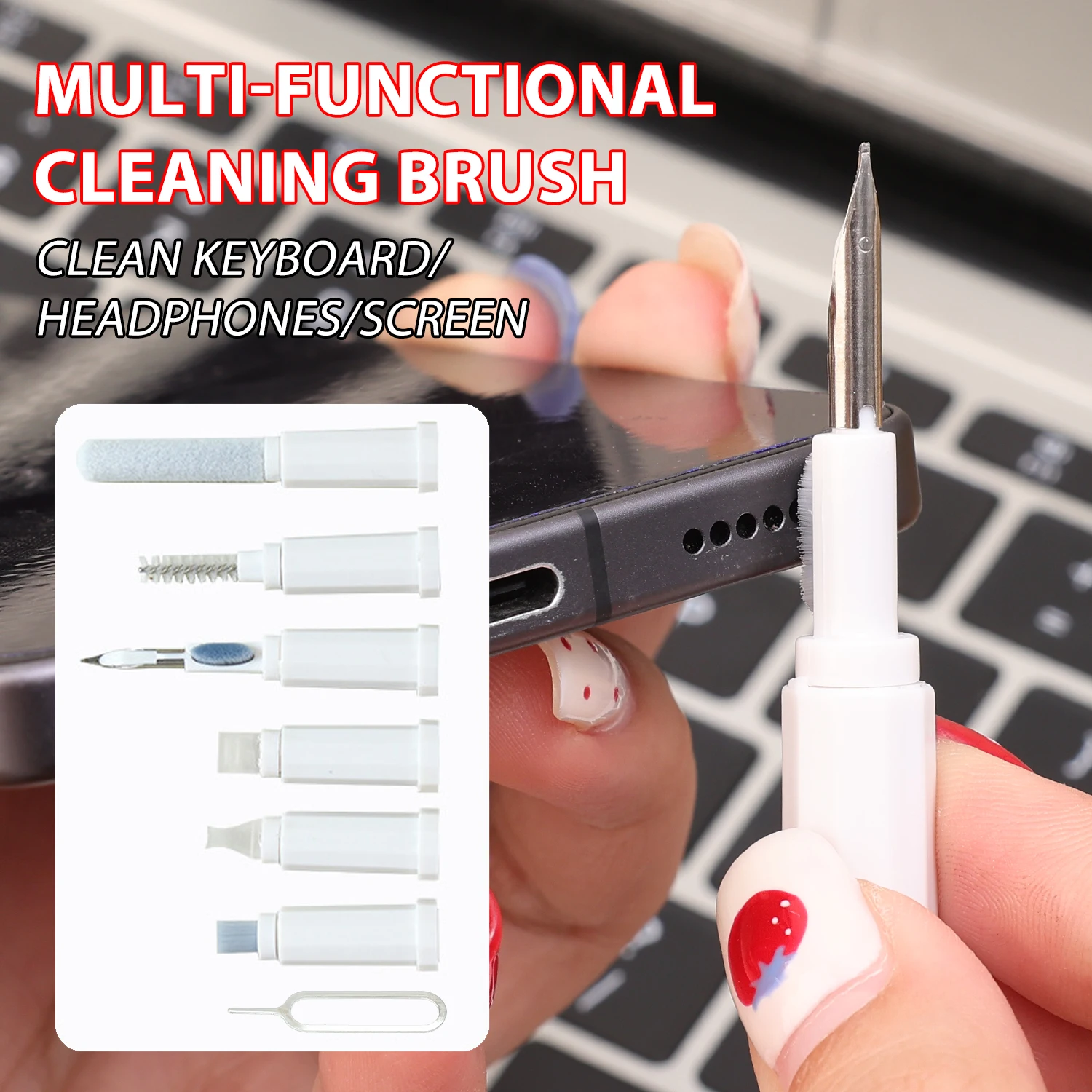
7-in-1 Bluetooth Headset Cleaning Brush Multi-Purpose Dust Cleaning Kit

A compact 7-in-1 cleaning kit for removing dust and dirt from earbuds, headsets, phones and laptops.

Only 4 left

£10.99
1 of 32 of 33 of 3

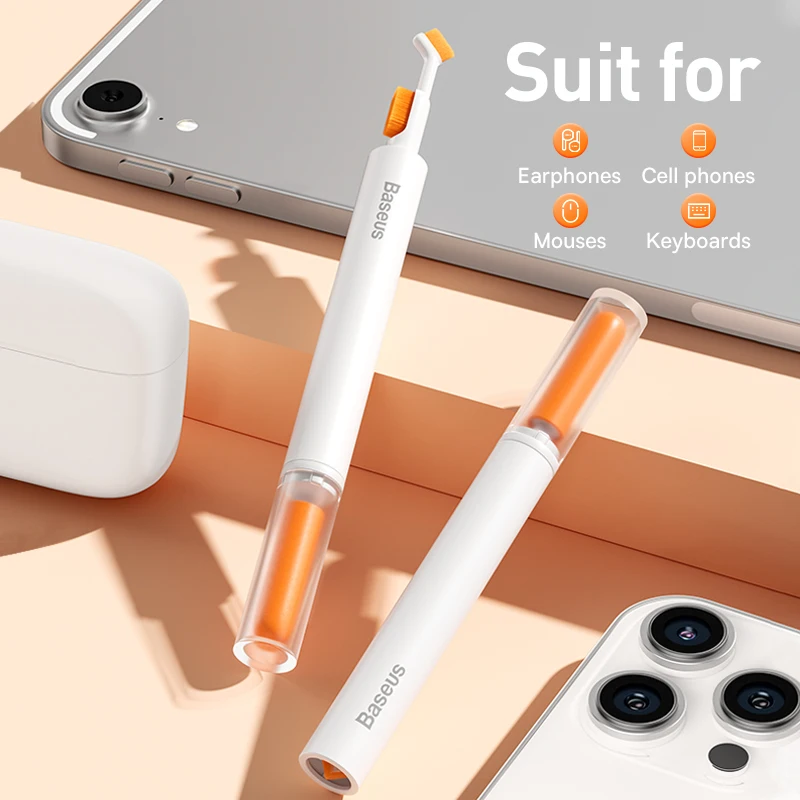
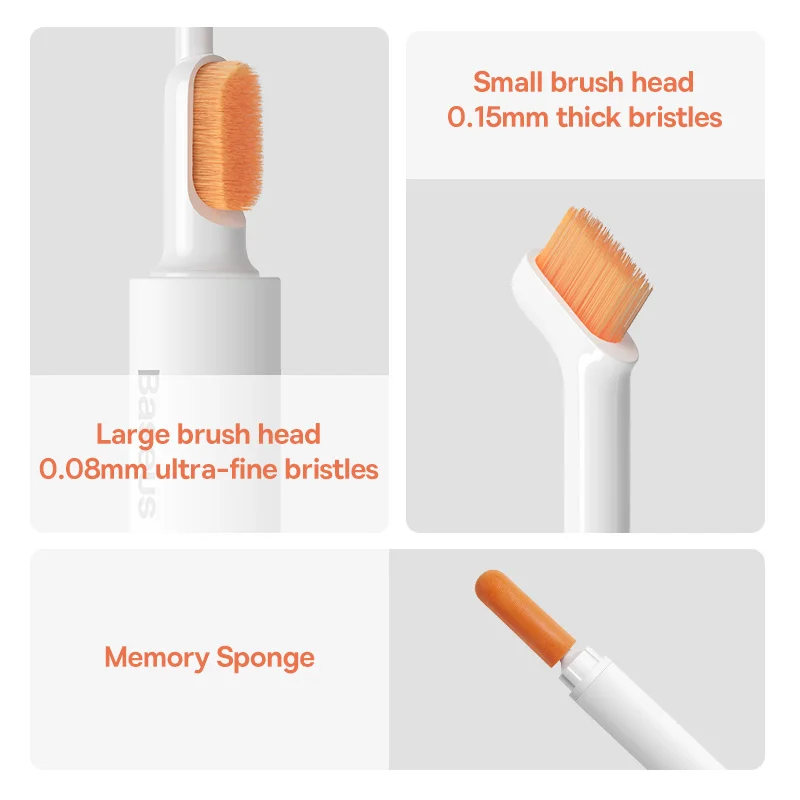
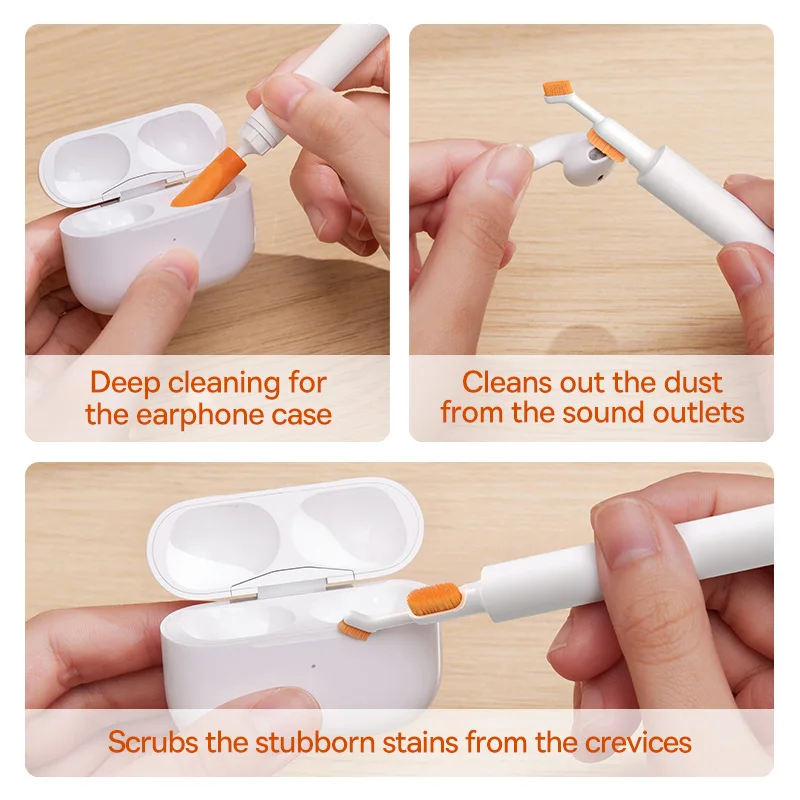
Baseus Multifunctional Cleaning Brush Kit for Earphones & Devices

A dual-head cleaning brush with nylon bristles and a memory sponge for cleaning earphones, cases and other devices.

£10.99

Small brushes for small gaps

Pocket fluff and dust find their way into every gap on a phone: the charging port, the speaker and microphone grilles, and the edges of a case. Earbuds collect wax on the mesh that sits in the ear, and their charging case collects grit in the cups where the buds sit. A small, soft brush lifts it out without liquid, which is exactly what the phone makers ask for. Fluff packed into a charging port is a common reason a cable stops sitting firmly.

The kinds in this range

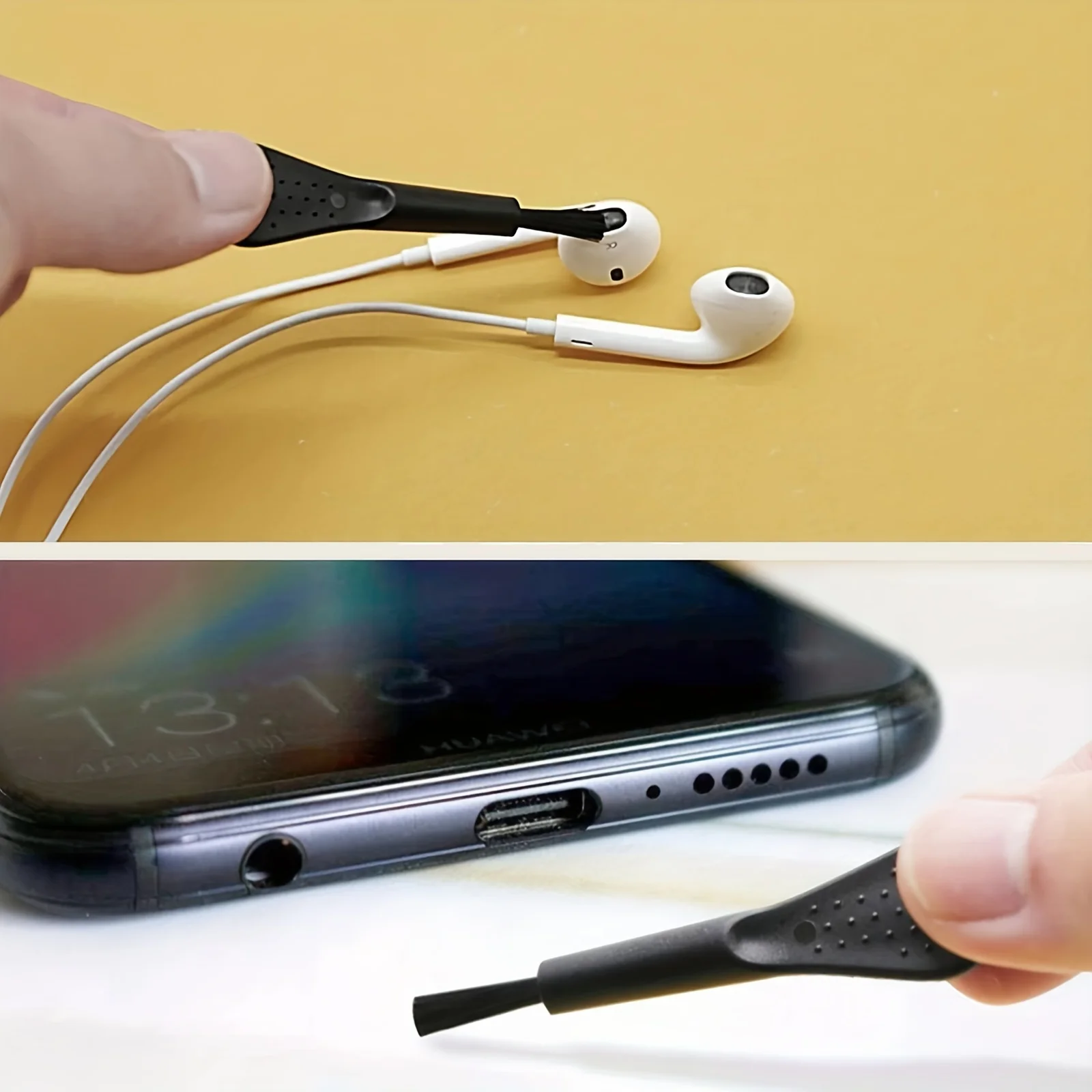
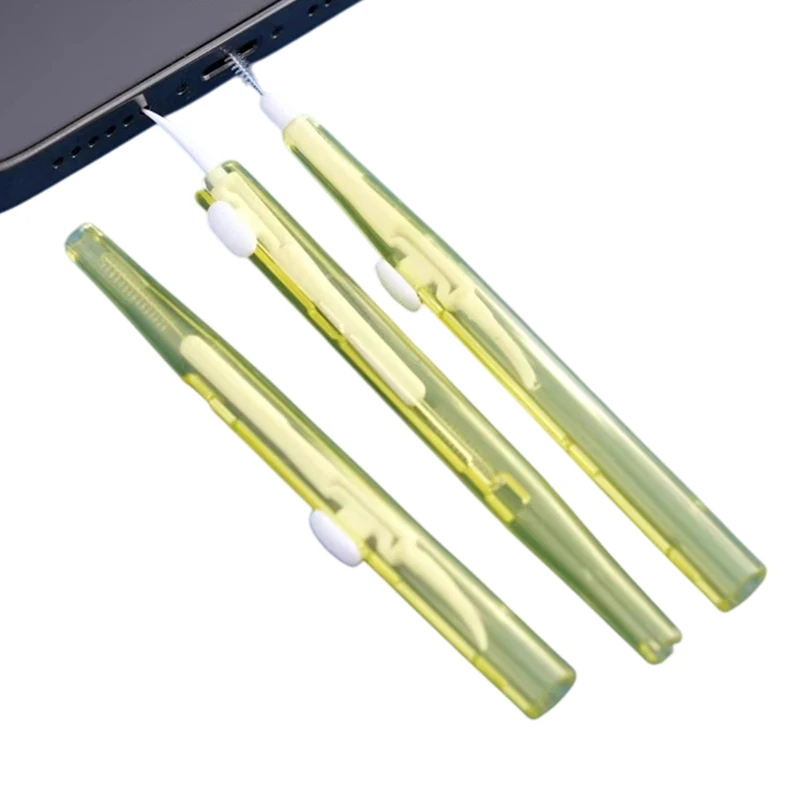
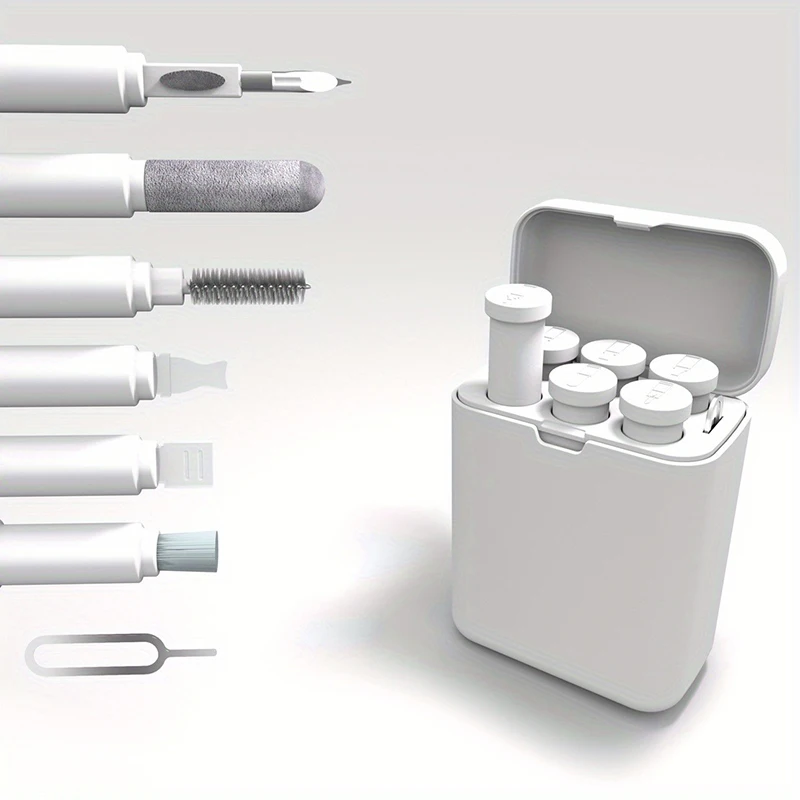
  • Dual-head brushes with a sponge tip. One end has very fine nylon bristles for speaker openings and earbud mesh, the other slightly firmer bristles for tight corners, with a memory sponge that picks up fine dust. The heads retract for the pocket.
  • Compact multi-tool brushes. Several small cleaning tools in one little plastic body, about the size of a matchbox, for earbuds, headsets, phones and laptops.

For a larger set with a cloth, spray and keyboard tools, see phone cleaning kits.

How to use a brush safely

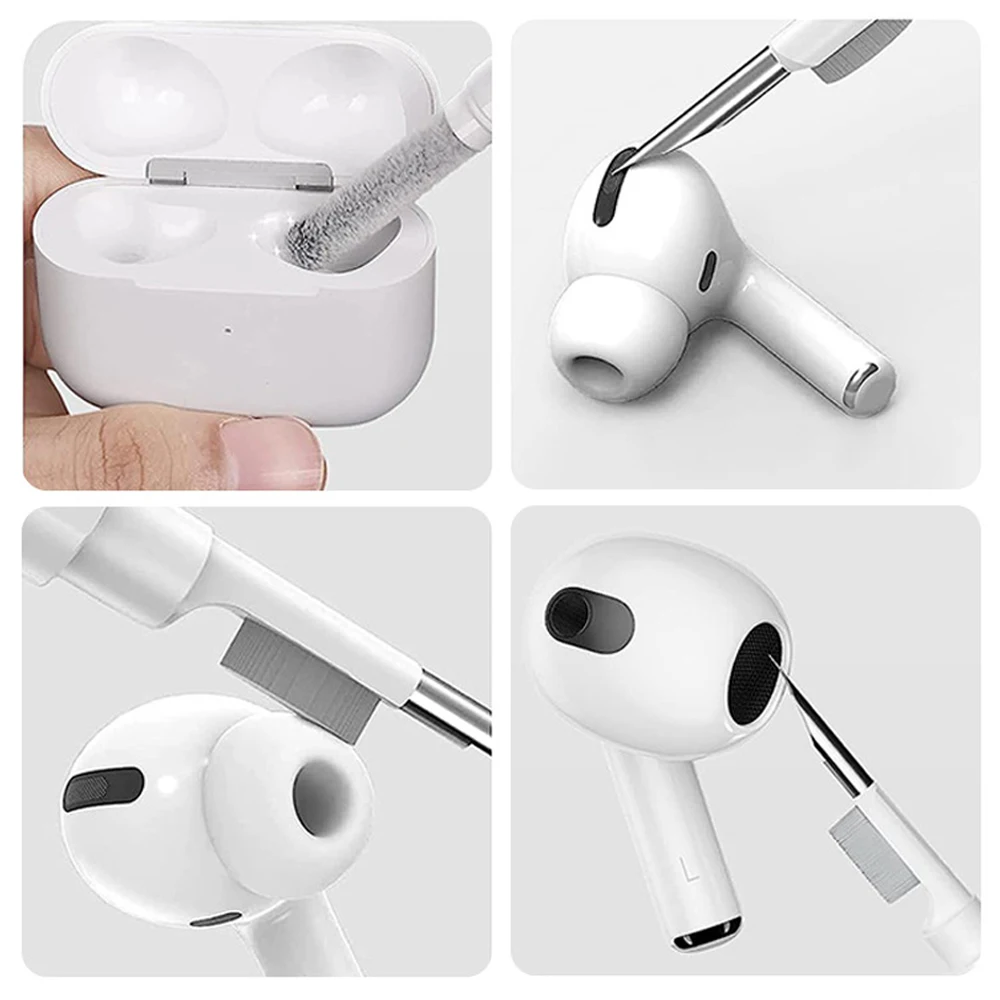
Apple and Samsung both say to turn the phone off and unplug it first, to keep liquid out of the openings, and not to use compressed air. Apple's advice for the ports on its earbud cases is a clean, dry, soft-bristled brush, with nothing put in a port that could damage the metal contacts.

  1. Look into the port with a torch. Fluff usually sits packed flat against the back.
  2. Hold the phone with the port facing down, and brush gently at the opening so loose fluff falls out.
  3. Brush lightly across the speaker grilles. Do not push anything through the holes, and do not blow into them.
  4. For earbuds, hold each one with the mesh facing down, as Samsung suggests, and brush gently. Nothing sharp, which can tear the mesh or push wax further in.

Keep the brush dry and clean, and never use pins, paper clips or the SIM tool in a port. If a cable still will not sit, take the phone to a repair shop rather than digging further. The guide to cleaning your phone safely has the full advice.

Questions people ask about port and earbud brushes

Can I use alcohol on the brush?

Not in a port: both makers say to keep liquid out of the openings. Samsung also says not to use alcohol on its earbuds. Use the brush dry.

How often should I clean my earbuds?

Have a look every week or two, more often if you wear them for exercise. Rinse silicone ear tips in water and dry them fully before fitting them back.

How do I keep fluff out afterwards?

Fit a dust plug in the port, and a cover on the earbud case from earbud cases and covers.

More to look at
Website designed in Bristol by