A screen protector is a thin layer stuck over a phone's screen to take the scratches and knocks the screen would otherwise get. It is one of the cheapest ways to keep a phone looking new, and one of the easiest accessories to get wrong: the box is full of numbers that do not mean what they seem to, and a protector that does not suit your phone or case can lift, bubble or stop the fingerprint reader working. This guide explains the kinds of protector, what the claims on the packet really mean, and how to choose one that suits your phone.
What a screen protector does, and what it cannot
A good screen protector does three useful jobs. It takes scratches from keys, coins and grit in a pocket or bag, so the screen underneath stays clean. It can take some of the force of a knock or a face-down drop, and a glass protector may crack in place of the screen. And it is replaceable: when it is worn or chipped, you peel it off and fit a new one, which costs far less than a new screen.
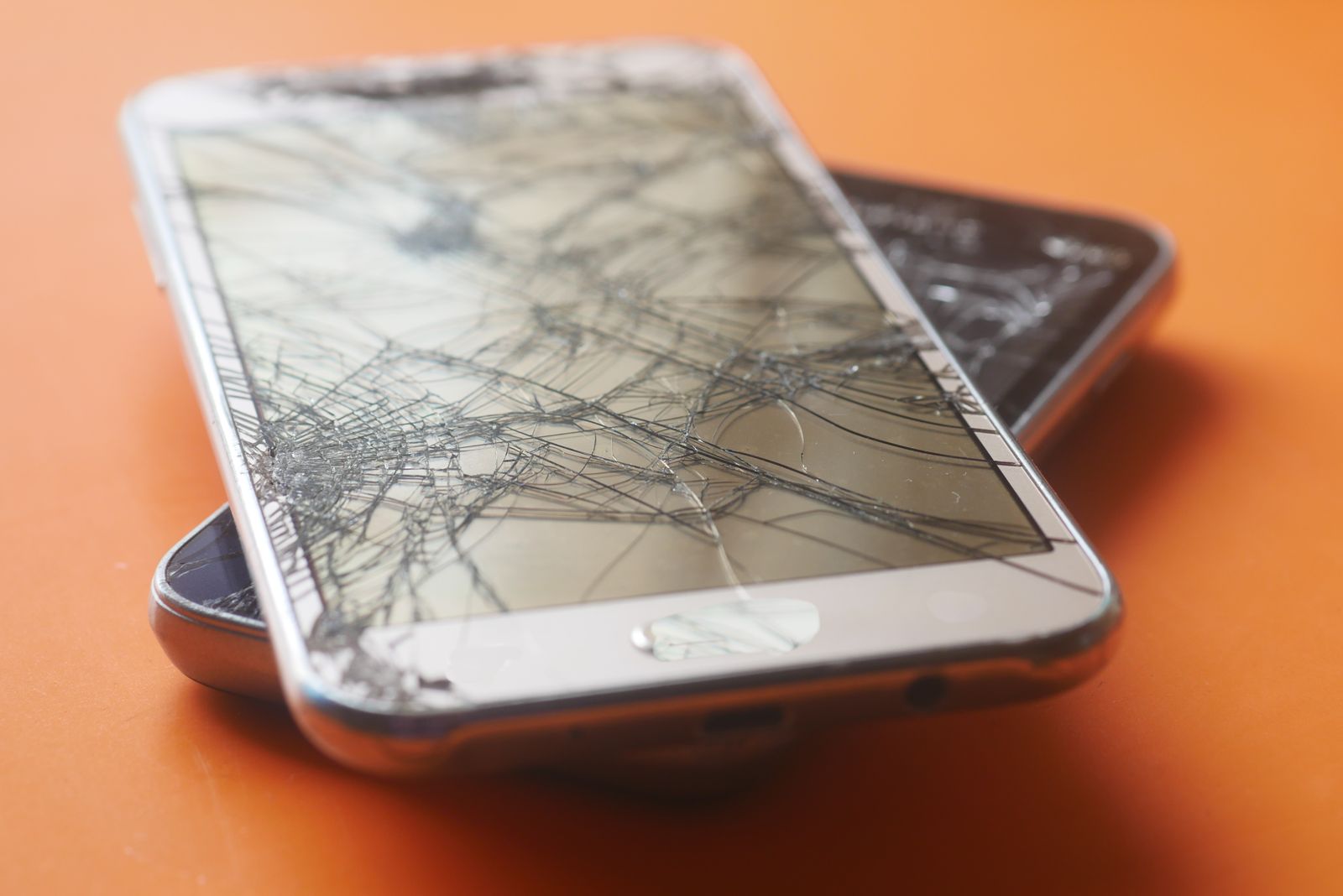
There are things it cannot do. A protector does not make a screen unbreakable. A hard drop onto a corner can still crack the screen beneath, because the force travels through the frame of the phone rather than the face. A protector does nothing for the back glass or the camera, which need a case and a camera lens protector. And a cheap protector that fits badly can make a phone harder to use: lifting at the edges, catching dust, or pressing against a case.
So think of a screen protector as a scratch layer and a first line of defence, worn alongside a case with a raised lip, rather than as armour on its own. The guide to choosing a phone case explains the lip and the other parts of a case that protect the screen.
When a protector has done its job
A cracked or chipped protector is not a failure. If the glass on top is cracked and the screen underneath is fine, the protector has done exactly what it was for. Replace it soon, though: a cracked protector has sharp edges, lets dust in under the glass, and gives much less protection against the next knock. A protector with a lot of fine scratches, or one whose oil-resisting coating has worn so it smudges badly, is also worth replacing.
Tempered glass and the hardness numbers on the box
Most screen protectors sold today are tempered glass: a thin sheet of glass that has been heat-treated to make it stronger, with an adhesive layer on the back and a coating on the front that resists fingerprints. It feels like the phone's own screen, keeps the picture sharp, and is the most scratch-resistant kind of protector.
What "9H" means
Almost every glass protector says 9H on the box, which people often read as a top score on a hardness scale for minerals. It is not. 9H comes from a pencil hardness test, used for coatings, in which pencils of increasing hardness, from soft B grades to hard H grades, are drawn across the surface to see which one leaves a mark. 9H means the hardest pencil in the set did not scratch it.
That is a fair test of everyday marks, but pencils are much softer than the things that really scratch a phone. On the Mohs scale, which geologists use to rank minerals by which scratches which, window glass sits at about 5.5 and quartz at 7. Sand is mostly quartz. That is why a glass protector marked 9H can still be scratched by grit in a pocket, and why a protector that takes those scratches is doing its job. Since nearly every glass protector carries the same 9H mark, it does not help you choose between them.
How tempered glass breaks
Tempering puts the surface of the glass under stress, which makes it much stronger than ordinary glass of the same thickness. When it does break, it tends to crack across the whole sheet into a web of small pieces held together by the adhesive layer, rather than flying apart in shards. That is why a cracked glass protector usually stays stuck to the phone in one piece until you peel it off.
Other words on the box
- Thickness. Thinner glass is less noticeable and fits cases better; thicker glass can feel sturdier. Check that a thick protector suits your case.
- Oleophobic coating. The oil-resisting layer that lets fingerprints wipe off. It wears down over time, faster if wiped with rough cloths.
- Case-friendly. The glass stops a little short of the edge, so a case lip does not push against it and lift it.
- Edge to edge or full glue. The adhesive covers the whole back of the glass, not just a band round the edge. This usually gives a clearer, more even look and better touch response.
Full-cover glass and curved screens
A standard glass protector covers the flat part of the screen and stops just before the edges. Full-cover glass reaches right to the edges, usually with a black or clear border printed round it to hide the adhesive and match the phone's own border. It protects more of the screen and looks neater, because there is no visible line where the protector ends.
Borders and edges
The printed border on full-cover glass is there to hide the glue round the edge, where it can look patchy. Match the border to your phone: most phones have a black frame round the screen, and a black border blends in. Full-cover glass is also more likely to clash with a case, because it reaches right to where the case lip sits. Check that the protector says it is case-friendly, or that your case leaves room for it.
Phones with curved screens
Some phones, mostly Android models, have screens that curve over the sides. Flat glass cannot follow a curve, so on these phones a standard protector either covers only the flat middle or tries to bridge the curve and lifts. Curved glass protectors are shaped to match a particular model, and some use a liquid adhesive that is cured with a lamp to fill the curve. The alternative is a flexible film, described below, which bends round the curve naturally.
Folding phones
Folding phones such as the Galaxy Z Fold and Galaxy Z Flip come with a protective film already fitted to the inner, folding screen. Samsung says not to remove it, and that its warranty does not cover damage caused by removing it; if it needs replacing, Samsung's service centres fit a new one. The outer screen on a folding phone is an ordinary flat screen and takes an ordinary protector made for that model. See the Galaxy Z Fold and Flip range for accessories made for those phones.
Privacy glass
Privacy screen protectors make the screen hard to read for anyone not looking at it straight on. They are popular on trains, buses and in offices, and with anyone who reads messages, banking or work email in public.
How it works
Inside the protector is a layer of tiny vertical slats, too small to see, a little like a window blind. Light from the screen passes straight through to your eyes, but light heading off to the side is blocked. Past an angle of about 30 degrees either side, though some designs allow a little more, the screen looks dark to the person next to you. Most privacy glass works side to side only; some also darken the screen from above and below.
Who gets the most from it
Privacy glass is most useful to people who use their phone in crowded places: commuters, people who work in shared offices or on the move, and anyone who handles personal details such as bank apps, medical messages or work email in public. It also helps on a plane or a train where the person next to you is very close. If you mostly use your phone at home, its trade-offs may not be worth it. It is not a security feature on its own: someone directly behind you can still see the screen.
The trade-offs
Privacy glass blocks some of the light even when you look straight at it, so the screen looks a little dimmer and many people turn the brightness up, which uses more battery. Colours can look slightly duller, and the screen can be harder to share with a friend sitting next to you. If the phone uses face recognition through a camera at the top of the screen, make sure the protector's cut-out lines up with the camera: Apple's advice when Face ID stops working is to remove anything covering the camera, including a screen protector.
Anti-glare (matte) protectors
Anti-glare screen protectors have a slightly rough, matte surface that scatters reflections. Instead of seeing a sharp reflection of a window or a ceiling light in the screen, you see a soft haze, and the picture stays readable.
Who they suit
They suit people who use their phone outdoors a lot, such as for directions on a bike or car holder, at work on a site, or in a bright office under strip lights. Many people also like the feel: a matte surface is smooth to swipe on, does not show fingerprints as clearly, and is popular with gamers whose fingers slide across the screen for long sessions.
The trade-offs
The same rough surface that scatters reflections also scatters a little of the picture, so text and photos look slightly less sharp and, on some screens, a faint sparkle shows in bright white areas. It is a choice between clarity indoors and readability in bright light. Some protectors combine matte and privacy layers.
Matte and the oleophobic coating
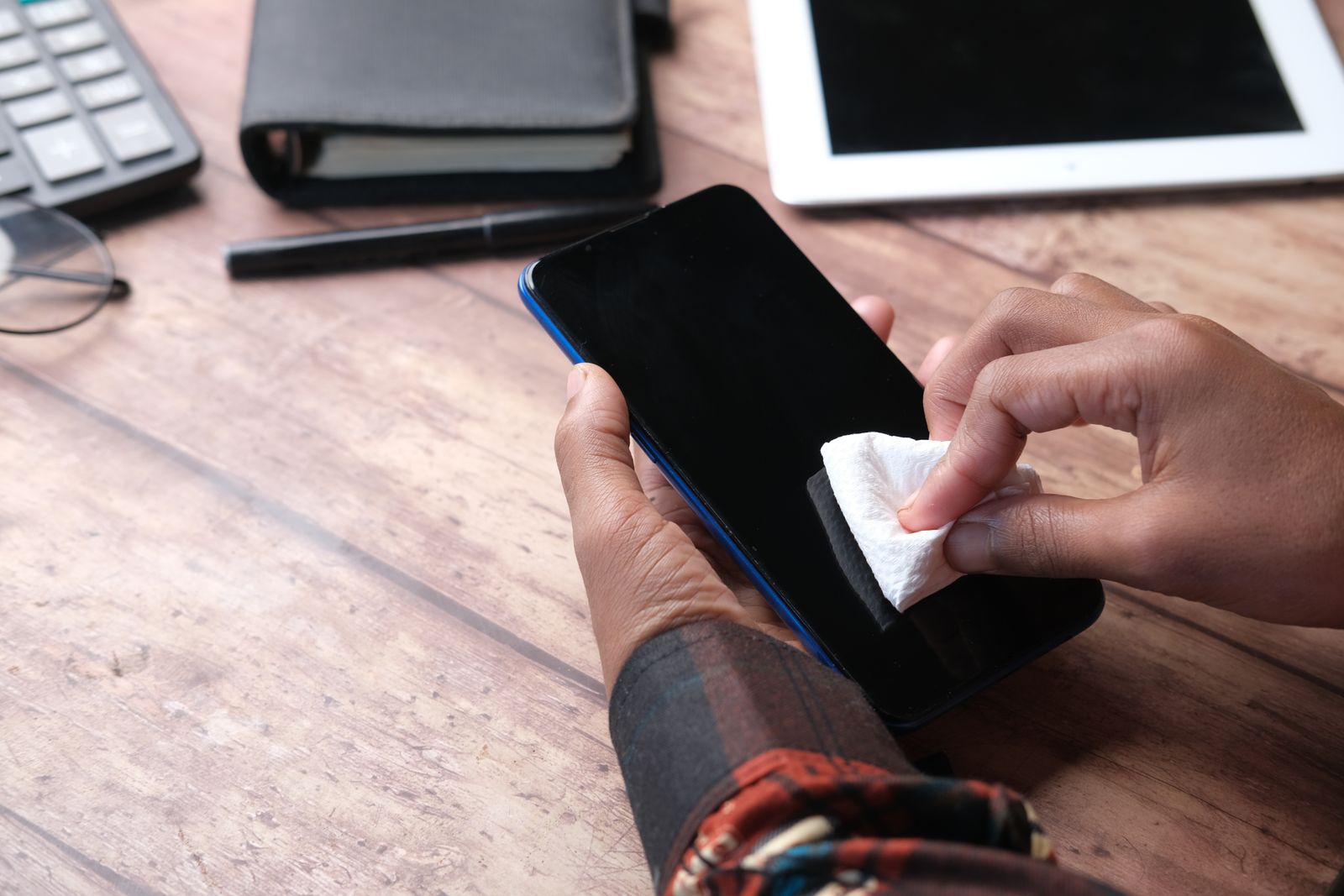
A matte protector hides fingerprints mainly by scattering light, so marks that would show clearly on smooth glass are much less visible. That does not mean the screen is cleaner: oil and dirt are still there, and a matte surface can hold grime in its texture. Wipe it with a soft, dry, lint-free cloth regularly, and avoid rough cloths, which can polish shiny patches into the matte finish over time.
Hydrogel and plastic film
Before tempered glass was common, most protectors were thin plastic film. Film is still the right choice for some phones and some people.
Hydrogel
Hydrogel film is a soft, flexible plastic film, thinner than glass. Because it bends, it follows curved screen edges that glass cannot, and it can wrap round to the edge of a phone without lifting. Light scratches on hydrogel tend to fade over time as the soft surface settles, though deep scratches and cuts stay. It is often fitted wet, with a spray, then squeegeed flat.
Fitting film
Film is more forgiving to fit than glass in one way and less in another. It bends, so it can be lifted and lined up again if it goes on crooked. But it is thin and soft, so it is easier to crease, and small bubbles can take a day or two to settle out as the film beds down. Follow the instructions that come with it, and do not press hard on a fresh film with a fingernail.
The trade-offs
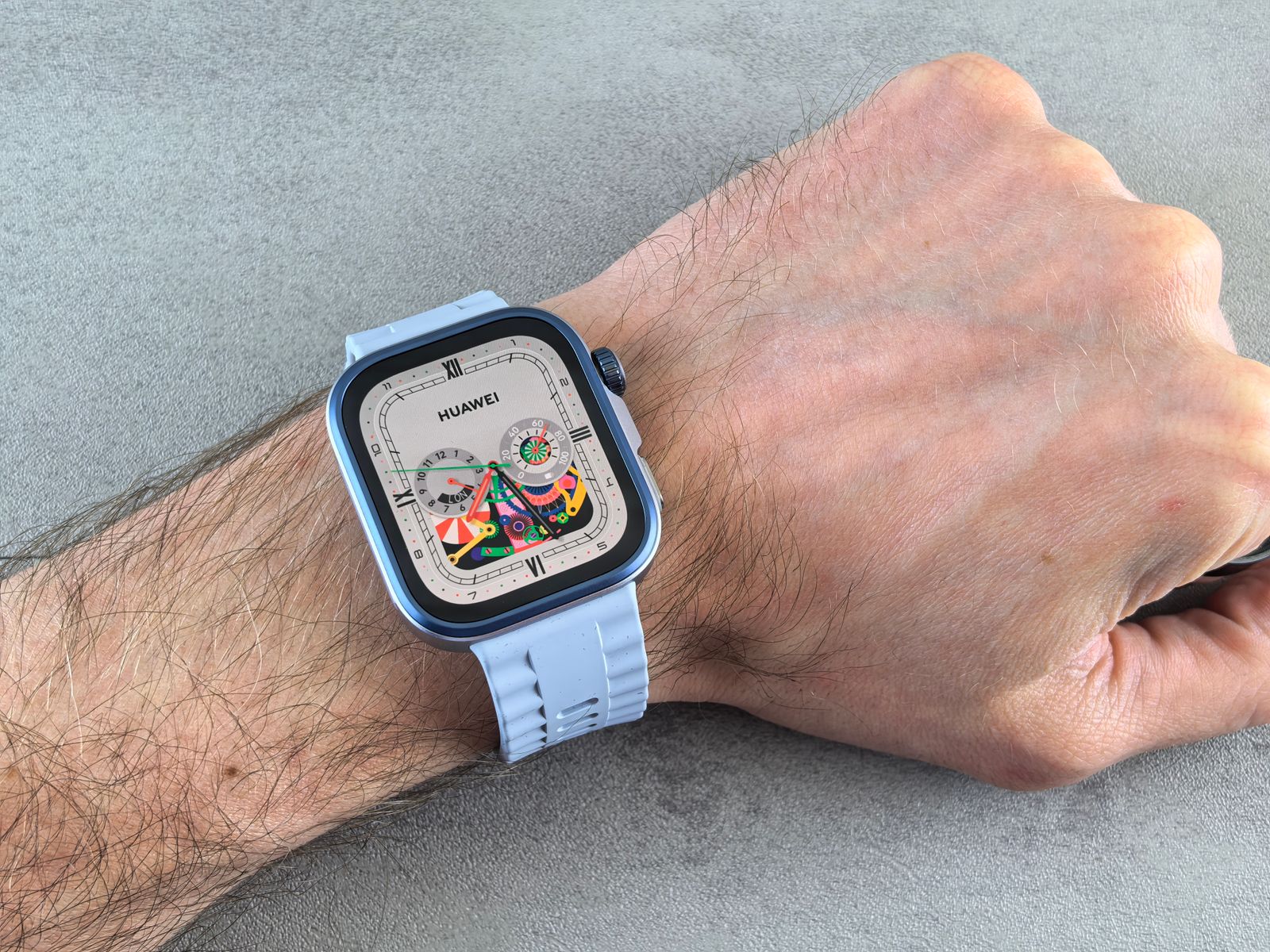
Film protects against scratches but does far less against knocks than glass, because it is too thin and soft to spread an impact. It is also less resistant to scratches than glass, it can feel slightly soft or rubbery under the finger, and fingerprints can show more. It is the usual choice for curved screens, for the backs of phones, for smart watch screens and for anyone who wants a protector they will barely notice.
Back films and skins
The same film is used on the back and sides of phones. Back films and skins protect the back glass from scratches without adding the bulk of a case, and some change the colour or finish of the phone.
Choosing for your phone and case
Your exact model
As with a case, a screen protector is cut for one phone model. The size, the shape of the corners, the cut-out for the camera and the sensors at the top all differ between models, even ones with similar names. Check your model in your phone's settings and make sure the protector names it.
Cut-outs for the speaker and sensors
Look at the top of the protector in the product photographs. Most phones have an earpiece speaker, a front camera and a set of sensors at the top of the screen, which dim the screen when you hold the phone to your ear. A protector for your model should leave the right openings or be clear in the right places. A protector that covers the sensors with a dark border can stop the screen switching off on calls, and one that covers the front camera with an off-centre cut-out will spoil selfies and video calls.
Fingerprint readers under the screen
Many Android phones read fingerprints through the screen, and a protector sits between your finger and the reader. Samsung says that a thick protector, or one made of glass or silicone, or one with a pattern, may stop the phone registering or reading fingerprints. Its advice after fitting a new film or glass protector is to delete the fingerprints you have saved and register them again. Look for a protector that says it works with the in-screen fingerprint reader on your model, and expect to re-register your prints once it is on.
Your case
The most common reason a protector lifts at the edges is a case pressing on it. If you use a case with a raised lip, choose glass described as case-friendly, which stops a little short of the edge, and fit the protector first, then the case. Tough cases with a built-in screen cover usually need no separate protector, or only a thin film.
Spares
Screen protectors are often sold in packs of two or three. That is useful: if dust gets under the first one when you fit it, you have another to try straight away, and a spare in the drawer for when the first is cracked or worn.
Chips at the edges
Glass protectors are most vulnerable at their edges and corners, where a knock from a table edge or the inside of a bag can chip a small piece away. A chip is often where a crack later starts, and where dust begins to creep under the glass. A case with a lip that stands slightly above the protector shields its edges, which is another reason the case and protector are best chosen together. If the edge of your protector has chipped and the chip has sharp points, replace it rather than waiting for it to crack.
Fitting it
Fitting glass without dust or bubbles is easier than it used to be. Many protectors now come with a frame that sits over the phone and lines the glass up for you. If yours does not, fitting kits and alignment tools help, and a screen cloth and spray make sure the screen is clean first. The guide to fitting a screen protector goes through it step by step.
Other screens
The same choices apply to tablets and watches. See tablet screen protectors and watch screen protectors, which are made for those screens.
Questions people ask
Is 9H glass unscratchable?
No. 9H is a pencil hardness rating, not a mineral one. Sand and grit, which are mostly quartz, are harder than glass and can still scratch it. The protector taking the scratch is the point.
Glass or film: which should I choose?
Glass for a flat screen, because it resists scratches better and helps with knocks. Film or hydrogel for a curved screen, a watch or the back of a phone, where glass cannot follow the shape.
Will a screen protector stop my fingerprint reader working?
It can, on phones that read fingerprints through the screen. Choose one that says it works with your model's reader, and delete and re-register your fingerprints after fitting it, as Samsung advises.
Should I take the film off the inside screen of my folding phone?
No. Samsung says not to remove the protector fitted to the inner screen of its folding phones, and its warranty does not cover damage from removing it.
Does privacy glass make the screen darker?
A little, even straight on, so many people turn the brightness up. It also makes the screen look dark from the side, which is the point.
Why does my protector keep lifting at the edges?
Usually because the case is pressing on it, or because it was not made for your exact model. A case-friendly protector, fitted before the case goes on, usually fixes it.
Where to go next
All the screen protection is in tempered glass, full-cover glass, privacy, anti-glare and hydrogel film, with camera lens protectors for the lenses on the back. For the other parts of looking after your phone:
- How to fit a screen protector without bubbles: step by step
- Camera lens protectors explained: what they do and how to choose
- How to choose a phone case: the case that works with your protector
- How to clean your phone safely: keeping the screen and protector clean