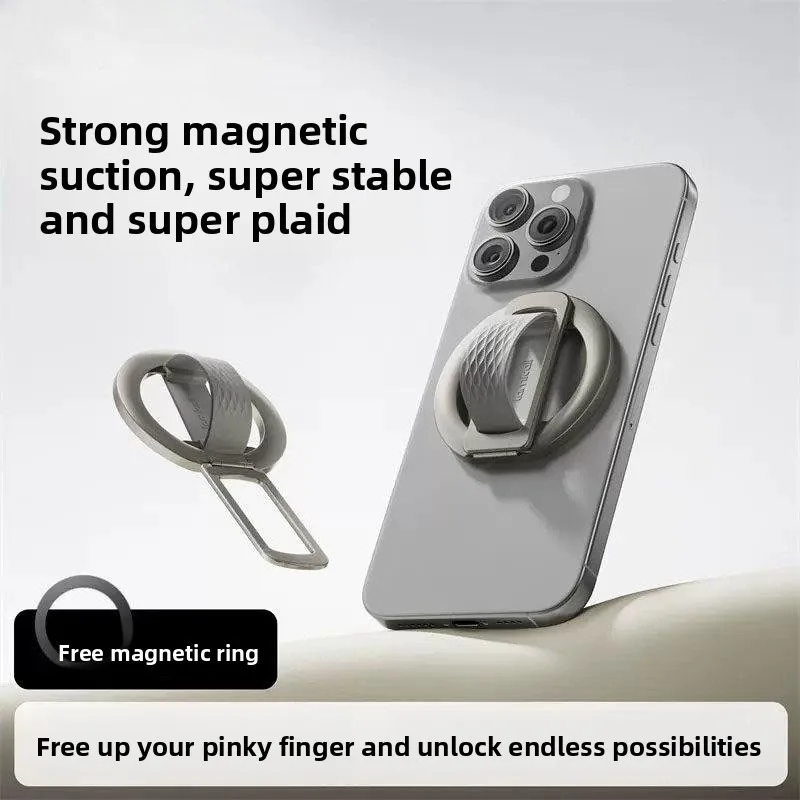
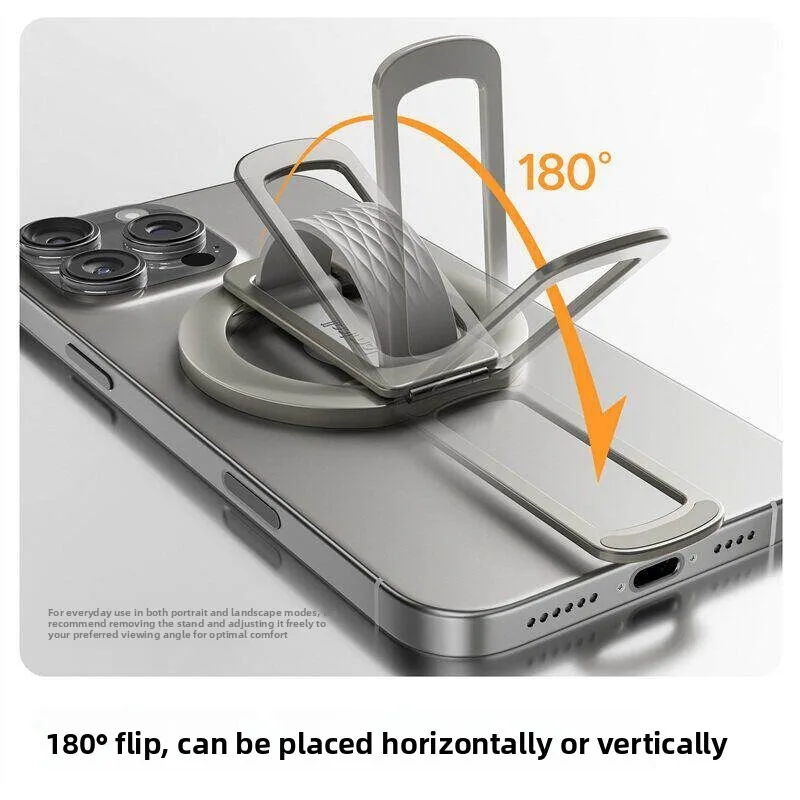
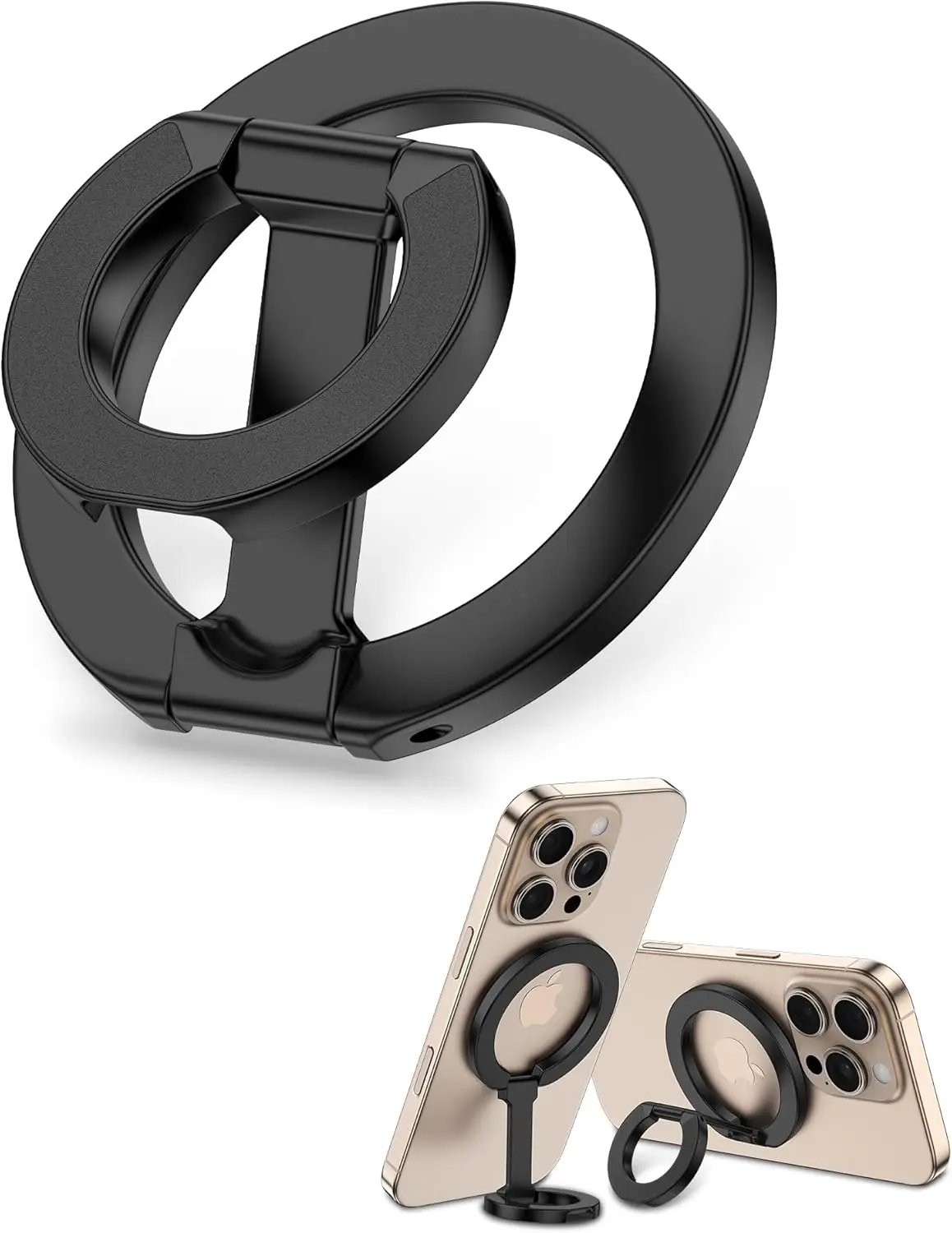
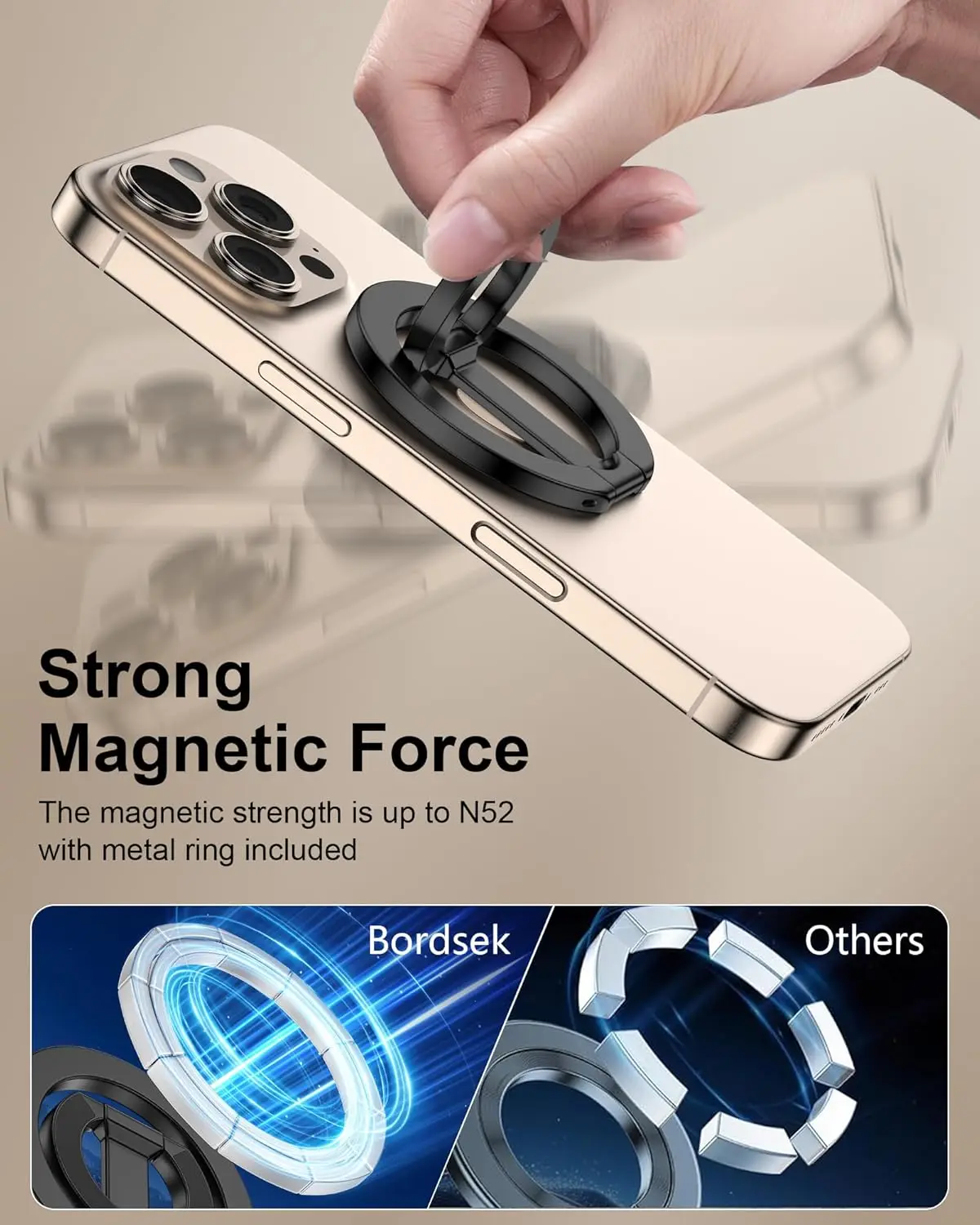
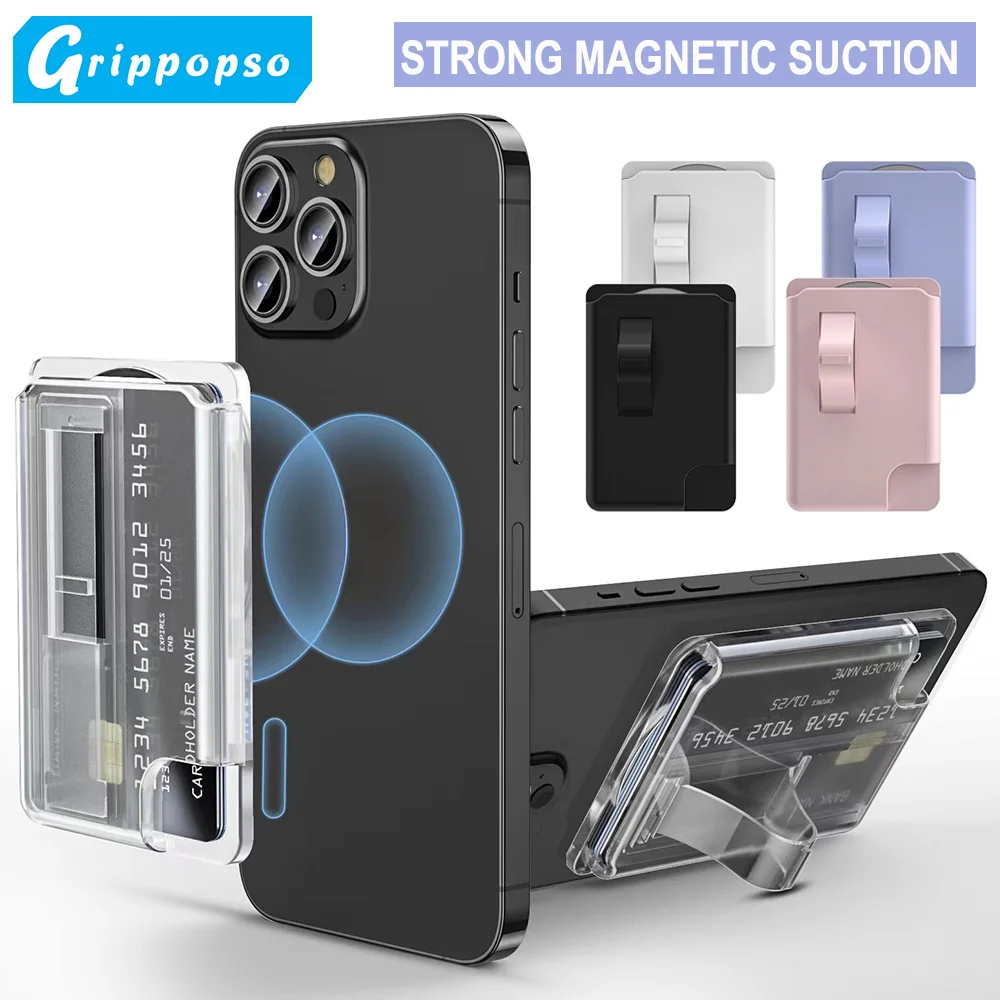
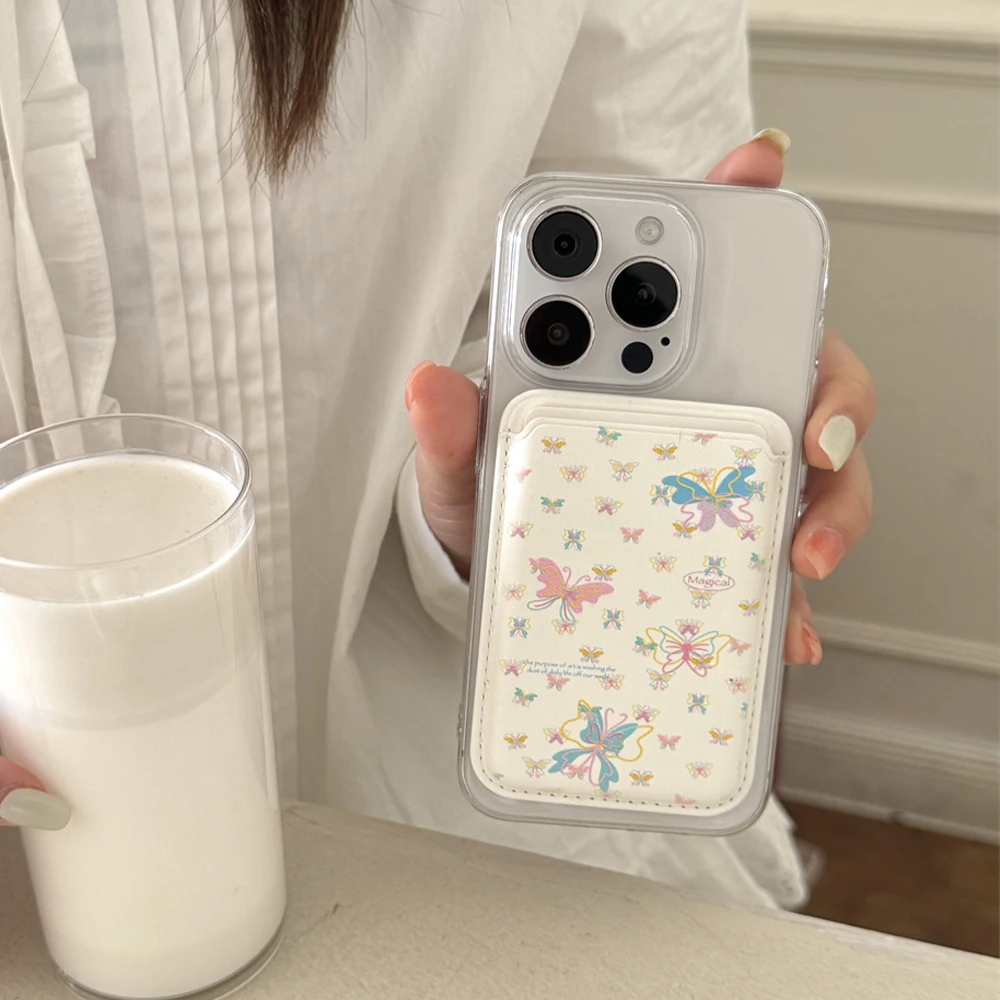
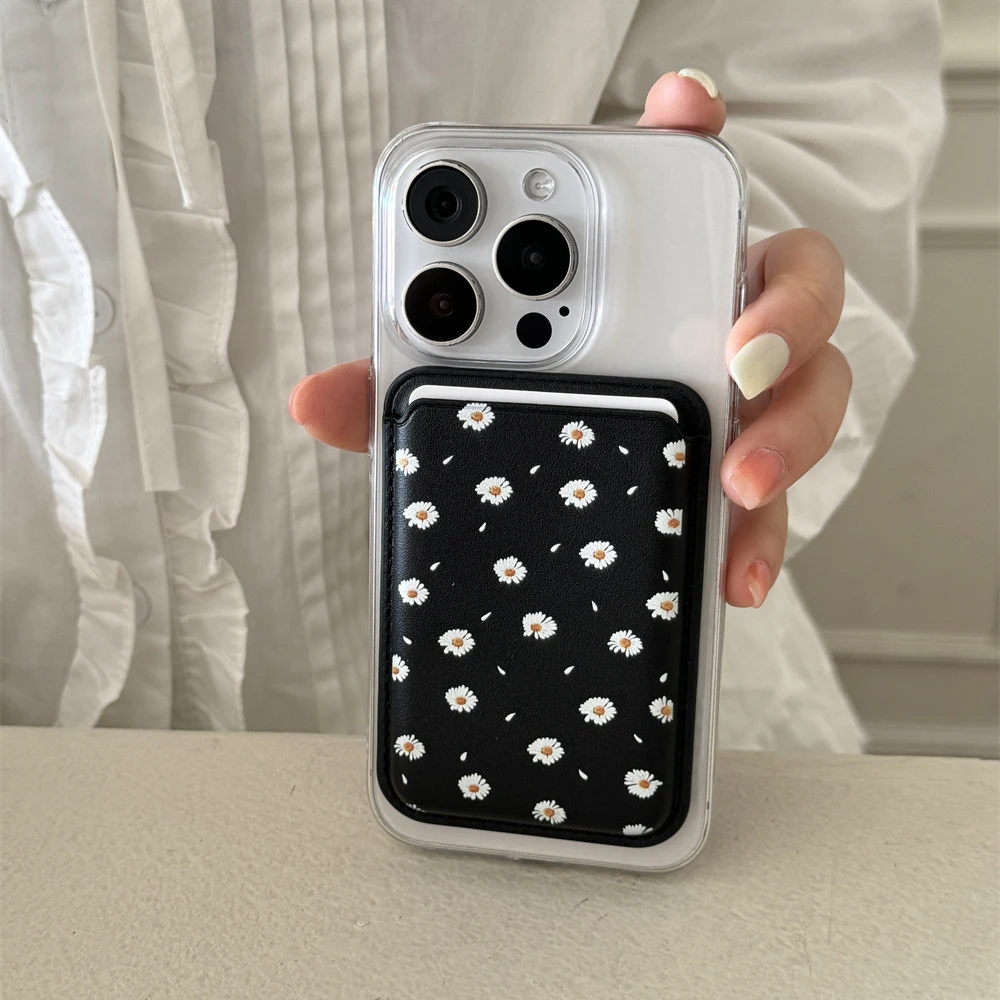
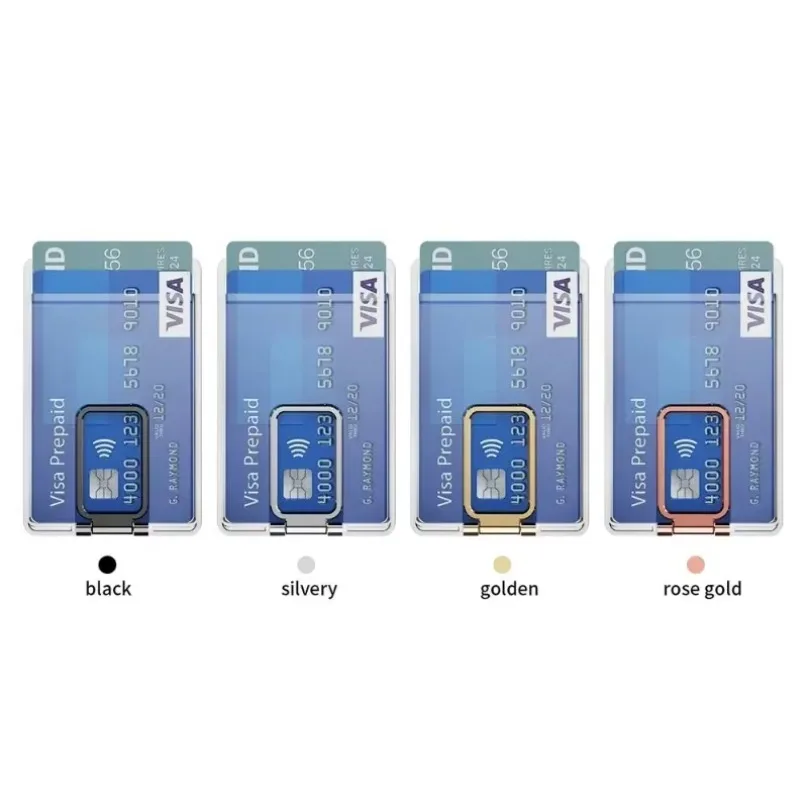
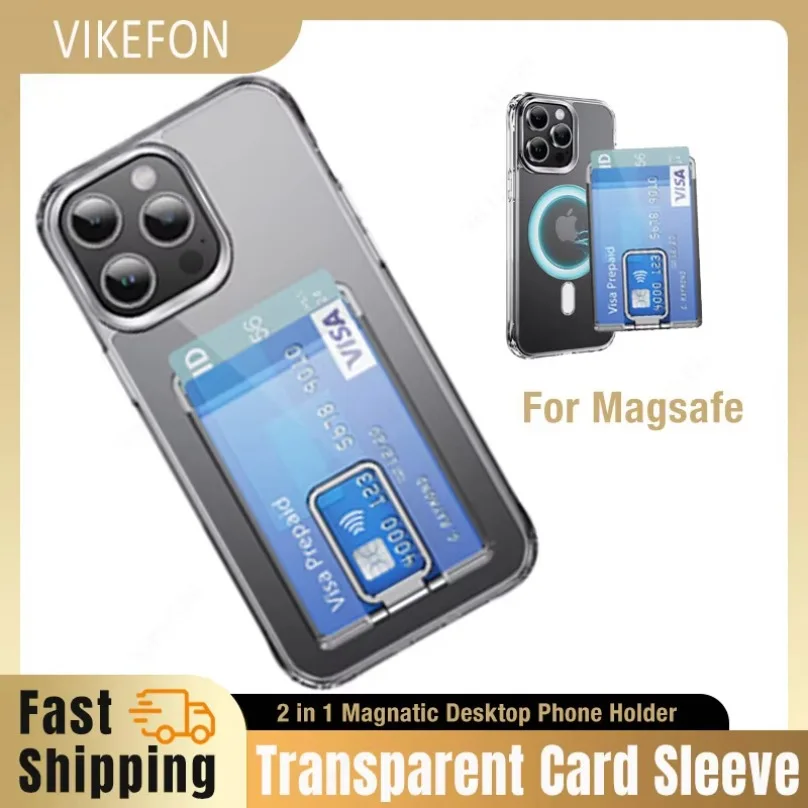
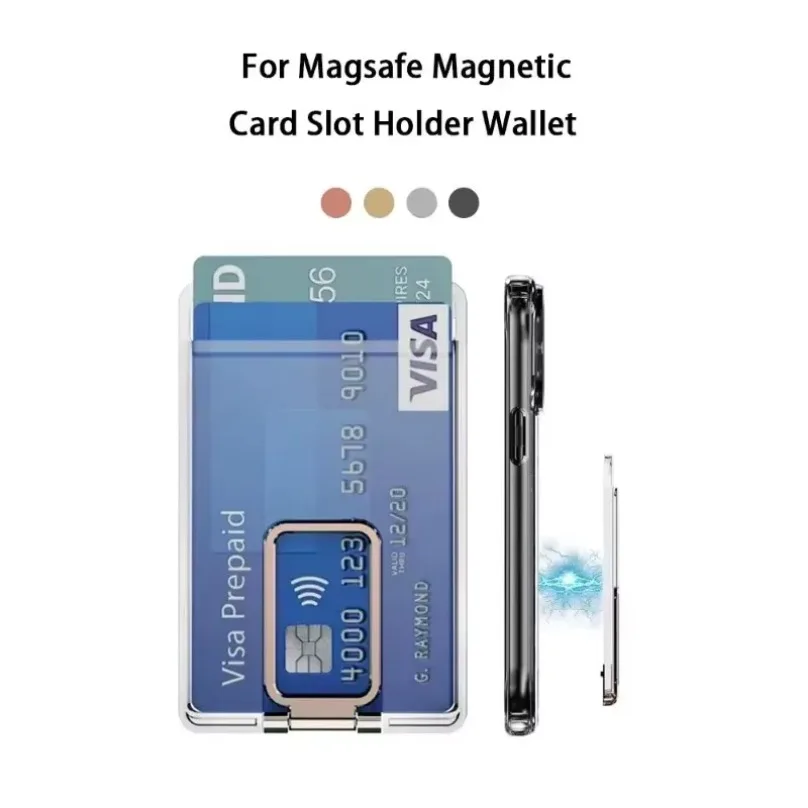
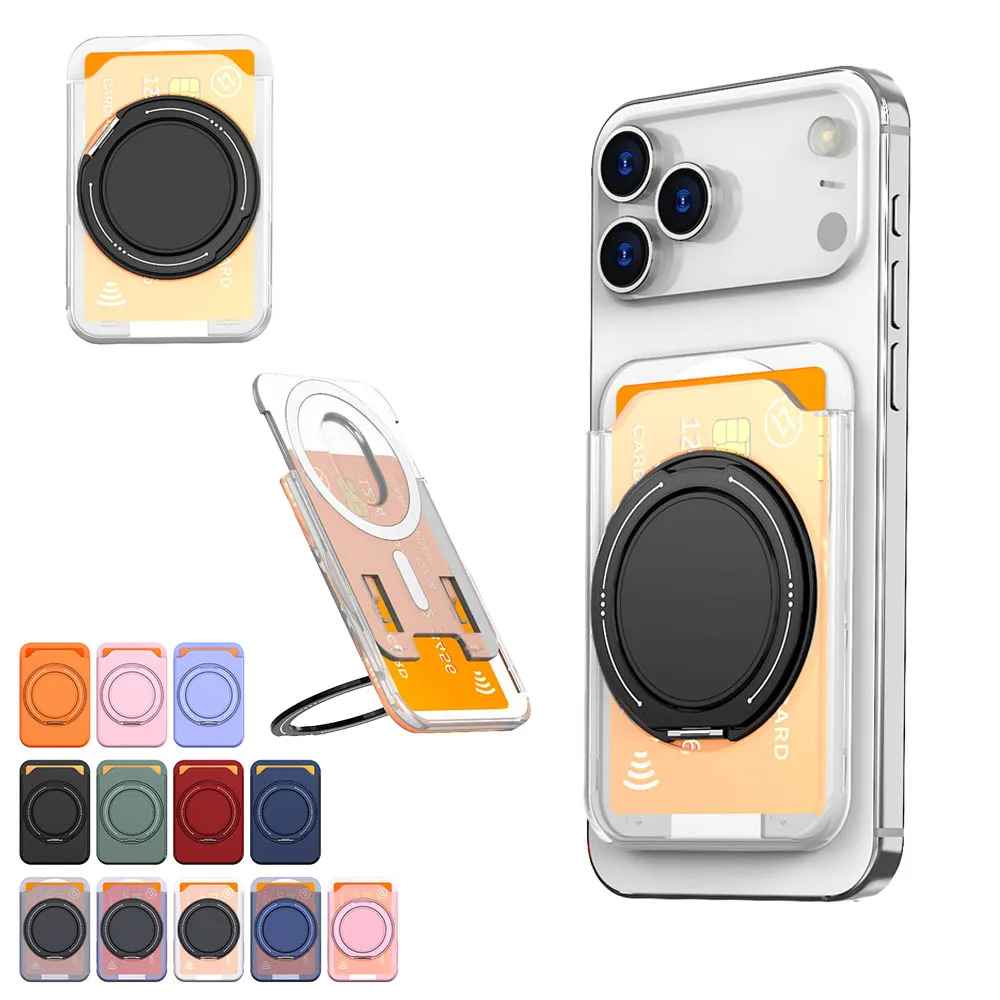
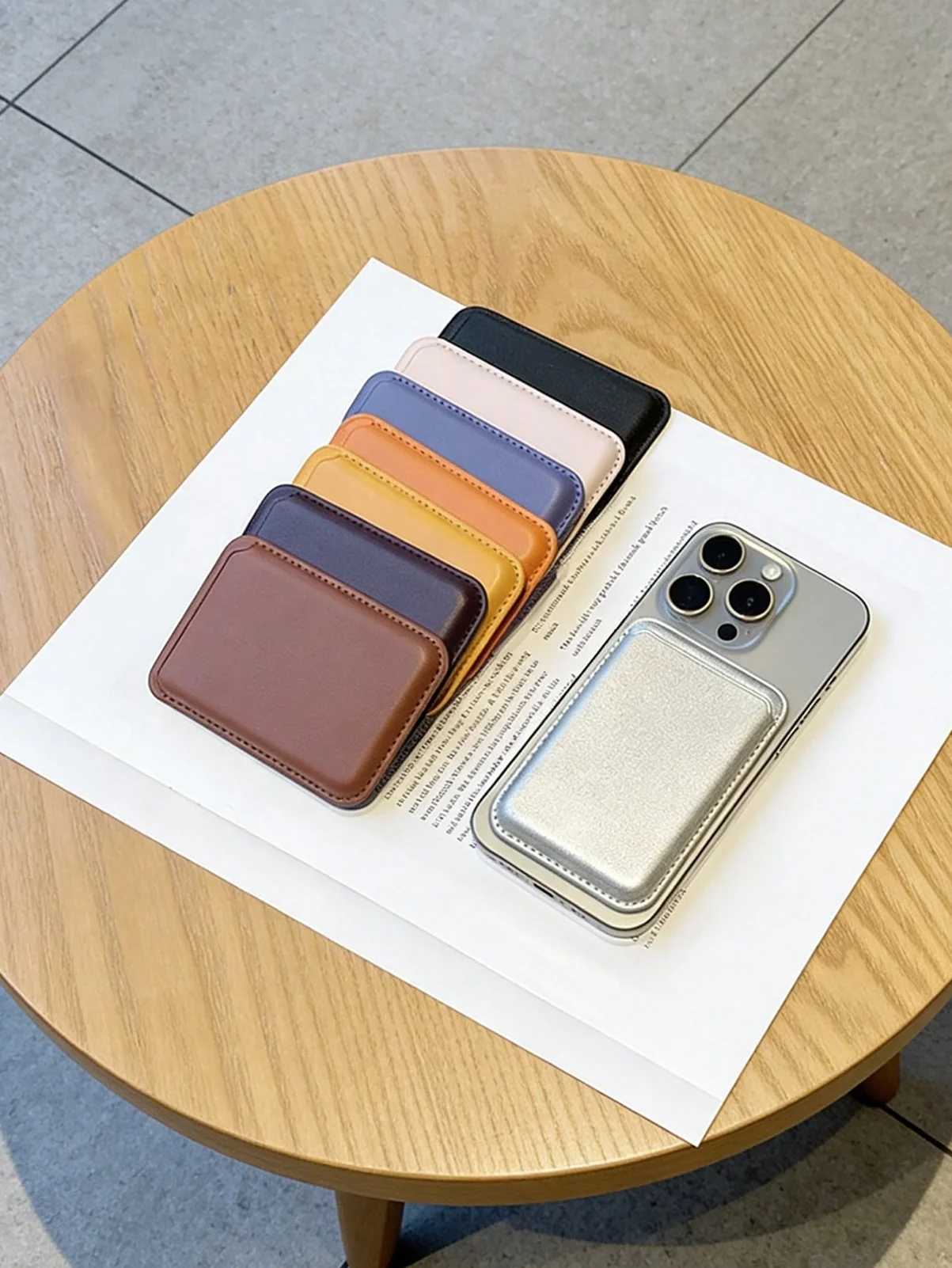
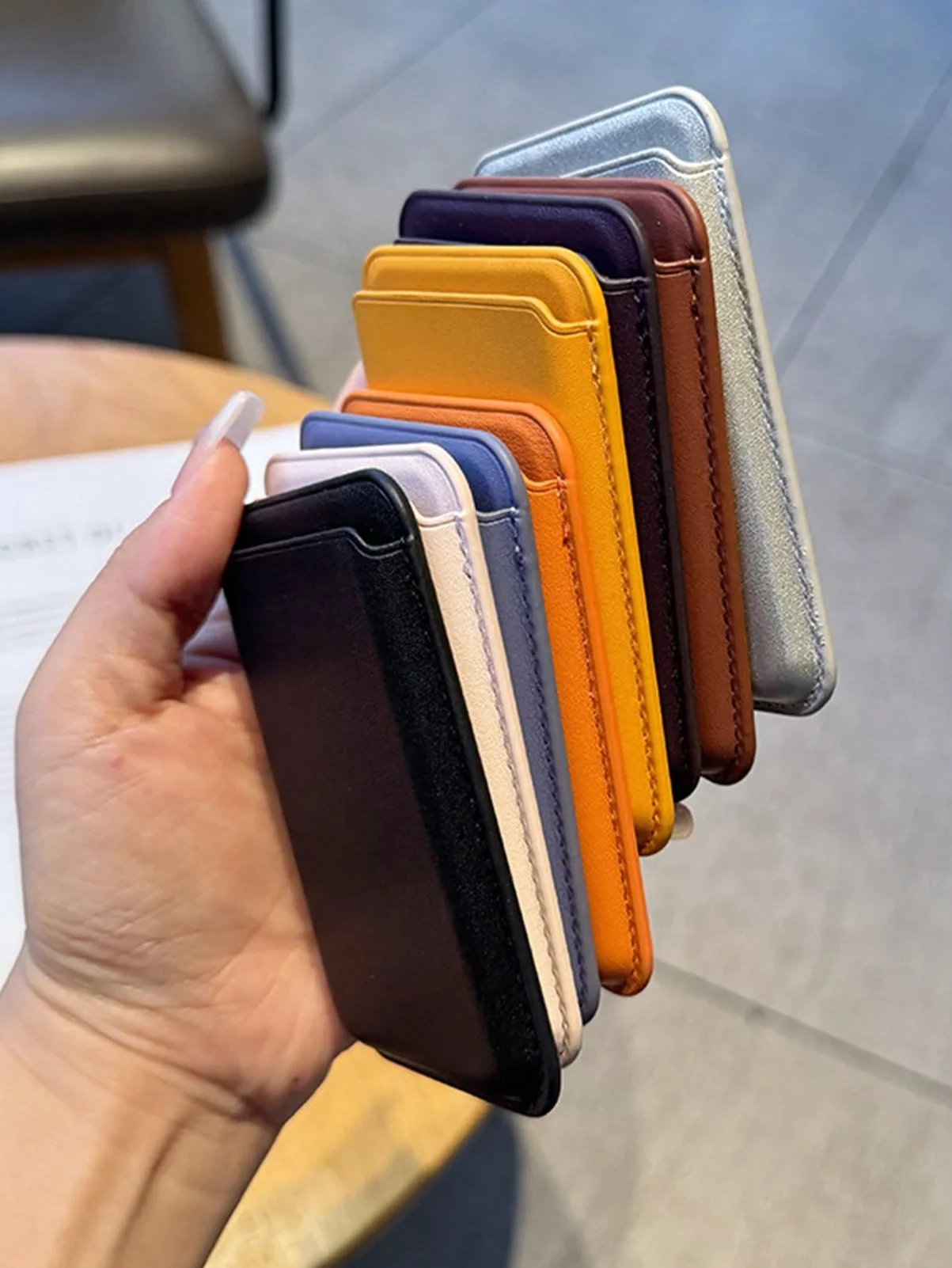
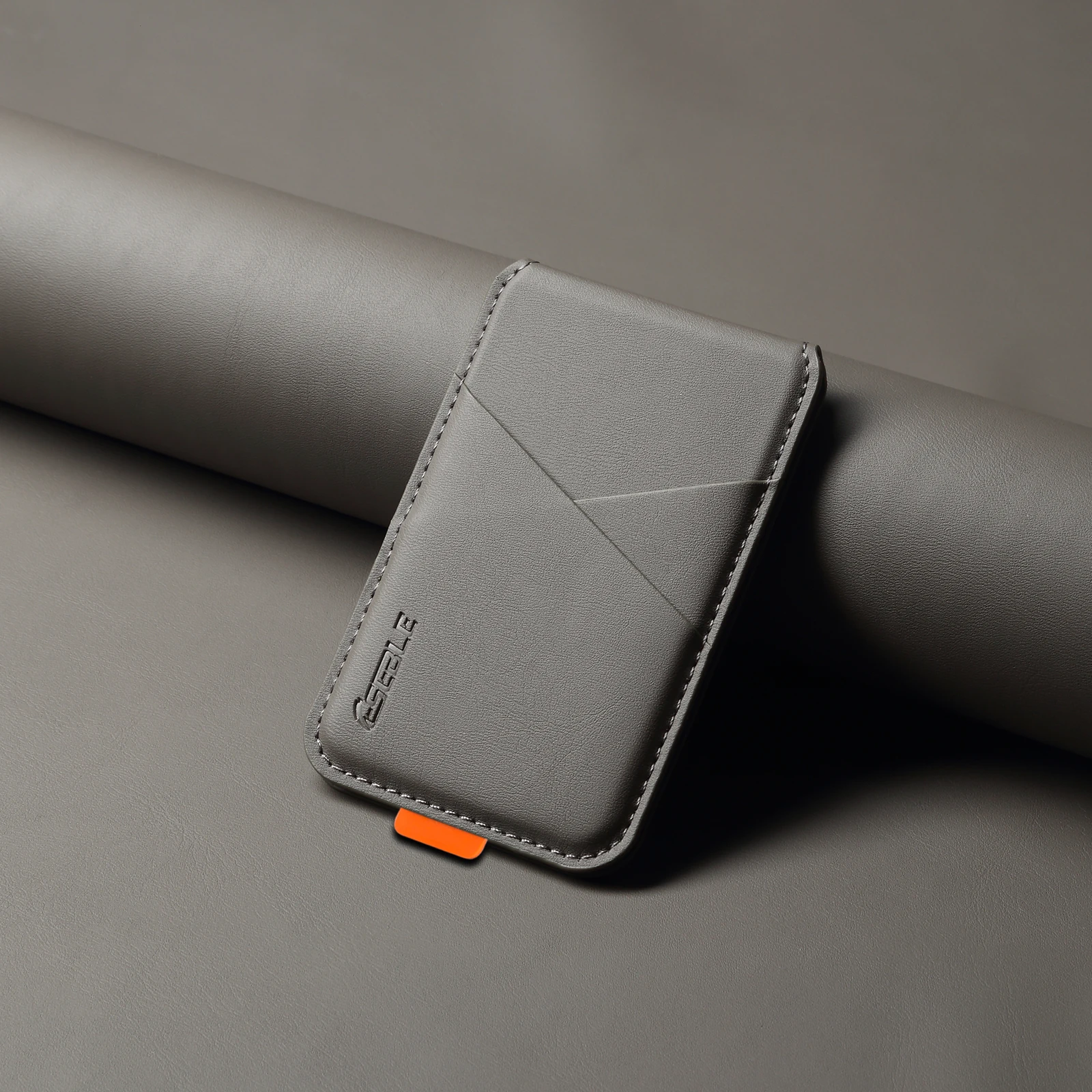
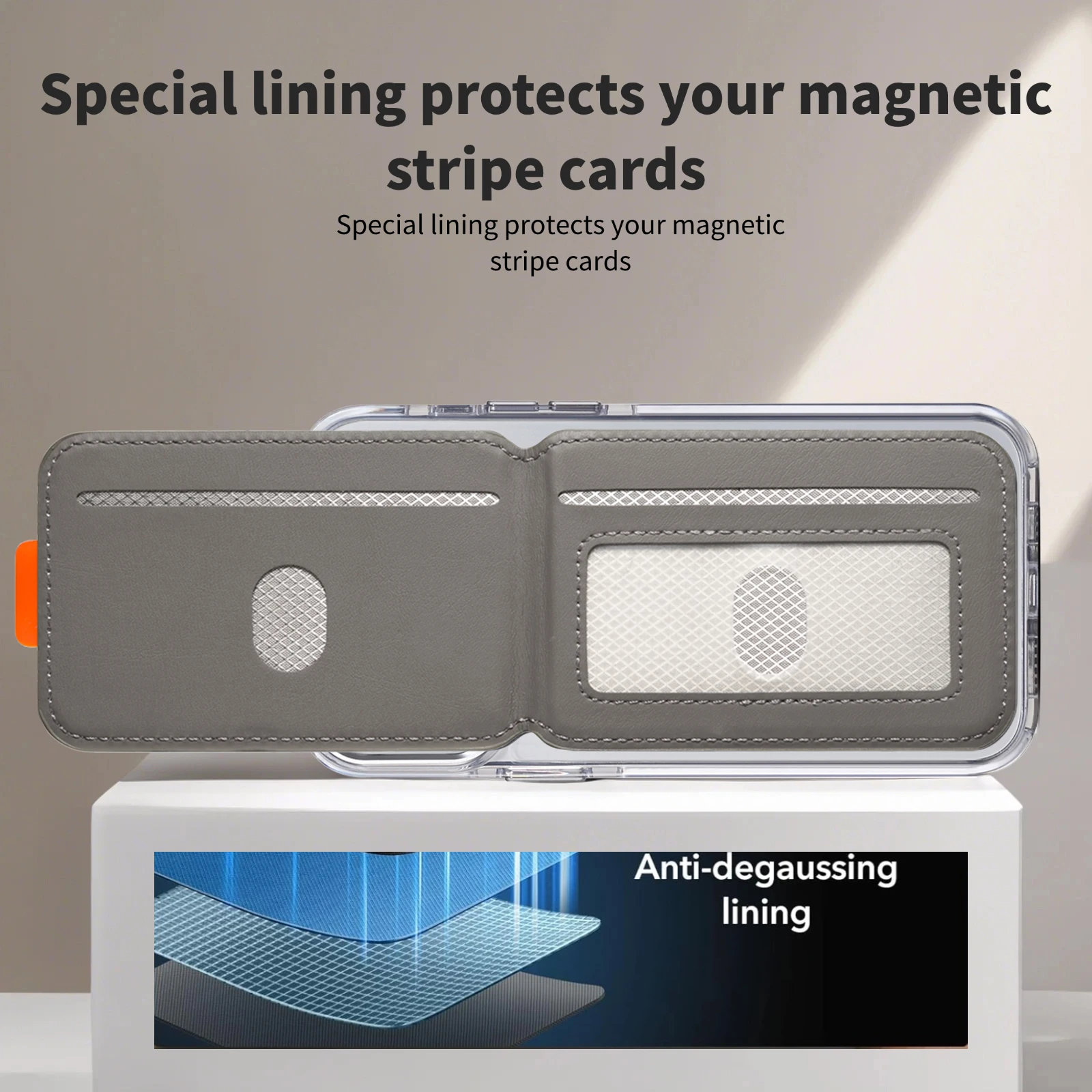
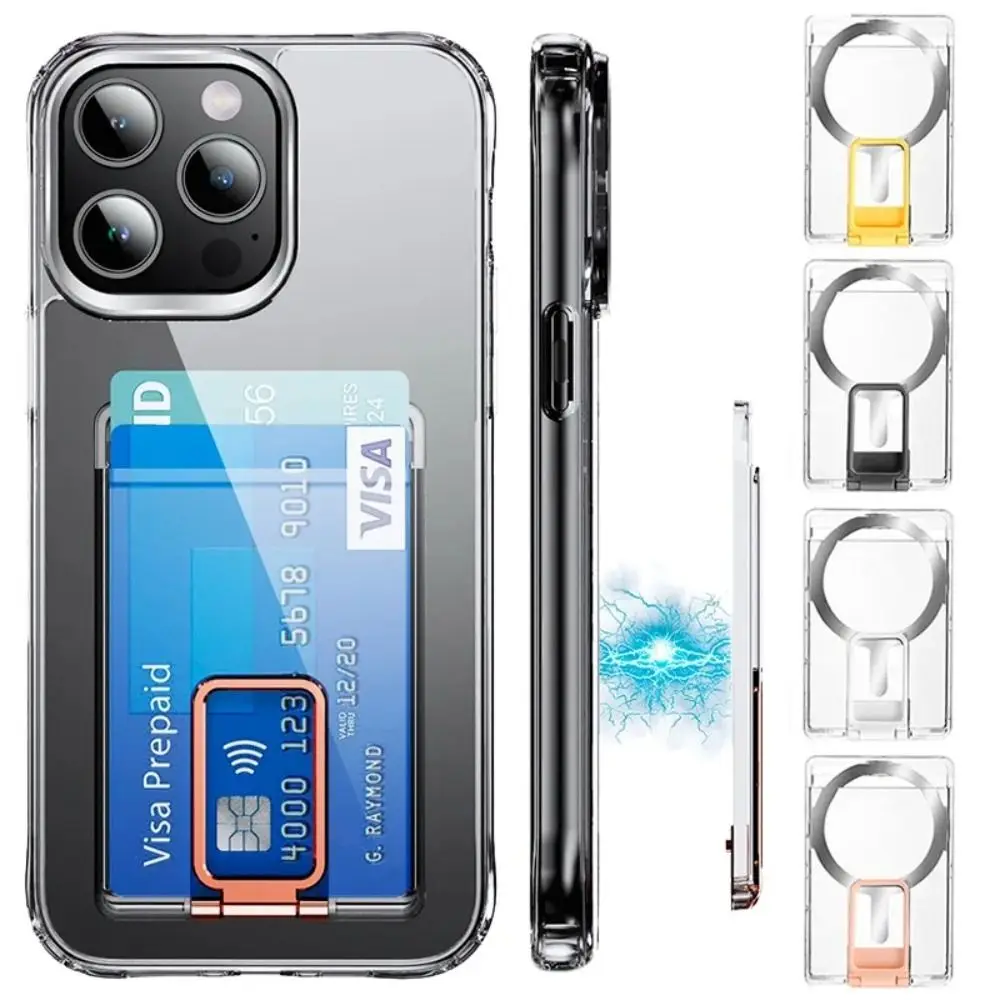
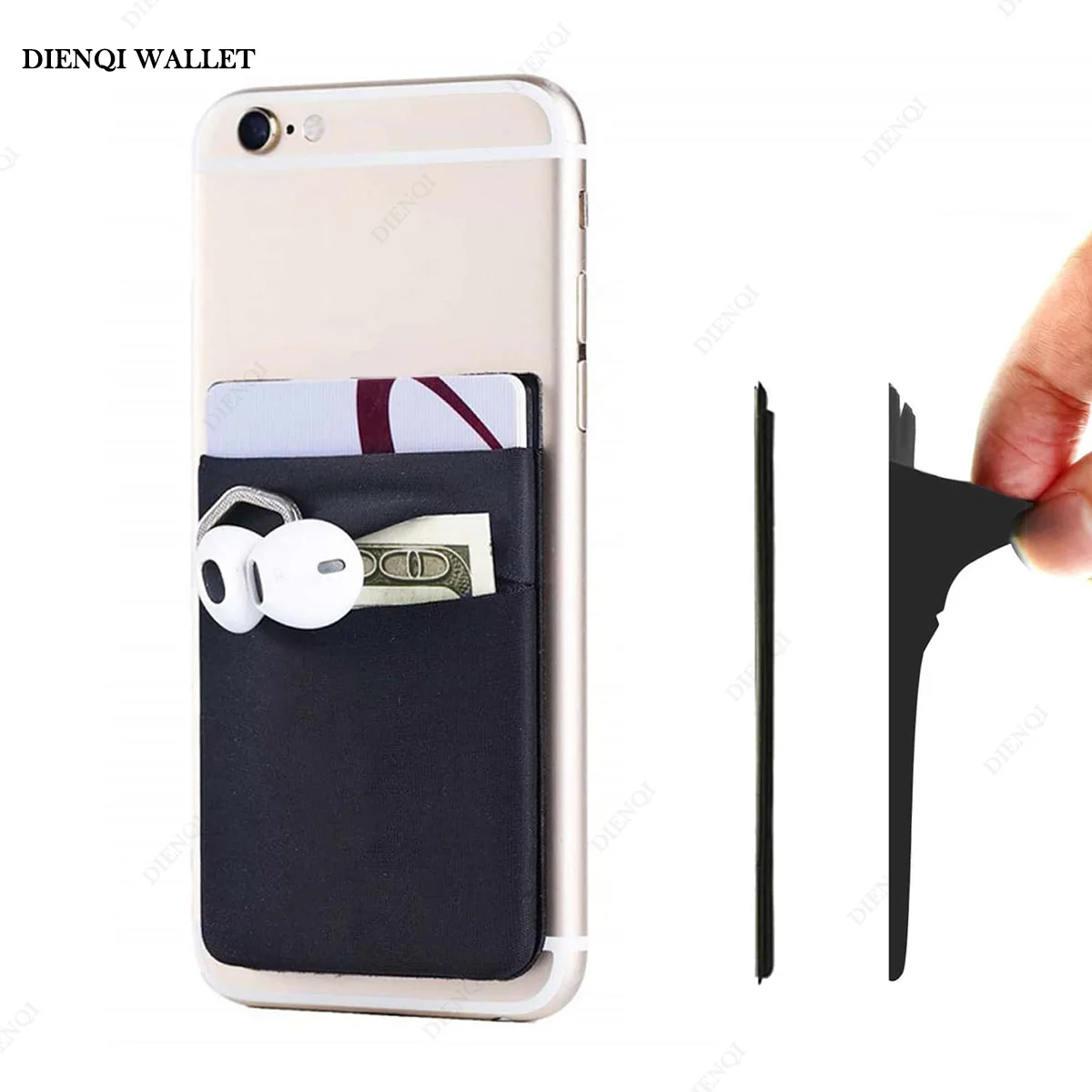
Cards on the back of the phone
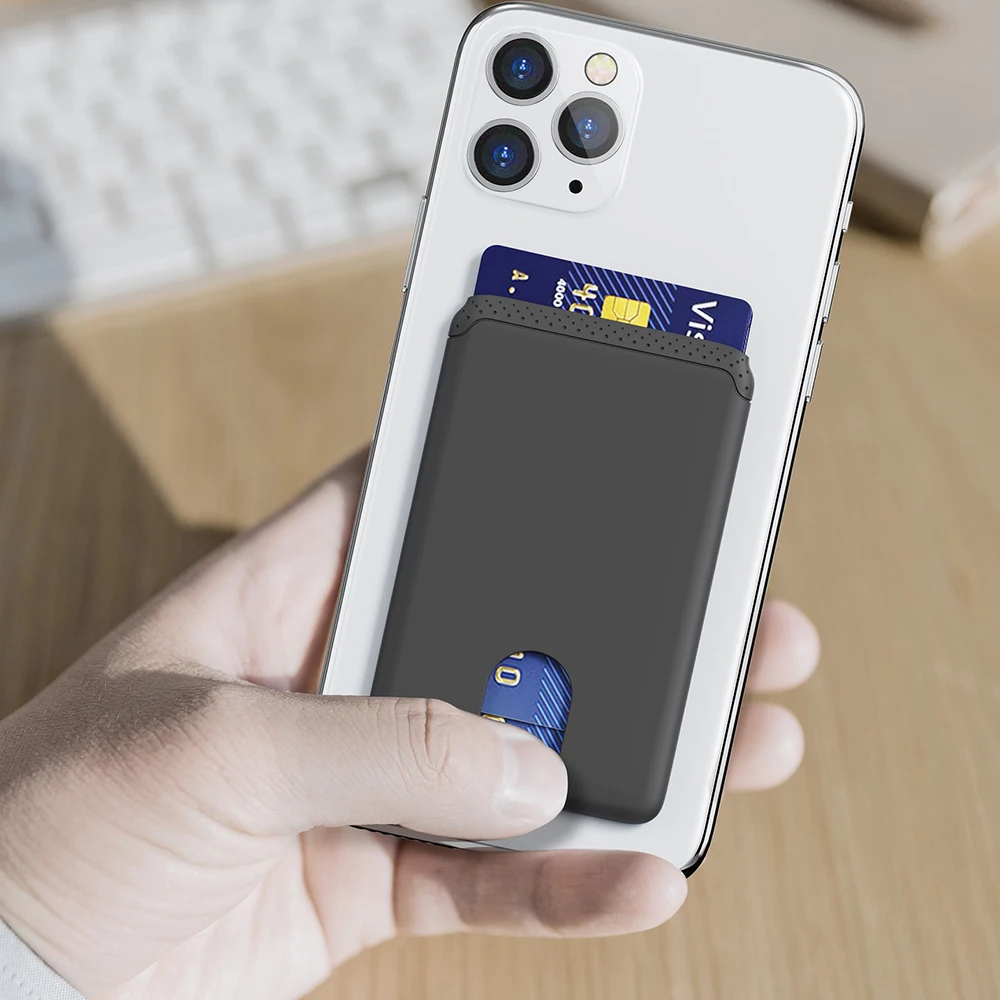
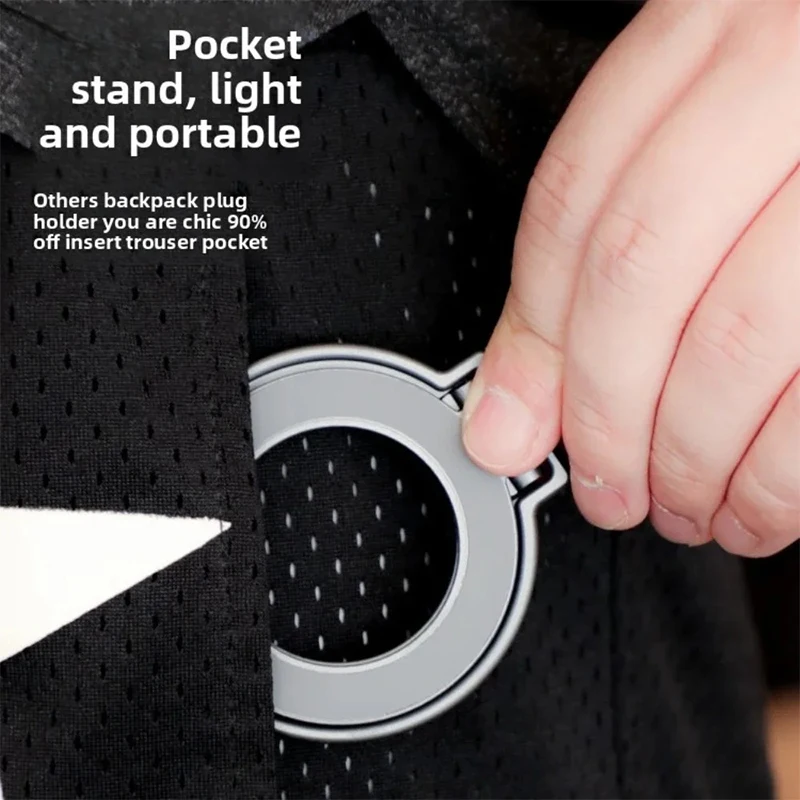
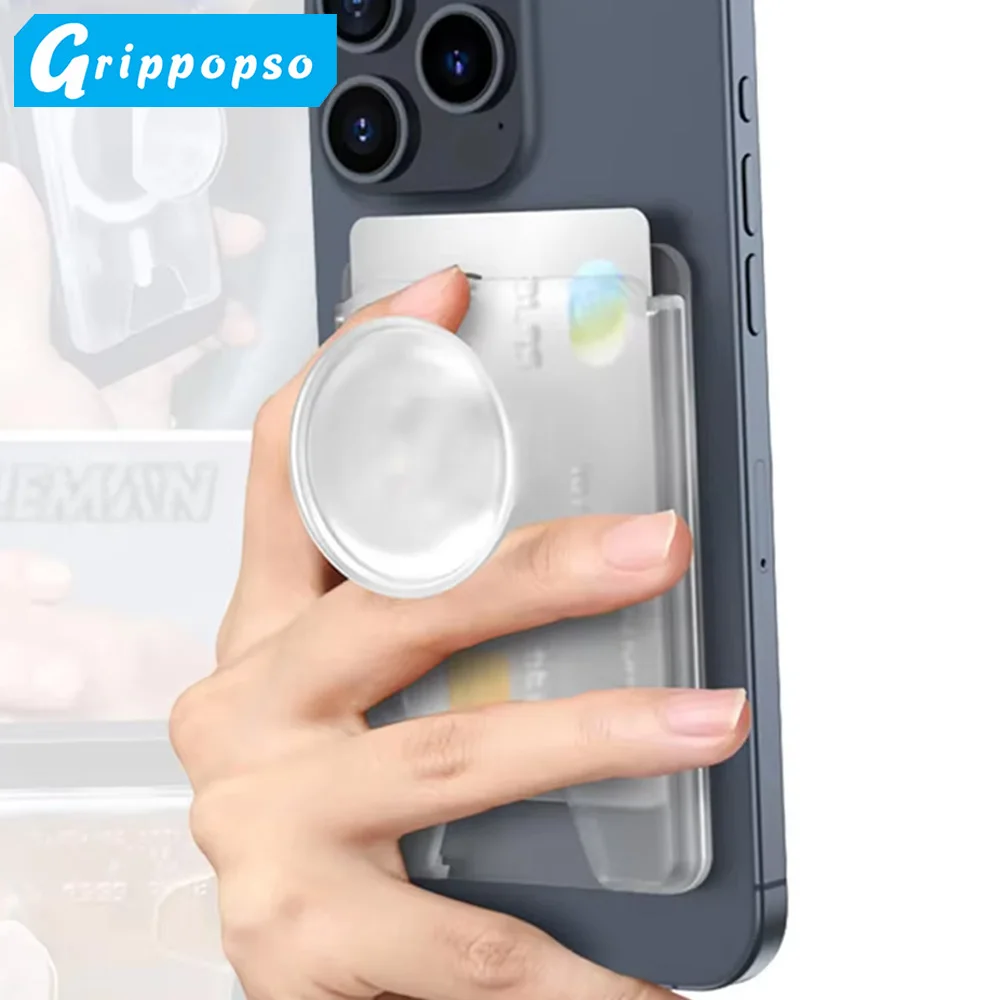
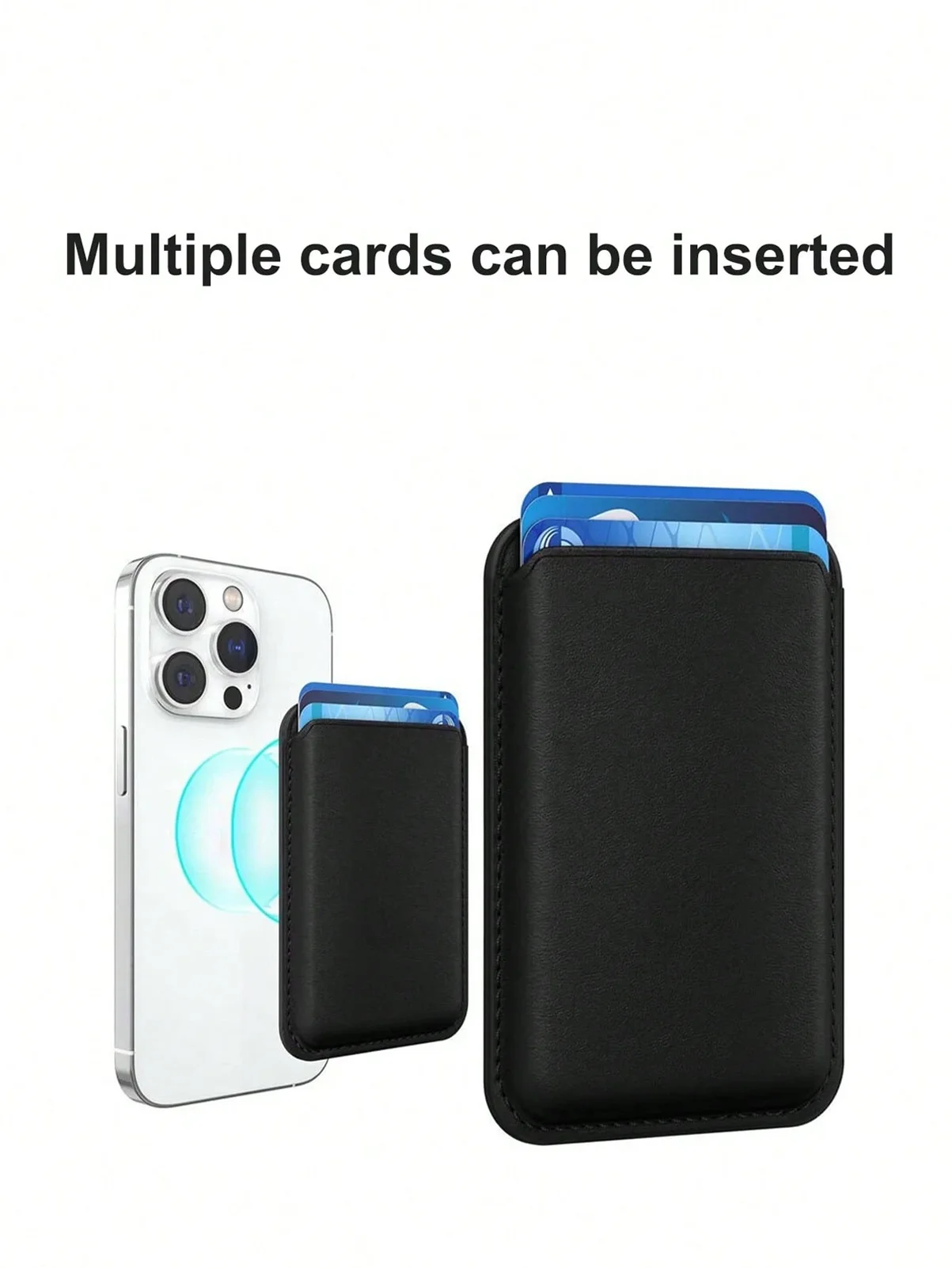
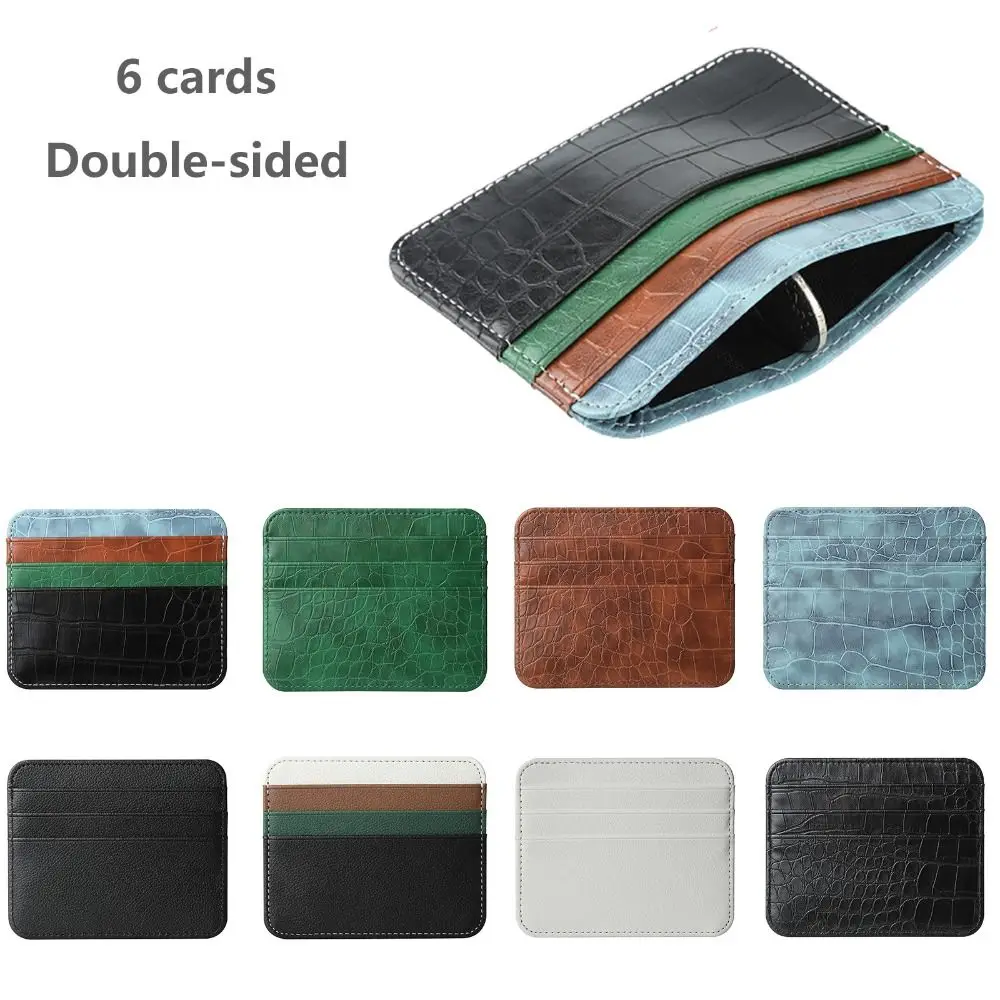
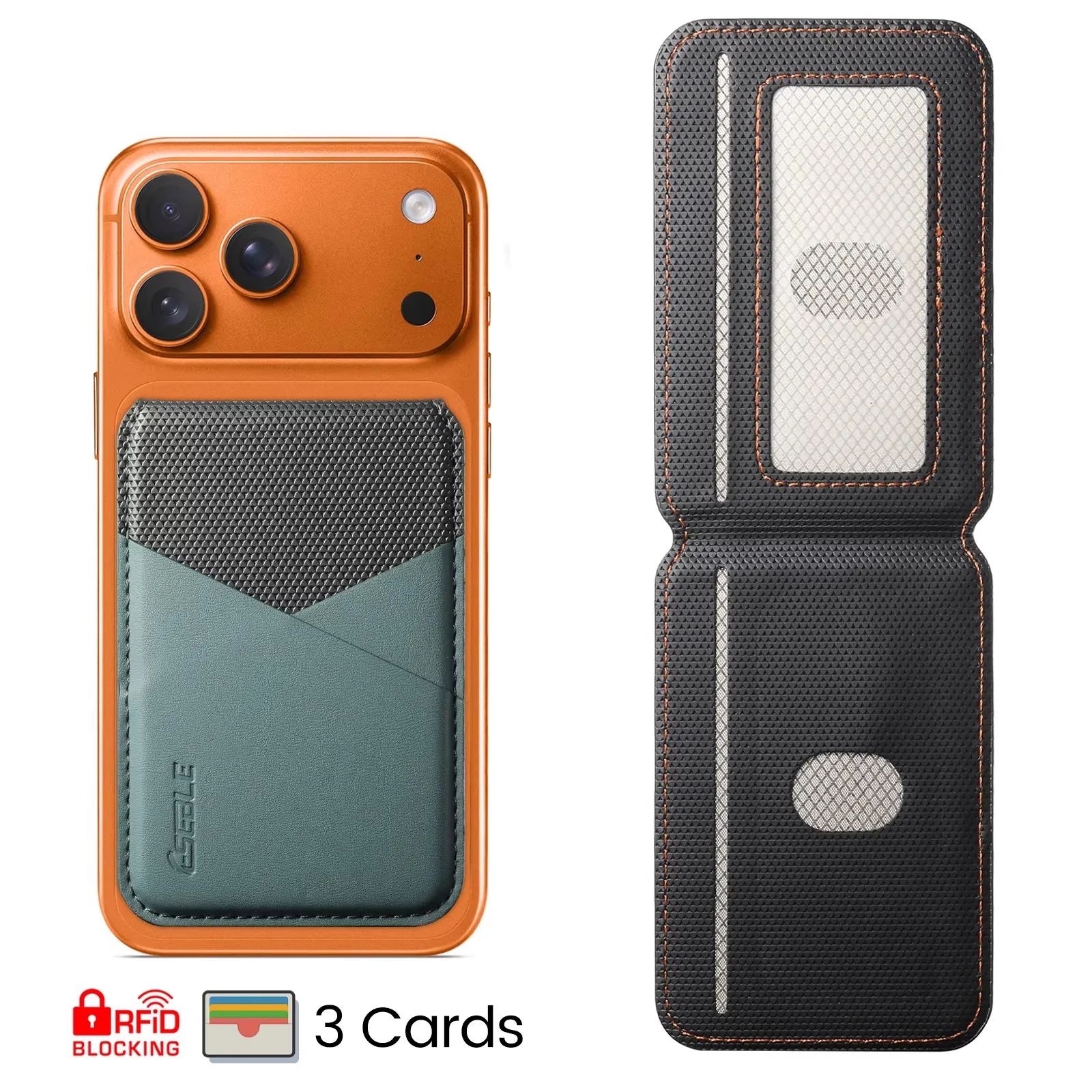
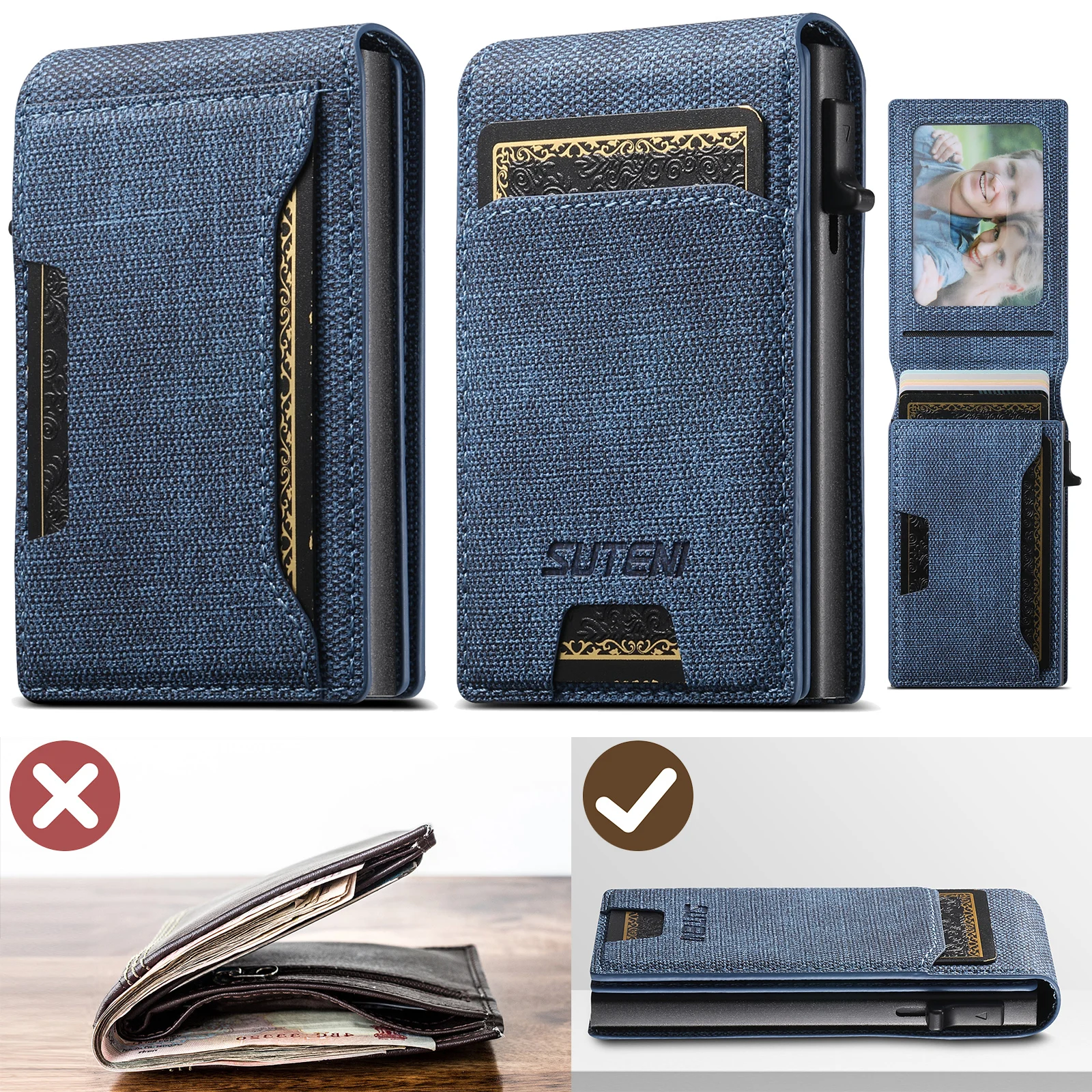
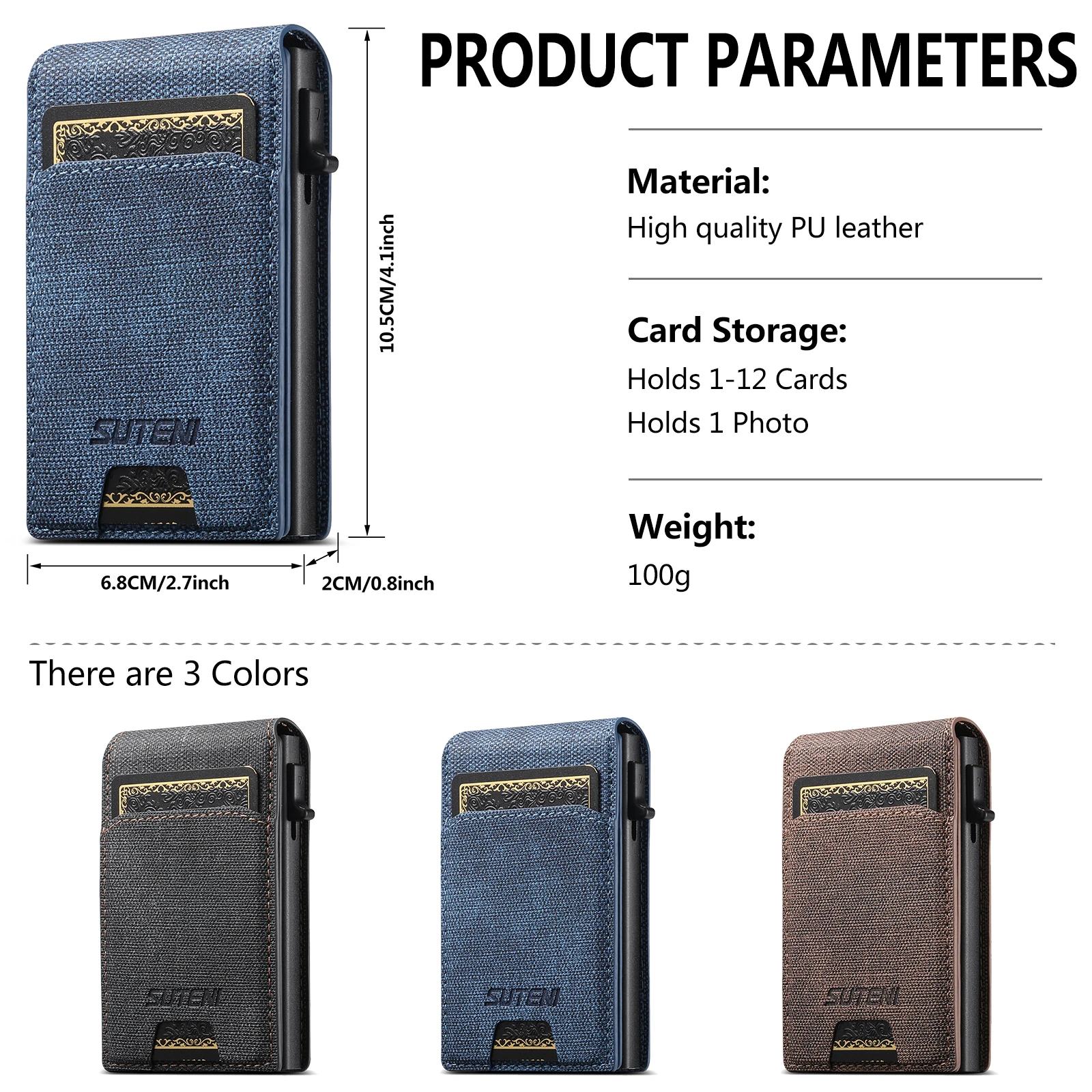
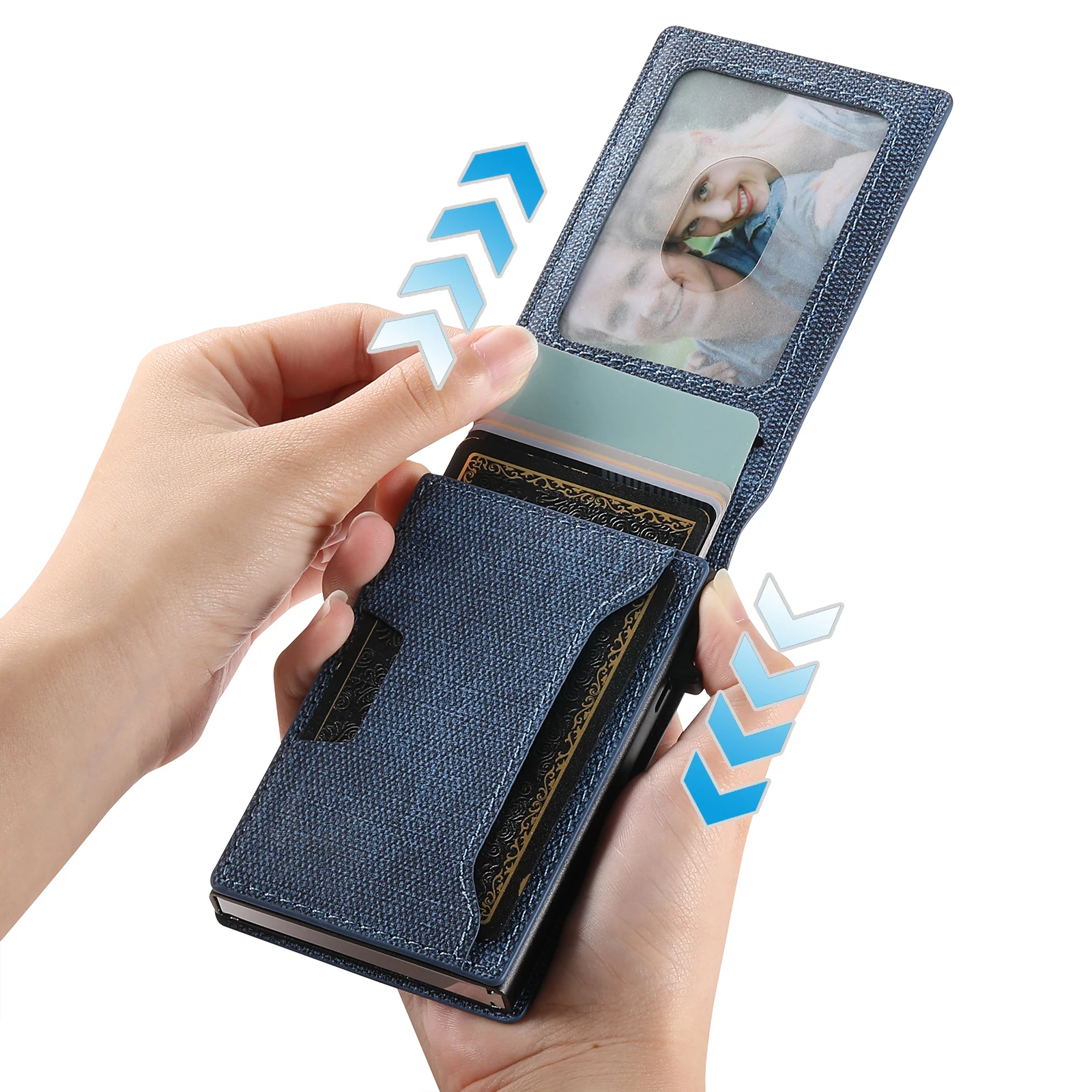
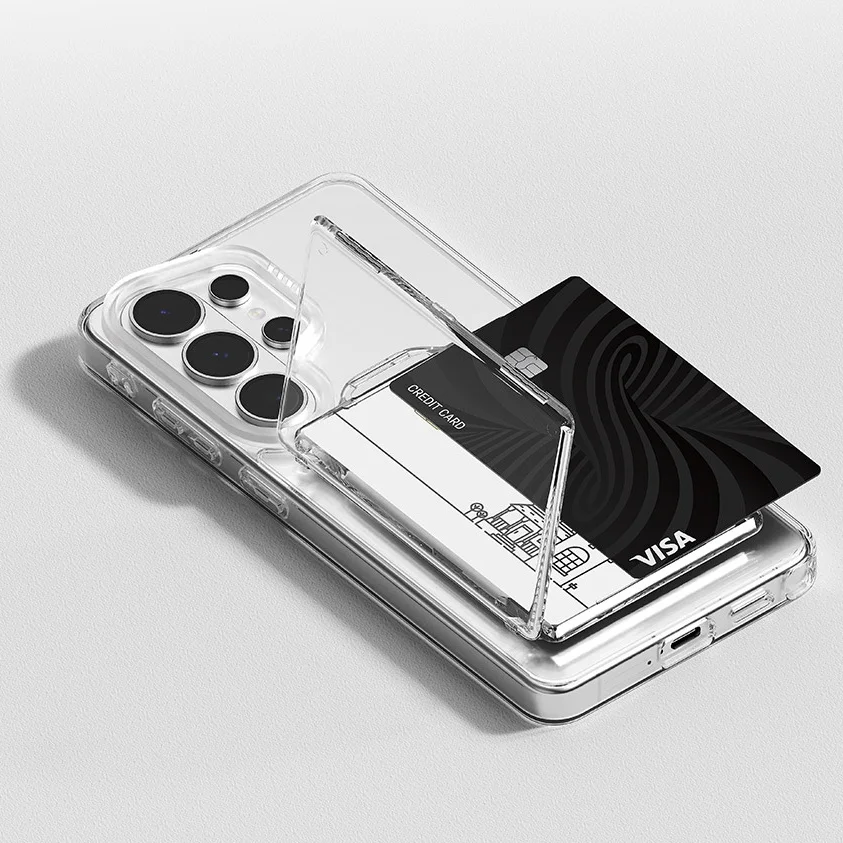
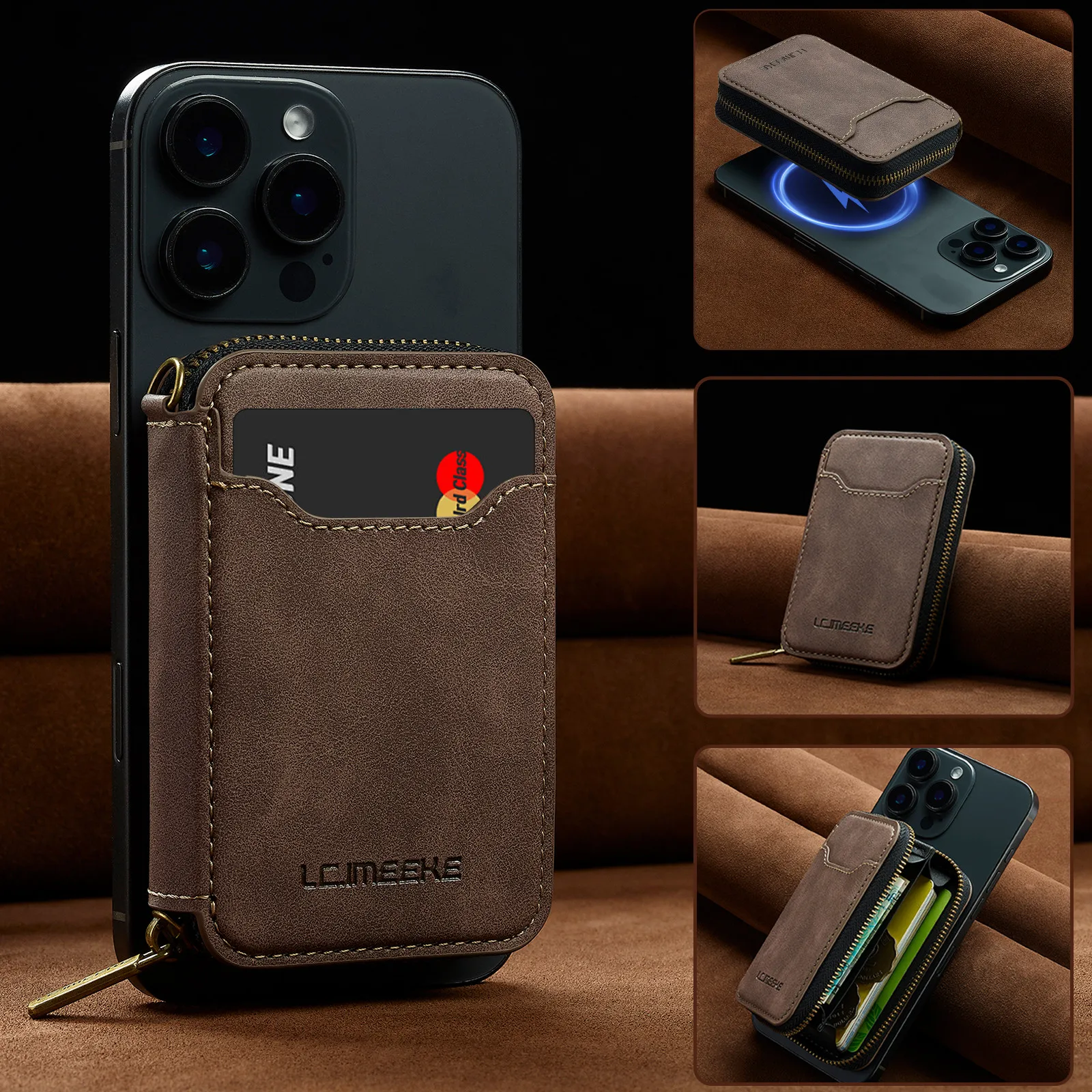
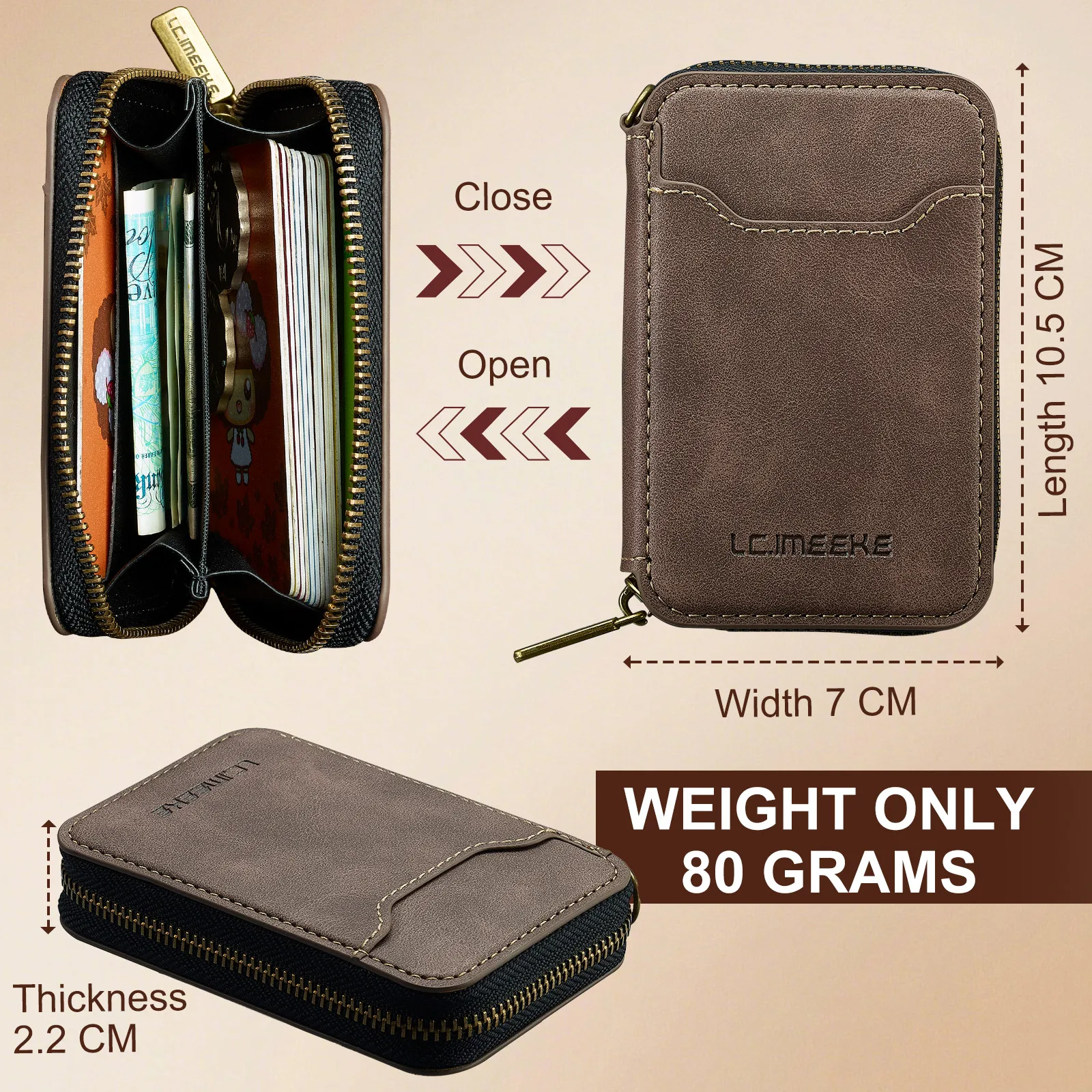
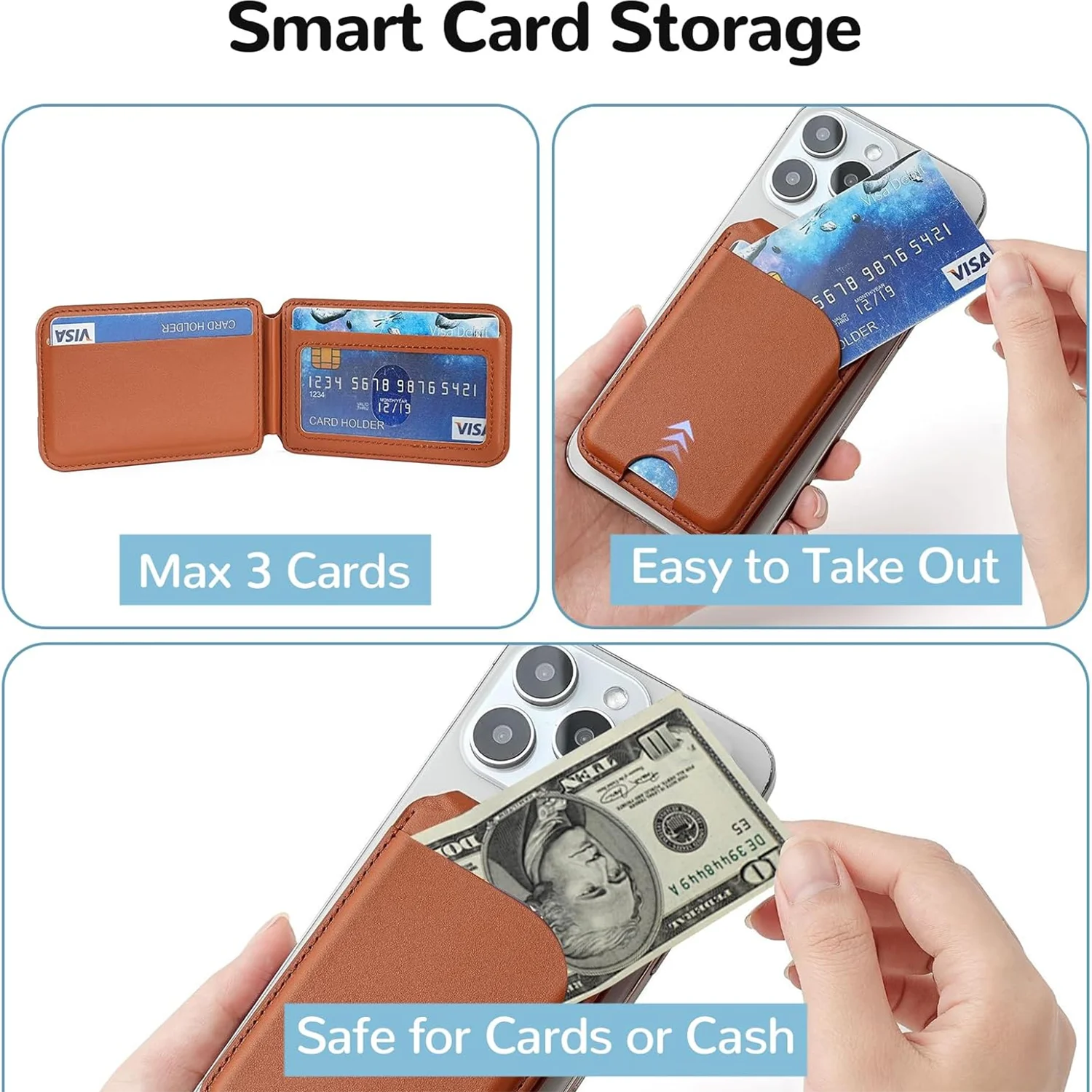
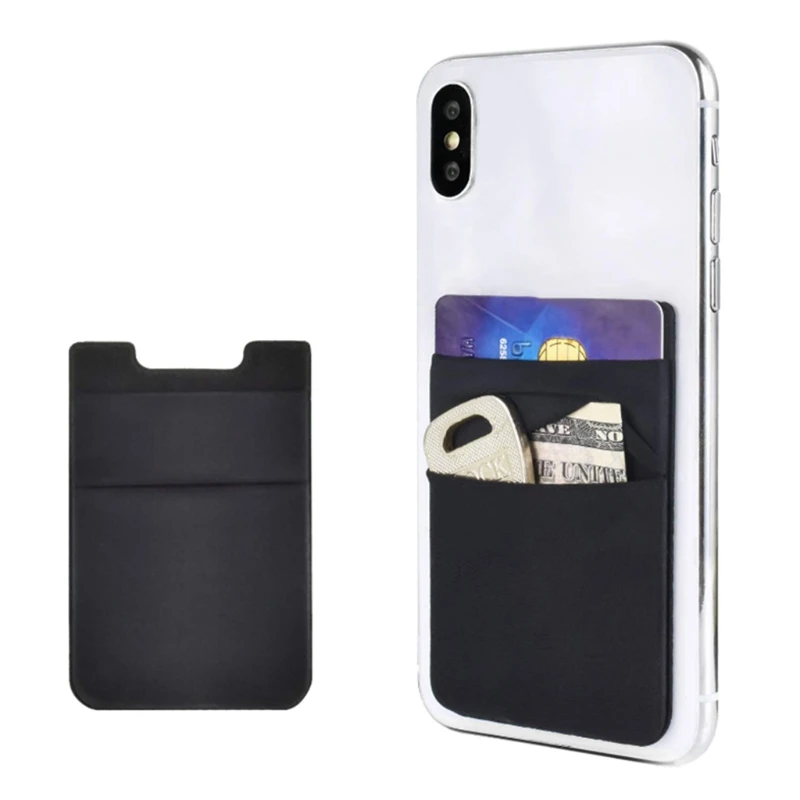
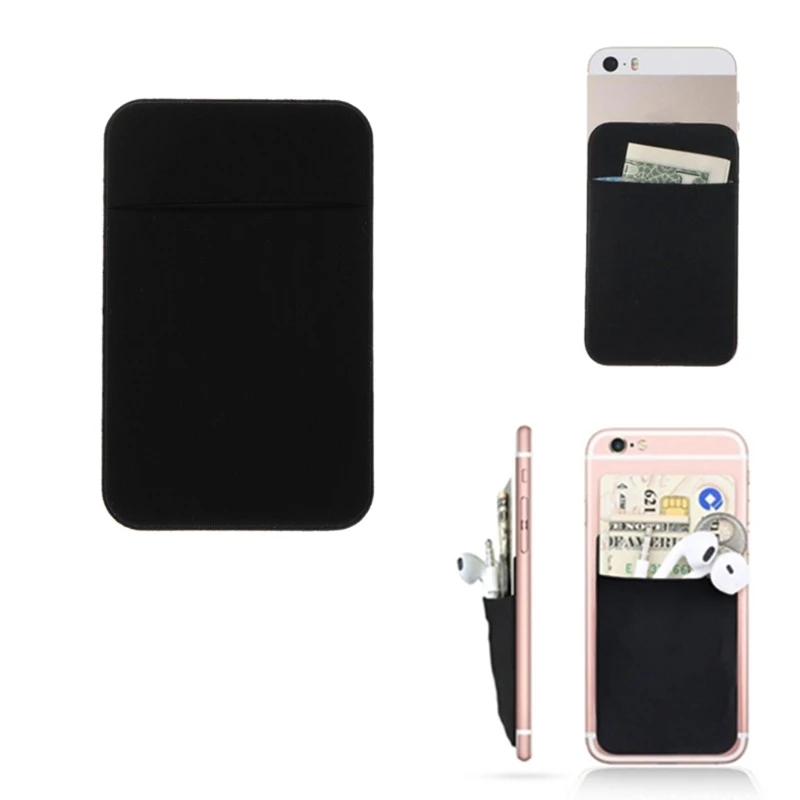
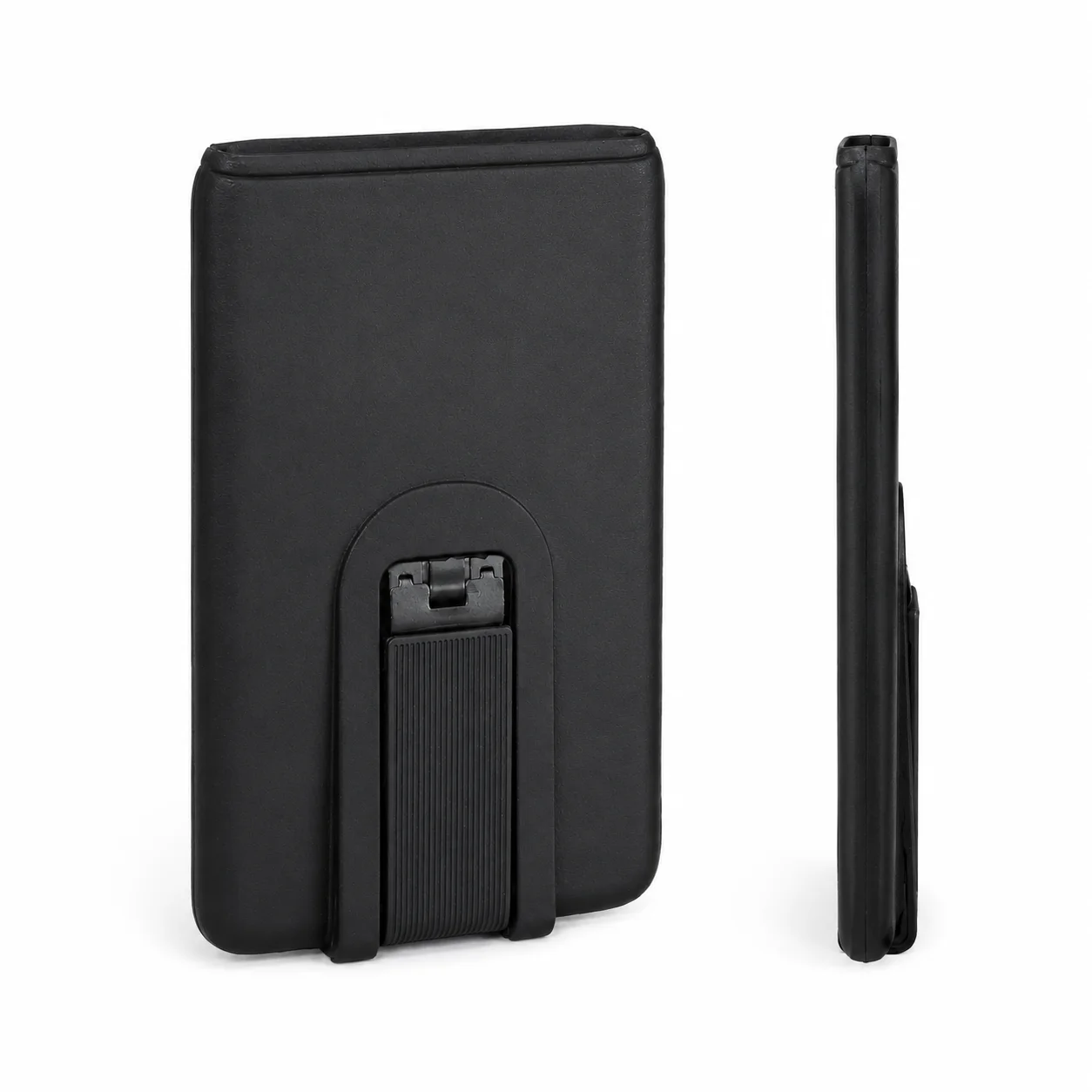
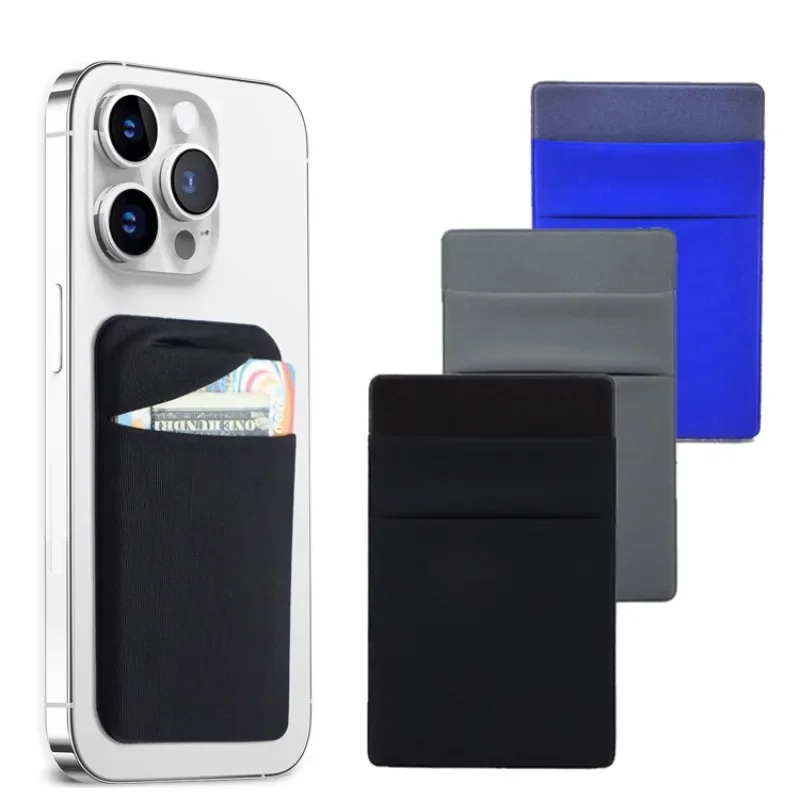
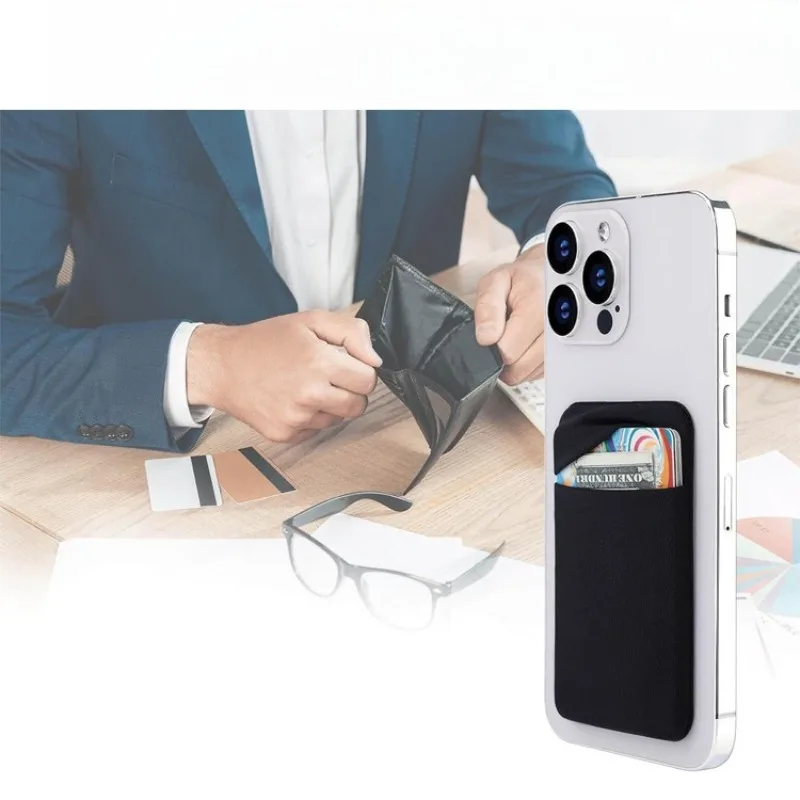
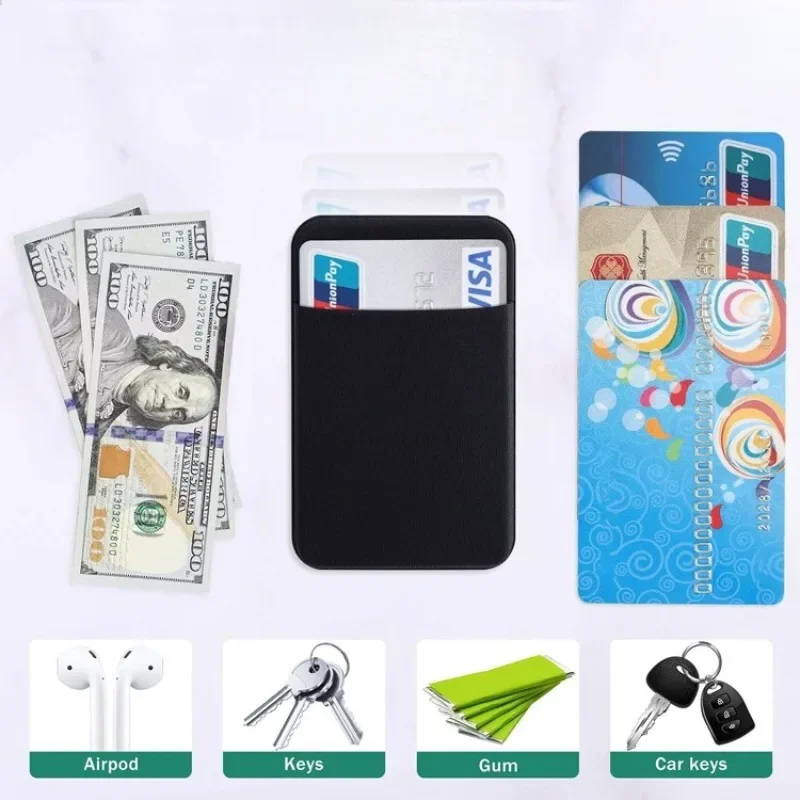
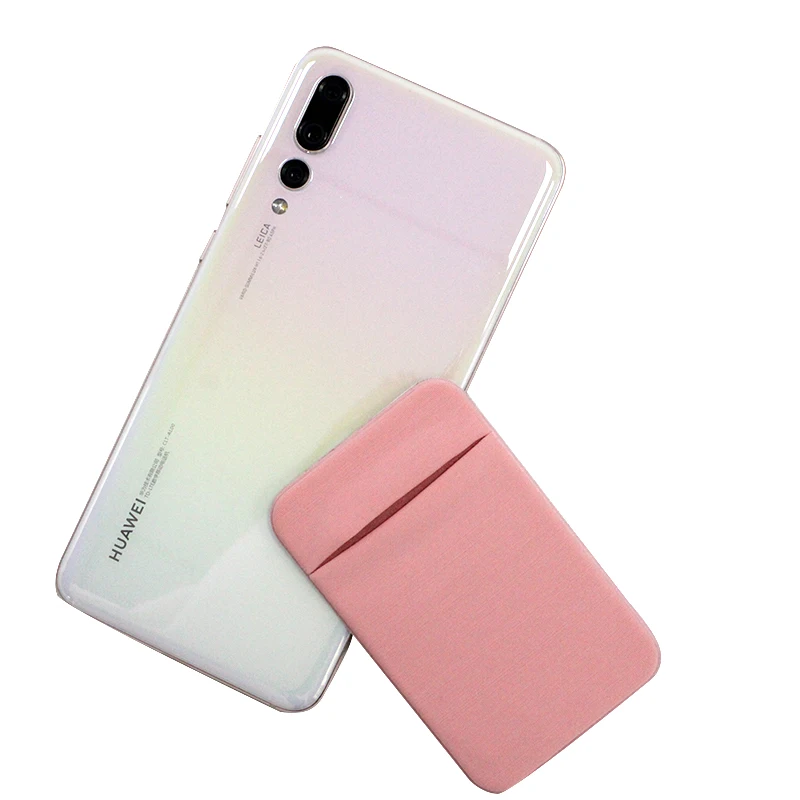
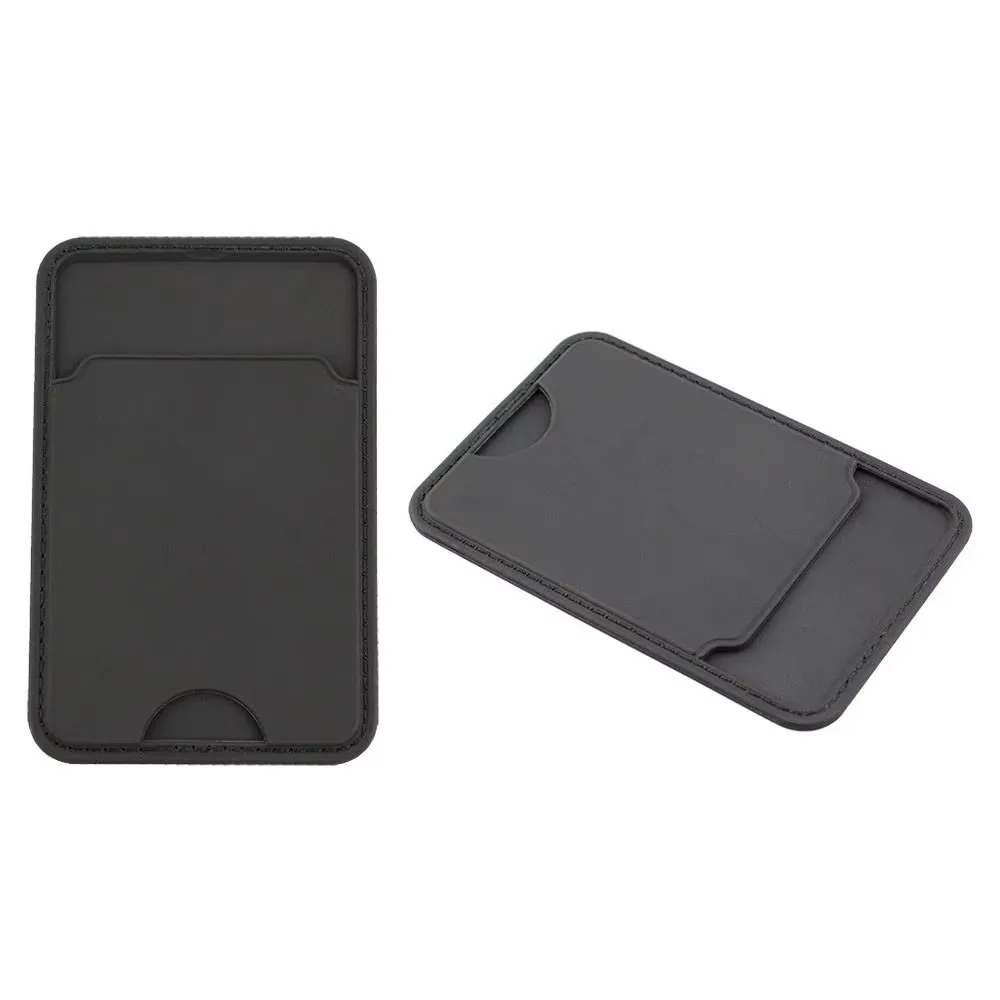
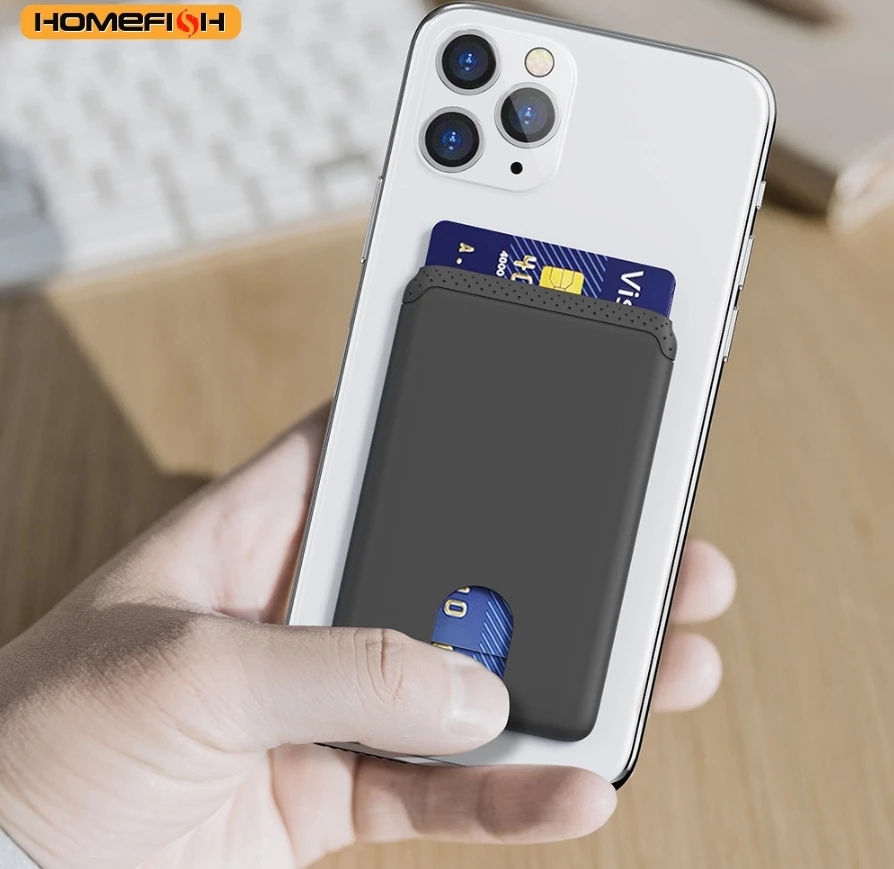
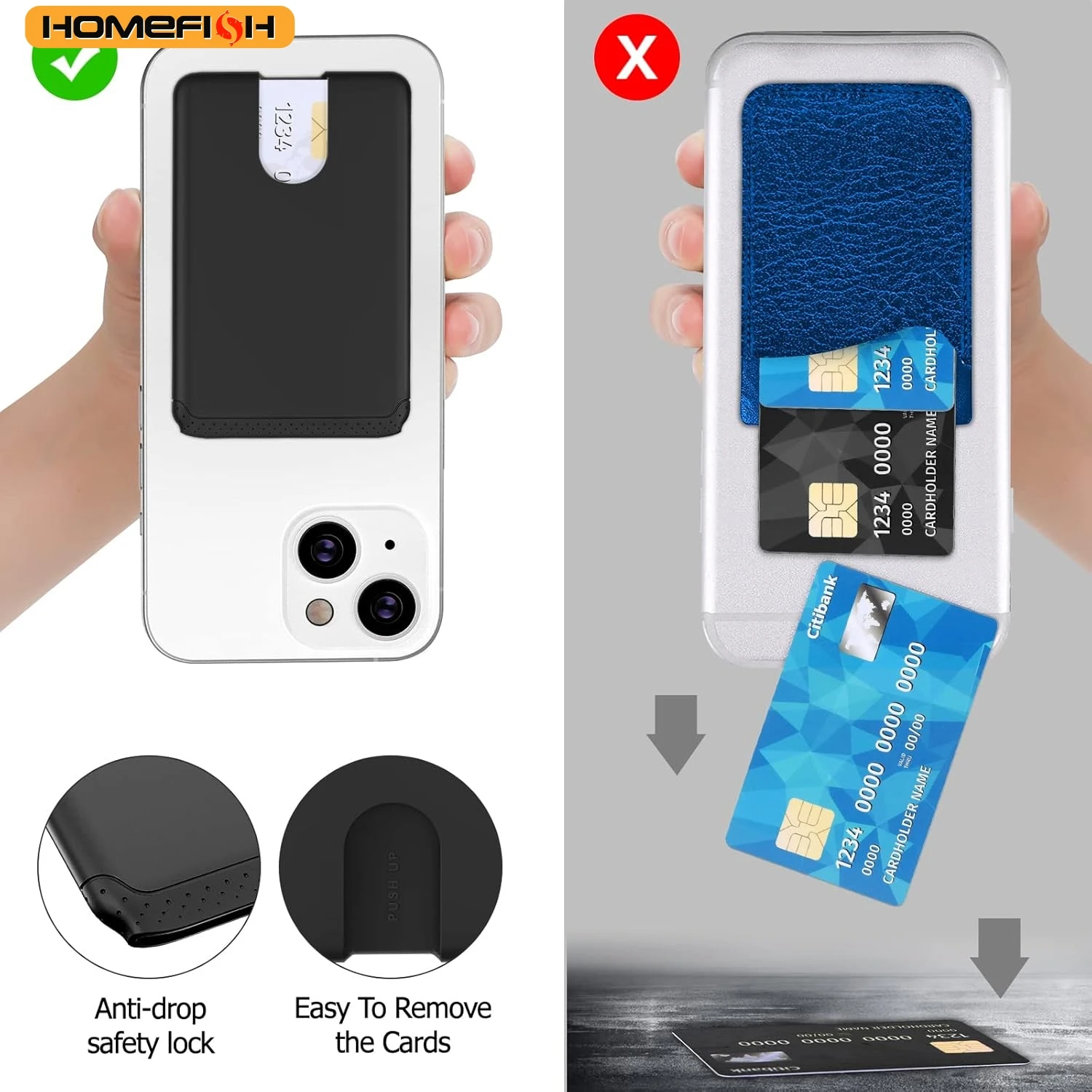
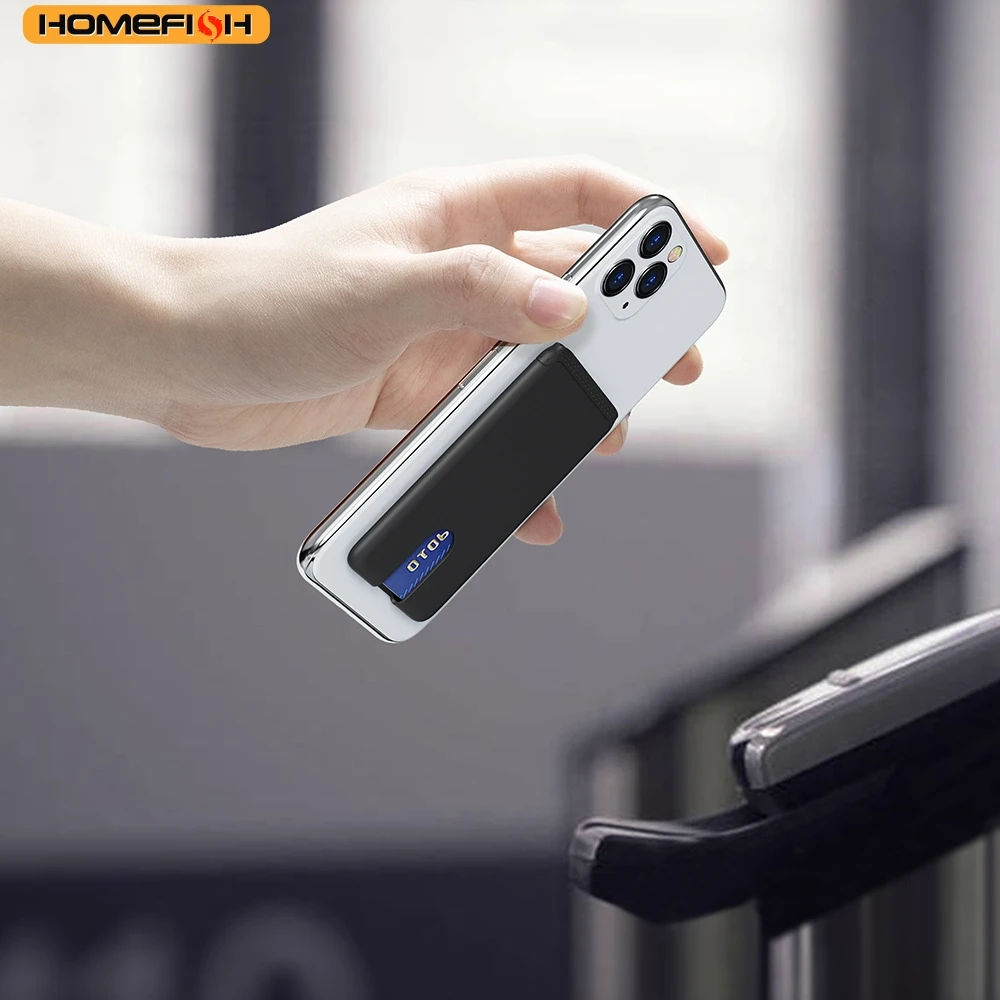
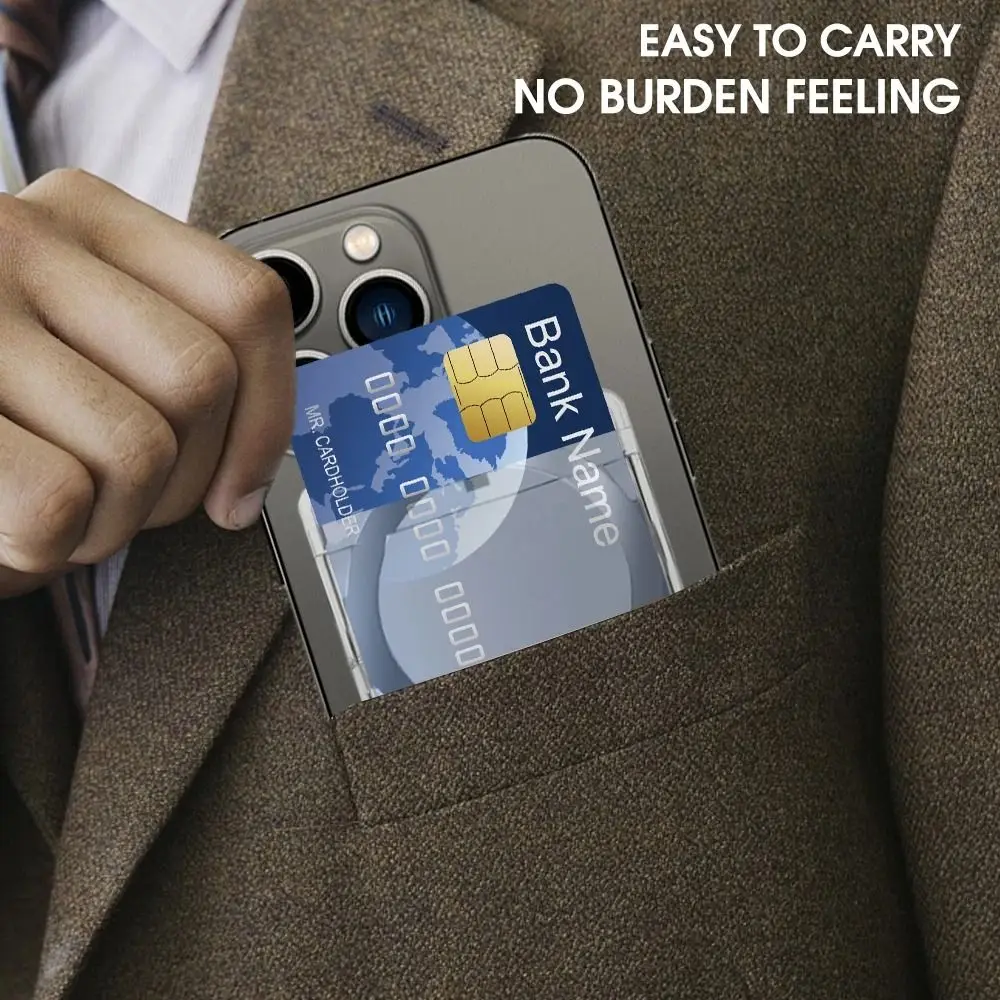
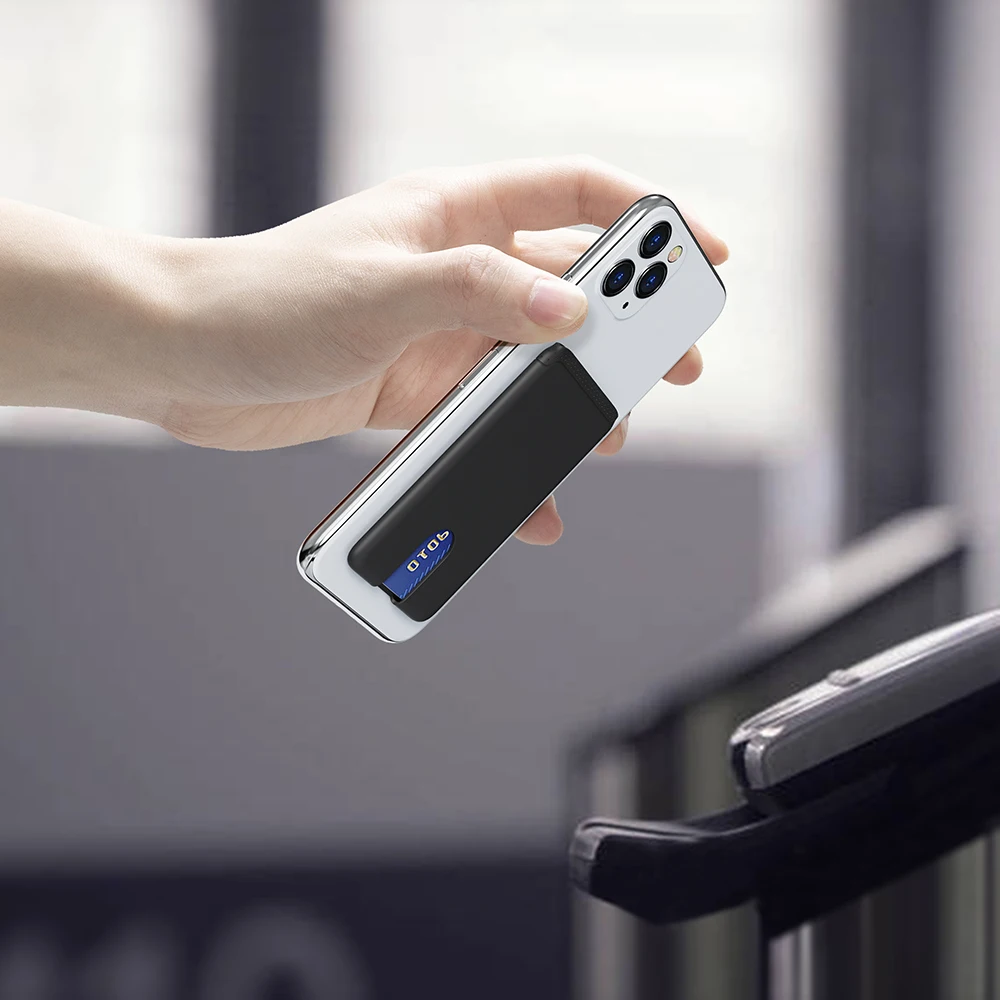
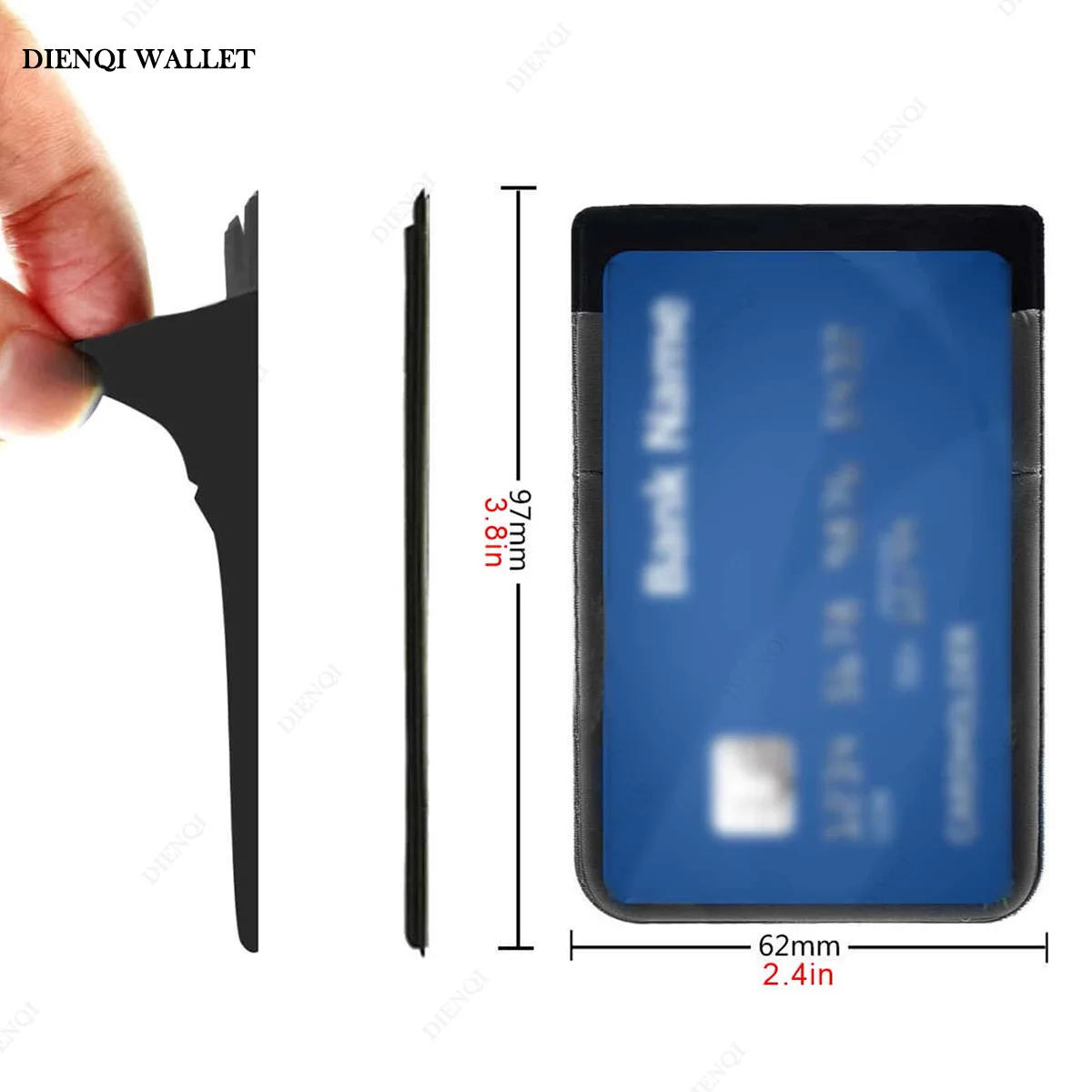
A phone wallet puts a card or two on the back of the phone, so one thing goes in the pocket instead of two. It suits anyone who pays by card or phone and rarely carries cash, anyone who needs a travel card or work pass every day, and anyone who would rather not carry a bag for a quick trip out. It is not a full wallet: it holds the few cards you use most, and perhaps a folded note.
The five ranges
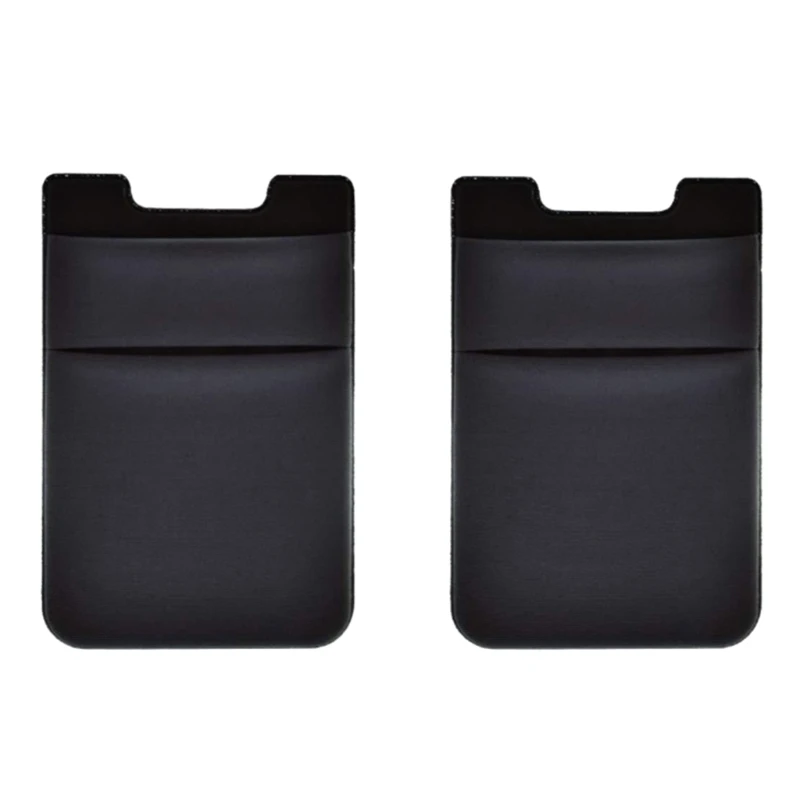
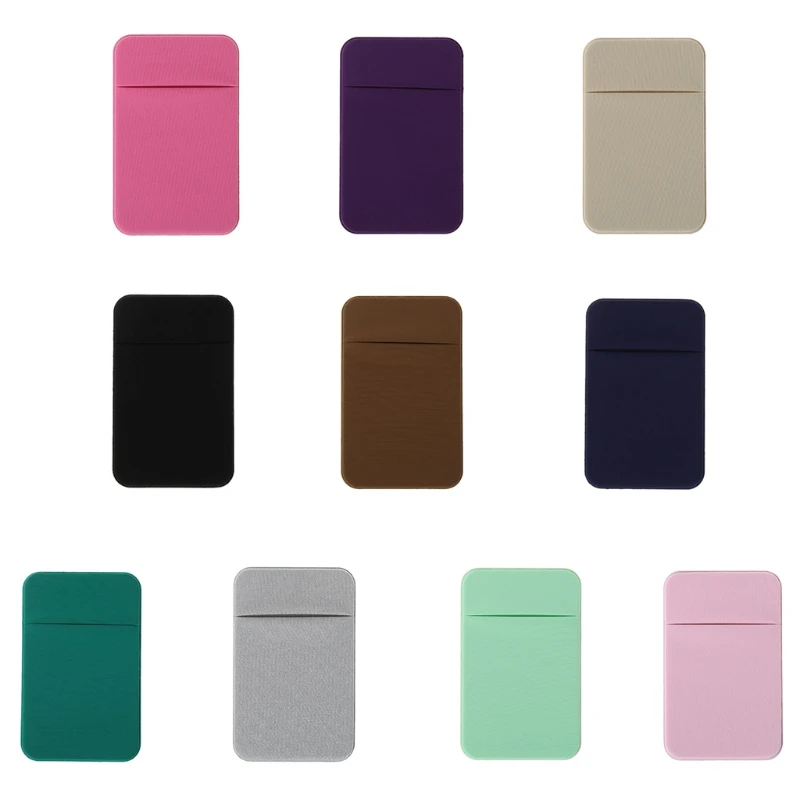
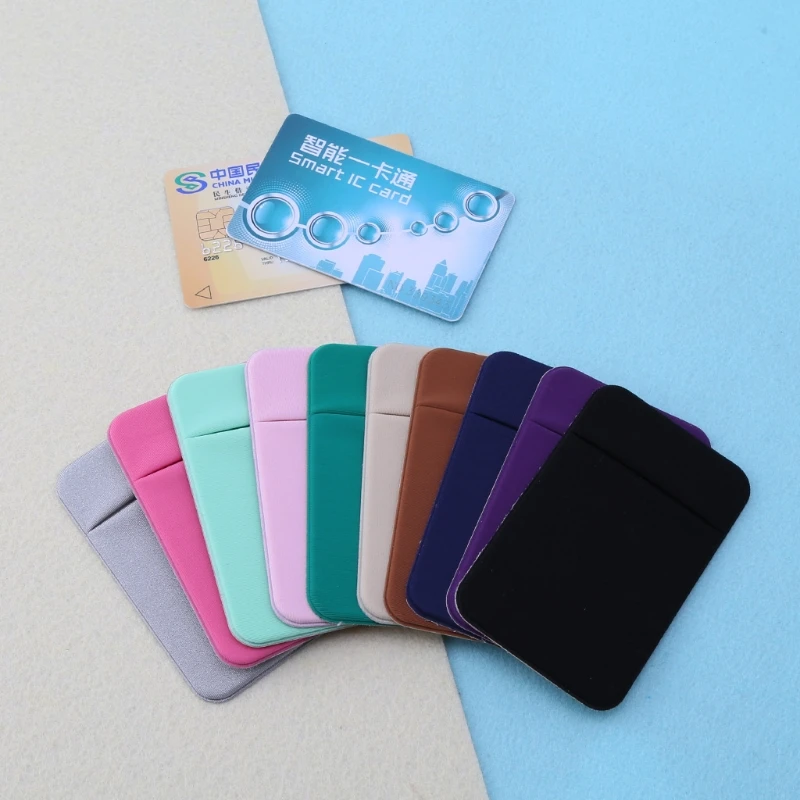
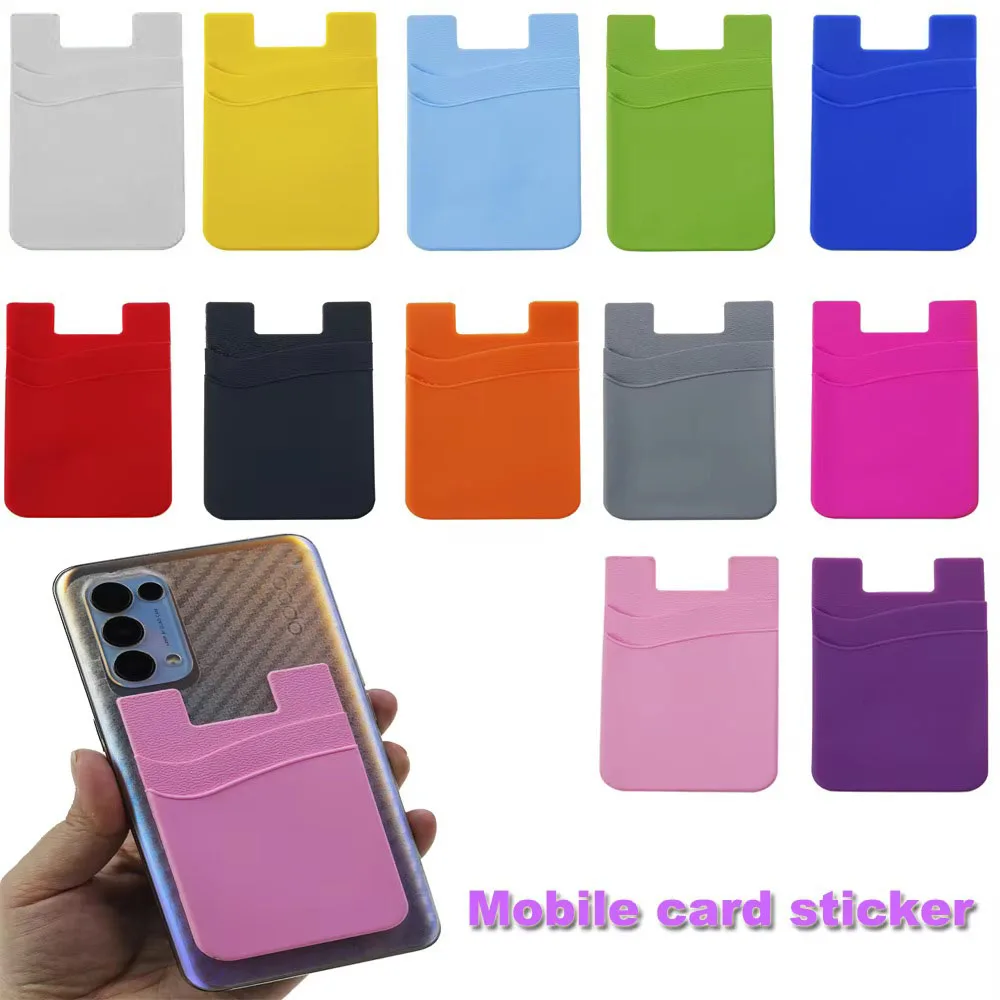
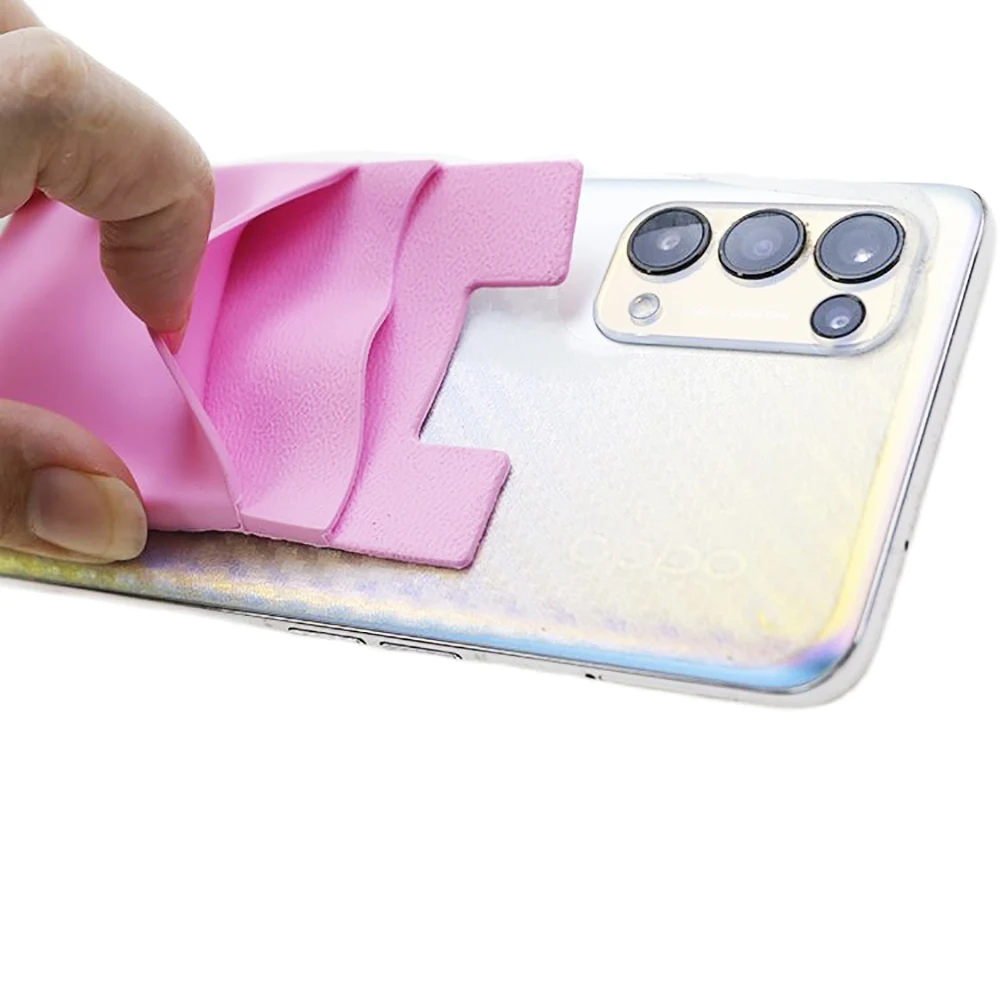
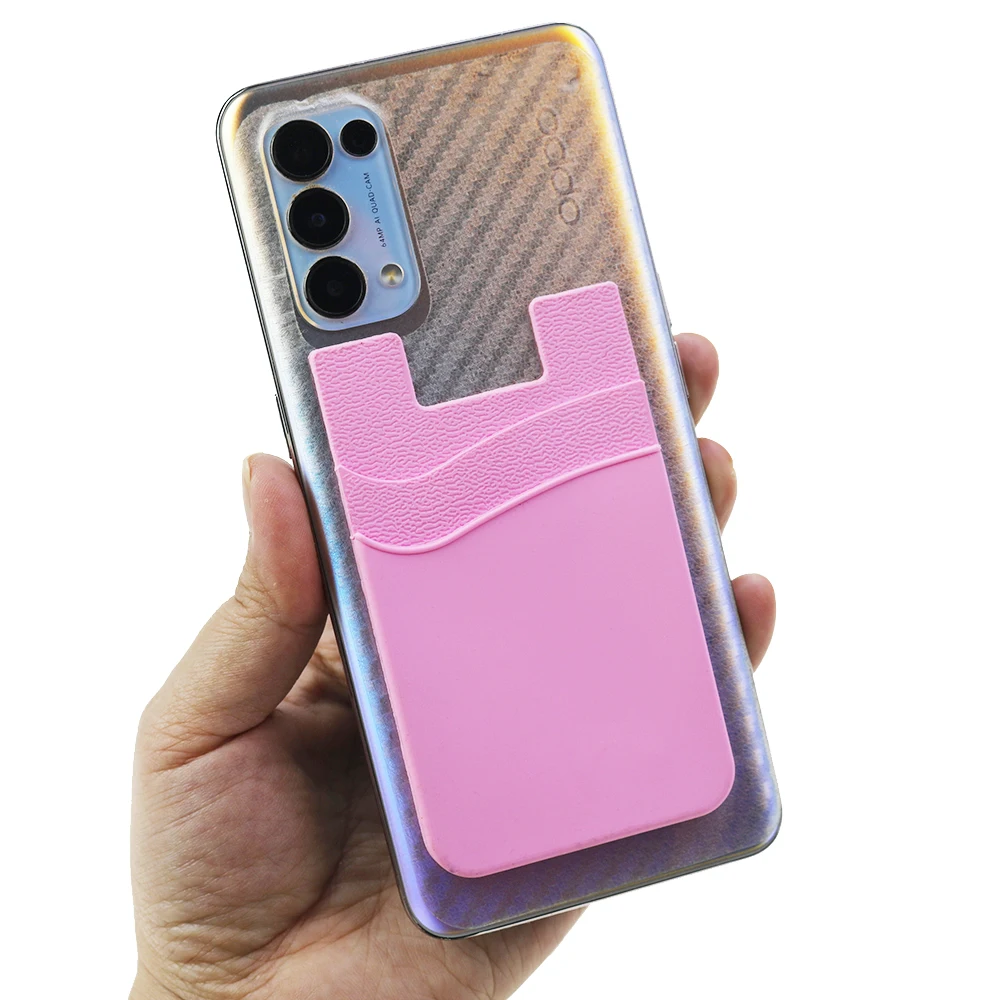
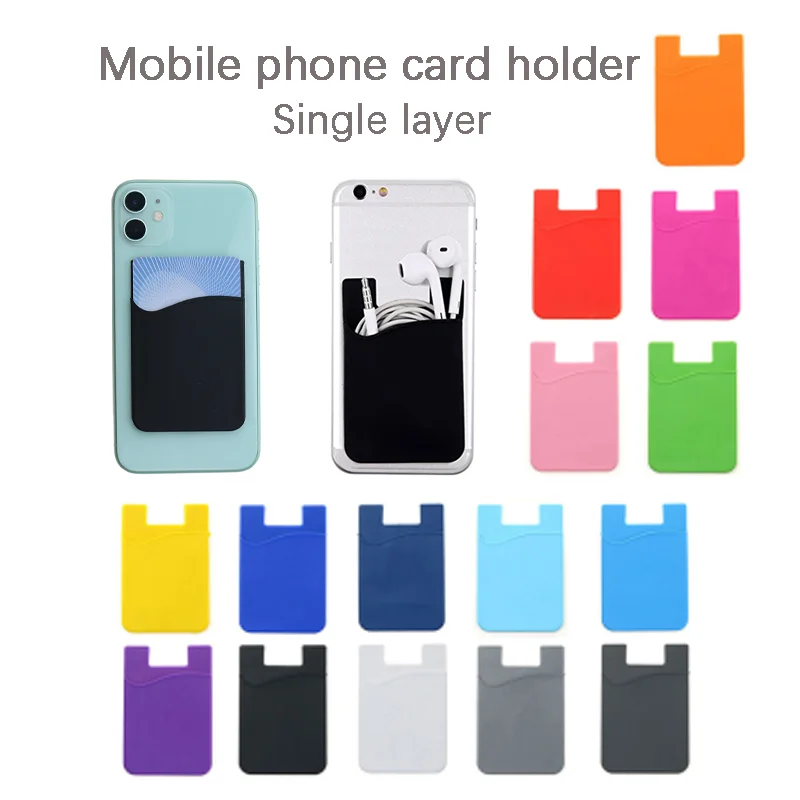
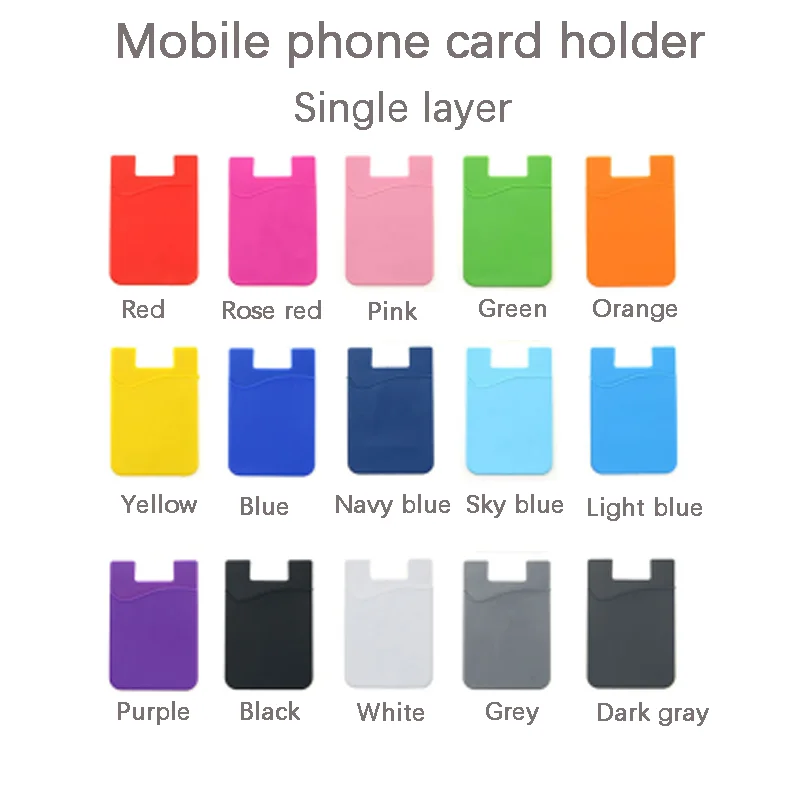
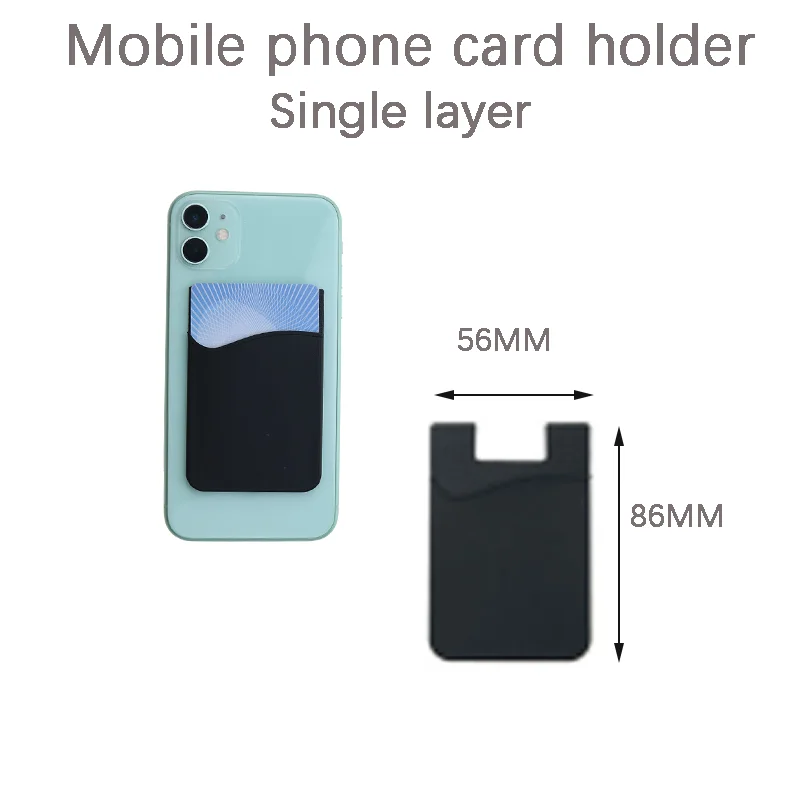
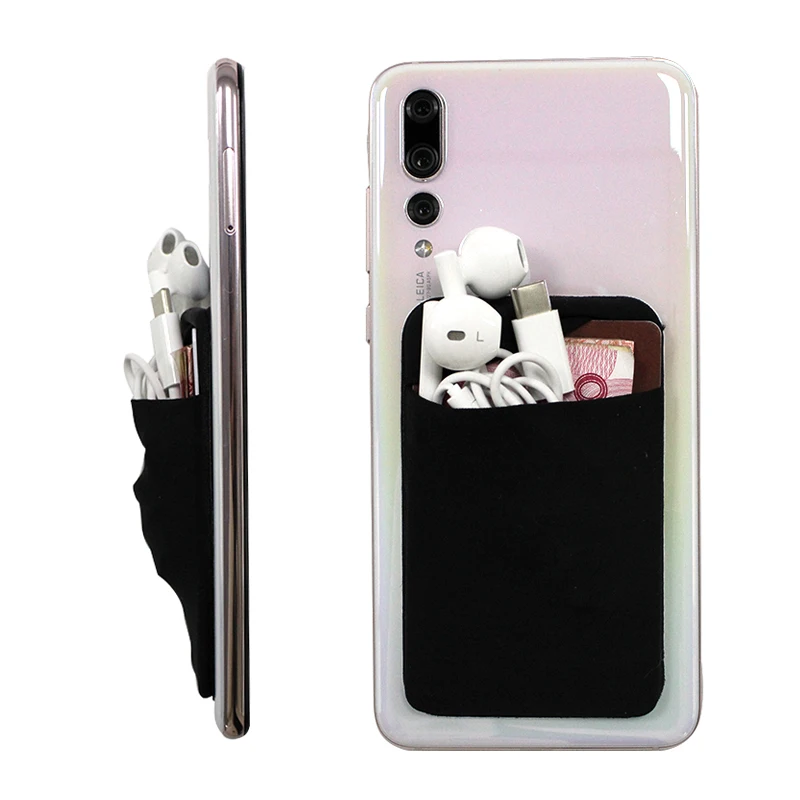
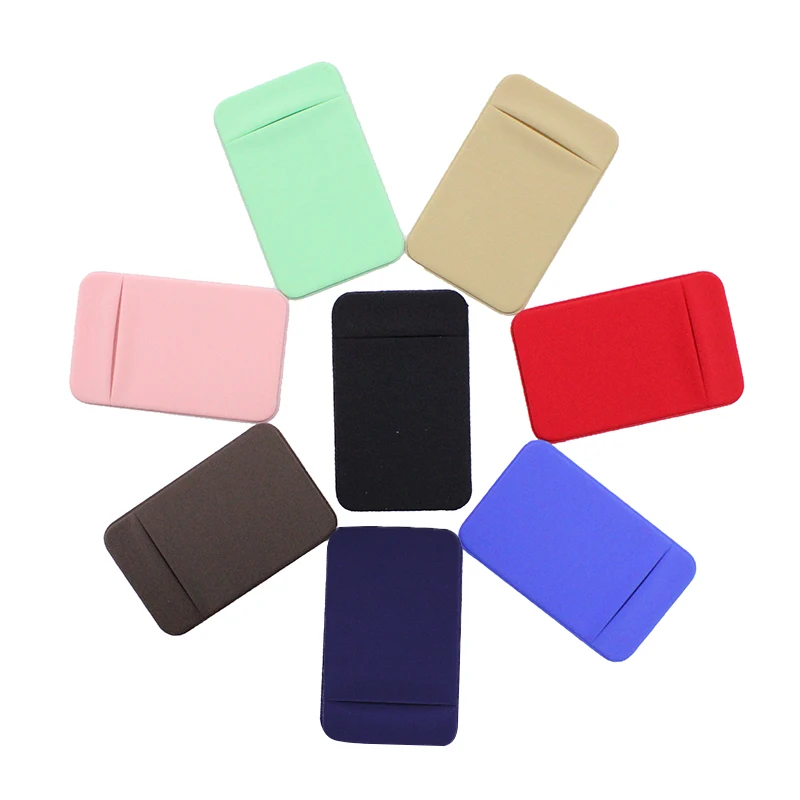
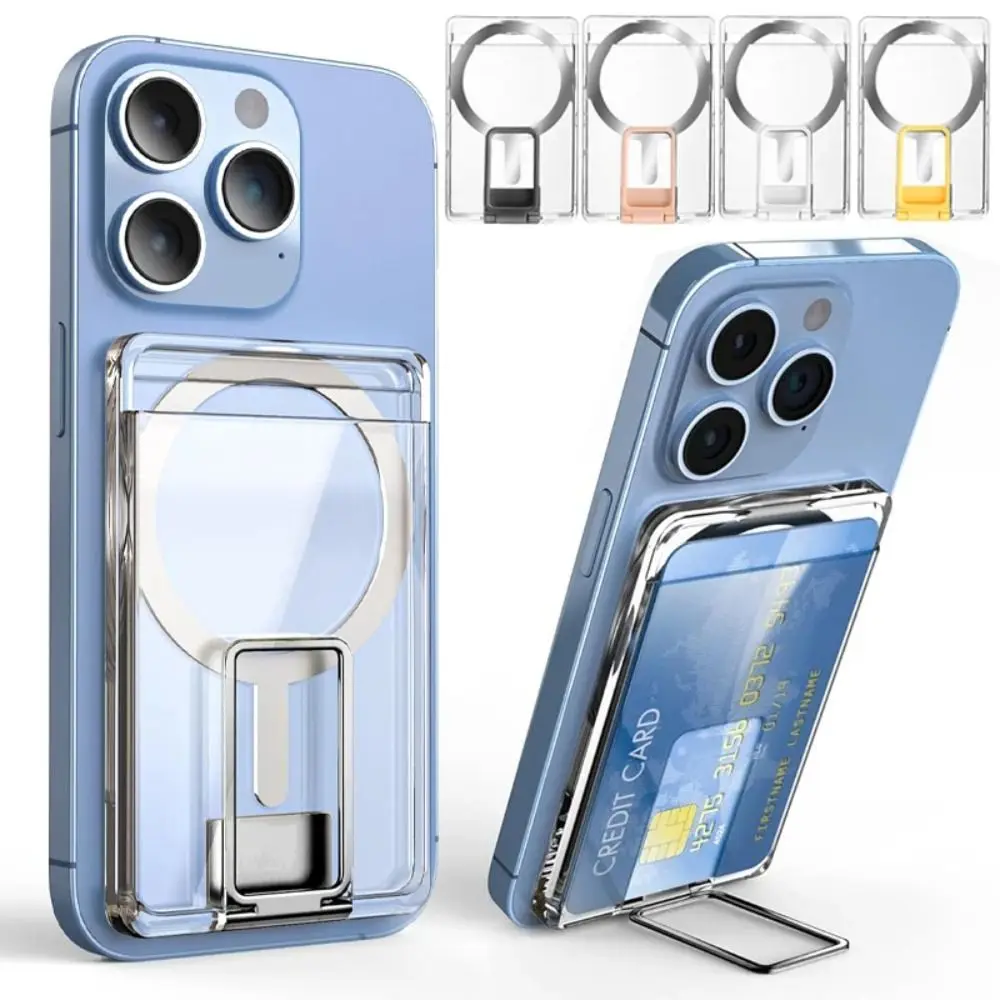
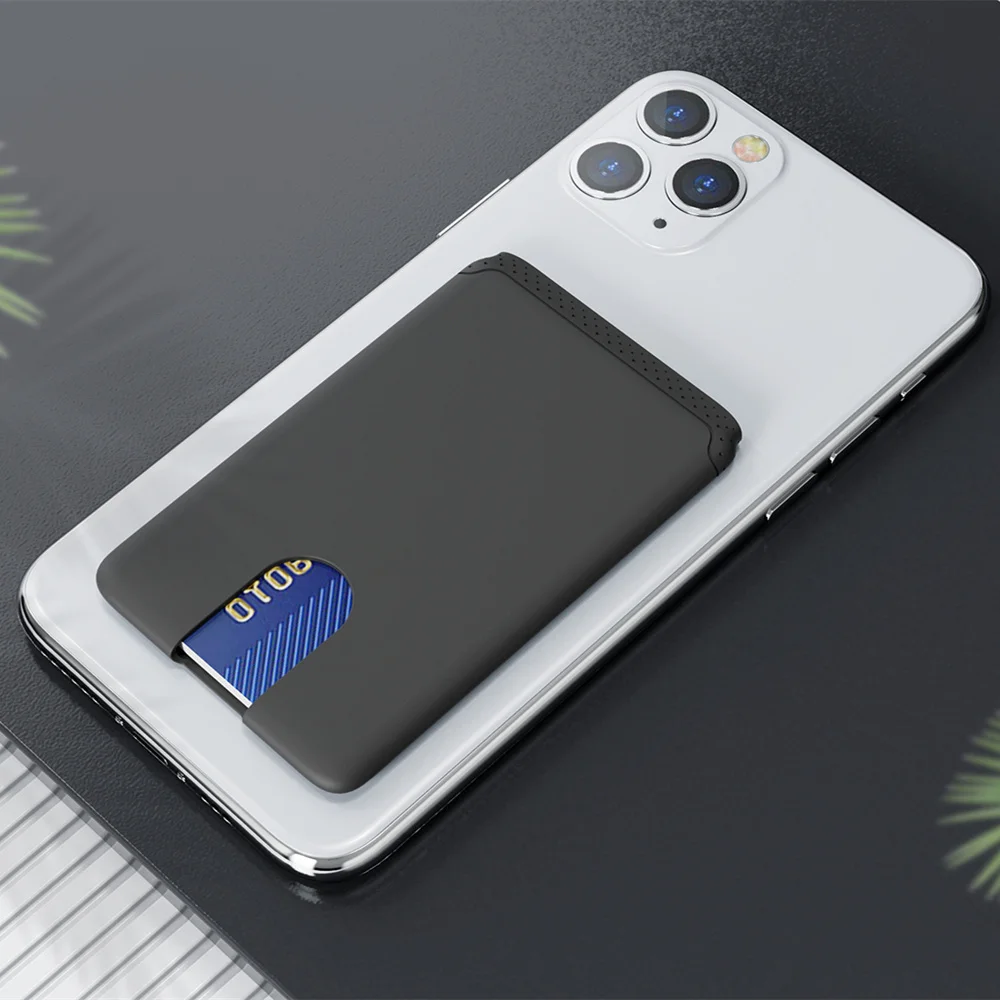
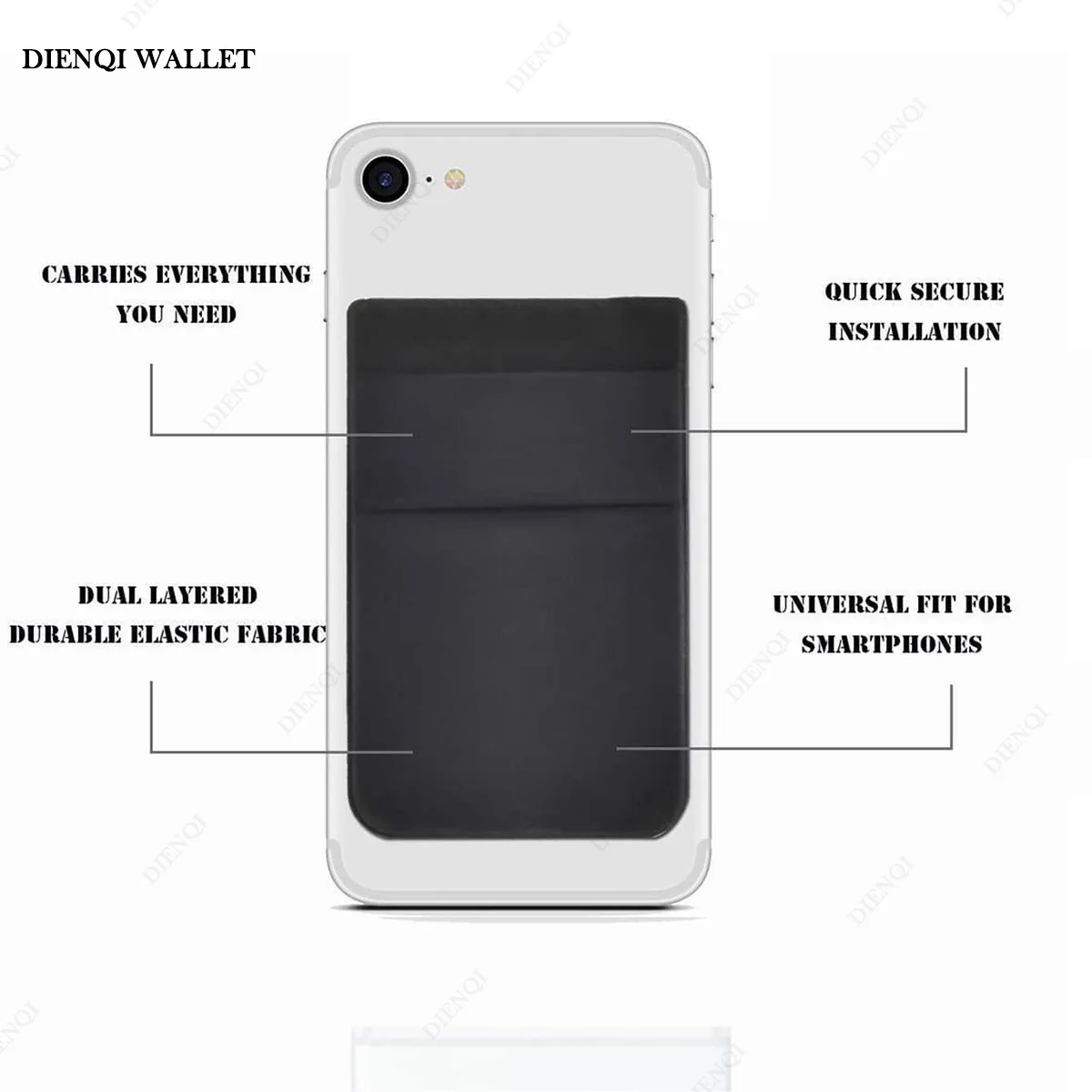
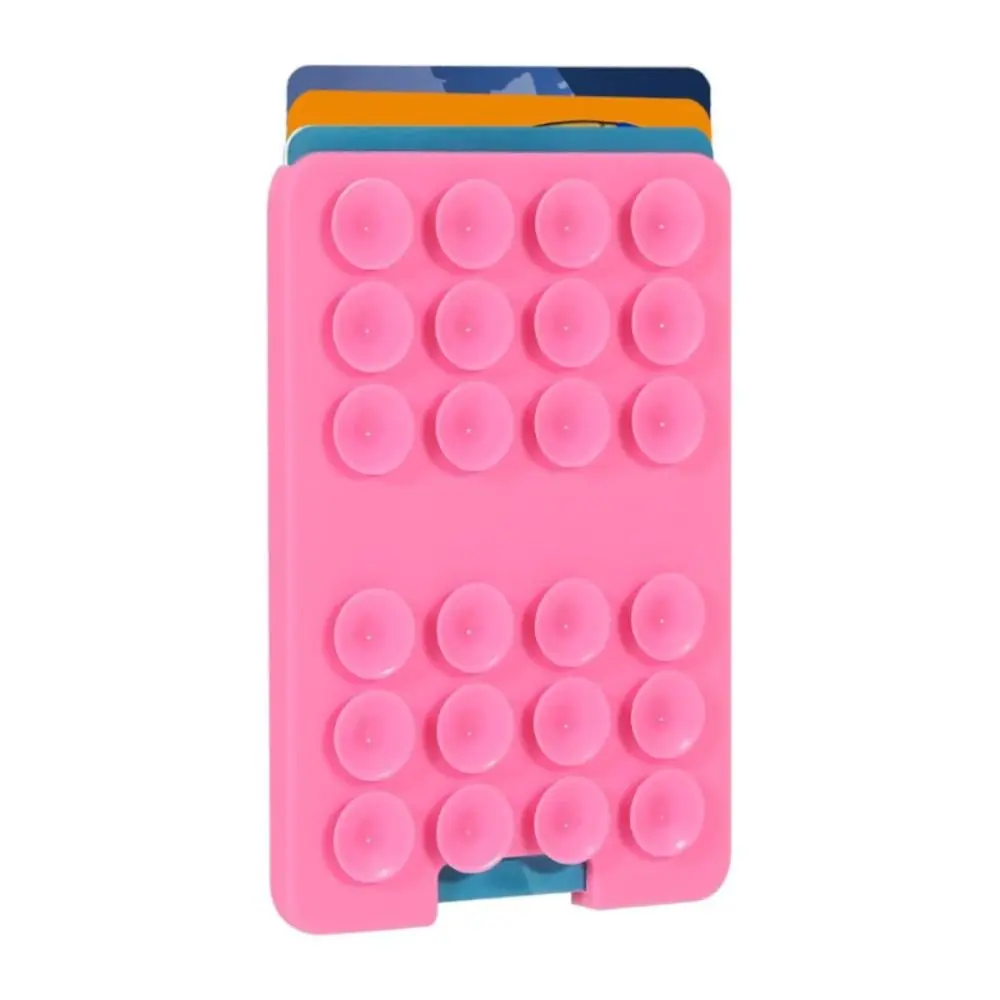
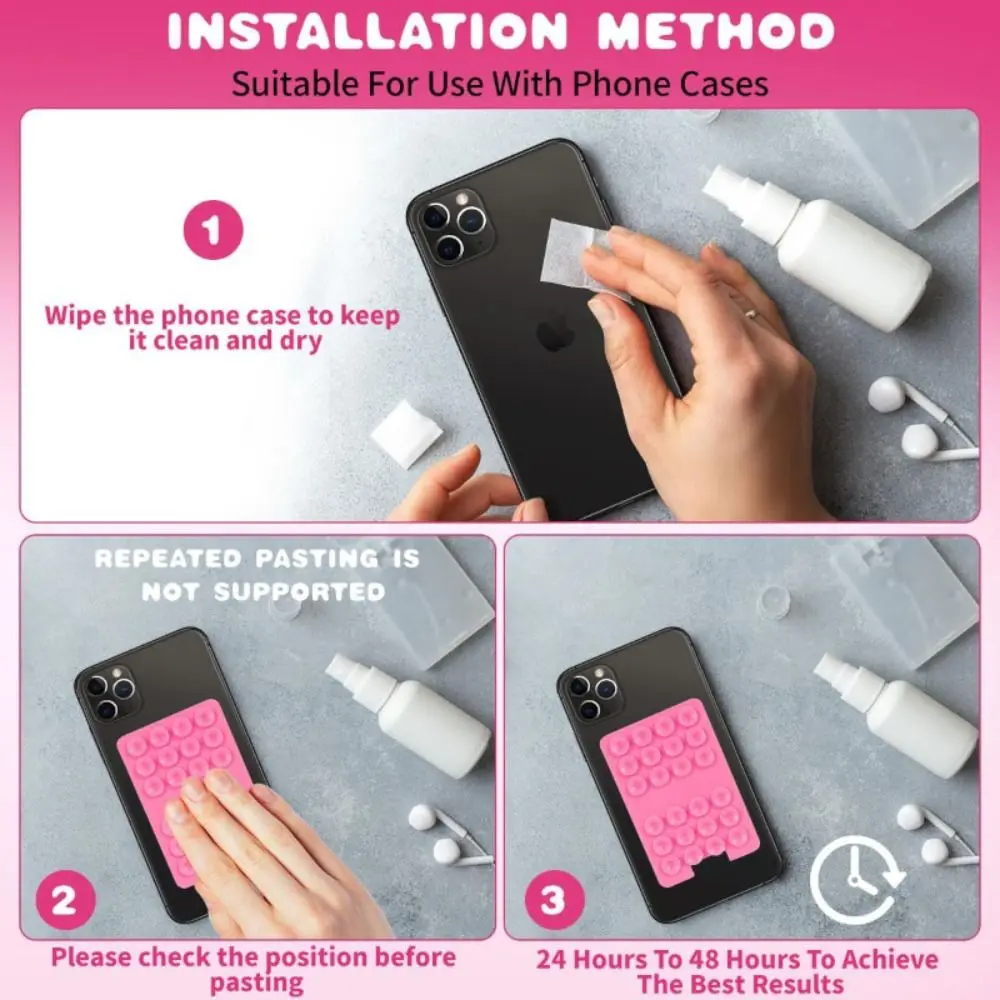
- Stick-on phone wallets are flat pockets that fix to the back of the phone or its case, most with adhesive and one with suction cups. They stay on until you peel them off. See stick-on phone wallets.
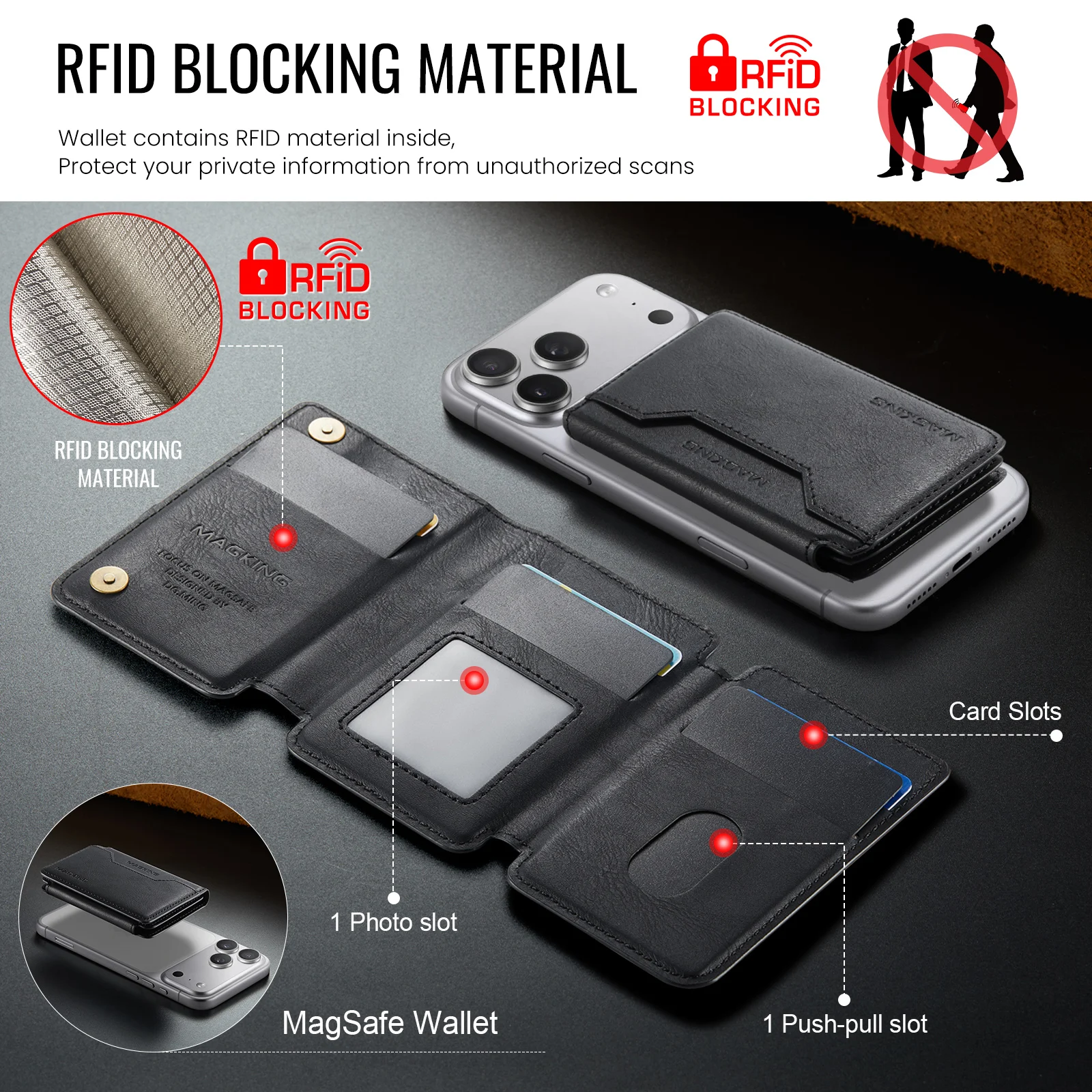
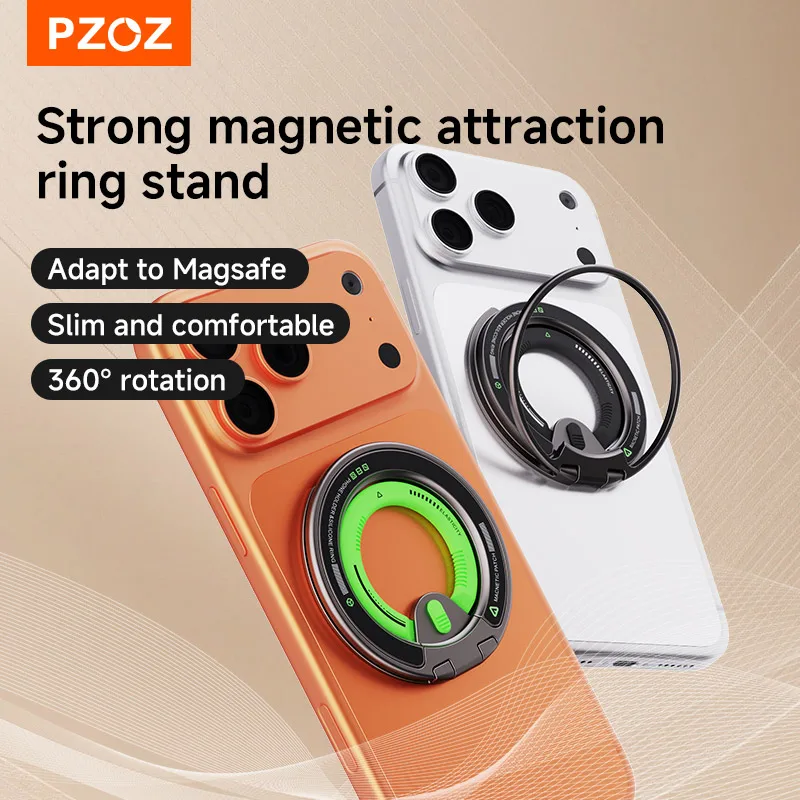
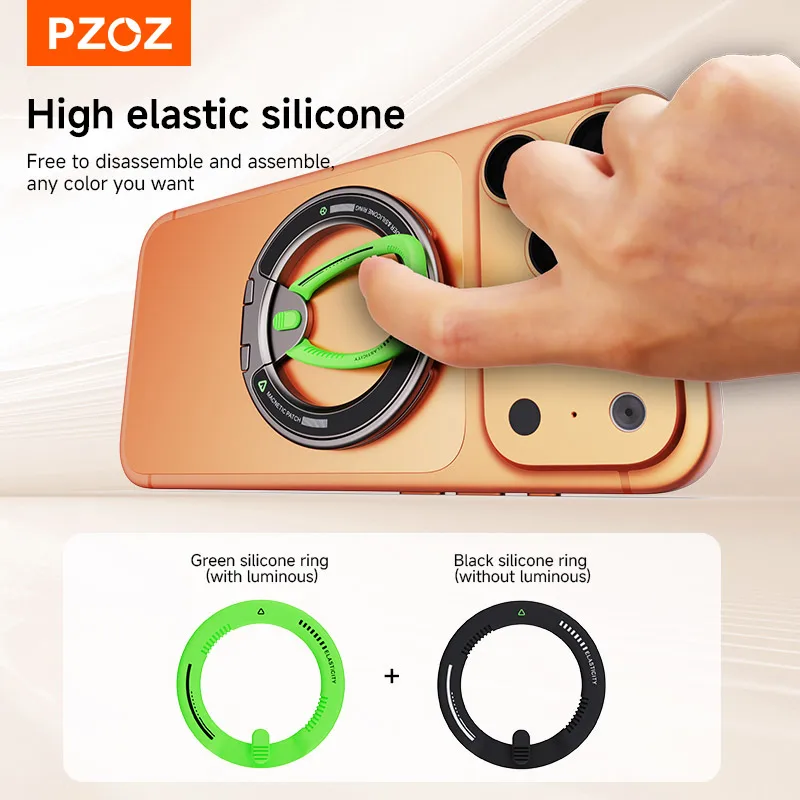
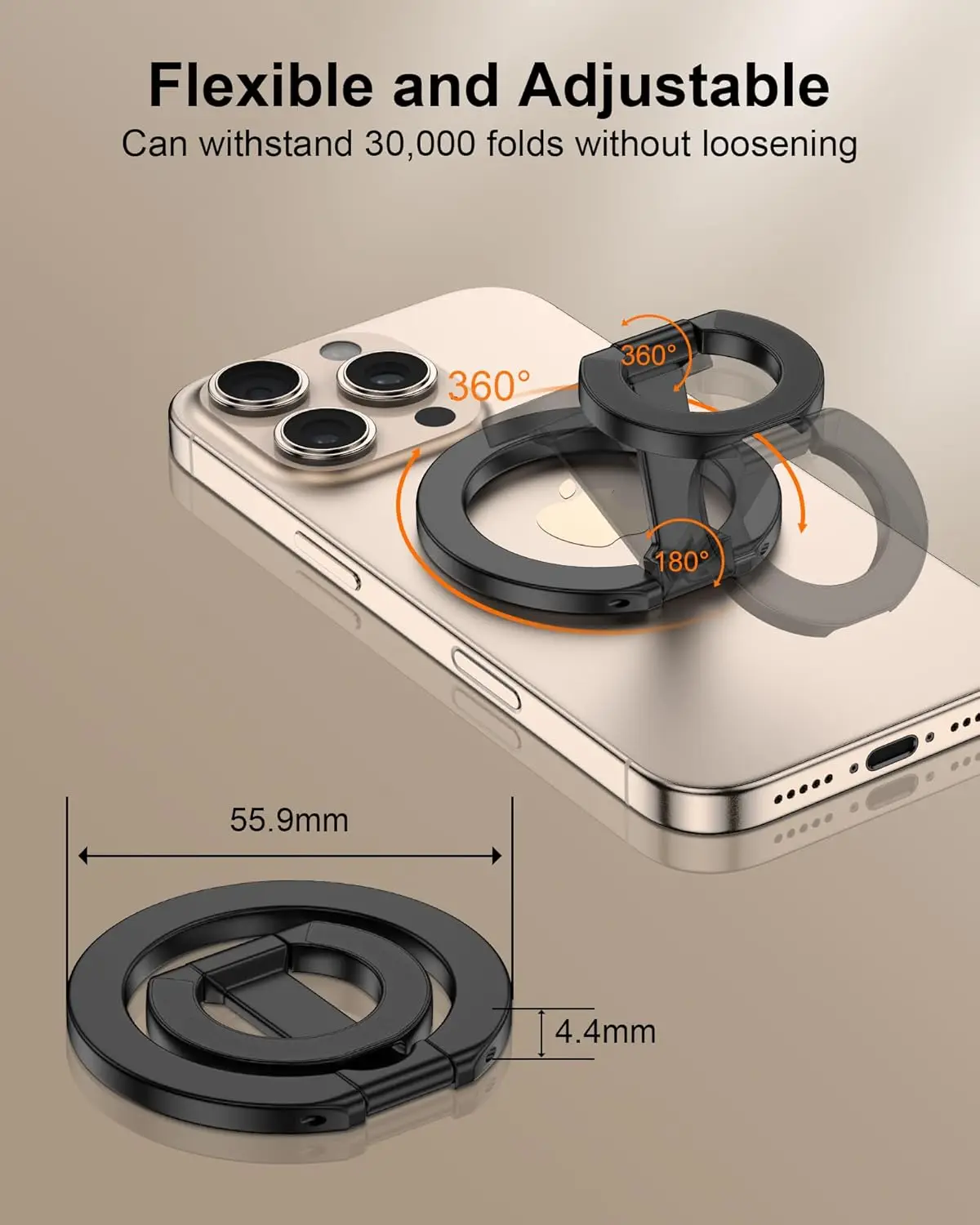
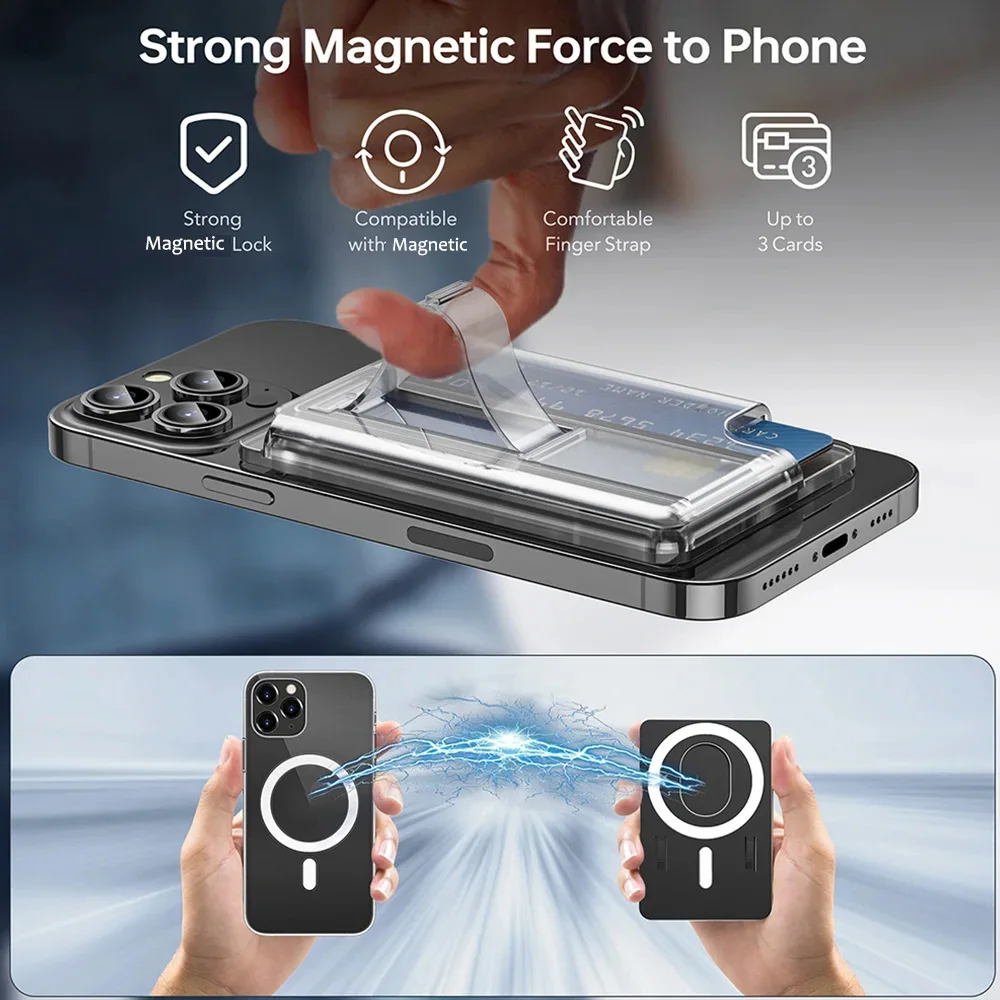
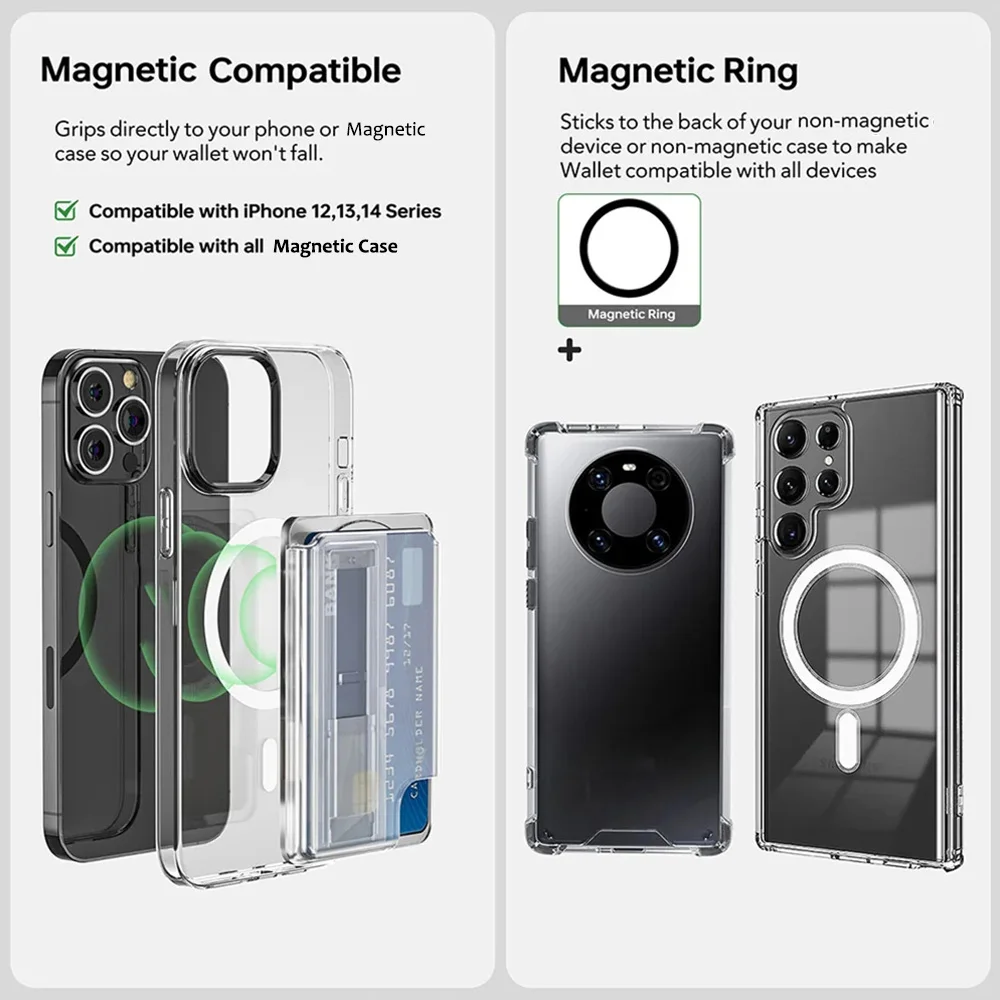
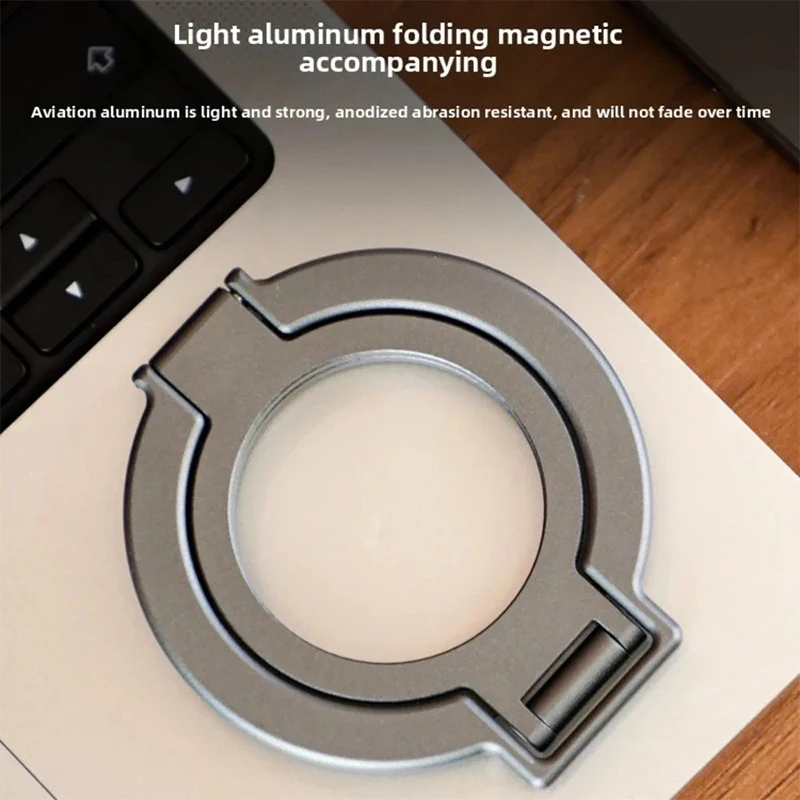
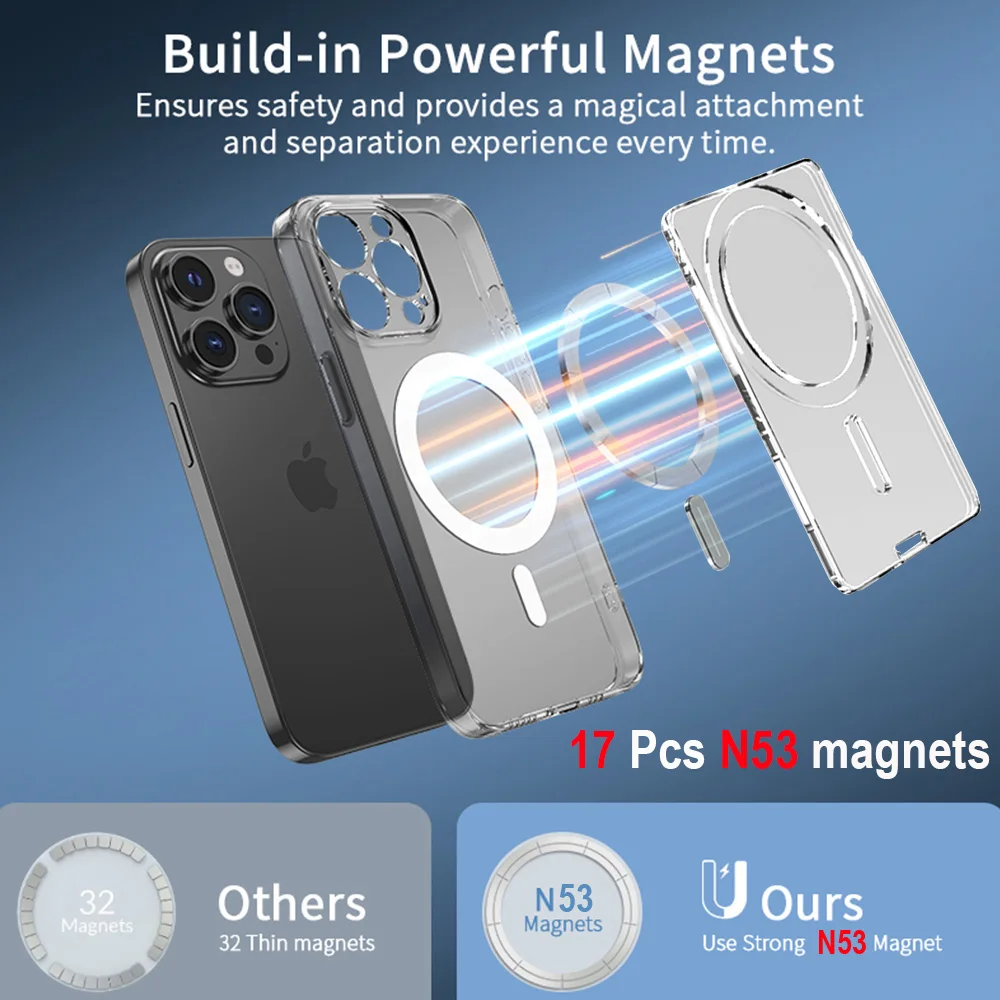
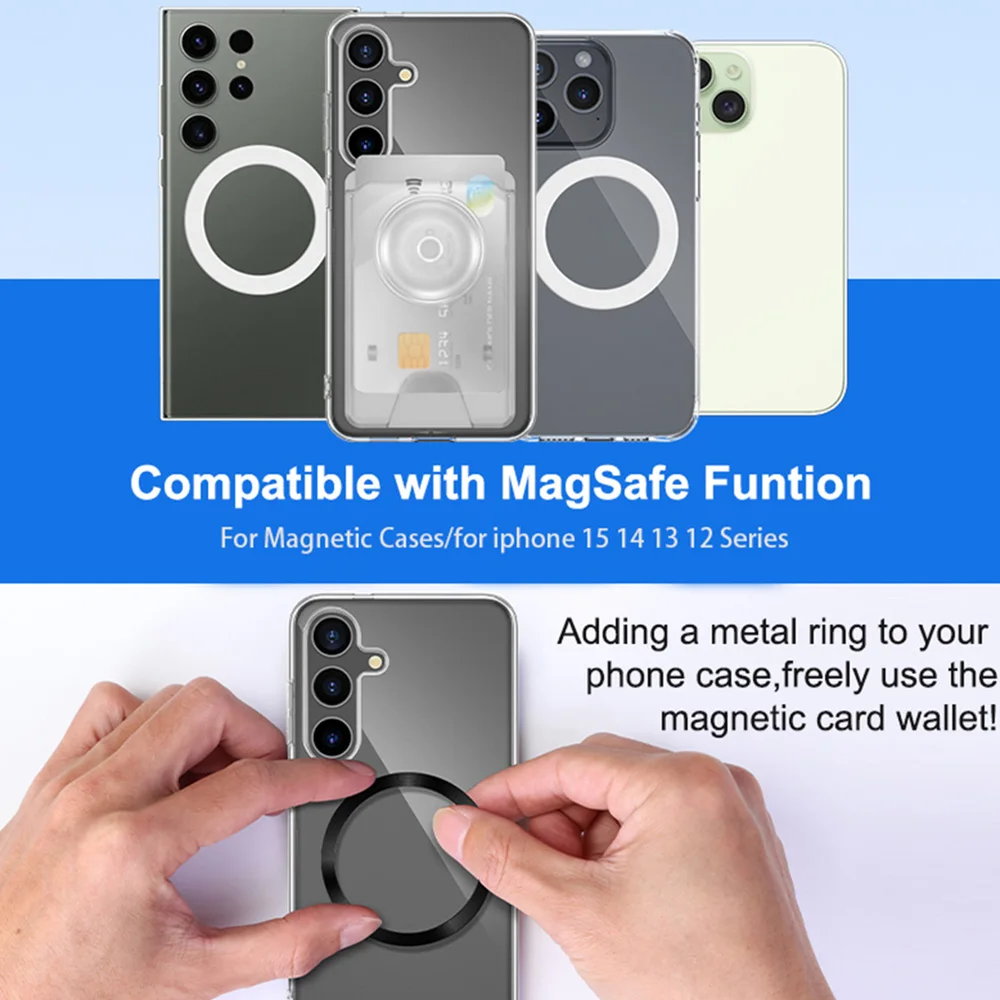
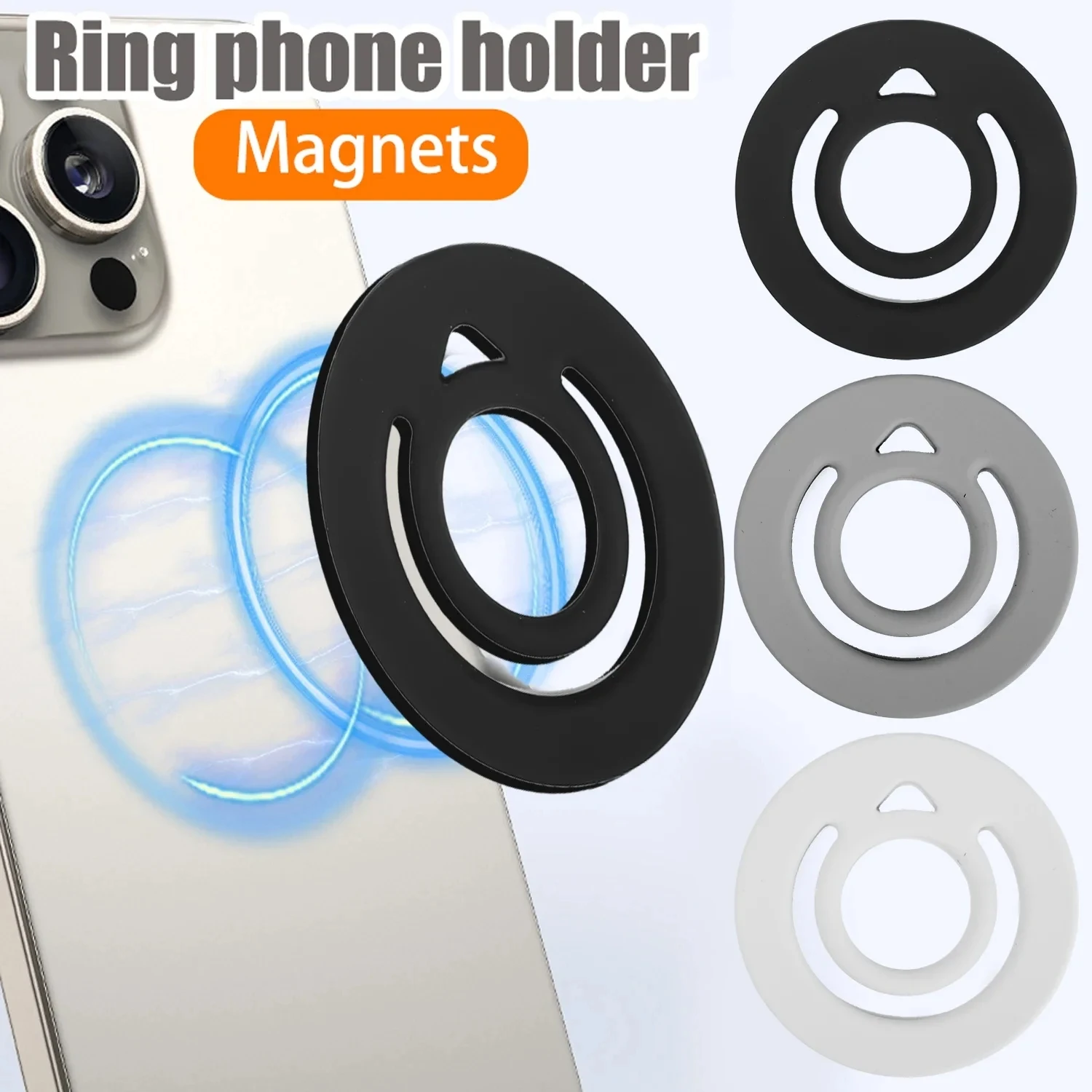
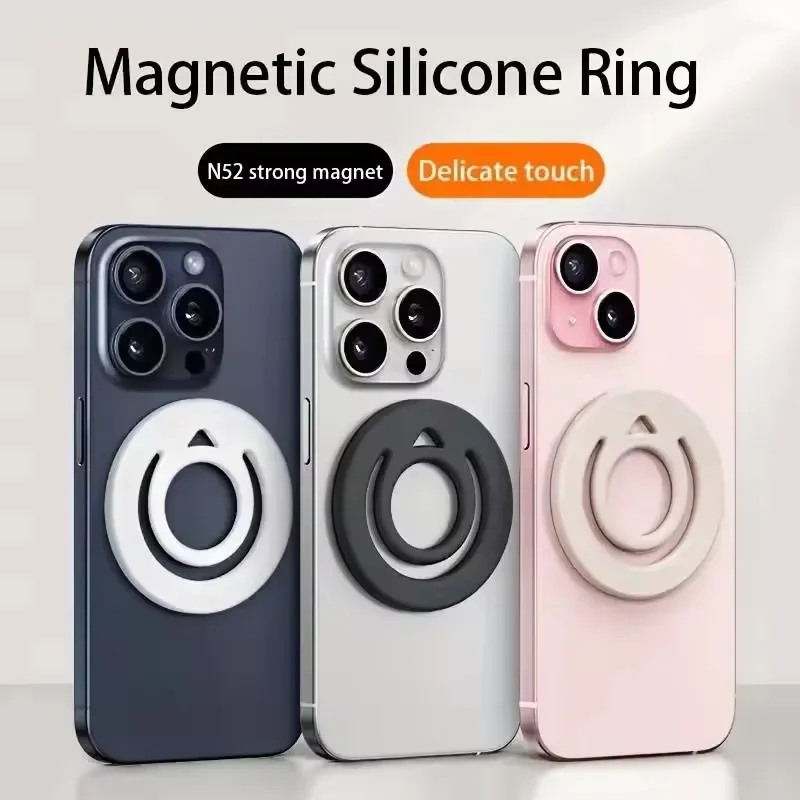
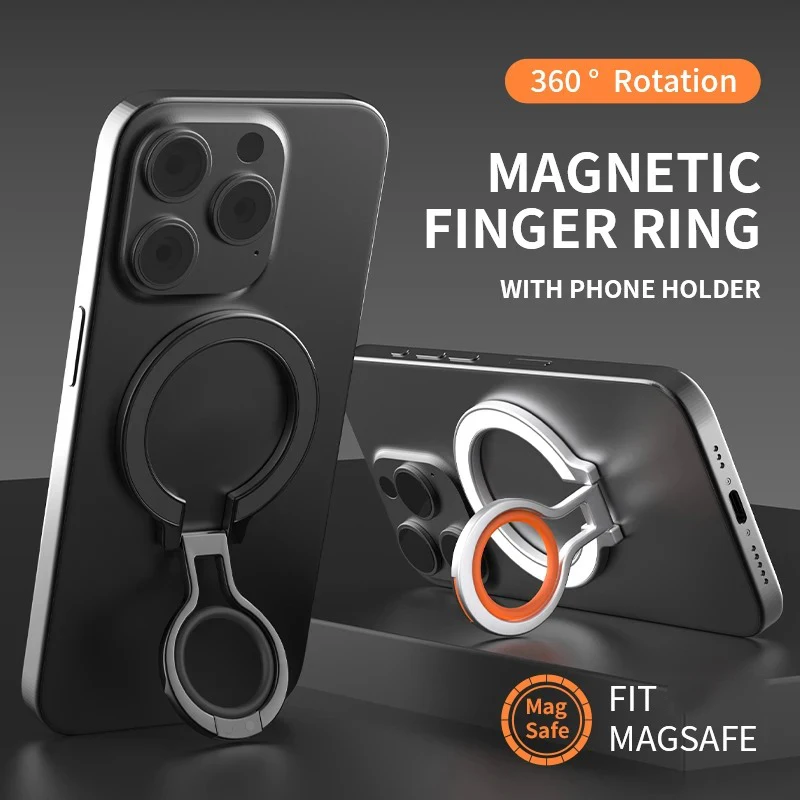
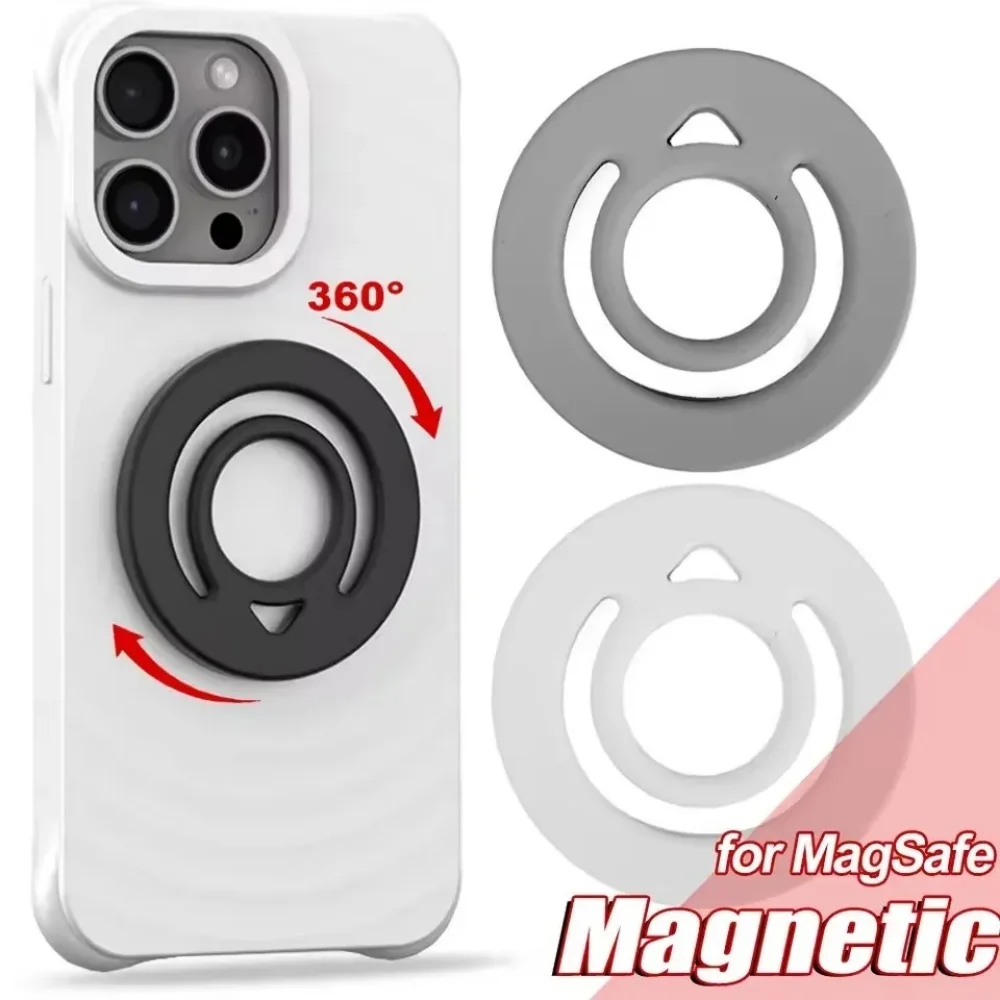
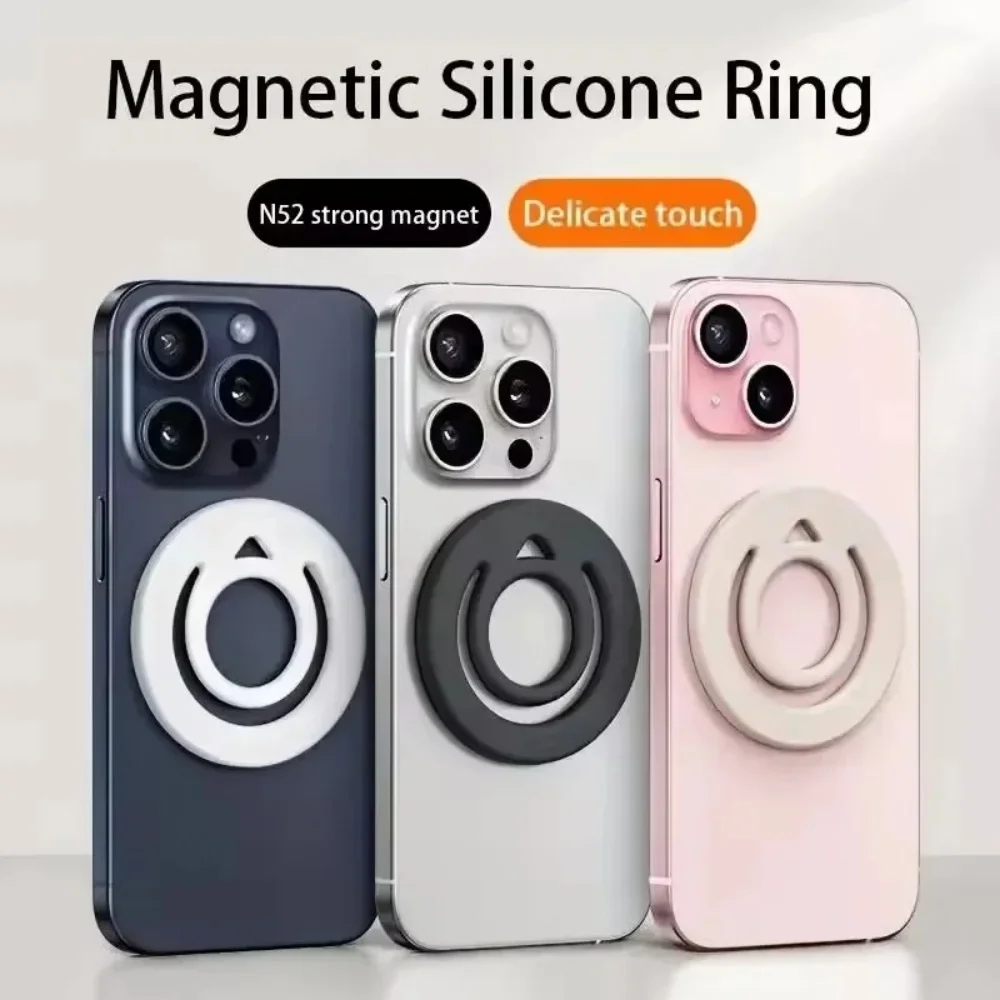
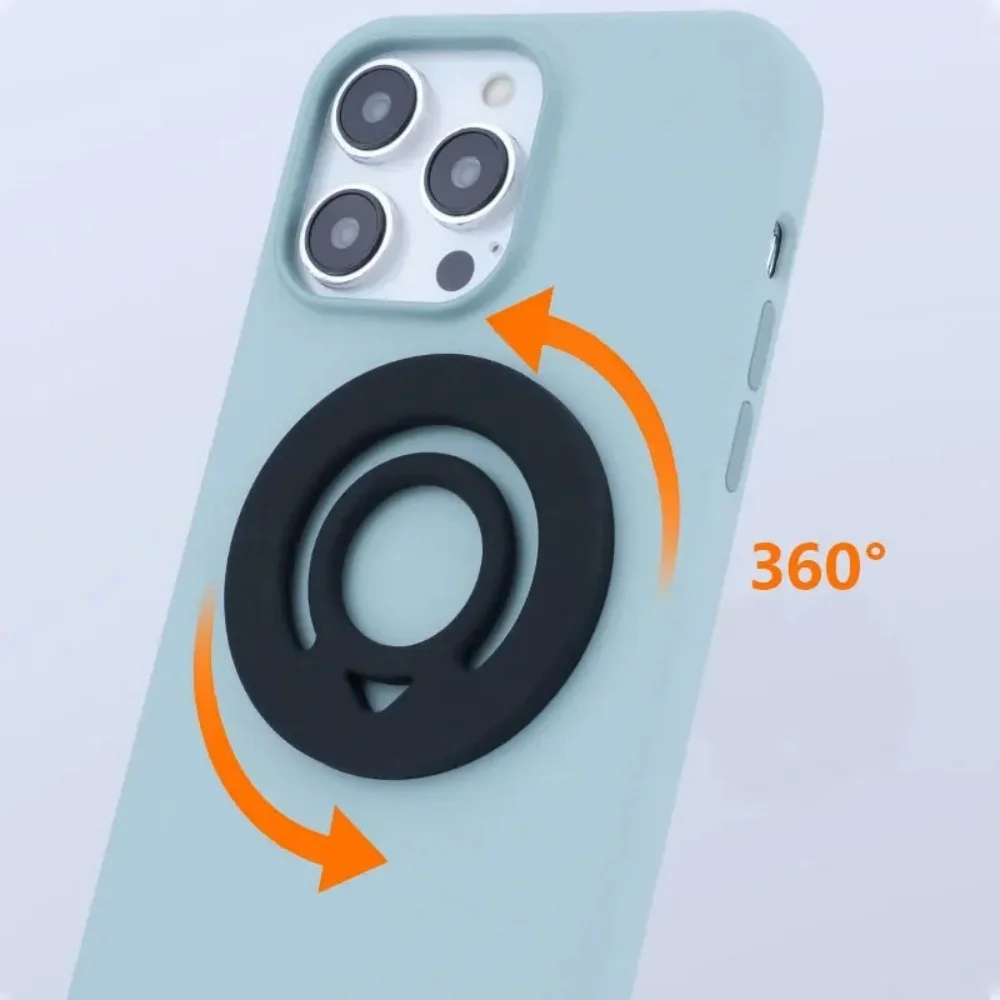
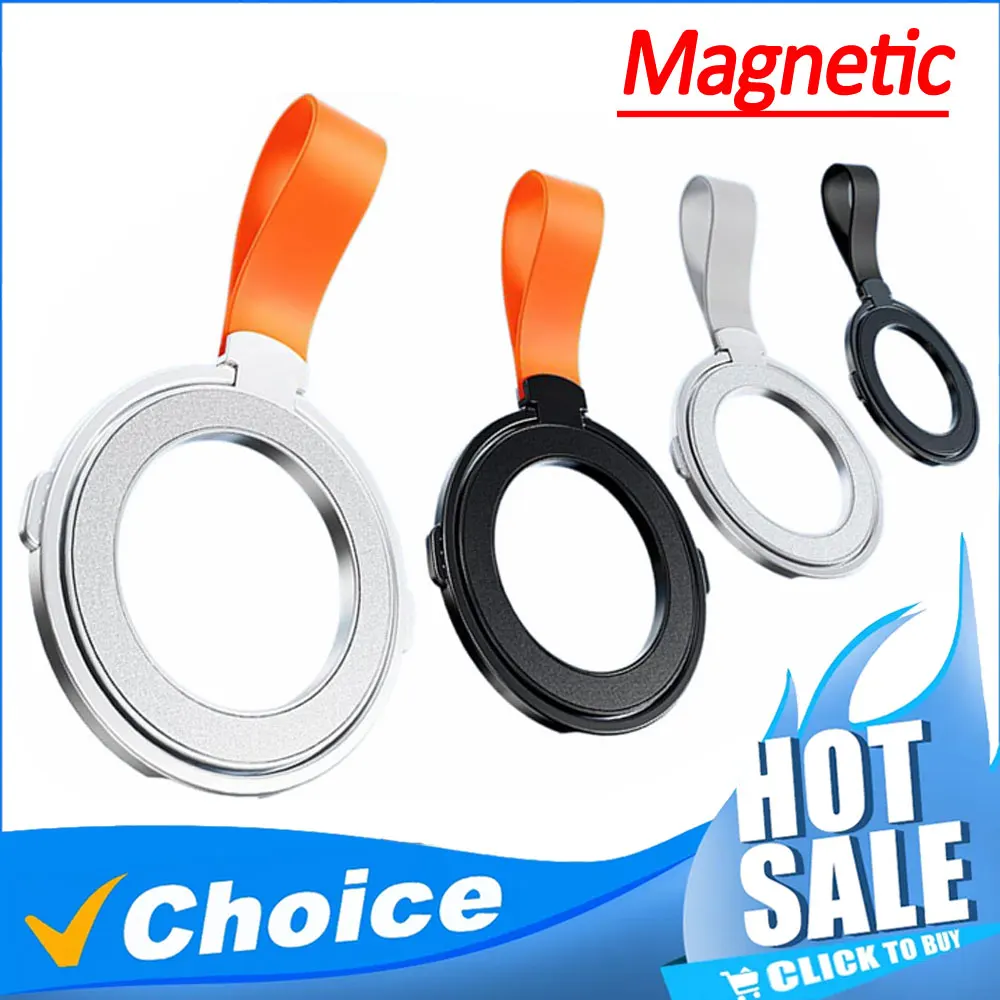
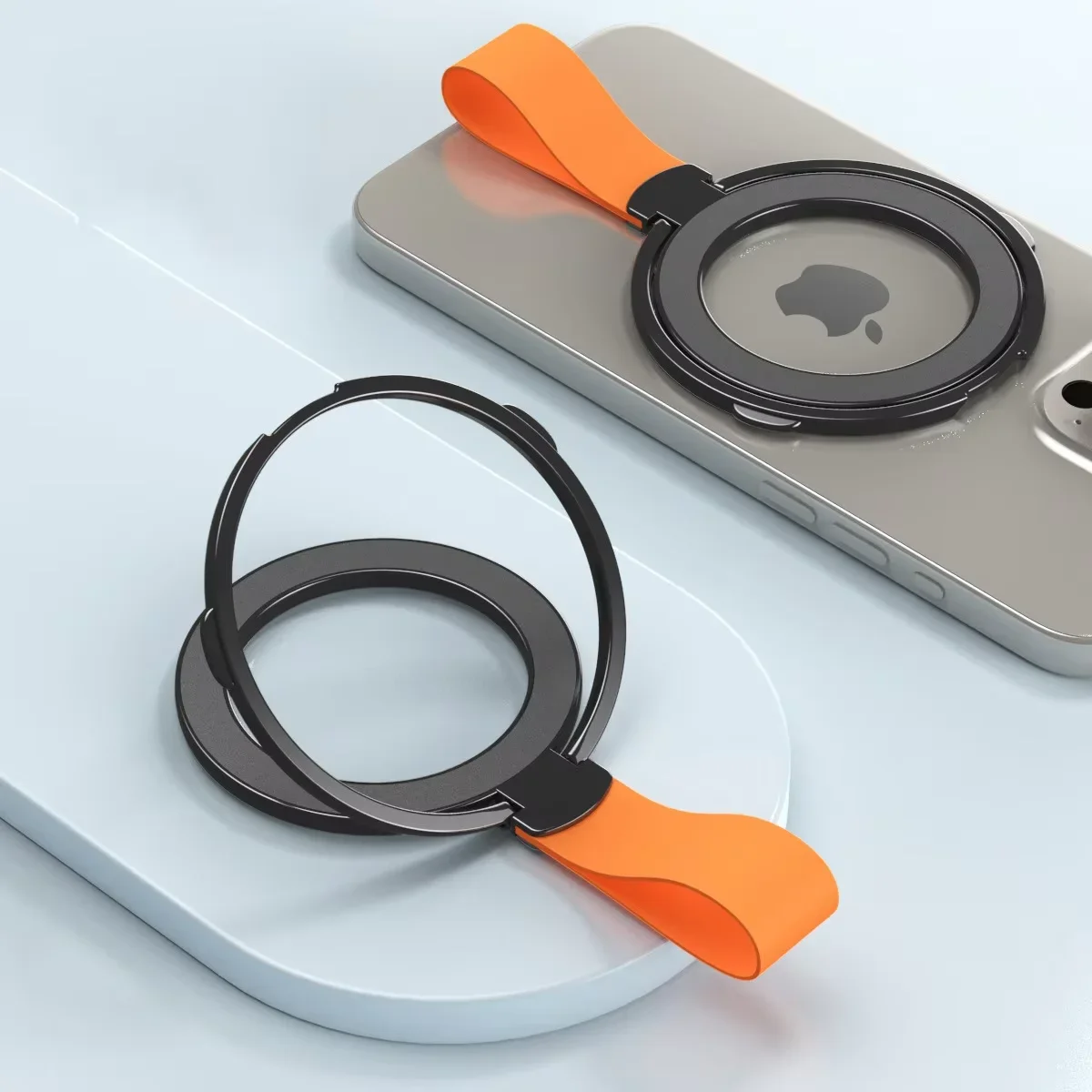
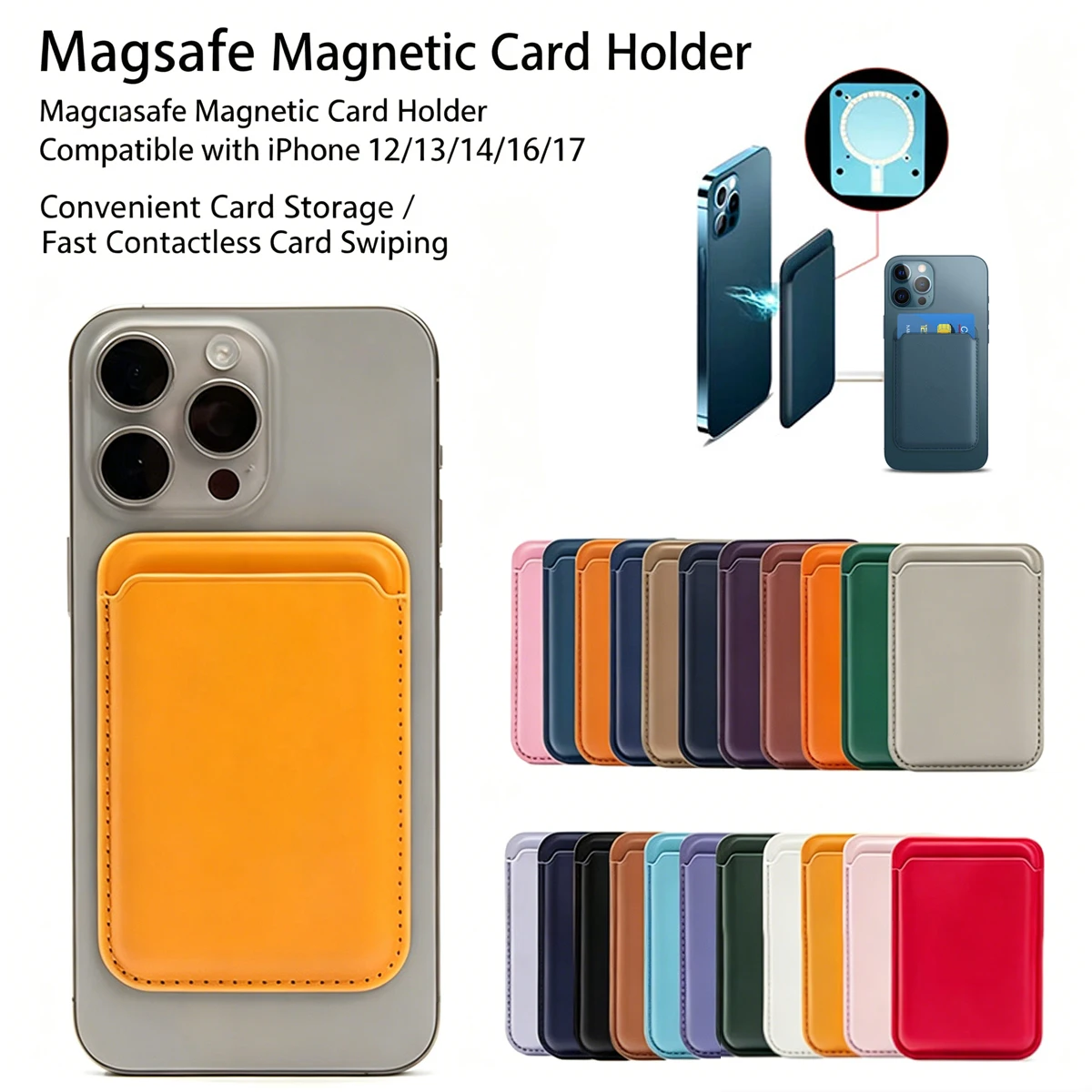
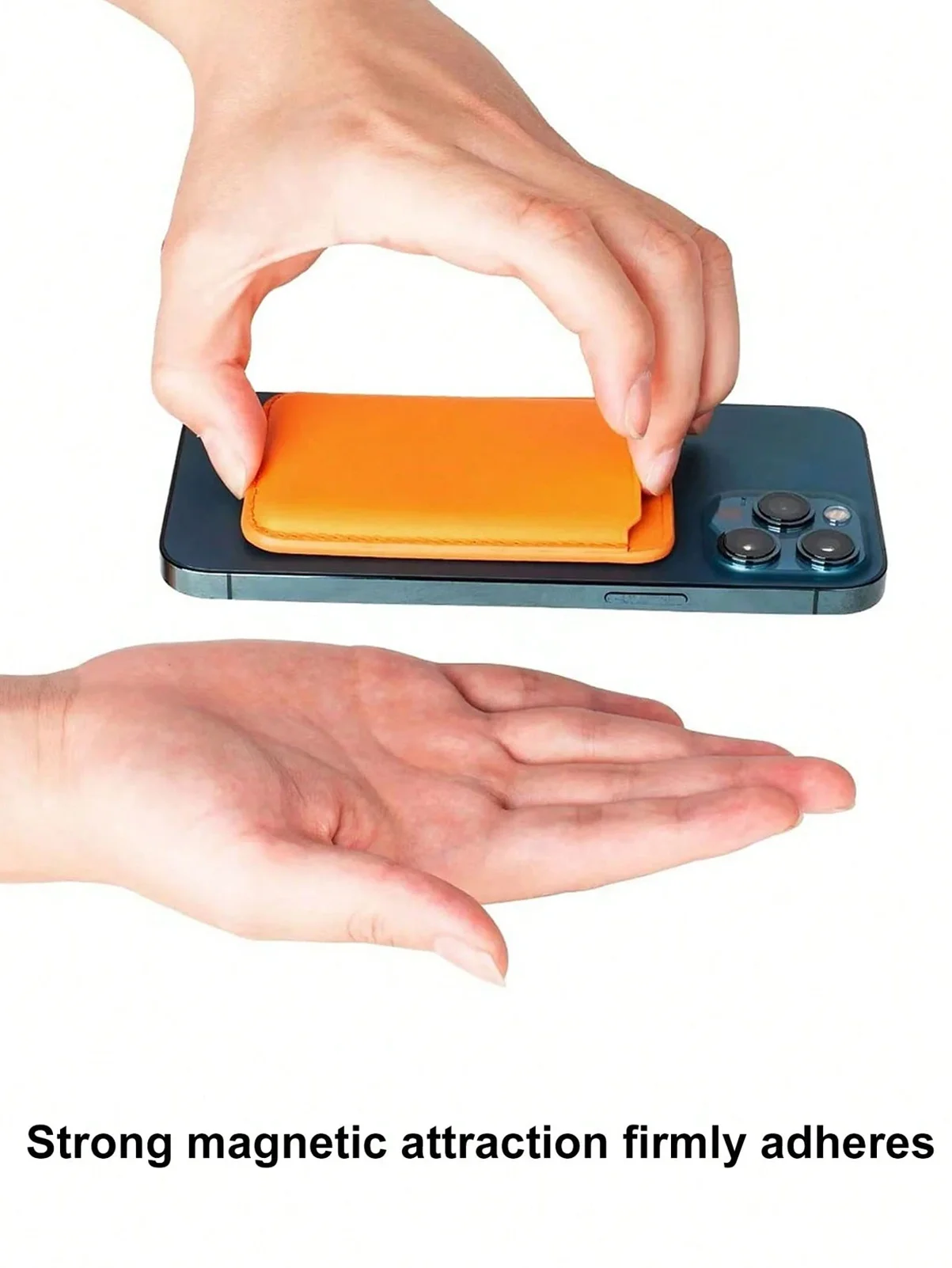
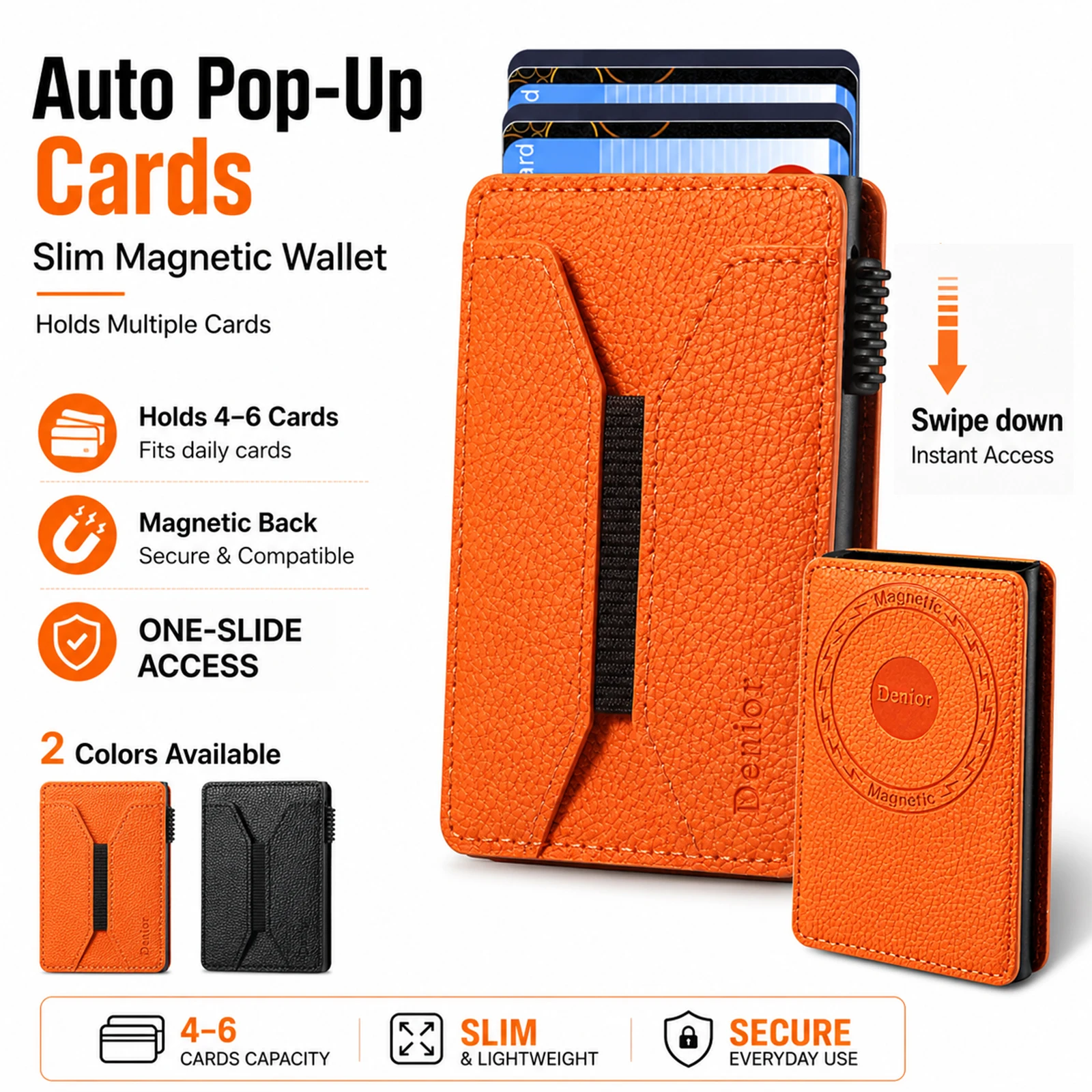
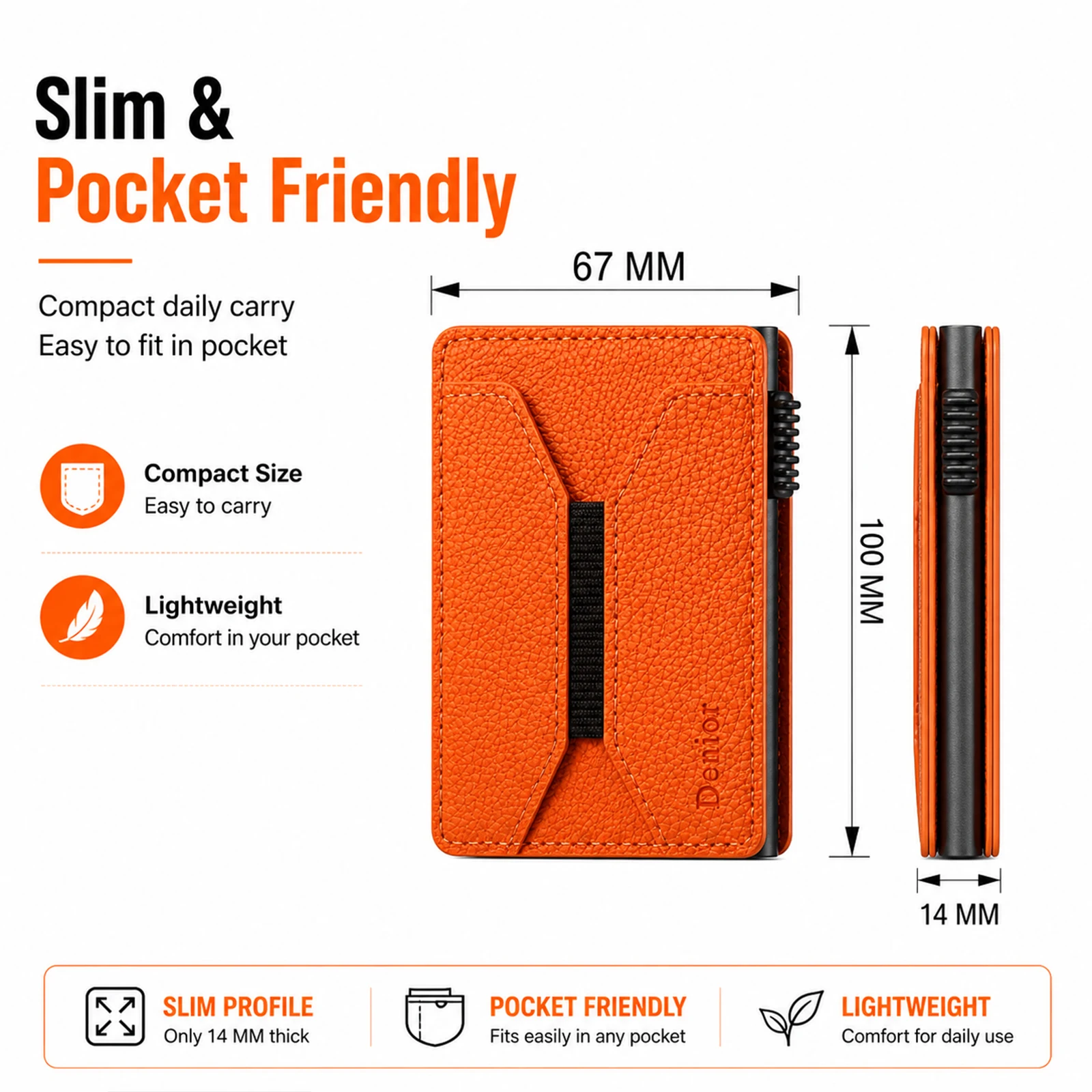
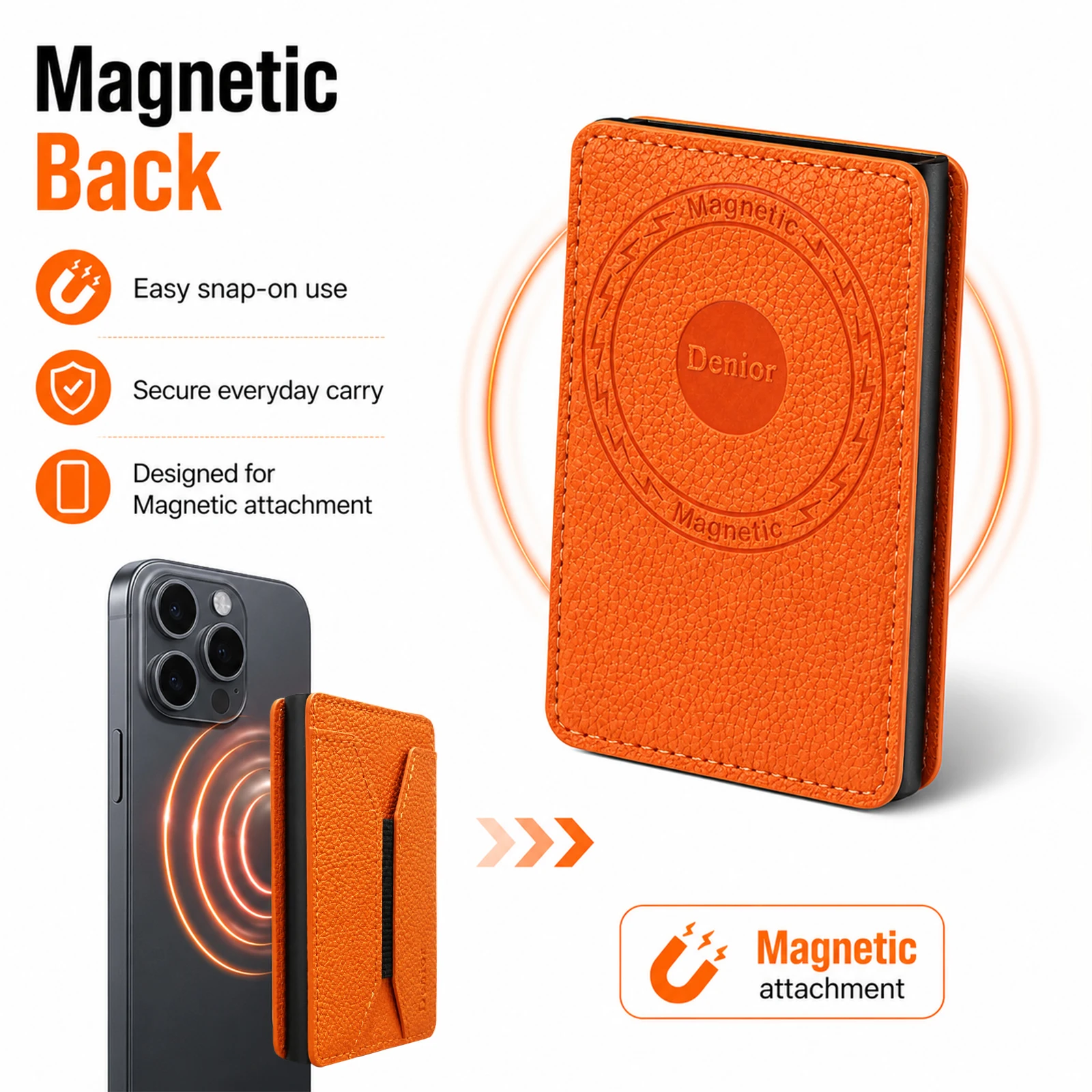
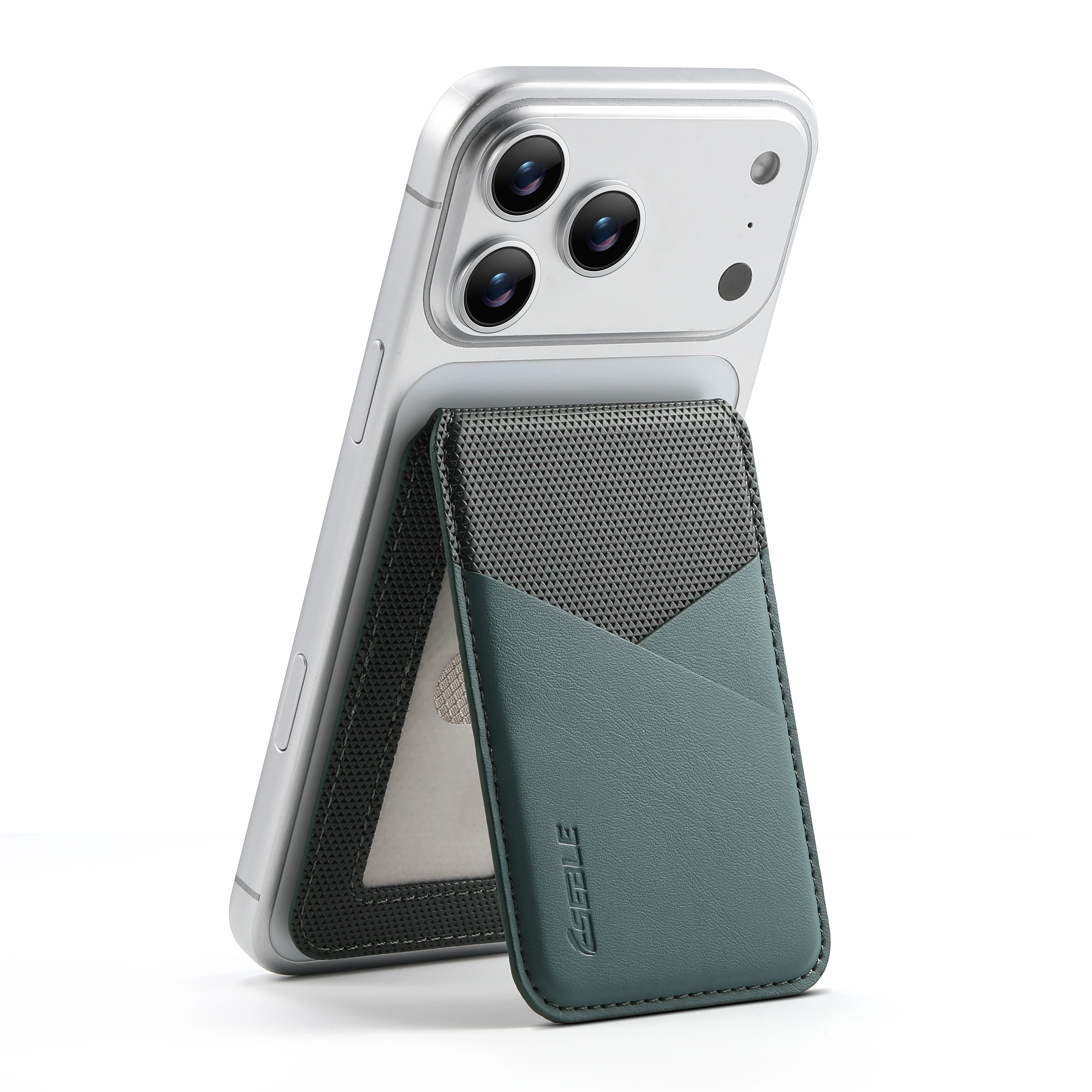
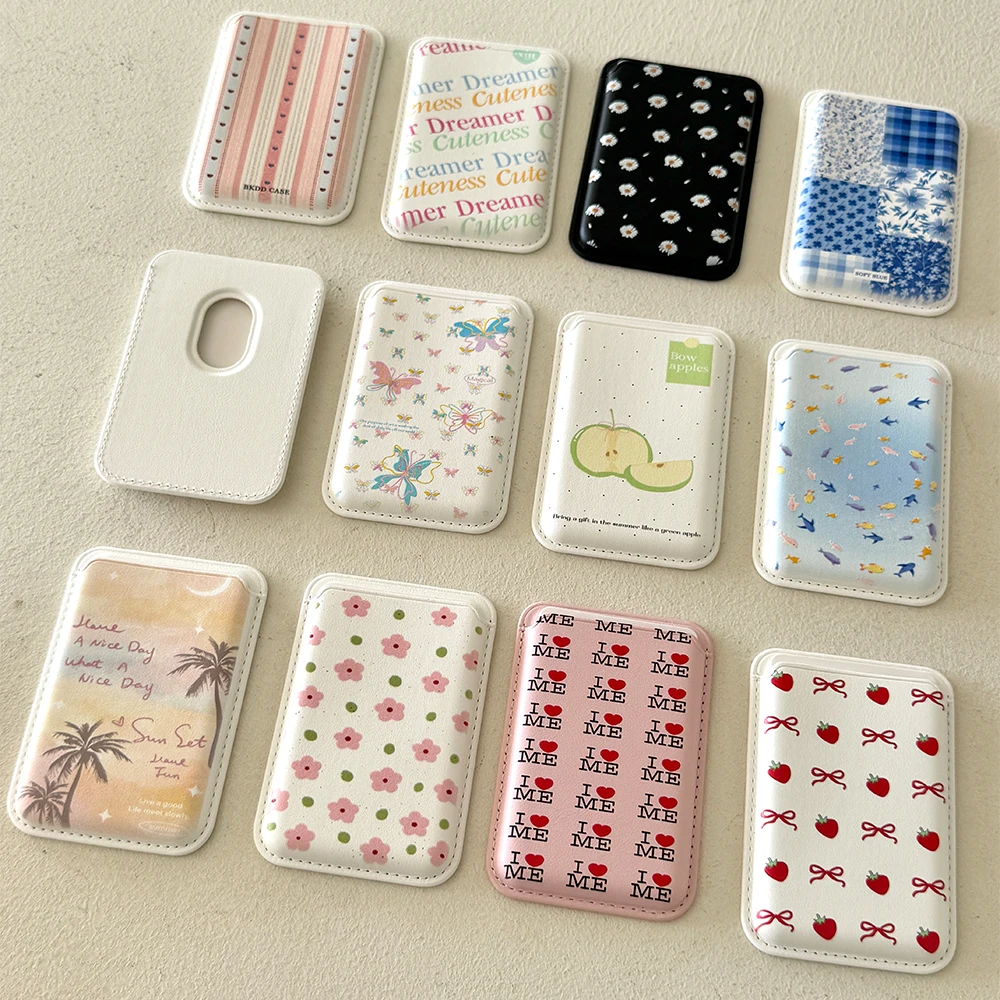
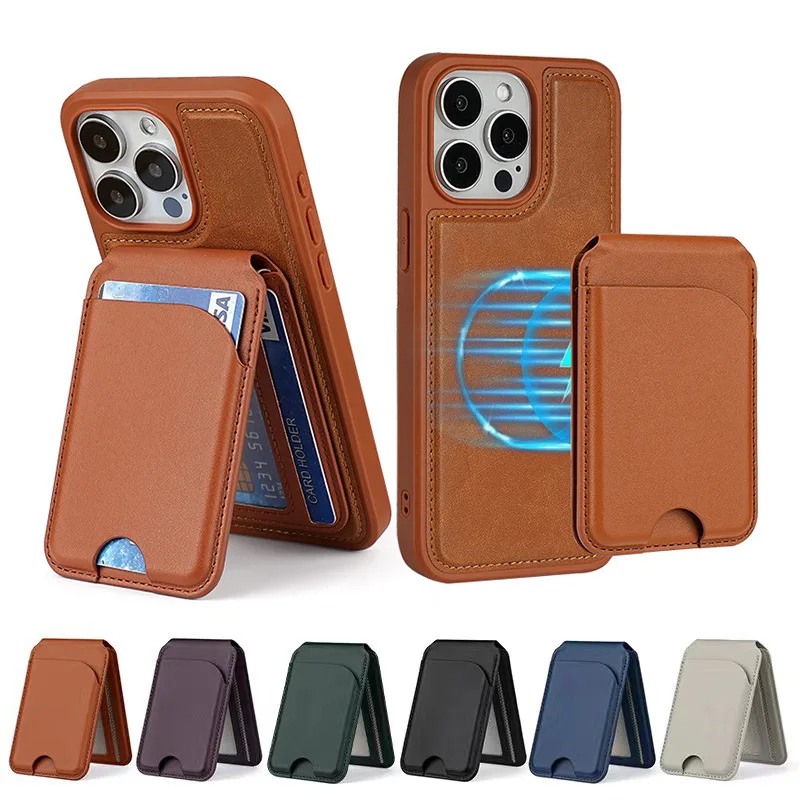
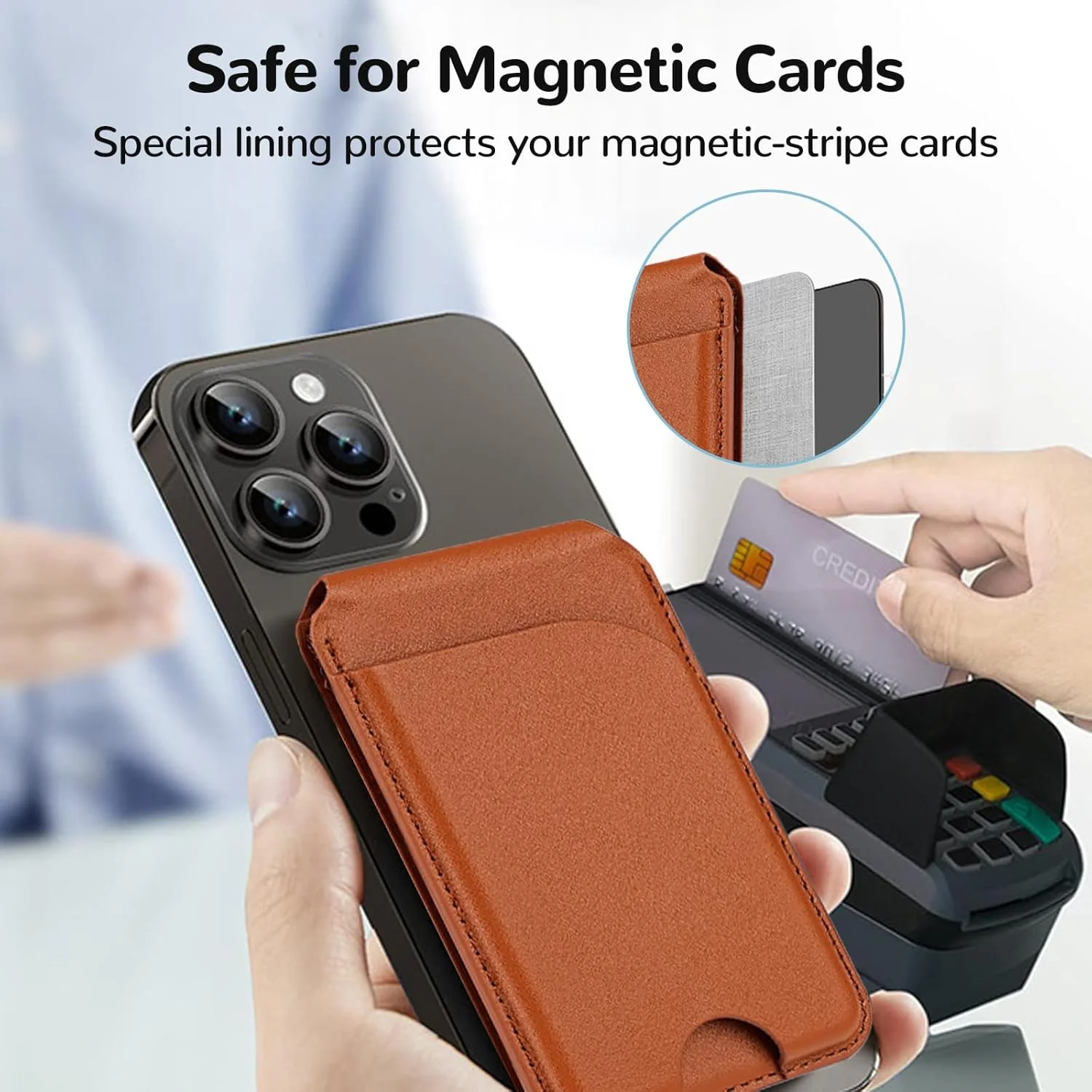
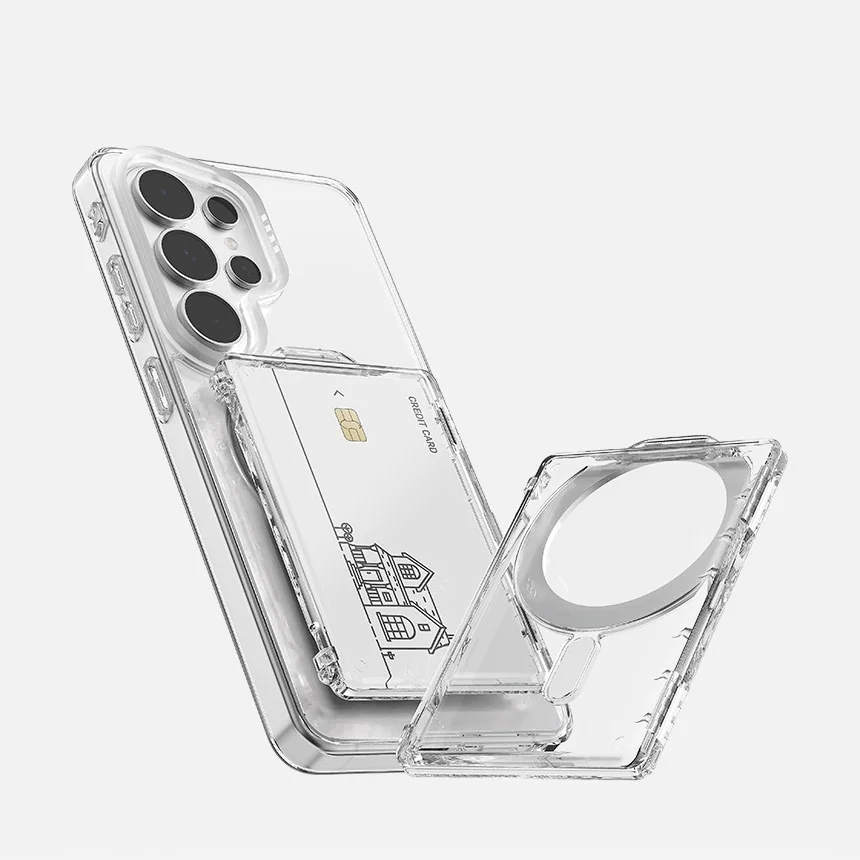
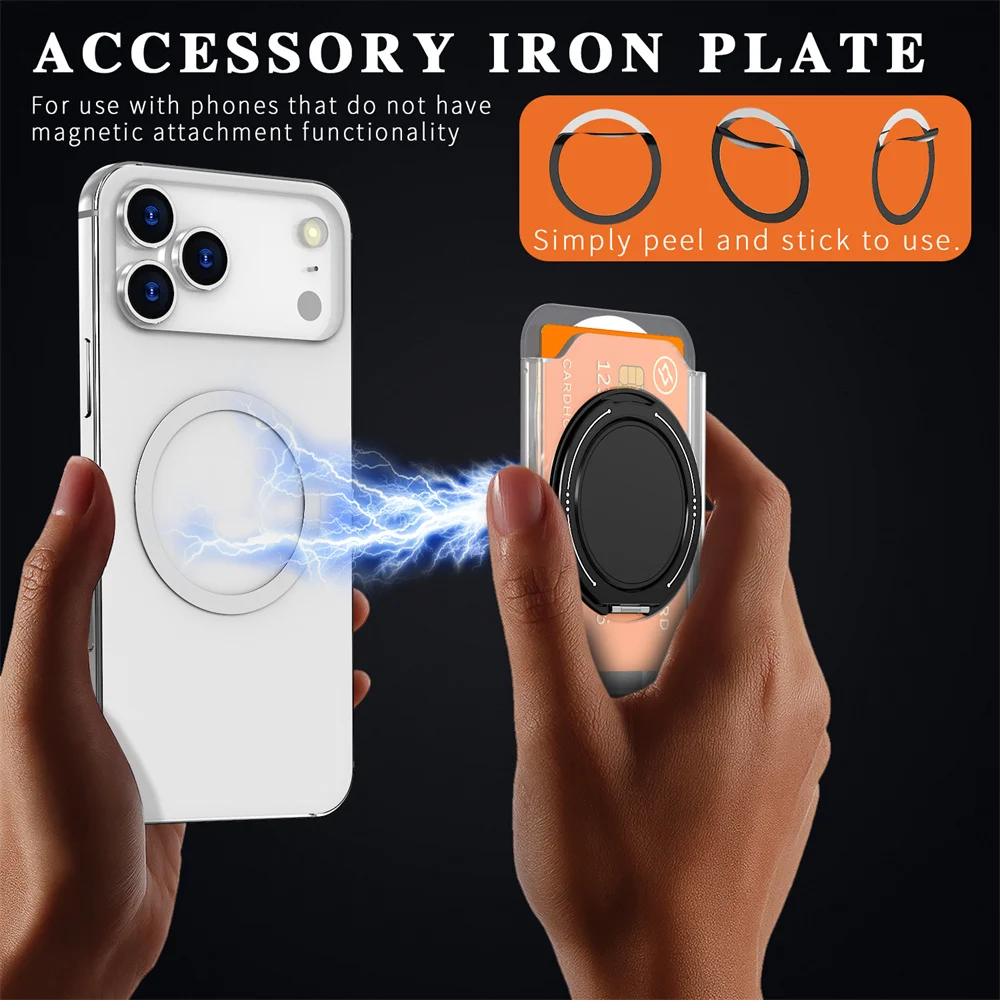
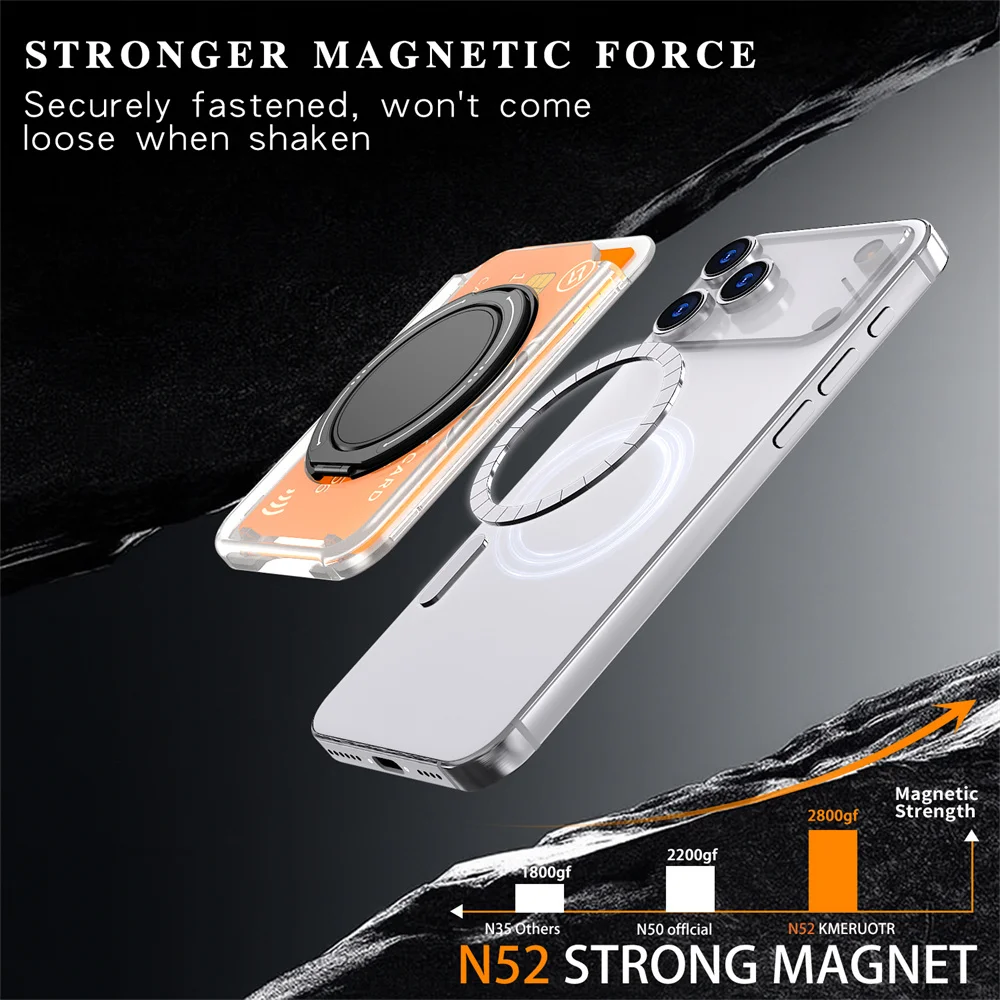
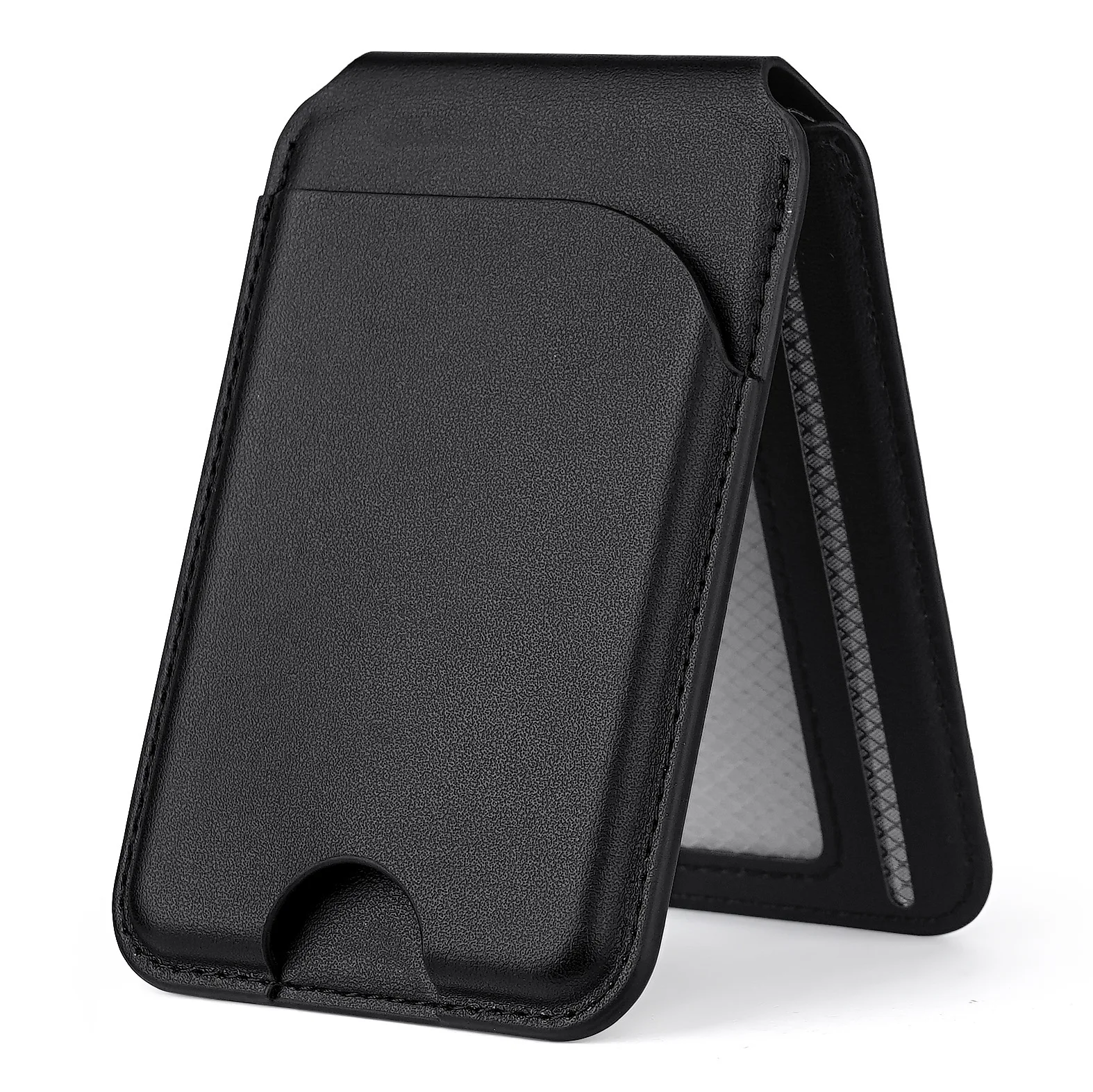
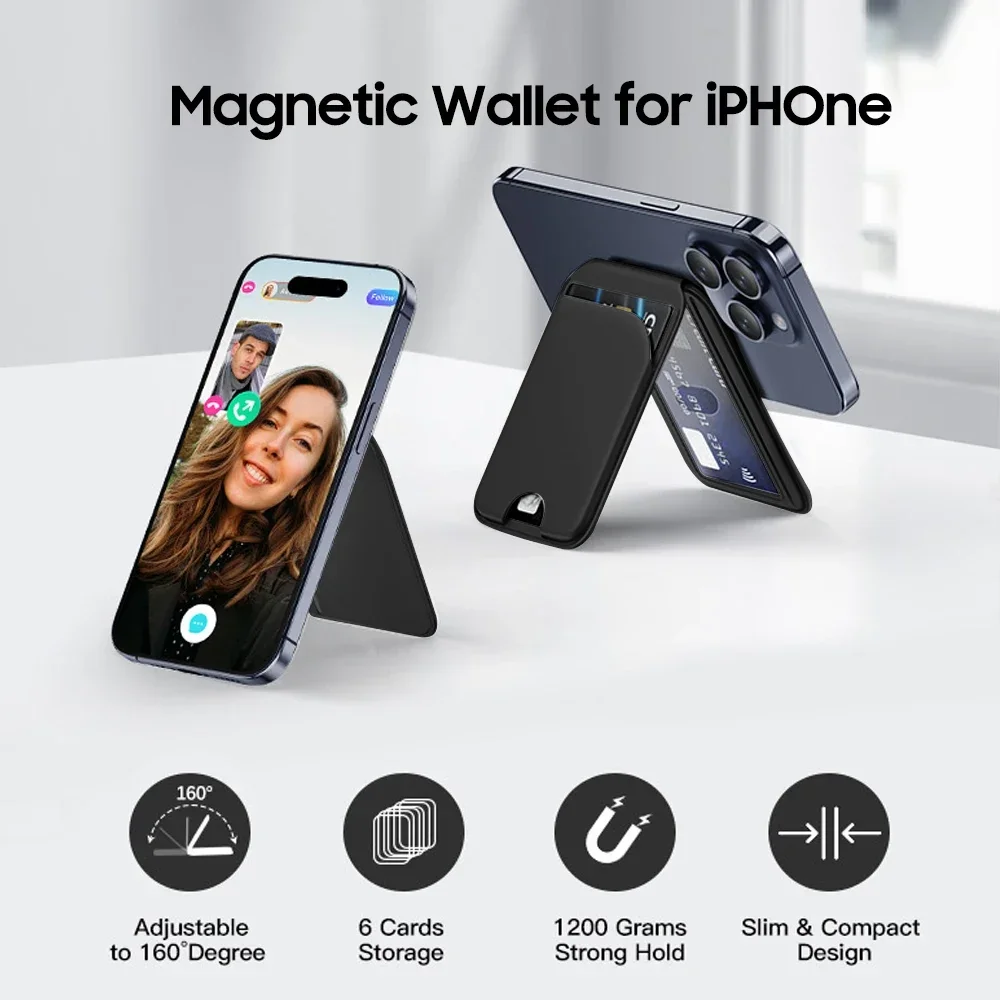
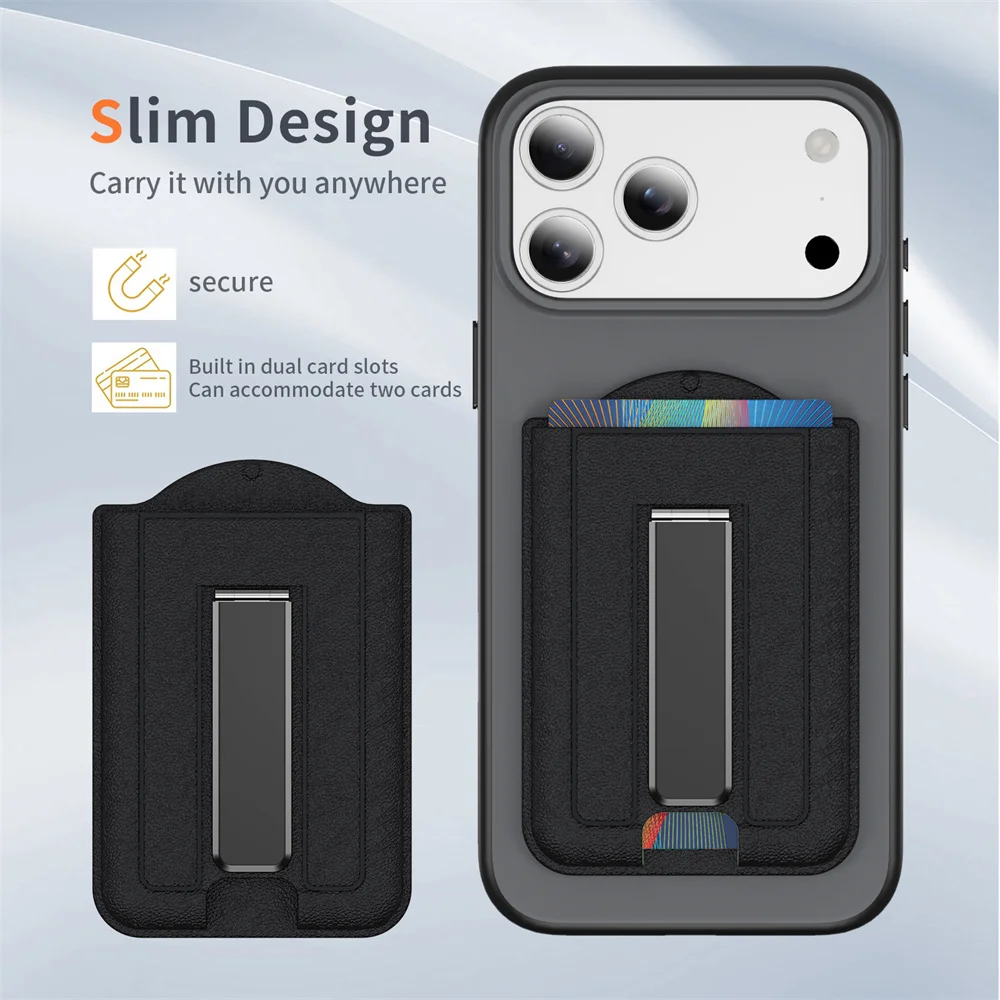
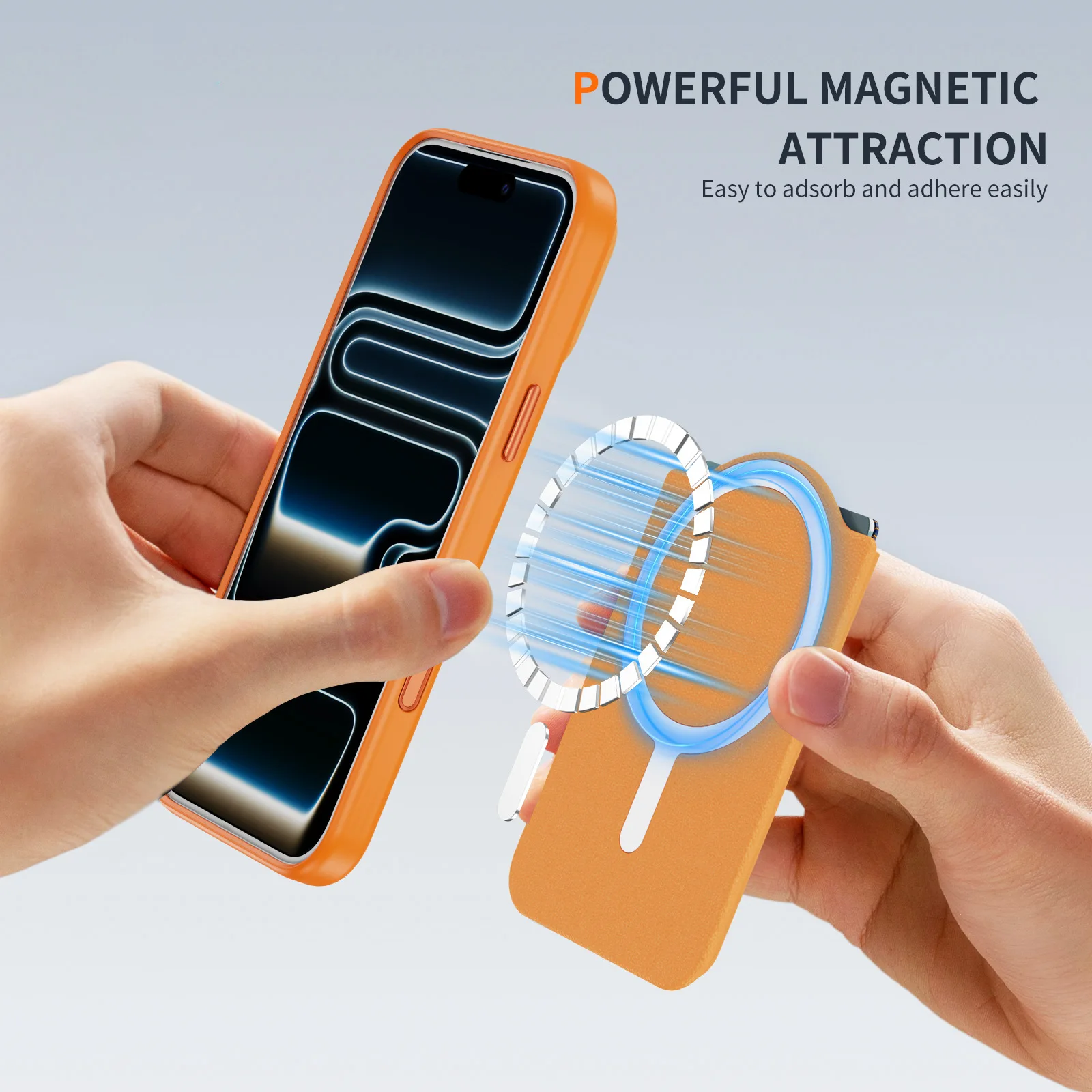
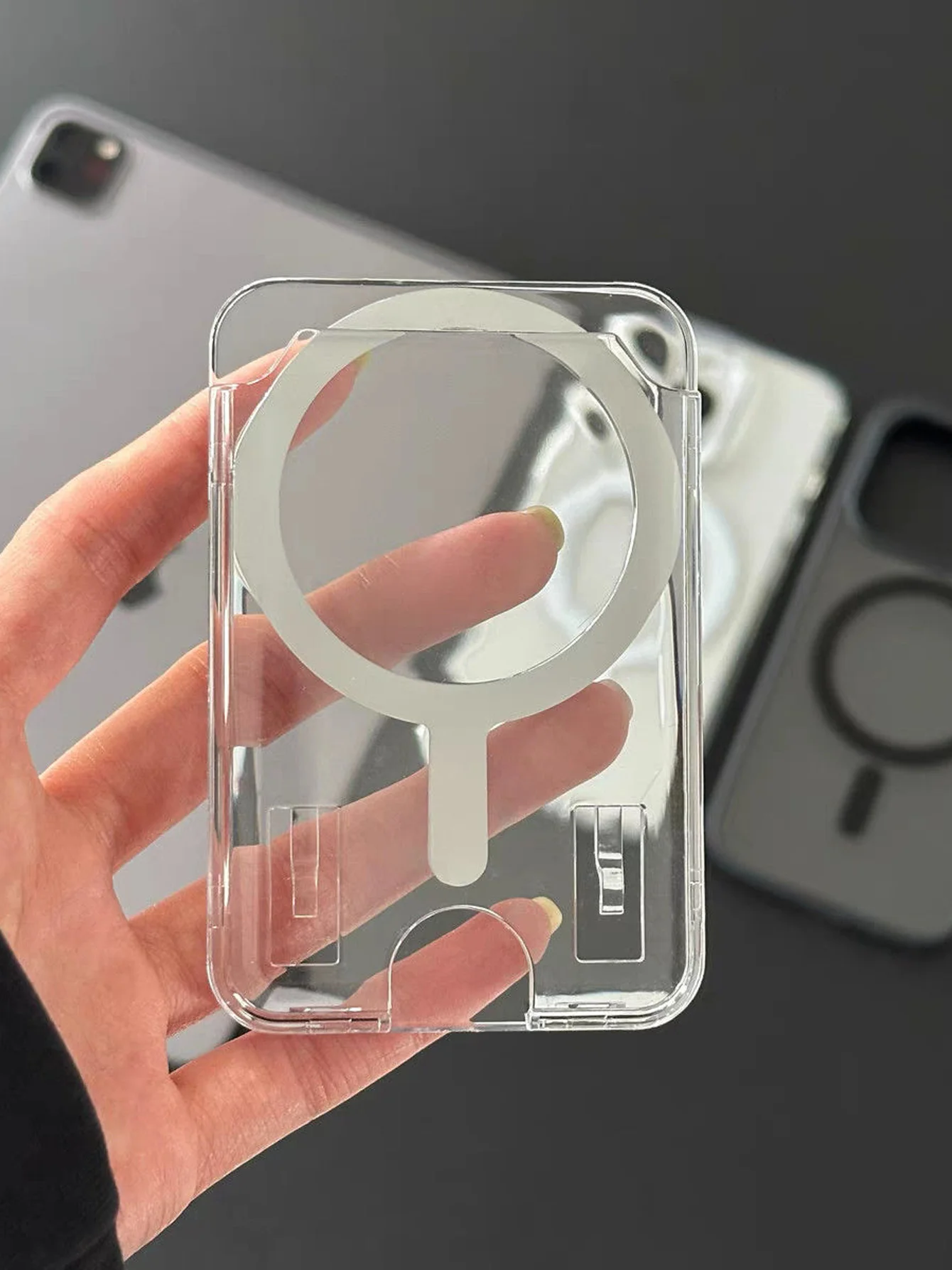
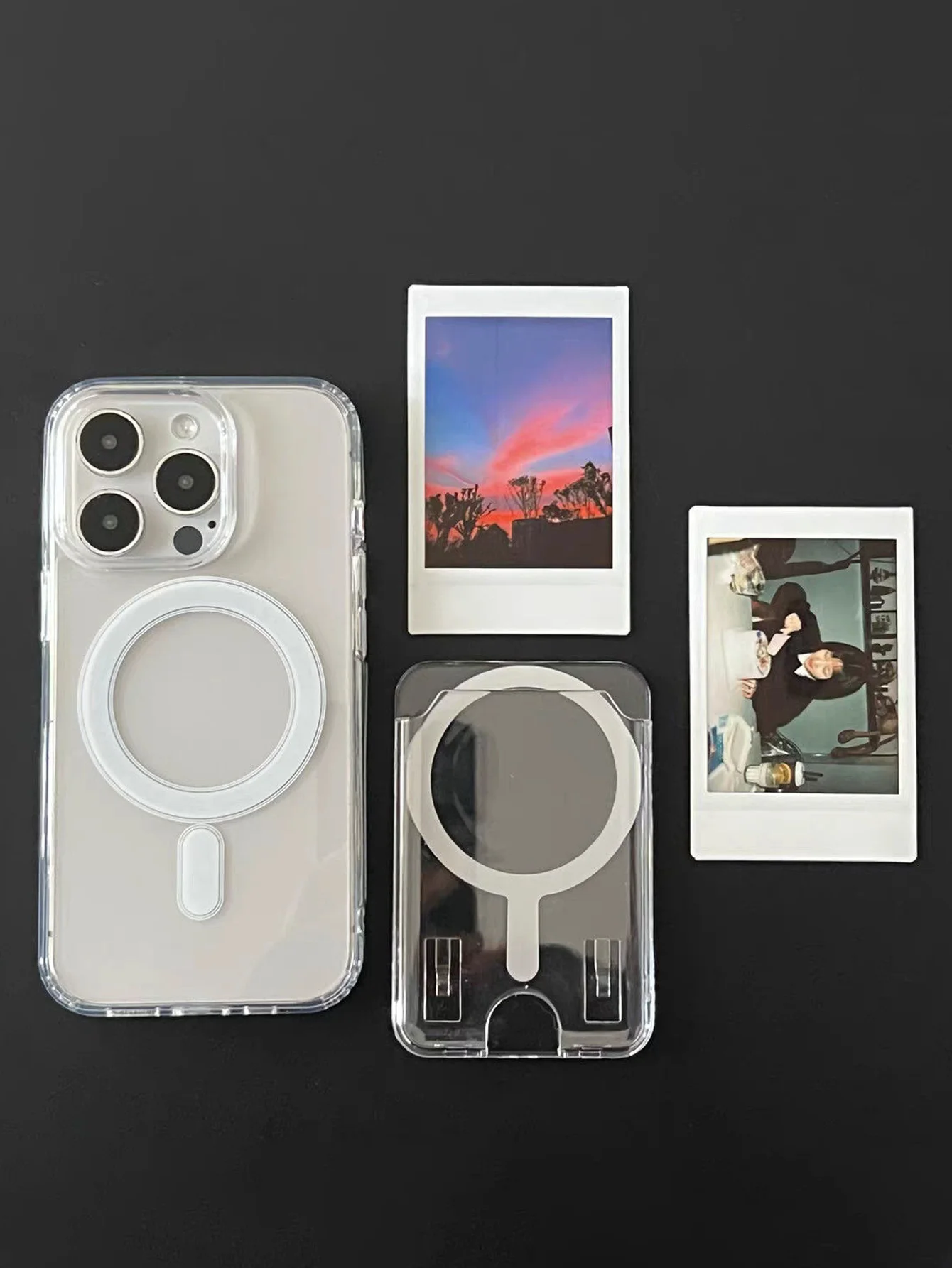
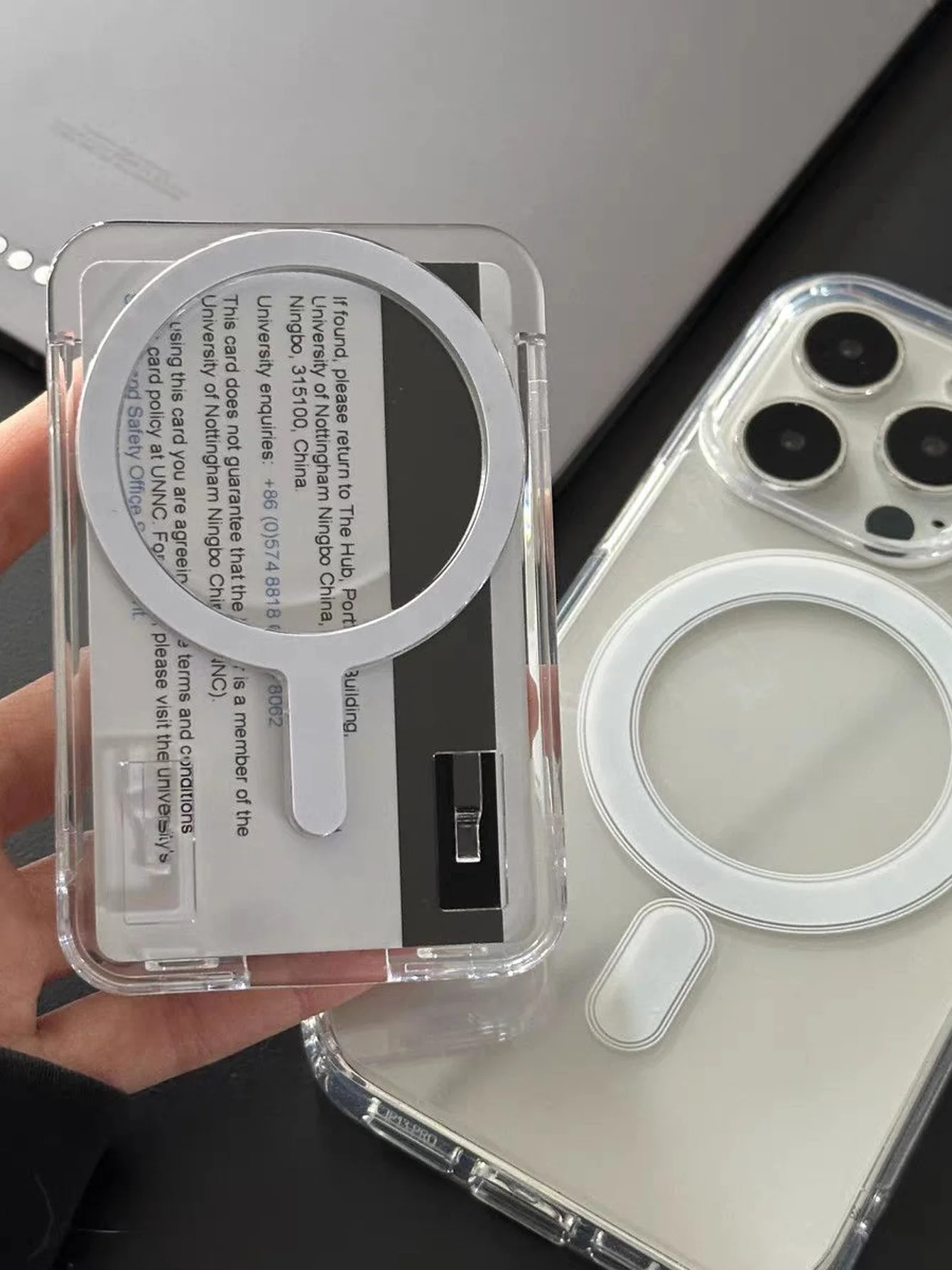
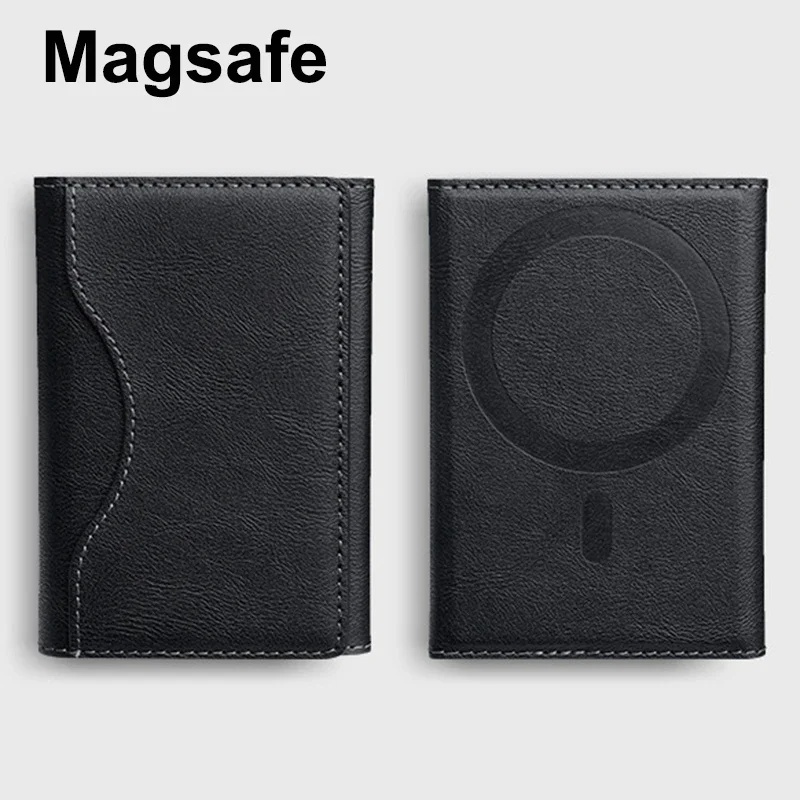
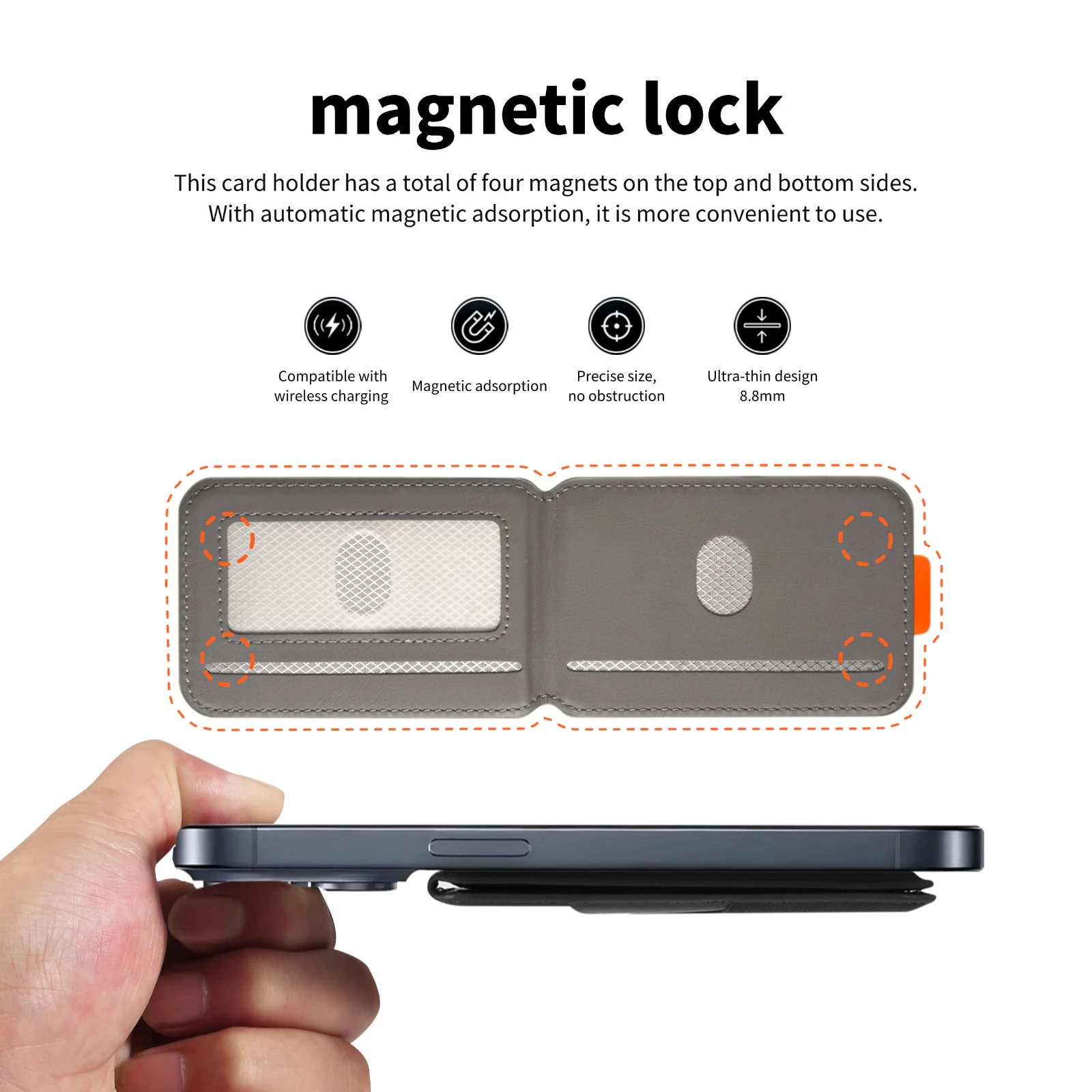
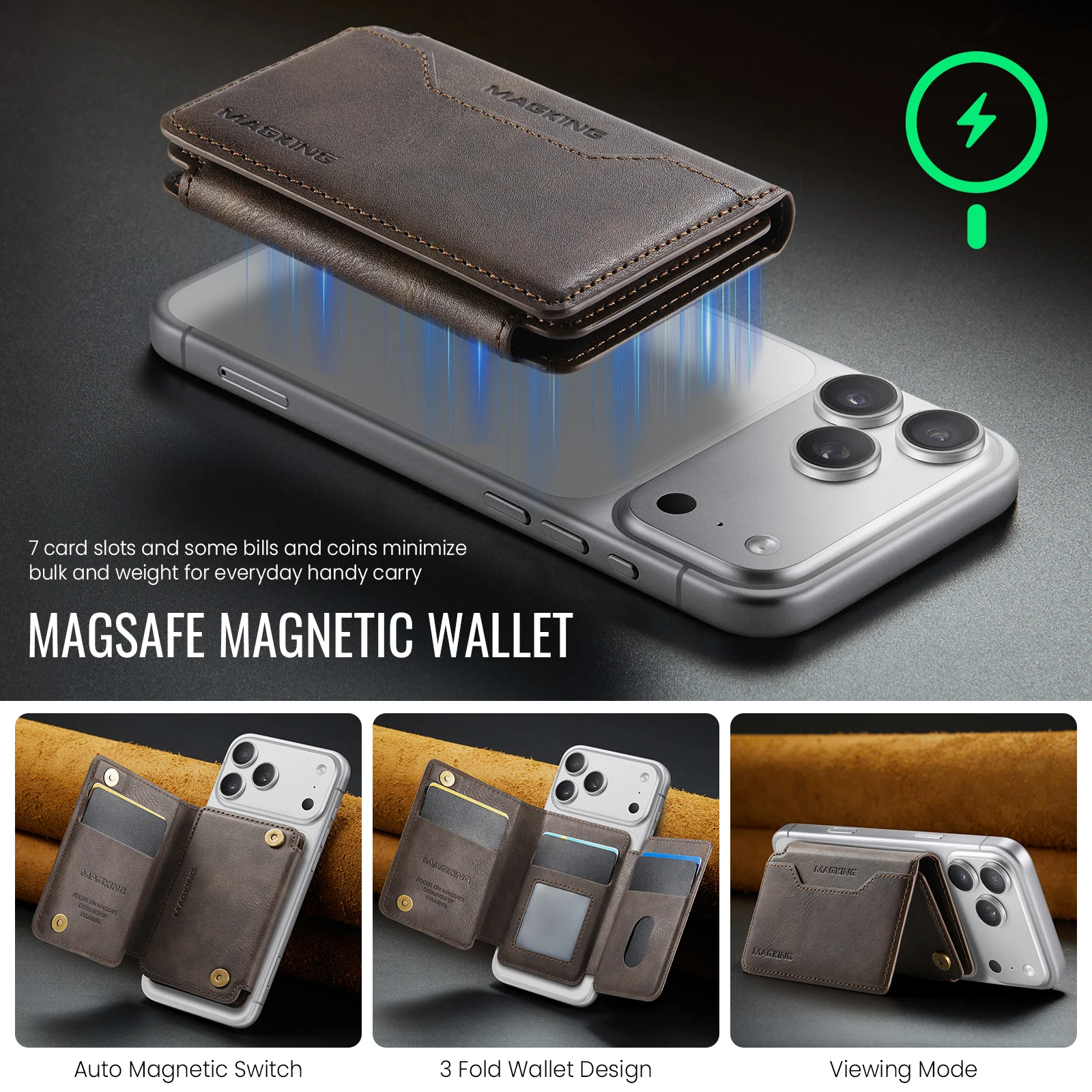
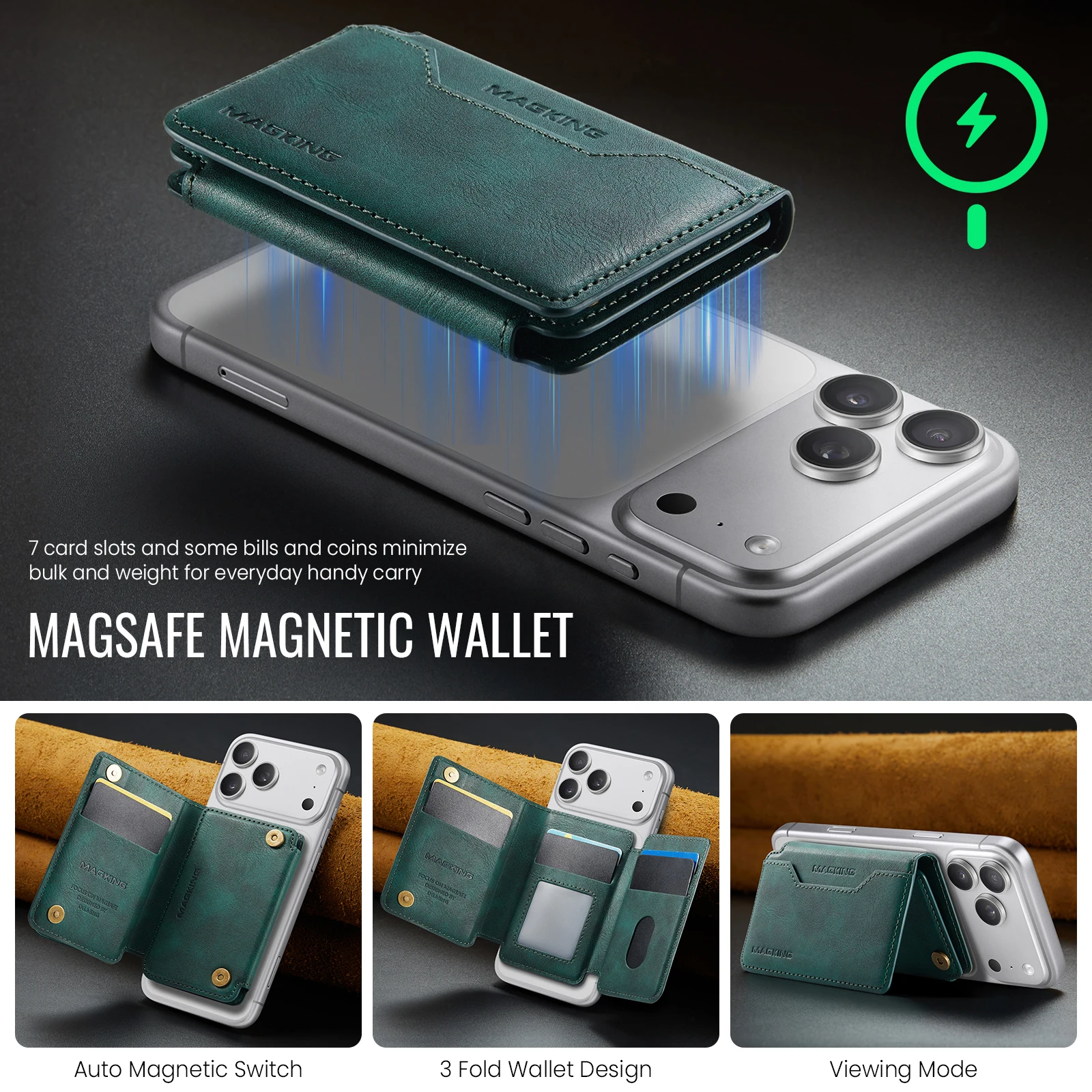
- Magnetic phone wallets click onto a MagSafe-compatible iPhone or a magnetic case, and come off with a firm pull. See magnetic phone wallets.
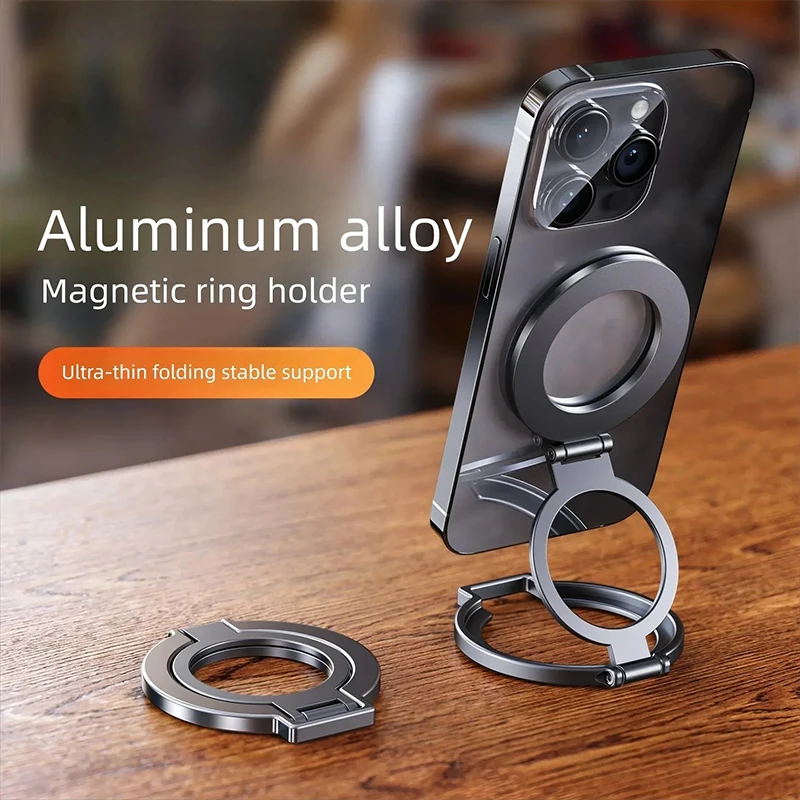
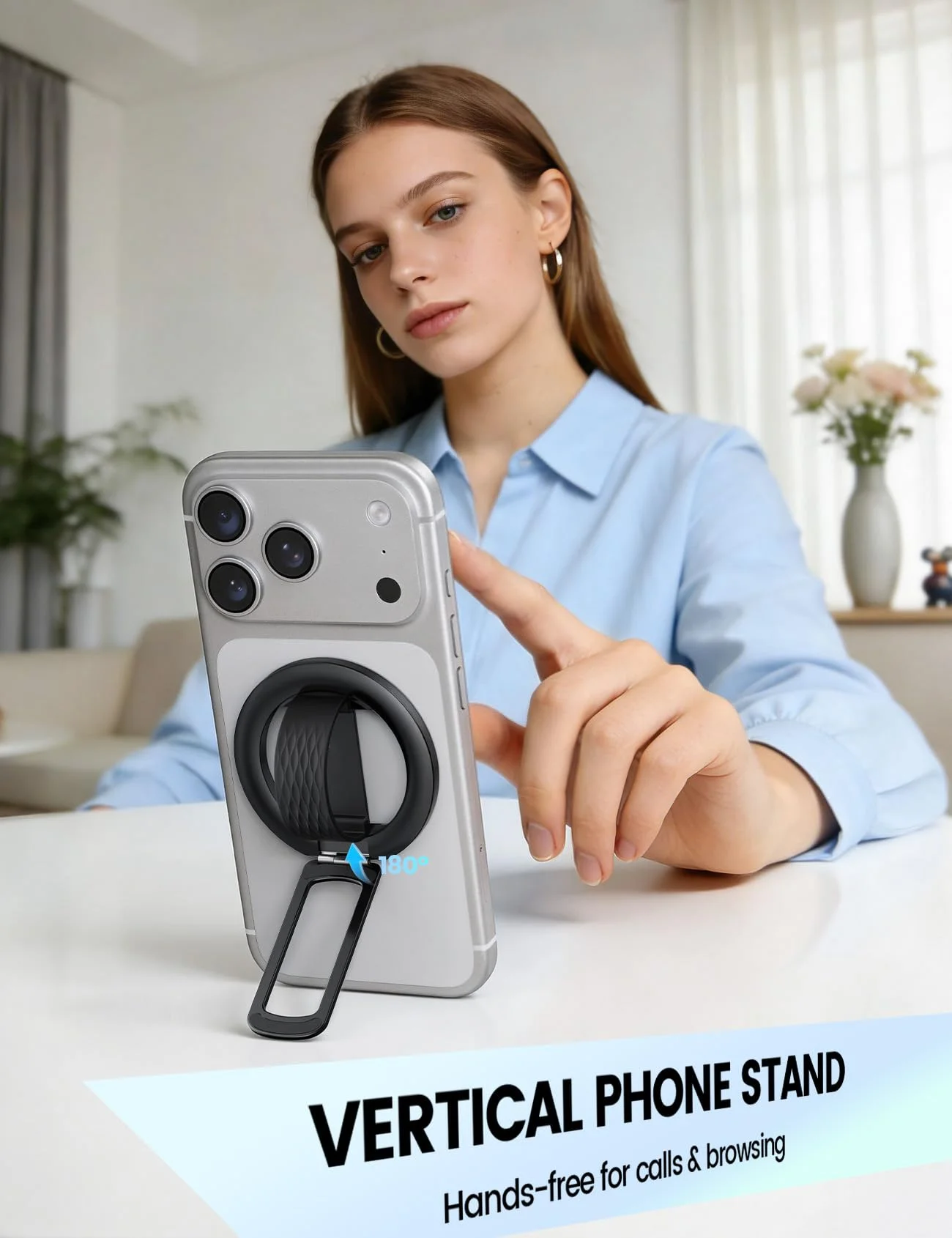
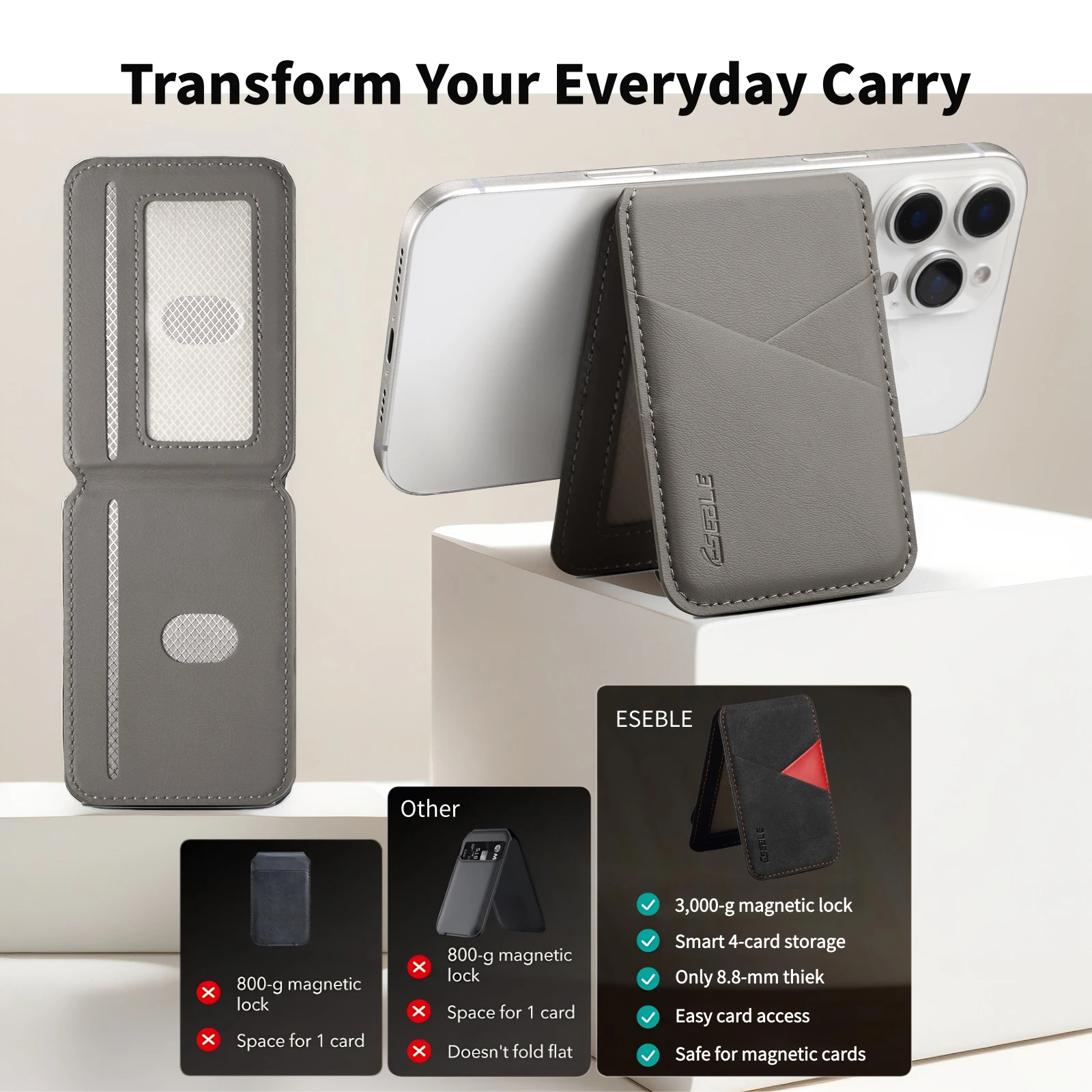
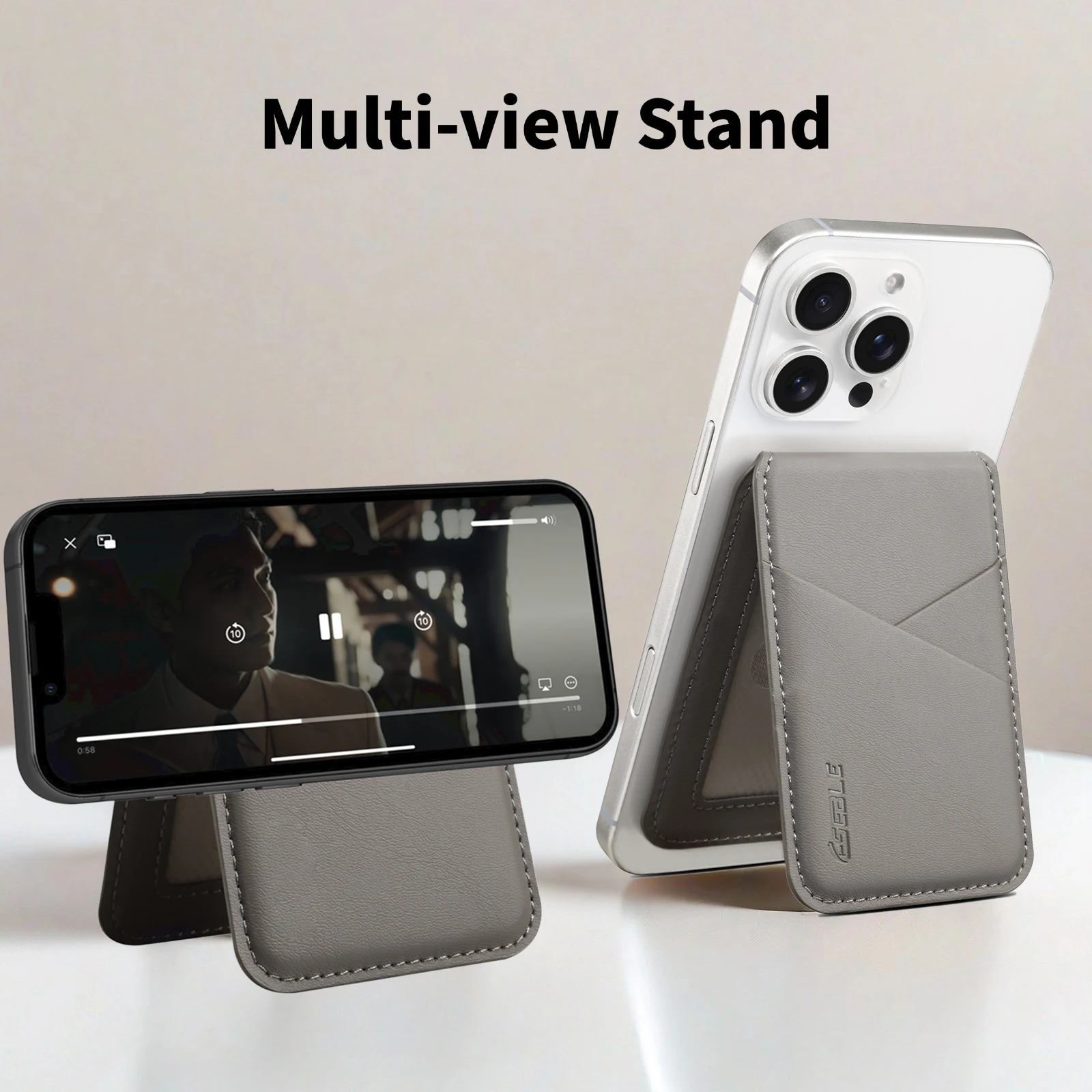
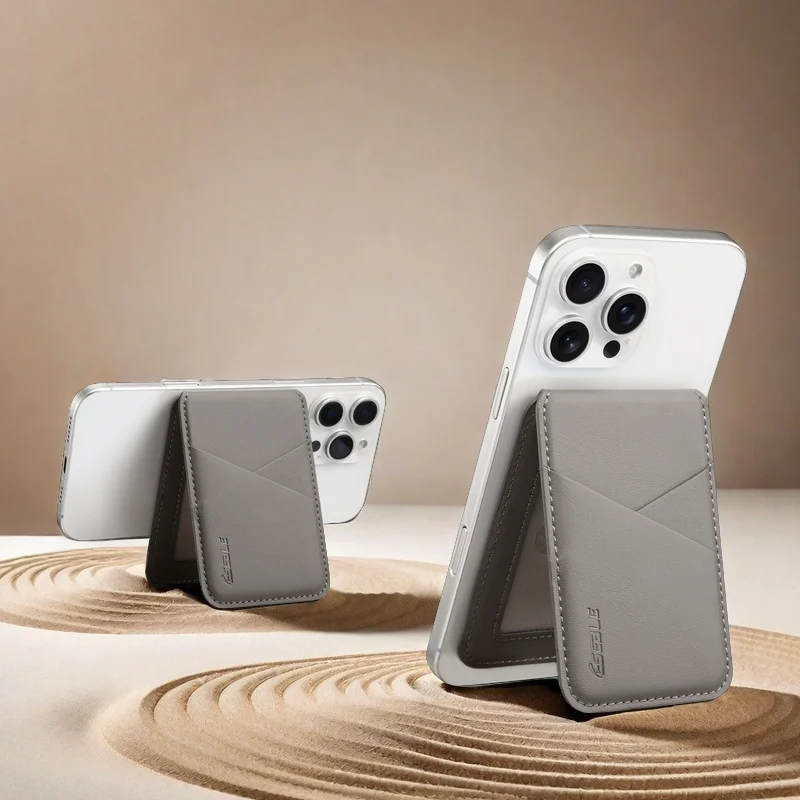
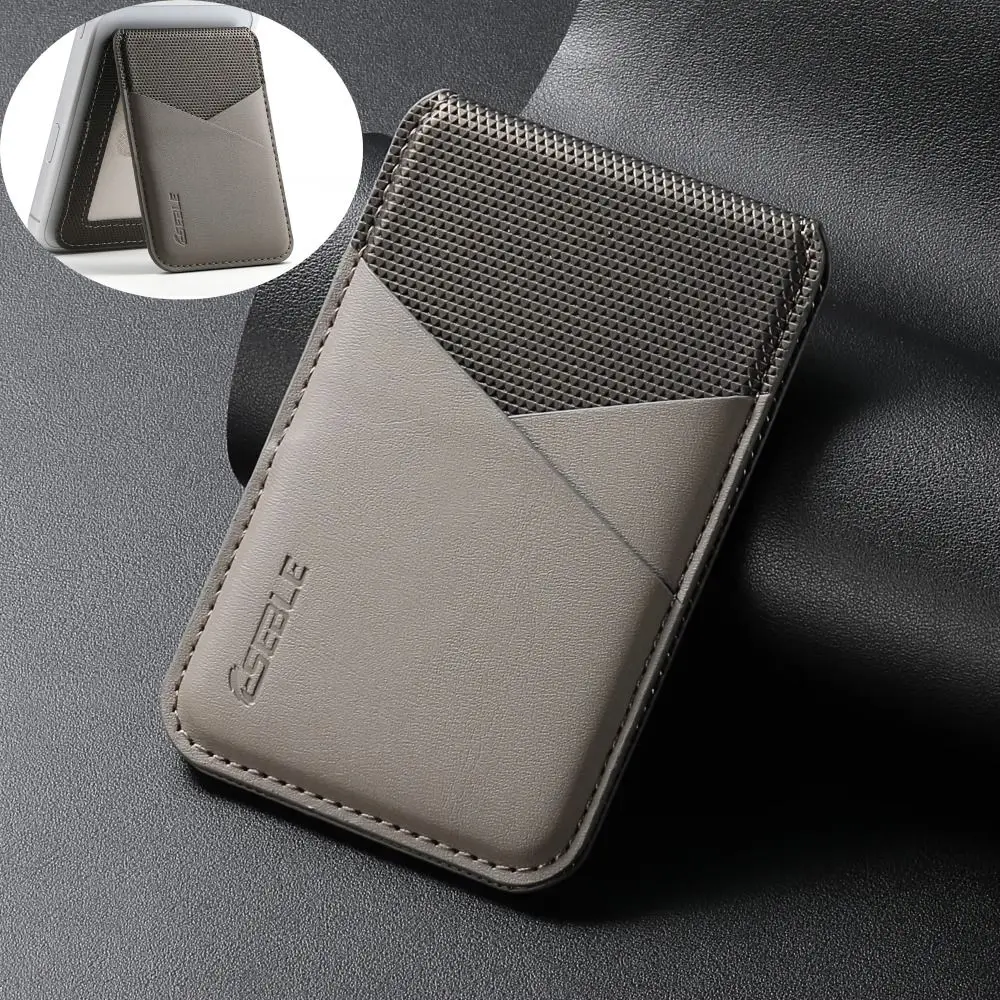
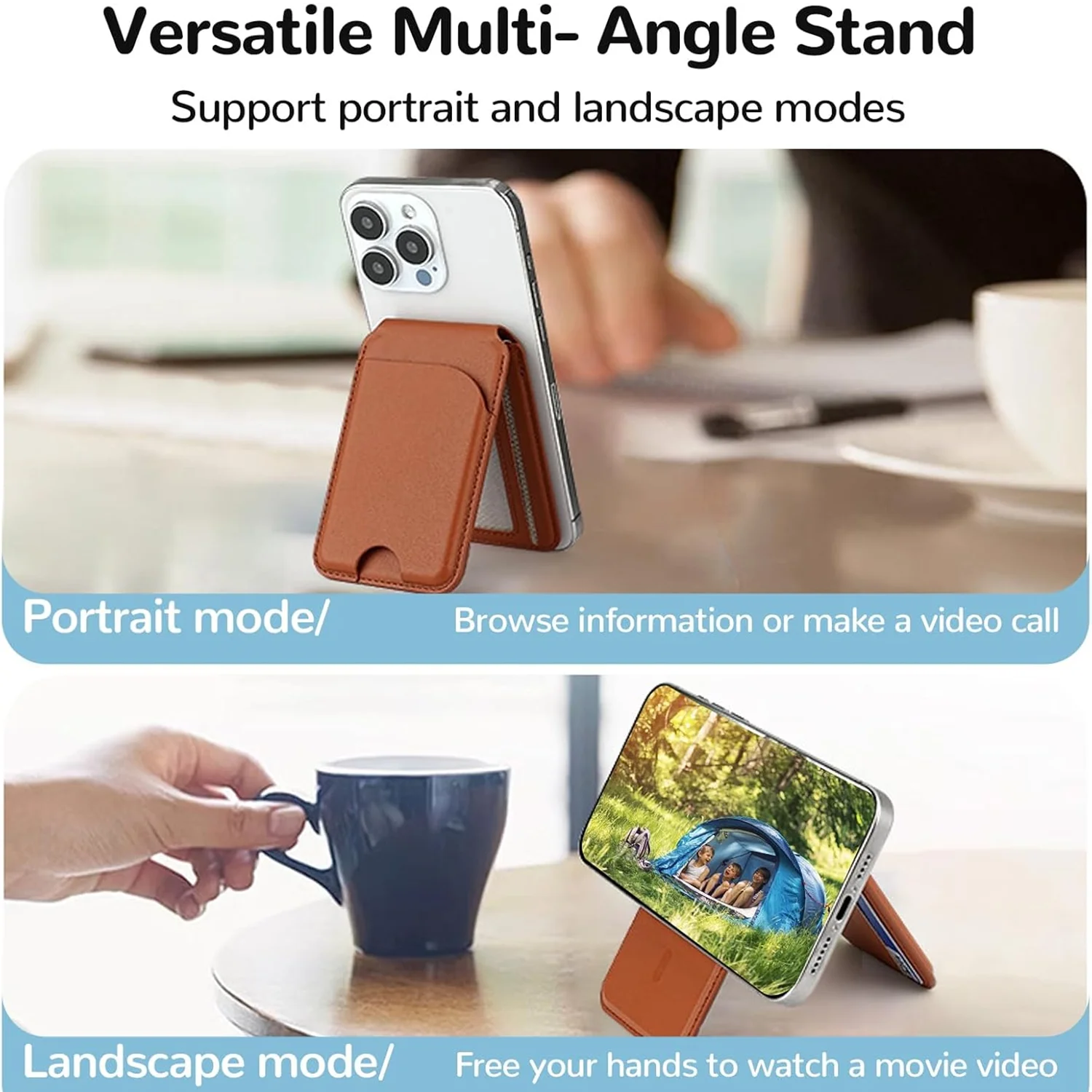
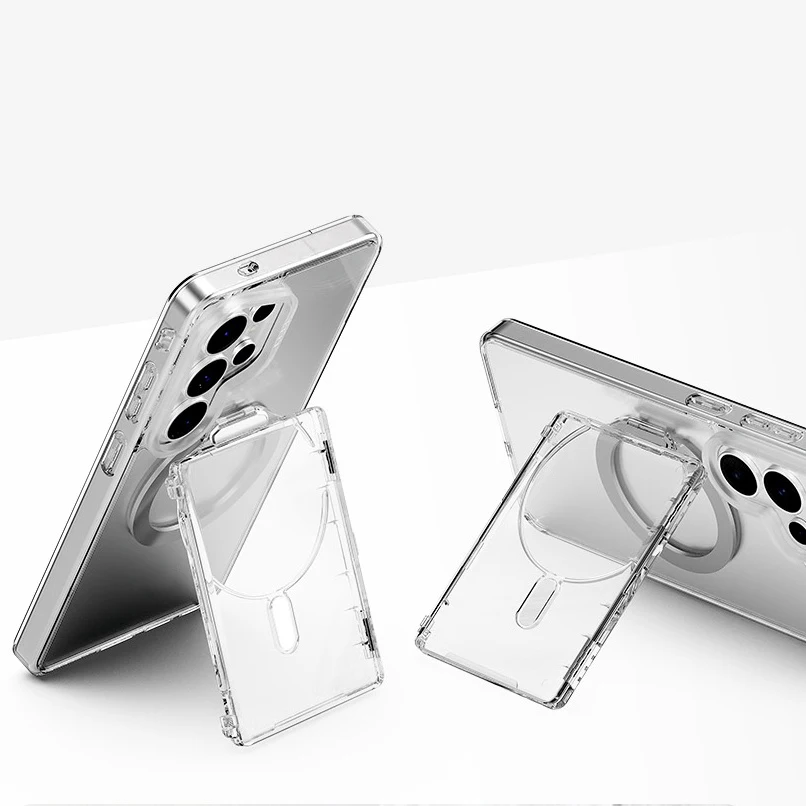
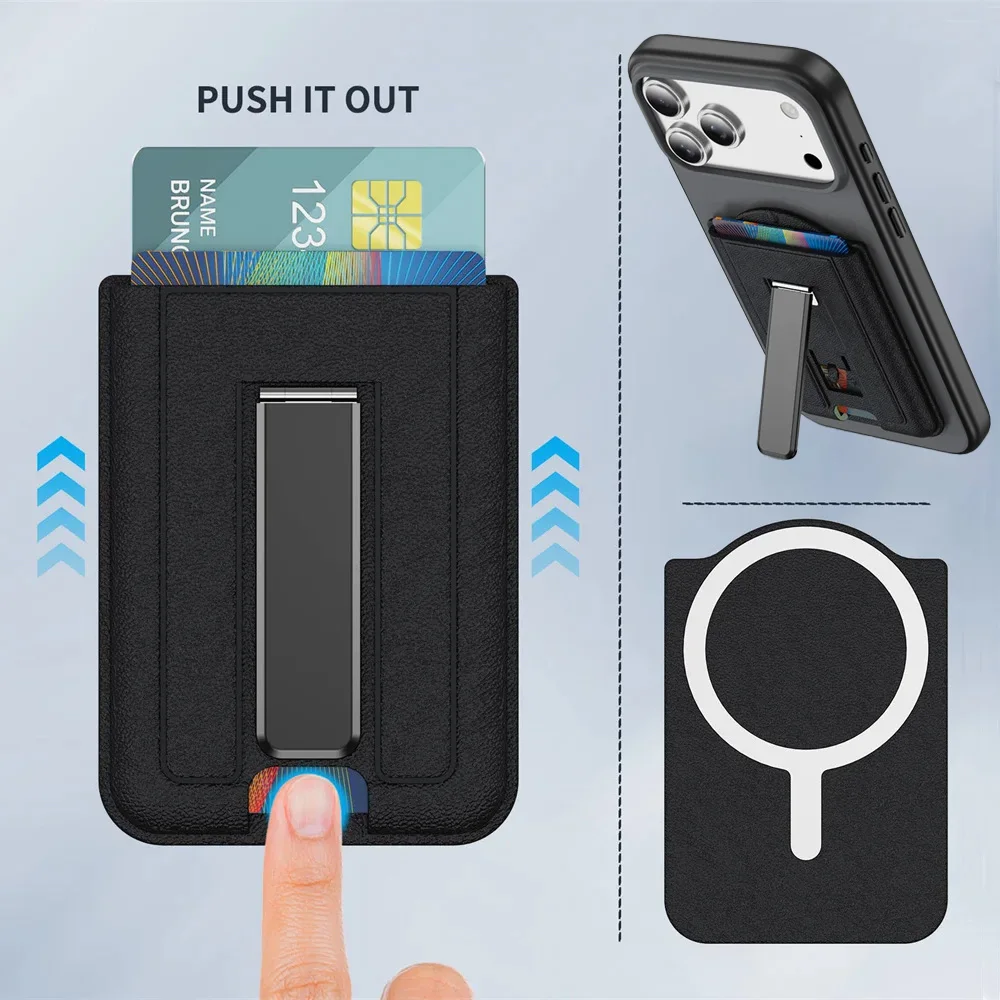
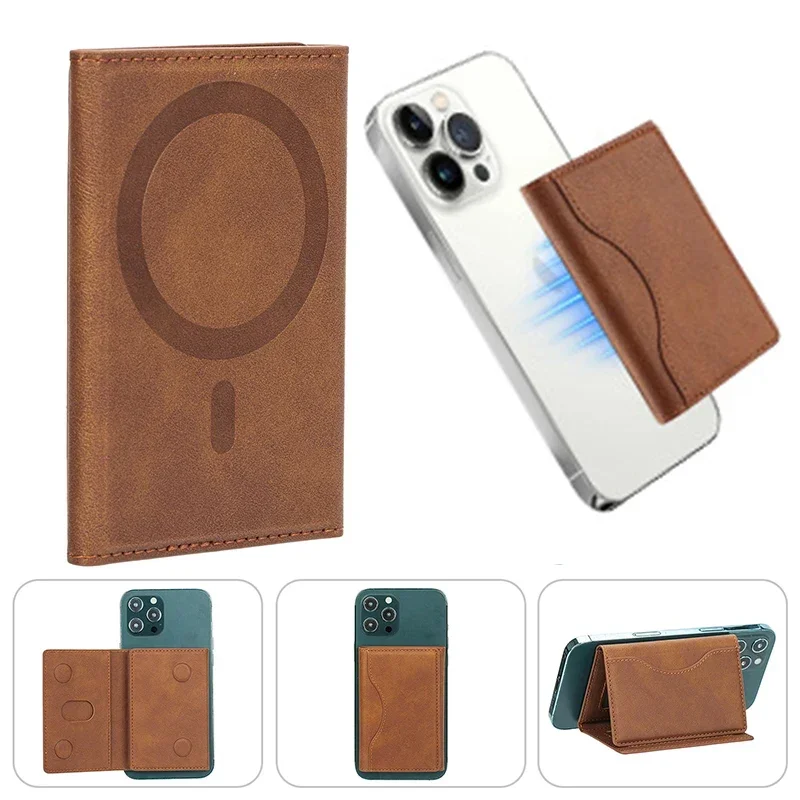
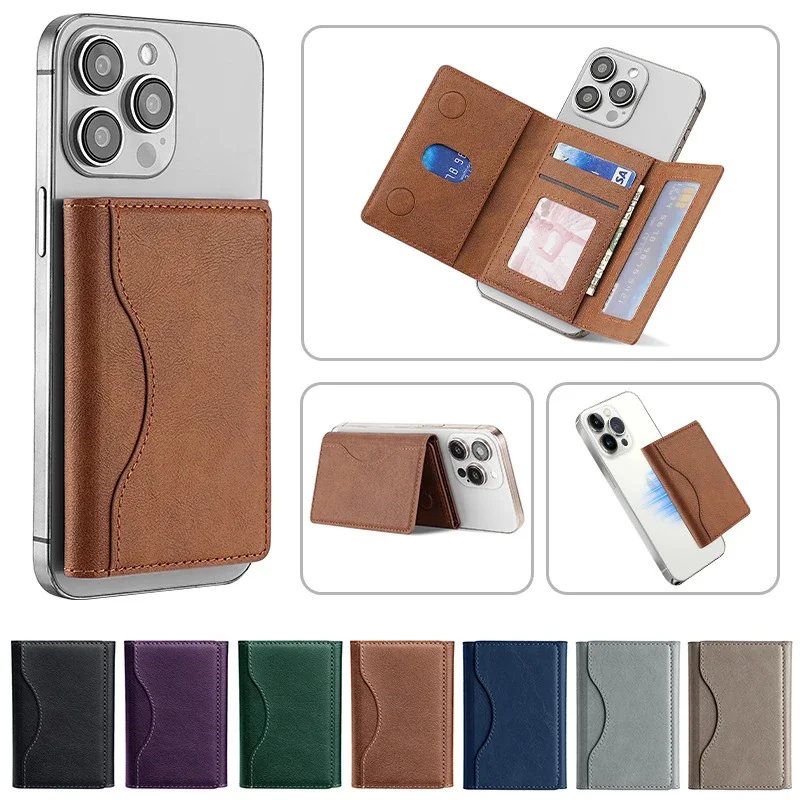
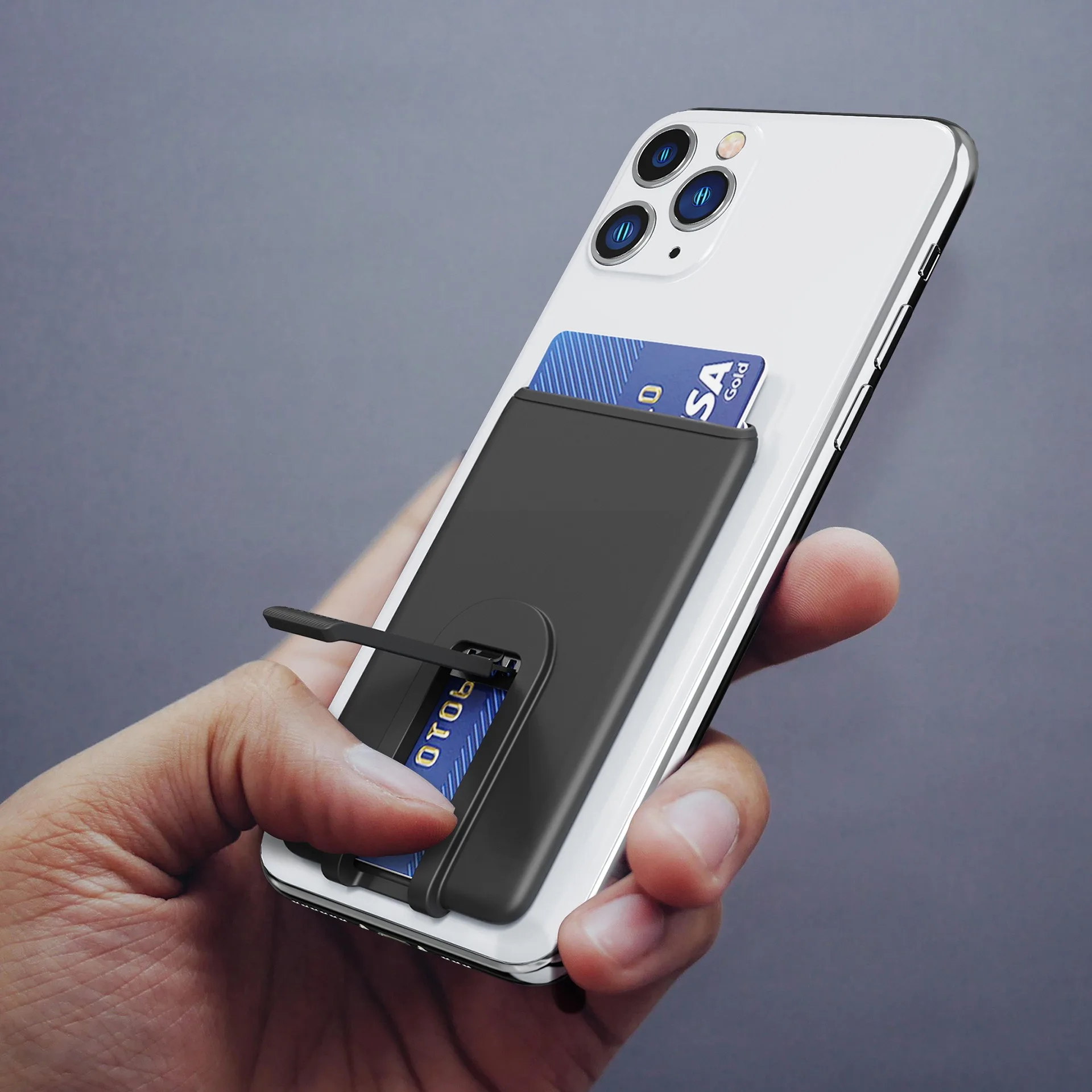
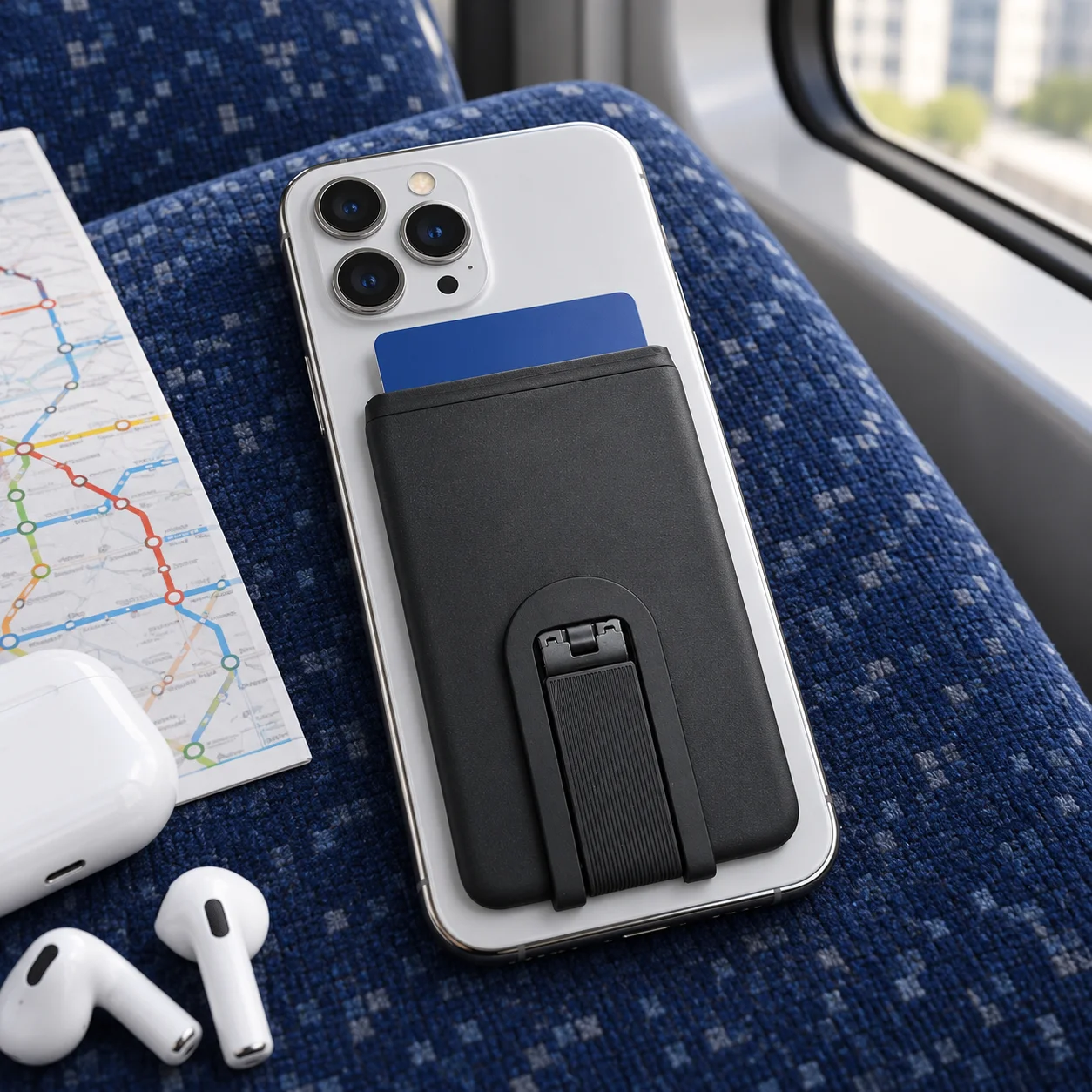
- Phone wallets with a stand fold out to stand the phone on a table for a call or a film. See phone wallets with a stand.
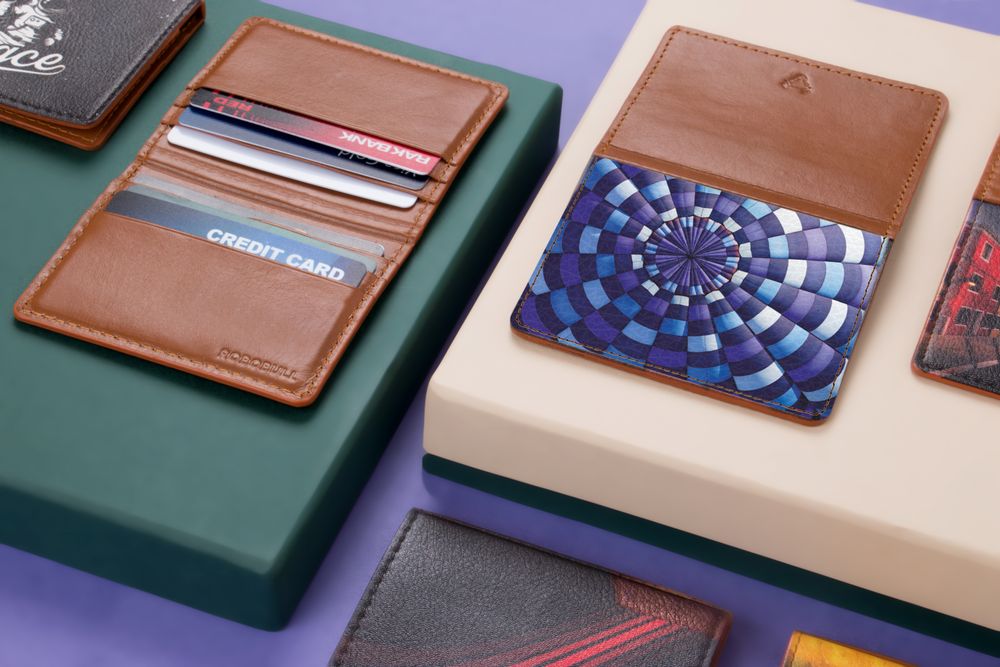
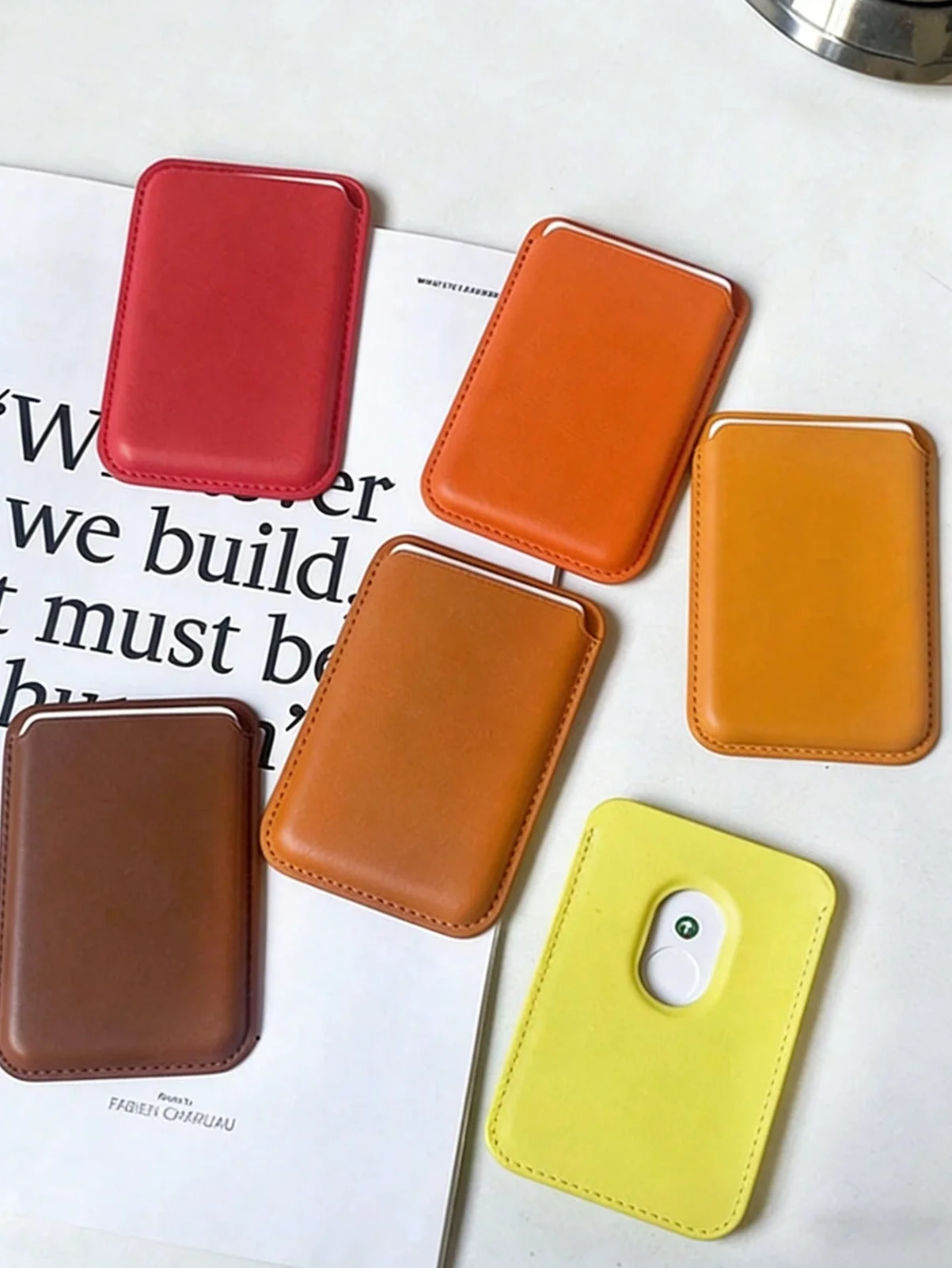
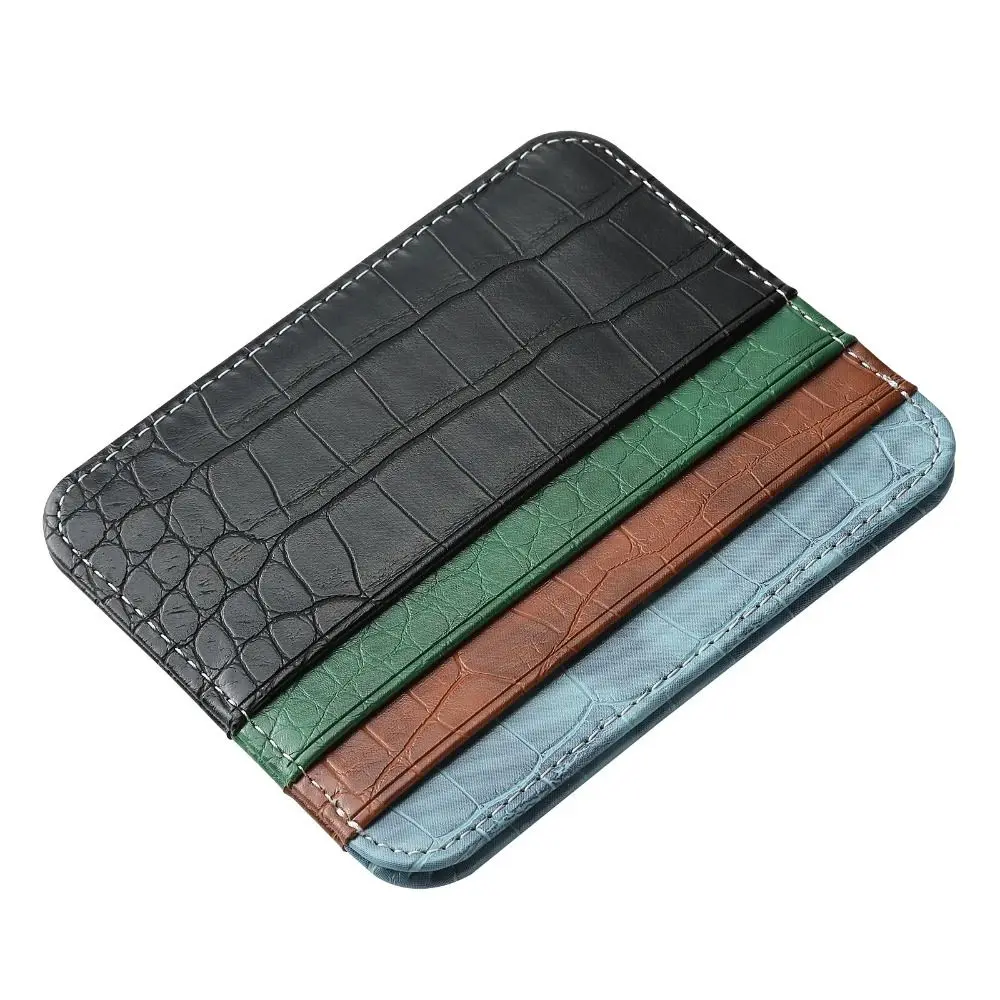
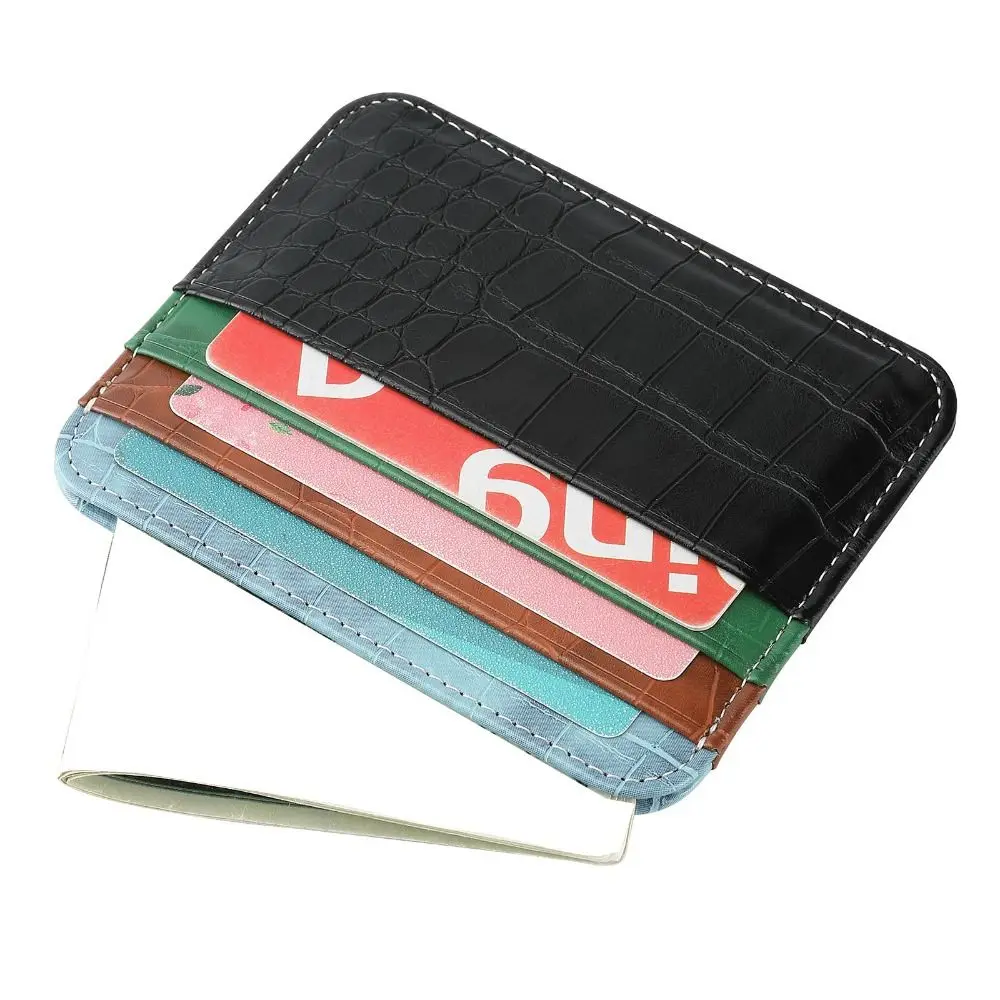
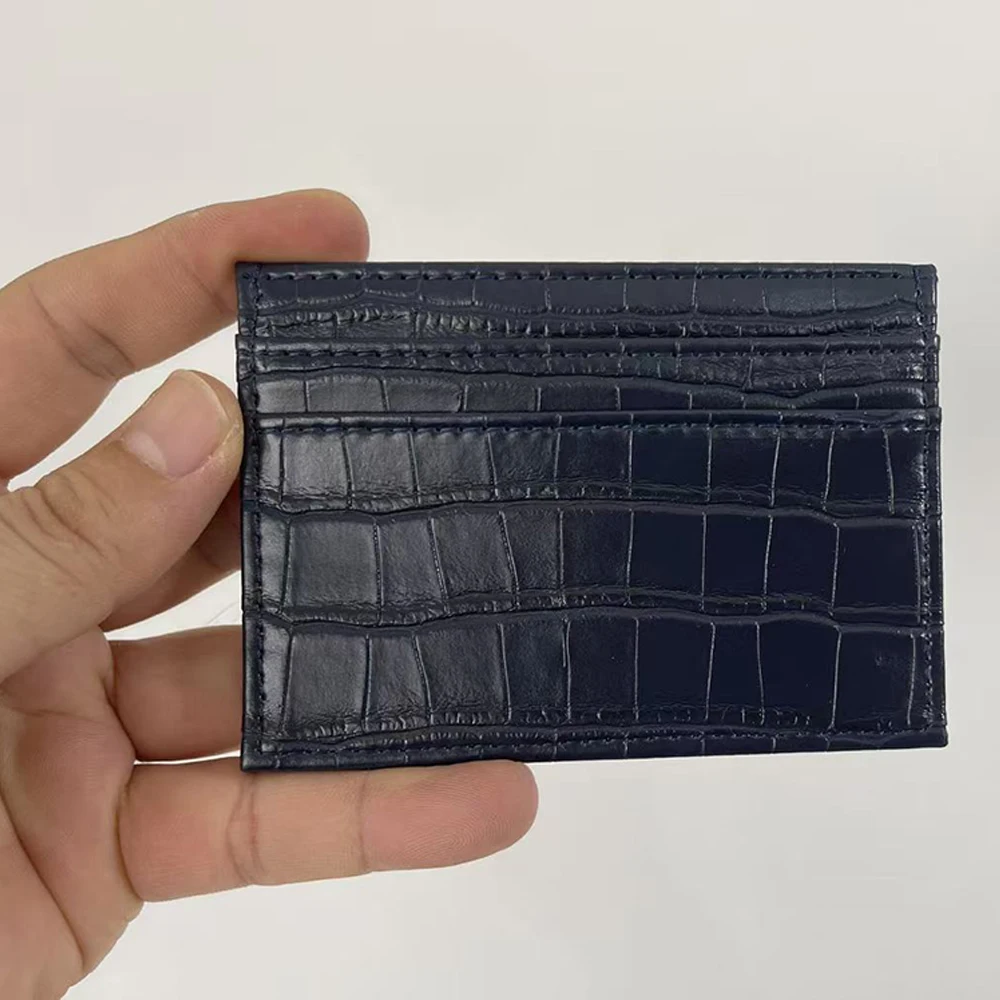
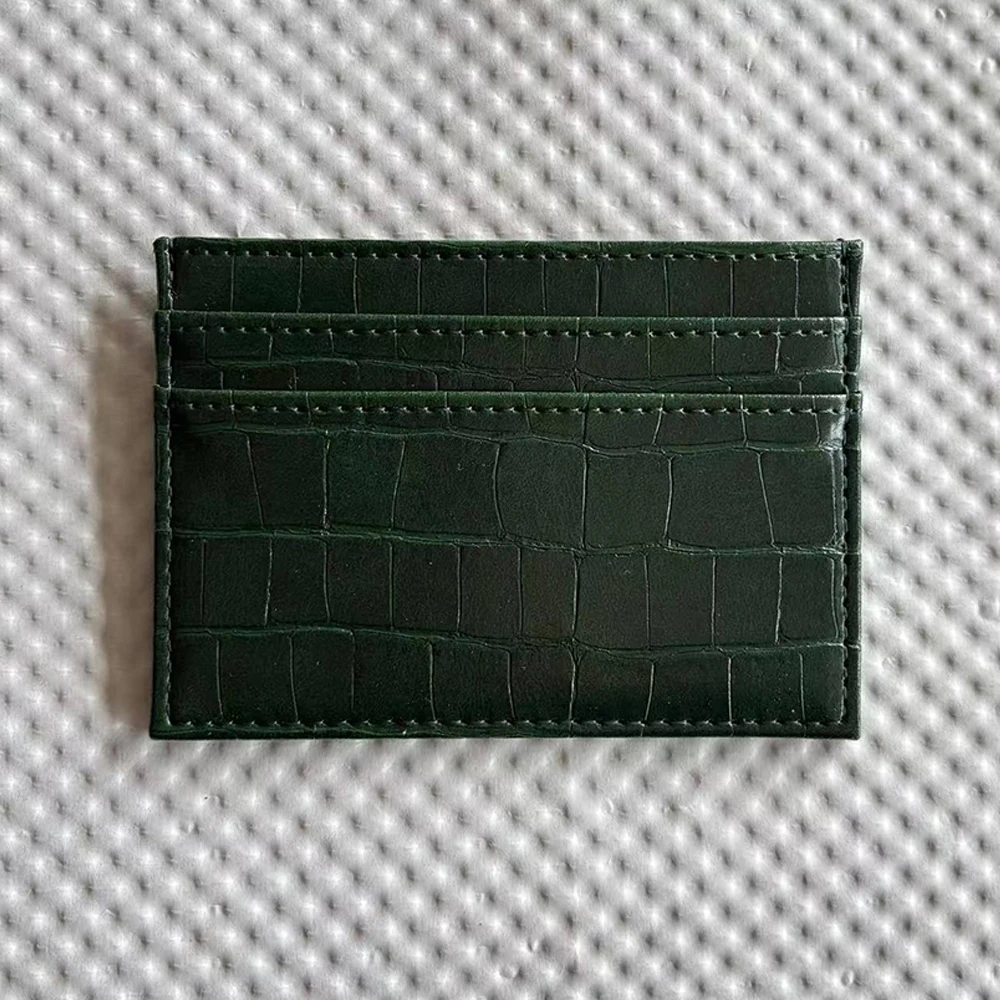
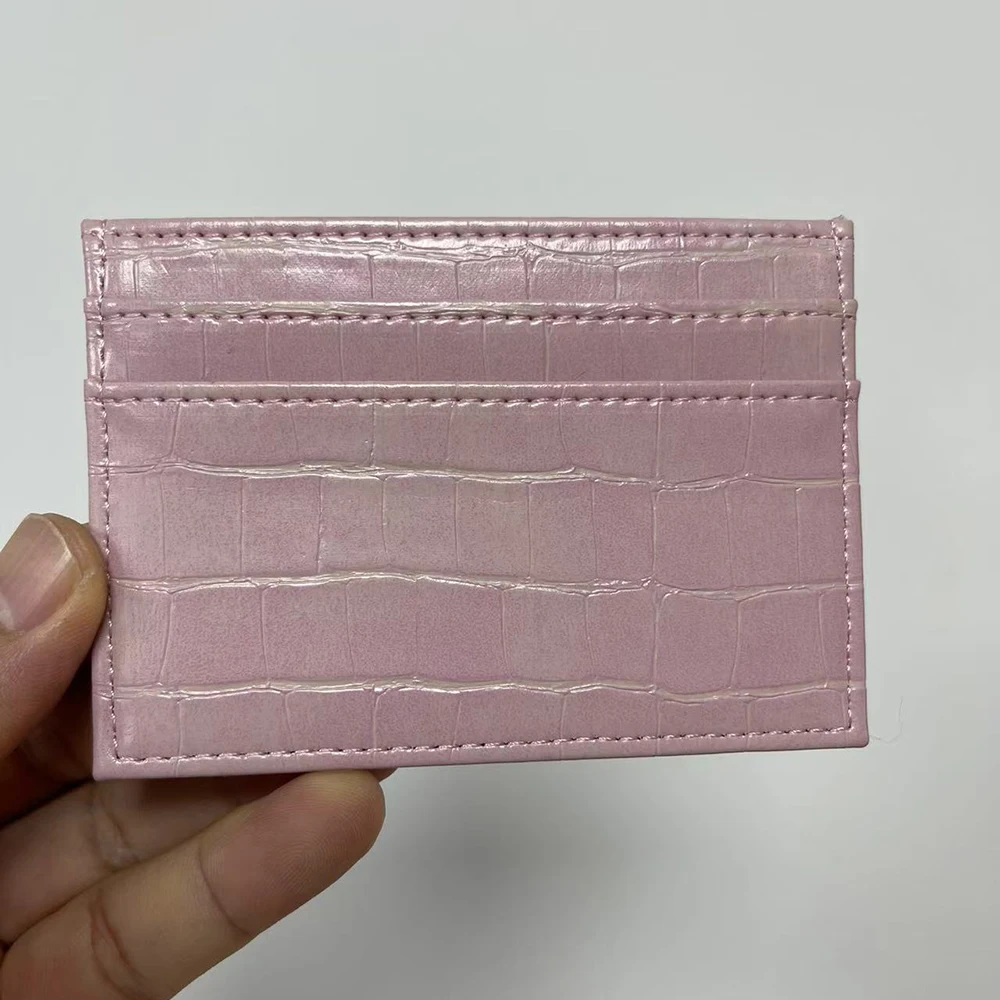
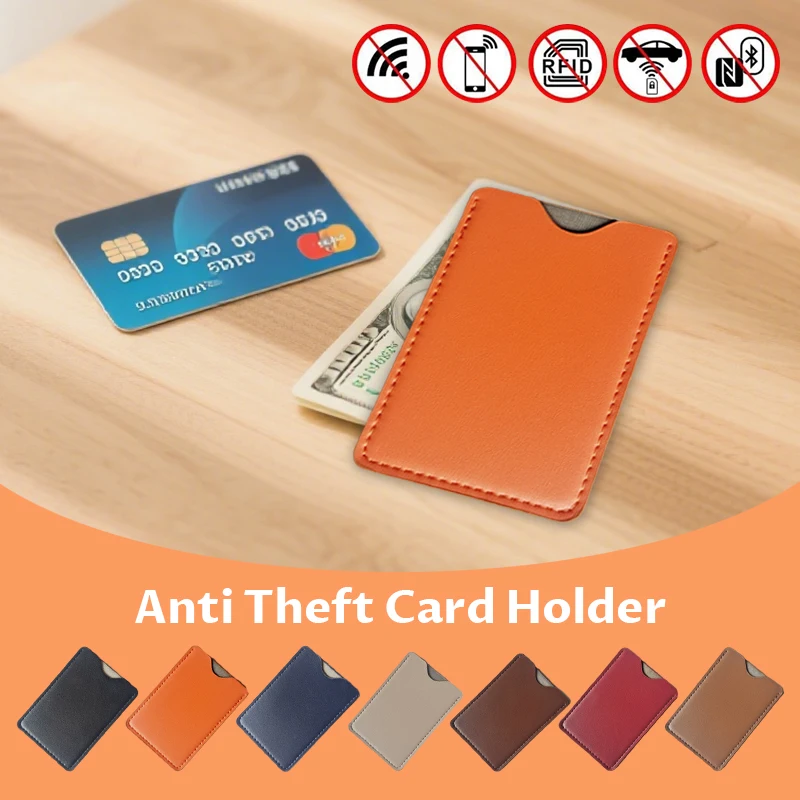
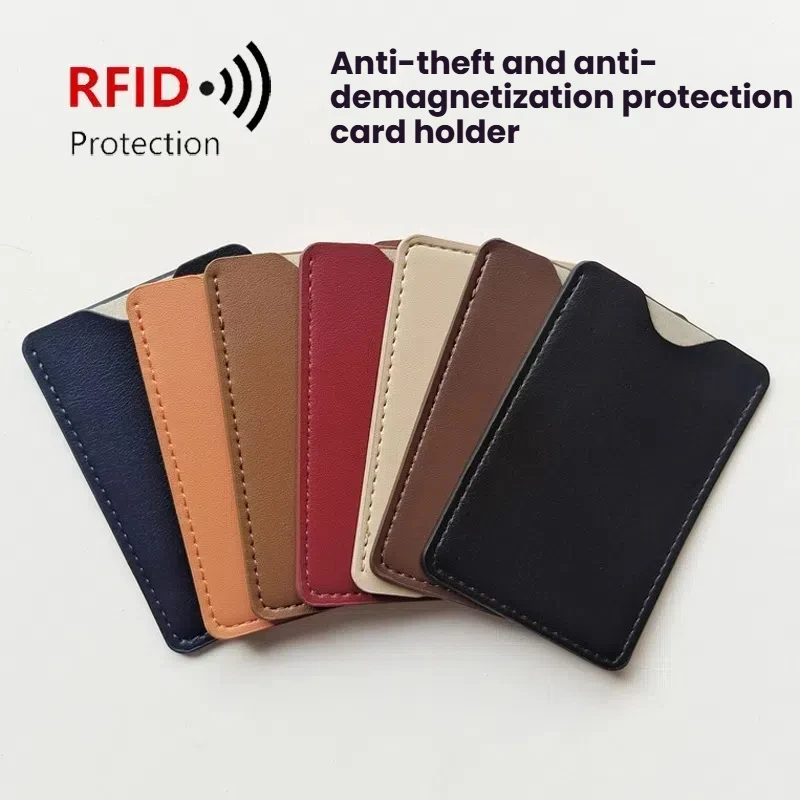
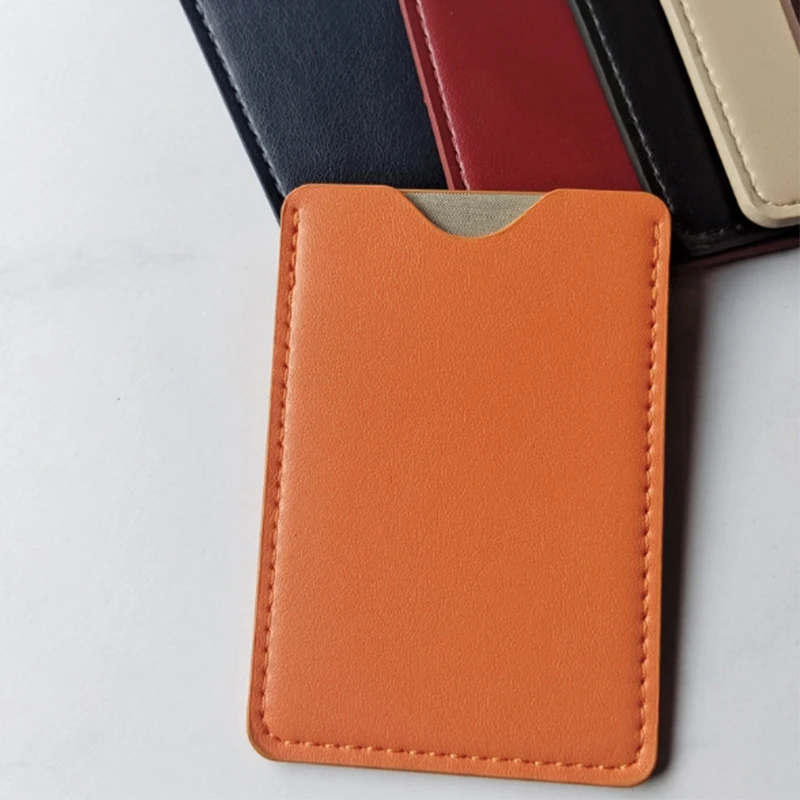
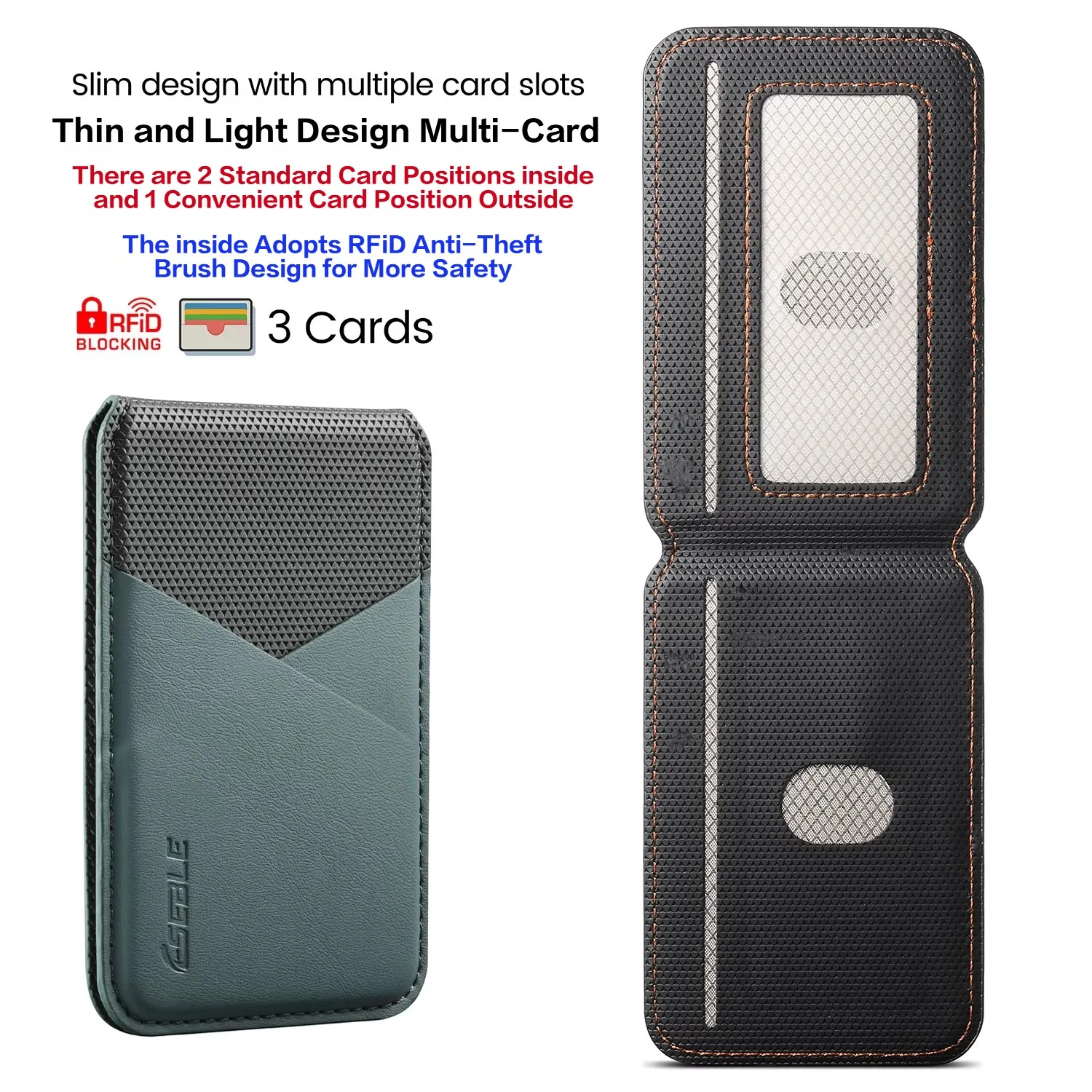
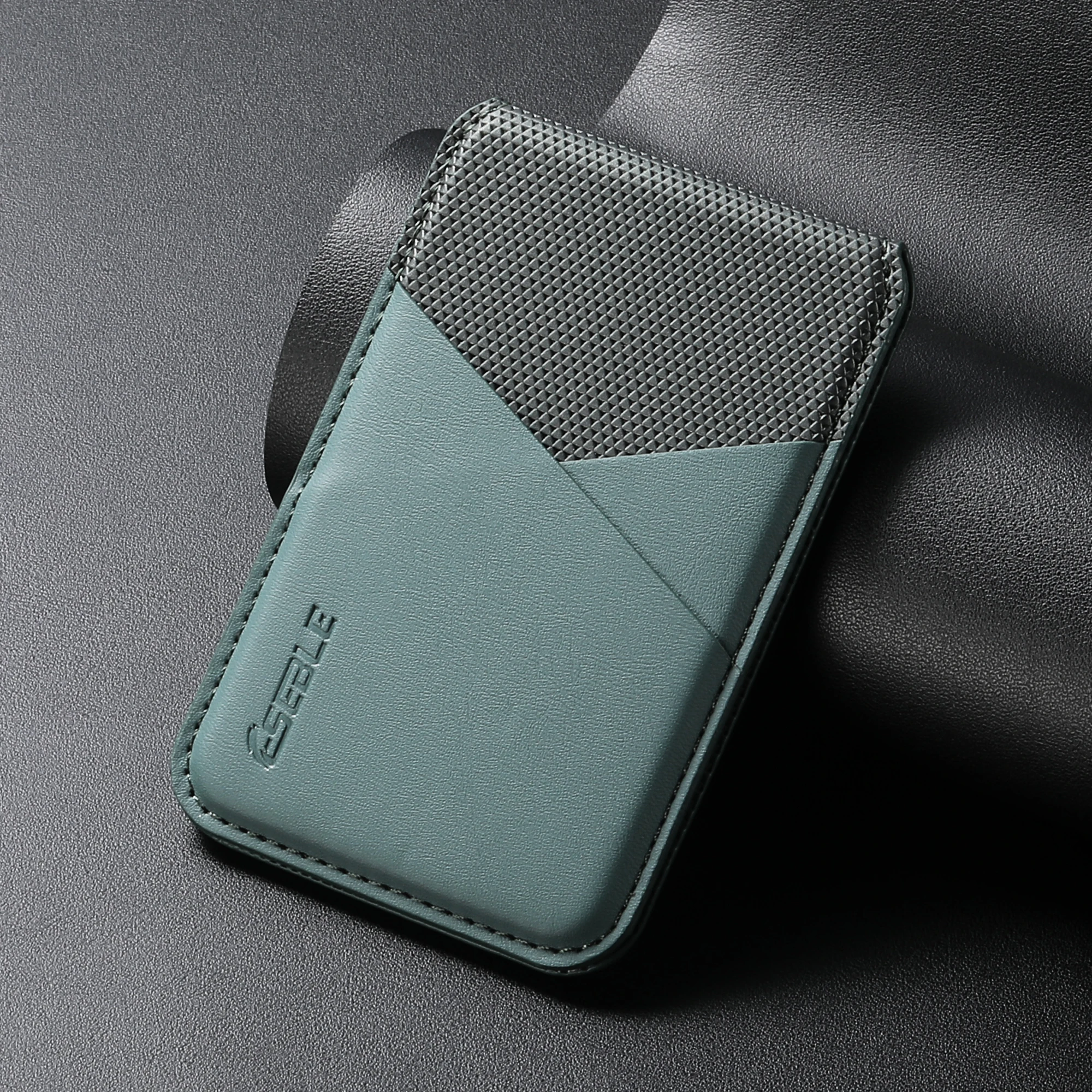
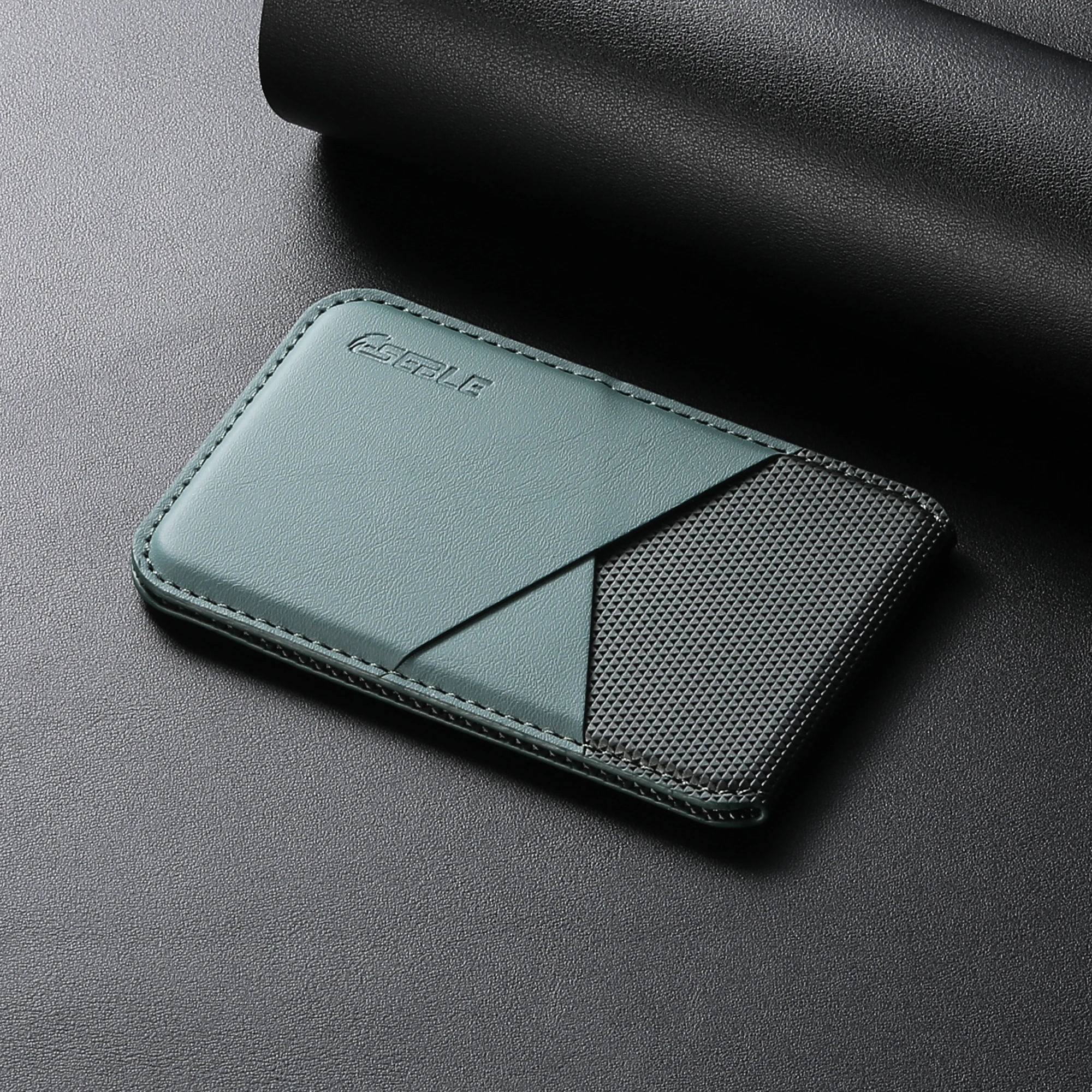
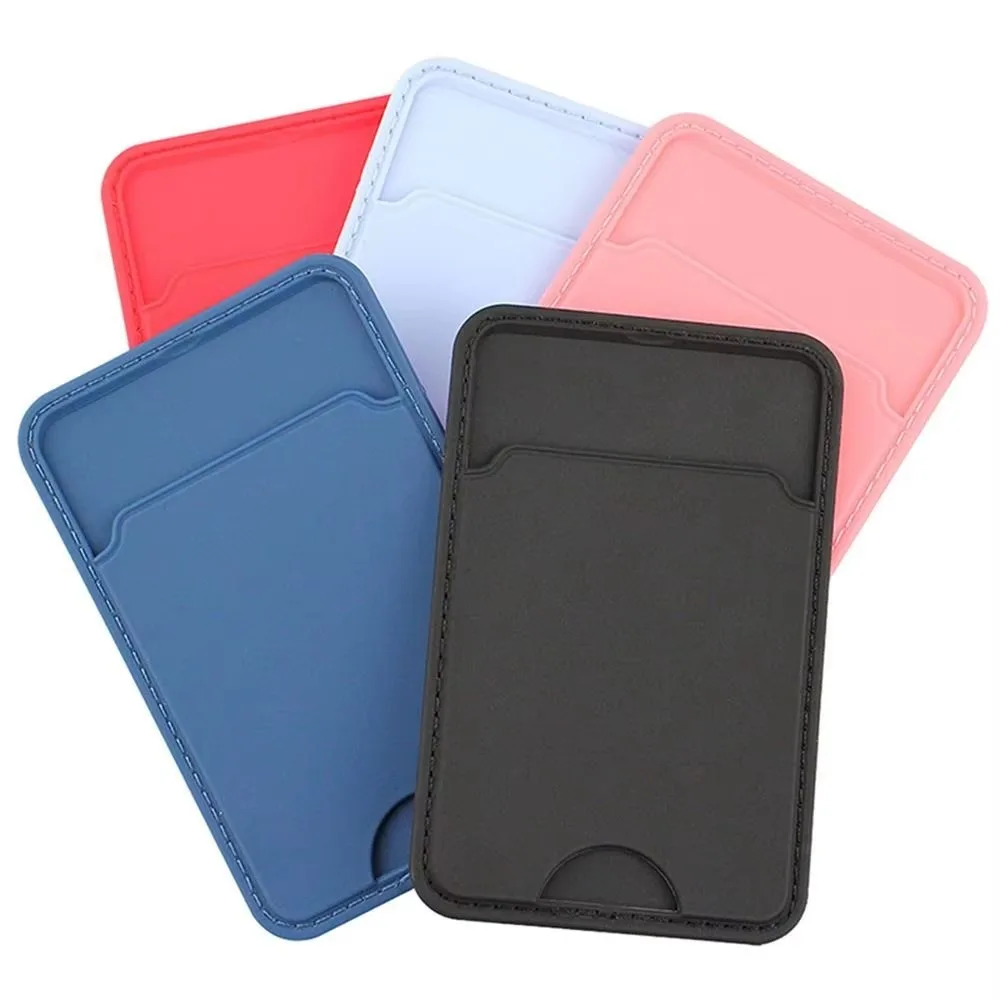
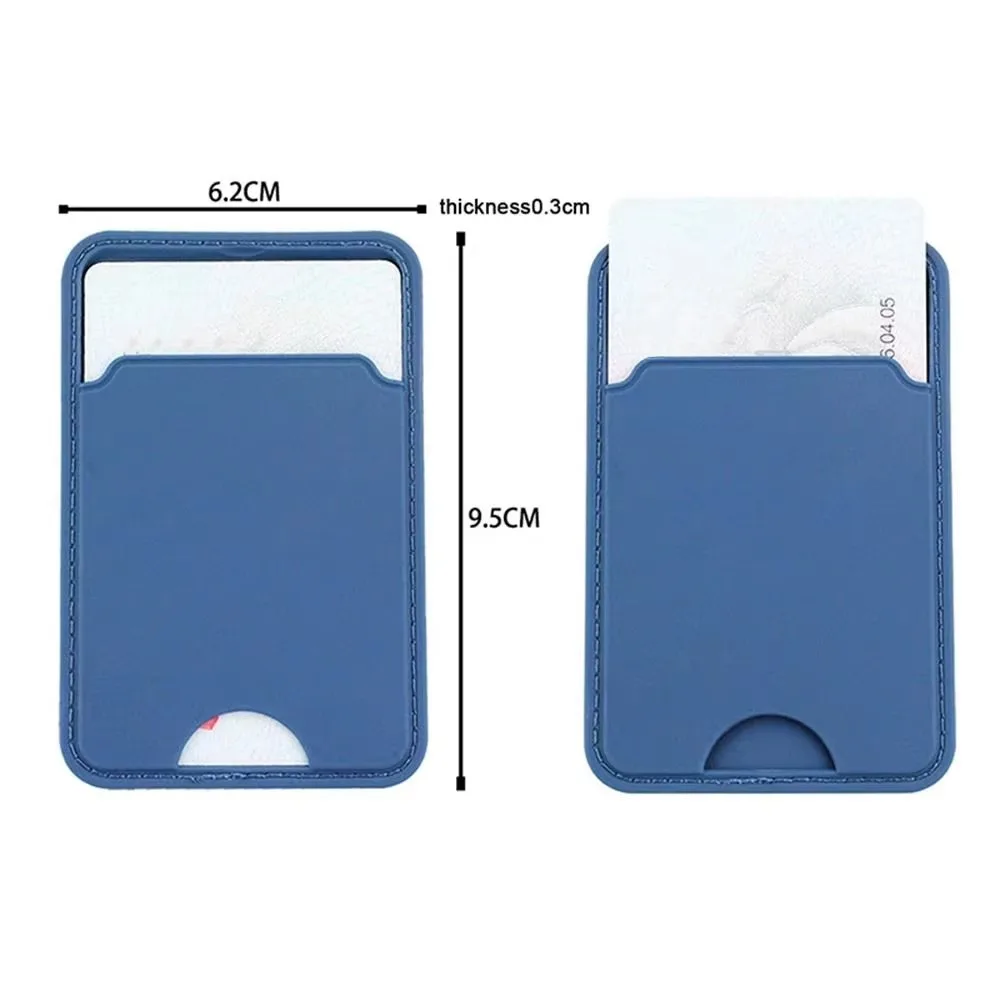
- Leather card sleeves are card holders in leather and leather-look finishes. The ones here today are magnetic, in PU leather. See leather card sleeves.
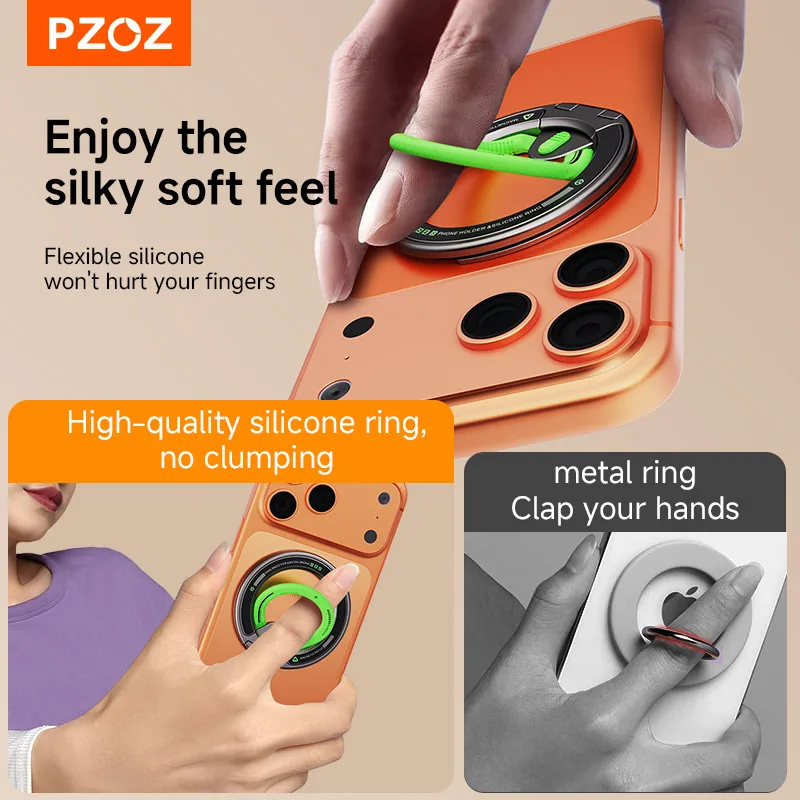
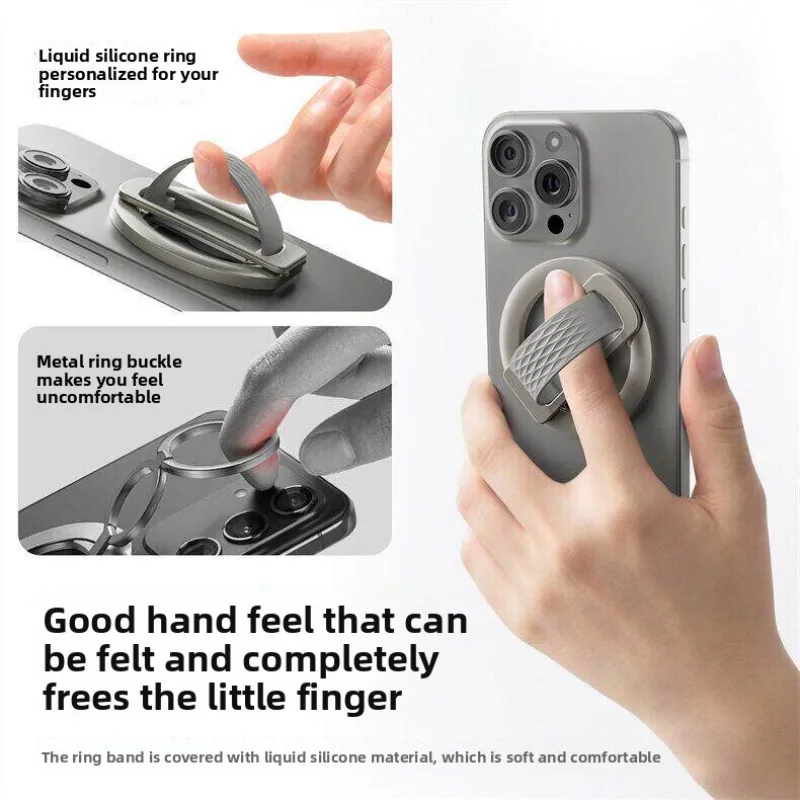
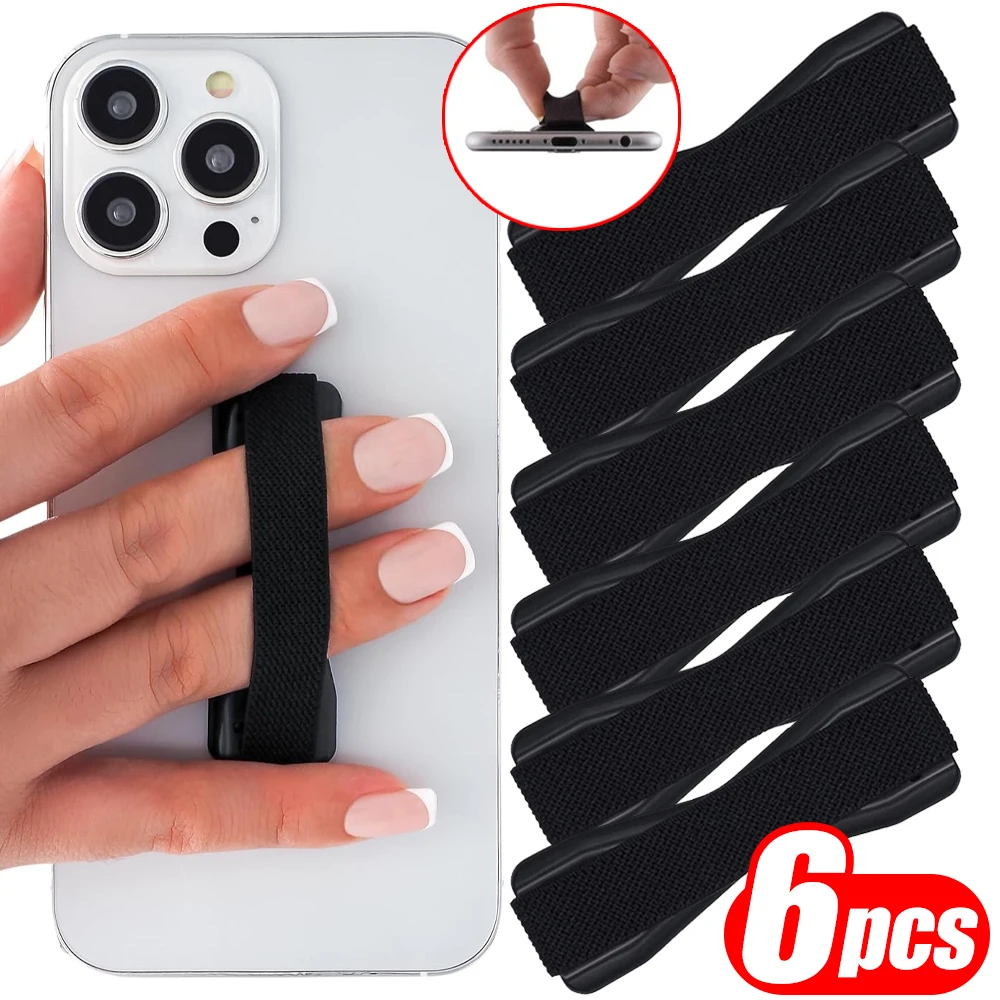
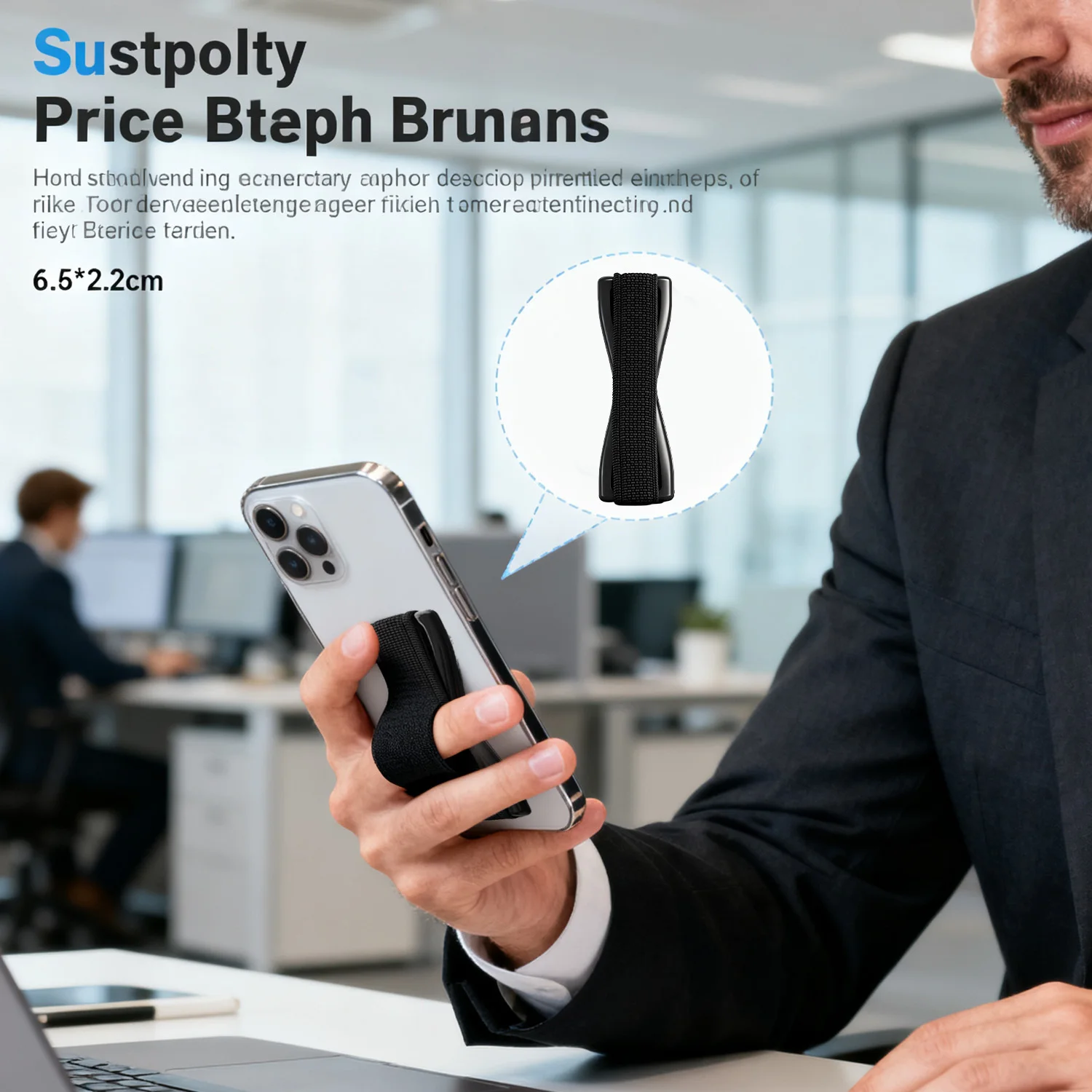
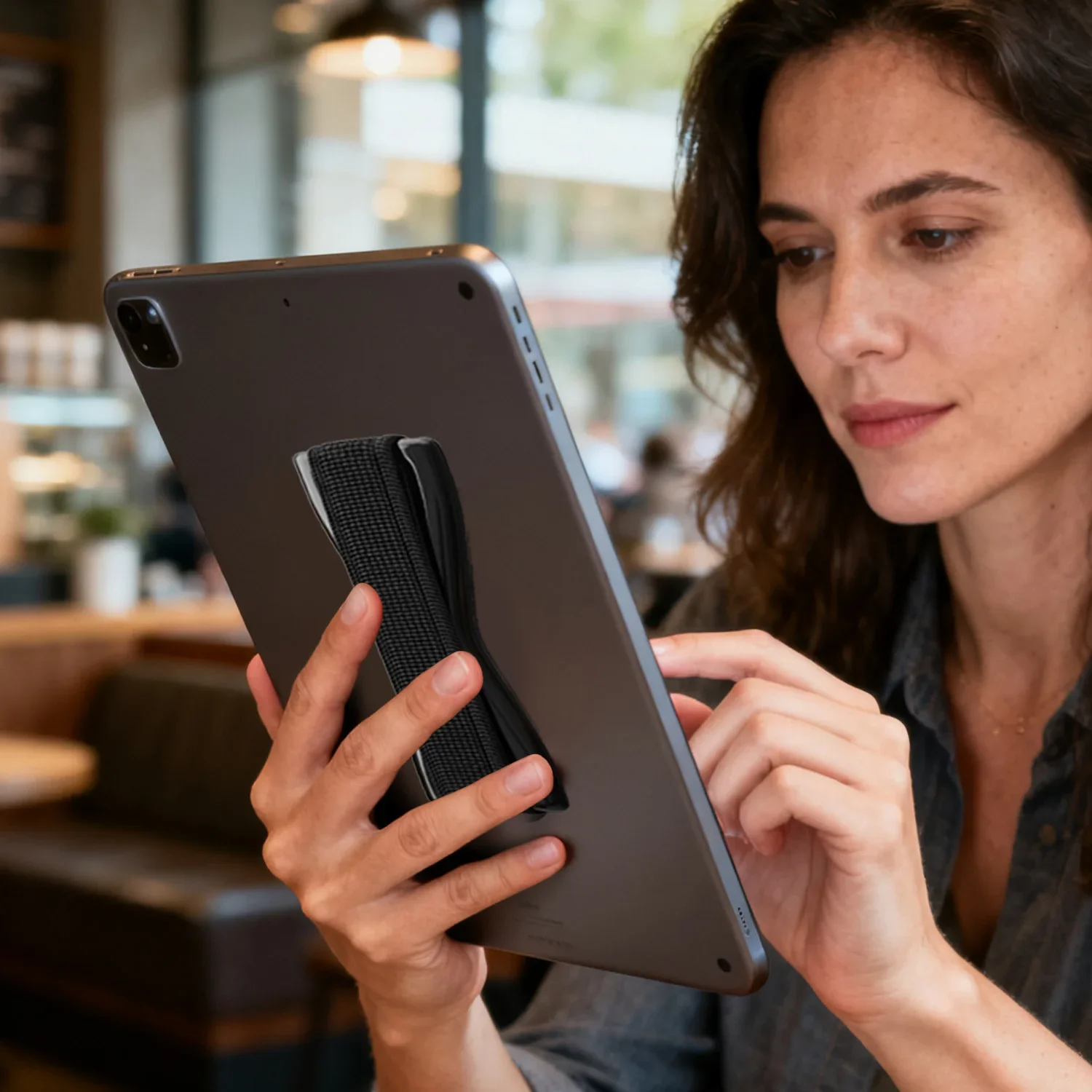
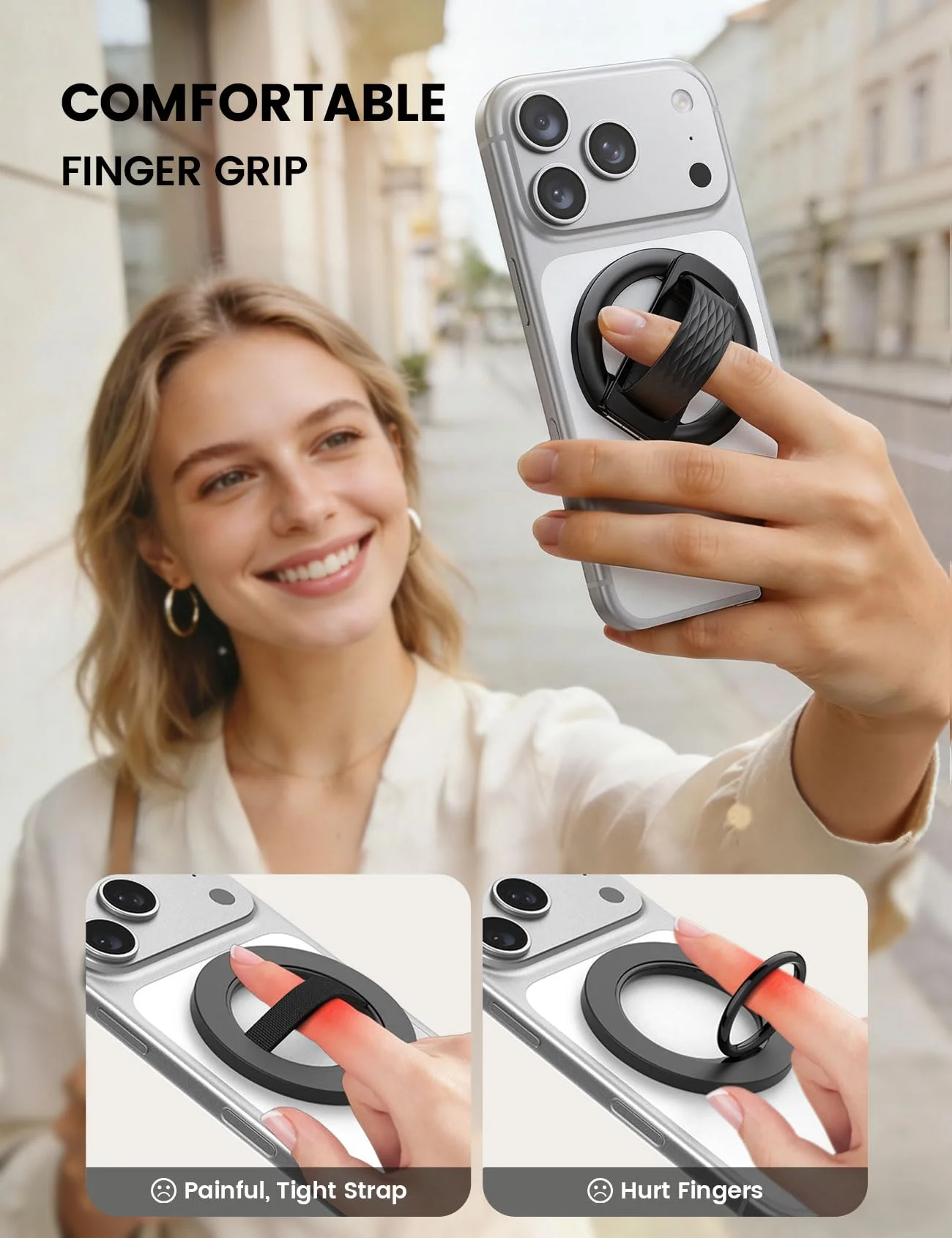
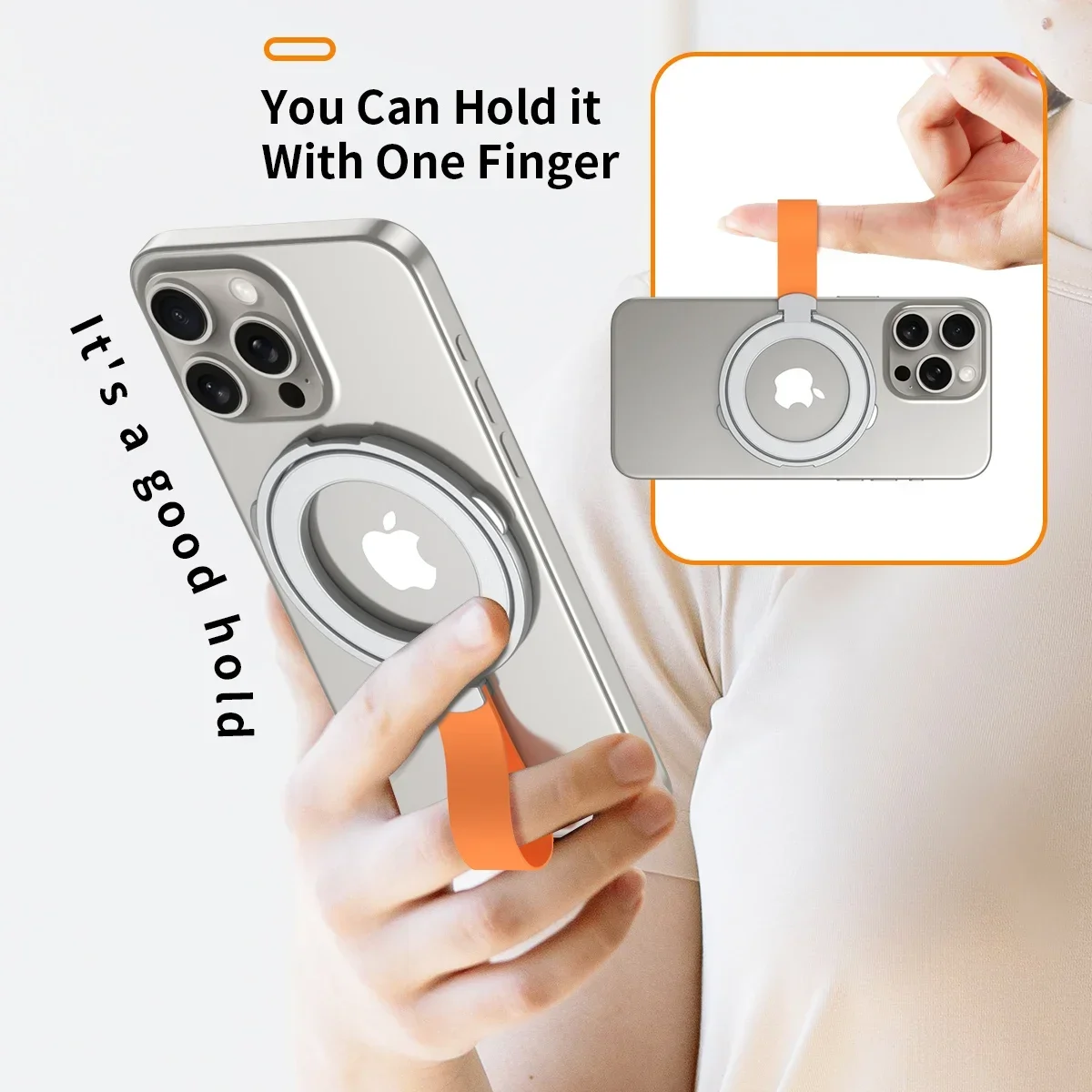
- Finger-strap phone wallets have a strap across the back for your fingers, for a safer one-handed hold. See finger-strap phone wallets.
Stick-on or magnetic
A stick-on holder is the simplest. It is thin, it cannot be knocked off, and it works on any phone or case with a smooth, clean back. Its drawback is that it is always there, including when you want to charge the phone wirelessly. A magnetic wallet comes off in a second, for charging or a run, and can move between phones and cases. It needs magnets to hold on to: an iPhone 12 or later (not the iPhone 16e), or a magnetic phone case on any other phone.
If you would rather the case held the cards itself, see wallet and flip cases and card holder cases.
Questions people ask about phone wallets
Can I charge wirelessly with a phone wallet on?
Apple's advice for its MagSafe charger is not to put credit cards, security badges, passports or key fobs between the iPhone and the charger, because it might damage magnetic strips or RFID chips, and Samsung says cards and holders between a phone and a wireless charger may block it or make it overheat. So take the wallet or the cards off before the phone goes on a wireless charger.
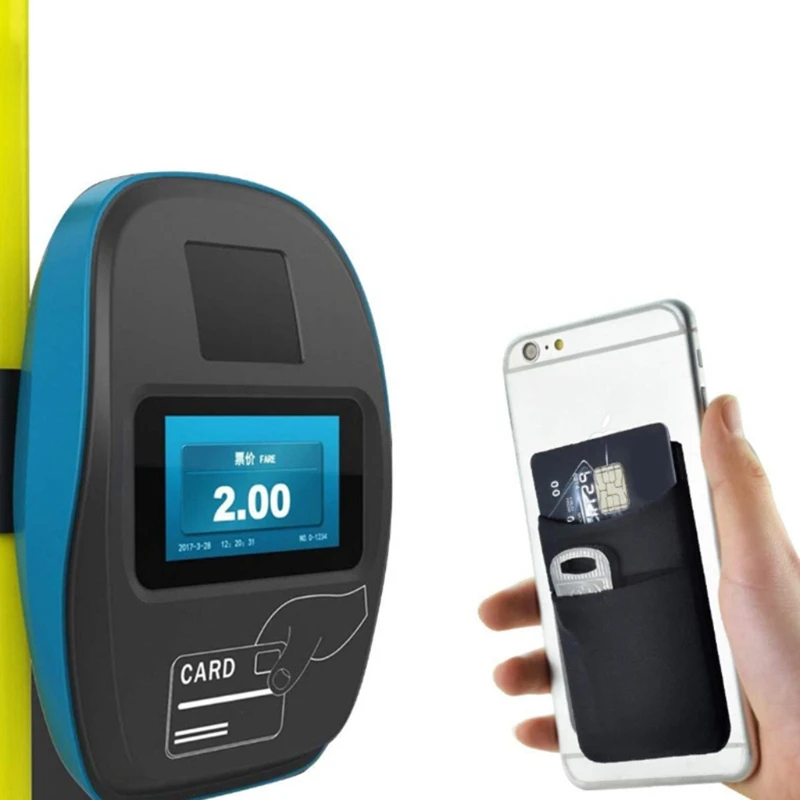
Why does the ticket gate not open when I touch my phone?
Transport for London calls this card clash: a reader that sees more than one card may read none, or charge the wrong one. Carry one contactless card on the phone, or take the wallet off at the gate. The guide to phone wallets and card holders covers this in full.
How long does delivery take?
Delivery is included in every price and tracked to your door. Each product page says when it usually arrives.
More to look at