Gaming on a phone
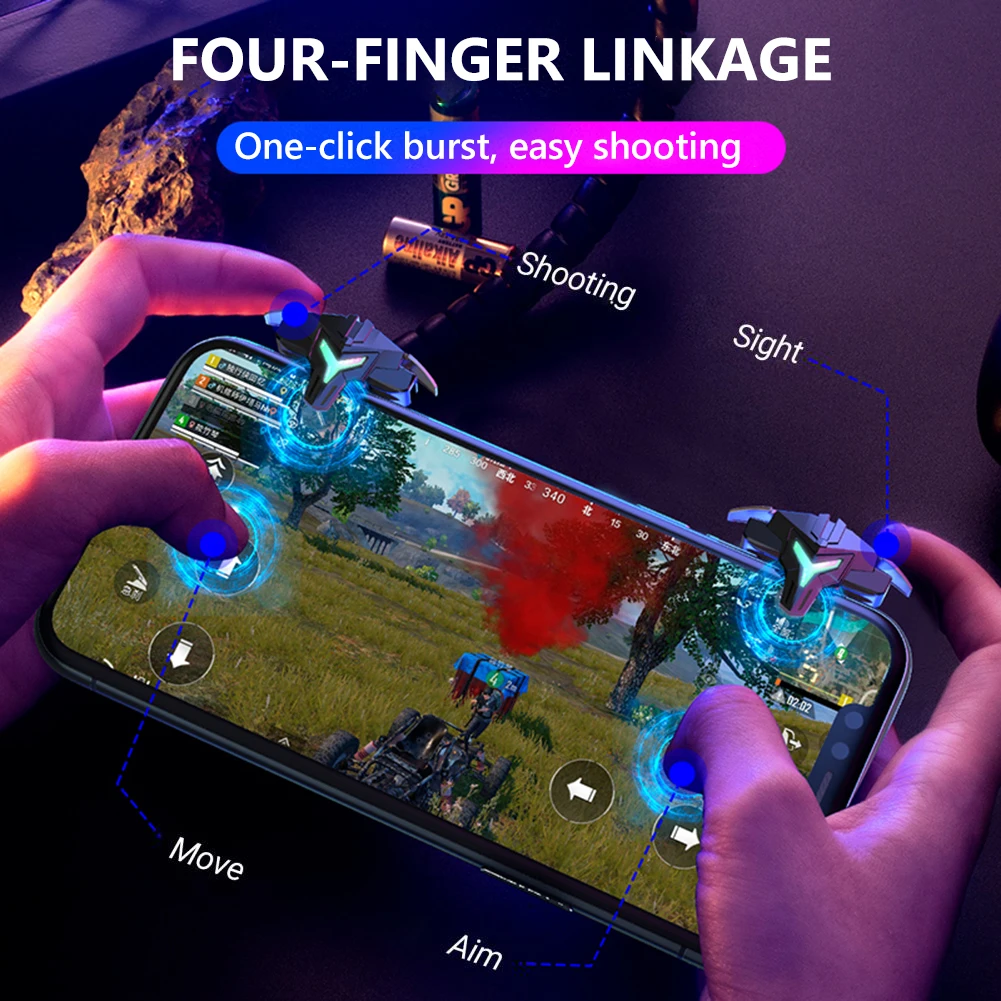
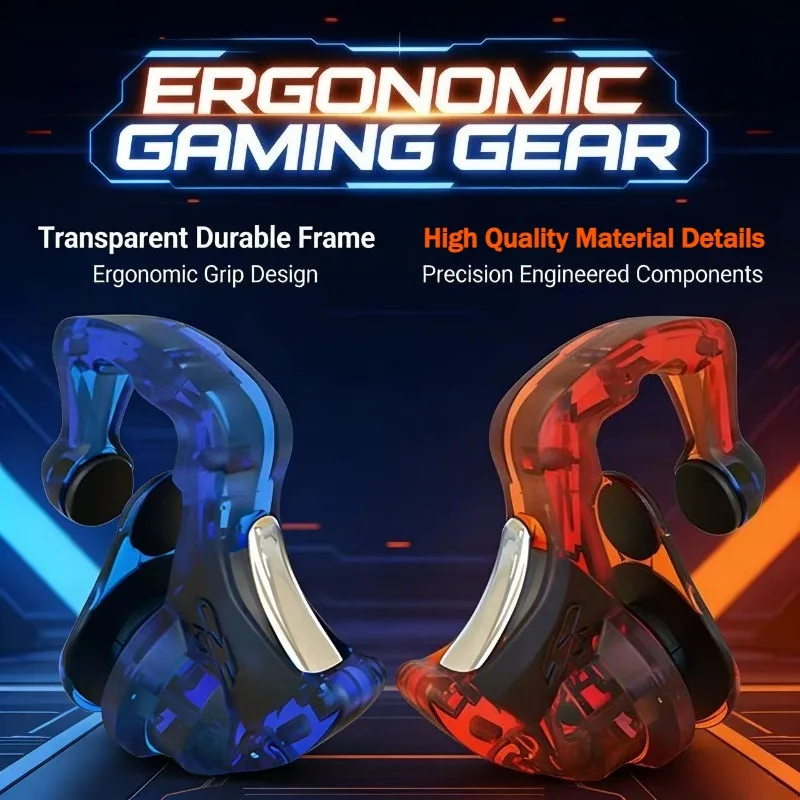
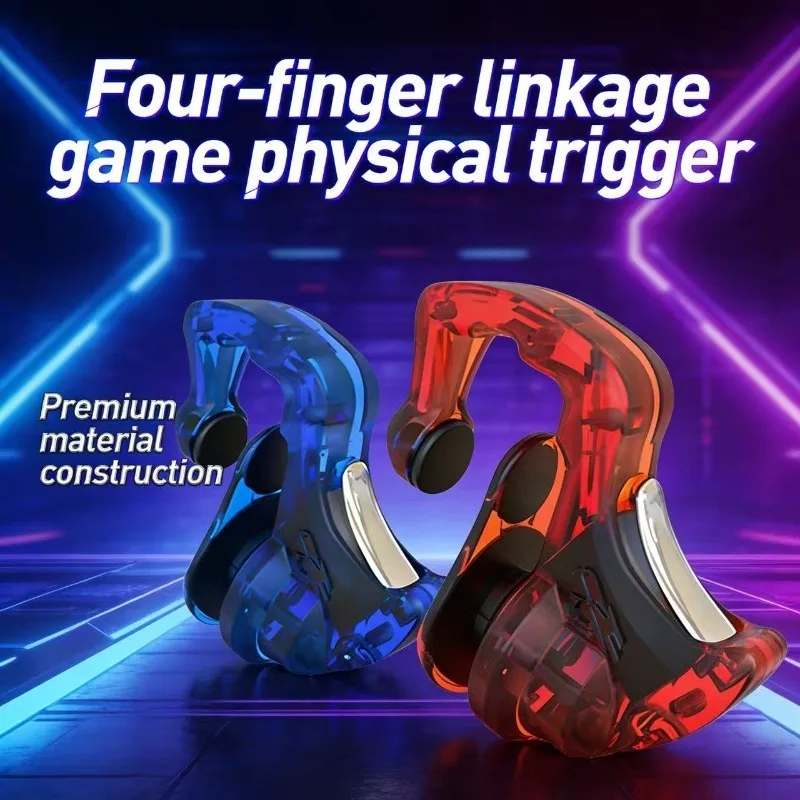
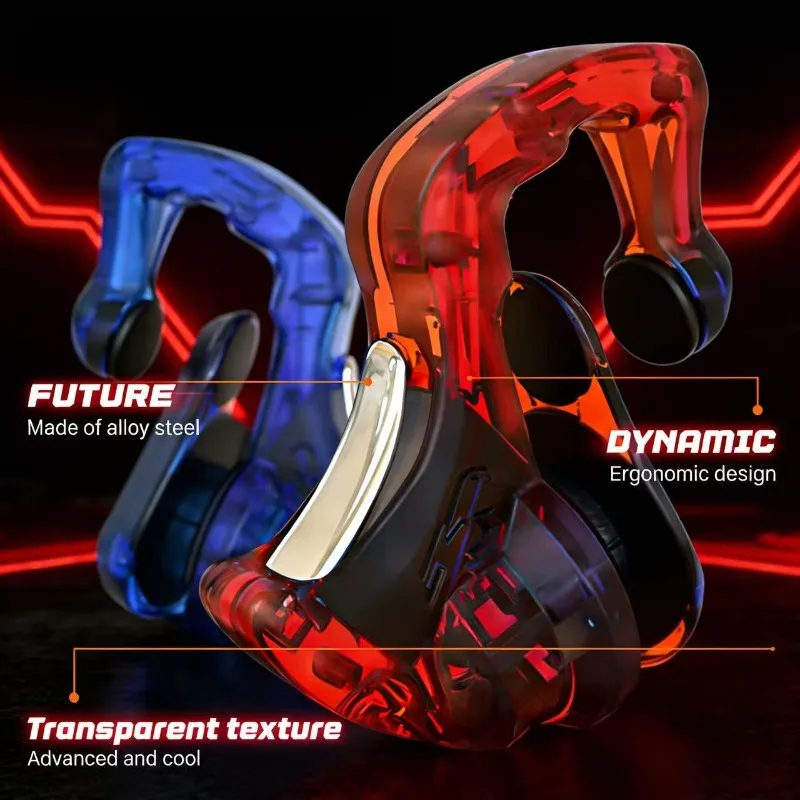
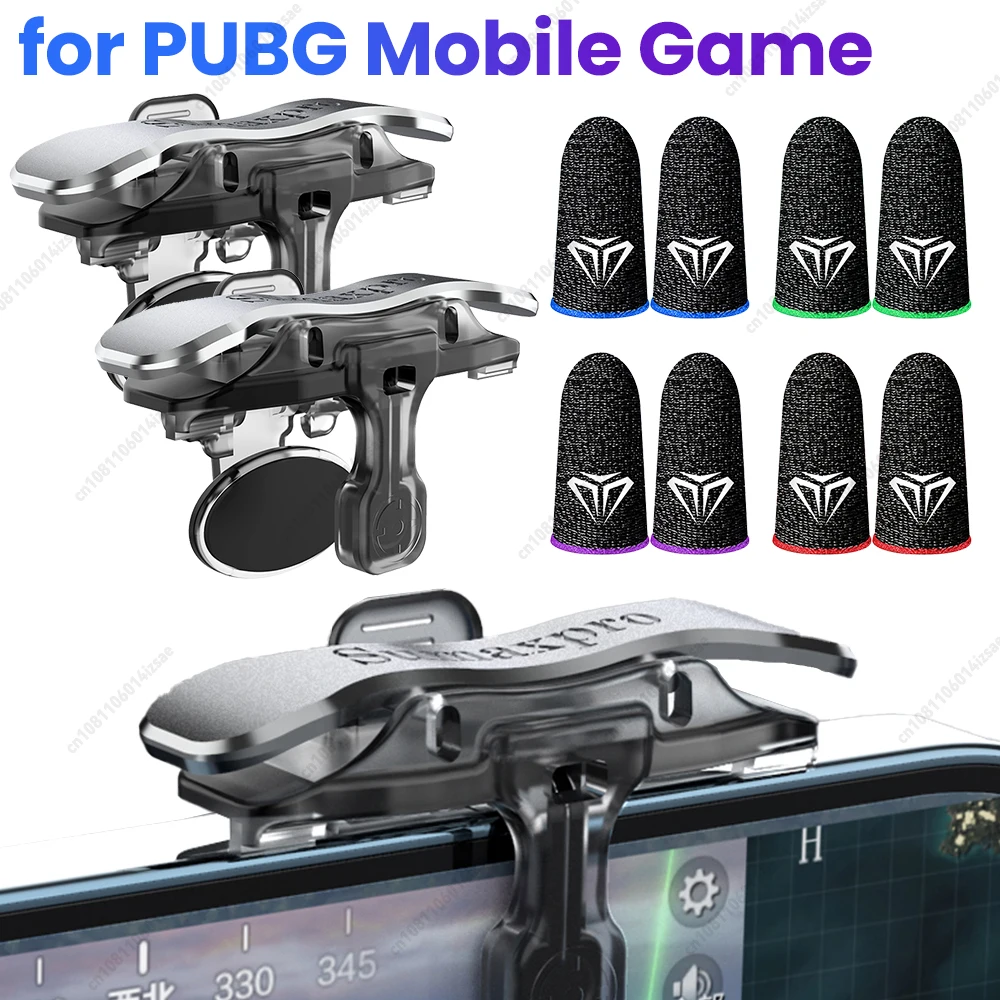
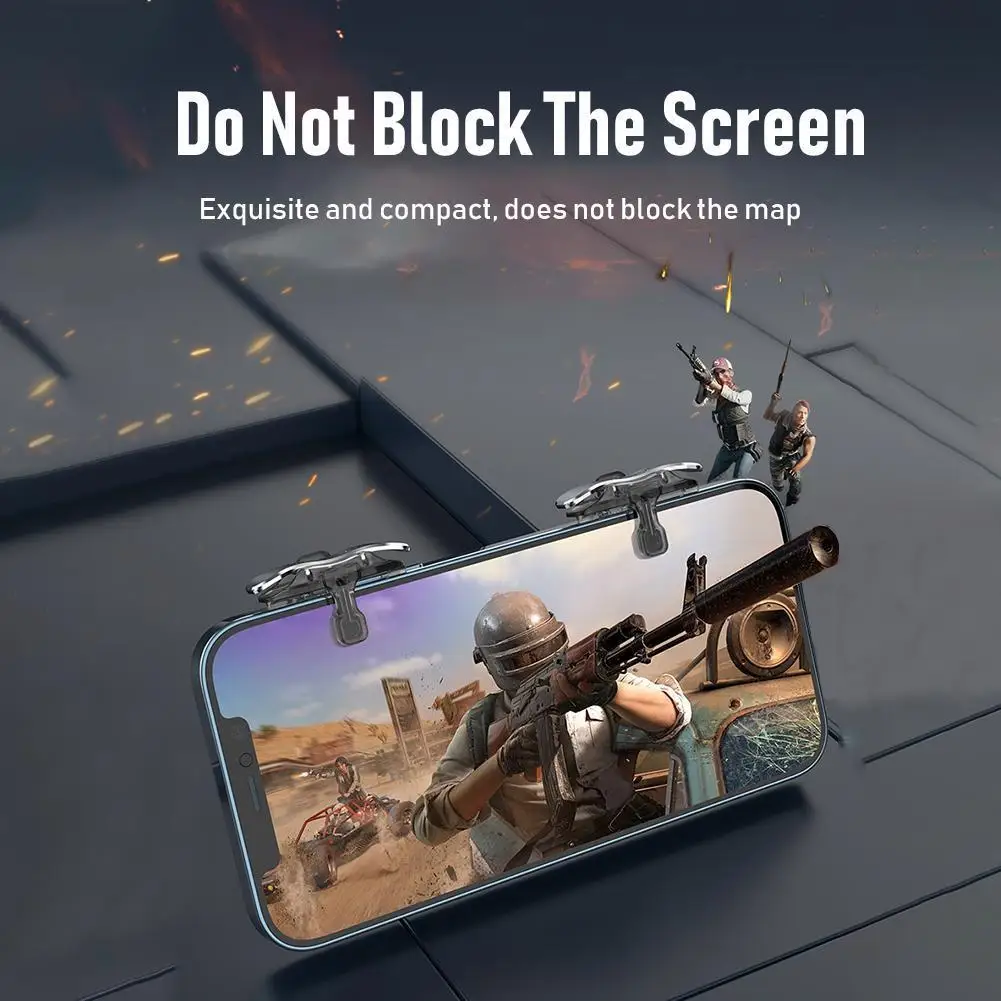
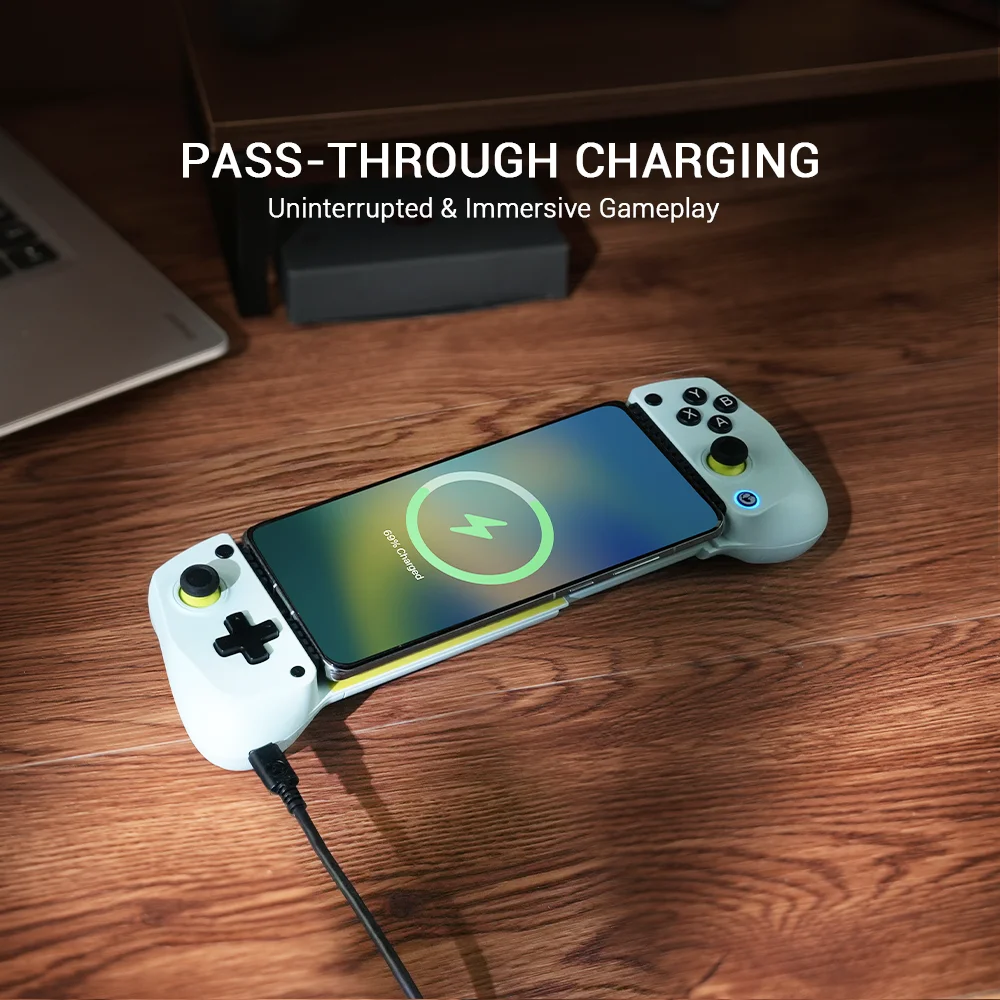
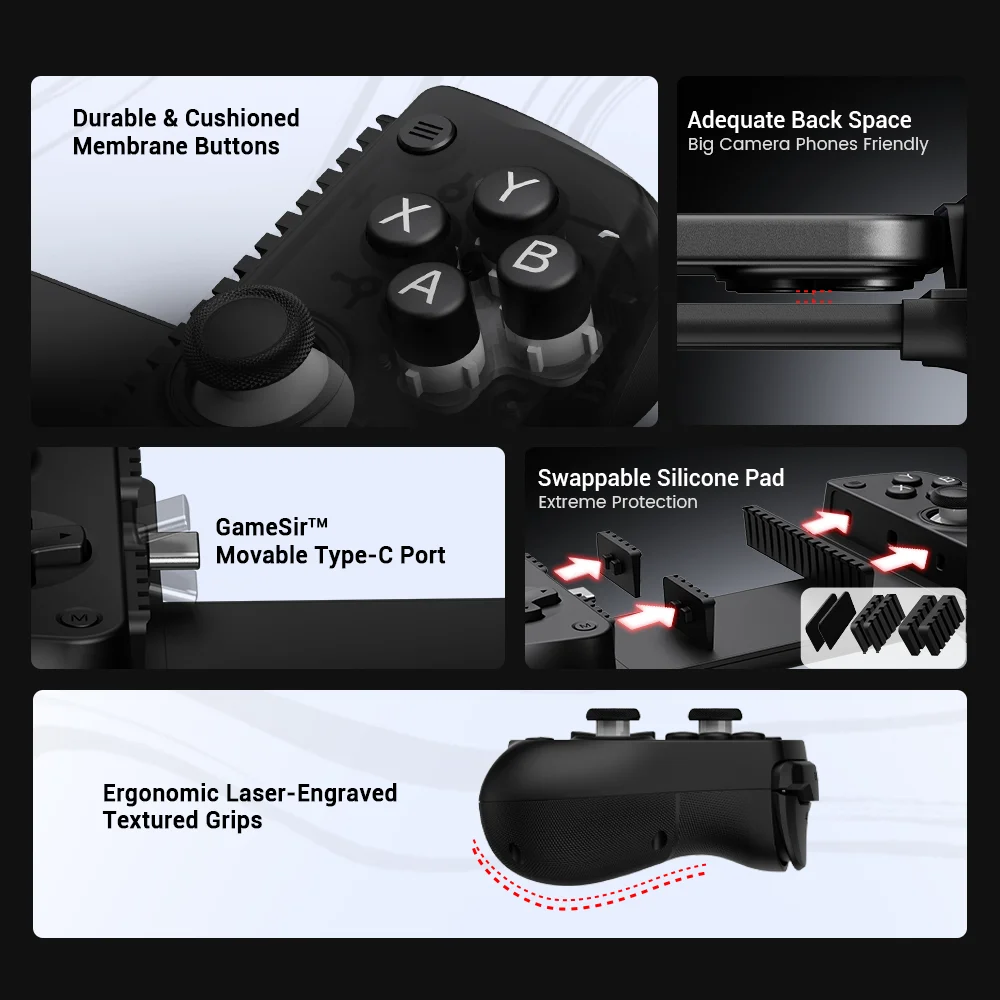
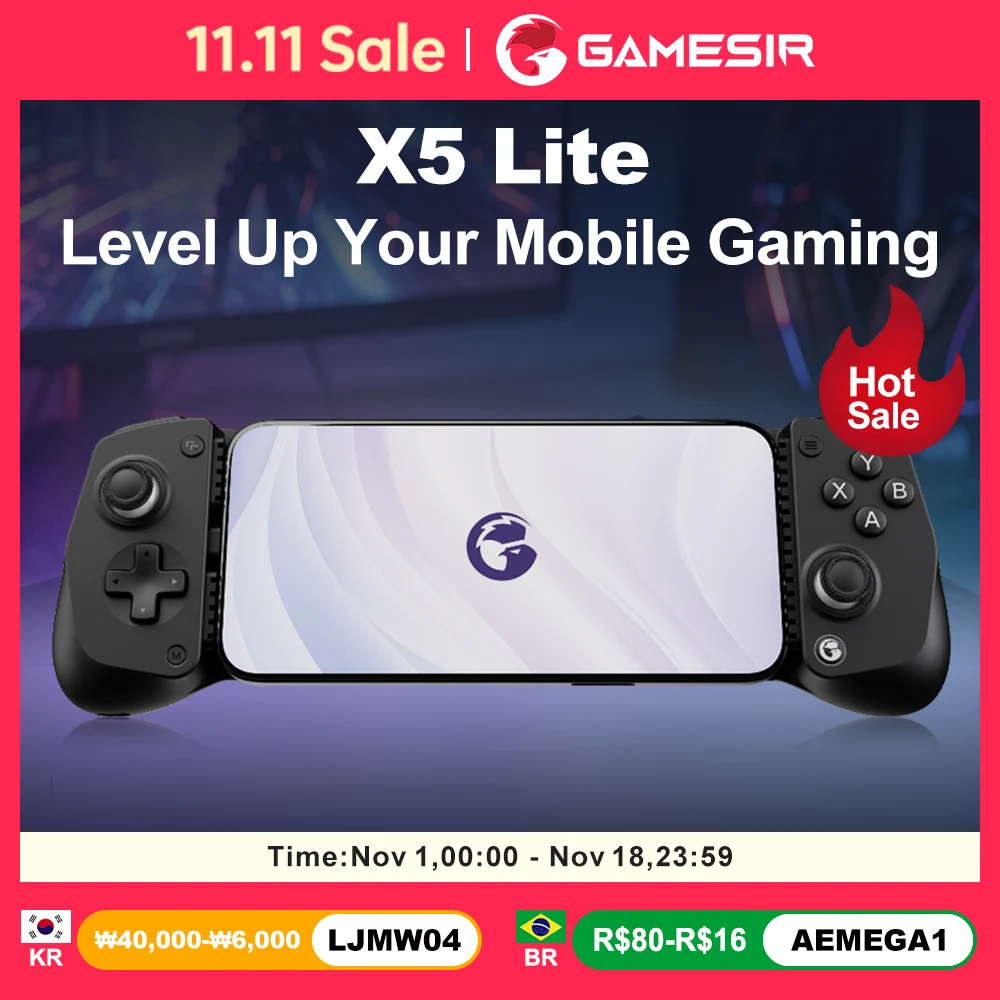
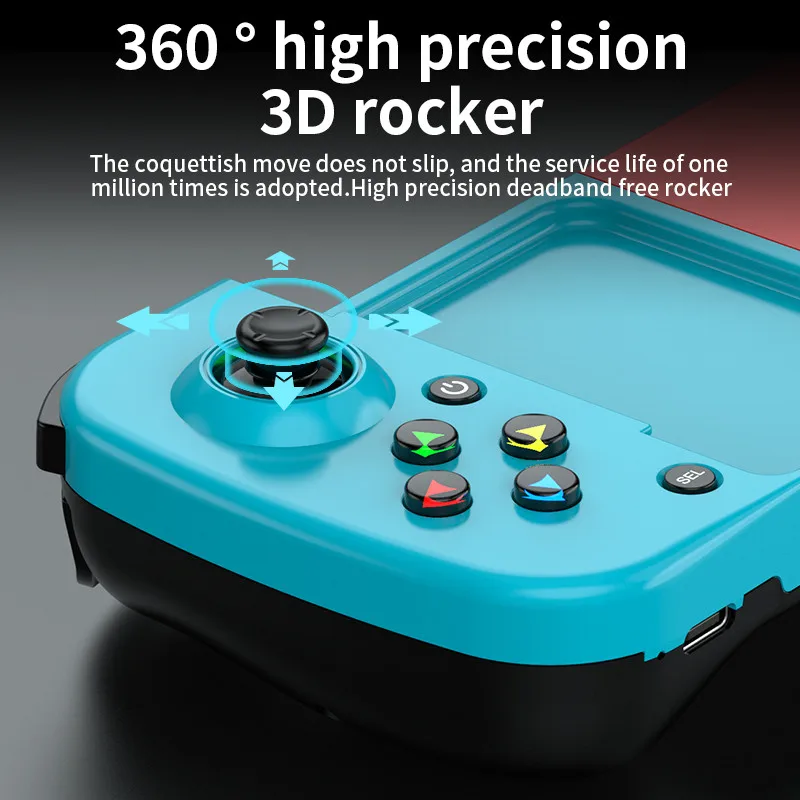
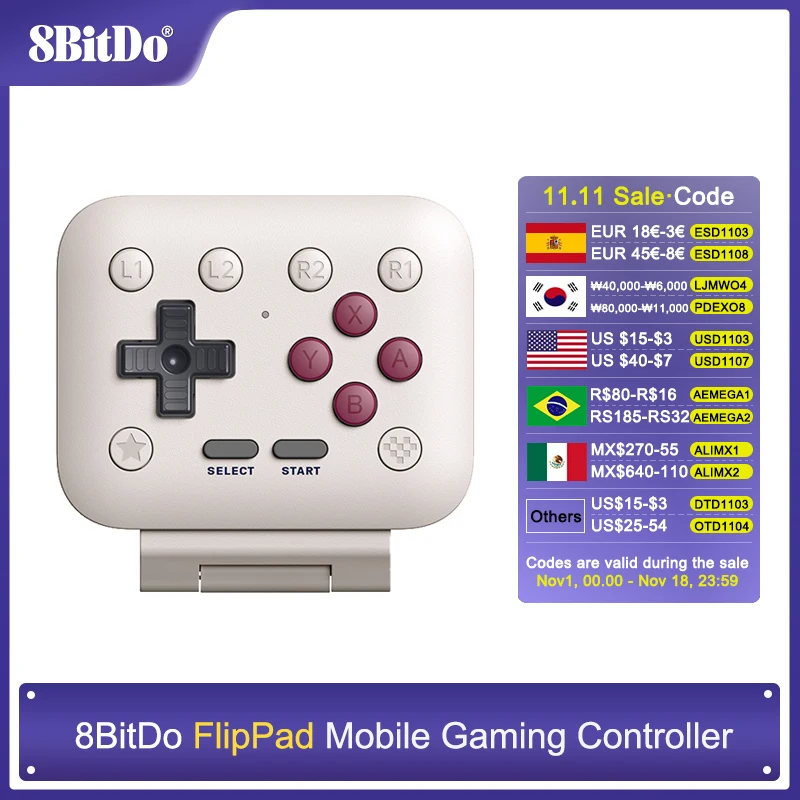
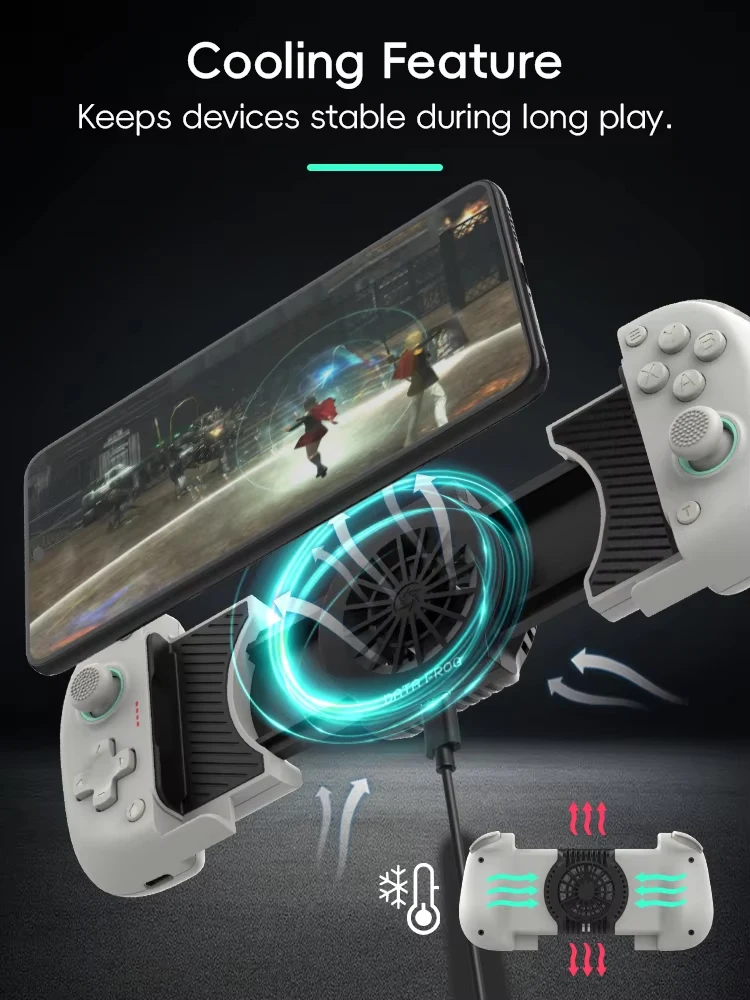
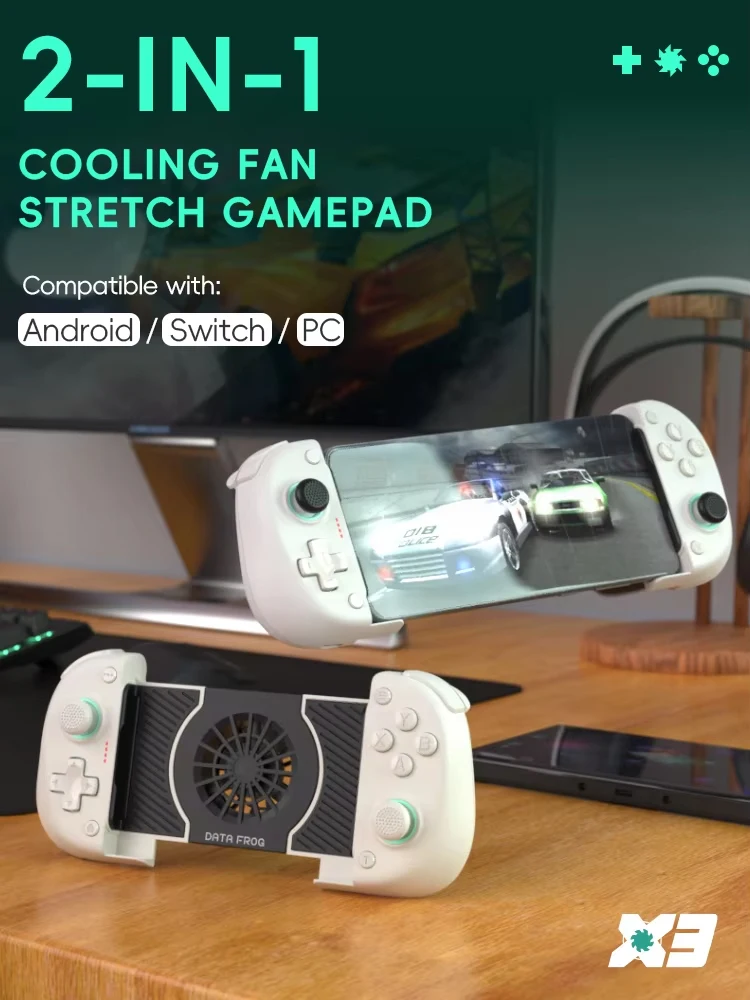
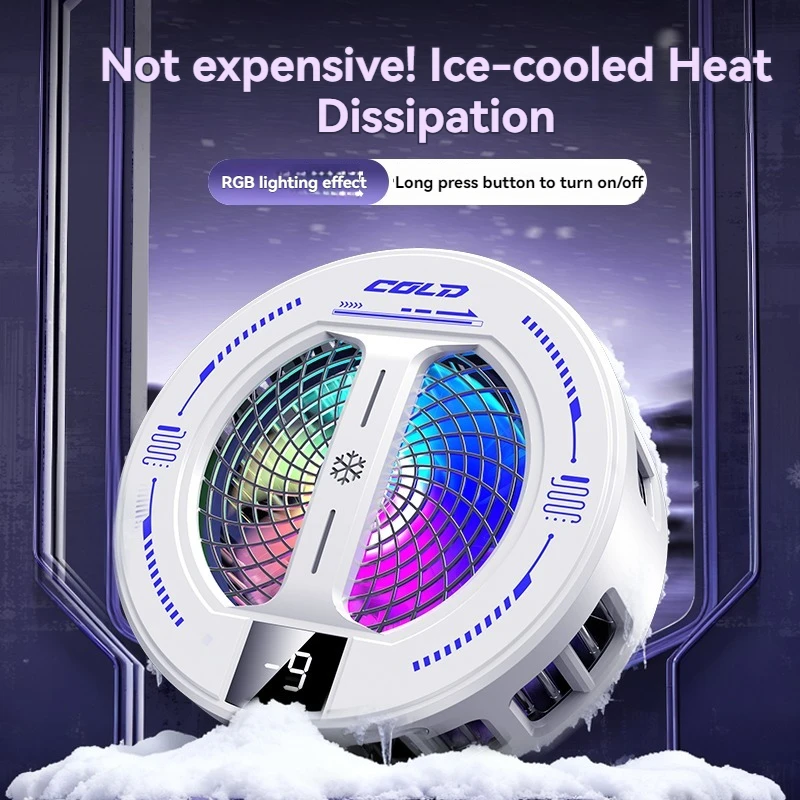
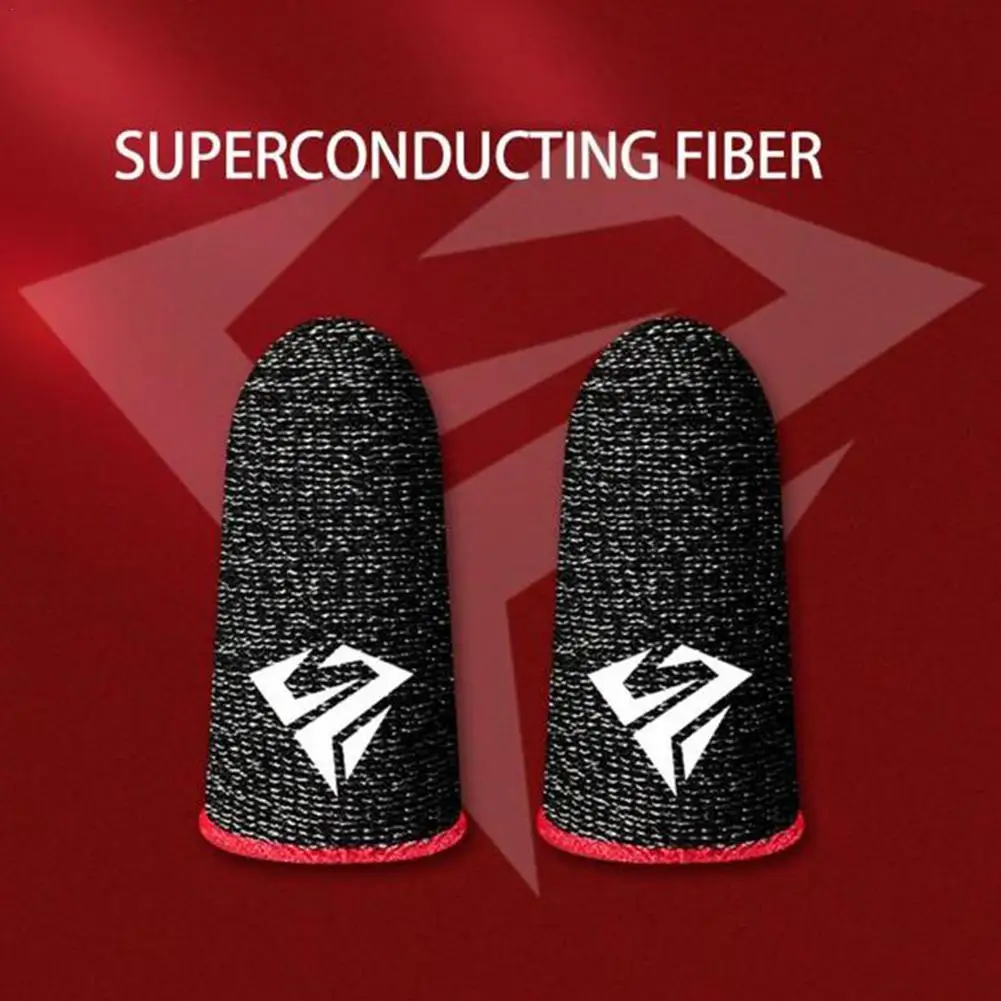
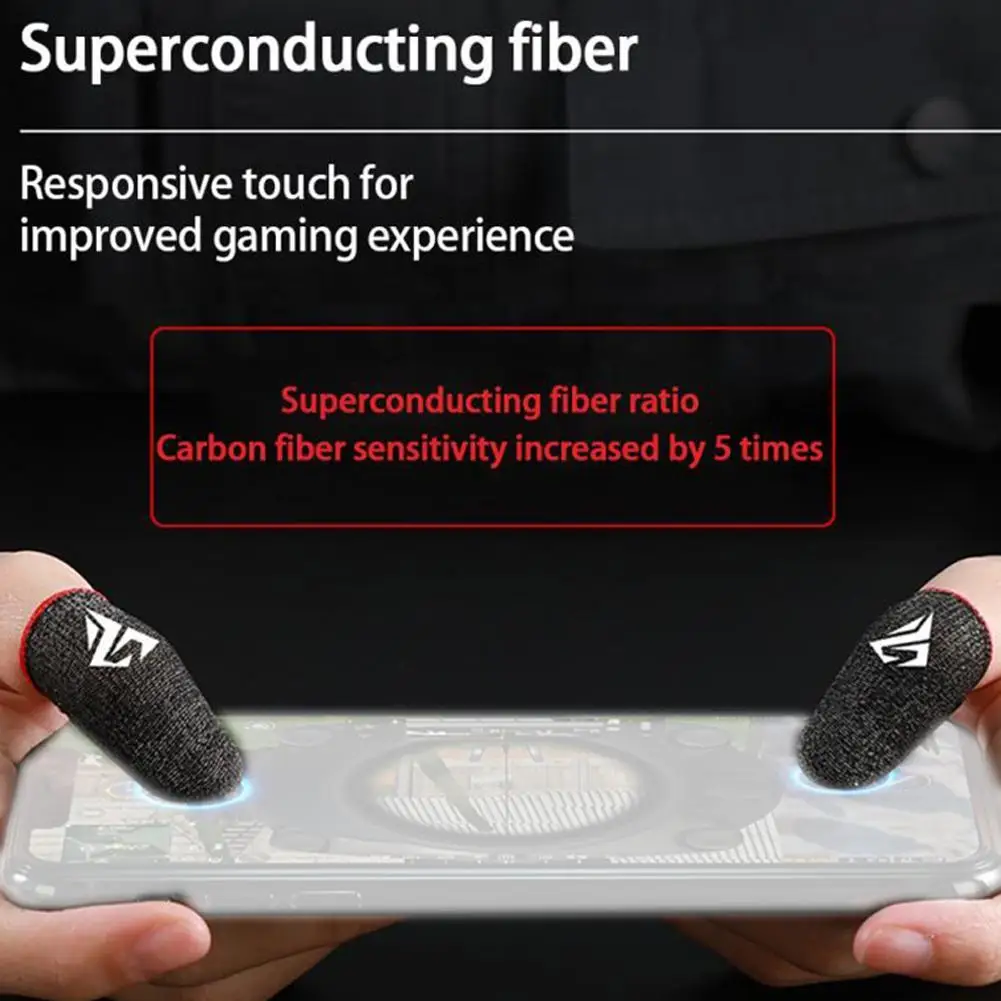
Phones run games that once needed a console, but a touchscreen is a poor controller and a phone gets hot on a long session. Gaming accessories fix both: physical buttons and sticks, triggers for shooting games, sleeves that keep fingers gliding, and coolers that keep the phone from slowing down. This page gathers everything in the shop's mobile gaming department.
What is on this page
Choosing a controller
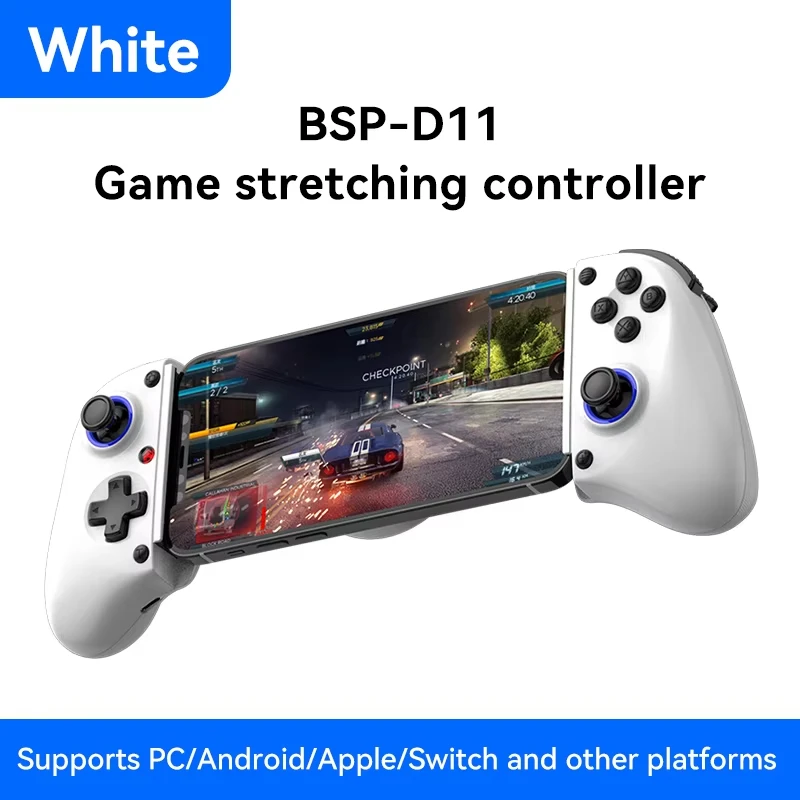
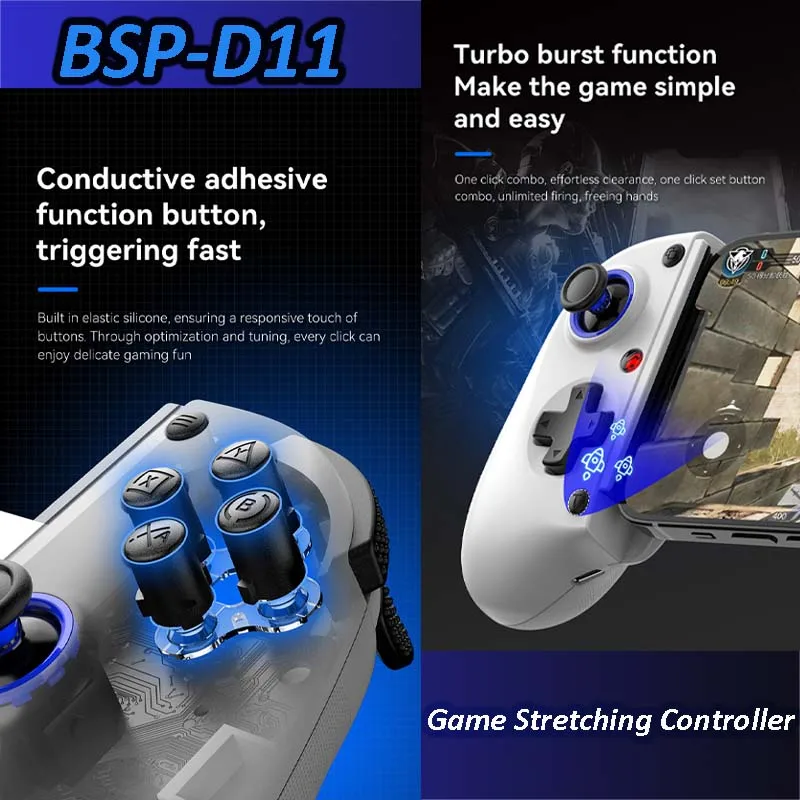
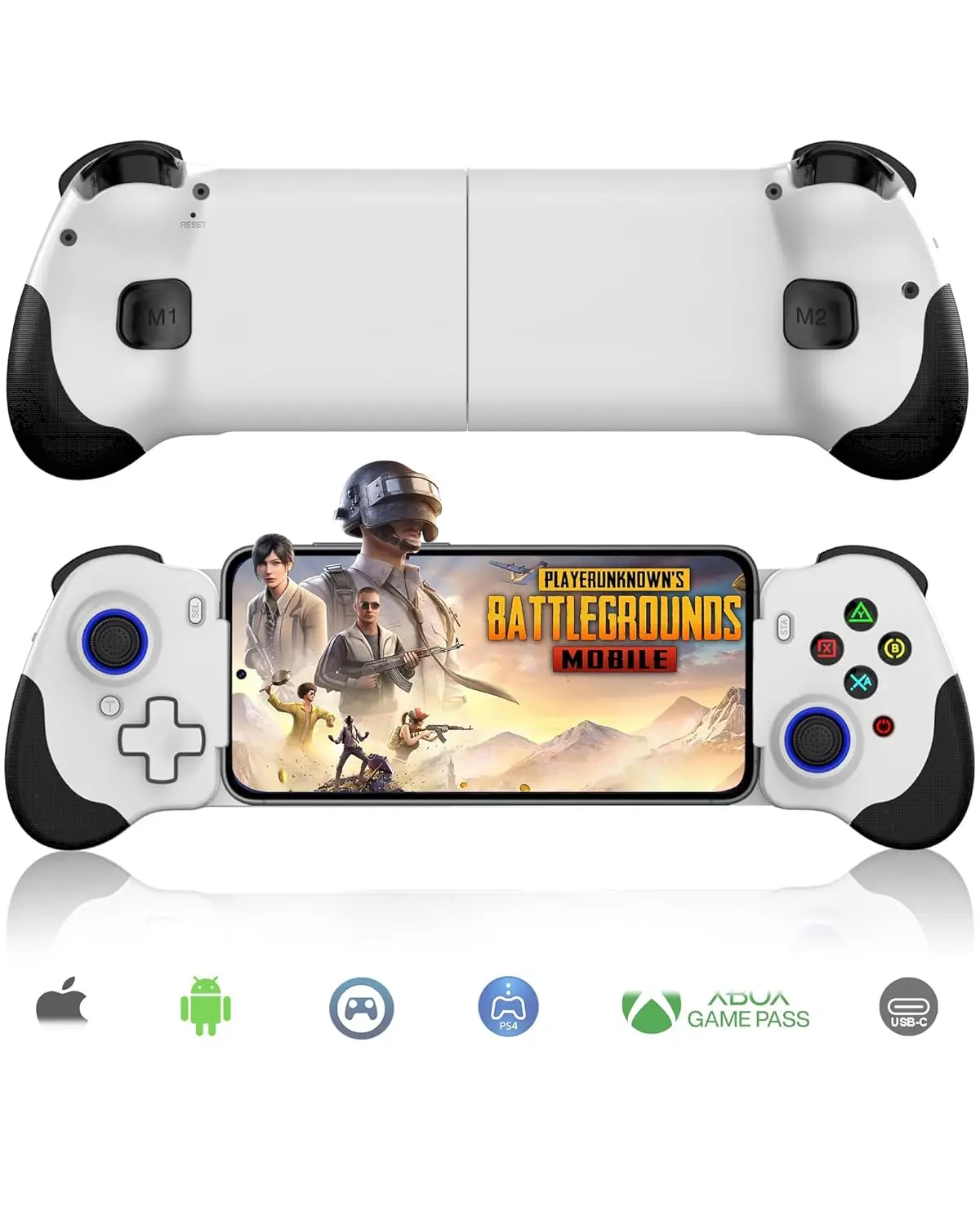
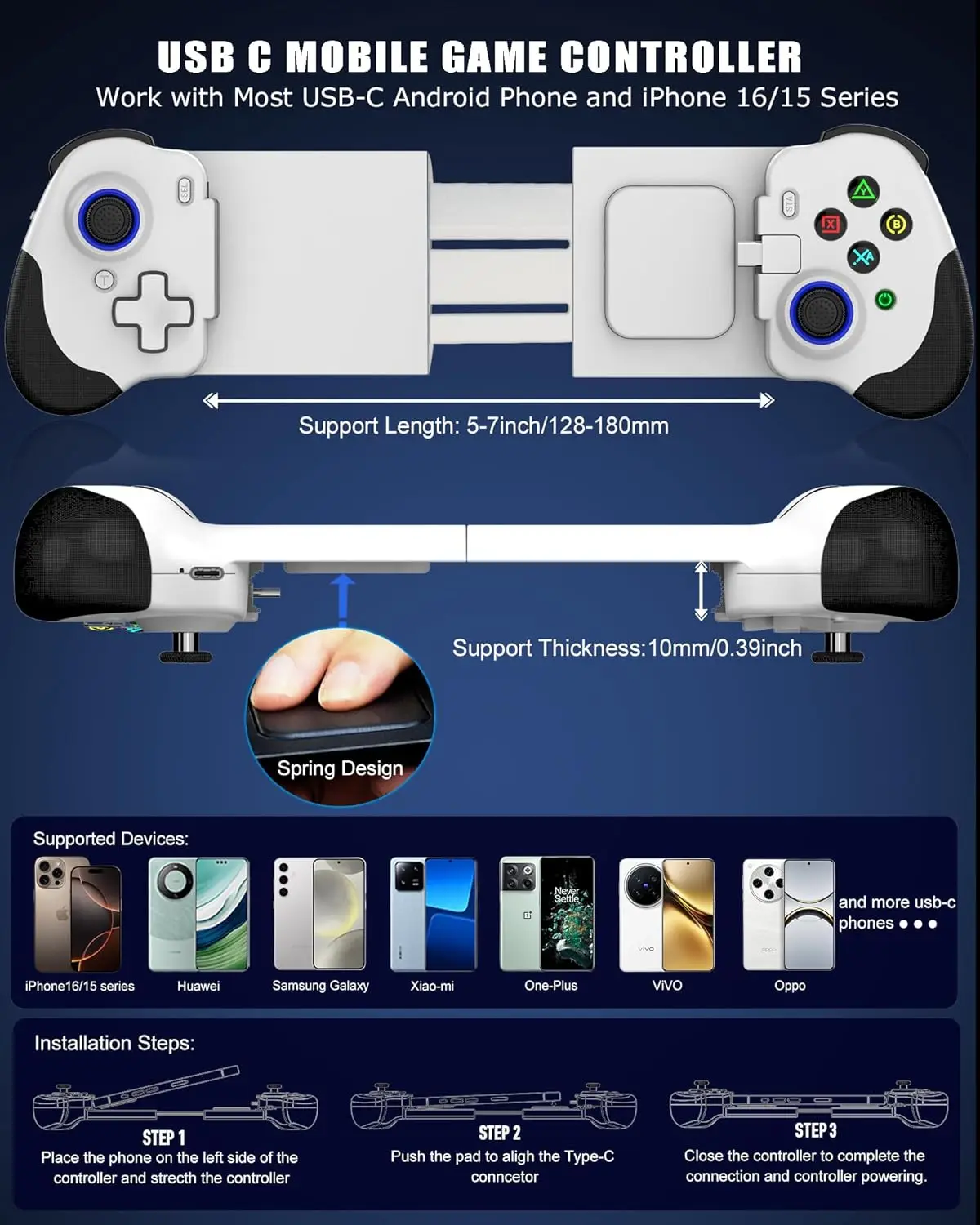
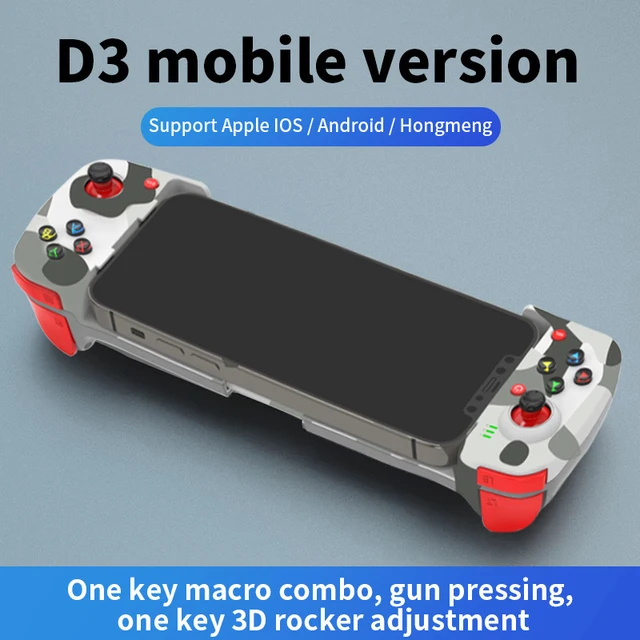
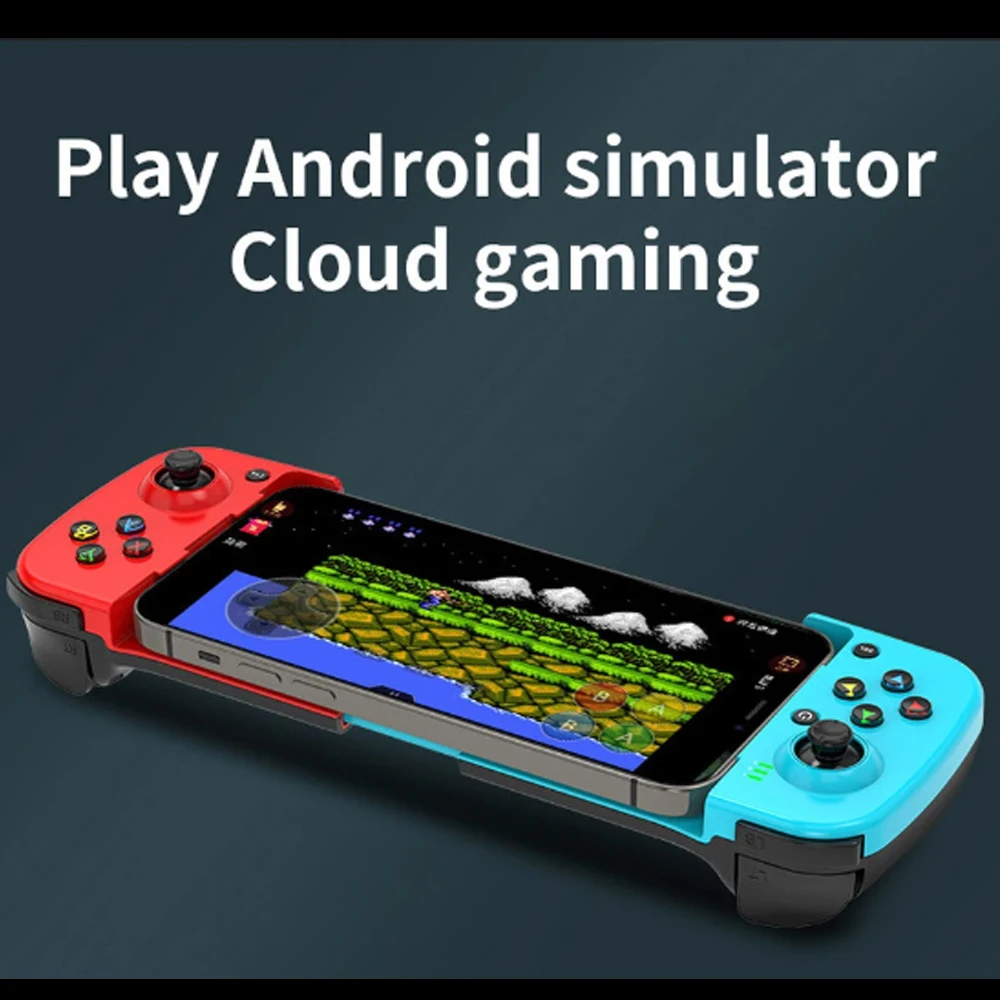
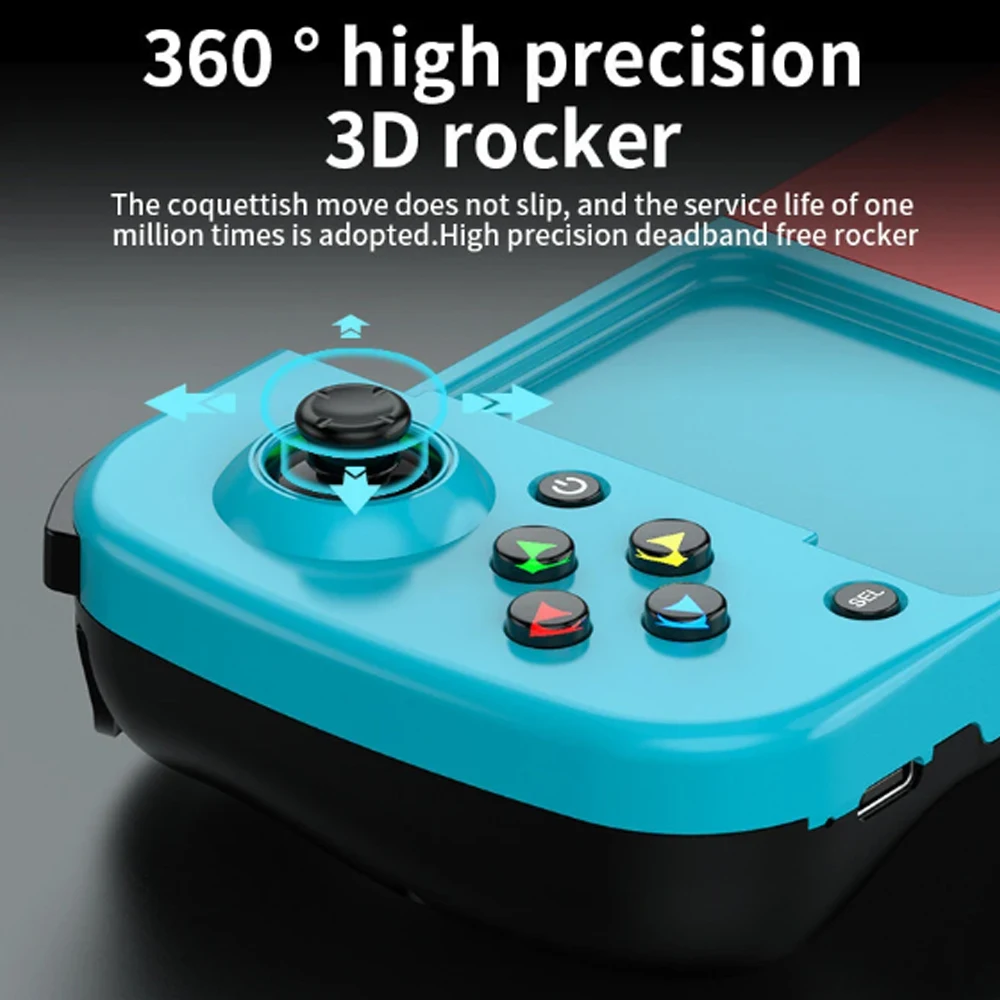
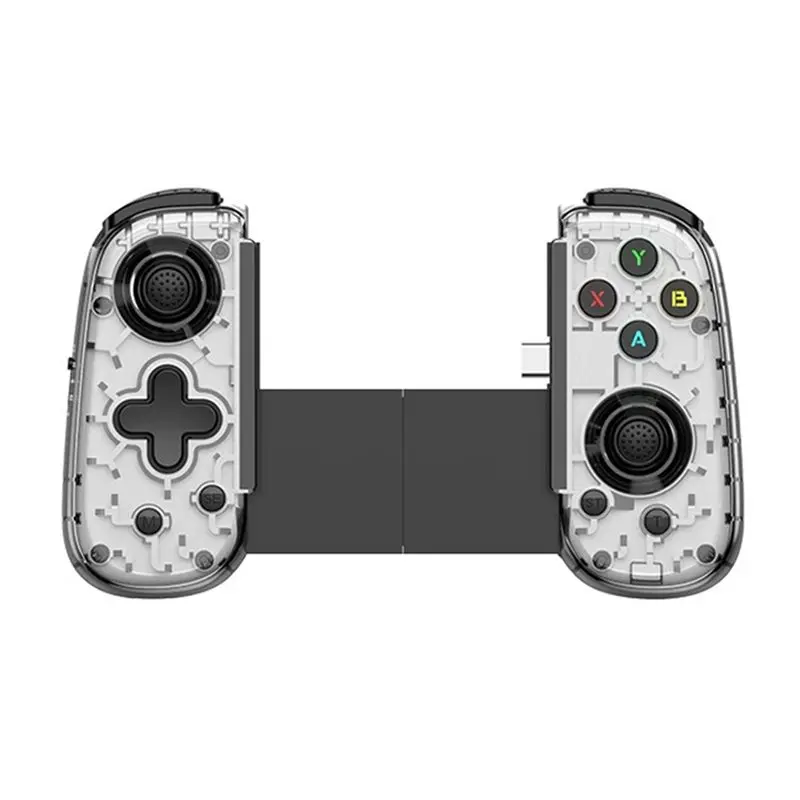
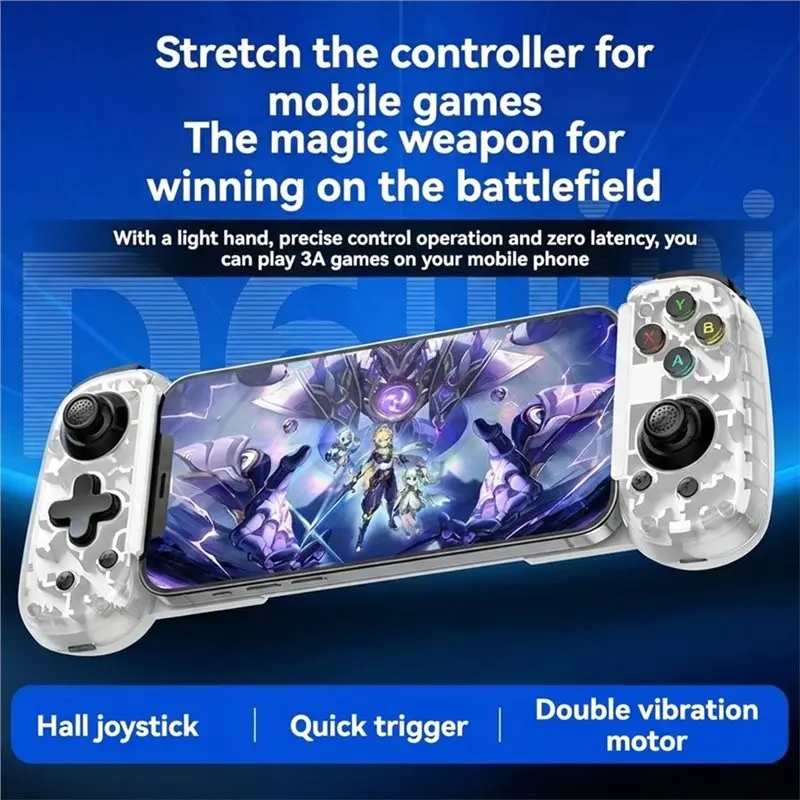
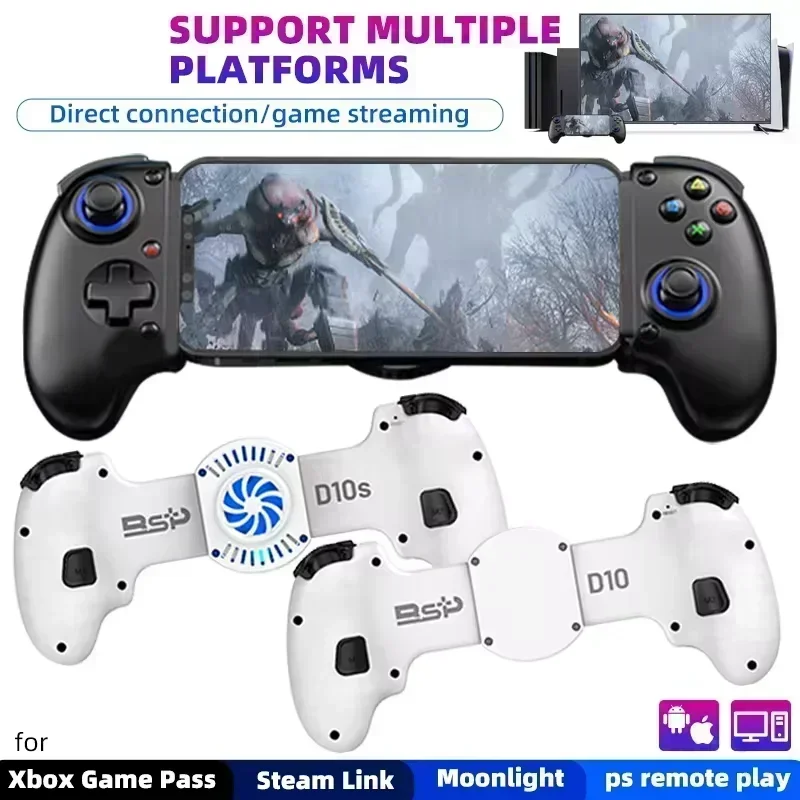
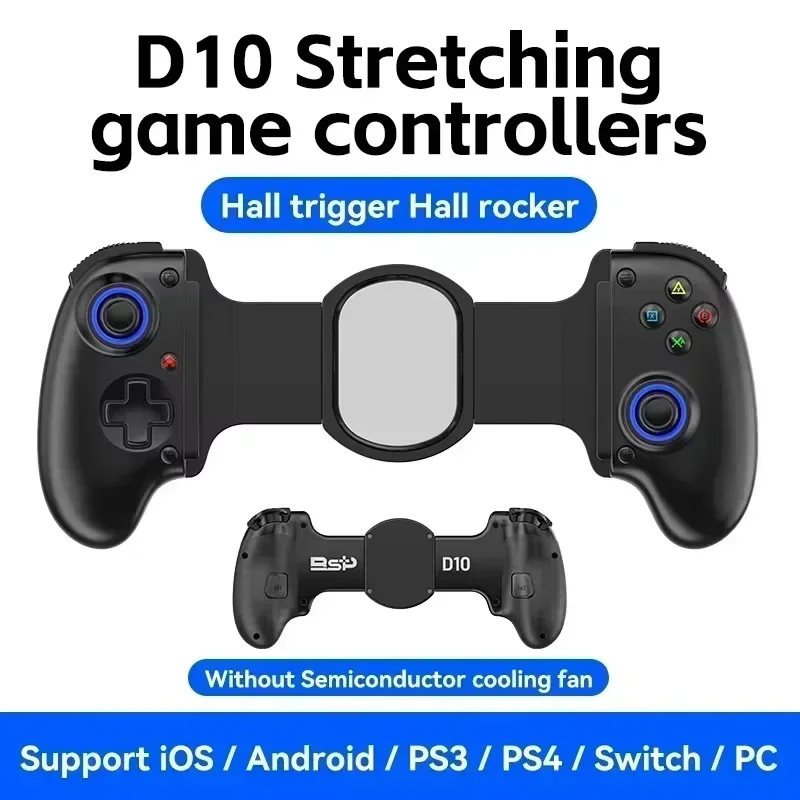
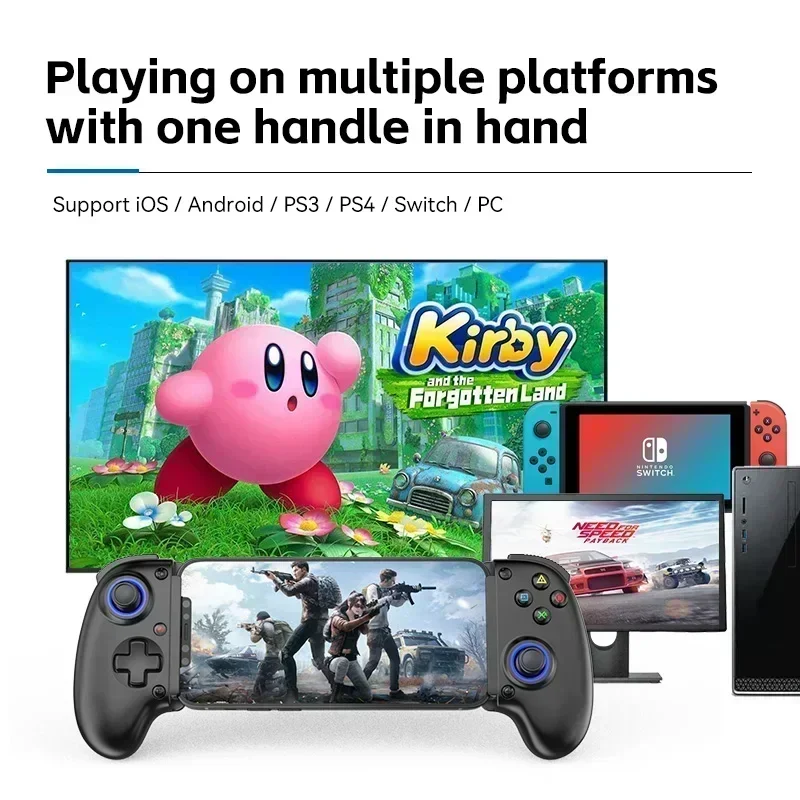
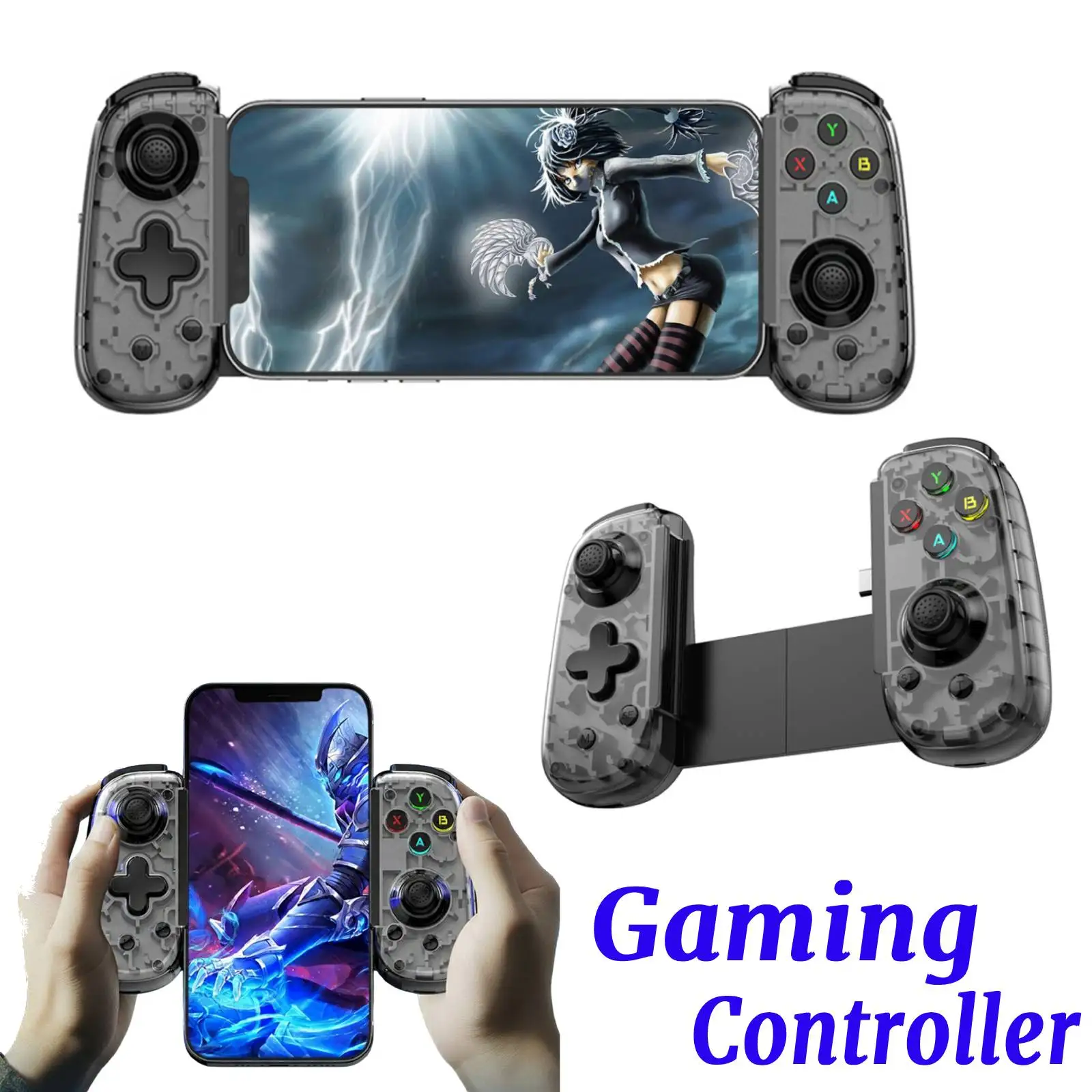
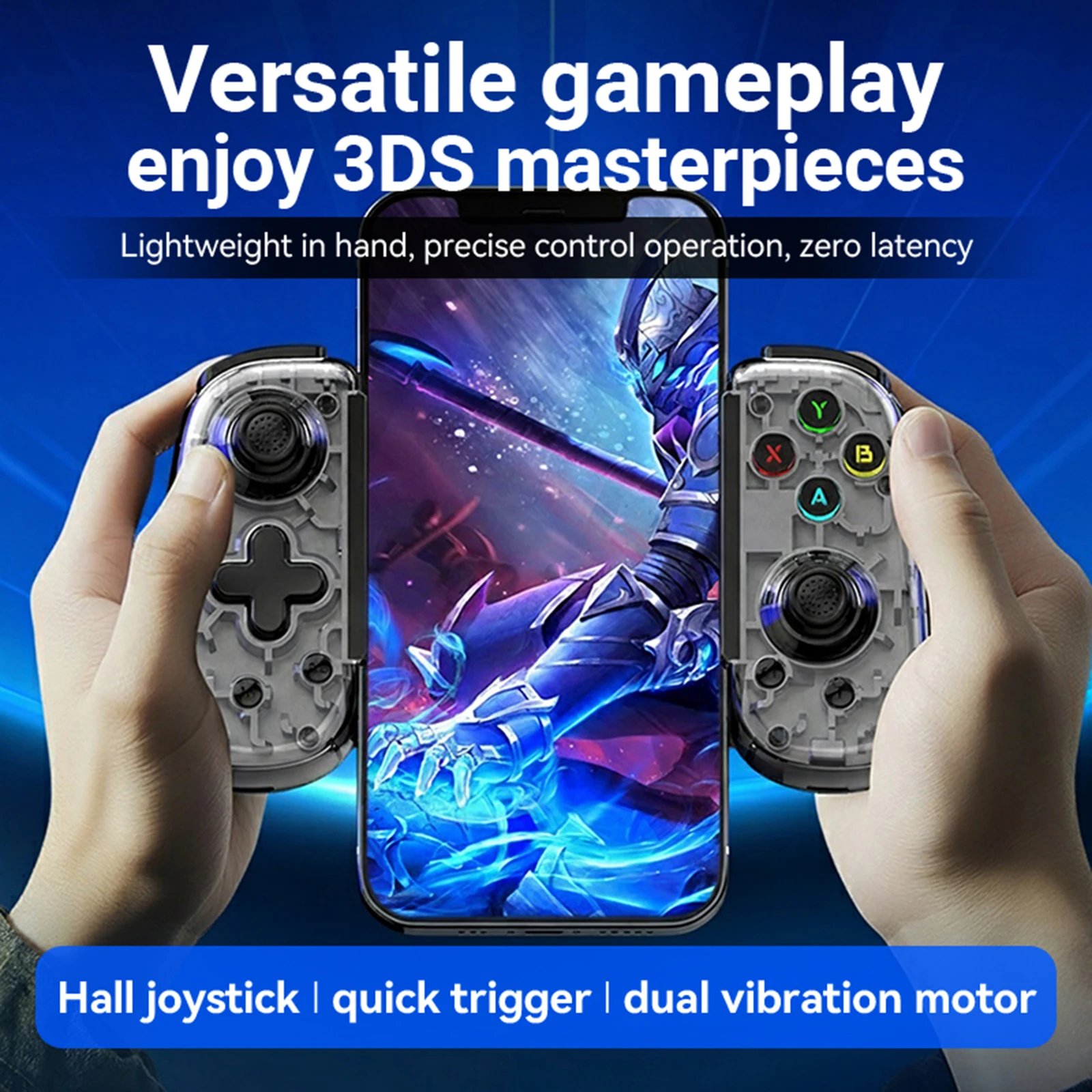
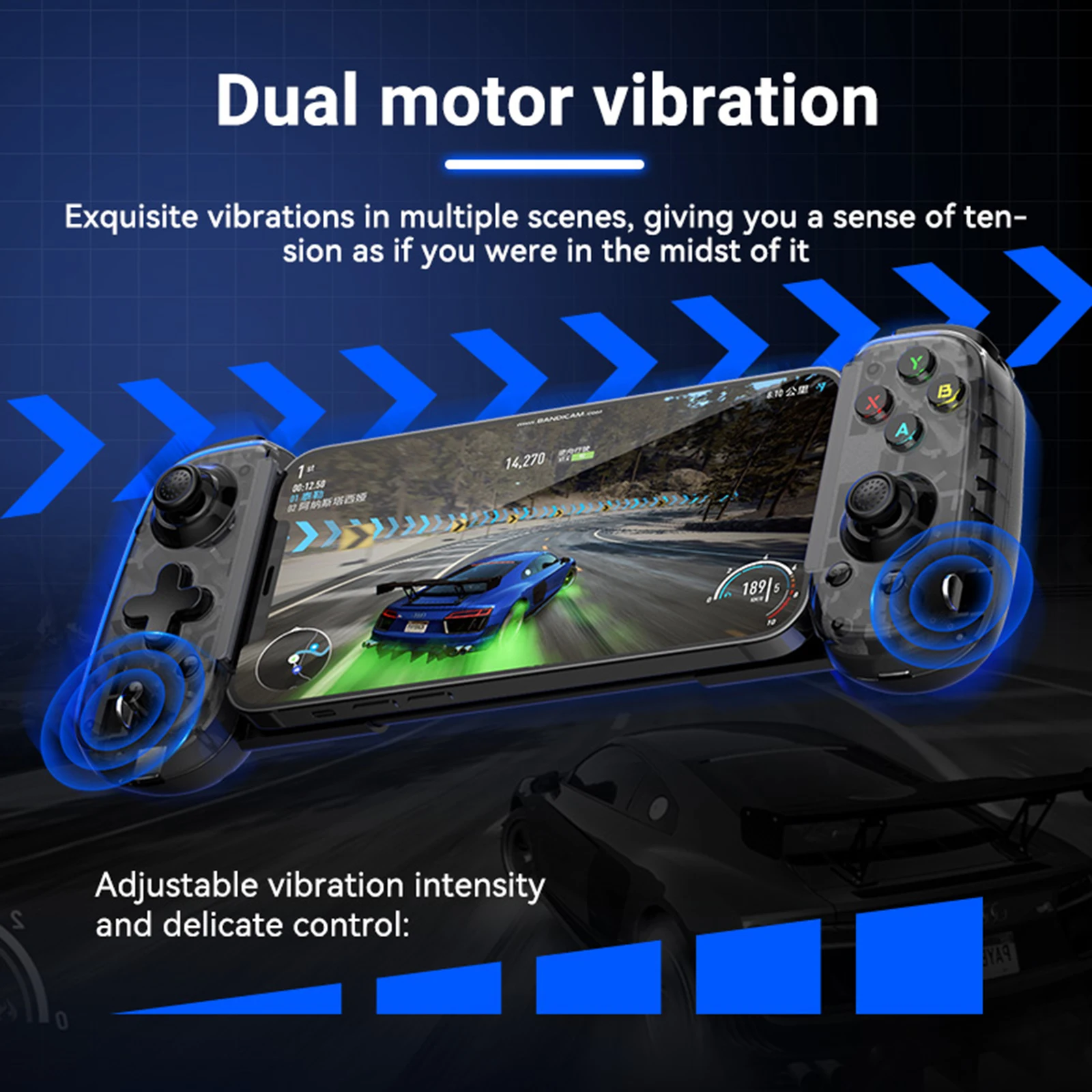
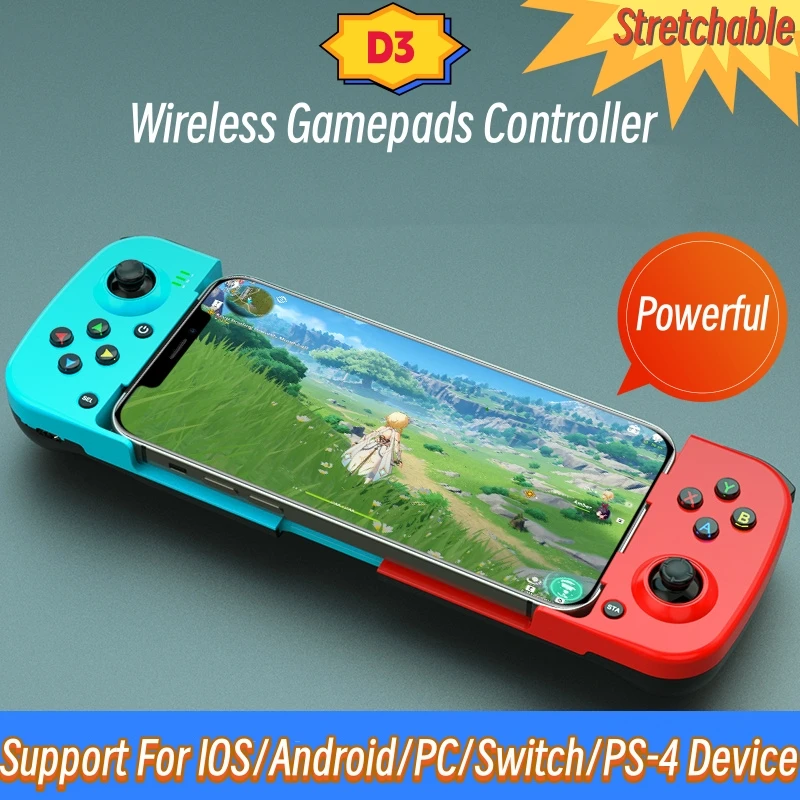
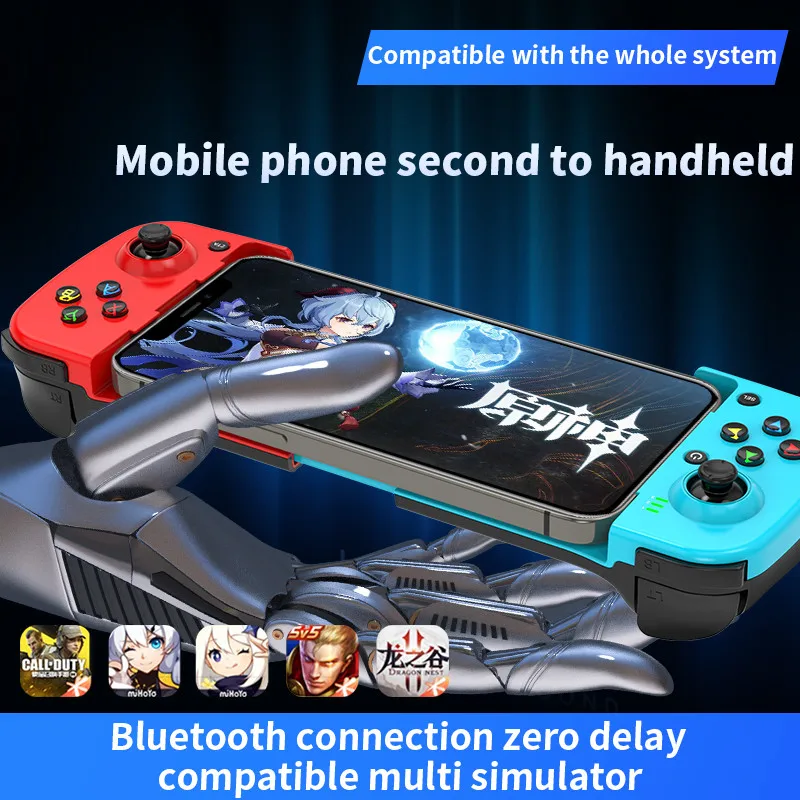
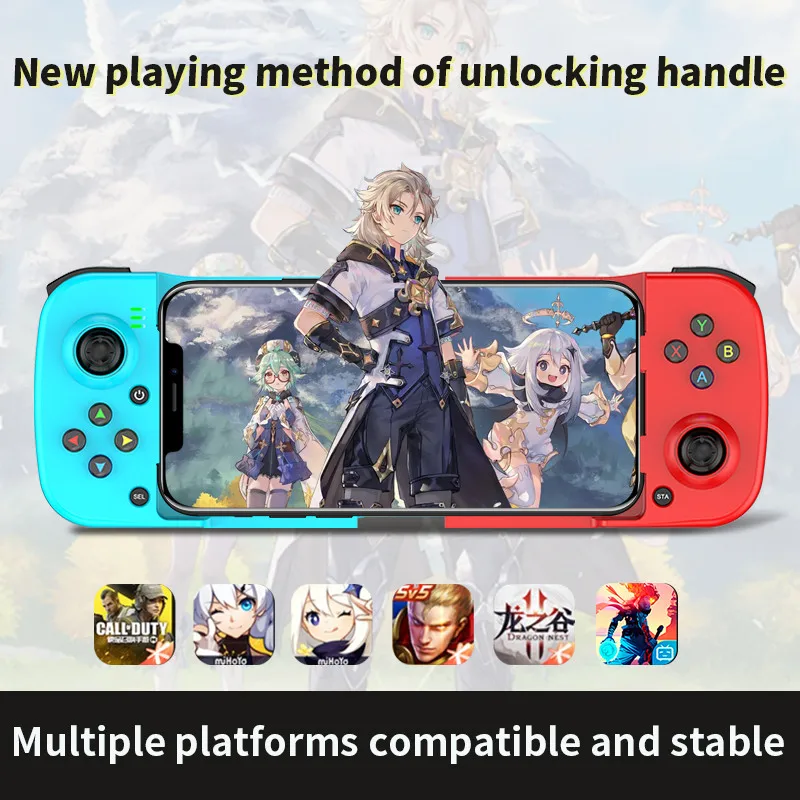
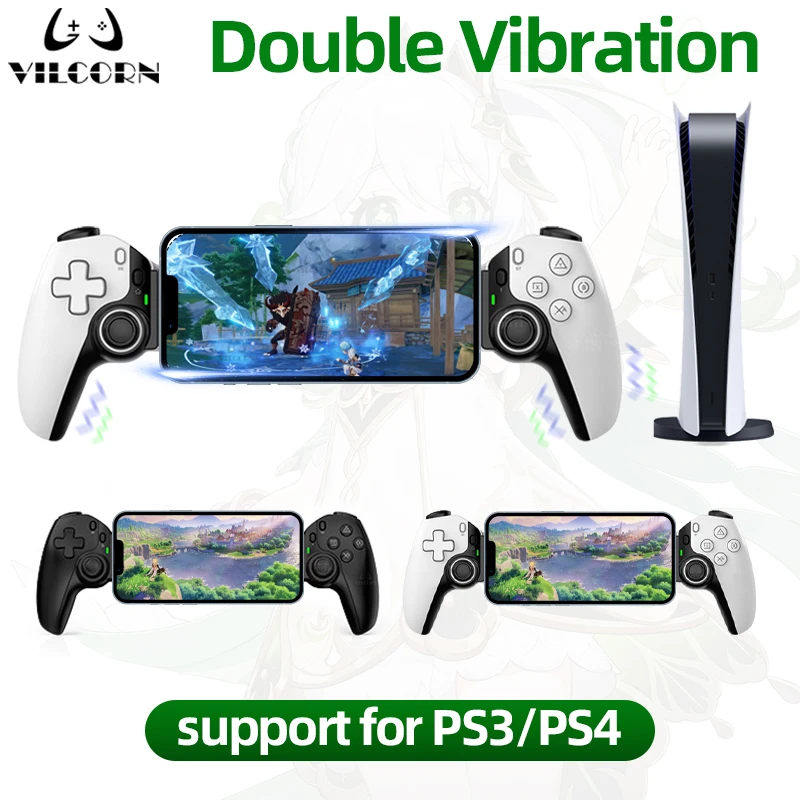
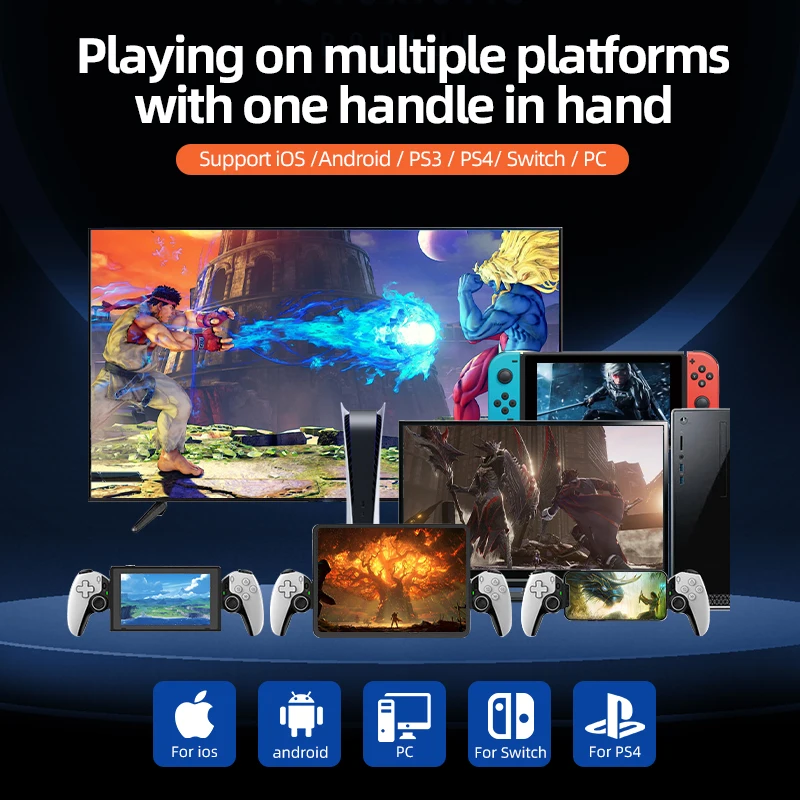
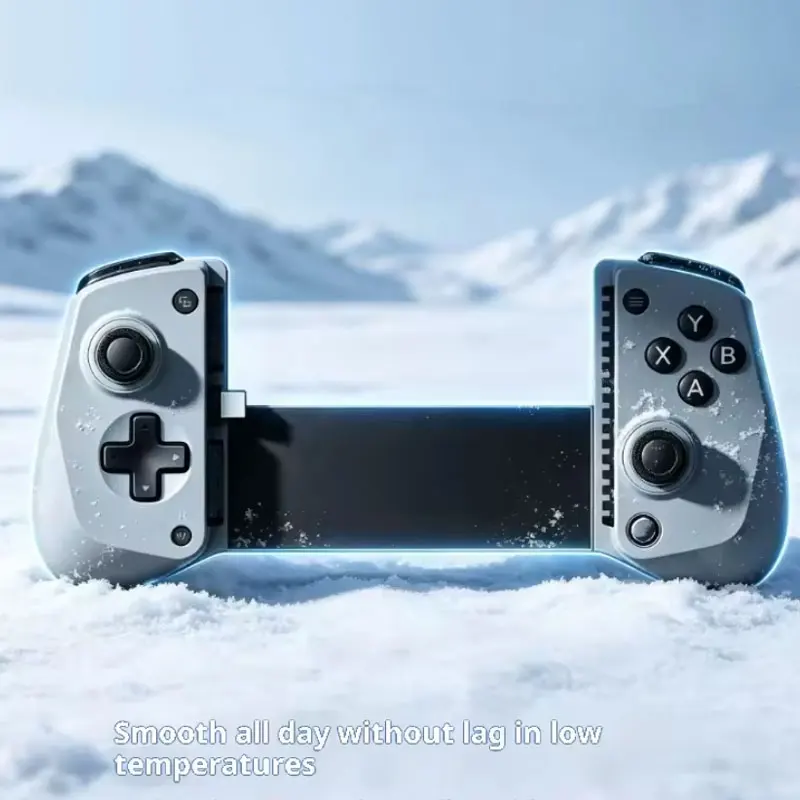
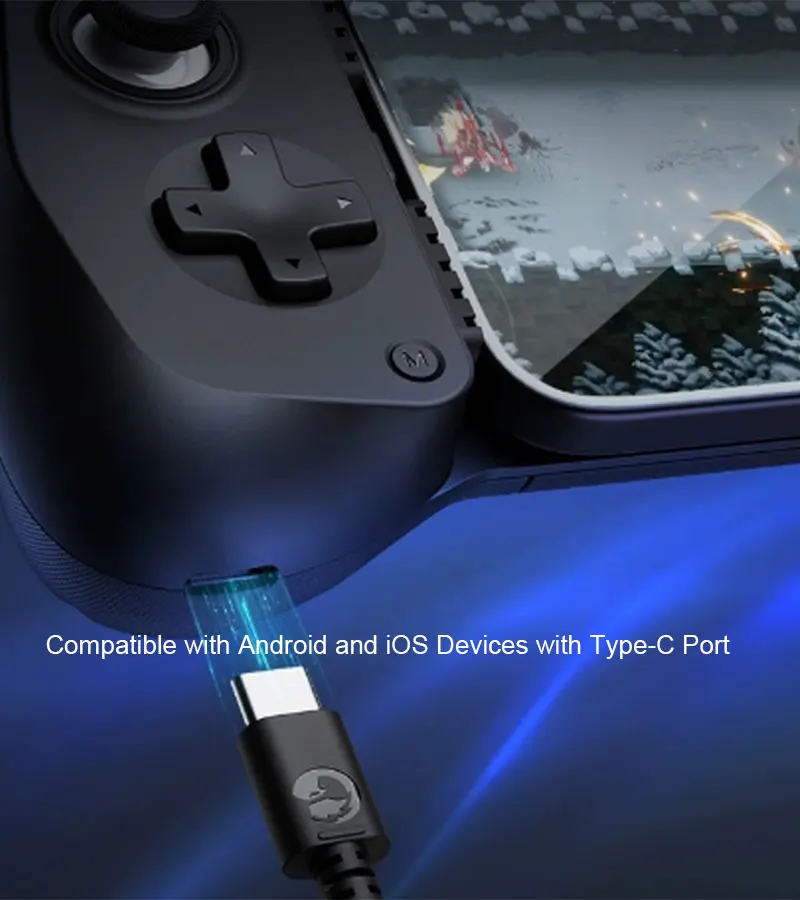
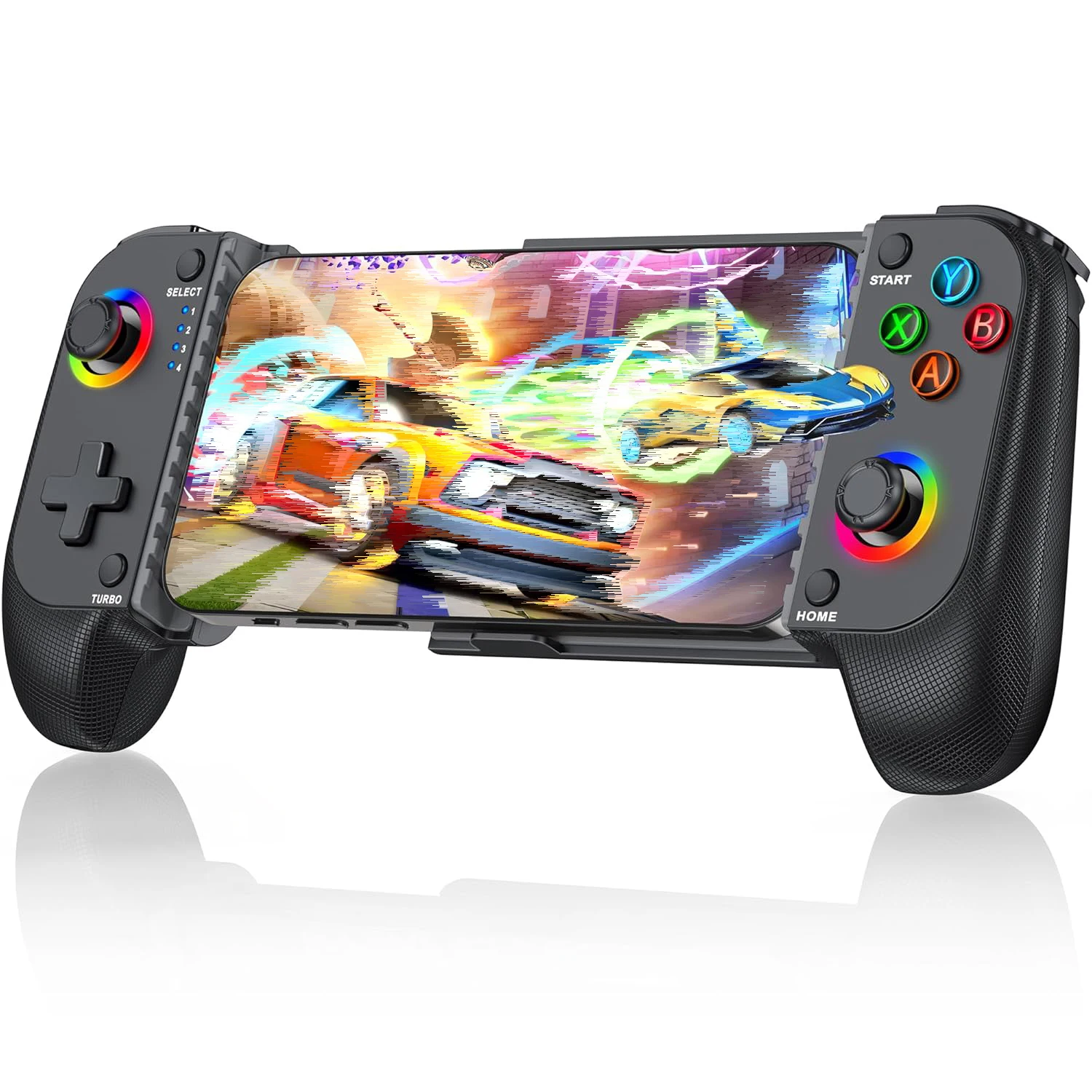
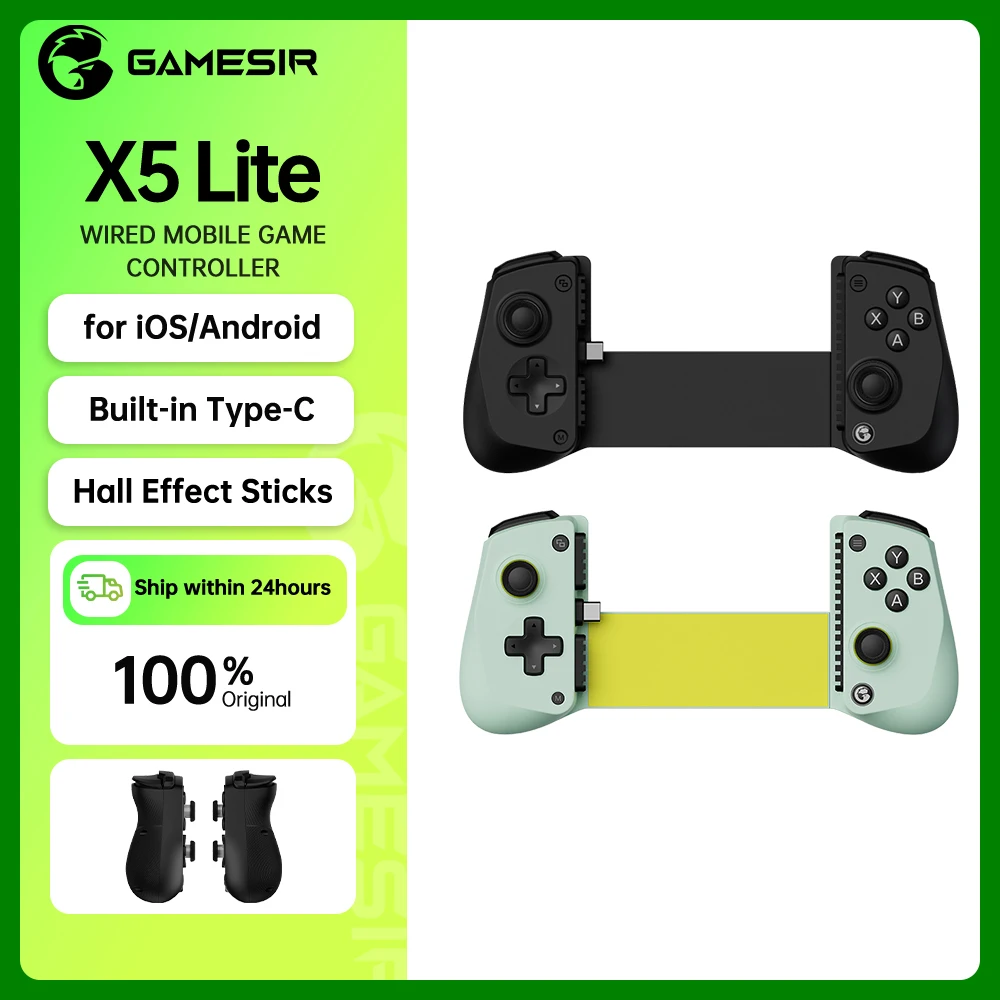
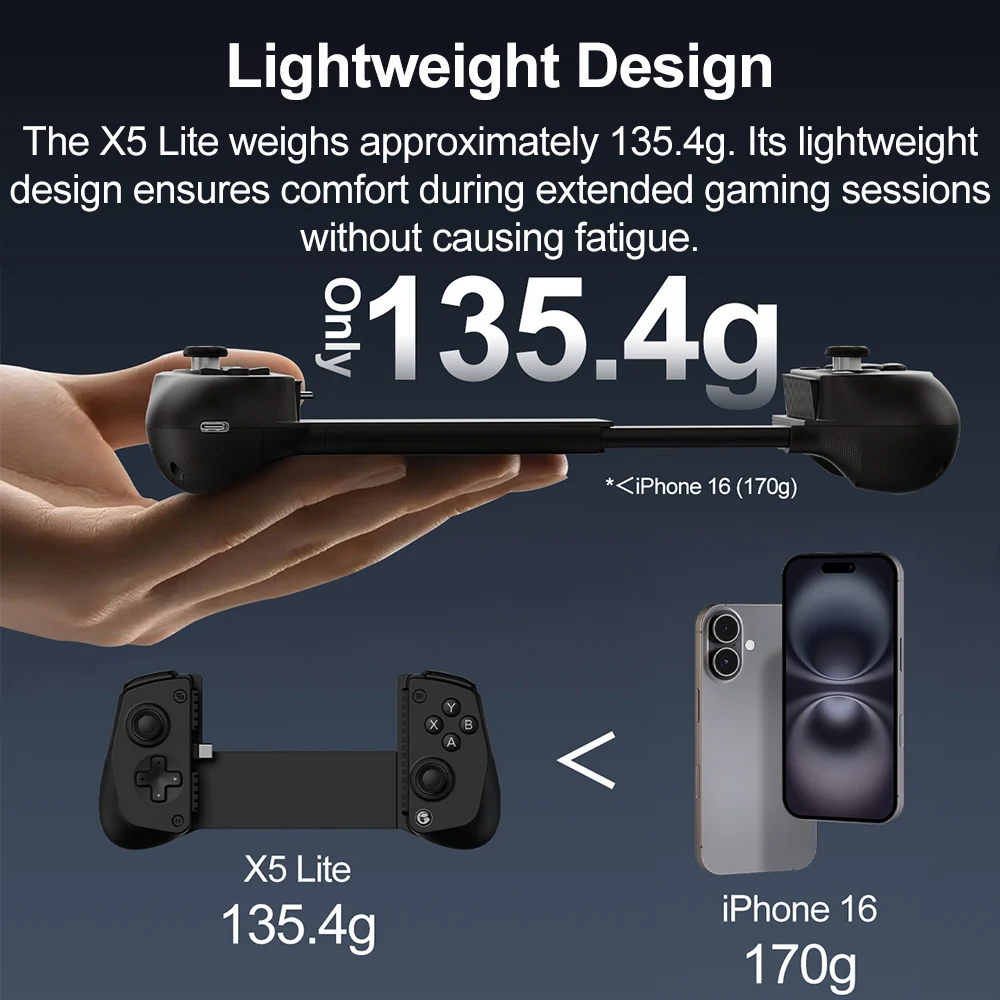
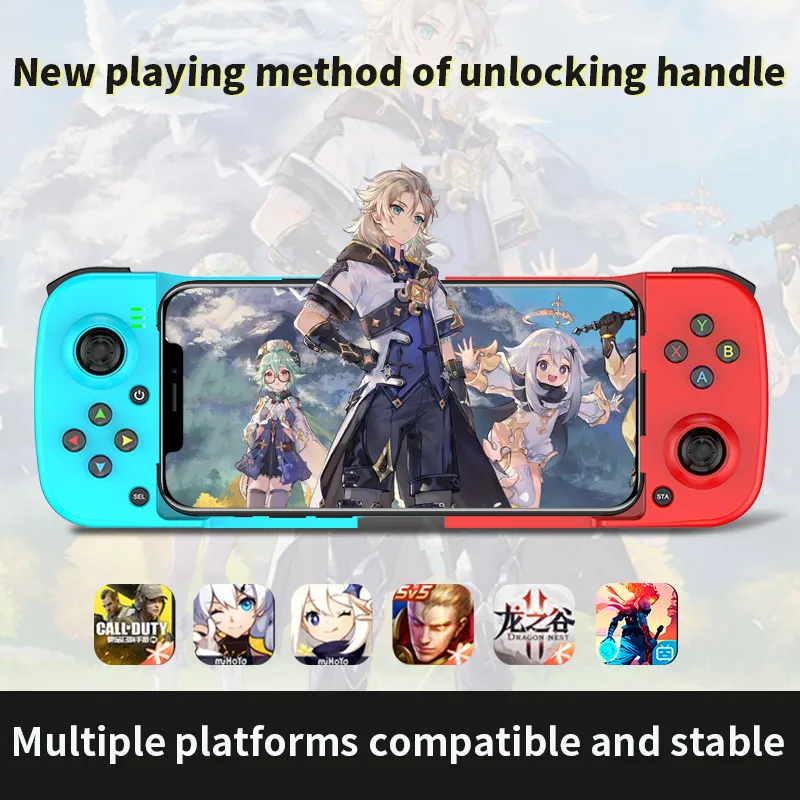
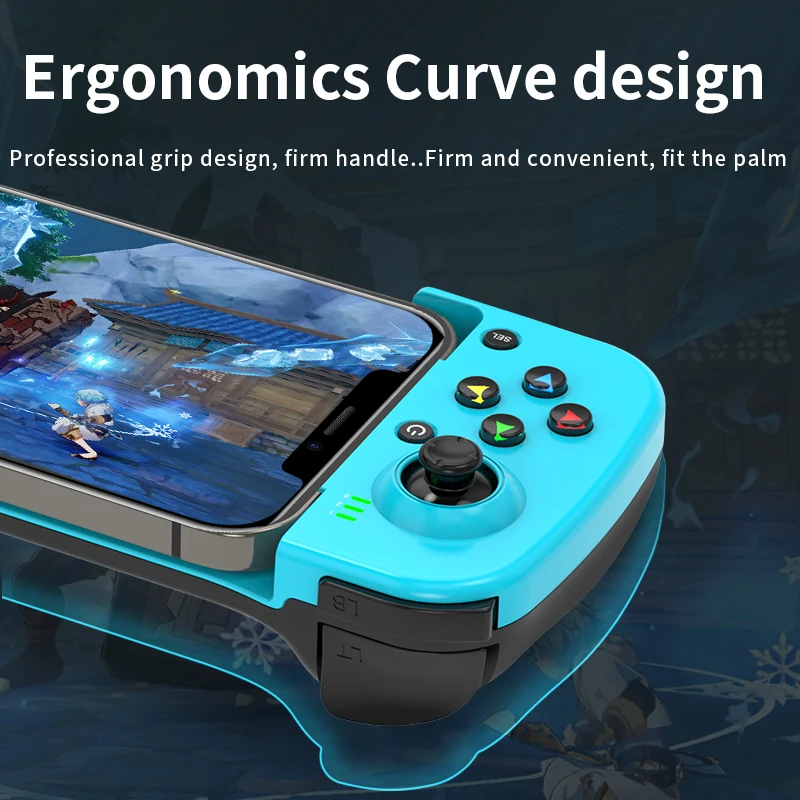
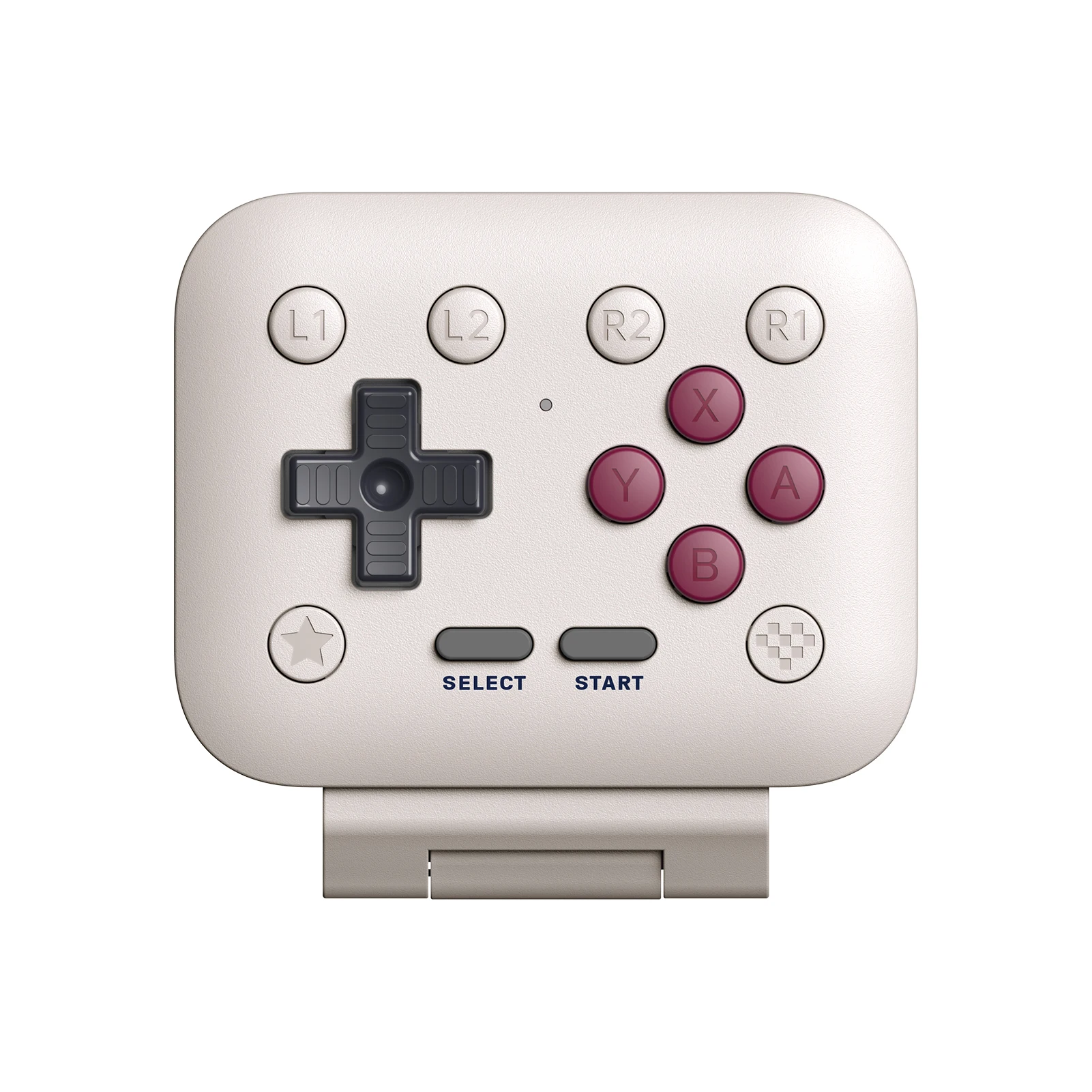
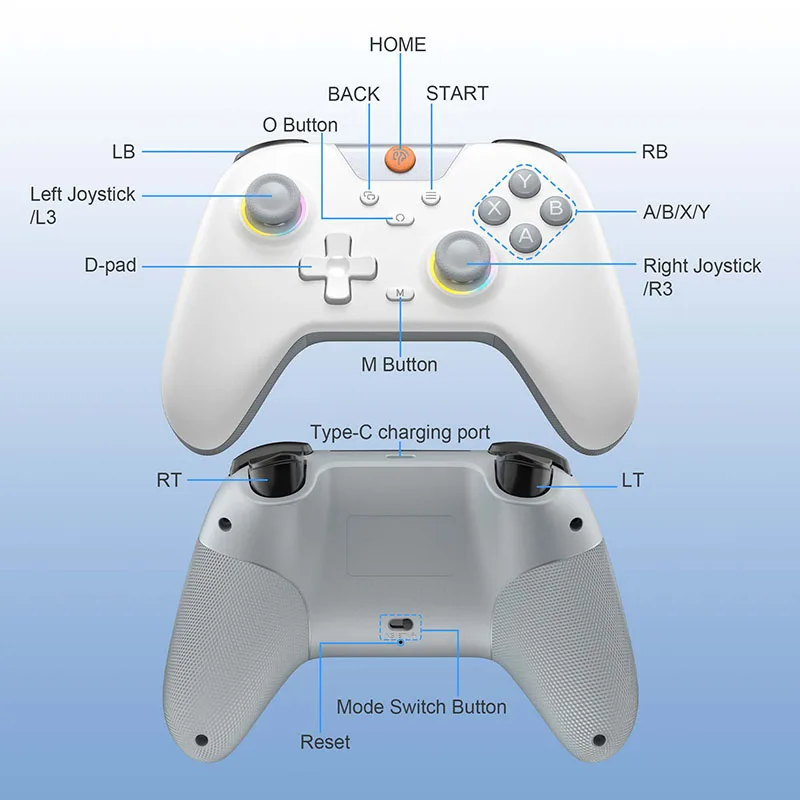
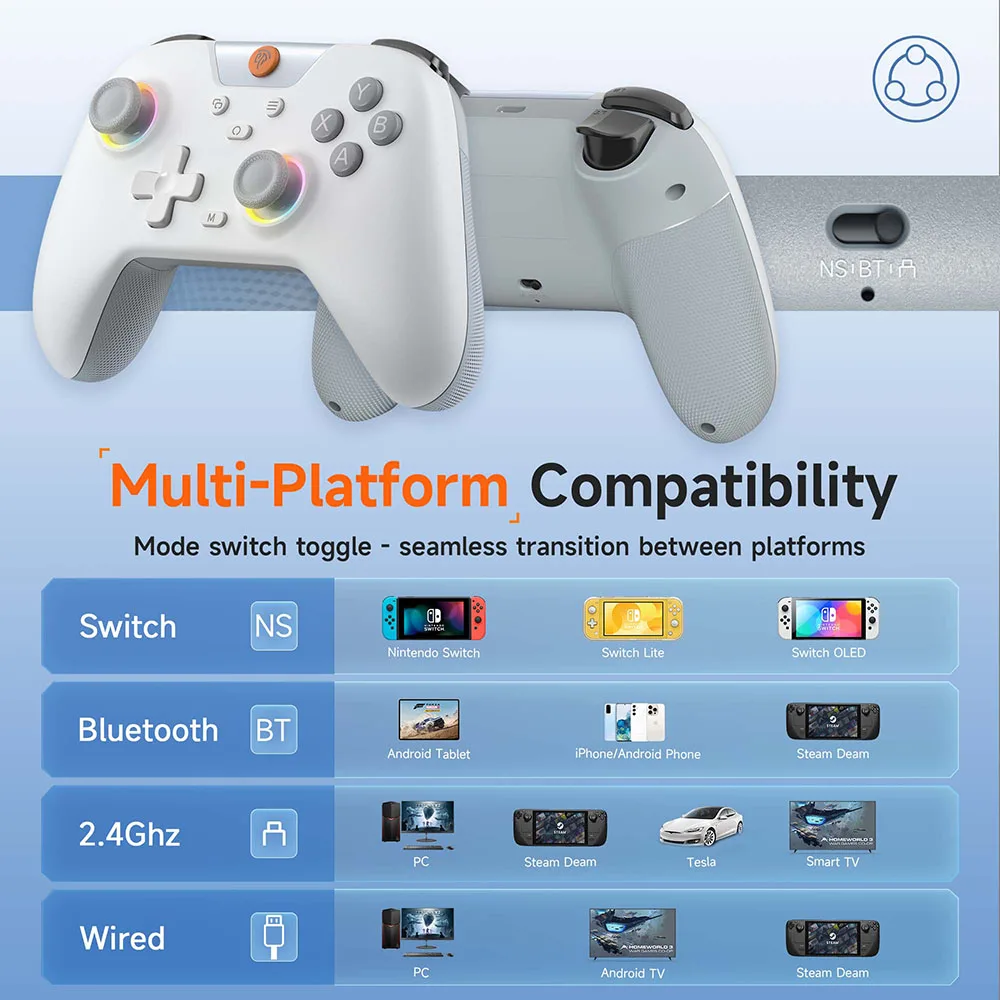
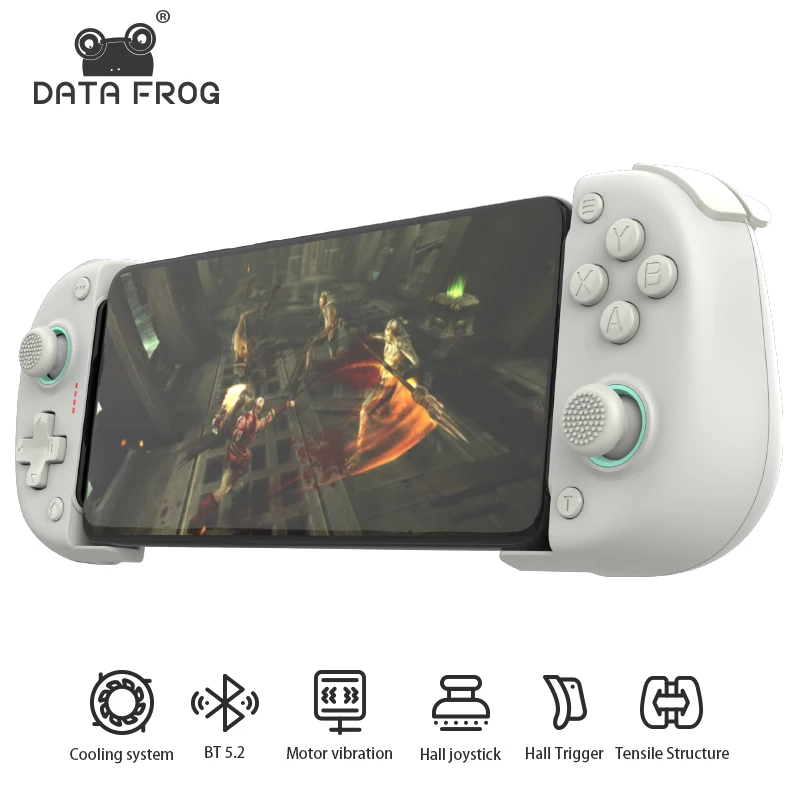
A controller that plugs into the charging port has no wireless delay, but it must have the right plug: iPhone 15 and later use USB-C, iPhone 14 and earlier use Lightning. Each controller here says which phones it is made for, and some are for Android only. A Bluetooth controller works with more devices and needs charging. A telescopic controller must stretch far enough for your phone with its case on: check the size it takes. The guide to mobile gaming accessories explains every kind.
Questions people ask about phone accessories for gamers
Why does my phone slow down in long games?
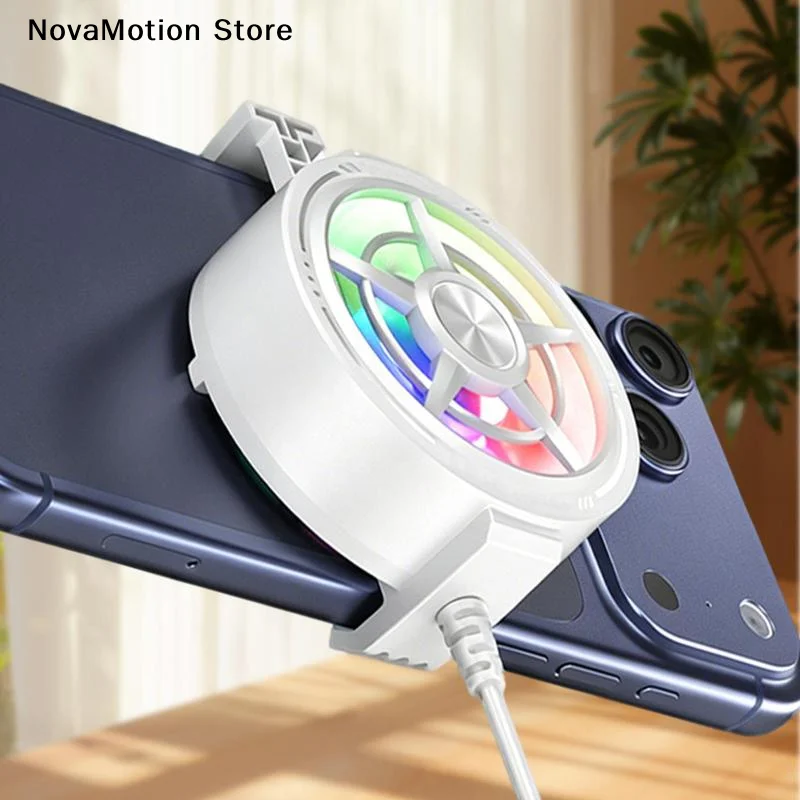
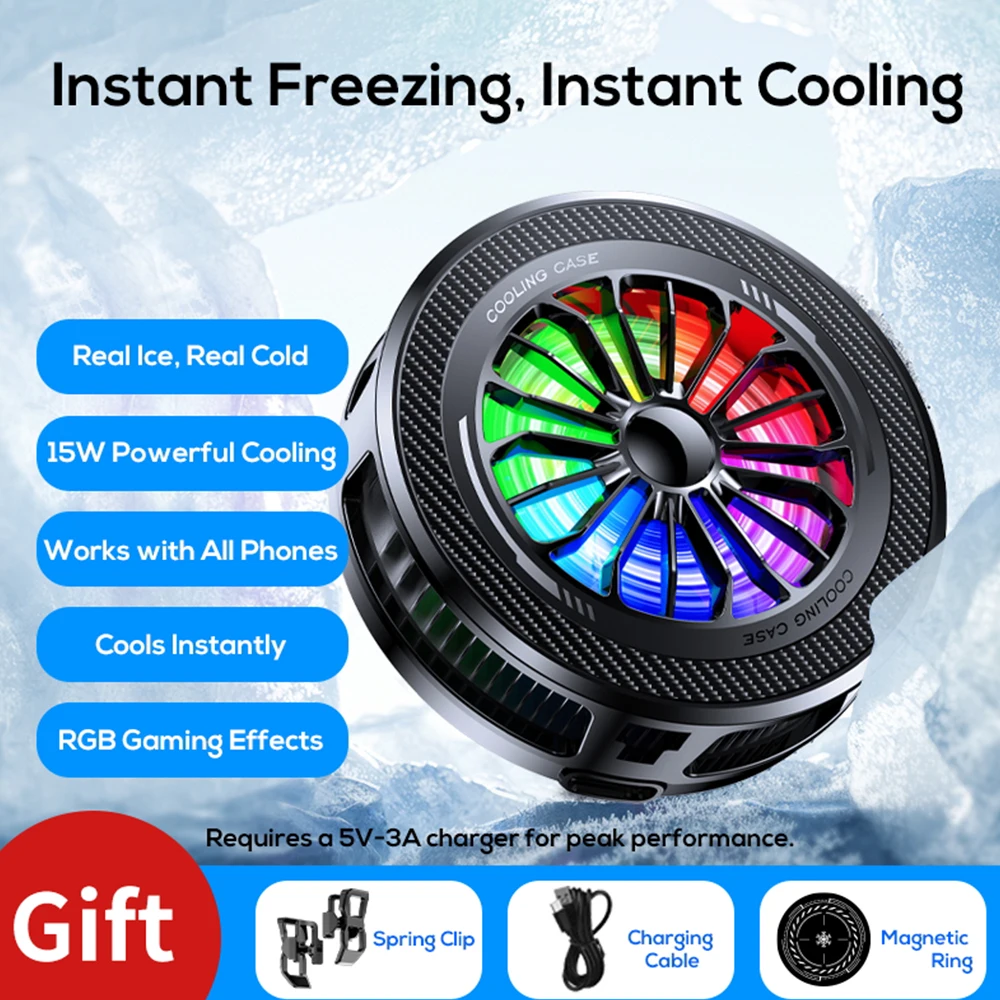
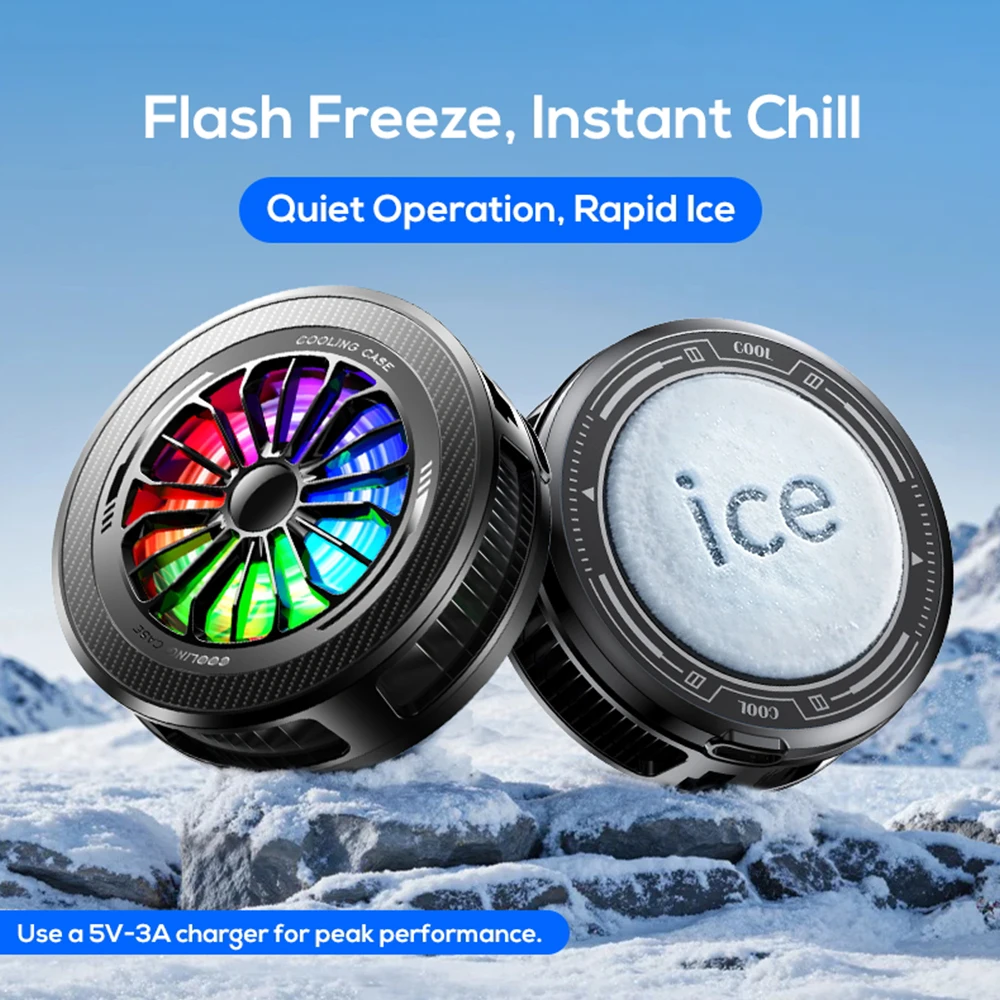
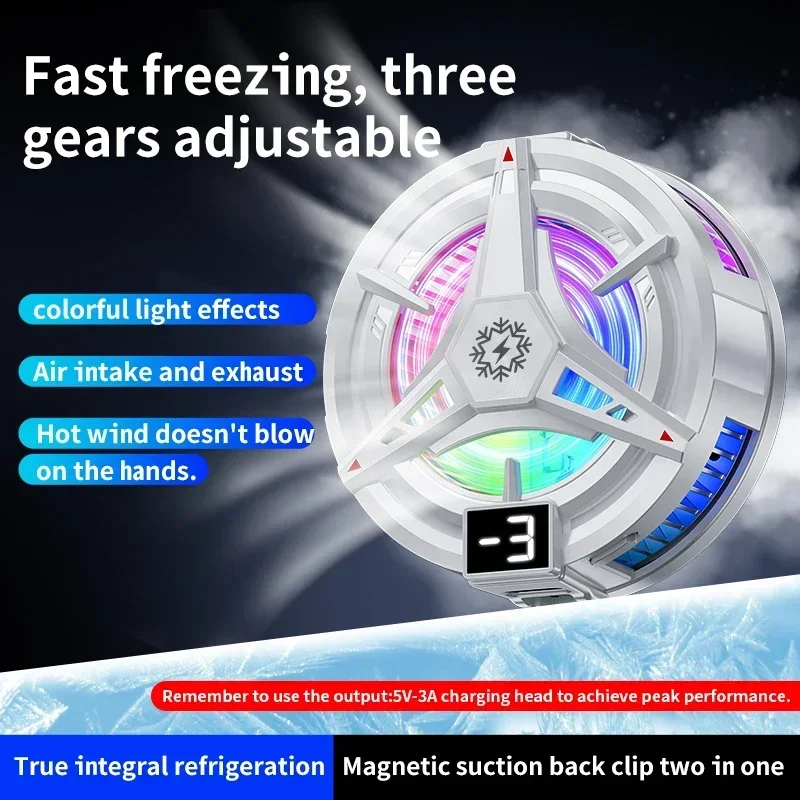
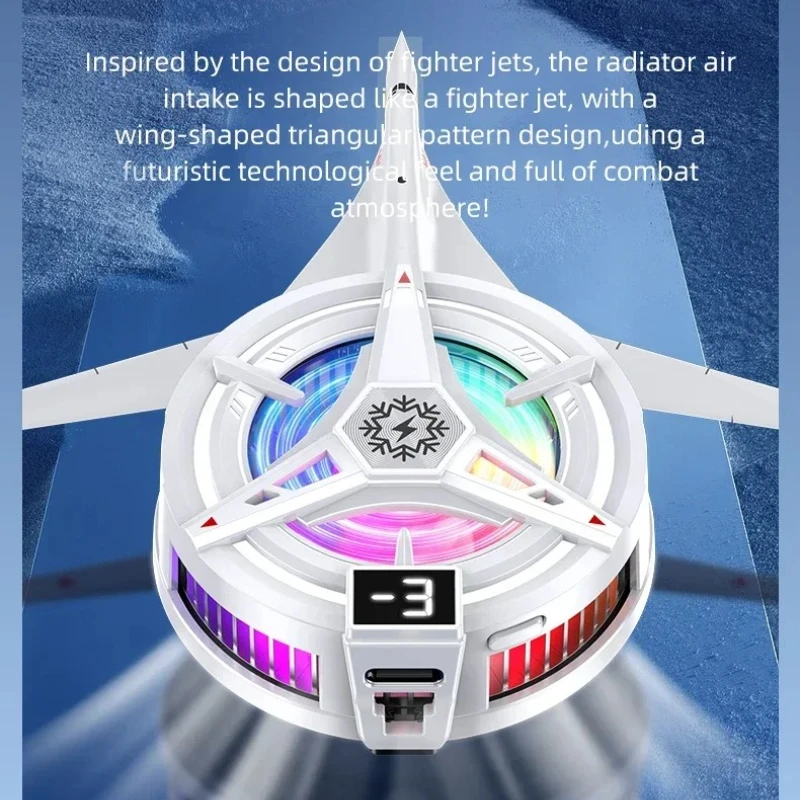
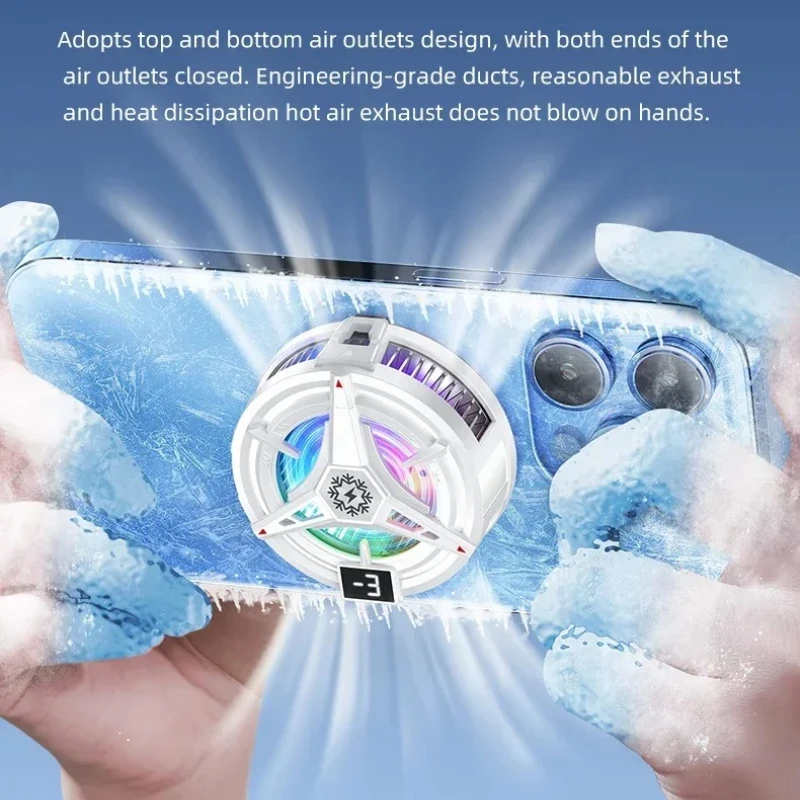
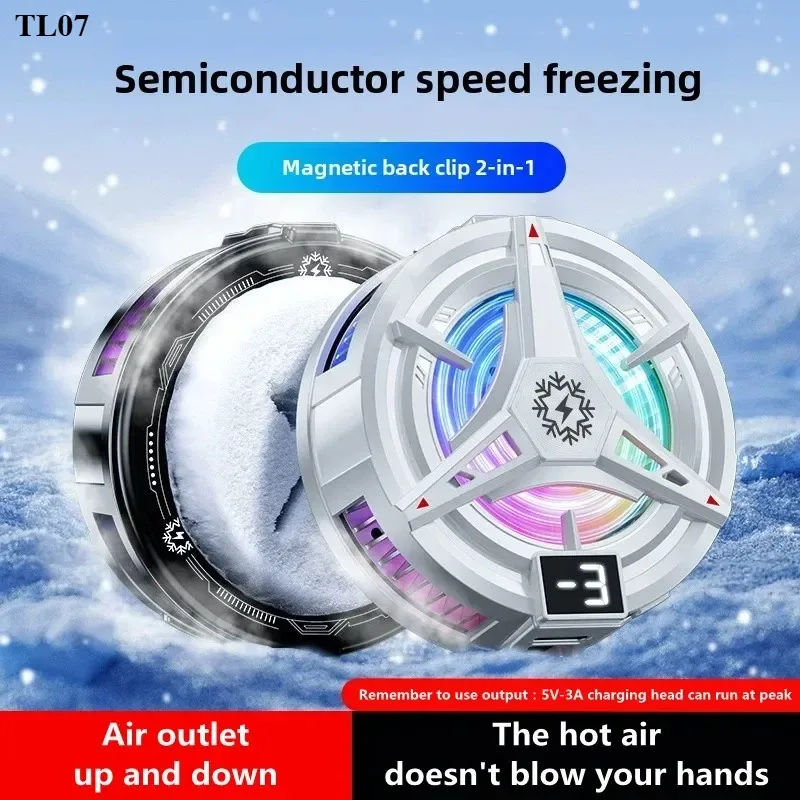
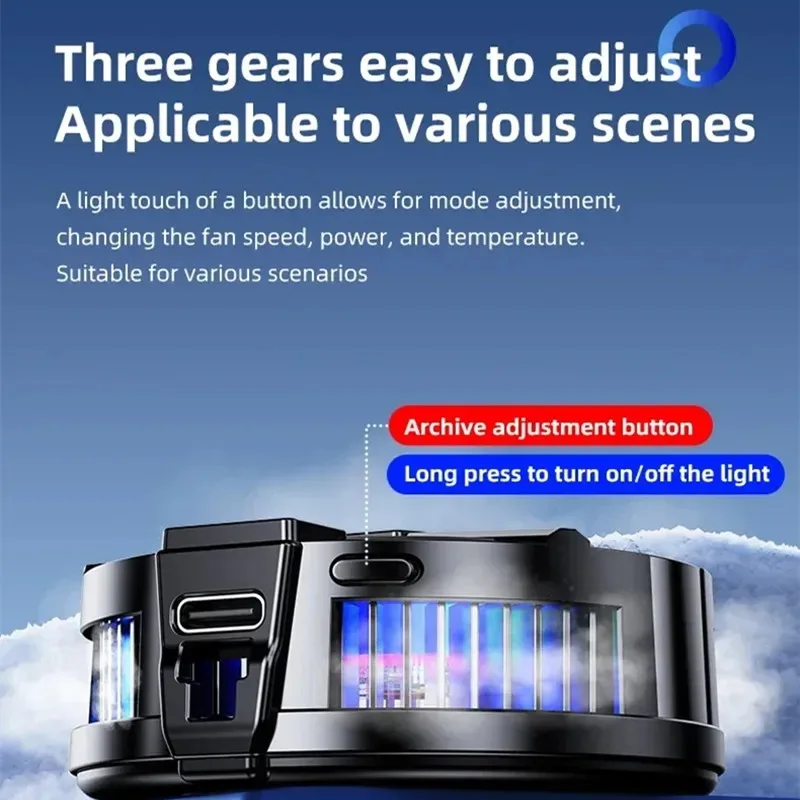
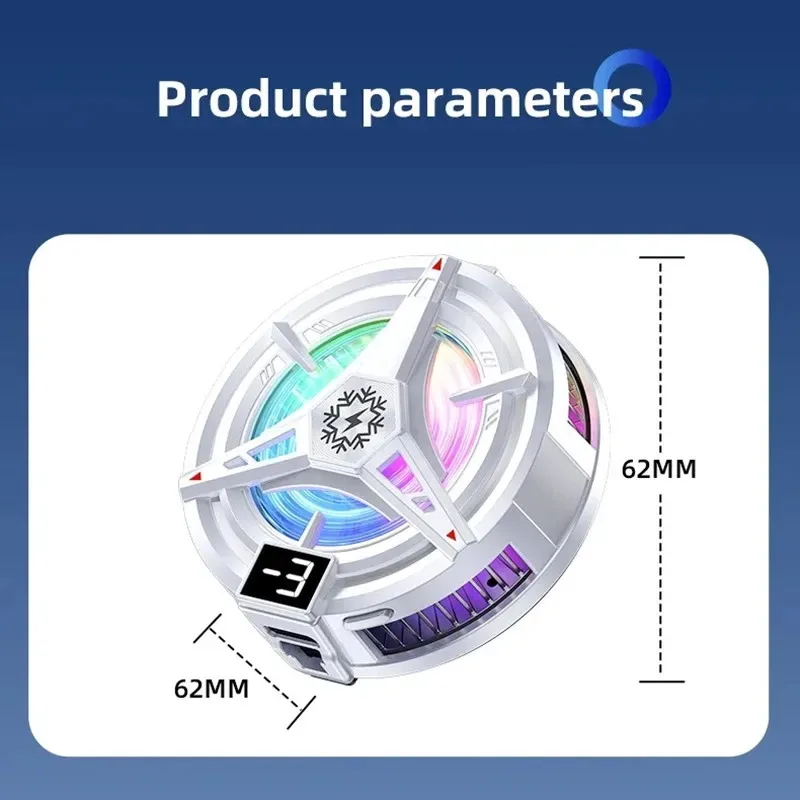
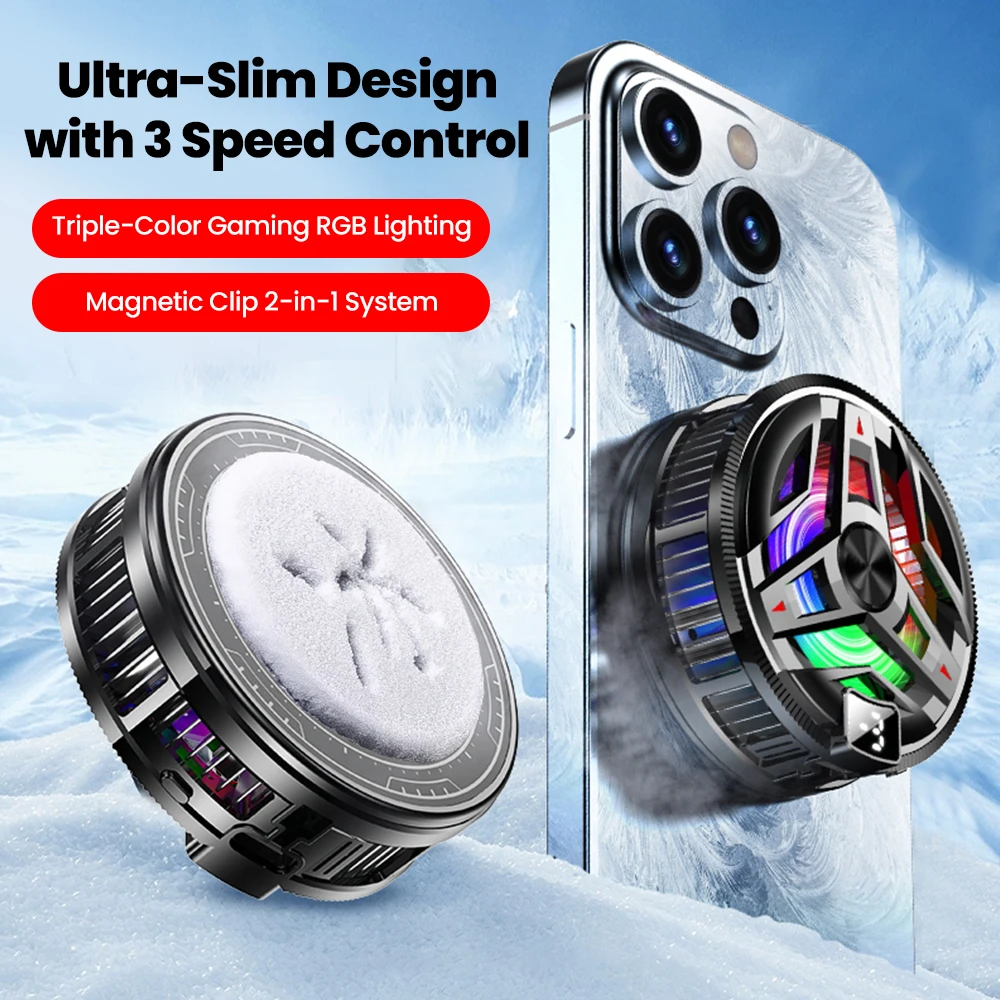
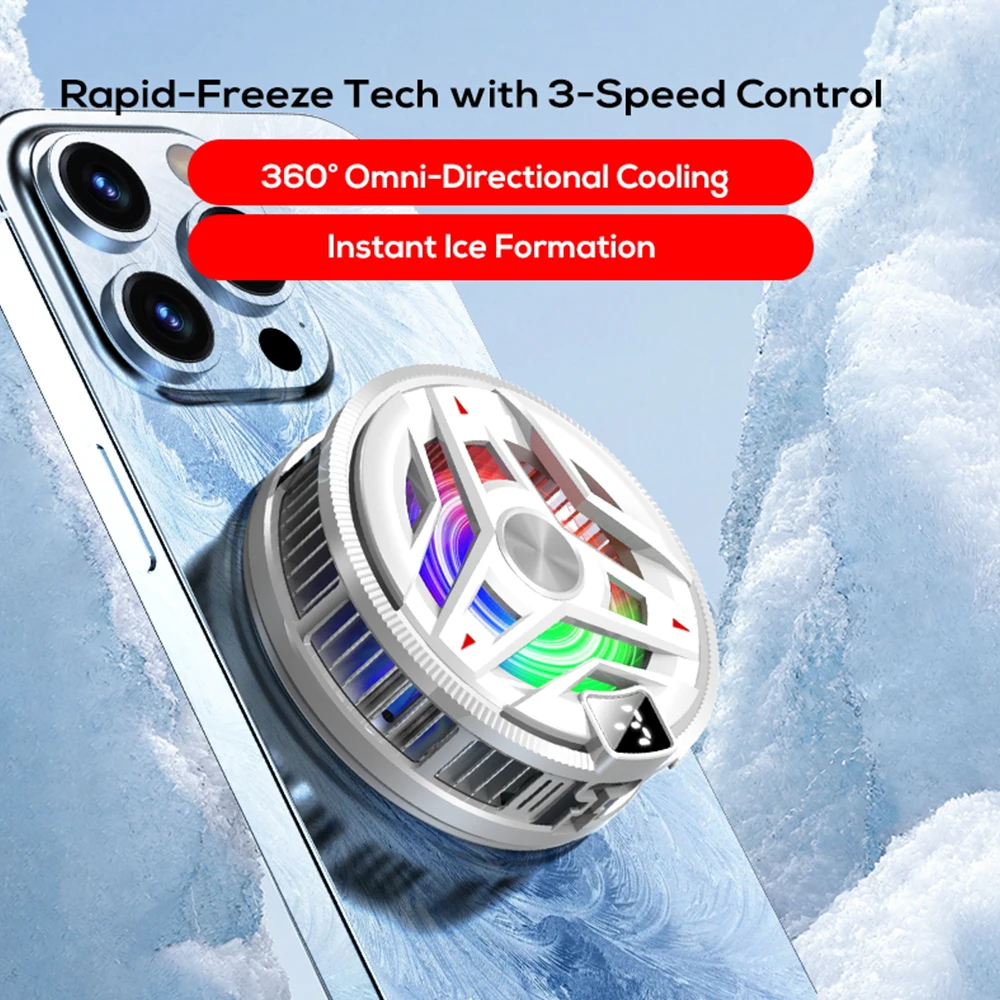
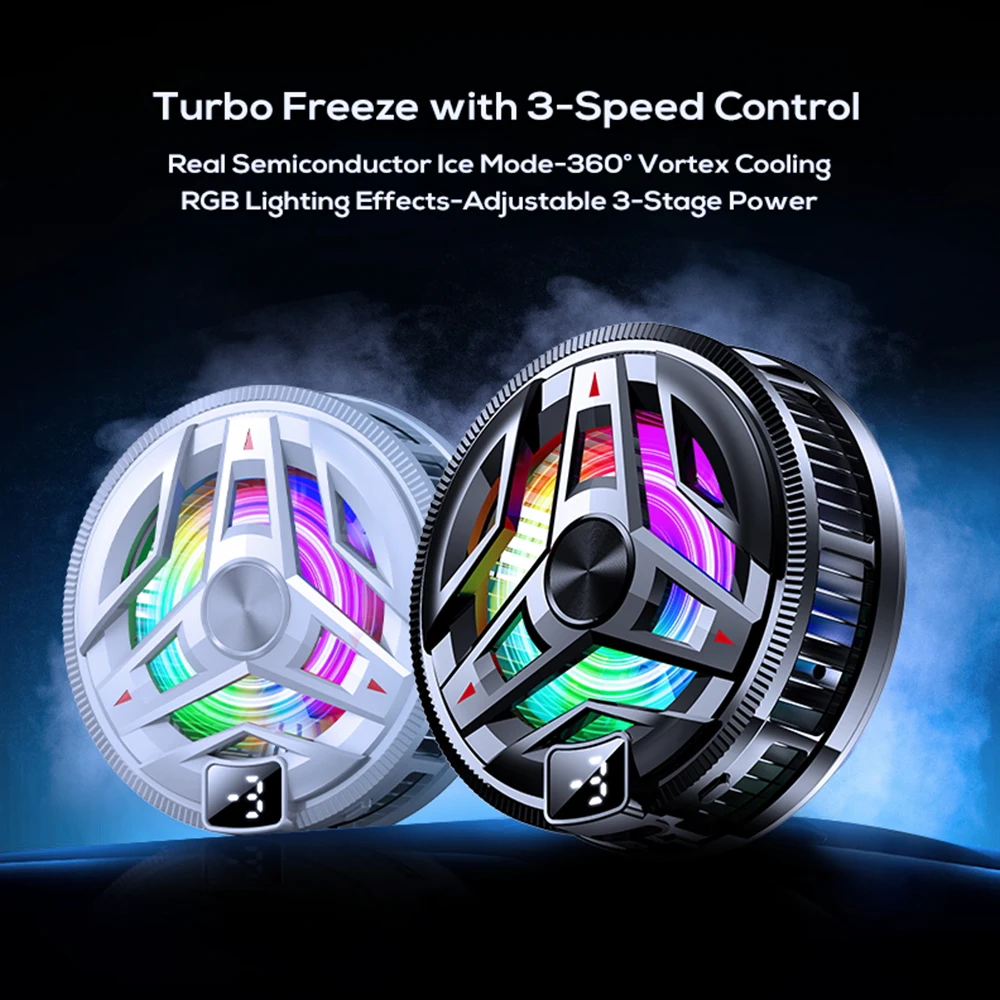
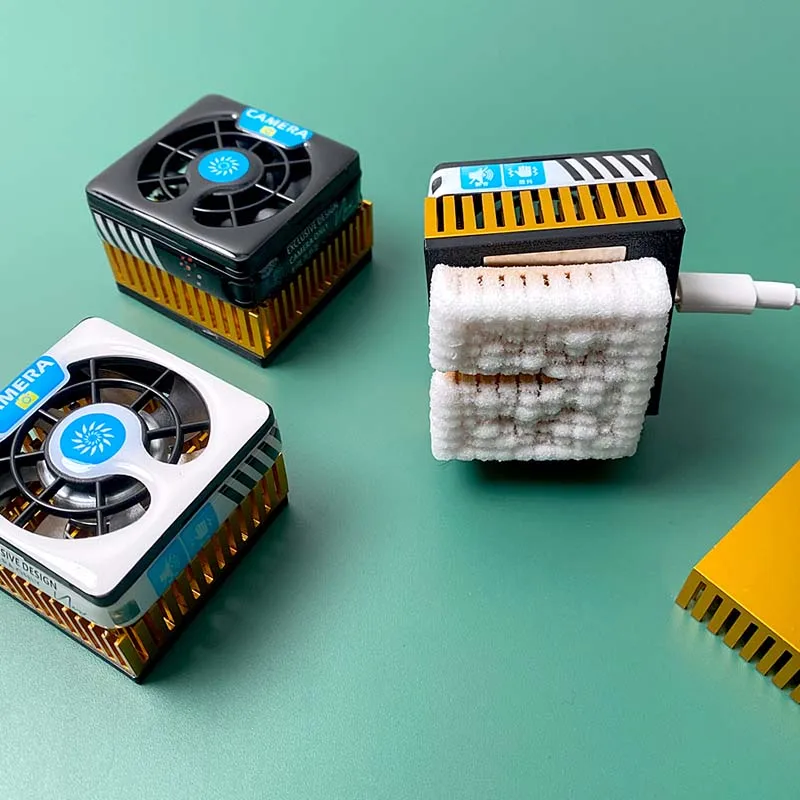
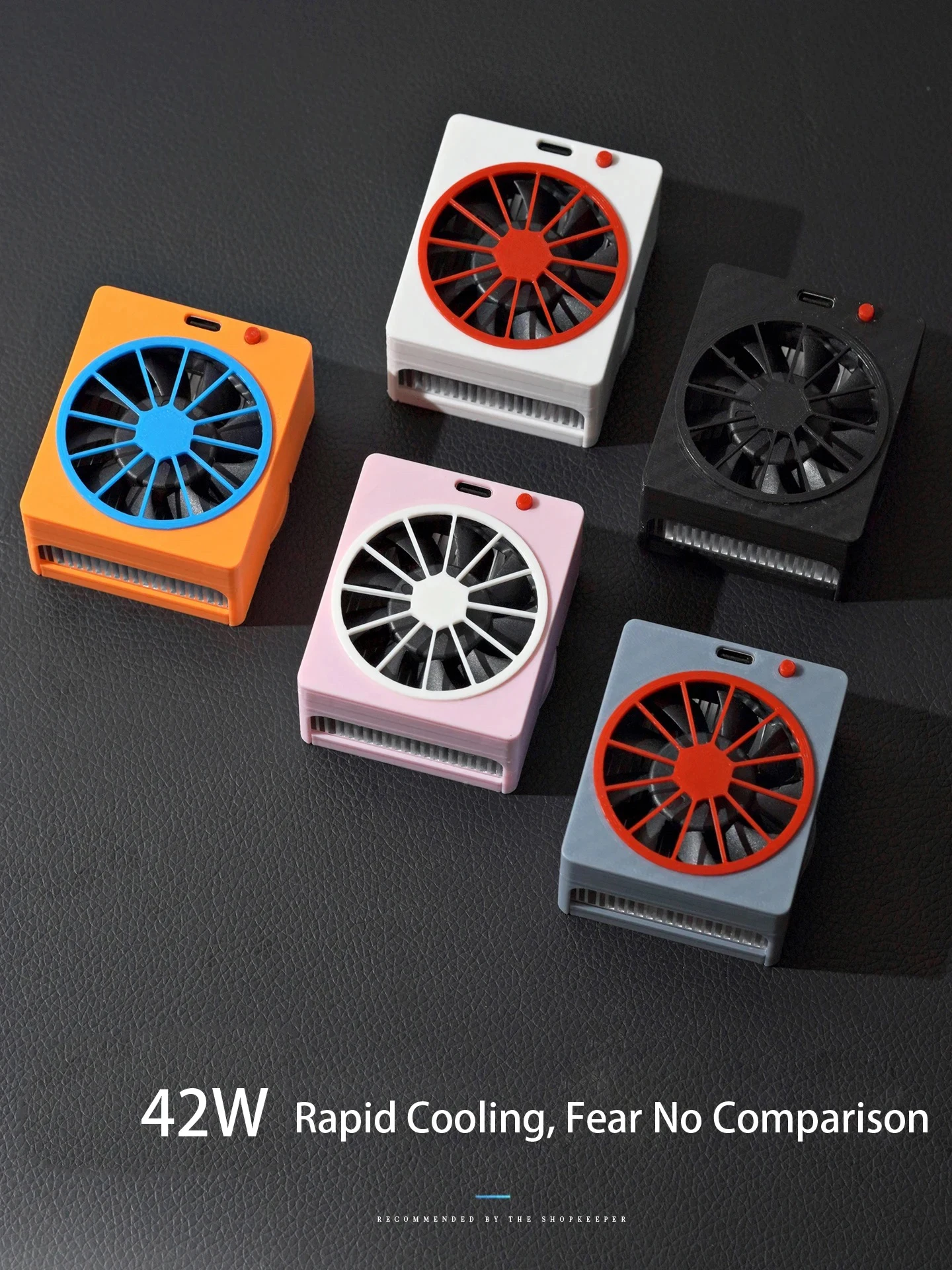
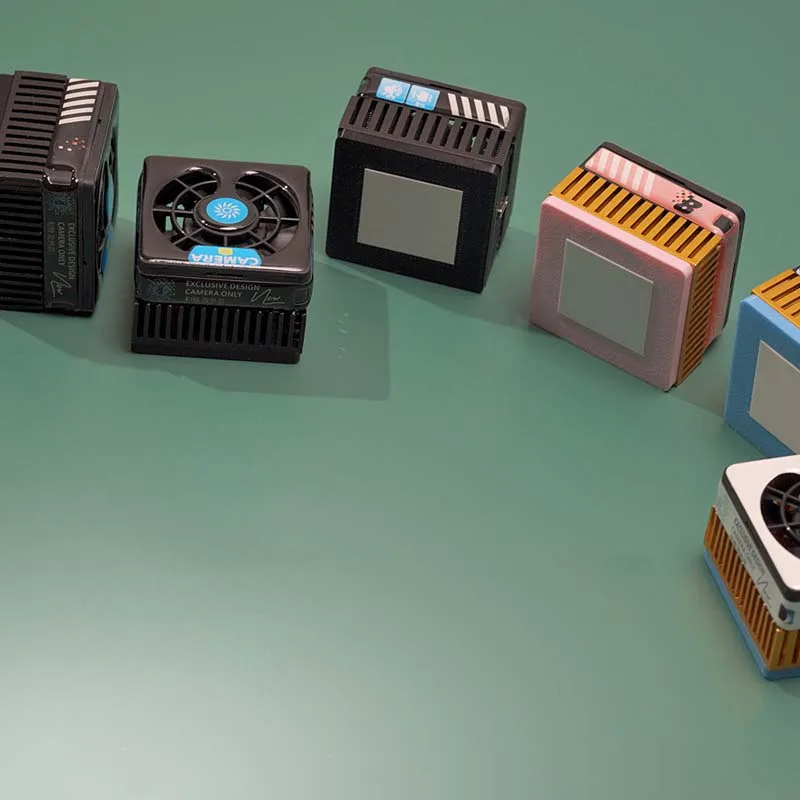
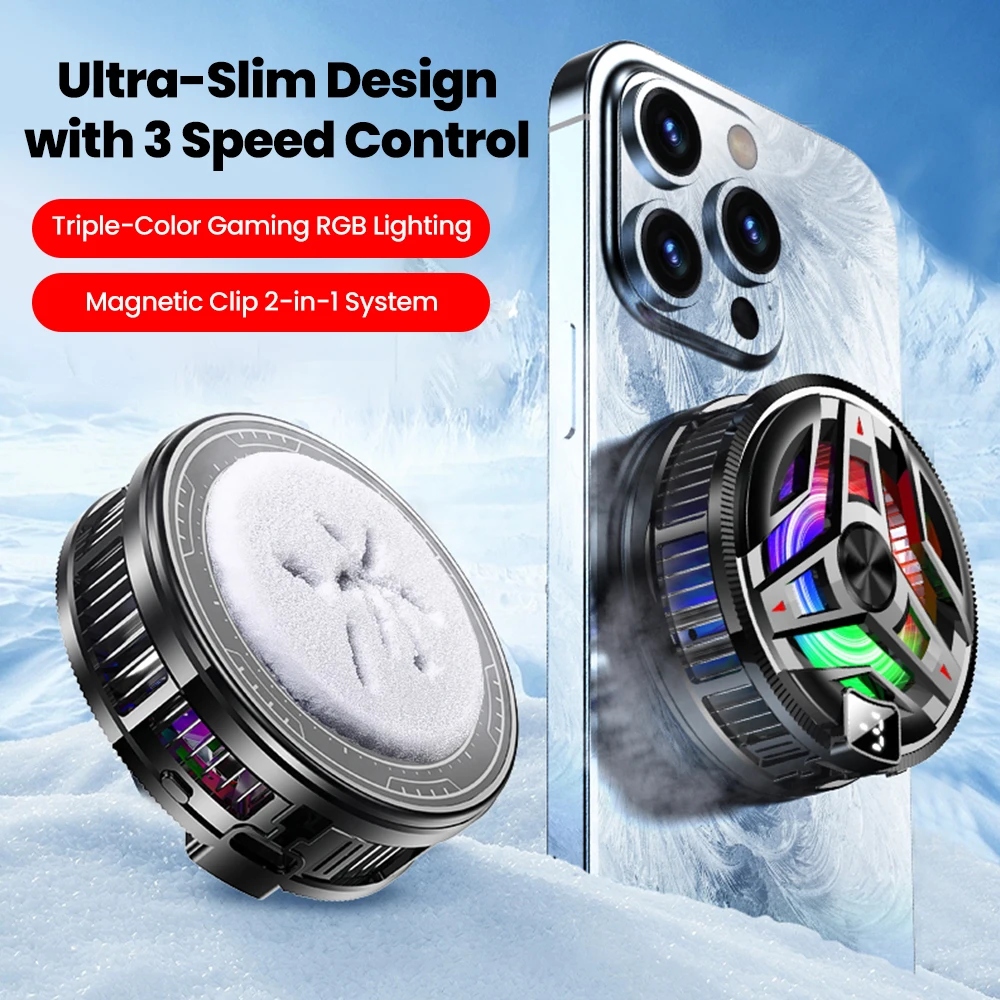
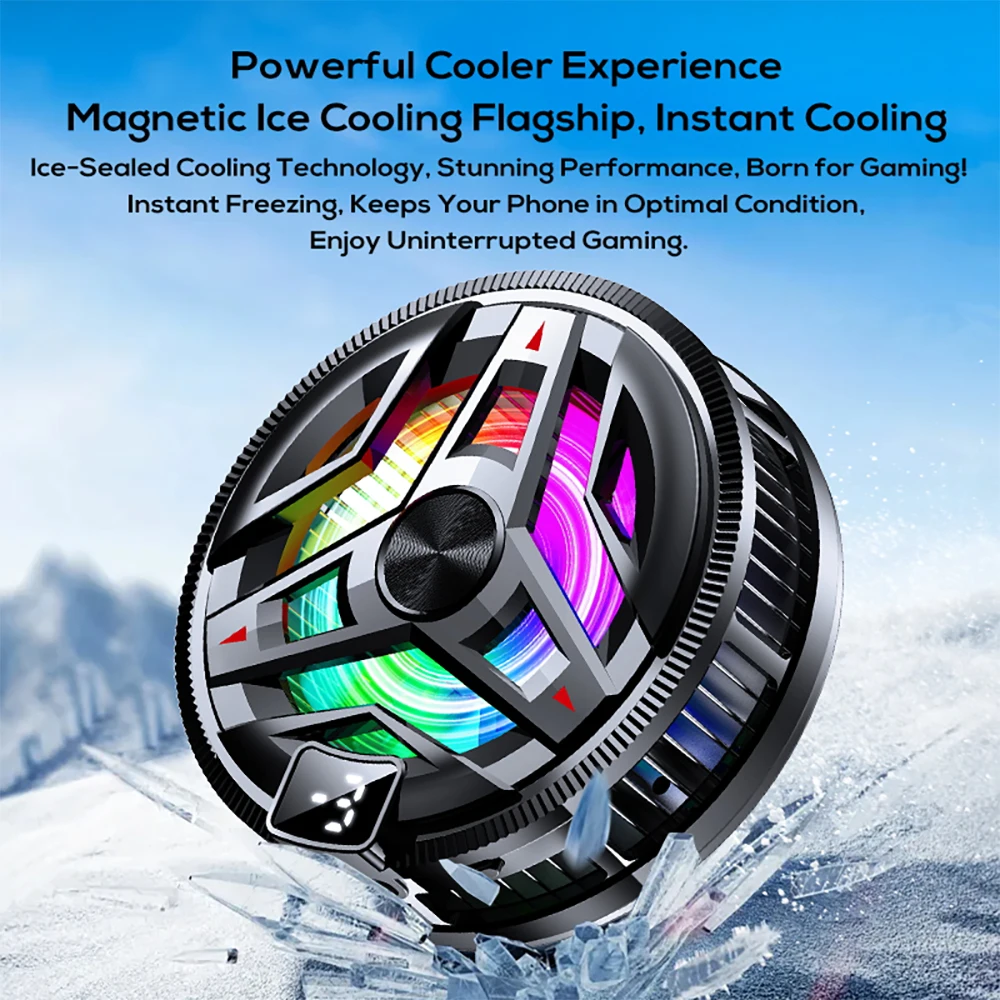
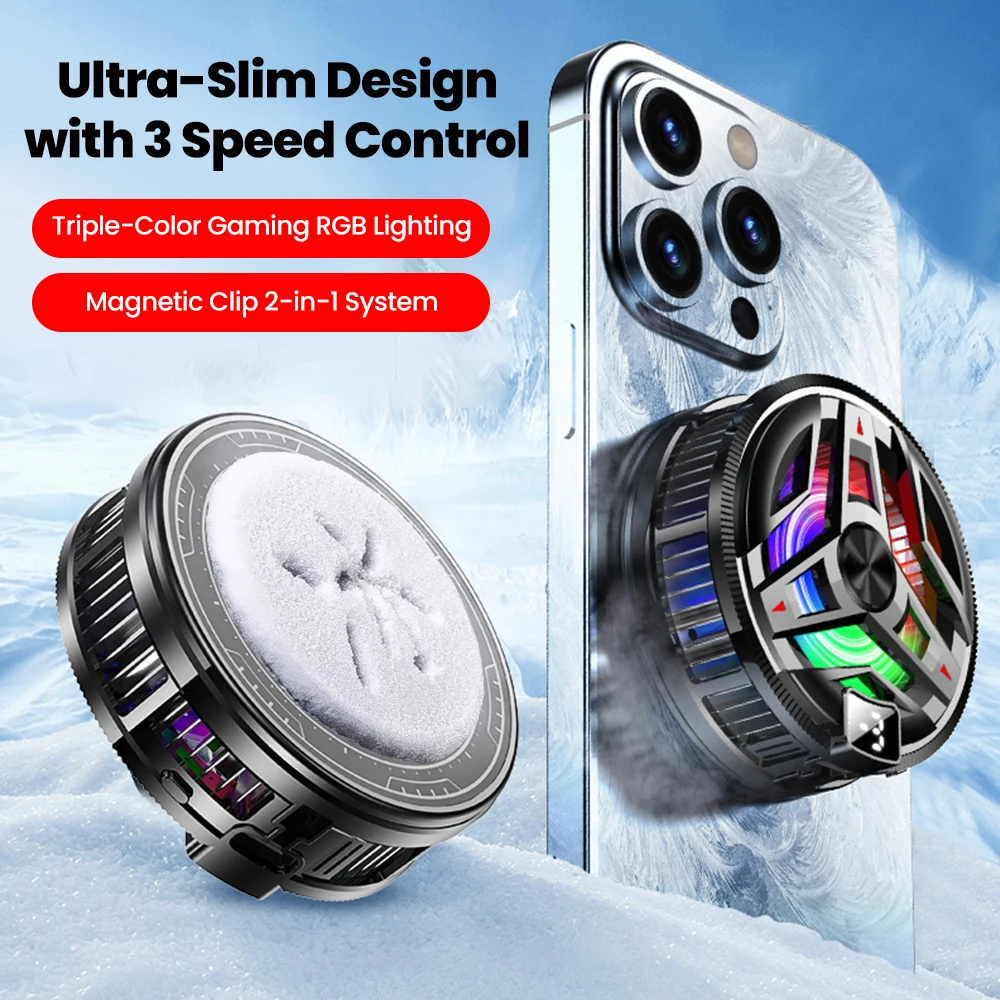
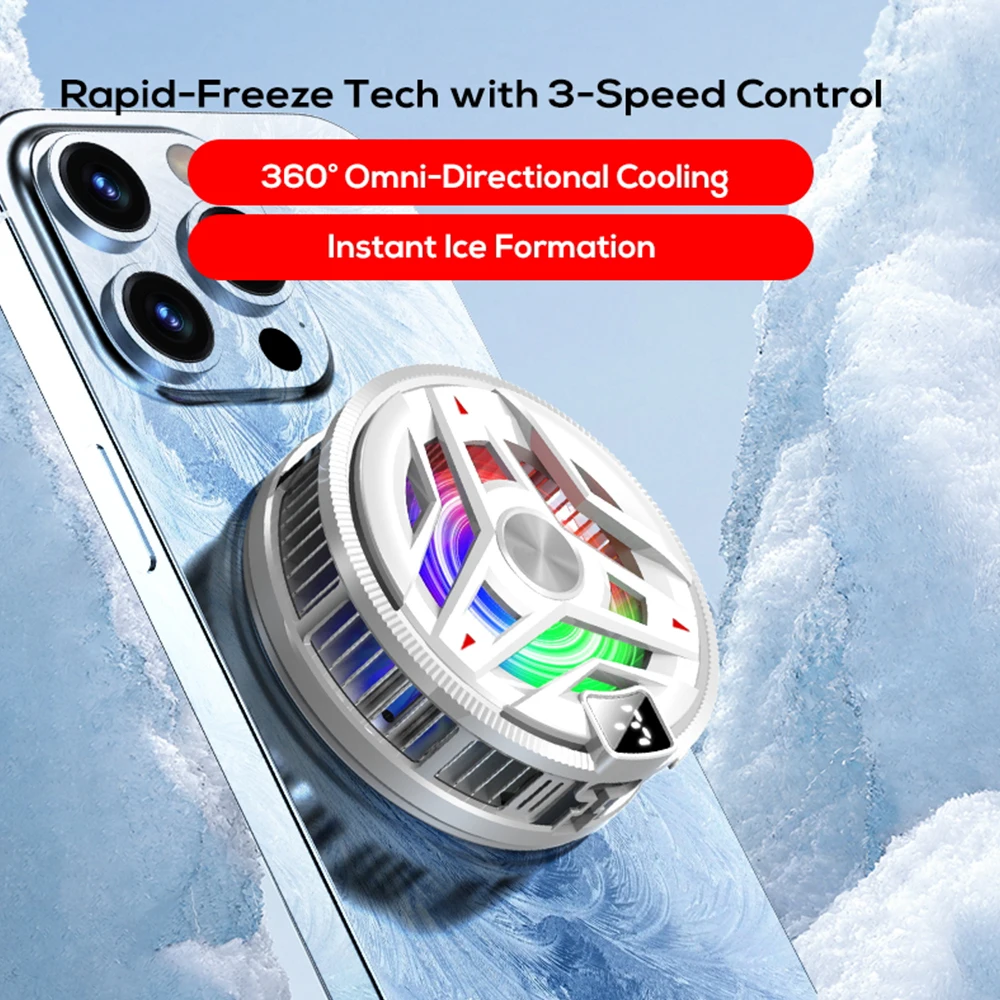
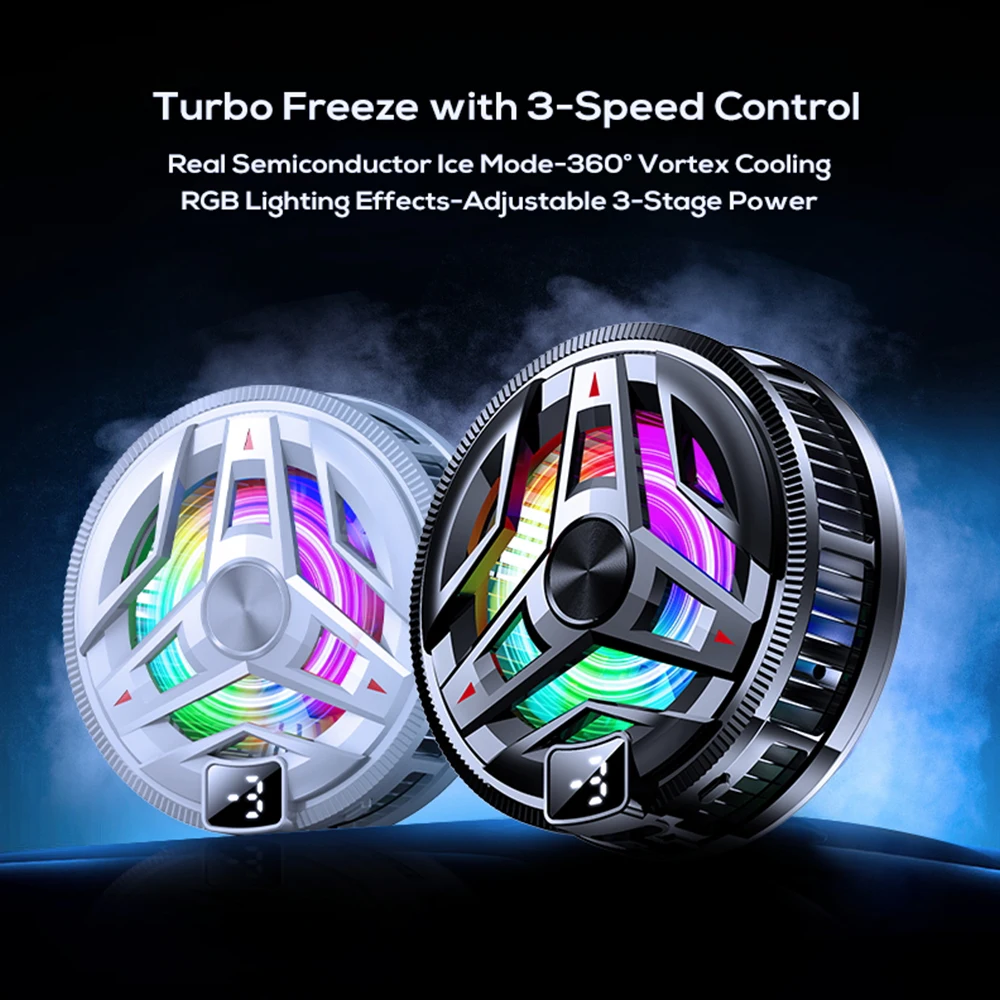
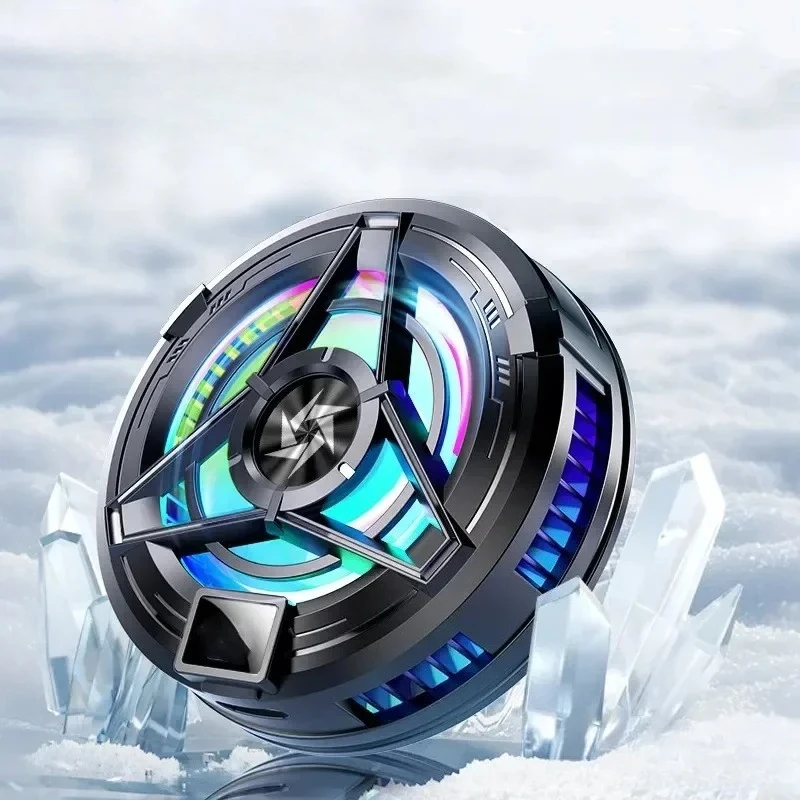
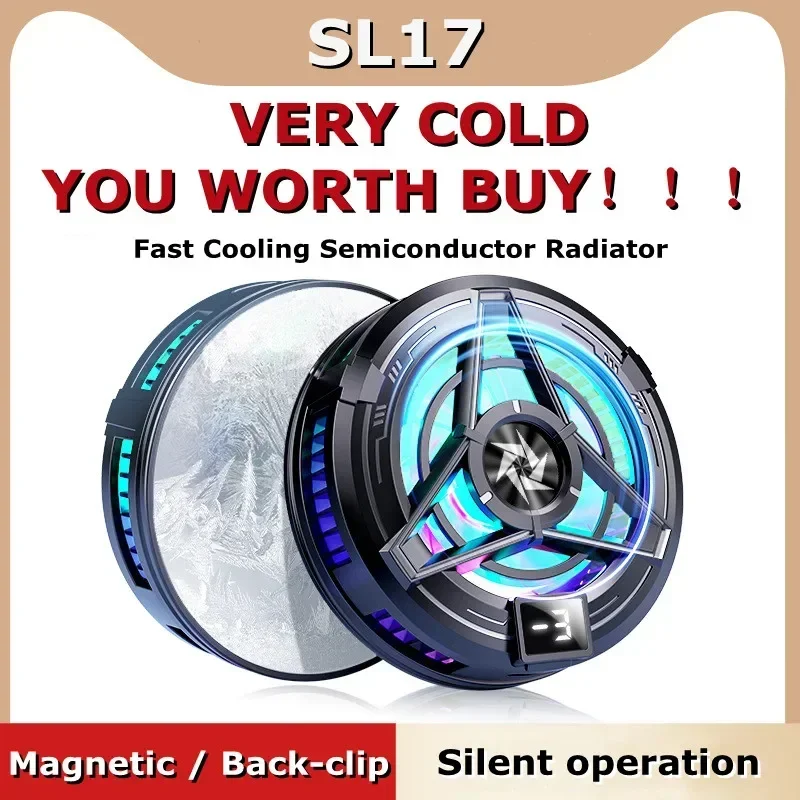
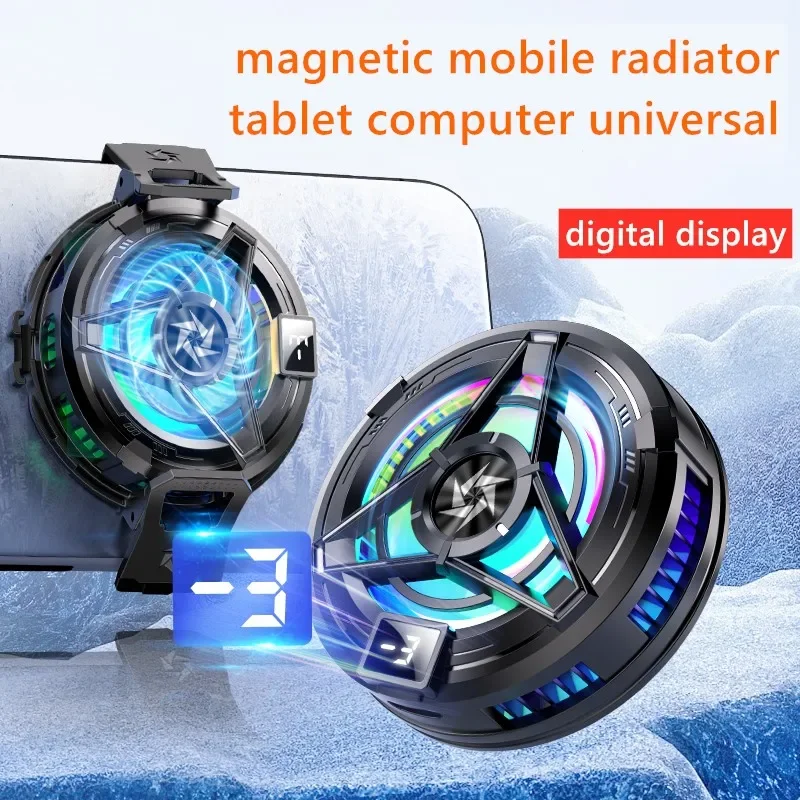
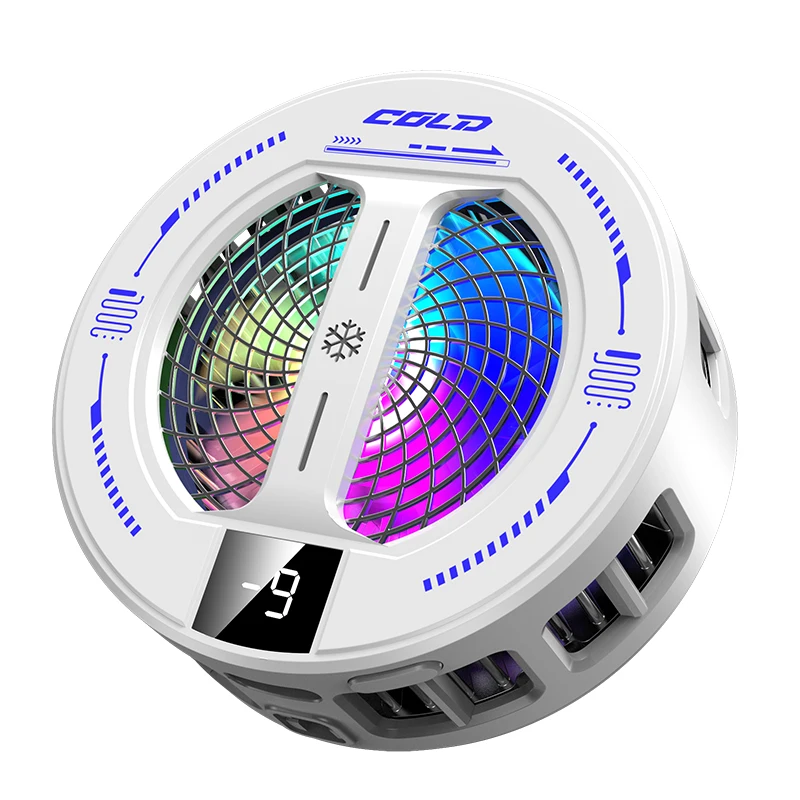
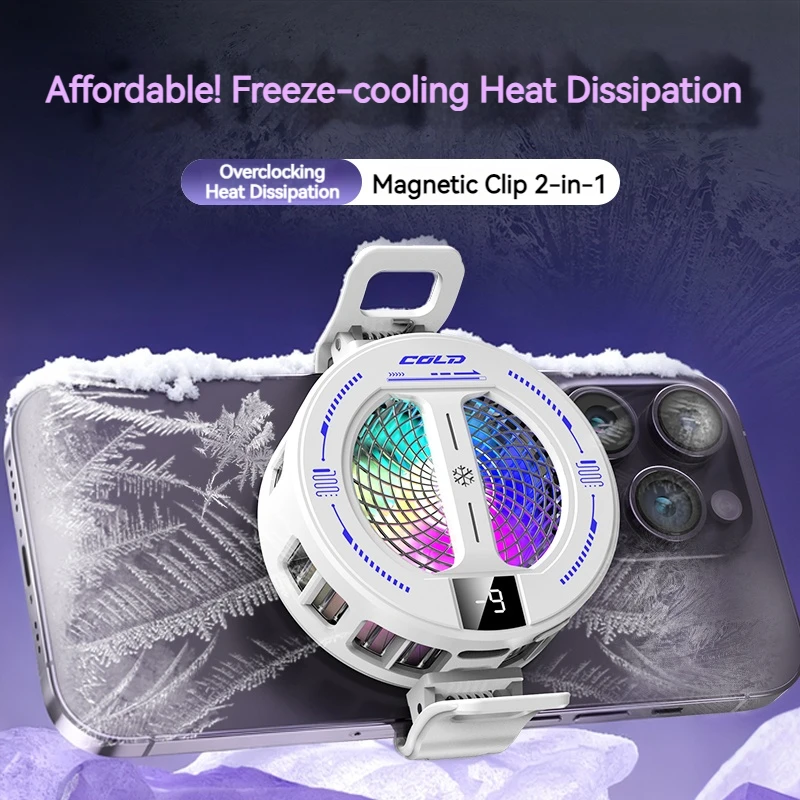
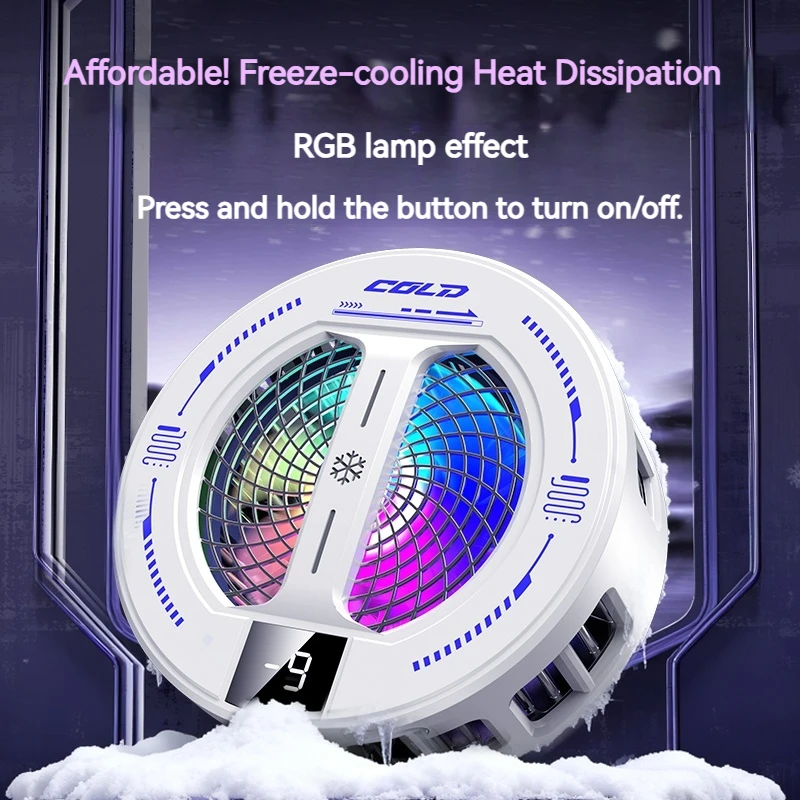
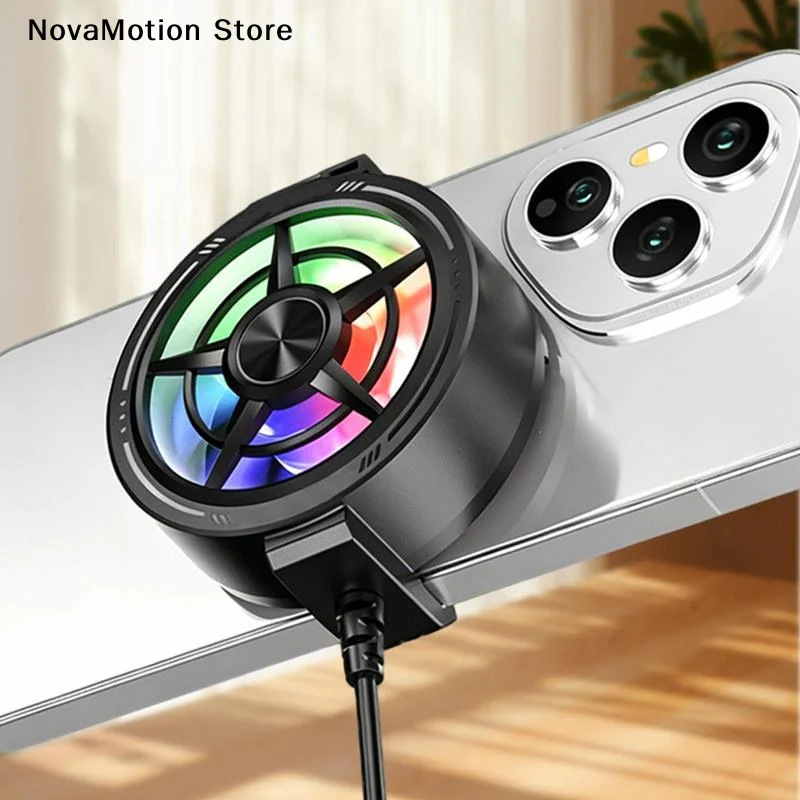
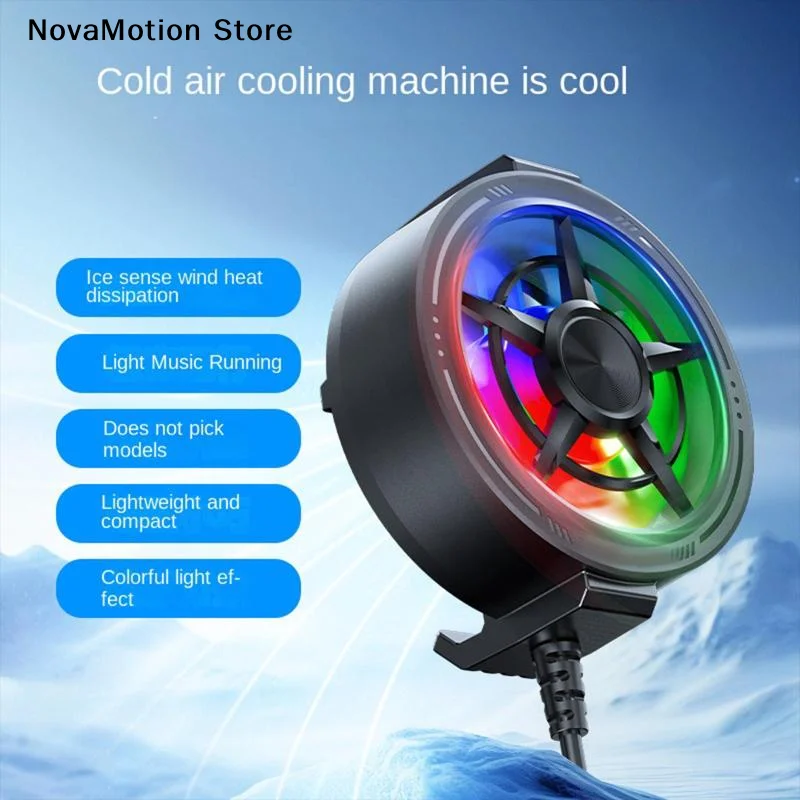
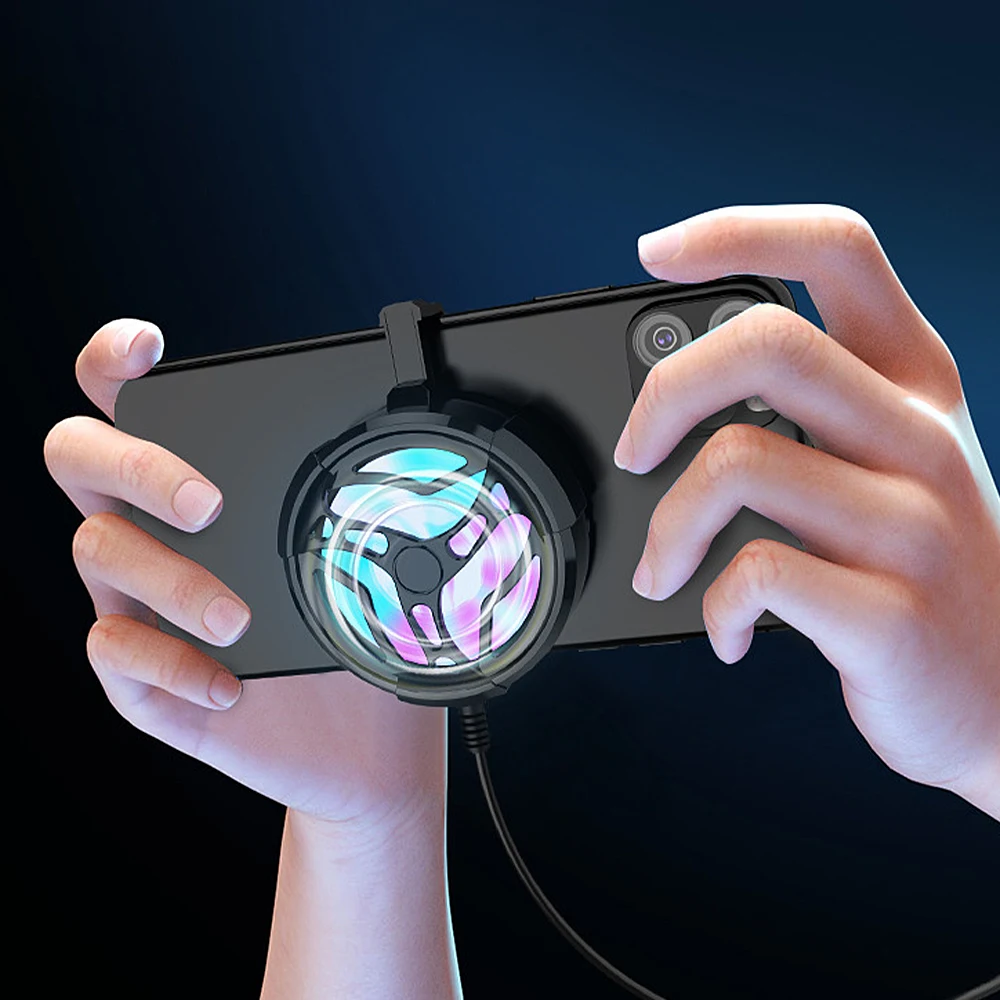
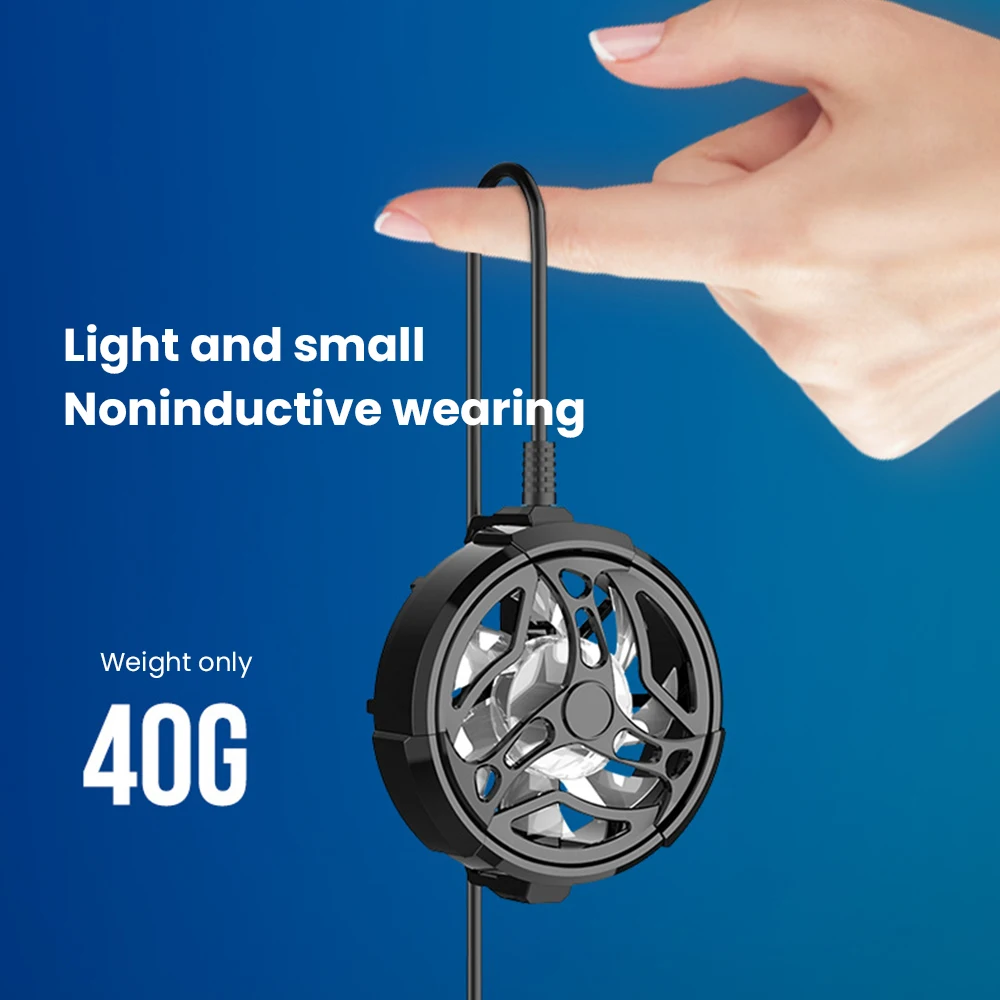
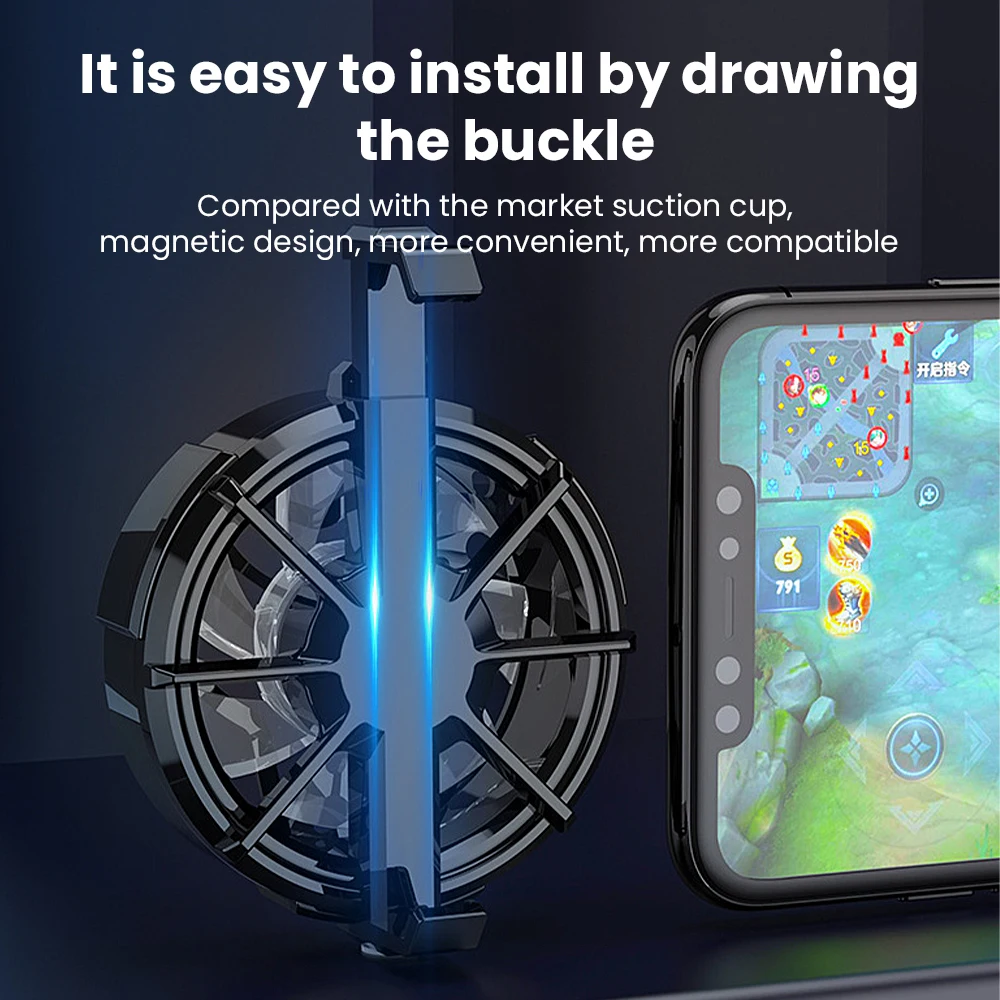
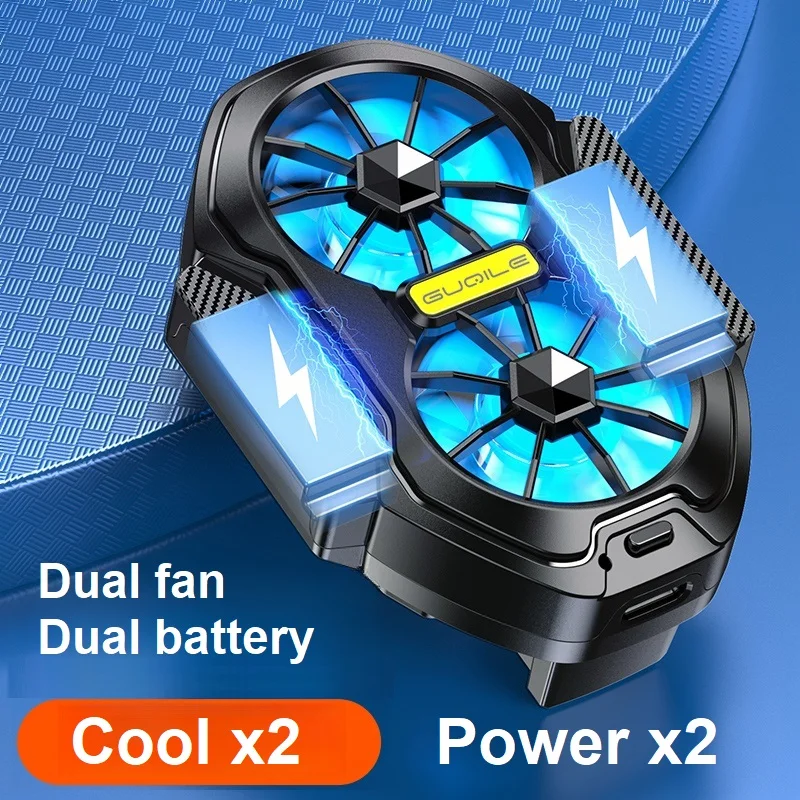
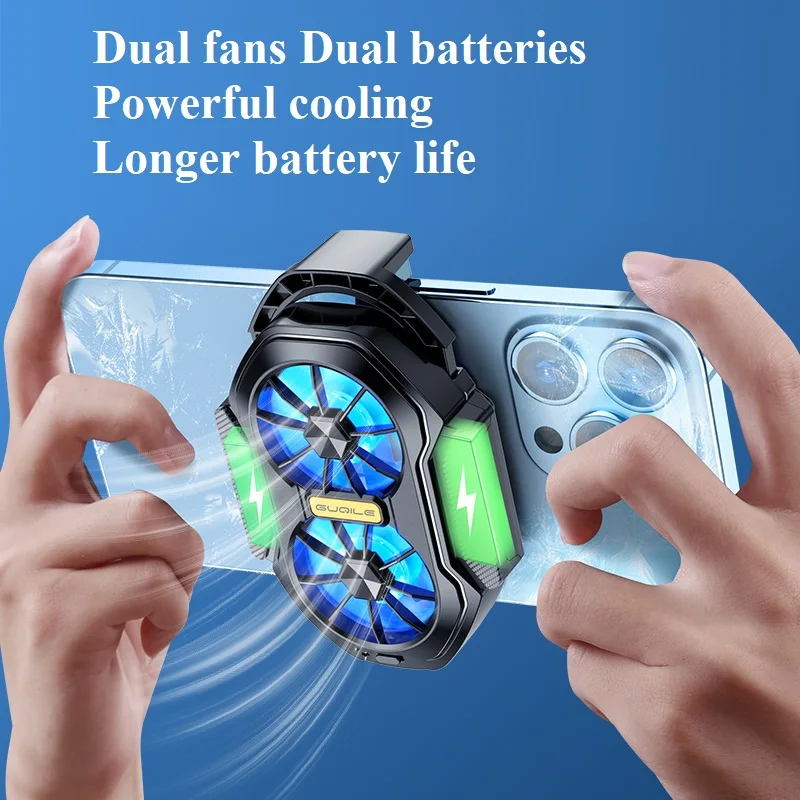
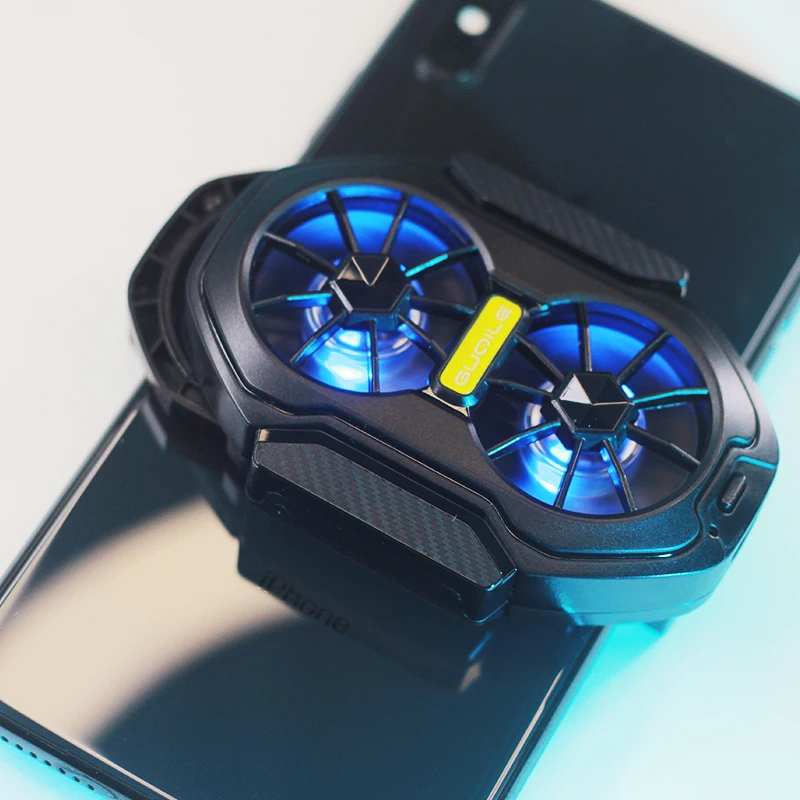
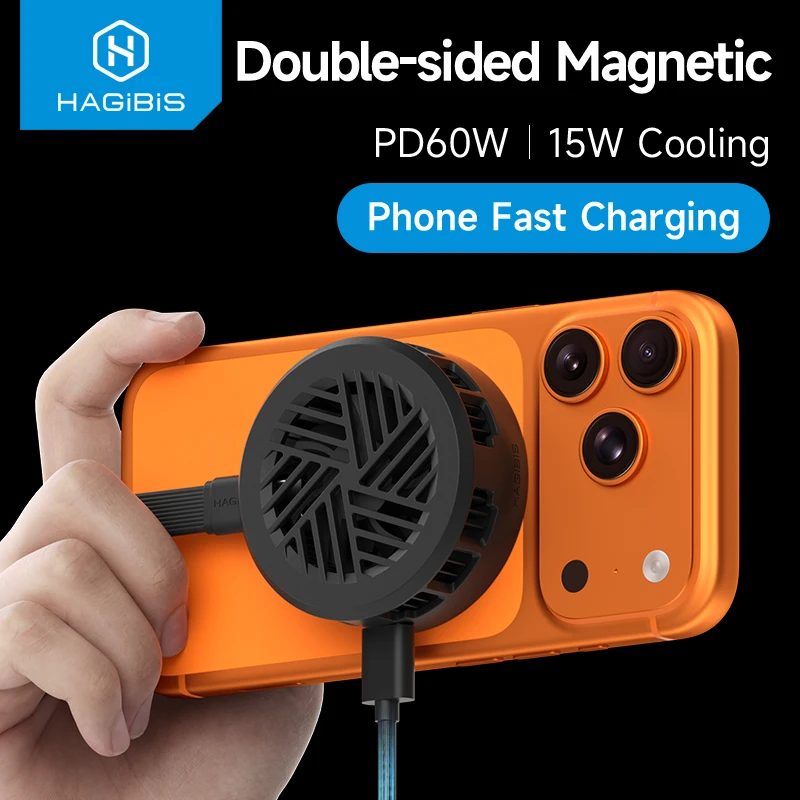
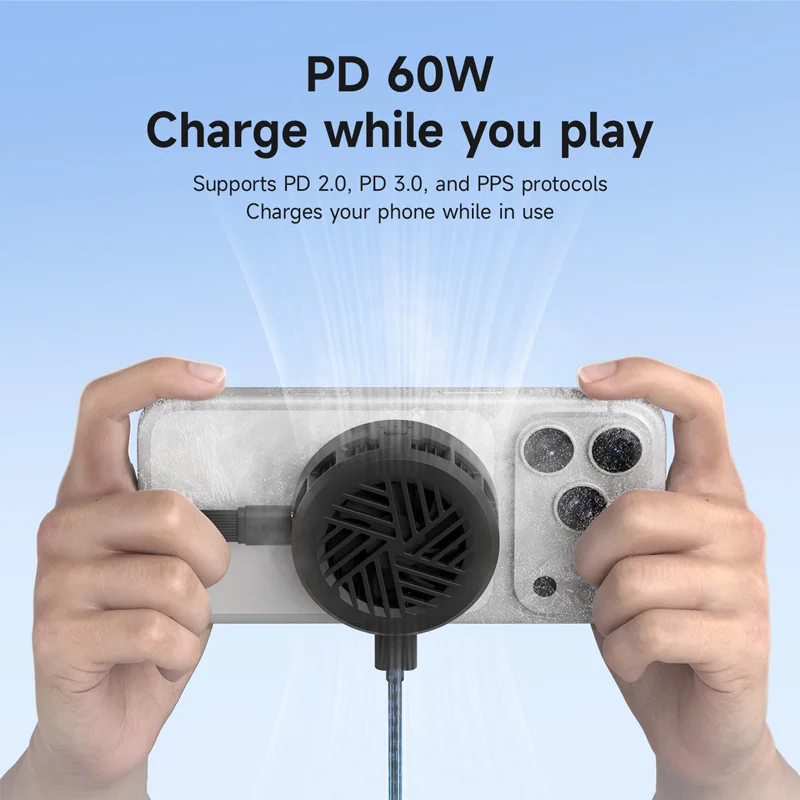
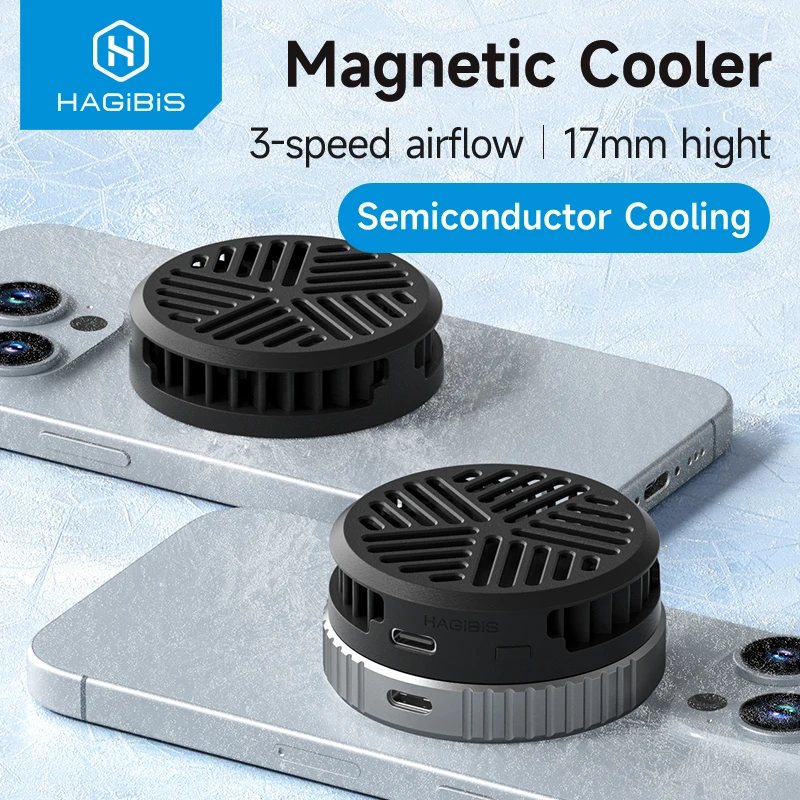
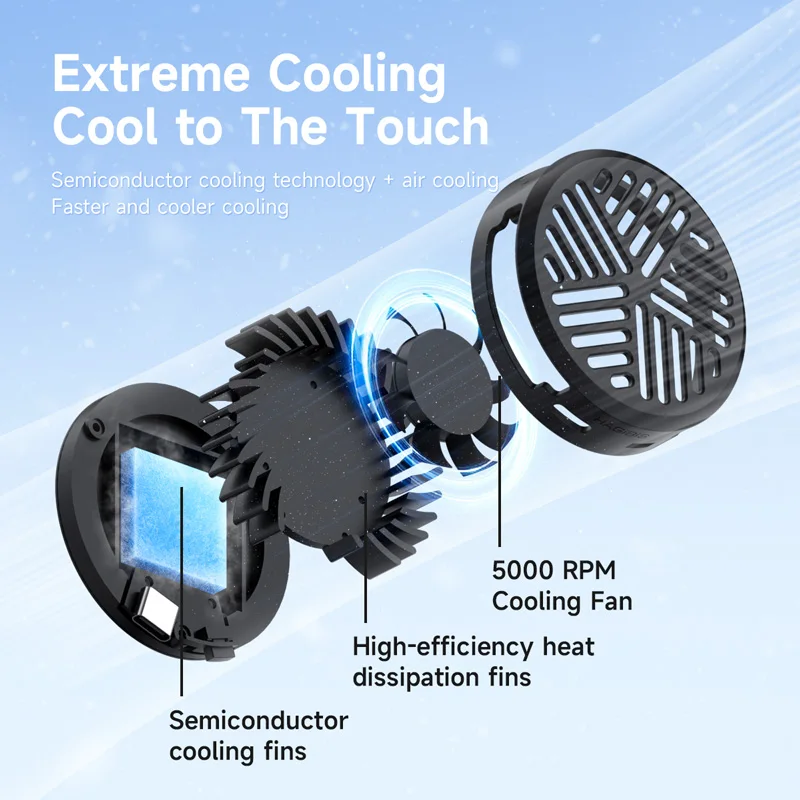
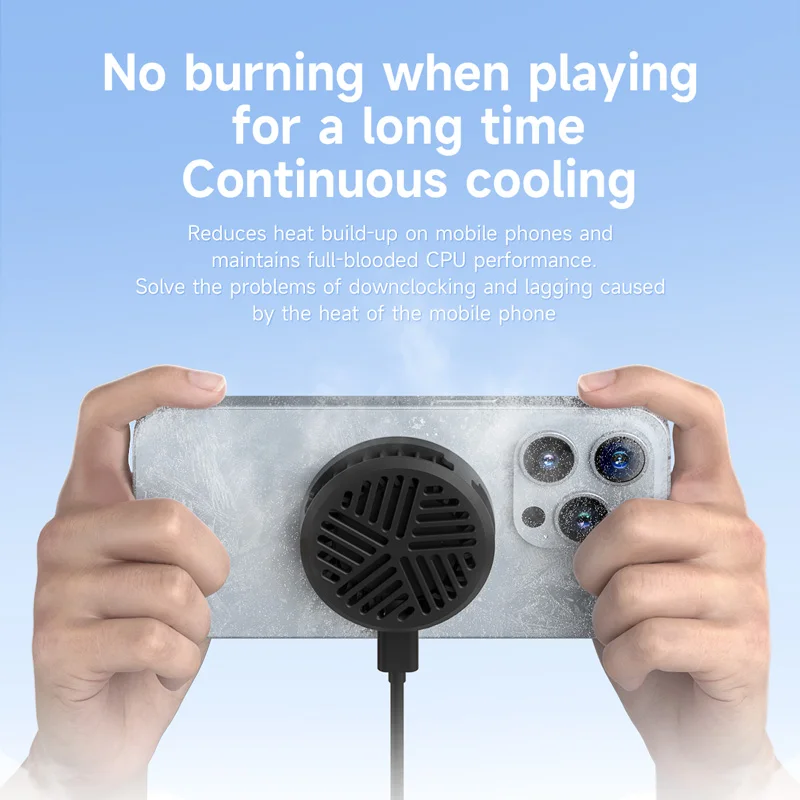
A phone that gets hot can slow itself down to protect itself. A cooler draws heat away from the back, so it can hold its speed for longer.
Will a magnetic cooler hold to my phone?
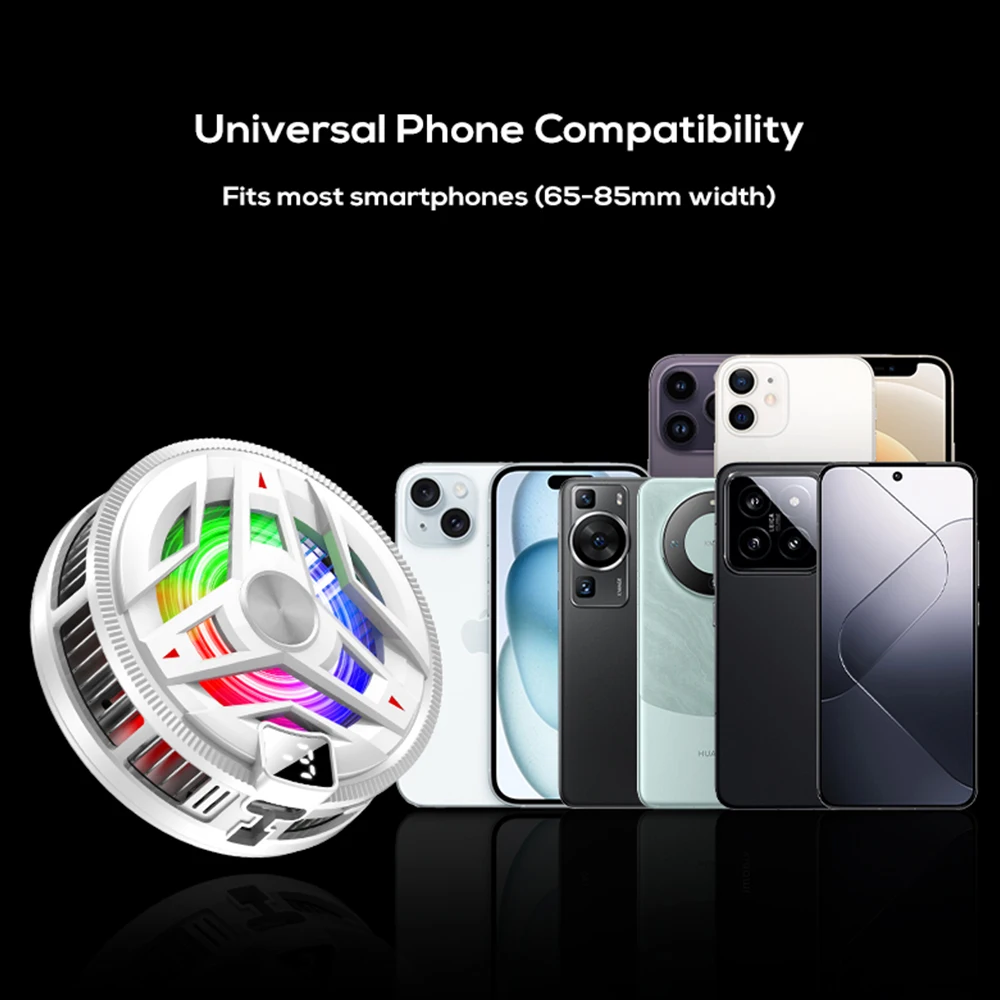
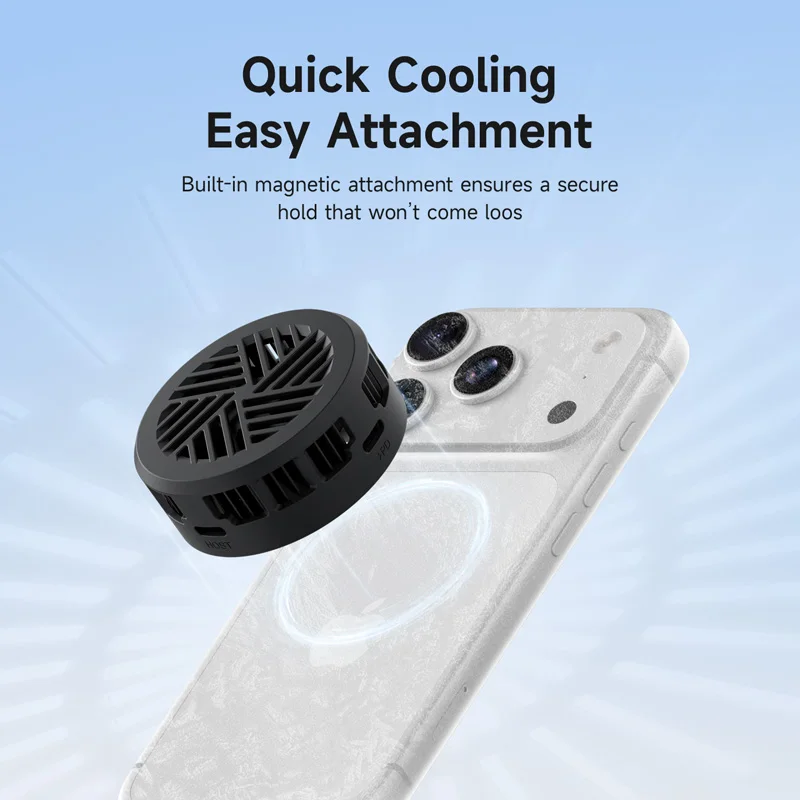
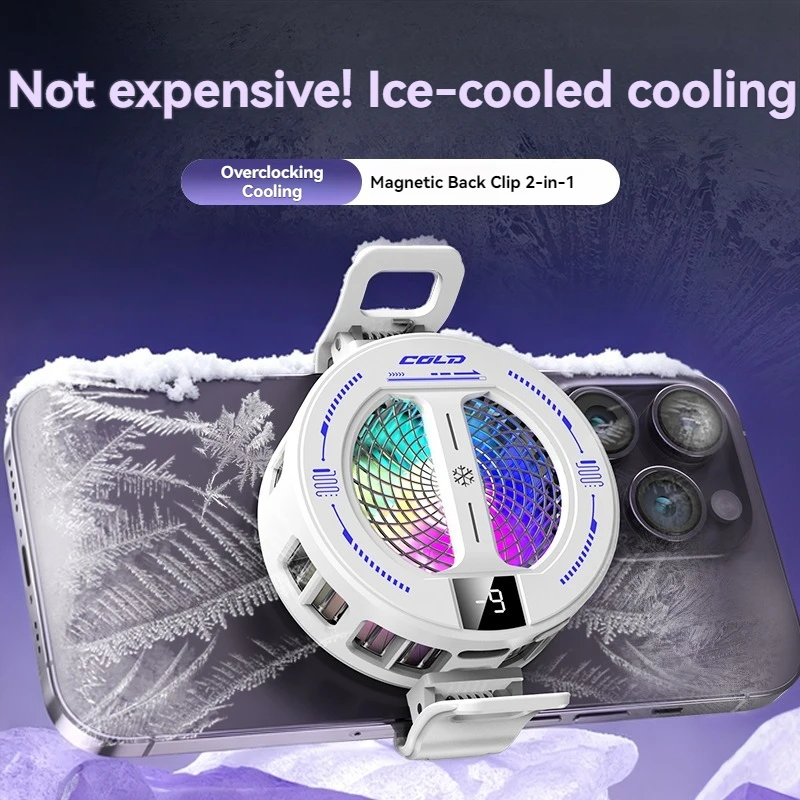
It holds by magnet, so it suits a phone with magnets built in or a magnetic case. Read each cooler's notes for what it needs.
Why is there water on my cooler?
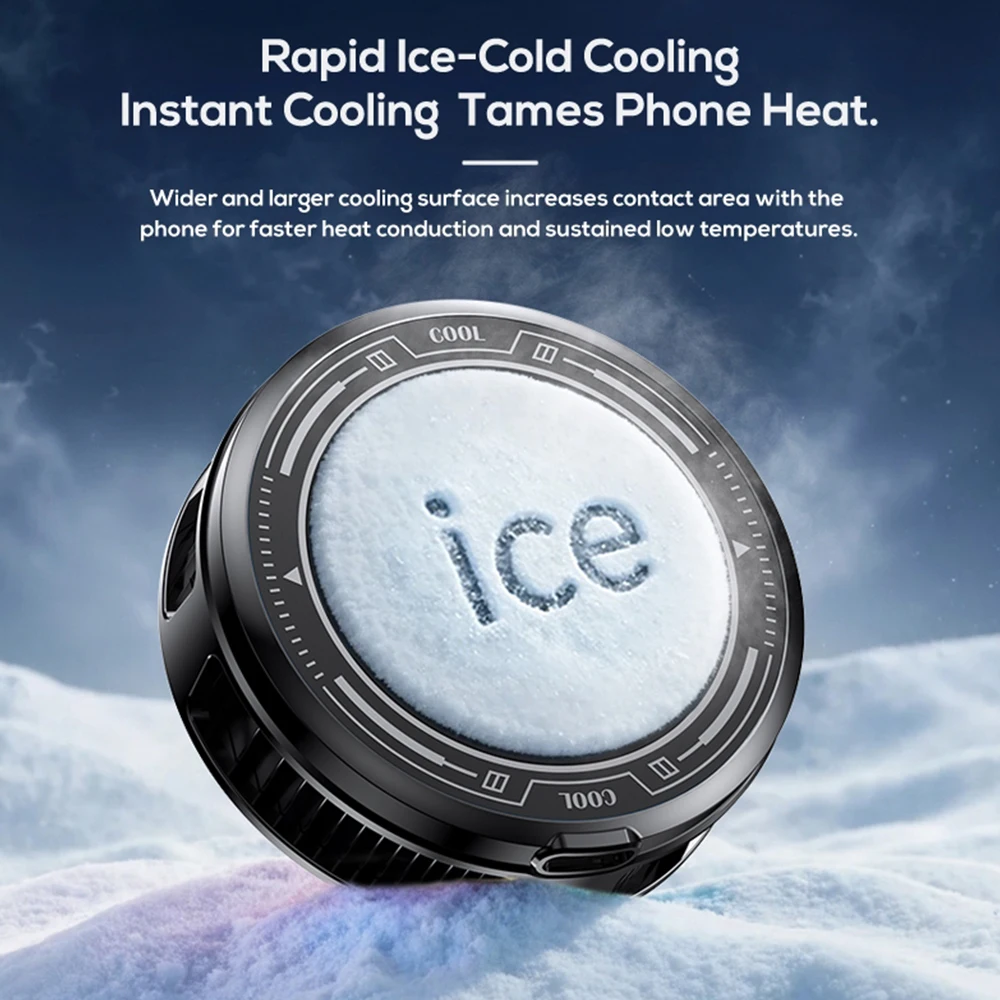
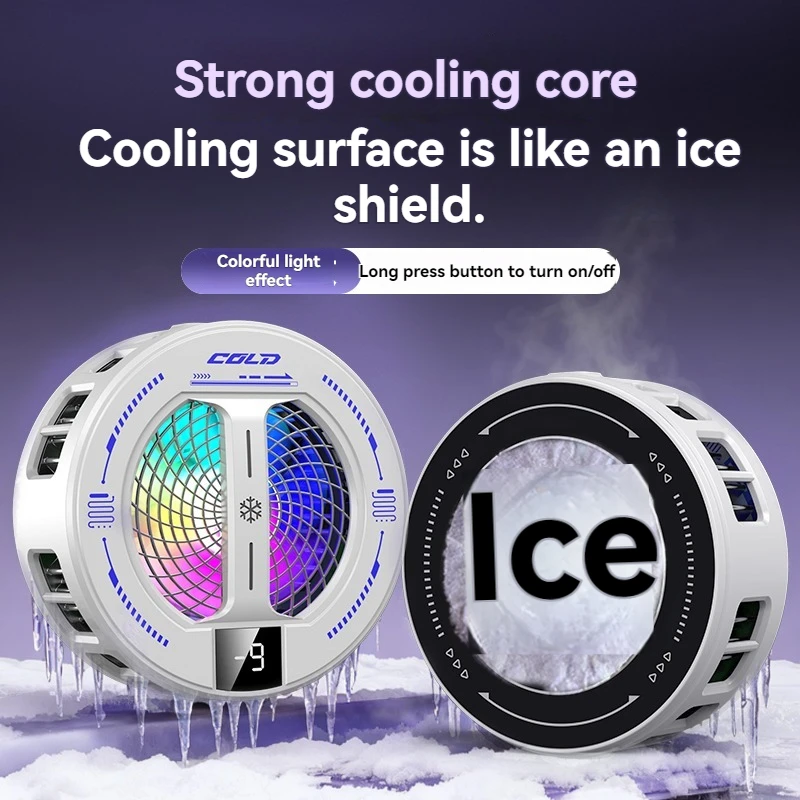
A cooler with a cold plate can gather water from the air in a damp room. Wipe it and the phone dry.
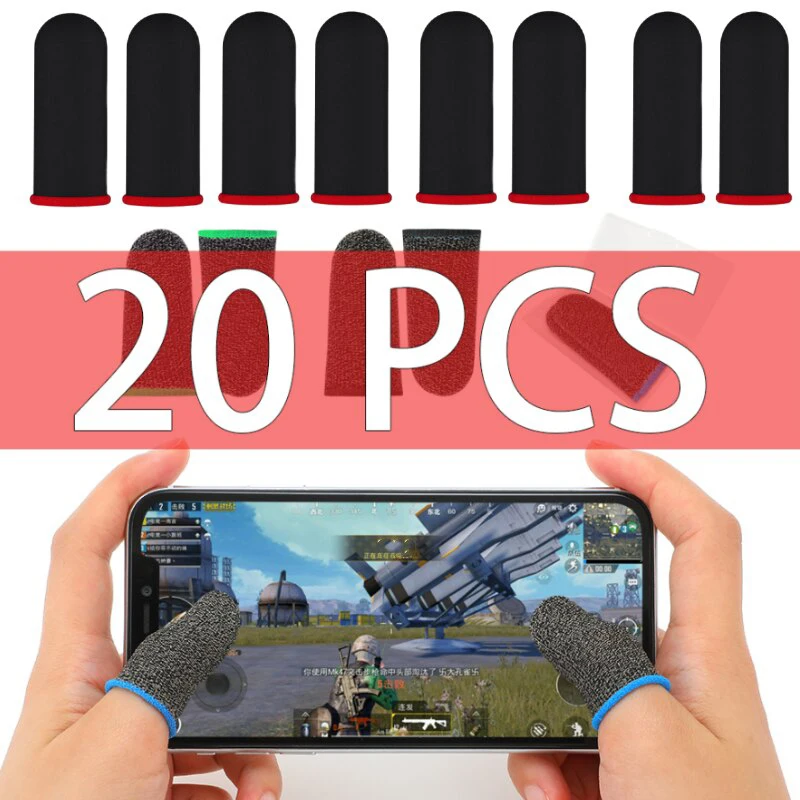
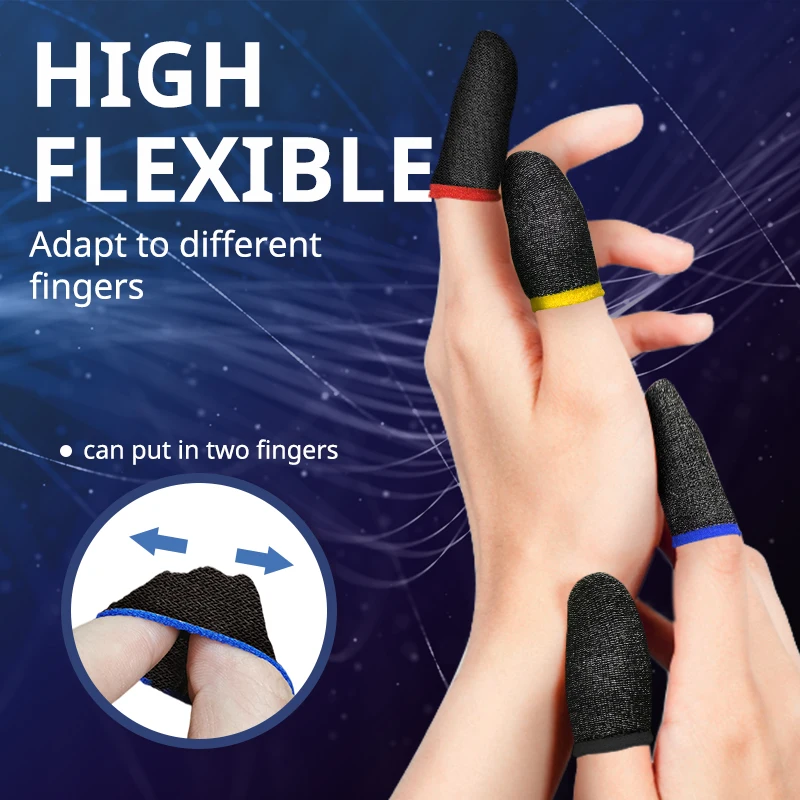
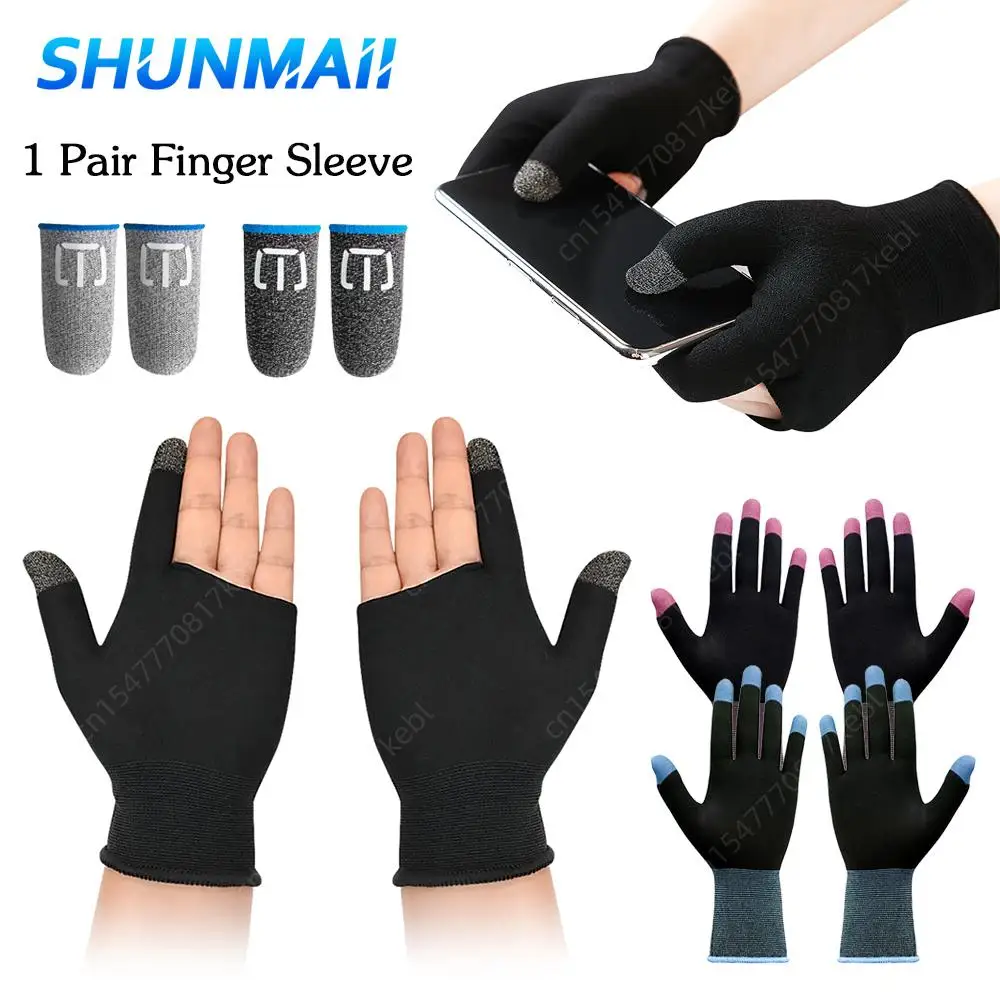
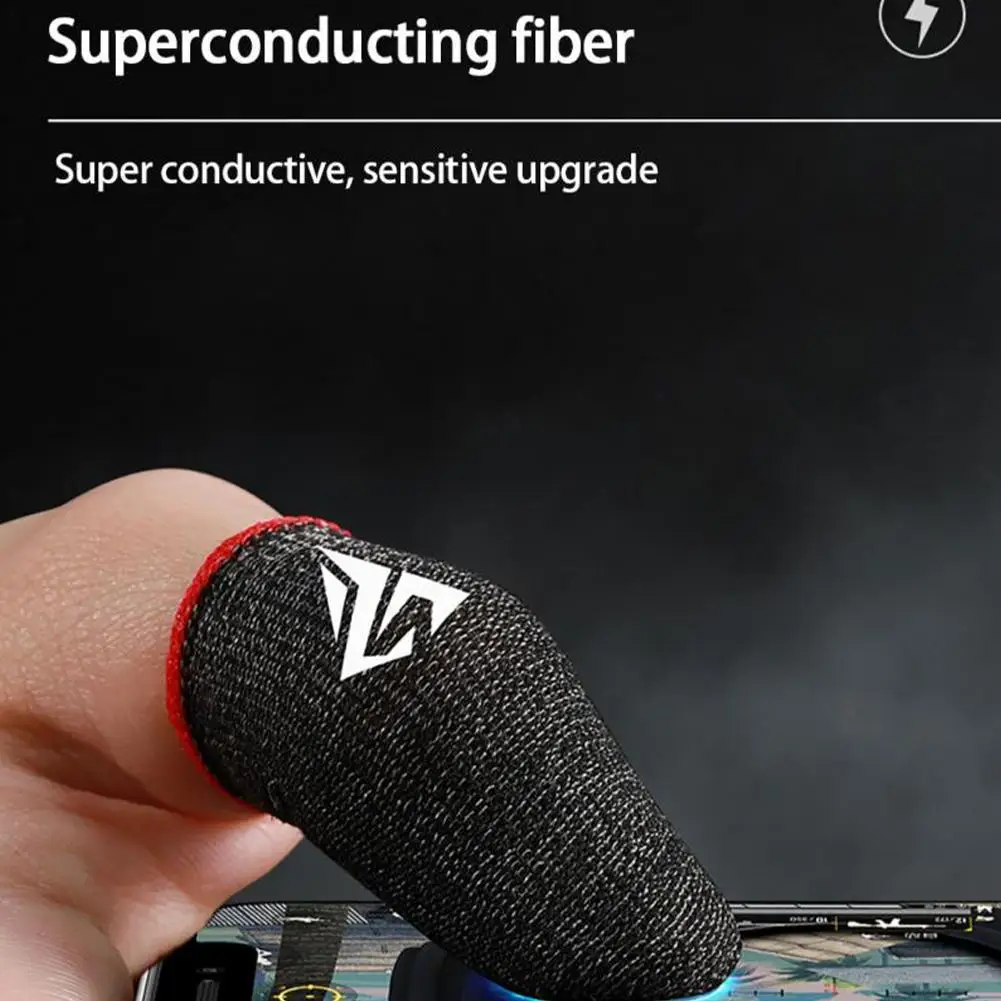
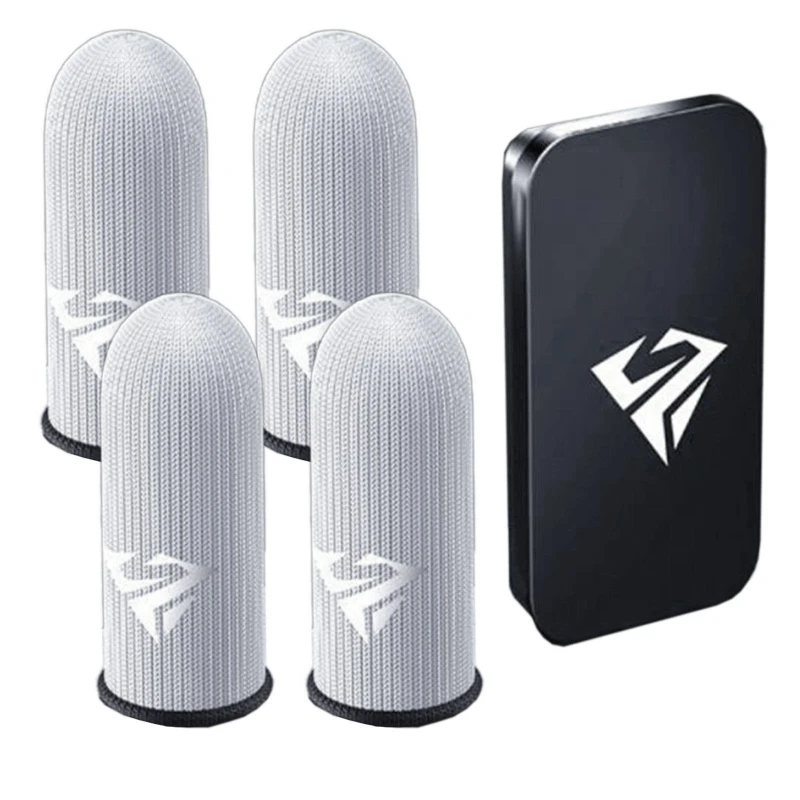
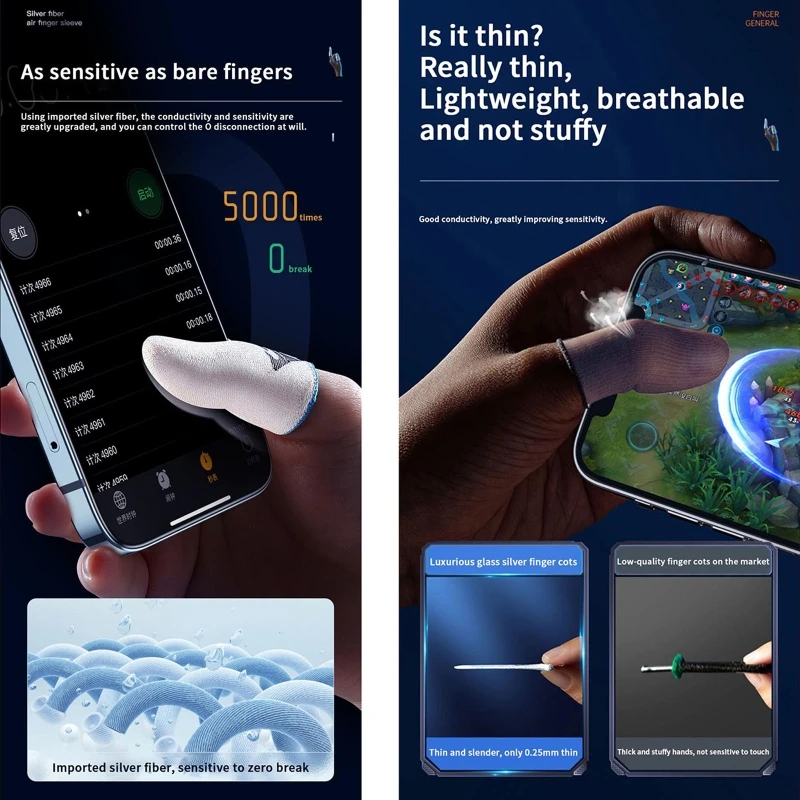
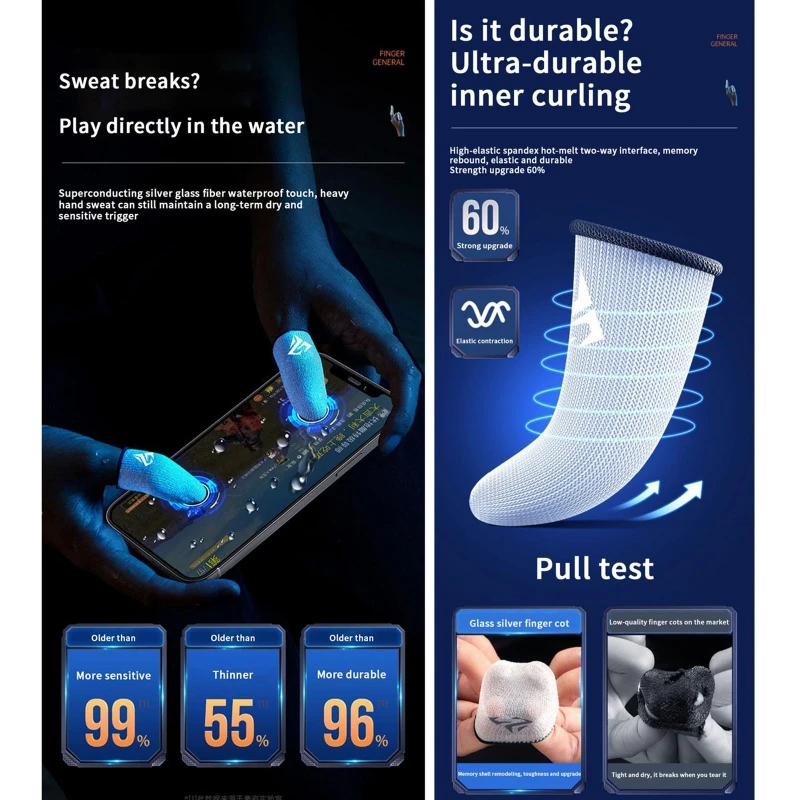
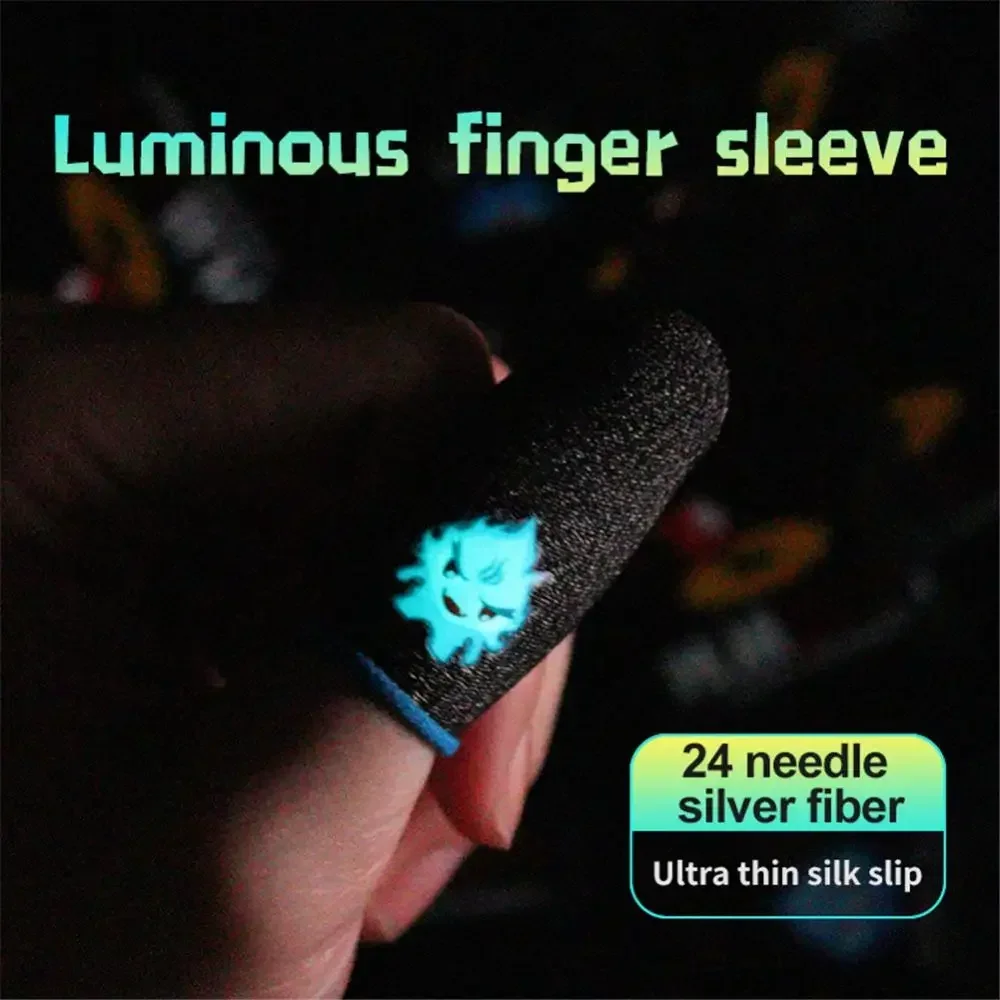
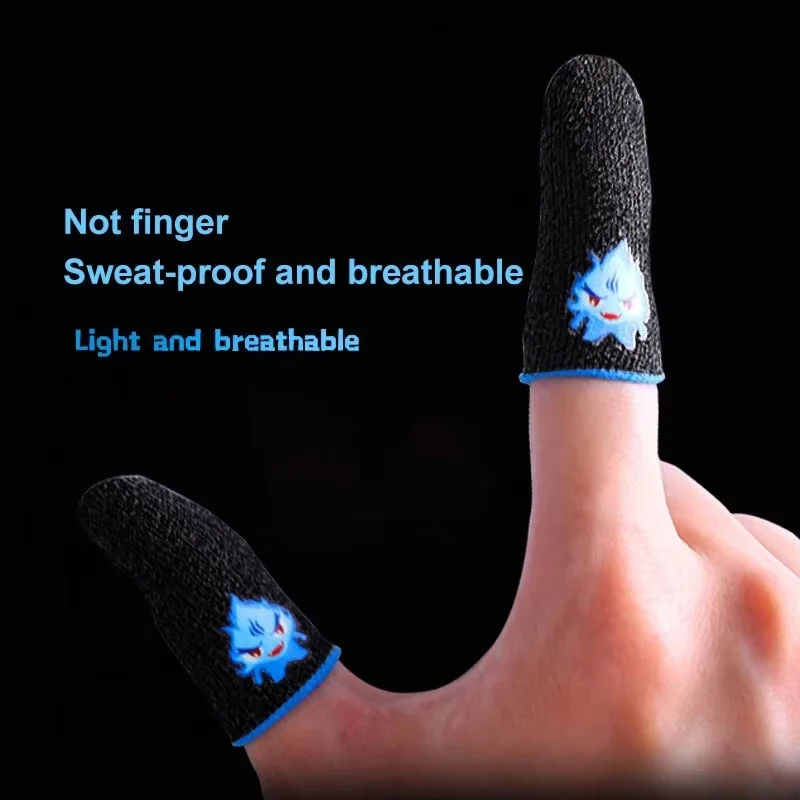
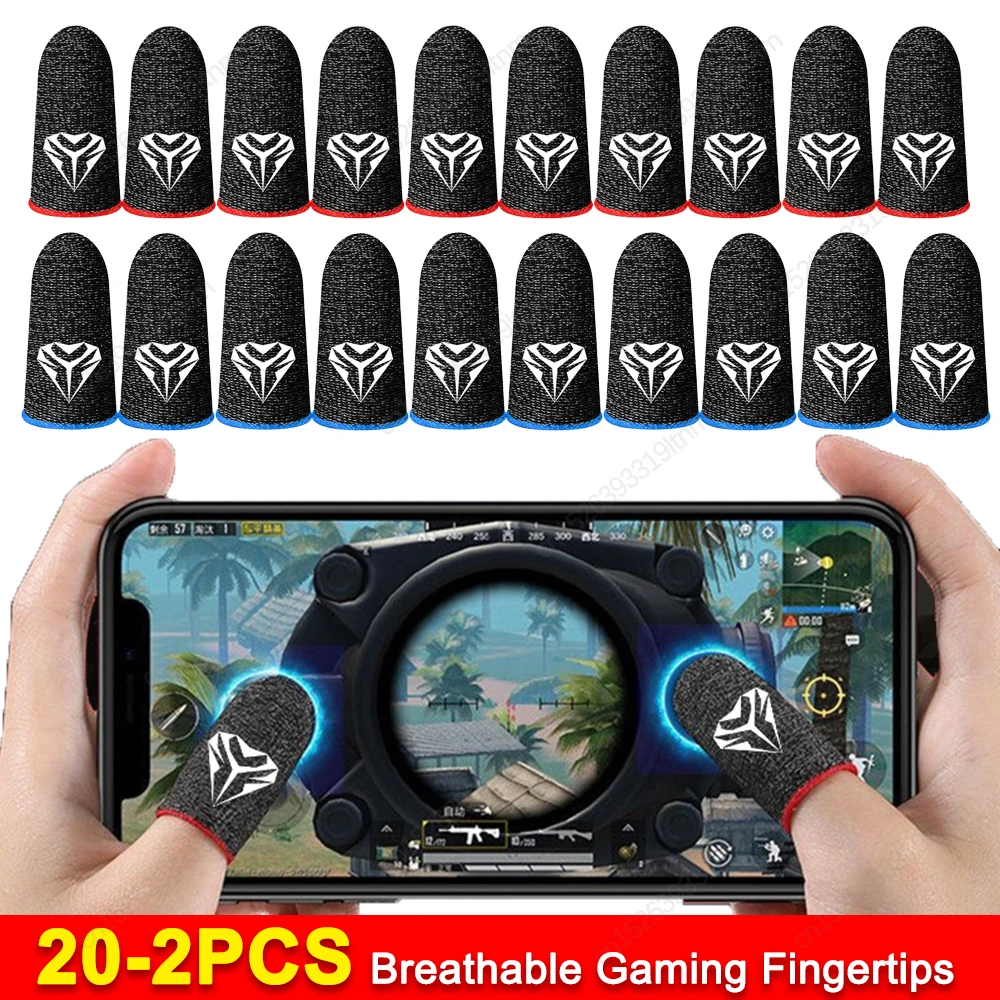
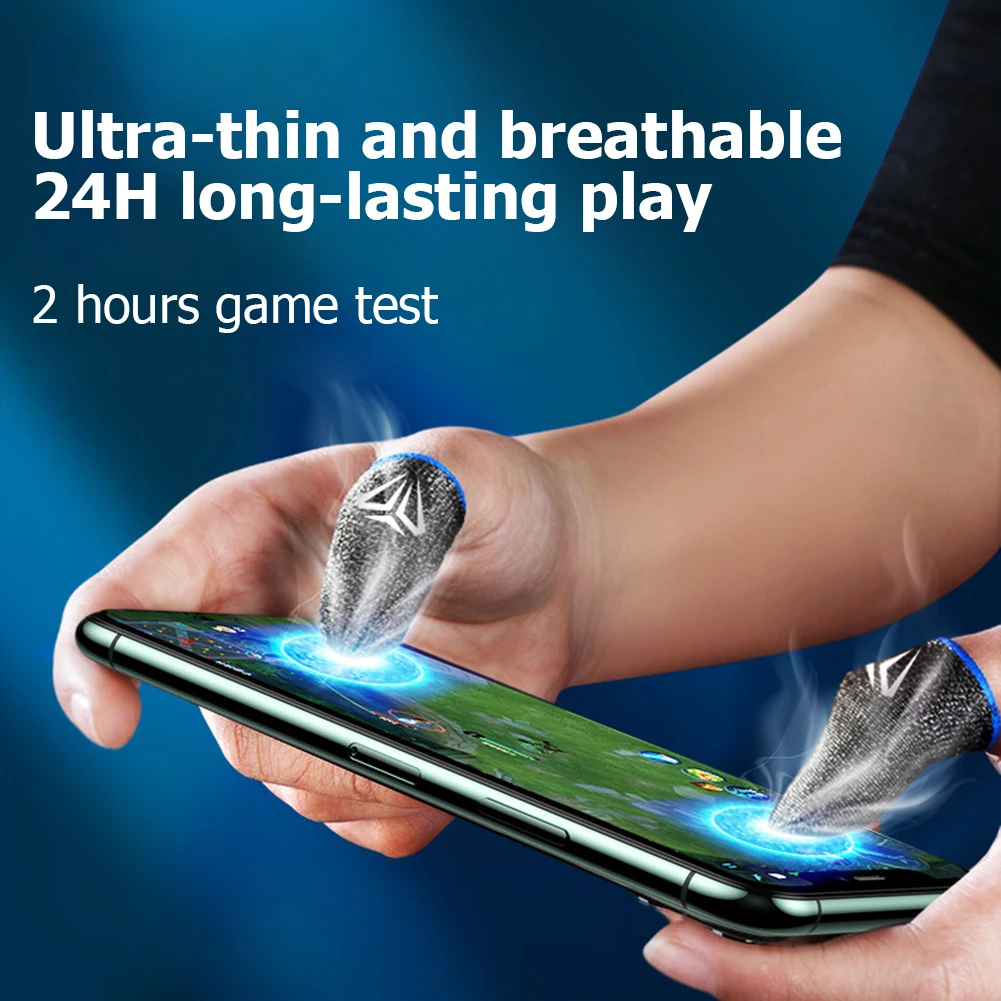
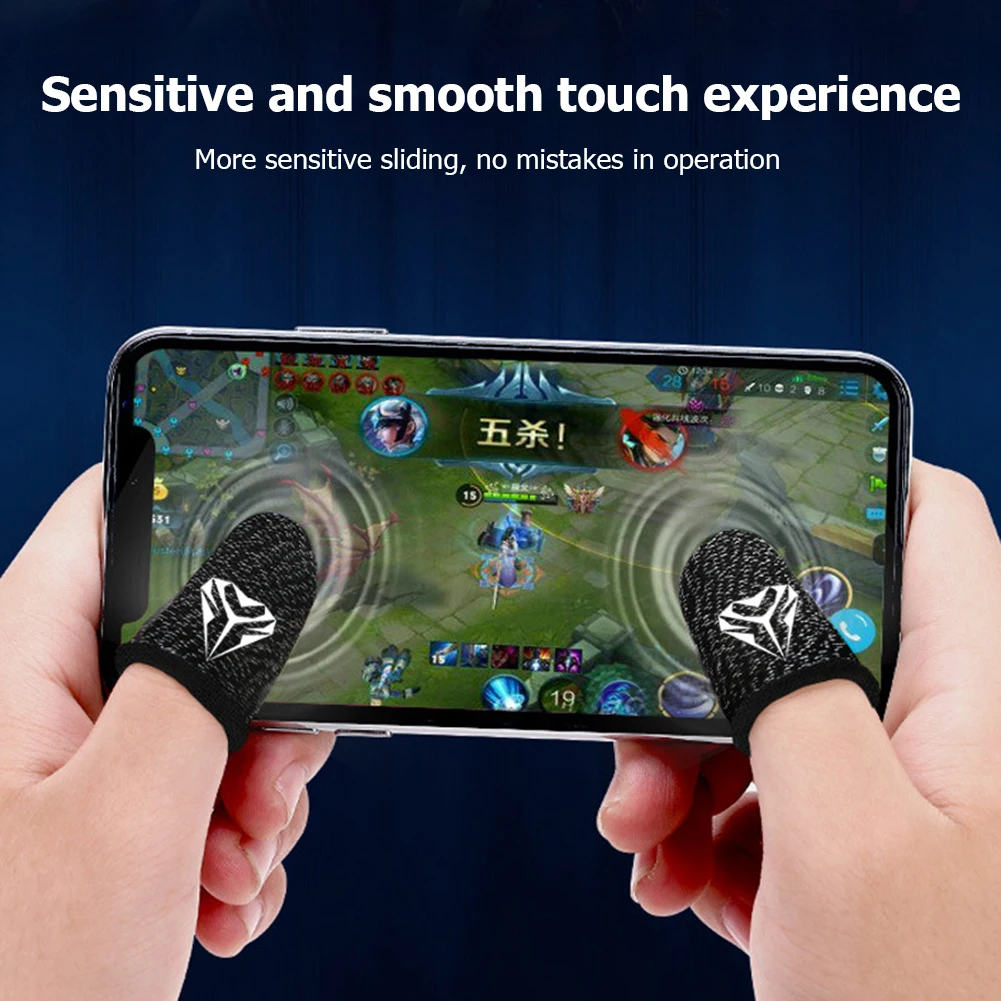
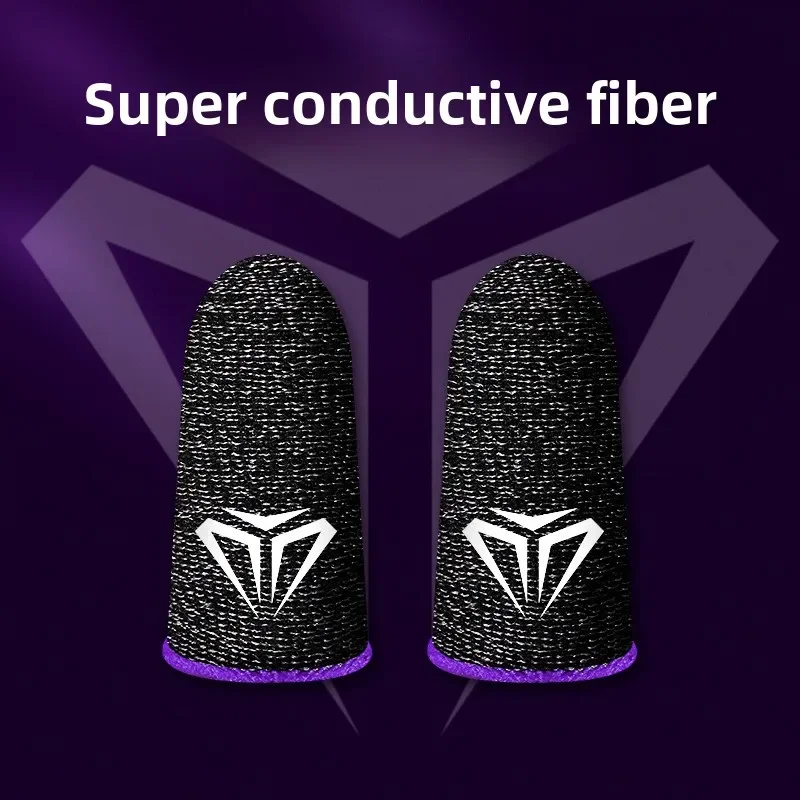
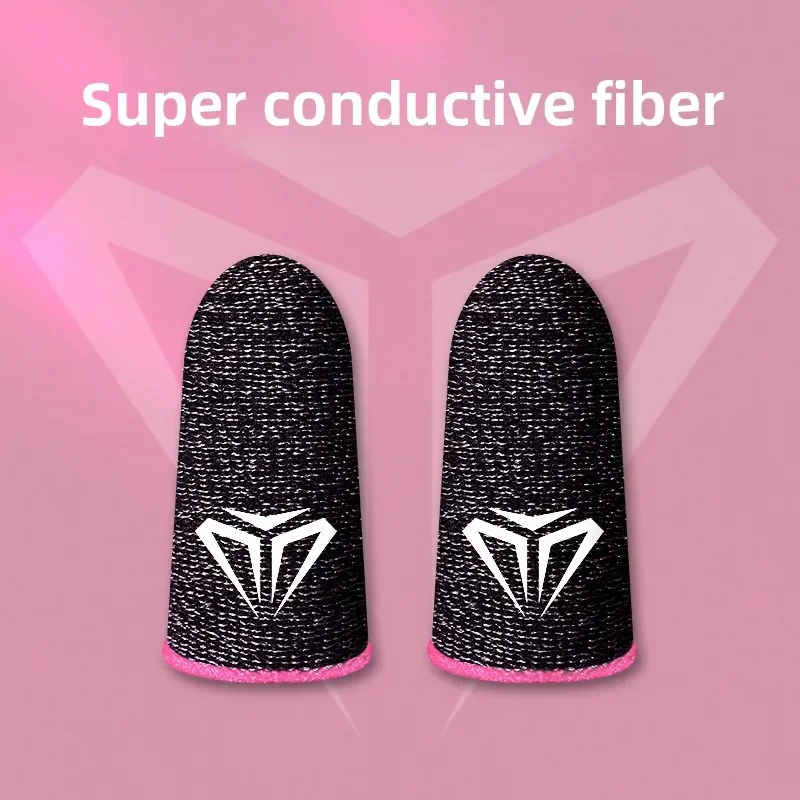
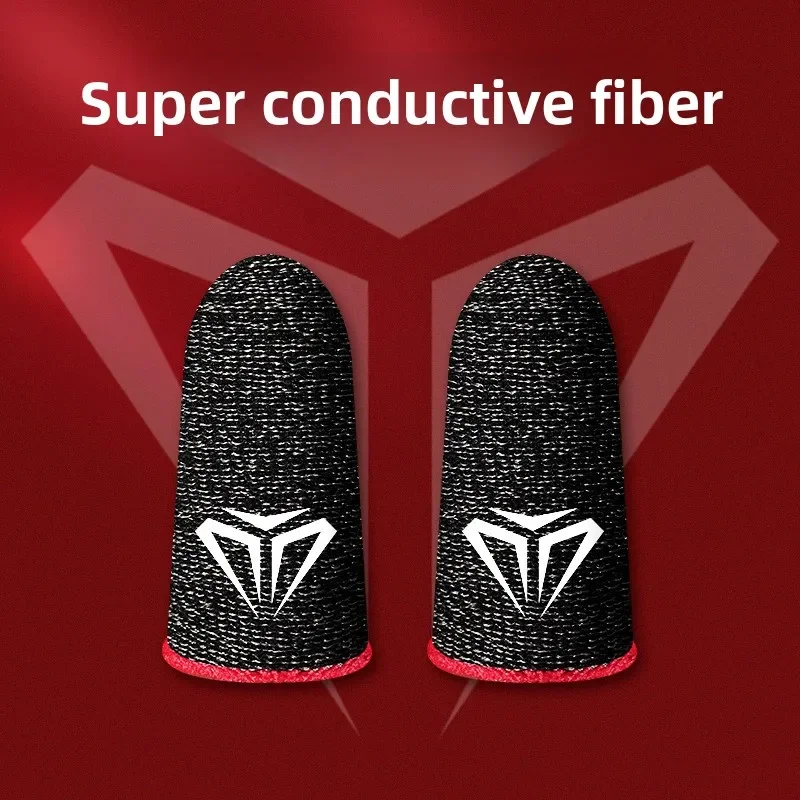
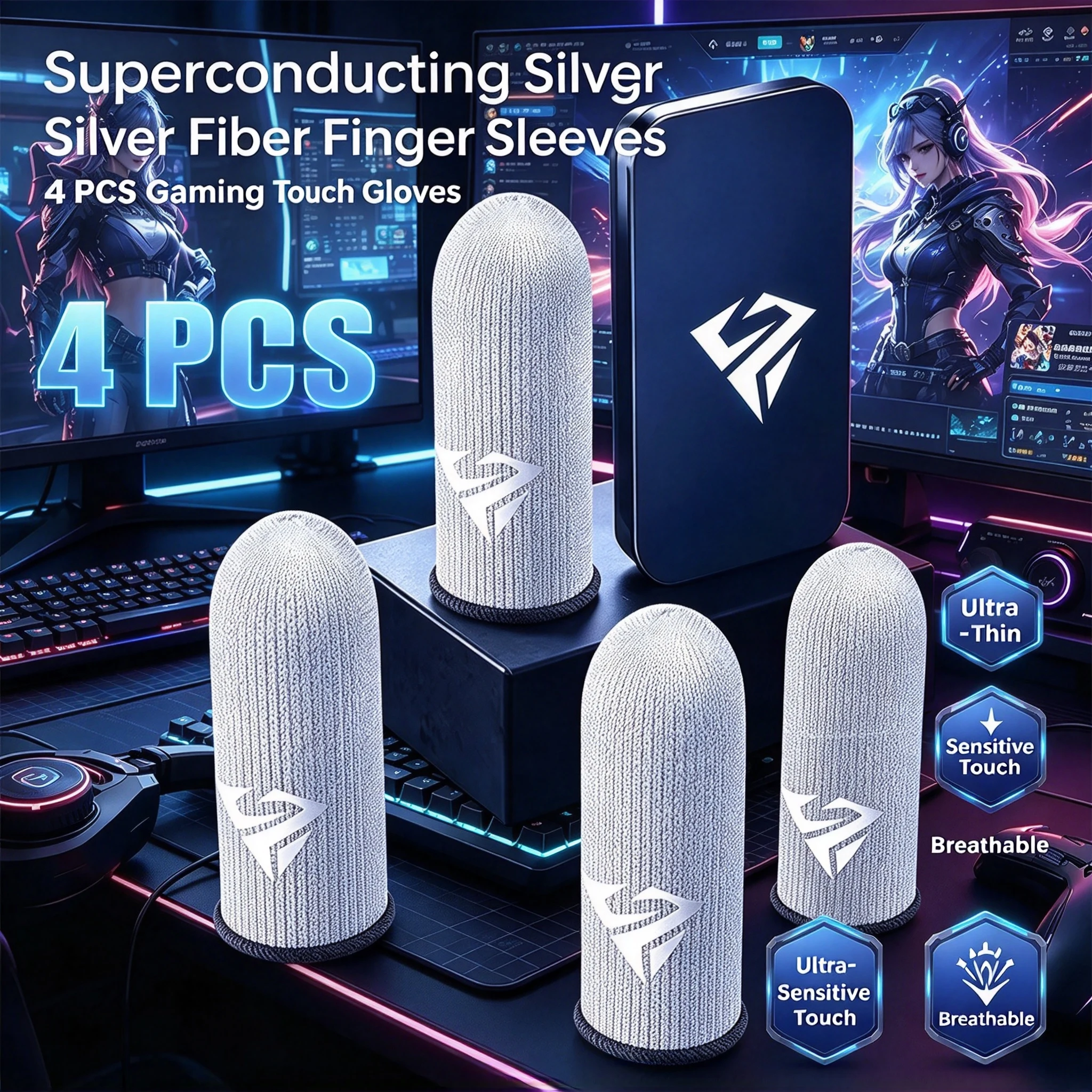
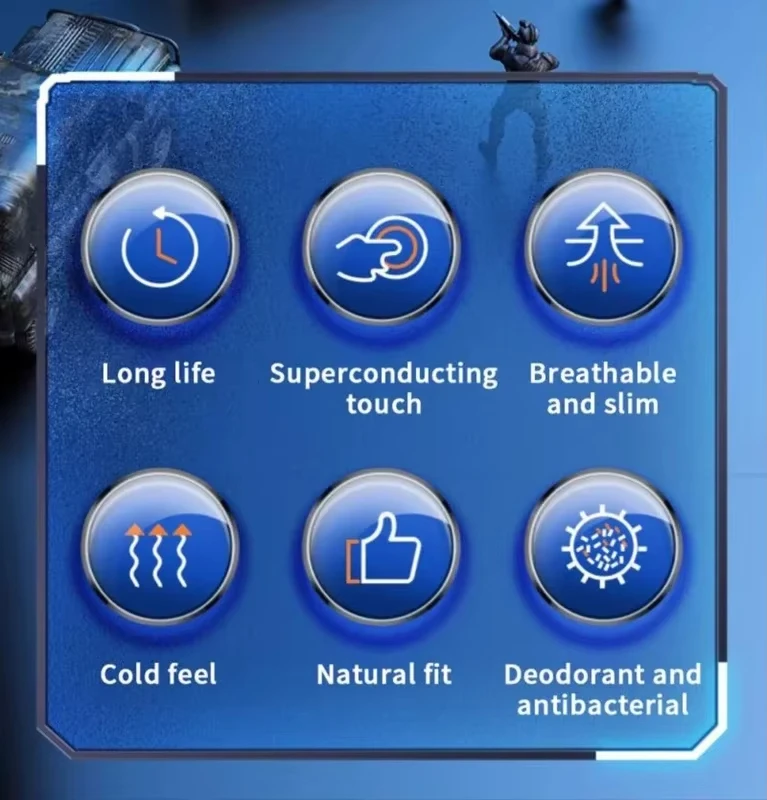
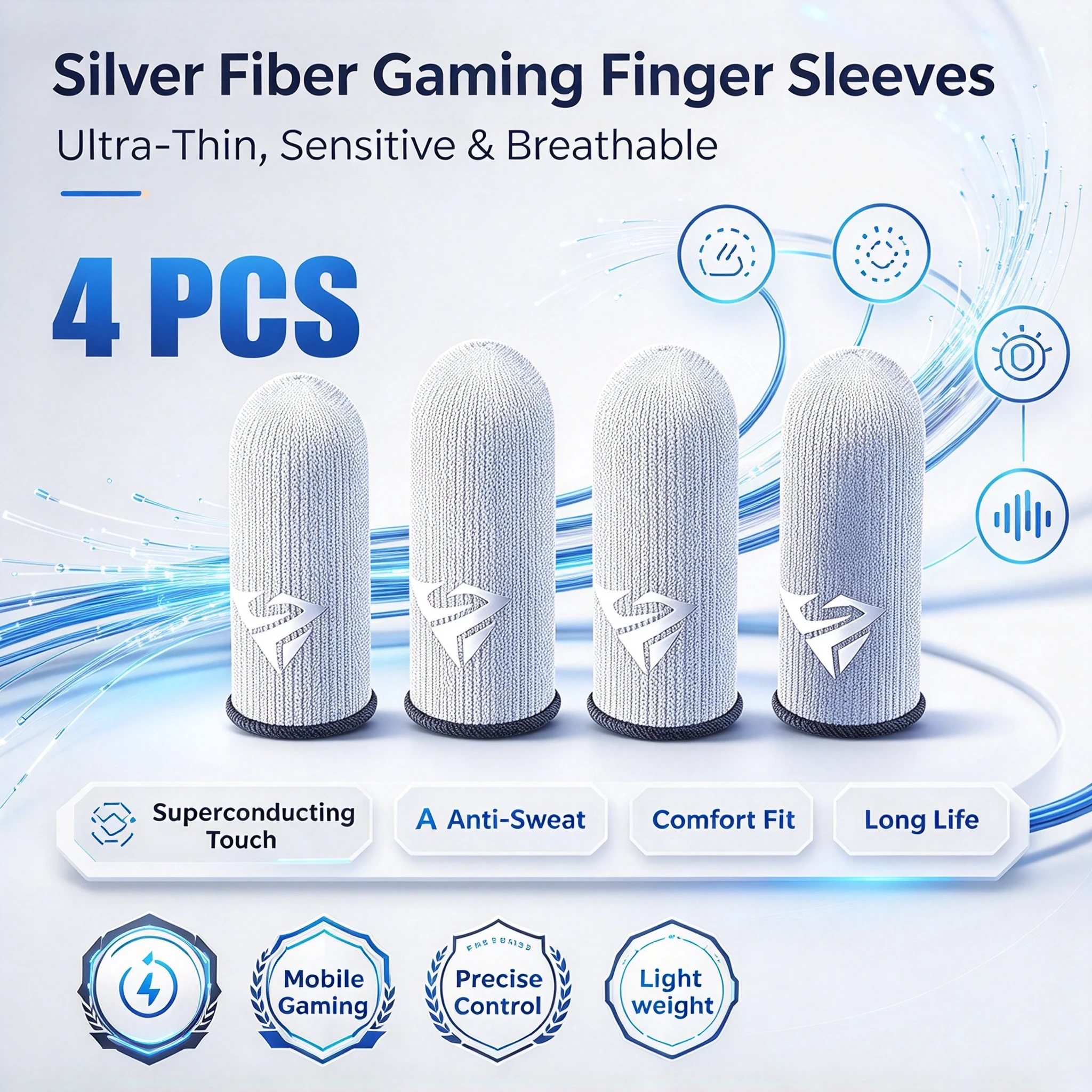
Do finger sleeves work on any phone?
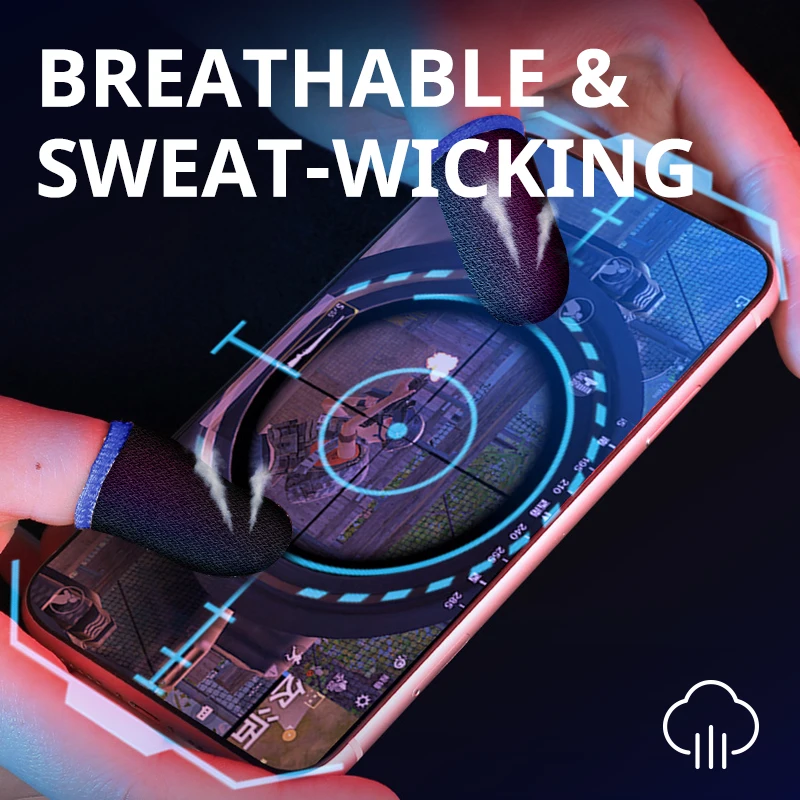
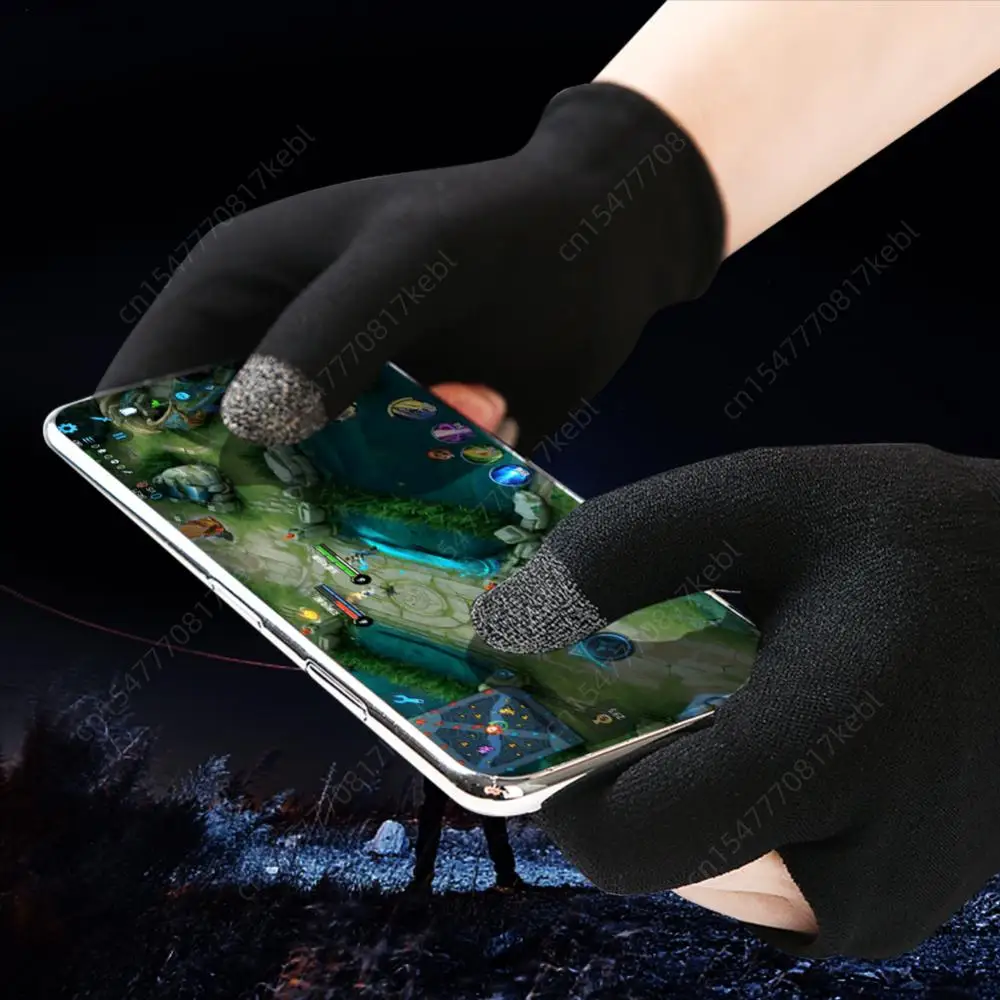
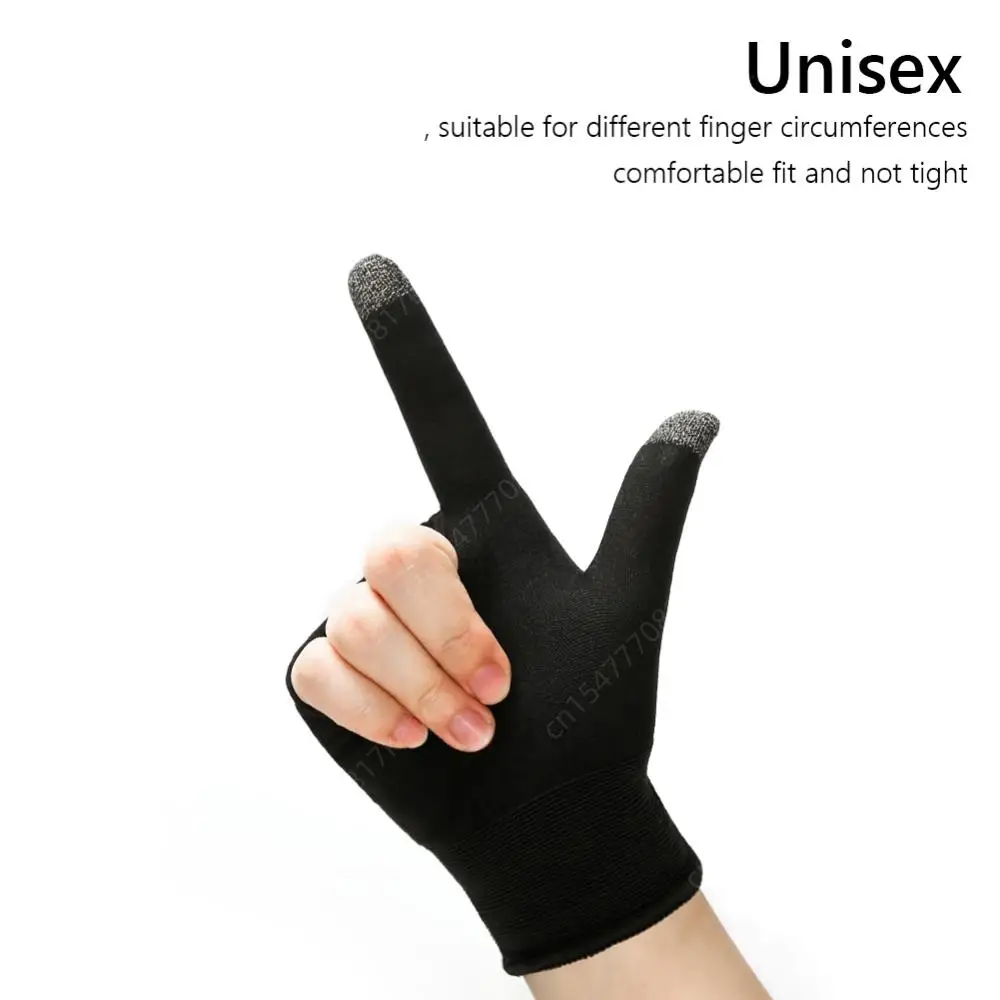
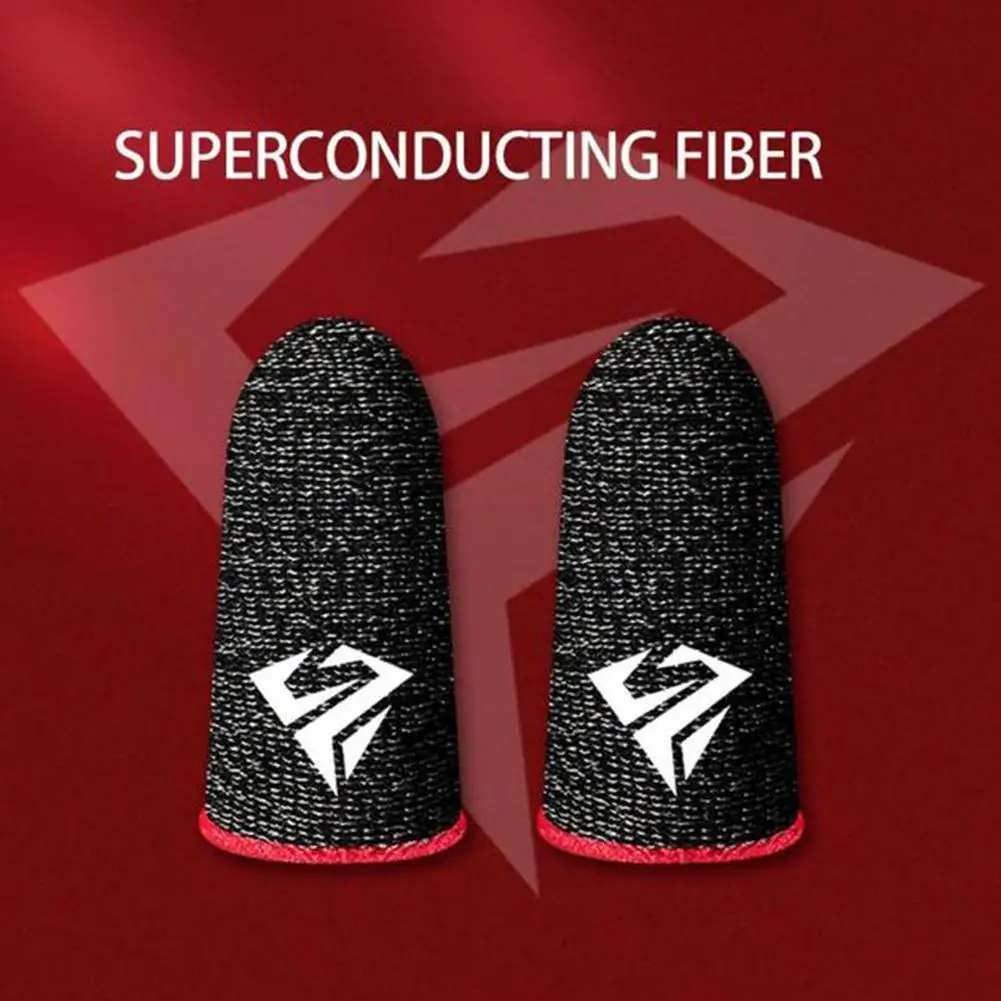
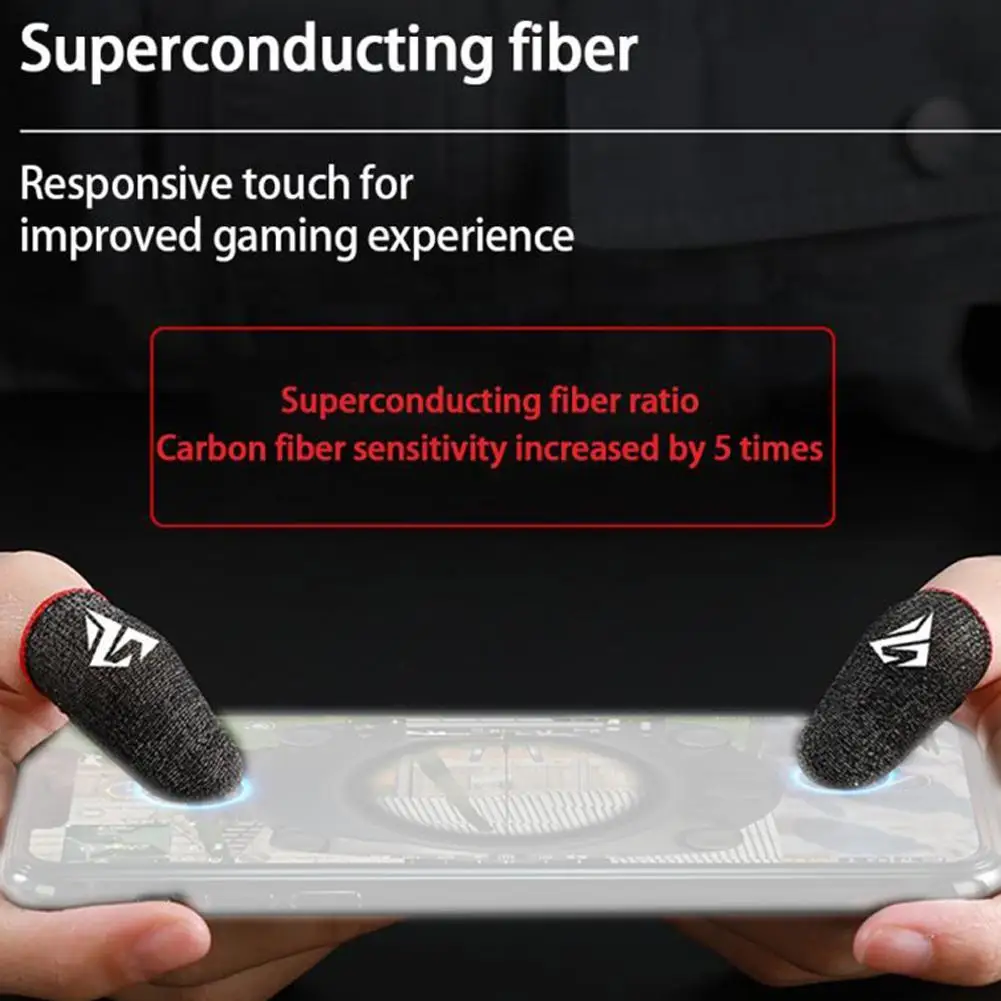
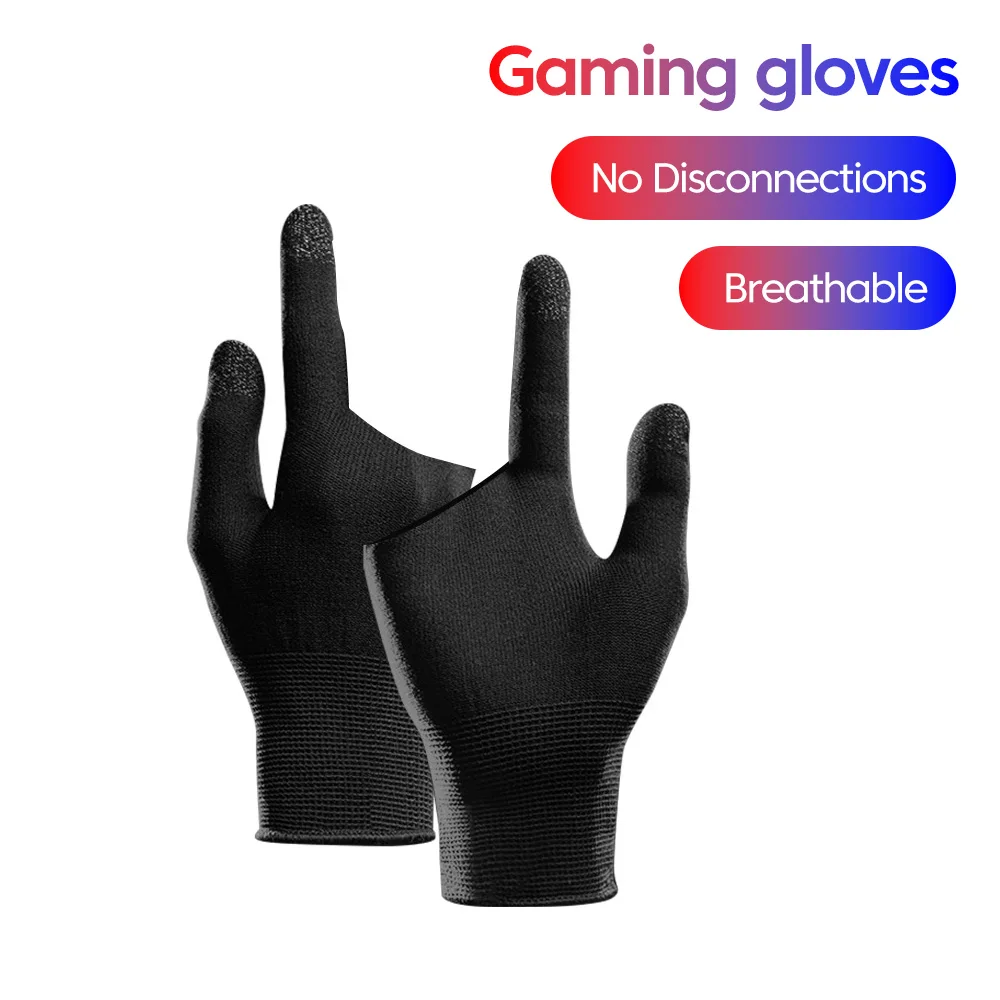
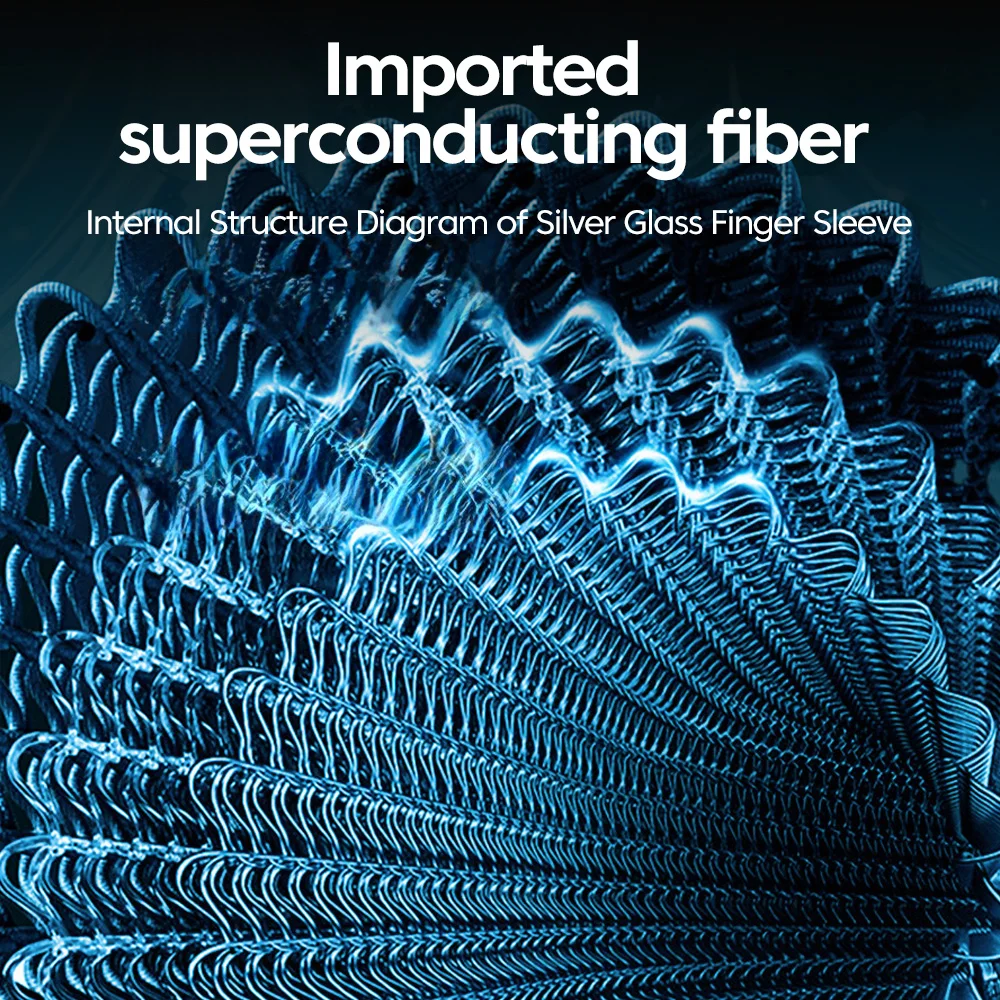
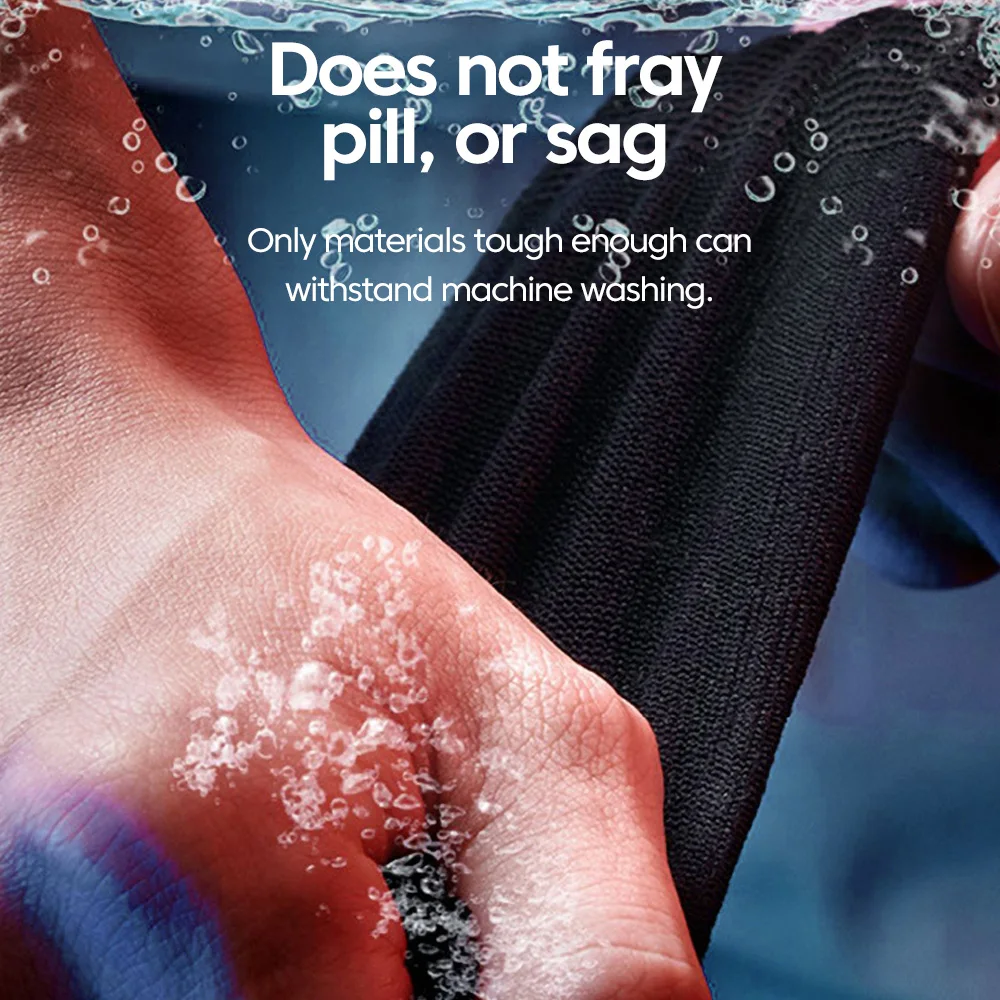
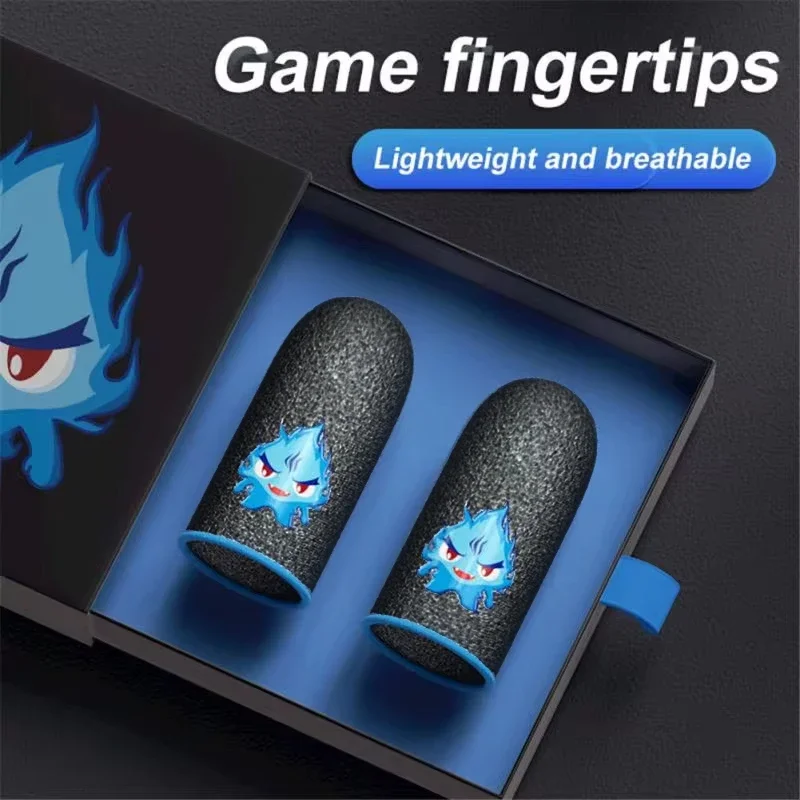
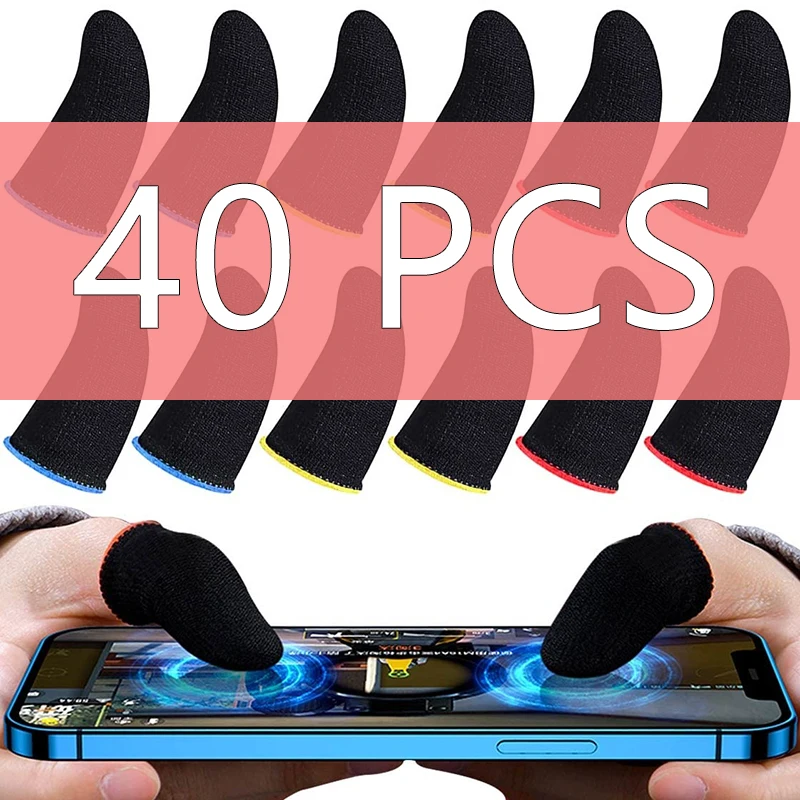
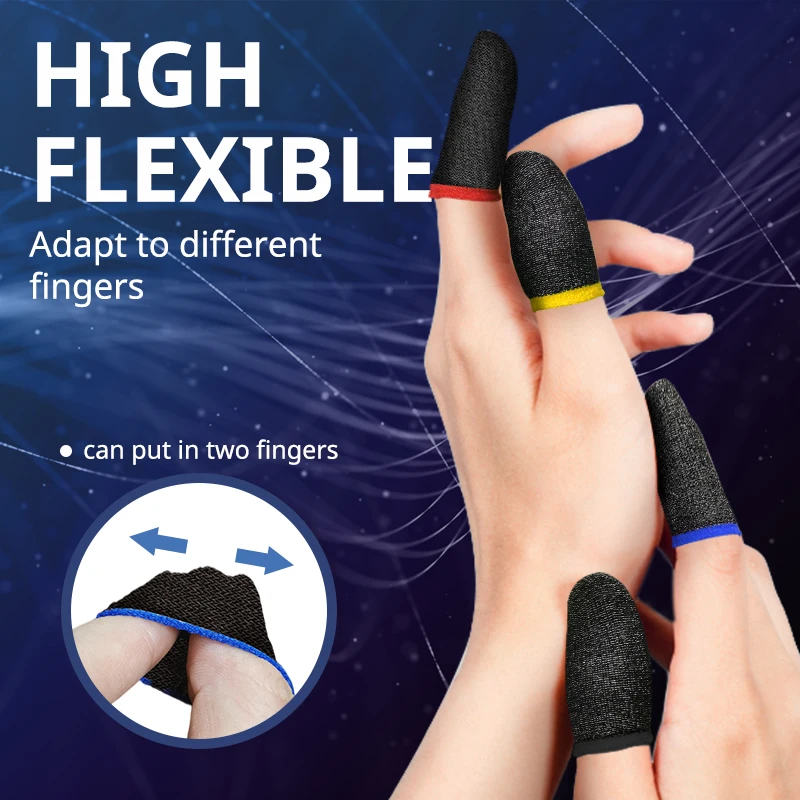
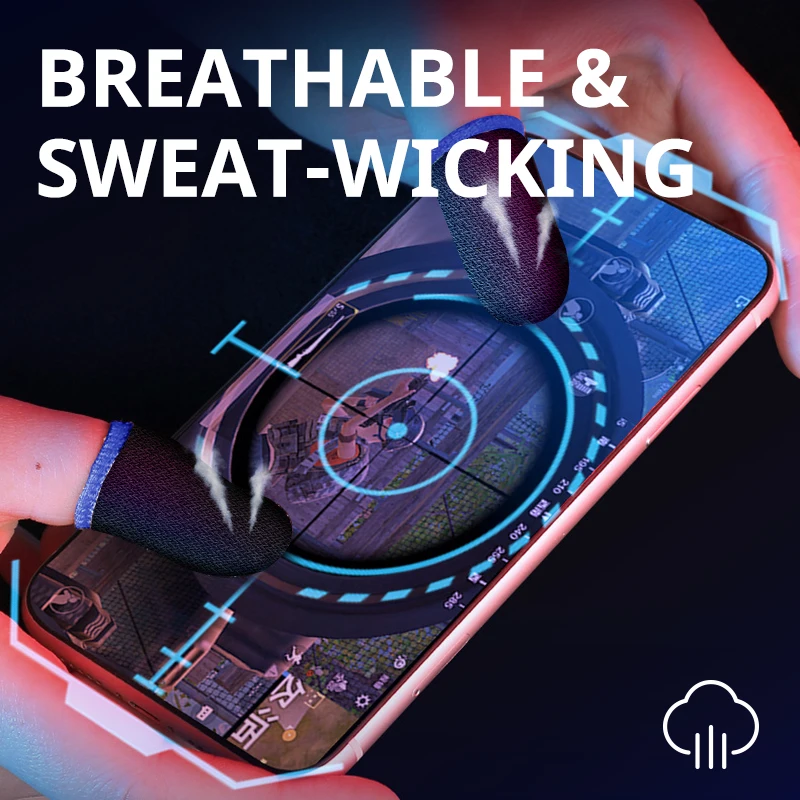
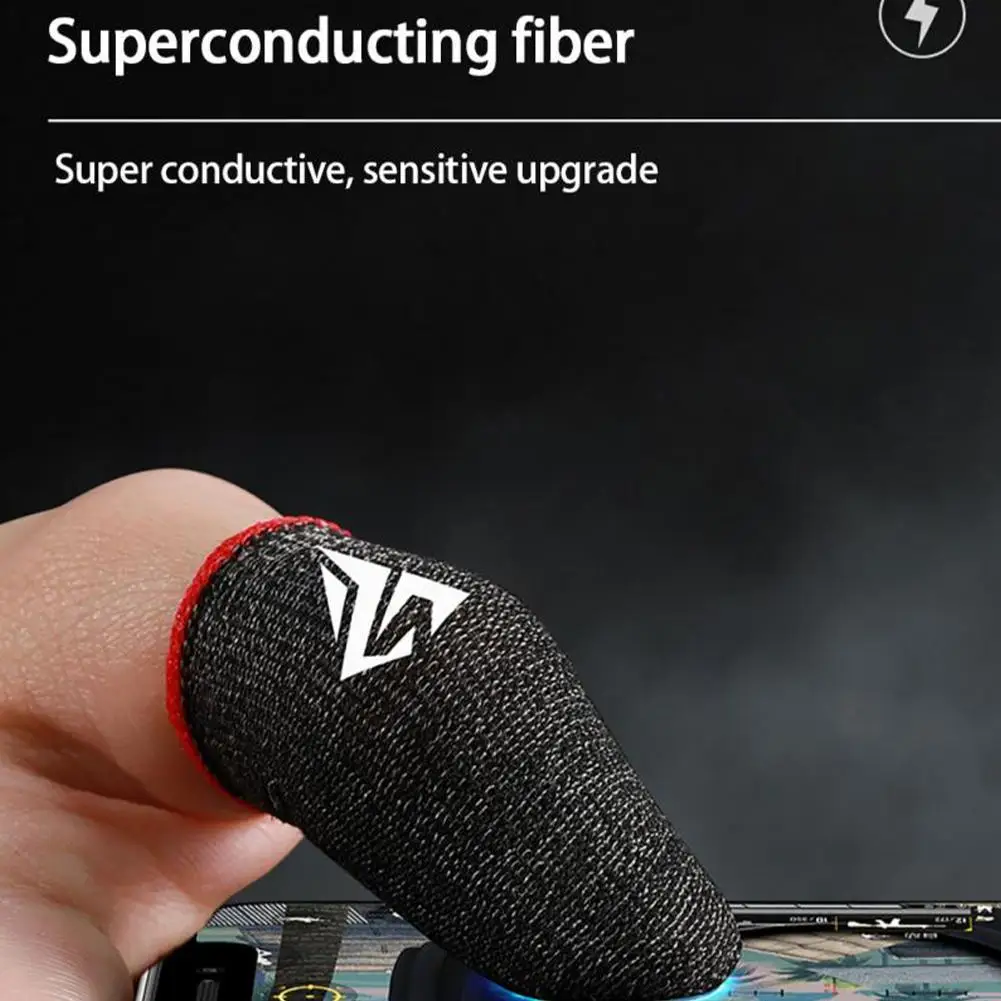
Yes. They are thin sleeves made so the screen still feels your touch, and they slip over a thumb or finger. Long sessions also drain the battery fast, so a power bank is worth having beside you.
How long does delivery take?
Delivery is included in every price and tracked to your door. Each product page says when it usually arrives.
More to look at