A magnifier made to stay out
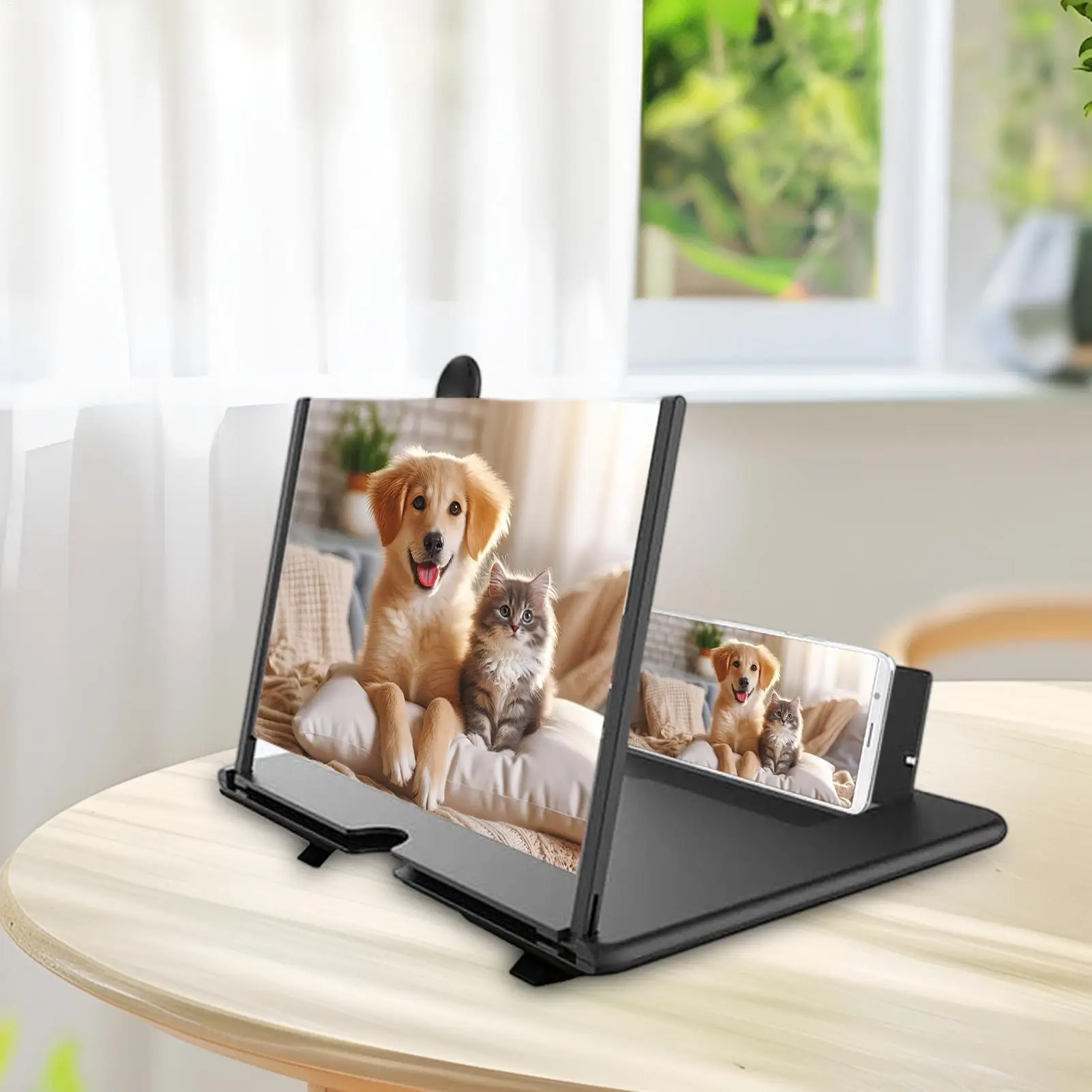
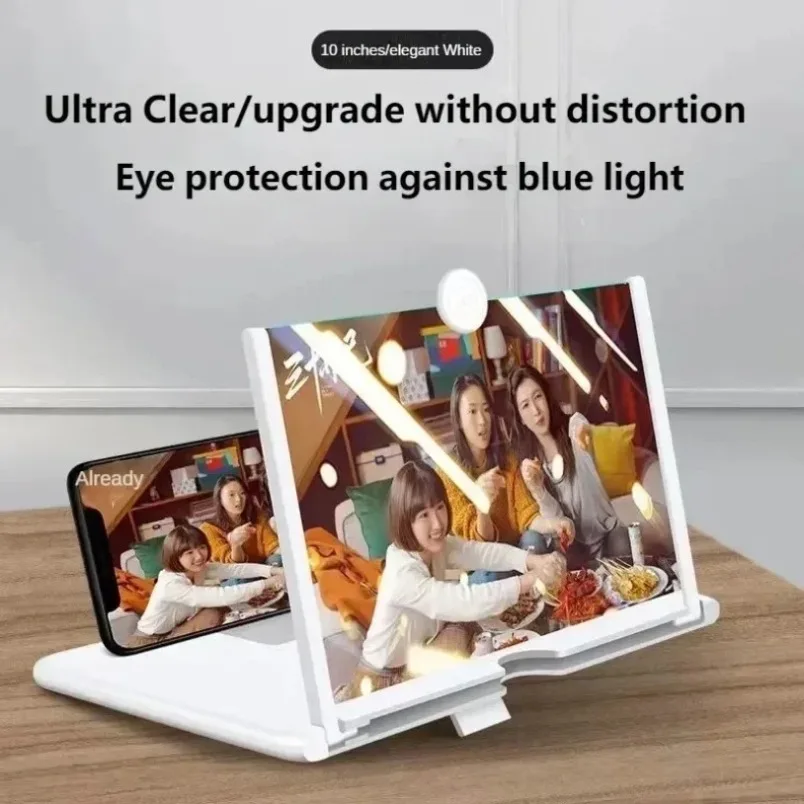
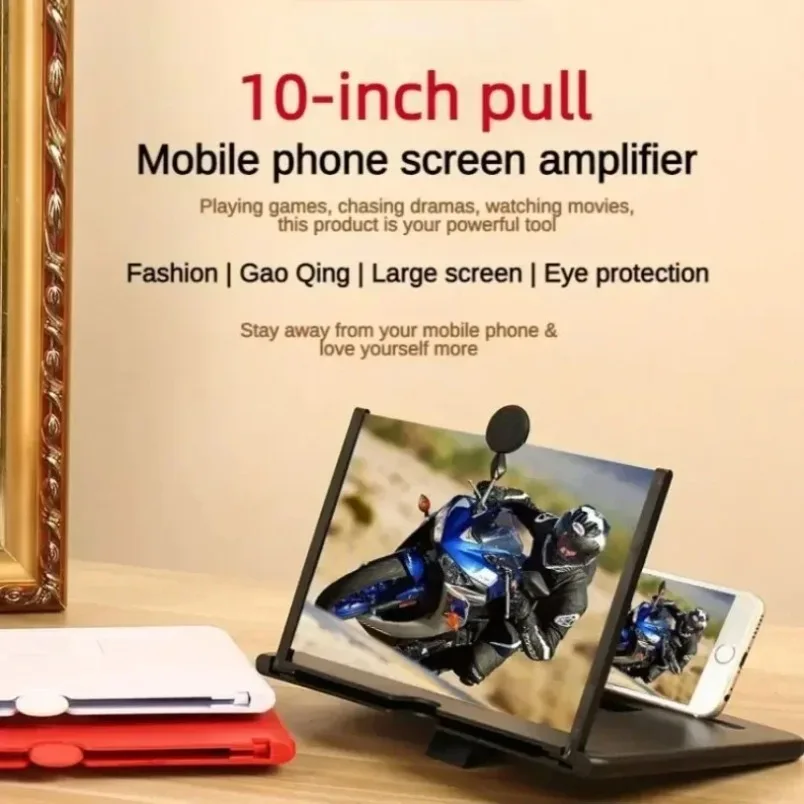
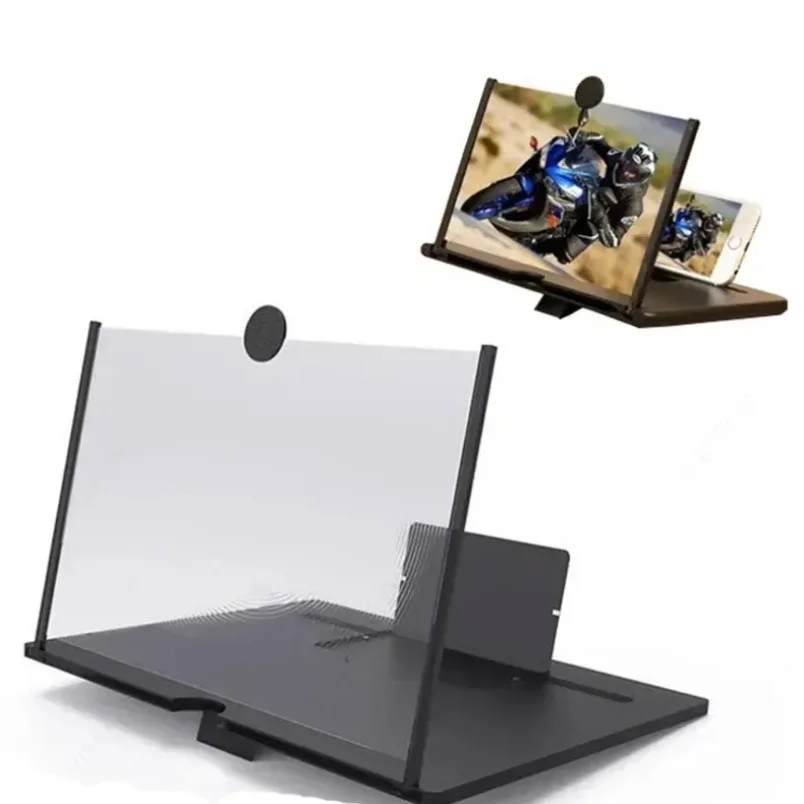
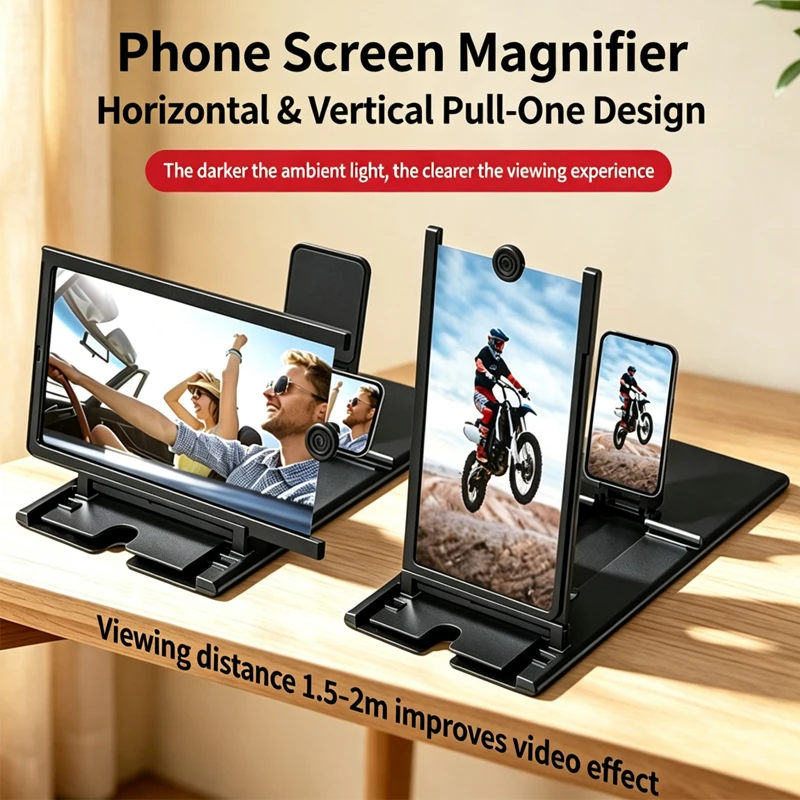
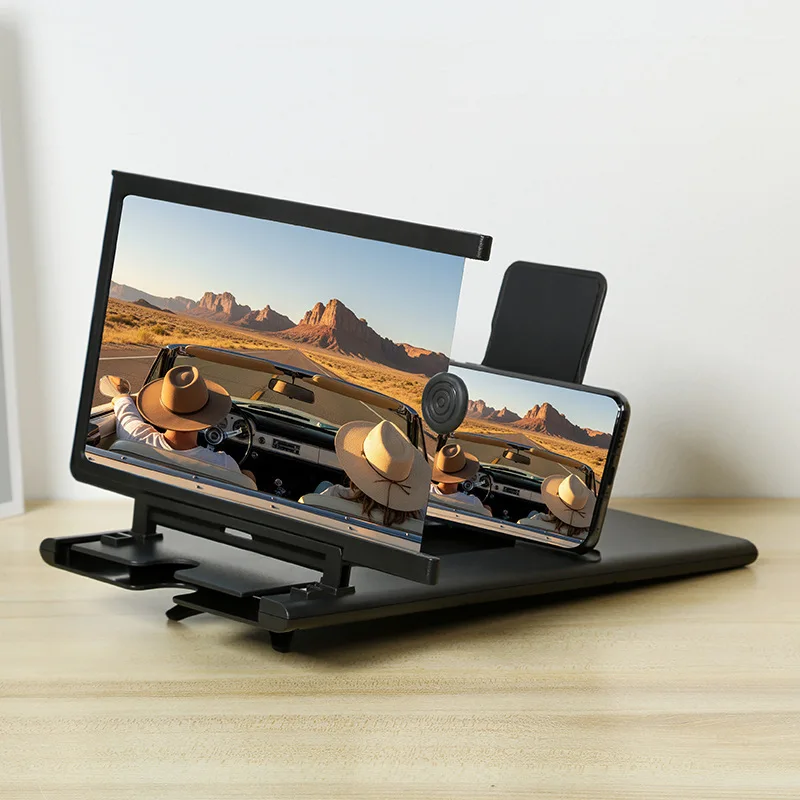
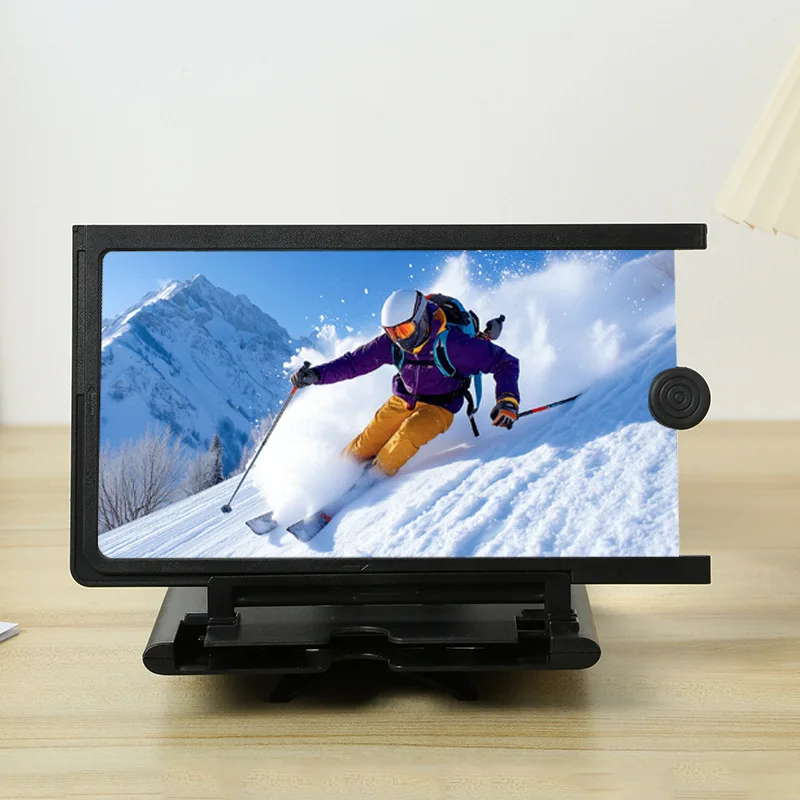
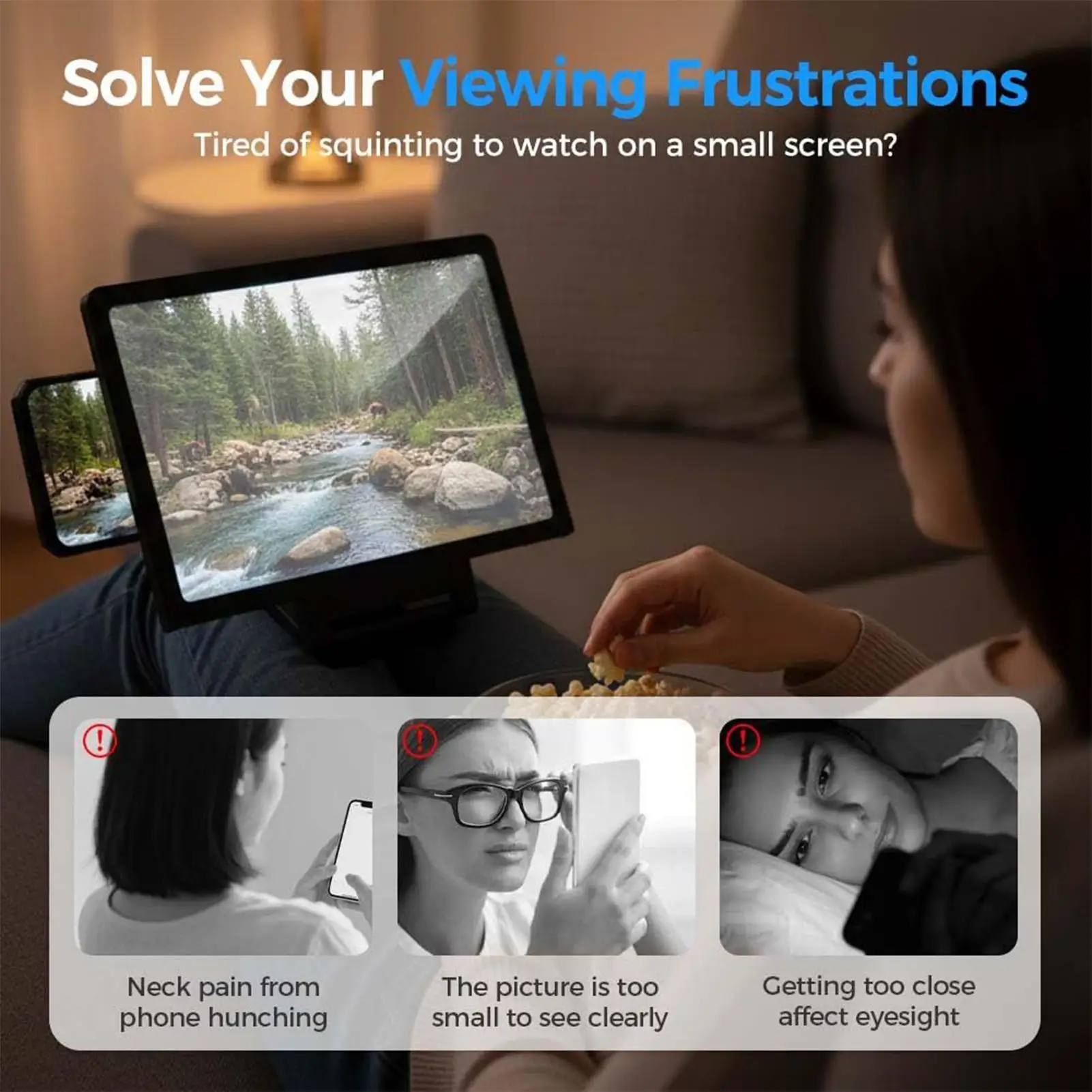
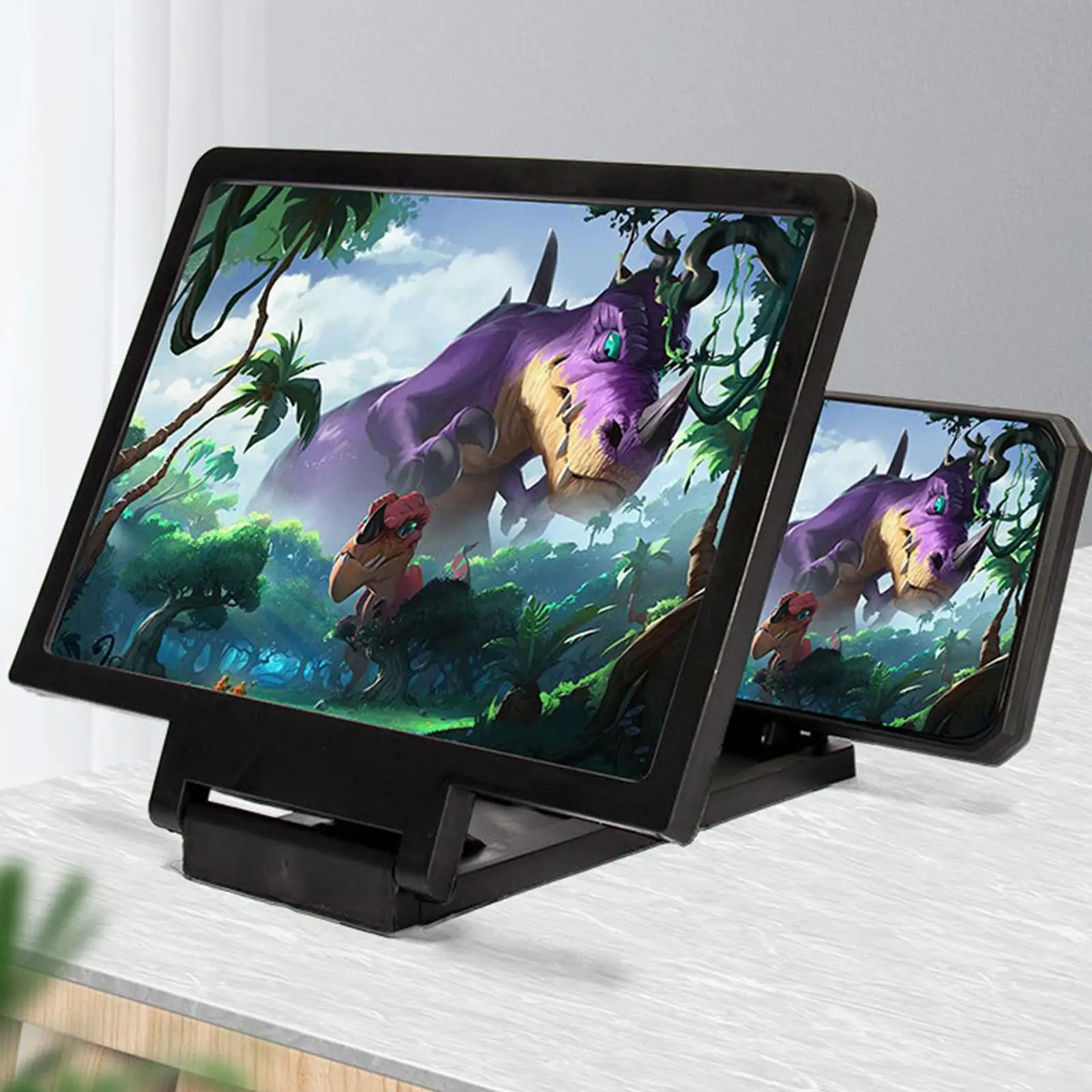
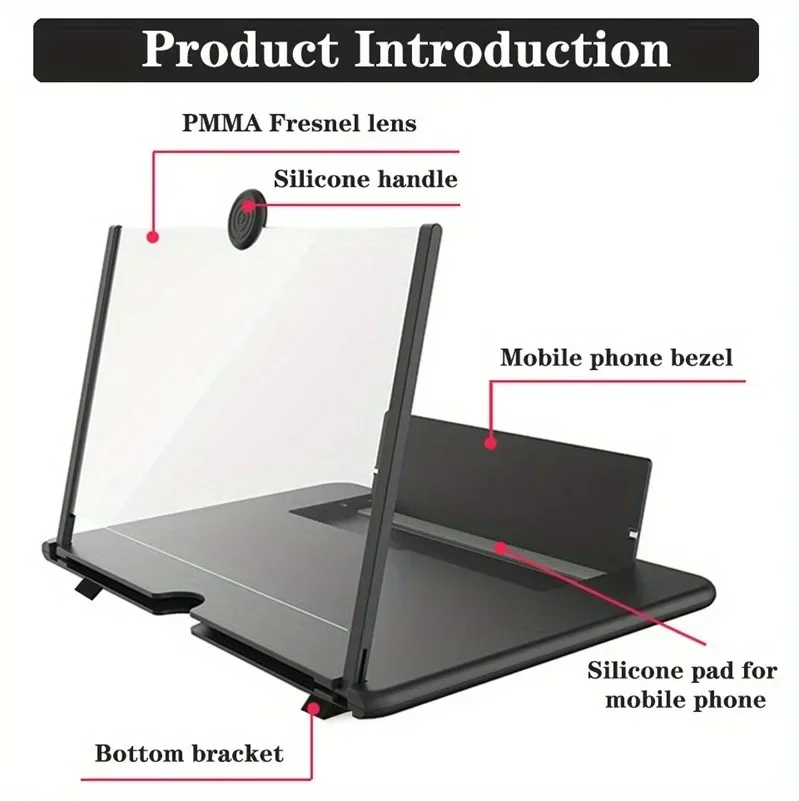
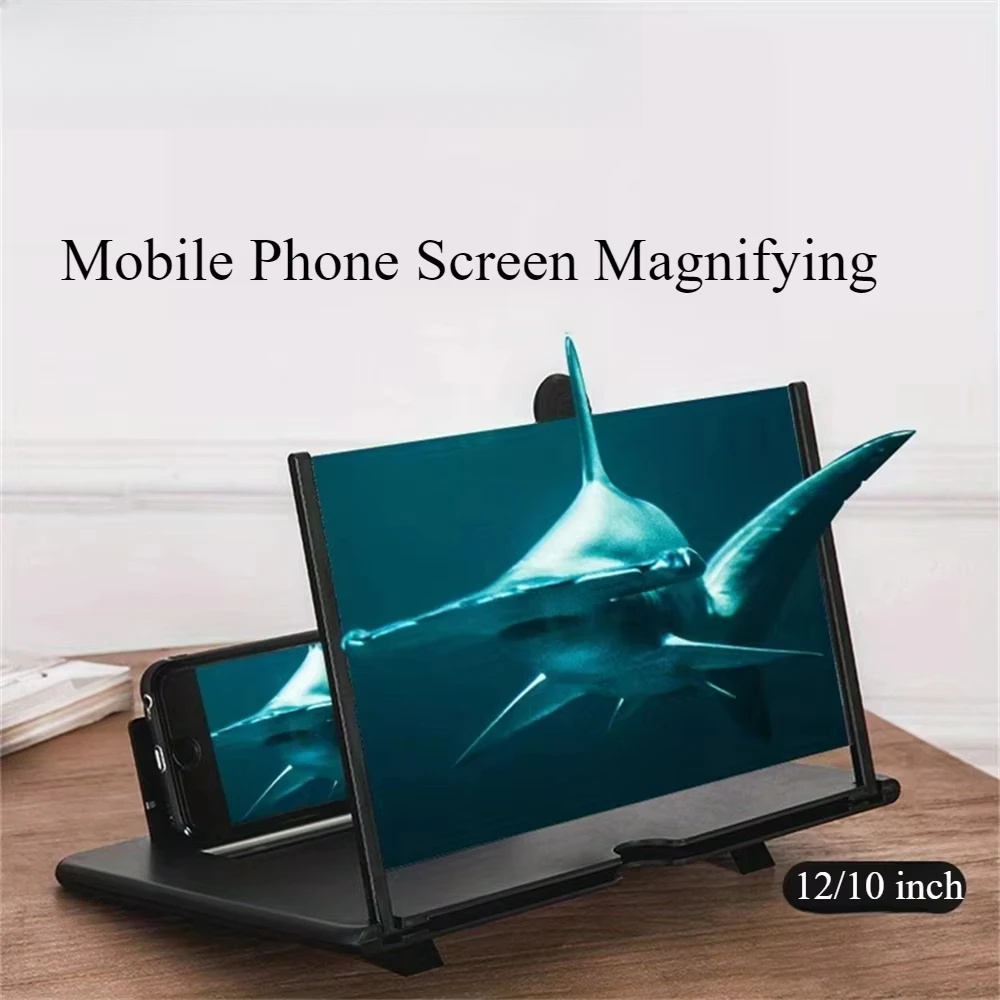
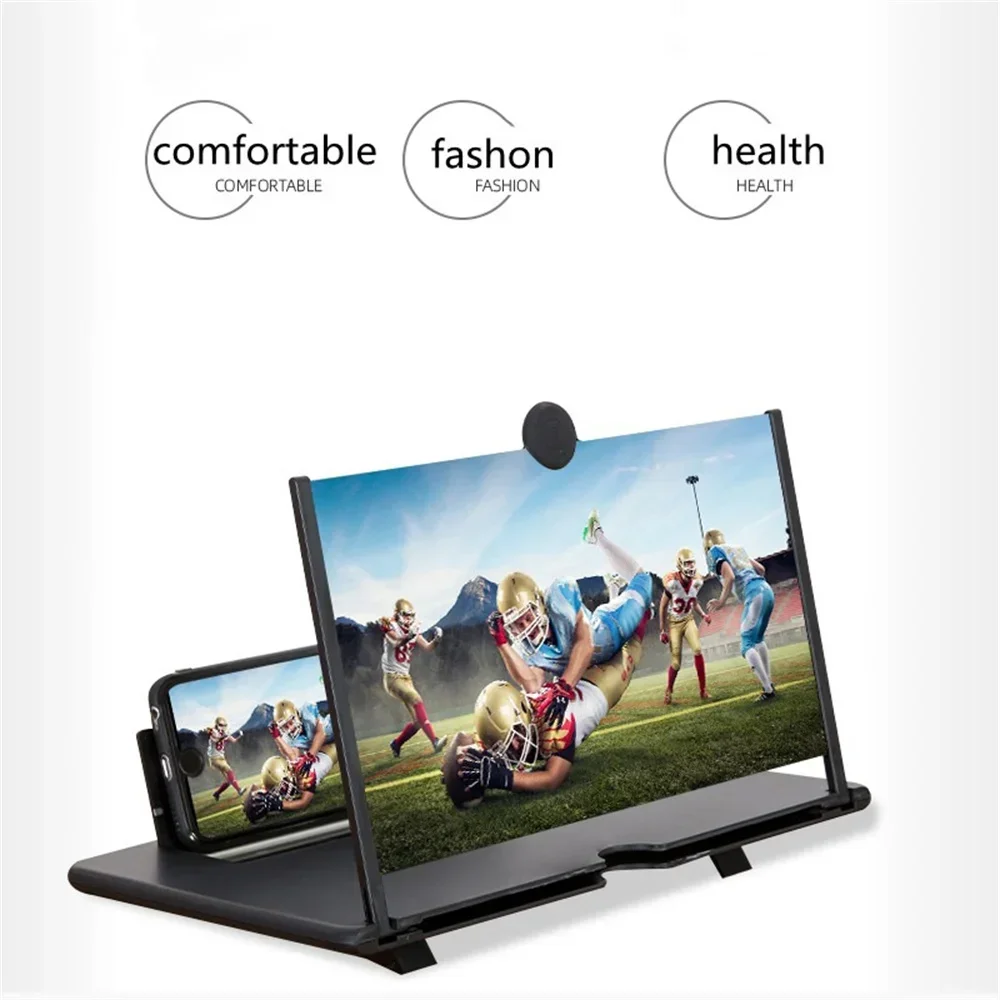
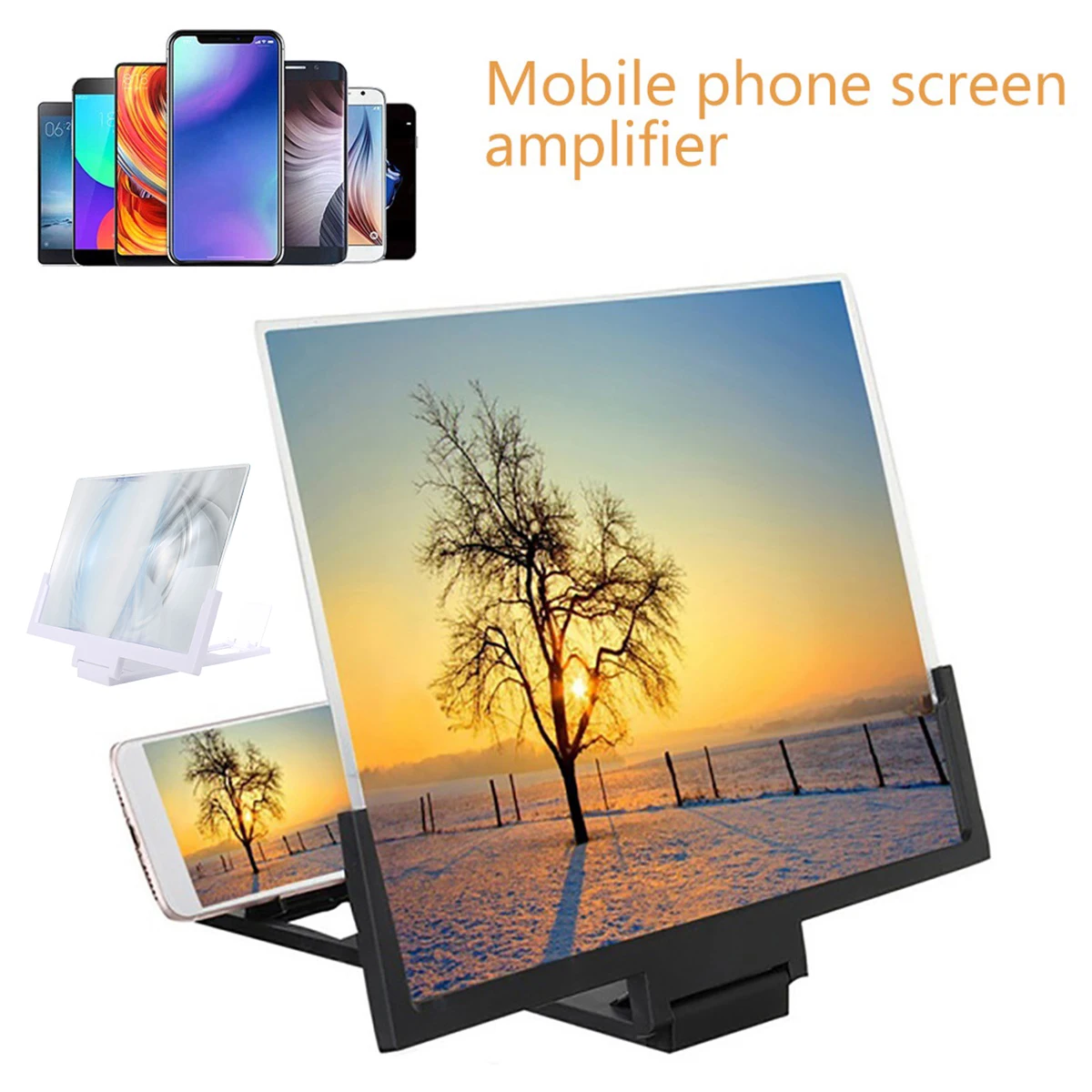
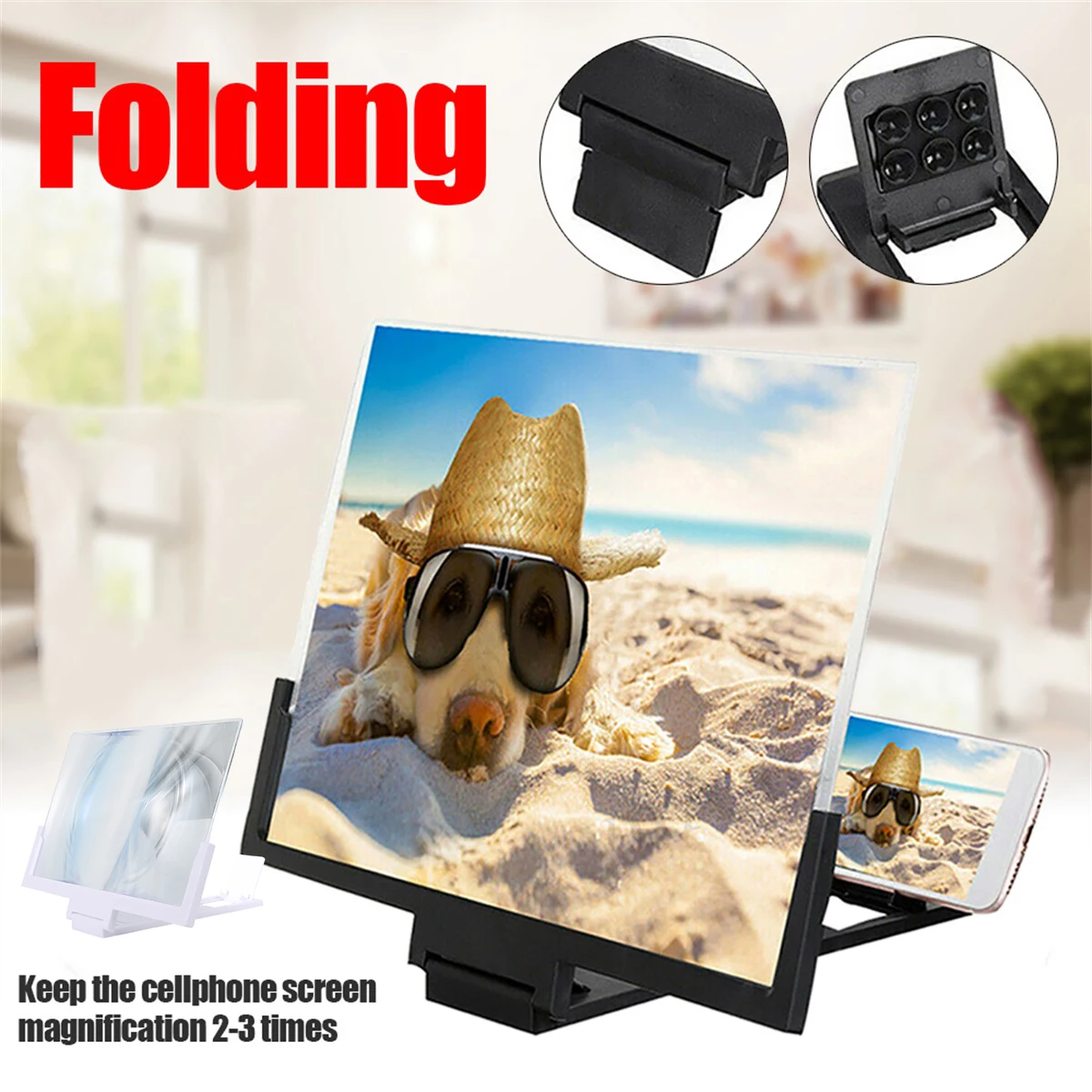
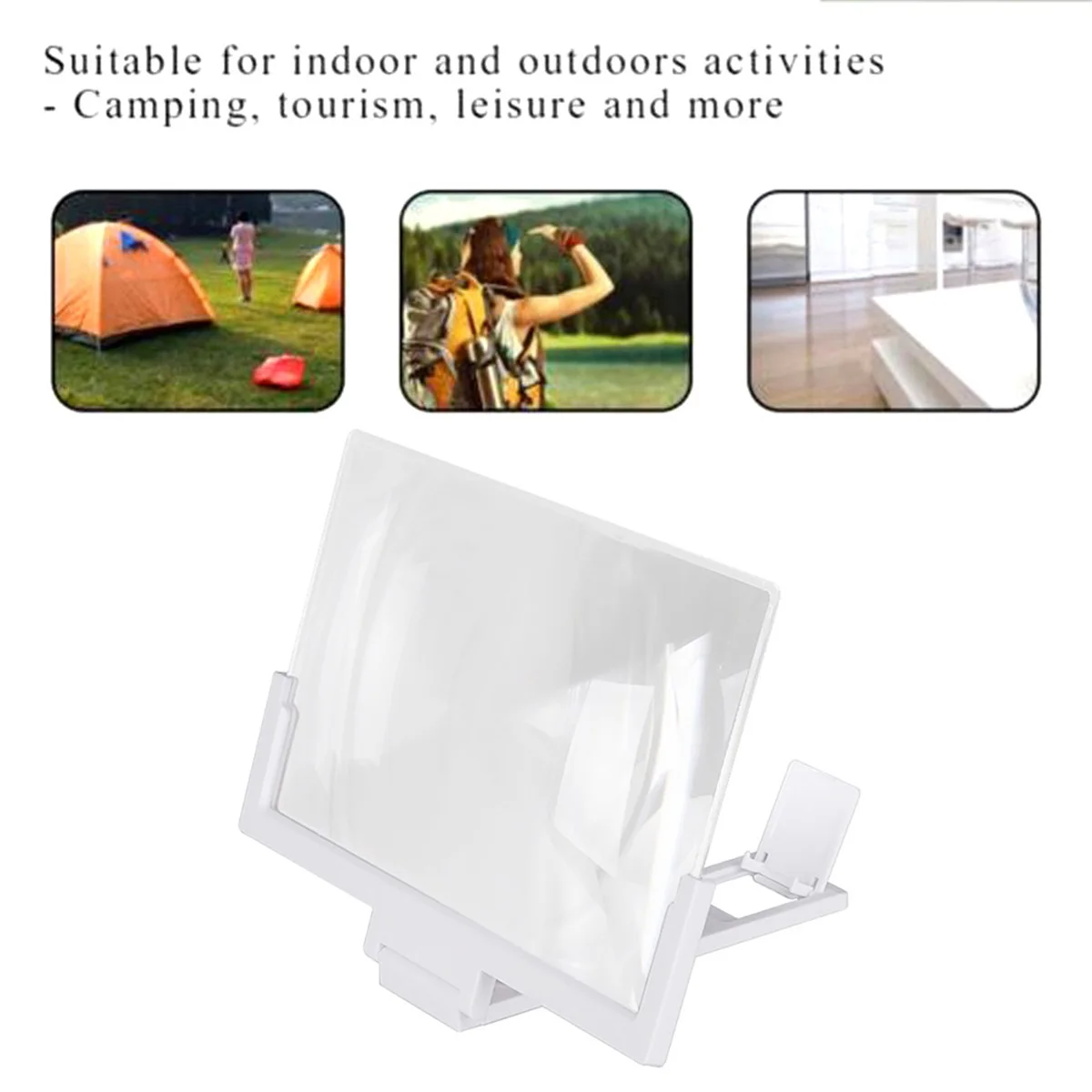
A screen magnifier with a stand has its lens and stand built as one piece, so it stands steady on a table, a sideboard or a bedside cabinet and holds the phone upright behind the lens. You put the phone in, sit back, and watch a bigger picture without holding anything. The makers of those here give figures of up to three times on one and three to five times on another. Neither needs power or batteries.
These suit anyone who watches on a phone in the same place most days: films in the evening, a programme in the kitchen, or a video call with the grandchildren that the whole room can see.
The kinds in this range
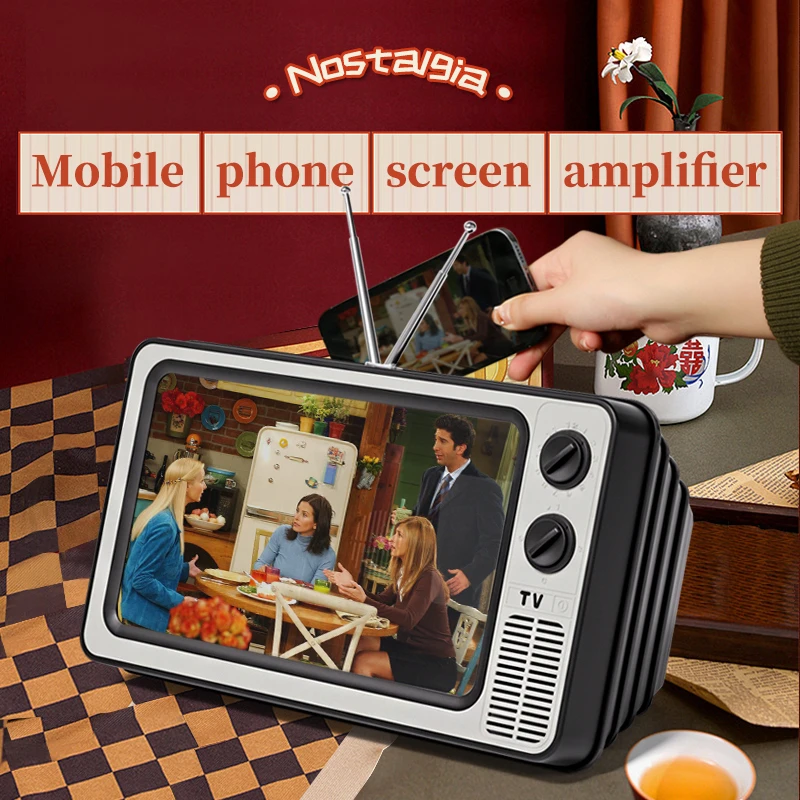
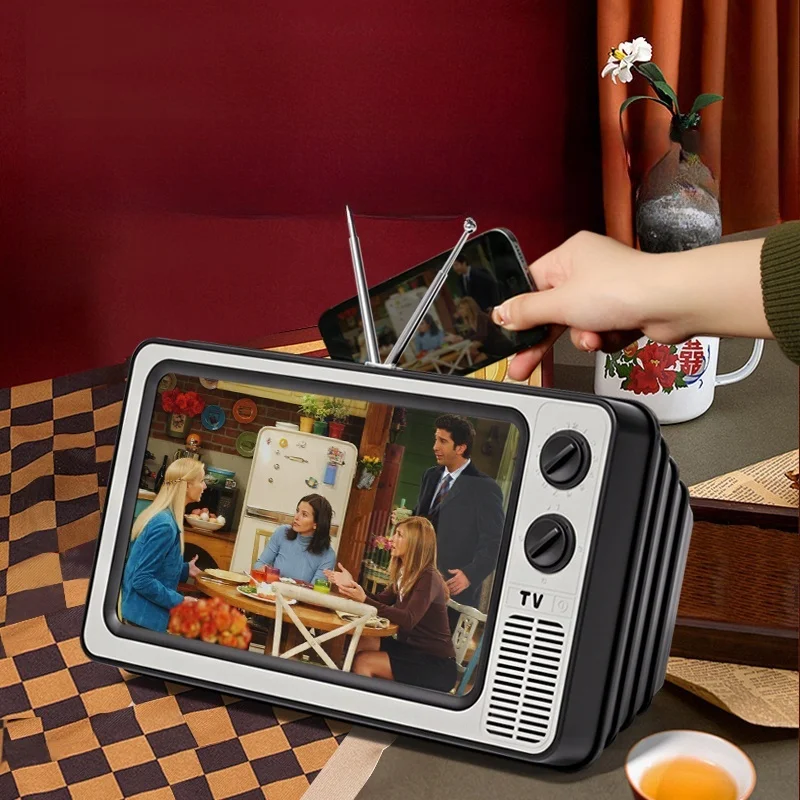
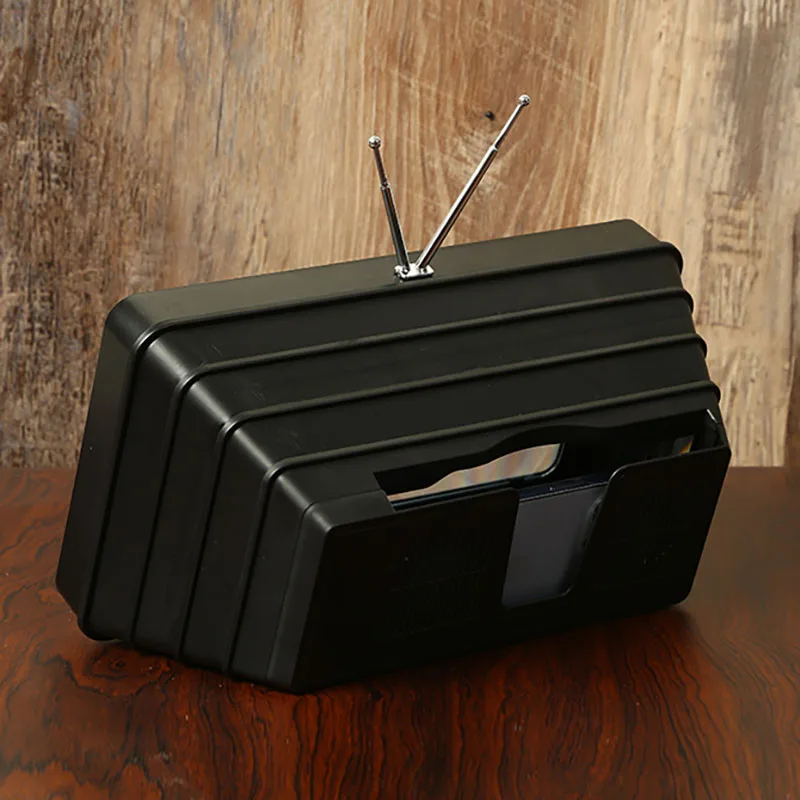
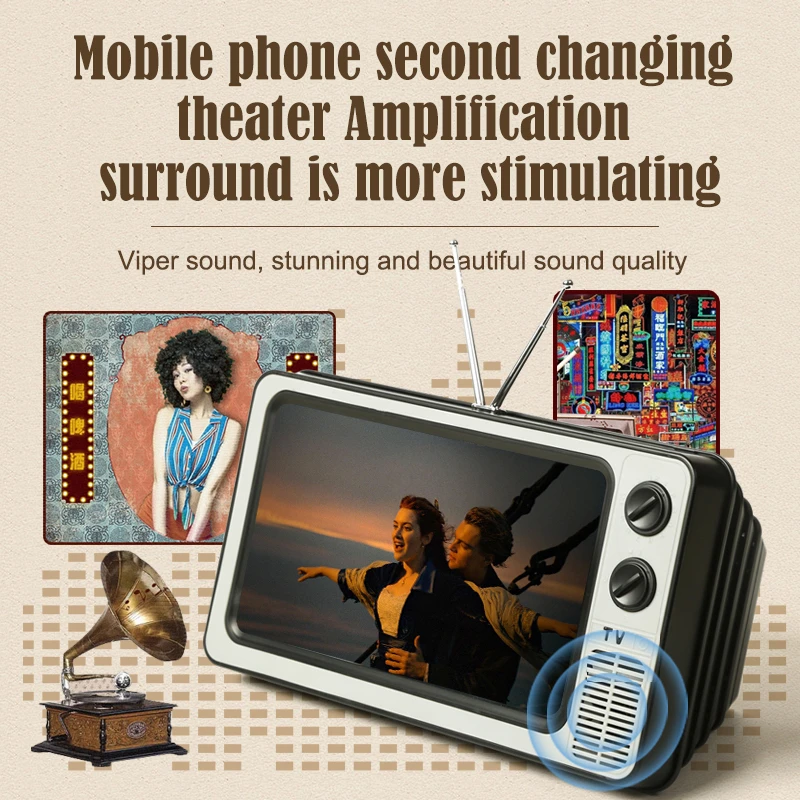
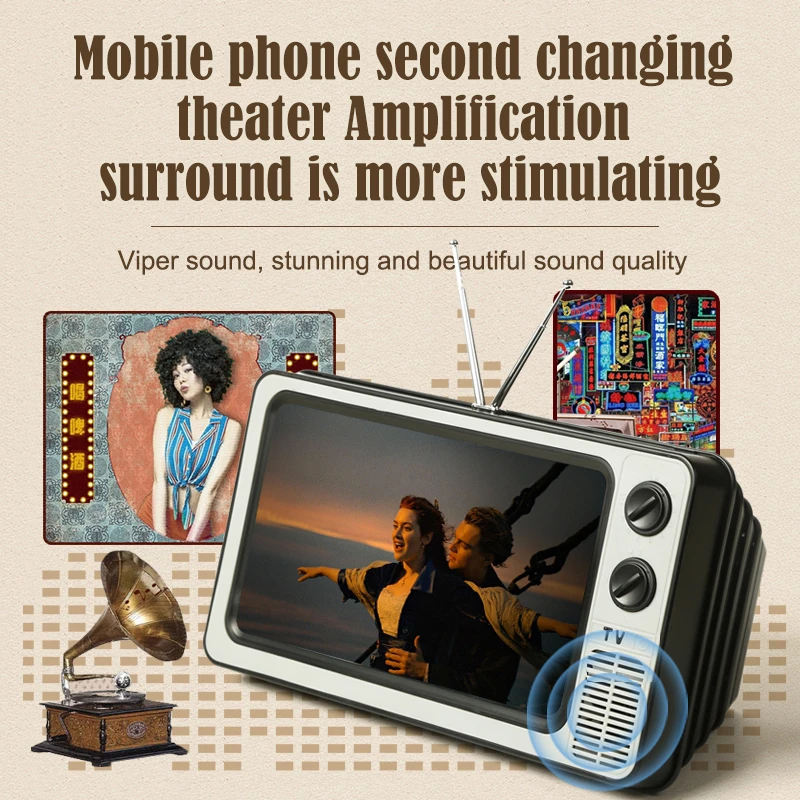
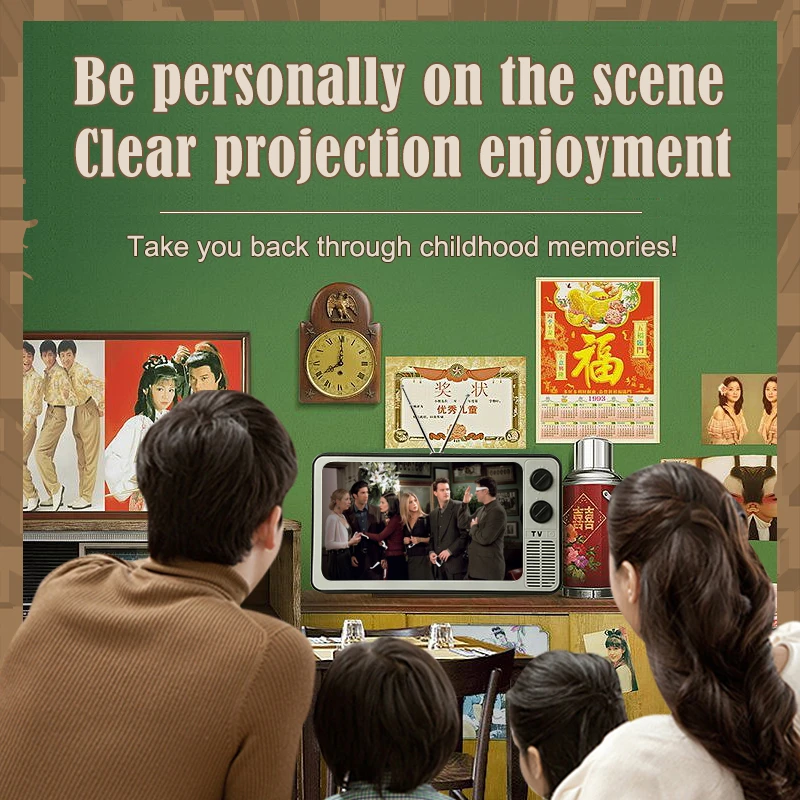
- A 12-inch magnifier shaped like an old television. The retro TV shape is also its stand. A large panel at the back blocks light from behind the phone, which the makers say gives better contrast, and the lens is fully enclosed to protect it. It comes in yellow, grey or brown.
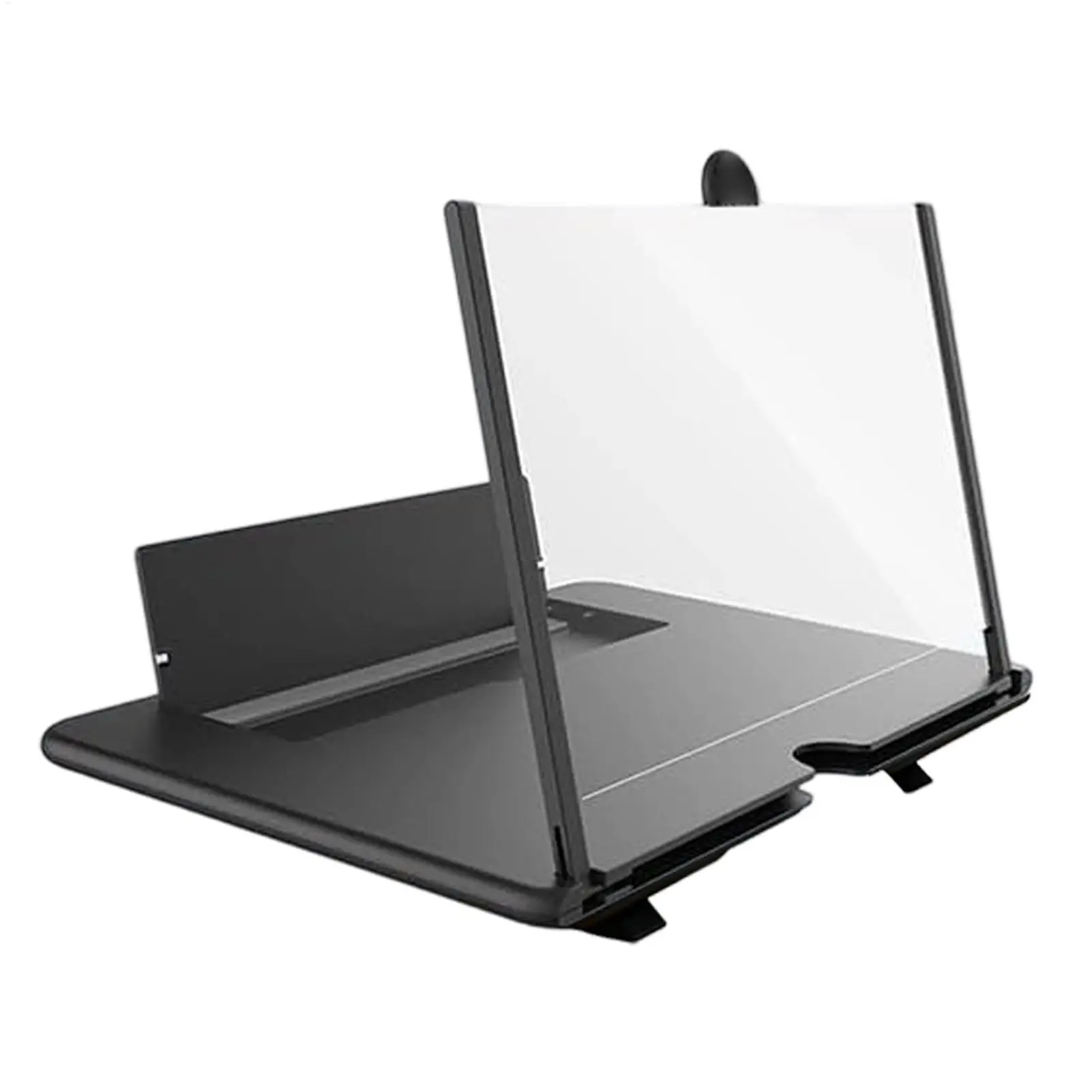
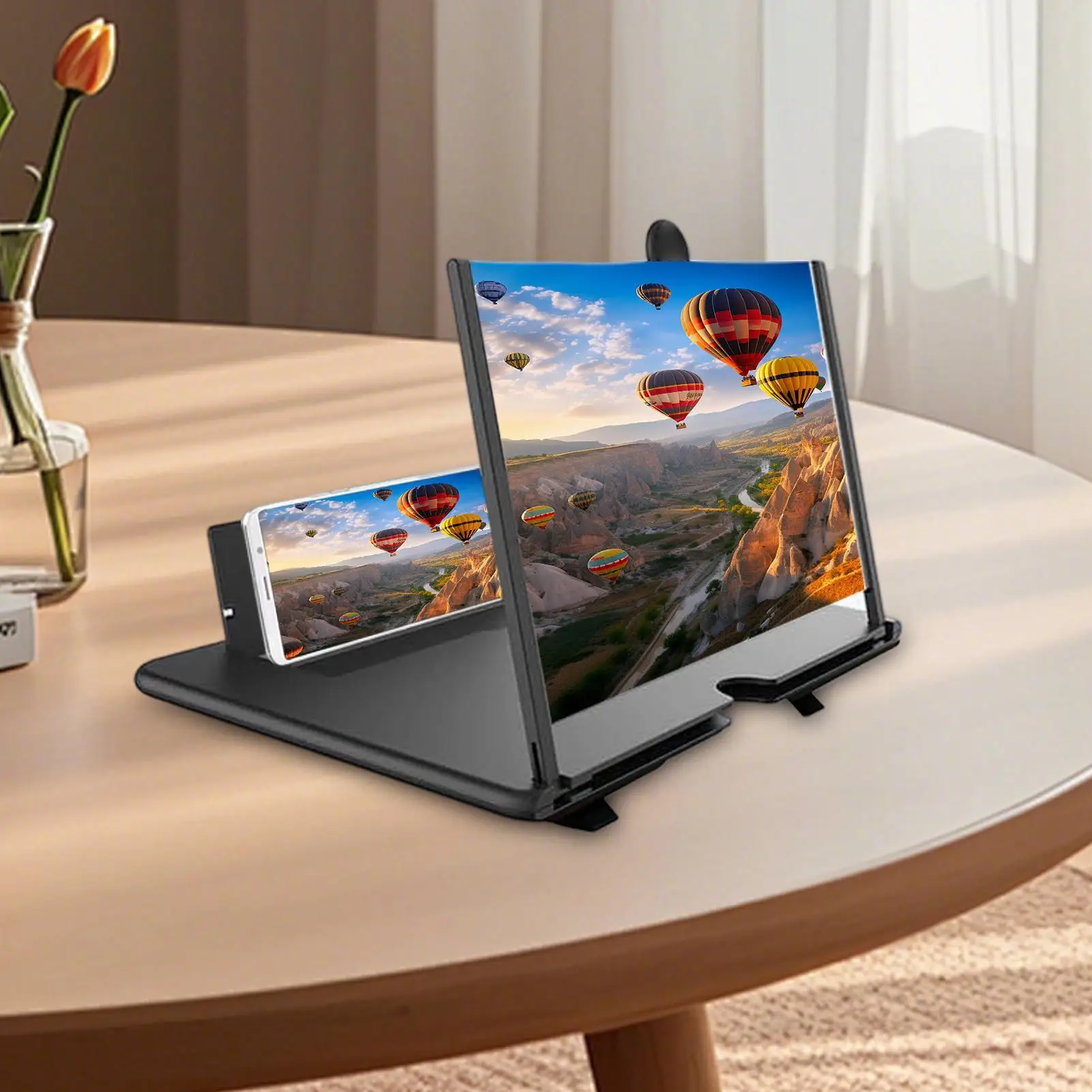
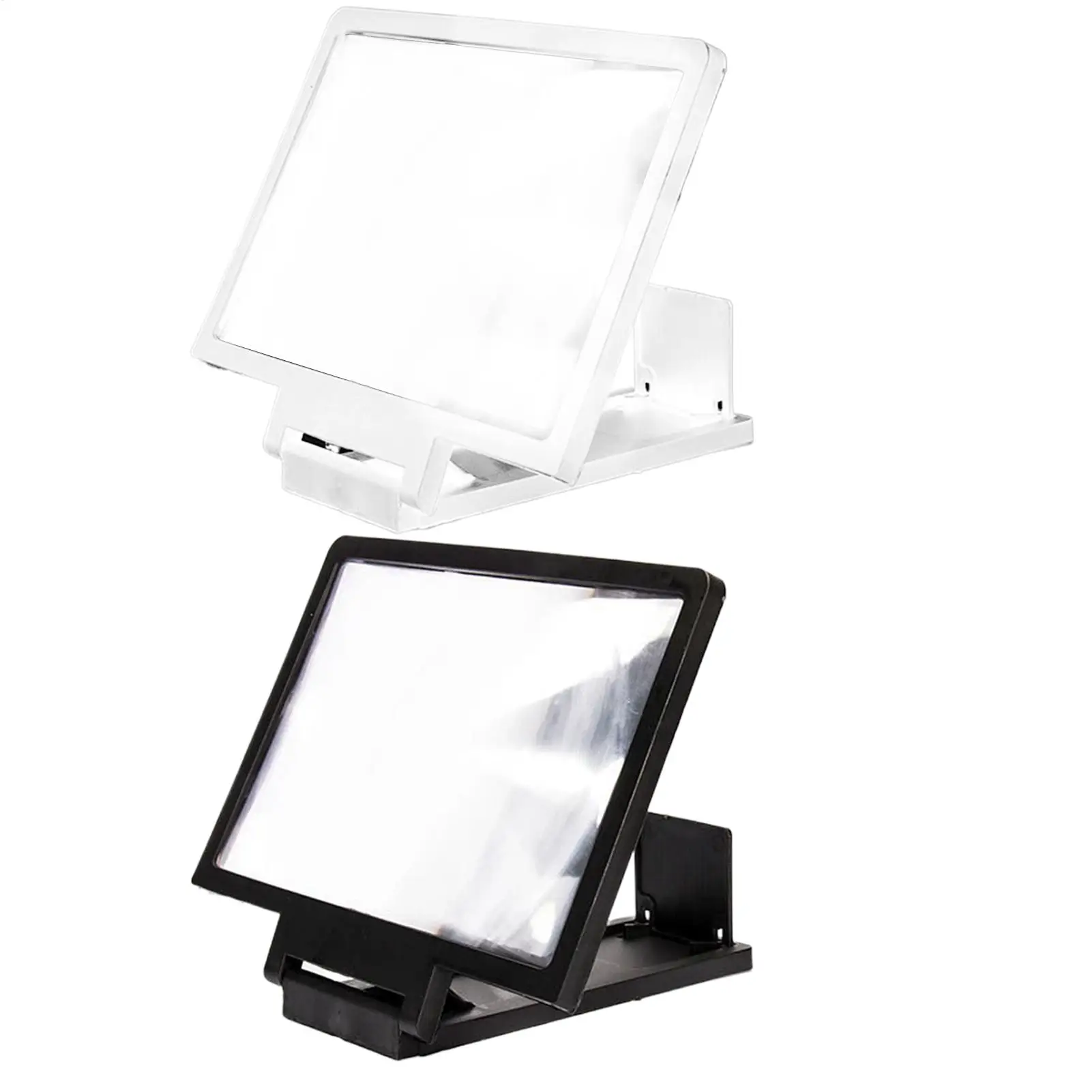
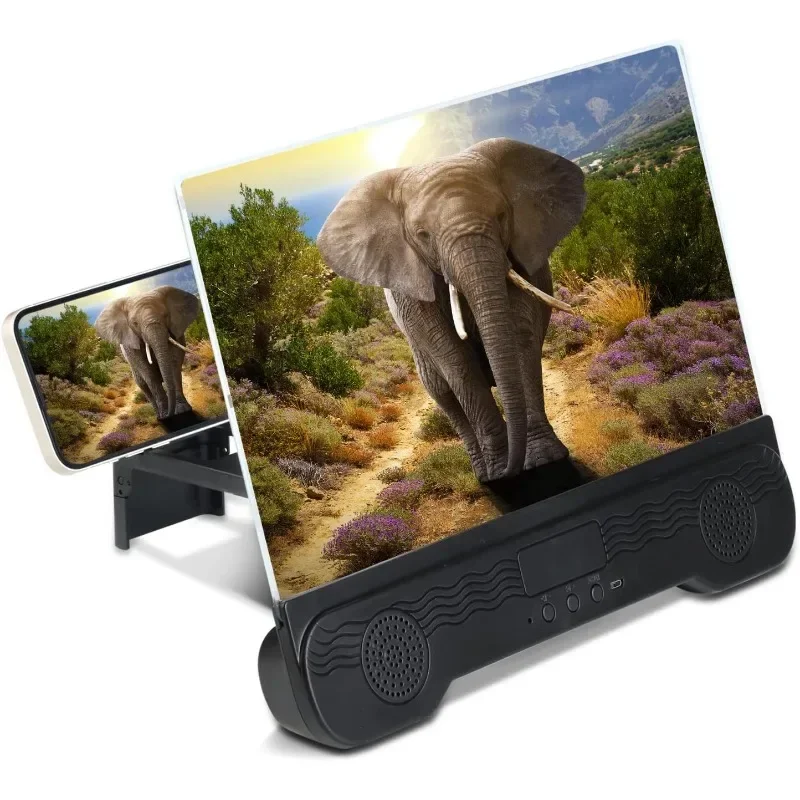
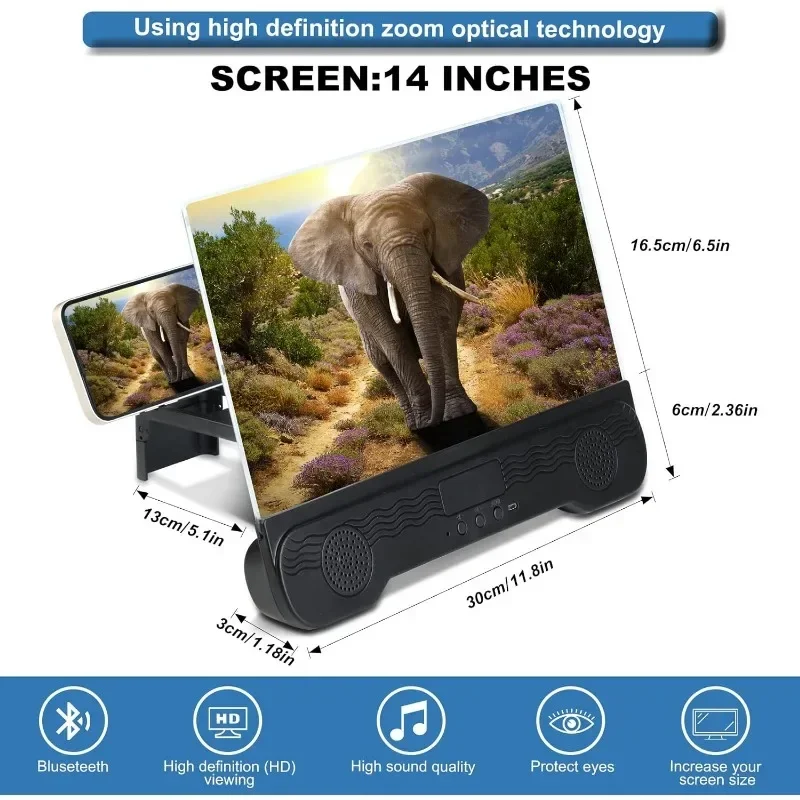
- A 14-inch magnifier on a stand. The bigger lens of the two, with a screen of 29 by 17.5cm, described as working with iPhones and most Android phones, in black or white.
For something lighter to move round the house, the box magnifiers in 3D screen magnifiers double as a desk stand. To pack one away for travel, see foldable screen magnifiers.
How to choose and where to put it
The inch figure is the size of the magnifying screen, not of your phone. A 14-inch lens gives the biggest picture here and needs the most room, so measure the space first.
Put it at about eye height when you are sitting, on a surface that will not be knocked. Keep it out of a sunny window: the picture is easier to see without light falling on the lens, and the panel on the TV-shaped one is there for the same reason.
Sit straight in front of the lens. Seen from the side, the picture bends out of shape, so a magnifier works best for one or two people sitting close together. Turn the phone's brightness up, and dim the room if you can: the picture is easier to see without light falling on the lens.
Questions people ask about screen magnifiers with a stand
Can I use the phone while it is in the stand?
The lens sits between you and the screen, so start the film or answer the call first, then put the phone in. For tapping and typing, a plain desk phone stand is easier.
Does it help with reading small text?
A magnifier makes anything on the screen bigger, but it is made for watching from a little way back, not for tapping and typing. For messages, menus and web pages, the phone's own settings make the words bigger at the source. On an iPhone they are under Settings, then Accessibility, in Display & Text Size and in Zoom. On a Samsung Galaxy they are under Settings, then Accessibility, then Vision enhancements, where Font size and style and Magnification sit; the menu names vary a little between models.
How do I keep the lens clean?
Wipe it gently with a soft, dry microfibre cloth, shaken out first so grit does not scratch it. See screen sprays and cloths.
More to look at