What a wireless charging pad is
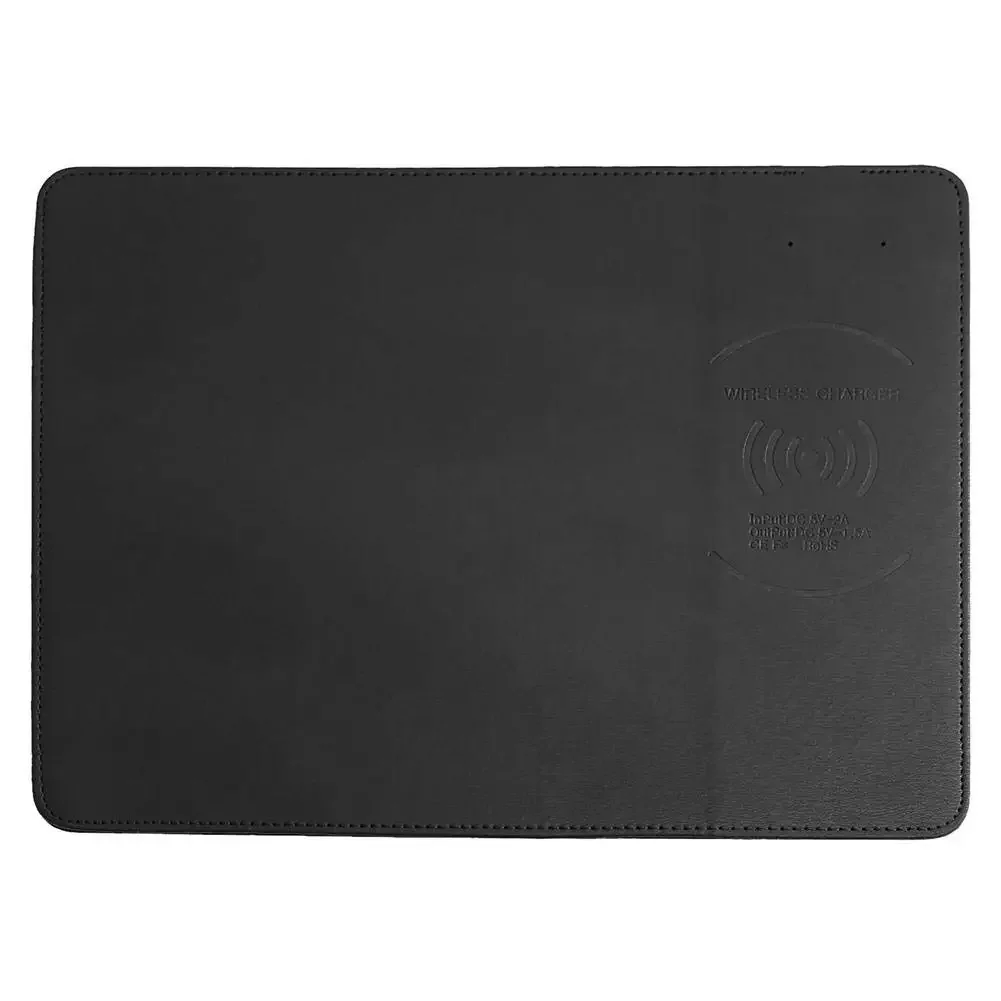
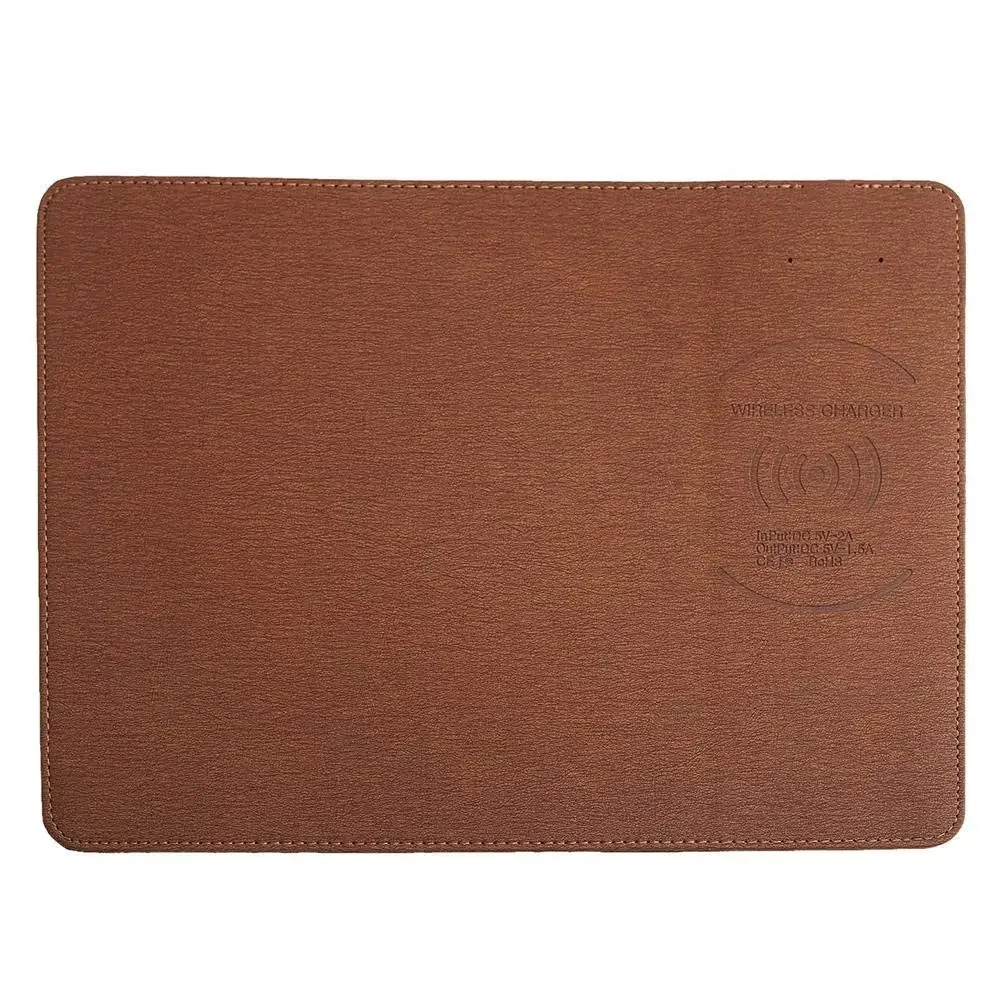
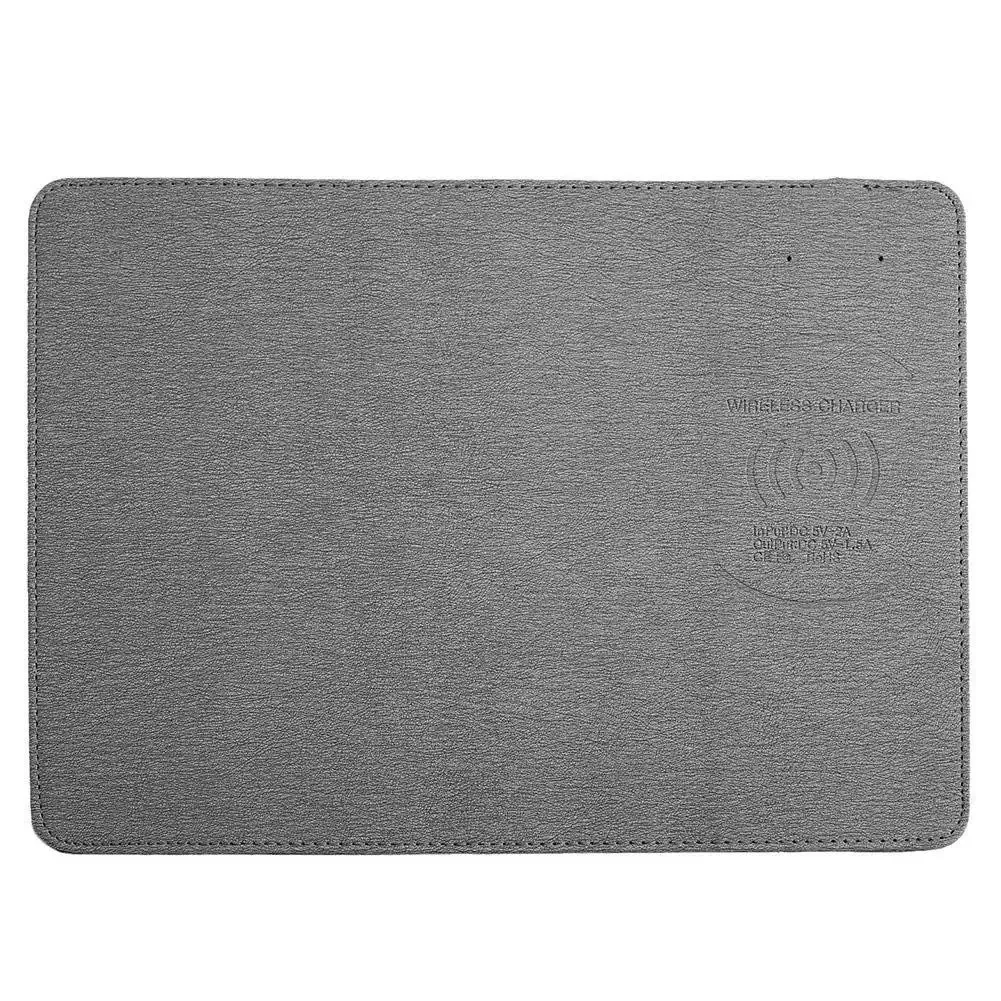
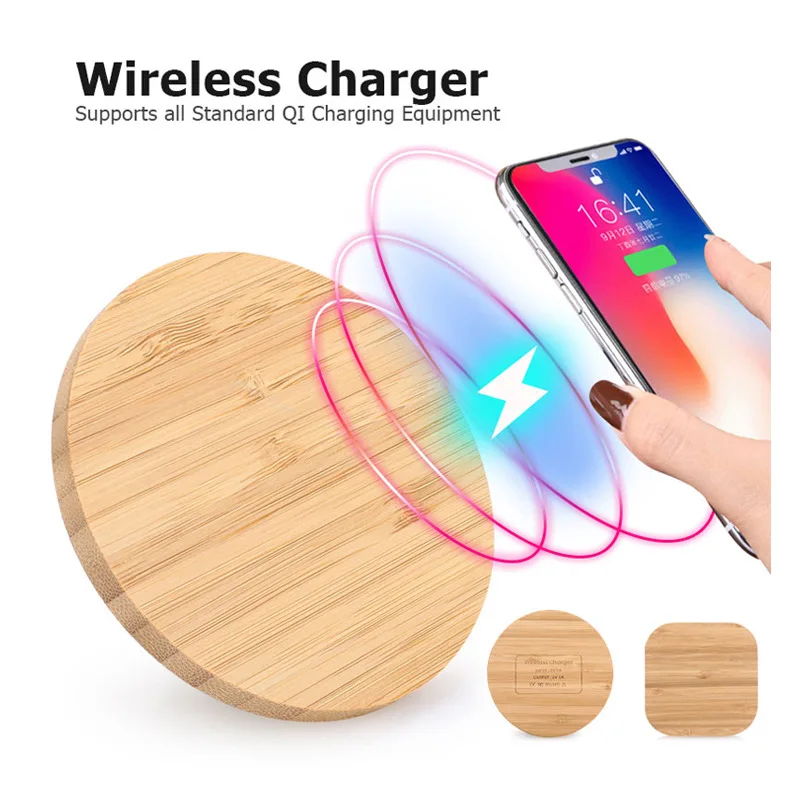
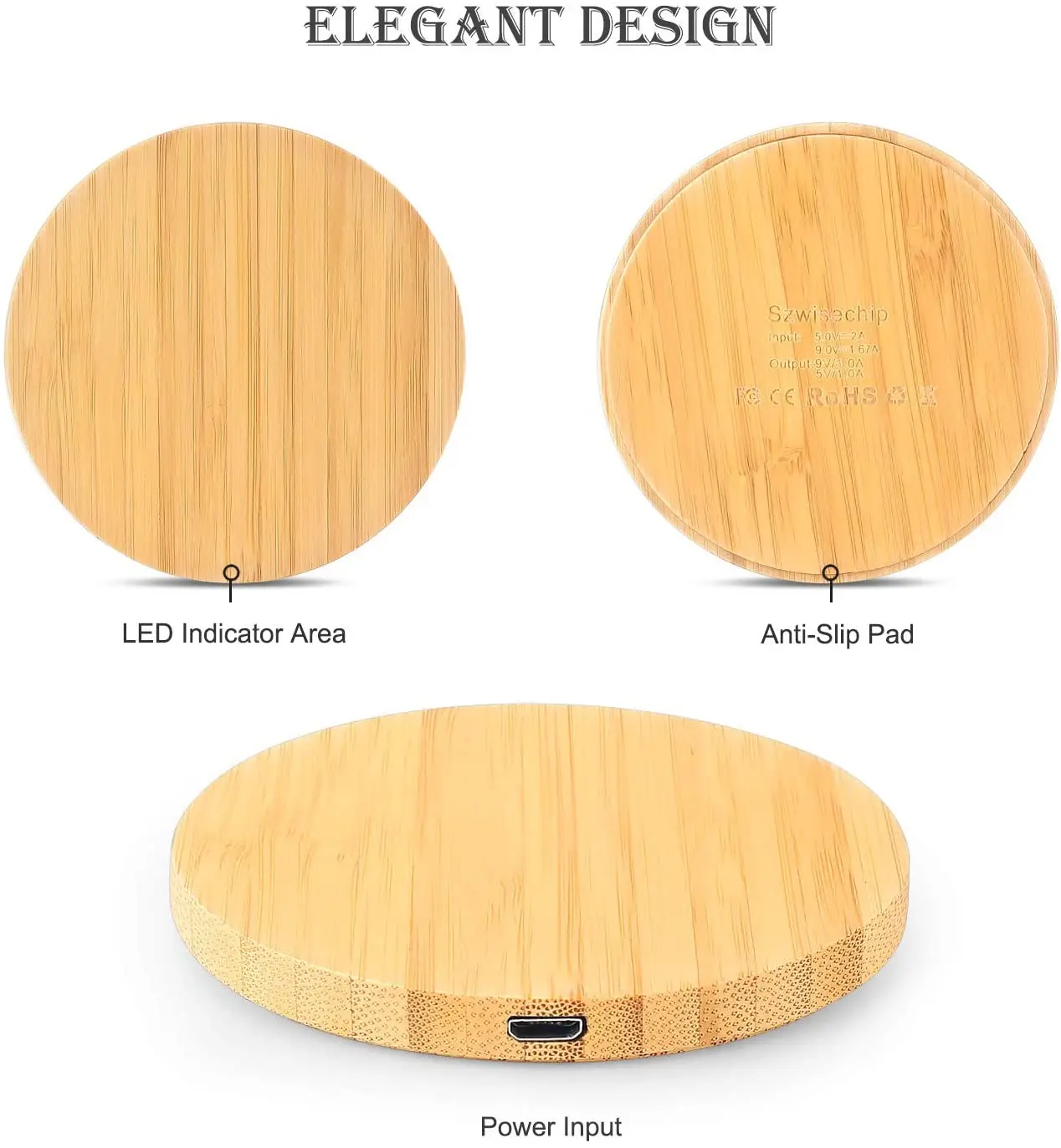
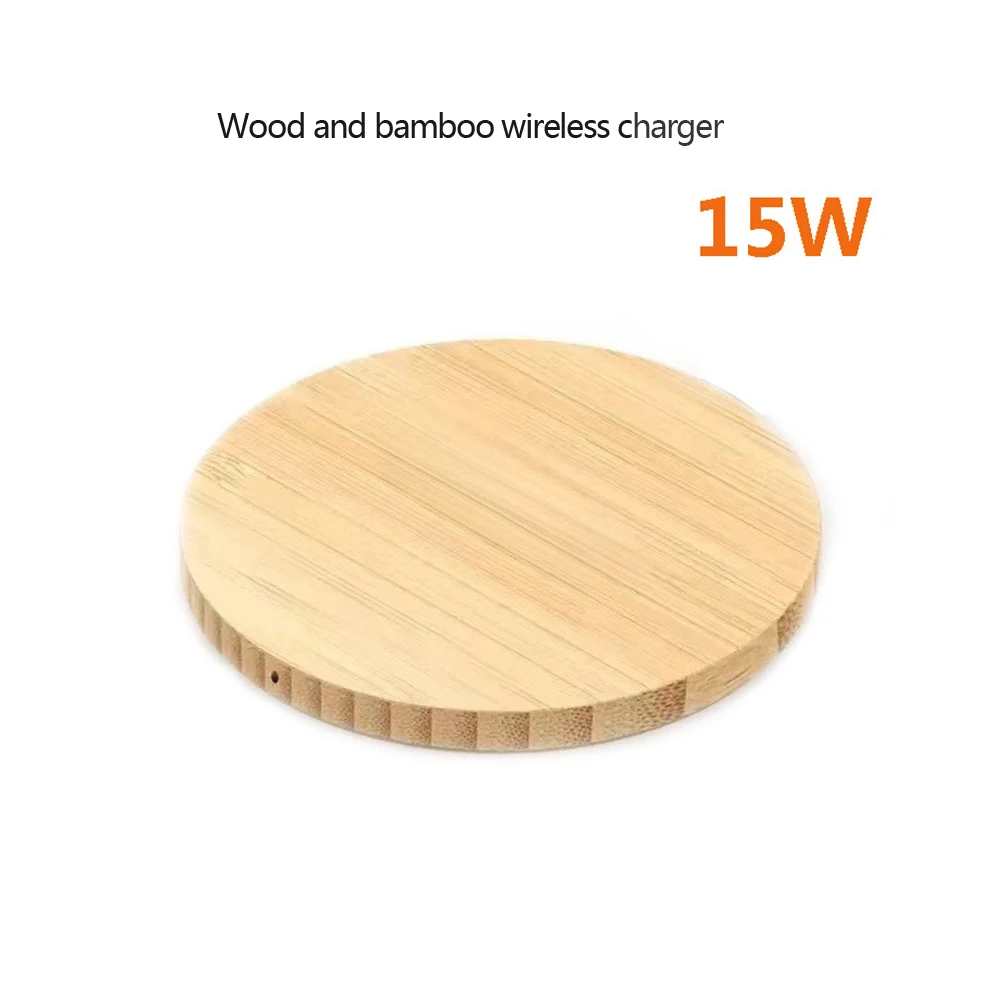
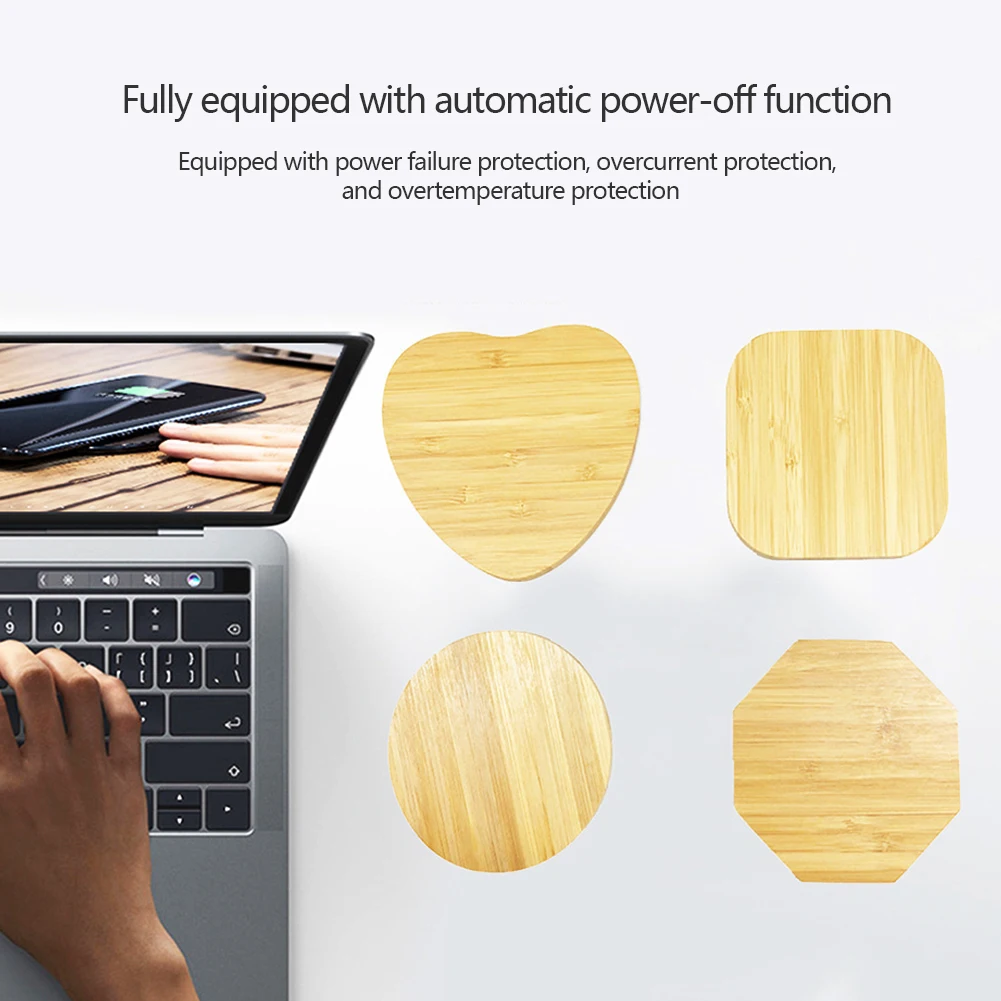
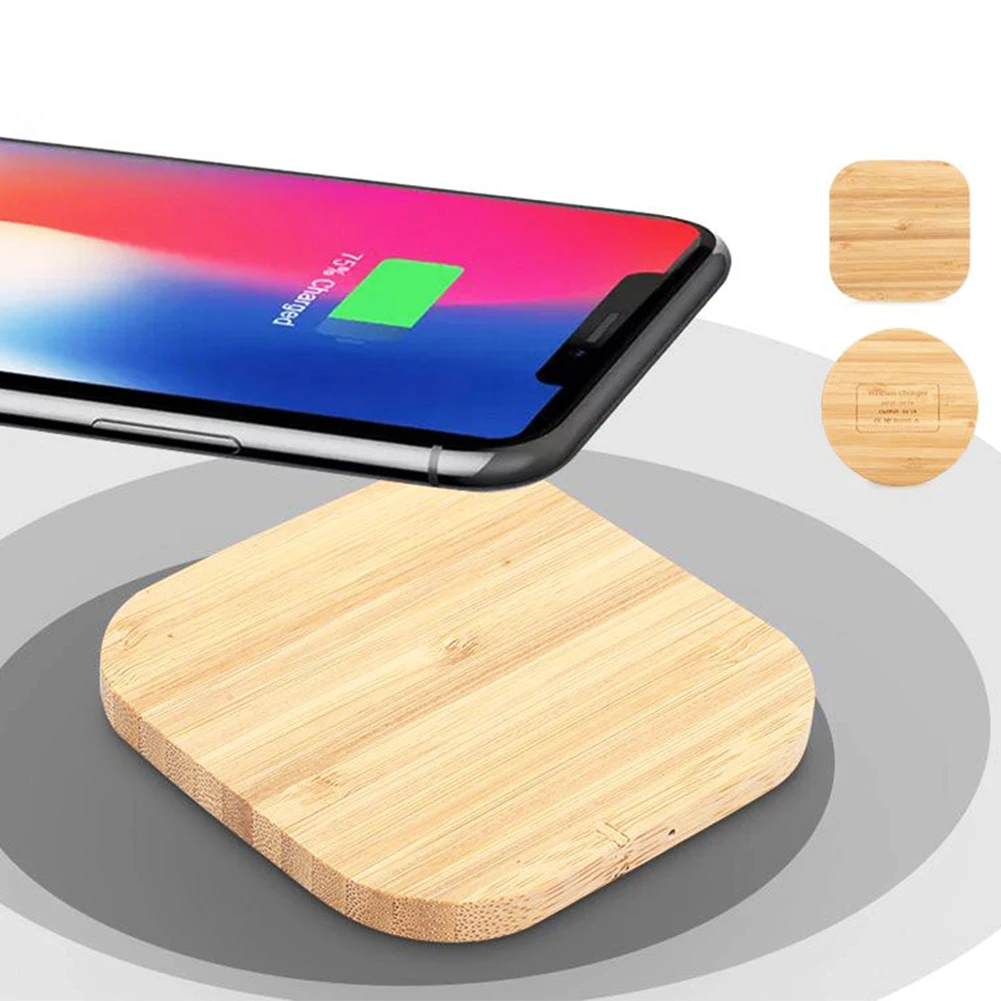
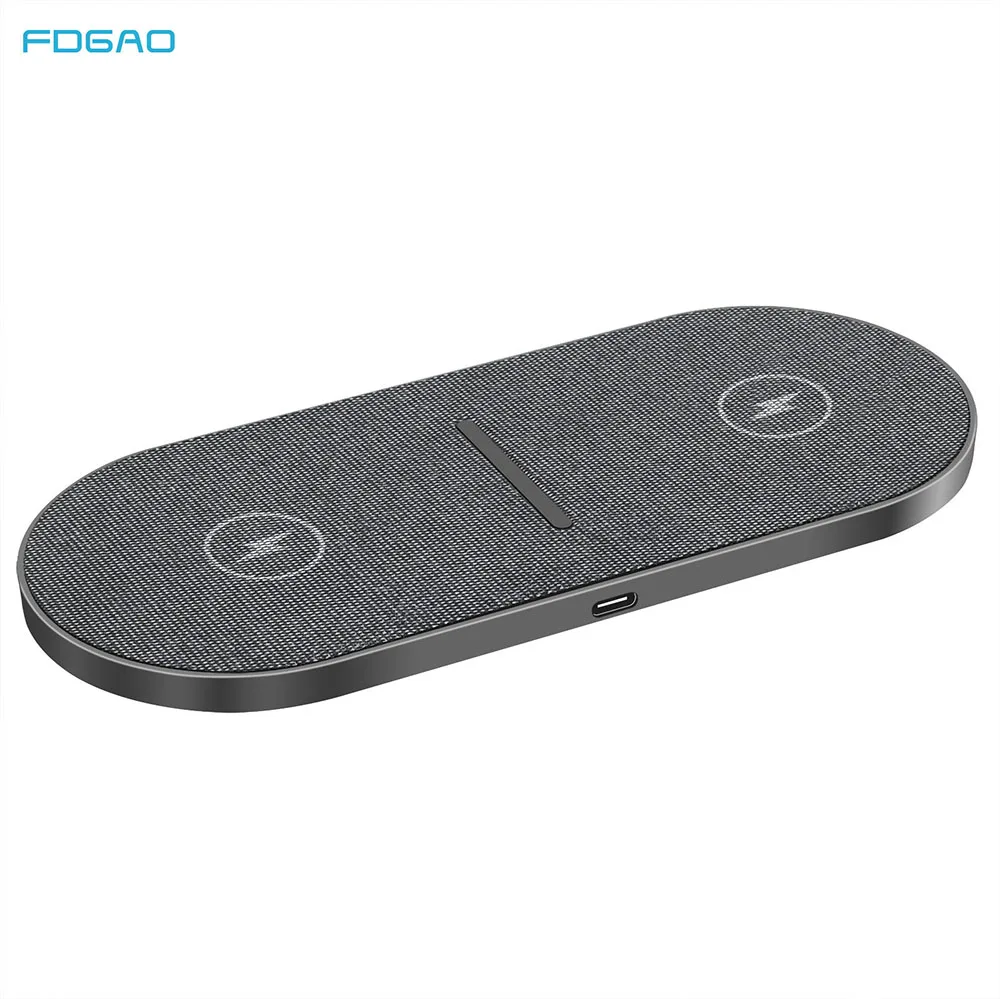
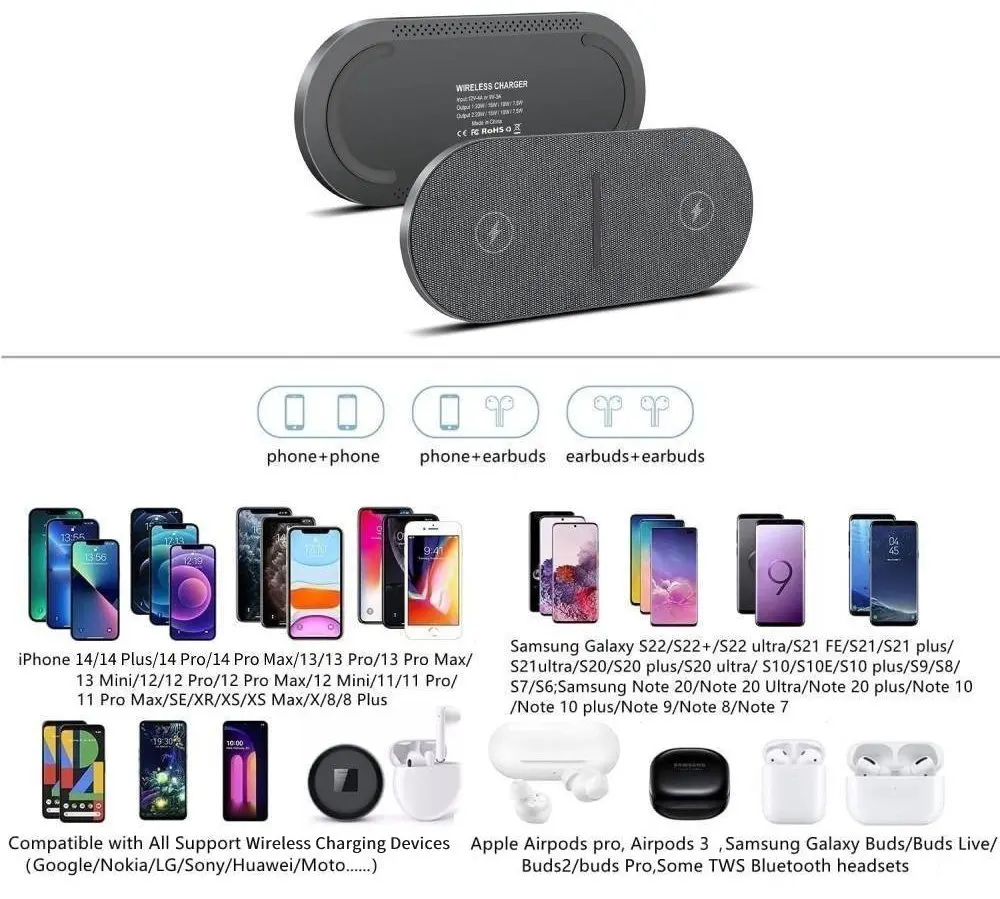
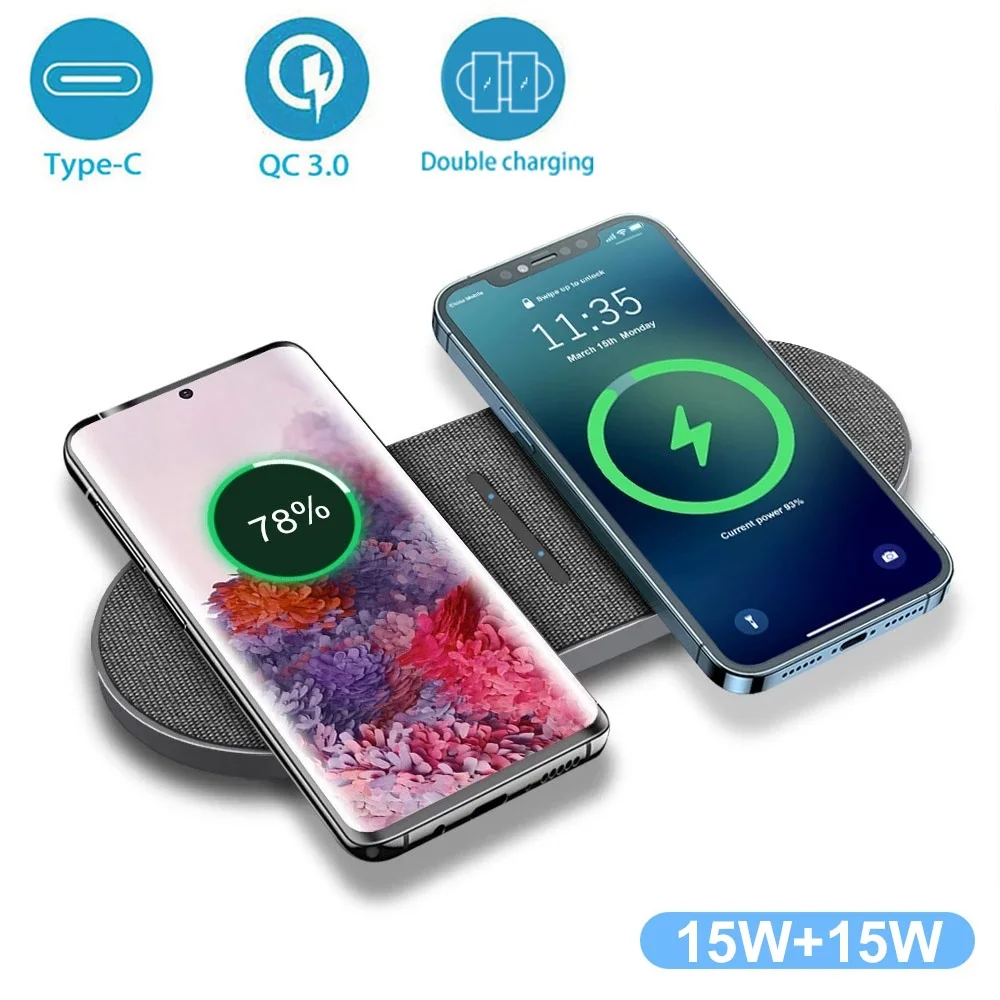
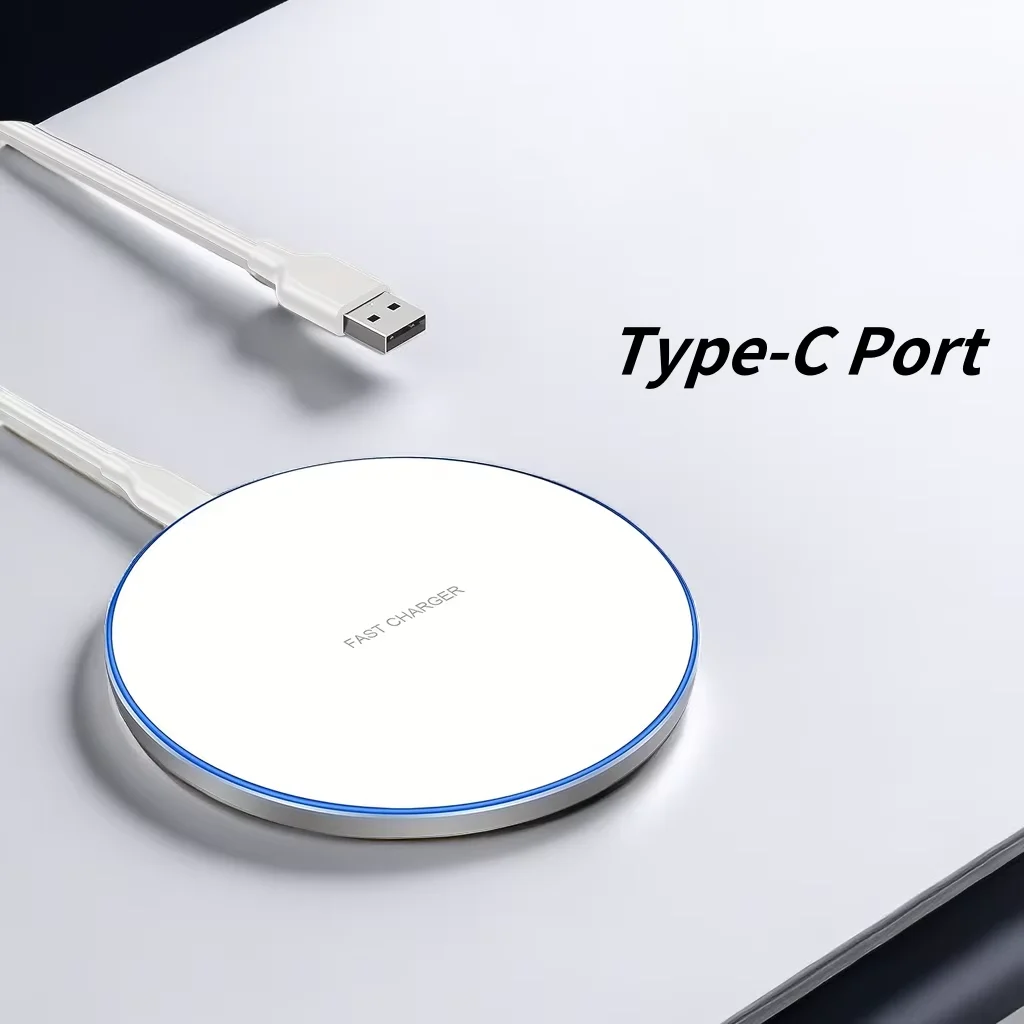
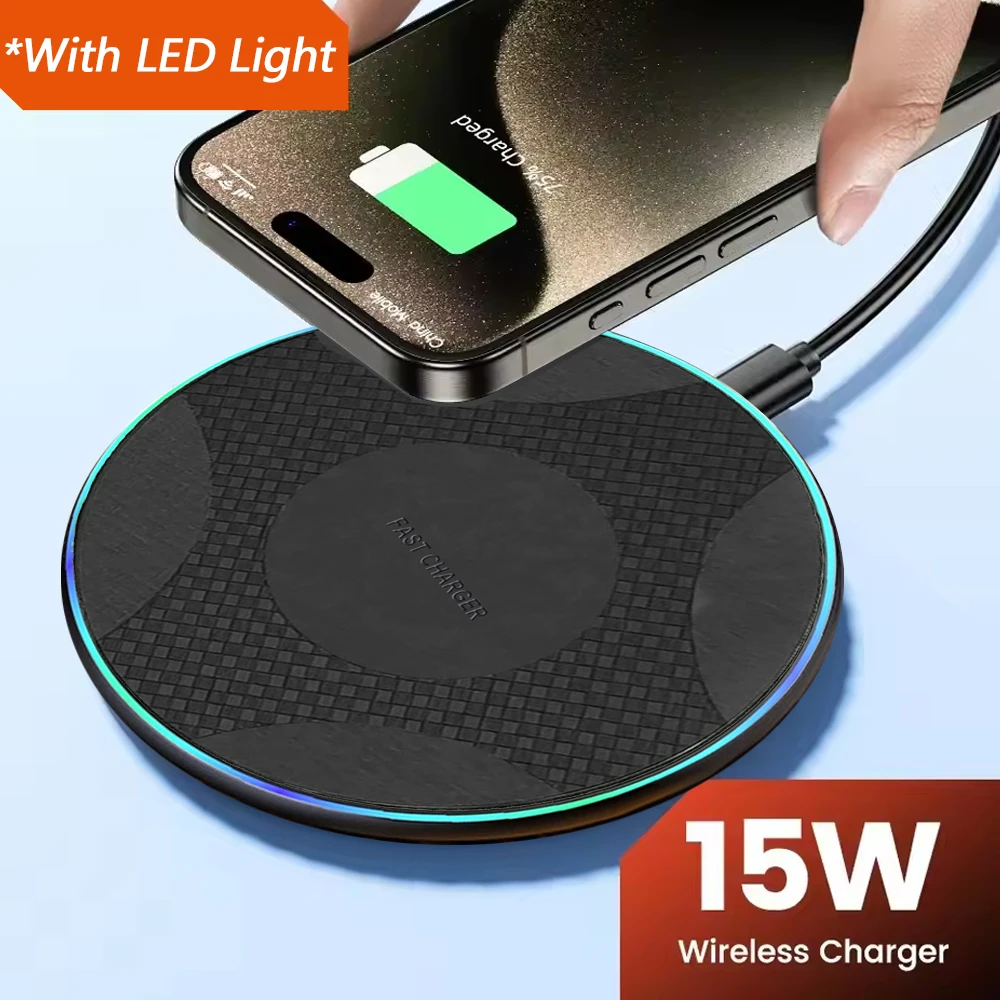
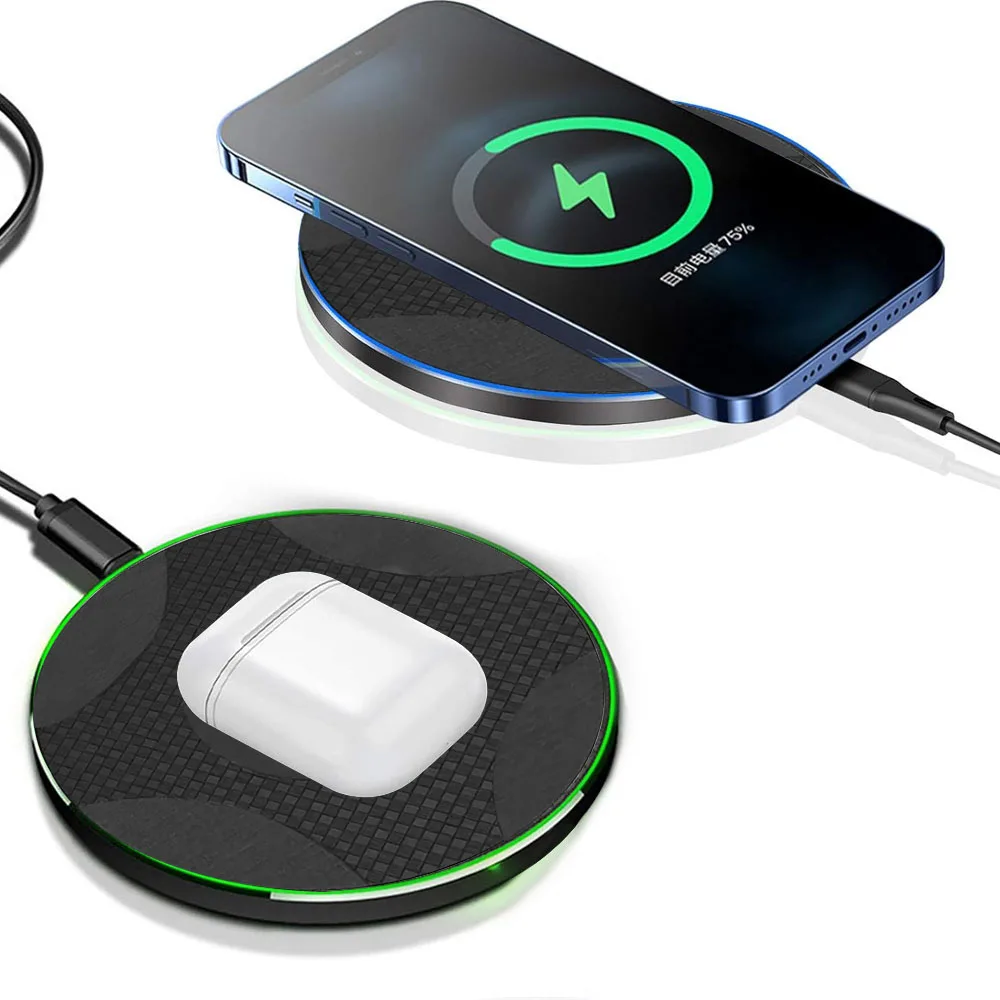
A wireless charging pad is a flat disc or square that the phone lies on, face up, to charge without a cable in the phone. It is the simplest kind of wireless charger, and it suits a bedside table, where the phone lies flat all night, and a desk, where the phone can be put down and picked up without fiddling with a plug. A pad works with any phone that has Qi wireless charging built in, which takes in every iPhone from the iPhone 8 on, the Galaxy S series and most Pixels. Many earbud cases charge on a pad too, if the case is made for wireless charging.
Finding the spot
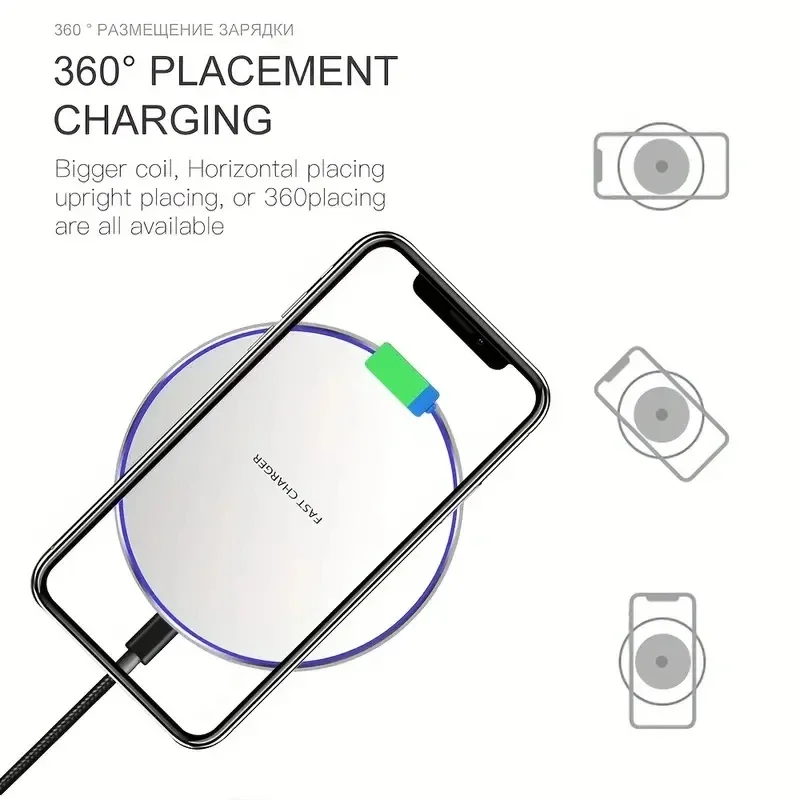
A pad has a coil inside and so does the phone, and the two need to be lined up, a few millimetres apart. An ordinary pad has no magnets to pull the phone into place, so the phone has to be laid in the middle and left there. If it is off-centre, the Wireless Power Consortium, the body behind the Qi standard, says charging slows down and the energy that is missed turns into heat. A phone that slid to one side in the night may wake up warm and only part charged. If you would rather the phone found the spot itself, look at magnetic wireless chargers, which click into place.
How to choose a pad
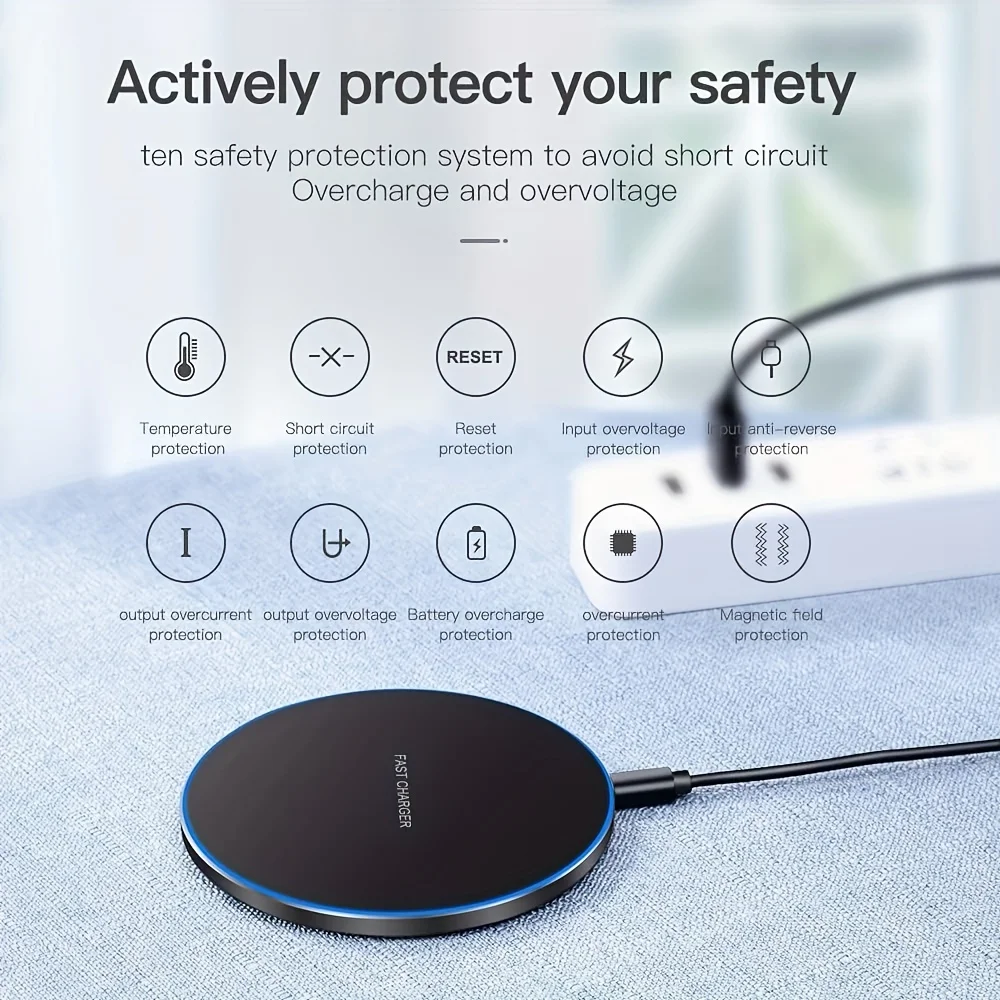
- The logo. Look for Qi or Qi2 on the pad and its listing. Uncertified chargers may leave out the temperature protection a certified one must have.
- The speed. The figure on a pad is the most it can give; the phone sets what it takes. Apple says many Qi chargers charge an iPhone at up to 7.5 watts. For an overnight charge the speed hardly matters.
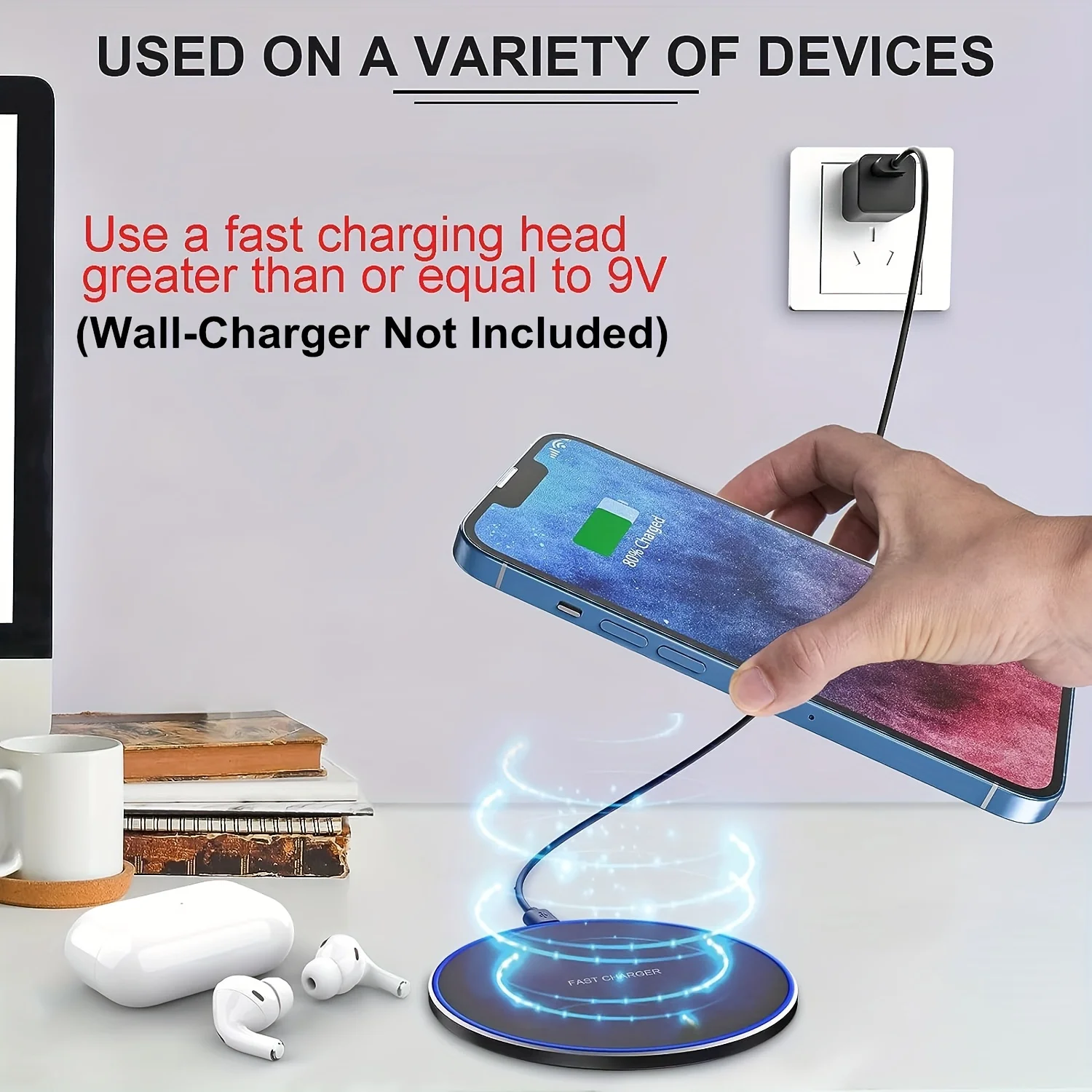
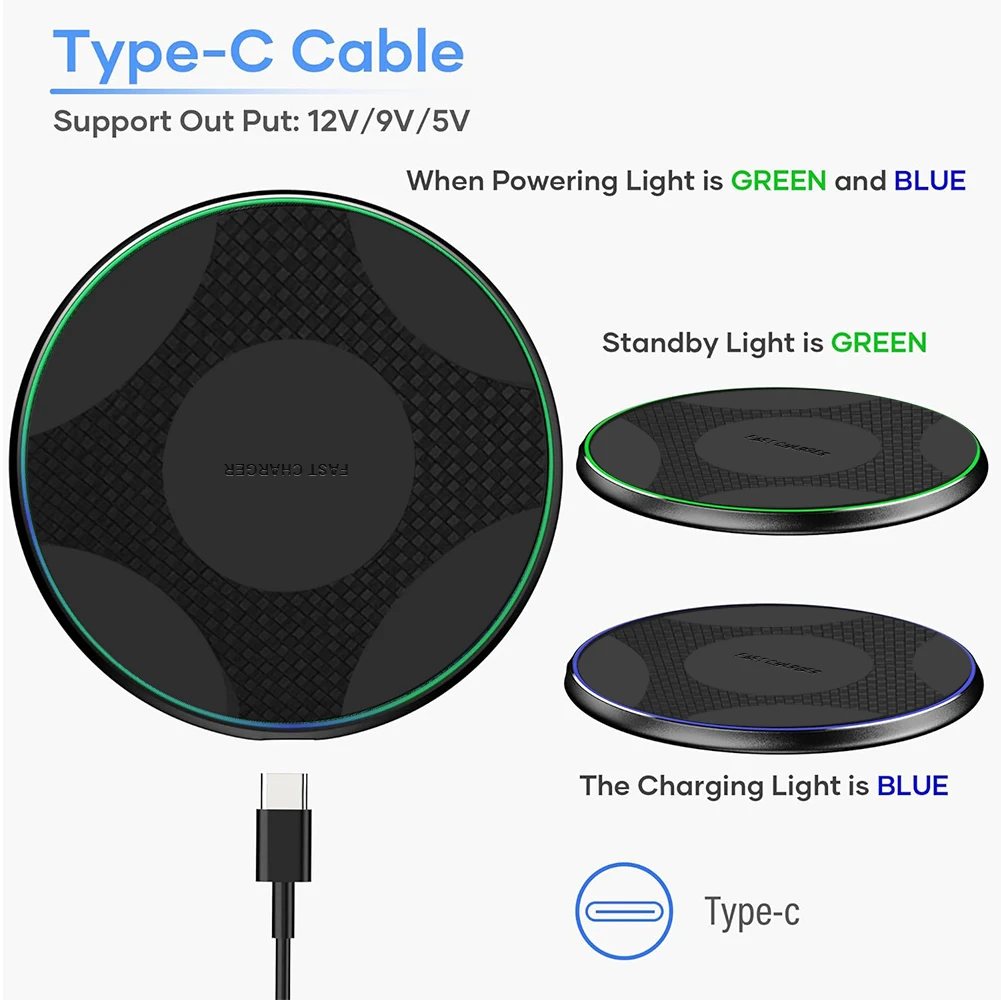
- The plug behind it. A pad can only pass on what its plug gives it. Use the plug the pad asks for, with a UK three-pin plug: see wall chargers.
- Where it sits. A hard, flat surface, away from radiators and direct sun, never under a pillow or on the bed covers.
If you want to see the screen while it charges, a wireless charging stand holds the phone upright instead.
Questions people ask about wireless charging pads
Why does my phone stop and start charging on a pad?
Usually the phone is off the centre of the pad, a thick or metal case is in the way, the plug behind the pad is too weak, or the phone is warm and slowing itself down. Work through them in that order.
Do I need to take my case off?
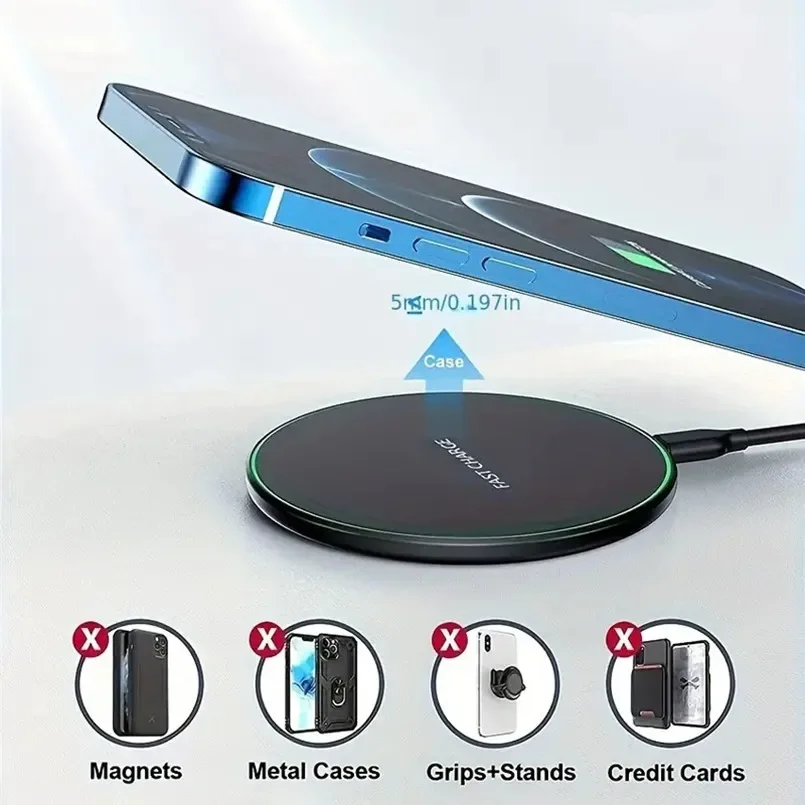
Most cases can stay on. A thick tough case puts the coils further apart, metal plates and rings stop or weaken charging, and a card wallet on the back should come off: Apple and Samsung both warn that a charger's field can damage bank cards, travel passes and key fobs.
Does my phone have wireless charging?
Check the maker's specification for "wireless charging" or "Qi". Samsung says its Galaxy A and XCover phones do not have it, and no pad will change that.
How long does delivery take?
Delivery is included in every price and tracked to your door. Each product page says when it usually arrives.
More to look at