A small tripod for the desk and the bag
A mini tripod is a short set of legs that stands on a table, a shelf, a wall or a rock. It is the easiest way to get a steady night shot, a group photo on the timer, or a phone held at a sensible height for a video call, a recipe or a film in bed. It packs into a bag or a coat pocket, so it is there when you need it. It also makes a handy stand for a film on a train table or a recipe in the kitchen, where a phone leant against something soon slides down.
The kinds here
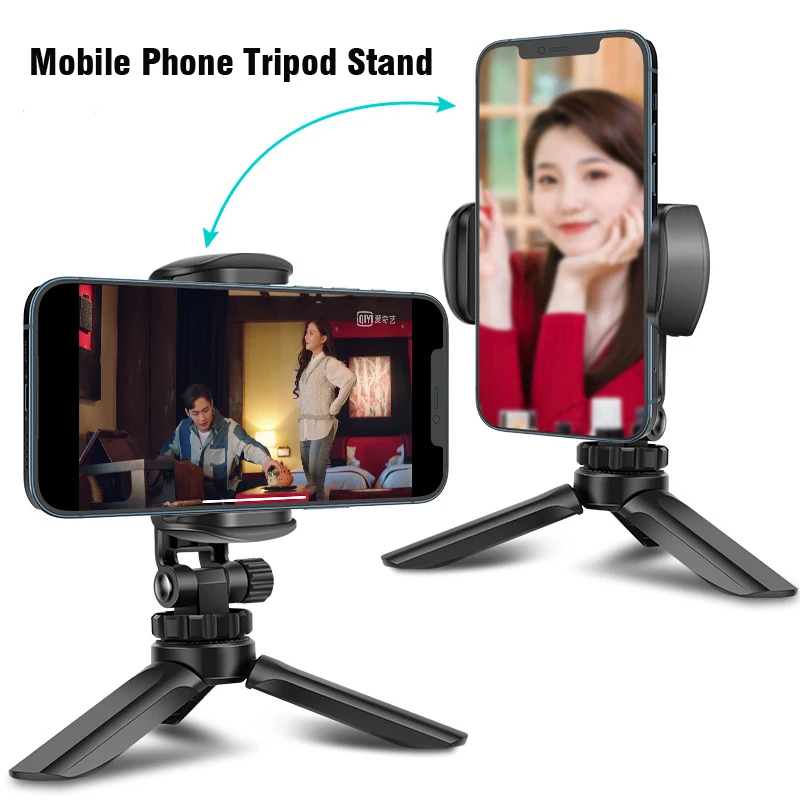
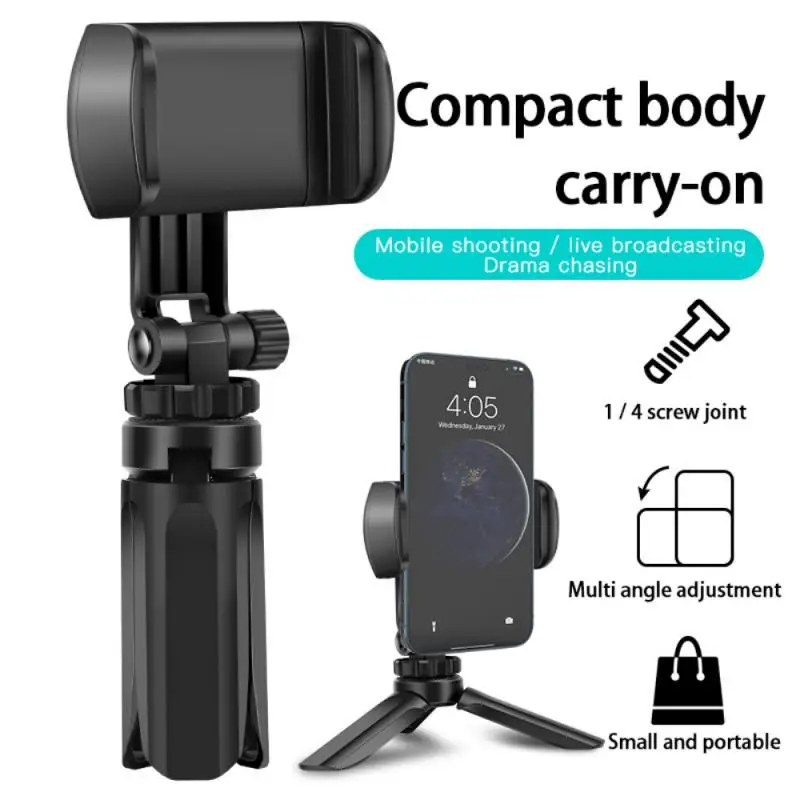
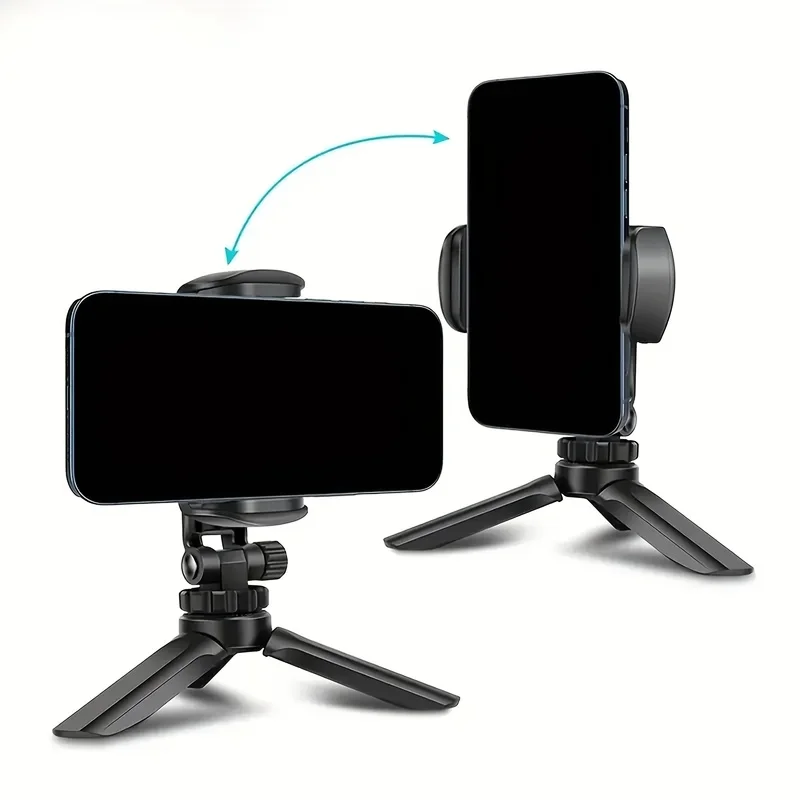
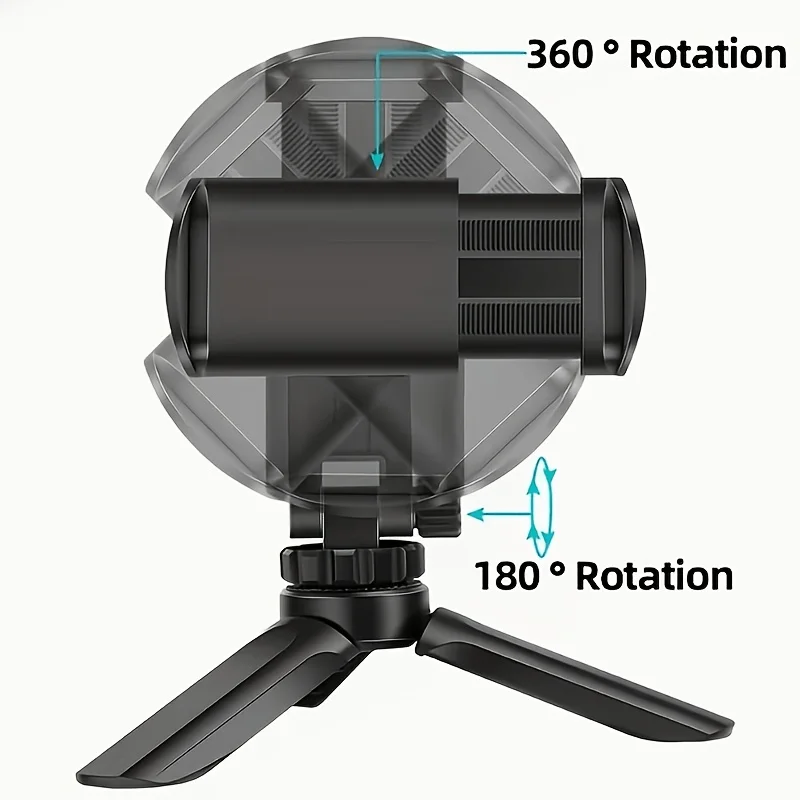
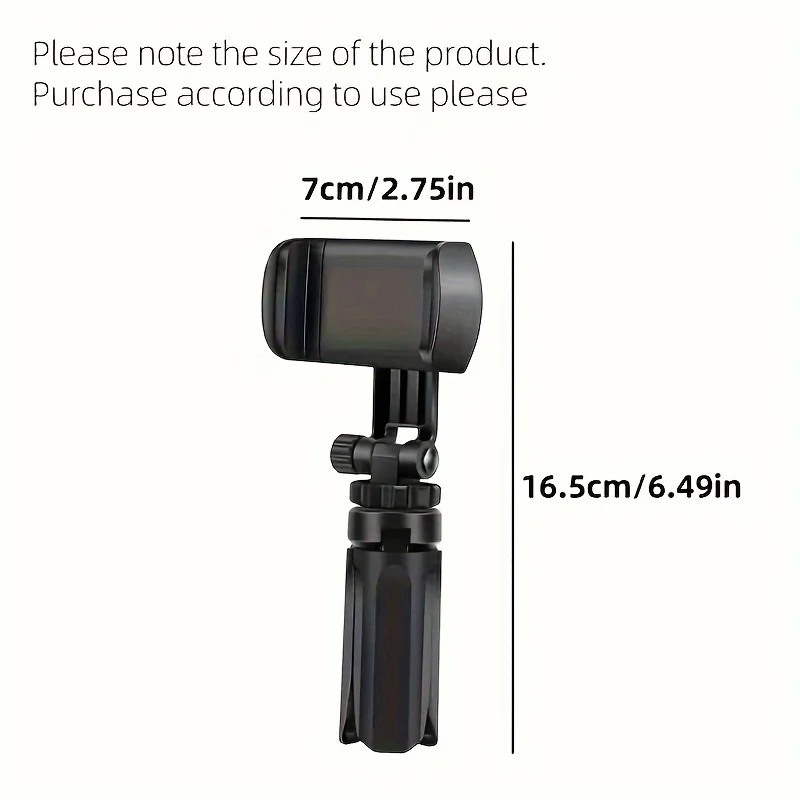
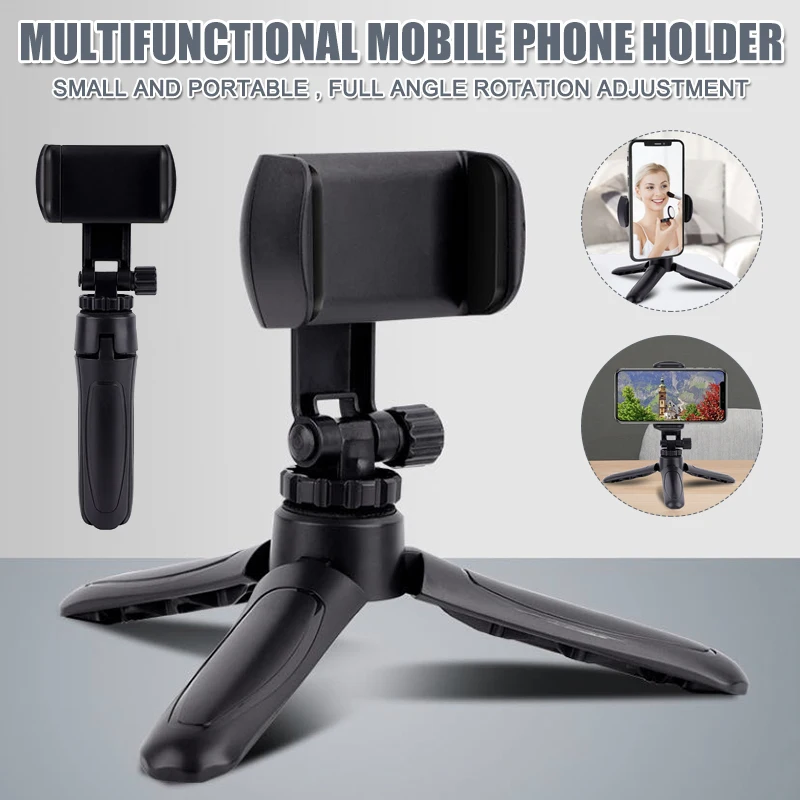
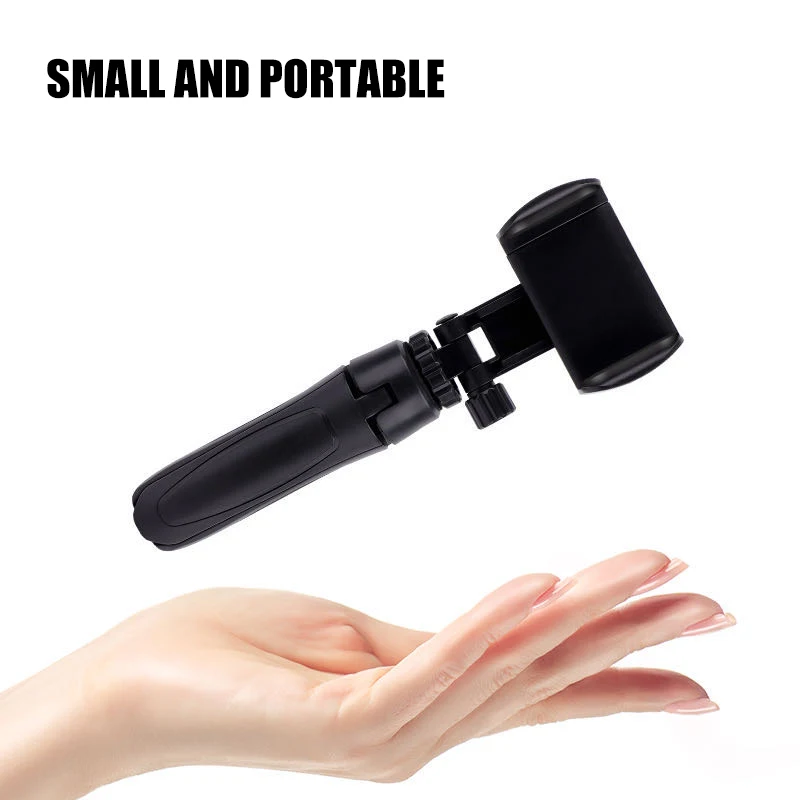
- Folding desk tripods with a rotating phone holder on top. Closed, the legs make a handle, so the same thing works as a grip for filming handheld.
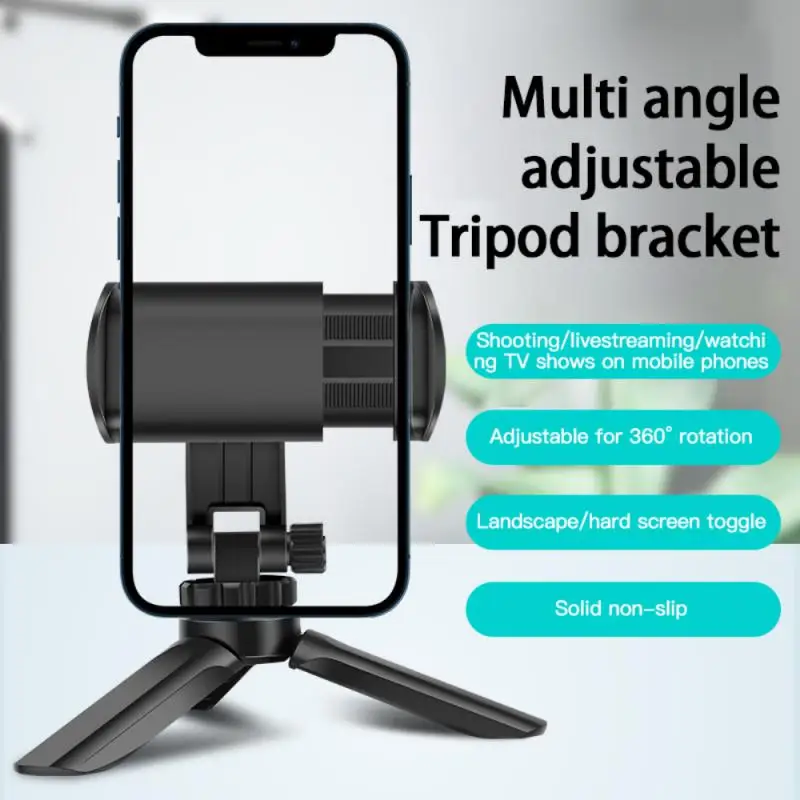
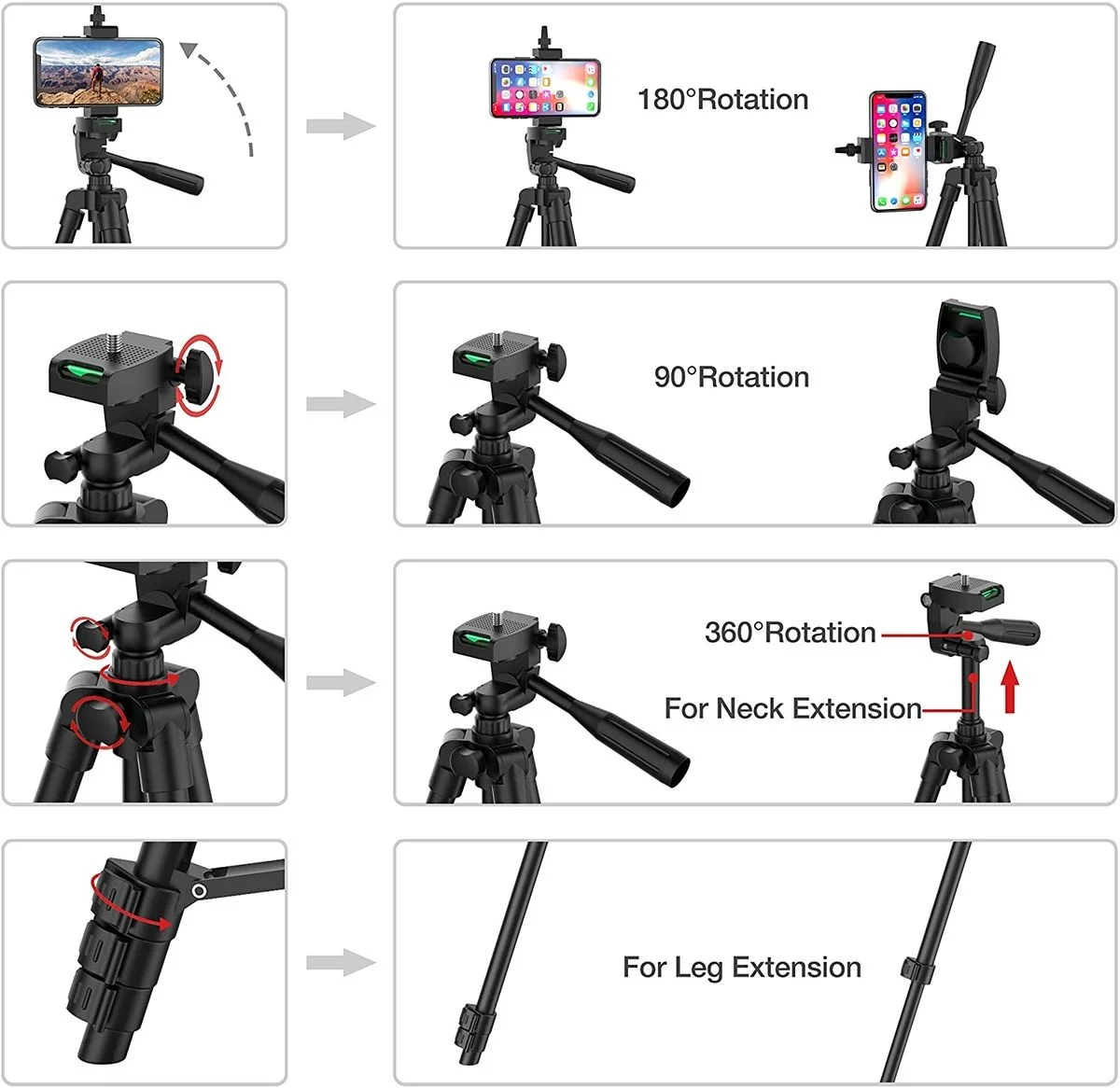
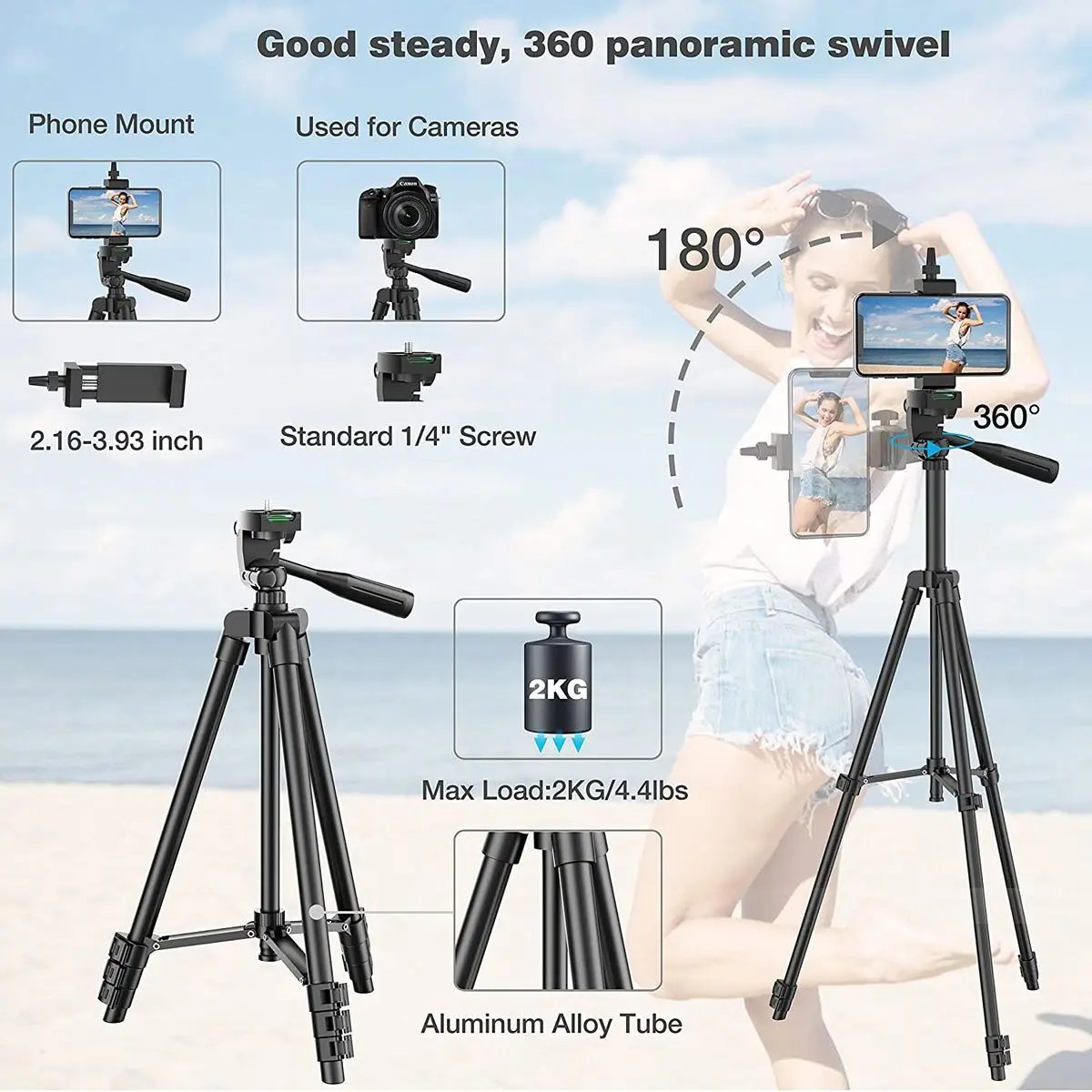
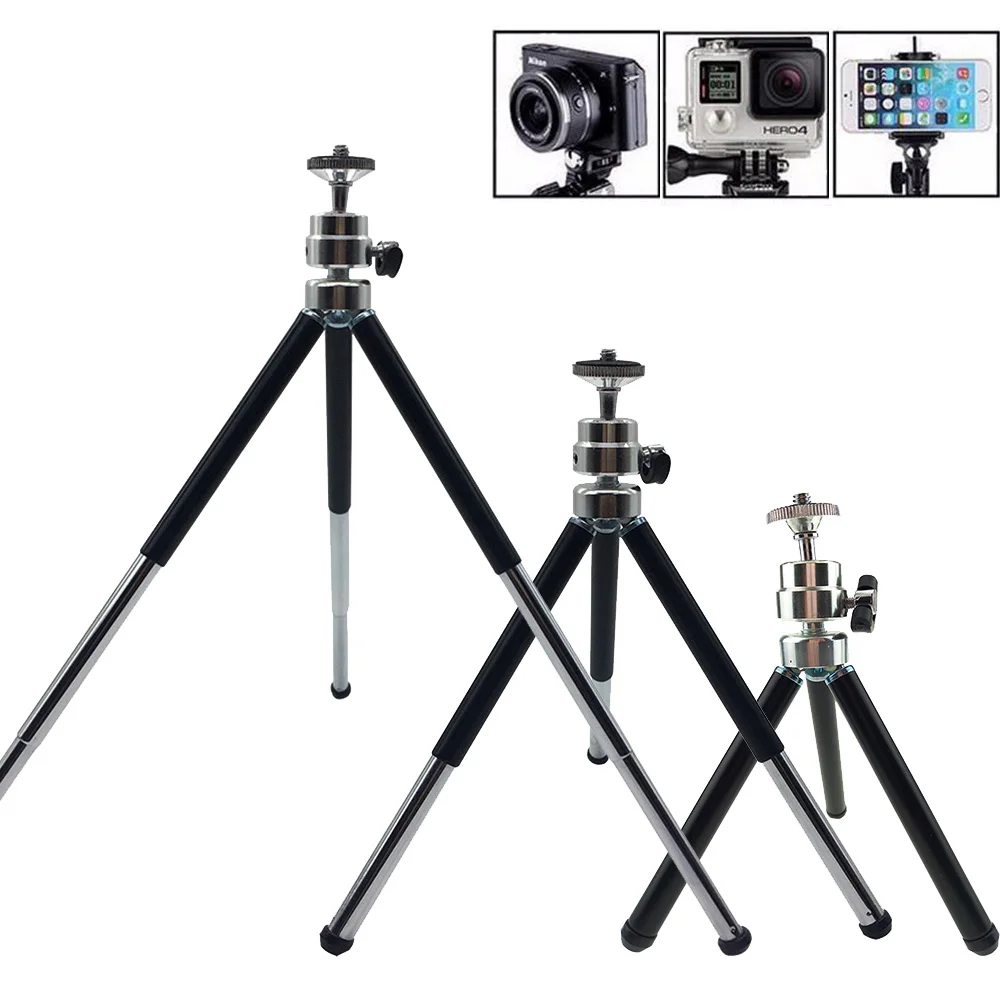
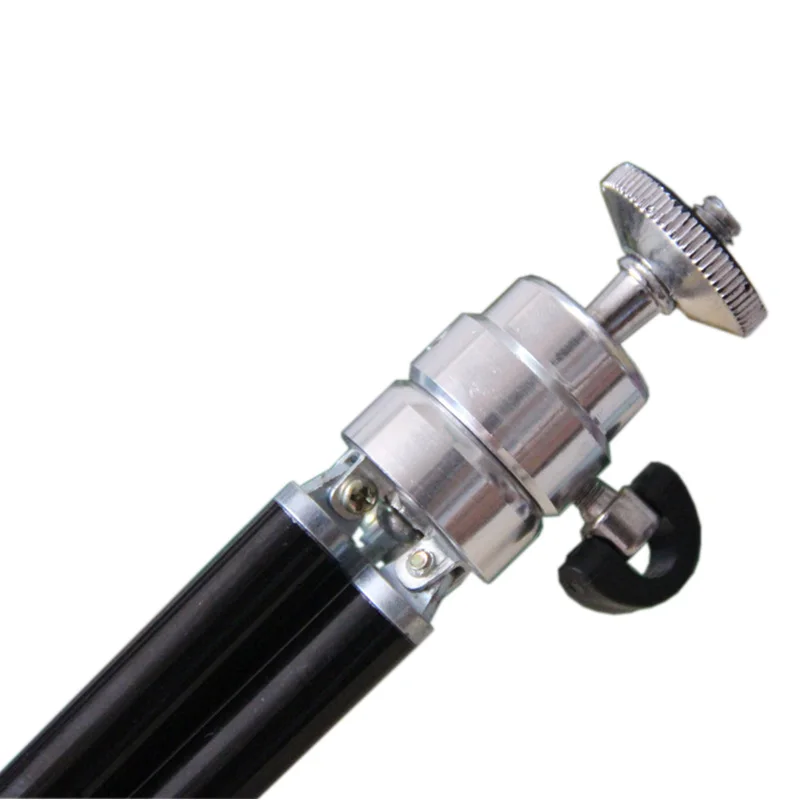
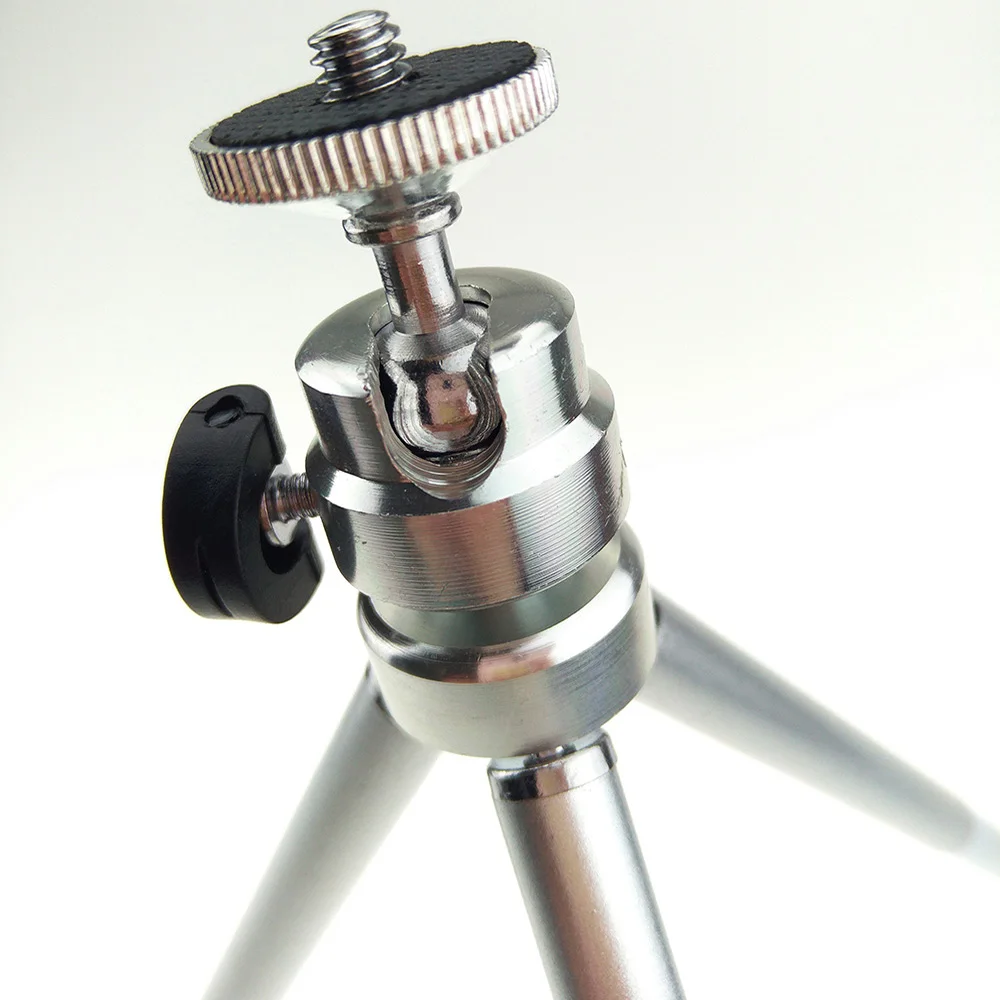
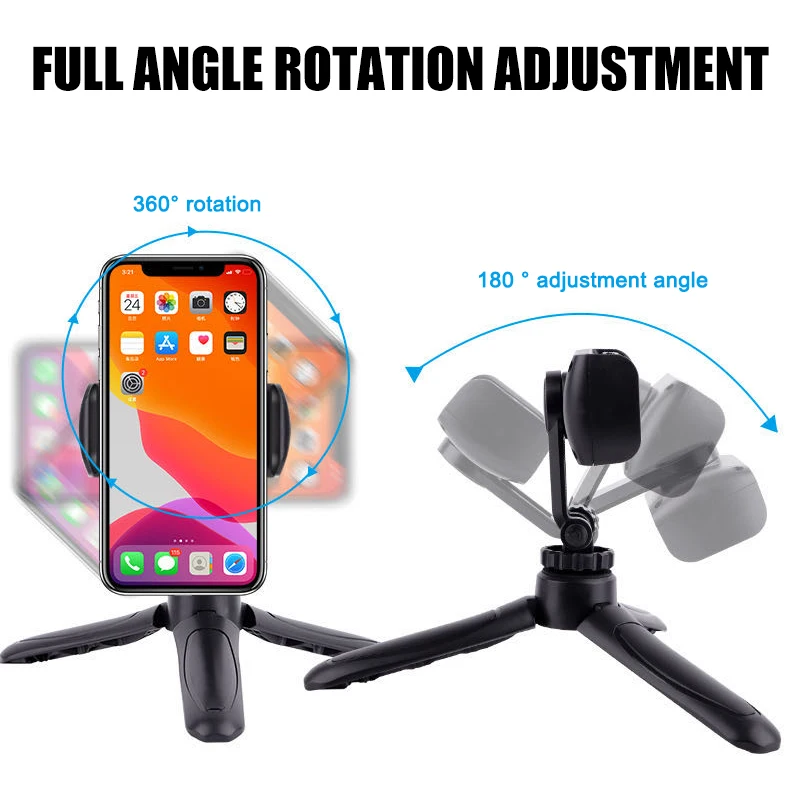
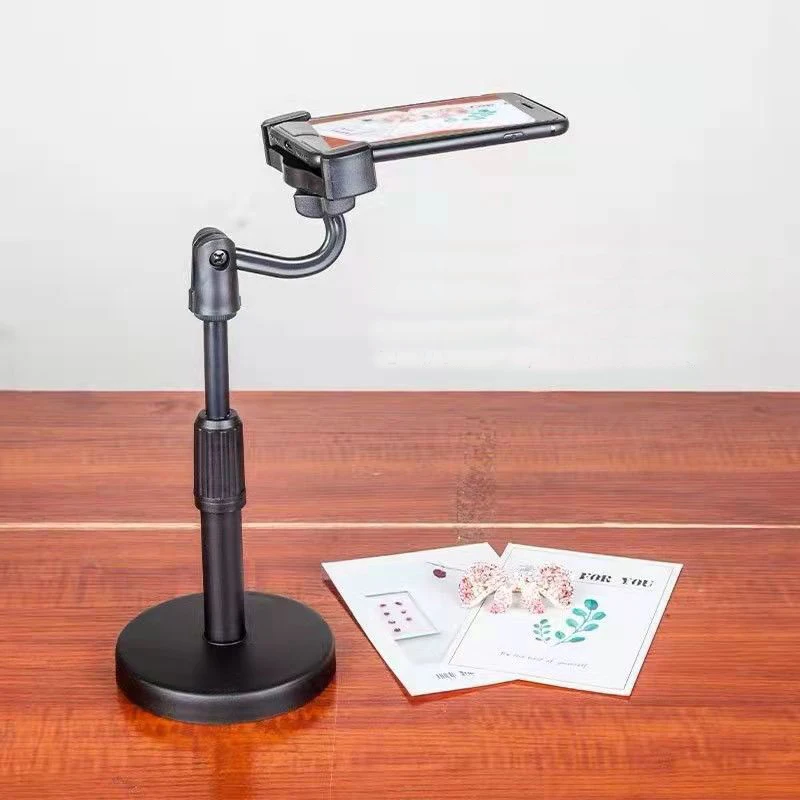
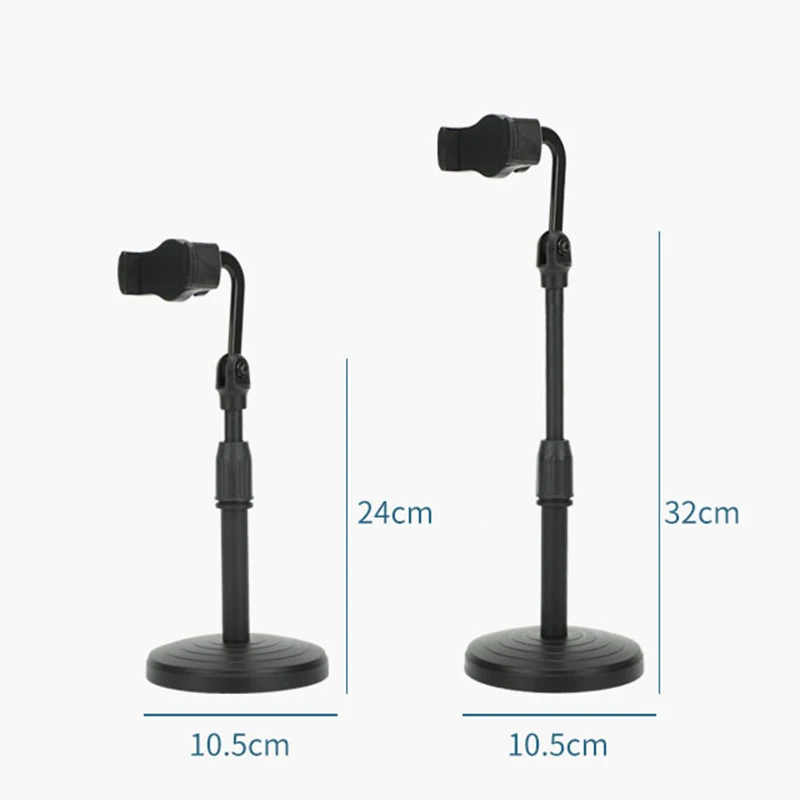
- Telescopic desk stands, heavier and steadier, with a sprung clamp lined with silicone pads that grip the phone without marking it. The stem extends and the head turns all the way round.
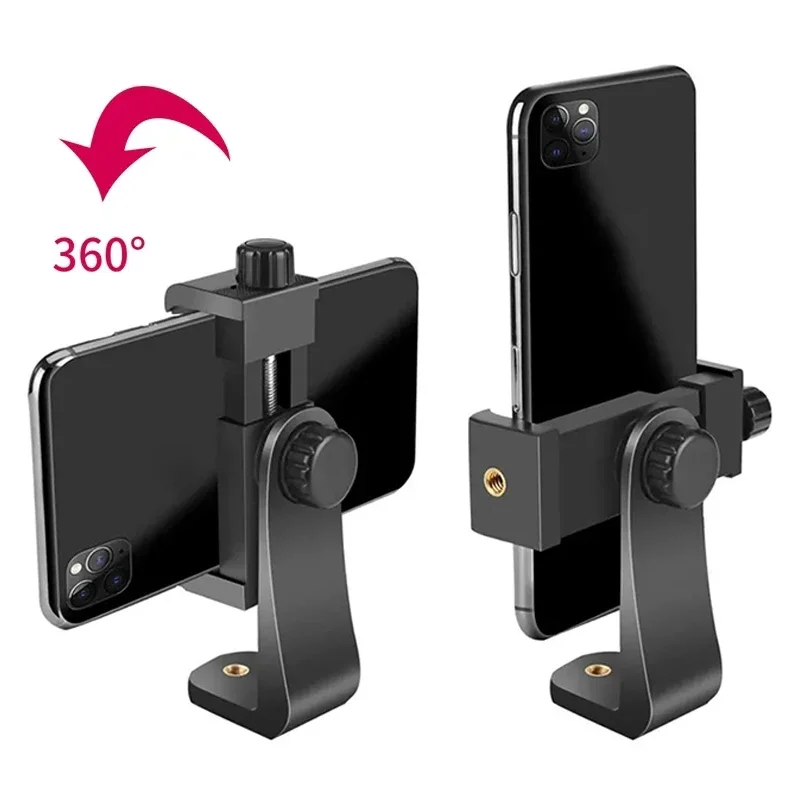
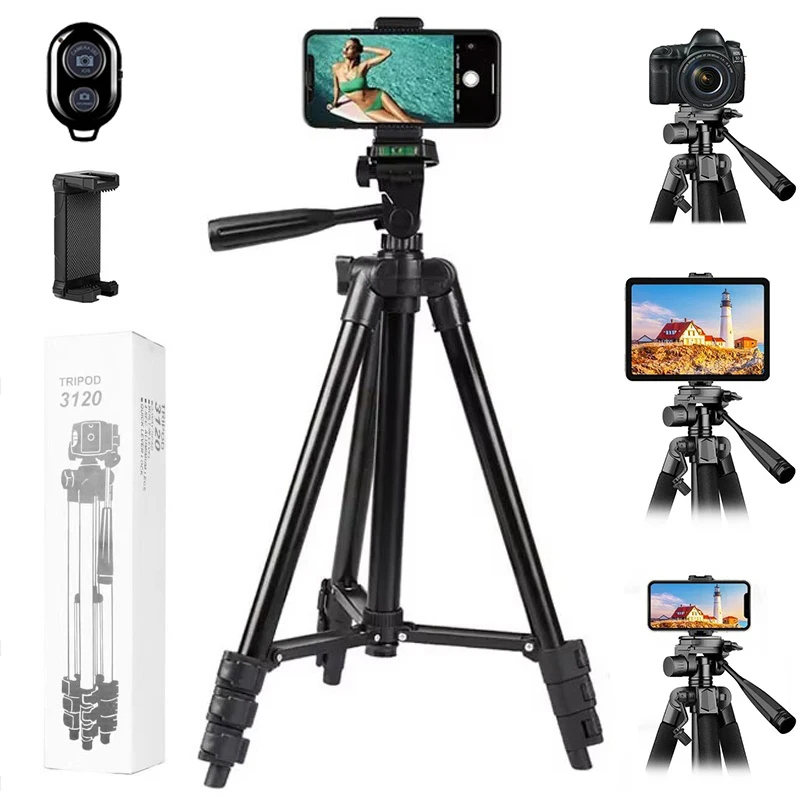
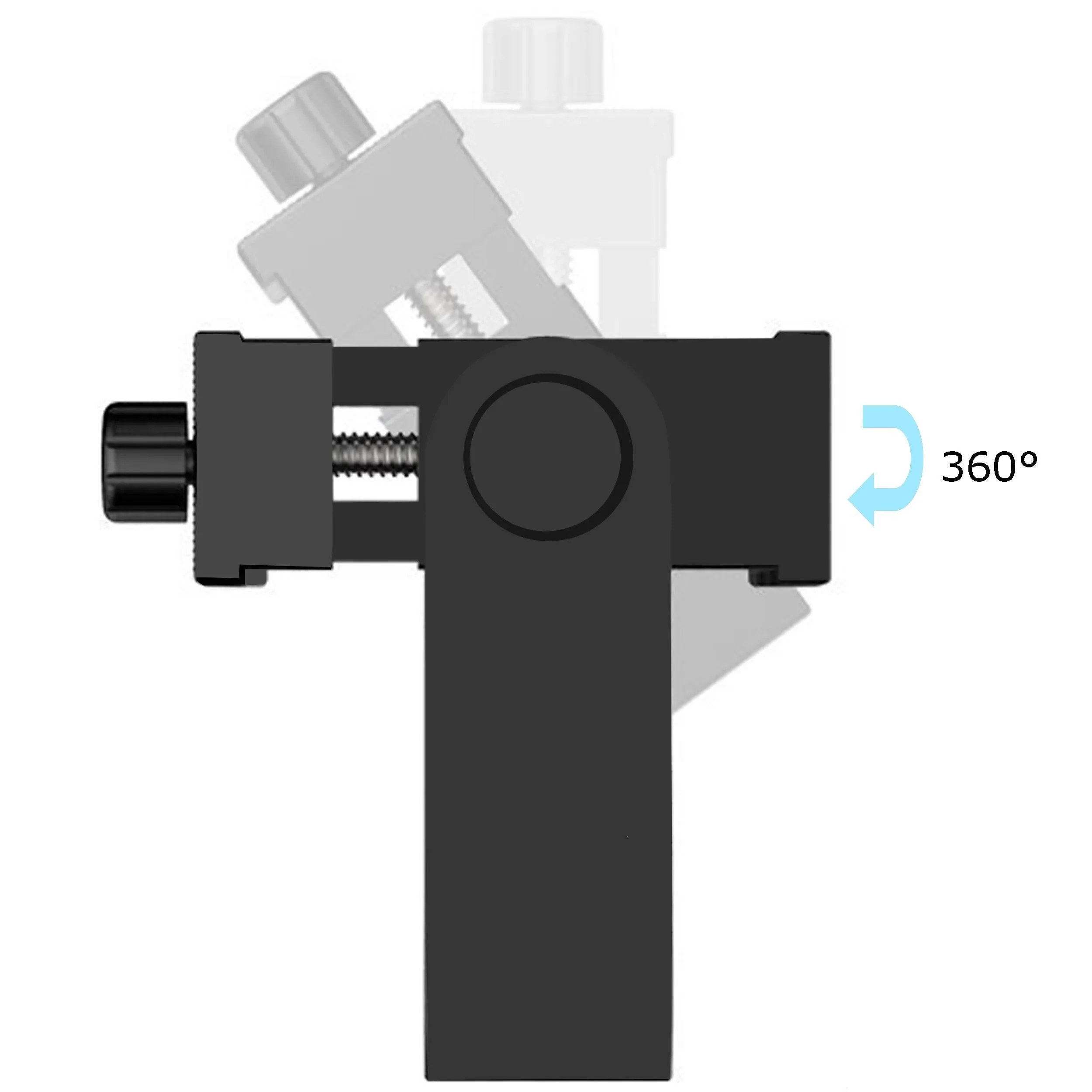
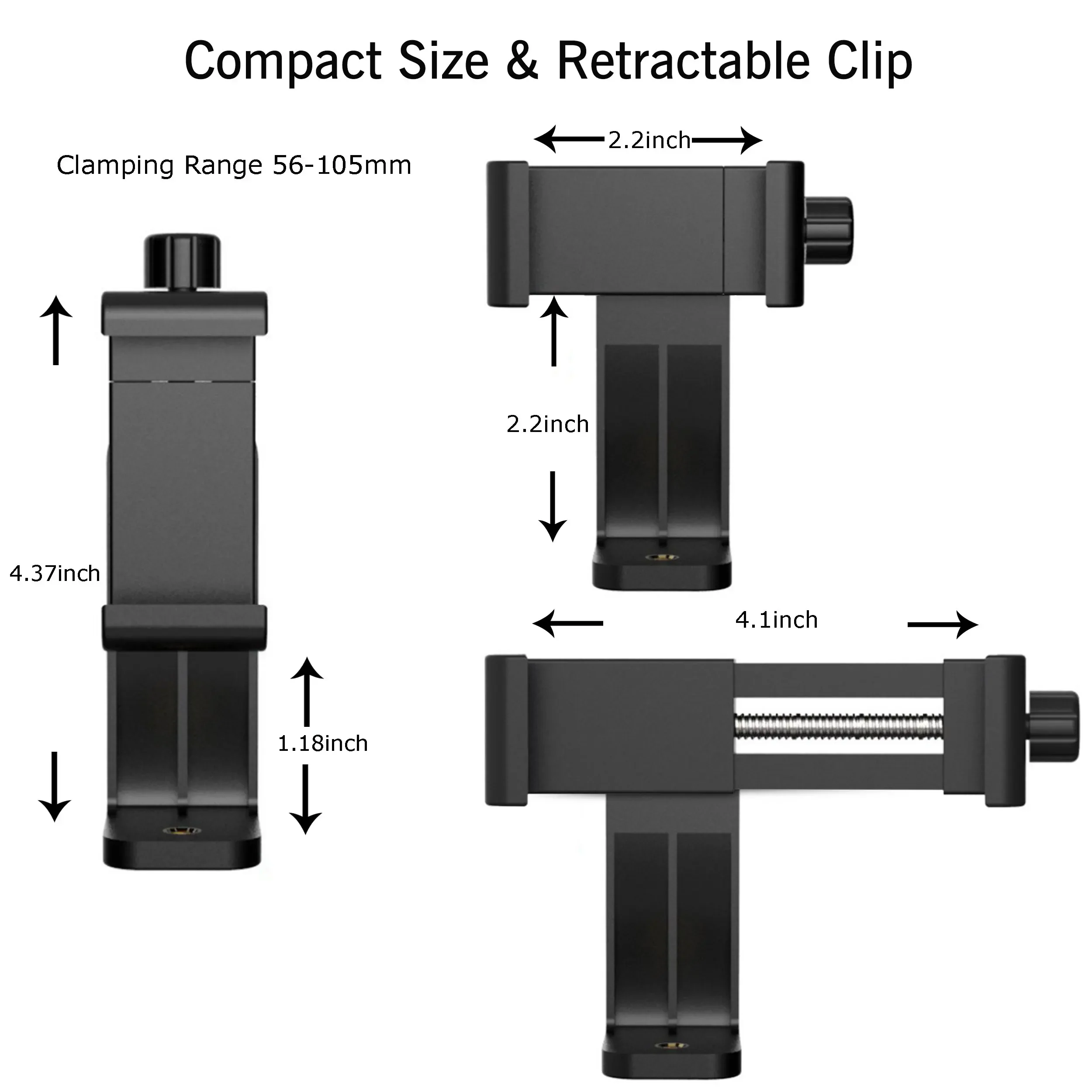
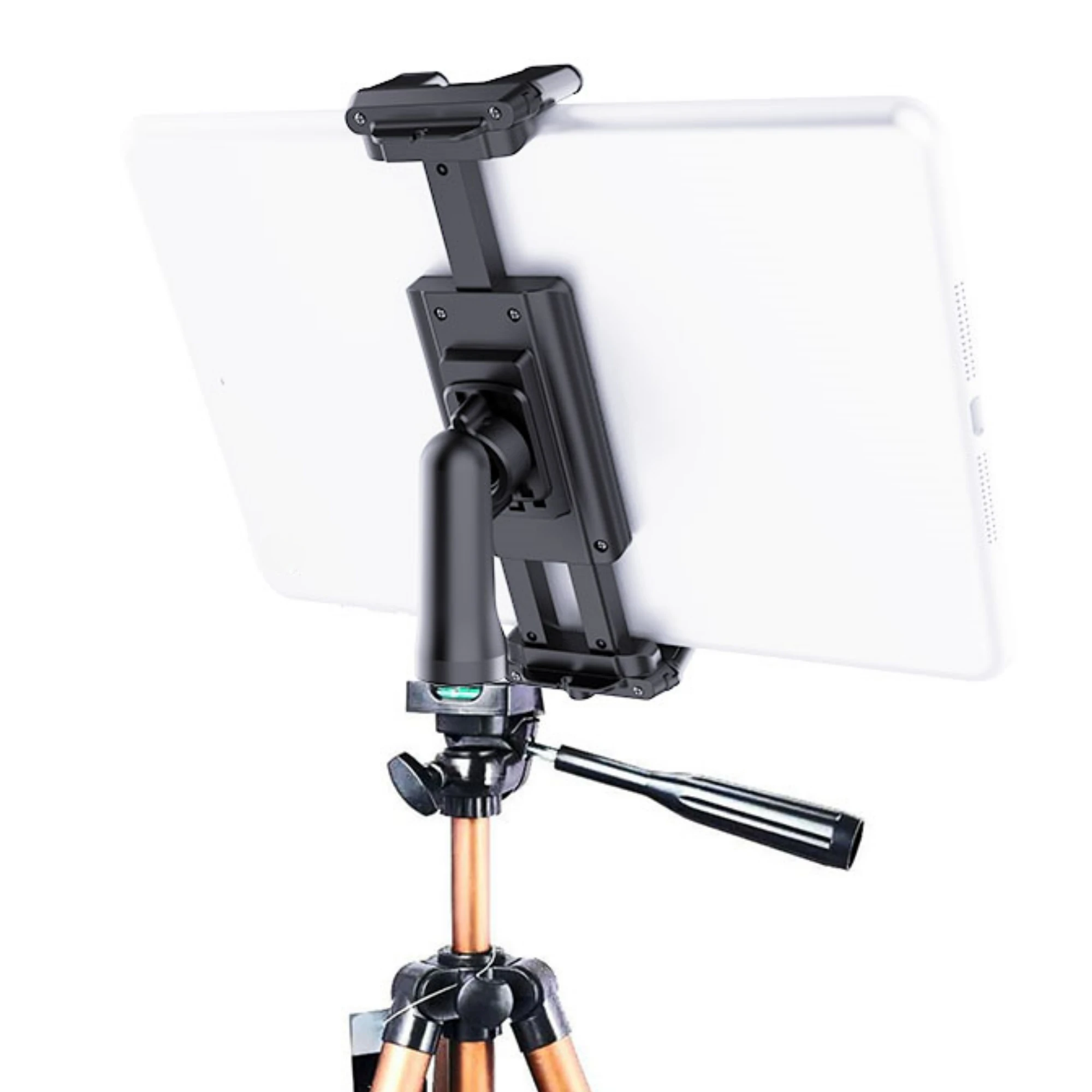
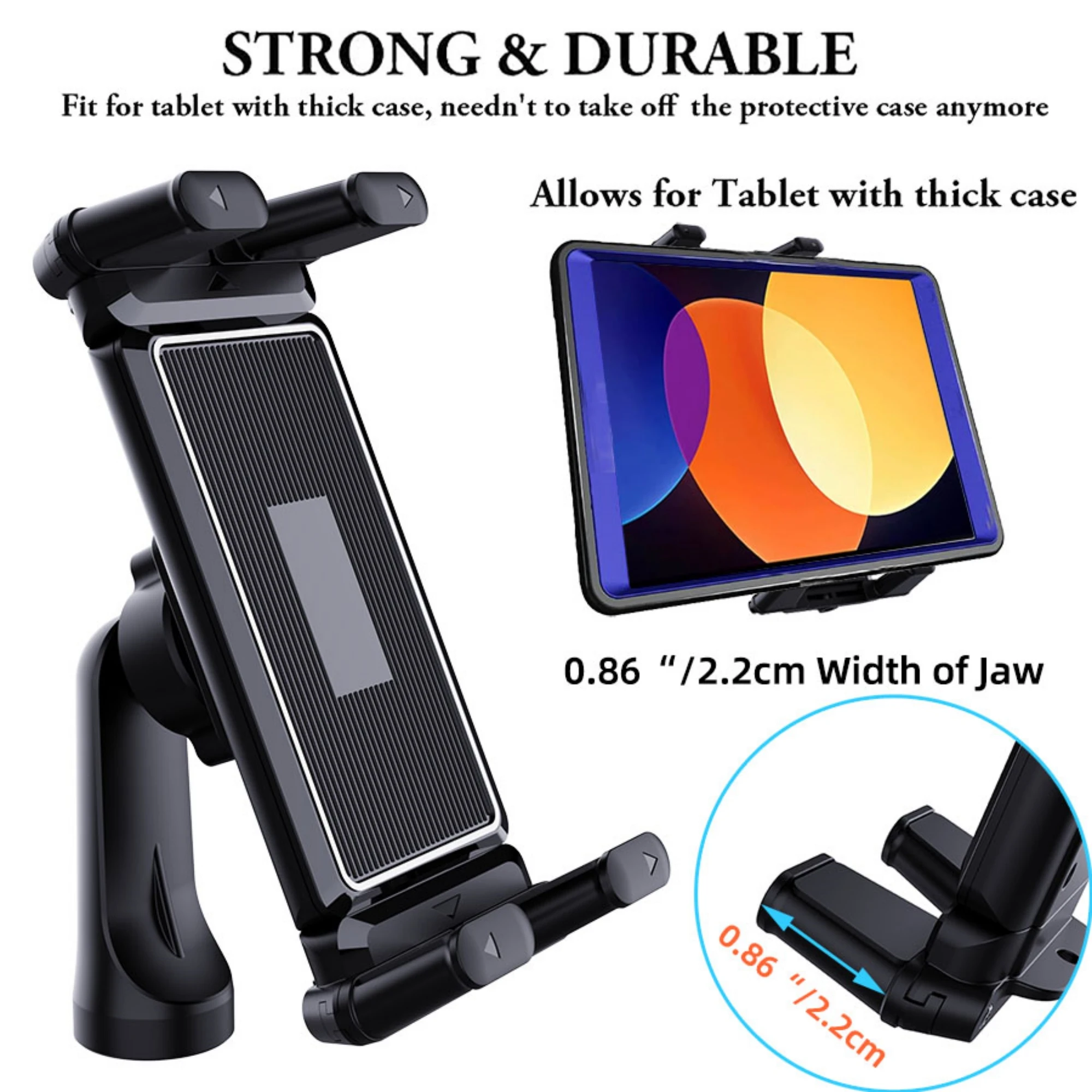
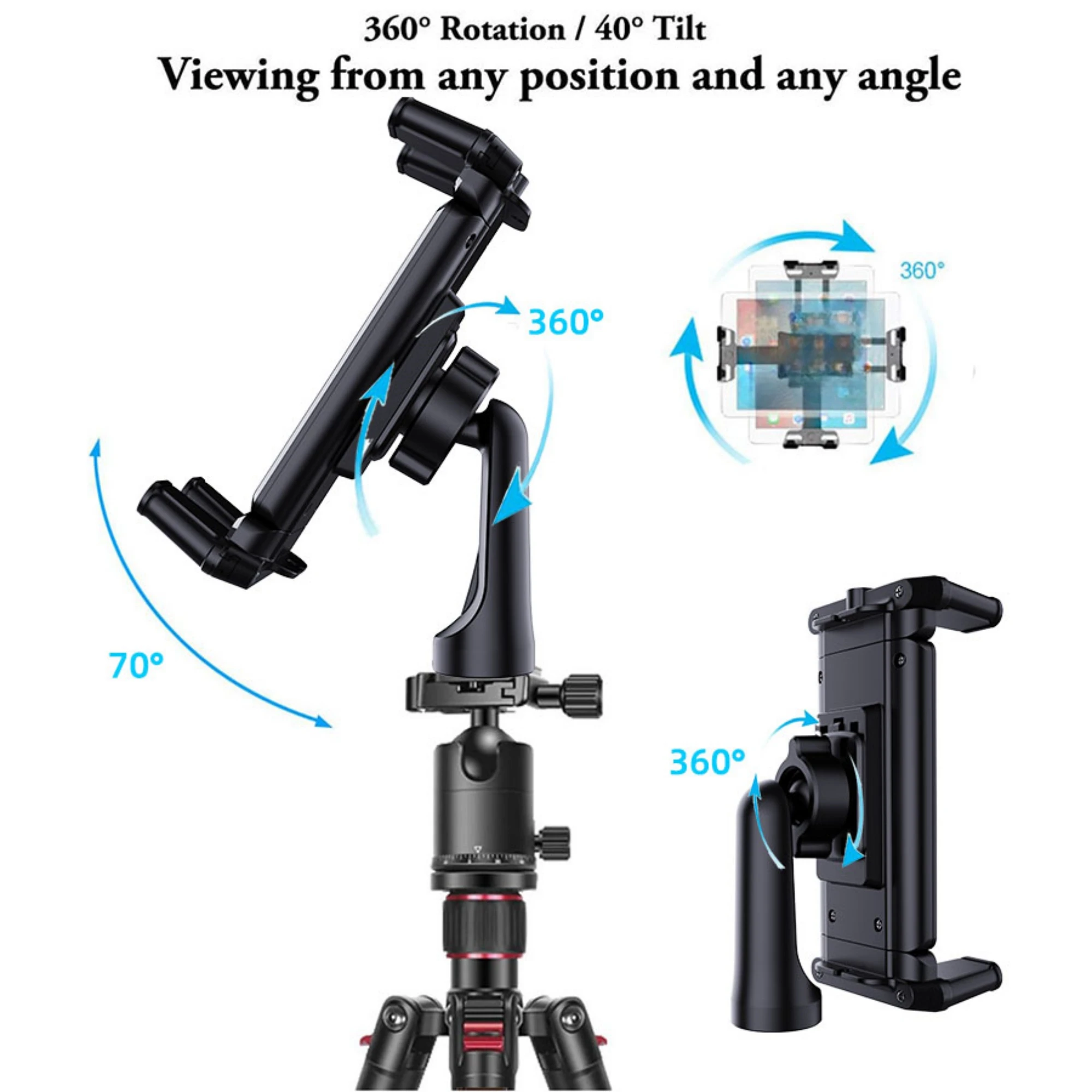
- Tripod mounts: a clamp on its own, with the quarter-inch thread underneath, that puts a phone, a tablet or a folding phone on any tripod or selfie stick.
Some have the standard quarter-inch thread on top as well, so a small camera or a video light can go on them instead.
How to choose a mini tripod
Think about height first. On a table, a mini tripod puts the phone at chest level for someone sitting; for a call at eye level, raise it on a few books. If it will travel, pick a folding one that fits the bag. If it will live on the desk, the weightier telescopic stands shake less when you touch the screen. Check the clamp's width against your phone in its case, and that it does not press the side buttons. For filming standing up, look at tall tripods; for wrapping round a post or a branch, flexible tripods.
Questions people ask about mini tripods
Can I use a mini tripod for video calls?
Yes. Turn the holder on its side for a call on a laptop-style screen, or keep it upright for a phone-to-phone call, and set it so the camera is level with your eyes.
Will it hold a tablet?
The tripod mount here opens wide enough for tablets and folding phones. Each product page gives what it holds.
How do I take the photo without moving it?
Use the phone's timer, a remote shutter, or on an iPhone either volume button.
How long does delivery take?
Delivery is included in every price and tracked to your door. Each product page says when it usually arrives.
More to look at