A phone goes everywhere its owner goes: into pockets and bags, onto café tables, into the kitchen and the bathroom, and into hands that have just been on a bus rail or a supermarket trolley. It is also one of the few things most of us touch hundreds of times a day and almost never clean. This guide sets out how to clean a phone and the things around it without harming them, following what Apple and Samsung say on their own support pages, and points out where the makers say nothing and some care is needed.
Why phones get dirty
There are three kinds of dirt on a phone, and each needs a slightly different approach.
The first is grease. Skin leaves oil on the screen every time you touch it, and the face leaves more during calls. Make-up, hand cream and sun cream add to it. Grease shows as smears and fingerprints, and it makes a screen harder to read in sunlight. Most phone screens have a thin oil-repelling coating that helps fingerprints wipe off, and keeping that coating in good order is the main reason to be careful with what you clean a phone with.
The second is grit and fluff. Pockets collect lint, bags collect crumbs and sand, and all of it finds its way into the gaps: the charging port, the speaker grilles, the edges of a case and the corners of a screen protector. Fluff packed into the charging port is a common reason a cable stops sitting firmly or a phone charges only at a certain angle.
The third is germs. A phone is handled constantly and rarely washed, so it carries whatever is on your hands. For most people, ordinary cleaning is enough most of the time, with a disinfecting wipe now and then, after illness in the house, or when the phone has been passed around.
The things that go with a phone get dirty too. Earbuds sit in the ear and collect wax, ear tips hold sweat, cases trap grit between the case and the phone, and straps and charms are handled as much as the phone itself. Each is covered below.
What the phone makers say you can use
Apple and Samsung both publish cleaning advice for their phones, and the two say much the same thing. Here is what they agree on, in plain terms.
Before you start
Both say to unplug every cable and turn the phone off before cleaning it. Samsung also says to take off any case or stickers first, which makes sense: dirt trapped under a case scratches the back and sides, and a case left on hides it.
The cloth
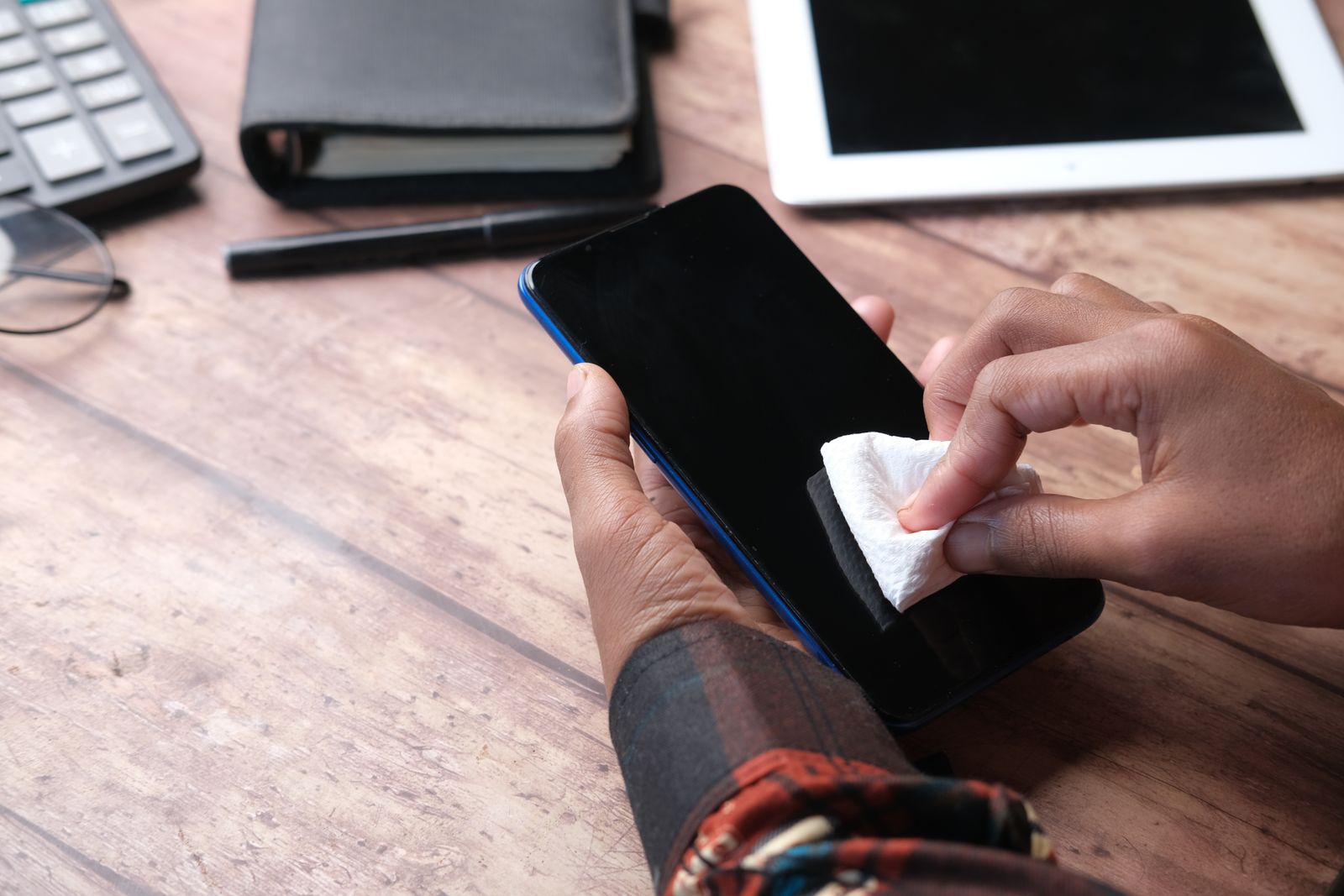
Both recommend a soft, lint-free cloth. Apple suggests a lens cloth; Samsung names a microfibre cloth. Paper towels, tissues and kitchen roll are not lint-free and can be rough on a screen's coating, which is why the makers do not suggest them. A dry cloth deals with most fingerprints. For anything more stubborn, Apple says the cloth can be slightly damp with water, and Samsung suggests a little distilled water on the cloth, with care not to let the phone get too wet. A set of screen cloths and screen sprays covers this part; if you use a spray, spray the cloth and never the phone.
Disinfecting
Both makers allow alcohol for disinfecting. Apple says you can gently wipe the outside of an iPhone with a 70 percent isopropyl alcohol wipe, a 75 percent ethyl alcohol wipe, or a disinfectant wipe, and then finish with a soft cloth slightly damp with water. Samsung says a cloth with an alcohol-based disinfectant such as 70 percent isopropyl alcohol or ethyl alcohol can be used. Apple's general cleaning page adds that wipes are only for hard, non-porous surfaces, so not for fabric or leather.
What to keep away from a phone
- Liquid in the openings. Both makers say to keep moisture out of the charging port, the speaker grilles and the headphone socket, and never to put the phone under water or soak it in a cleaning liquid, even if it is water-resistant.
- Sprays aimed at the phone. Apple says not to spray cleaning products straight onto the device, and not to use aerosol sprays.
- Bleach and hydrogen peroxide. Apple rules out products containing either; Samsung says never to use bleach.
- Abrasives. Apple warns that cleaning products and abrasive materials wear down the oil-repelling coating and can scratch the phone. Scouring pads, the rough side of a sponge, toothpaste and baking soda are all abrasive.
- Compressed air. Both say not to use it. Apple says simply not to; Samsung says it may damage the surface of the device. A can of air can also push dirt further into a port or speaker rather than out of it.
Apple also says to clean the phone straight away if it comes into contact with sand, dirt, make-up, soap, detergent, acidic foods, sun cream, oil or any other liquid, before it has time to dry on.
Cleaning the screen
The screen is the part most people want to clean, and it is the easiest. With the phone off and out of its case:
- Wipe the screen with a dry microfibre cloth in light, straight strokes from top to bottom. Most fingerprints come off with this alone.
- For smears that stay, fold the cloth to a clean part, dampen it very slightly with water (it should feel cool, not wet), and wipe again. Keep the damp cloth away from the edges where the earpiece and microphones sit.
- Dry the screen with a clean, dry part of the cloth.
- To disinfect as well, use a 70 percent isopropyl alcohol wipe gently over the screen and the back, then a slightly damp cloth, as Apple describes.
Pressing hard does not help, and grit on the cloth can scratch, so shake the cloth out or use a fresh part of it if it has picked anything up. Wash microfibre cloths now and then without fabric softener, which leaves a film on the fibres that then smears onto the screen.
With a screen protector fitted
A tempered glass screen protector is cleaned the same way as the screen itself, and it takes the wear instead of the screen. Be gentle at its edges, where a cloth can catch and lift it, and do not let liquid run under it. Matte and privacy glass collect grease more visibly than clear glass but clean the same way. The guide to screen protectors covers the differences between them.
The camera lenses
Smudged camera lenses are the usual reason phone photos look hazy, with a glow round lights. Wipe each lens with a clean part of a microfibre cloth. A lens protector, if you have one, is cleaned the same way.
Cleaning the ports and speakers
This is where most damage is done, so it is worth slowing down. Neither Apple nor Samsung publishes a step-by-step method for cleaning a phone's charging port. What they do say is clear: no liquid in the openings, no compressed air, and, in Apple's advice on cleaning the ports of its earbud cases, nothing put into a port that could damage the metal contacts inside. Apple's advice for those ports is a clean, dry, soft-bristled brush.
So the safe approach is a gentle, dry one:
- Turn the phone off and unplug it.
- Look into the port with a torch. Fluff usually sits packed flat against the back wall.
- Use a clean, dry, soft brush at the opening to lift out loose dust and lint, working gently and turning the phone so the opening faces down.
- Do not use metal: no pins, paper clips, needles or the SIM tool. The contacts inside a port are thin and easily bent or scratched.
- If a cable still will not sit properly afterwards, take the phone to a repair shop rather than digging further.
Port and earbud brushes are small, soft brushes and picks made for this kind of job, and phone cleaning kits put brushes, swabs and a cloth together in one set. Use the softest tool in the kit first, keep it dry, and work only at the mouth of the port.
Speaker and microphone grilles
The grilles at the bottom and top of a phone collect dust and pocket fluff, which can make calls sound muffled. A dry, soft brush, moved lightly across the grille, lifts most of it. Do not push anything through the holes, do not use liquid, and do not blow into them, which adds moisture. Apple's advice for its newer watches is the same idea: a soft-bristled brush on the speaker openings.
Keeping dirt out
Once a port is clean, dust plugs keep pocket fluff out of it. They are small plugs that sit in the charging port and headphone socket, and some come as dust plug charms with a small charm hanging from them. Take a plug out before charging.
Cleaning earbuds and their case
Earbuds need more regular cleaning than a phone, because wax and sweat build up on the parts that sit in the ear and can block the sound. Apple and Samsung both give their own advice, and it follows the same lines.
The earbuds
- Wipe, do not wash. Apple says to wipe AirPods Pro with a cloth slightly damp with fresh water, then dry them with a soft, dry, lint-free cloth, and not to hold them under running water. Samsung says to use a dry cotton bud or a soft cloth on the speaker mesh.
- Face down. Samsung suggests holding the bud with the mesh facing down while cleaning it, so loosened wax falls out rather than further in.
- Nothing sharp. Both say not to use sharp objects. A pin through the mesh can tear it or push wax deeper.
- No solvents. Samsung says not to clean its earbuds with alcohol, acetone or other solvents. Apple says not to use abrasive materials.
- Dry before charging. Apple says to let AirPods dry completely, for at least two hours, before putting them back in the case or using them.
Ear tips
Silicone ear tips come off for cleaning. Apple and Samsung both say to rinse them in water and let them dry completely before fitting them back. Apple adds not to use soap or household cleaners on them. If a tip has split, gone sticky or no longer seals in the ear, replace it: spare ear tips come in silicone and foam, in several sizes, and the right size makes more difference to sound than most people expect.
The charging case
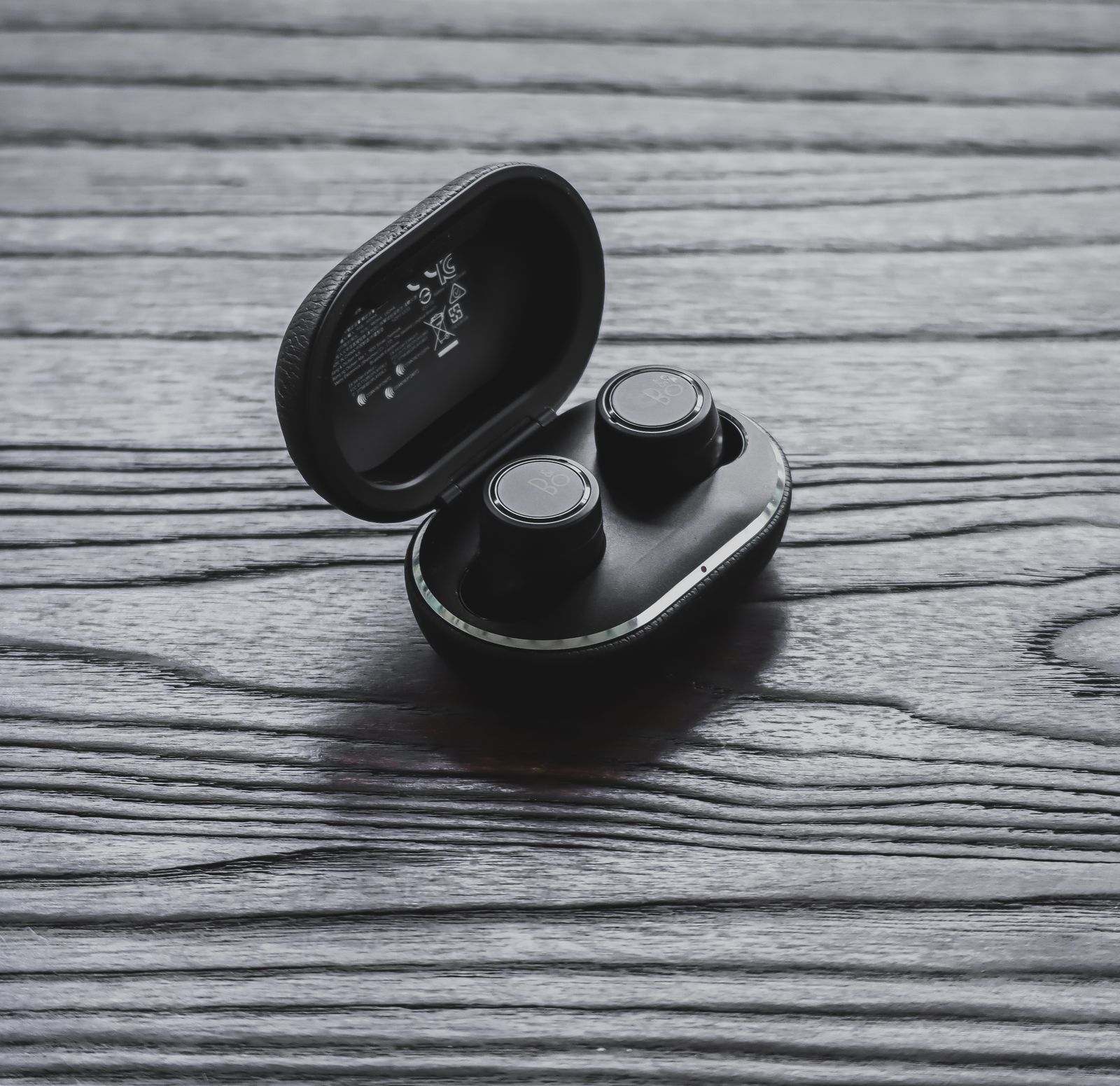
Apple says to clean the case with a soft, dry, lint-free cloth, slightly damp with isopropyl alcohol if needed, to keep liquid out of the charging port, and to clear the port with a clean, dry, soft-bristled brush. Samsung says to wipe the charging contacts inside the case with a dry cotton bud. Fluff in the cups where the buds sit can stop them charging, so check there too.
A cover over the charging case keeps it from scratches and pocket grit. Earbud cases and covers are usually silicone or hard plastic and can be taken off and washed separately from the case itself. The guide to earphones and earbuds covers fit, ear tips and covers in more detail.
Cleaning cases, straps and charms
A case collects the dirt a phone would otherwise pick up, and grit trapped between case and phone scratches both. Taking the case off once a week or so, wiping the phone and shaking out the case, does more for the phone than any amount of cleaning with the case left on.
Silicone, TPU and hard plastic cases
Silicone and soft cases, TPU cases and hard plastic shells can be washed off the phone in warm water with a little washing-up liquid, using a soft cloth or a soft toothbrush for the edges and the button covers. Rinse, then let the case dry completely before putting it back on. Water trapped inside a case sits against the phone and the ports, which is exactly what the makers say to avoid. Silicone picks up lint more than other materials; a lint roller or a strip of tape lifts it.
Clear cases
Clear cases show dirt more than any other kind, and the edges and corners darken first. Washing helps with surface dirt, but the yellowing that clear TPU develops over time comes from the material itself reacting to light and heat, and cleaning does not reverse it. Anti-yellowing clear cases are made to resist it. The guide to phone case materials explains why clear cases yellow and what slows it.
Leather and leather-look cases
Leather cases should not be soaked. For its own leather cases, Apple says to take the case off the phone and clean it with warm water and a mild hand soap, or a mild cleaner, with a cloth, and warns that leather cleaners and conditioners can change the colour. Disinfectant wipes are not for leather or fabric, as Apple also says. Leather darkens and softens with handling, which is part of its look rather than dirt.
Straps
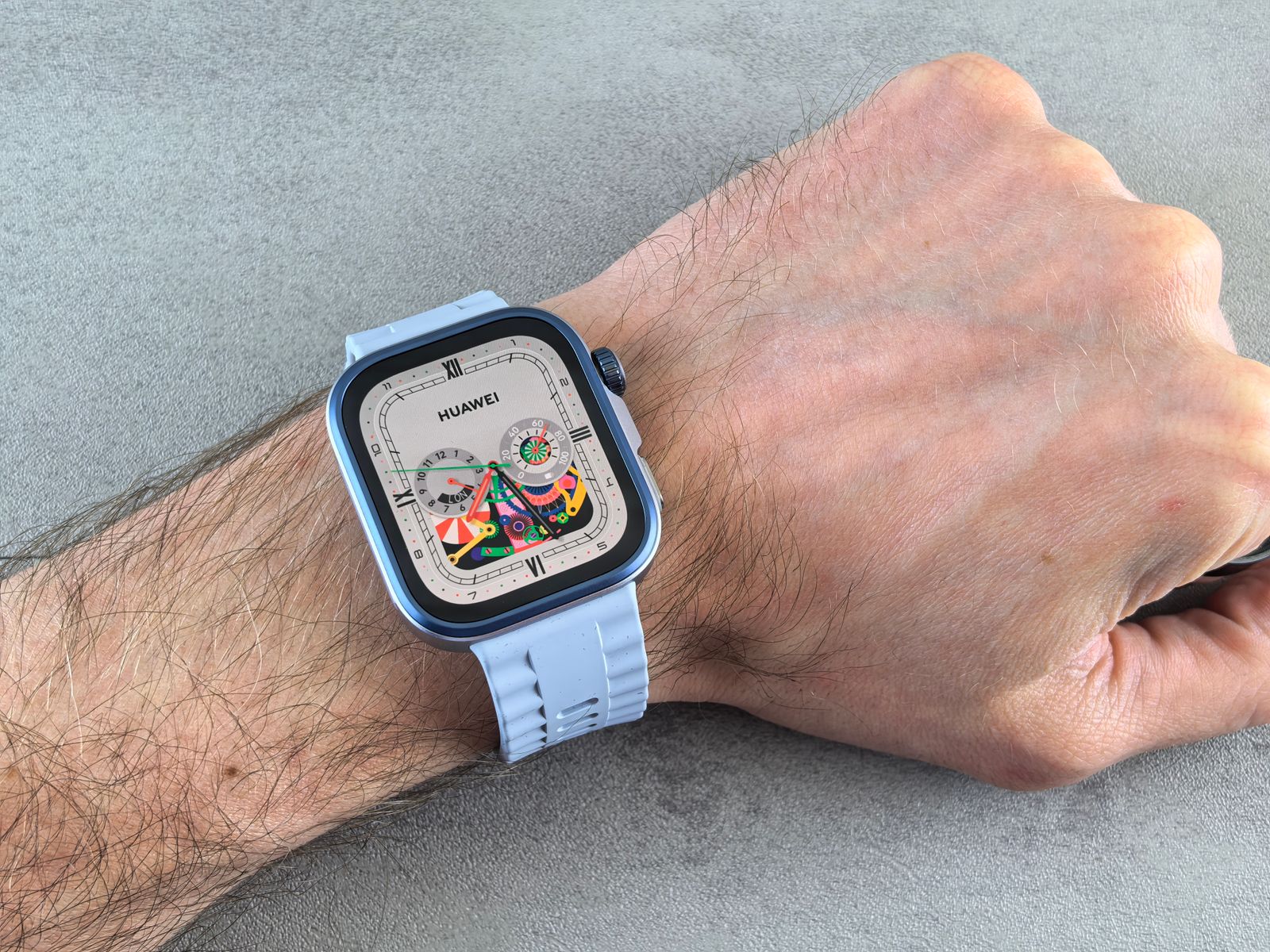
Phone straps are handled constantly. Silicone and plastic straps wash like silicone cases. Woven and braided straps can be washed by hand in warm soapy water, rinsed, and left to dry flat away from direct heat. For watch straps, the makers say similar things: Google's Fitbit advice is to wash a band in fresh water when it is dirty or smells, and to dry the band and your wrist before putting it back on; Apple says its sport bands can be cleaned with a mild, hypoallergenic hand soap and that leather bands should not be soaked; Samsung says to wipe rubber straps with a slightly damp cloth, dry them, and leave them to dry out of direct sunlight. Wrist straps and crossbody straps follow the same rules: the material decides how it is washed.
Charms
Beaded, pearl and acrylic charms can be wiped with a damp cloth and dried. Avoid soaking anything on a cord, which can stretch or weaken, and anything with glued-on crystals, where water can loosen the glue. Metal chains and rings can be wiped with a dry cloth. Take charms off the phone before washing a case. Check the cord and the ring that holds a charm on while it is off; a worn cord is easier to replace at home than a lost charm.
UV sanitisers
UV sanitisers are boxes or wands that shine ultraviolet light on a phone, sold as a way to kill germs without liquid. Neither Apple's nor Samsung's cleaning advice mentions them; their advice is the cloth and, to disinfect, the alcohol wipe described above.
What is known about ultraviolet light comes from health regulators. The US Food and Drug Administration explains that ultraviolet-C light can only act on a surface it reaches directly, so anything in shadow, or covered by dust or grime, may not be disinfected. For a phone, that means the edges, the ports, the gap between phone and case, and anything greasy. It also warns that direct ultraviolet-C on skin and eyes can cause painful eye injuries and burn-like skin reactions, and it has told people not to use some handheld UV wands that give off unsafe levels of it.
So, if you use one:
- clean the phone first, because ultraviolet light does not remove grease or dirt and does not reach through it;
- take the case off and put the phone in face up, then face down, if the box only lights one side;
- choose a closed box that switches off when opened over a wand you hold, so the light stays inside;
- never look at the lamp or shine it on skin.
A sanitiser is an extra, not a replacement for a cloth. Cleaning removes dirt; disinfecting deals with germs on a clean surface.
Questions people ask
Can I use antibacterial wipes on my phone?
Apple says a 70 percent isopropyl alcohol wipe, a 75 percent ethyl alcohol wipe or a disinfectant wipe can be used gently on the outside of an iPhone, as long as it contains no bleach or hydrogen peroxide. Samsung allows a cloth with 70 percent isopropyl or ethyl alcohol. Wipe gently, keep moisture out of the openings and finish with a slightly damp cloth.
Can I use glass cleaner, washing-up liquid or kitchen spray on the screen?
Not on the phone itself. Apple says cleaning products and abrasive materials wear down the screen's oil-repelling coating, and household cleaners are made for worktops rather than coated glass; some contain bleach, which both makers rule out. Washing-up liquid is fine for a silicone case once it is off the phone.
How do I get fluff out of my charging port?
Turn the phone off, look in with a torch, and lift the fluff out gently with a clean, dry, soft brush, working at the opening with the port facing down. Never use metal, liquid or compressed air. If a cable still will not sit, take it to a repair shop.
Can I rinse my water-resistant phone under the tap?
For cleaning, no. Both makers say not to put the phone under water to clean it. Apple's advice is that if a liquid other than water, such as a drink, gets on an iPhone, you can rinse the affected area with tap water and then wipe it dry, which is a rescue step rather than a way to clean it. The guide to IP ratings explains why water resistance fades with time.
How often should I clean my phone?
A dry wipe of the screen whenever it smears, the case off and the phone wiped once a week or so, and a disinfecting wipe now and then or after illness in the house, suits most people. Earbuds need a look every week or two, more often if you use them for exercise.
Where to go next
Everything for this job is in cleaning and care: kits, brushes, screen sprays and cloths, dust plugs and UV sanitisers. For more on looking after a phone:
- Screen protectors explained: glass, privacy, anti-glare and film
- How to fit a screen protector without bubbles: including cleaning the screen properly first
- Phone case materials: caring for silicone, TPU, polycarbonate and leather
- Earphones and earbuds for your phone: fit, ear tips and covers