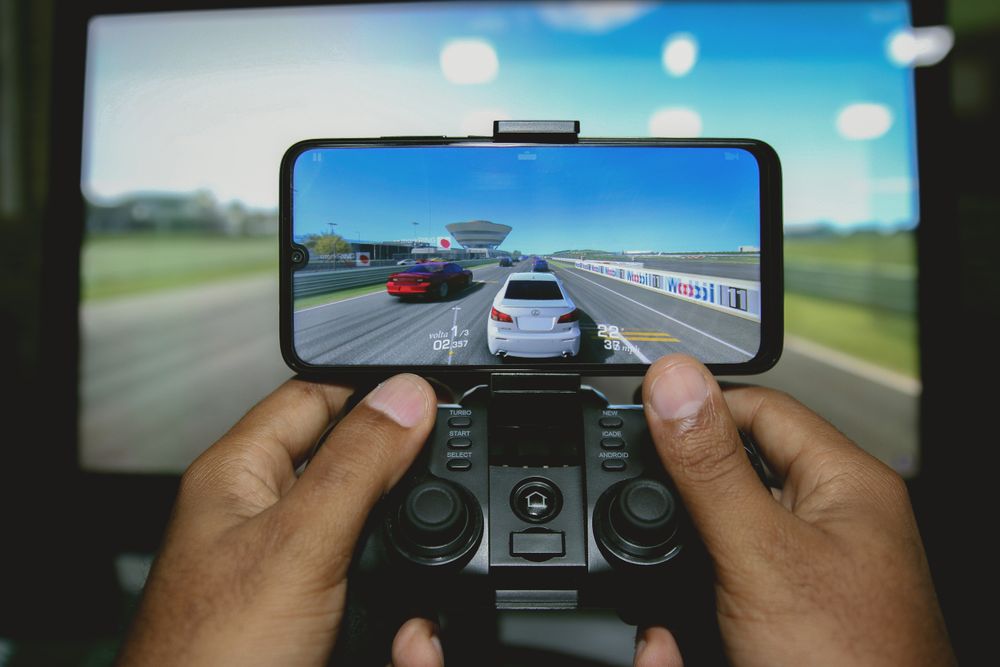
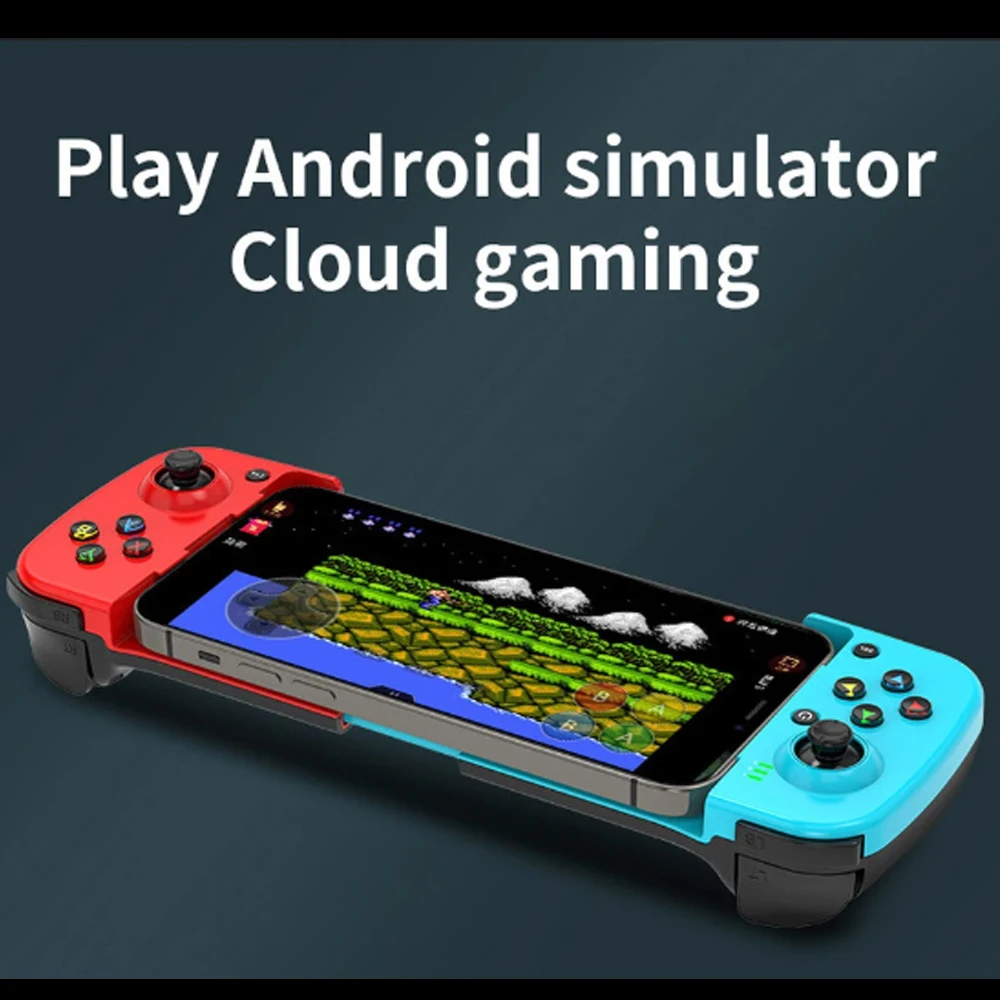
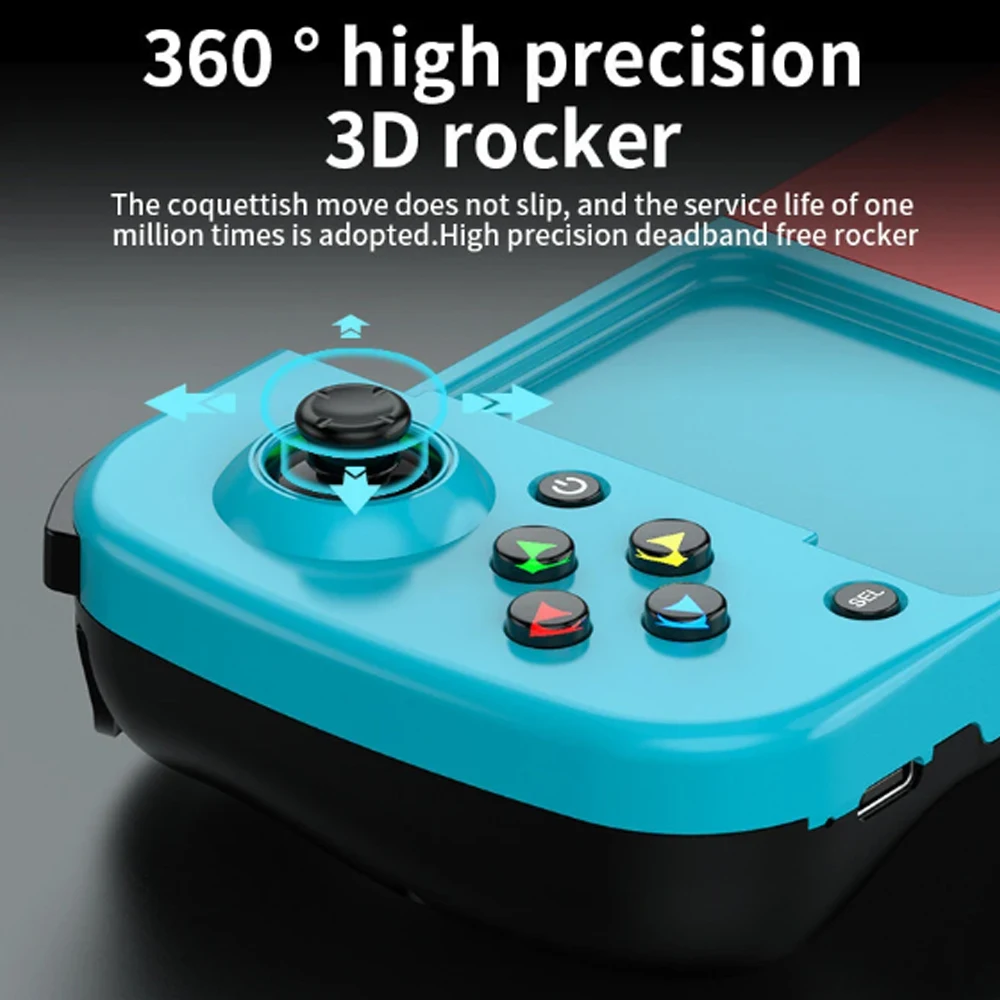
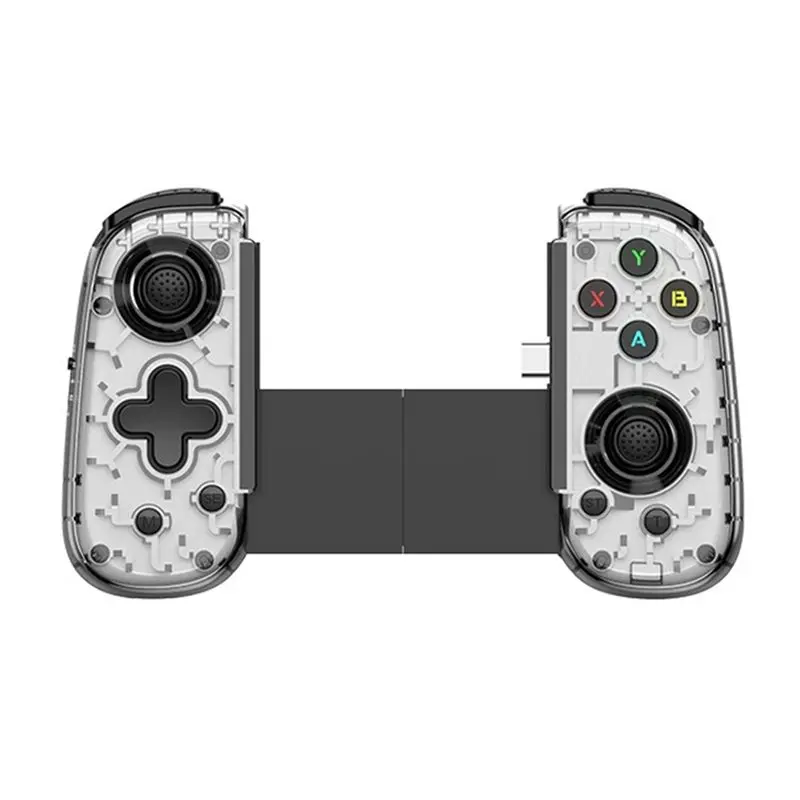
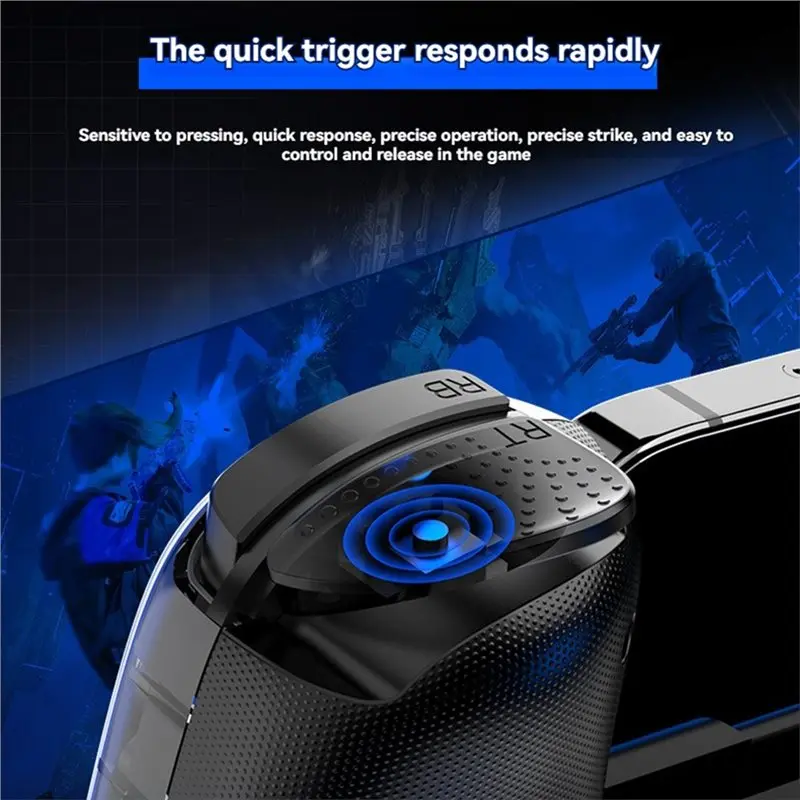
Kit for playing games on a phone
A phone will run games that once needed a console, but it still asks you to play with your thumbs on a sheet of glass, covering part of the picture, with nothing under your fingers to tell you where the buttons are. The kit in this department fixes that in four ways: real buttons and sticks you can feel, triggers for the index fingers, sleeves that stop warm thumbs sticking, and coolers that stop the phone slowing down when it gets hot. Everything for a gaming set-up, cables and power banks included, is also gathered under for gamers.
The six ranges
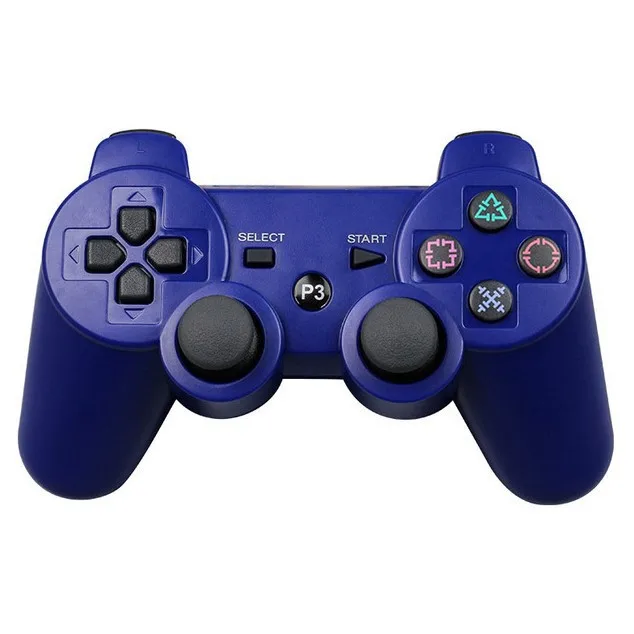
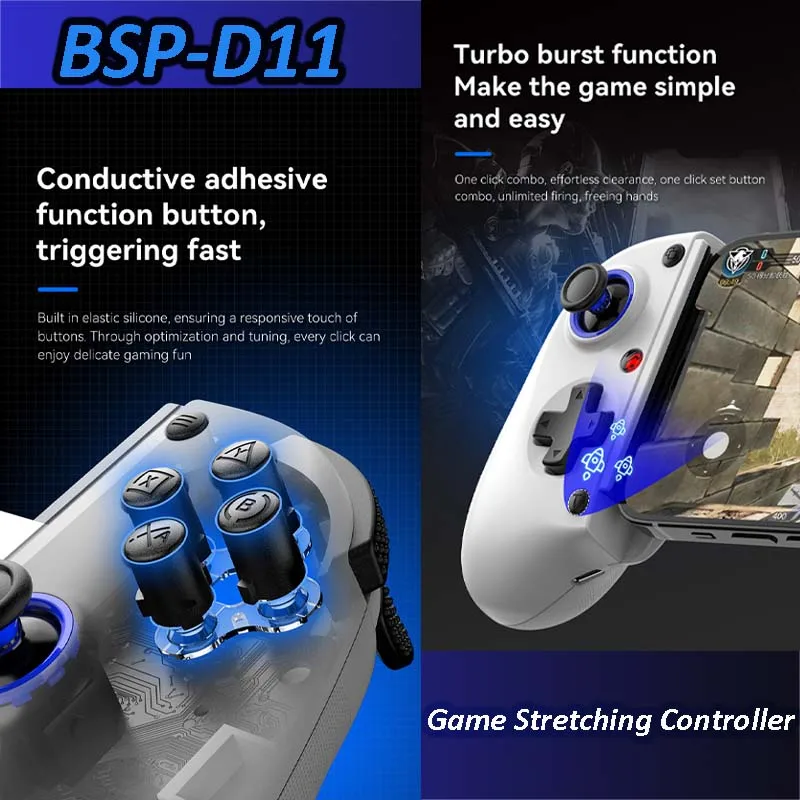
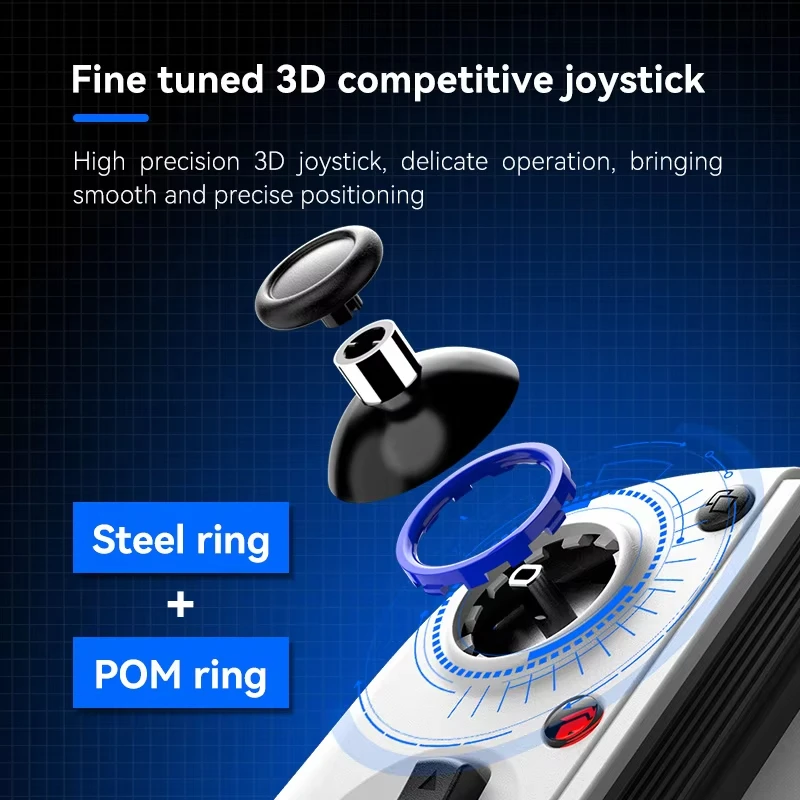
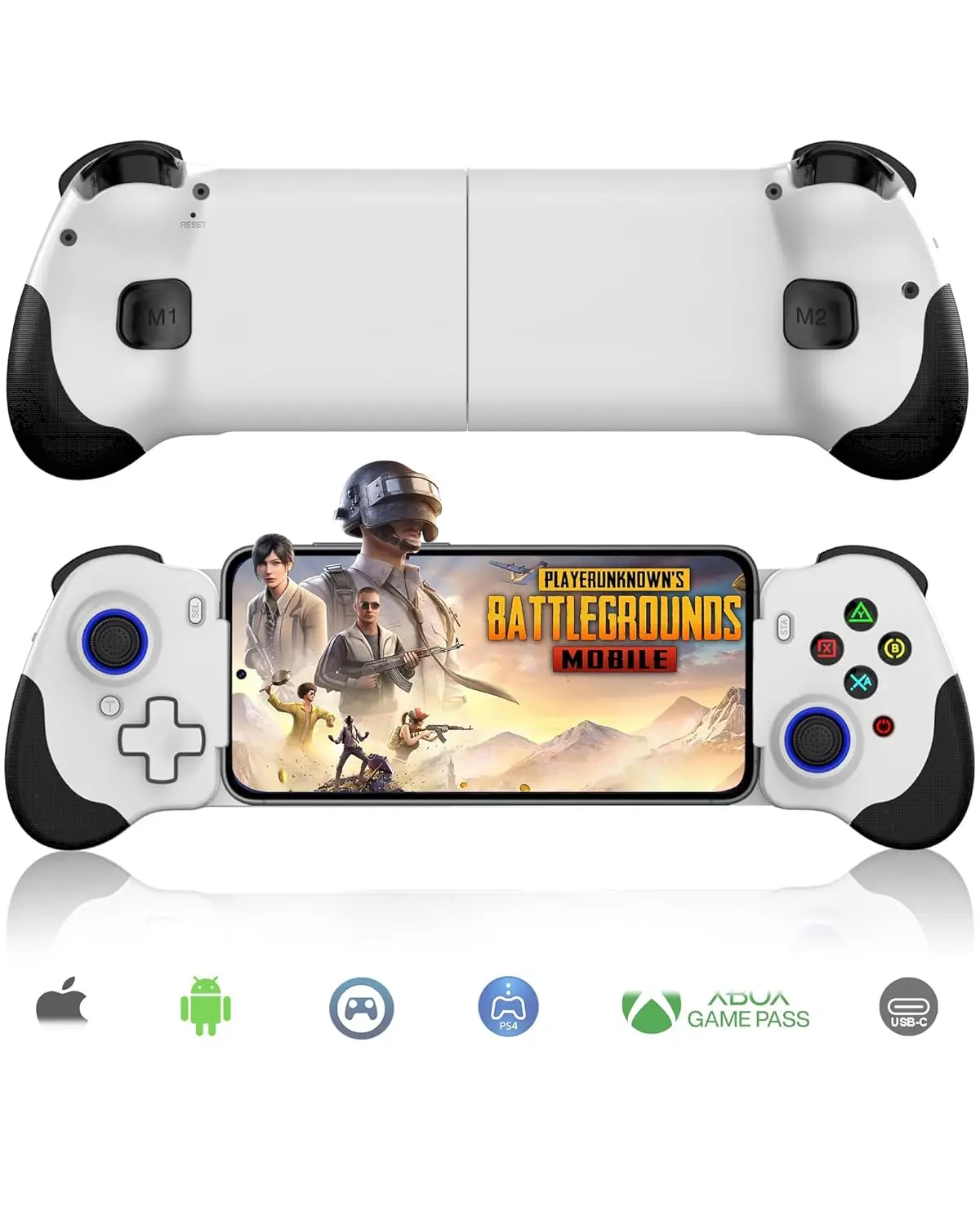
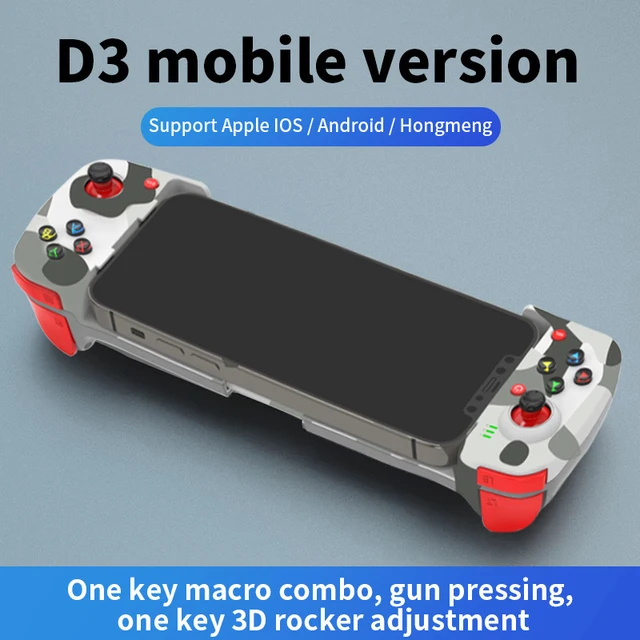
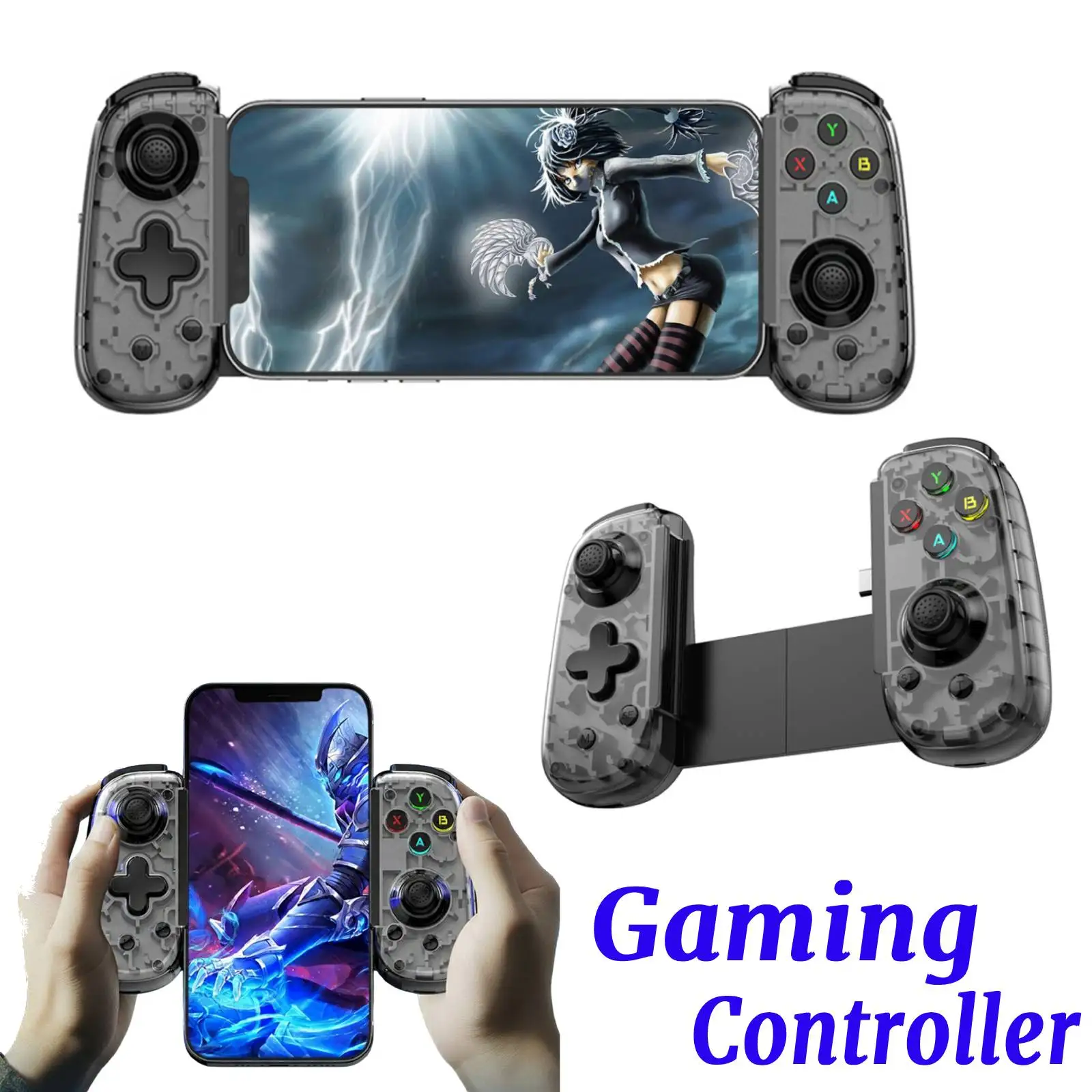
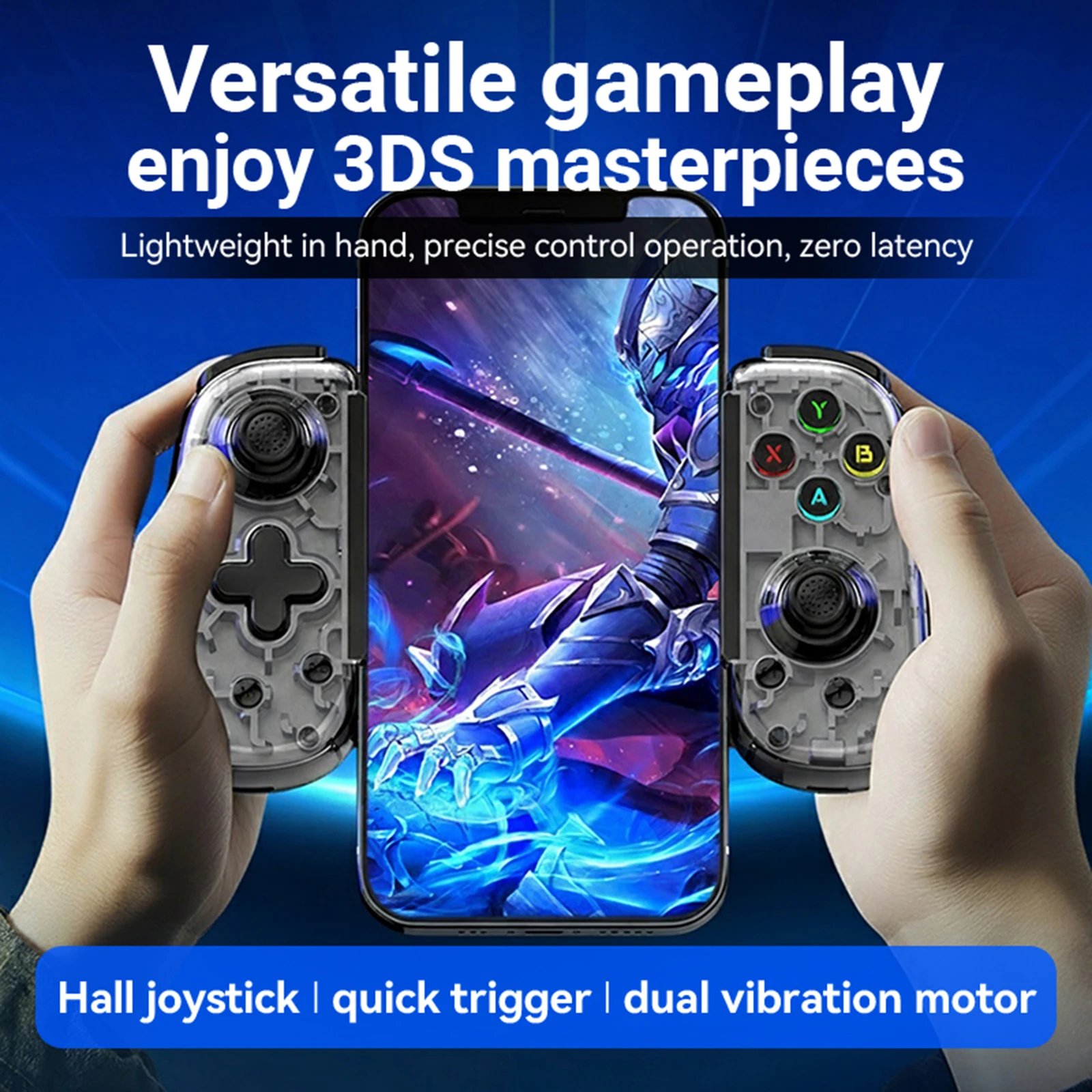
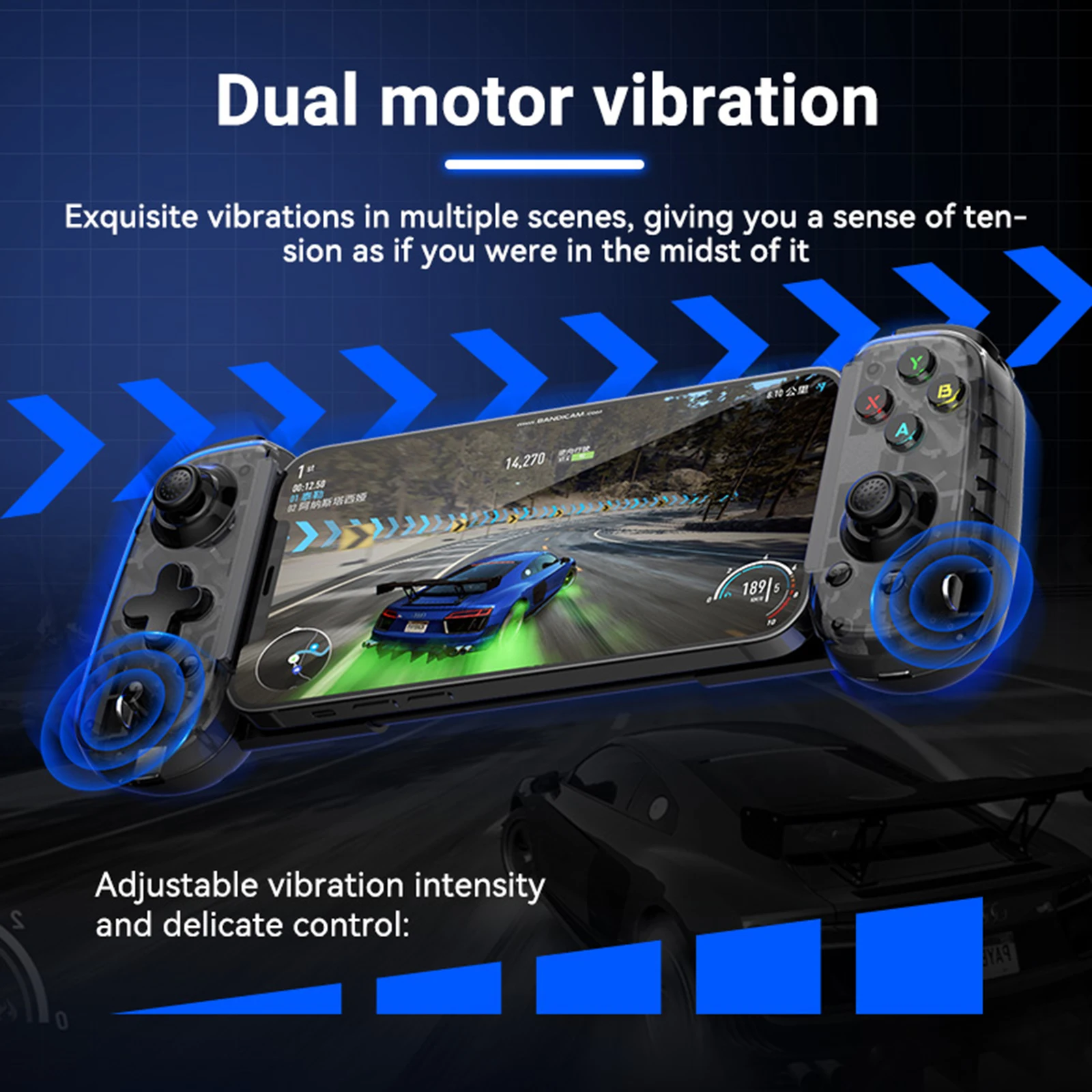
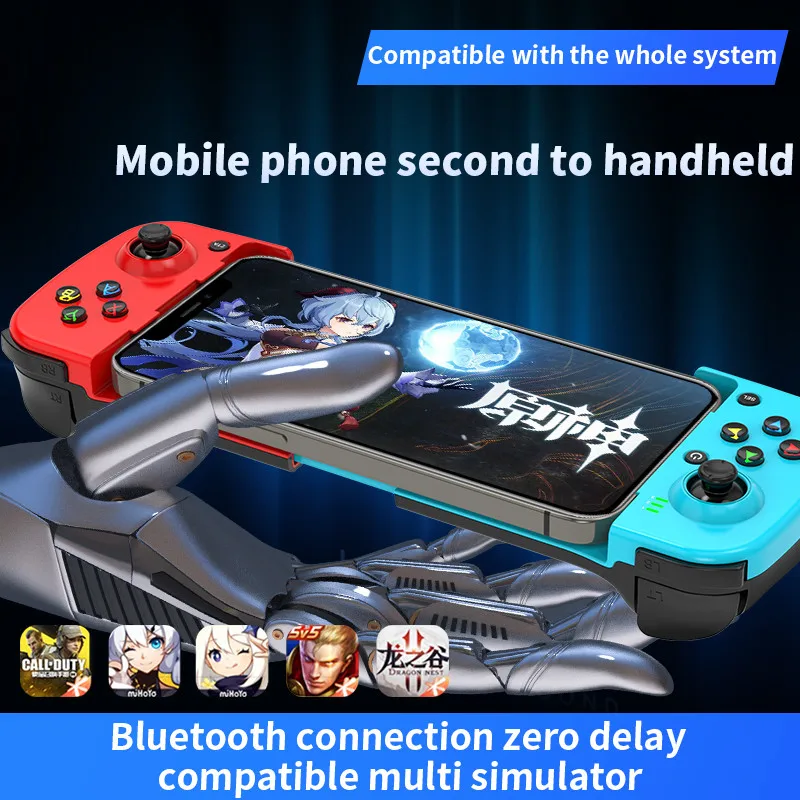
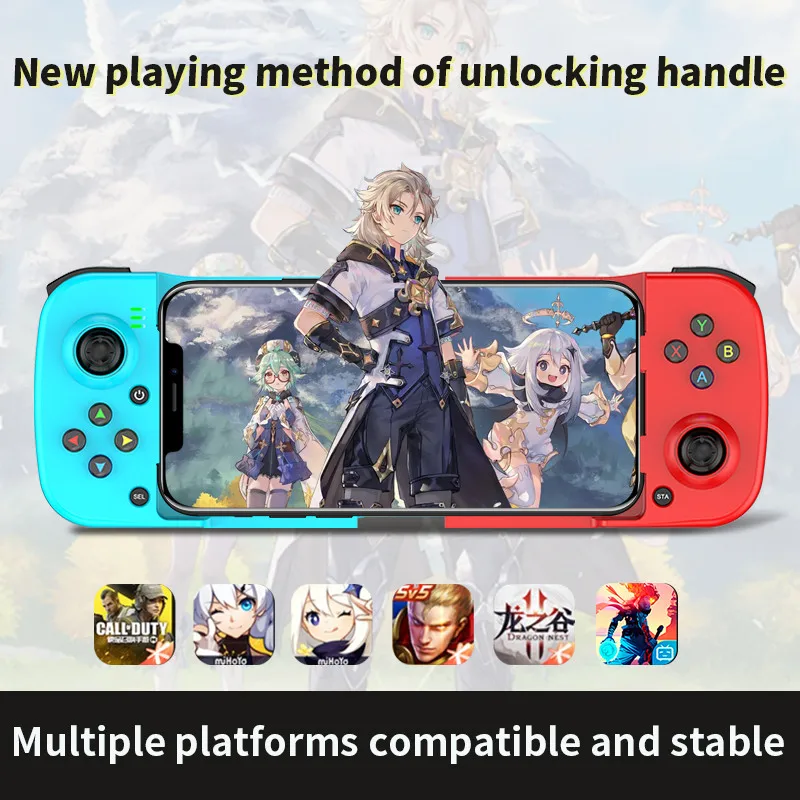
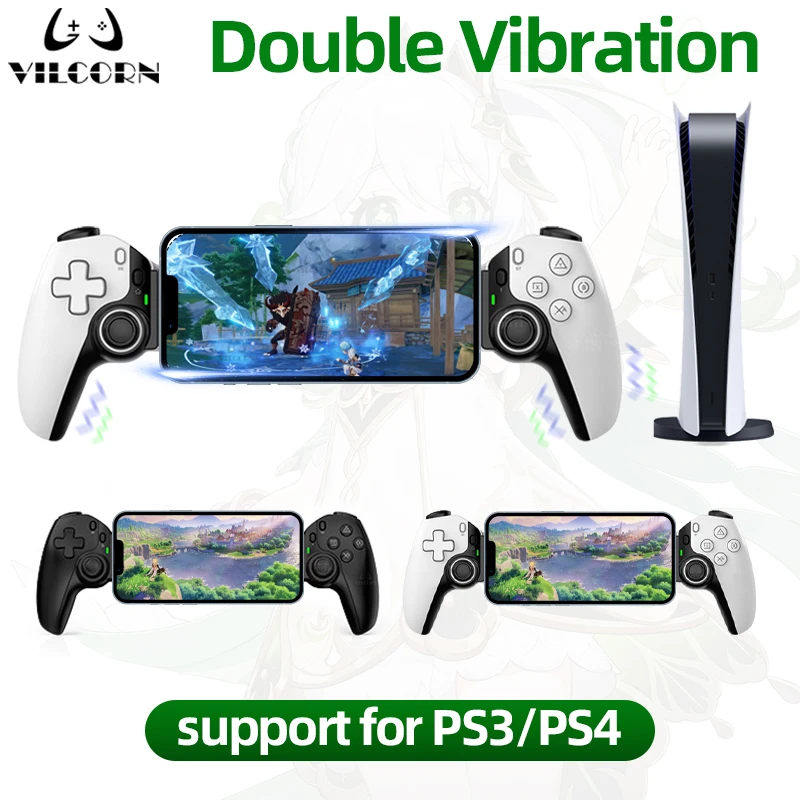
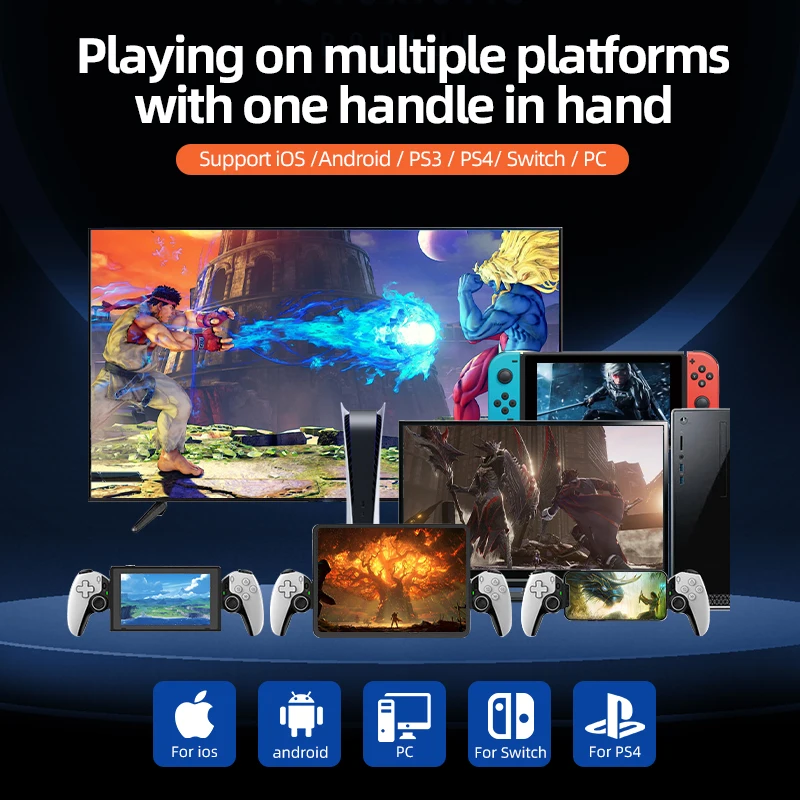
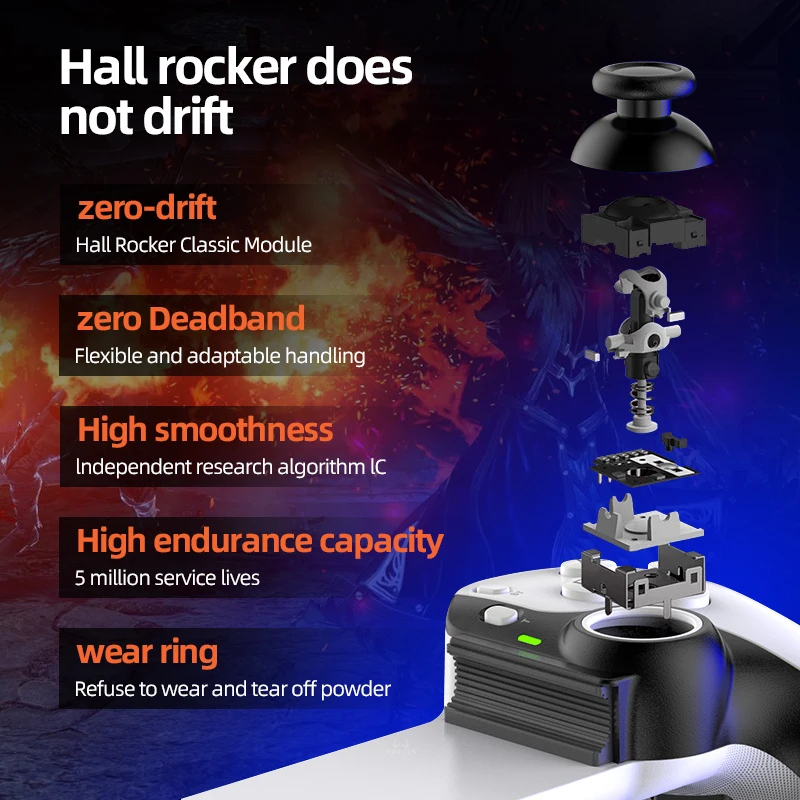
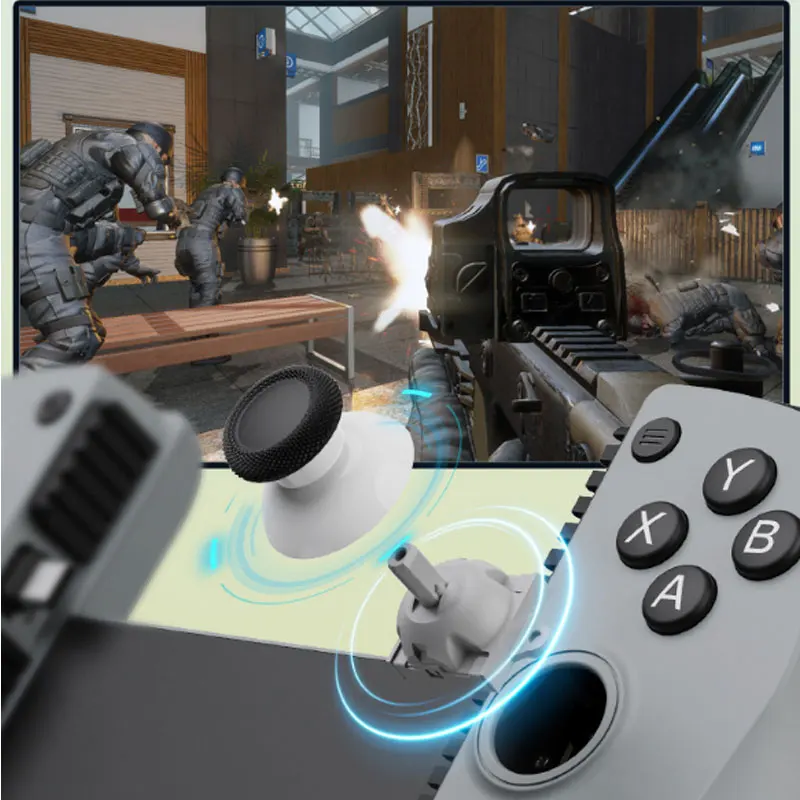
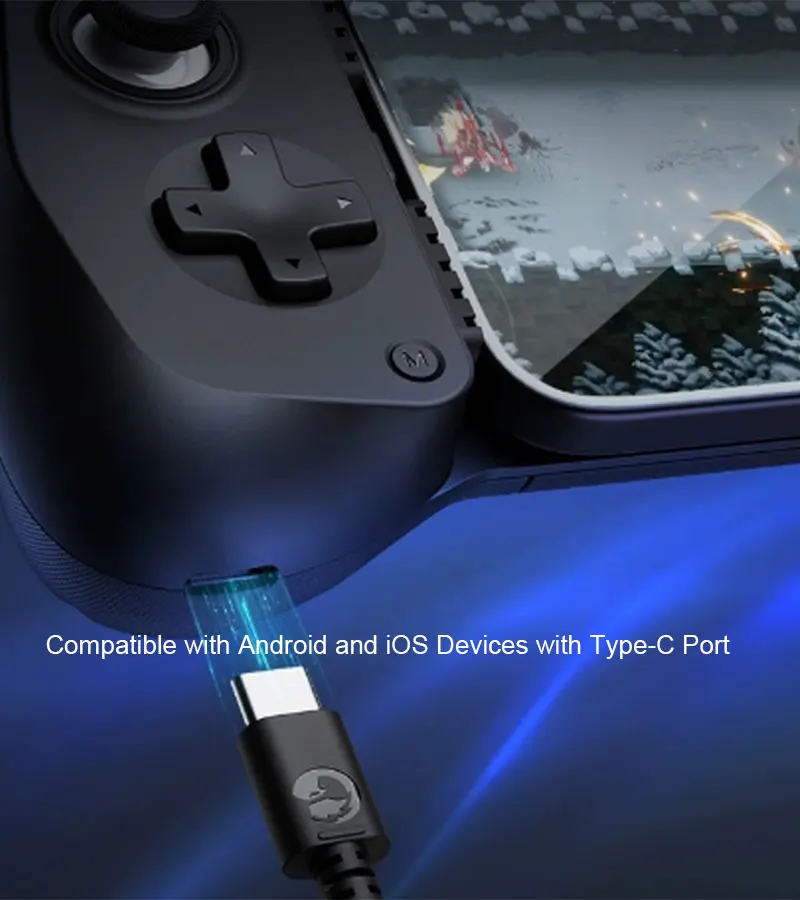
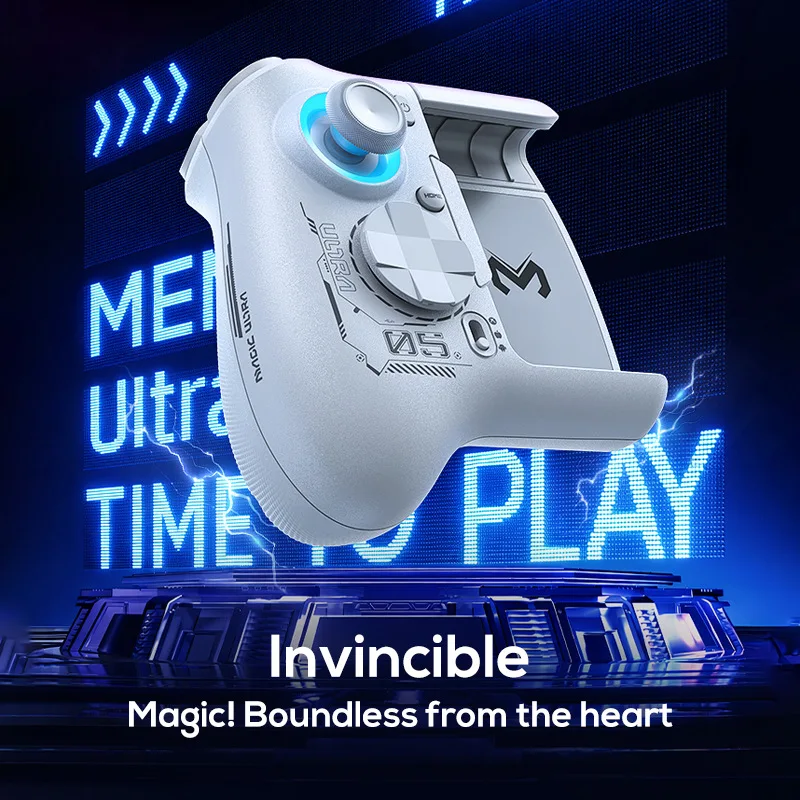
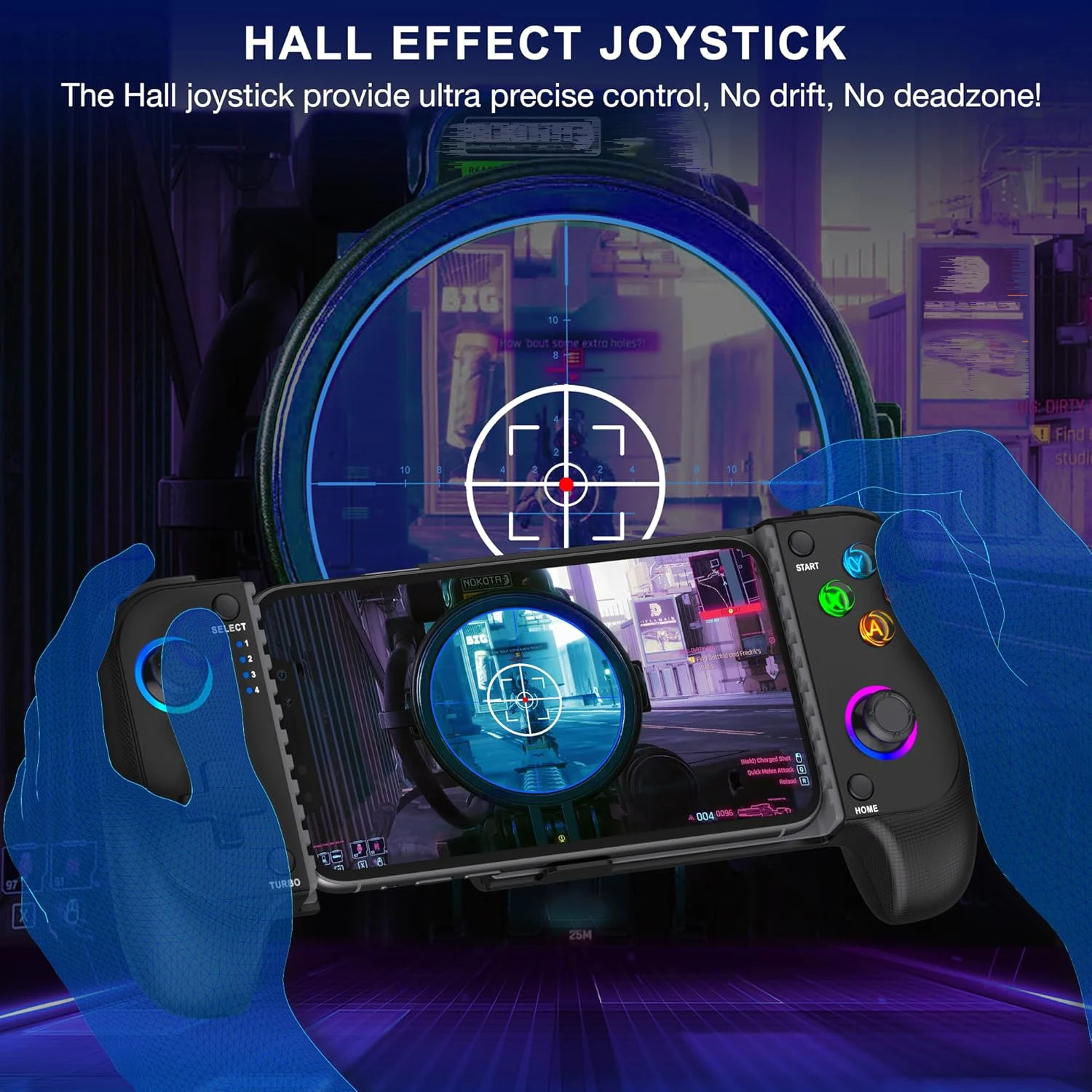
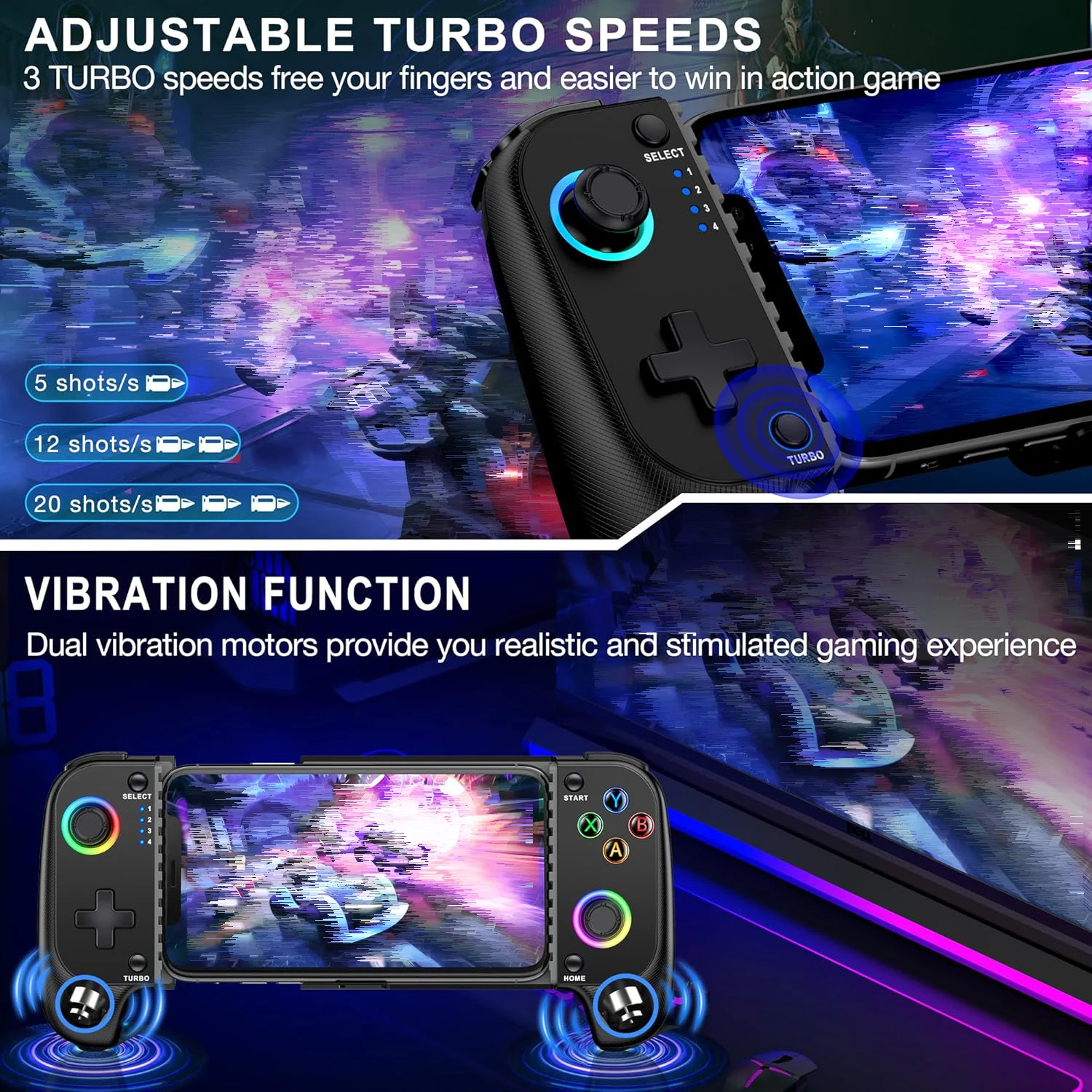
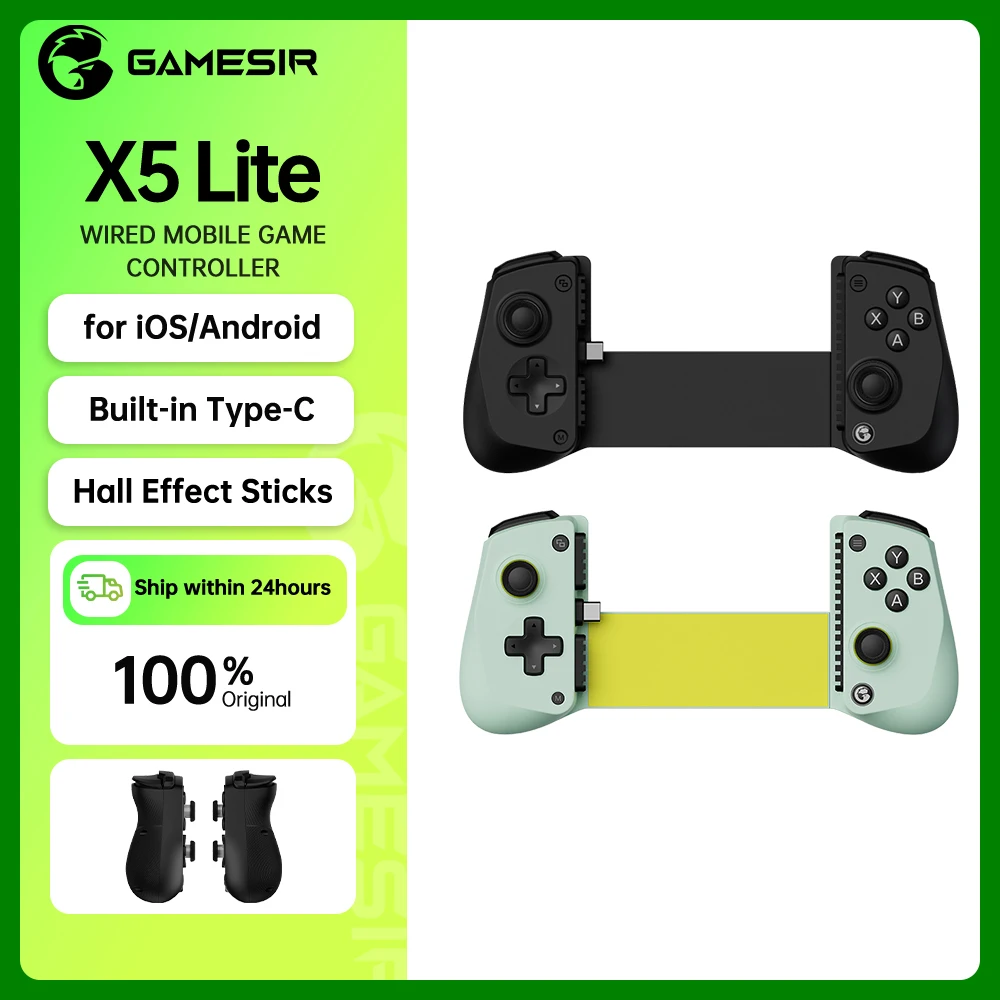
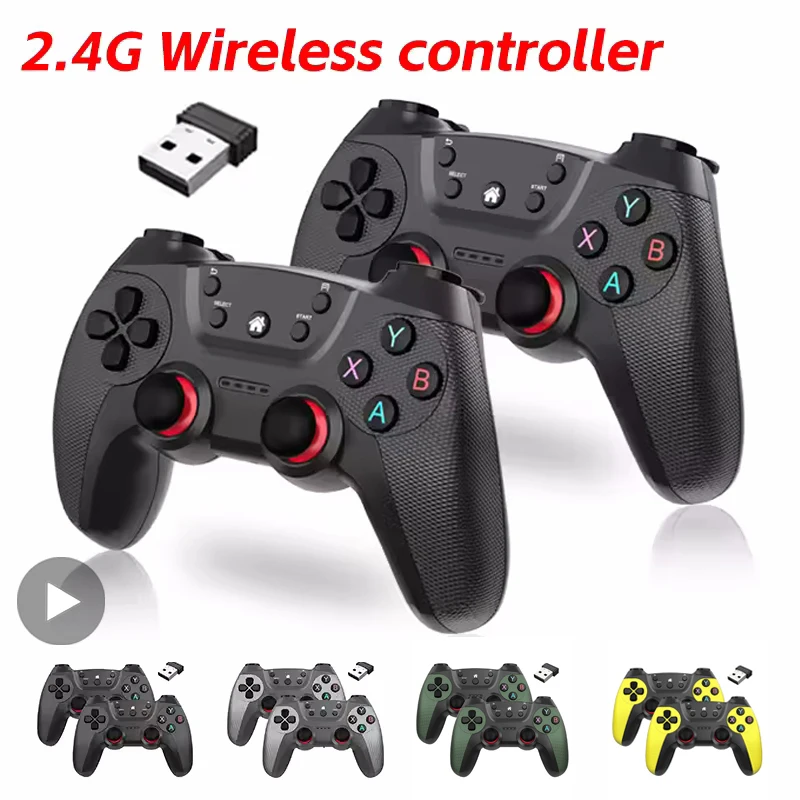
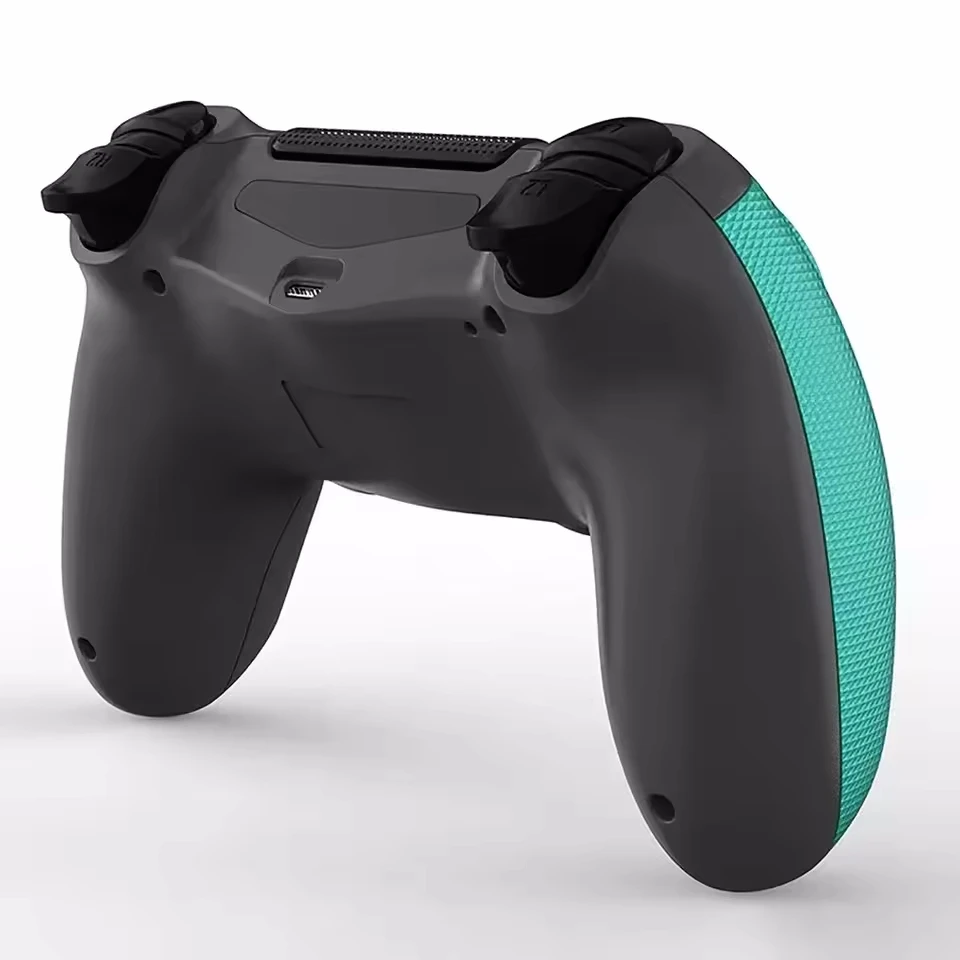
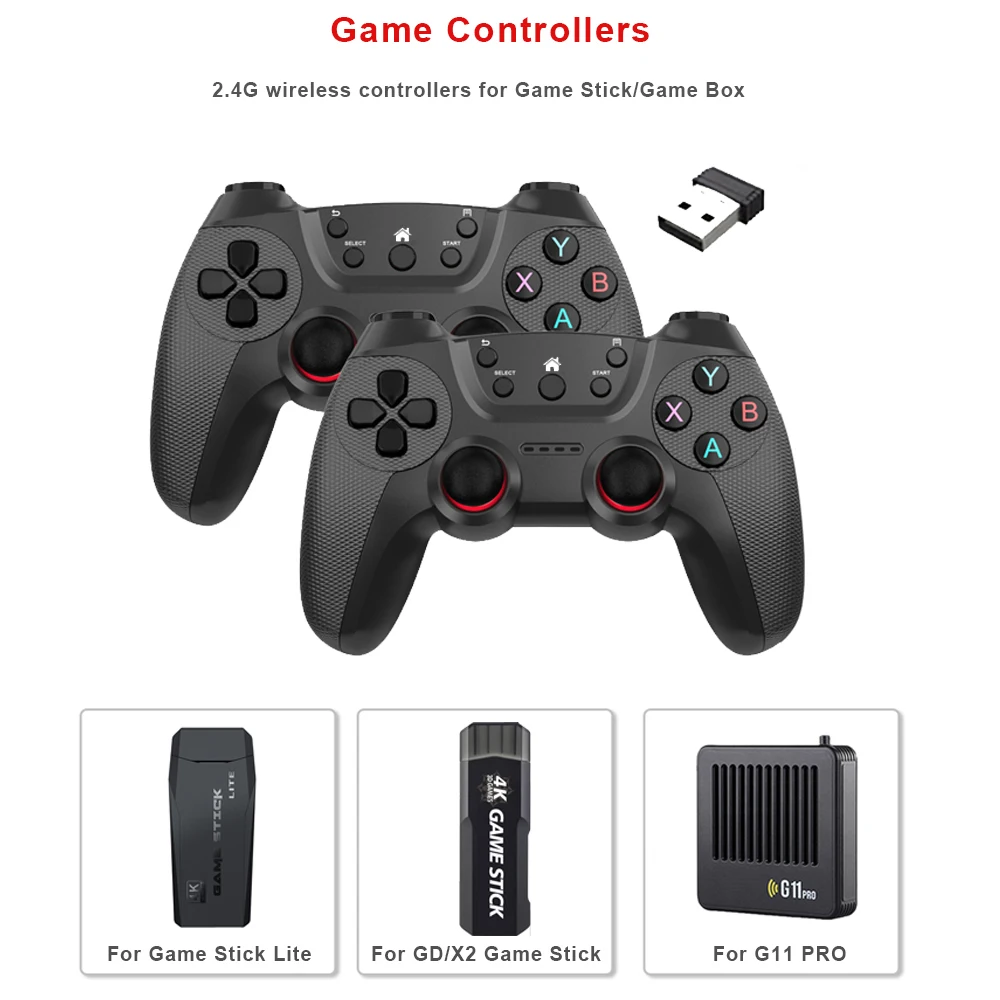
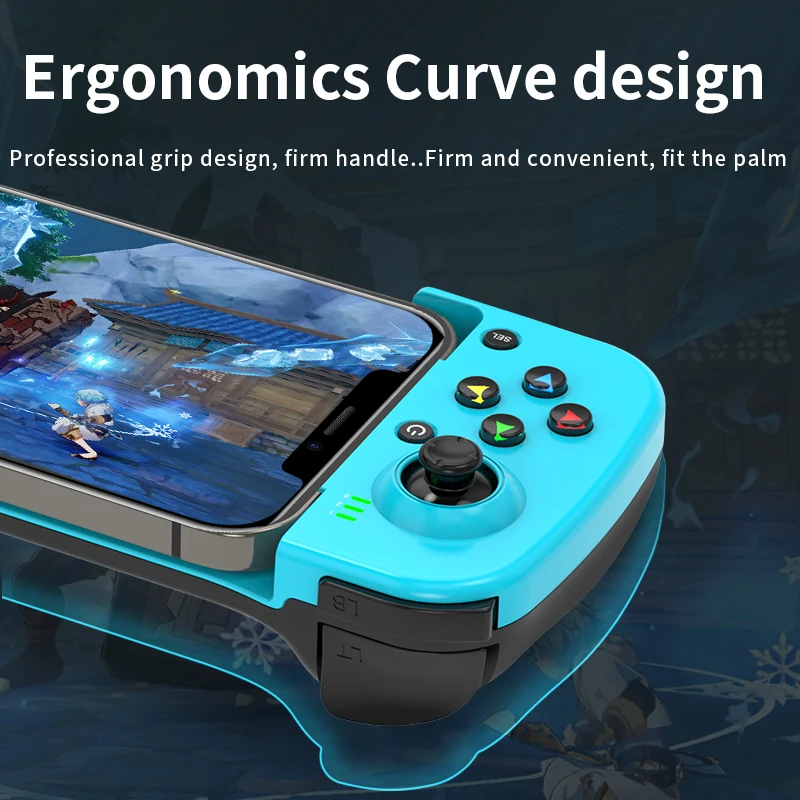
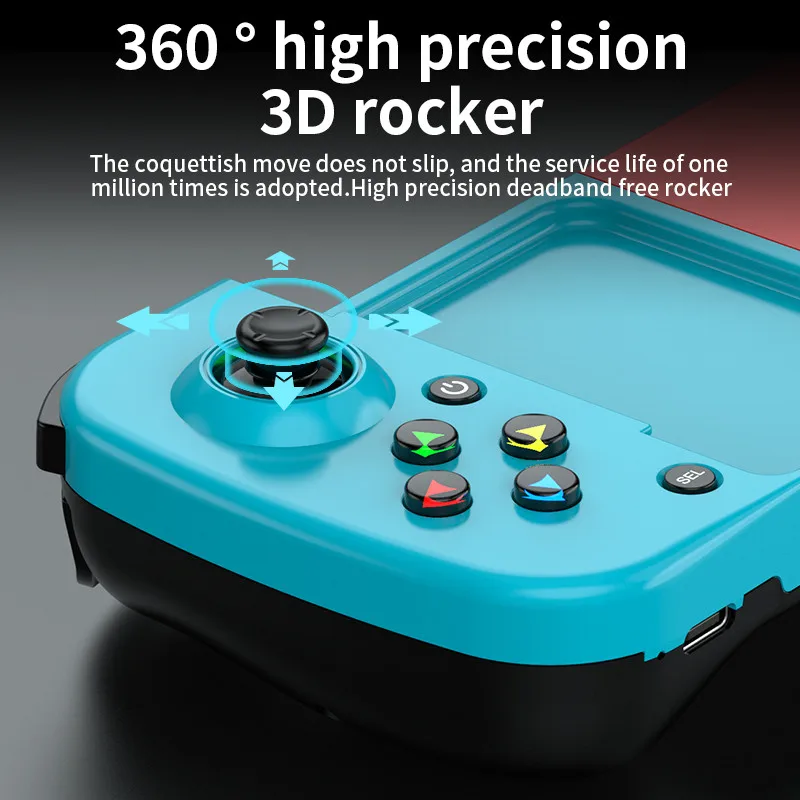
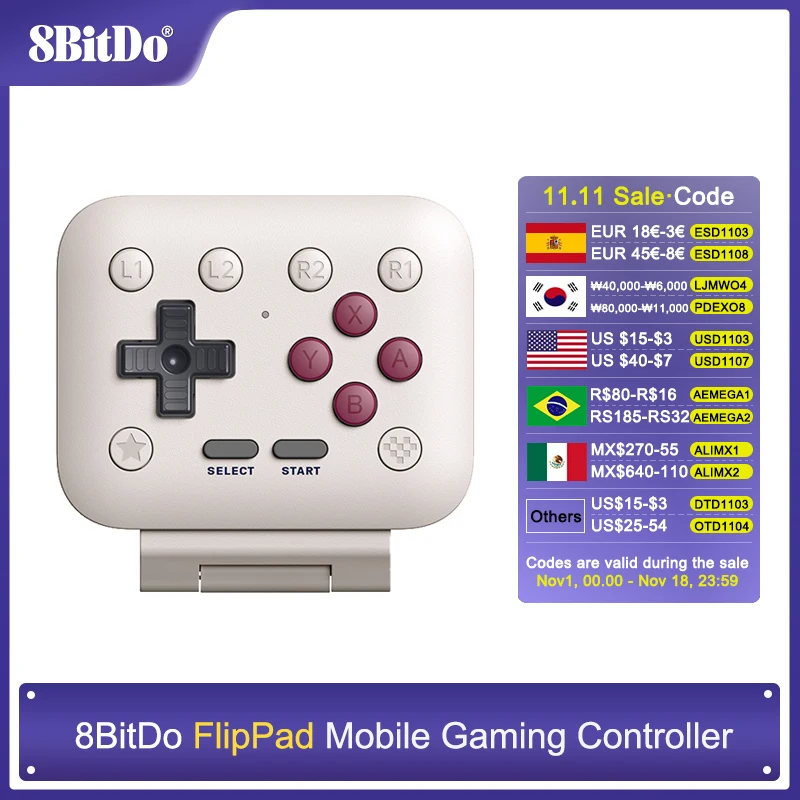
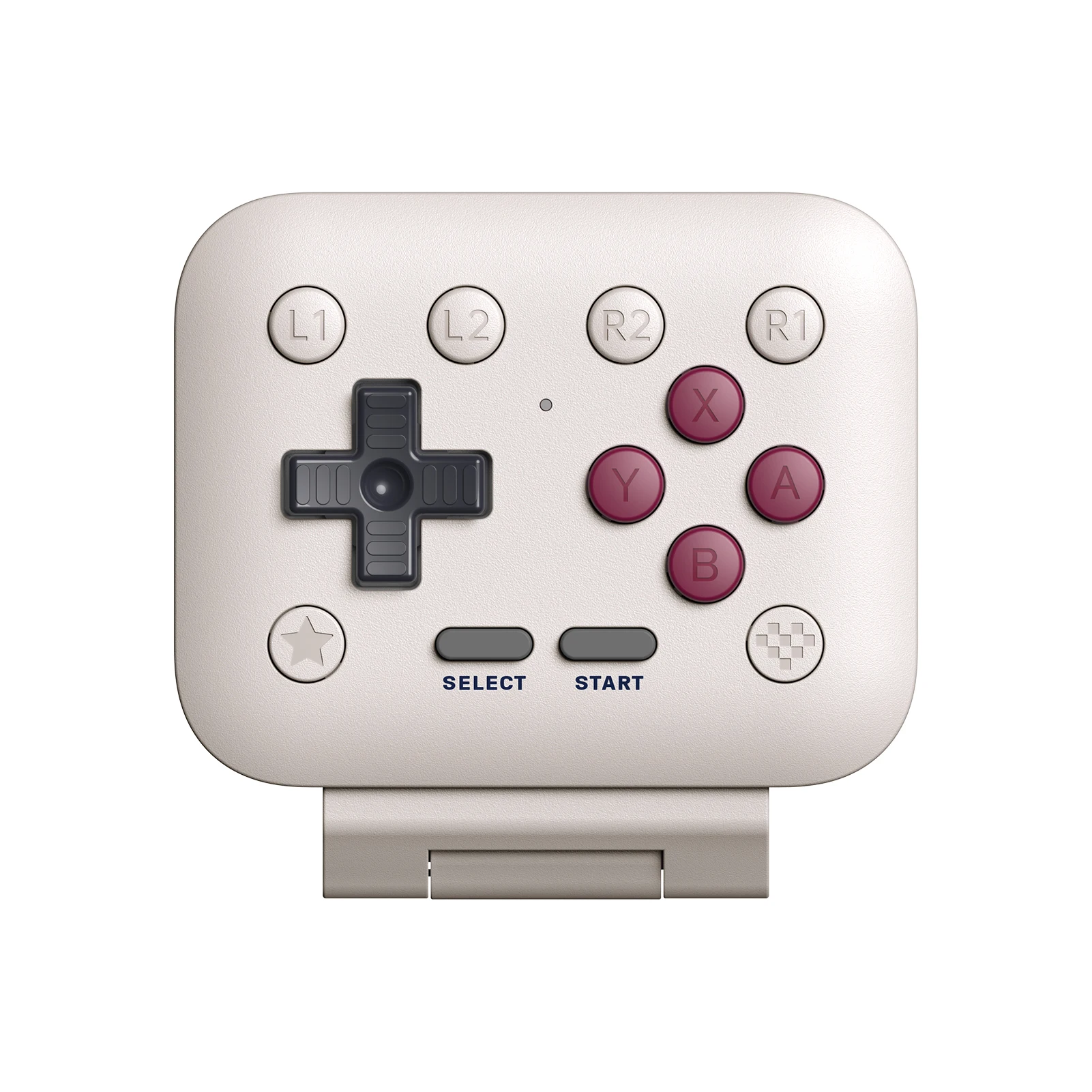
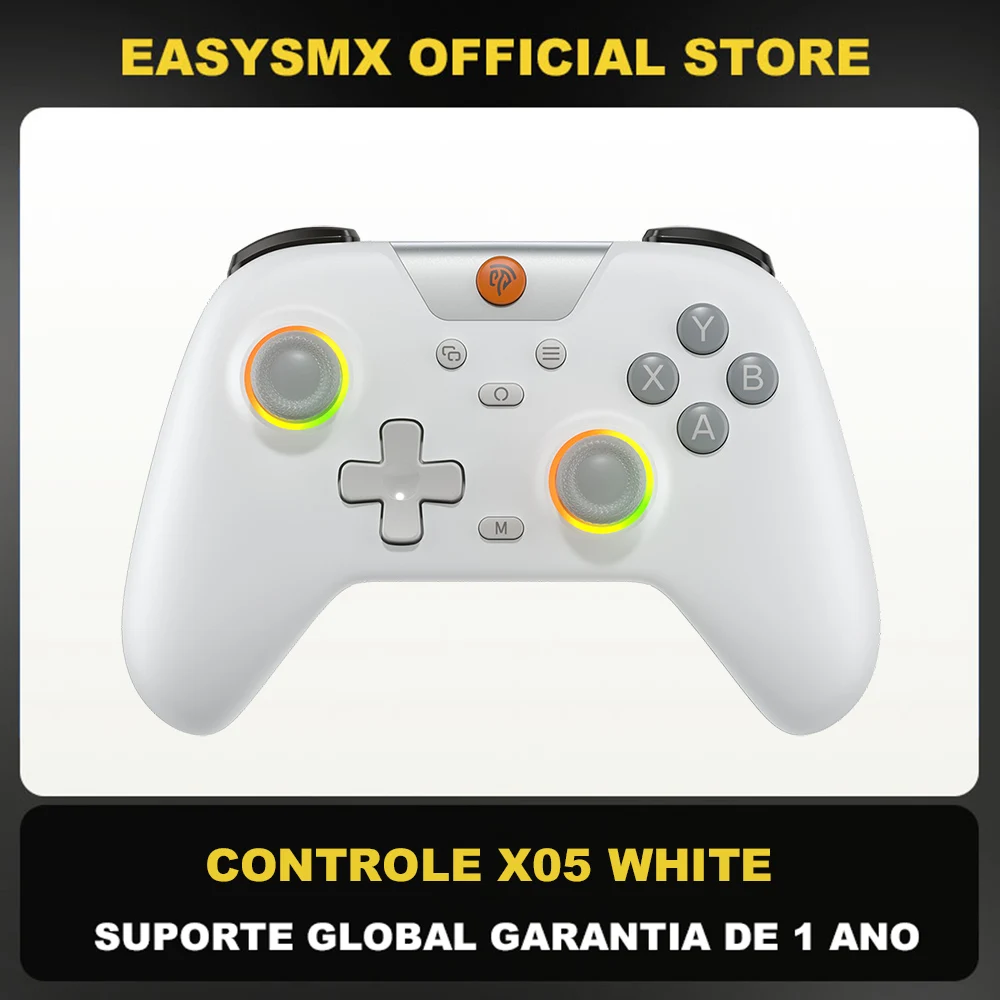
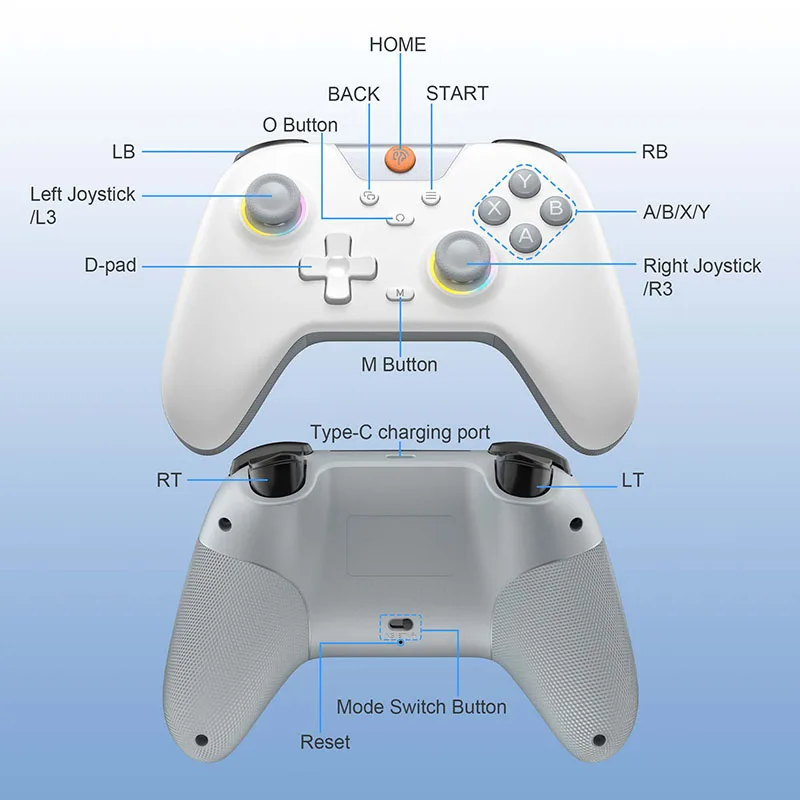
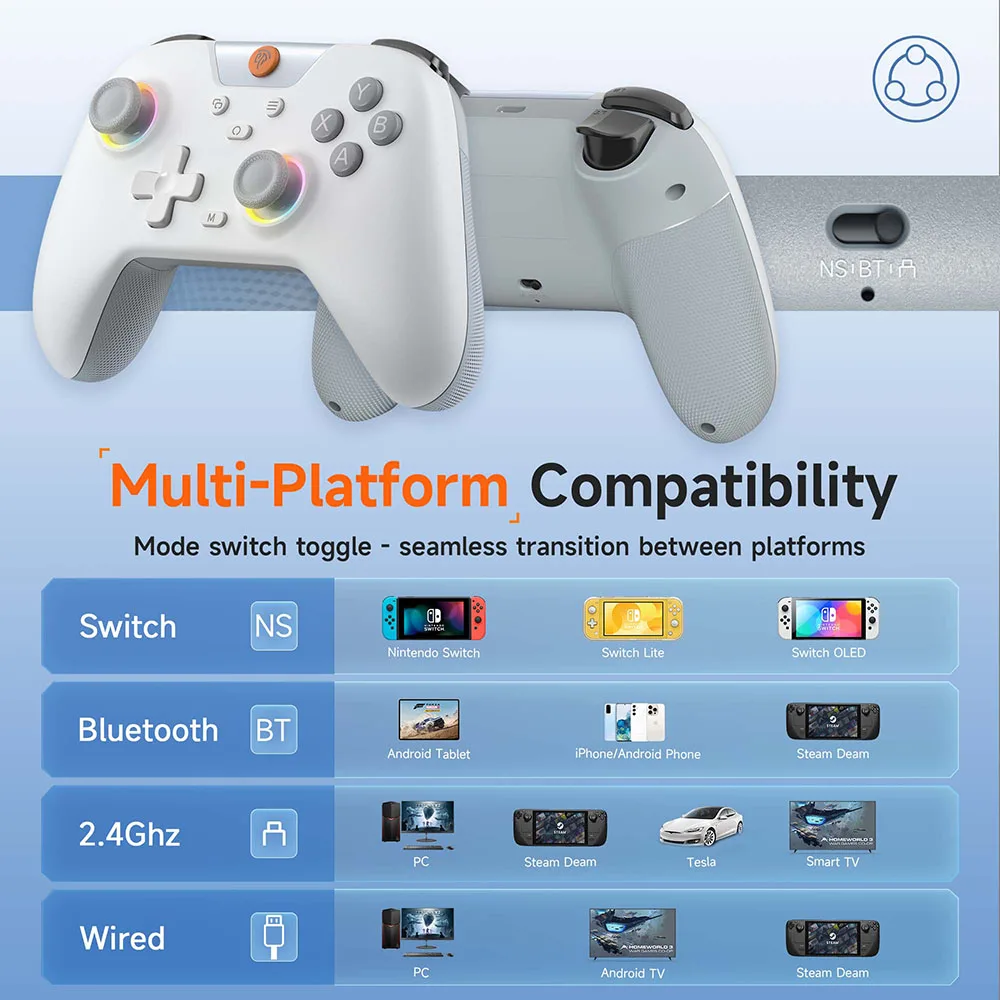
- Phone game controllers give you sticks, a cross-shaped pad and face buttons, like a console controller. The ones here today include wired controllers that plug into a USB-C port and Bluetooth controllers with their own battery. See phone game controllers.
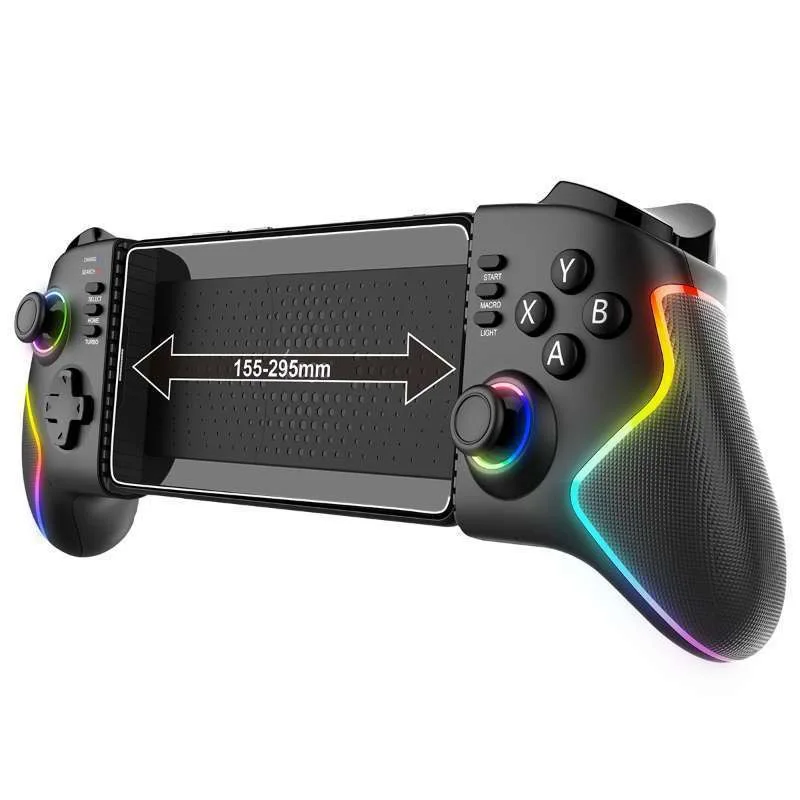
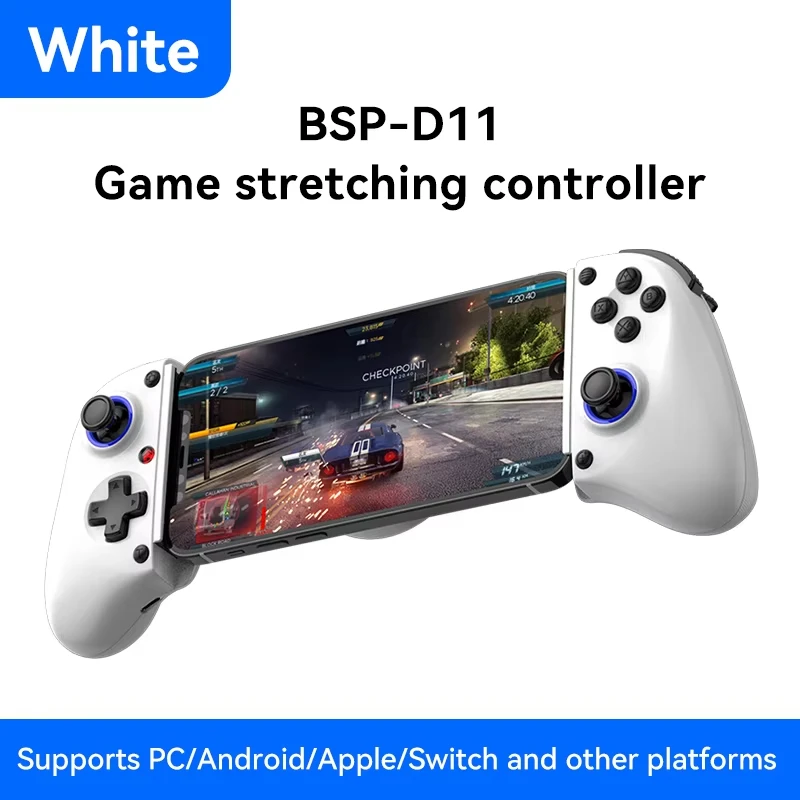
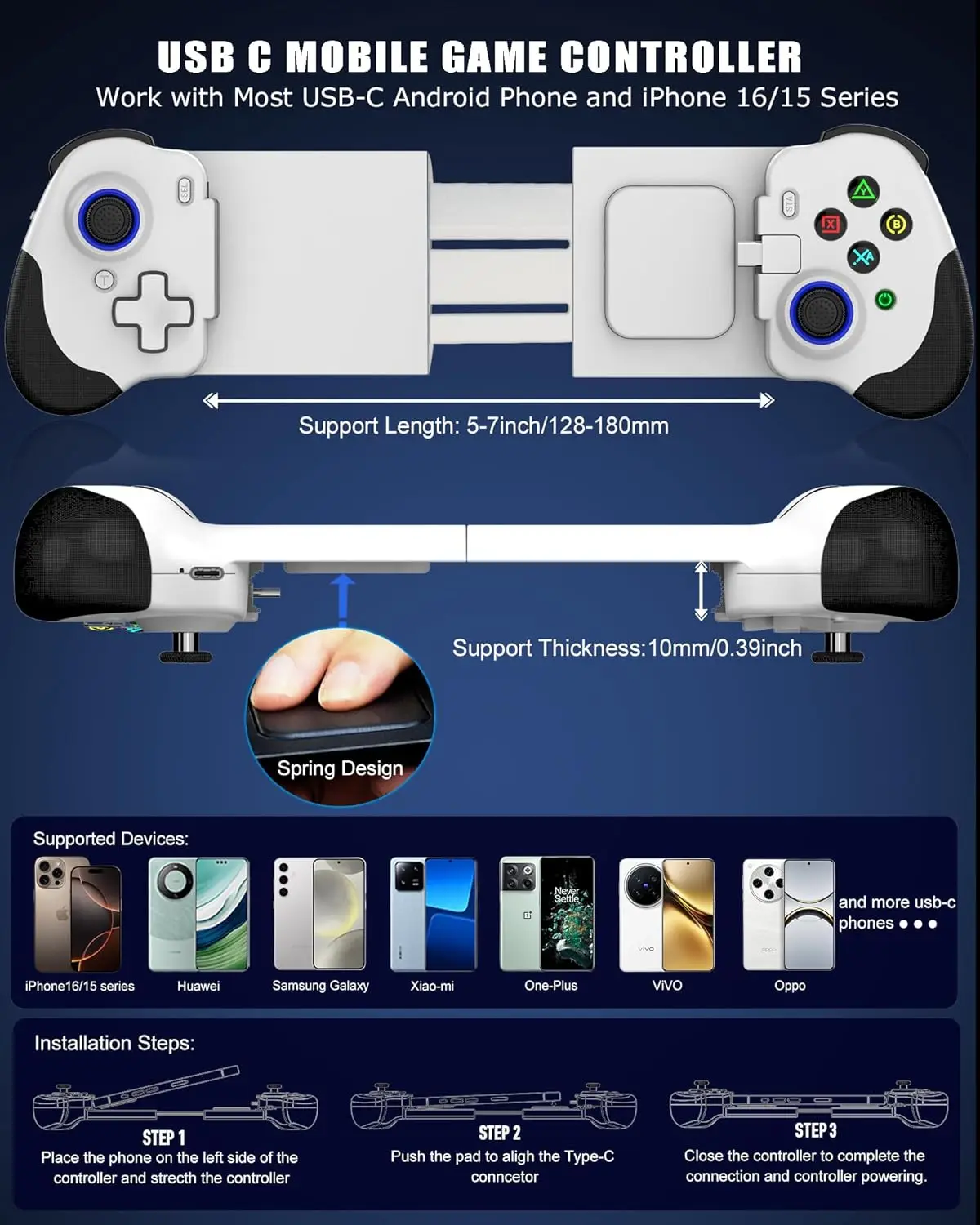
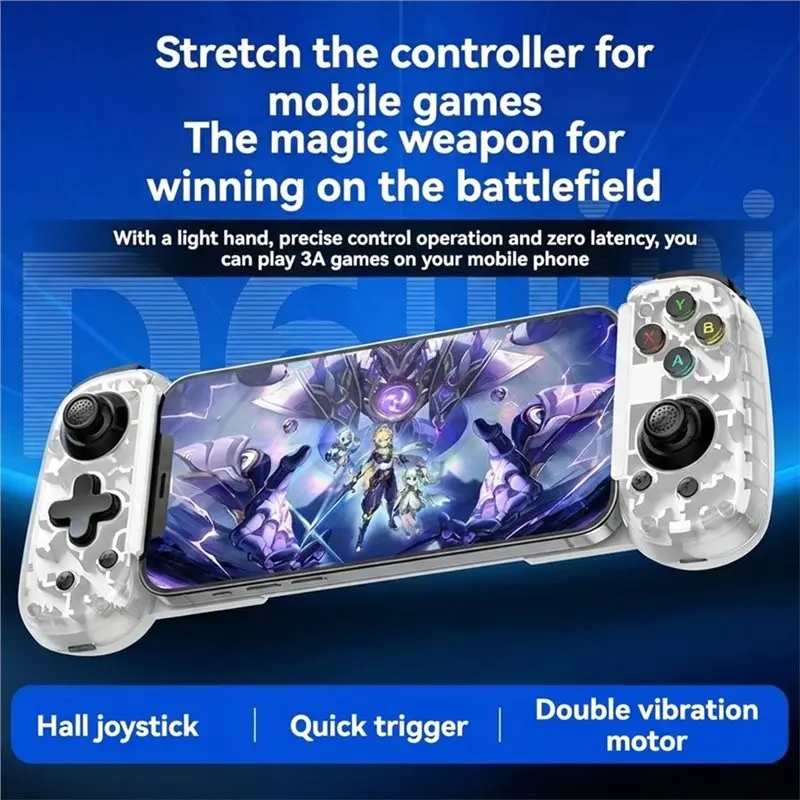
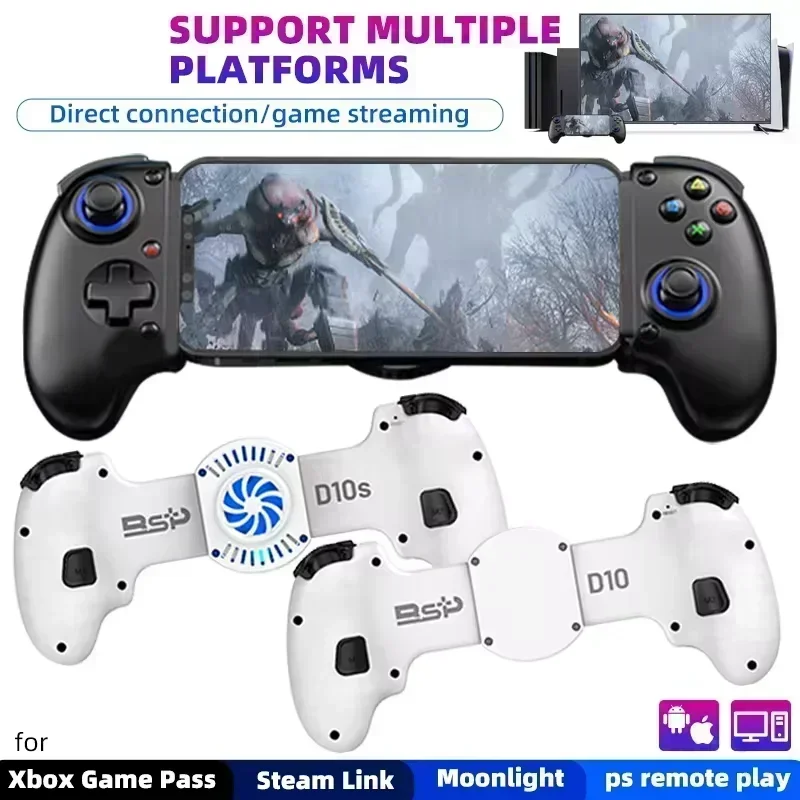
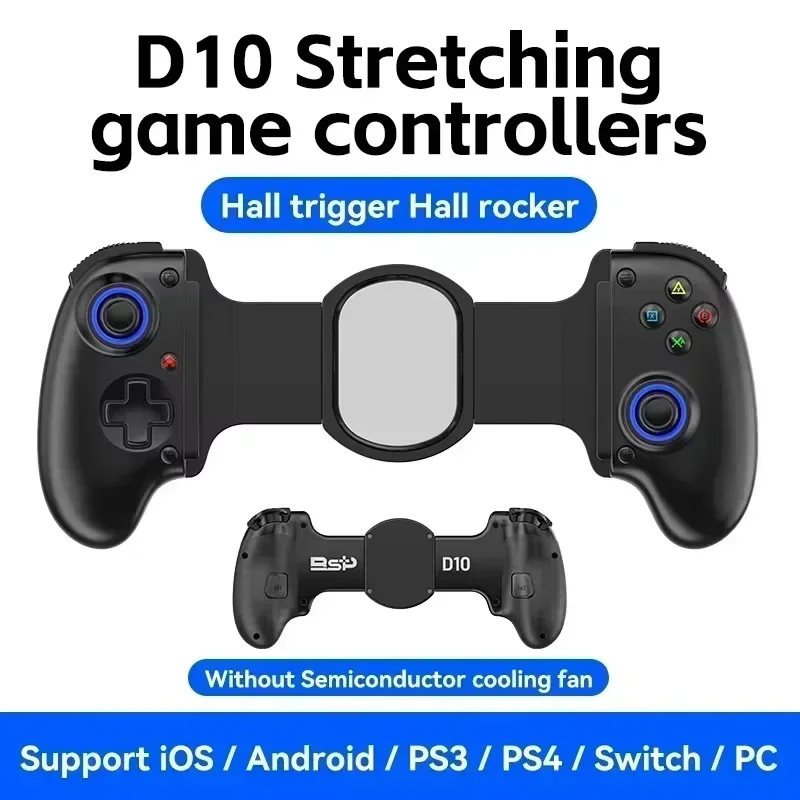
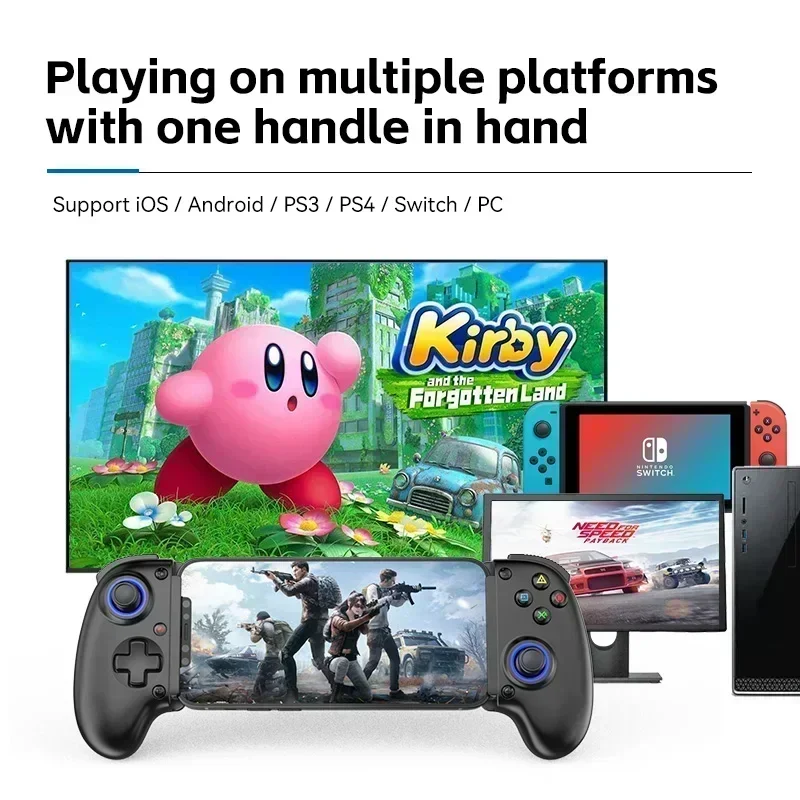
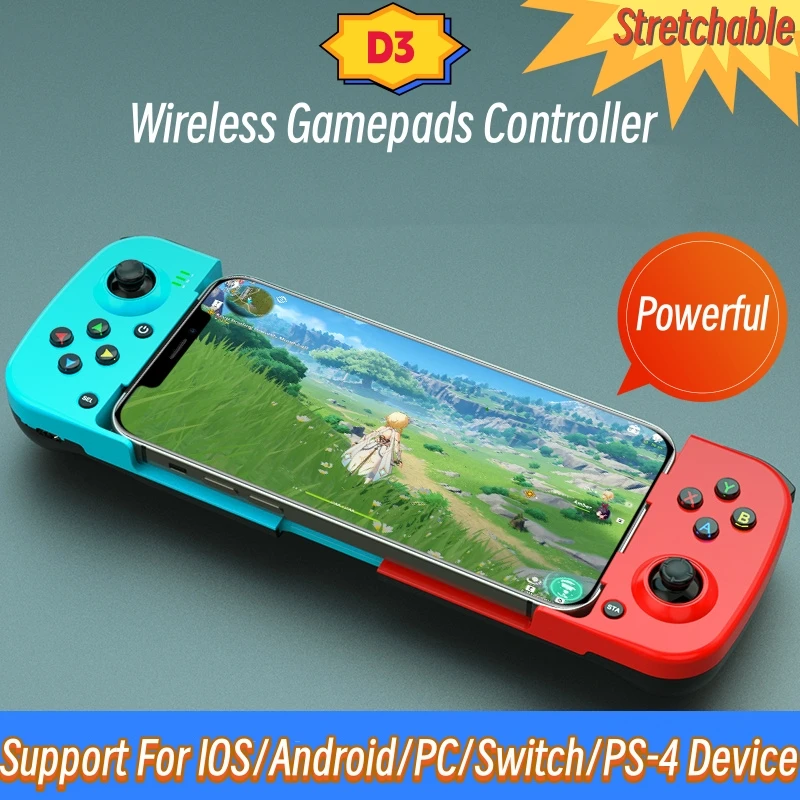
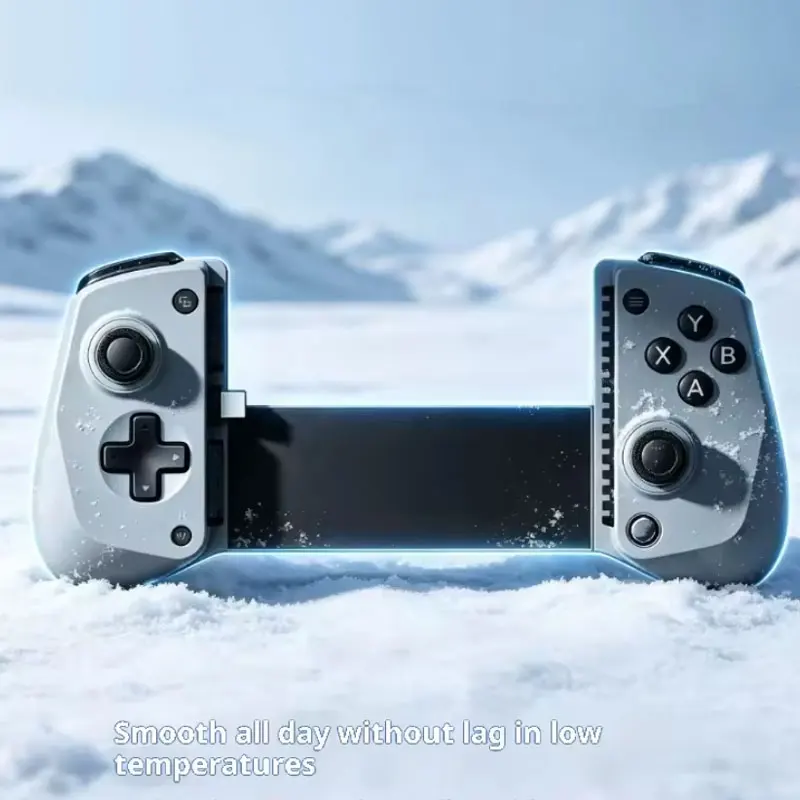
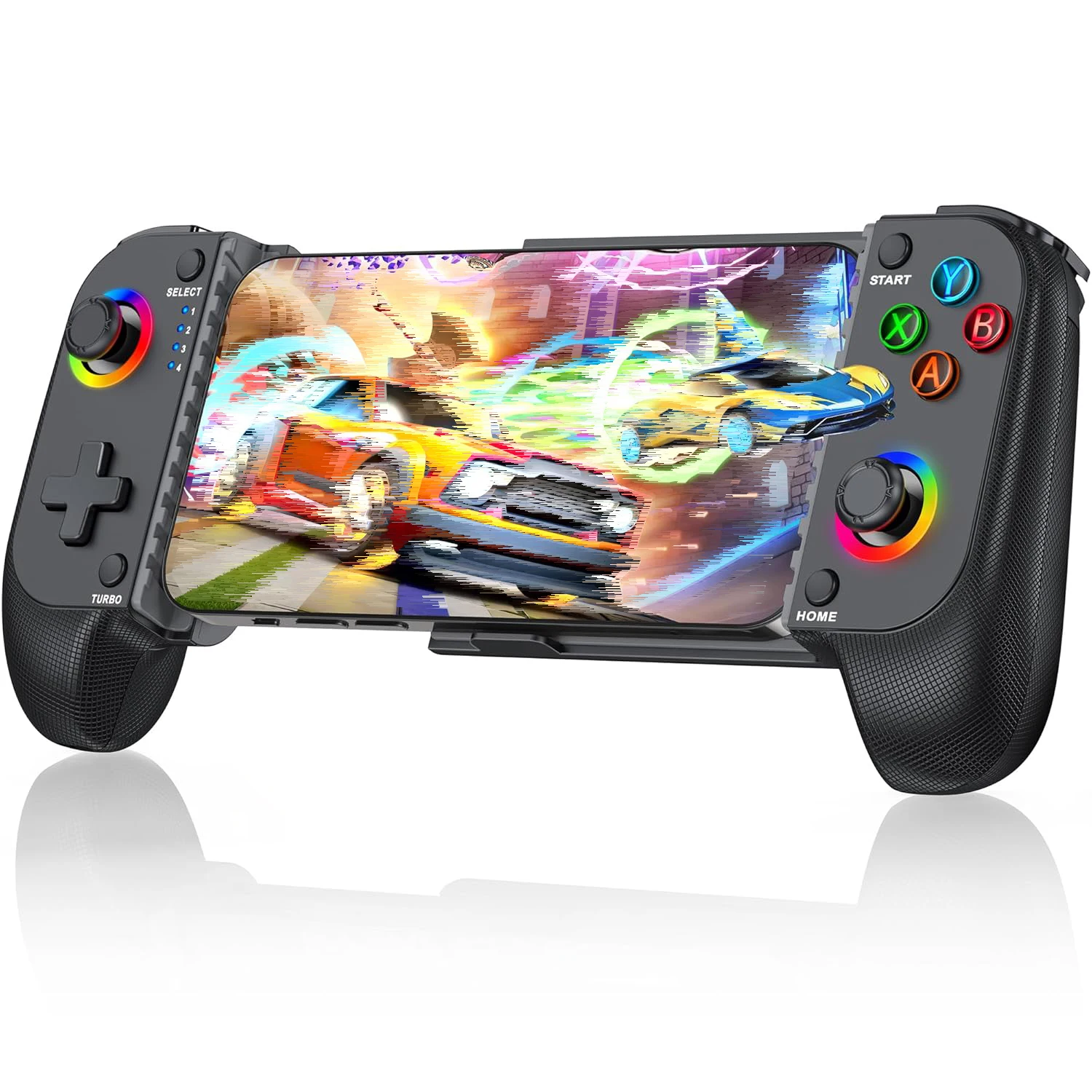
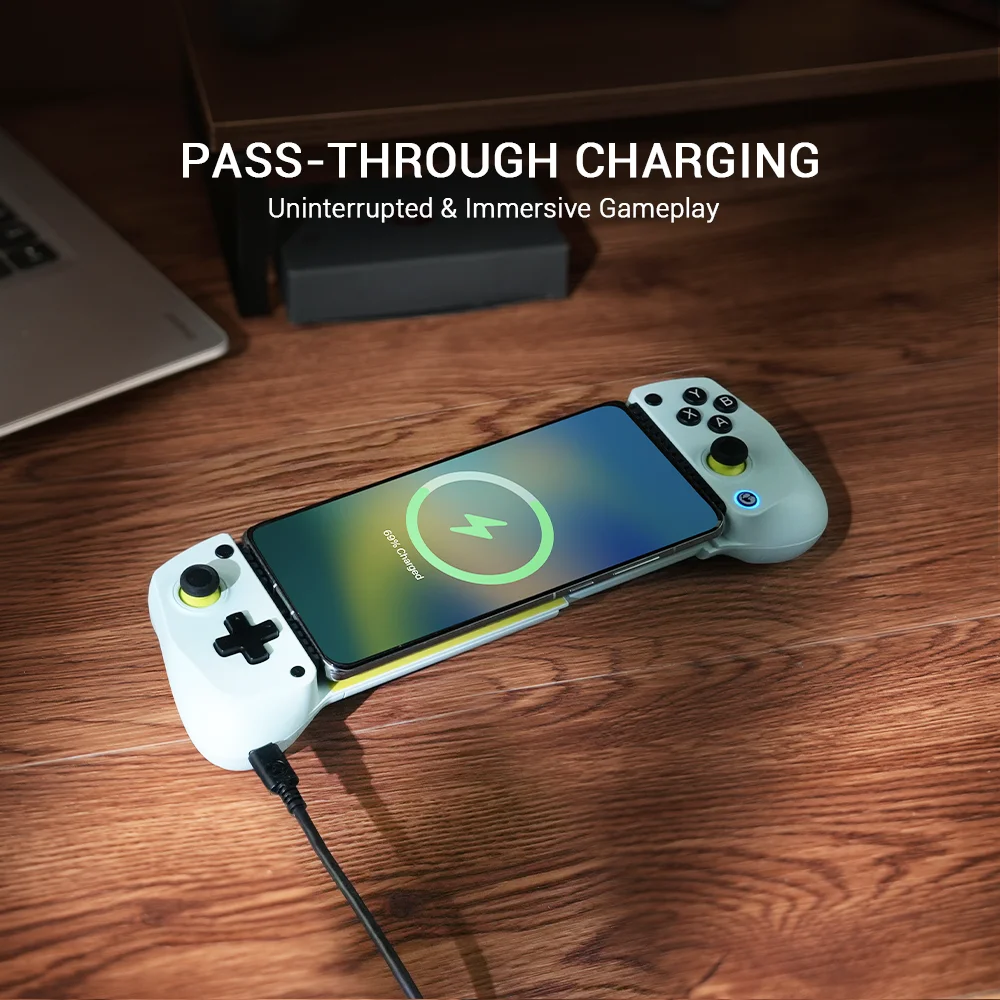
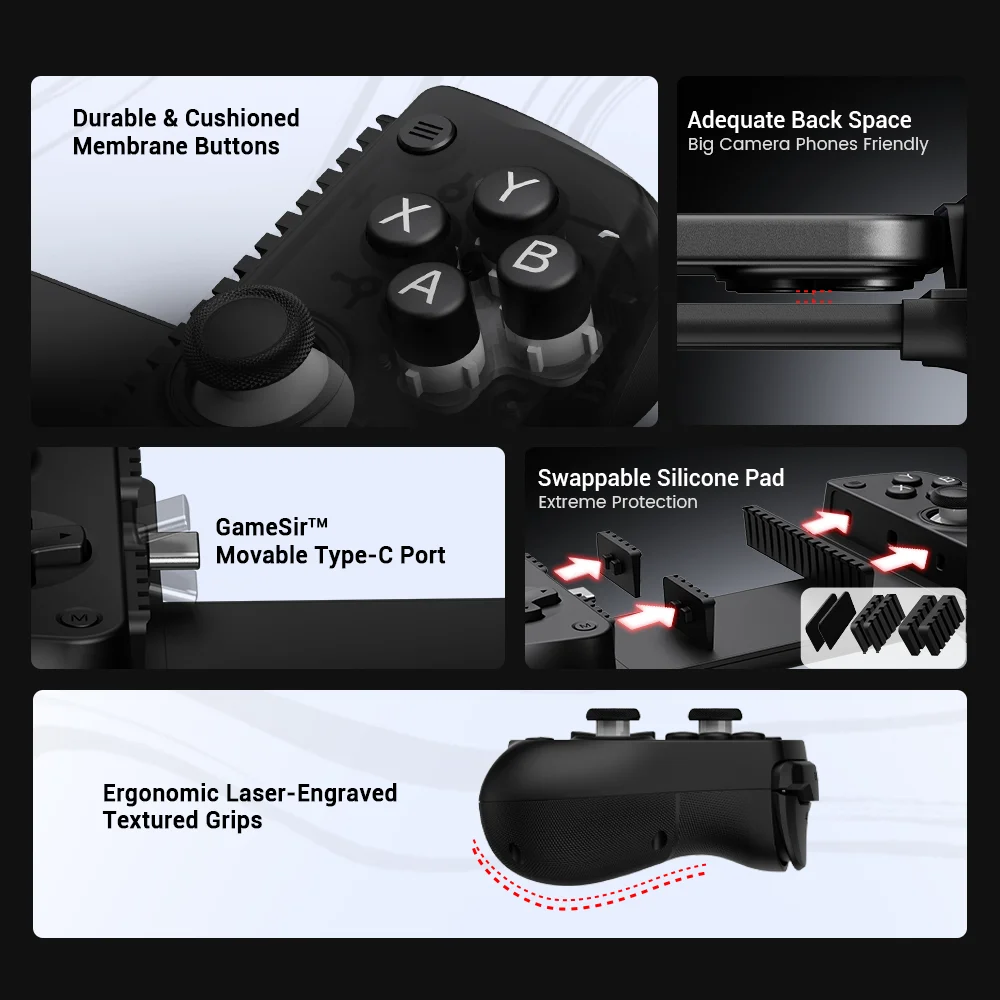
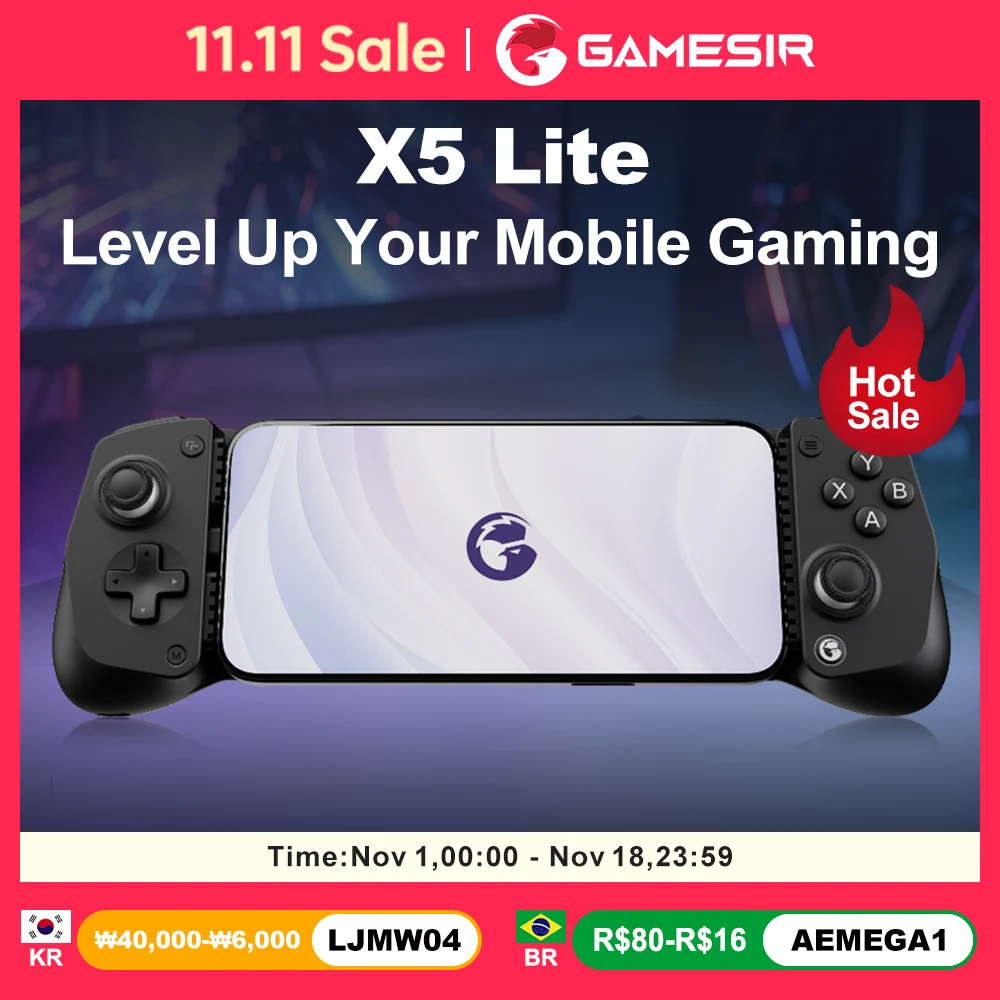
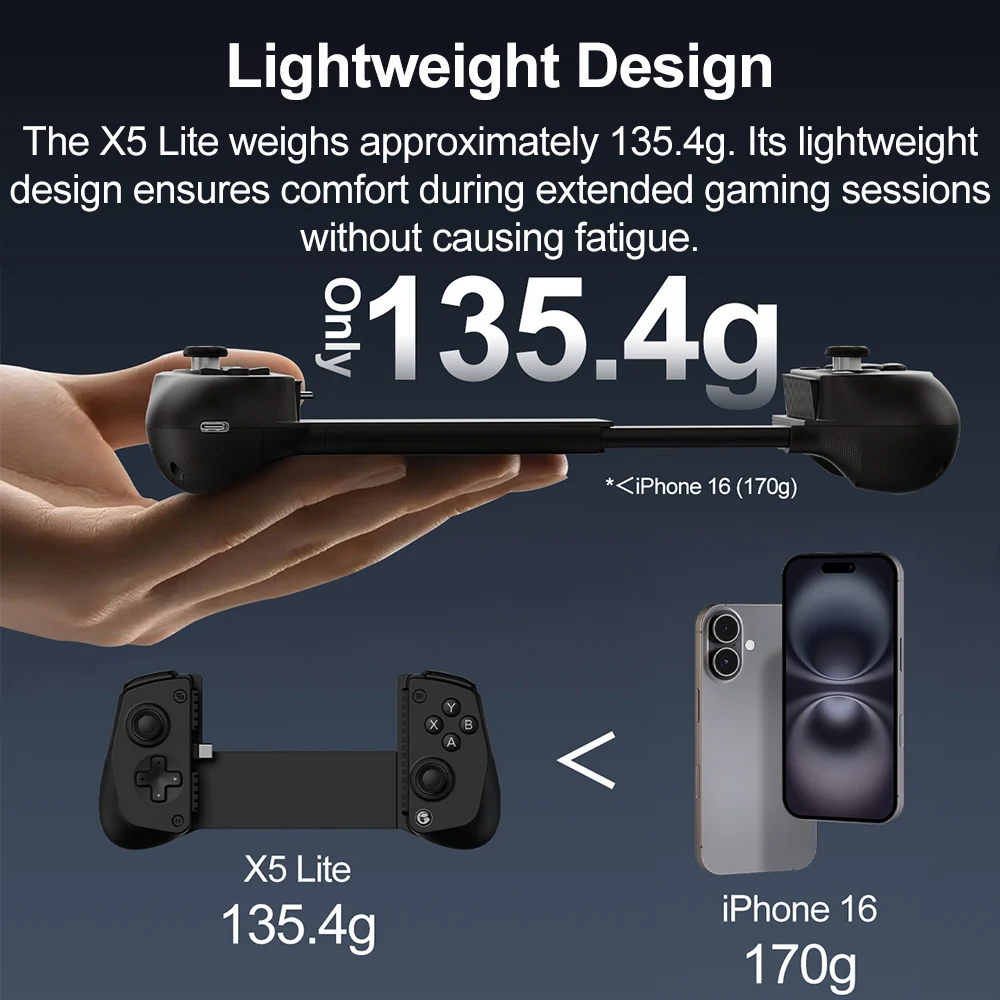
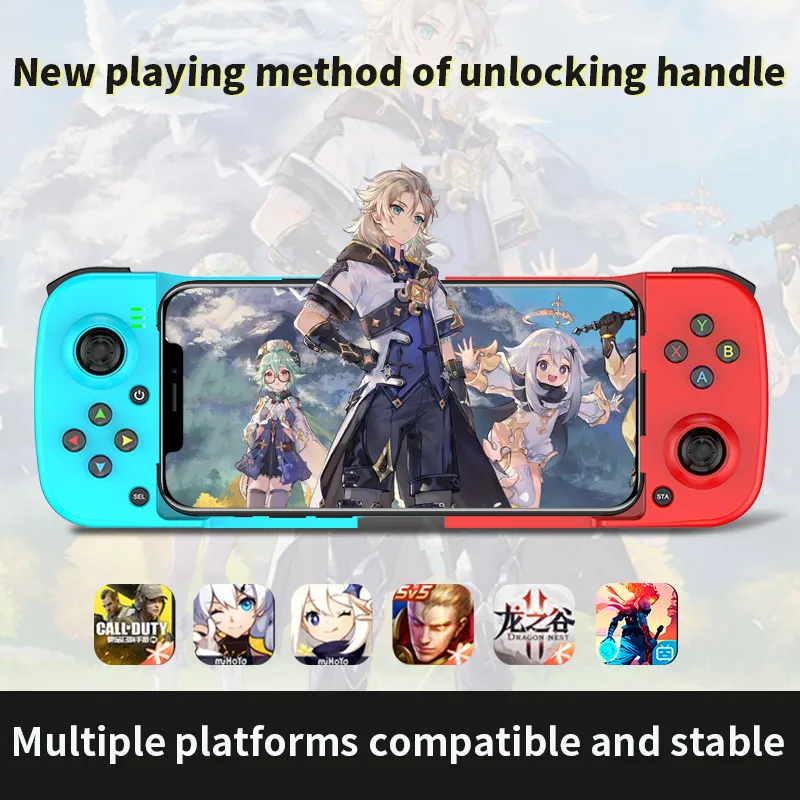
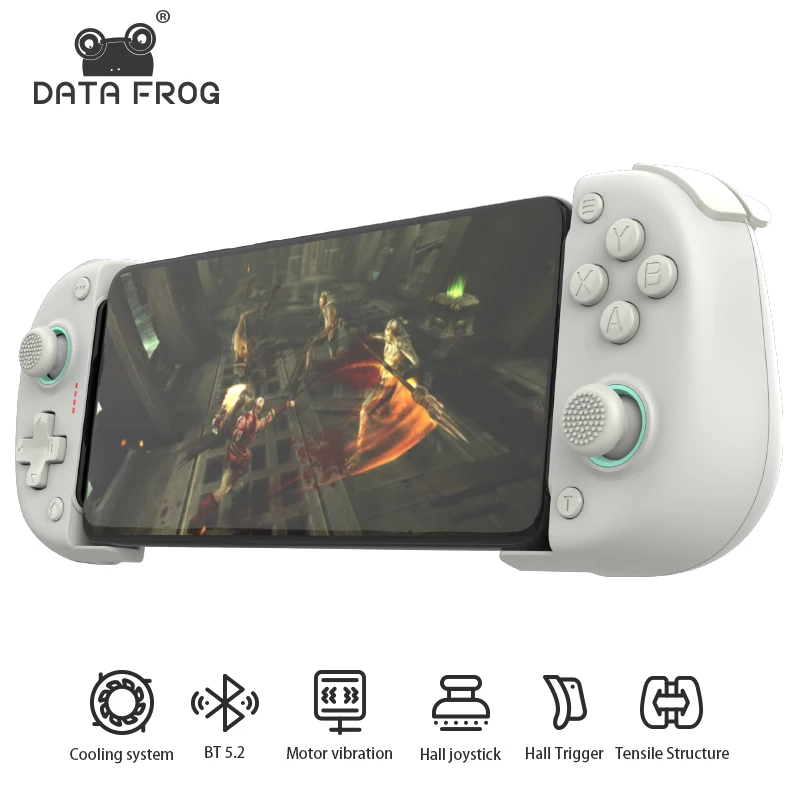
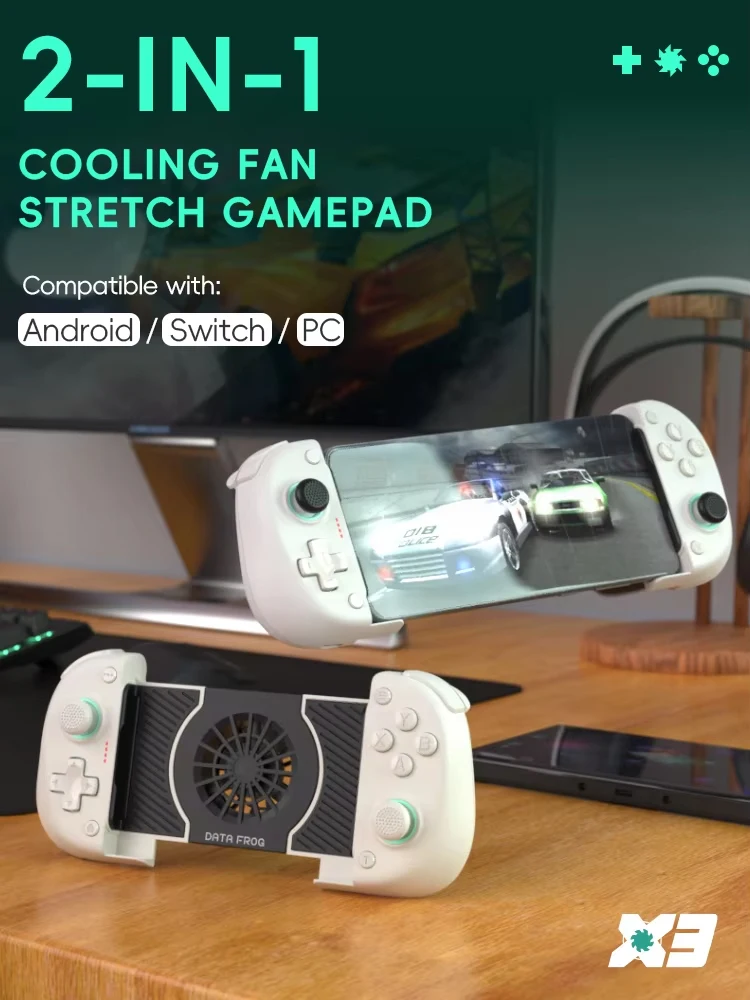
- Telescopic controllers stretch in the middle, so the phone slides in between two grips and the whole thing is held like a handheld console. See telescopic controllers.
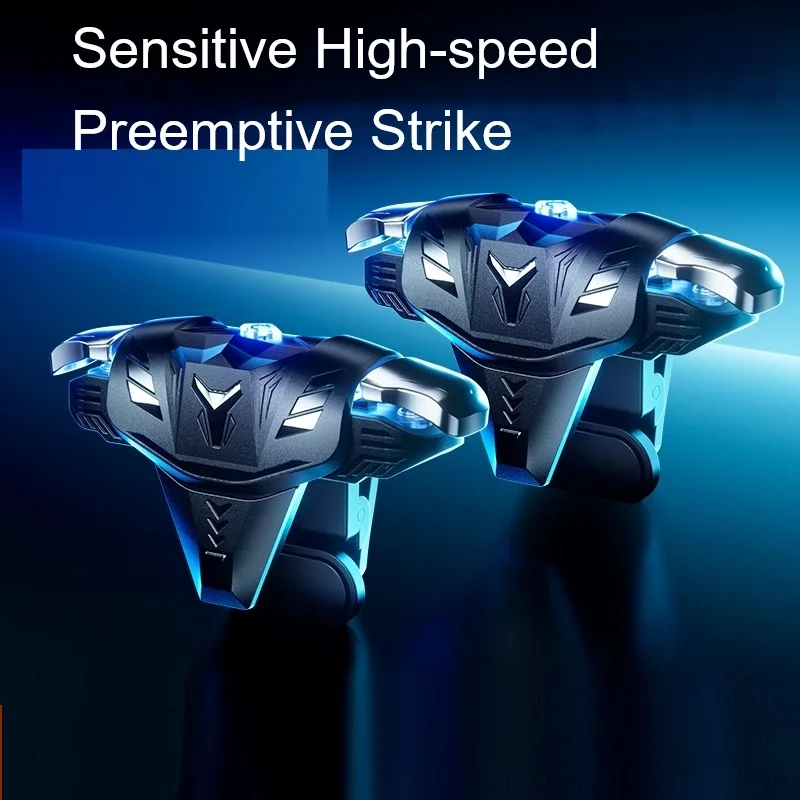
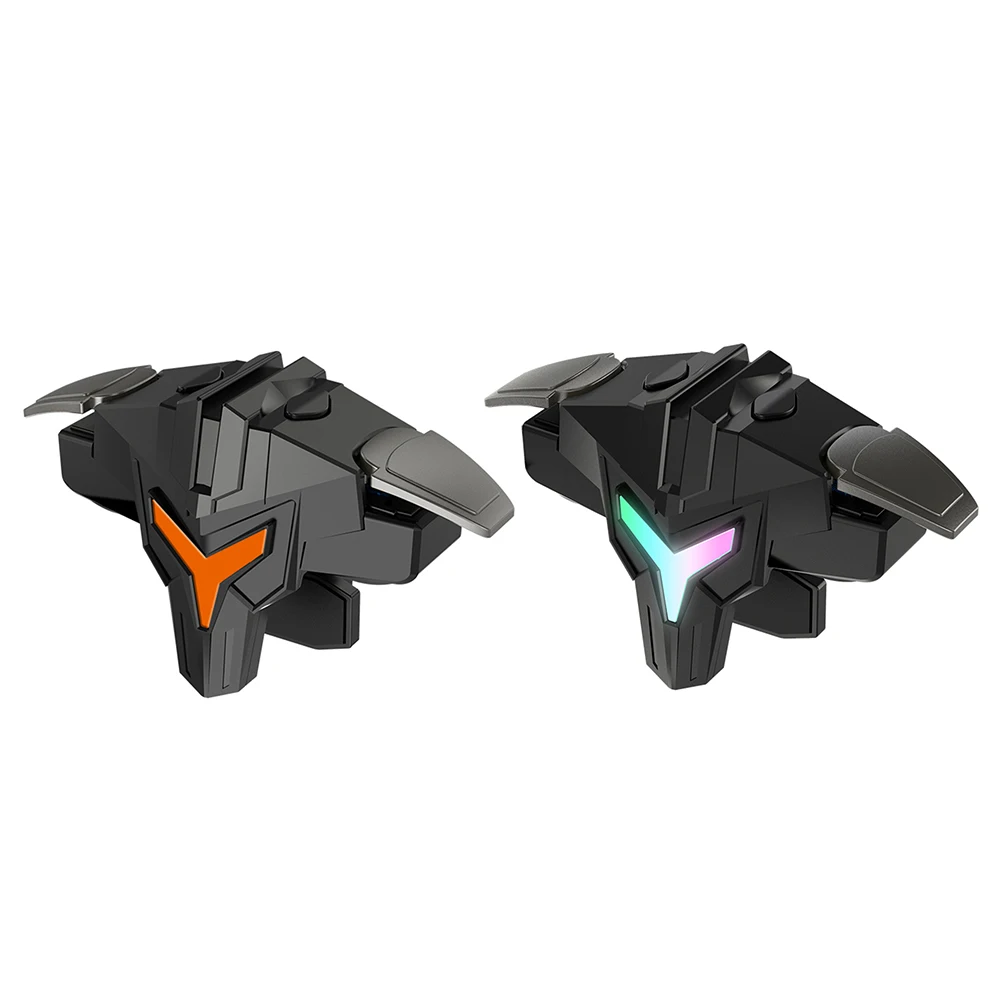
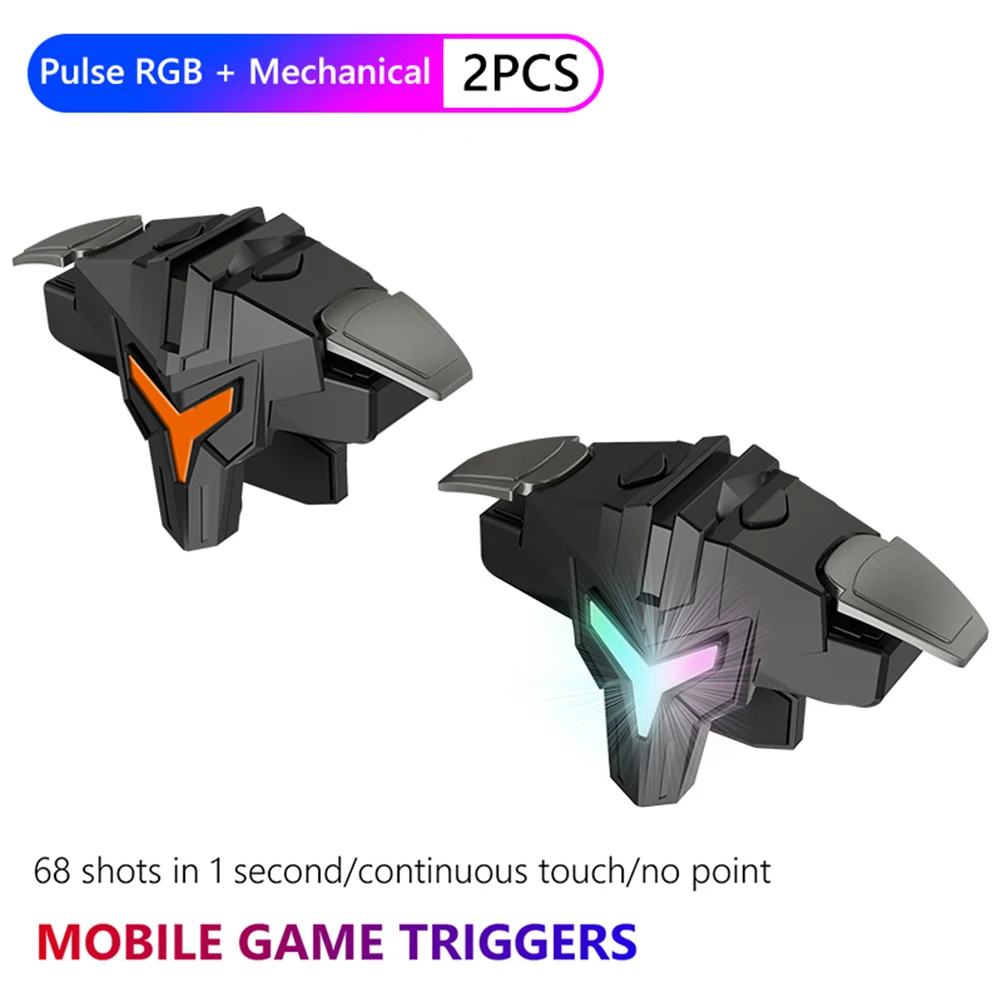
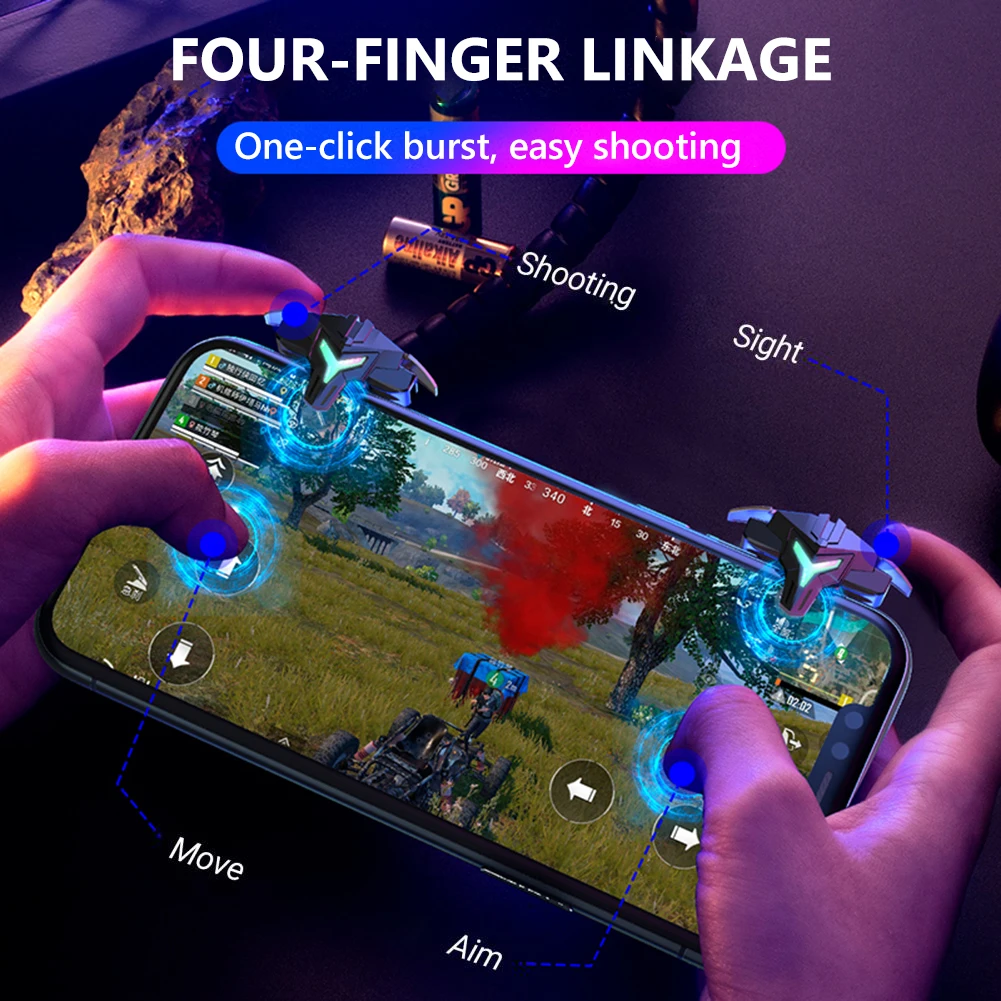
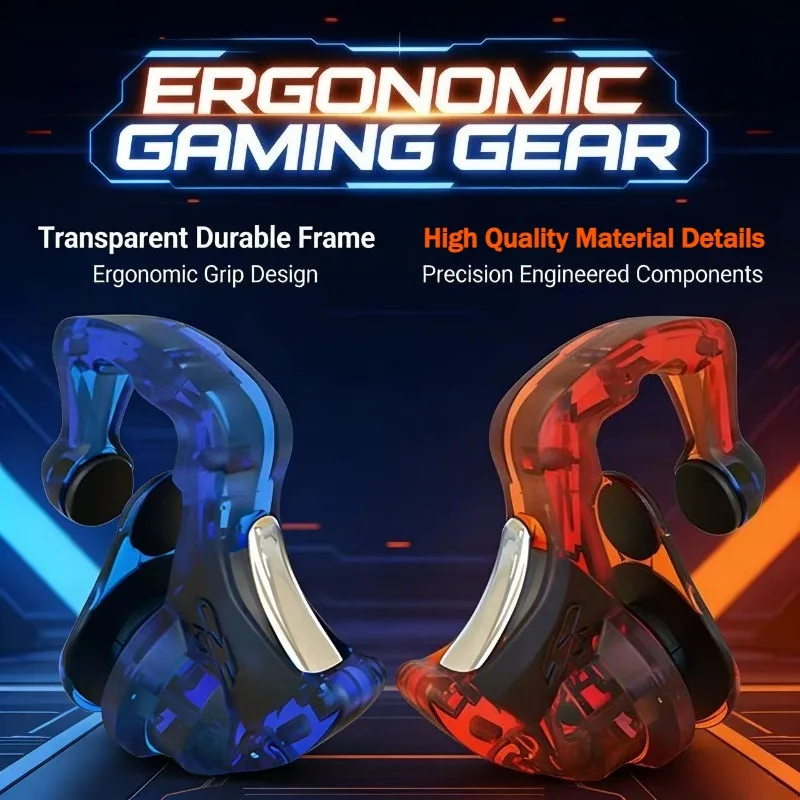
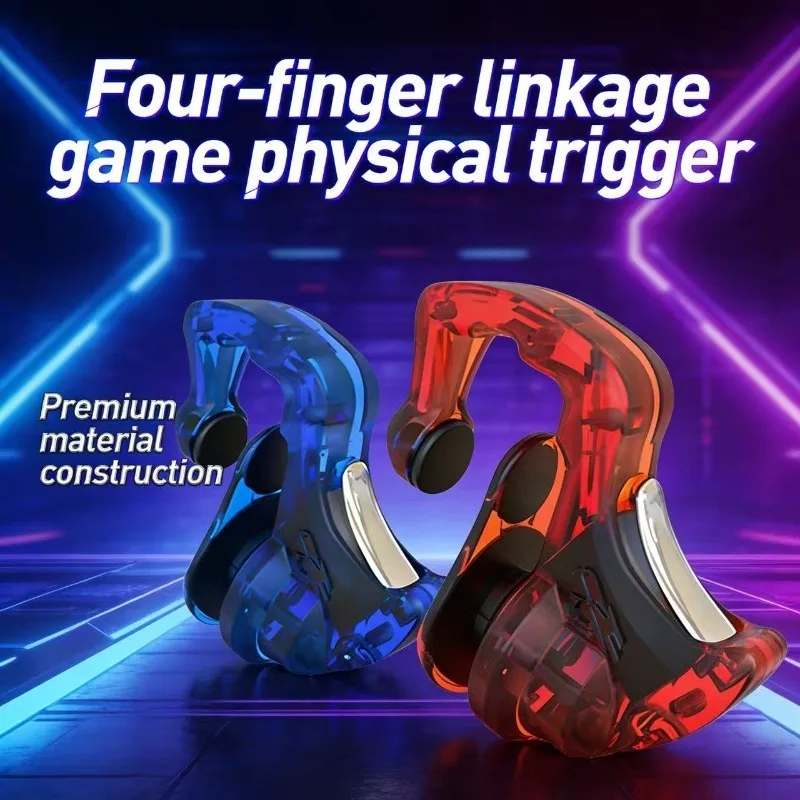
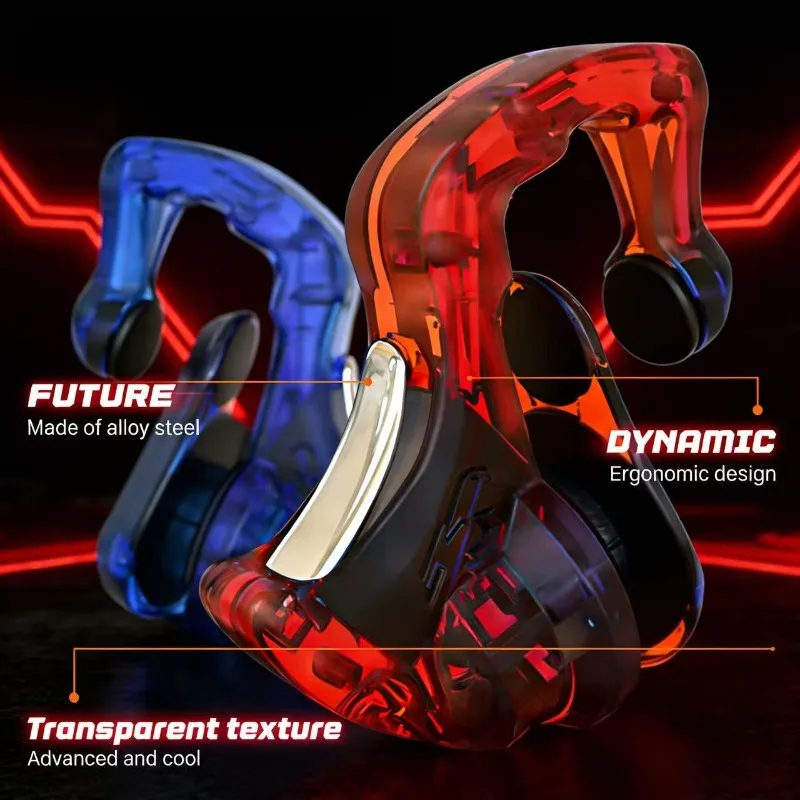
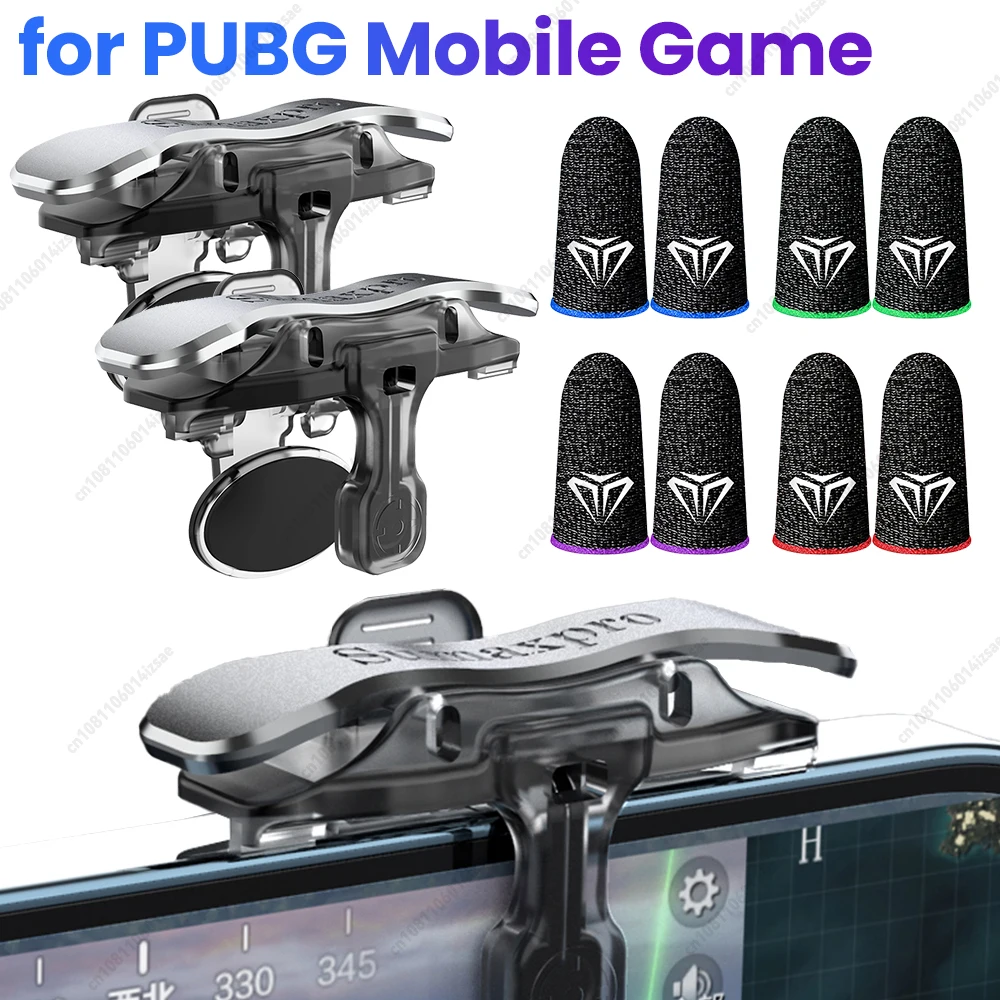
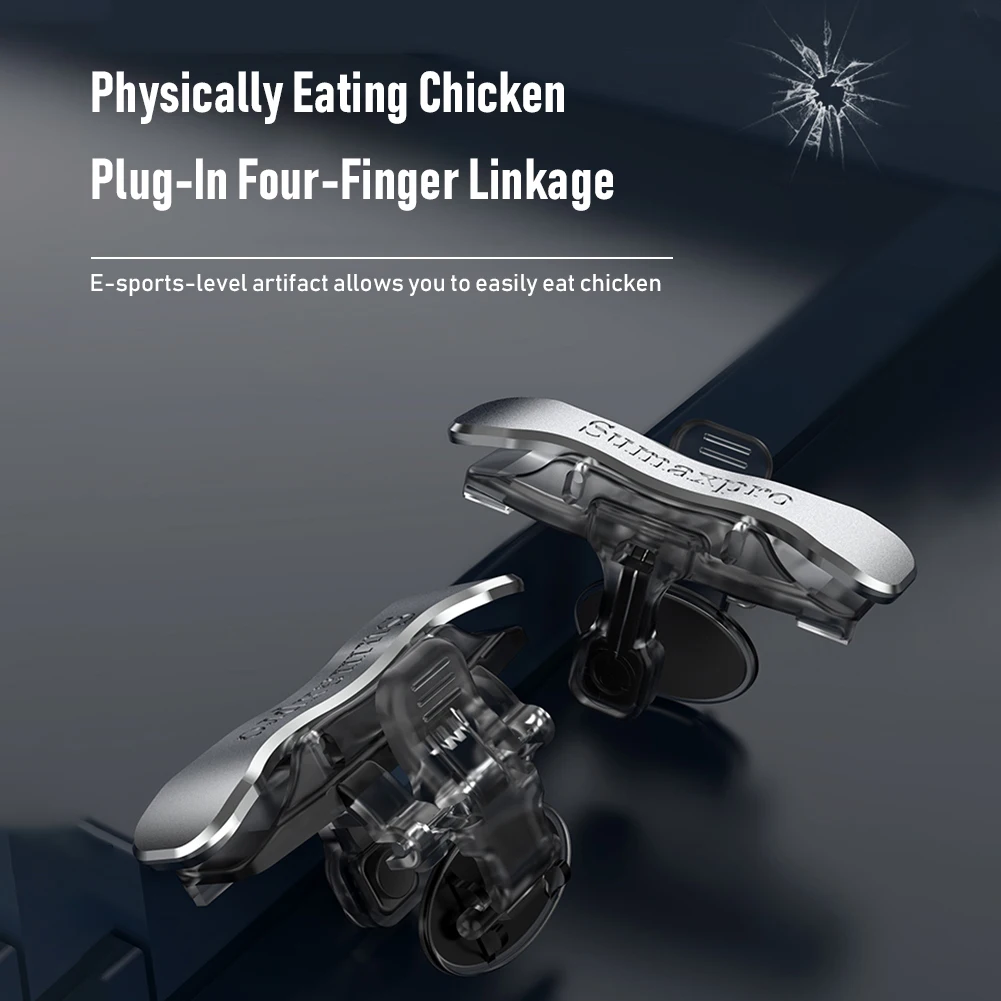
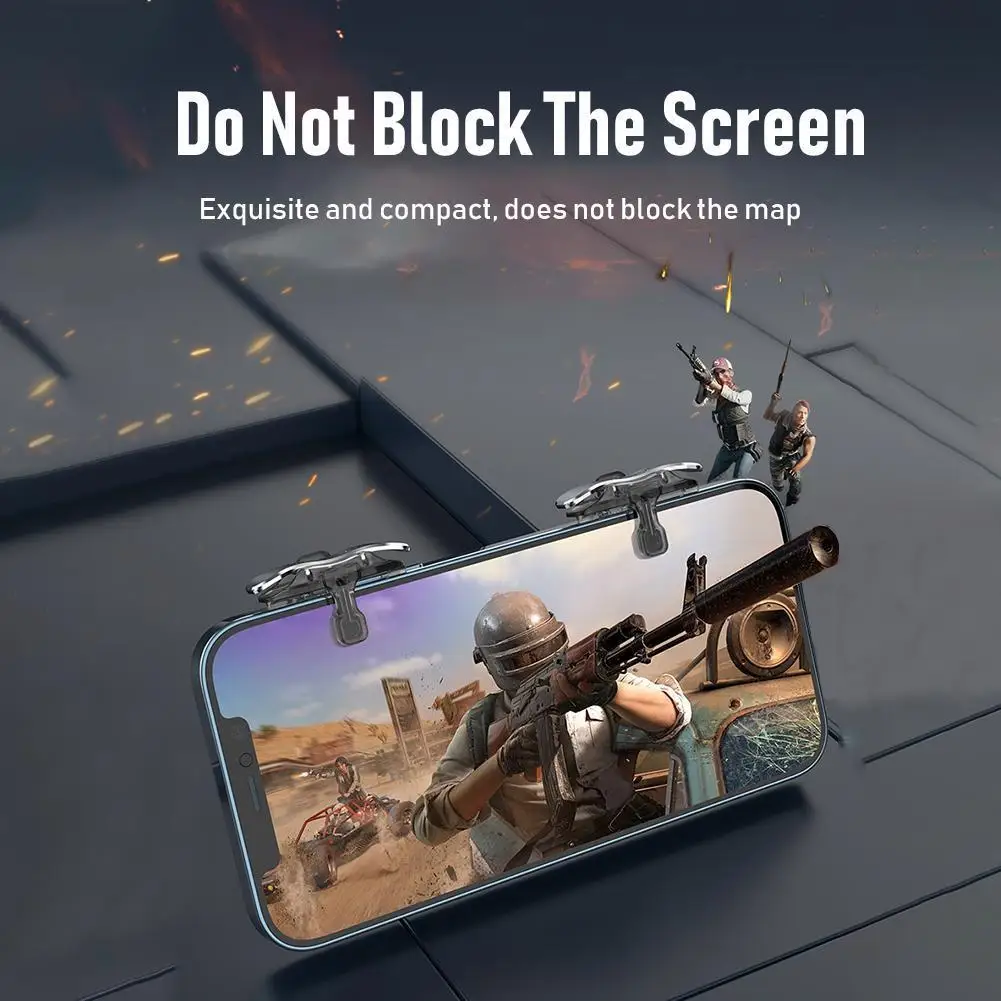
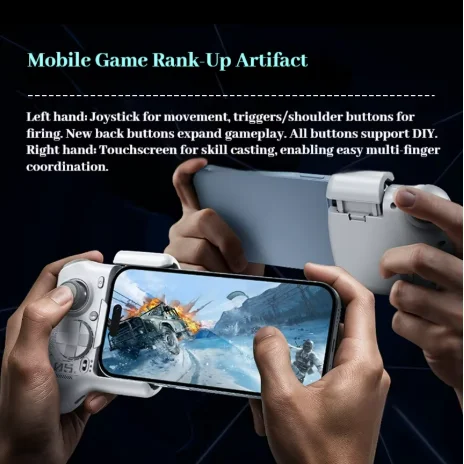
- Triggers and shoulder buttons clip onto the top edge of the phone held sideways, so your index fingers can aim and fire in shooting games while your thumbs move. See triggers and shoulder buttons.
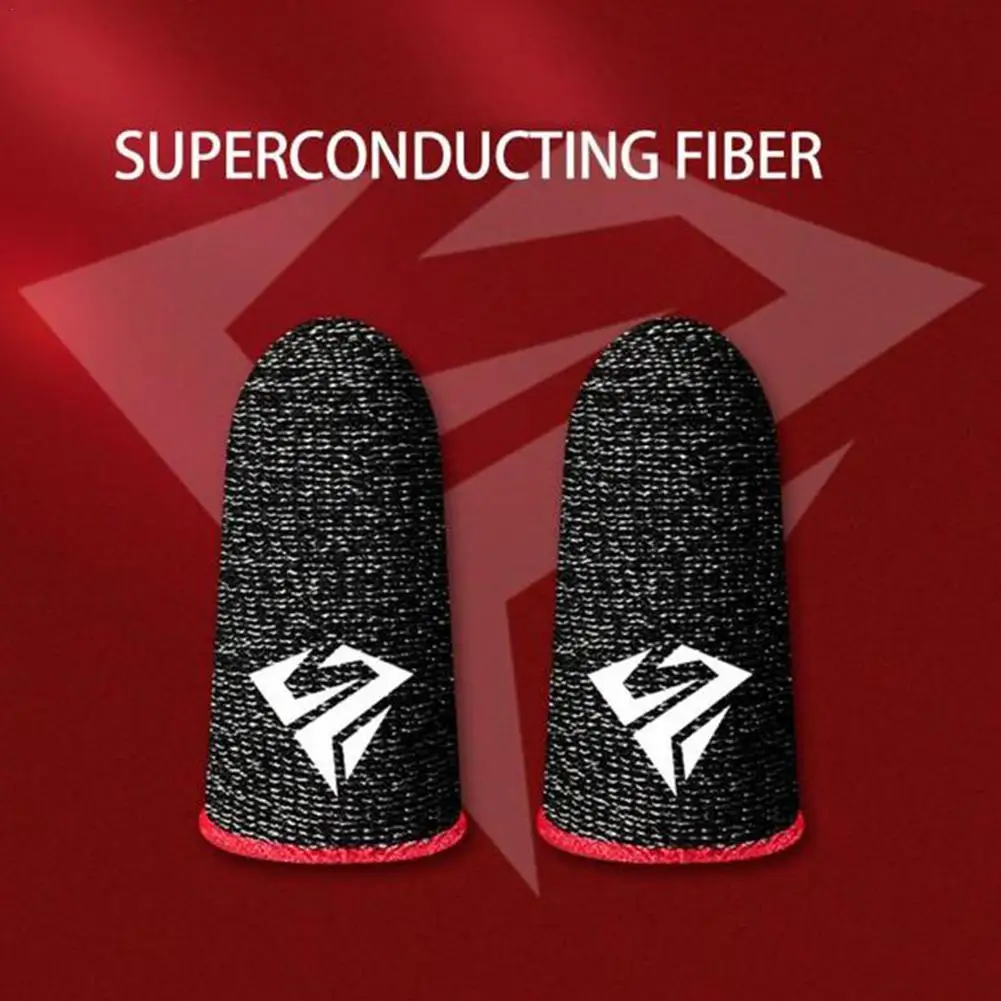
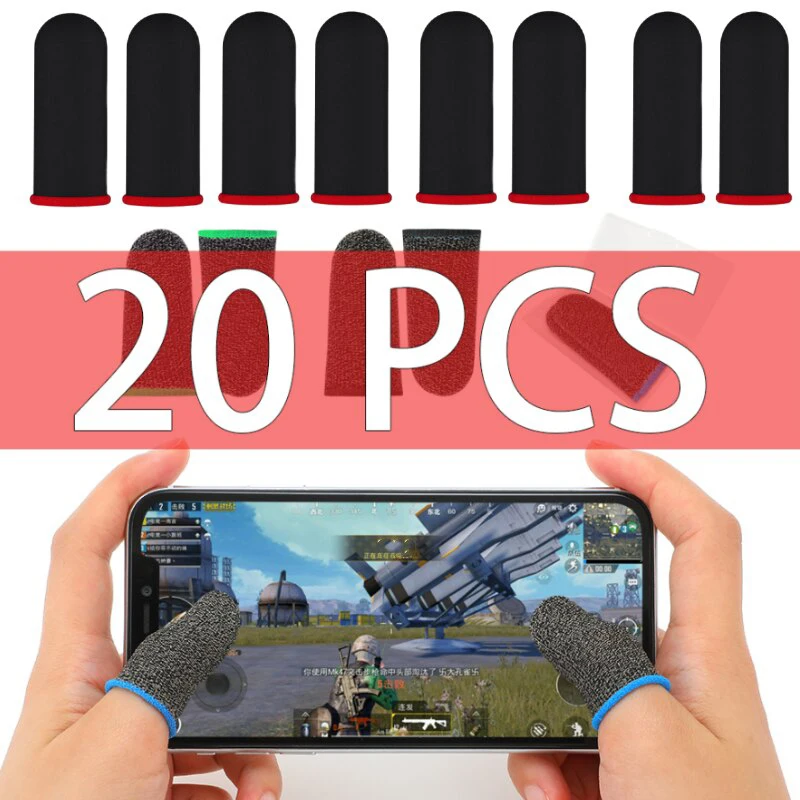
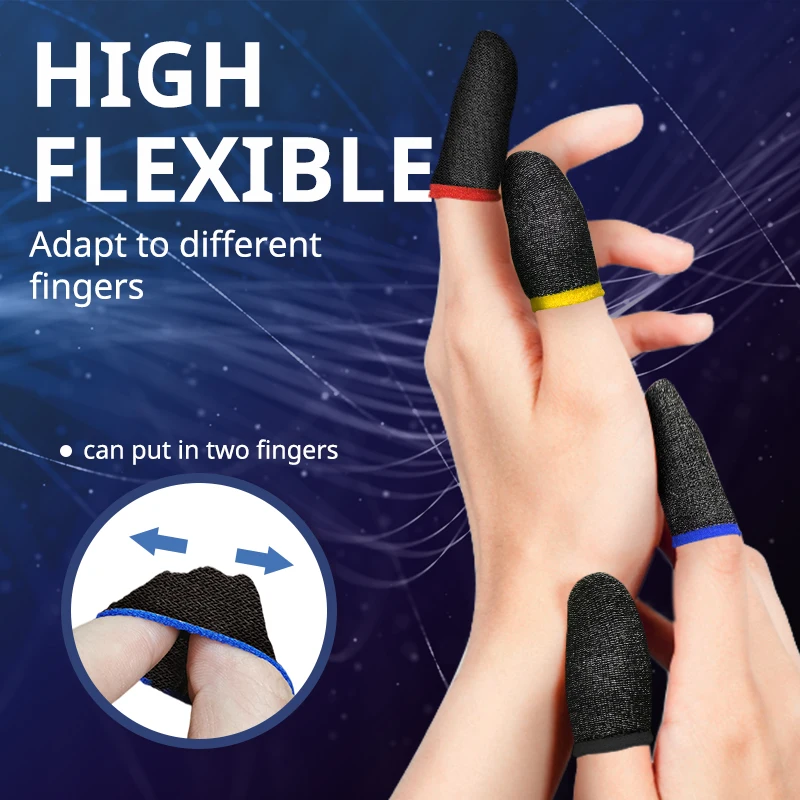
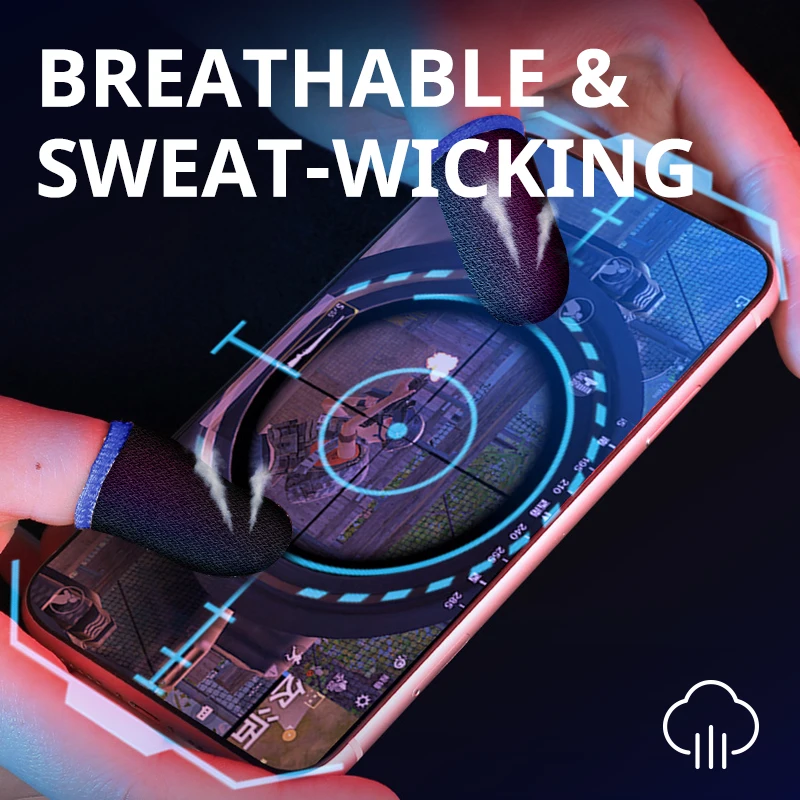
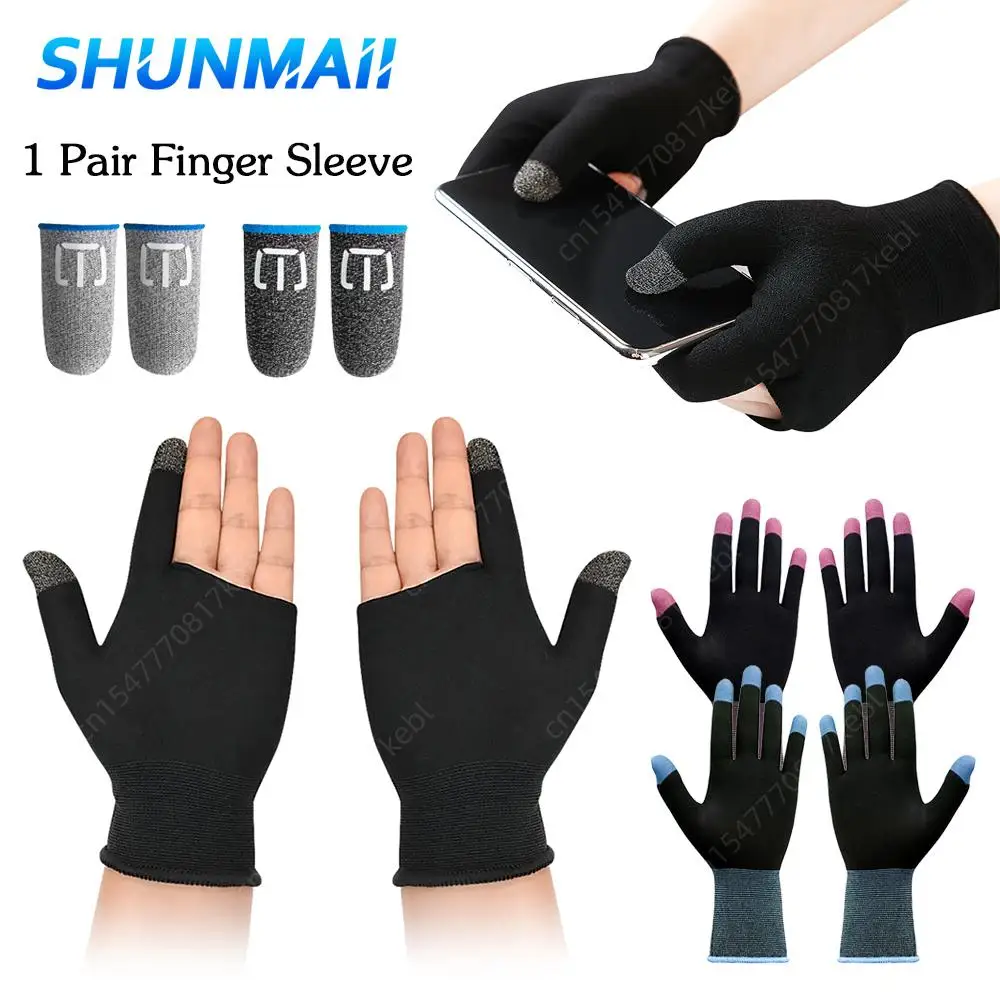
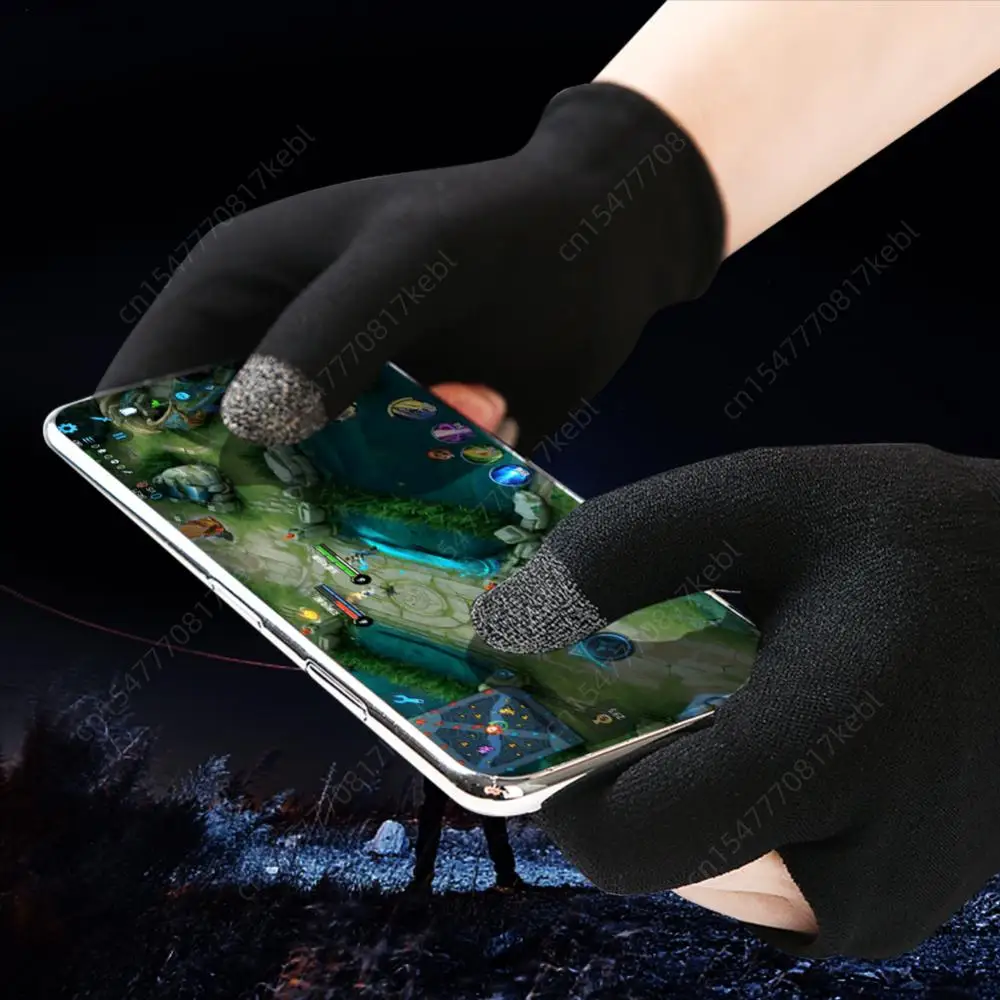
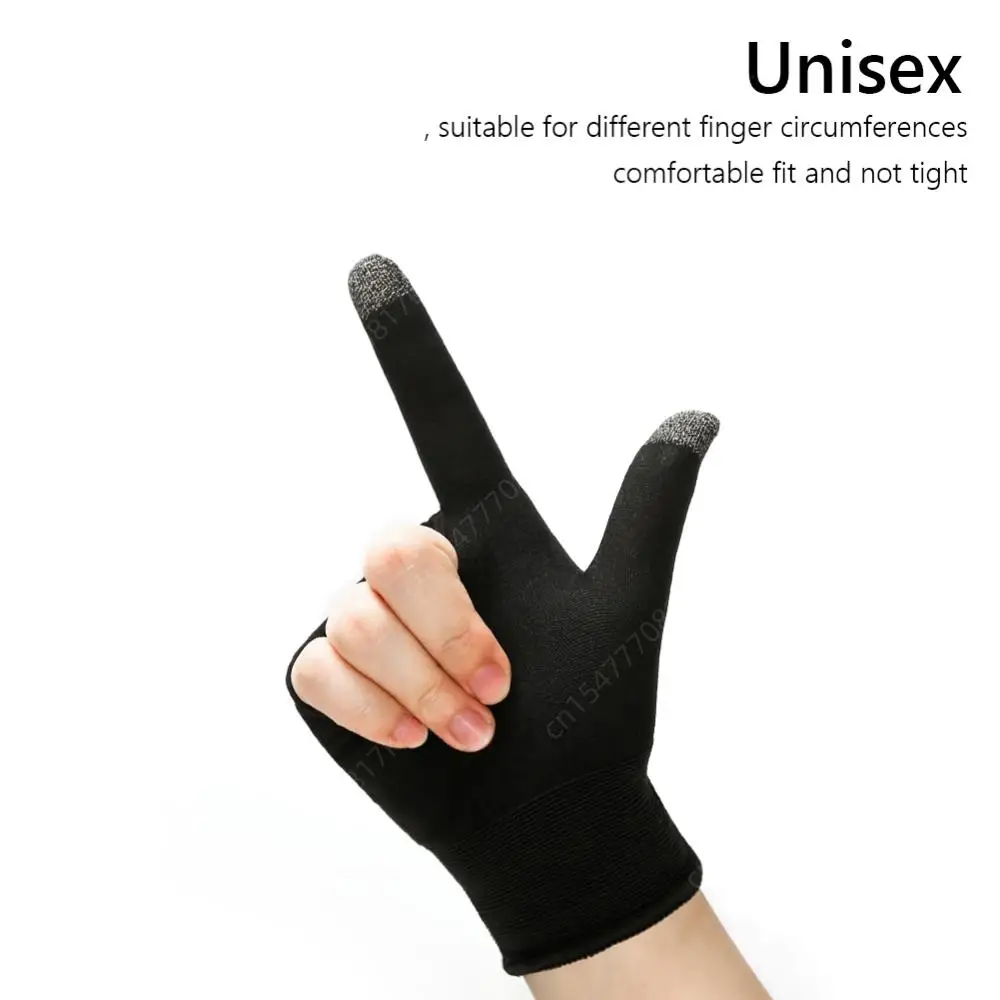
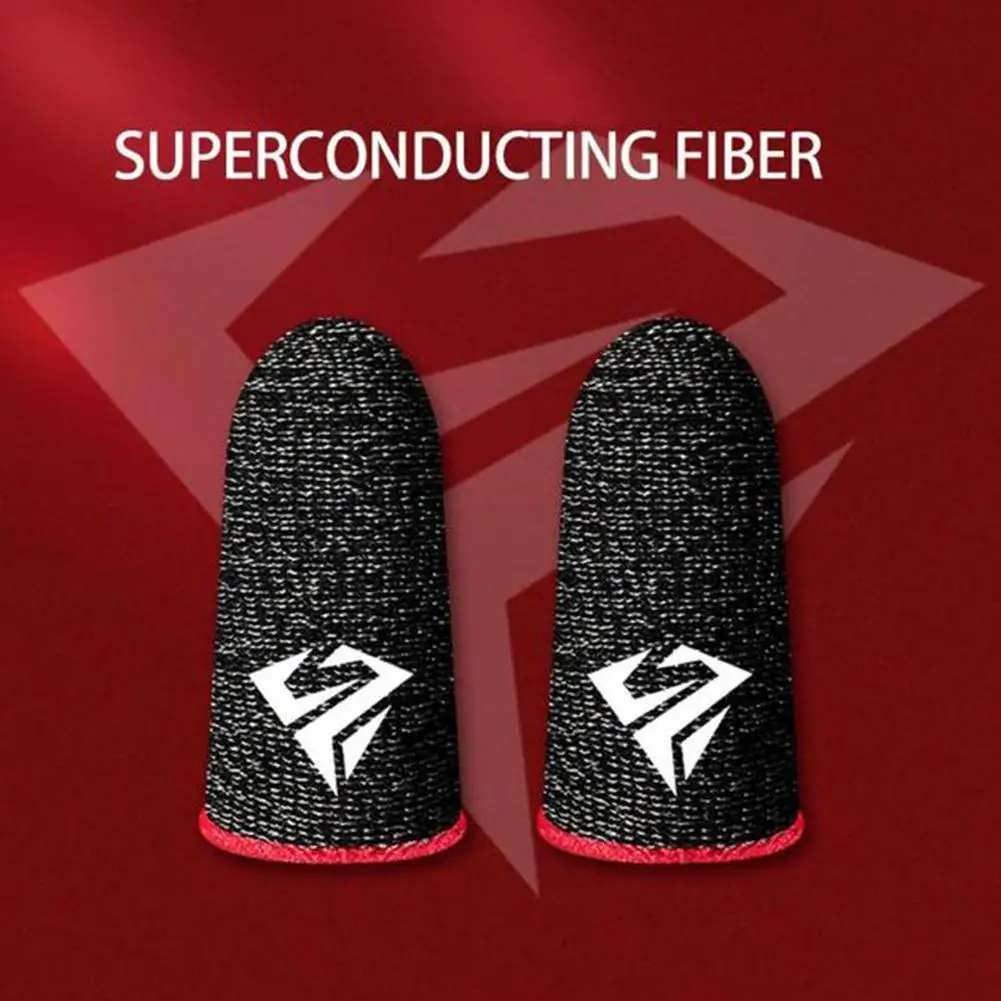
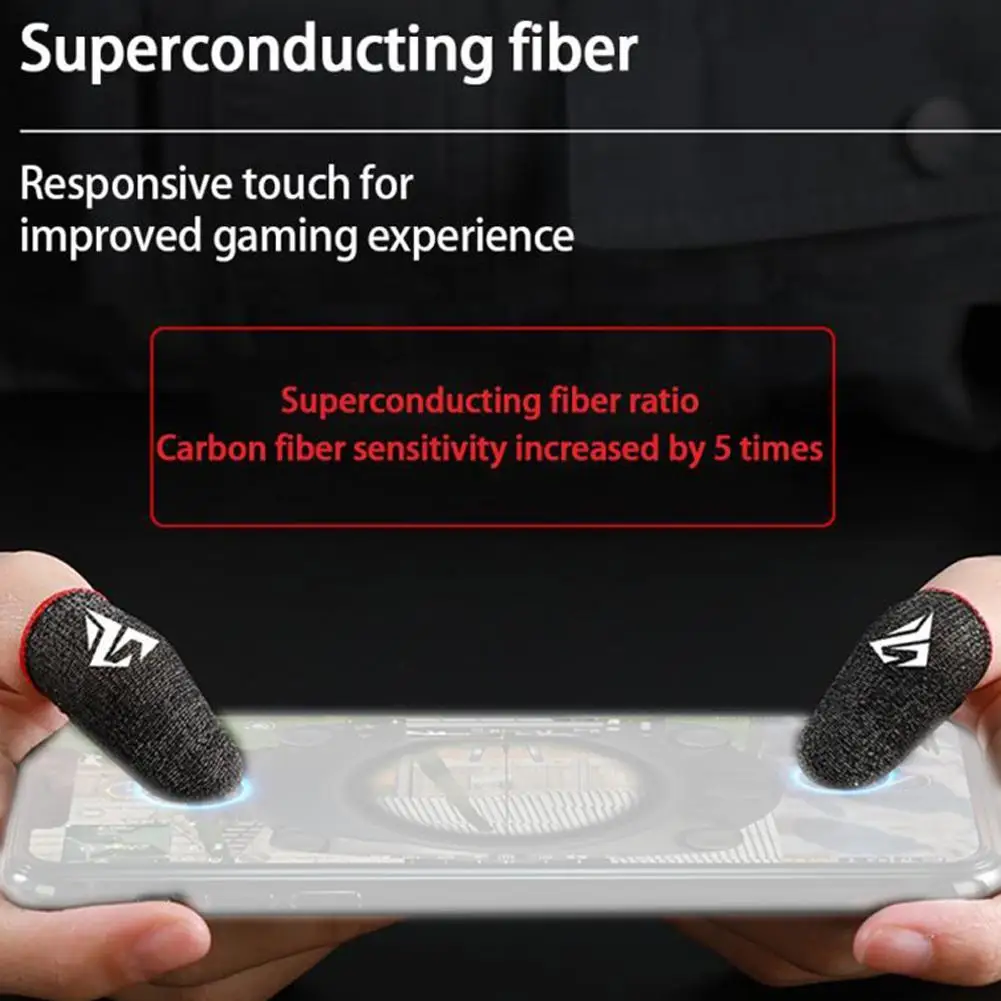
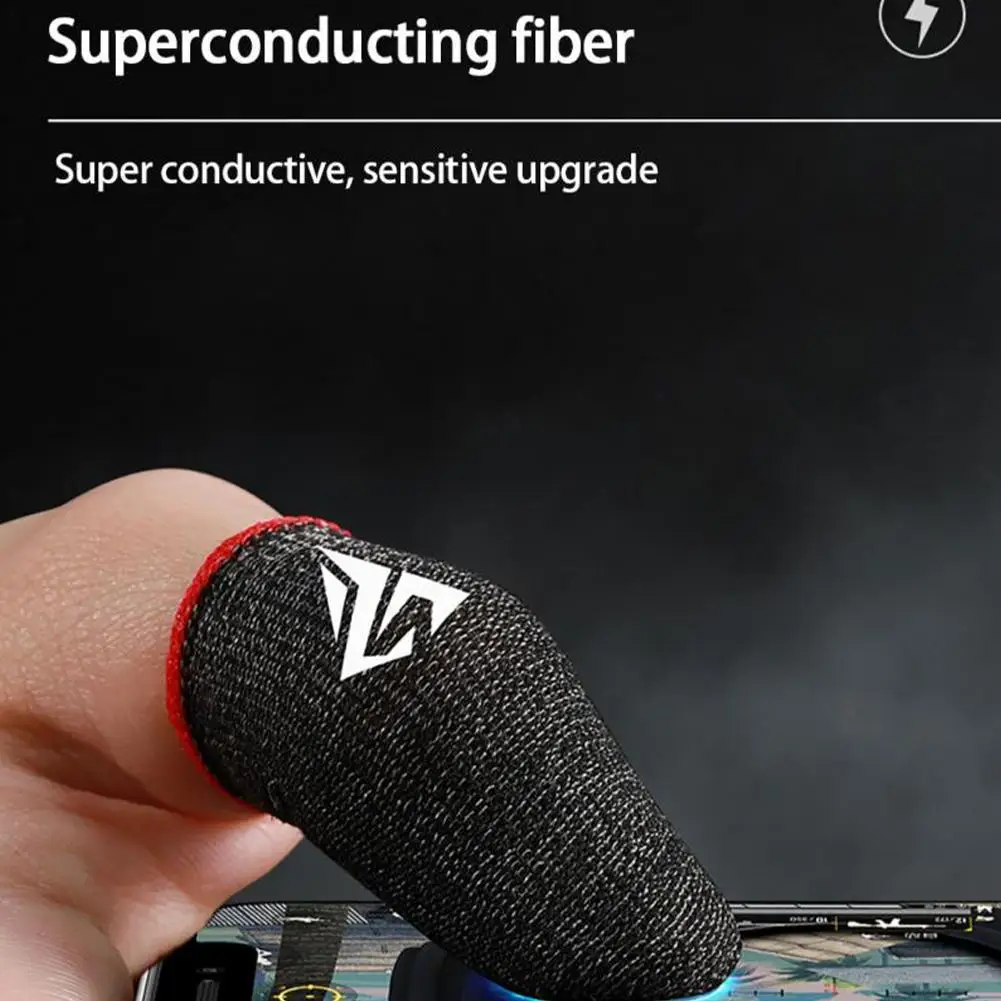
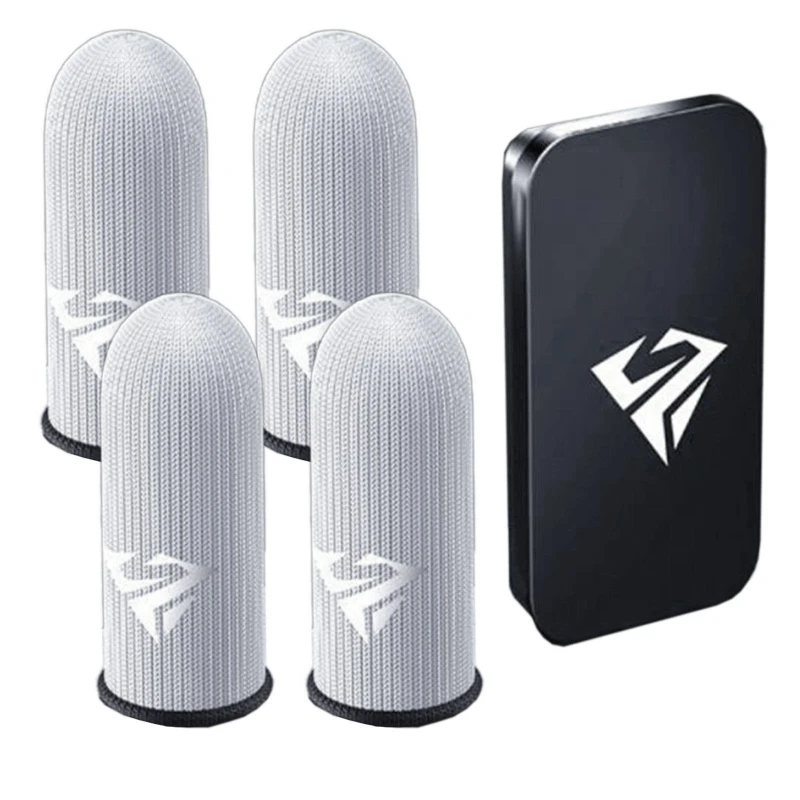
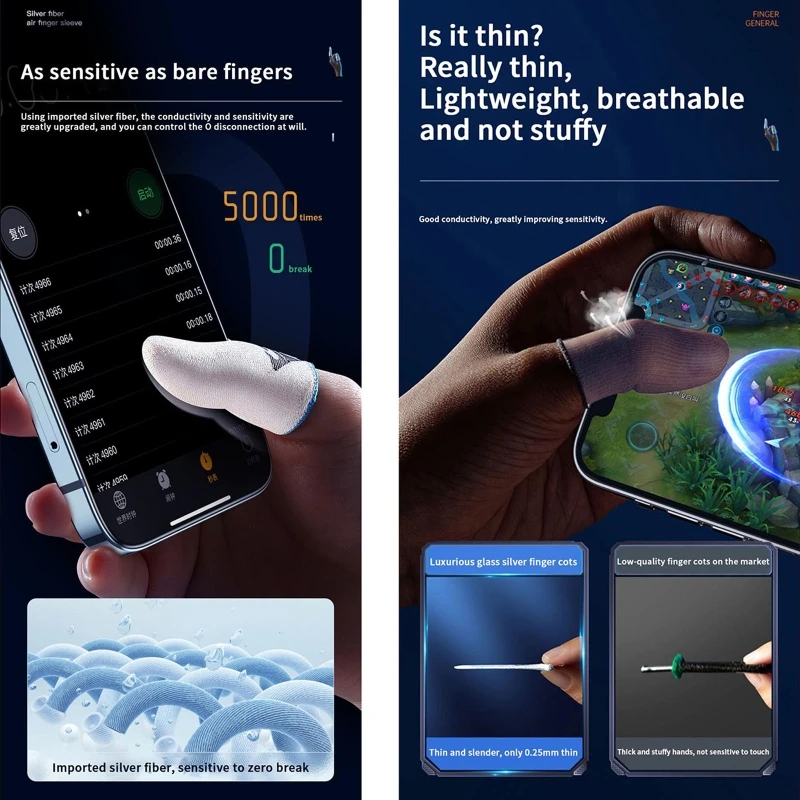
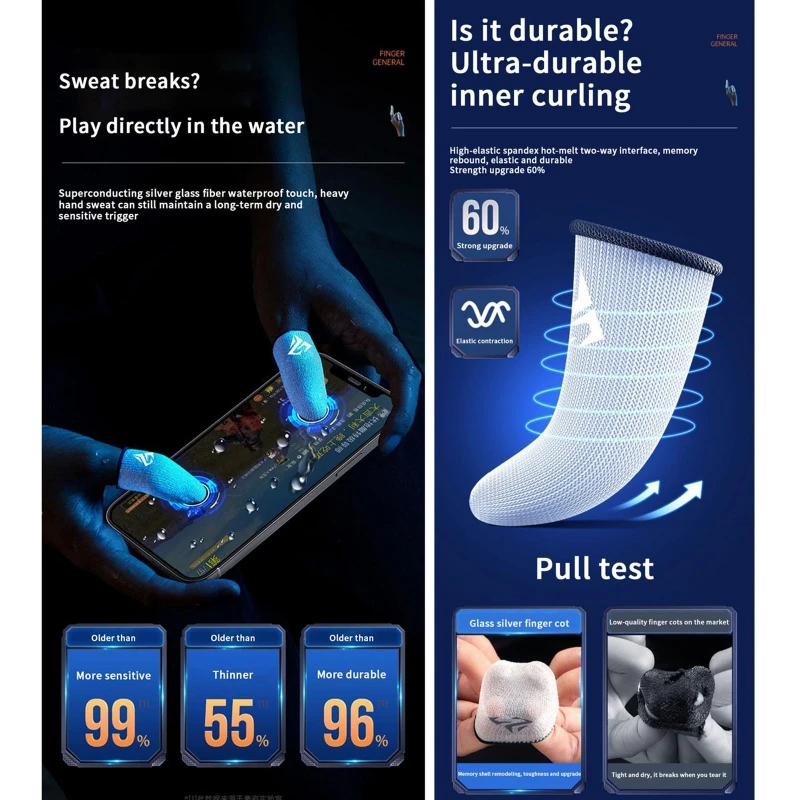
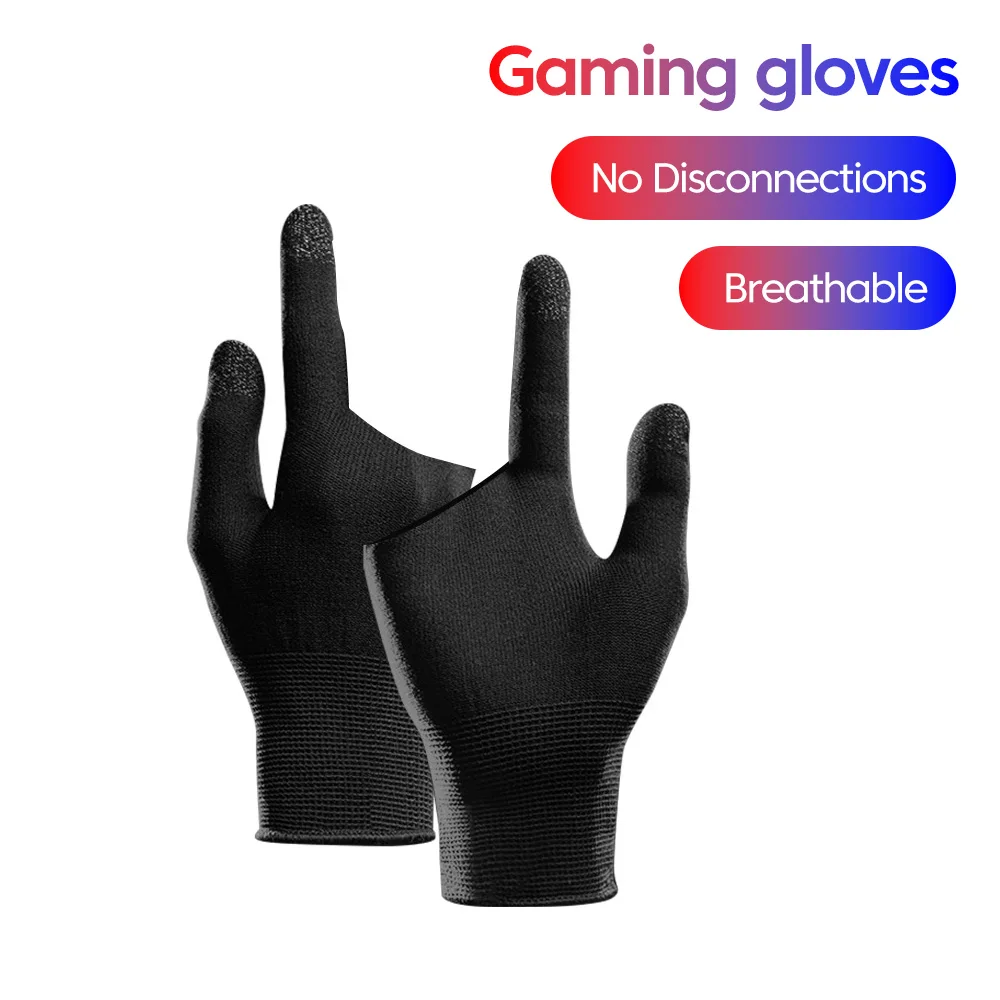
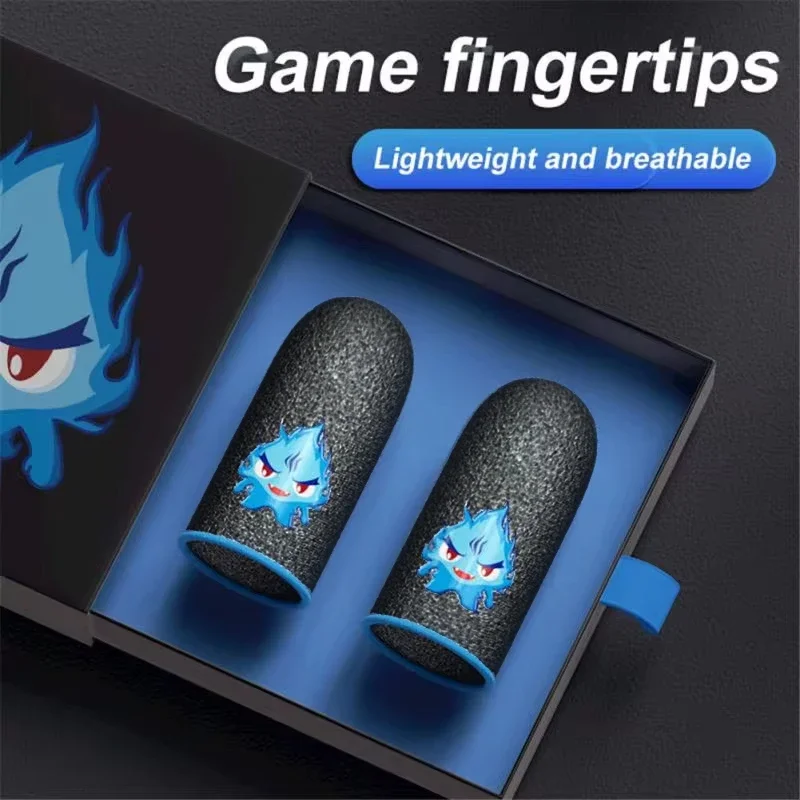
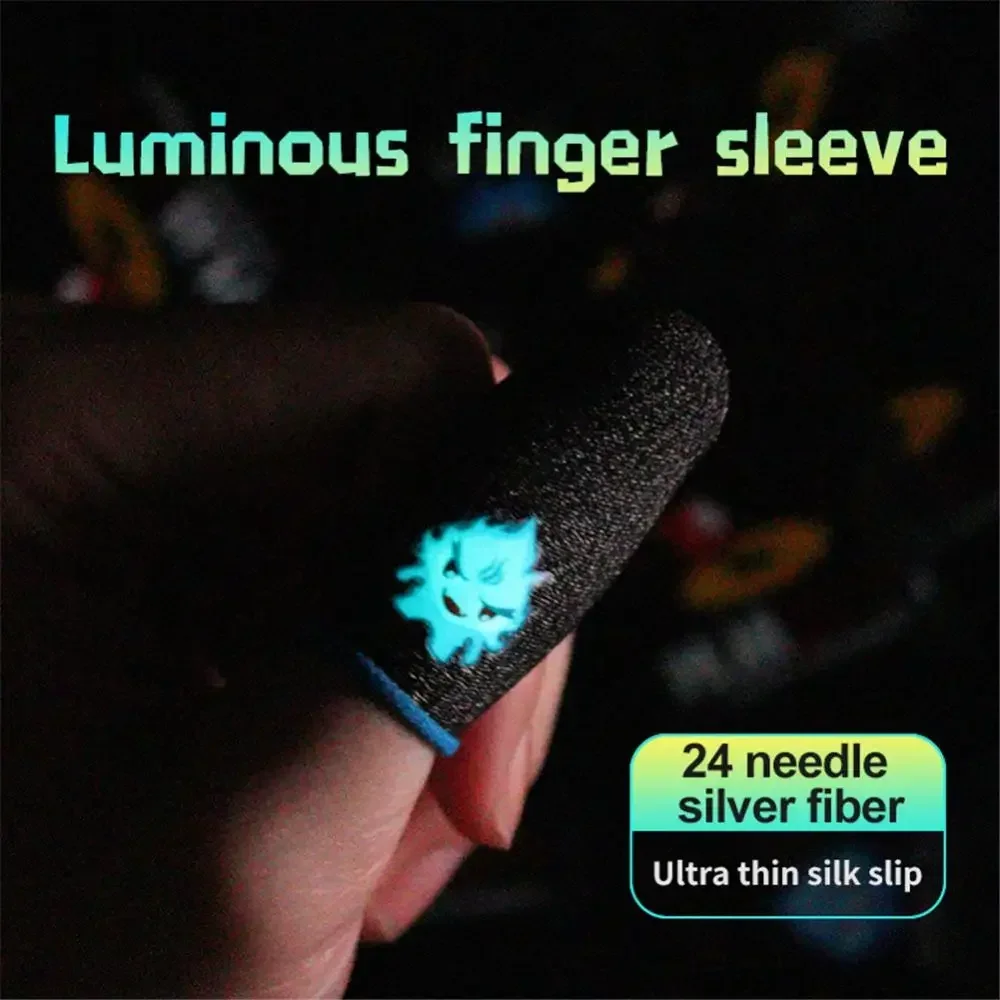
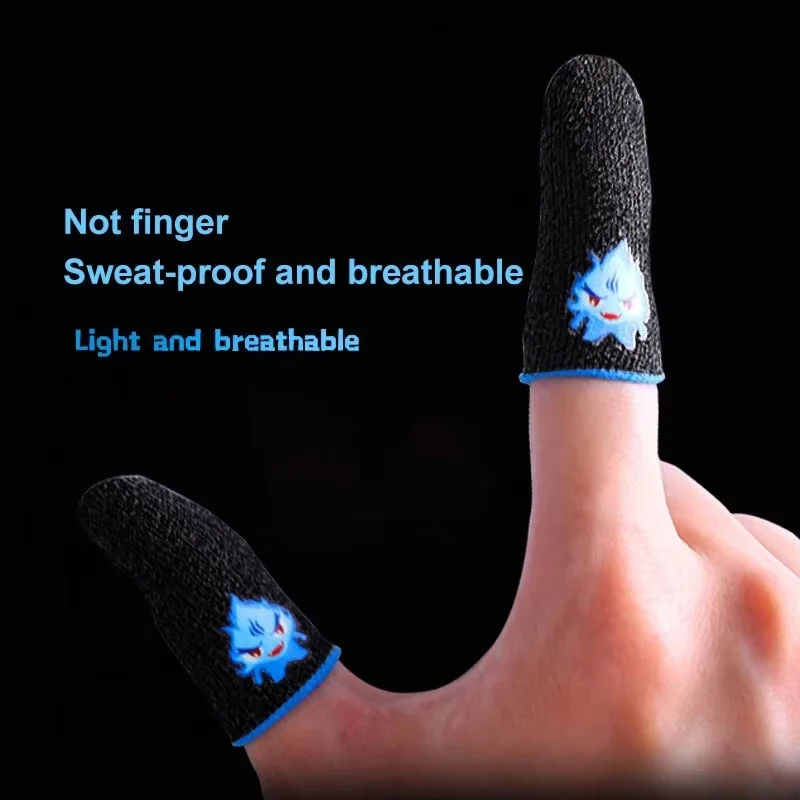
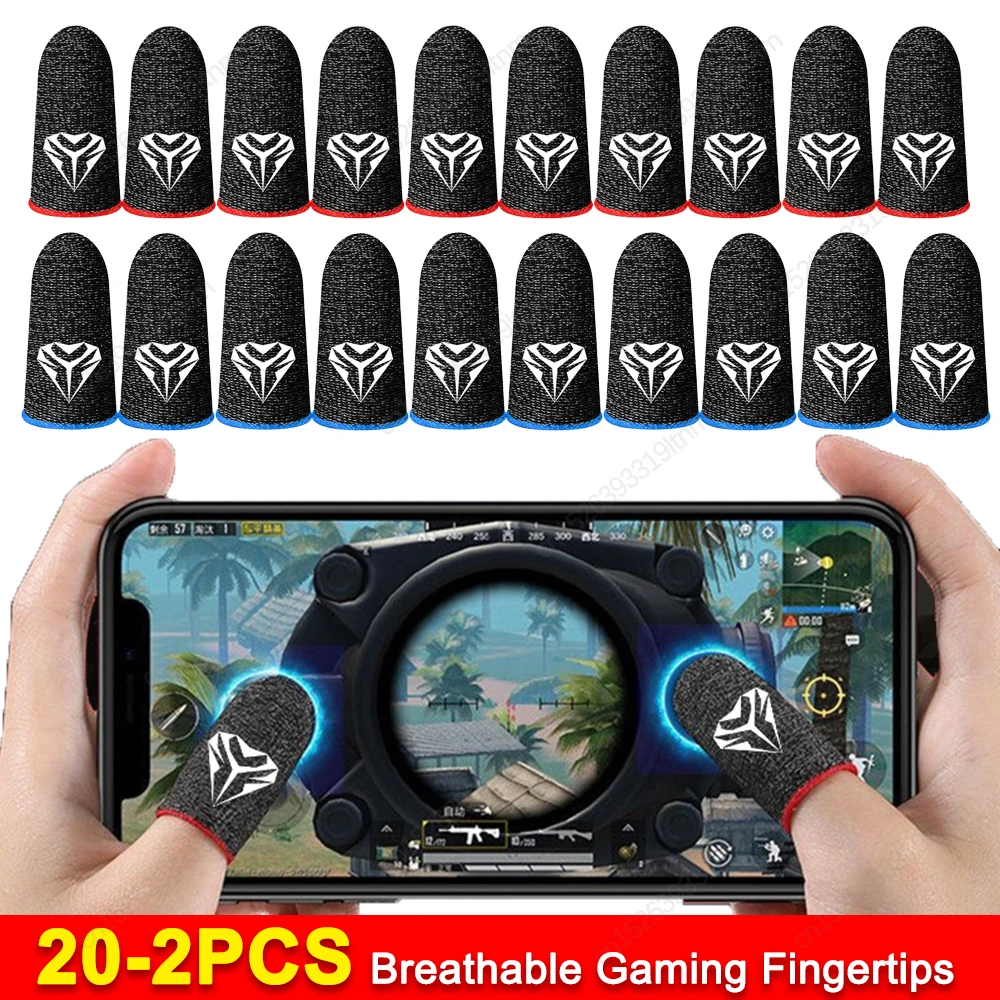
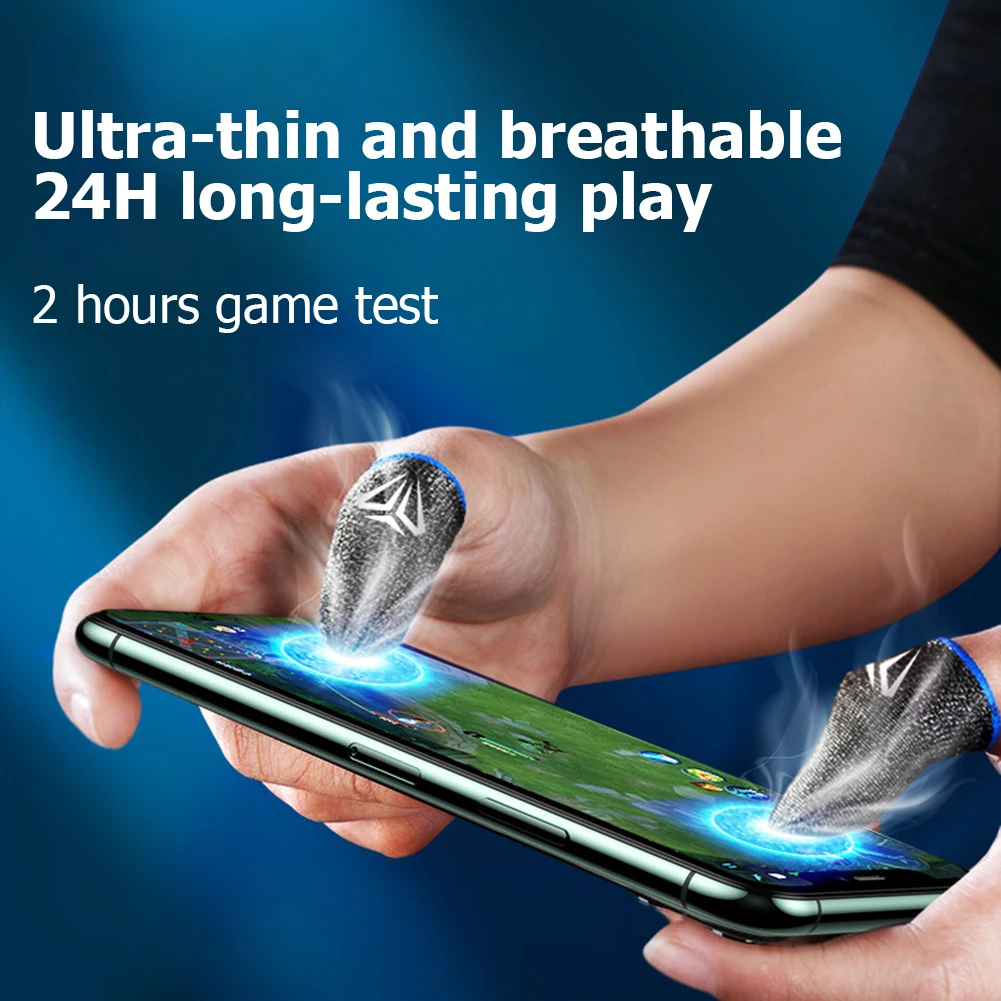
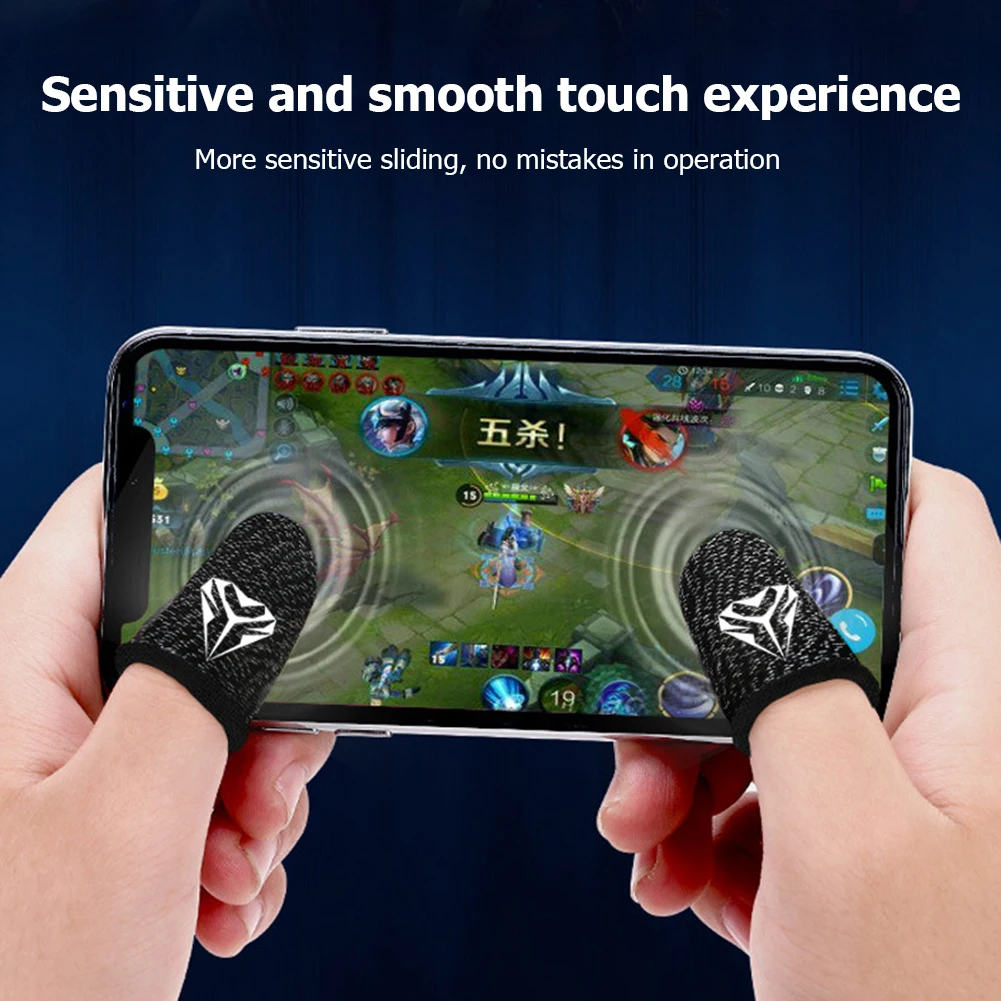
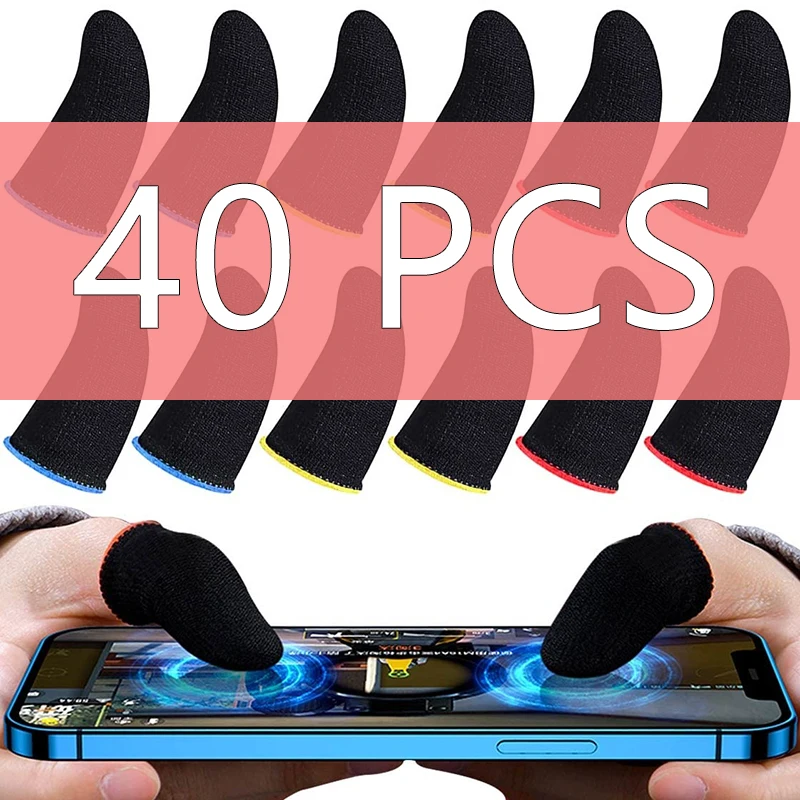
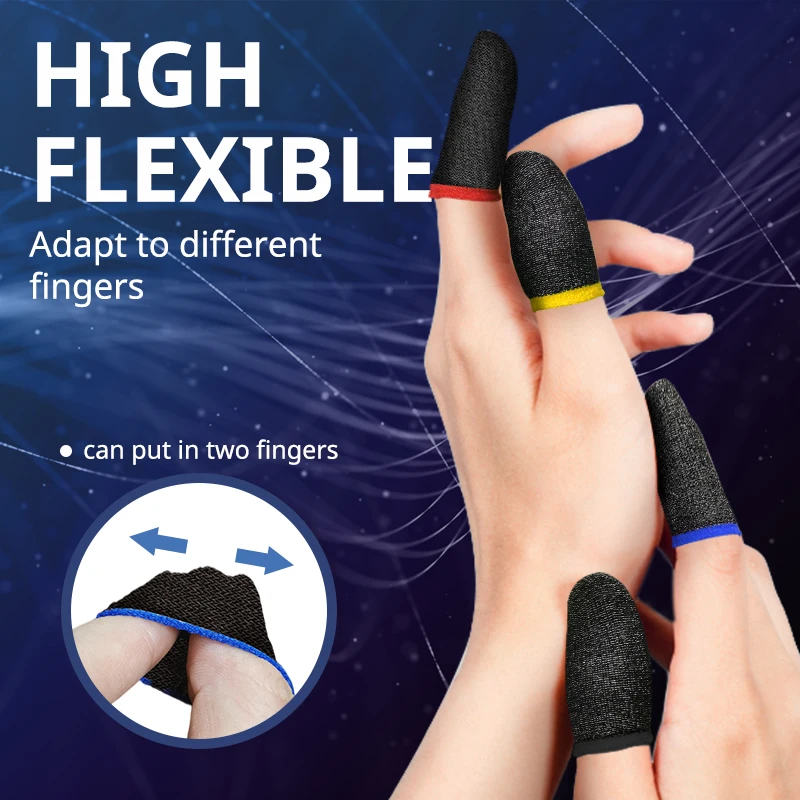
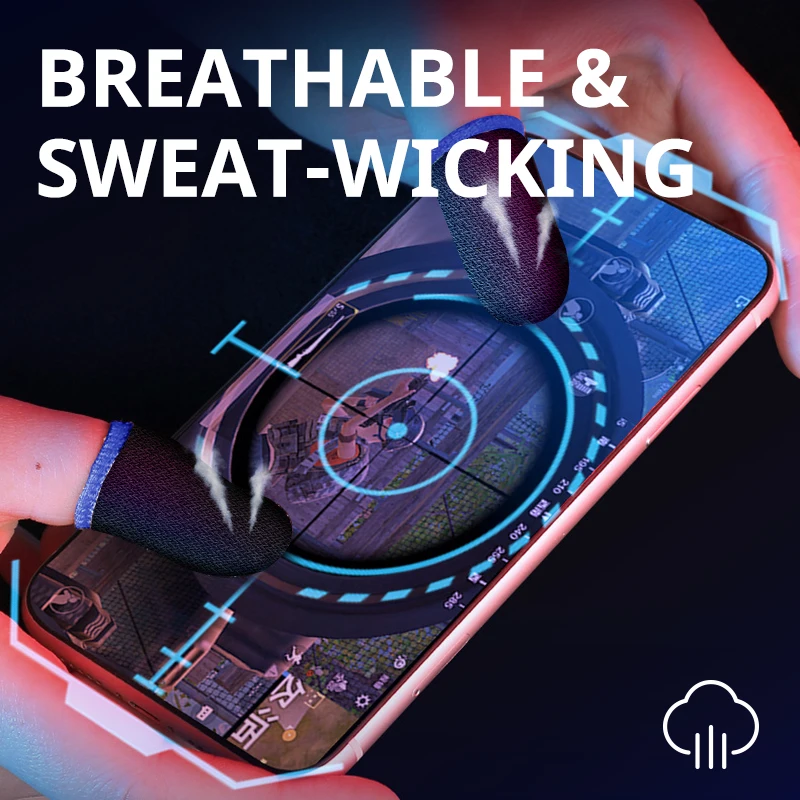
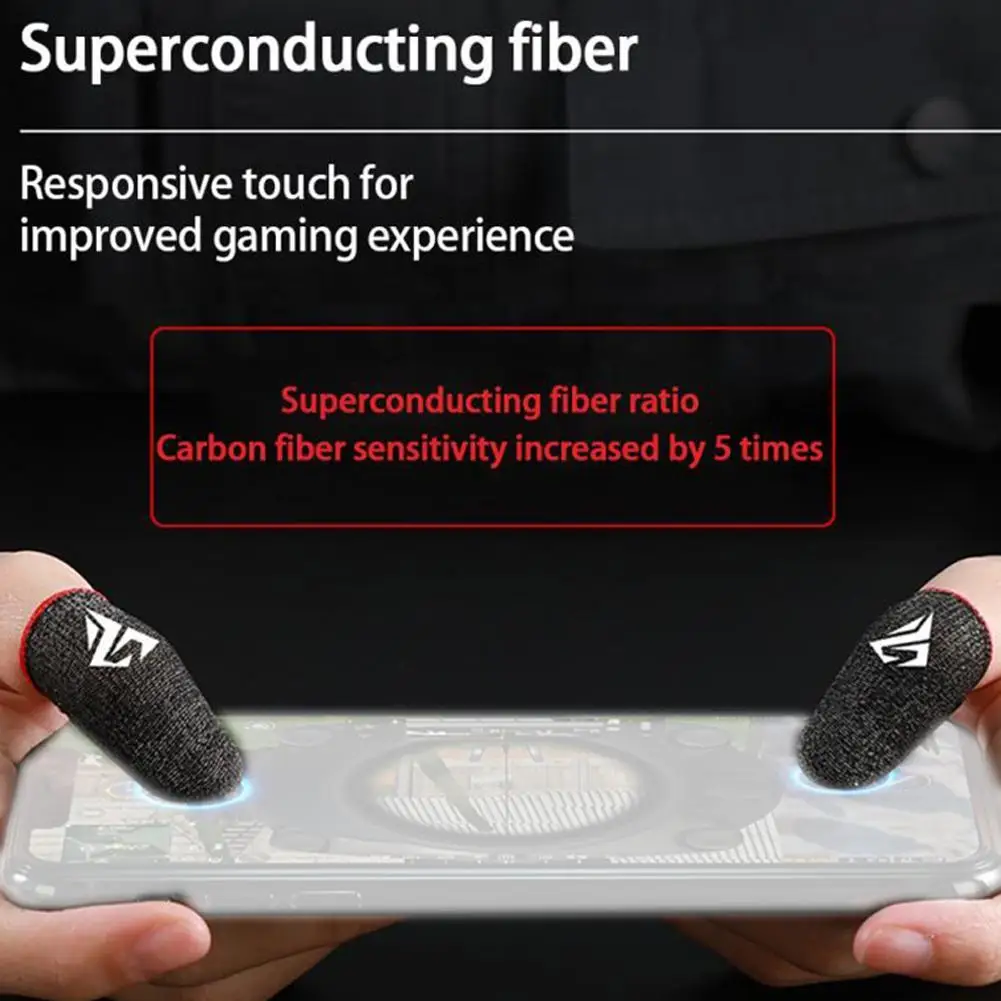
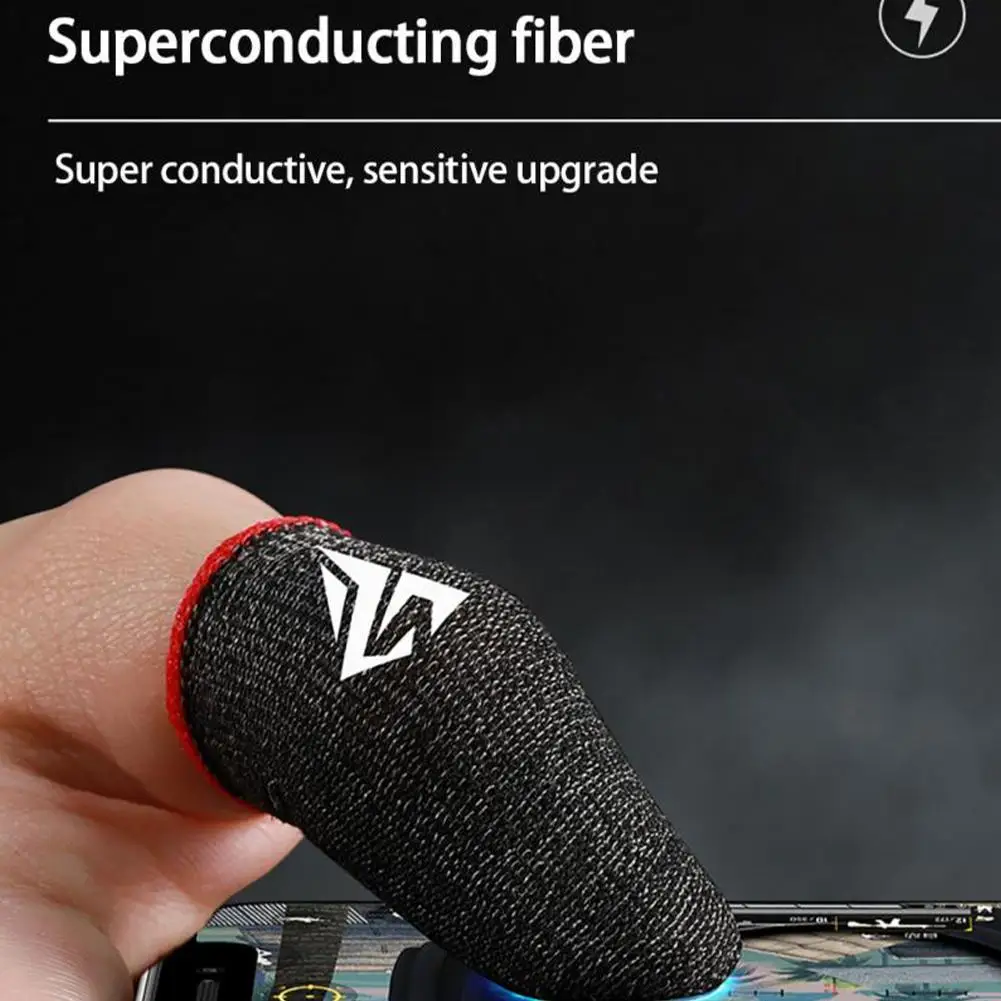
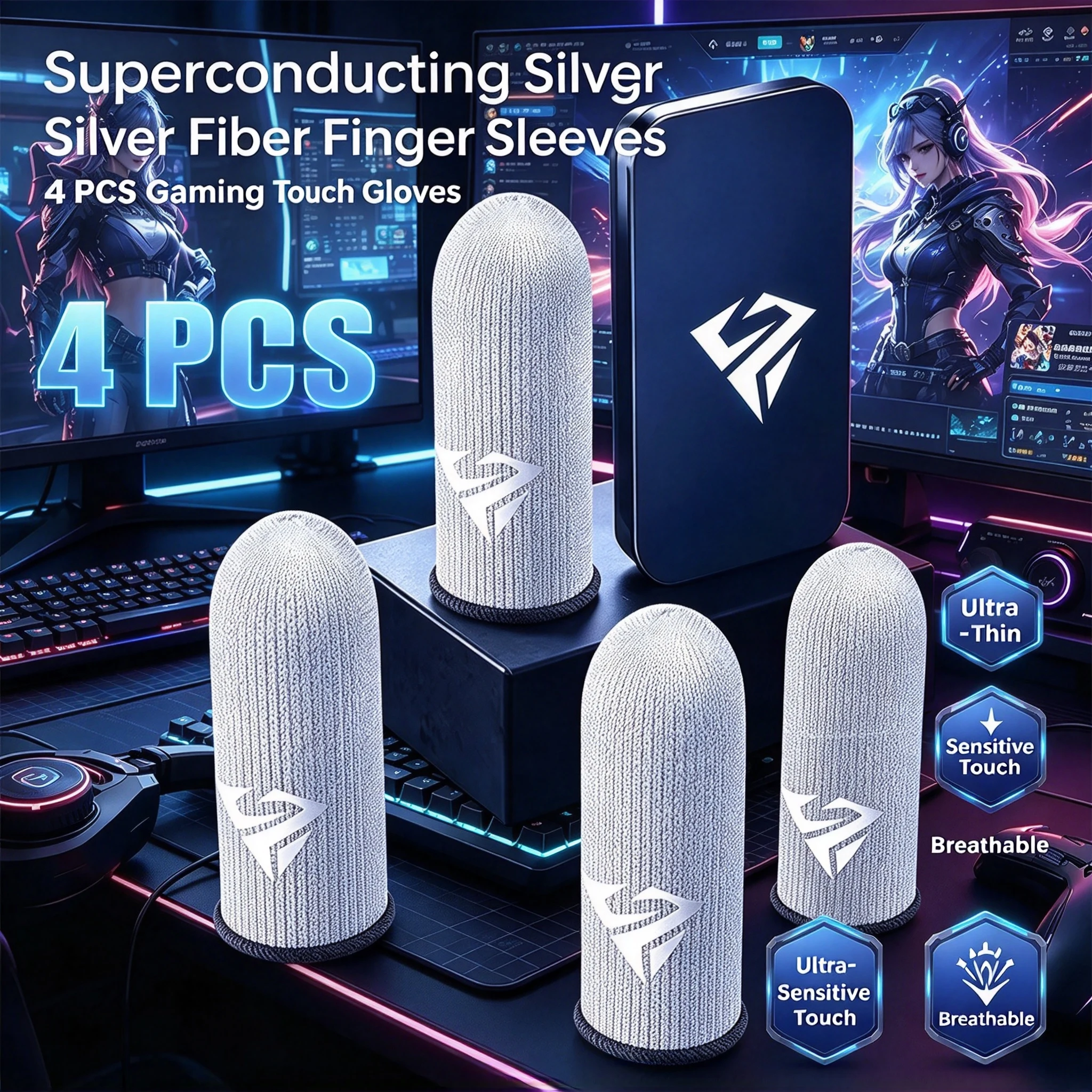
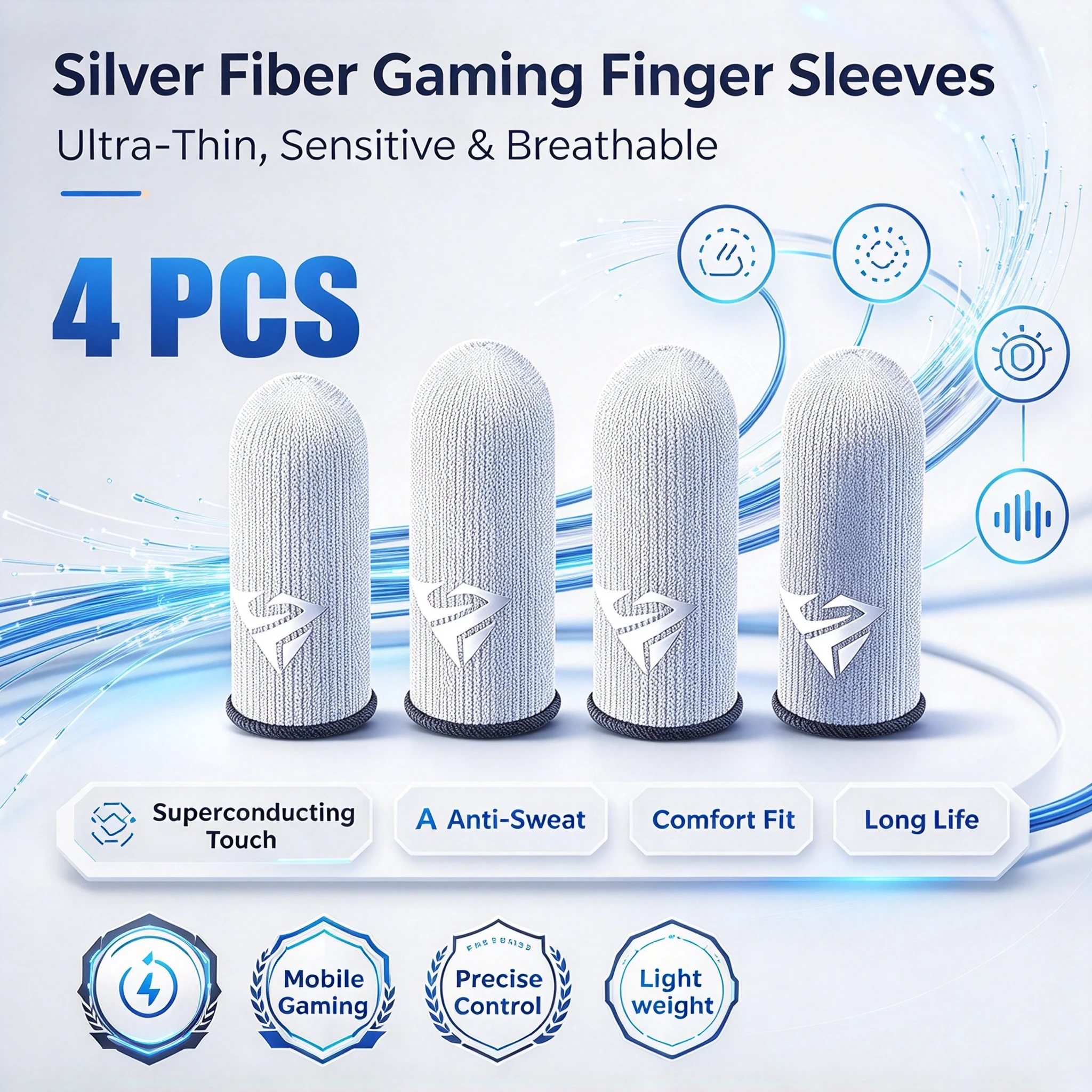
- Gaming finger sleeves are thin knitted sleeves for the thumbs that glide on the screen and soak up sweat. See gaming finger sleeves.
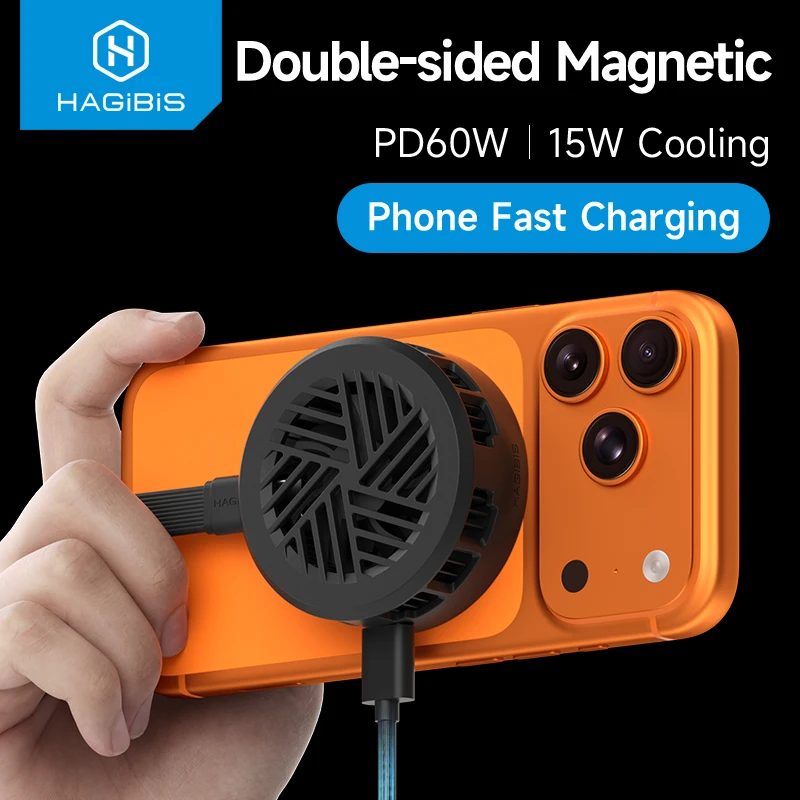
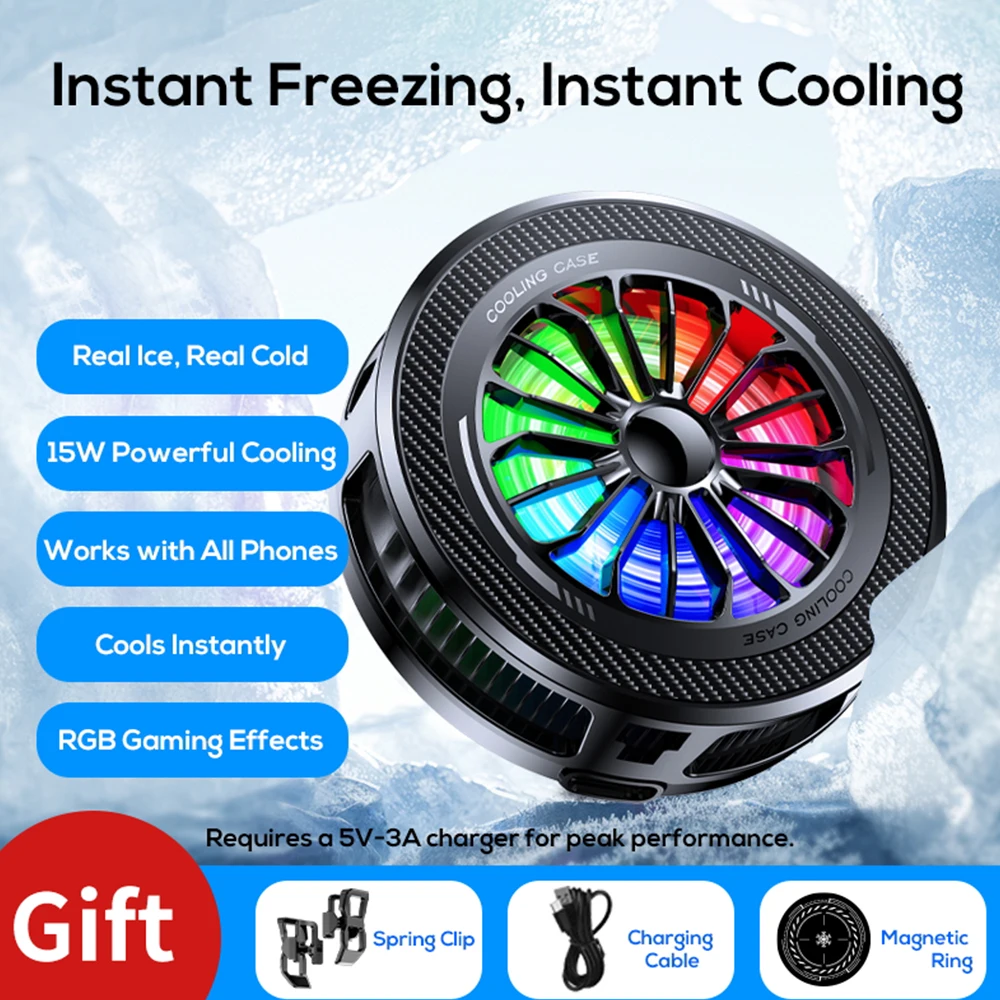
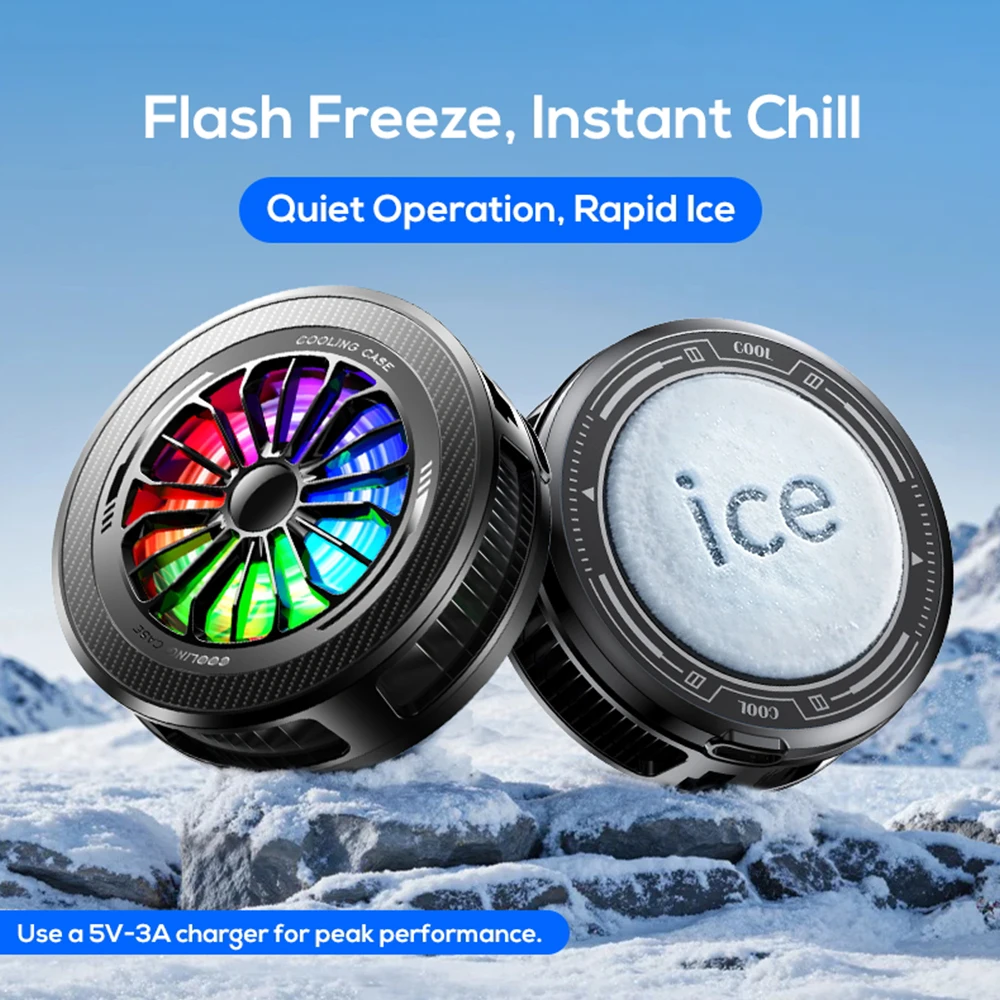
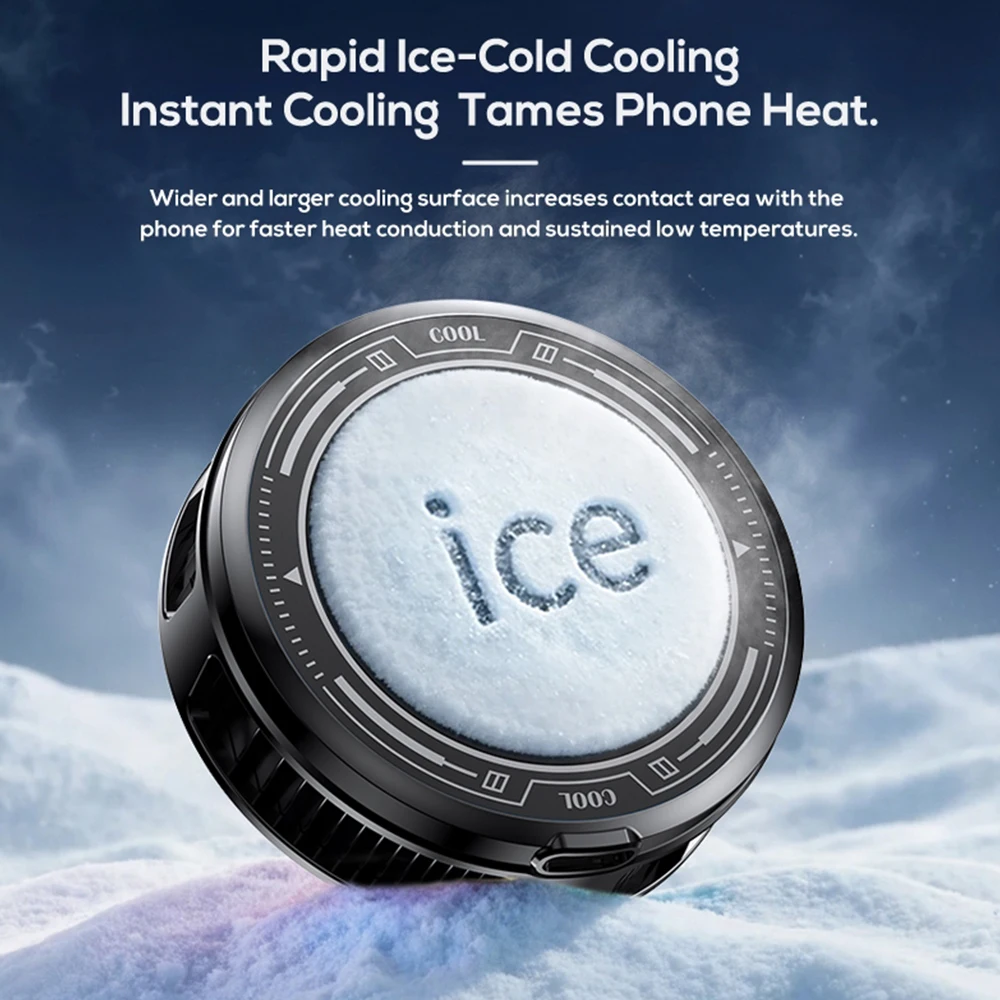
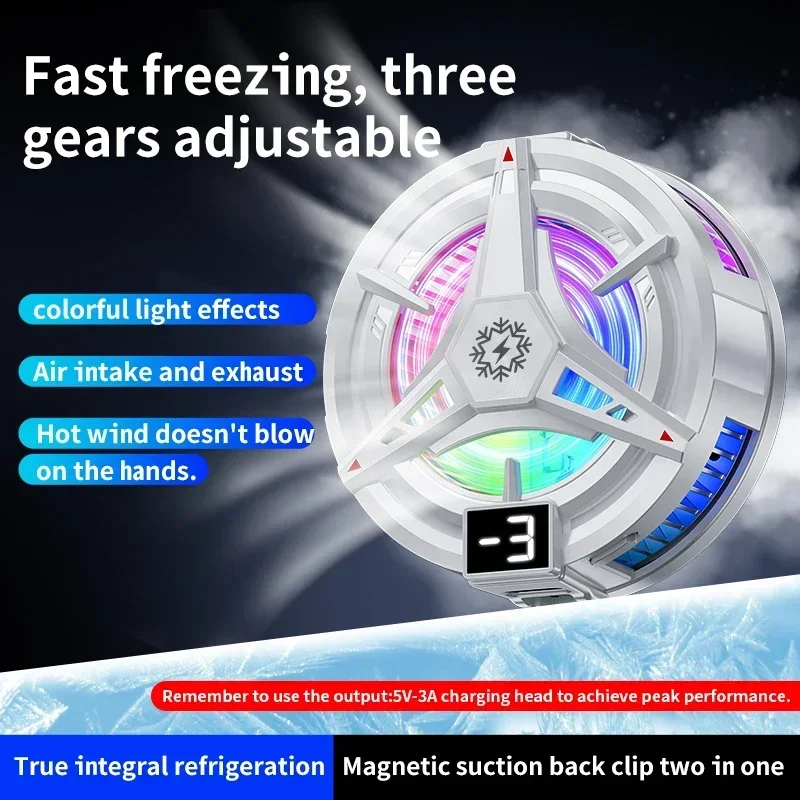
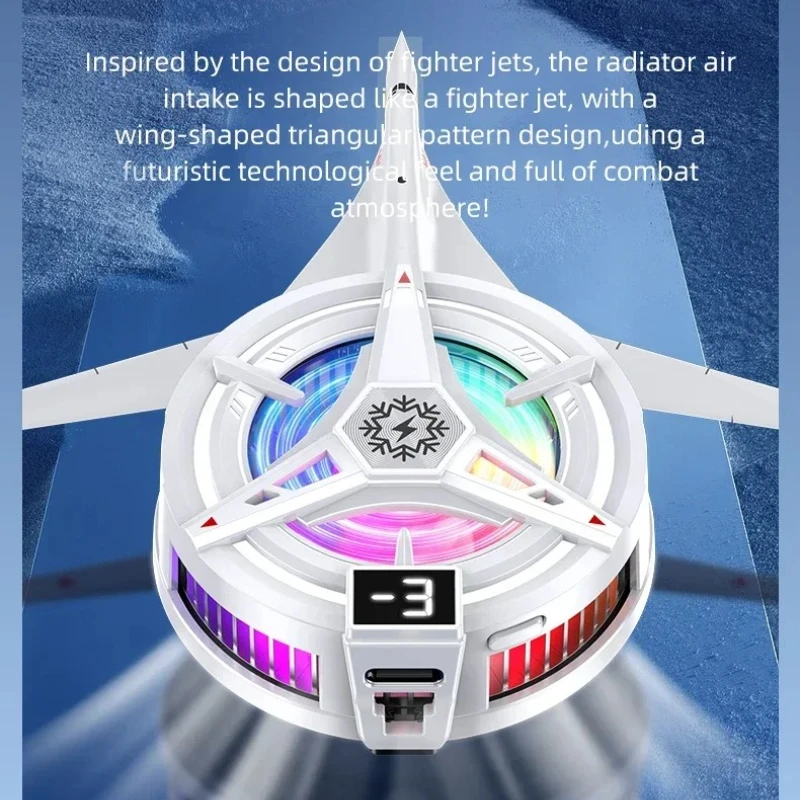
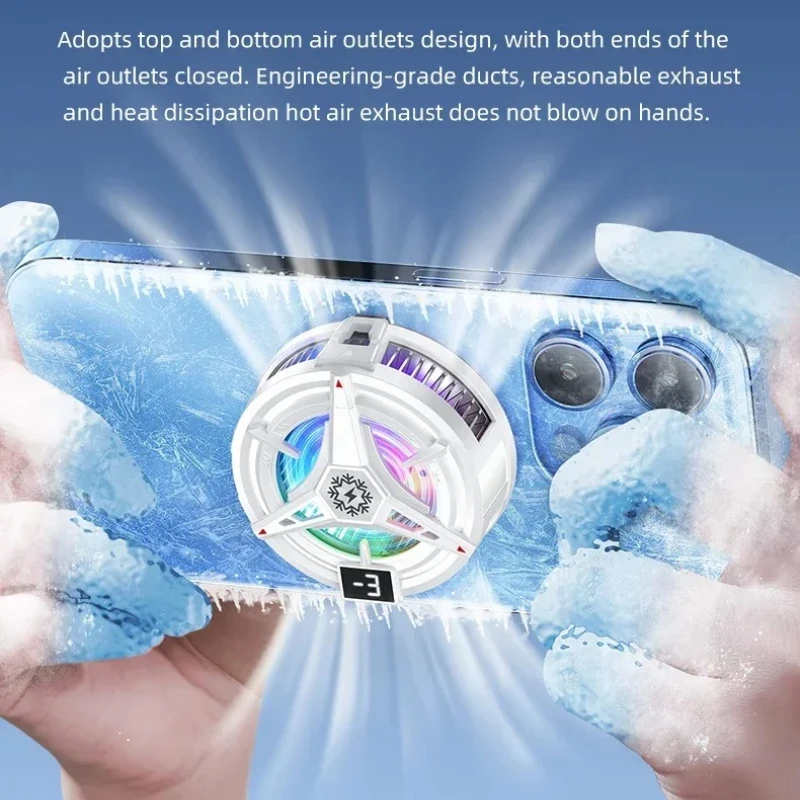
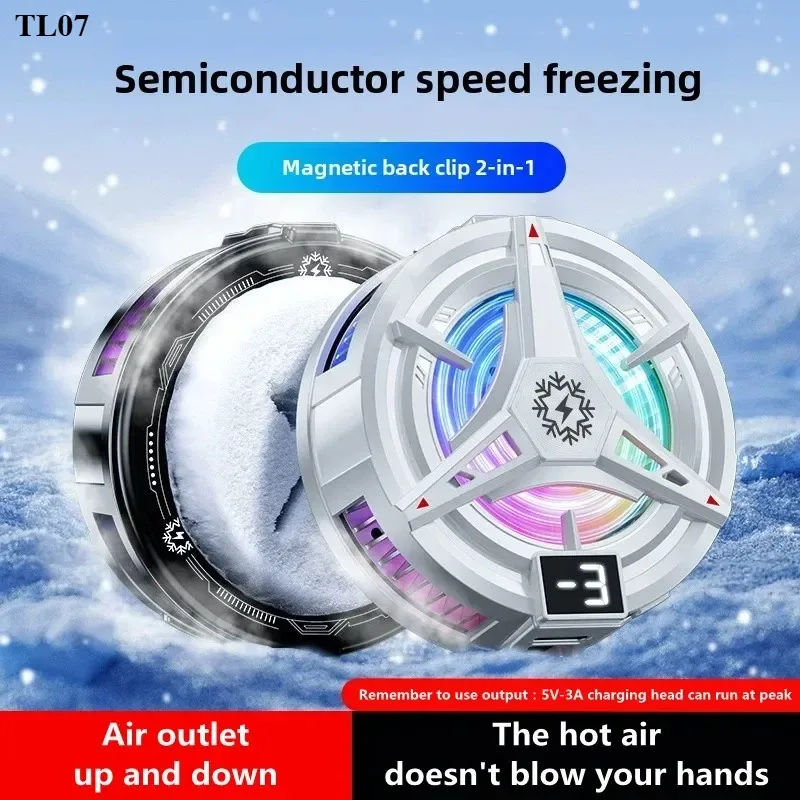
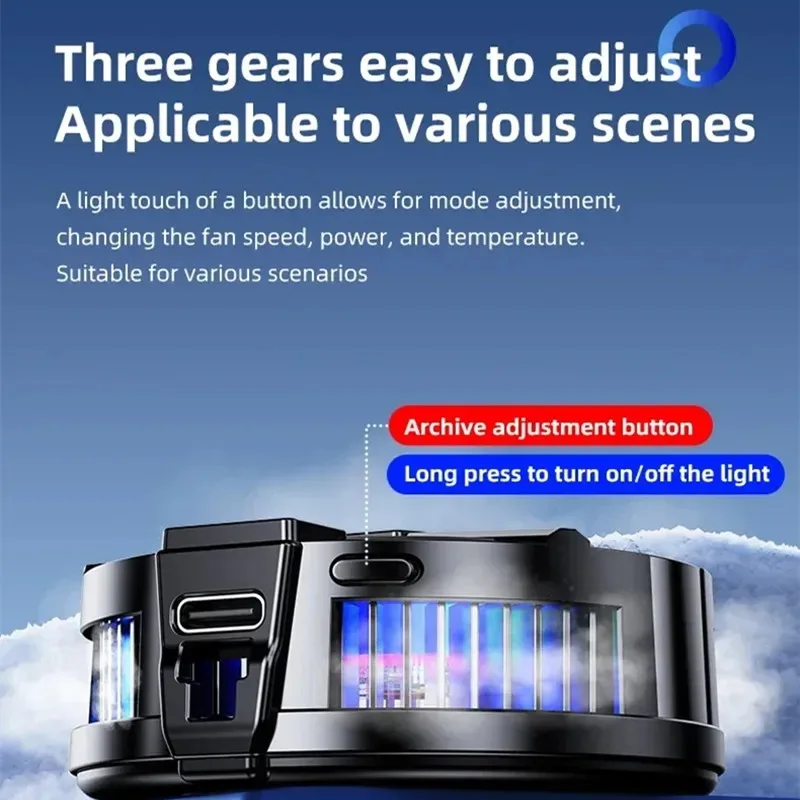
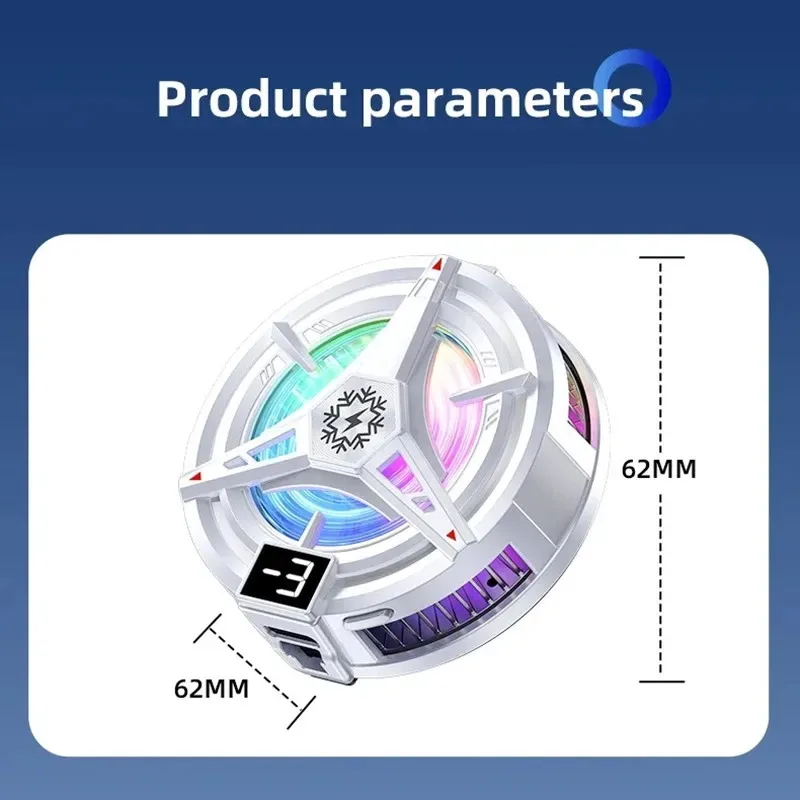
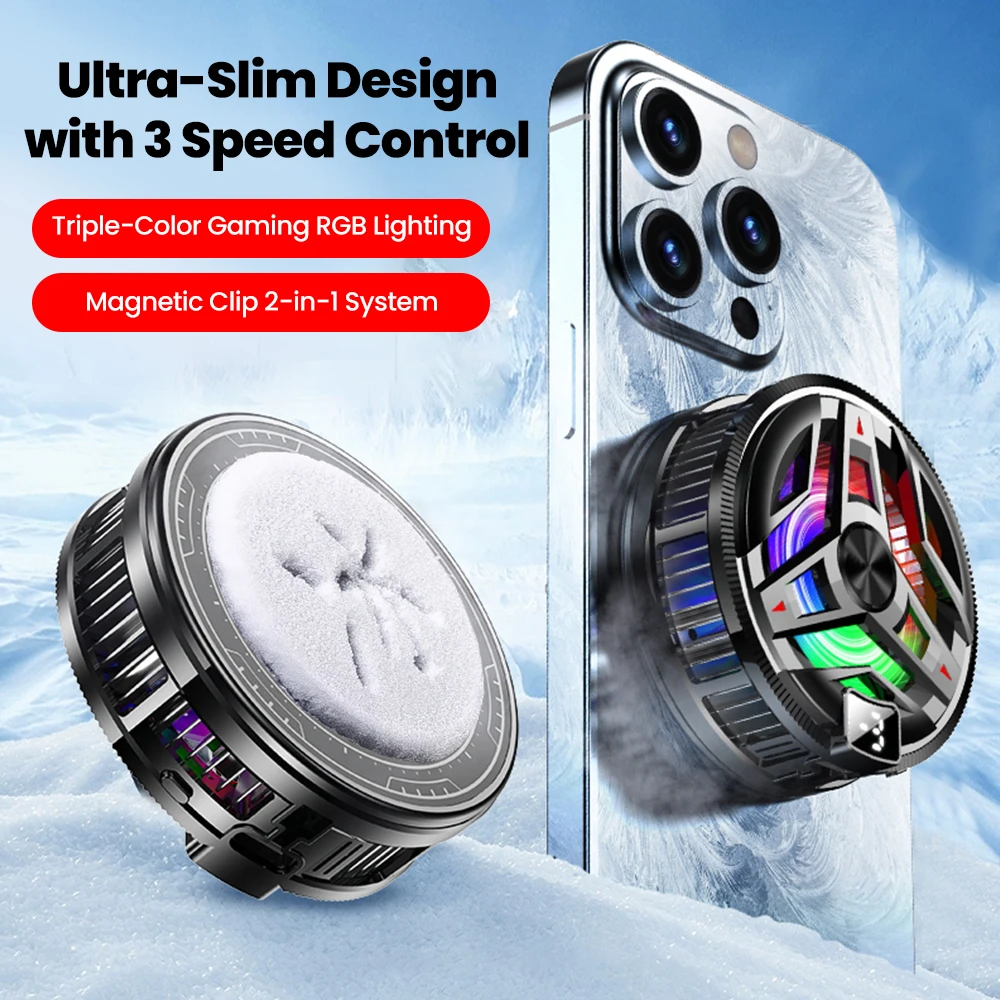
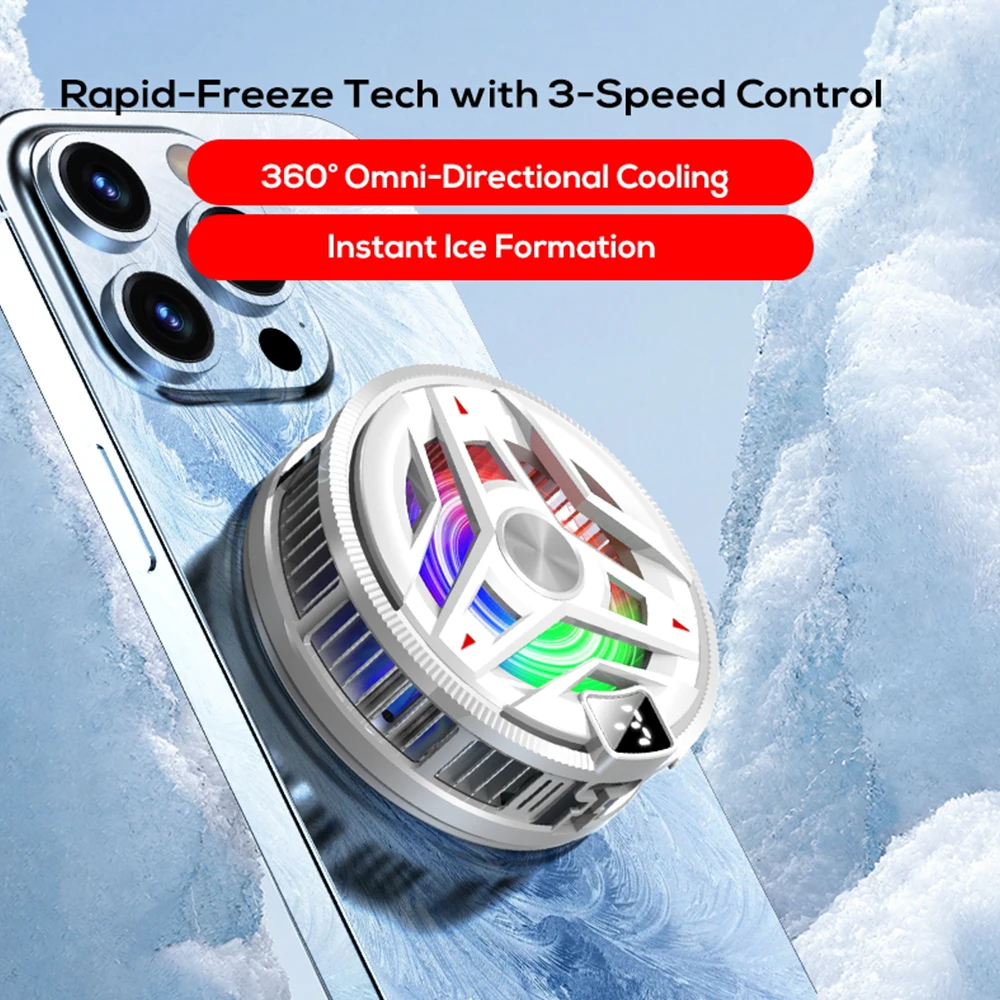
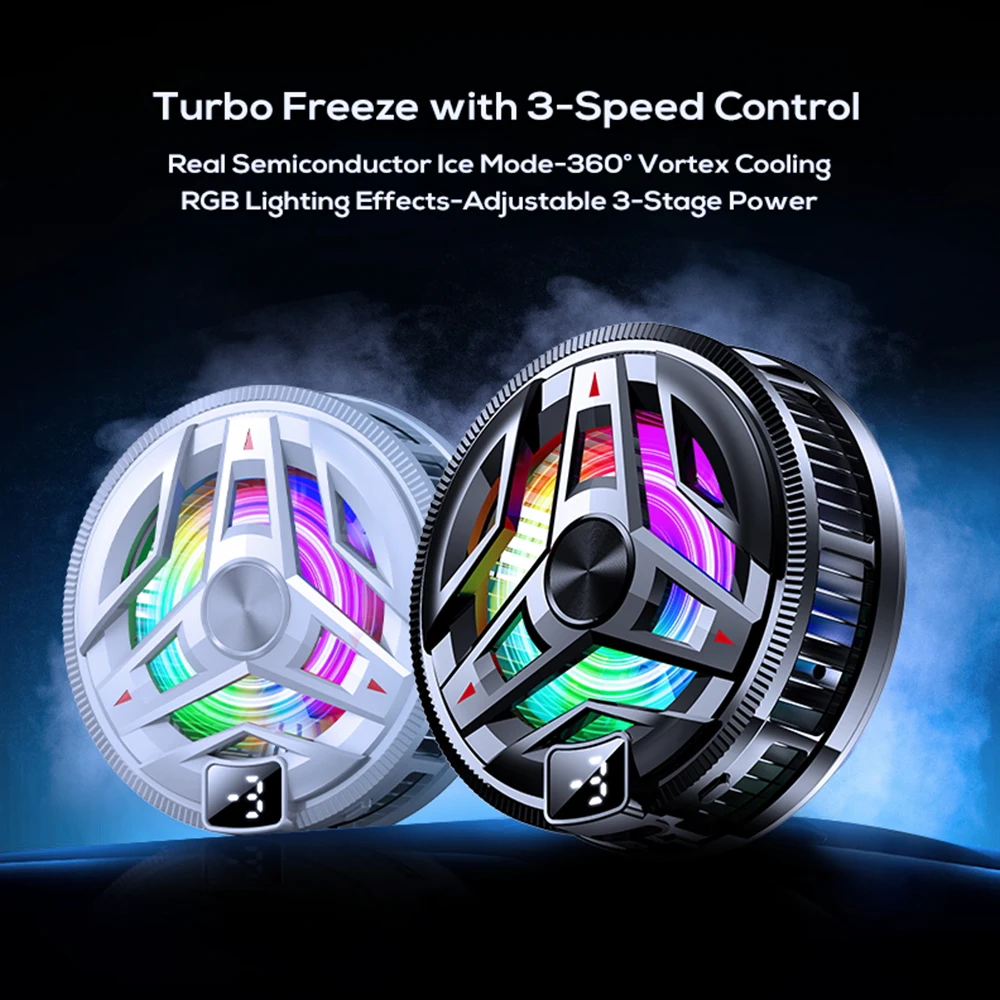
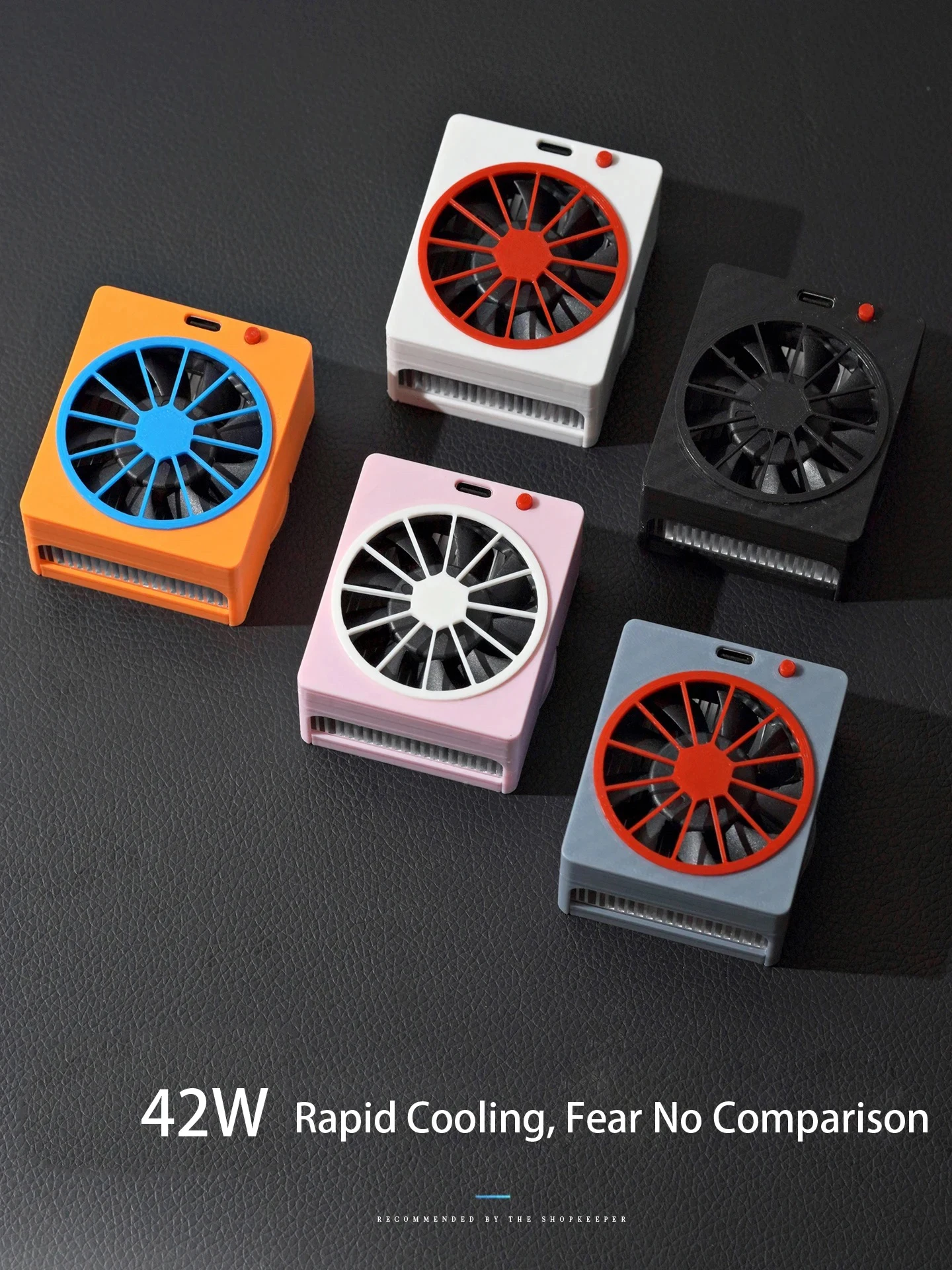
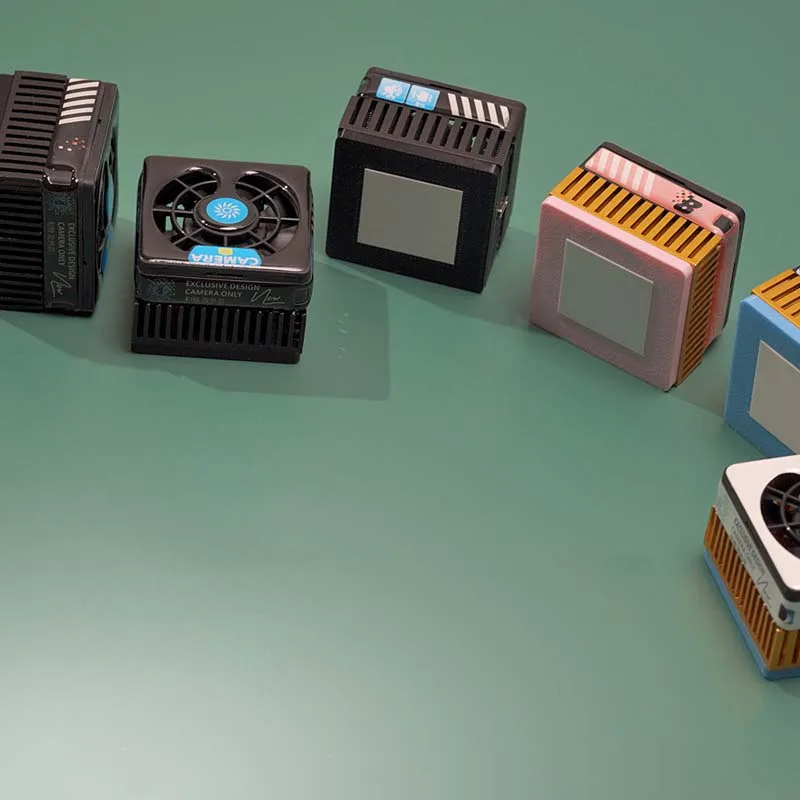
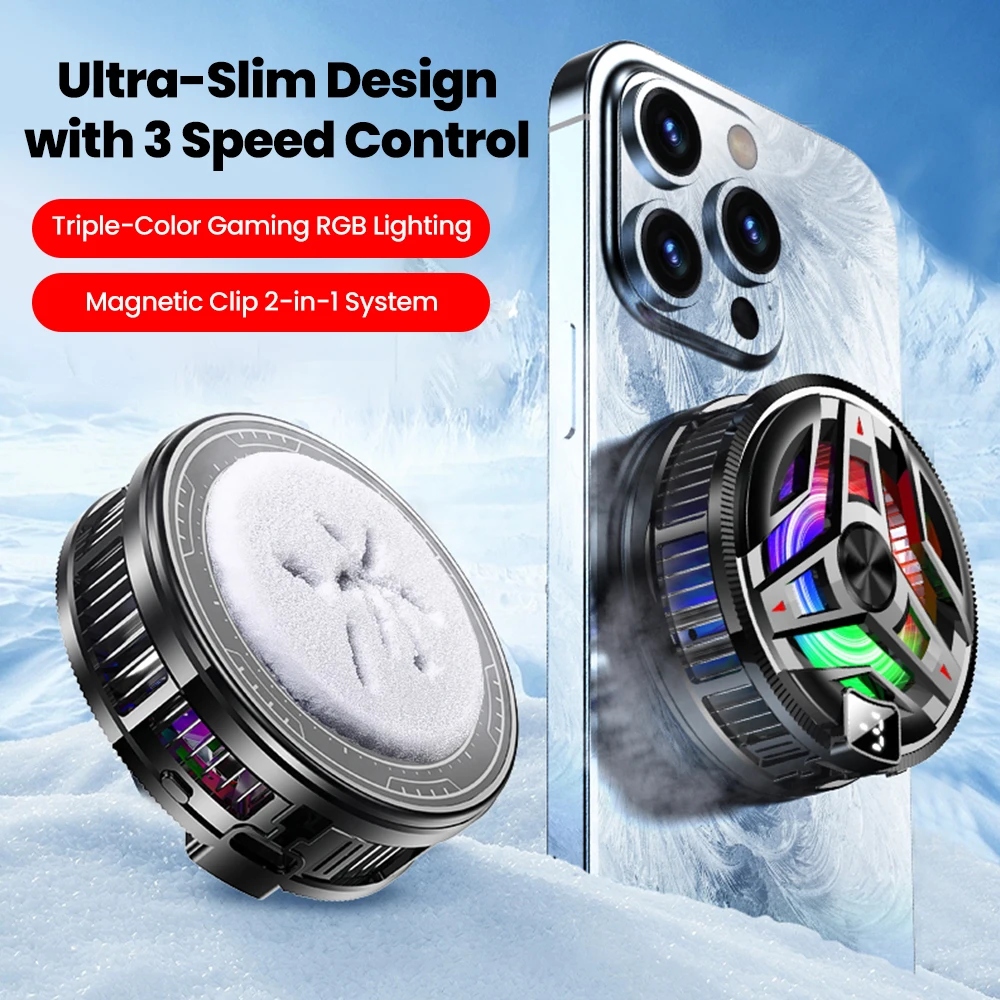
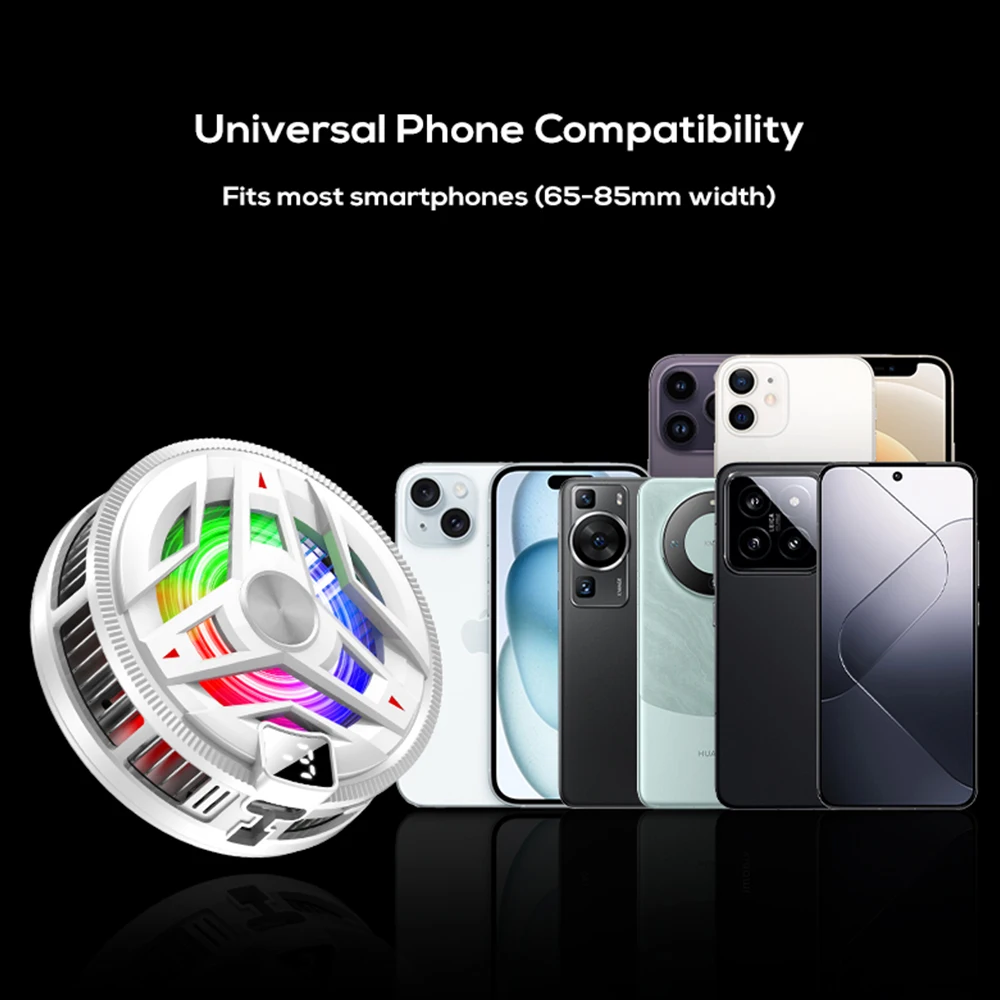
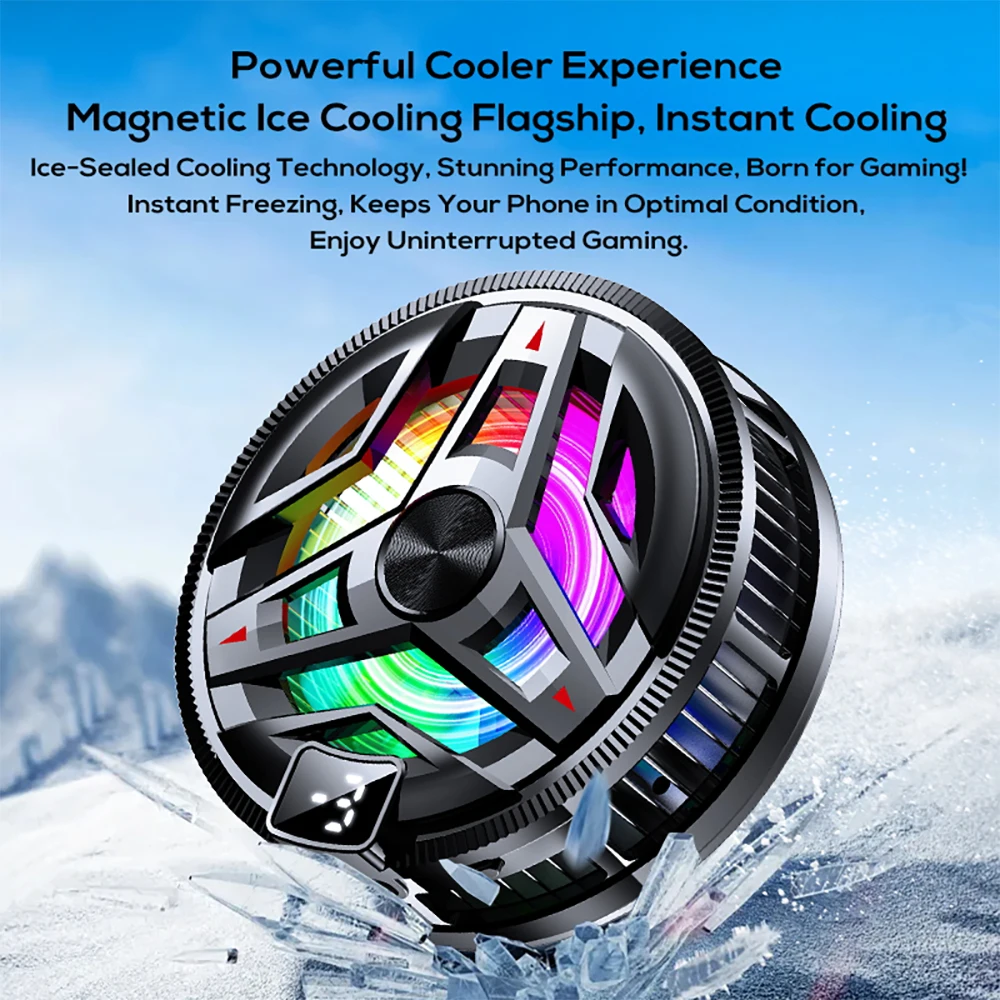
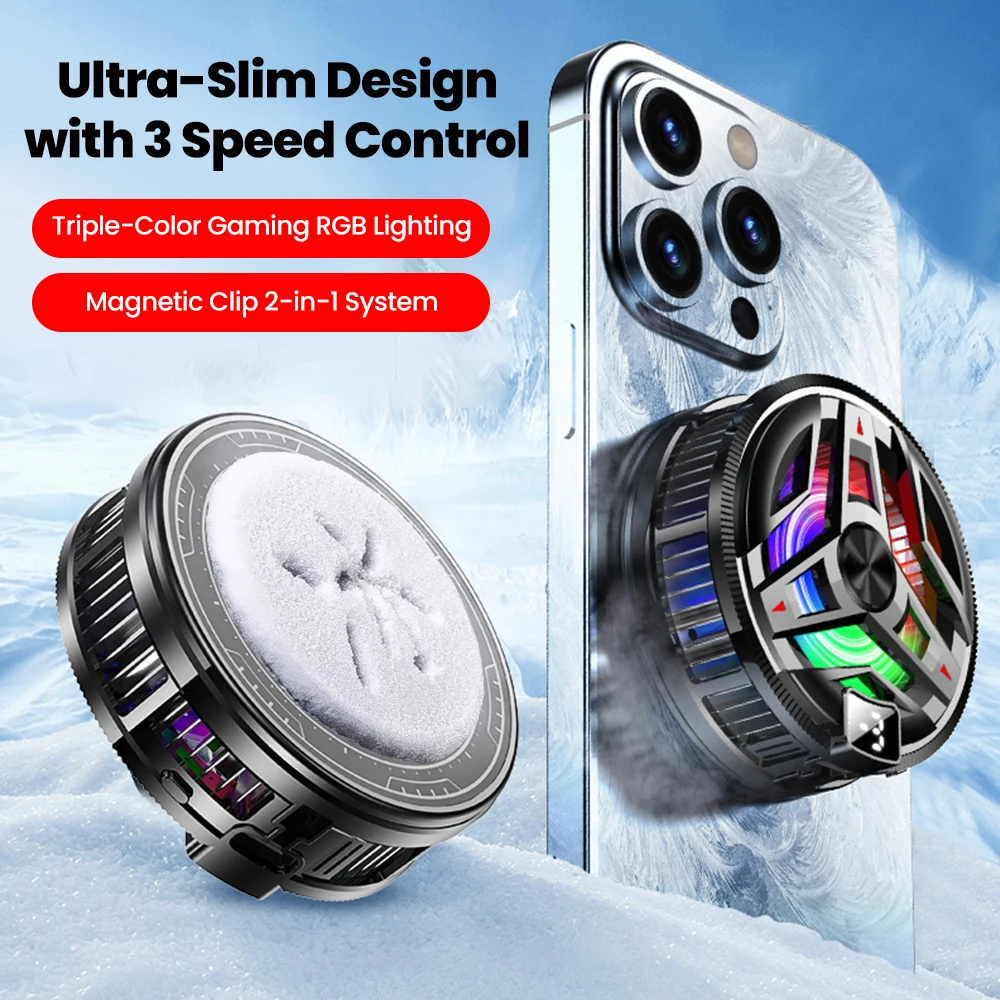
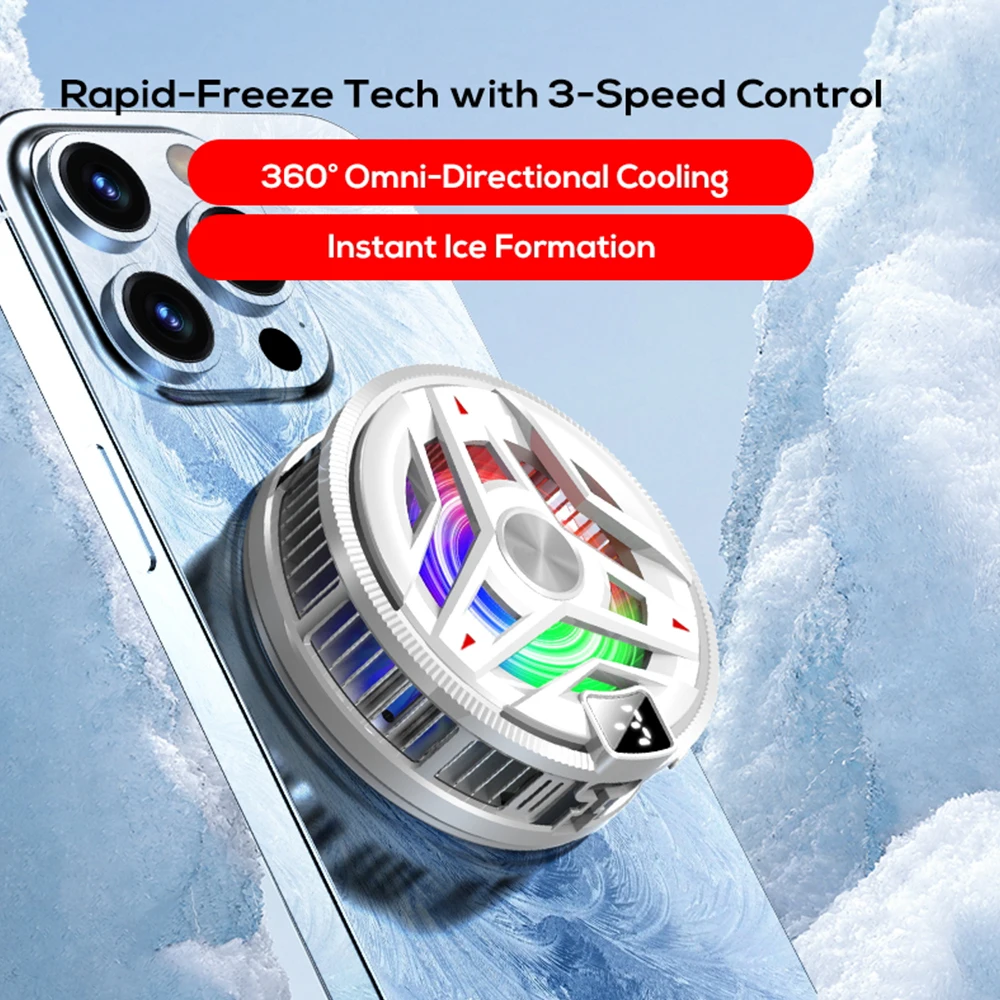
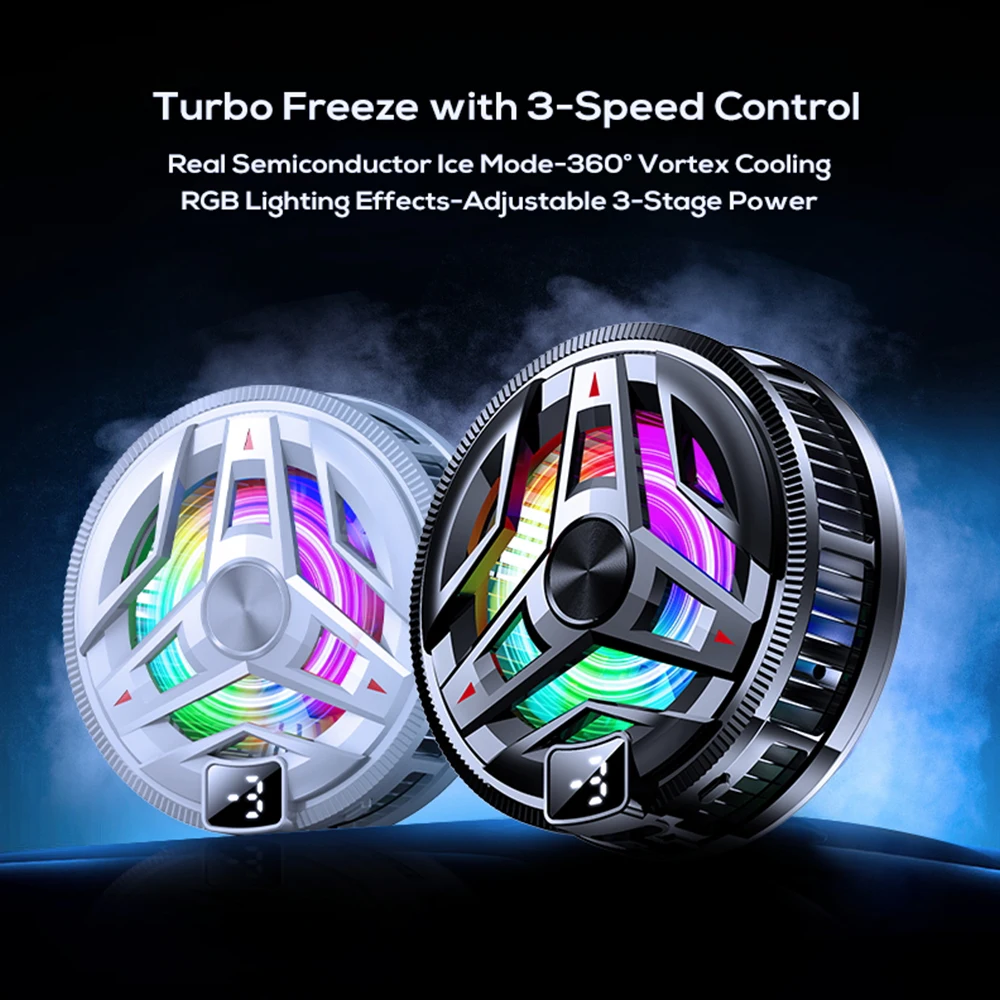
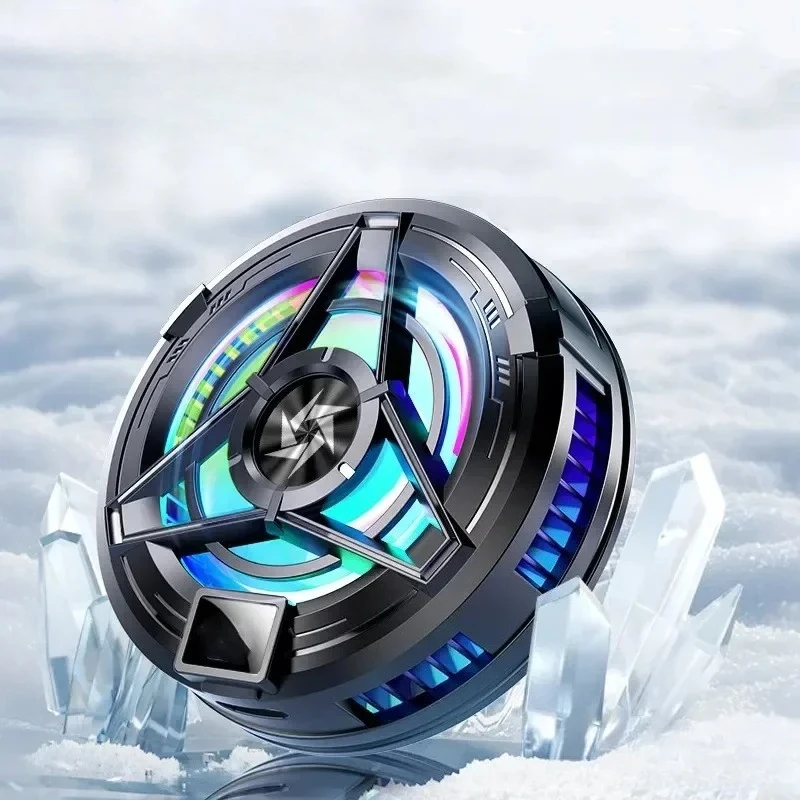
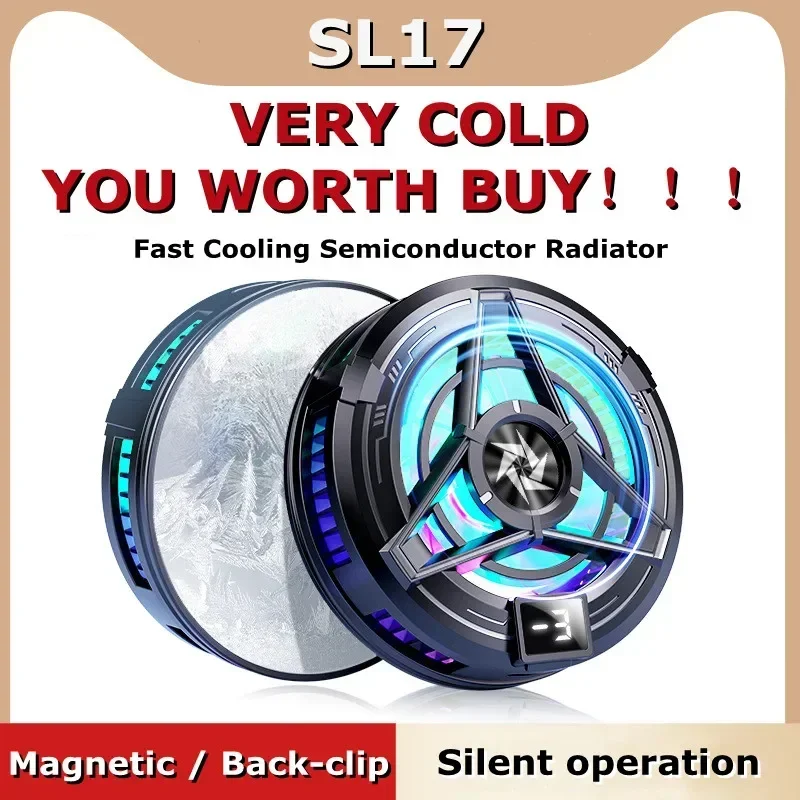
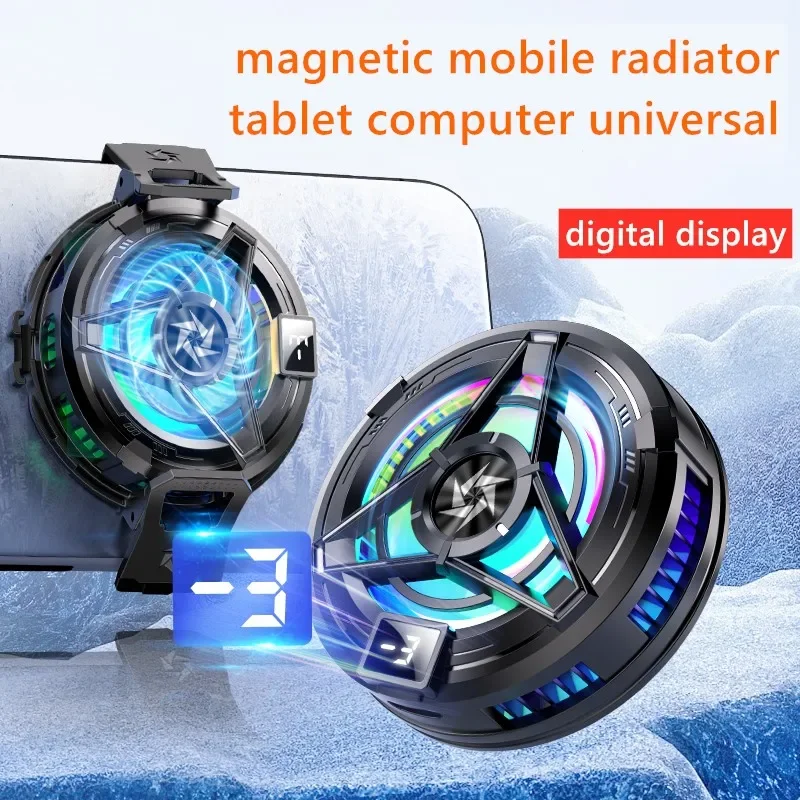
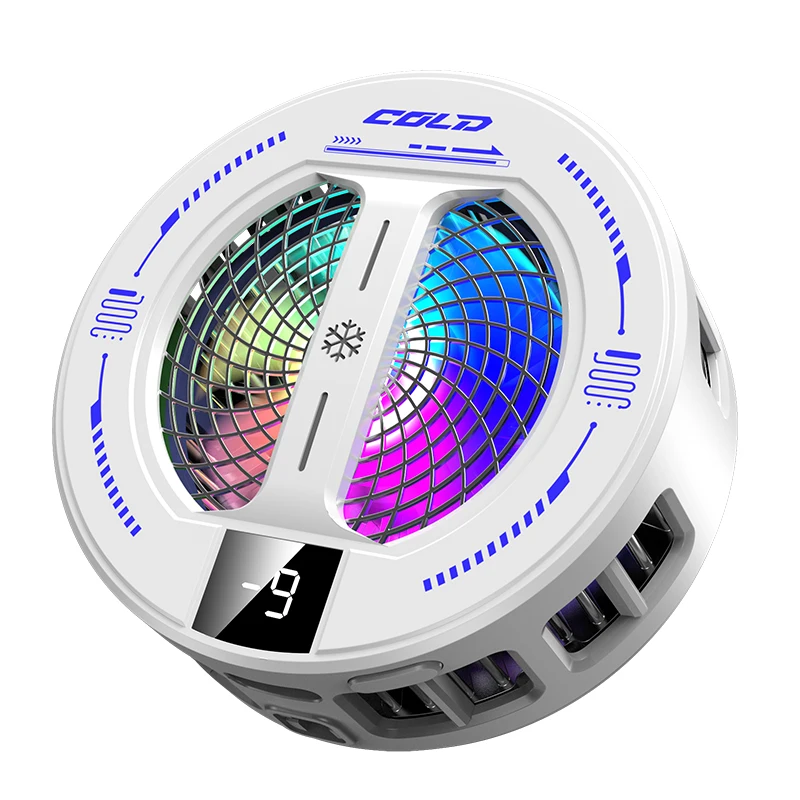
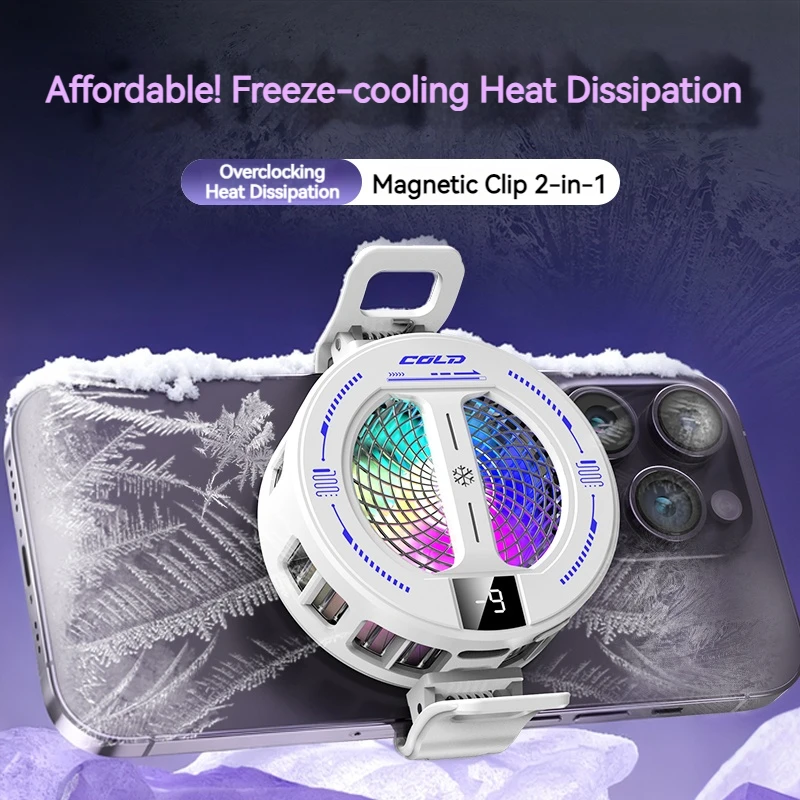
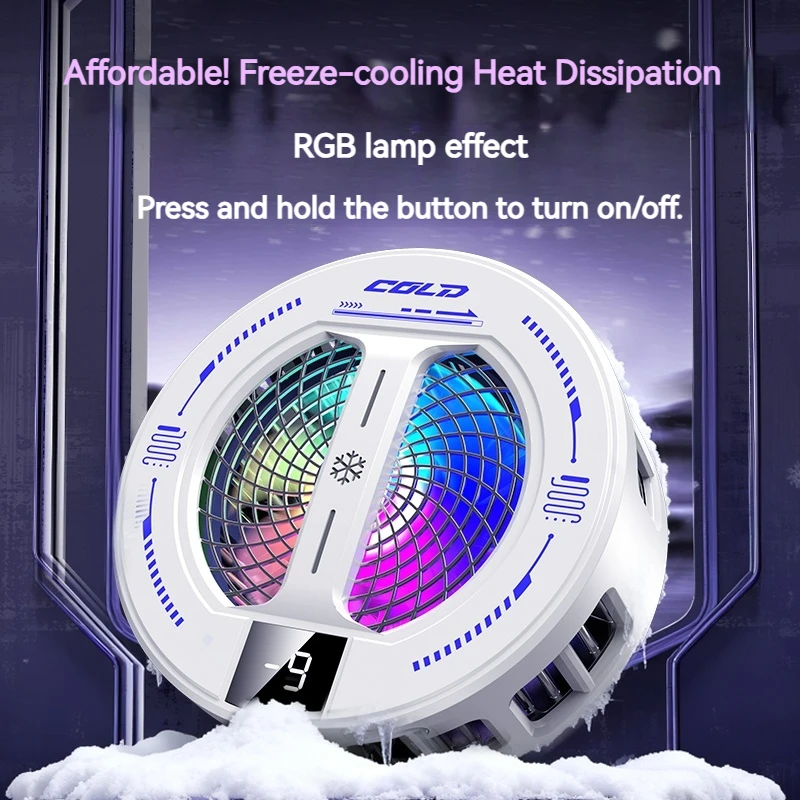
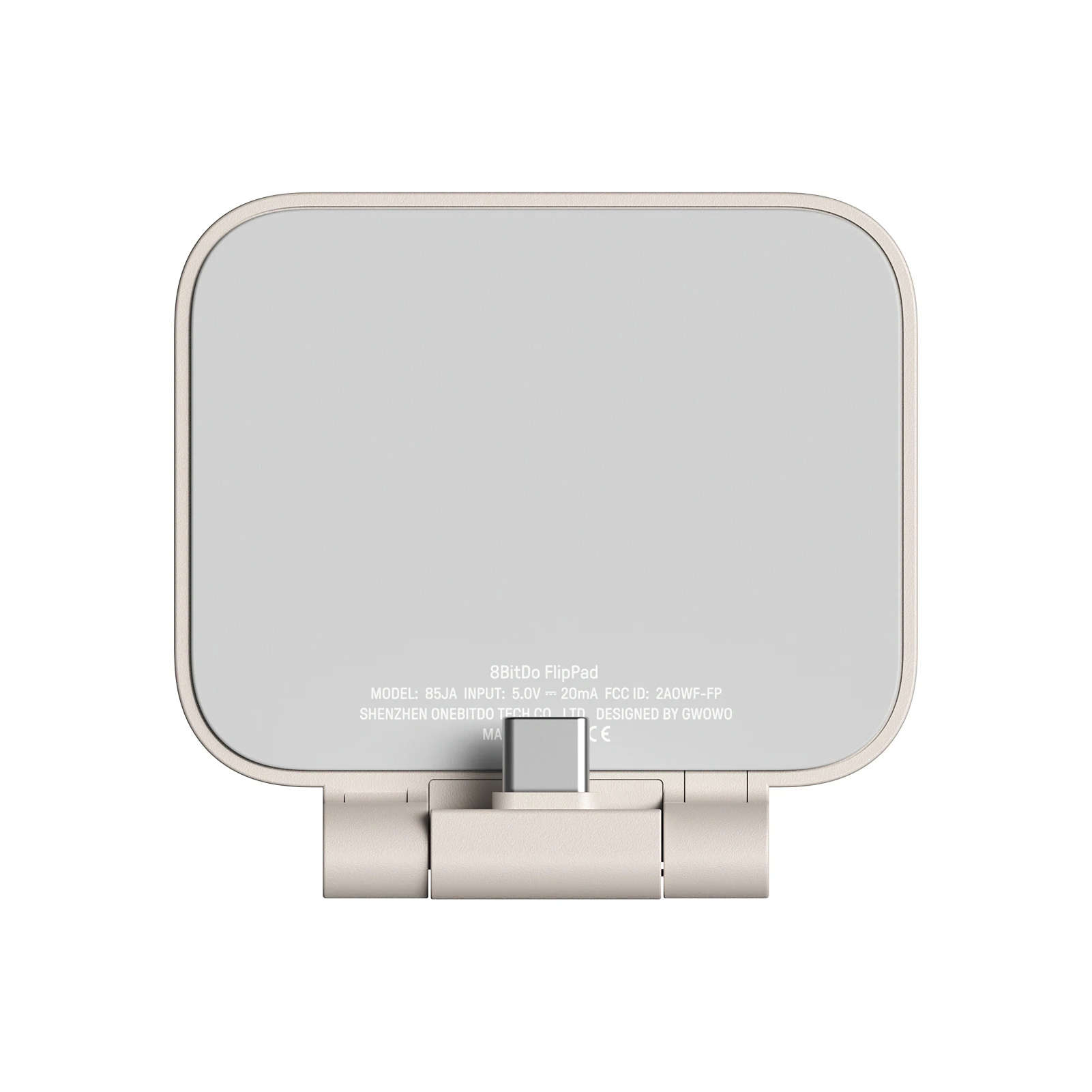
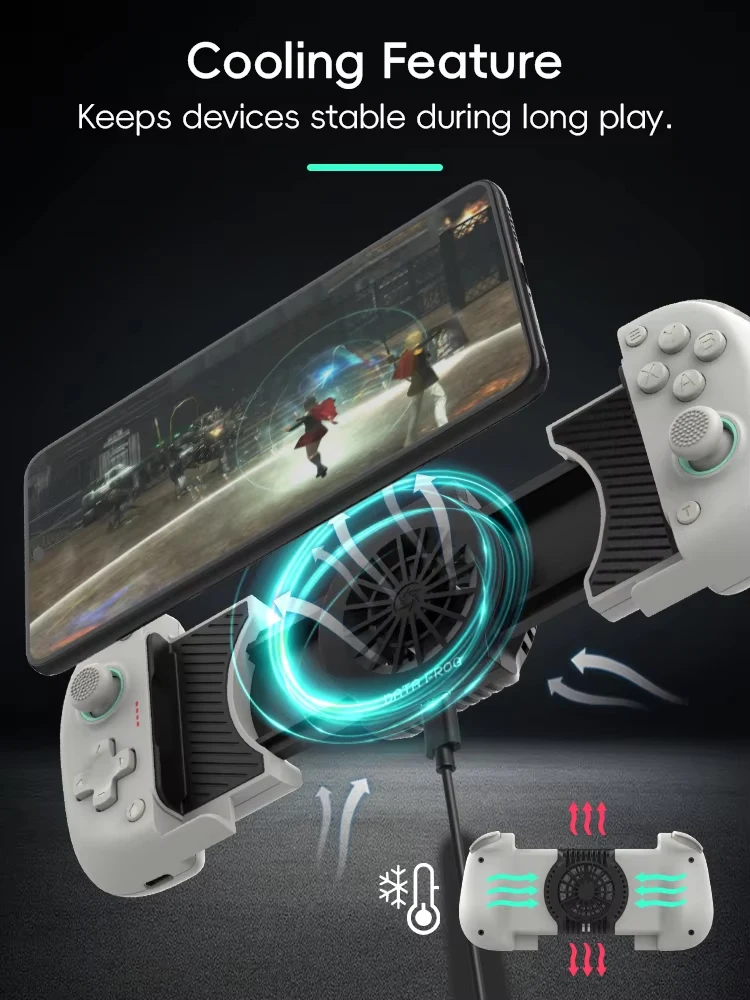
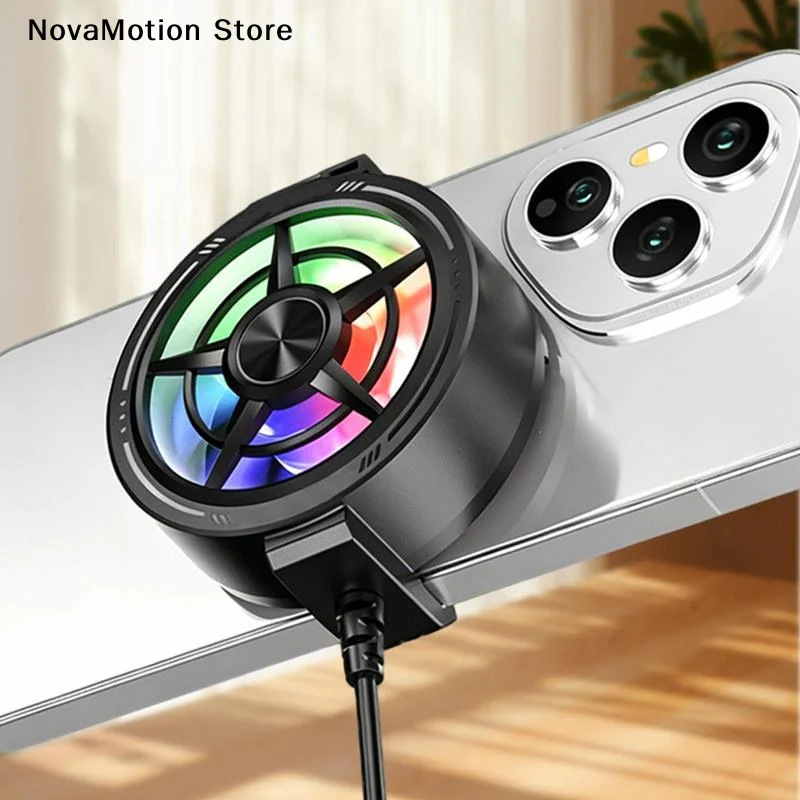
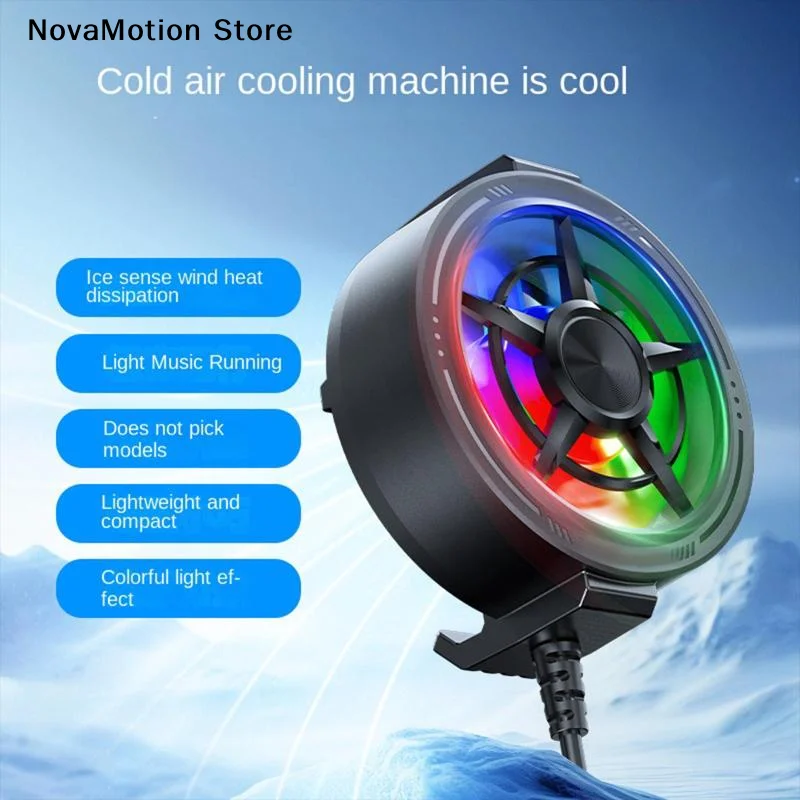
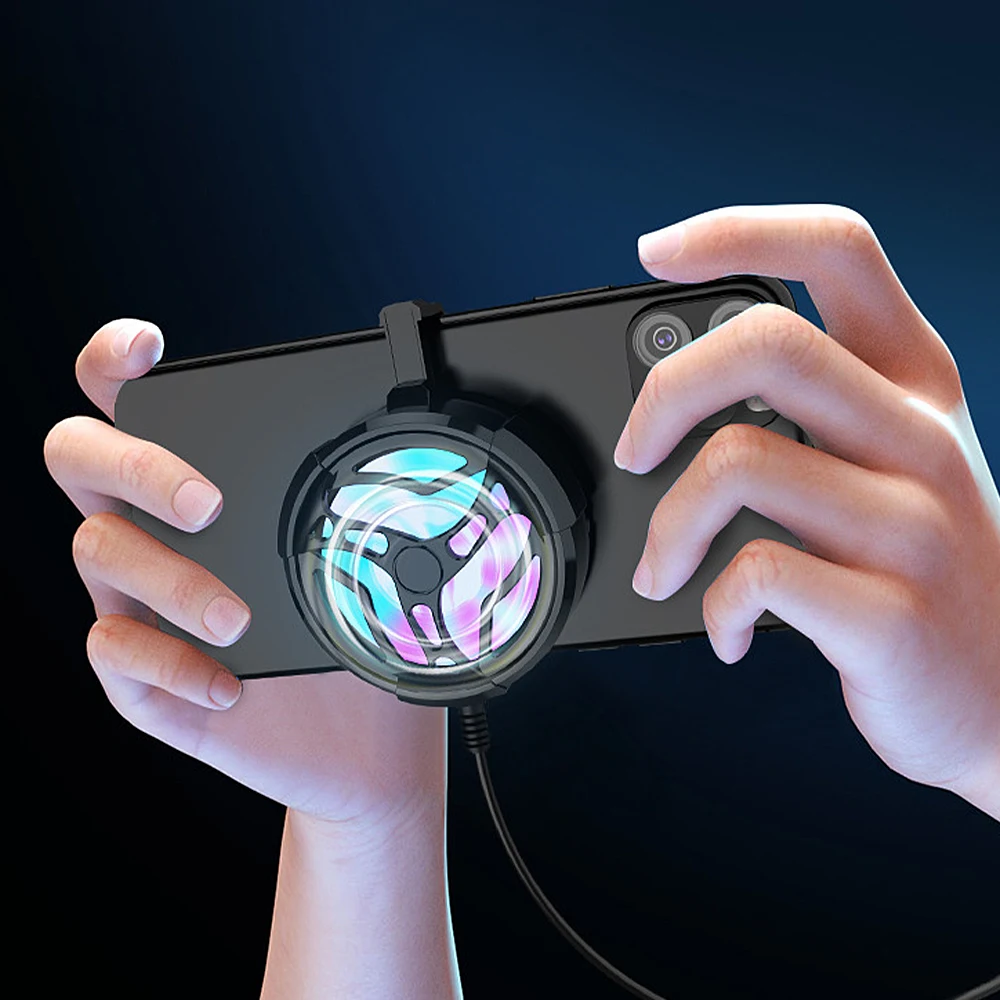
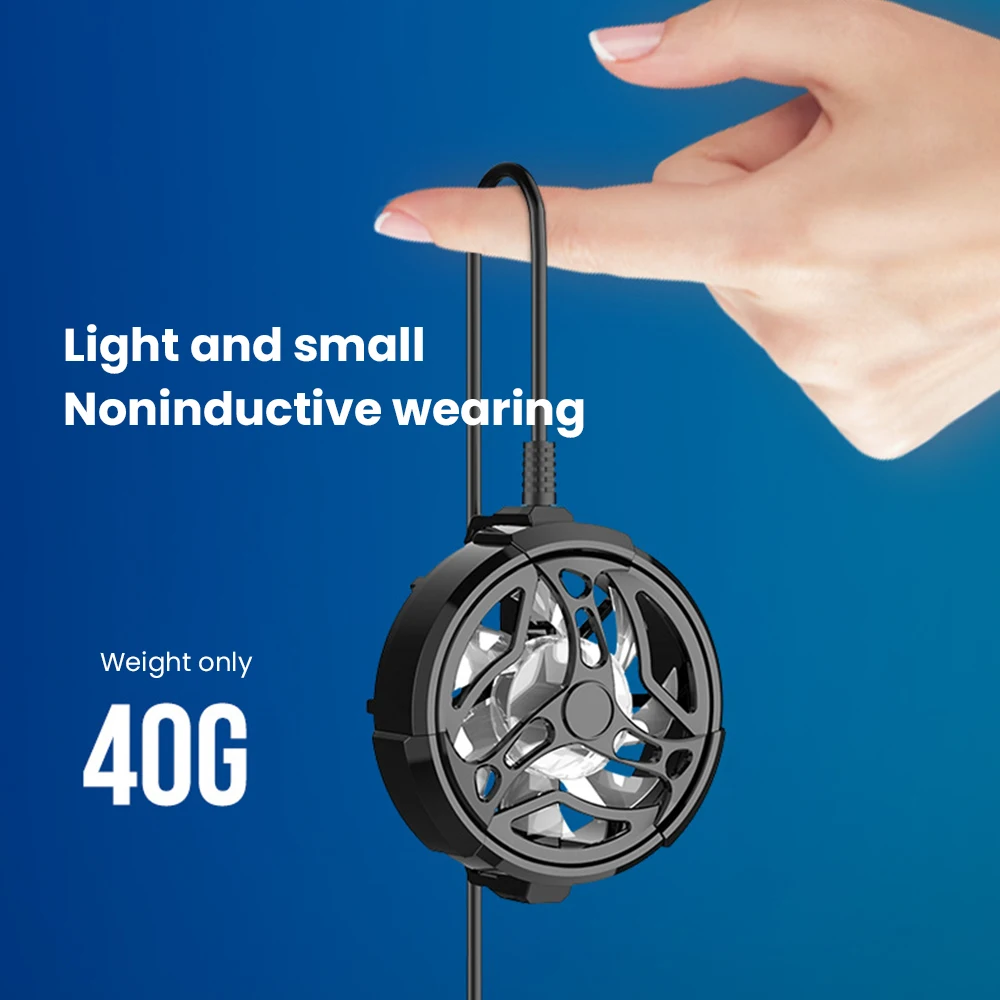
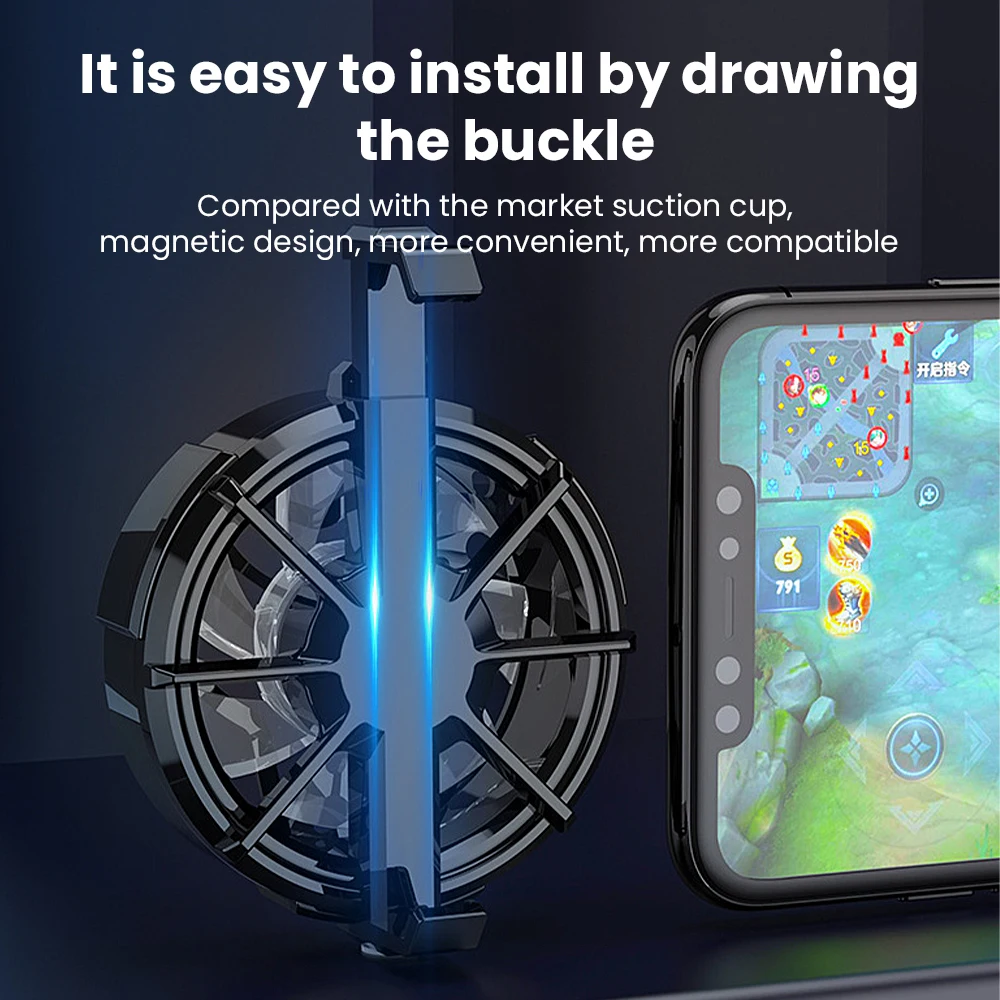
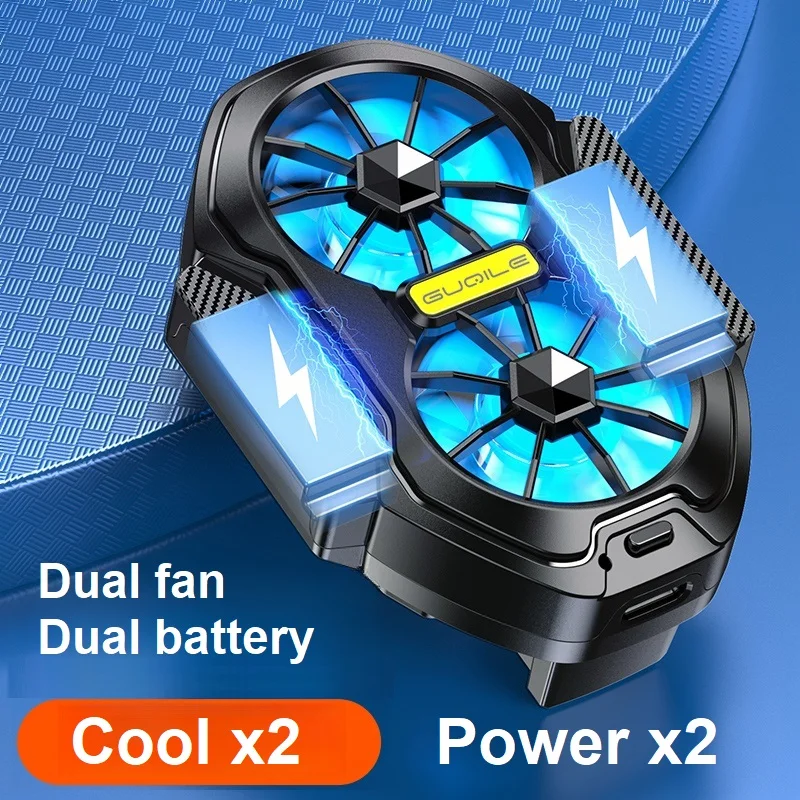
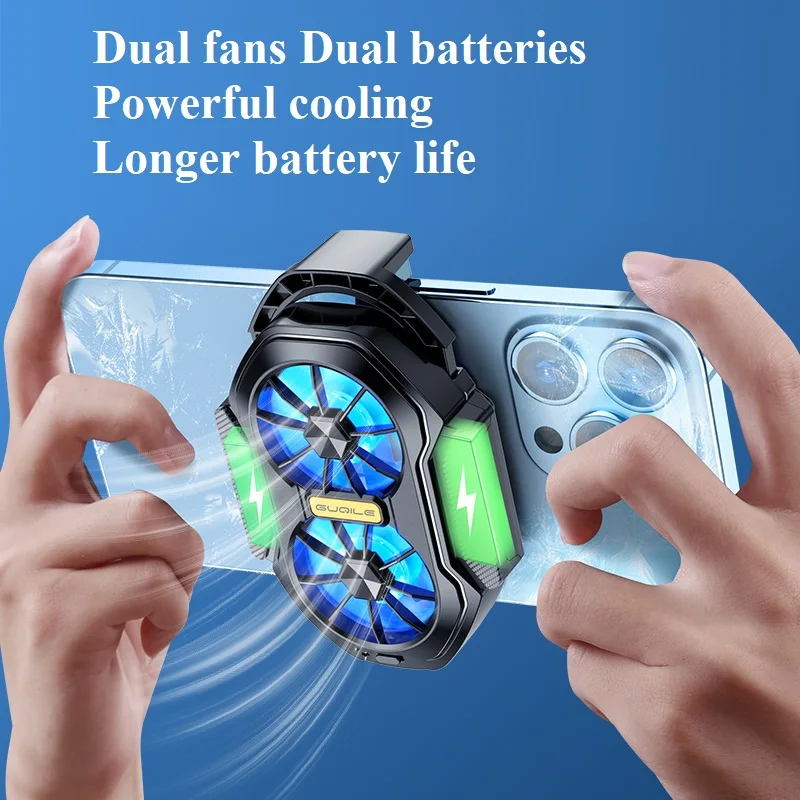
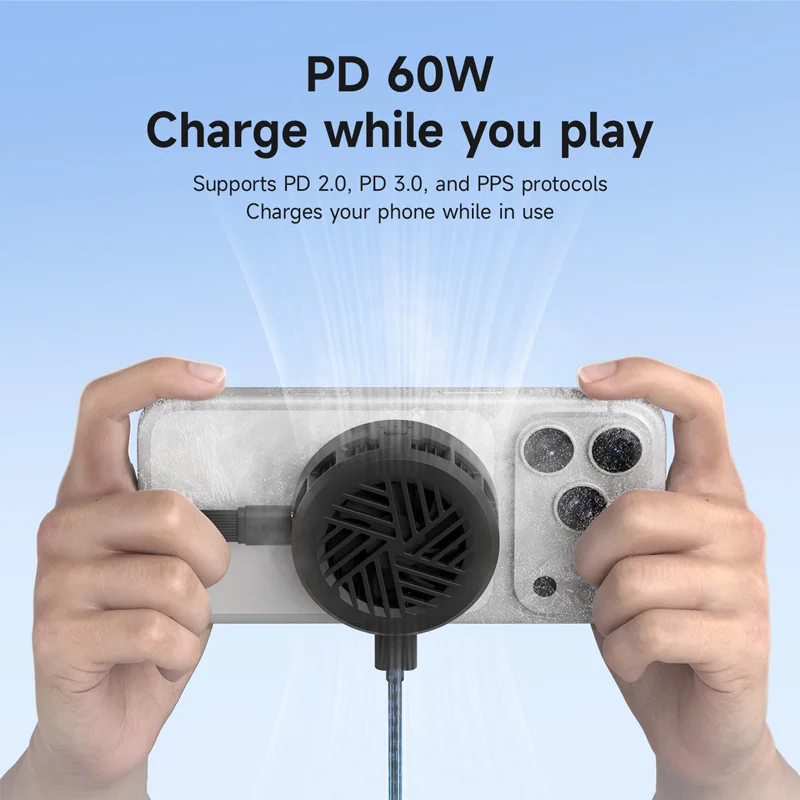
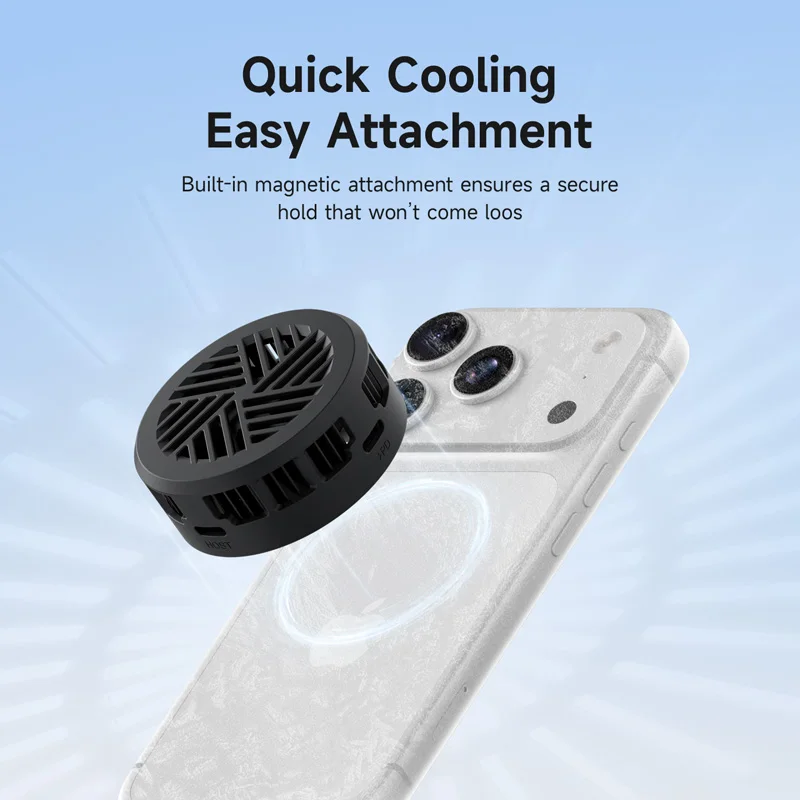
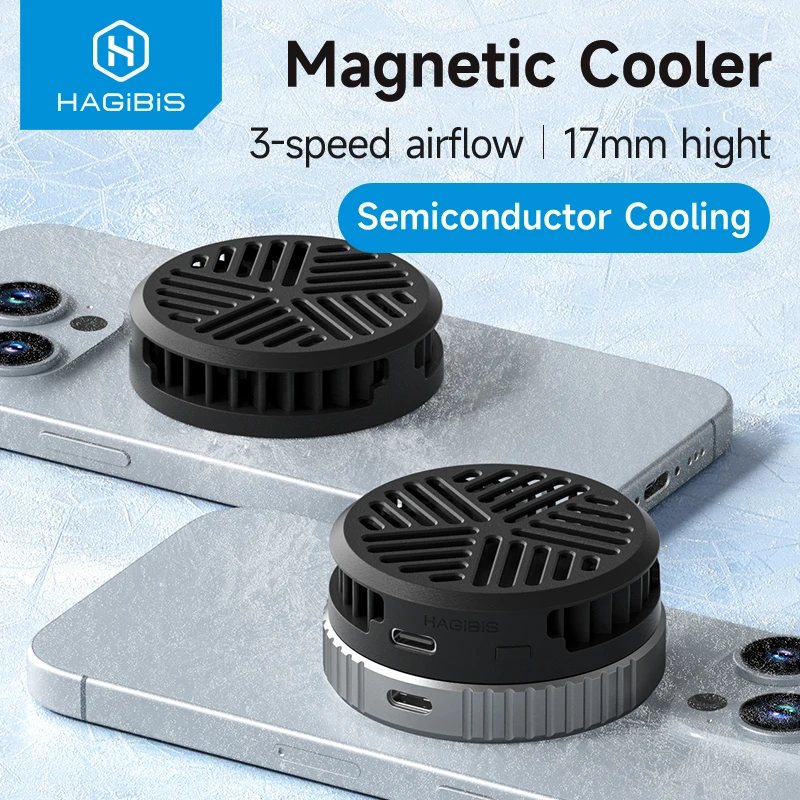
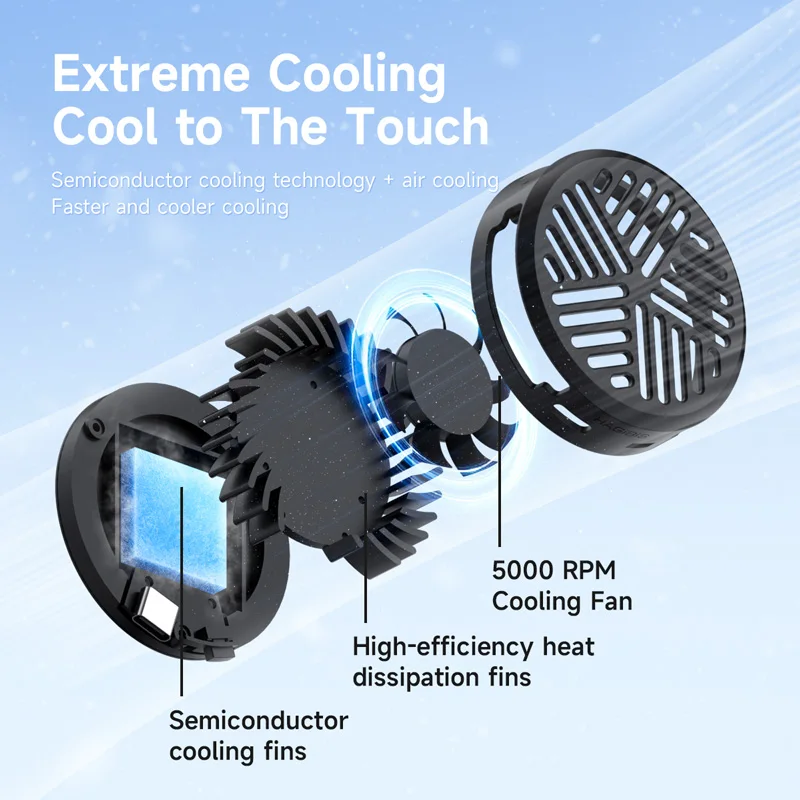
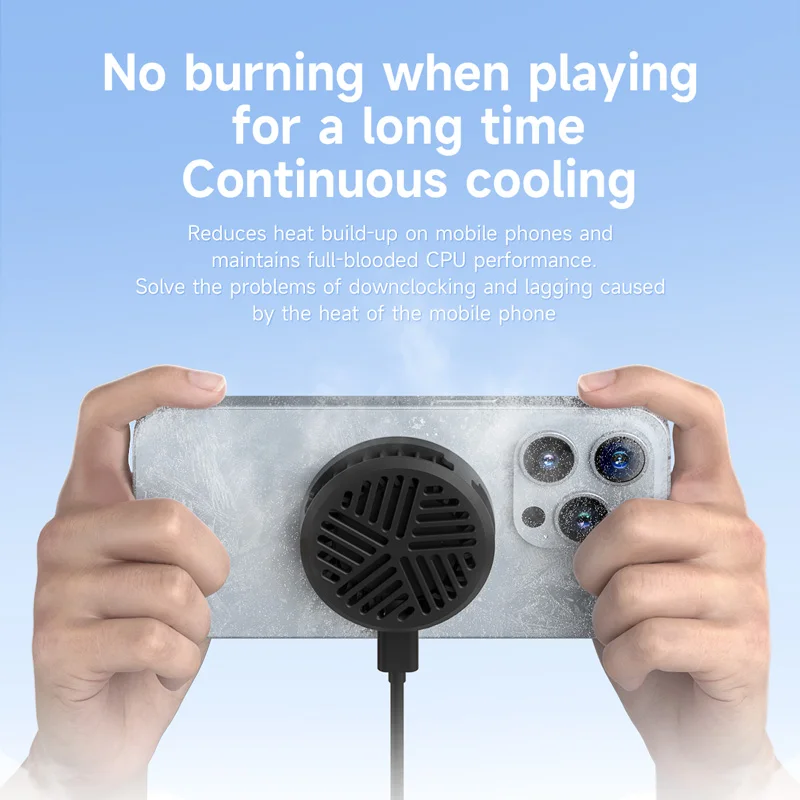
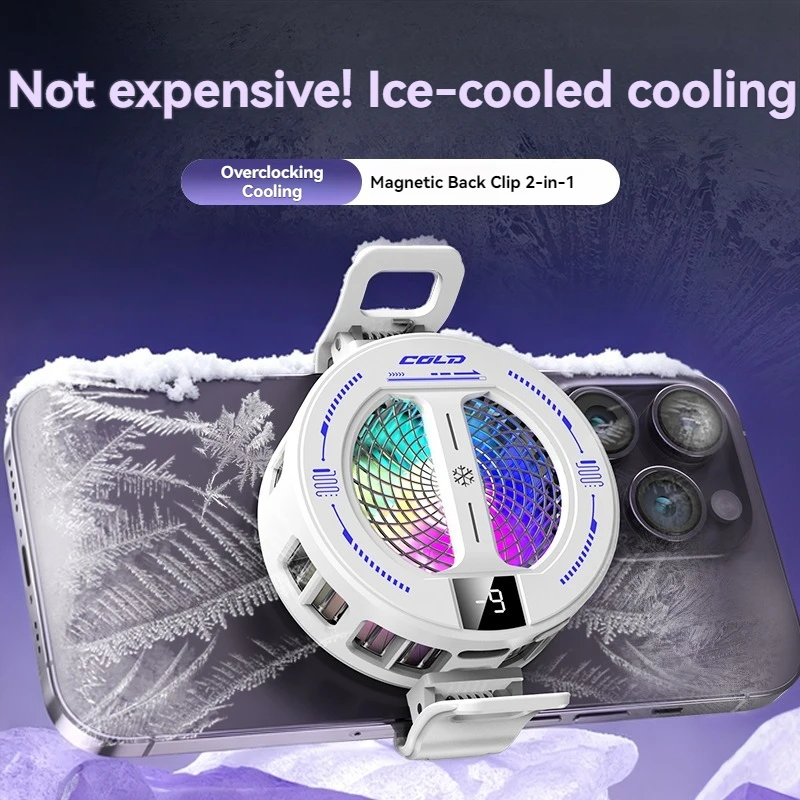
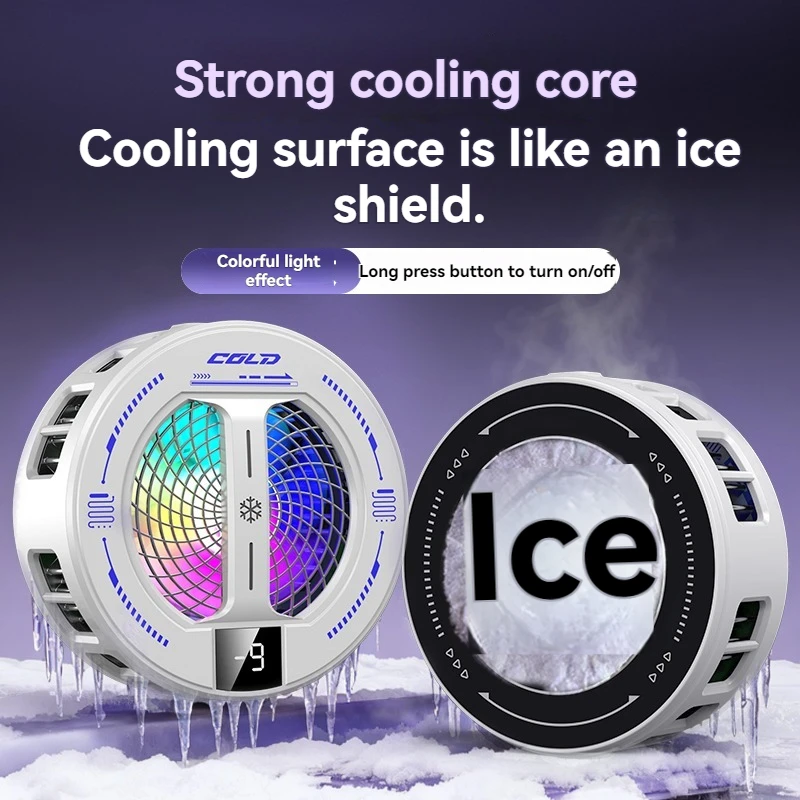
- Magnetic phone coolers click onto the back of the phone with a magnet and take heat away from it. See magnetic phone coolers.
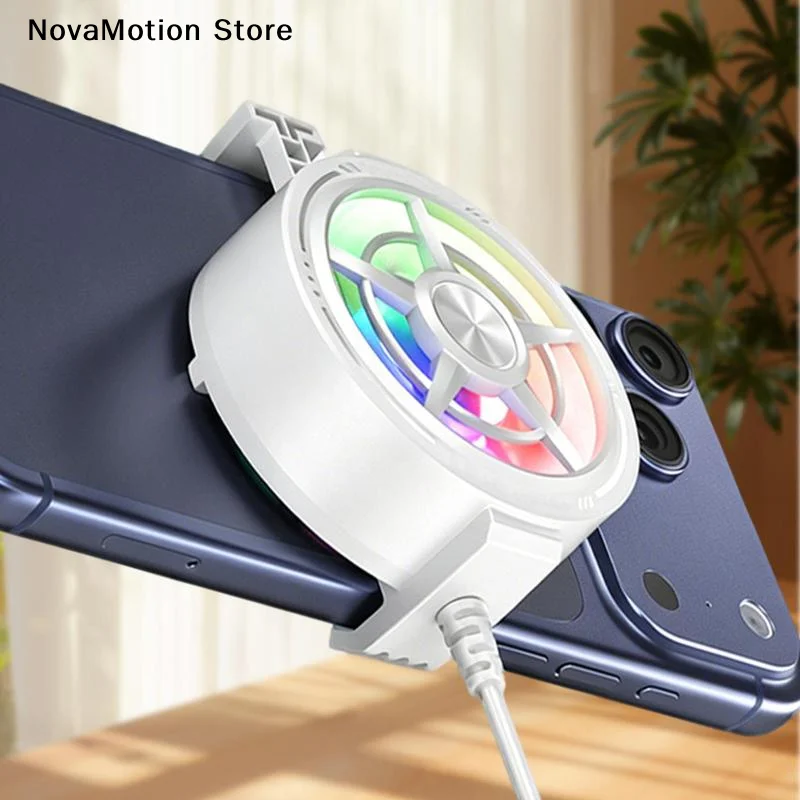
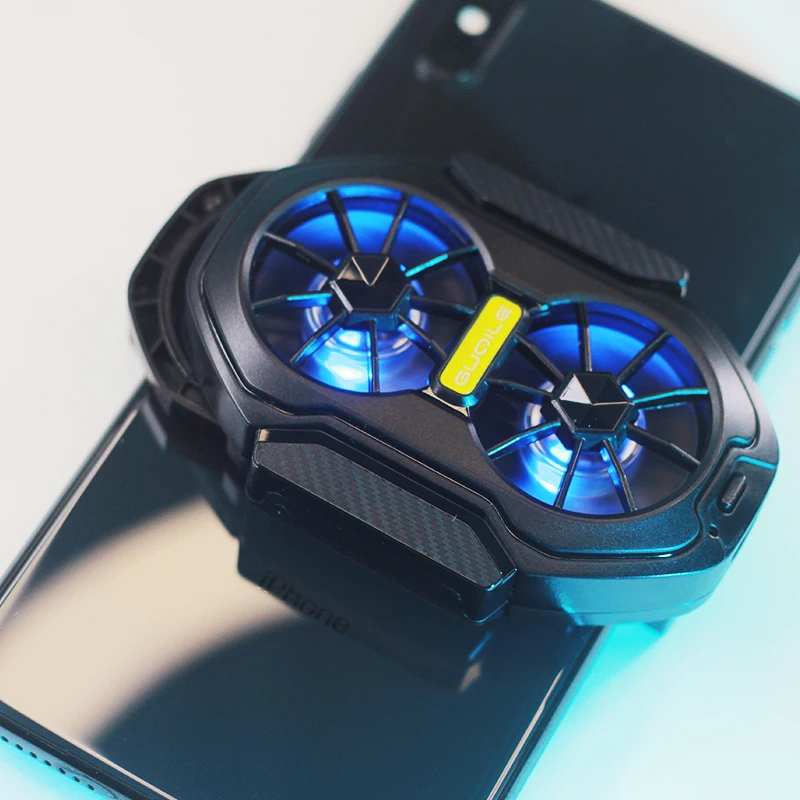
- Clip-on phone coolers grip the phone with a clamp, so they fit phones with no magnets inside. See clip-on phone coolers.
Where to start
Start with what bothers you most: control, comfort, heat or battery. Someone who plays shooters for an hour after work usually gets the most from triggers and a pair of finger sleeves, which go in a pocket. Someone who plays racing, sport or adventure games on the sofa or a long journey usually wants a telescopic controller. Someone whose games run smoothly for twenty minutes and then stutter wants a cooler first. The guide to mobile gaming accessories explains each kind in more depth.
Questions people ask about phone gaming kit
Will a controller work with every game?
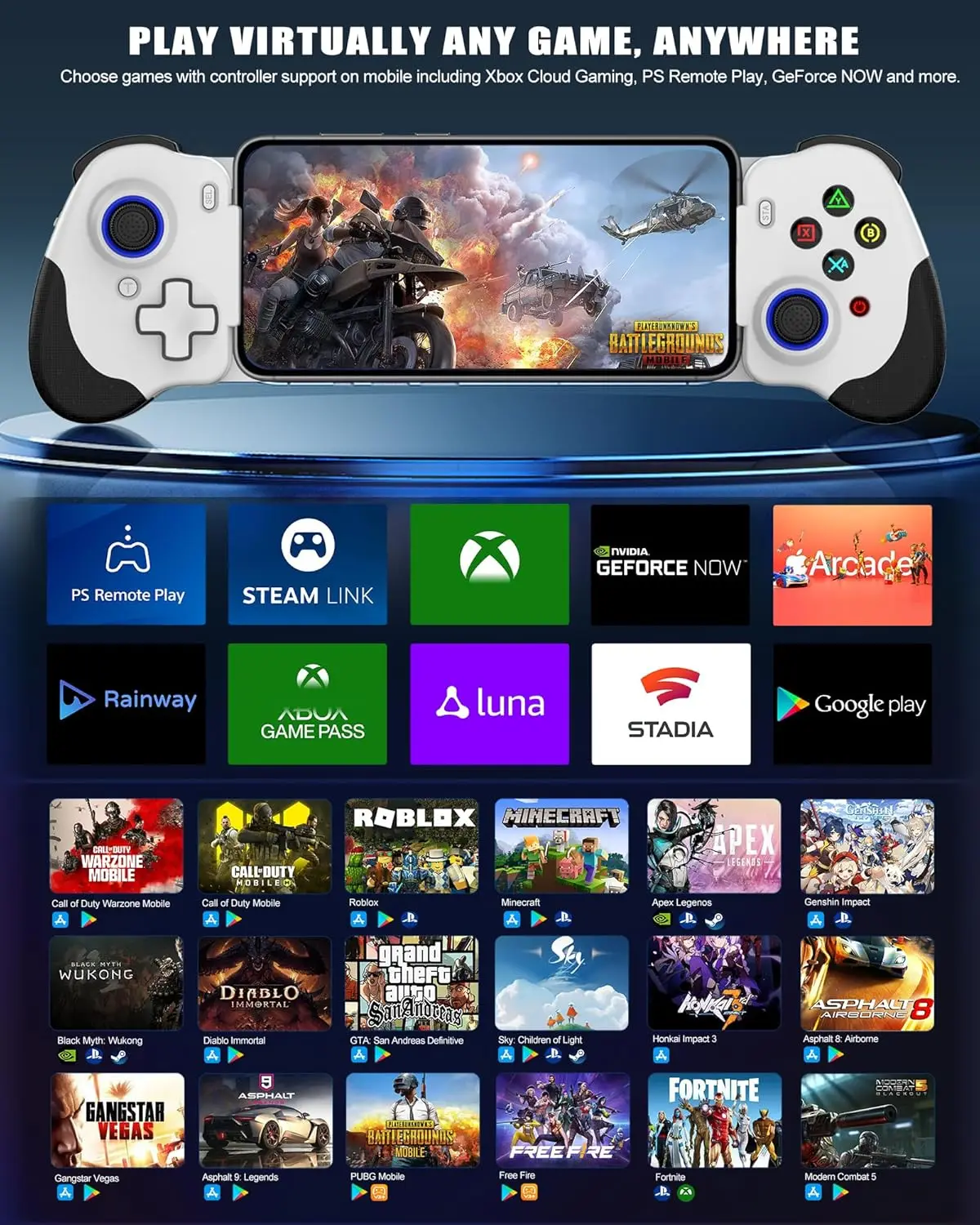
No. A controller only works in games written to accept one, so check the game's own settings or its listing in the app store. Triggers are different: they press the screen for you, so they work in any game once you move its on-screen buttons under them.
Why does my phone slow down during a long game?
It has got hot and turned its own speed down to protect itself. Apple's help pages say a hot iPhone reduces its performance, with lower frame rates in some apps, and slows or stops charging. Taking a thick case off, charging before you play rather than during, keeping out of the sun and using a cooler all help.
Which plug does a wired controller need?
One that matches your phone's port: USB-C for most recent Android phones and for iPhone 15 and later, Lightning for iPhone 14 and earlier. Bluetooth controllers work whatever the port.
How long does delivery take?
Delivery is included in every price and tracked to your door. Each product page says when it usually arrives.
More to look at