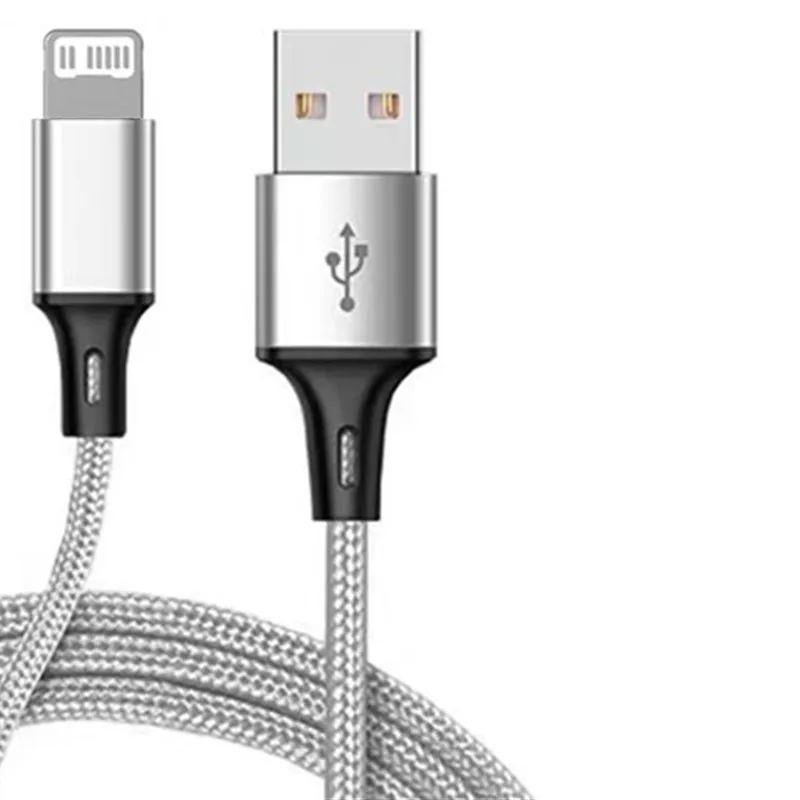
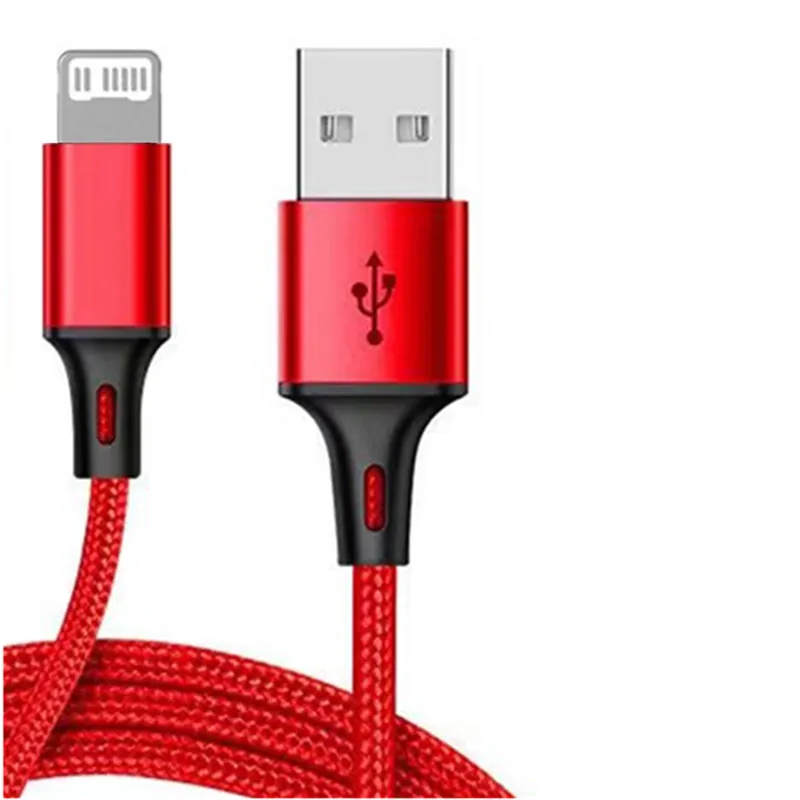
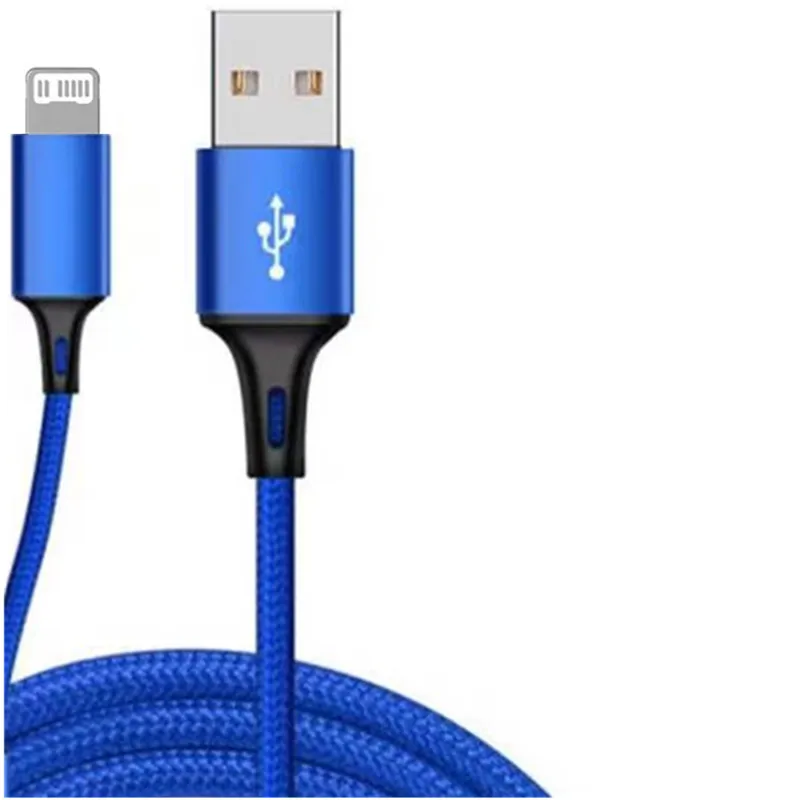
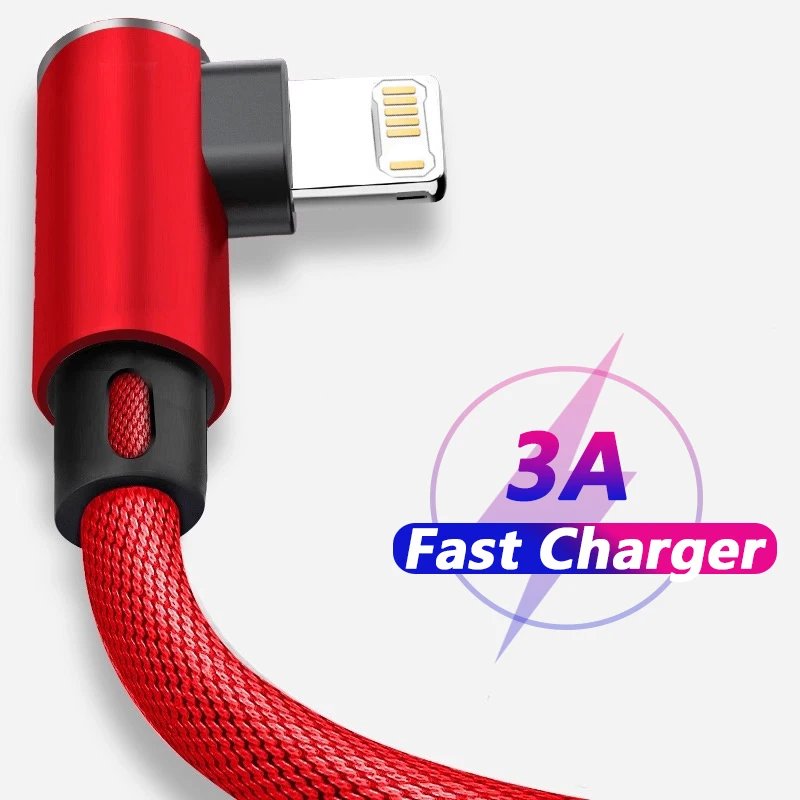
For iPhones with the Lightning socket
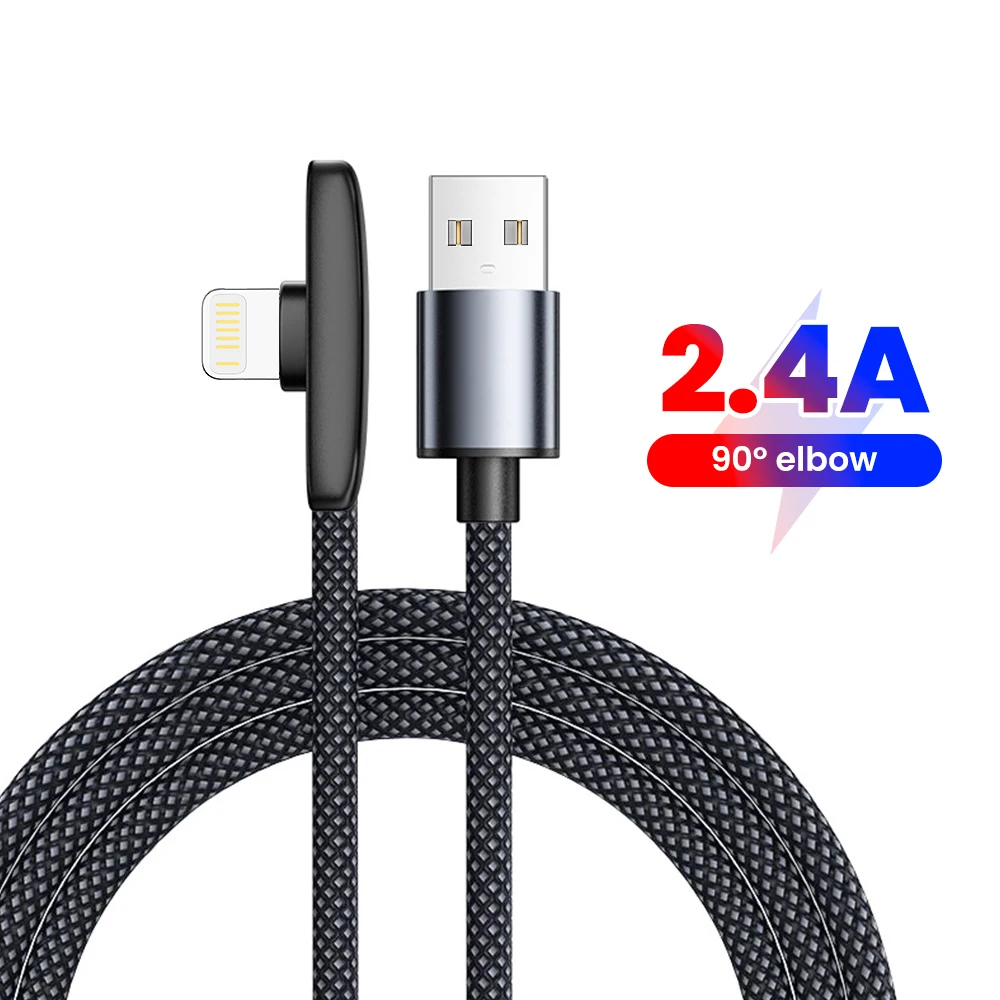
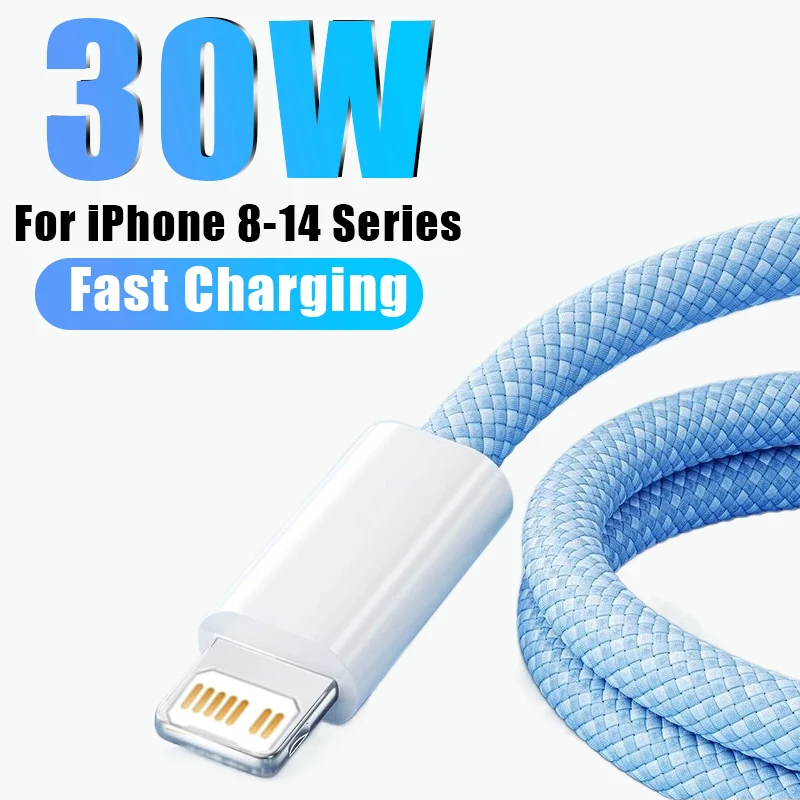
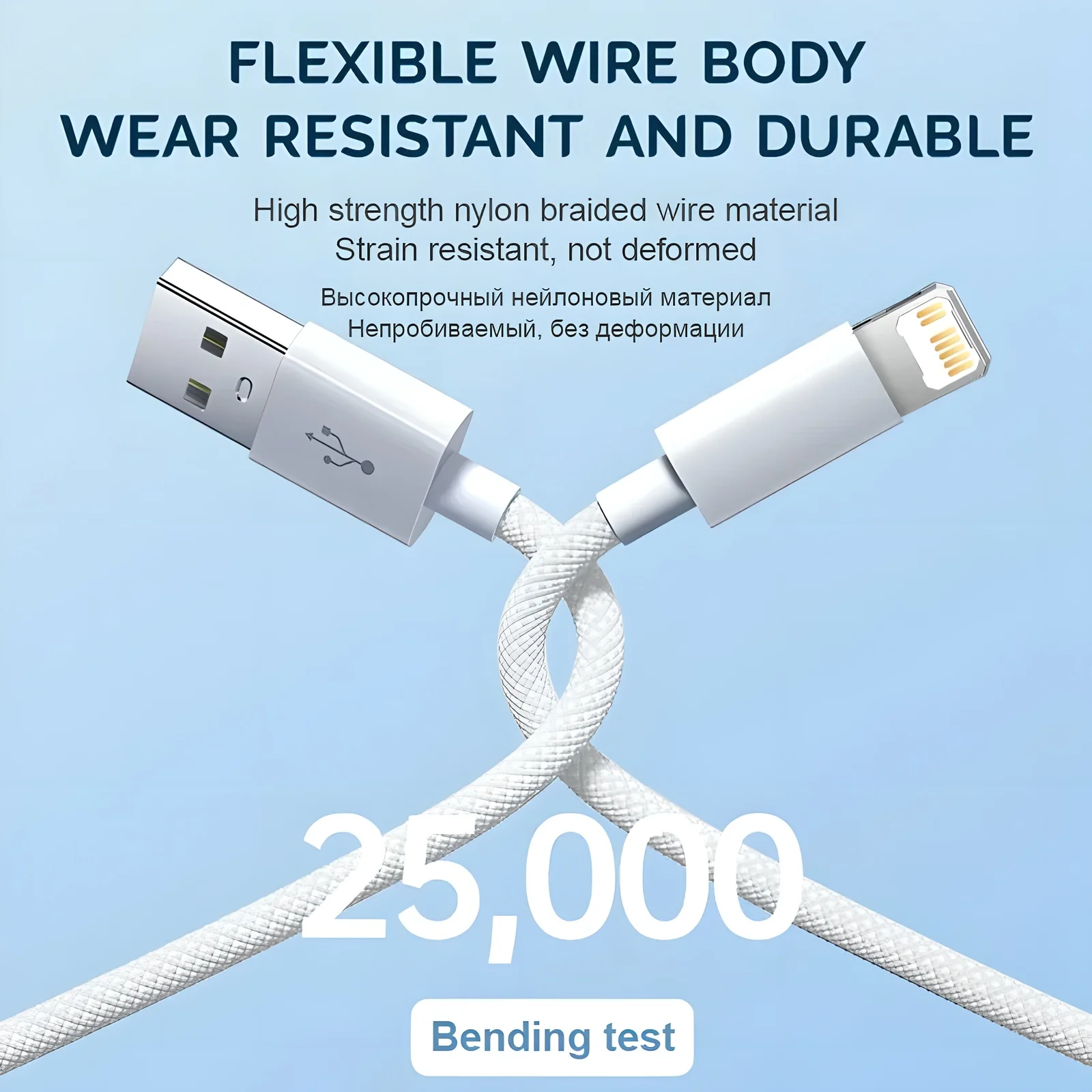
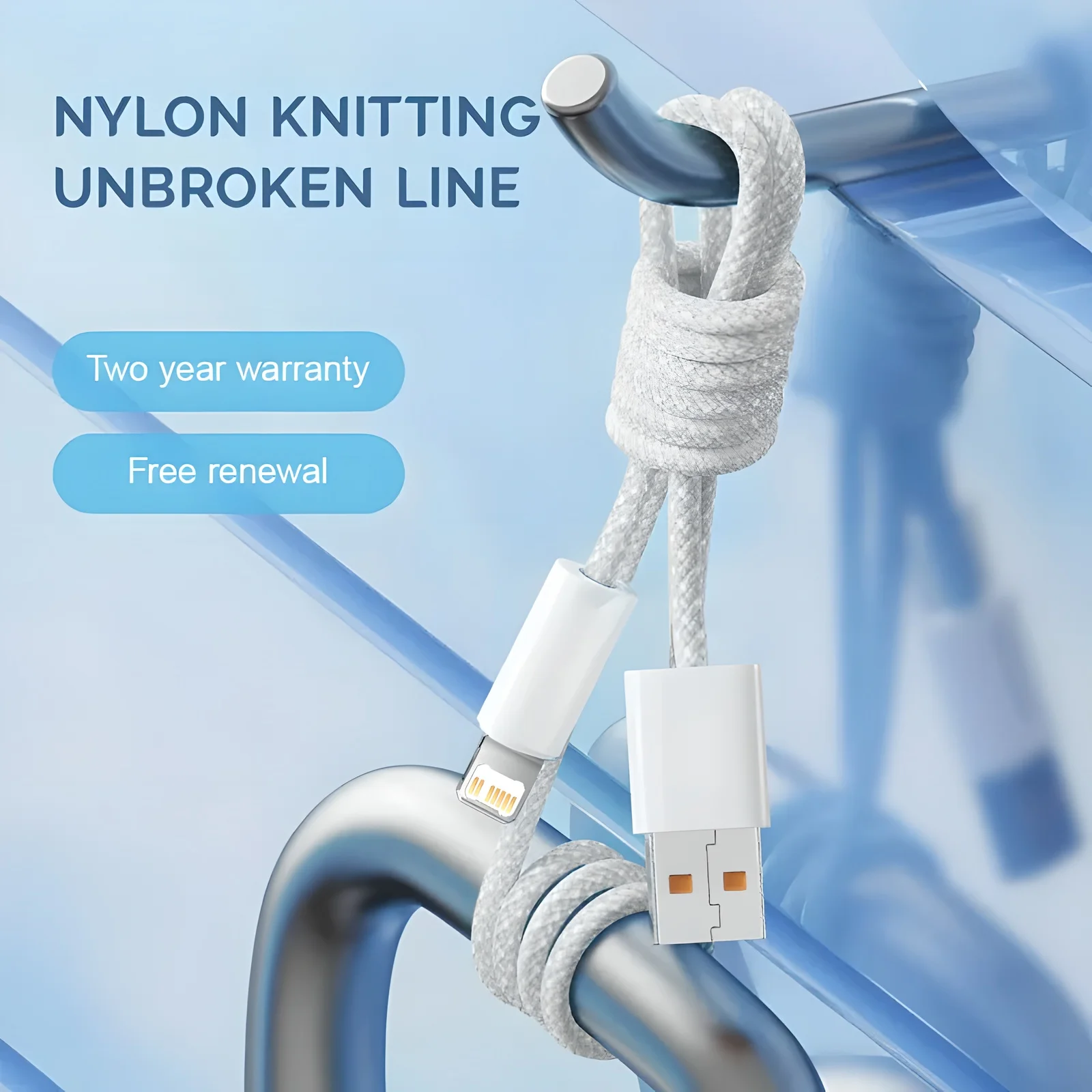
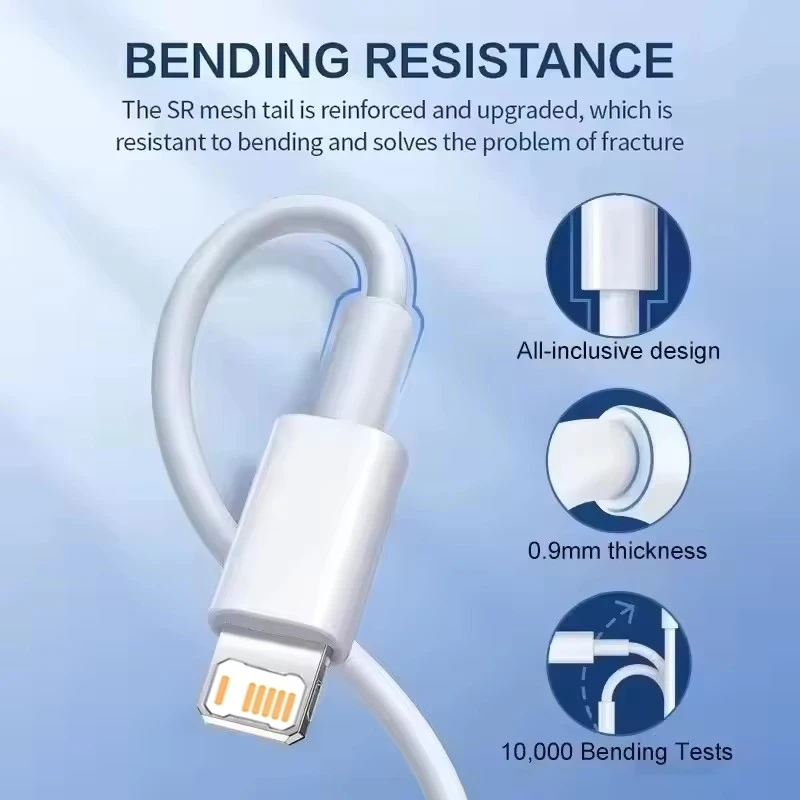
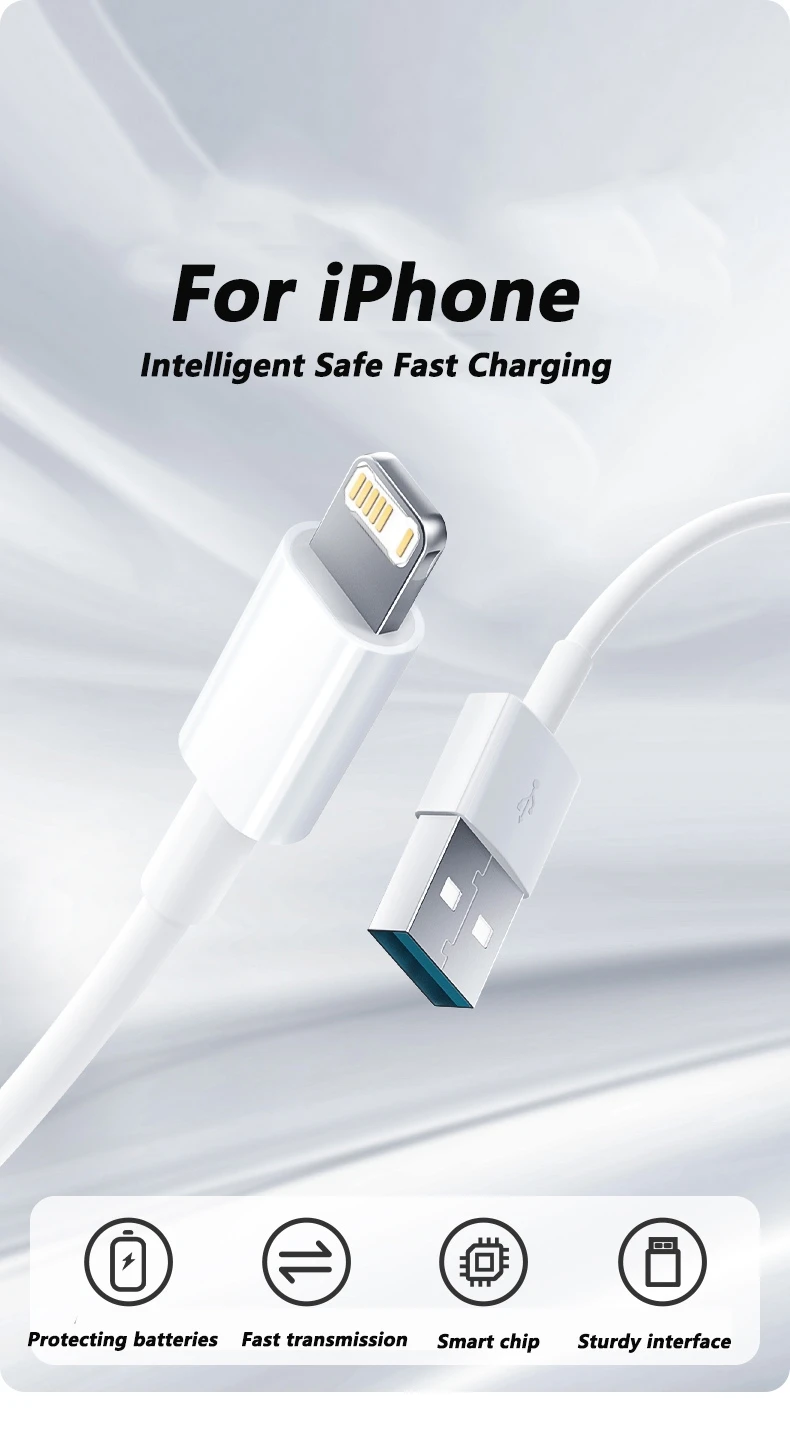
Lightning is Apple's own plug, narrower than USB-C, with a flat blade that goes in either way up. Apple introduced it with the iPhone 5 in 2012, and every iPhone up to the iPhone 14 uses it; the iPhone 15 and later moved to USB-C. Older iPads, older AirPods cases and some other Apple accessories use it too. This page gathers everything in Charging and Power whose listing names Lightning, so the cables, adapters and power banks for a Lightning iPhone are in one place. All are compatible with Lightning devices; none is made by Apple.
What is here
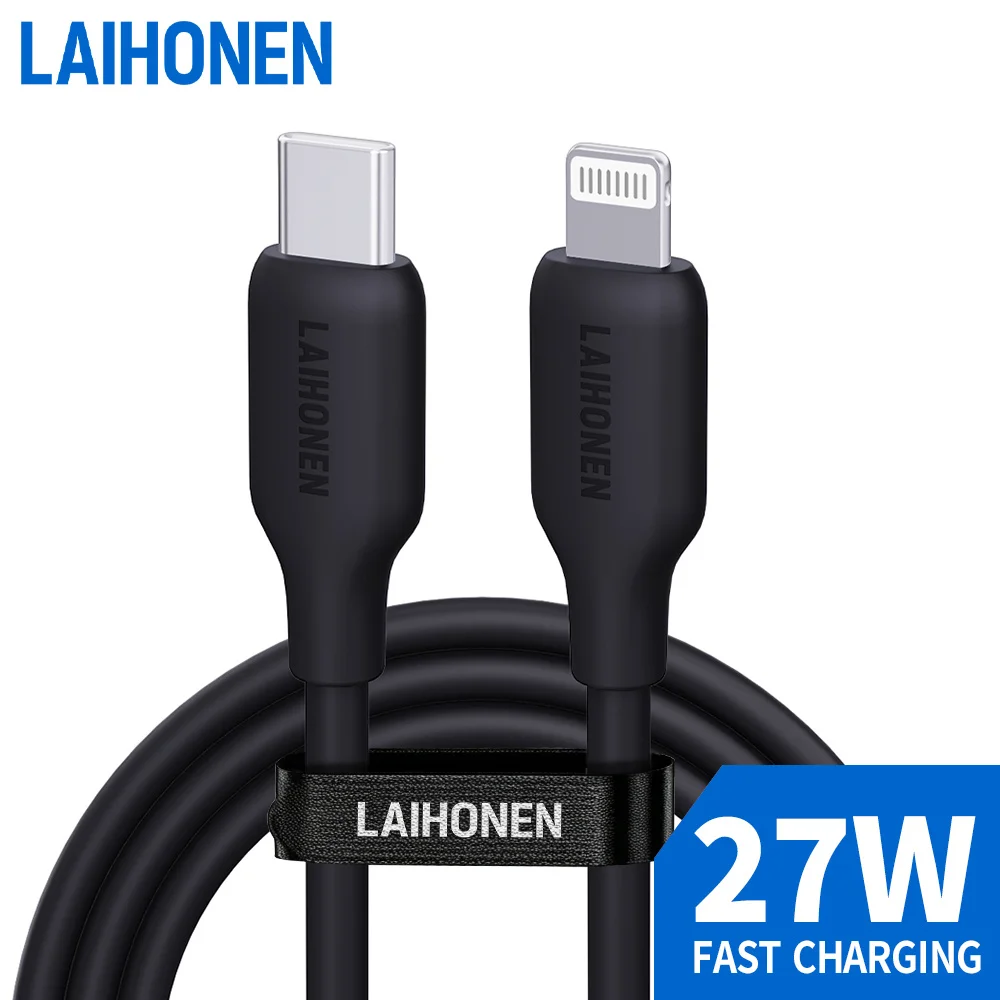
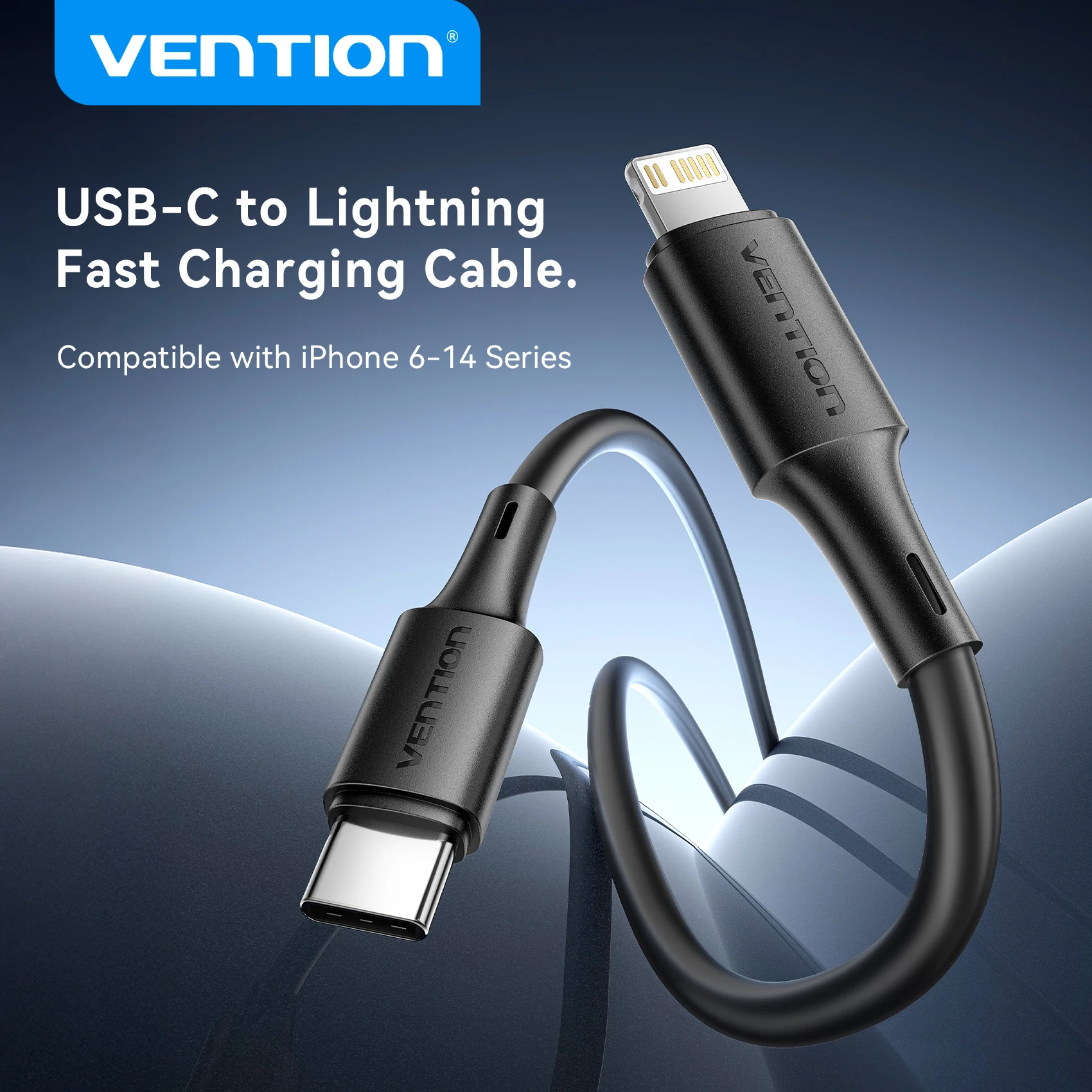
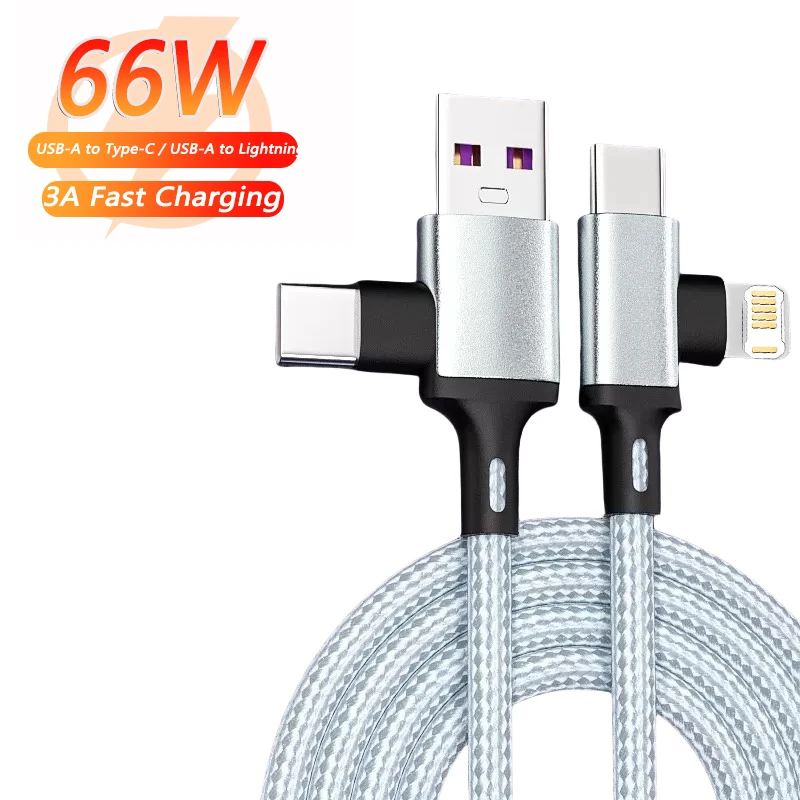
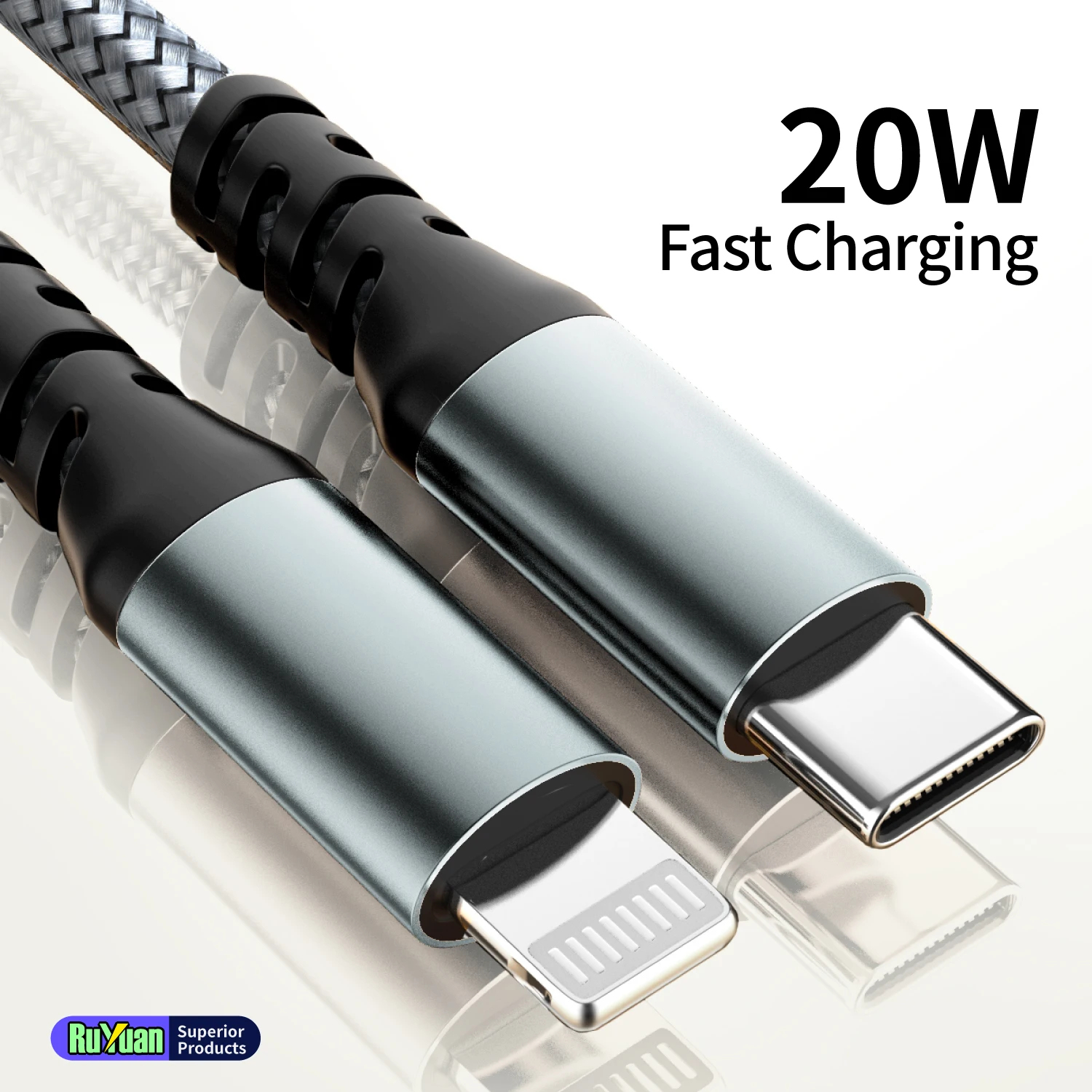
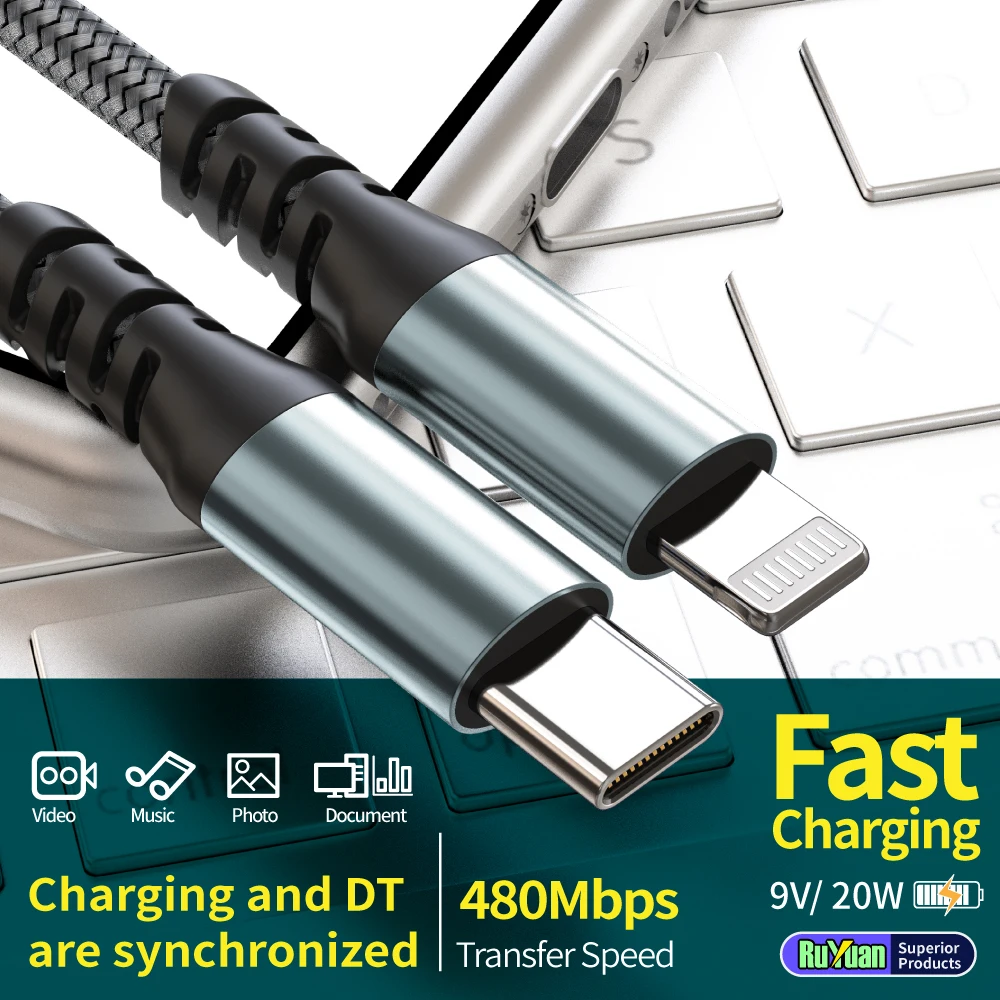
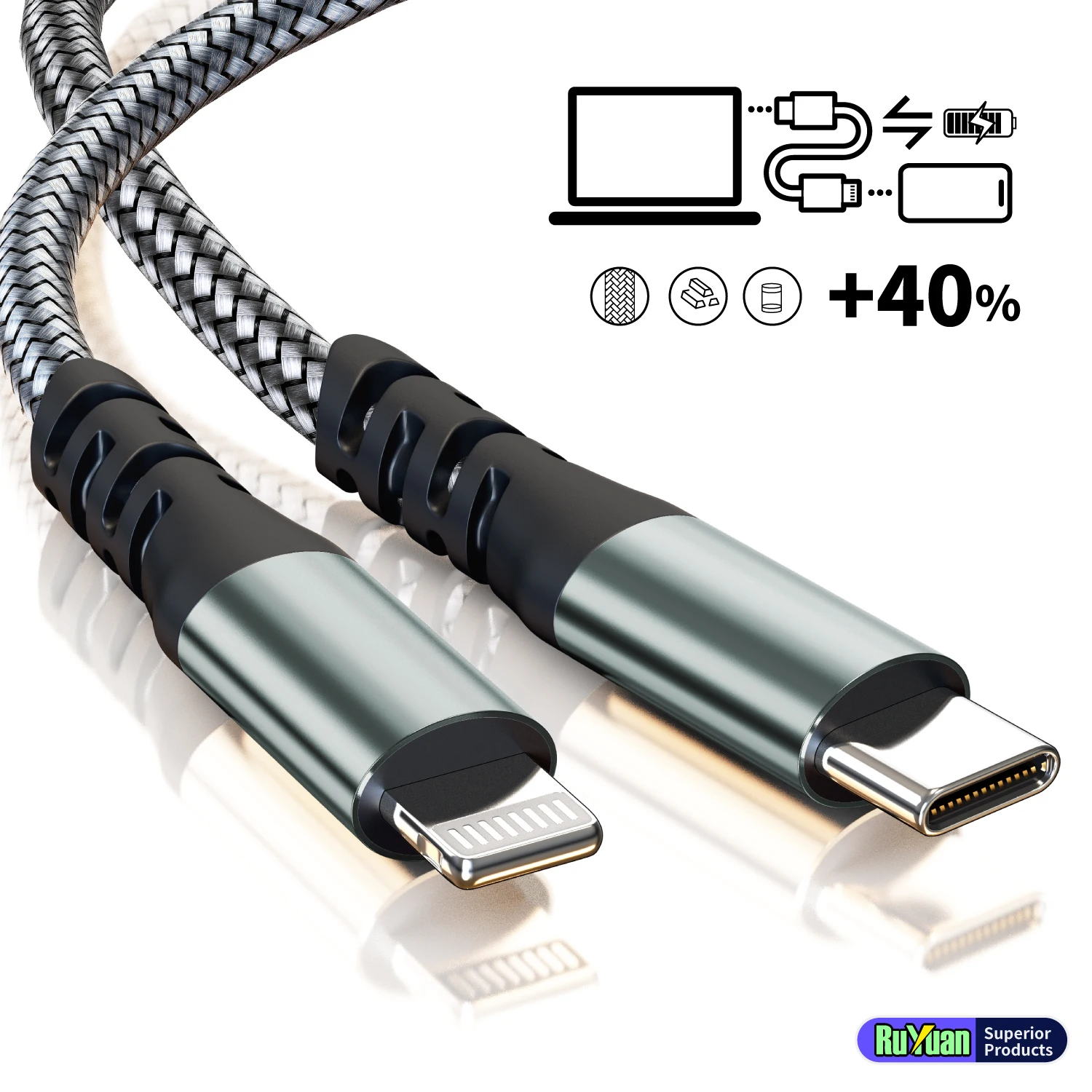
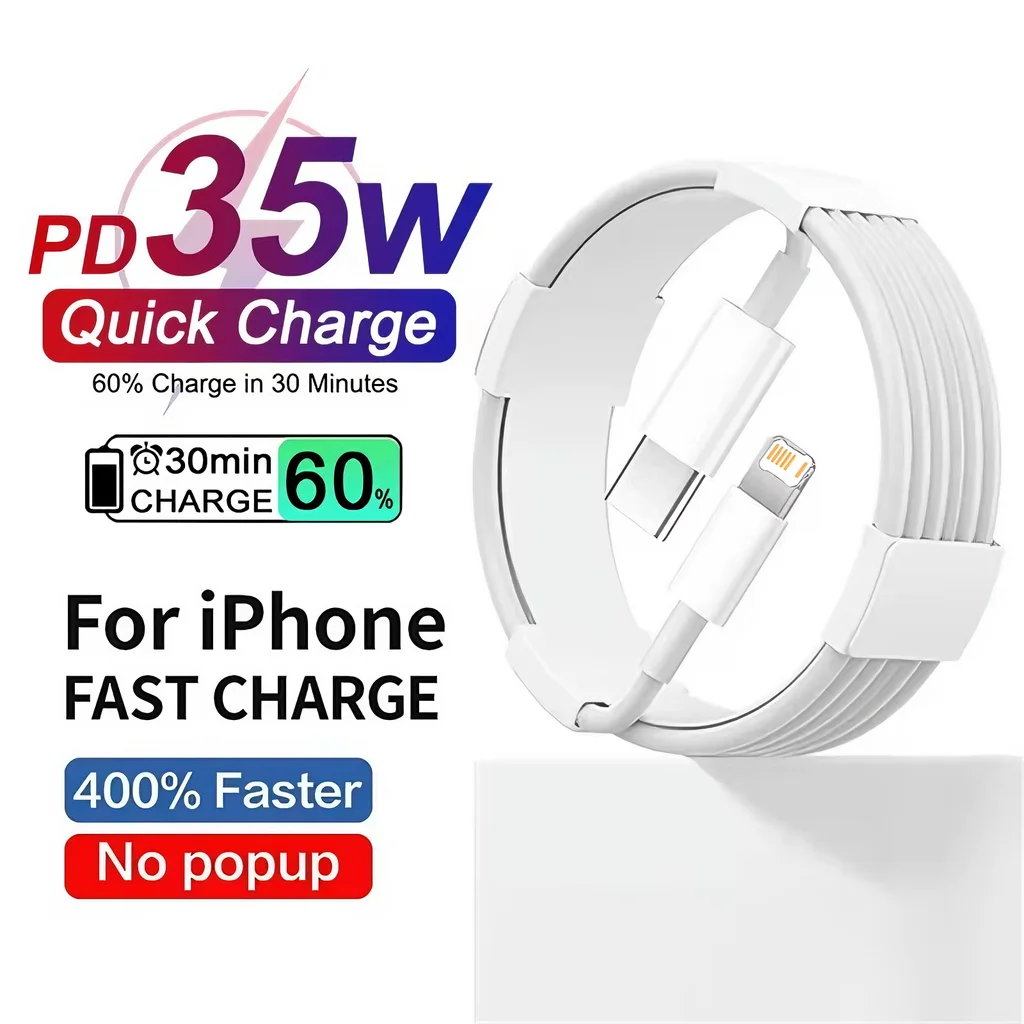
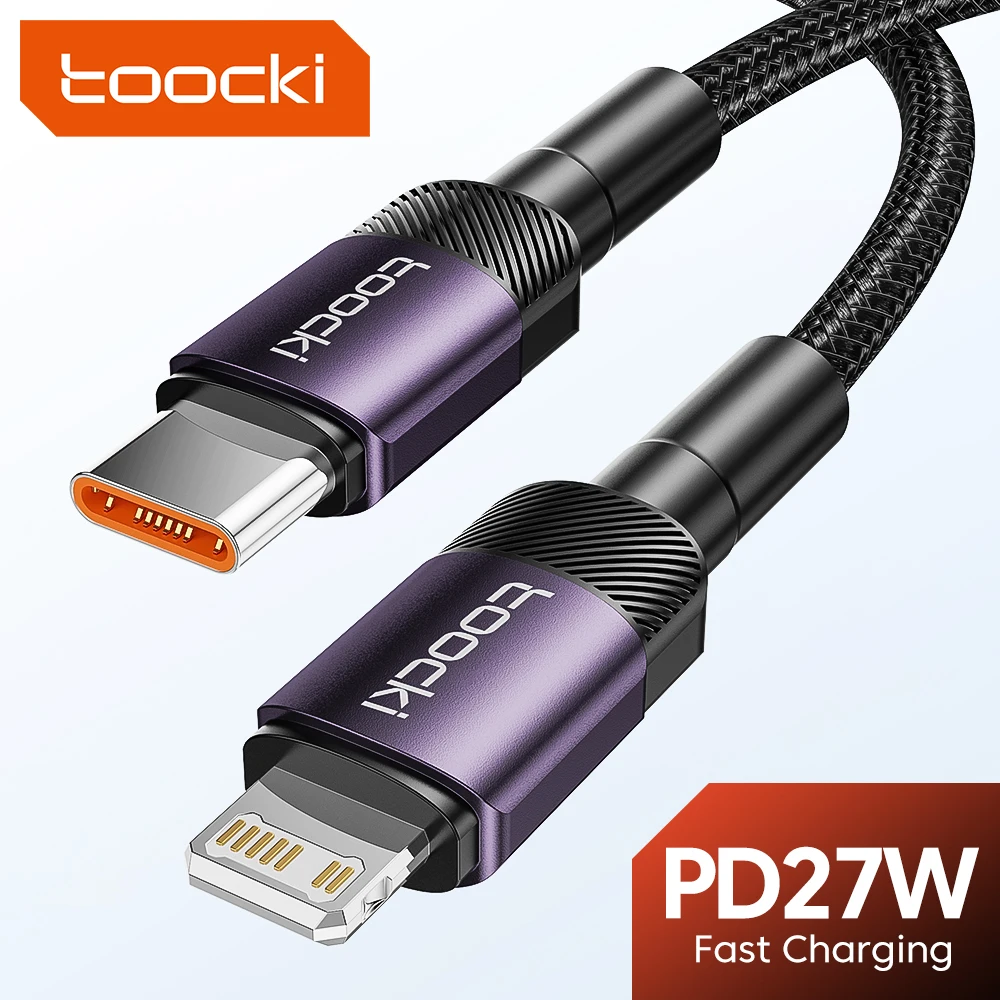
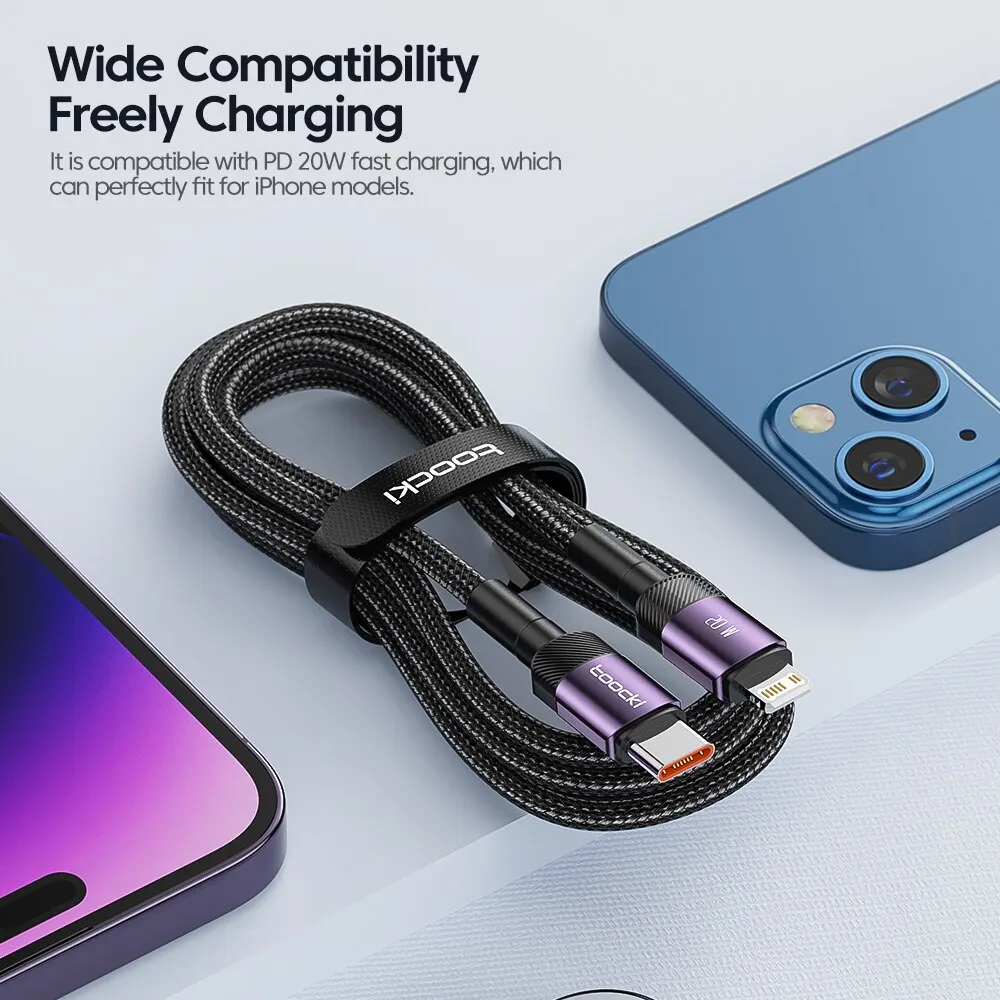
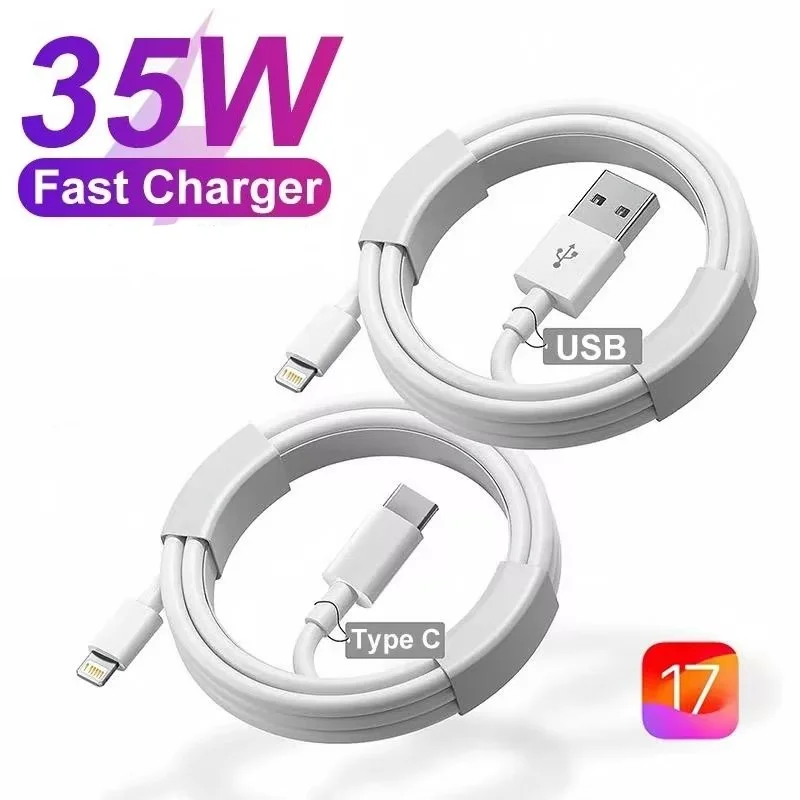
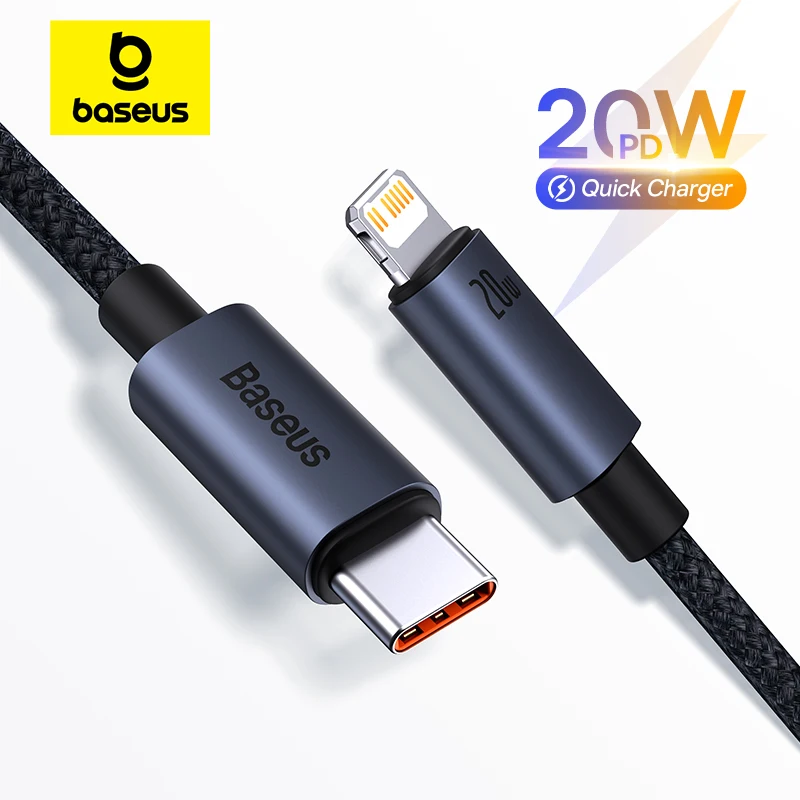
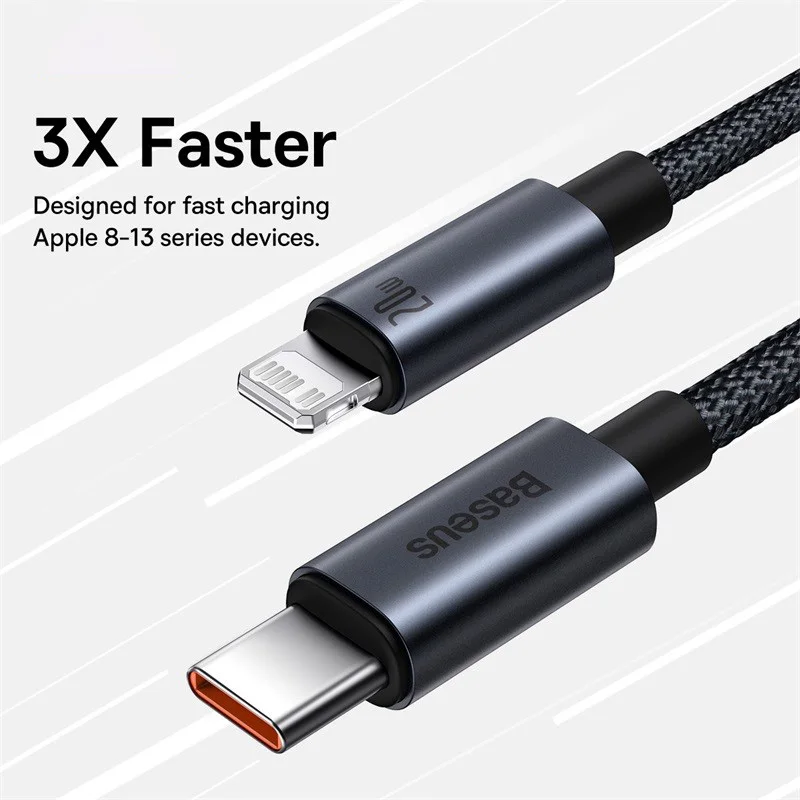
- A USB-C to Lightning cable with 20W USB Power Delivery: the cable for fast charging a Lightning iPhone from a modern charger.
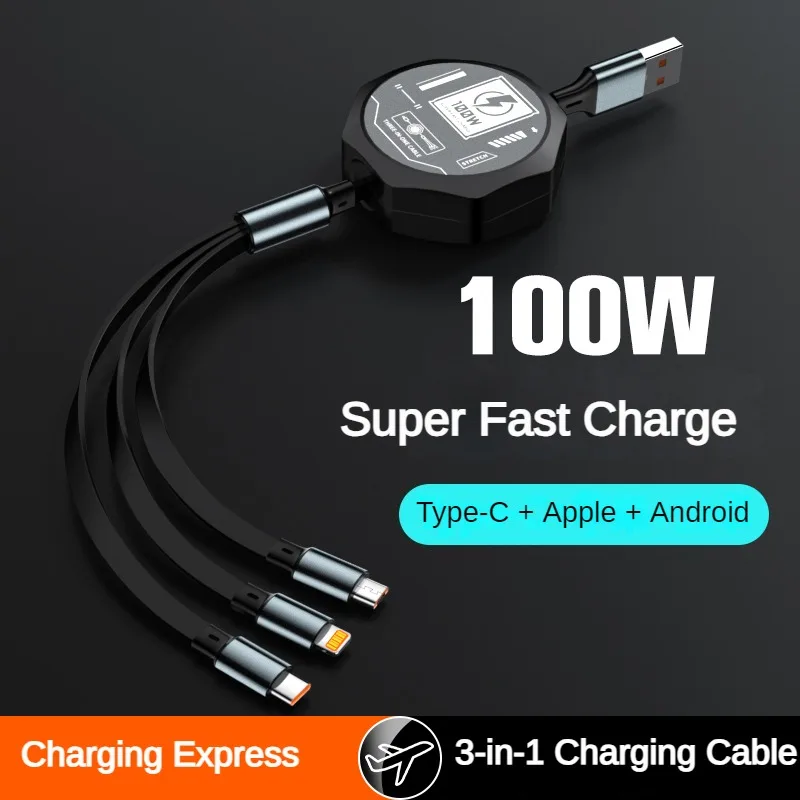
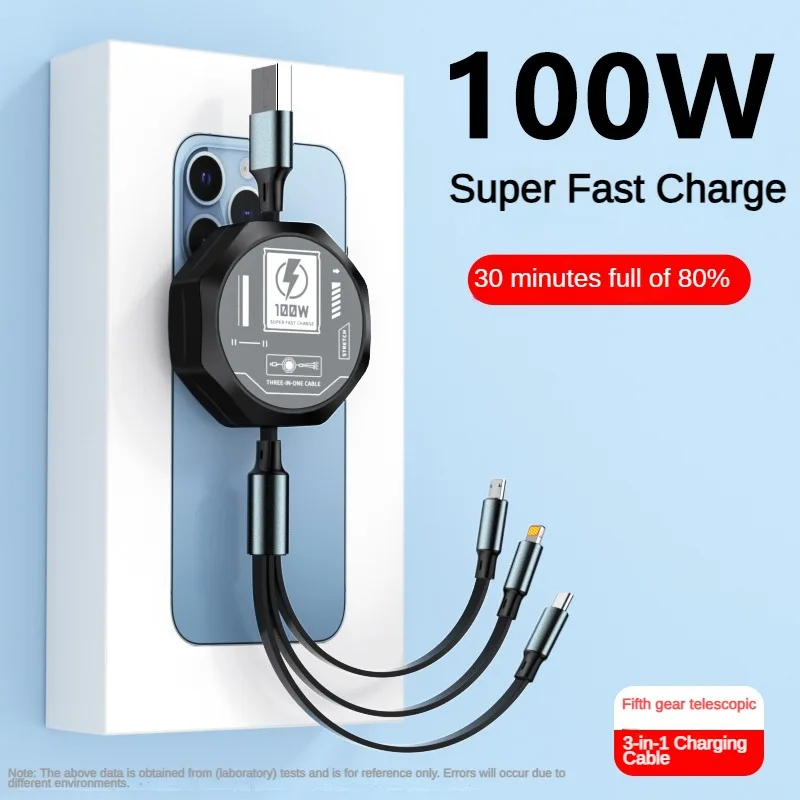
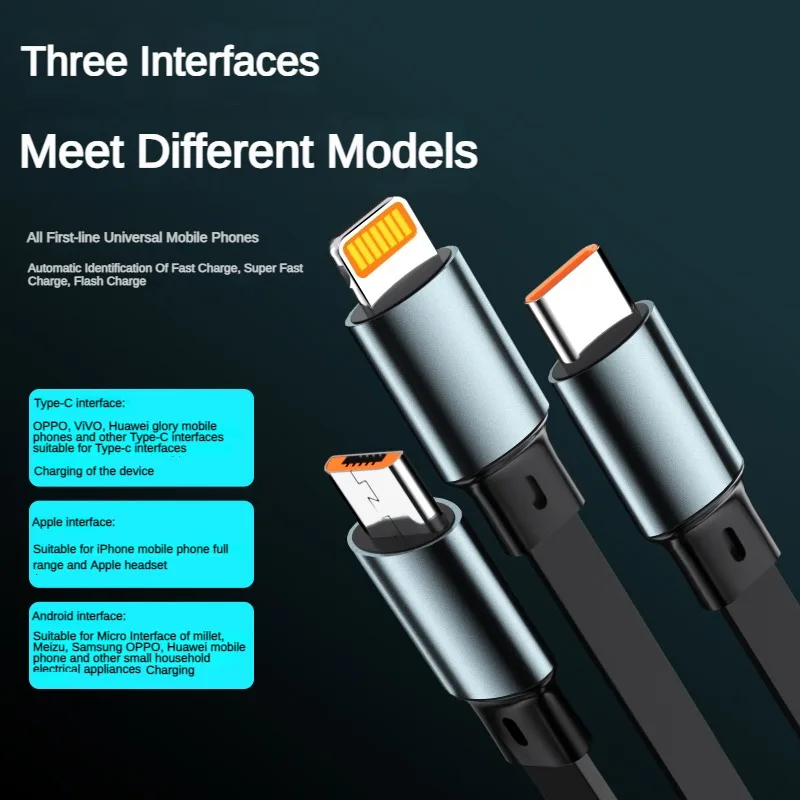
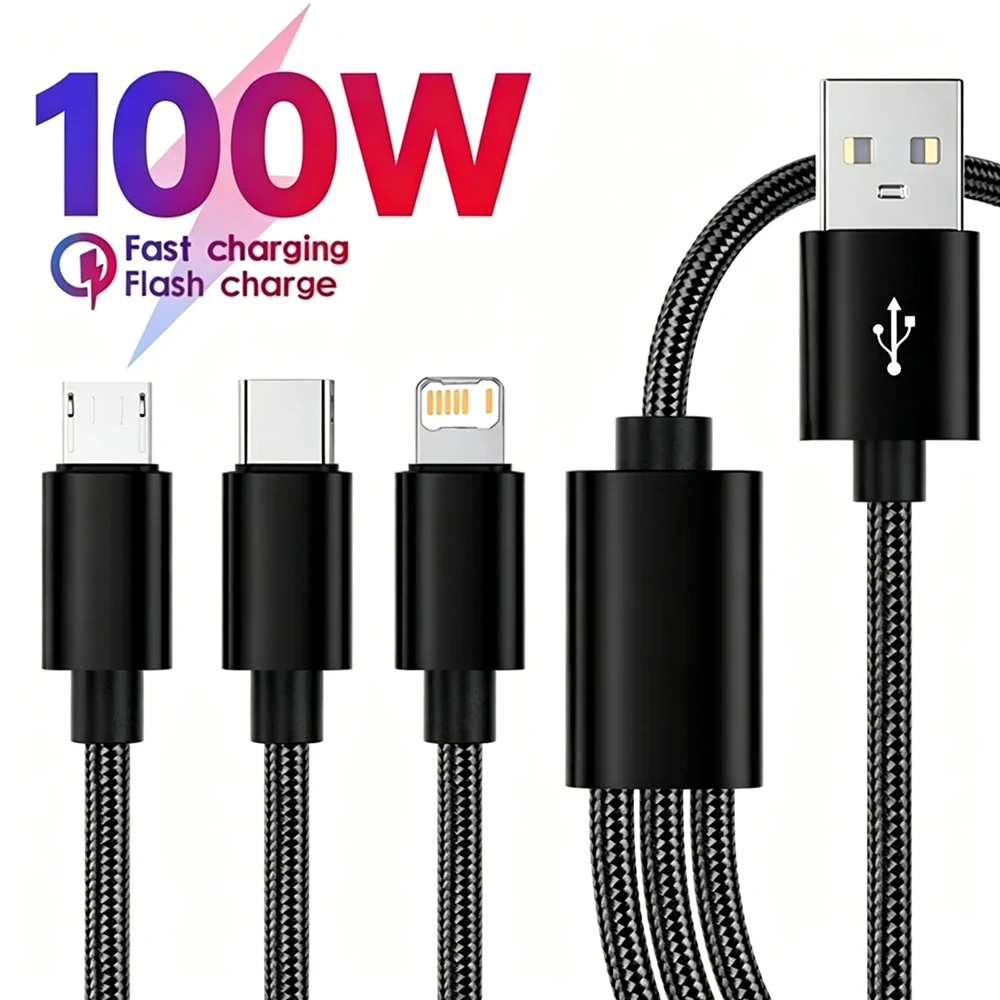
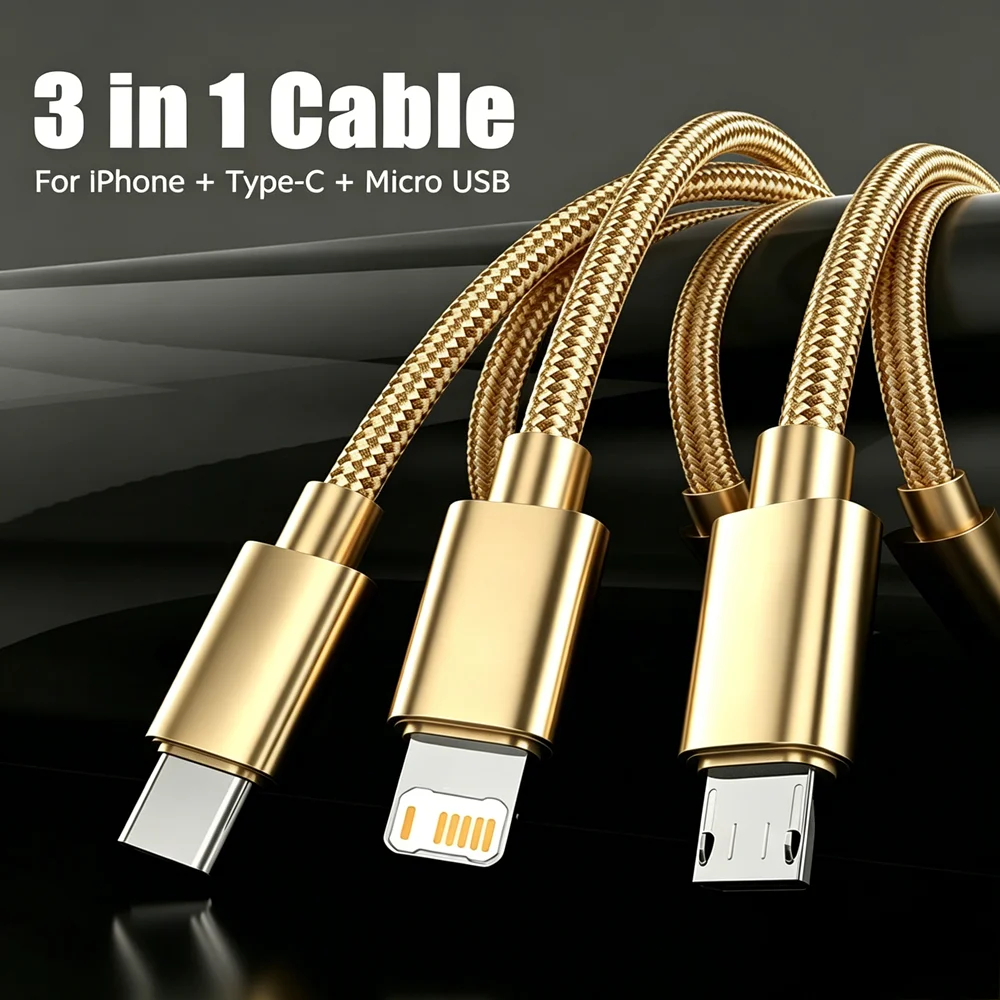
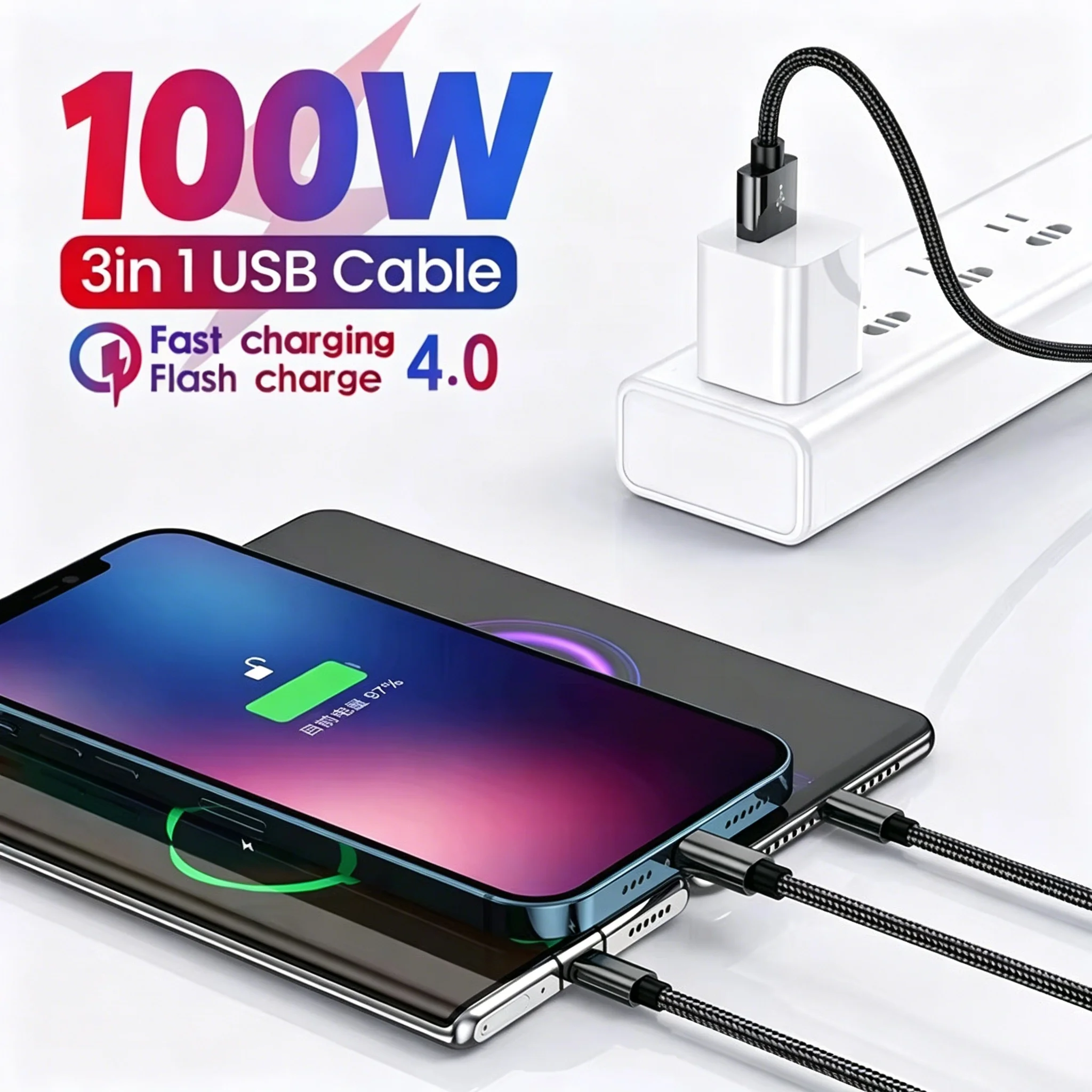
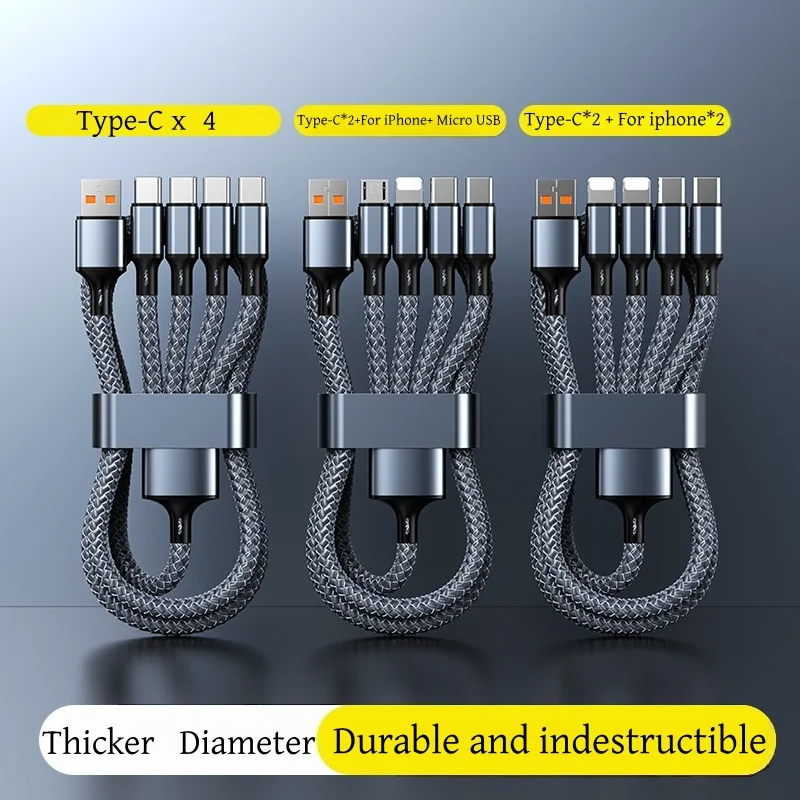
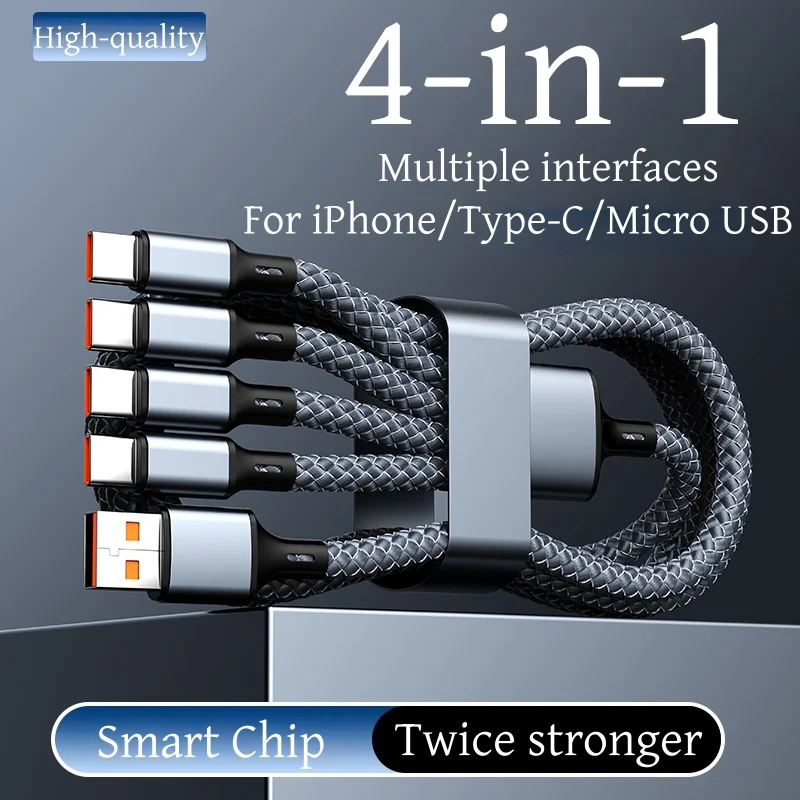
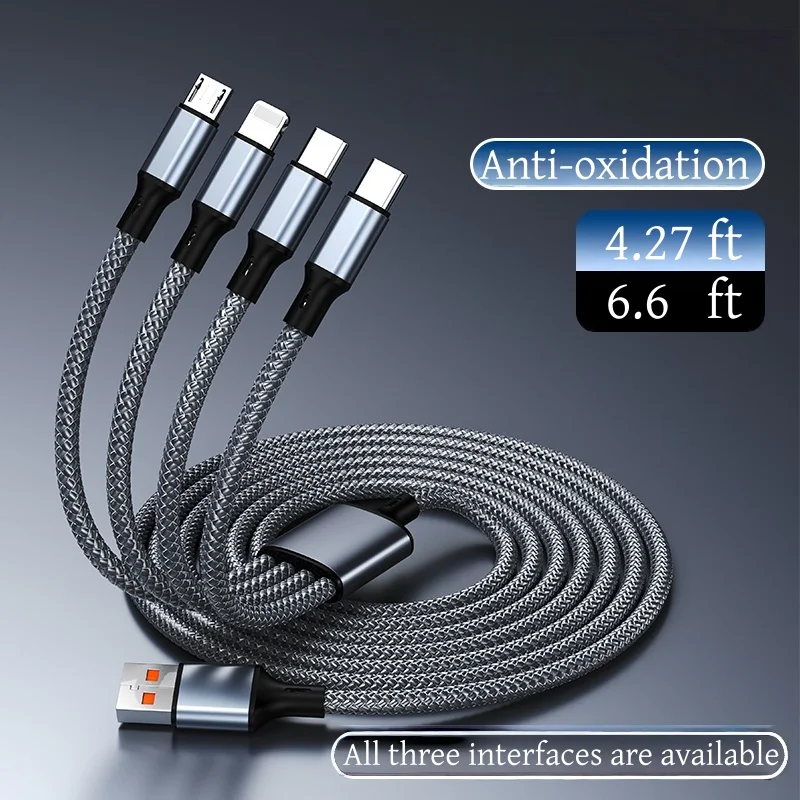
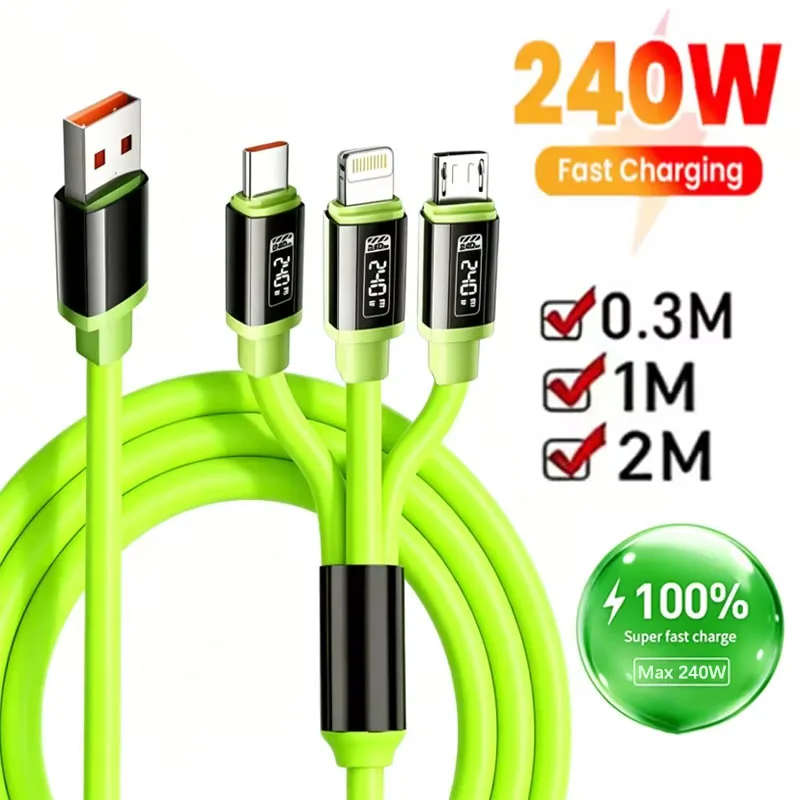
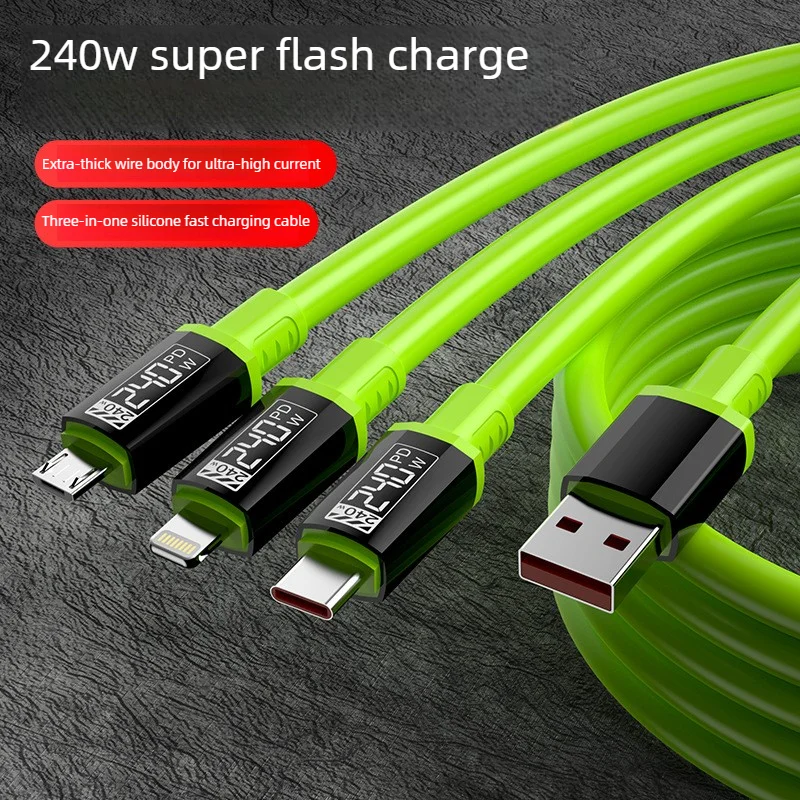
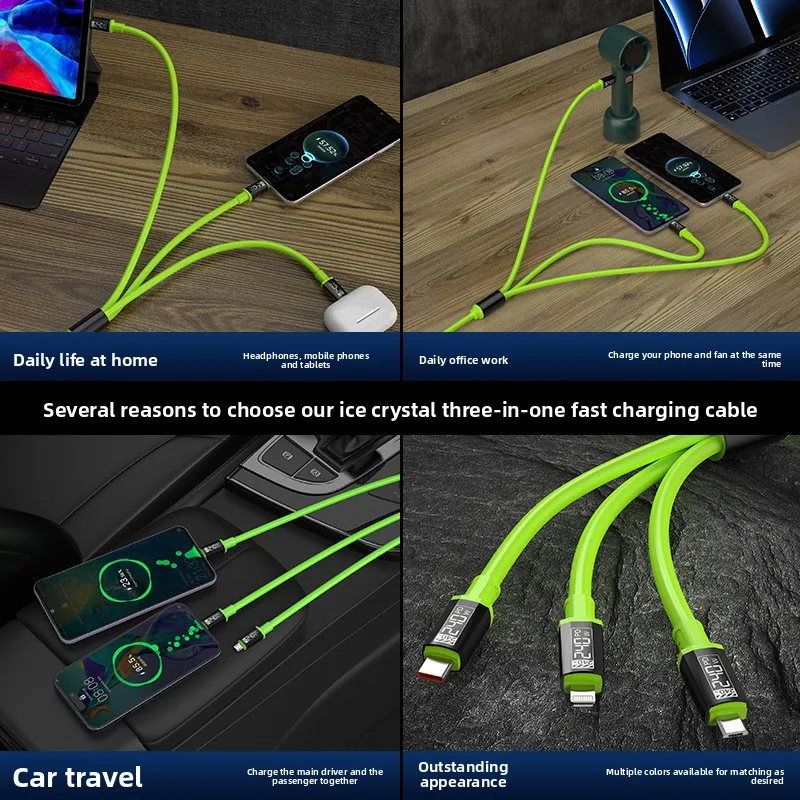
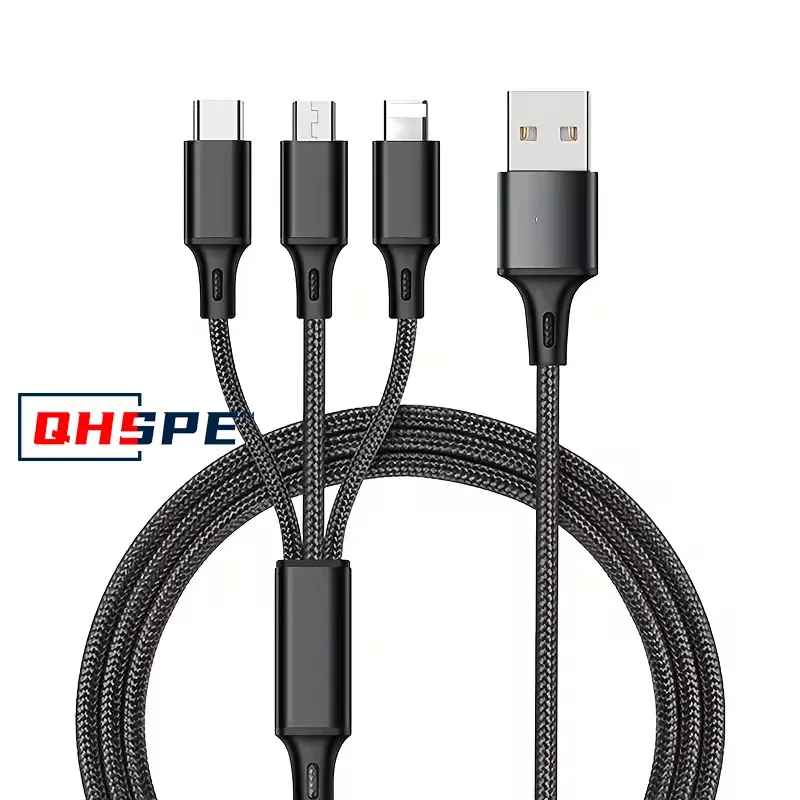
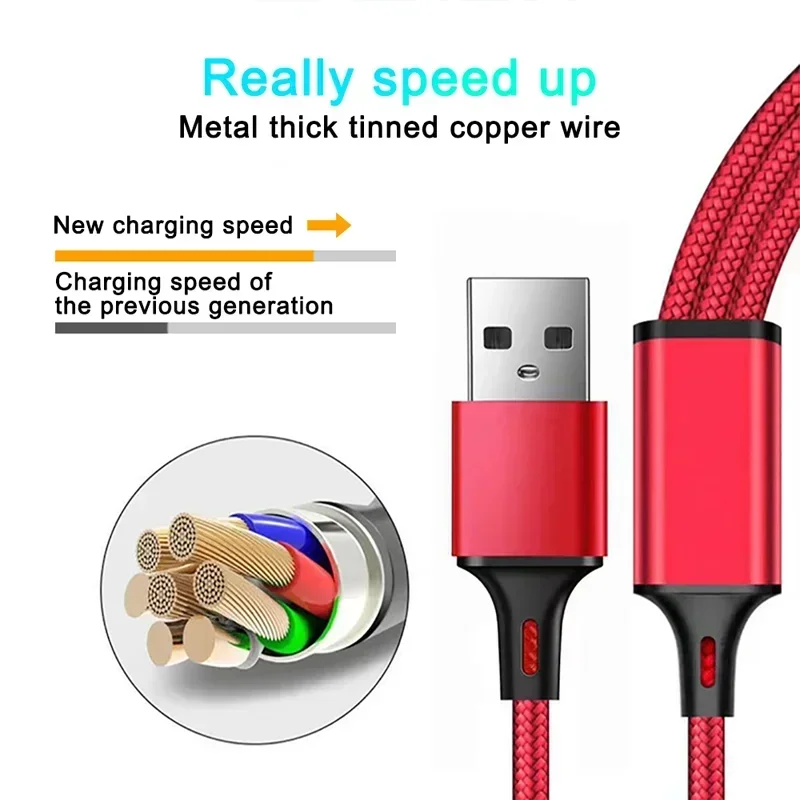
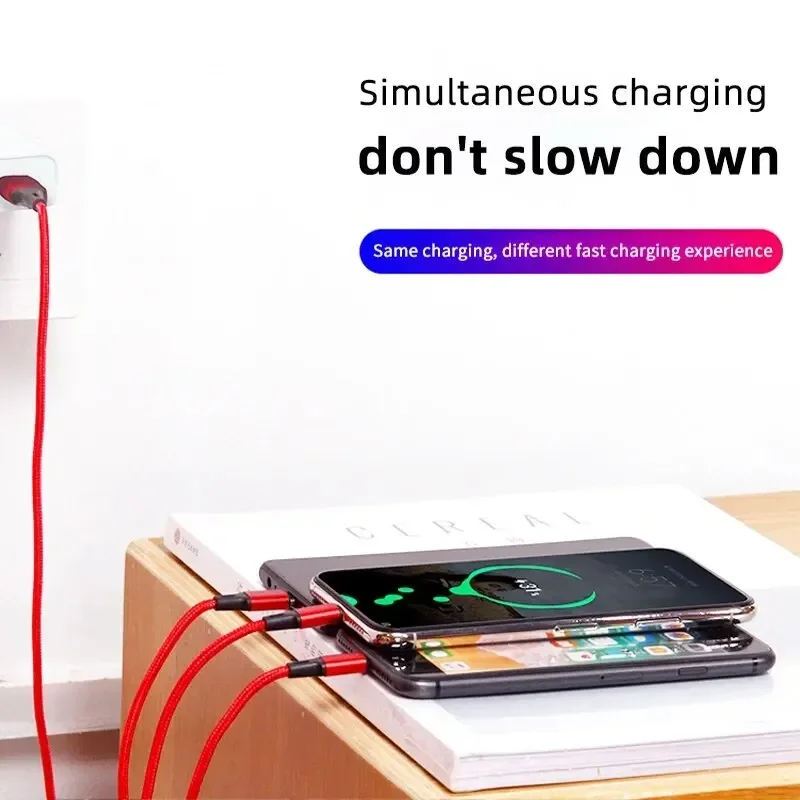
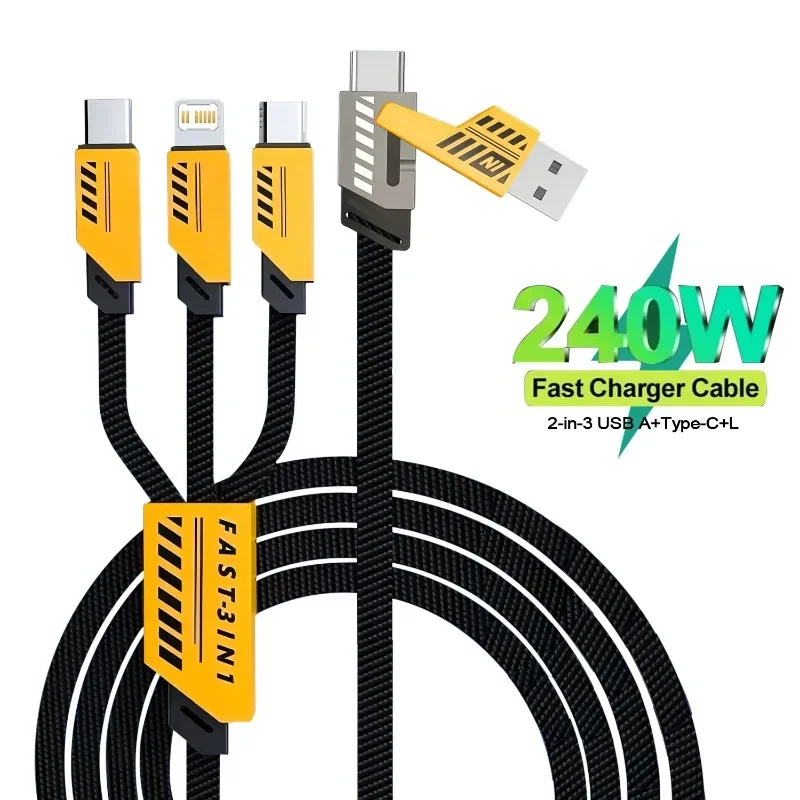
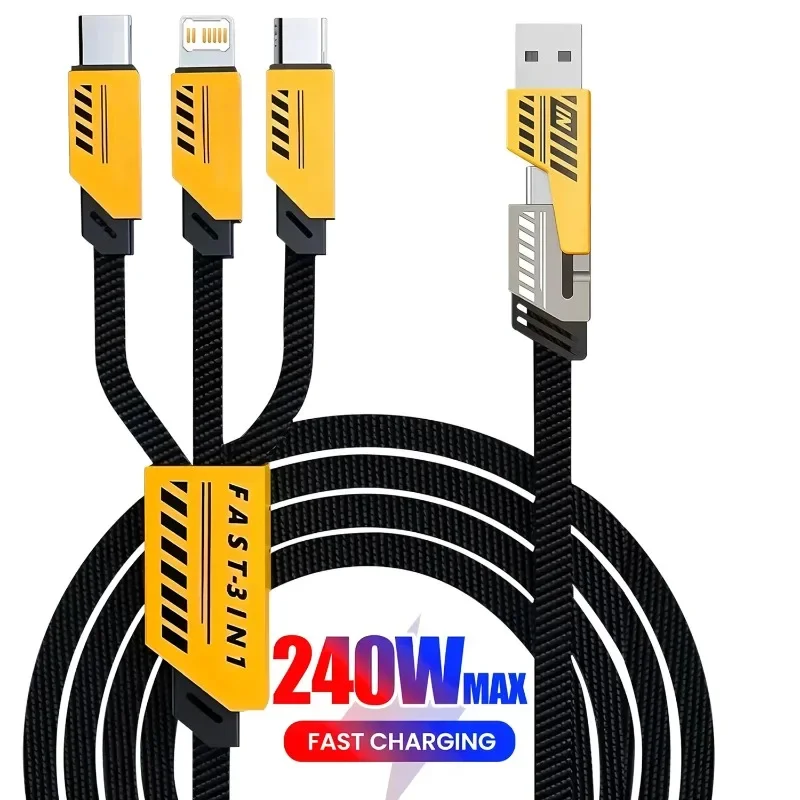
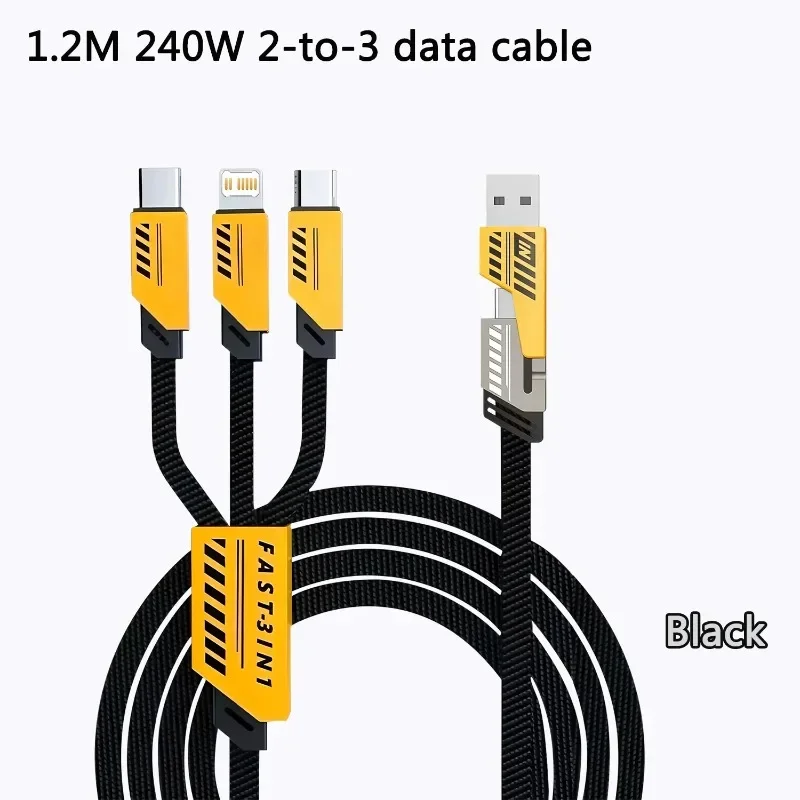
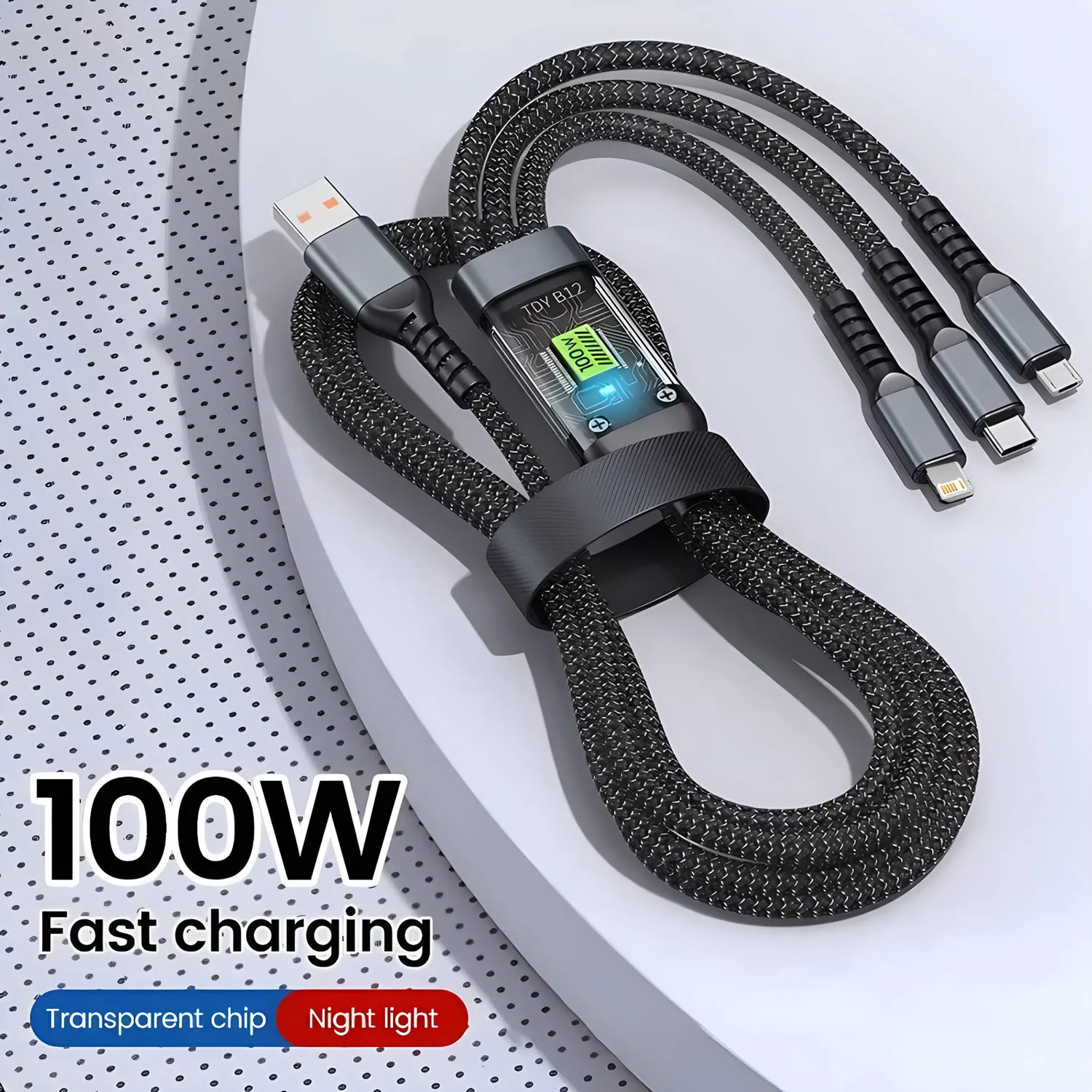
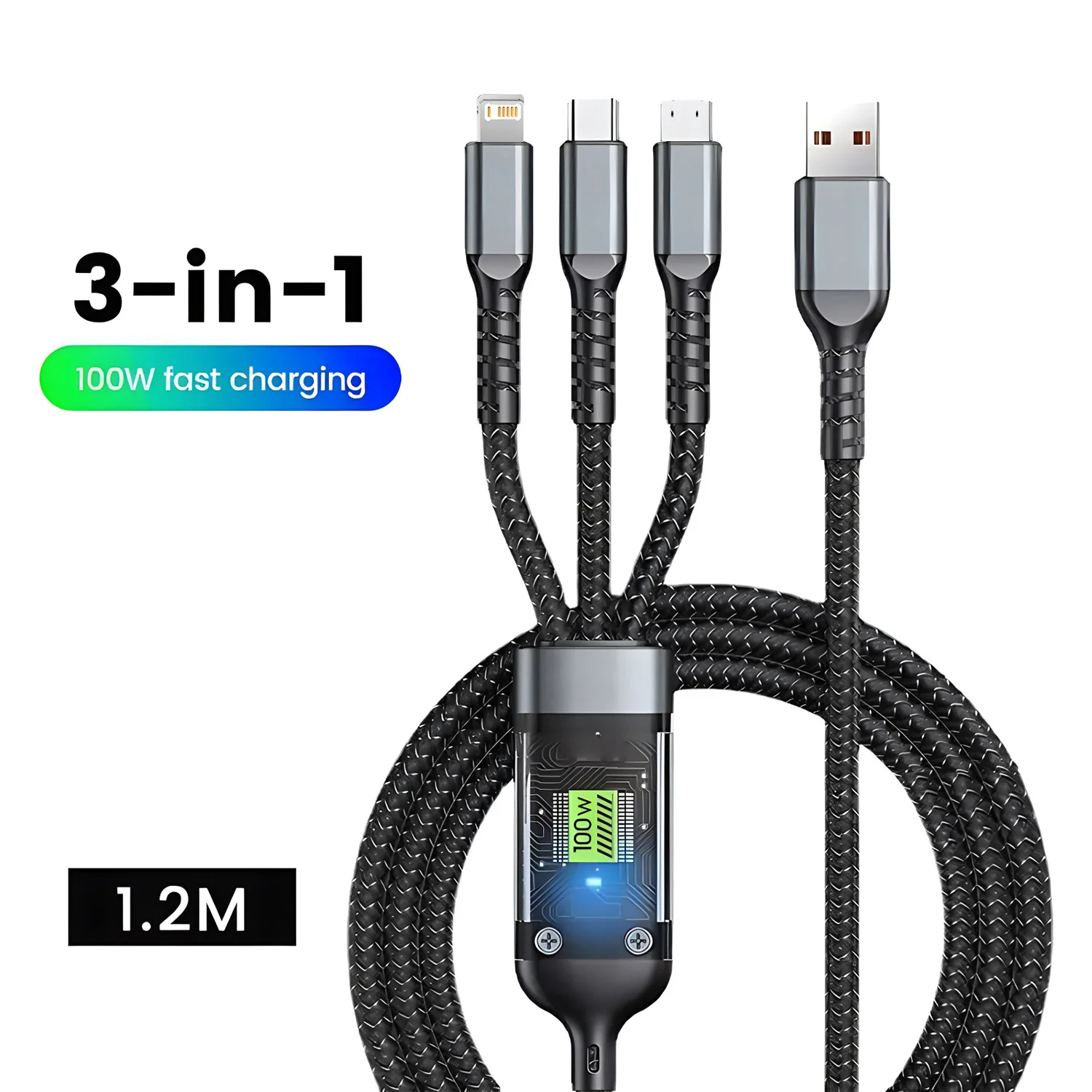
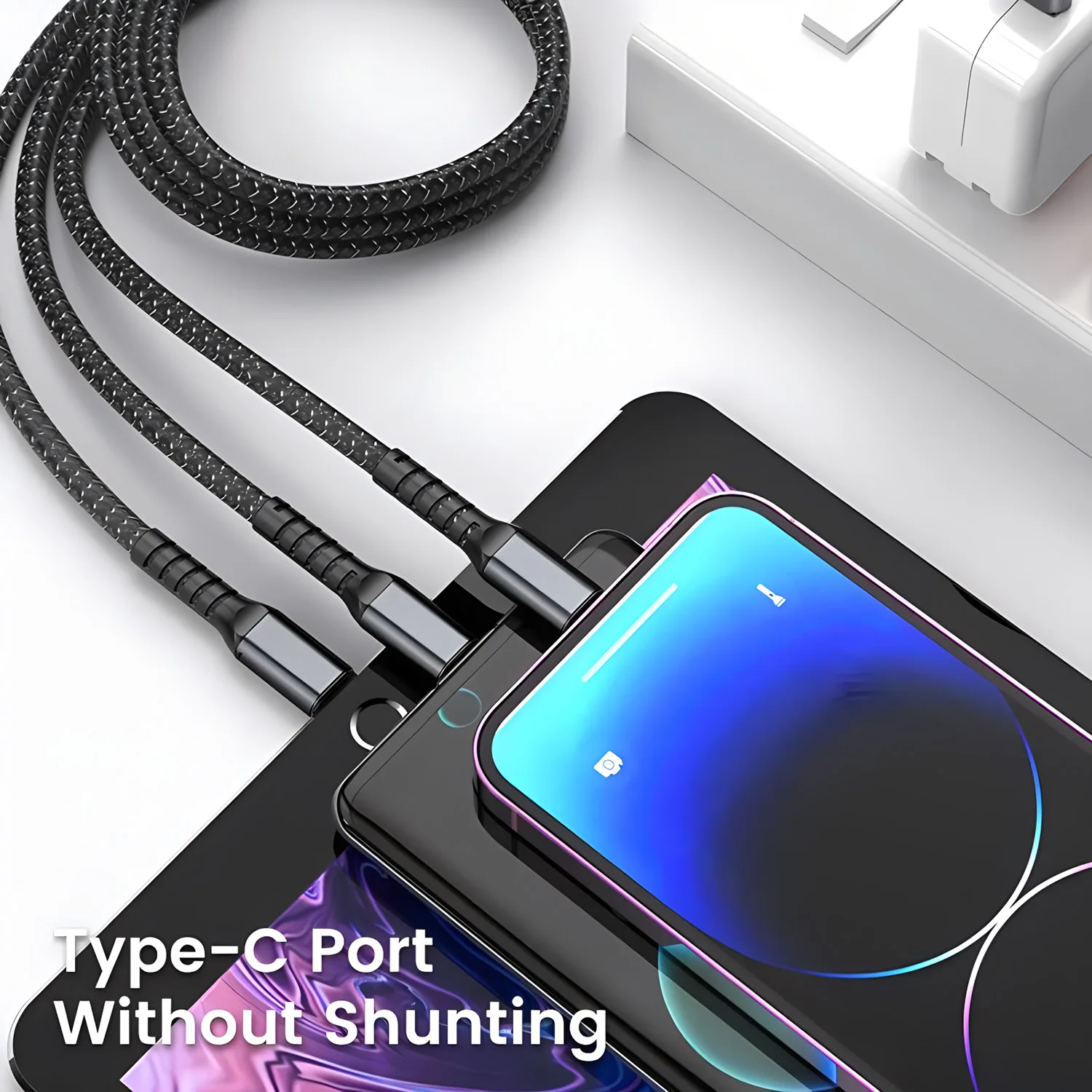
- 3-in-1 cables with Lightning, USB-C and micro-USB ends, for a house or car shared by different phones.
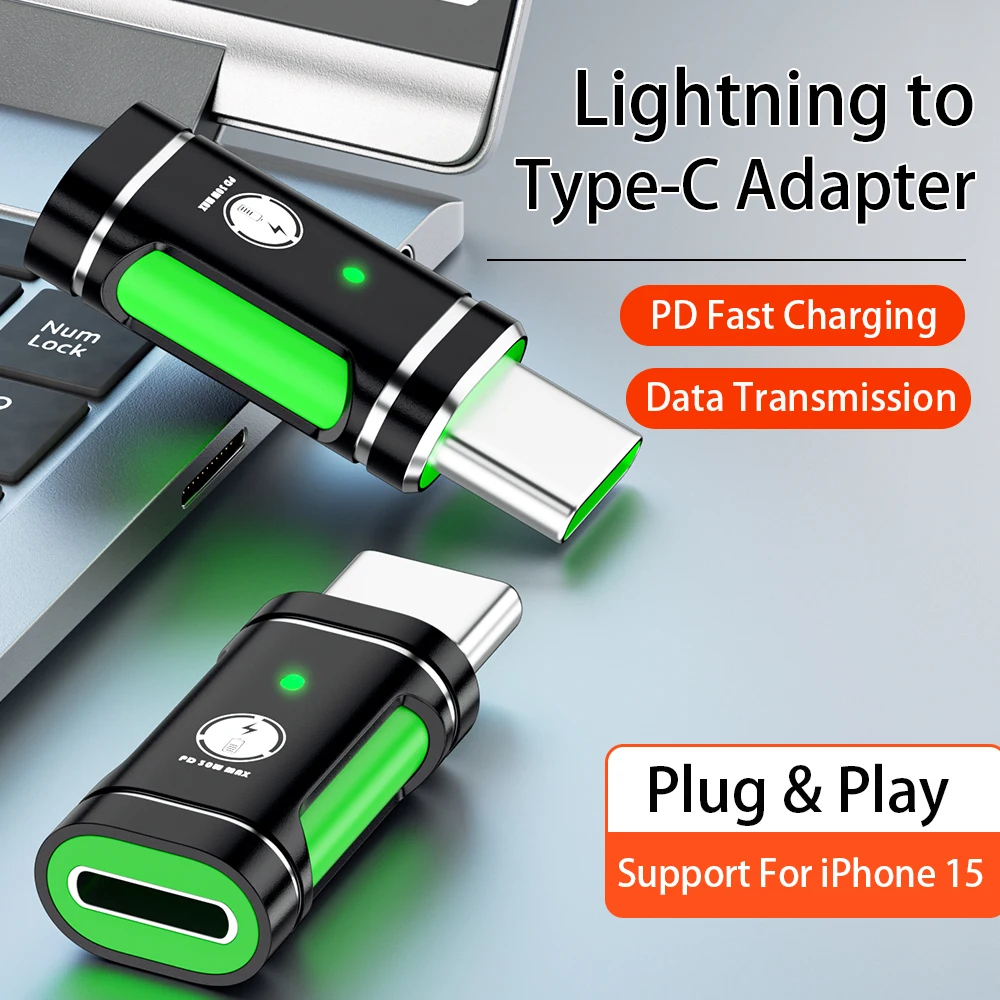
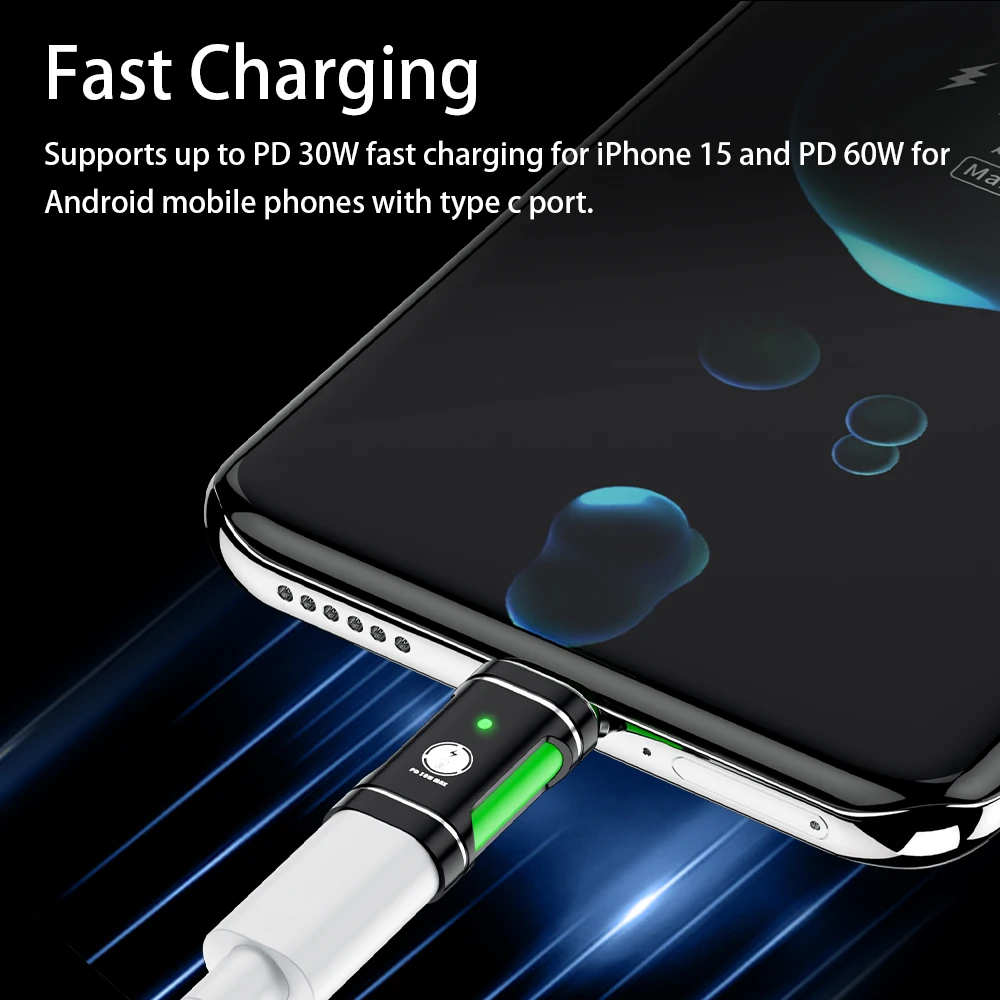
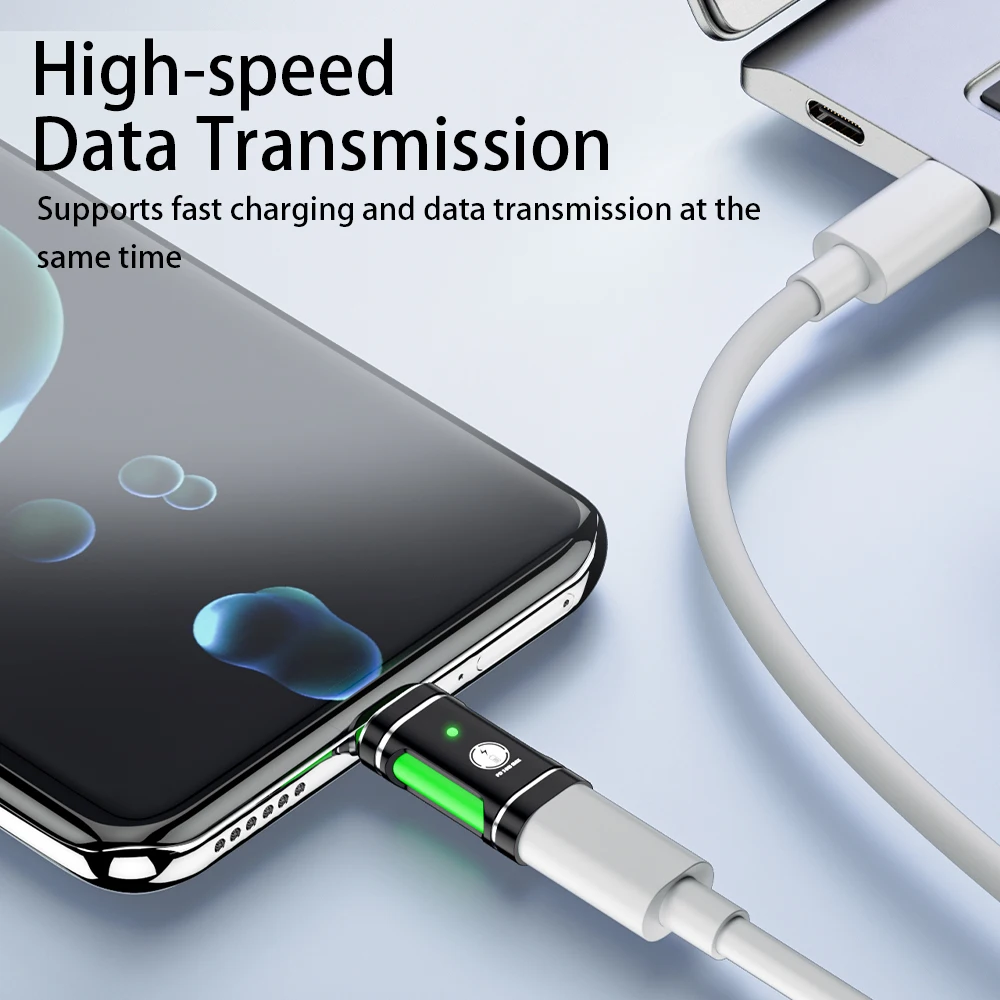
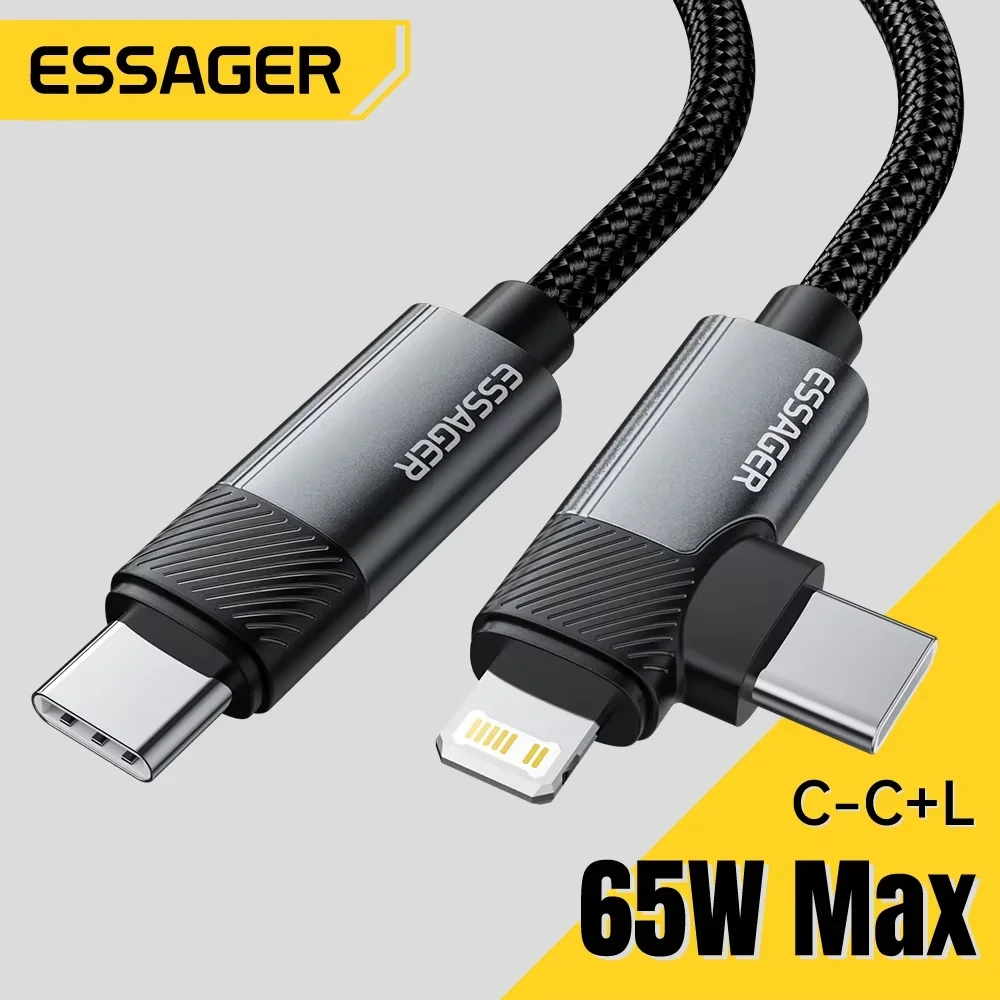
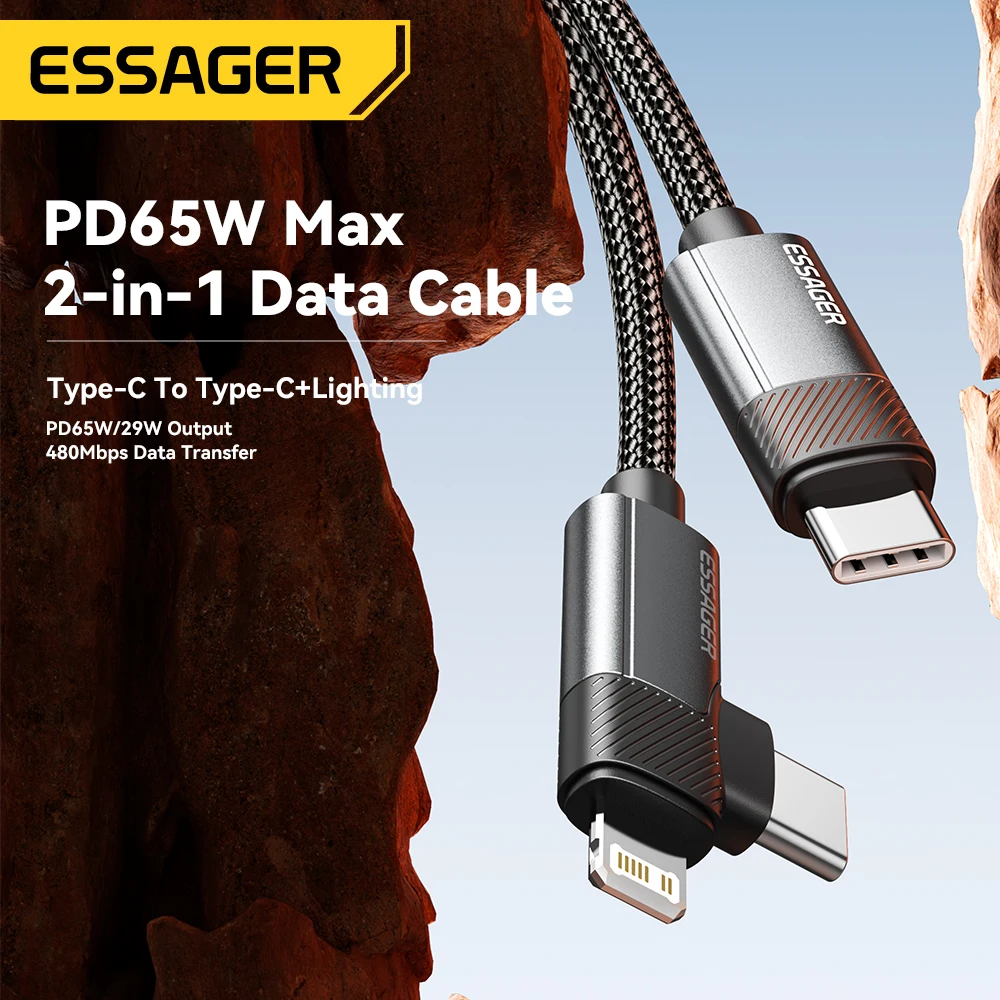
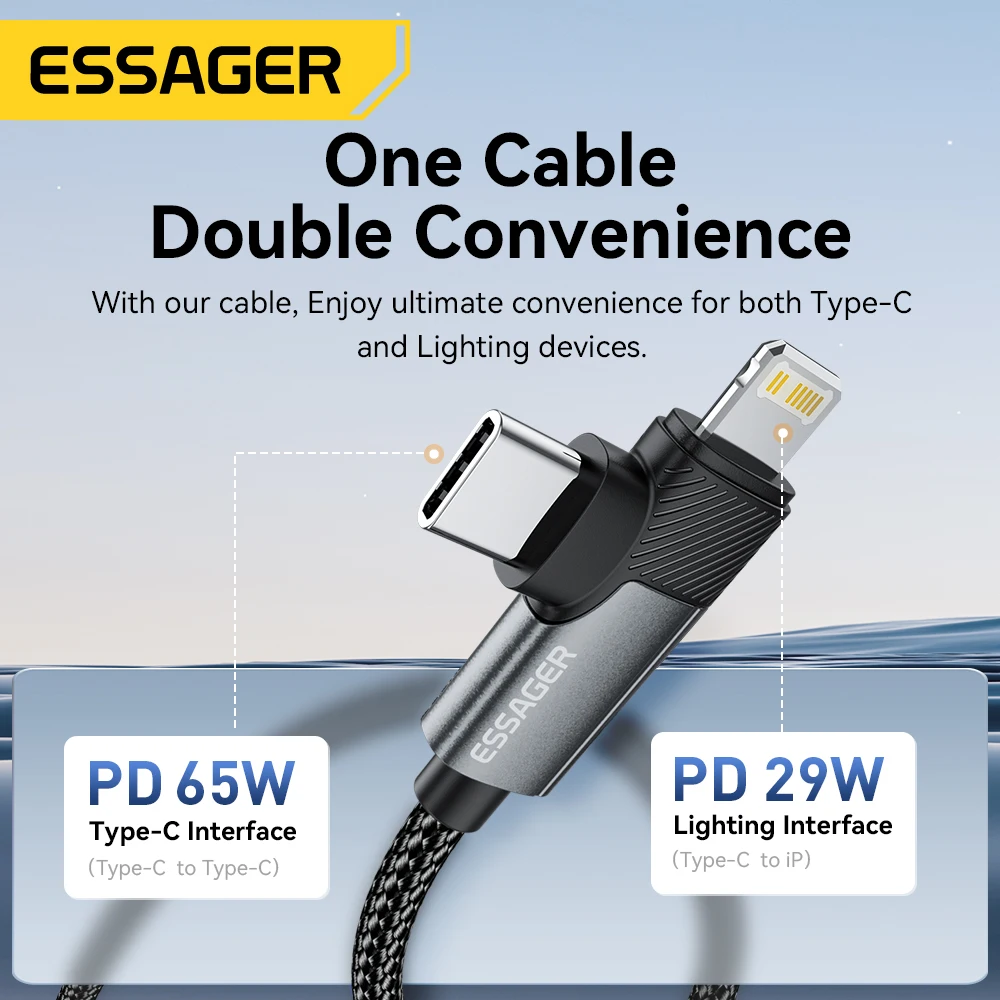
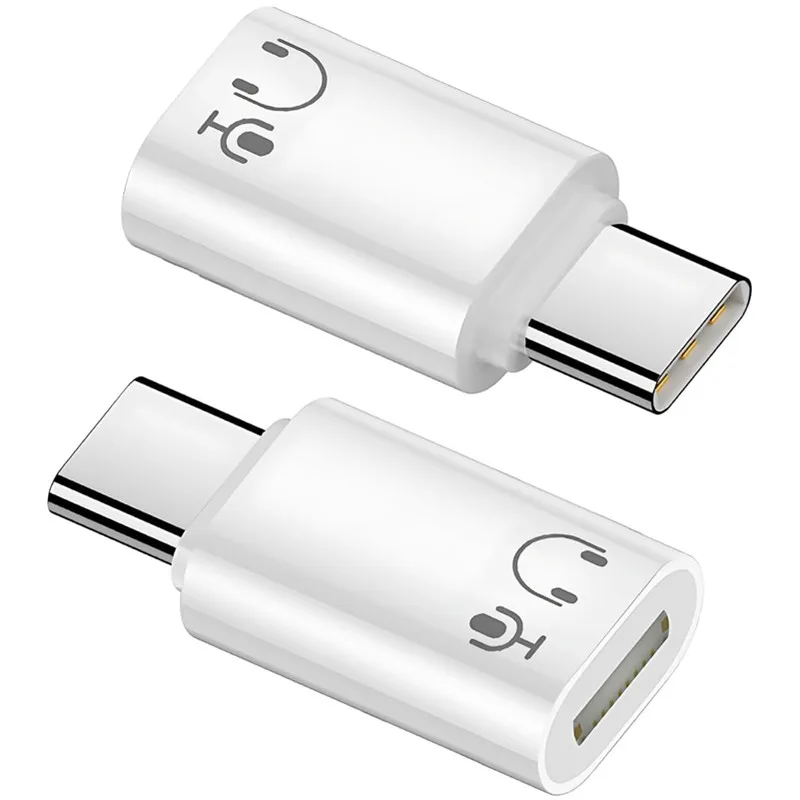
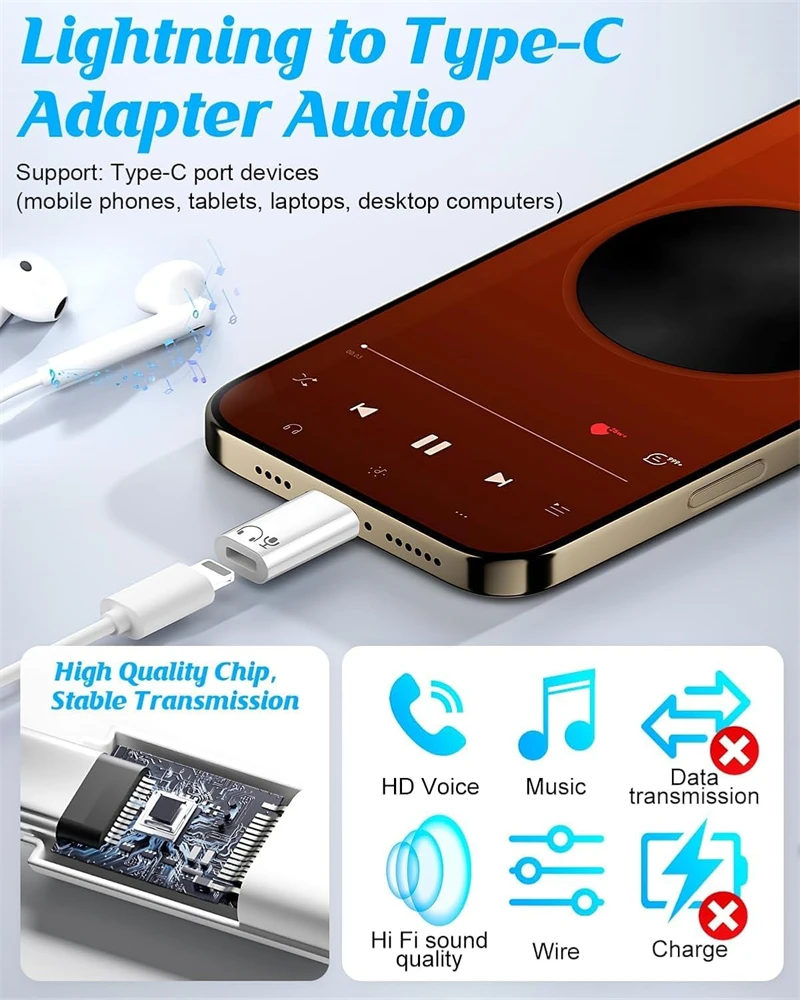
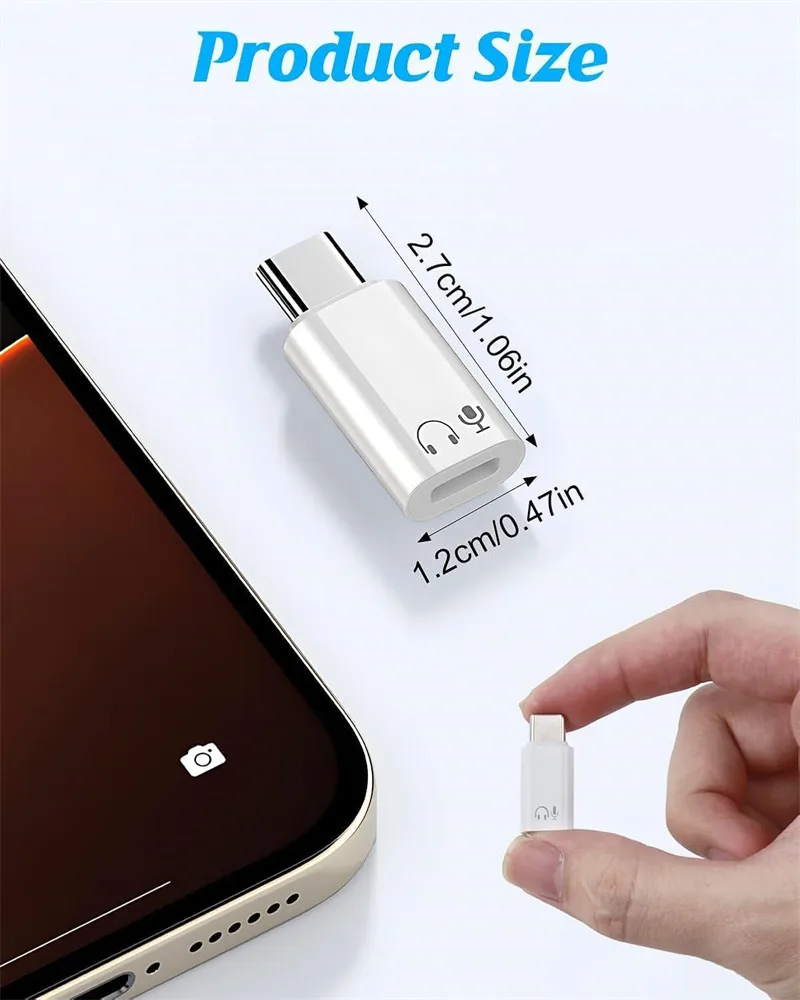
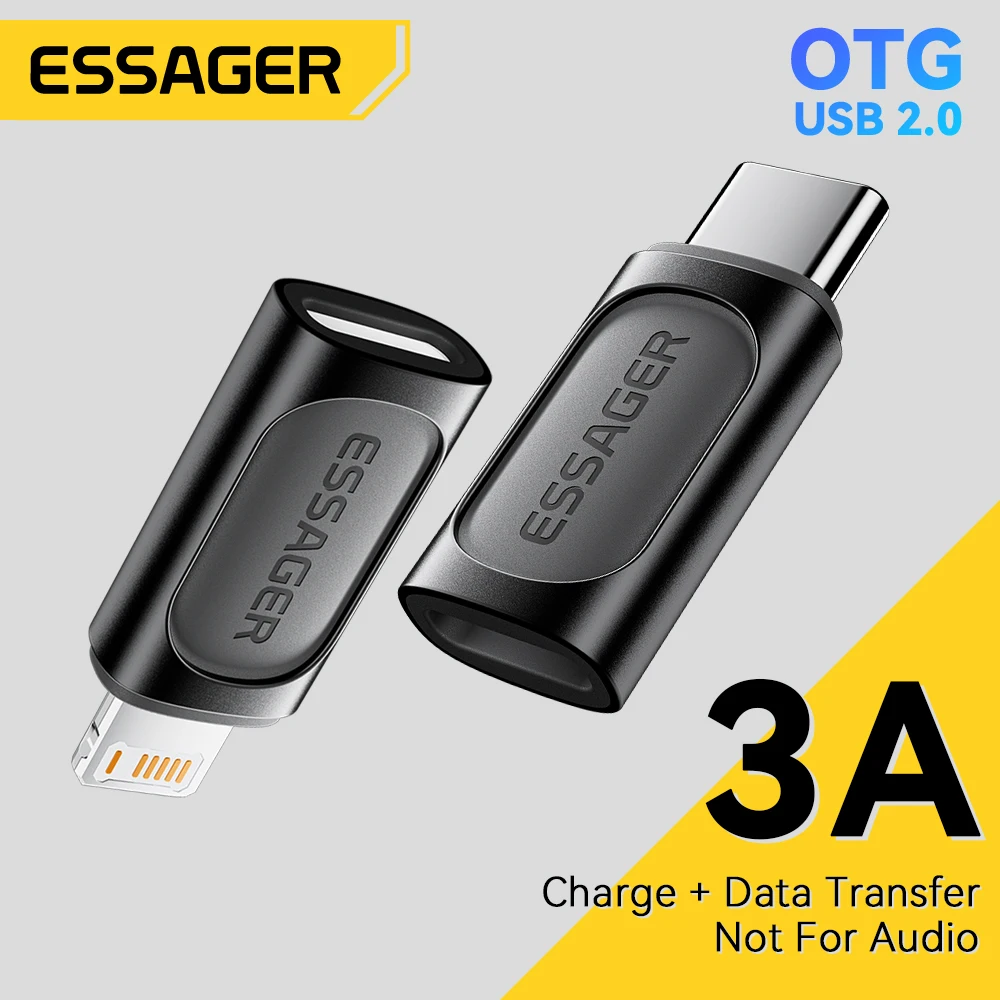
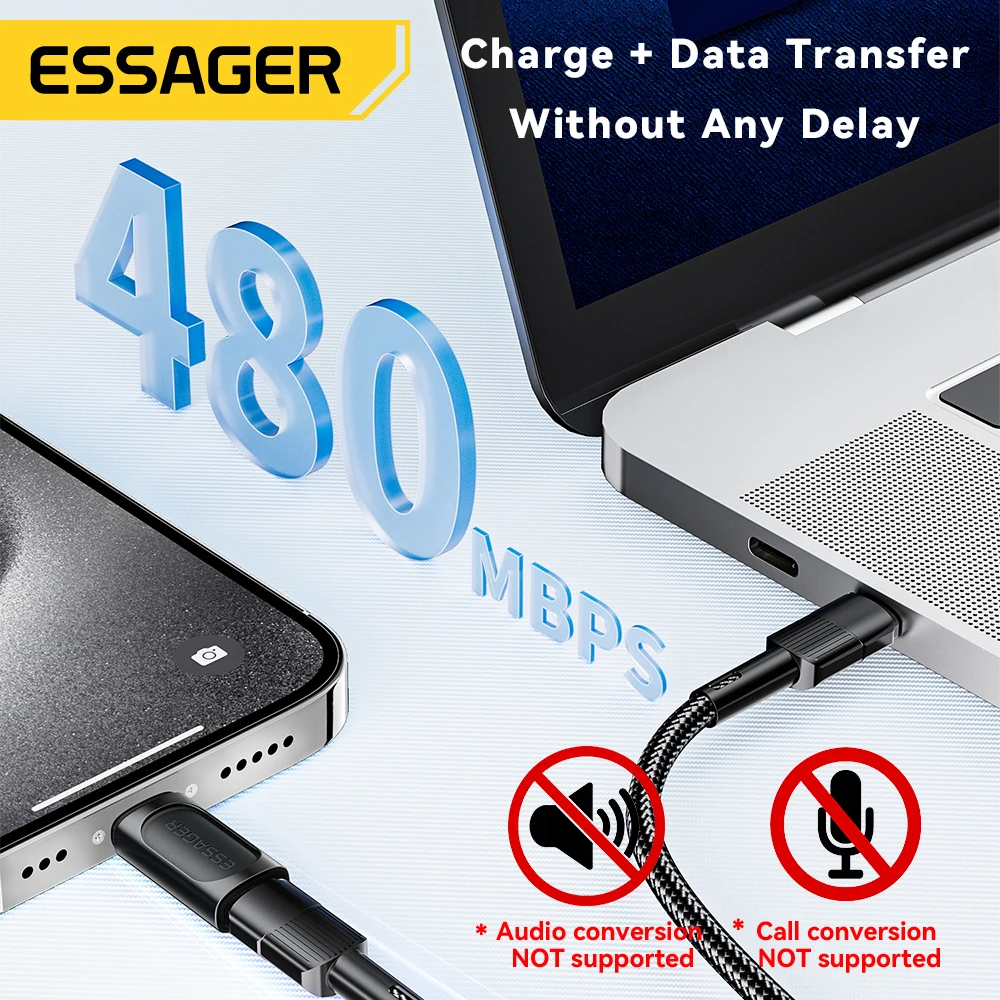
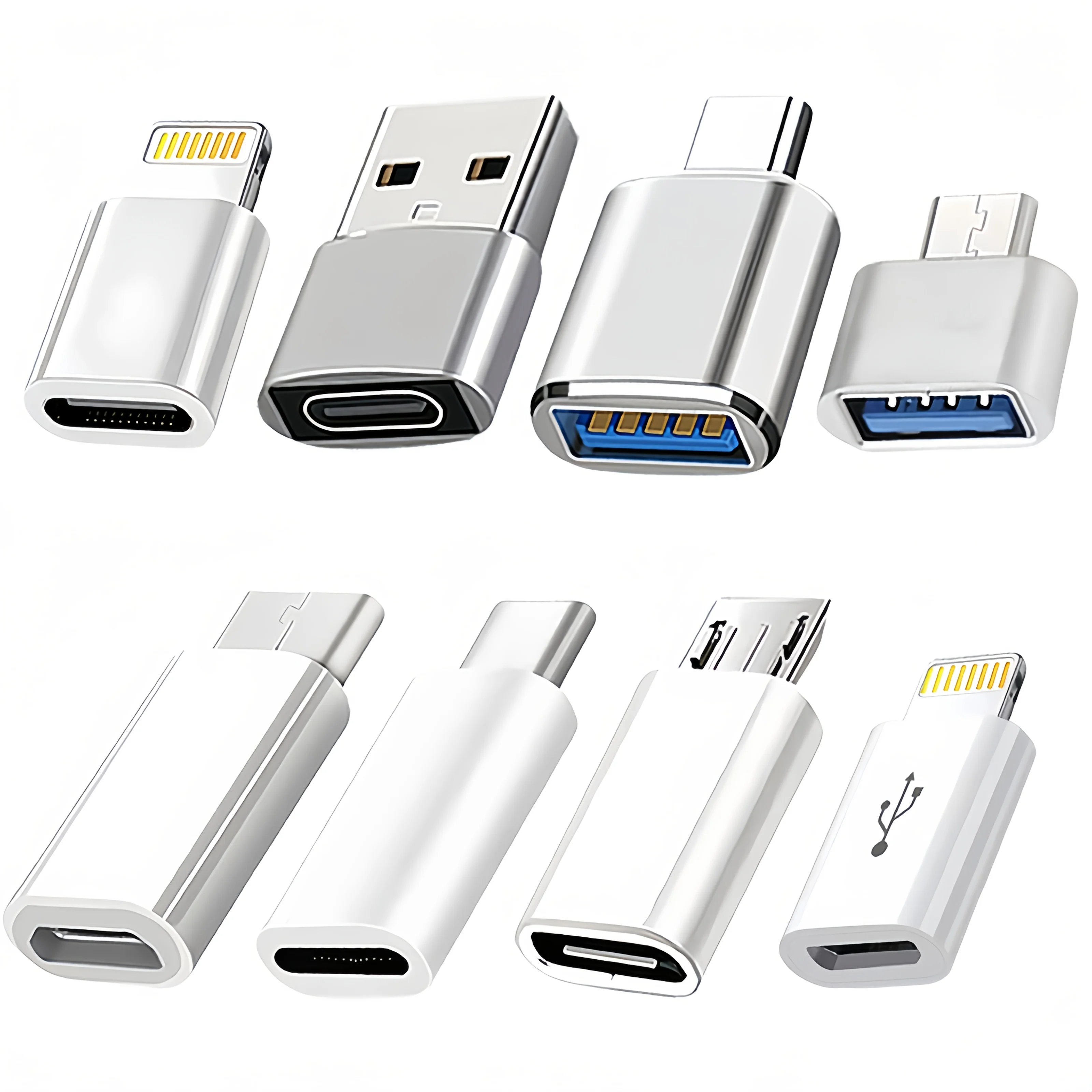
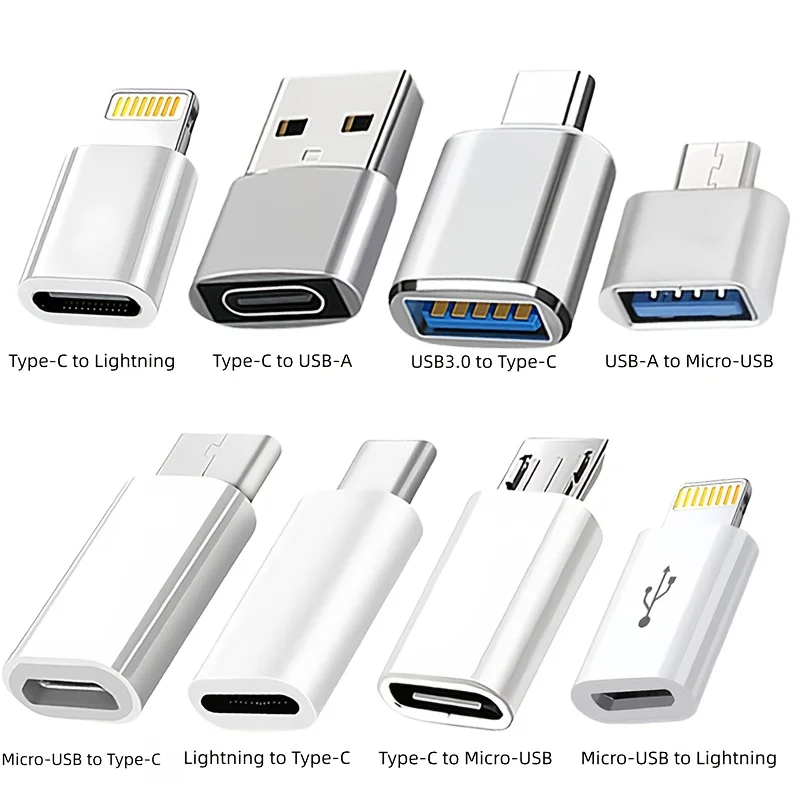
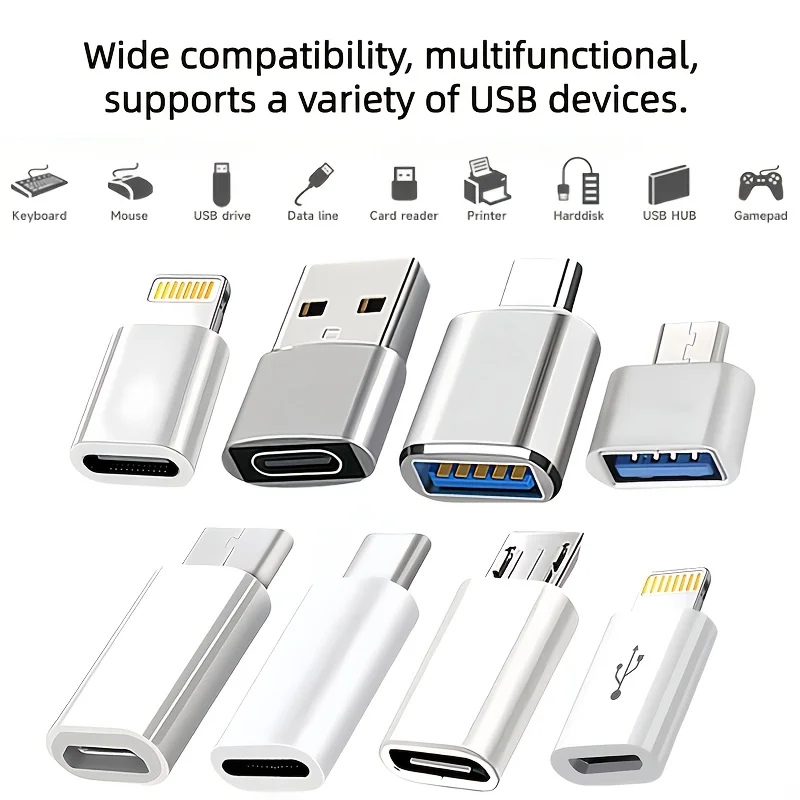
- Adapters: a two-way adapter between USB-C and Lightning, an adapter that lets Lightning headphones work on a USB-C iPhone, and a set of small converters that includes Lightning.
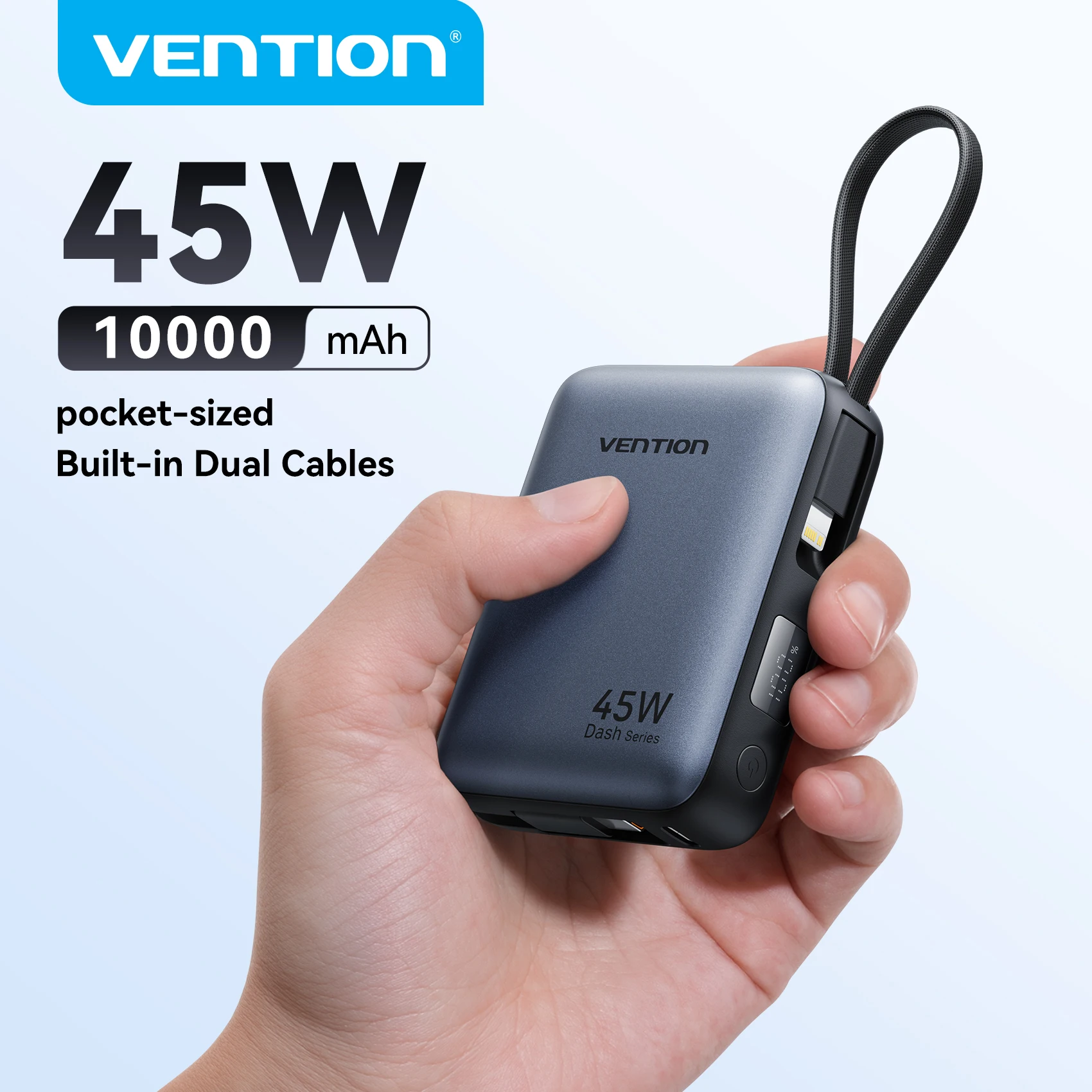
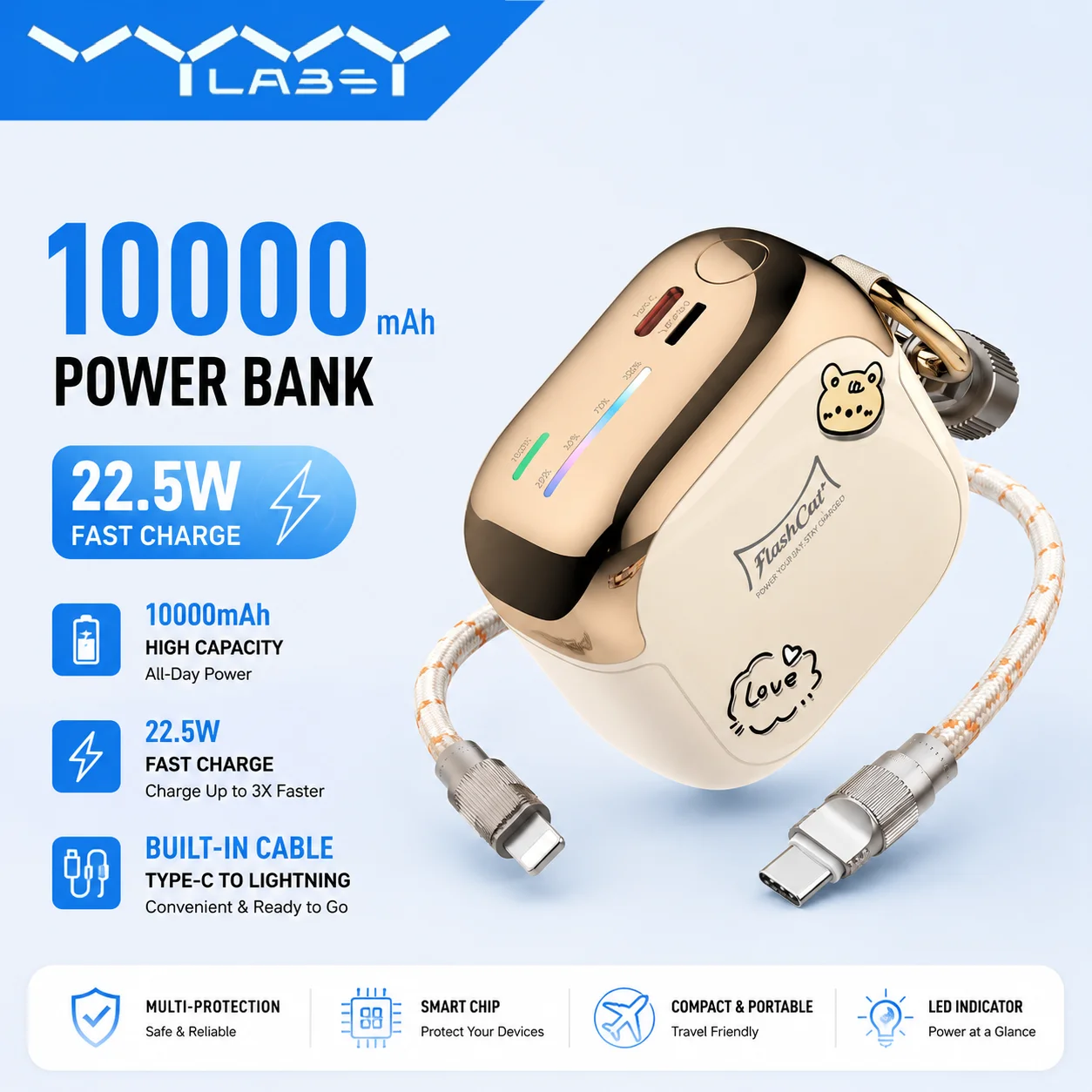
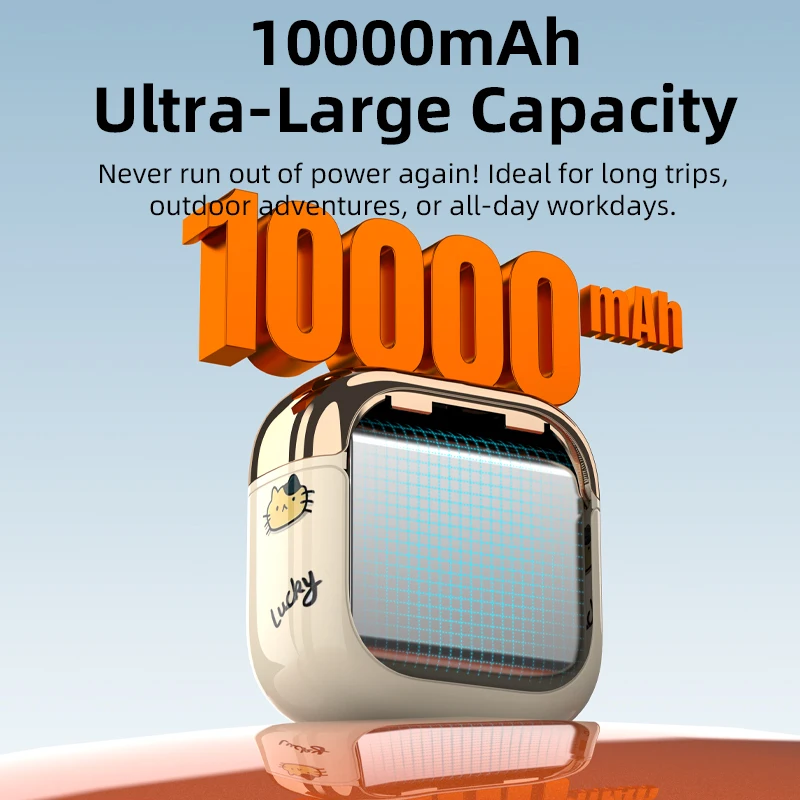
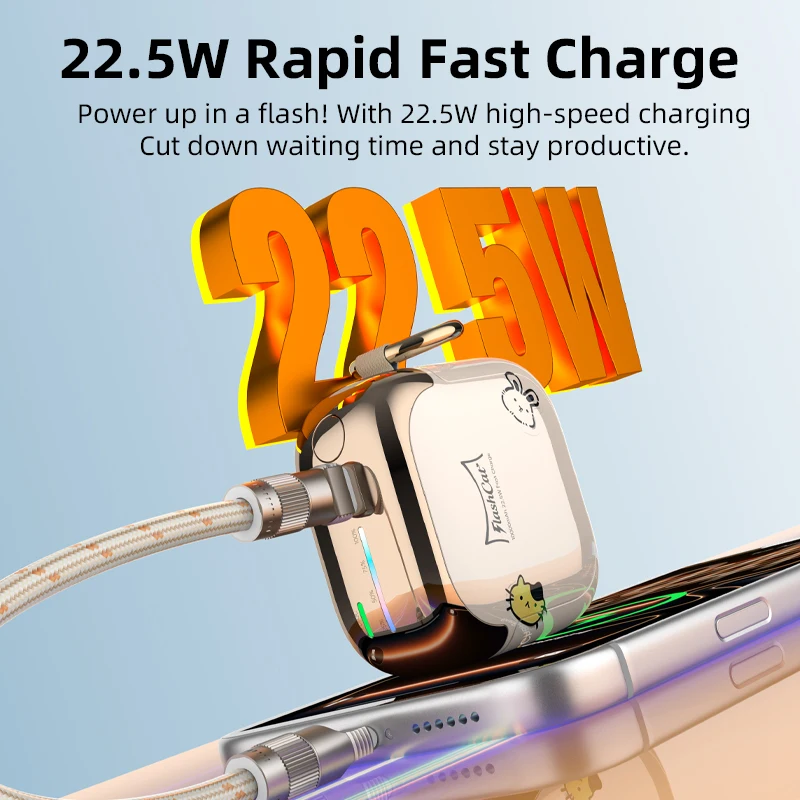
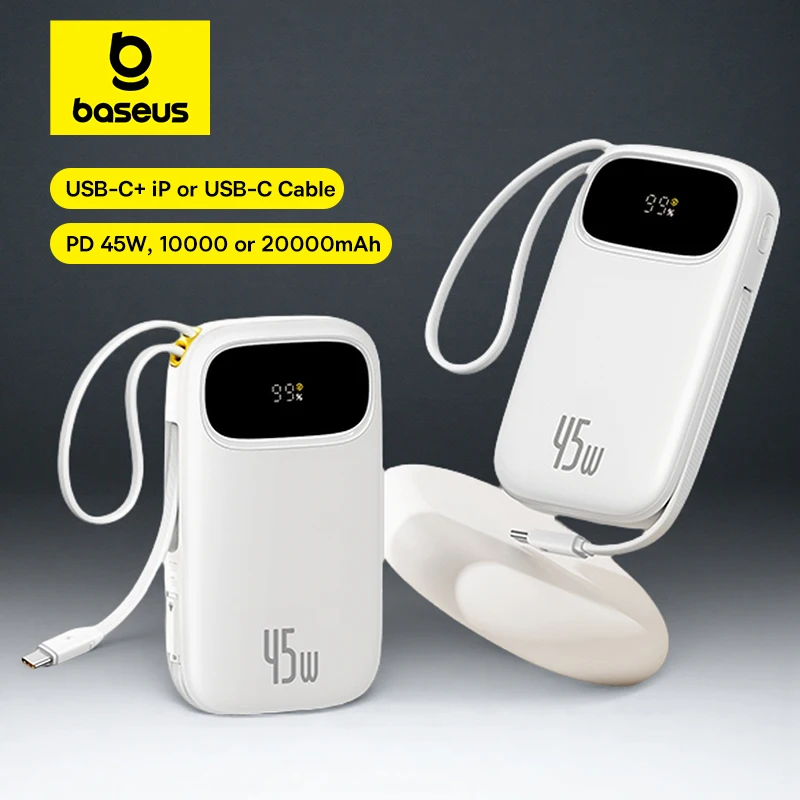
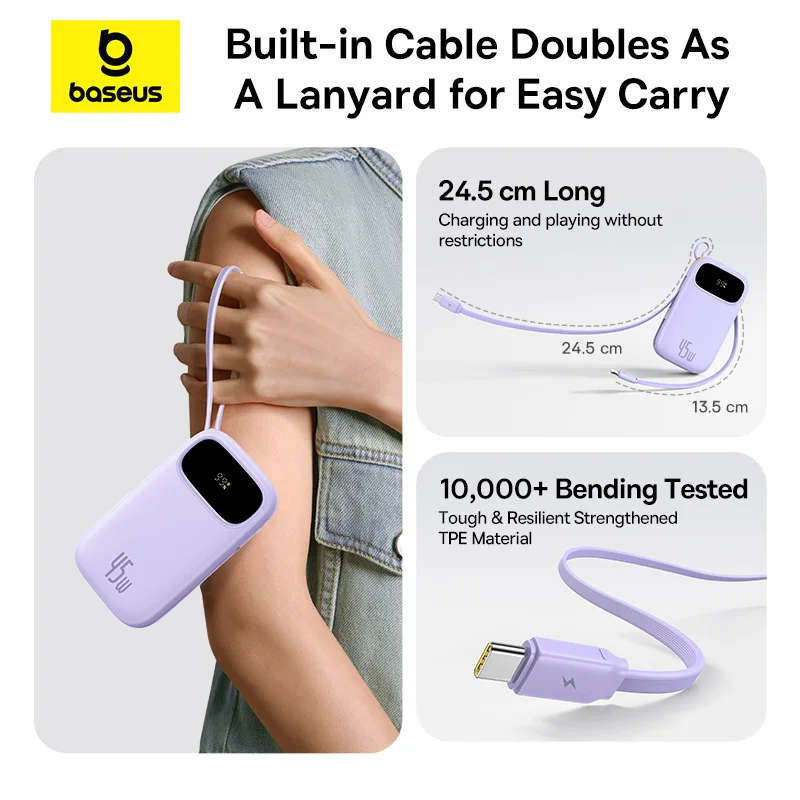
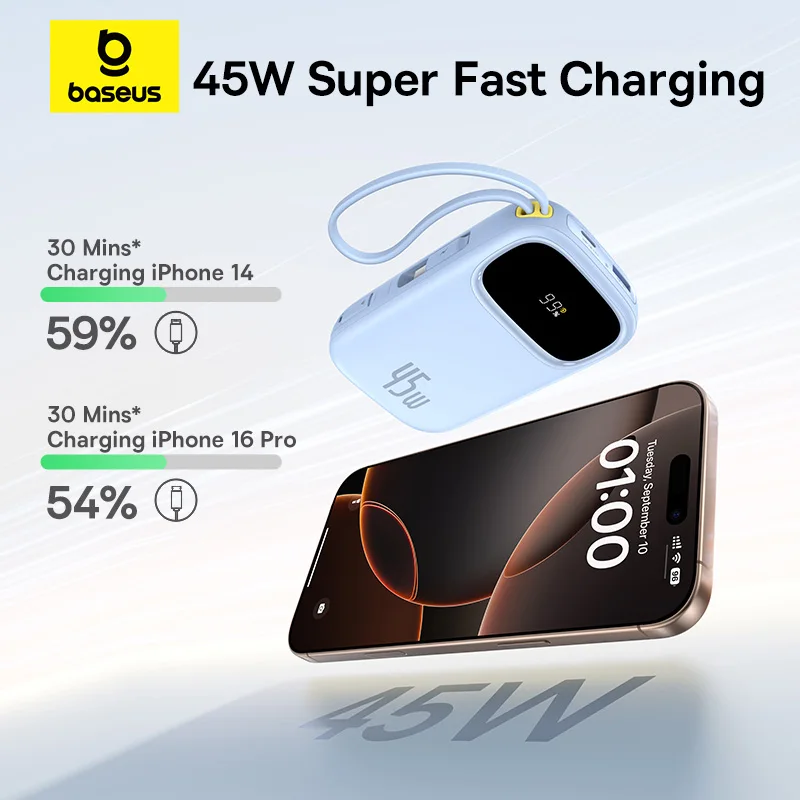
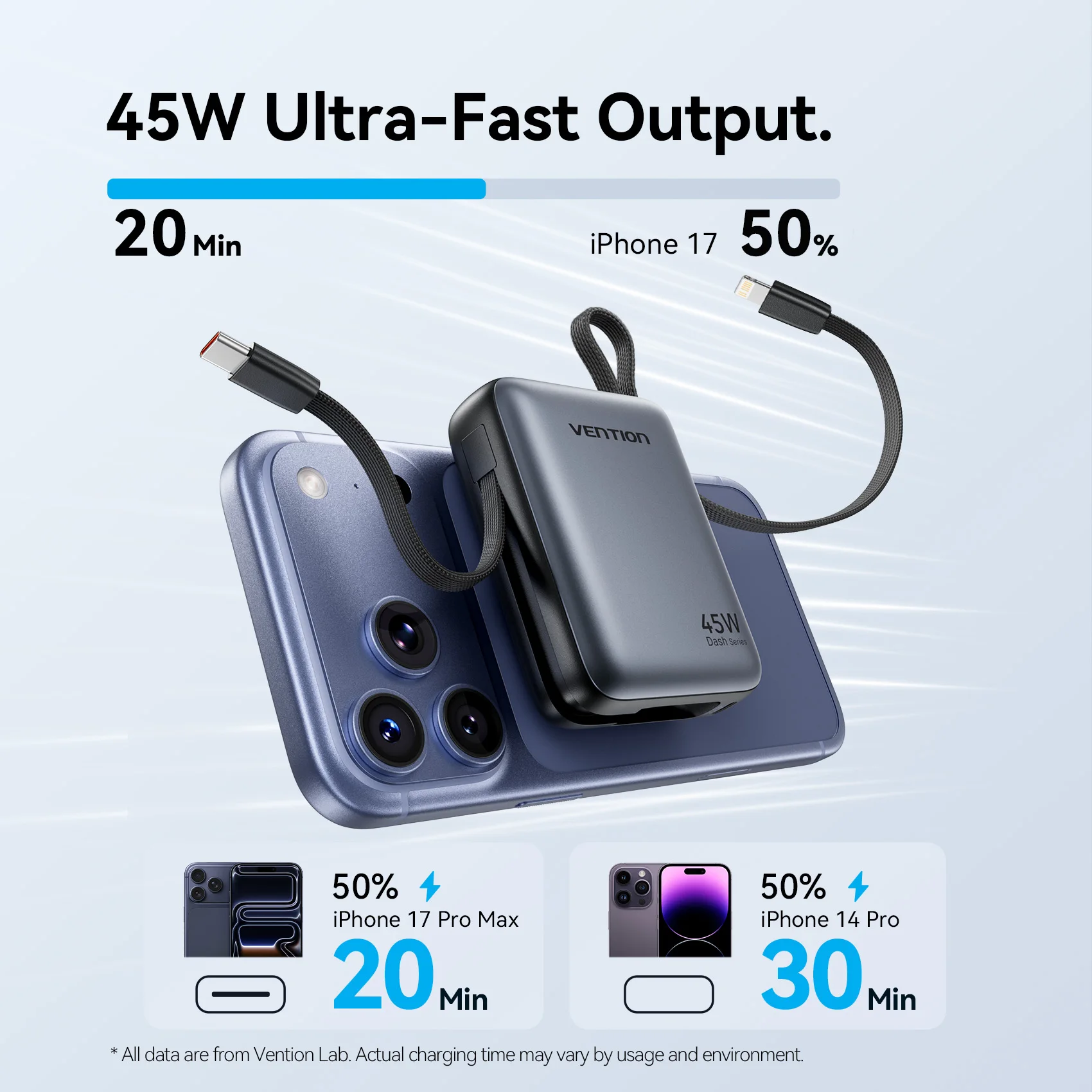
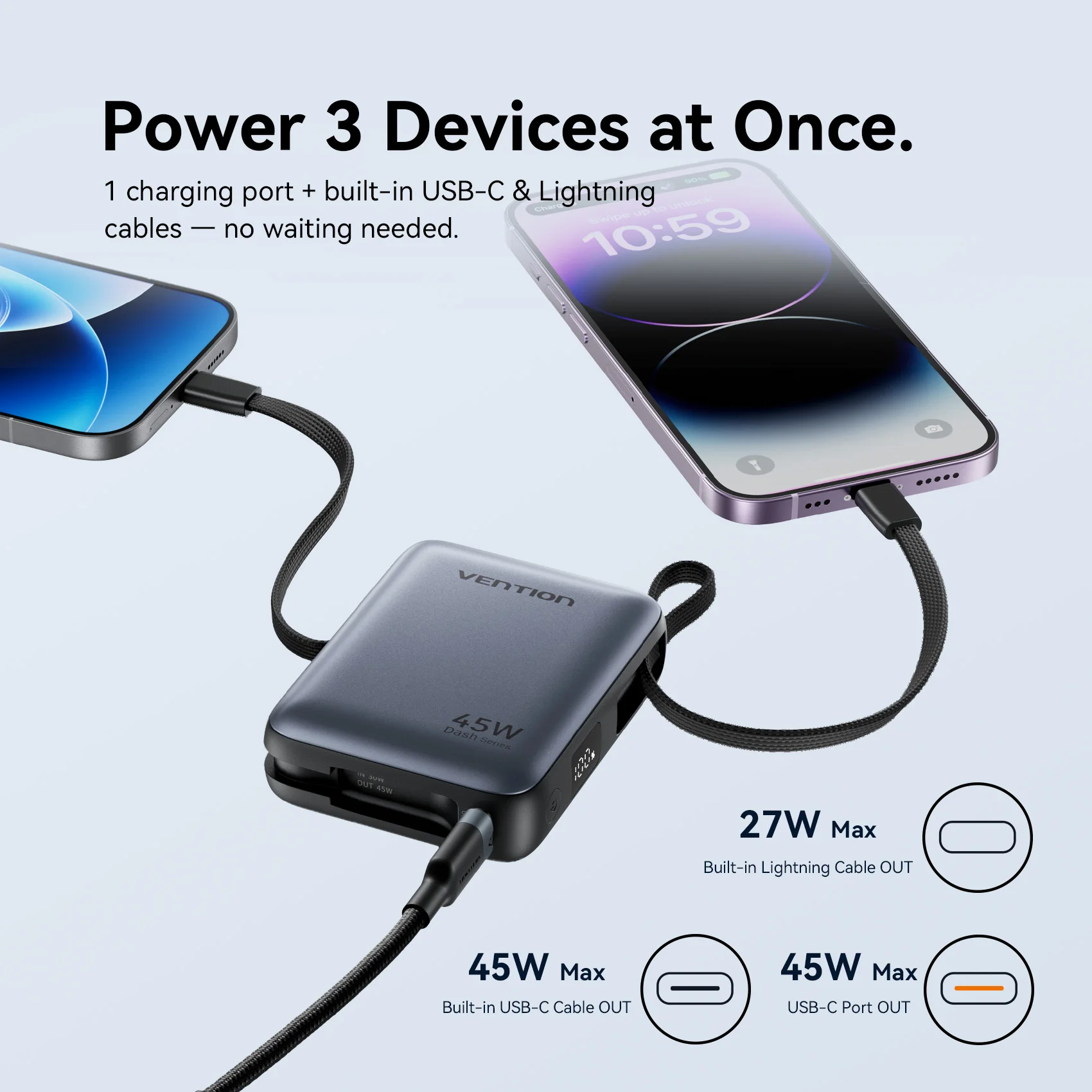
- A power bank with USB-C and Lightning cables built in, so one power bank charges both kinds of iPhone.
A cable whose listing says only "for iPhone", without the word Lightning, is not picked up here, so look in Lightning cables as well.
Getting fast charging on a Lightning iPhone
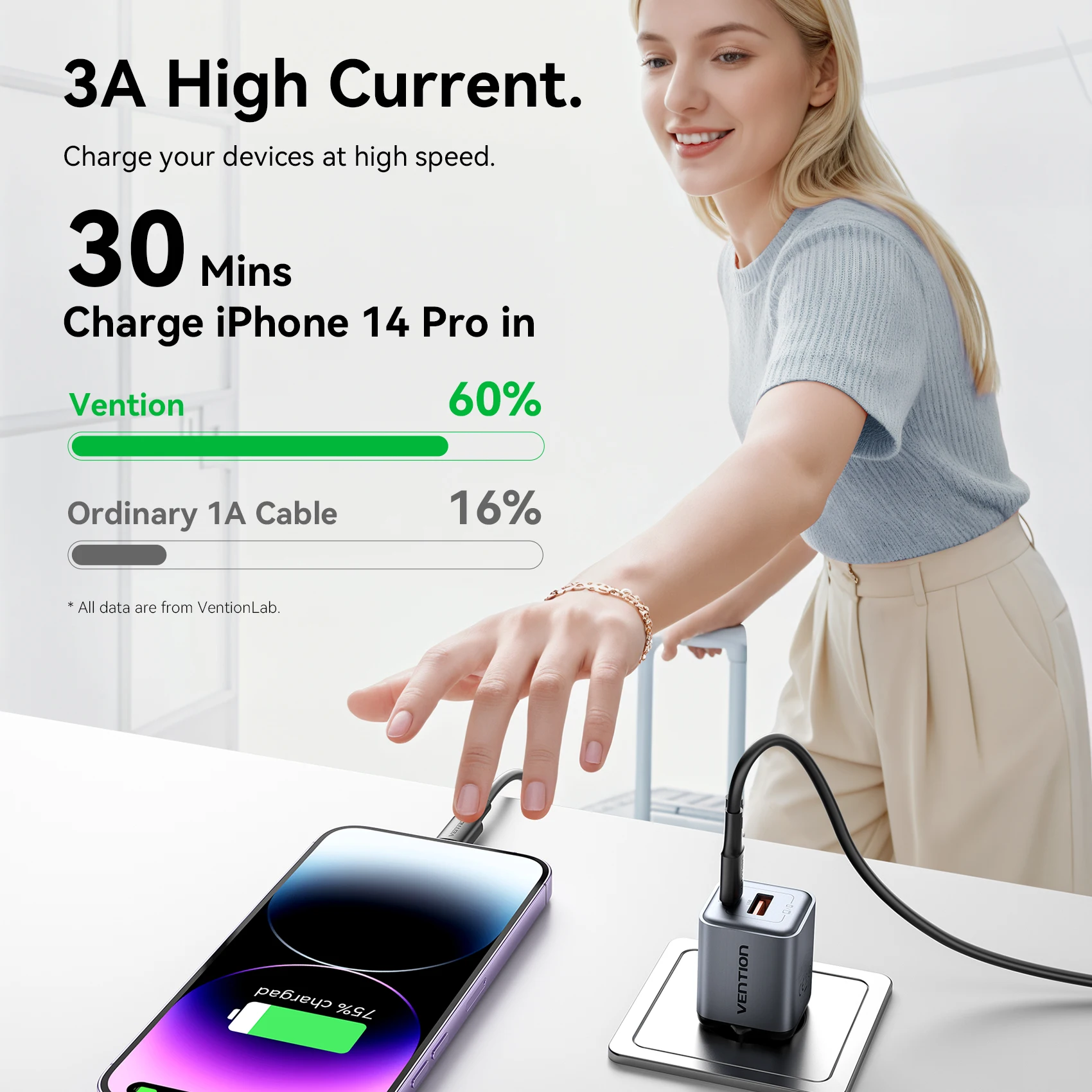
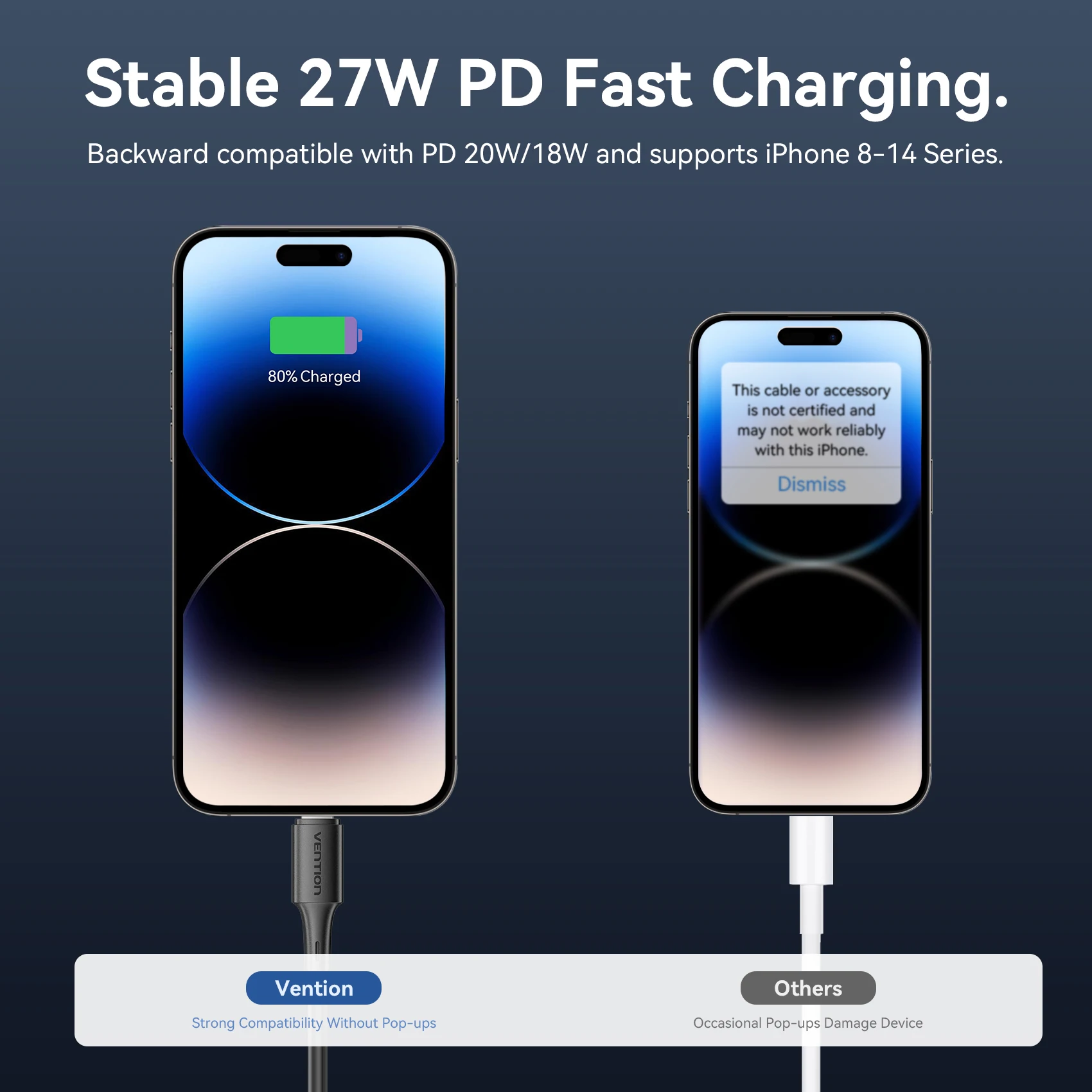
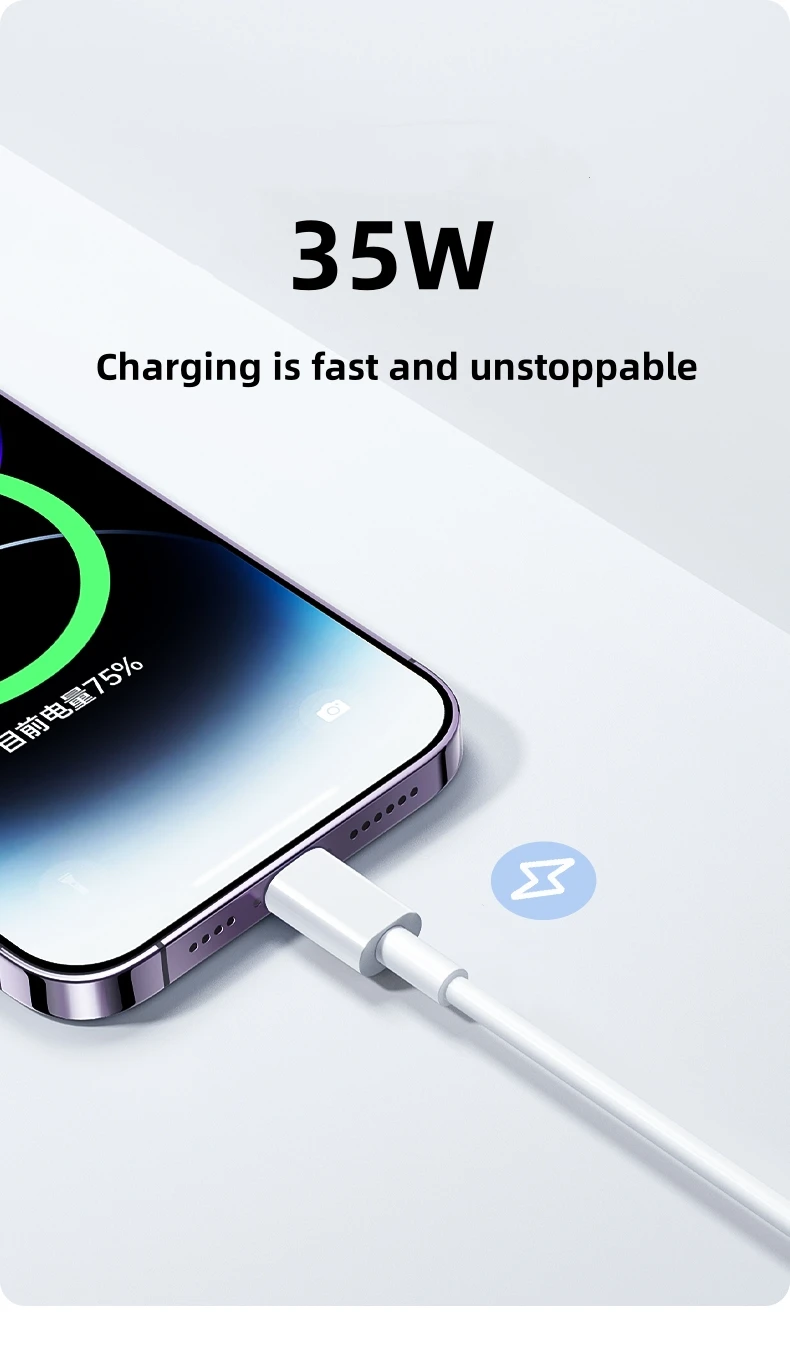
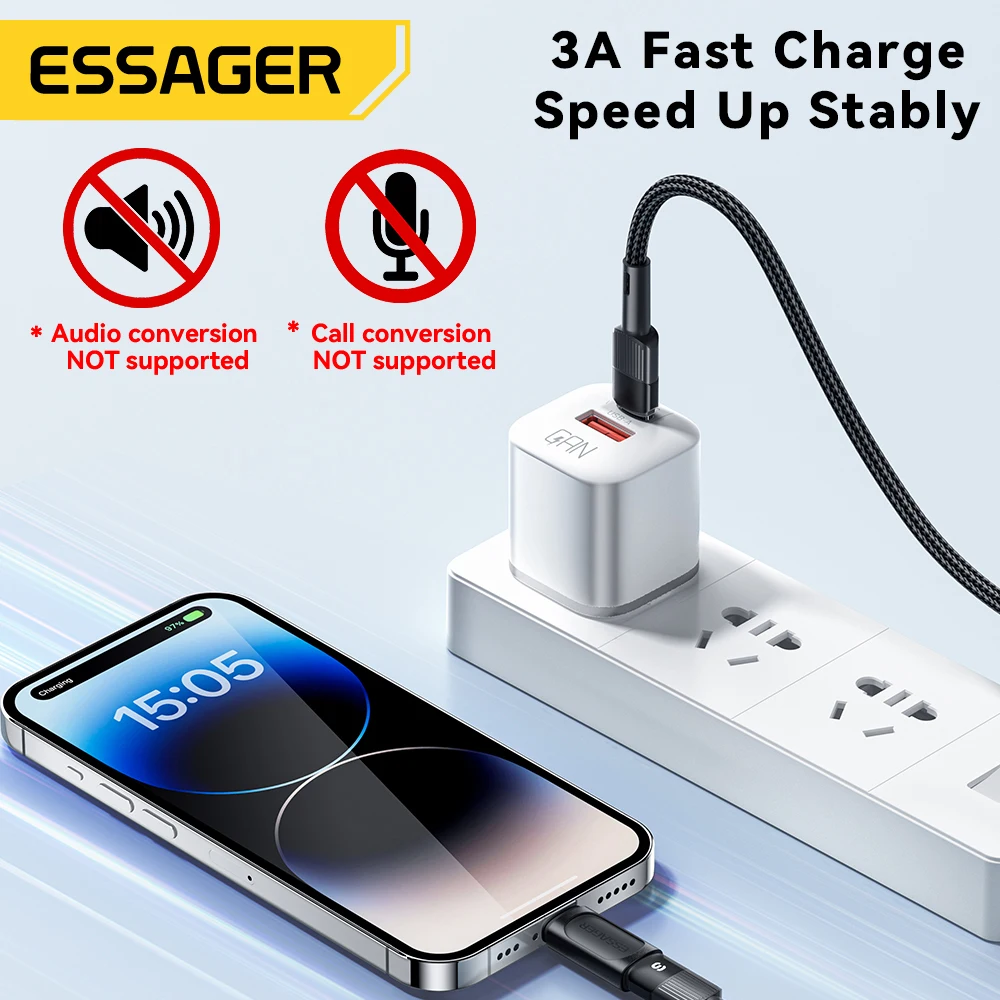
Apple's route to fast charging for iPhones before the iPhone 15 is a USB-C to Lightning cable on a USB-C charger with USB Power Delivery, at 18 watts or more. An old USB-A cube and a USB-A to Lightning cable will still charge the phone, but slowly. So if you have a newer charger with a USB-C socket, the USB-C to Lightning cable is the one to have. The guide to fast charging explains why.
Moving from Lightning to USB-C
Many homes now have both: an older iPhone on Lightning and a newer one, or an Android phone, on USB-C. Adapters ease the change. A small USB-C to Lightning adapter lets an old Lightning cable charge a USB-C phone, or the other way round, and a headphone adapter keeps a pair of Lightning earphones in use.
Questions people ask about Lightning accessories
How do I know if my iPhone has Lightning?
Every iPhone from the iPhone 5 to the iPhone 14 has Lightning. Look at the socket: a narrow slot with a flat bar inside is Lightning, a rounded oval is USB-C.
What should I do if a Lightning cable gets hot?
Stop using it. Apple lists heat in the connector and charging that keeps stopping among the signs of a counterfeit or uncertified Lightning accessory.
More to look at