A full-size USB socket for your phone
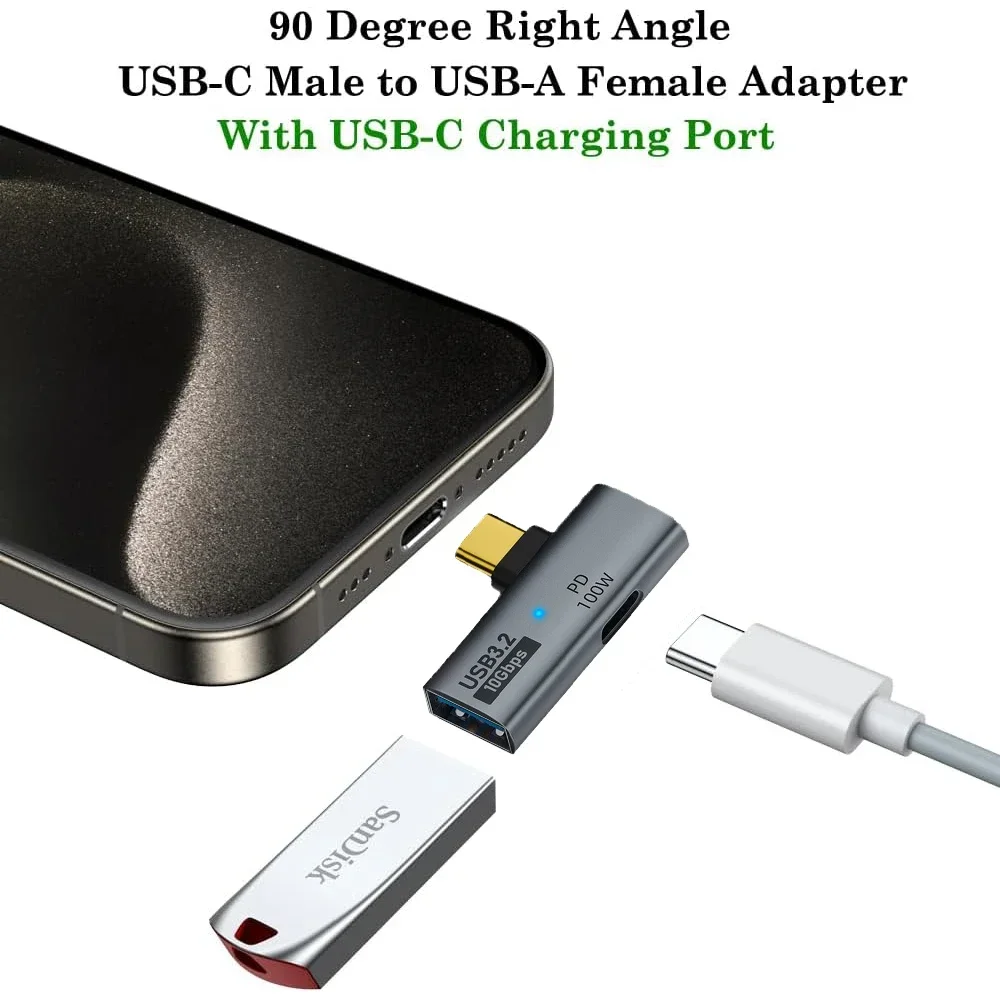
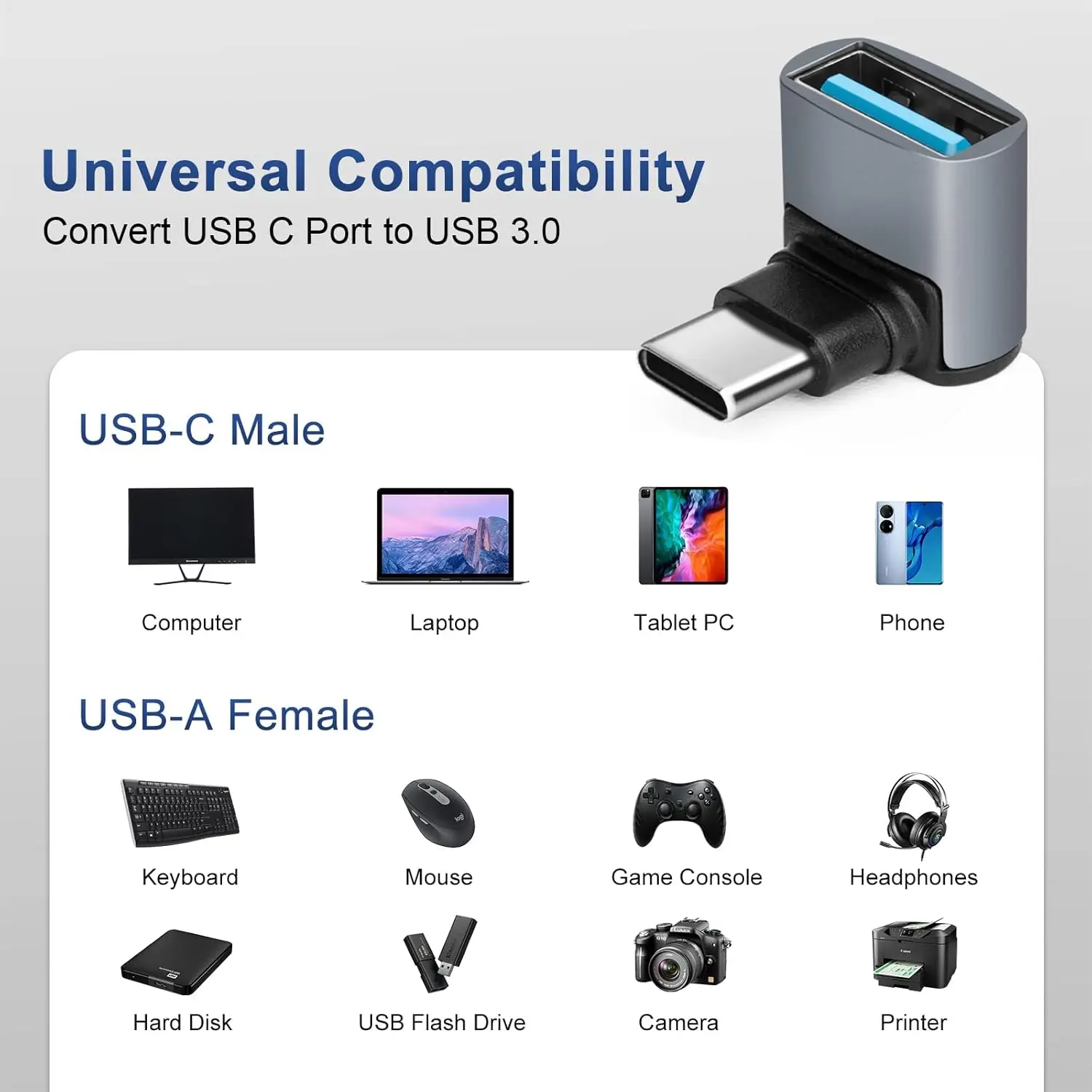
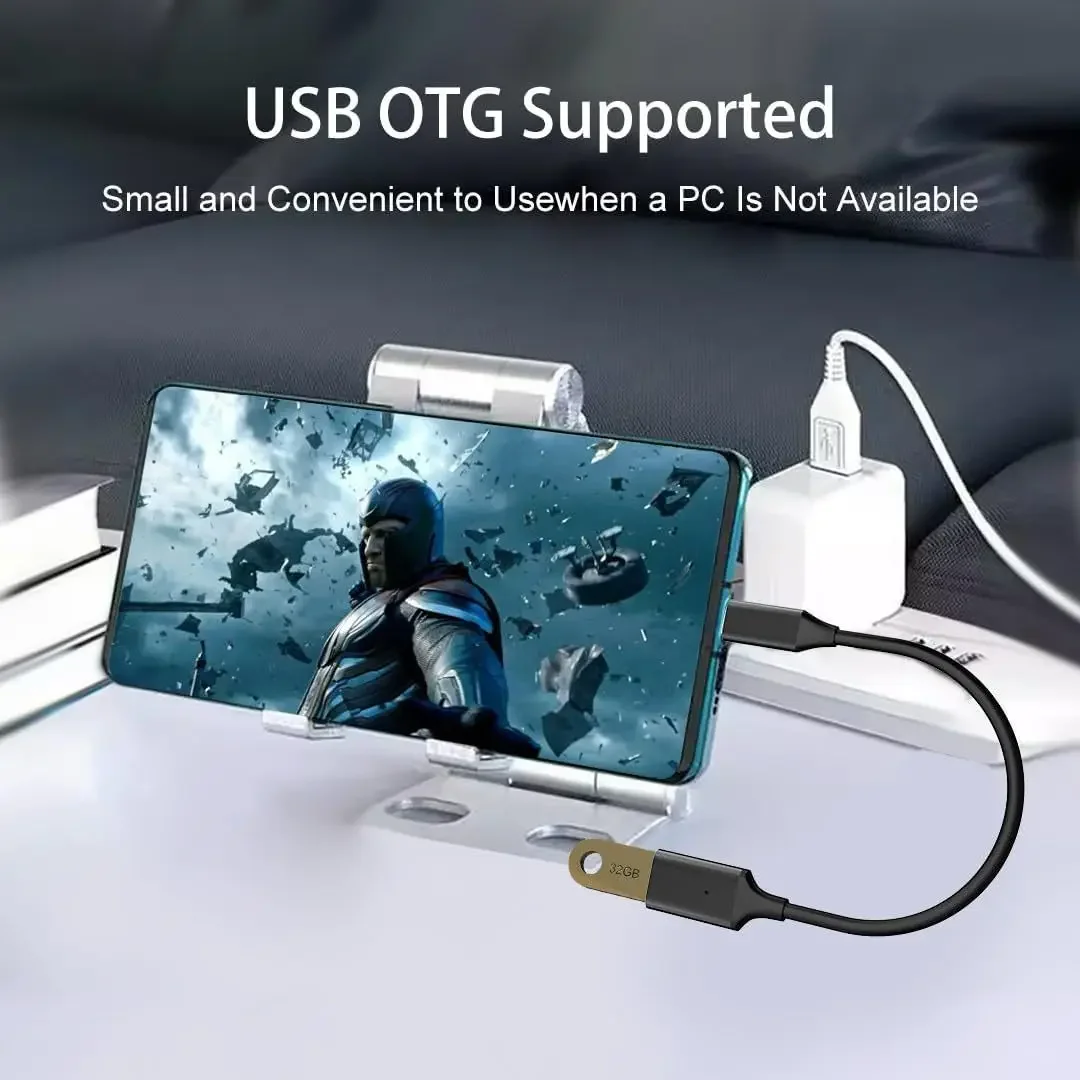
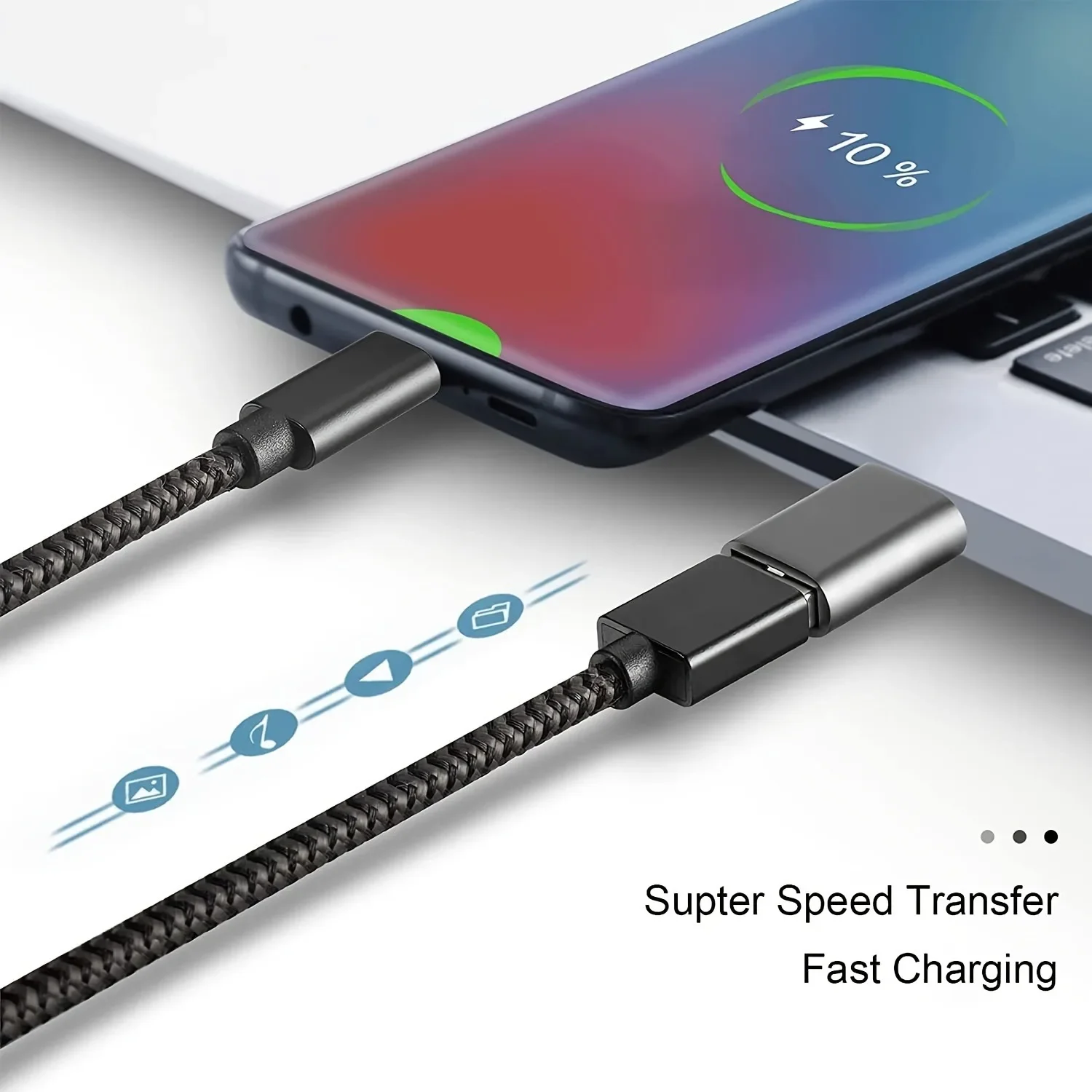
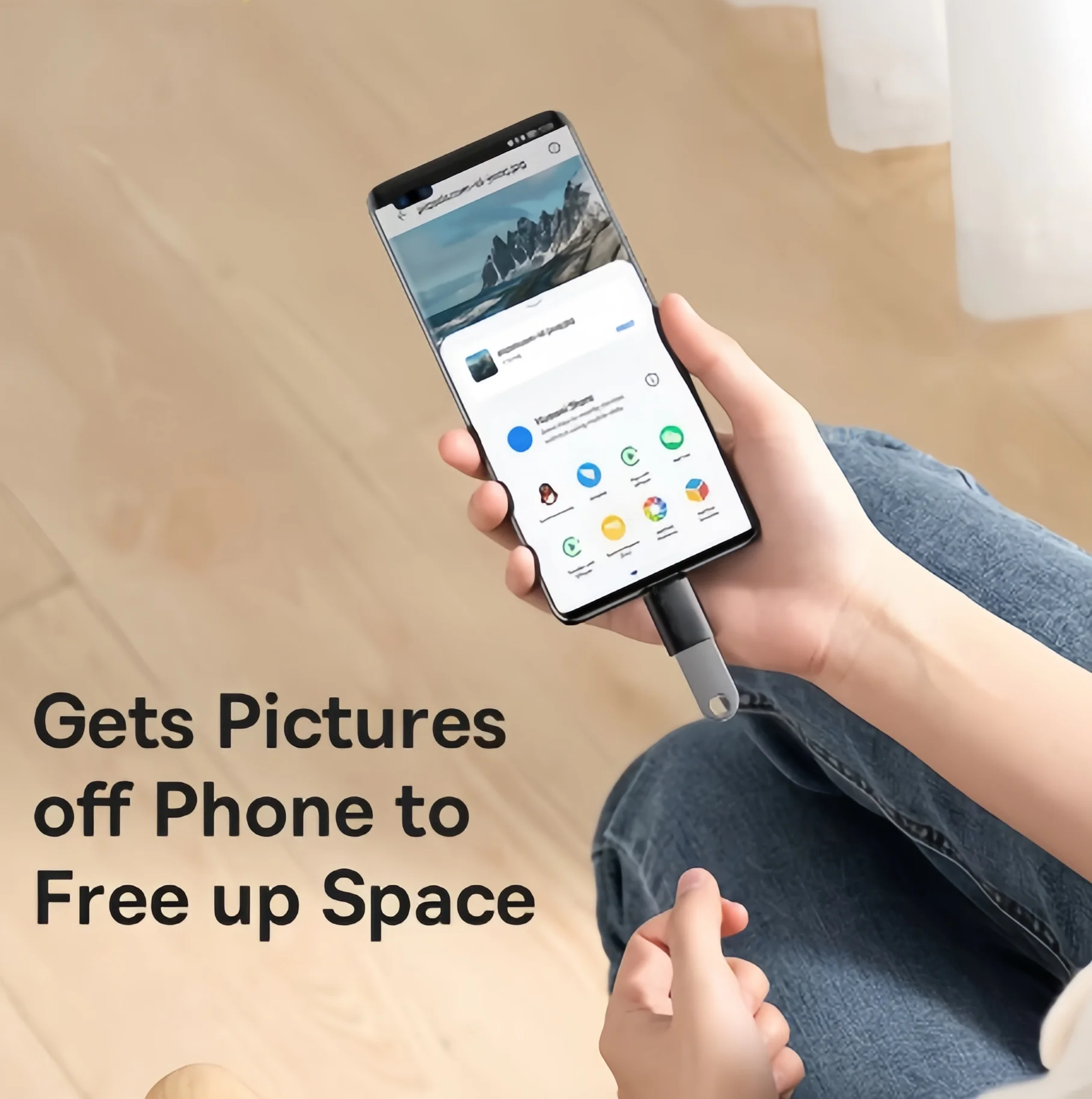
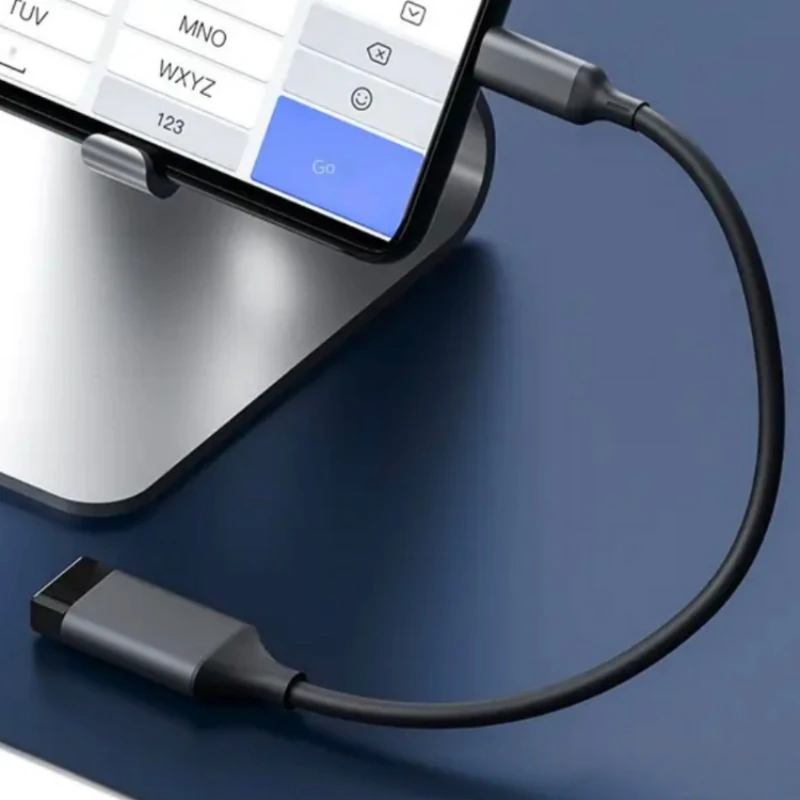
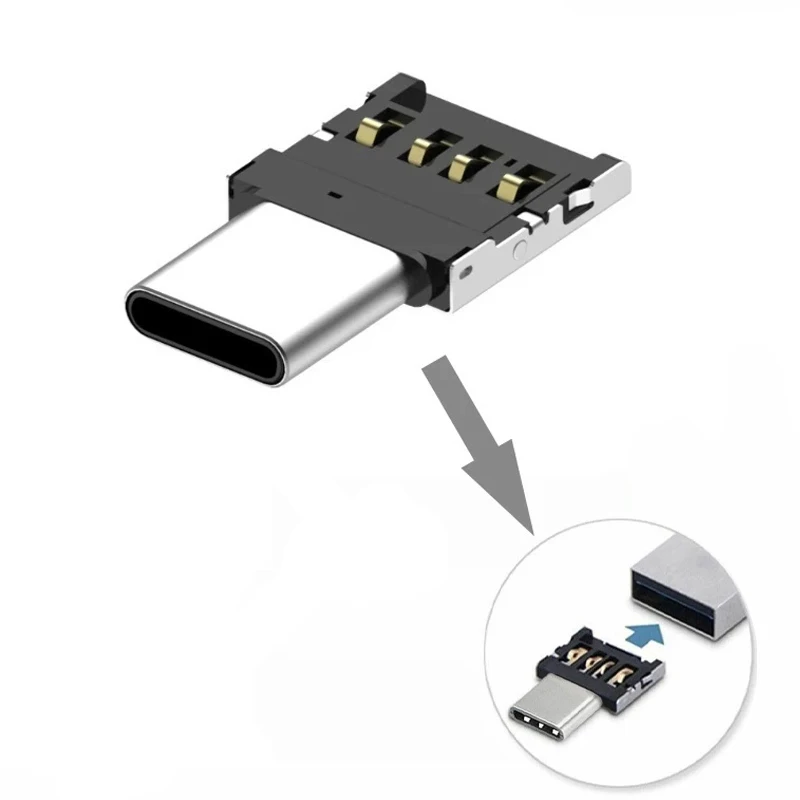
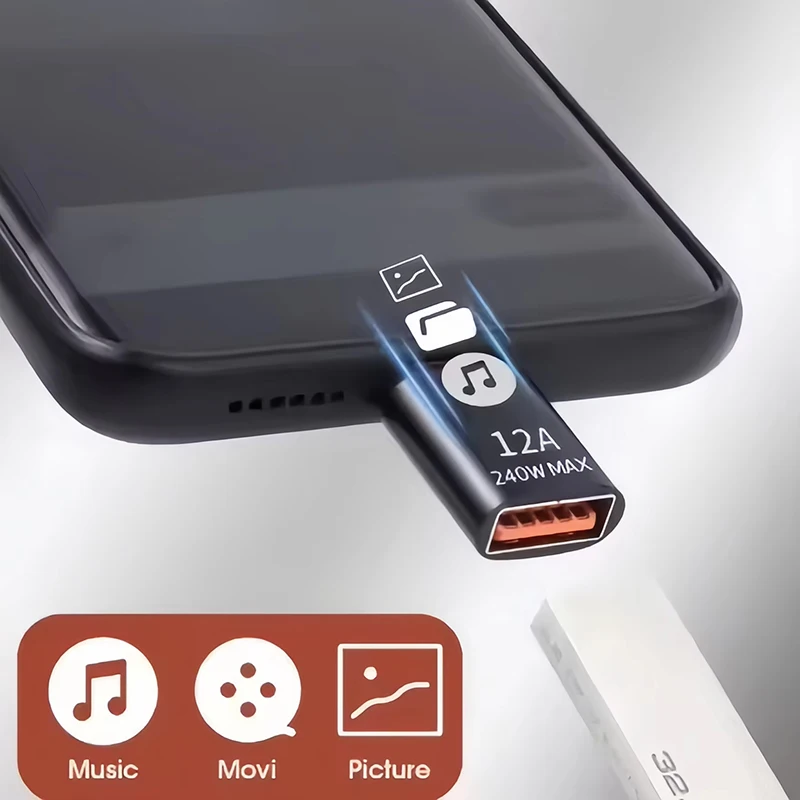
OTG stands for USB On-The-Go, the part of USB that lets a phone work with things plugged into it, the way a computer does. An OTG adapter gives the phone the large, rectangular USB-A socket found on computers, so you can plug in a memory stick to move photos off the phone, a keyboard for long emails, a mouse, a card reader for a camera's memory card, or a game controller. It is a small thing to keep in a bag for the day you need it.
What is here
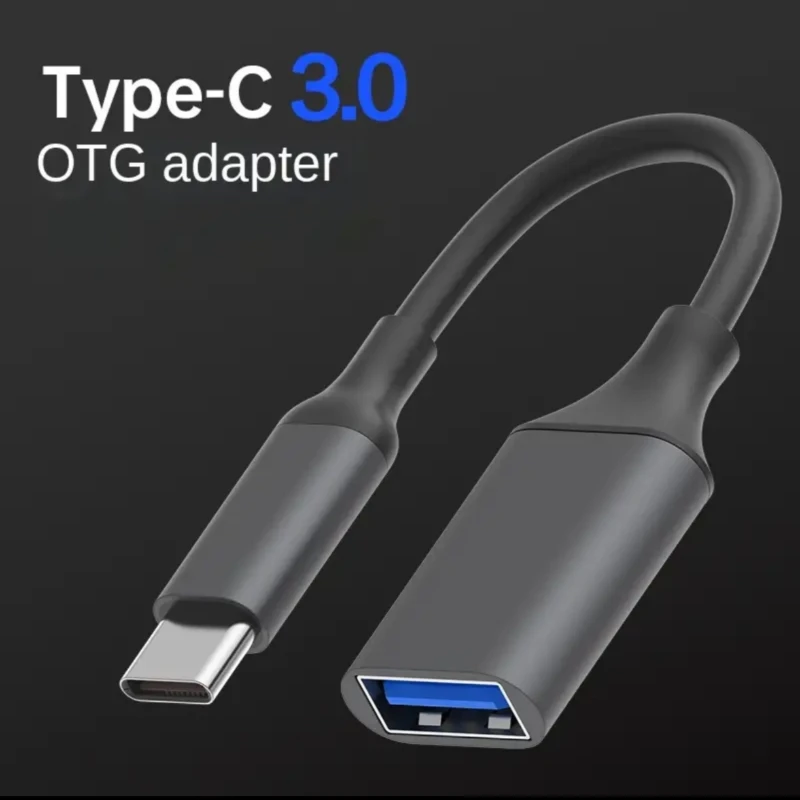
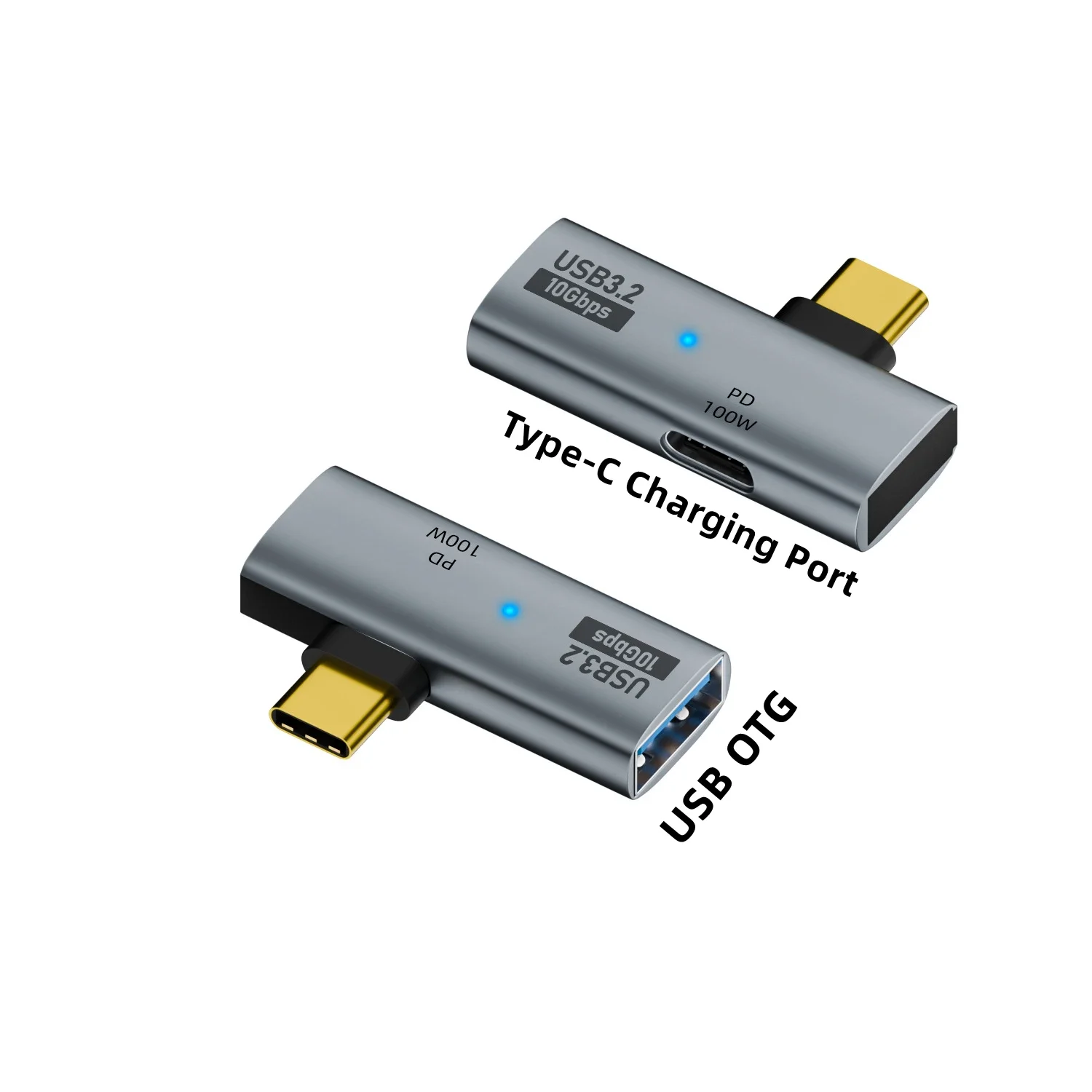
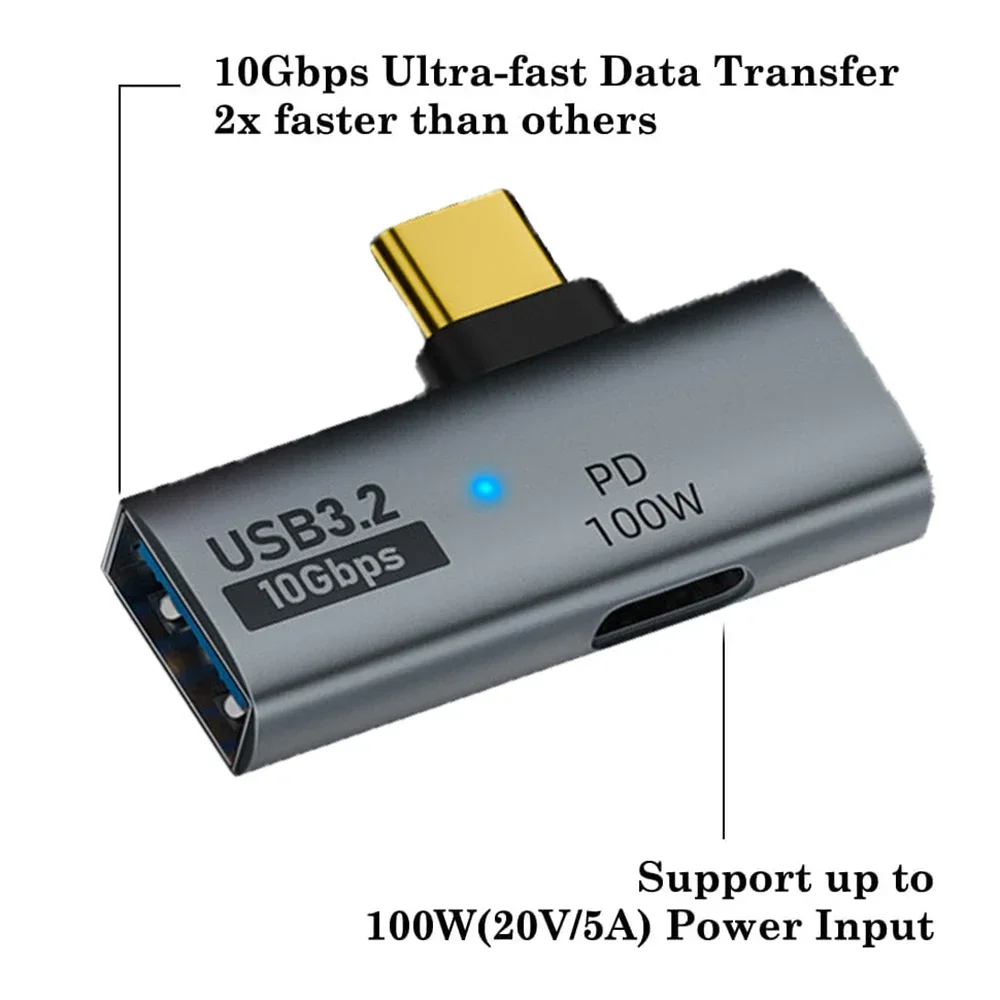
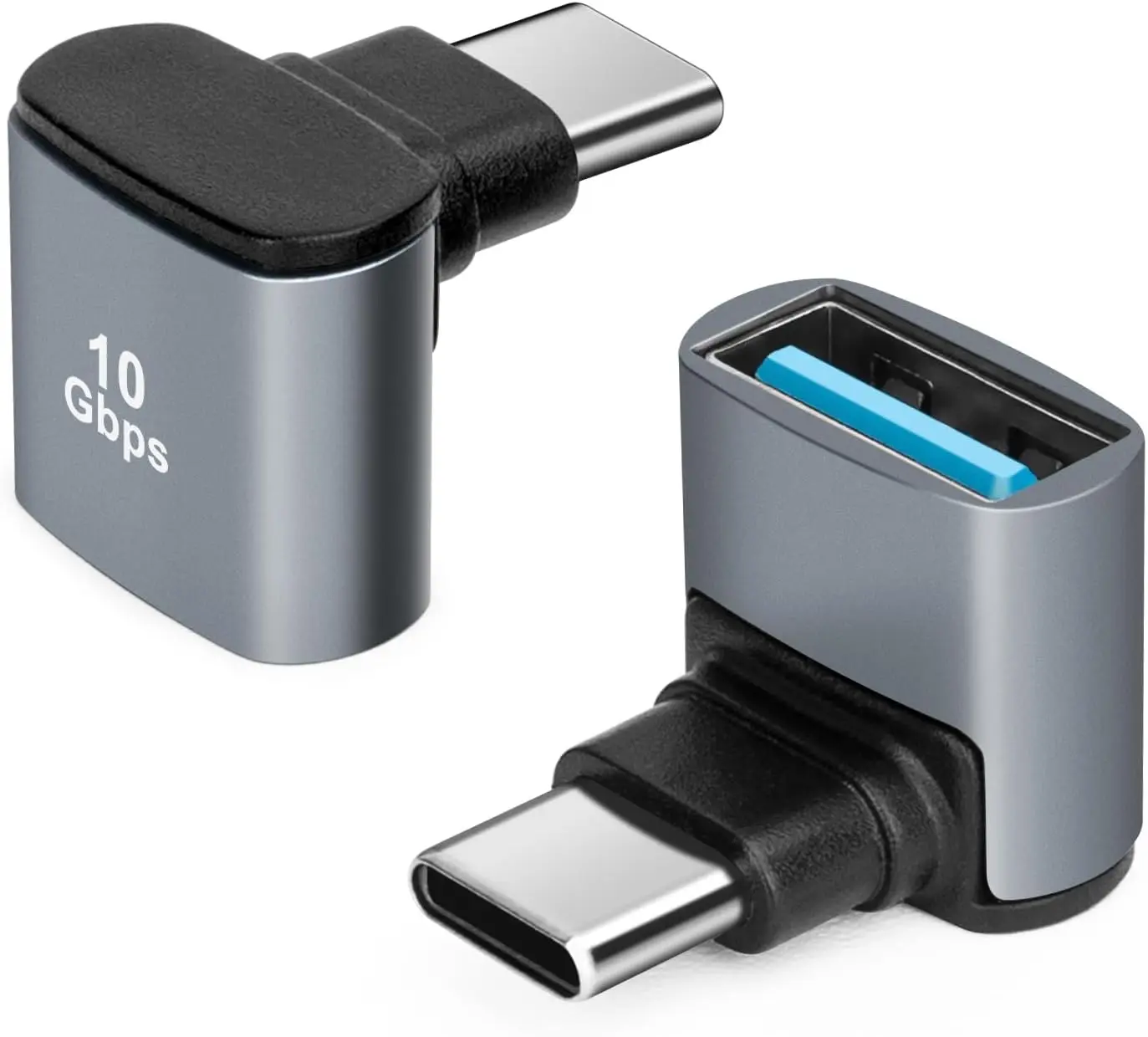
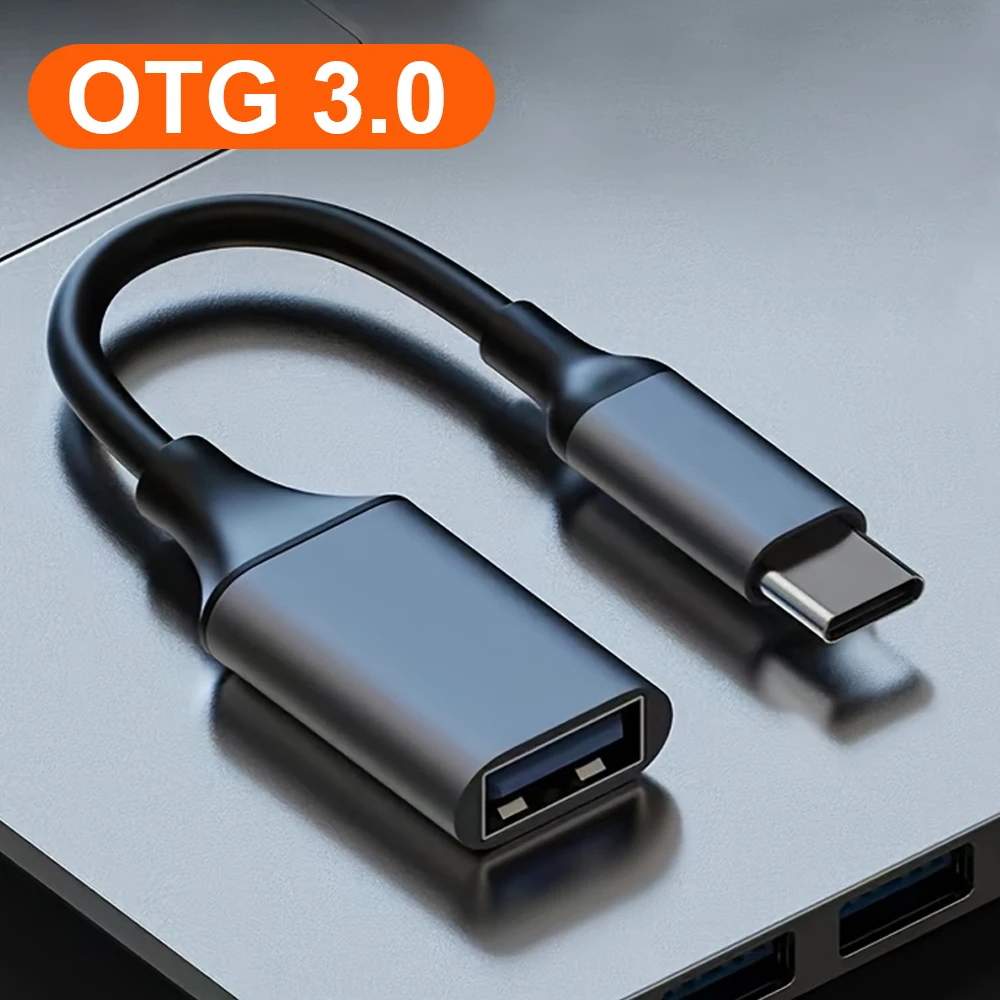
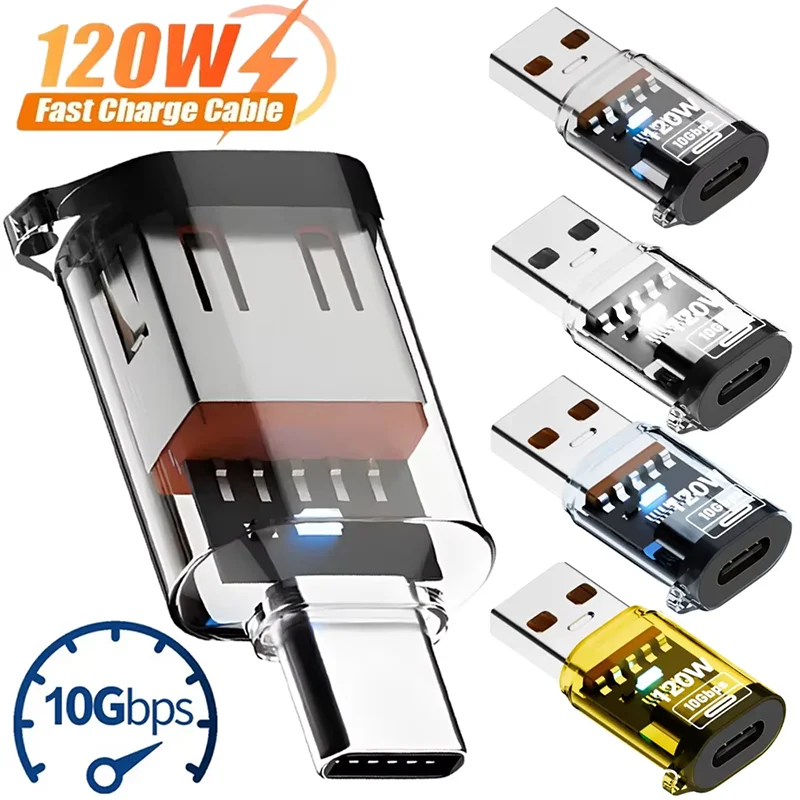
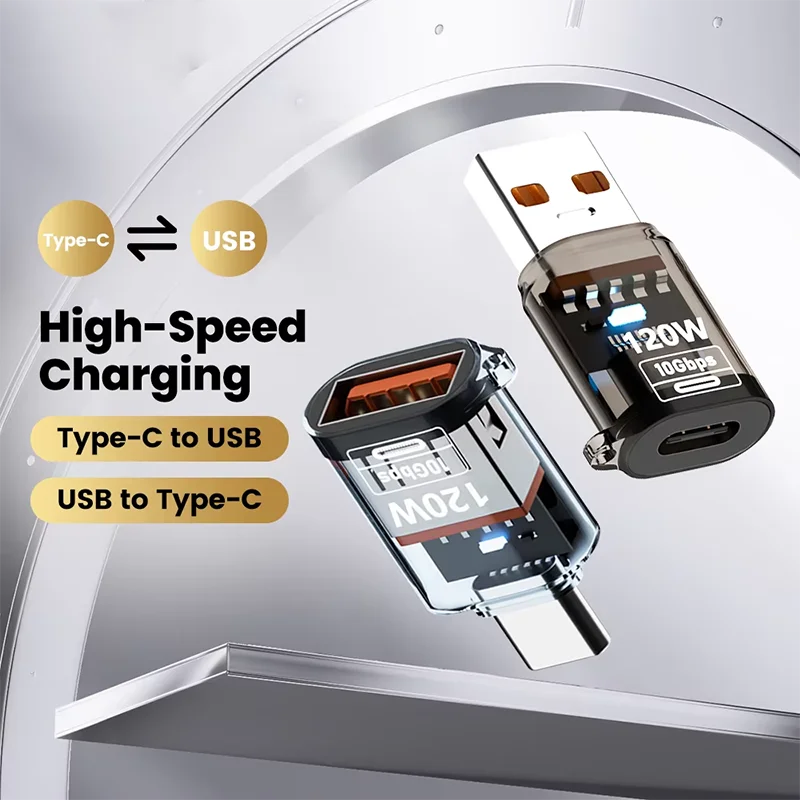
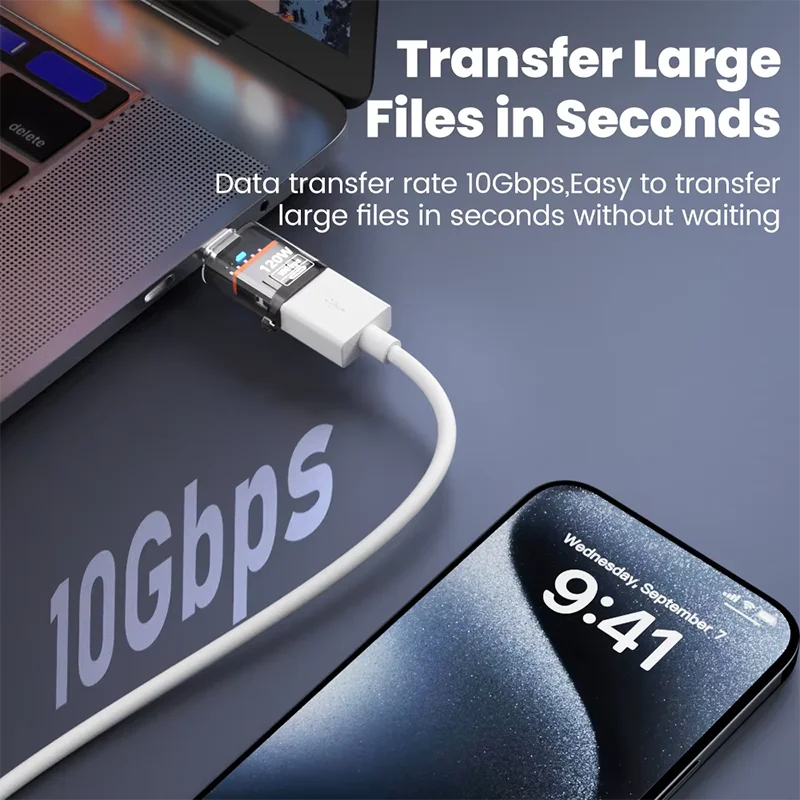
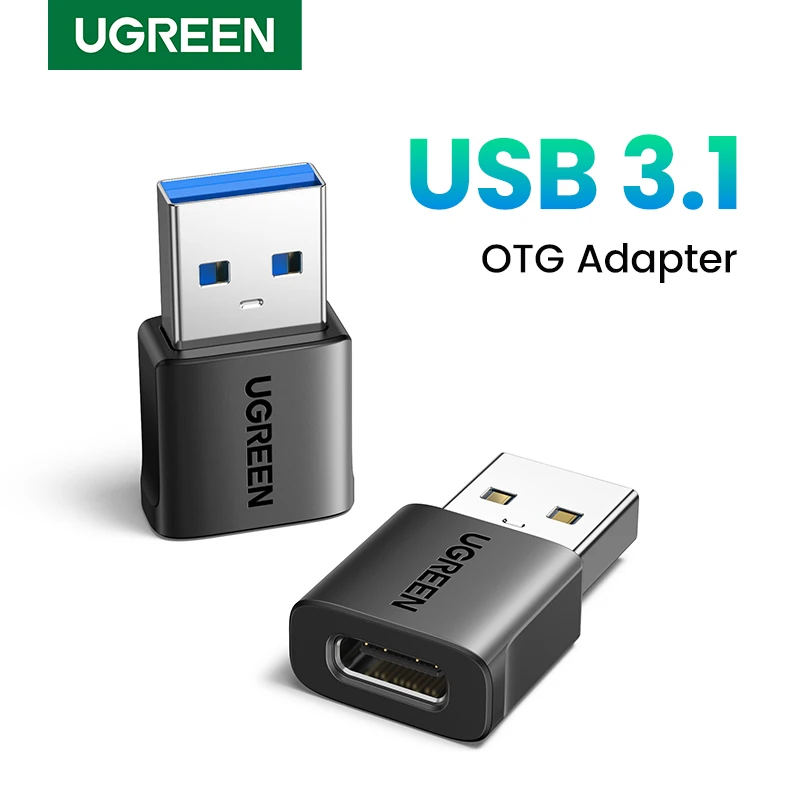
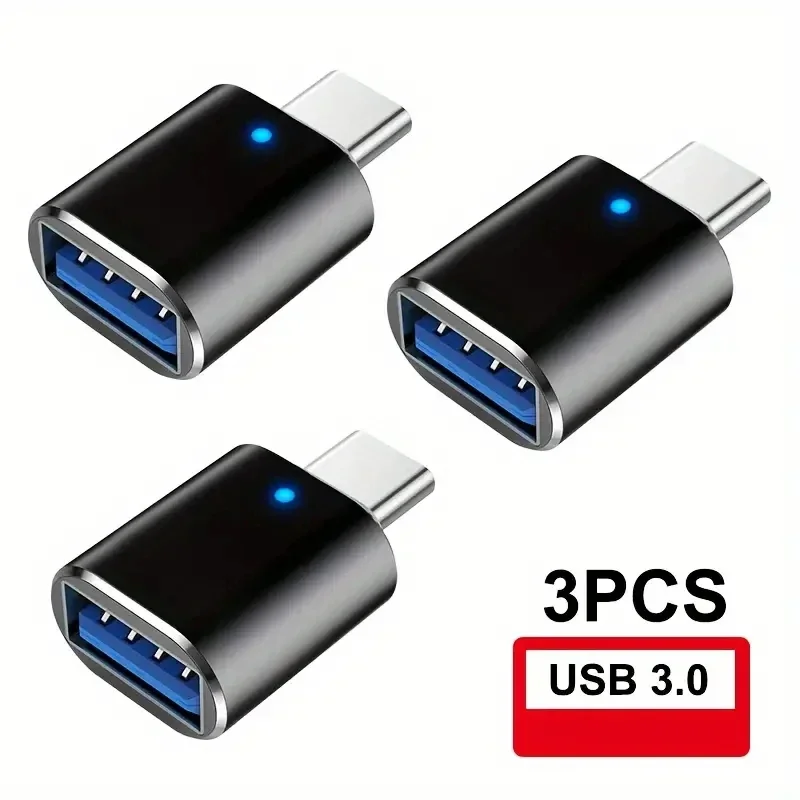
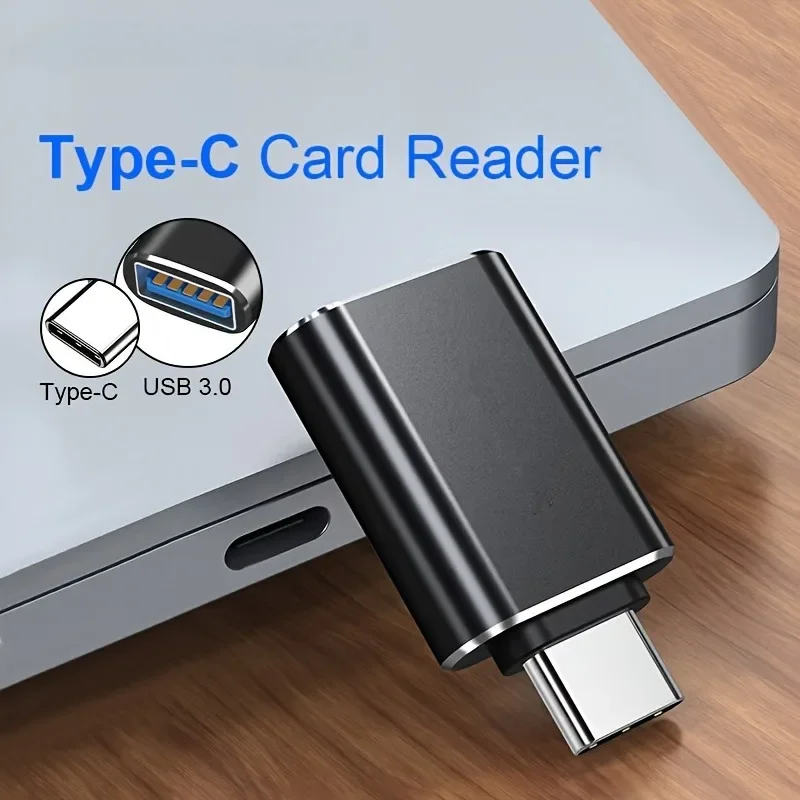
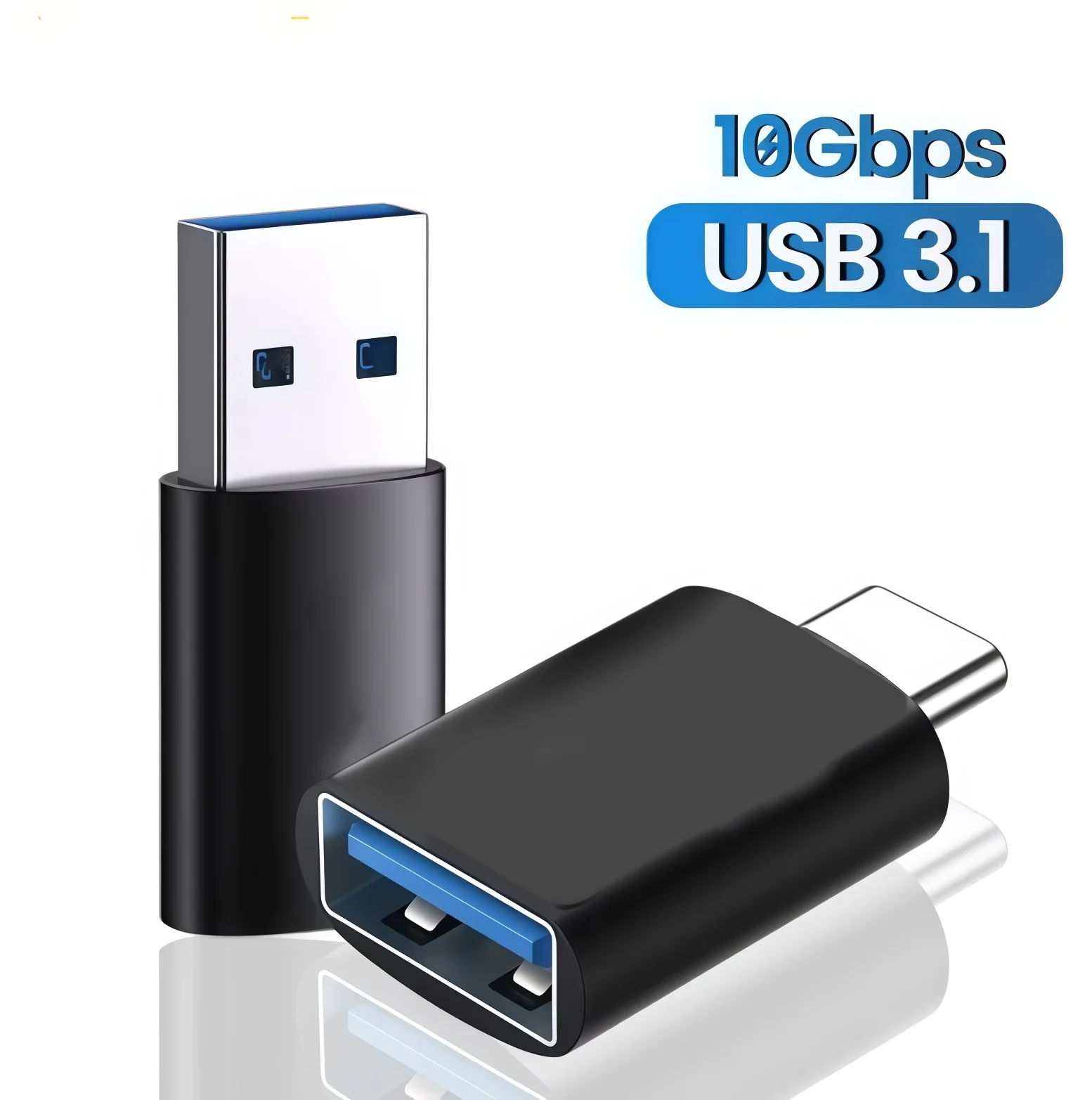
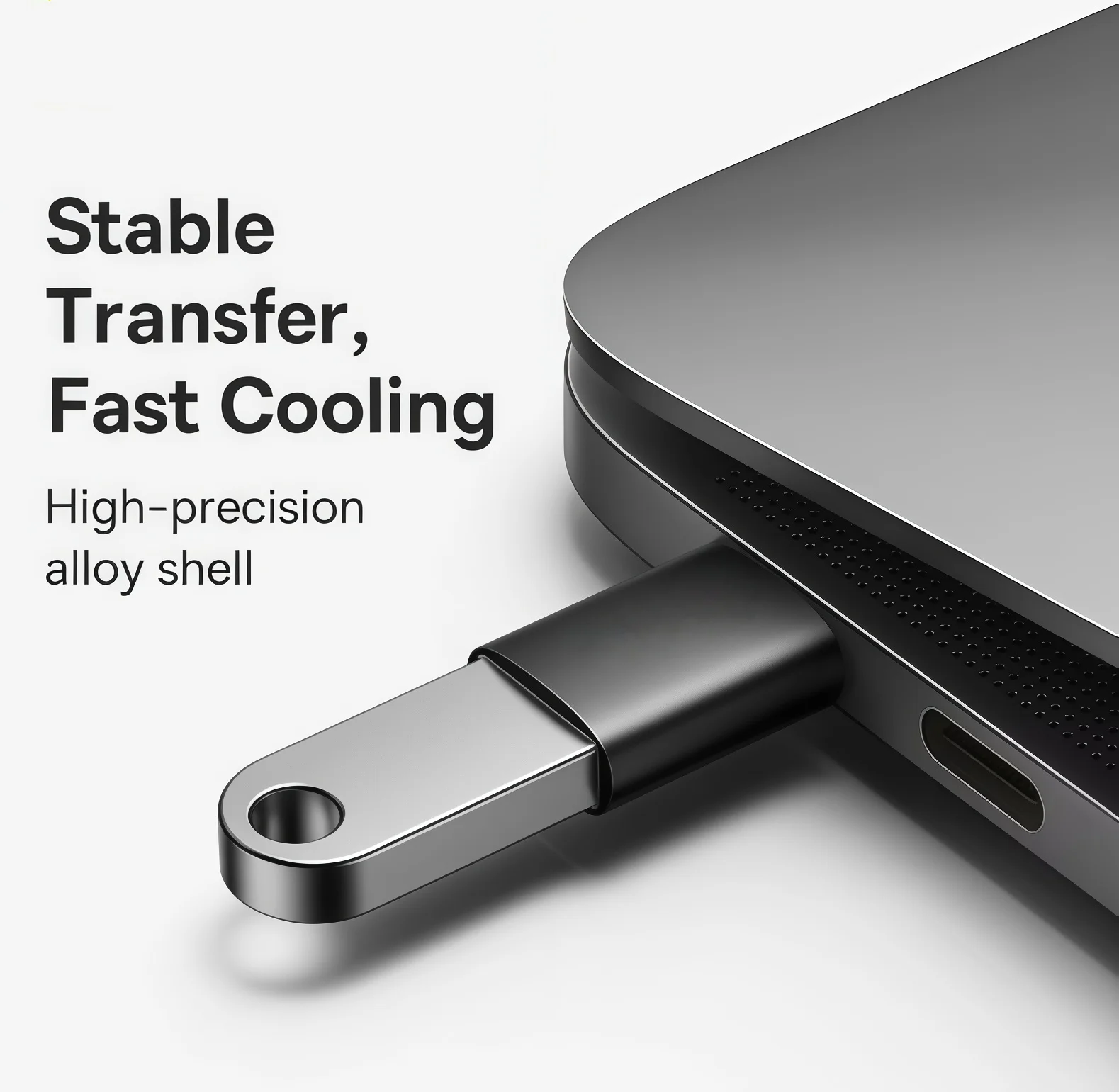
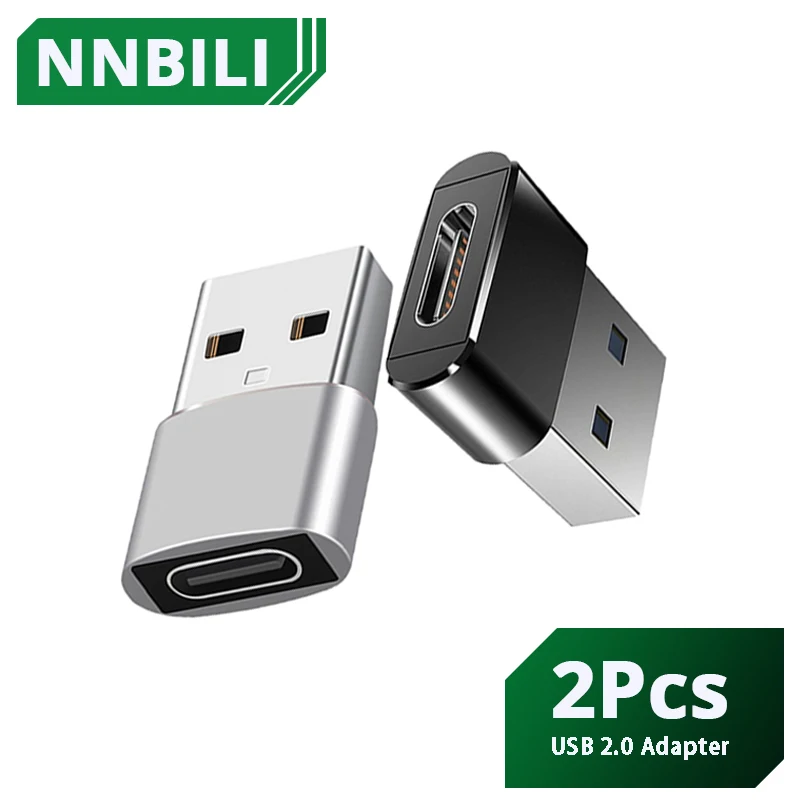
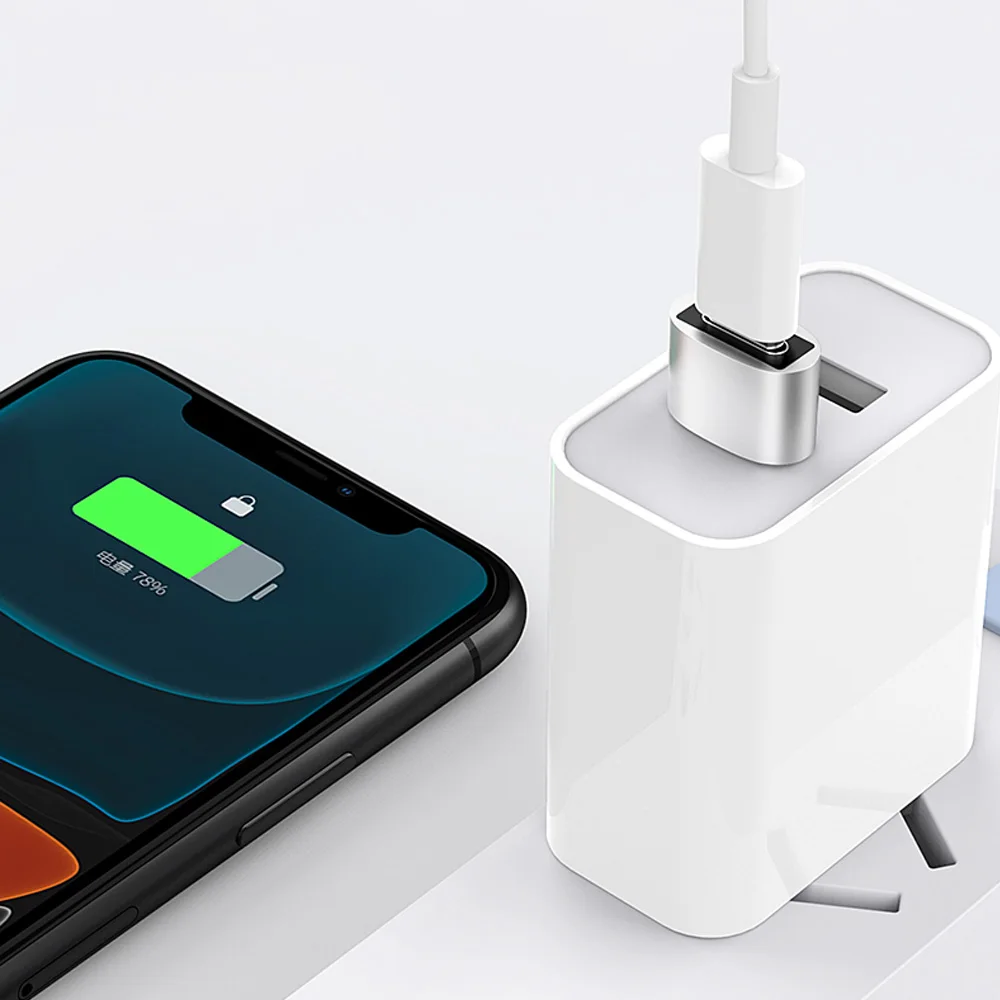
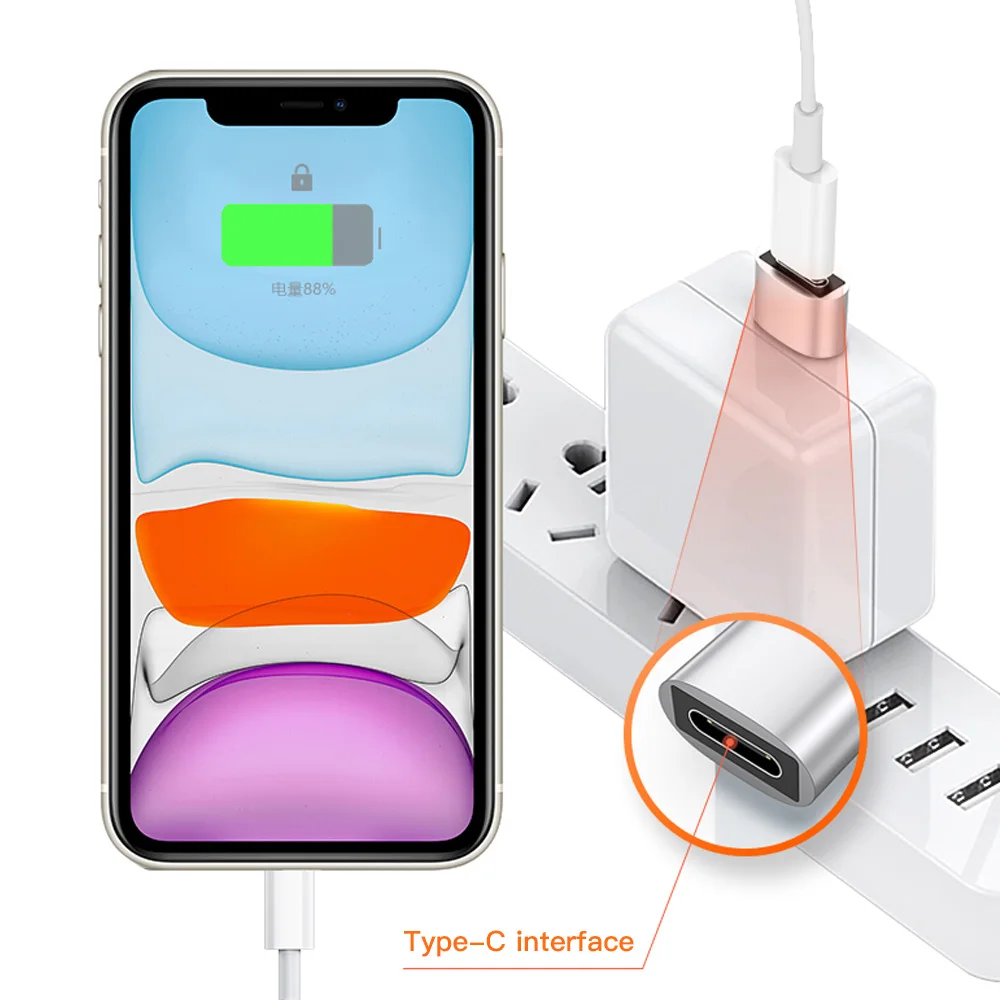
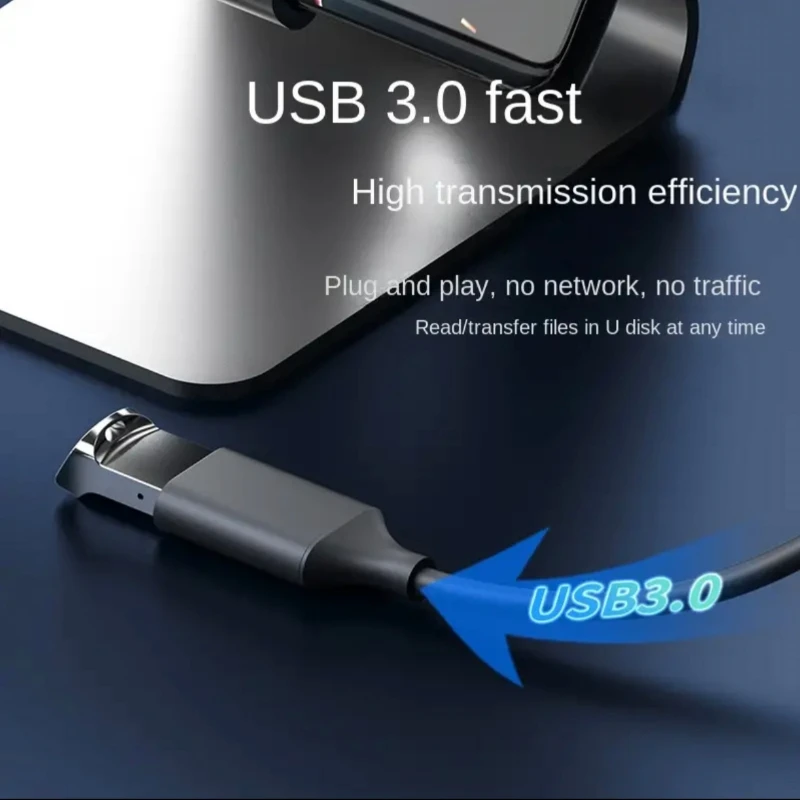
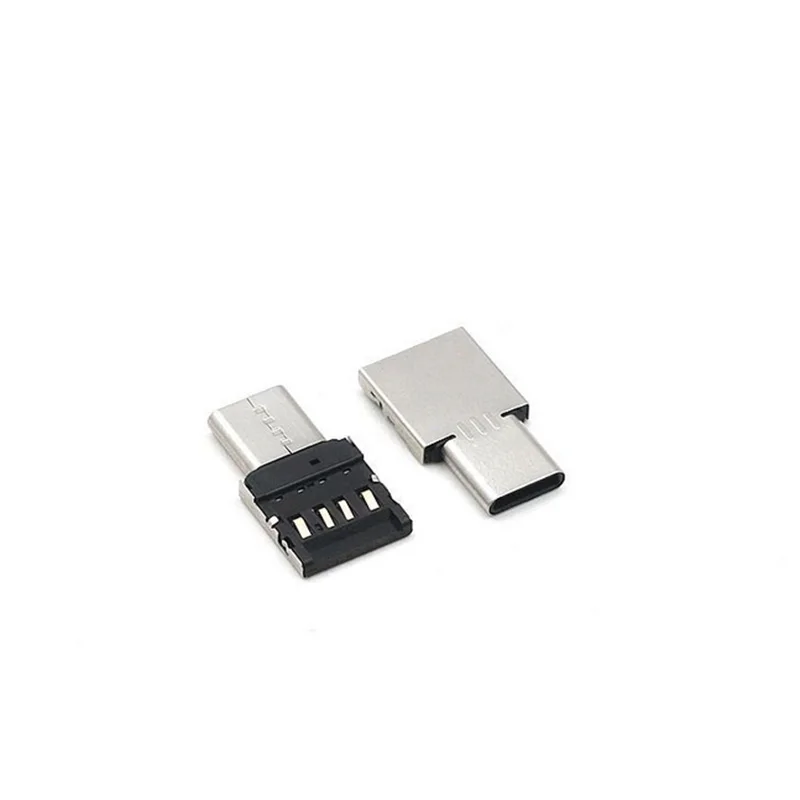
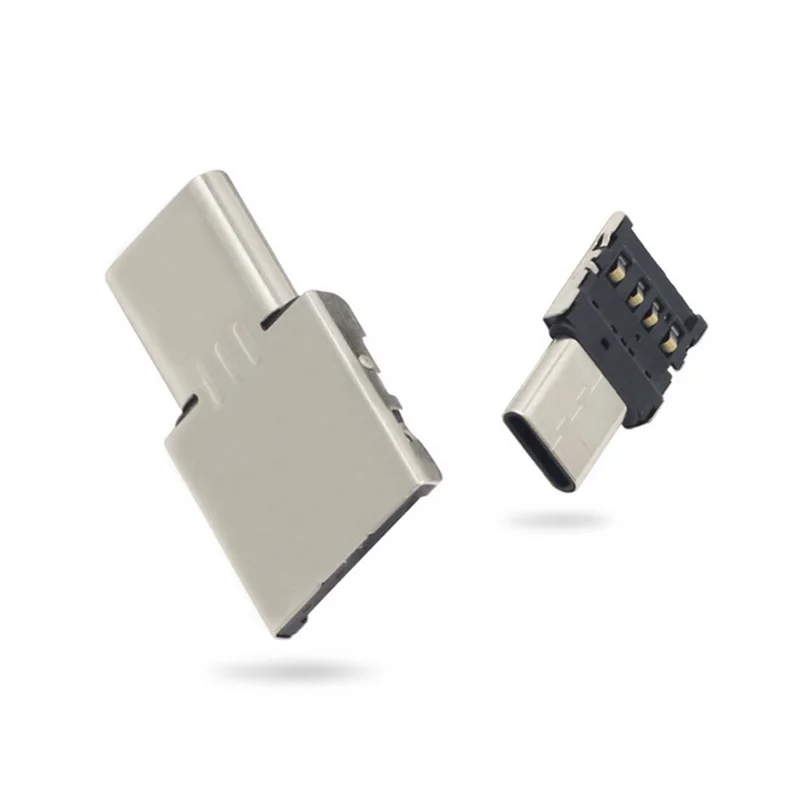
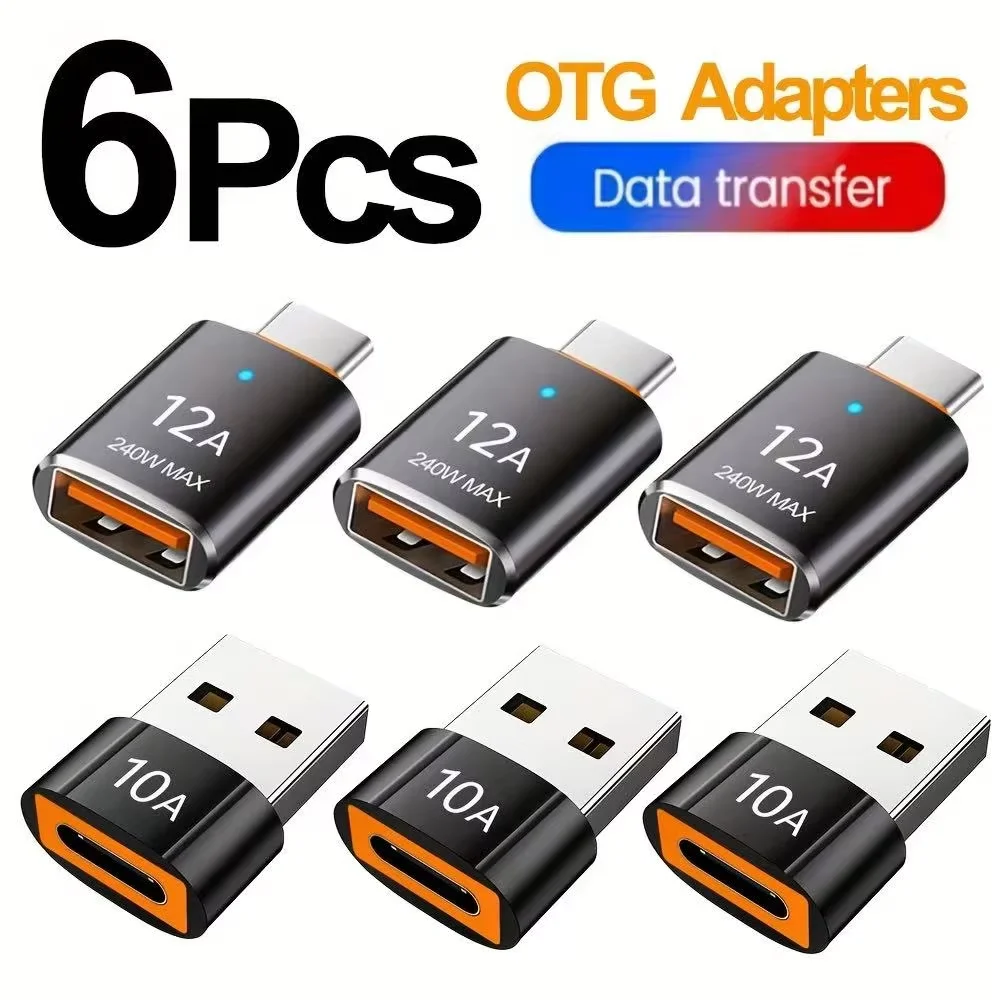
The OTG adapters here today are small plugs with no lead. They include an adapter with a USB-C or a micro-USB plug to a USB 2.0 socket, sold singly or in a pack; a USB-C to USB-A adapter at USB 3.0, for faster copying, with an indicator light, in a pack of mixed colours; and a plain USB-C to USB-A OTG adapter in a choice of finishes, listed as working with USB-C phones, tablets and laptops. For adapters between other plugs, see converters.
Will it work with my phone?
The phone has to support OTG, and the adapters' listings say they work with phones and tablets that do. On an Android phone, the maker's own information or support pages say whether it does. Apple says iPhones with USB-C, the iPhone 15 and later, work with external storage that complies with the USB-C standard. Match the adapter's plug to the phone: USB-C for most recent phones, micro-USB for older Android phones.
Getting the most from one
- Power. A memory stick, keyboard or mouse draws its power from the phone, so keep an eye on the battery on a long job. A large drive may need power of its own.
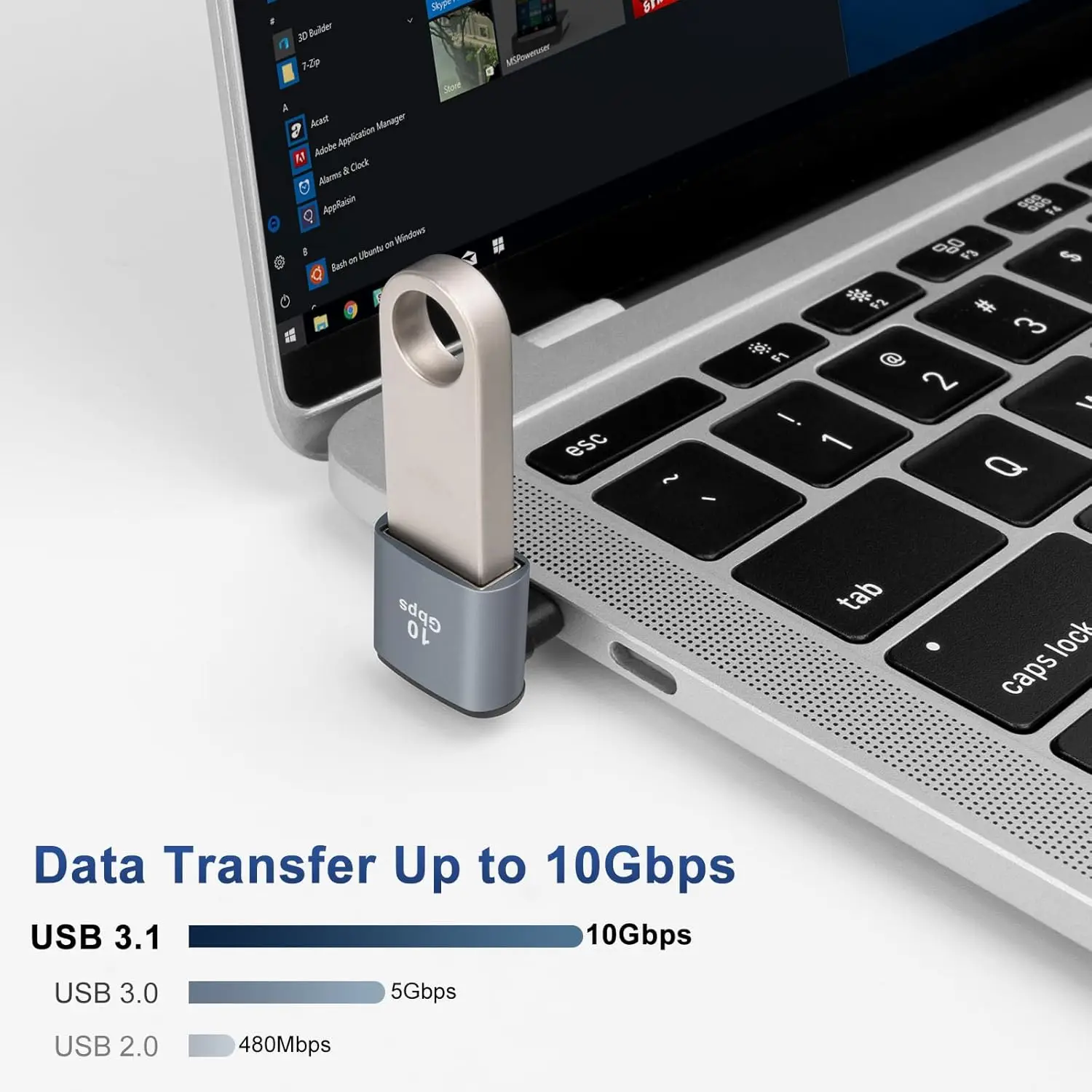
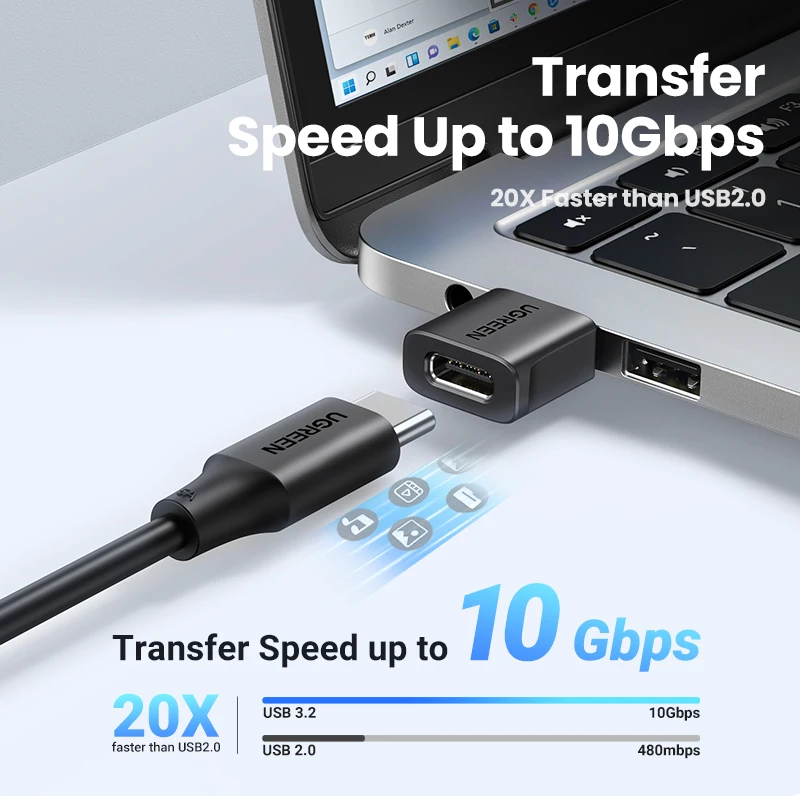
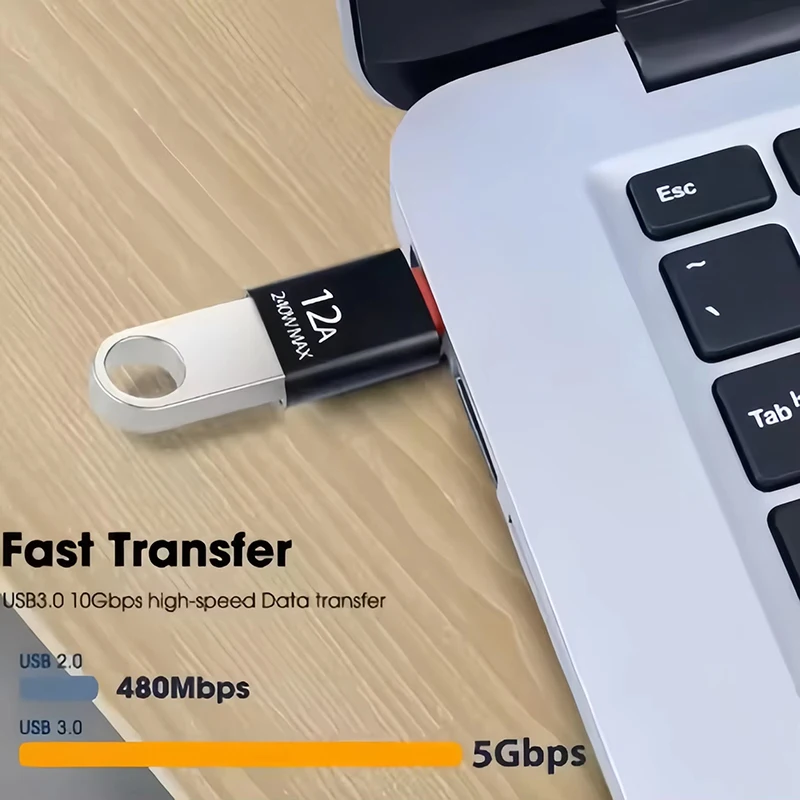
- Speed. USB 3.0 copies large files faster than USB 2.0, if the phone, the adapter and the stick all support it. A USB 2.0 adapter is fine for a keyboard, a mouse or a controller.
- Moving files. Use the phone's own file manager to copy photos and videos across, and wait for the copy to finish before you unplug.
- Spares. A small adapter is easy to lose. A pack keeps one in the bag, one in the car and one in the drawer.
Questions people ask about OTG adapters
Can I move photos from my phone to a memory stick?
Yes, on a phone that supports it. Plug the stick into the adapter and the adapter into the phone, then copy the photos across with the phone's file manager.
Can I use a game controller with one?
A wired controller with a USB-A plug goes into an OTG adapter like any other USB device, on a phone and game that support it. More for games is in for gamers, and the guide to mobile gaming accessories goes through it.
What is the difference between USB 2.0 and USB 3.0?
Speed. USB 3.0 moves data faster, which matters most for large video files.
How long does delivery take?
Delivery is included in every price and tracked to your door. Each product page says when it usually arrives.
More to look at