A phone wallet puts a few cards on the back of the phone, so that one thing goes in the pocket instead of two. It is a small idea that suits a lot of people: anyone who pays with a card or a phone and rarely carries cash, anyone who needs a travel card or a work pass every day, and anyone who has stood at a till looking for a wallet that is in another bag. This guide goes through the kinds of phone wallet and card holder, how each one fixes to the phone, what to think about with magnets and wireless charging, and how to choose between a wallet that goes on the case and a case that is itself a wallet.
Why carry cards on your phone
Most people already carry the phone everywhere. Adding a bank card, a driving licence or a travel card to the back of it means the things you need when you leave the house are all in one place. Running out for milk, going to the gym, walking the dog or a night out where you would rather not carry a bag are all simpler with one thing in the hand.
There are other reasons too. A card that lives on the phone is harder to leave behind, because you notice the phone is missing long before you would notice a card was. A slim card holder is lighter and flatter than a wallet in a back pocket, which many people find more comfortable when sitting down. And for anyone who uses the phone to pay, a single bank card on the back is a sensible spare for the shop or the car park whose reader will not take the phone, or for the day the phone's battery runs flat.
What a phone wallet is not is a full wallet. It holds a few cards and perhaps a folded note, not a stack of receipts, loyalty cards and coins. If you carry a lot, a phone wallet works best as the place for the two or three cards you use most, with everything else left at home or in a bag. Each product page says how many cards that holder takes, and it is worth taking that at its word: a holder packed past its limit stretches, and cards start to slide out.
It is also worth deciding what you will keep in it. A bank card and a travel card together can cause a problem at ticket gates, which is covered further down. A driving licence is useful to have on you but awkward to replace if it is lost, so think about whether it needs to come every day.
Stick-on card holders
The simplest phone wallet is a flat pocket with an adhesive back that sticks to the back of the phone or, more often, to the back of its case. You slide a card or two in from the top or the side, and the pocket holds them with a snug fit or an elastic front. See stick-on phone wallets.
On the phone or on the case
Most people stick the holder to the case rather than the phone. A case is cheap to replace if the adhesive leaves a mark, and taking a holder off a case is less worrying than peeling one off the glass back of a phone. If the phone has no case, stick the holder to a clean, dry, flat area, away from the camera bump, and remember that a glass back is slippery: a holder on it makes the phone a little easier to grip, which many people like.
Getting it to stay put
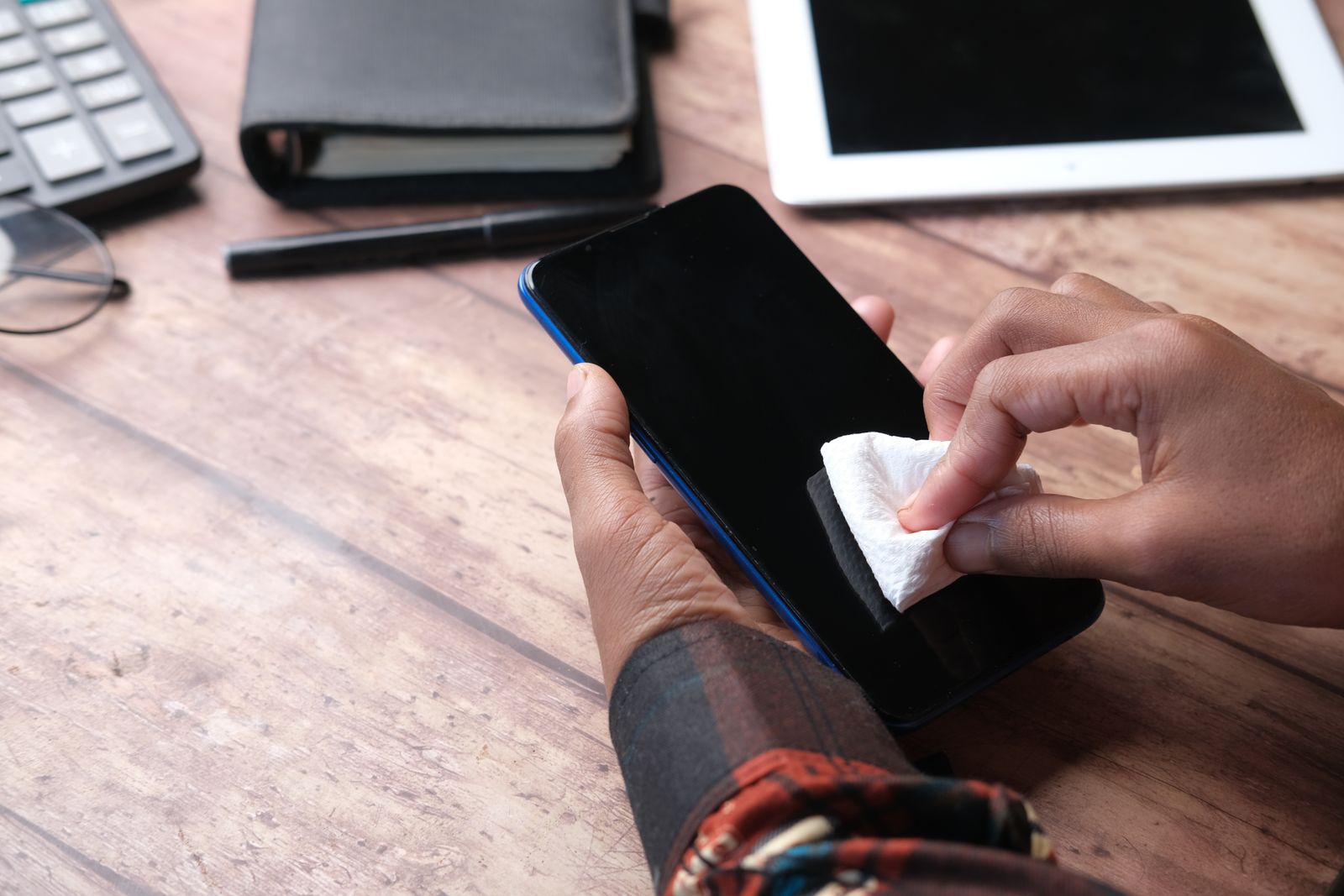
The adhesive needs a clean surface. Wipe the back of the case with a soft cloth and let it dry, line the holder up before it touches (most adhesives grab at once), press it firmly from the middle outwards and leave it for a while before loading it with cards. Silicone cases are the hardest surface for most adhesives to grip, because they are soft and slightly slippery; hard plastic, TPU and leather-look cases tend to hold better. If you have a silicone case, look at the product page for what surfaces the holder is made for.
What to look for
- A size that suits your phone, so the holder does not overhang the edges or cover the camera.
- A thumb hole or cut-out at the back, so you can push a card up and out with one finger.
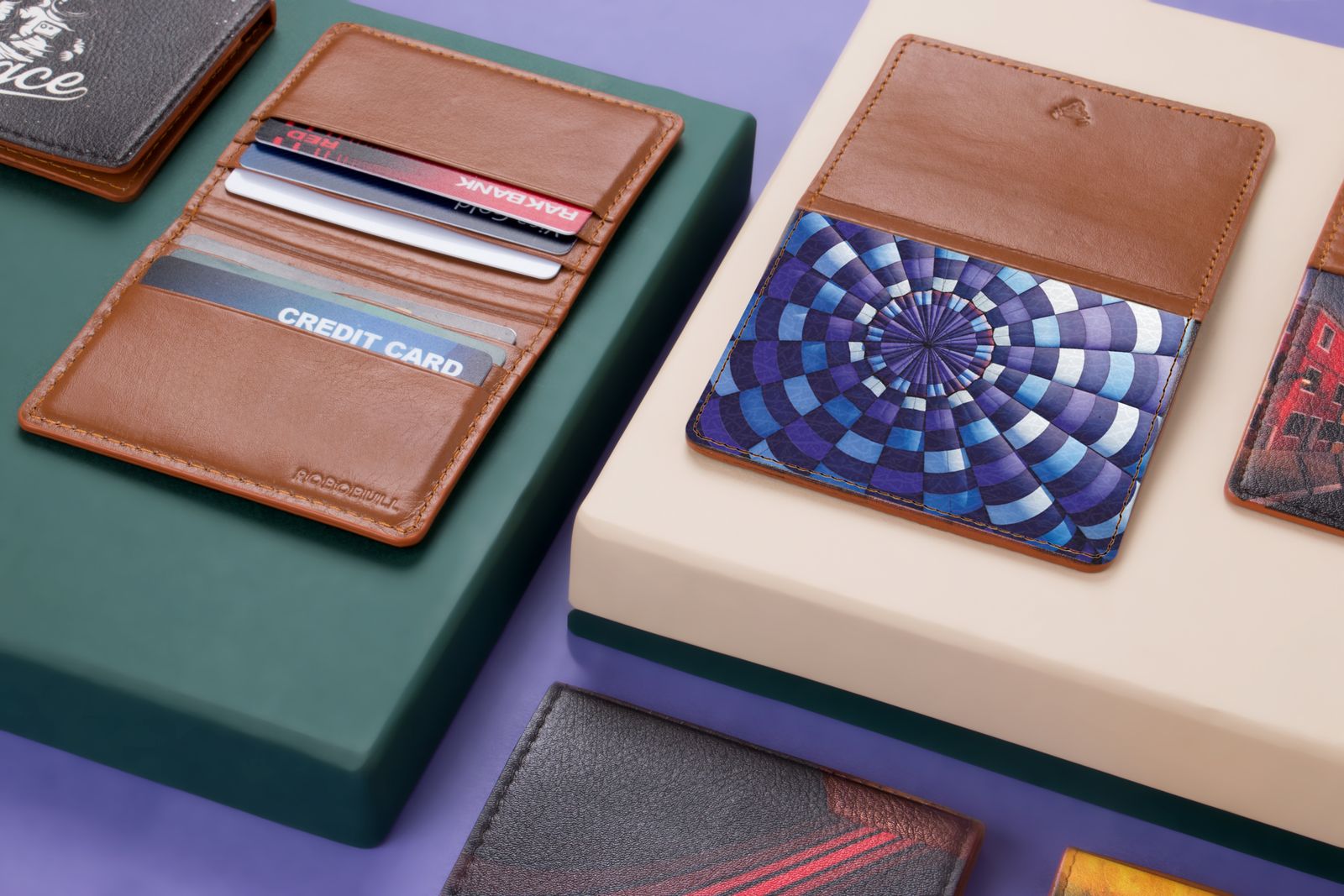
- A material you like the feel of: silicone and elastic stretch to grip the cards, while leather and leather-look card sleeves look smarter and soften with use.
A stick-on holder is fixed: it stays on the case until you peel it off. That suits anyone who wants the cards there all the time. If you would rather take the cards off sometimes, for wireless charging or to slip the phone into a tight pocket, a magnetic wallet is the better fit.
Magnetic card wallets
A magnetic phone wallet is a small card holder with a ring of magnets in its back. It clicks onto the back of a phone that has its own magnet ring, or onto a case with one built in, and comes off again with a firm pull. See magnetic phone wallets.
Which phones they suit
Magnetic wallets are made for phones with a magnetic charging ring, which on iPhones is described as MagSafe. If you have one of those iPhones, a magnetic wallet sold as MagSafe-compatible will click straight onto the back, or onto a case made for magnetic accessories. If your phone has no magnets of its own, you need a magnetic phone case with a magnet ring built in, or a thin metal or magnetic ring that sticks to the back of the phone or case. Either way, the wallet will only be as secure as the magnet it clicks onto, so a case made for magnetic accessories gives the firmest hold. The guide to wireless and magnetic charging explains which phones have magnets and what the different names mean.
How firmly they hold
A magnetic wallet is held on by magnets alone, so it can be knocked off: pulled out of a tight pocket, caught on a bag strap, or pushed sideways by a hand. Most stay put through ordinary use, but it is worth thinking about how you carry the phone. If it goes into a tight jeans pocket, the wallet may slide off as the phone comes out. Some wallets have a grippy back or a raised edge to resist sliding, and the thicker the case between the phone and the wallet, the weaker the hold.
Why people choose them
The appeal is that the wallet comes off in a second. Take it off to put the phone on a wireless charger, to slim the phone down for a run, or to hand someone a card without passing them the phone. Many people also use the magnet to move the wallet between phones or cases. The cost is a little more bulk than a stick-on pocket, and a chance of losing the wallet if it is knocked off without you noticing.
Magnets and medical devices
Anyone with a pacemaker, an implanted defibrillator or another implanted medical device should ask their doctor and the device's maker about magnets near it. Apple's own advice for its MagSafe-compatible iPhones and MagSafe accessories is to keep them more than 15cm from an implanted medical device, or more than 30cm while wirelessly charging. A magnetic wallet is carried close to the body, so this is worth checking before you buy one.
Wallets with a stand or finger strap
Some card wallets do a second job. A phone wallet with a stand has a flap or a frame that folds out, so the phone stands on a table for a video call, a recipe or a film. The cards sit in the wallet behind the stand, so you carry the stand and the wallet as one thing.
Stand wallets
Most stand wallets fold out to hold the phone upright, on its side, or both. Check which on the product page if you want to watch films with the phone on its side. A magnetic stand wallet has one more trick: because it clicks on with a magnet, it can often be turned round on the back of the phone, so the same stand works upright and on its side. A stand is only as steady as its hinge and the table, so on a soft surface such as a bed or a sofa arm, a stand made for that, such as one of the ring holders or a proper desk stand, may suit better.
Finger-strap wallets
A finger-strap phone wallet has a band across its back that your fingers slide under. You hold the phone with your hand flat behind it, which makes one-handed use easier on a big phone and makes the phone harder to drop when taking a photo or reading on a train. The cards sit in a pocket under the strap. Some people find the strap gets in the way when the phone lies flat on a table, because it lifts one side; most straps lie fairly flat when not in use.
If what you mainly want is a grip and the cards are a bonus, look at the phone grips and sockets as well, which do the holding job in a smaller space.
Wallet and flip cases
The other way to carry cards on a phone is to choose a case that holds them, rather than adding a wallet to a case you already have. There are two kinds.
Flip and folio cases
A wallet or flip case has a front cover that folds over the screen, like a book. Card slots sit inside the cover, and many have a pocket for a folded note as well. The cover protects the screen in a bag or a pocket, and many fold back to stand the phone up for watching. See wallet and flip cases.
The cost of a flip case is that you open the cover every time you use the phone, which some people love and others find slows them down. They are also thicker than a plain case, so the phone takes more room in a pocket. If you answer a lot of calls, check the cover has a cut-out for the earpiece or that it folds right back out of the way.
Cases with a card slot on the back
A card holder case is a normal case with a slot or pocket in its back for one or two cards. There is no cover to open, so the phone is used just as it would be in any case, and the cards are part of the case rather than something stuck on. Some have a sliding door that pushes a card out; others are simply a tight pocket with a thumb hole.
Choosing between a case and an add-on wallet
A case that holds cards is one thing to buy and one thing to fit, and it cannot be knocked off. An add-on wallet lets you keep the case you like and gives you a choice of stick-on or magnetic. If you change cases often, an add-on wallet moves with you; if you want one neat case that does everything, a card case is simpler. The guide to choosing a phone case covers the protection, fit and materials side of that choice, and leather cases and wallets are gathered together in leather accessories.
Cards, magnets and wireless charging
Cards and phones mostly get on well, but there are three things worth knowing before you put a card on the back of a phone.
Cards and magnets
The magnets in a magnetic charger and the strong field it makes can harm some cards. Apple's own page on its MagSafe charger says not to put credit cards, security badges, passports or key fobs between the iPhone and the charger, because it might damage magnetic strips or RFID chips in them, and to take them out of a case that holds them before charging. Samsung gives similar advice for its wireless chargers: no credit cards, RFID cards, holders, metal or magnets between the phone and the charger.
Many magnetic wallets say on their product page whether the card pocket is shielded from the magnet. If the page does not say, keep cards whose magnetic stripe you rely on, such as an older hotel key card or a work pass that uses a stripe, somewhere else.
Wallets and wireless charging
A wireless charger sends power through a few millimetres of air and plastic, and a card wallet in the way will usually stop it working, slow it down or make the charger heat up. Samsung's advice is that cards and holders between the phone and a wireless charger may block the signal or cause overheating, and to take off holders and cards before charging. So:
- with a magnetic wallet, take it off before the phone goes onto a wireless charging pad or a magnetic wireless charger, then click it back on afterwards;
- with a stick-on holder or a card case, the cards sit where the charger needs to reach, so either take the cards out to charge or plan to charge with a cable;
- with a flip case, the cover folds back behind the phone or stays over the screen. If the cover has card slots and folds behind, it sits between phone and charger, so charge with the cover over the screen instead.
If you rely on wireless charging every night, a magnetic wallet is the easiest choice, because it comes off in a second and goes back on in the morning.
Card clash at ticket gates and tills
Contactless cards and phones both pay by radio, and a reader that sees more than one at once can get confused. Transport for London calls this card clash: touch more than one card on a reader and it may read none of them, so the gate does not open, or it may charge the wrong card. TfL's advice is to keep contactless and Oyster cards apart, and not in the same purse, wallet or phone case, when touching in and out, and to keep cards away from the phone if you pay with the phone.
The same thing can happen at a shop till. If you pay with your phone and carry a contactless card on the back of it, the reader may pick up the card instead of the phone. The simple answer is to carry only one contactless card on the phone and decide which you pay with, or to use a magnetic wallet you can take off at the gate.
Keeping the cards in good order
Cards in a phone wallet bend a little every time the phone goes in a back pocket, so a tight holder and a flat pocket help. A card that has worn or cracked in a holder will often still work by contactless while its chip and stripe fail at a reader, so if a card starts being refused, look at it before blaming the shop.
Questions people ask
Will a magnetic wallet work with my phone?
It clicks straight onto an iPhone with a MagSafe magnet ring, or onto any phone in a case made for magnetic accessories. A phone without magnets needs a magnetic case or a stick-on magnet ring first.
Can a phone wallet damage my bank card?
An ordinary card holder will not. The risk Apple and Samsung warn about is cards sitting between the phone and a wireless or magnetic charger, so take cards off before charging that way.
Can I charge my phone wirelessly with a card wallet on?
Usually not well. Cards and holders between the phone and the charger can block it or make it heat up. Take a magnetic wallet off first, or charge with a cable.
Will a stick-on holder come off cleanly?
Most peel off a hard case with a little patience, sometimes leaving adhesive that a soft cloth will lift. That is one reason most people stick them to the case rather than the phone.
Why does the ticket gate not open when I touch my phone?
It may be reading the card on the back as well as the phone. Carry one contactless card on the phone, or take the wallet off at the gate.
Where to go next
All the phone wallets are in one place: stick-on, magnetic, with a stand, with a finger strap and leather card sleeves, with wallet and flip cases and card holder cases for a case that does the job itself. Delivery is included in every price and tracked to your door. For the rest of what goes on the back of a phone:
- How to choose a phone case: protection, fit and the kinds of case
- Wireless and magnetic charging explained: which phones have magnets, and charging through a case
- Crossbody phone lanyards: another way to keep the phone and its cards close
- Phone charms and straps: wrist and finger straps that go with a wallet