Wireless charging means putting the phone down on a pad or a stand, or clicking it onto a magnetic charger, instead of plugging a cable into it. It is slower and a little less efficient than a cable, but it is easy, it saves wear on the charging port, and it suits the bedside, the desk and the car. This guide explains how it works, which phones have it, the difference between Qi, Qi2 and MagSafe-compatible chargers, and what to know about speed, heat, cases and watches.
How wireless charging works
A wireless charger has a flat coil of wire inside it, and so does a phone that can charge wirelessly. When the charger is switched on, current through its coil makes a magnetic field, and that field makes a current flow in the phone's coil, which charges the battery. Nothing passes through the air that you can see or feel, and the two coils have to be close together, a few millimetres apart, with the phone's coil sitting over the charger's coil.
That is why where the phone sits matters so much. If the coils are off-centre, less of the energy reaches the phone. The Wireless Power Consortium, the body that looks after the Qi standard, puts it plainly: when the coils are out of line, charging slows down and the energy that is missed turns into heat. A phone that has slid to one side of a pad overnight may wake up warm and only part charged.
Qi
Qi (said "chee") is the shared standard for wireless charging that almost every phone maker uses. The first version came out in 2010 and carried 5 watts; a version in 2015 added faster charging of up to 15 watts. Because it is shared, a Qi phone will charge on a Qi charger from any maker, though not always at the charger's top speed.
Qi2
Qi2 came in 2023. Its main addition is the Magnetic Power Profile: a ring of magnets in the charger and a matching ring in the phone or case, with the size of the ring, the layout of the magnets and how firmly they hold all fixed by the standard. The magnets carry no power at all. Their only job is to pull the phone's coil into exactly the right place every time, so the phone charges at full speed and wastes less as heat. Qi2 was developed with Apple and other members of the Consortium, and it works in much the same way as Apple's MagSafe. Certified Qi2 chargers come in two tiers, 15 watts and 25 watts; the 25-watt version, sometimes written Qi2.2 after the version of the standard, arrived in 2025.
MagSafe and MagSafe-compatible
MagSafe is Apple's name for the magnetic ring and charging built into iPhones from the iPhone 12 on. Chargers, cases, wallets and mounts made by other companies to fit that ring are sold as MagSafe-compatible. That means they fit the magnets; it does not mean Apple made or approved them. With Qi2 now built on the same idea, many magnetic chargers are sold as Qi2 or MagSafe-compatible, or both.
Which phones have it
Wireless charging is common on mid-range and expensive phones and often left off cheaper ones, so check before you buy a charger. The phone maker's own pages are the best place to look.
- iPhone: every iPhone from the iPhone 8 on charges on a Qi charger. From the iPhone 12 on, iPhones also have the MagSafe magnets, so magnetic chargers click into place. Apple's own MagSafe page lists one exception among recent models: the iPhone 16e charges wirelessly on Qi but has no MagSafe magnets.
- Samsung Galaxy: the Galaxy S series, the Galaxy Z Fold and Flip and the older Note phones charge wirelessly. Samsung's UK support page says the Galaxy A series and the XCover series do not. Recent Galaxy S phones such as the S25 are "Qi2 Ready": they take Qi2 charging inside, but have no magnets of their own, so they need a magnetic case to click onto a magnetic charger.
- Google Pixel: most Pixels since the Pixel 3 charge wirelessly, though several of the cheaper "a" models leave it out. From the Pixel 10 on, most models have Qi2 magnets built in. Google's Pixel help pages list each model.
- Other phones: check the maker's specification for "wireless charging" or "Qi". If it is not listed, the phone cannot charge wirelessly, and no case or pad will change that.
If you are not sure which phone you have, look in its settings under About, where the model name is given.
Pads, stands and 3-in-1 stations
Wireless chargers come in a few shapes, and the right one depends mostly on where it will sit and what else you want to charge.
Pads
A pad is a flat disc or square that the phone lies on, face up. Pads are simple and small, and they suit a bedside table, where the phone lies flat all night. The drawback is finding the spot: a pad has no magnets to pull the phone into place, so the phone has to be laid in the middle and left there. See wireless charging pads.
Stands
A stand holds the phone upright or at an angle as it charges, so you can see the screen, use face unlock, watch a video or take a video call on the desk. Most stands have more than one coil, or a coil at a height that suits most phones, so that the phone charges in either portrait or landscape. If you have a large phone or a small one, check the stand suits its size, so the coils meet. See wireless charging stands.
3-in-1 stations
A 3-in-1 station charges a phone, a pair of wireless earbuds and a watch together from one plug. They suit a bedside or a desk where all three end up every night, and they cut down on cables and plugs. Check that the watch spot suits your own watch, because watches do not all charge the same way (see Watch chargers, below), and that the earbuds' case charges wirelessly. See 3-in-1 charging stations, and charging docks for stations that hold several phones.
Travel chargers
Folding wireless chargers pack flat into a bag and open into a stand or a 3-in-1 station in a hotel room. They take the place of two or three separate chargers on a trip. See travel wireless chargers.
The plug behind it
Every wireless charger is powered by a cable to a wall plug, and it can only pass on what that plug gives it. A charger sold as 15 watts on a weak, old plug will charge slowly or not at all. Check what plug the charger asks for, use one with a UK three-pin plug, and see the guide to choosing a safe phone charger for what to look for in one. See also wall chargers.
Magnetic charging and magnetic cases
A magnetic charger is a round puck, a stand or a car holder with a ring of magnets in it. You hold the phone near and it clicks on, already in the right place, and it stays put if you pick the phone up and use it. For anyone who has woken up to a phone that slipped off a pad, that is the main appeal. See magnetic wireless chargers.
Phones with magnets, and phones without
An iPhone from the iPhone 12 on, and a phone with Qi2 magnets built in, will click onto a magnetic charger with or without a magnetic case. A phone without its own magnets, such as a Qi2 Ready Galaxy or an older phone that charges on Qi, needs a magnetic case or a magnetic ring stuck to the back to hold onto a magnetic charger. It then charges on the coils as normal, with the case's magnets doing the lining up.
Magnetic cases
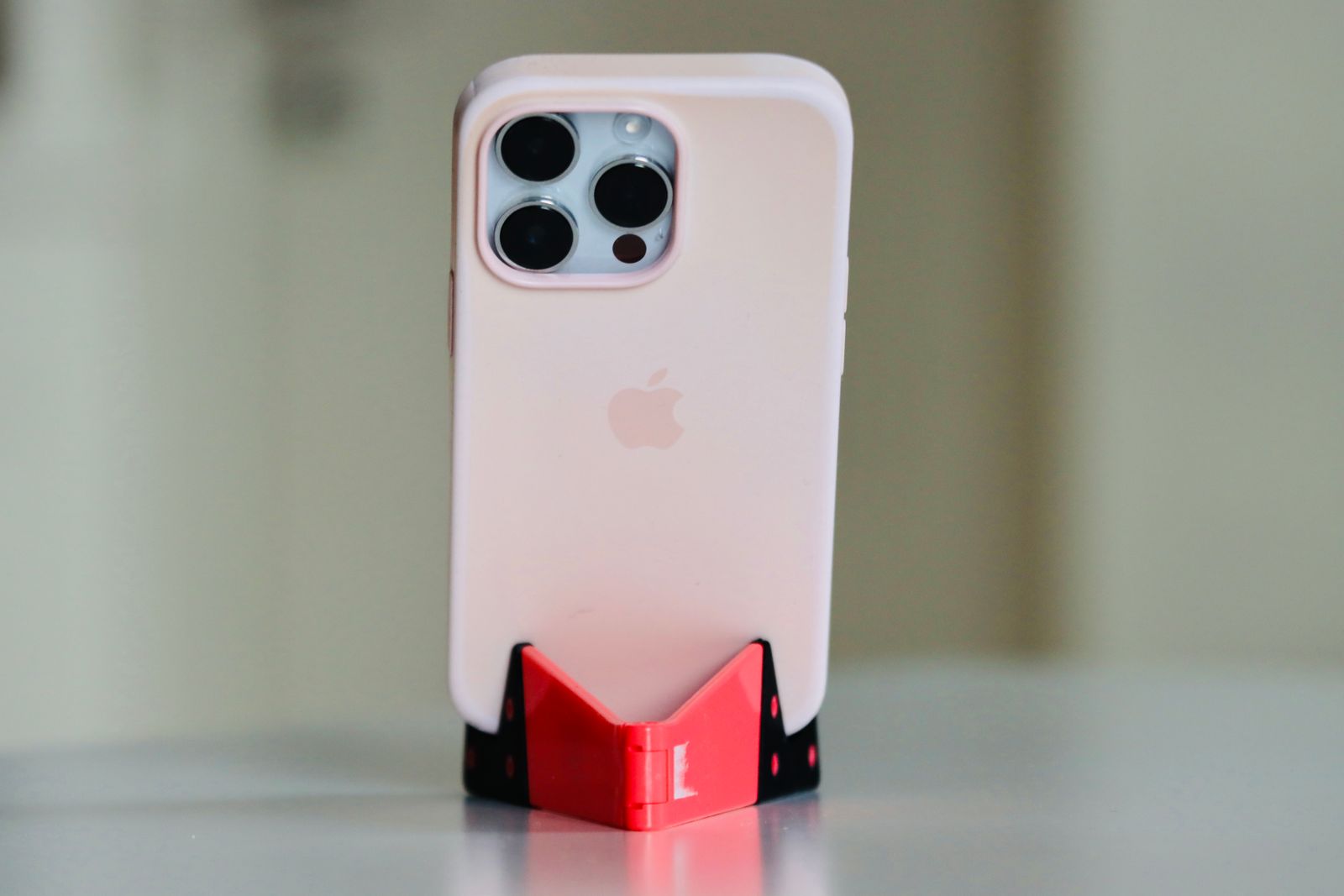
If your phone has its own magnets, an ordinary case puts a layer between the phone's ring and the charger's ring and weakens the hold. A magnetic case has its own ring of magnets in the back, lined up with the phone's, so the charger holds just as firmly through the case. If you want to use magnetic chargers, mounts or wallets, buy a magnetic case. See magnetic phone cases.
Other things on the magnetic ring
The same ring holds magnetic power banks, card wallets, grips and car holders. A magnetic power bank is a battery that clicks onto the back and charges the phone wirelessly on the move; the guide to power banks explains the sizes. A magnetic card wallet needs to come off before the phone goes on a charger: Apple and Samsung both warn that a charger's field can damage the magnetic strips and chips in bank cards, travel passes, badges and key fobs, so nothing like that should sit between the phone and the charger.
Speed and heat
Wireless charging is slower than a good cable. Some of the energy is lost between the coils as heat, and the amount the phone will take is set by the phone, the charger and the plug behind it, whichever is the lowest.
What speed to expect
- An iPhone on an ordinary Qi pad: Apple says many Qi chargers charge an iPhone at up to 7.5 watts.
- An iPhone on a magnetic charger: Apple's MagSafe page gives up to 15 watts for the iPhone 12 to iPhone 15 (12 watts for the two mini models), and up to 25 watts on several newer models, with a 30-watt or larger plug behind the charger. Apple lists each model on that page.
- Qi2 chargers: 15 watts or 25 watts, depending on the tier, on a phone that supports that tier.
- Other phones: the phone maker gives the wireless figure in the phone's specification. A charger sold at a higher figure than the phone takes will still work, at the phone's speed.
The number on the box is the most the charger can give, not what every phone will take. For an overnight charge the speed hardly matters; it matters most when you want a quick top-up during the day. The guide to fast charging explains watts and what they mean for a phone.
Heat
A phone gets a little warm on a wireless charger, and that is normal. Apple says an iPhone may get slightly warmer while it charges wirelessly, and that if the battery gets too warm, software may hold charging at 80 per cent until it cools. Wireless charging is one of the things Apple lists that can make a phone warm, and an iPhone is made to be used between 0 and 35°C.
To keep heat down:
- line the phone up properly, or use a magnetic charger that does it for you;
- keep the charger out of direct sun and away from radiators, and do not put it under a pillow or on the bed covers;
- take off a thick case, or one with metal in it, if the phone gets hot or charges slowly;
- let a phone that is already hot from gaming or navigation cool down first.
The Consortium also points out that uncertified chargers may leave out the temperature protection a certified one must have. Look for the Qi or Qi2 logo on the charger and its listing; the Consortium keeps a public database of certified products. Some phone accessories add a small fan to cool the phone, and magnetic phone coolers are made mainly for gaming, but they are not needed for everyday charging.
Charging through a case
Most phone cases do not need to come off for wireless charging. Samsung's UK support page says that in most cases you will not need to remove the case, and Apple's page says the same for ordinary cases. The coils only need to be close and lined up, and a few millimetres of silicone, TPU or plastic does not stop that.
Some cases do get in the way:
- Thick cases. Tough cases with a thick back put the coils further apart. Samsung warns that wireless charging may not work properly through a thick case, and Apple suggests taking a thick case off if charging is slow or does not start.
- Metal. Metal backs, metal plates for magnetic car mounts and metal rings stop or weaken charging. A charger's foreign object detection may refuse to charge at all if it senses metal in the way, which is a safety feature, not a fault.
- Battery cases. A case with its own battery usually has to come off, as Apple's page notes.
- Cards and wallets. Wallet cases and card holders on the back put cards between the phone and the charger, which both slows charging and risks damaging the cards. Take the cards out, or open the wallet away from the charger.
- Stick-on rings and grips. A ring holder or grip stuck in the middle of the back lifts the phone off the pad. Magnetic grips that come off are the easy answer.
If you want both protection and wireless charging, a tough case sold as wireless charging compatible, or a magnetic case, is made with this in mind.
Watch chargers
Smartwatches charge wirelessly too, but each maker uses its own charger, and most will not charge on an ordinary phone pad.
Apple Watch
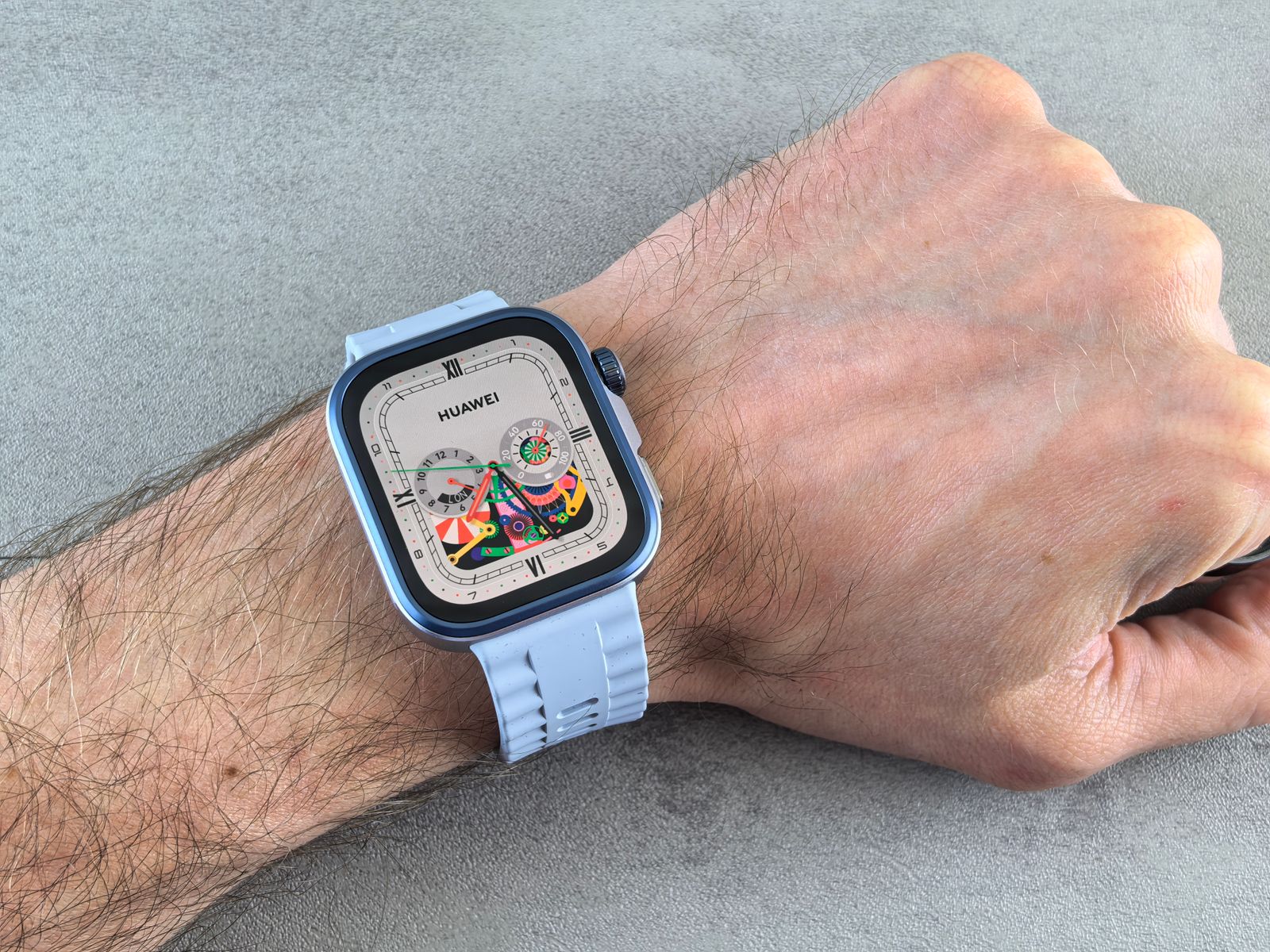
An Apple Watch charges on its own round magnetic charger, which snaps onto the back of the watch and lines it up. Apple says to put the charger on a flat surface in a well-ventilated place and to avoid extreme temperatures while it charges. A watch charger, a watch stand with a charger in it, or a 3-in-1 station needs a charger of that kind for an Apple Watch. See watch chargers and watch stands.
Galaxy Watch and others
A Galaxy Watch charges on its own round charger. Many Galaxy phones can also share power to a Galaxy Watch or a pair of earbuds through Wireless PowerShare: the watch or earbuds sit on the back of the phone. Samsung says the sharing phone needs more than 30 per cent battery unless it is plugged in, and that taking off the phone's case helps if sharing is slow; it also notes that not every watch can be charged this way. Other watches, including Fitbit and Pixel Watch, have their own chargers or cradles, so check the watch model against the charger before you buy.
A spare charger for the office or a bag saves carrying one back and forth. The guide to watch straps covers sizes, cases and screen protectors for the watch itself.
Questions people ask
Is it safe to leave my phone on a wireless charger overnight?
Yes, on a certified charger in a sensible place. The phone controls the charge and stops taking power when it is full. Keep the charger off the bed, away from heat and out of direct sun, and use the plug the charger asks for. iPhones and many other phones can also learn your routine and hold the charge at part full until just before you get up.
Will a magnetic charger hurt my phone or my bank cards?
The magnets are made to sit against the phone. Bank cards, travel passes, key fobs and passports are another matter: Apple and Samsung both say not to put them between the phone and a charger. Keep a card wallet off the phone while it charges.
I have a pacemaker. Is a magnetic charger a problem?
Apple advises keeping an iPhone and MagSafe accessories more than 15cm from an implanted medical device, and more than 30cm while charging wirelessly, and asking your doctor and the device maker for advice for your own device.
Why does my phone charge slowly, or stop and start, on a wireless charger?
The usual causes are a phone off the centre of the pad, a thick or metal case, a card or metal plate in the way, a weak plug behind the charger, or a phone that is too warm and slowing itself down. Work through them in that order.
Will a Qi2 or MagSafe-compatible charger charge my Android phone?
A Qi2 charger charges any phone with Qi2. A phone that only has older Qi charging may charge on it, more slowly, depending on the charger: check its listing. Without magnets in the phone, a magnetic case or ring is needed to hold it on.
Does wireless charging wear the battery out faster?
Batteries wear with heat and age whichever way they are charged. Wireless charging makes a little more heat than a cable, so the advice is the same as for any charging: keep it cool, line the phone up, and avoid charging it in a hot place.
Where to go next
Every kind of wireless charger has its own range: pads, stands, magnetic chargers, 3-in-1 stations and travel chargers, with wireless charging car mounts for the car. For the other parts of the choice:
- Fast charging explained: watts, USB Power Delivery and PPS
- Choosing a safe phone charger in the UK: the plug behind the wireless charger
- Power banks explained: magnetic power banks and charging on the move
- Car phone holders and the law: magnetic and wireless-charging holders in the car