Most phones no longer come with earphones in the box, and many no longer have a headphone socket either. So choosing earphones now starts with a question that used to be simple: how will they connect to the phone at all? This guide explains wired and wireless earphones, the three plugs you will meet, what to look for in Bluetooth earbuds, how to get ear tips that fit, how to protect earbuds and their case, when a small speaker makes more sense, and how to listen without harming your hearing.
Wired or wireless
Both have a place, and many people keep one of each.
Wired earphones
- Nothing to charge. They work as long as the phone does, which suits travel, long days and anyone who forgets to charge things.
- No delay. Sound arrives at the same moment as the picture, which matters for games, music apps and video editing.
- Nothing to pair. Plug in and listen.
- Less to lose. One cable, rather than two small earbuds and a case.
Most wired earphones made for phones also have a small microphone and a button or three on the cable, for answering calls, pausing music and changing the volume. Check for these if you take calls on them, because some cheaper pairs carry sound only.
Against that, the cable tangles, catches on bags and door handles, and wears out at the plug. And the plug has to match the phone, which is where most confusion starts.
Wireless earphones
- No cable. Easy for walking, running, the gym and housework, and the phone can stay in a pocket or across the room.
- Works with any phone that has Bluetooth, whatever its port.
- Extras. Many have touch controls, a microphone for calls, and some have noise cancelling.
Against that, they need charging, they can lag slightly behind the picture, they are easy to drop or lose one of, and the battery inside wears out over the years like a phone's.
A simple way to choose: wireless for everyday listening on the move, wired for long journeys, gaming and as a spare that never runs flat.
USB-C, Lightning and 3.5mm earphones
Wired earphones come with one of three plugs. The one you need depends entirely on the phone.
3.5mm
The round headphone plug used for decades. Many older phones, some current lower-priced Android phones, most laptops, games consoles and in-flight entertainment still have the socket for it. iPhones have had no headphone socket for many years, and many recent Android phones have dropped it too. Look at the bottom or top edge of your phone: a small round hole next to the charging port is a 3.5mm socket. Pockets fill sockets with fluff, which can make the sound crackle or cut out; dust plugs keep it out when nothing is plugged in.
USB-C
Earphones that plug into the USB-C charging port, used by most recent Android phones and by iPhone 15 and later. There is one thing worth knowing. Some USB-C earphones have no electronics of their own; they rely on the phone to turn digital sound into the signal earphones need and send it down the port. Not every phone does this, and on those that do not, such earphones are silent or show a message that the accessory is not supported. USB-C earphones with a small converter built in (often called a DAC, a digital-to-analogue converter) do that job themselves, so they work with far more phones. If a listing does not say, it is worth checking before you rely on a pair with a new phone.
Lightning
Earphones for iPhones with the Lightning port, which is iPhone 14 and earlier. They will not fit an iPhone 15 or later, which use USB-C.
Using the earphones you already have
If you have a good pair of 3.5mm earphones and a USB-C phone, a USB-C to headphone adapter lets you keep them. The same point about converters applies: an adapter with its own converter works with more phones. The guide to charging cables explains which phones use which port. See wired earphones for all three plugs.
Bluetooth earbuds: what to look for
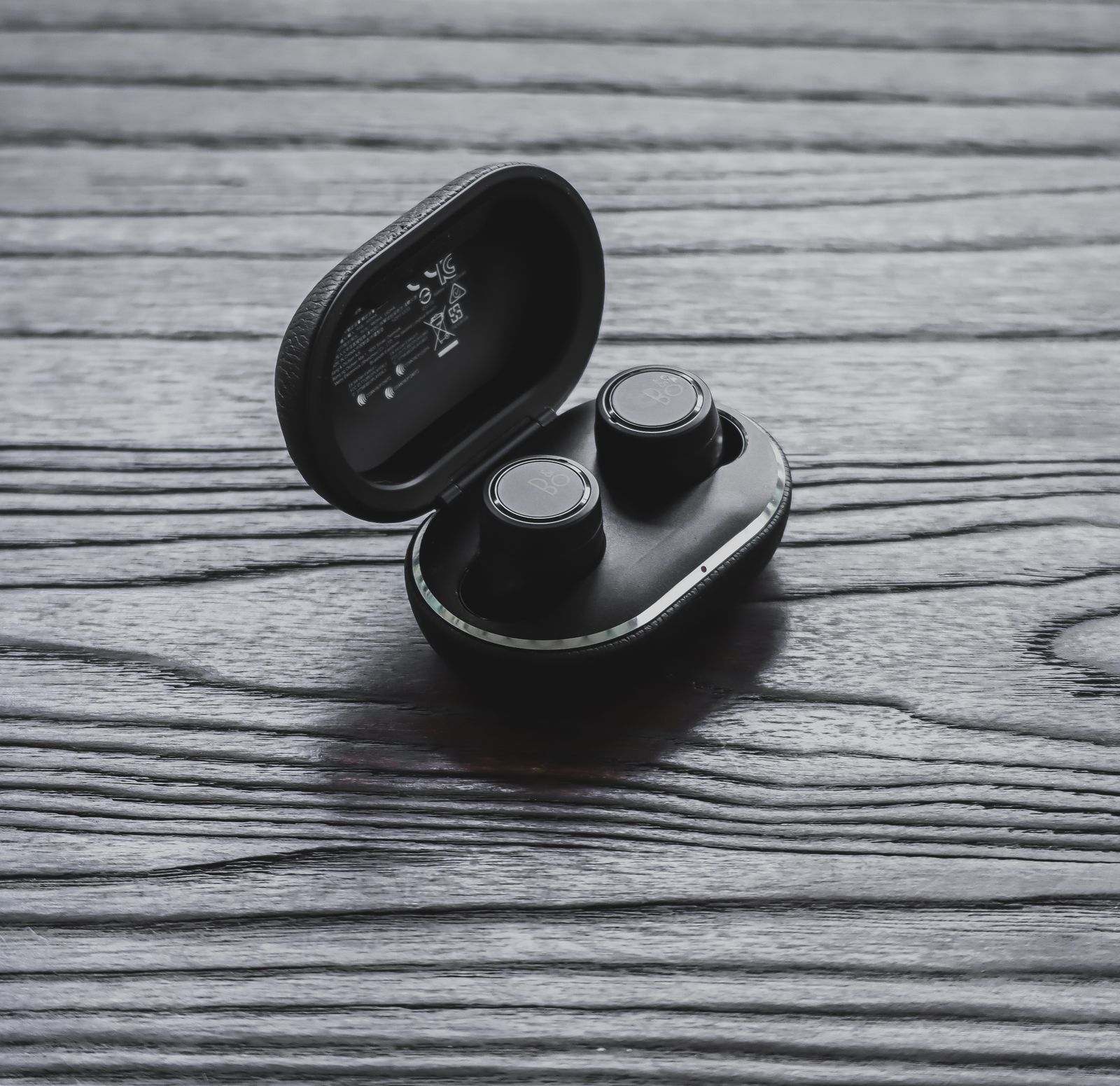
Bluetooth earbuds come as two small earpieces with no cable between them, kept in a case that also charges them. These are the things that make the most difference day to day.
Battery life, in two numbers
Earbuds usually give two figures: how long the buds play on one charge, and how much more the case holds in total. The first tells you whether they will last a long journey or a working day without going back in the case. The second tells you how often you will need to charge the case itself. Battery figures are measured under the maker's own conditions, often at moderate volume; high volume and noise cancelling use more.
Charging the case
Most cases charge from a USB-C cable. Some can also charge wirelessly by sitting on a pad, which is handy if you already have one for your phone. A 3-in-1 charging station charges a phone, an earbud case and a watch together, if the case supports wireless charging.
Codecs: how the sound travels
Bluetooth sends sound compressed, using a method called a codec. Both the phone and the earbuds must support a codec for it to be used; if they share no better one, they fall back to the basic one.
- SBC is the basic codec every Bluetooth headphone and earbud supports.
- AAC is the one iPhones use, and many Android phones support it too.
- aptX and LDAC are found on many Android phones and some earbuds.
For most listening on the move, the difference between them is small. It is worth matching them if you care about sound quality and have an Android phone that supports aptX or LDAC, because iPhones do not use either.
Delay
Bluetooth sound arrives a fraction of a second after the picture. Video apps usually correct for this, so films and video look in sync. Games and music apps often cannot, so a shot sounds slightly after you fire. Some earbuds have a low-delay or game mode that shortens it. For serious gaming, wired is still the safe choice; the guide to mobile gaming accessories covers the rest of a gaming set-up.
Styles of earbud
- In-ear earbuds have a soft tip that sits in the ear canal and seals it. They block the most outside noise and give the fullest bass, and they depend on the tip fitting well (more on that below).
- Open earbuds rest in the outer ear without sealing it. Many people find them more comfortable for long periods, and you hear more of what is around you, but they leak sound and let in noise.
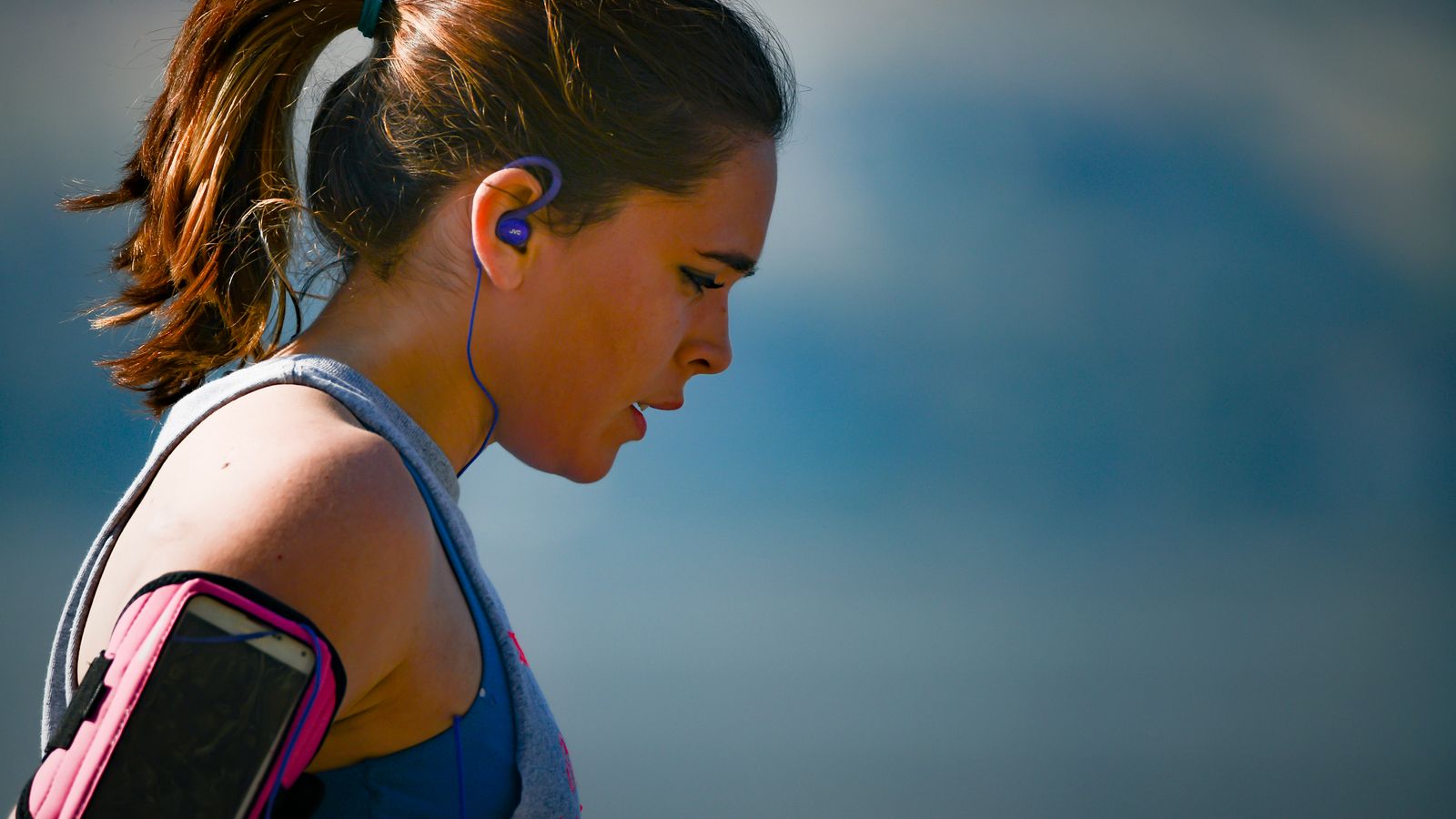
- Ear-hook and wing earbuds have a loop over the ear or a soft fin inside it, which holds them in place while running and at the gym.
Noise cancelling and hearing what is around you
Active noise cancelling uses small microphones on each earbud to listen to the noise outside and play an opposite sound that cancels much of it. It works best on steady, low noise such as a train, a plane or an office air-conditioner, and less well on sudden sounds and voices. It uses some battery. Many earbuds with it also have a transparency or ambient mode, which does the opposite: it lets outside sound in through the microphones, so you can hear an announcement or cross a road without taking an earbud out.
Pairing and switching phones
Earbuds pair from the phone's Bluetooth settings, usually after opening the case or holding a button on it. Some can be paired with two devices at once, often called multipoint, so they move between a phone and a laptop without being paired again. If you use earbuds with more than one device, look for it.
Calls
If you take calls on your earbuds, look for microphones in each bud and some form of noise reduction for calls, which helps the other person hear you rather than the street.
Water and sweat
Earbuds for running and the gym often carry an IP rating, a code from an international standard for how well a device keeps out dust and water. The second digit is for water:
| Rating | What it was tested against |
|---|---|
| IPX4 | Water splashed from any direction, such as sweat and light rain |
| IPX5 | Jets of water from any direction |
| IPX7 | Being dropped in water up to 1m deep for up to 30 minutes |
An X means that part was not tested. The ratings are separate tests, so a higher number does not always include a lower one. Charging cases are rarely rated at all, so keep the case dry. The guide to IP ratings explains the whole code. See Bluetooth earbuds, or kit for runners for earbuds and armbands together.
Looking after the battery
Earbuds have small rechargeable batteries that, like a phone's, slowly hold less charge over the years. Heat speeds that up, so do not leave earbuds or their case on a sunny windowsill or in a hot car. Put the buds back in the case when you are not using them, so they stay charged and are less likely to go missing, and charge the case before it runs completely flat.
Ear tips and fit
Fit matters more than almost anything else with earbuds that sit inside the ear. A tip that seals the ear canal properly keeps the bass full, blocks outside noise so you do not turn the volume up, and holds the bud in place. A tip that is too small lets sound leak out and the bud fall out. One that is too big presses and aches after half an hour.
Finding your size
Most in-ear earbuds come with tips in small, medium and large, with the medium fitted. Many people need a different size, and it is common to need a different size in each ear. Try each size for a few minutes with music playing. The right one feels secure when you move your jaw and shake your head, and the music sounds fuller as it seals. Some earbud apps include a fit test that plays a sound and checks the seal.
Silicone or foam
- Silicone tips are the usual kind. They are easy to clean and last a long time.
- Foam tips are squeezed small, put in the ear, and expand to fill it. They often seal better and block more noise, but they wear out sooner and need replacing more often.
When to replace them
Tips that have torn, lost their spring, or will not come clean are worth replacing; a fresh pair often makes old earbuds sound new. Check that replacement tips fit your earbud's nozzle, because they come in different shapes and widths. See ear tips.
Earbud cases and covers
An earbud charging case lives in a pocket or bag with keys and coins, and gets scuffed, dropped and occasionally lost down the side of a seat. A cover protects it.
- Silicone covers are soft and grippy and cushion small drops.
- Hard and clear covers keep the case looking new and slim.
- Fun and cute covers make a case easy to spot in a bag, and to tell apart from someone else's.
- Covers with a clip or keyring hang the case from a bag, a belt loop or a lanyard, which makes it harder to lose.
Covers are made to fit particular cases, AirPods-compatible ones and others, so choose by the exact earbuds you have, because the shape and the hinge differ between versions. Check the cover leaves the charging port and the light open, and that it allows wireless charging if your case uses it. See earbud cases and covers.
Keeping them clean
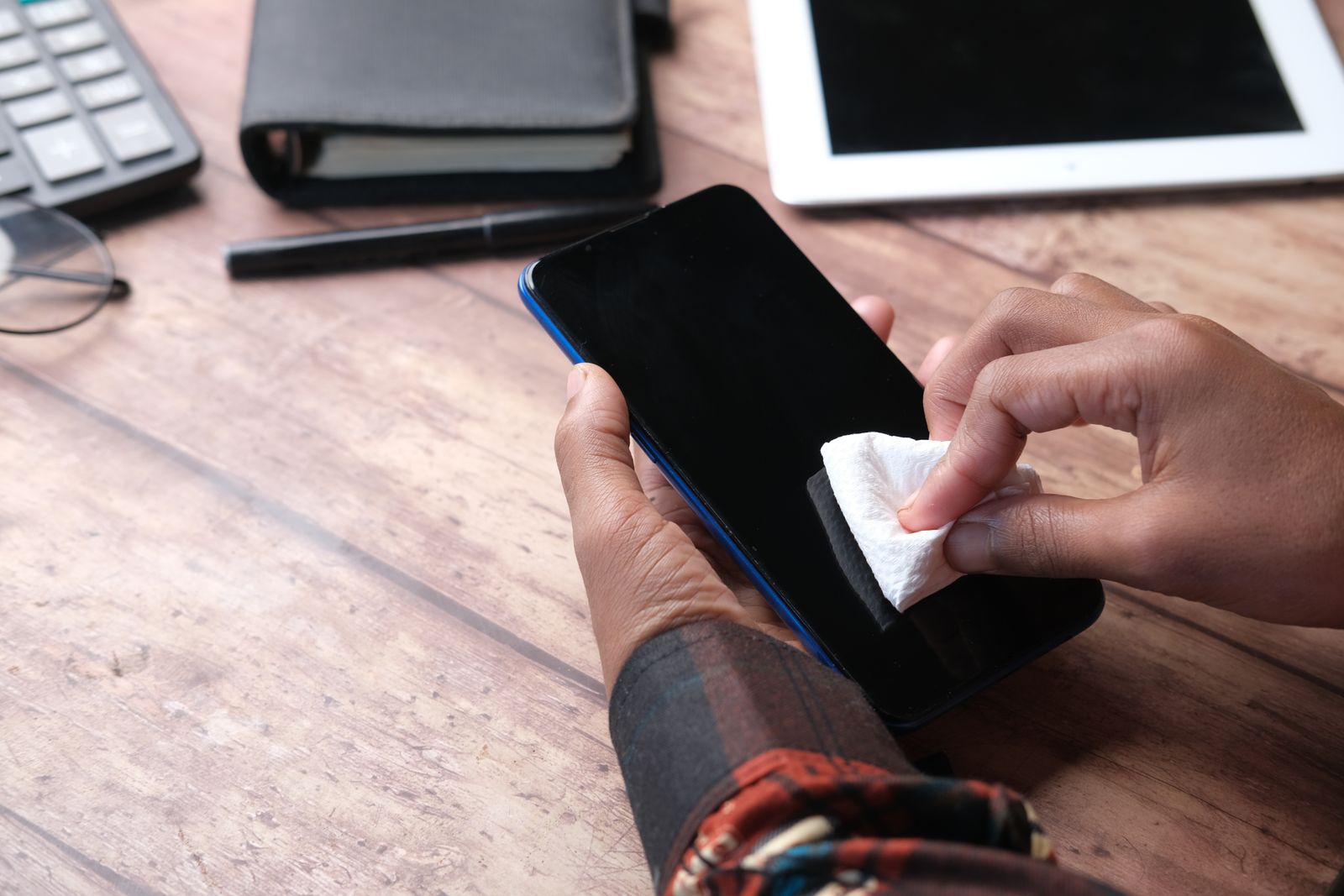
Earwax and fluff build up in the mesh of an earbud and in the bottom of its case, which turns the sound down and can stop the buds charging. A soft brush and a gentle tool clear them. Never push anything sharp into the mesh or use water inside the openings. Port and earbud brushes and phone cleaning kits are made for this, and the guide to cleaning your phone safely explains how.
Bluetooth speakers
Sometimes earphones are the wrong answer: music while cooking, a podcast in the garden, a film for two on a laptop, sound at a picnic. A phone's own speaker is small and thin. A Bluetooth speaker gives fuller, louder sound and keeps the phone free.
What to look for
- Size against sound. A small speaker that fits a pocket or clips to a bag is fine for speech and background music. A larger one gives more bass and fills a room or a garden.
- Battery. How many hours it plays, and how it charges; most use USB-C.
- Water. For outdoors and the bathroom, an IP rating such as IPX4 or IPX7 tells you what it was tested against, as in the table above.
- A microphone. Some let you take calls through the speaker.
- Pairing two together. Some speakers can join a second of the same kind for stereo or more volume.
Bluetooth works best with the phone in the same room and nothing too thick between them; walls, bodies and other wireless equipment can cut the sound out at a distance. See Bluetooth speakers.
Listening safely
Loud sound for long periods damages hearing, and the damage builds up slowly and does not come back. Earphones are the commonest way people expose themselves to it, because the sound goes straight into the ear and it is easy to turn it up over the noise of a train or a street.
How loud, for how long
Hearing damage depends on both the loudness and the time. The safe-listening standard written by the World Health Organization and the International Telecommunication Union counts a week's listening: for adults, the equivalent of 80 decibels for 40 hours a week. Louder than that, the safe time drops quickly. Apple's own help pages say an iPhone will notify you when headphone listening has gone over 80 decibels for a total of 40 hours in seven days, and suggest turning the volume down.
Simple habits
NHS hearing services give advice that is easy to follow:
- keep the volume at no more than about 60 per cent of the maximum;
- do not listen for more than about an hour at a time, and take a break of at least five minutes;
- earphones that block outside noise, by a good seal or noise cancelling, help because you do not need to turn them up to drown out the background.
If your ears ring or sound muffled after listening, the volume was too high. Many phones also have a setting that caps headphone volume or turns loud sound down automatically; on an iPhone it is called Reduce Loud Audio, under Headphone Safety in the settings.
Hearing what is around you
Earphones that block noise also block traffic, bicycle bells and people calling to you. The Highway Code lists loud music, which may mask other sounds, among the distractions to avoid when driving or riding. On foot near traffic, on a bike, or anywhere you need to hear what is coming, keep the volume low or use a mode that lets outside sound in.
Questions people ask
Why do my USB-C earphones not work with my new phone?
Some USB-C earphones and adapters rely on the phone to convert the sound, and not every phone does. Earphones or an adapter with their own converter, often called a DAC, work with far more phones.
Can I use Lightning earphones on an iPhone 15 or later?
Not directly. iPhone 15 and later use USB-C, so you need USB-C earphones or Bluetooth ones.
Do Bluetooth earbuds work with any phone?
They work with any phone that has Bluetooth, which is almost every phone. Extra features such as particular codecs or an app for settings may only work with some phones.
Which ear tip size do I need?
Try each size with music playing. The right one seals so the sound gets fuller, and stays put when you move your jaw. Many people need a different size in each ear.
Are my earbuds waterproof?
Only to the level their IP rating says, if they have one. IPX4 means splashes and sweat, not swimming, and charging cases are usually not rated at all.
How loud is too loud?
If someone a metre away cannot talk to you without shouting, or your ears ring afterwards, it is too loud. Keeping to about 60 per cent of the volume, with a break every hour, is a simple rule to follow.
Where to go next
Choose Bluetooth earbuds for everyday listening on the move, wired earphones for gaming and a spare that never runs flat, and ear tips and earbud covers to keep the pair you have comfortable and safe. Delivery is included in every price and tracked to your door.