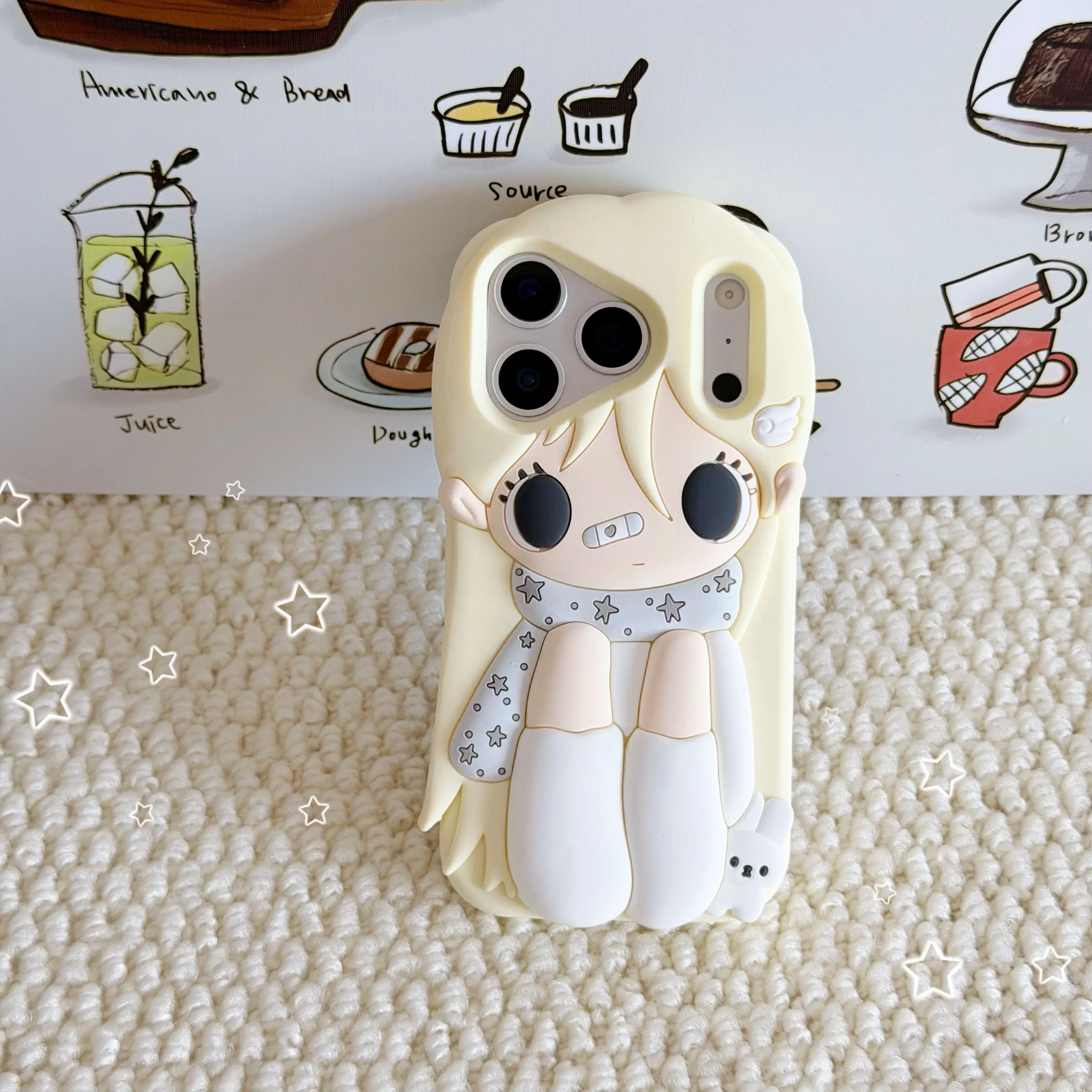
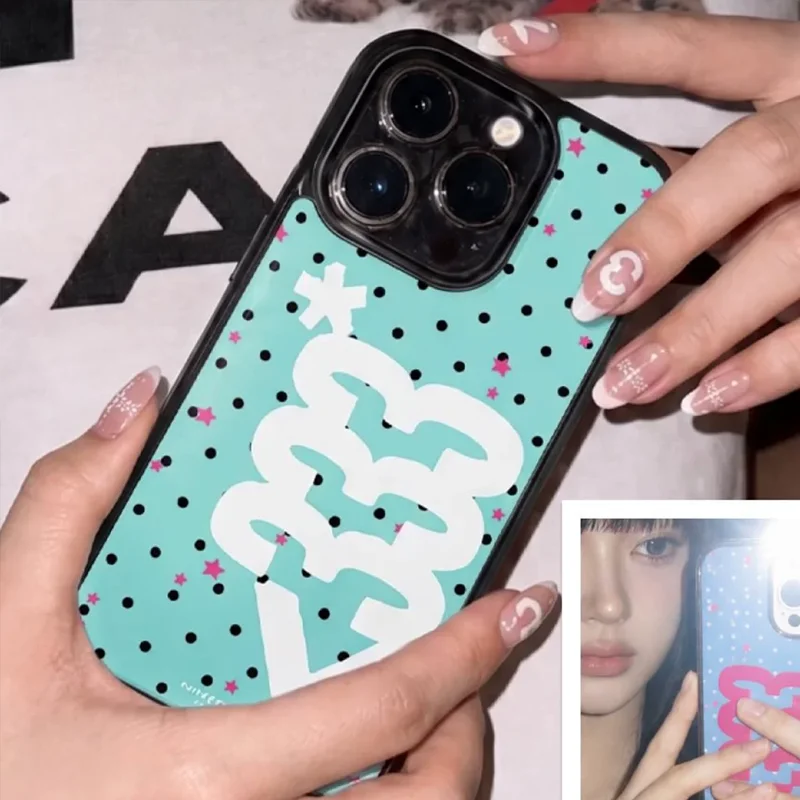
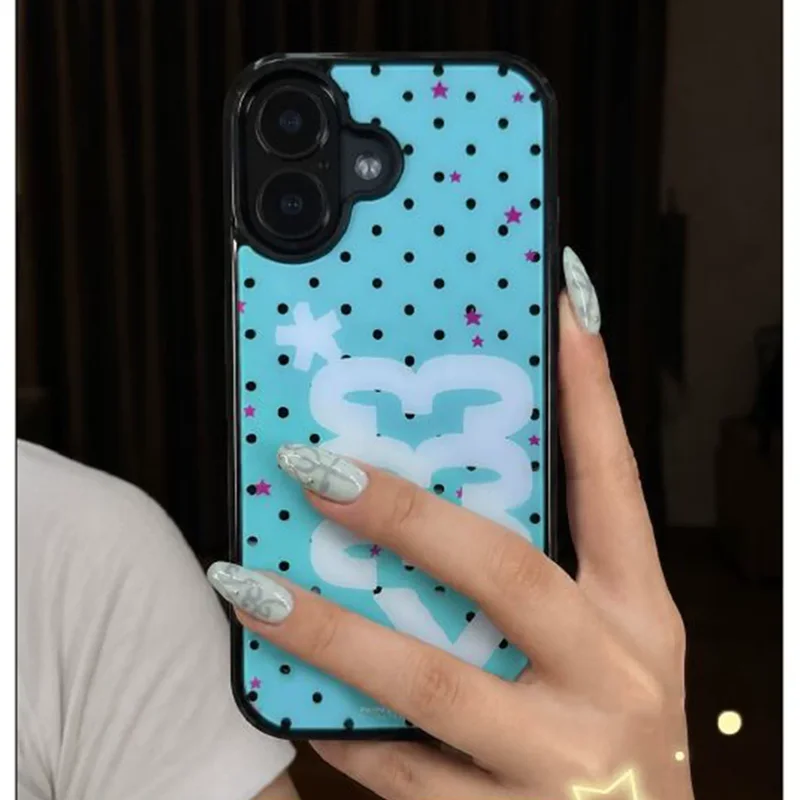
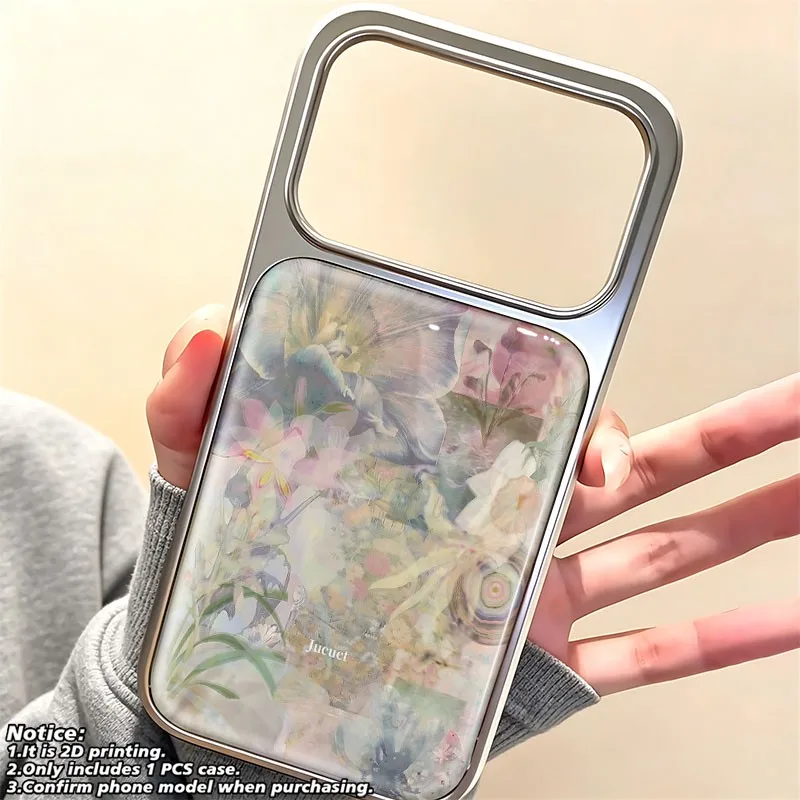
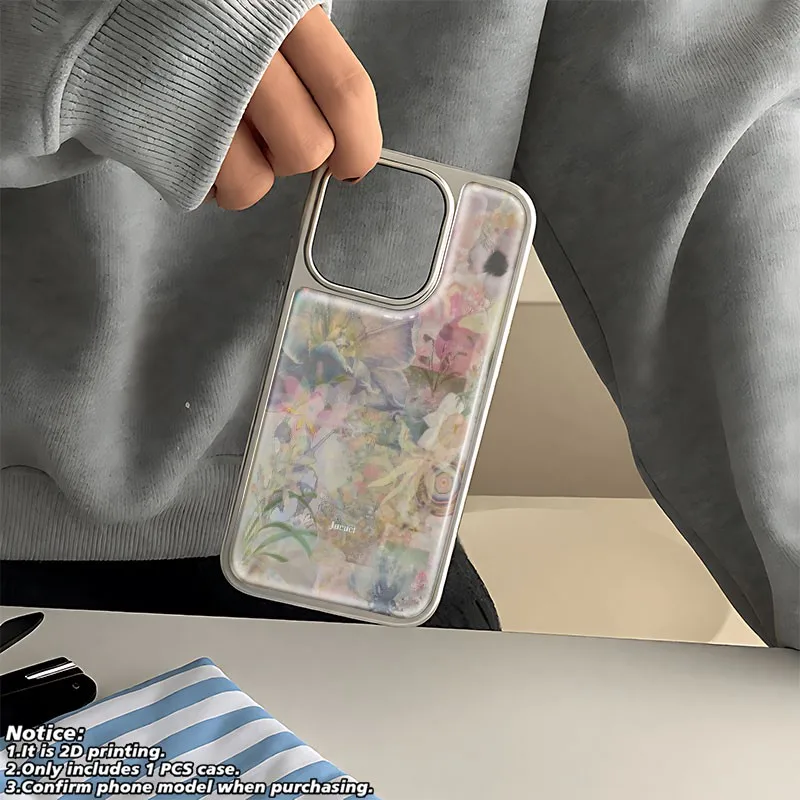
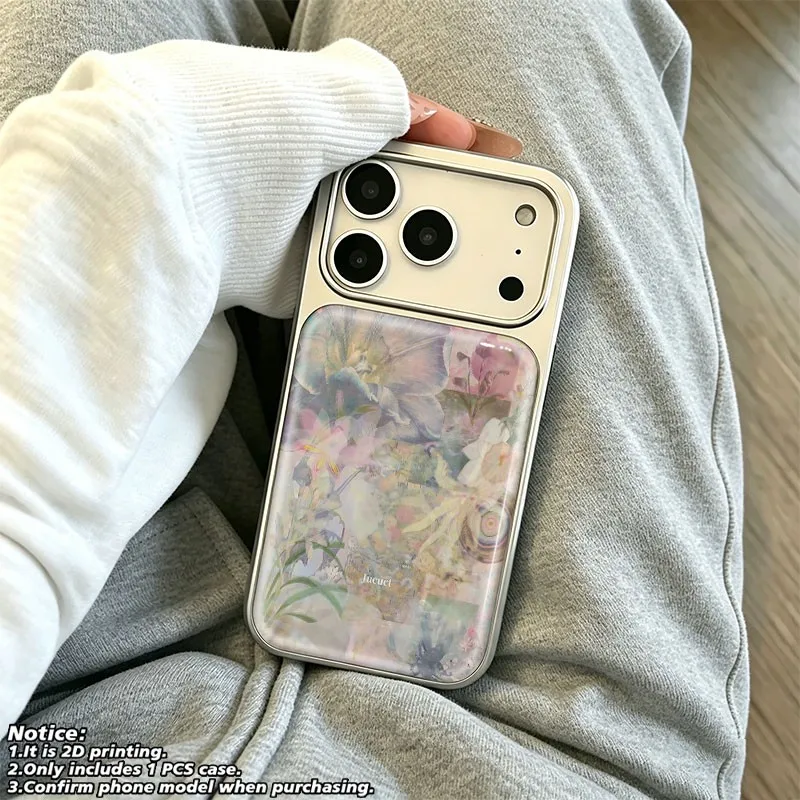
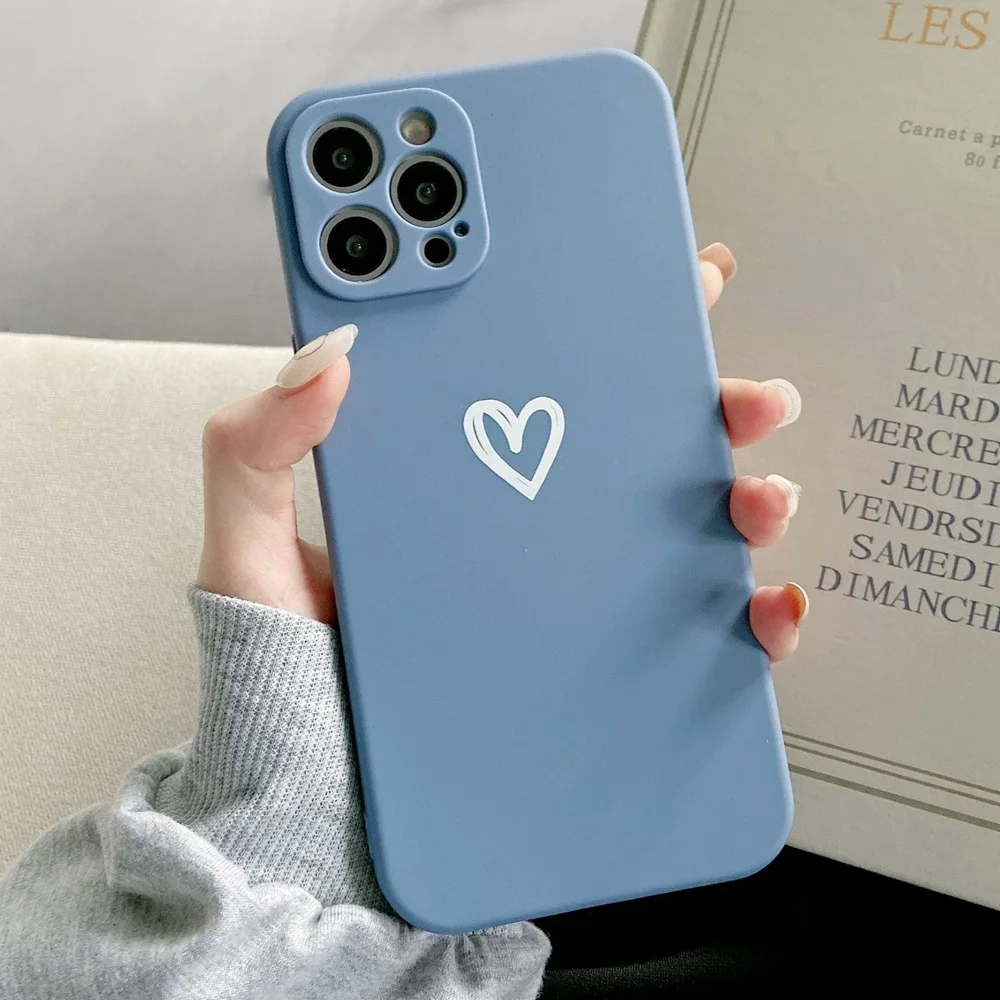
What is filed under the iPhone 14 Pro
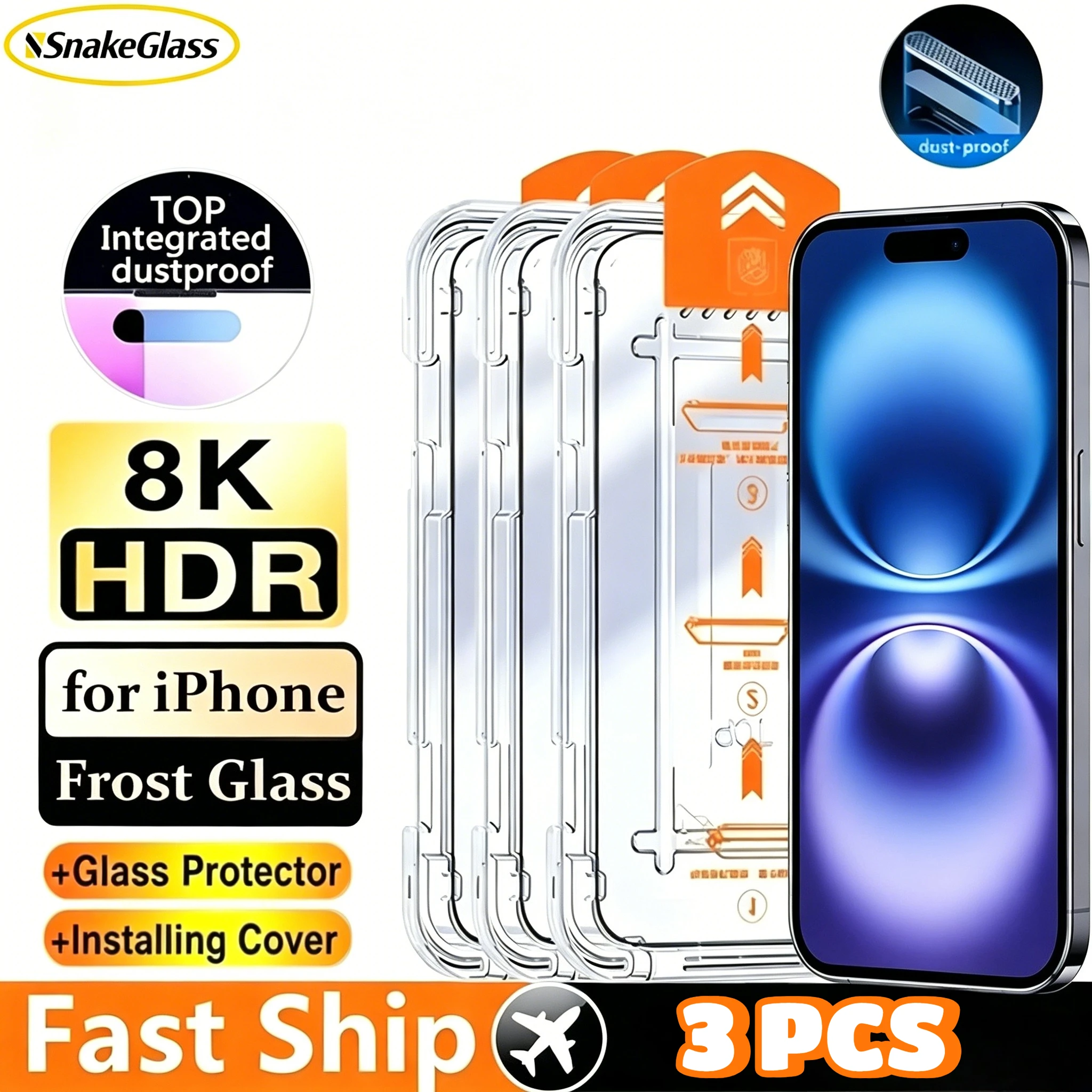
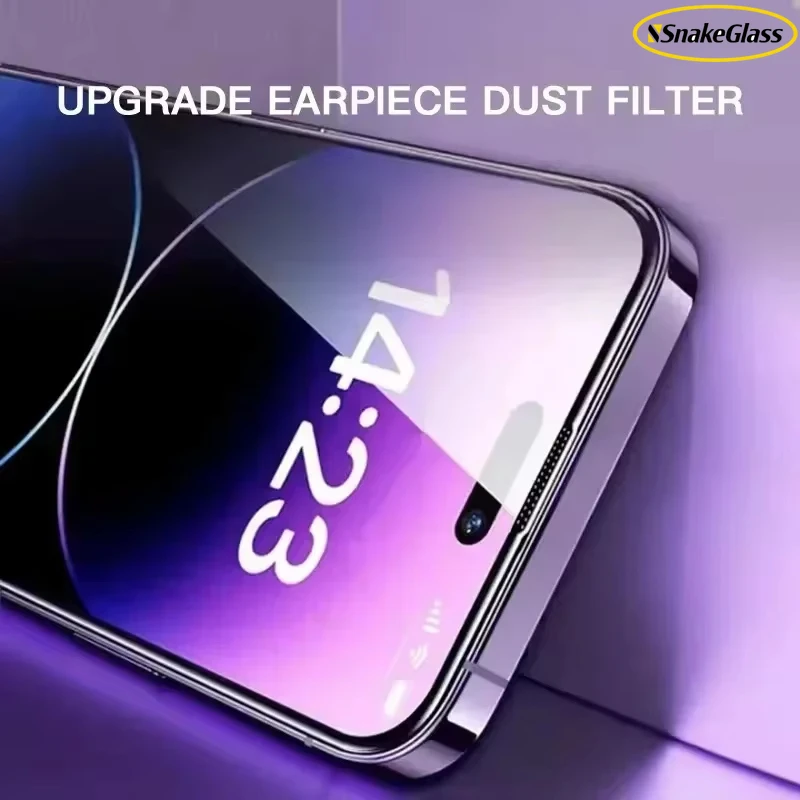
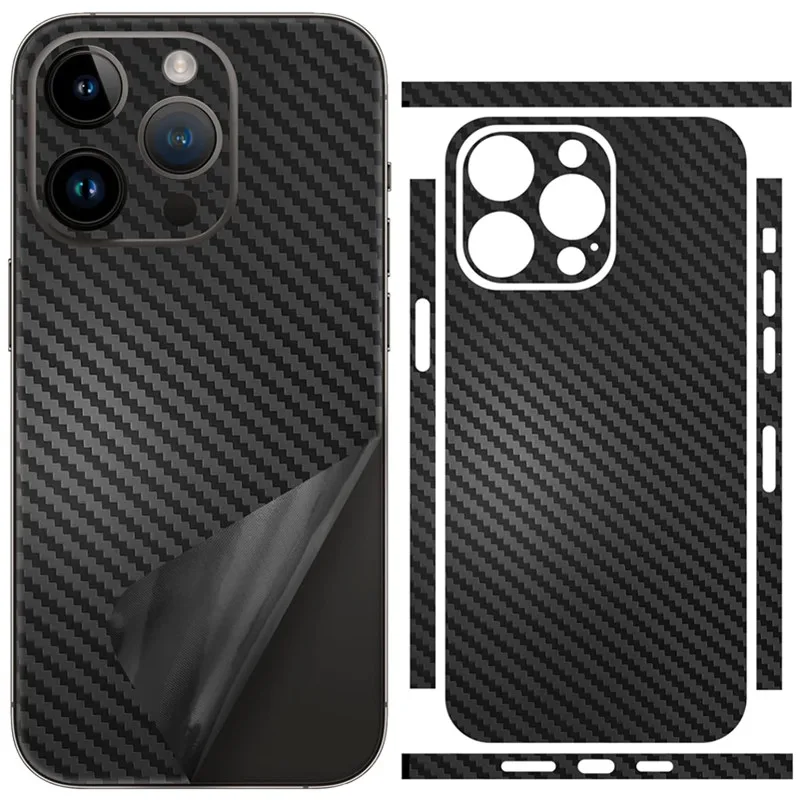
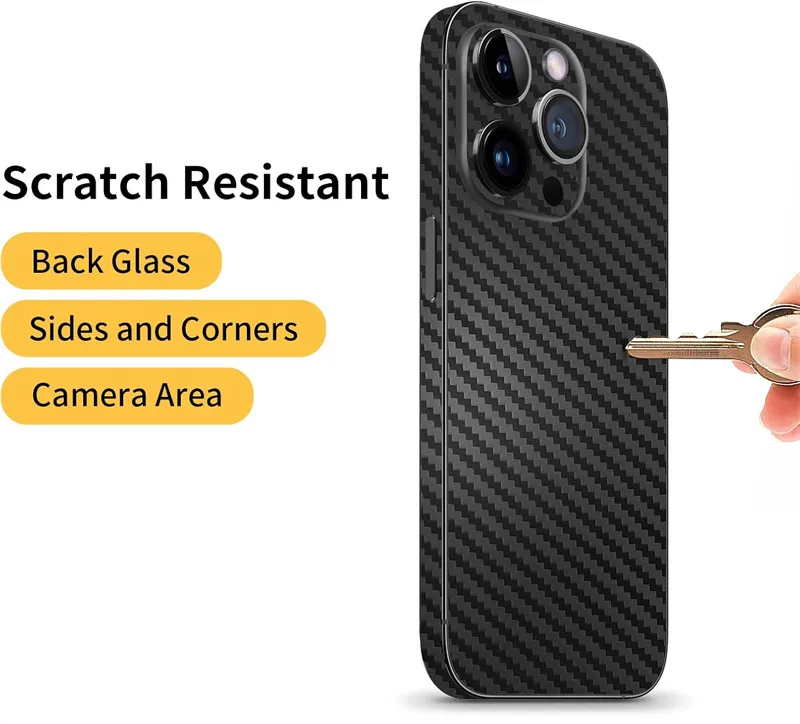
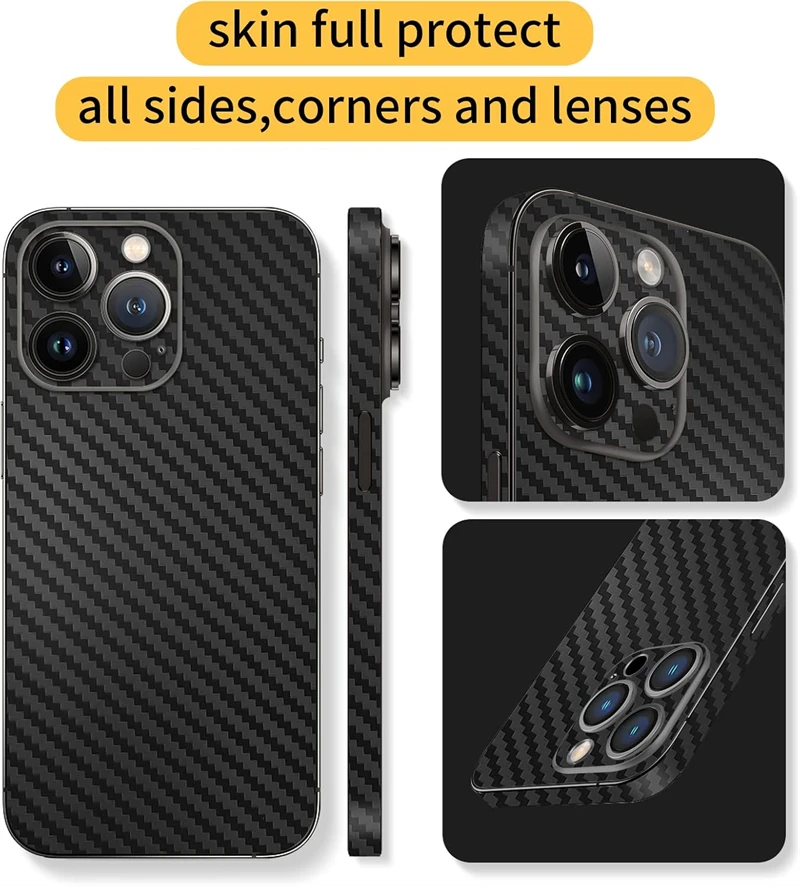
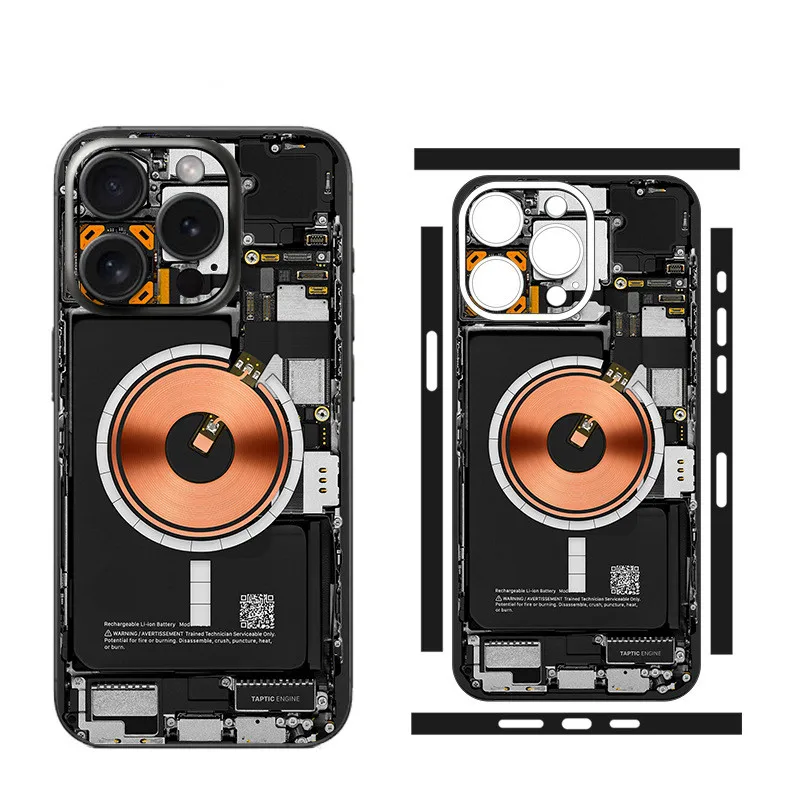
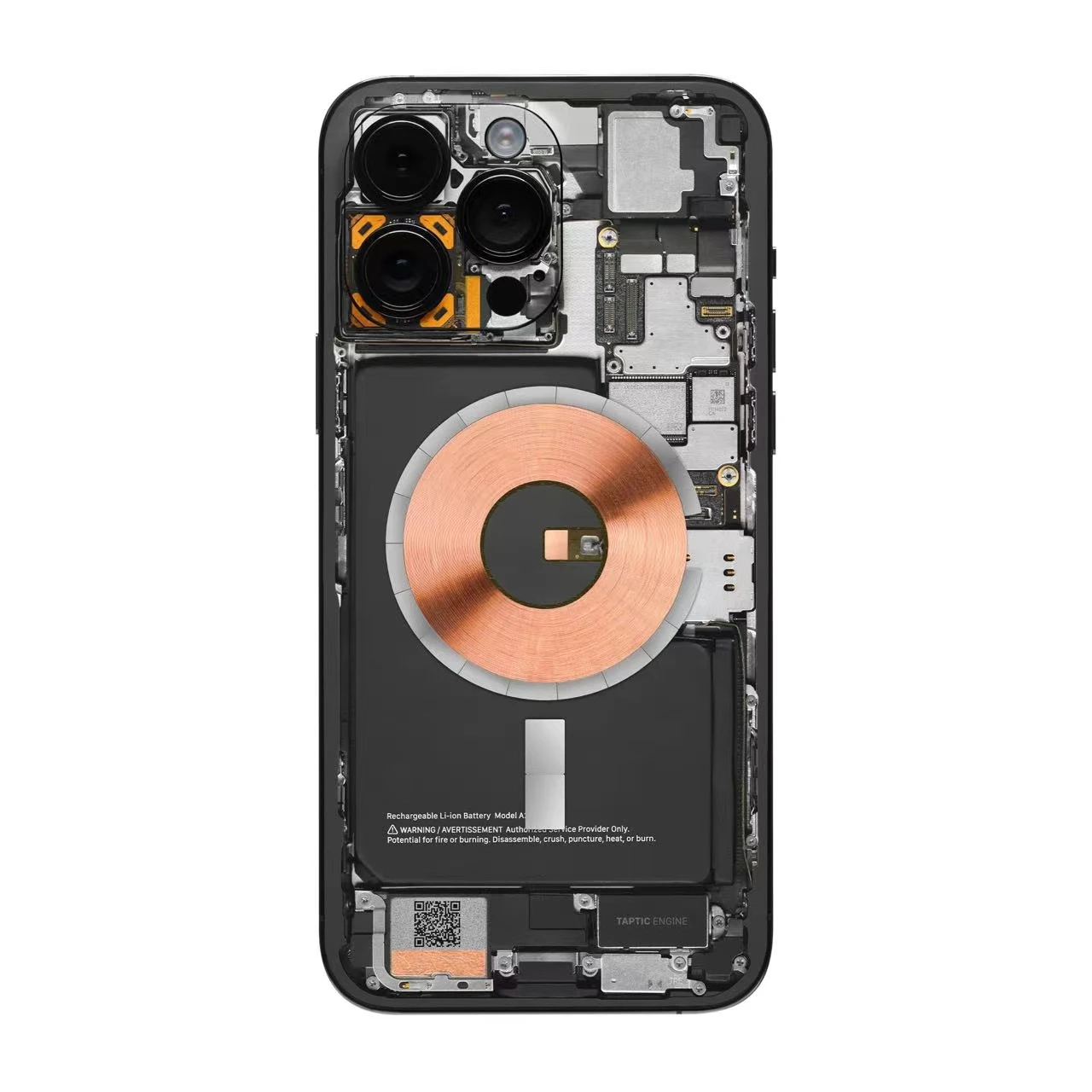
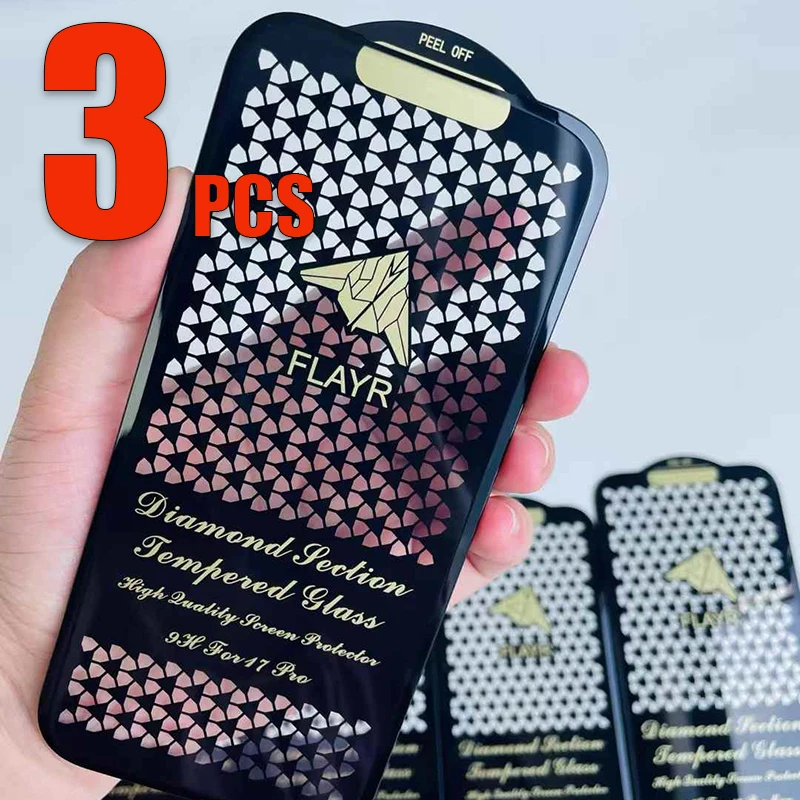
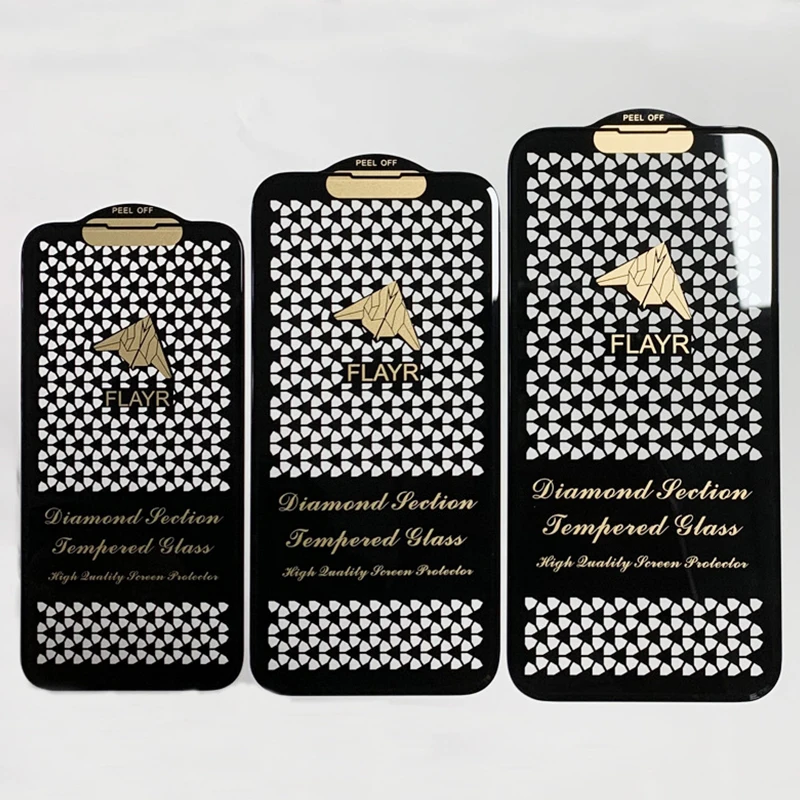
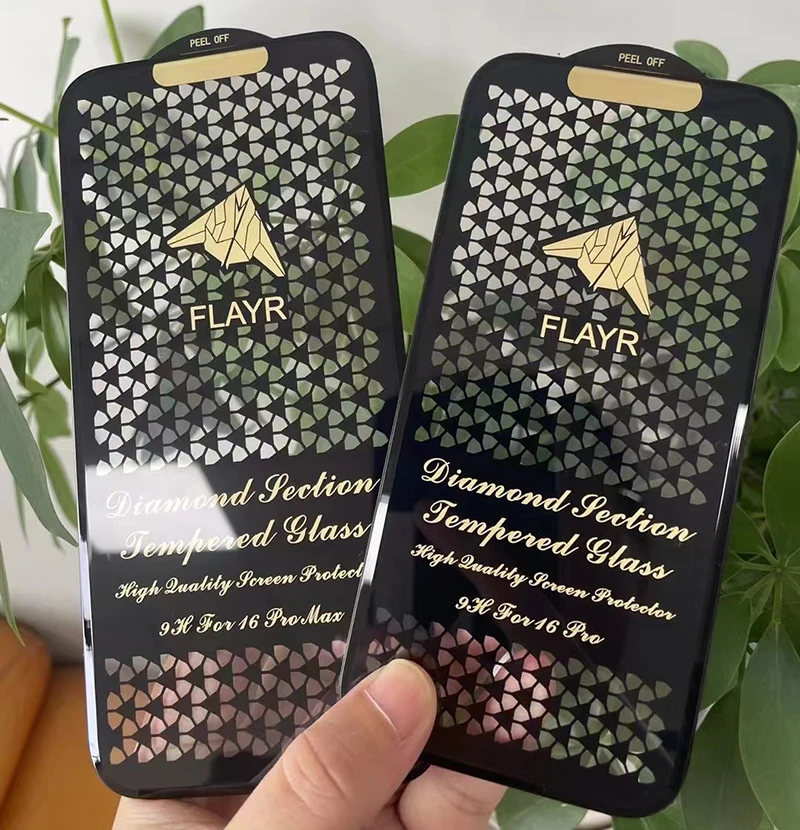
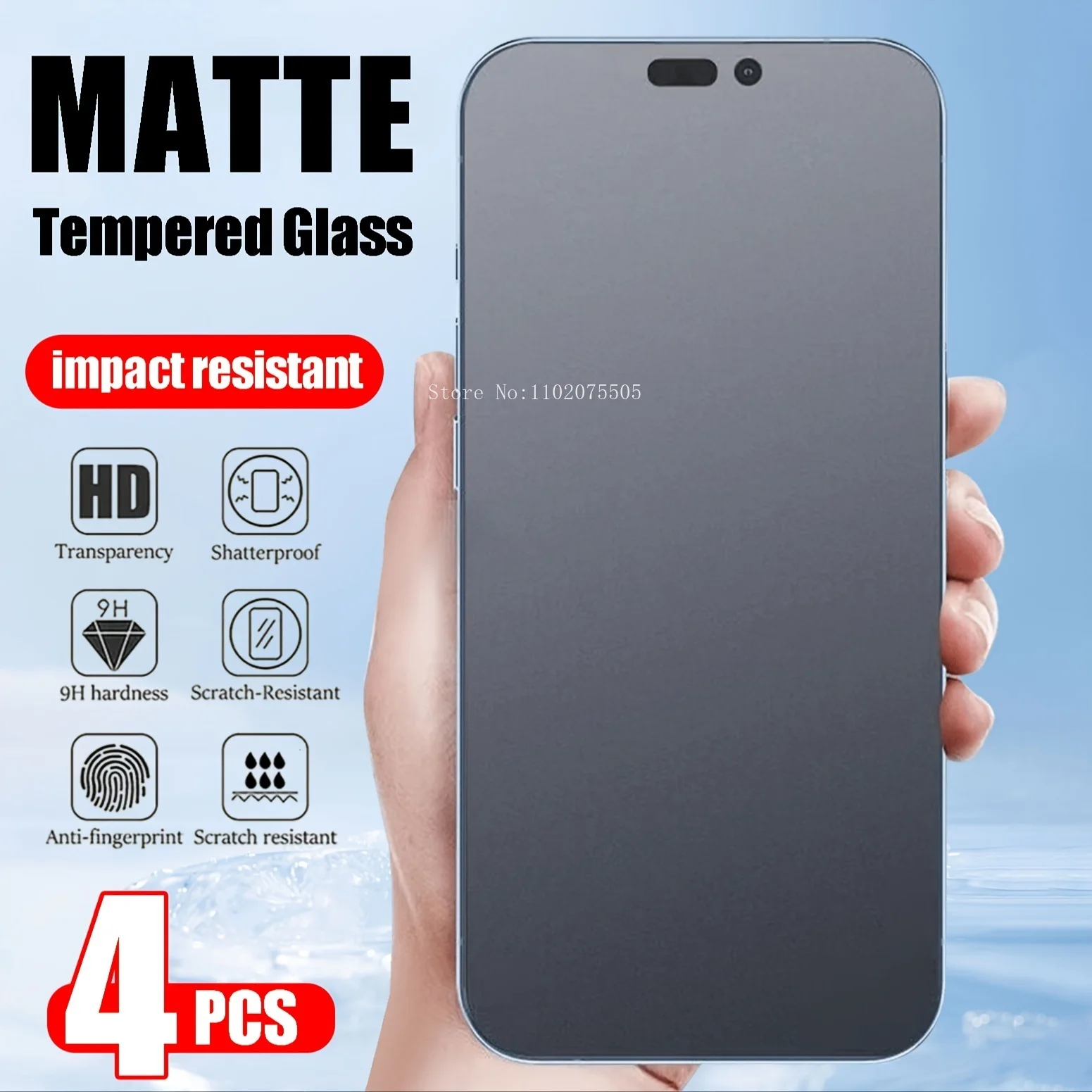
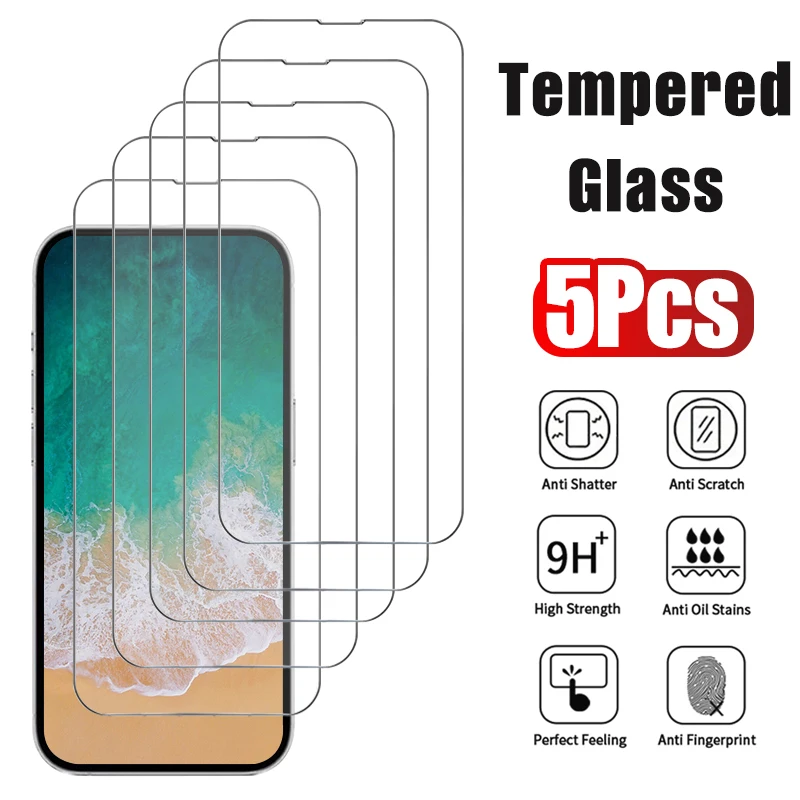
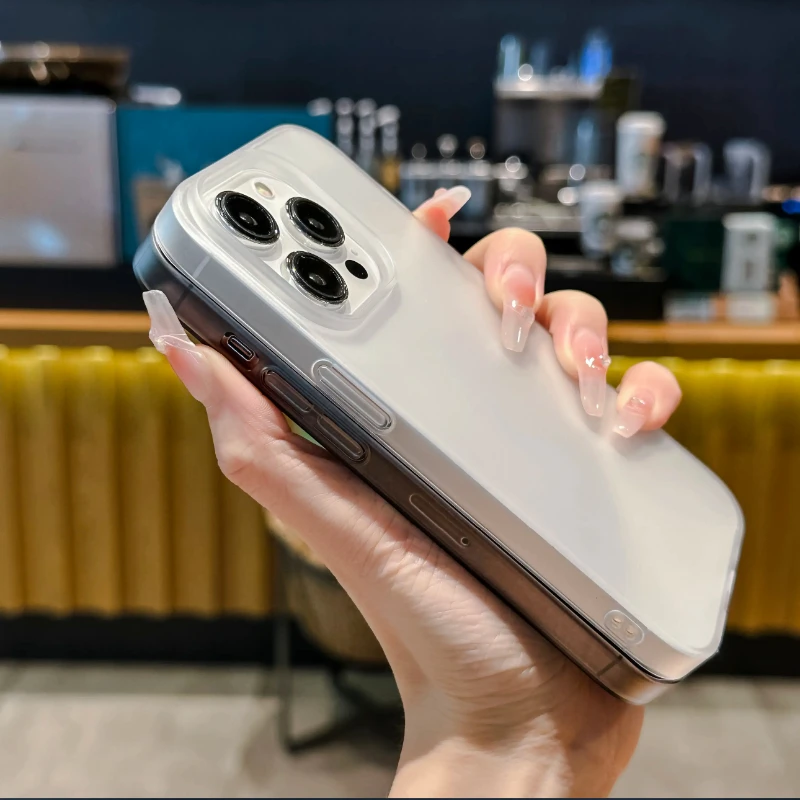
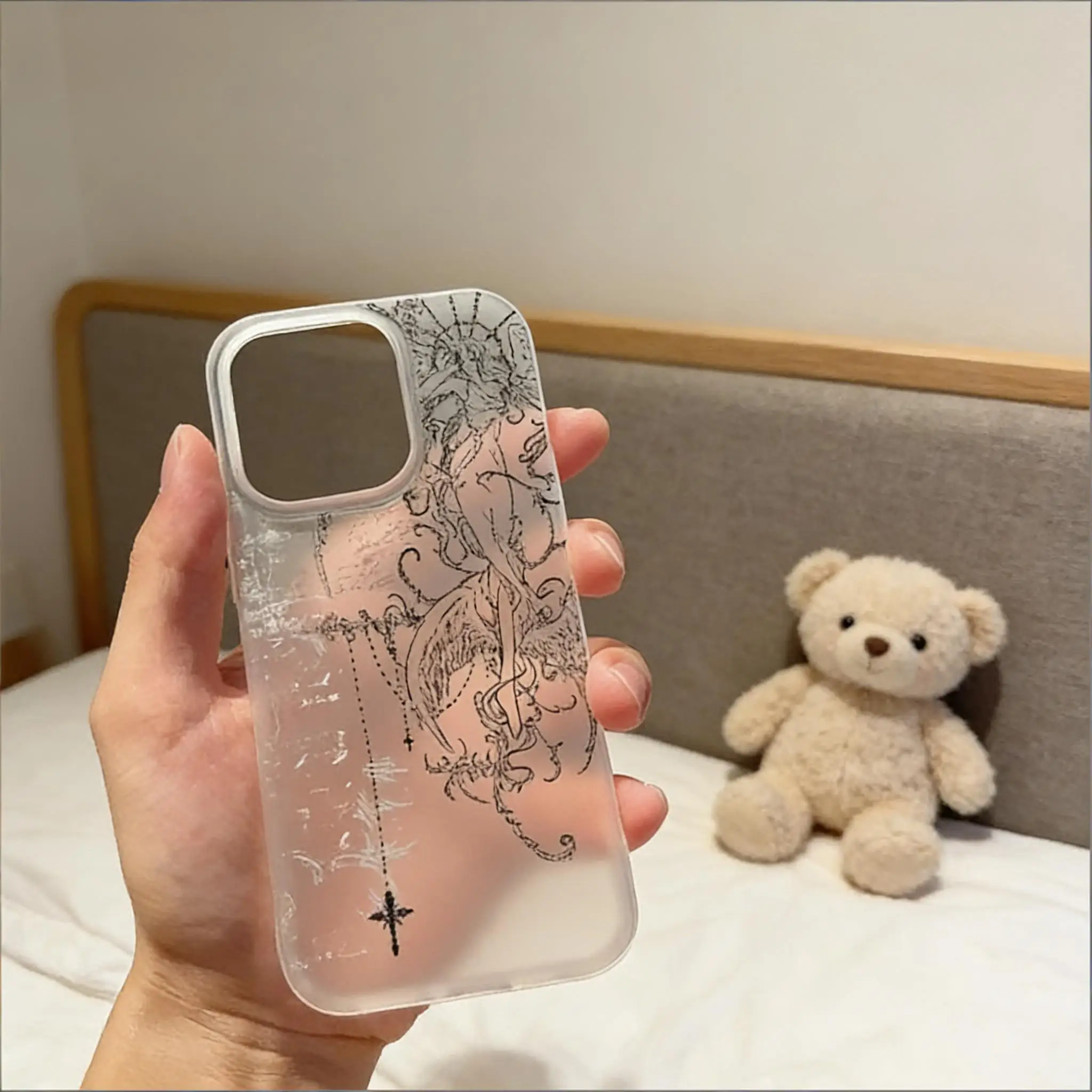
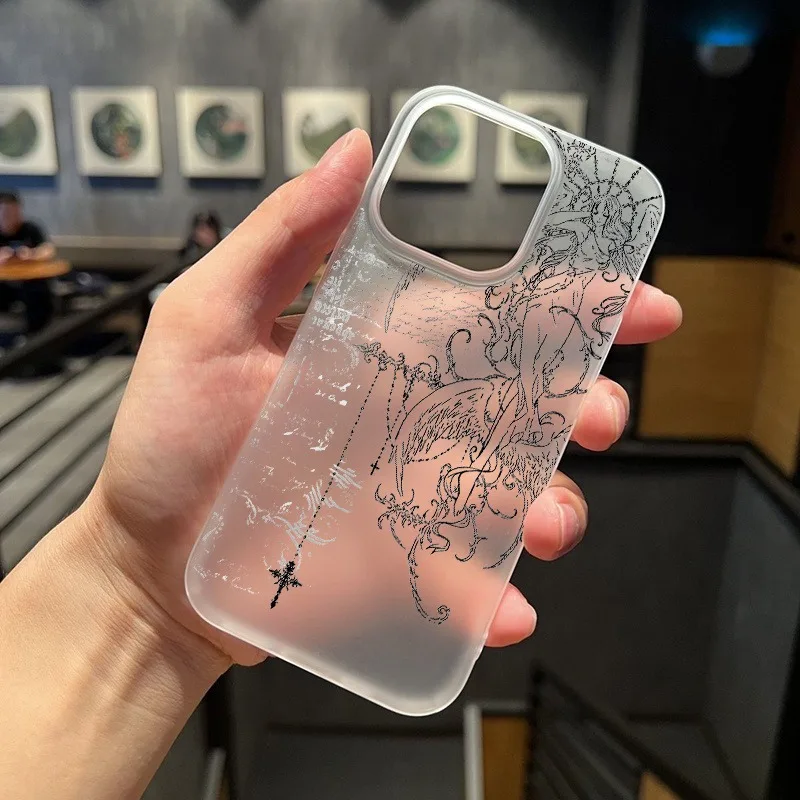
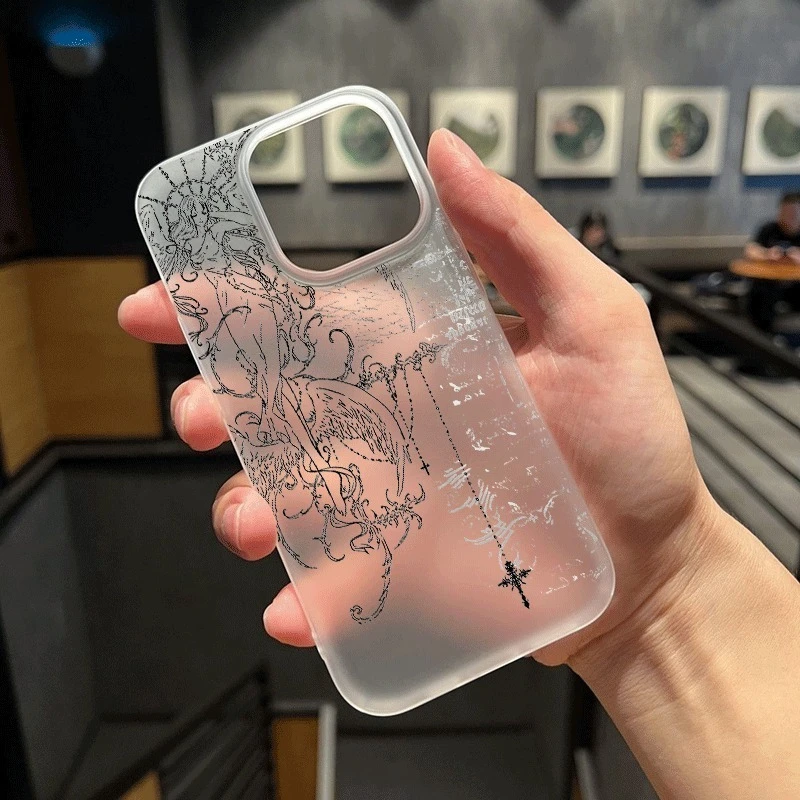
The products here are cases, screen protectors, back skins and sets whose choices name the iPhone 14 Pro. A product's choices are its list of models, and most cover several iPhones, so pick the 14 Pro when you open one. Anything listed only for the iPhone 14 is left out, because the two phones are cut differently.
Fitting the iPhone 14 Pro
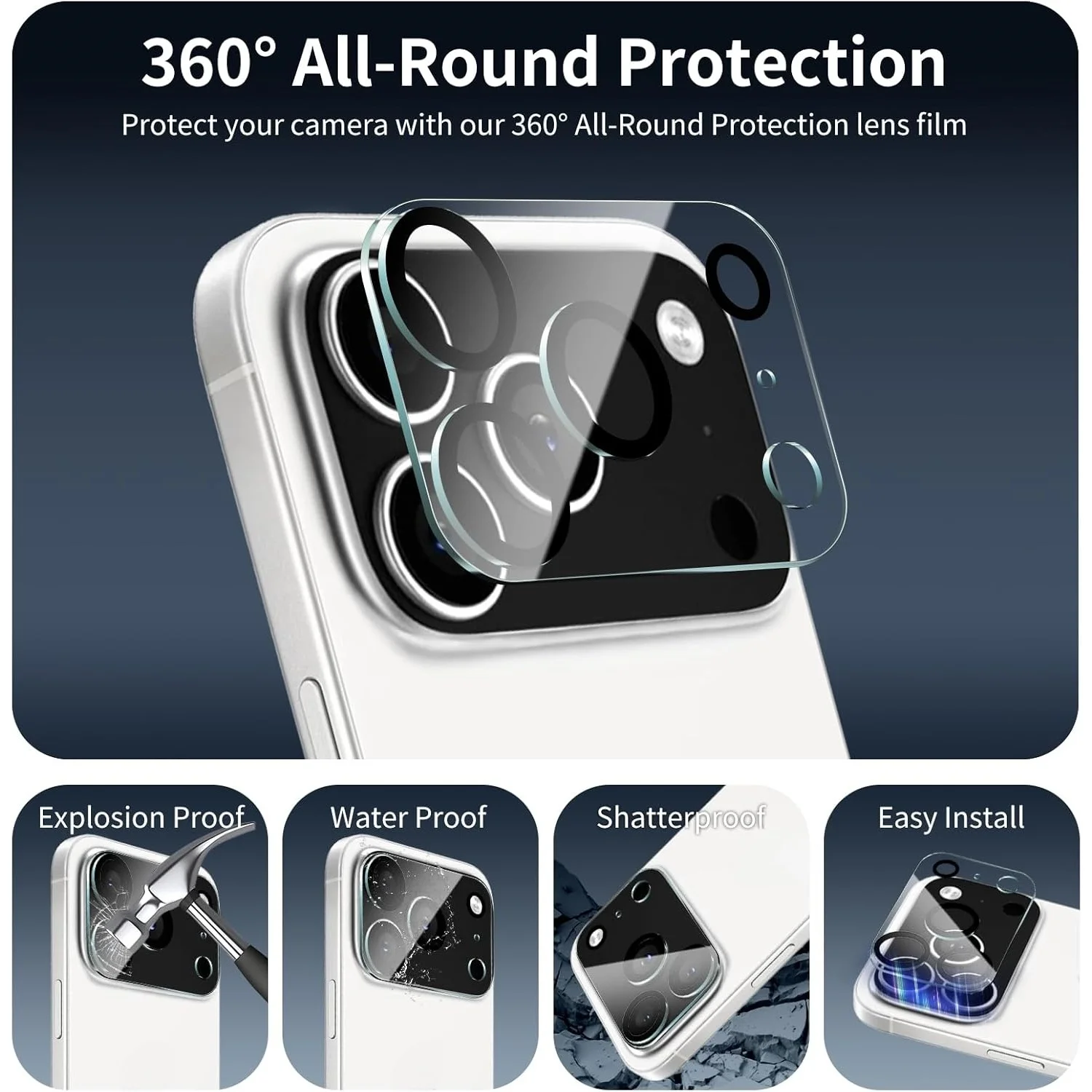
Apple's specifications give the iPhone 14 Pro a 6.1-inch screen with the Dynamic Island, a body 147.5mm tall, 71.5mm wide and 7.85mm deep, and a stainless steel frame. On the back is a Pro camera system of three cameras: a 48MP Main, a 12MP Ultra Wide and a 12MP 3x Telephoto. Compare the iPhone 13 Pro at 146.7mm by 71.5mm by 7.65mm, and the iPhone 15 Pro at 146.6mm by 70.6mm by 8.25mm. They are close in size but not the same, which is why the cases here are chosen by the exact model.
Choosing a case
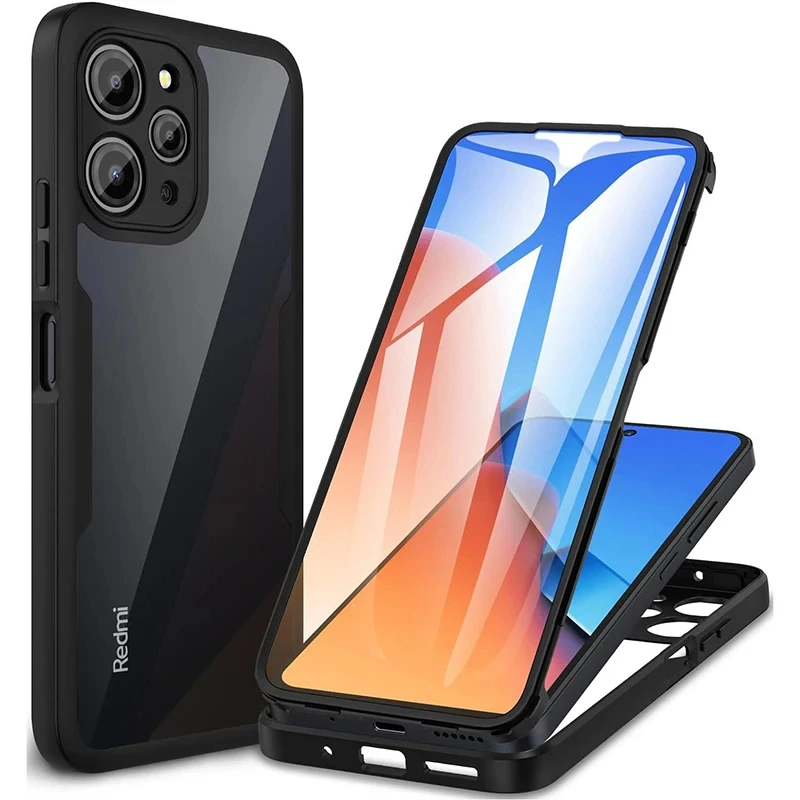
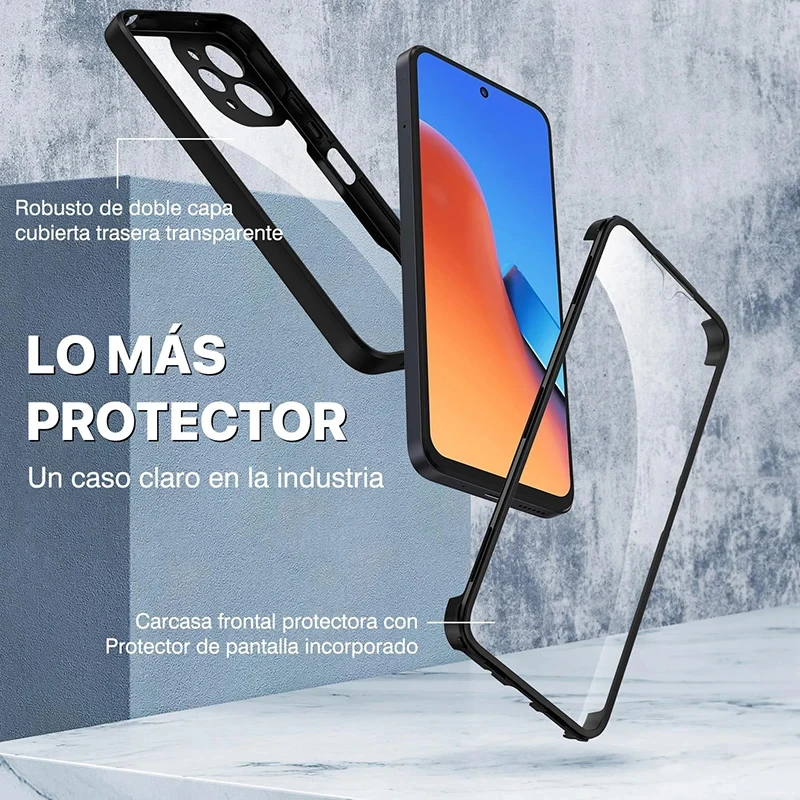
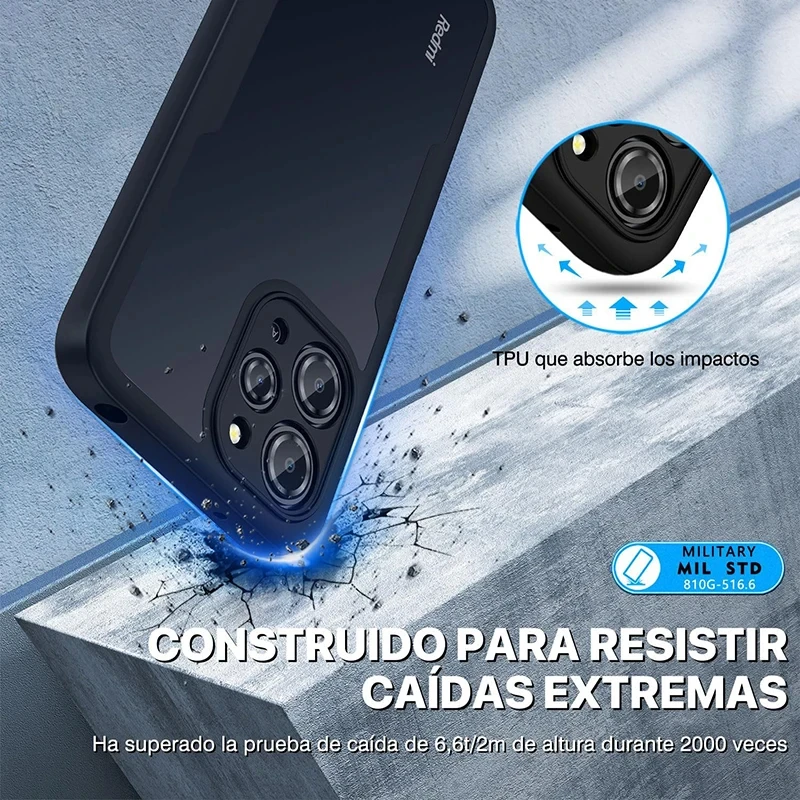
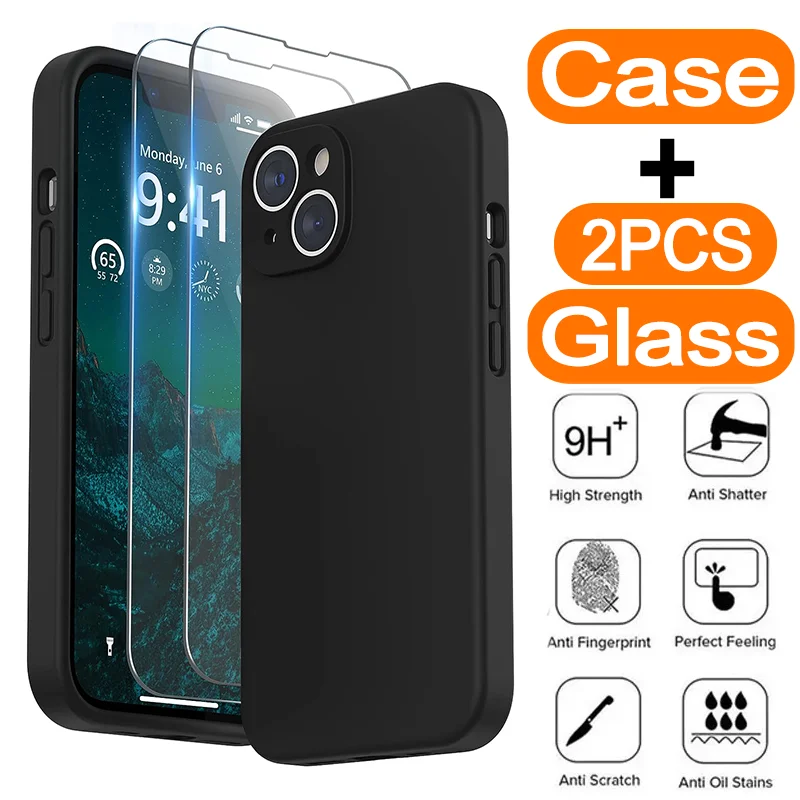
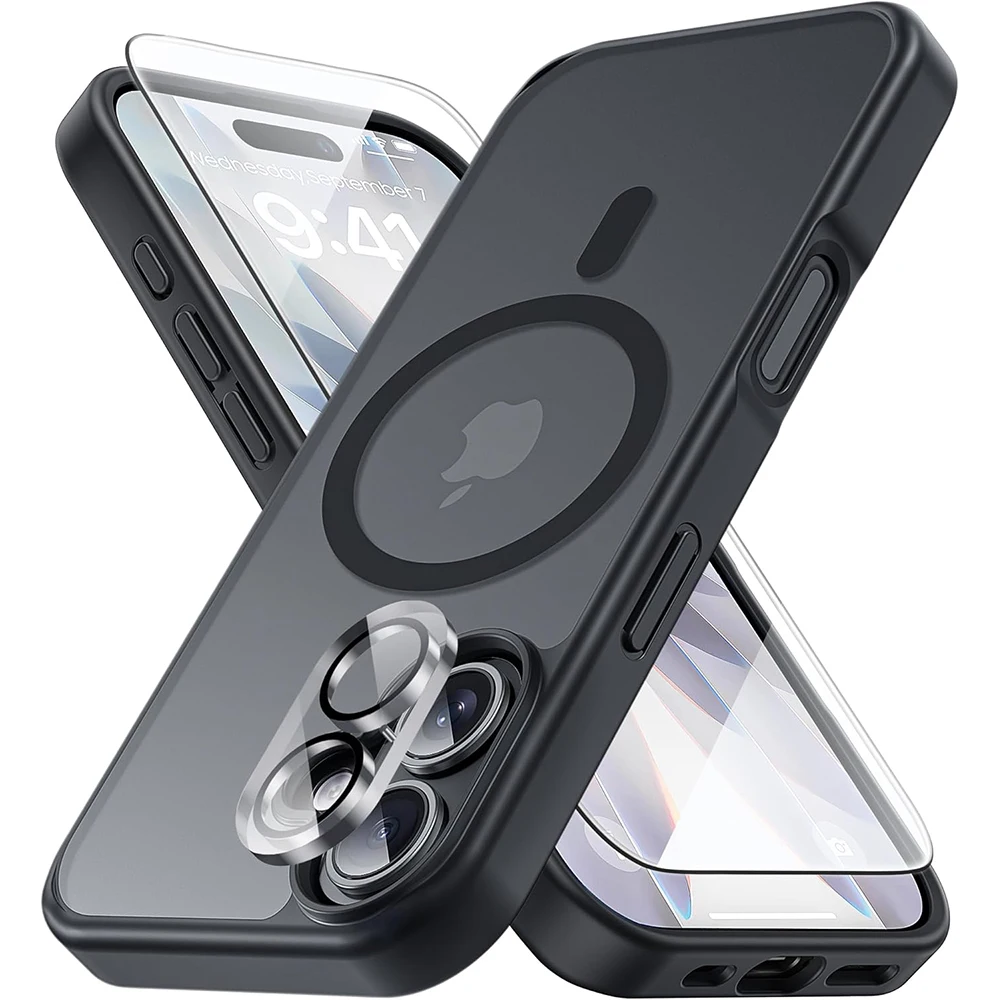
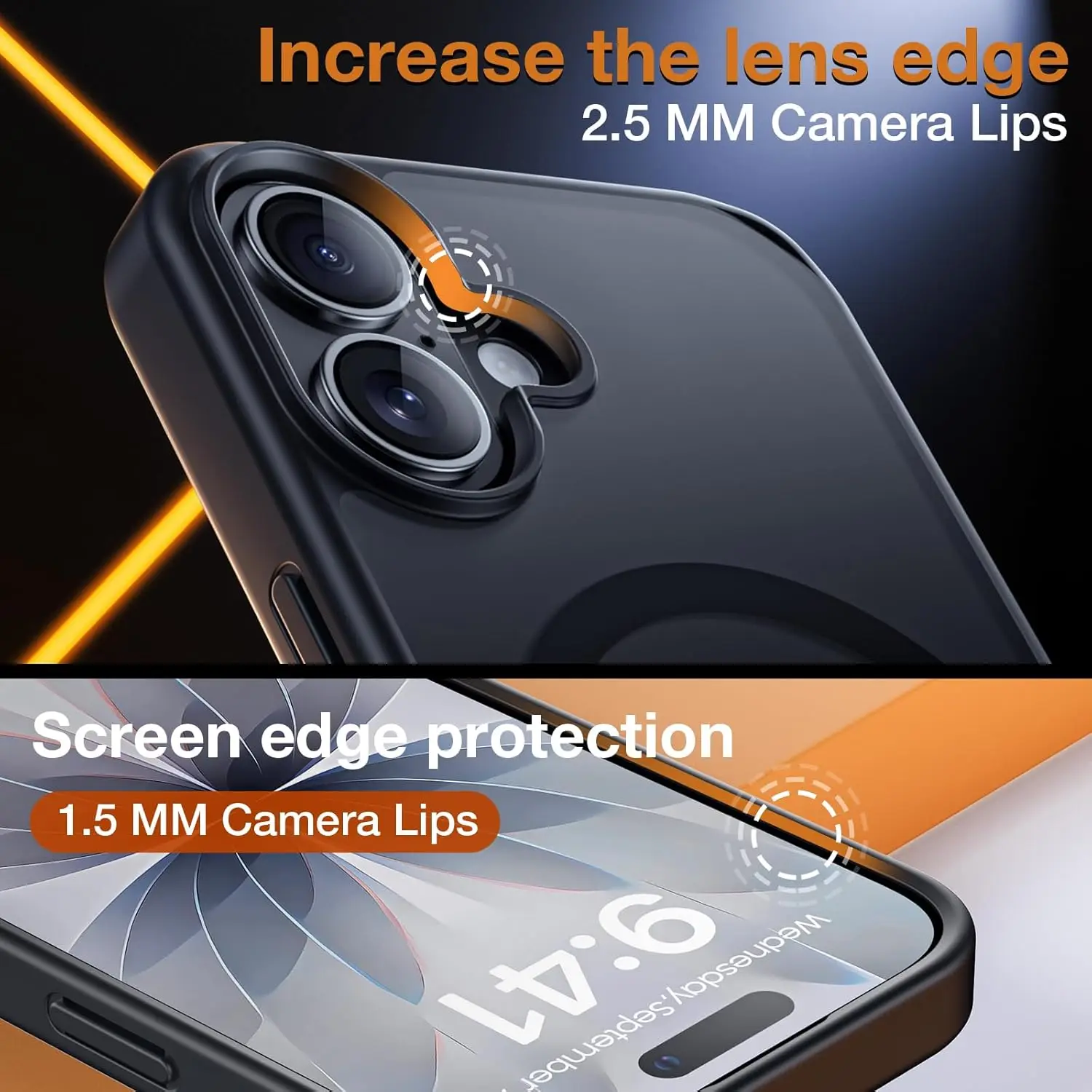
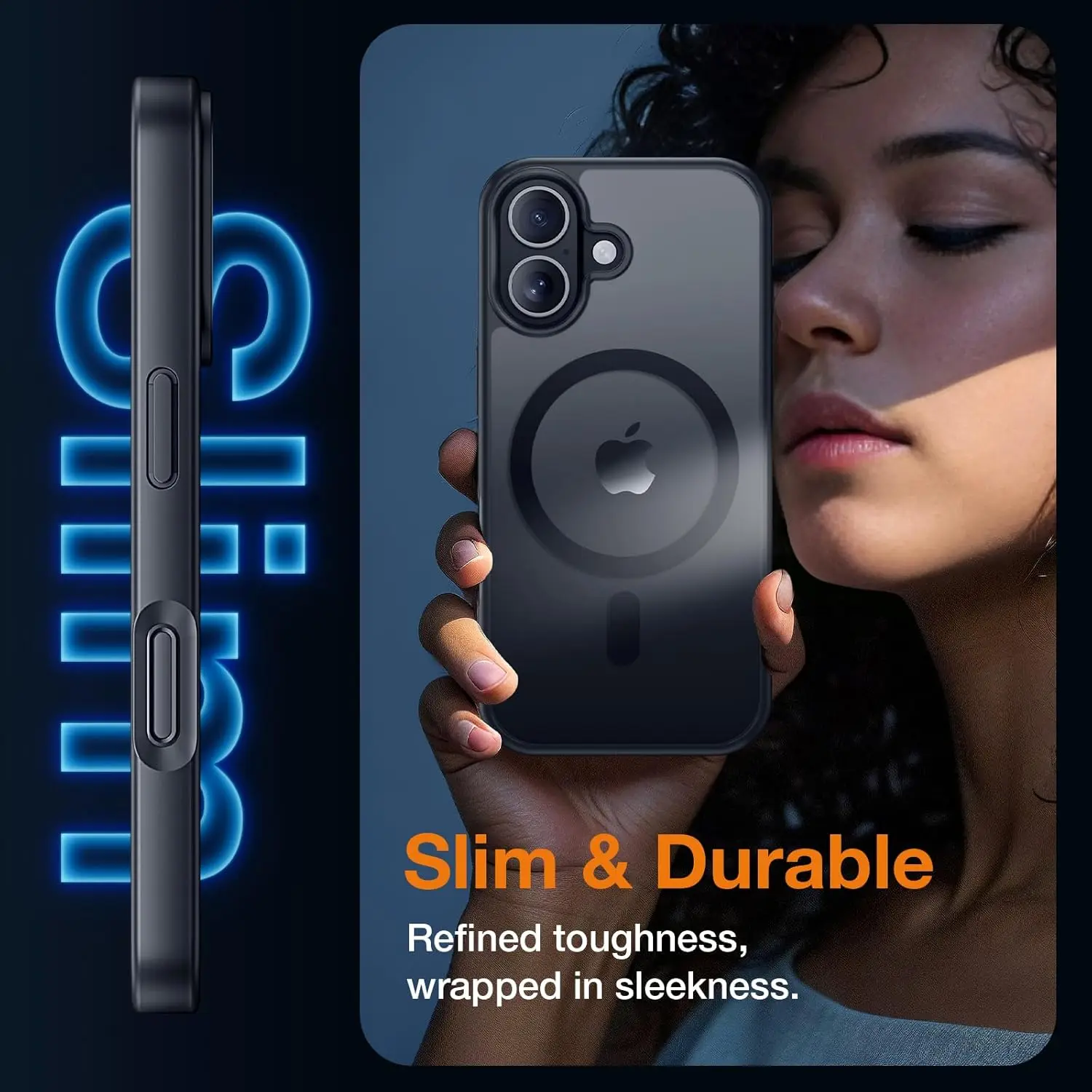
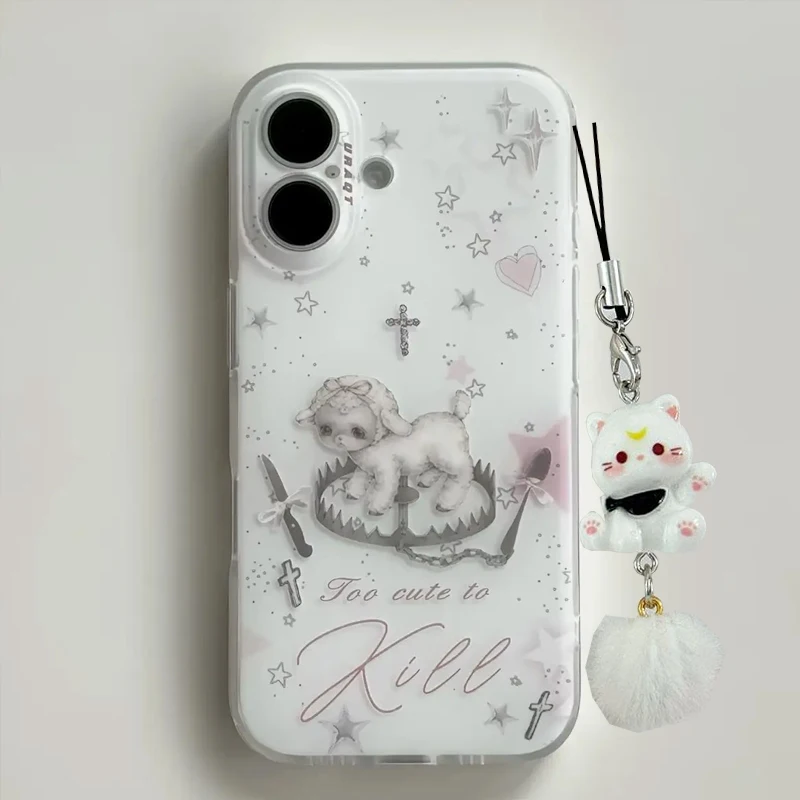
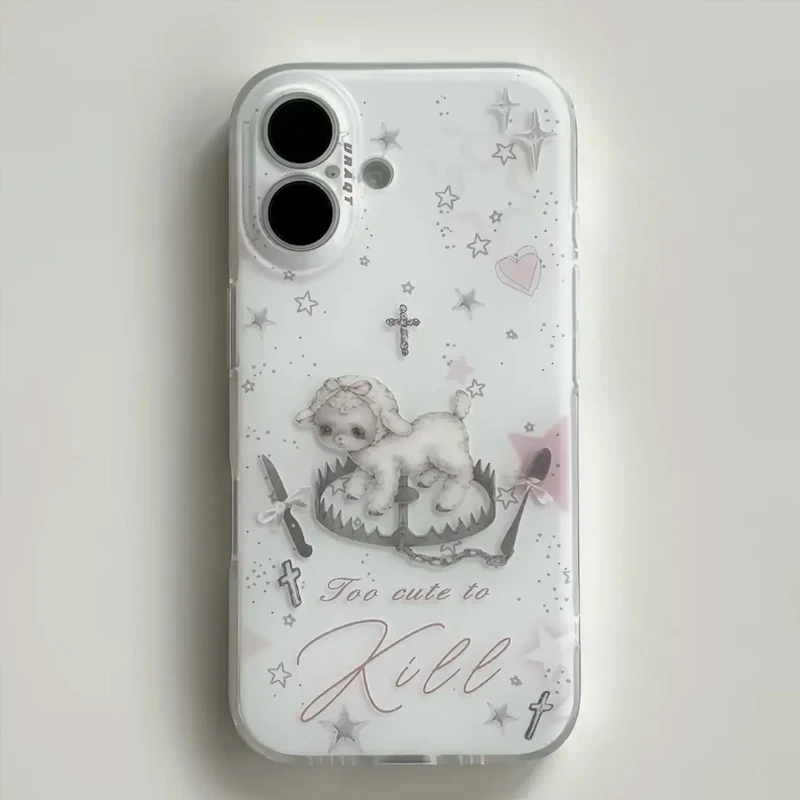
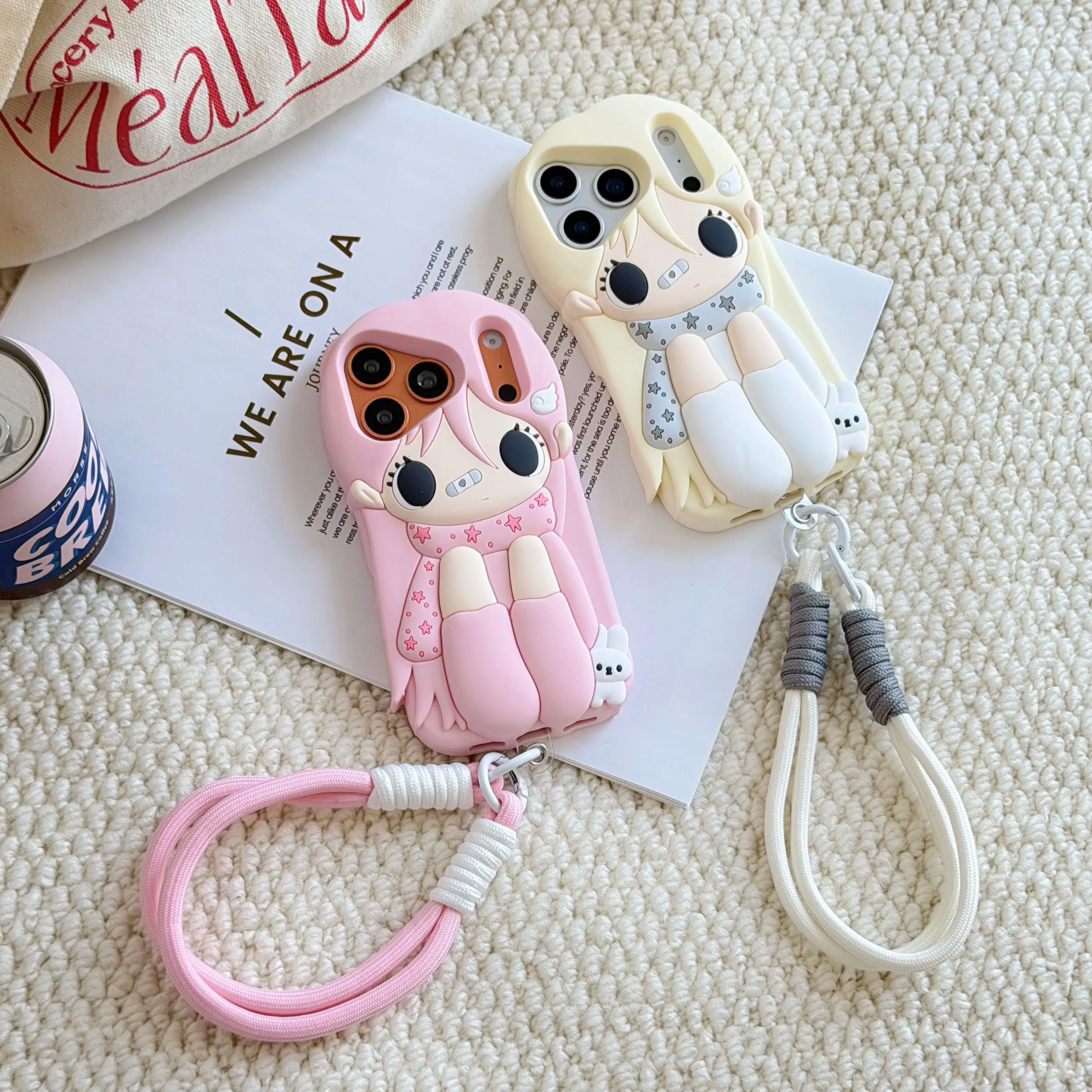
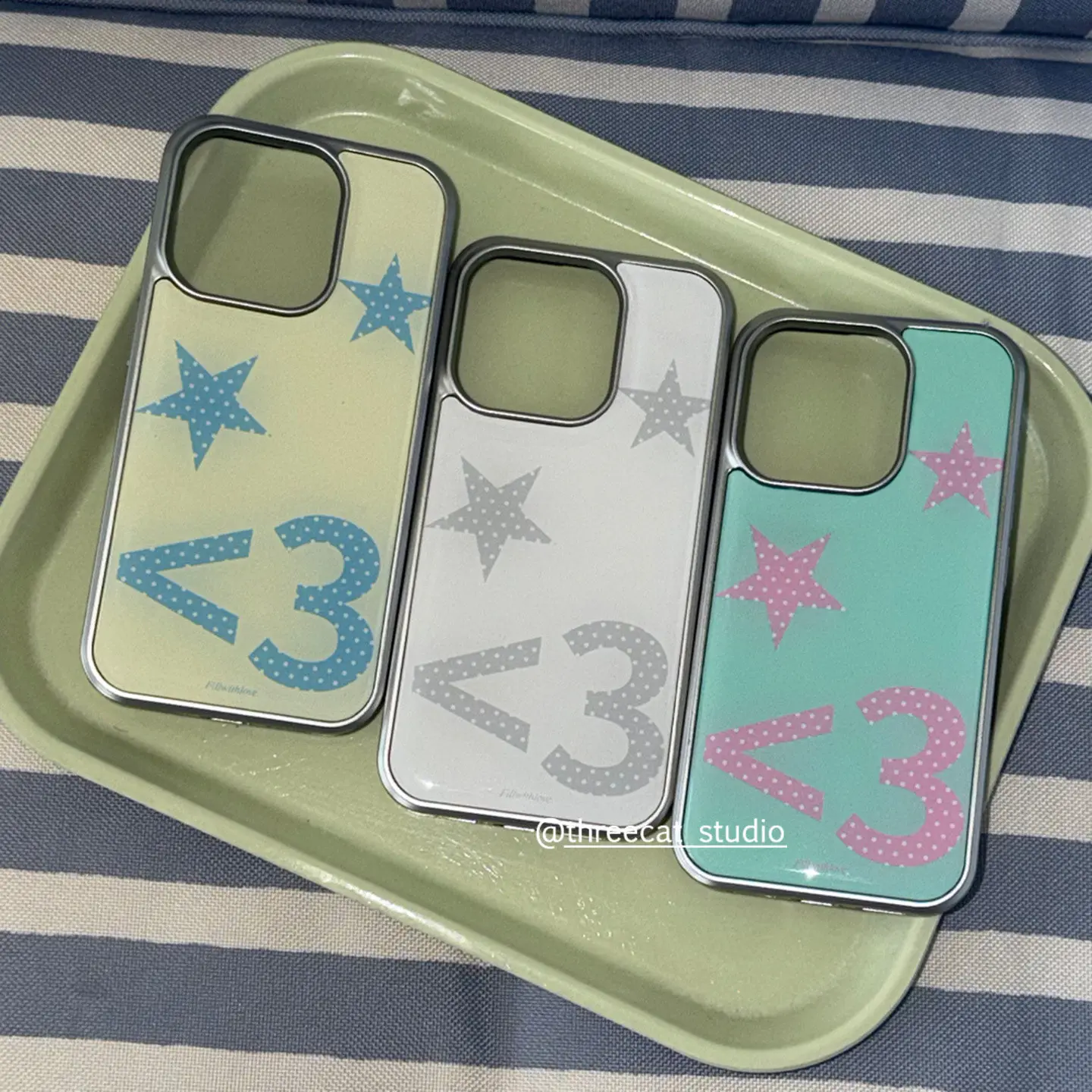
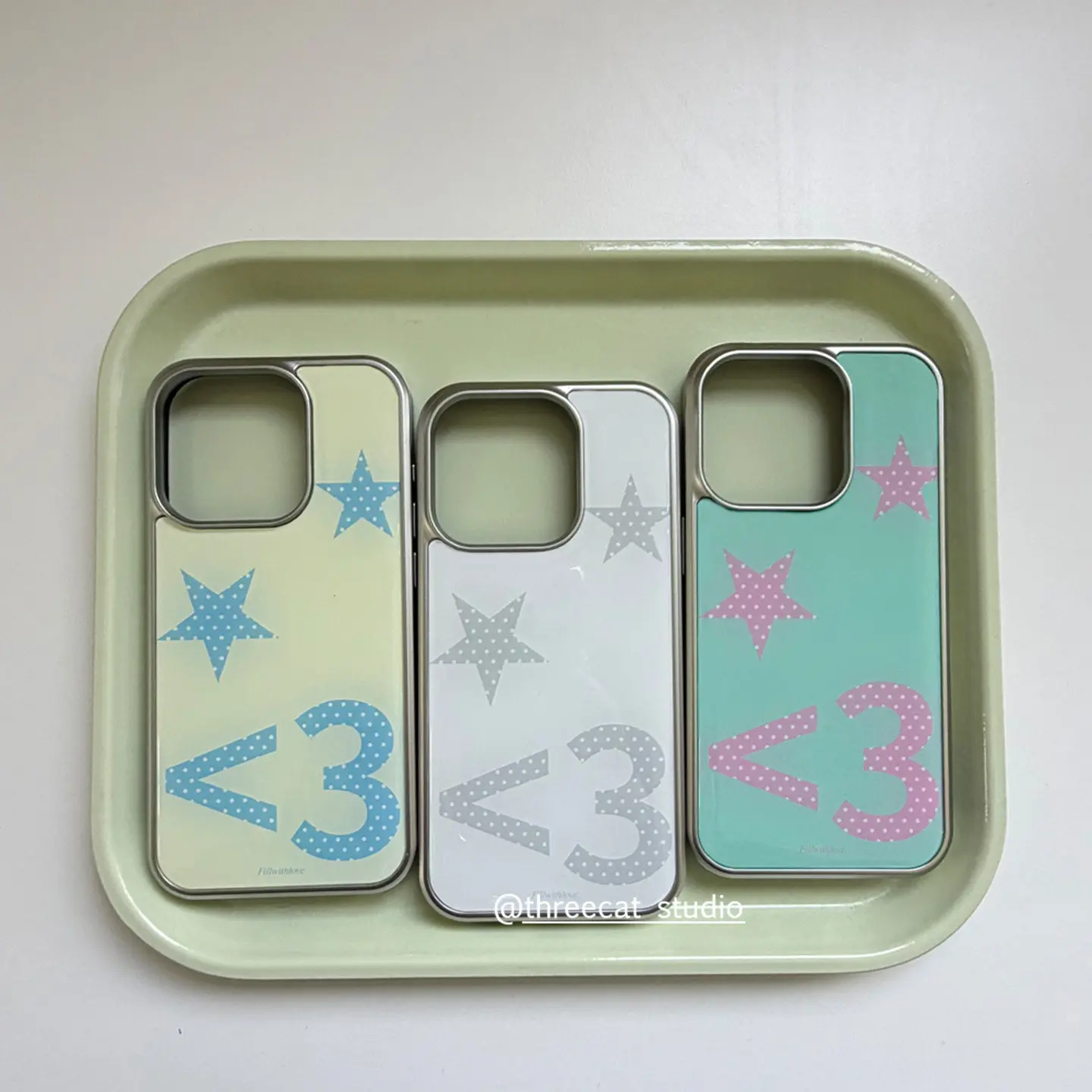
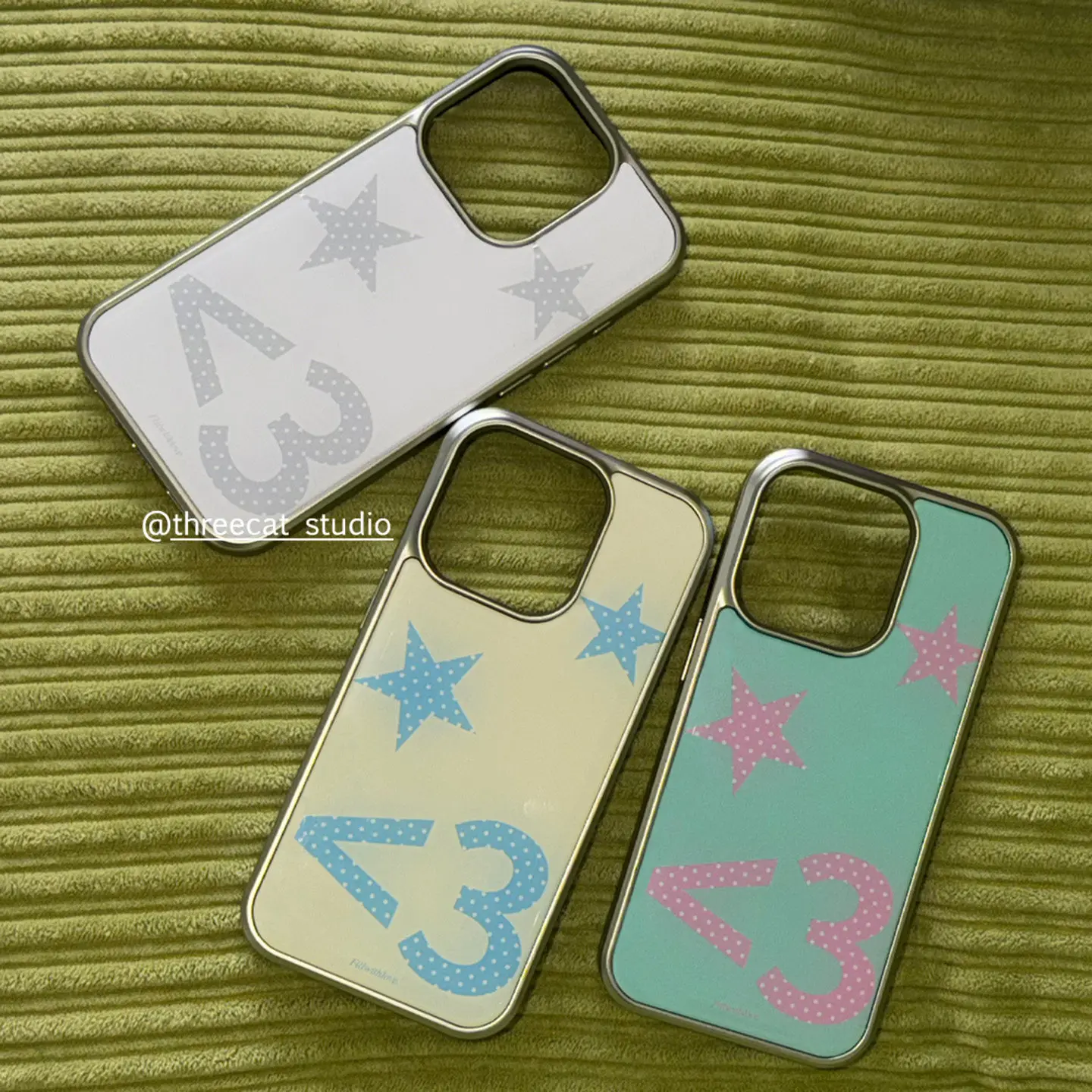
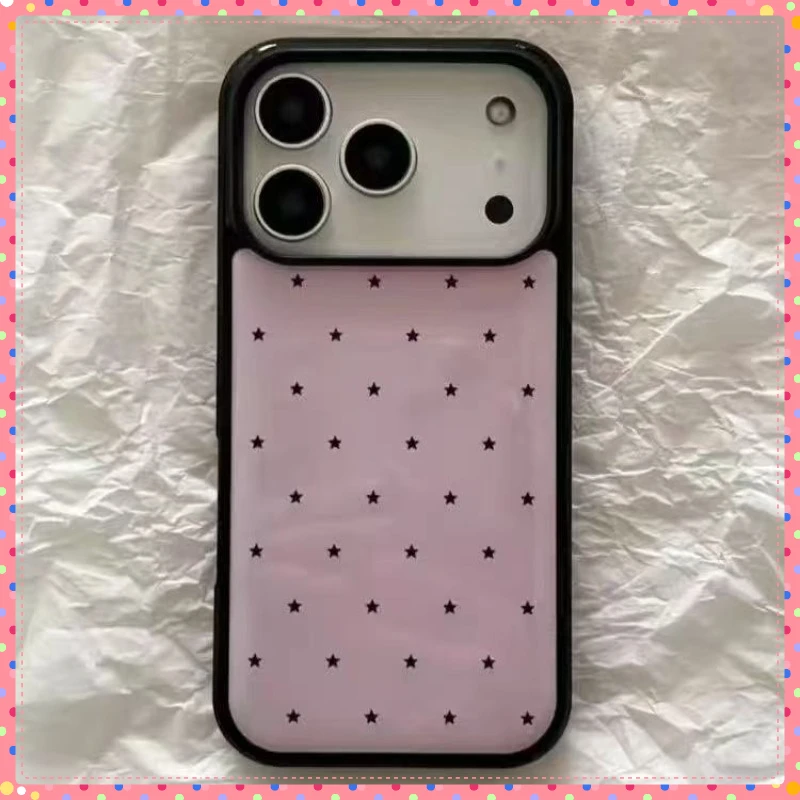
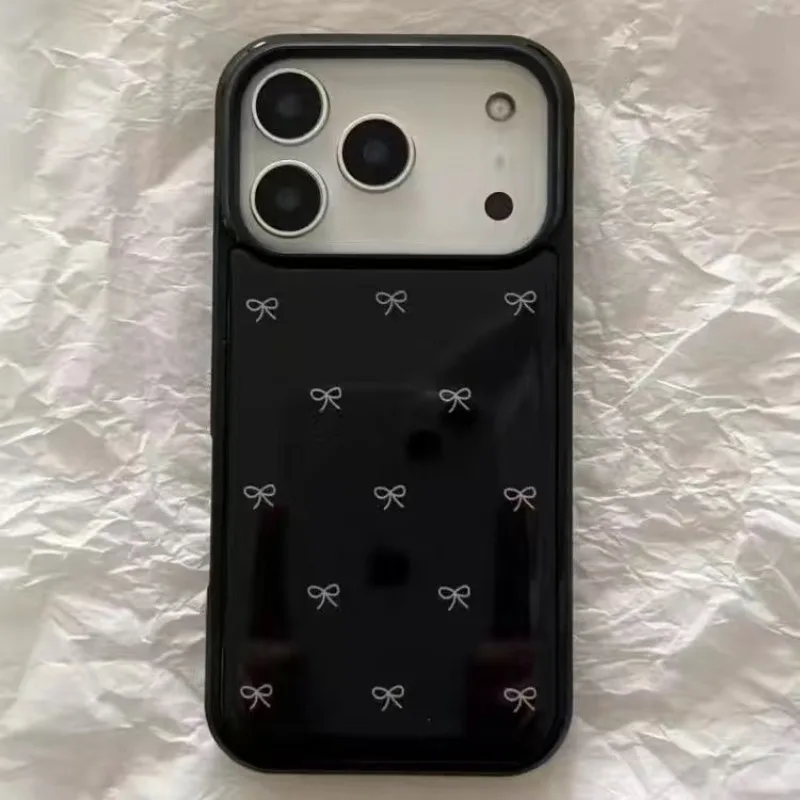
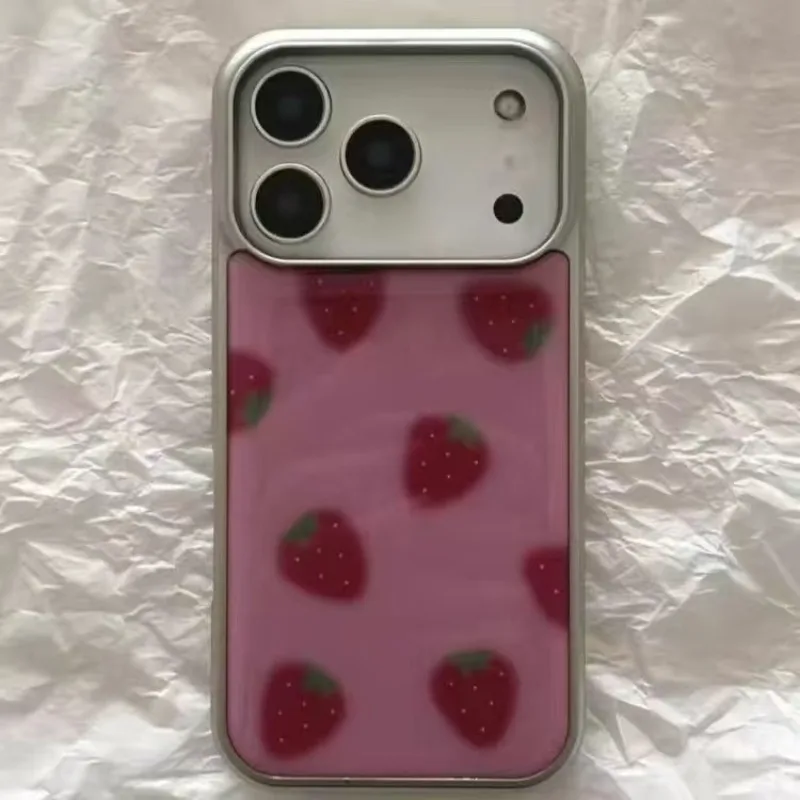
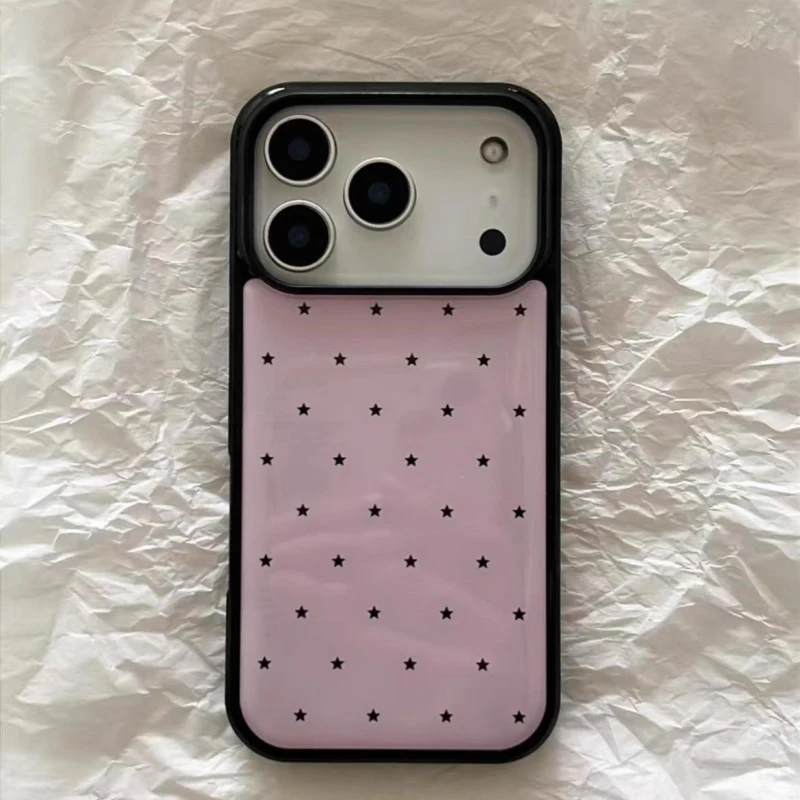
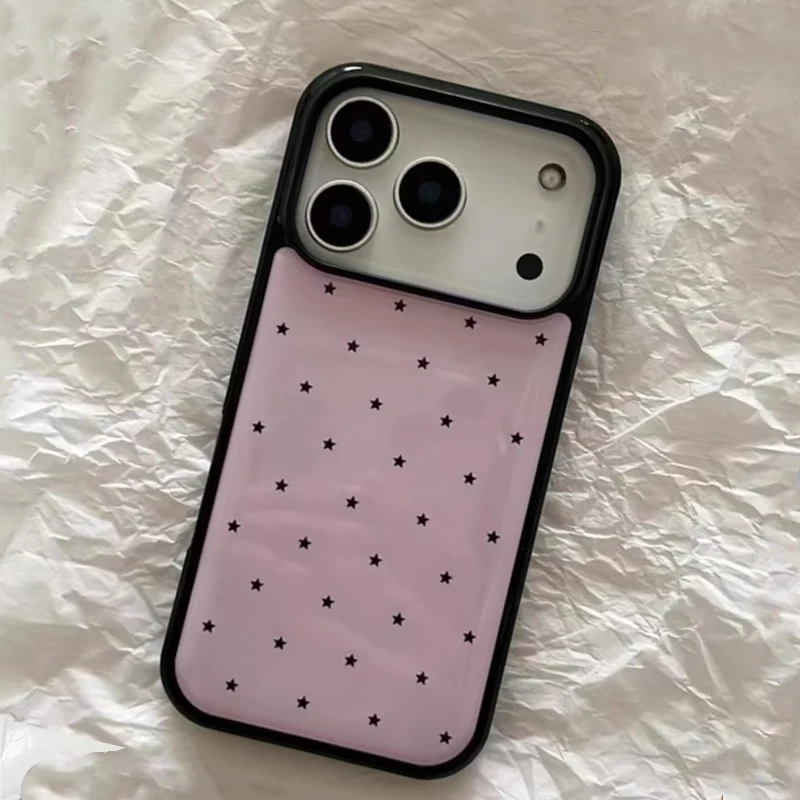
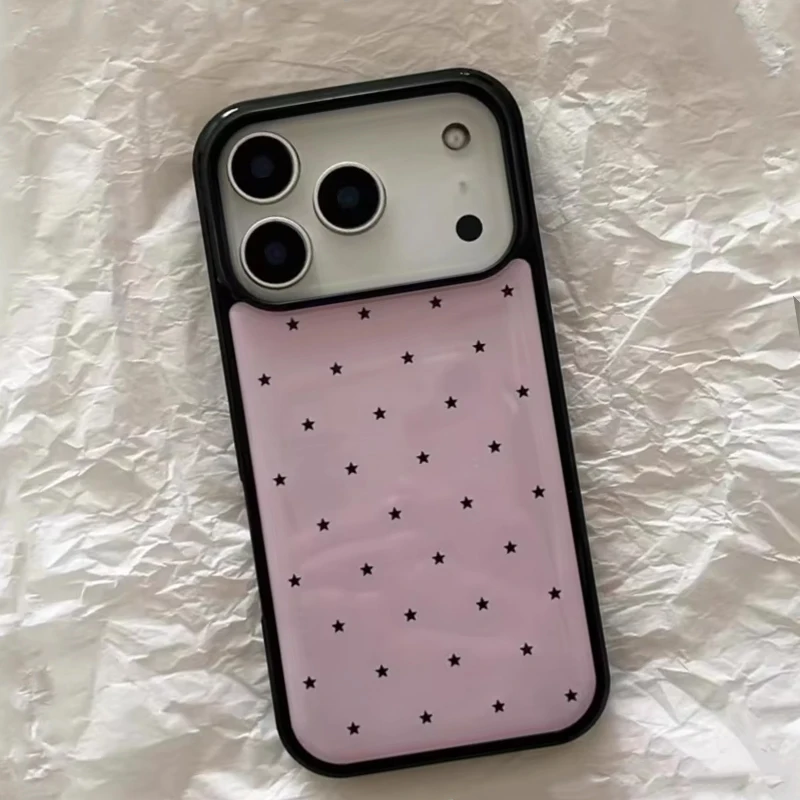
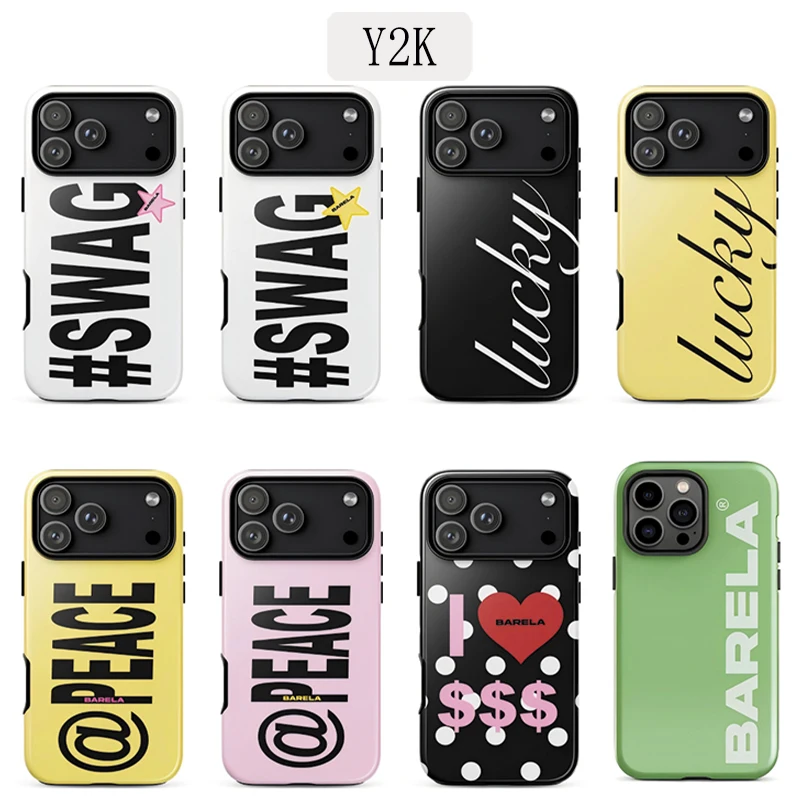
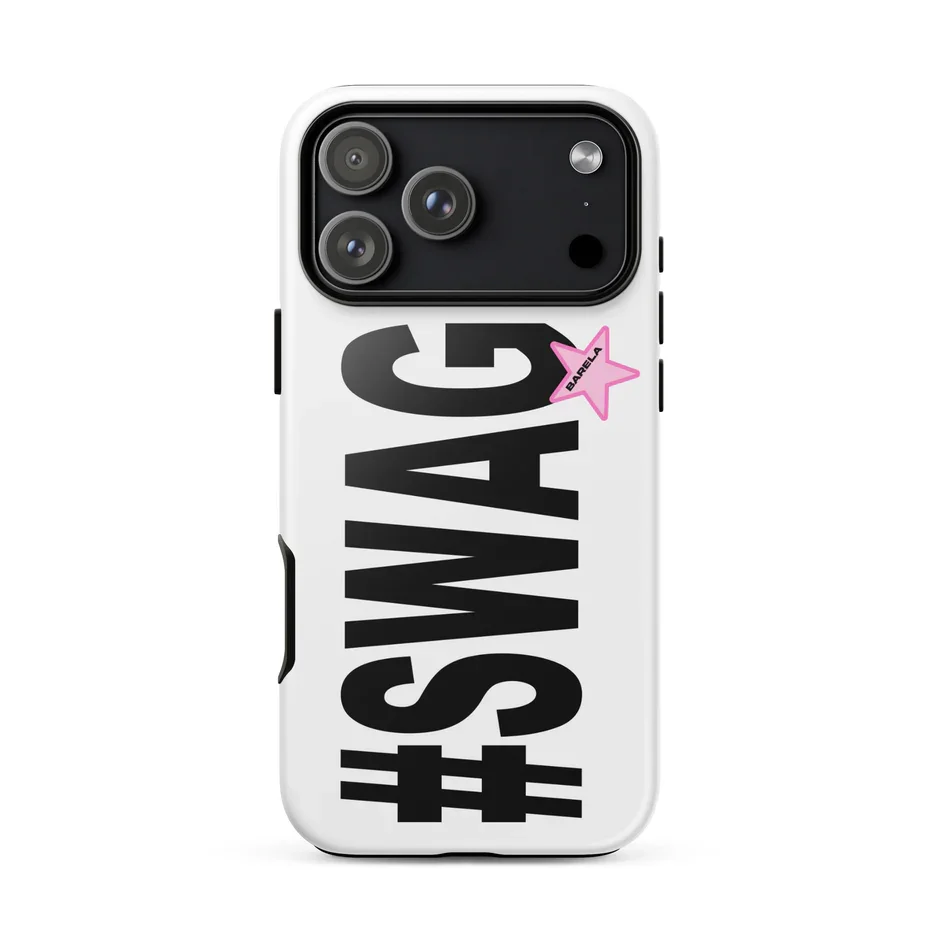
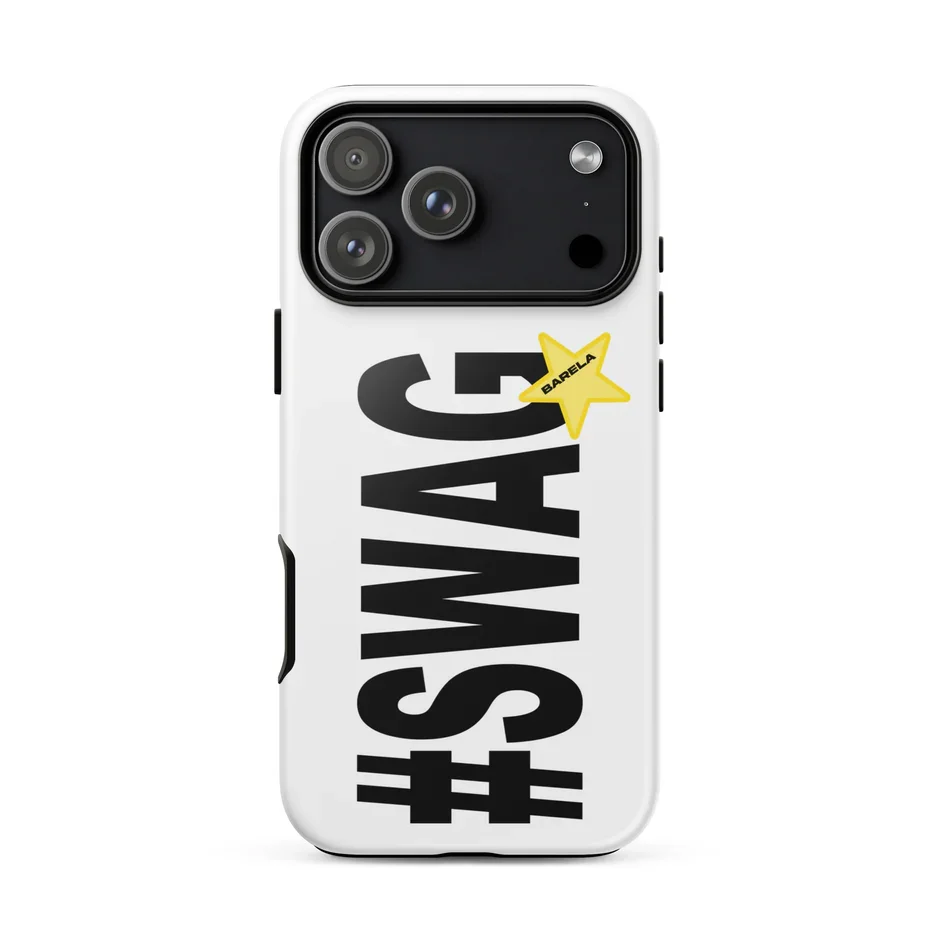
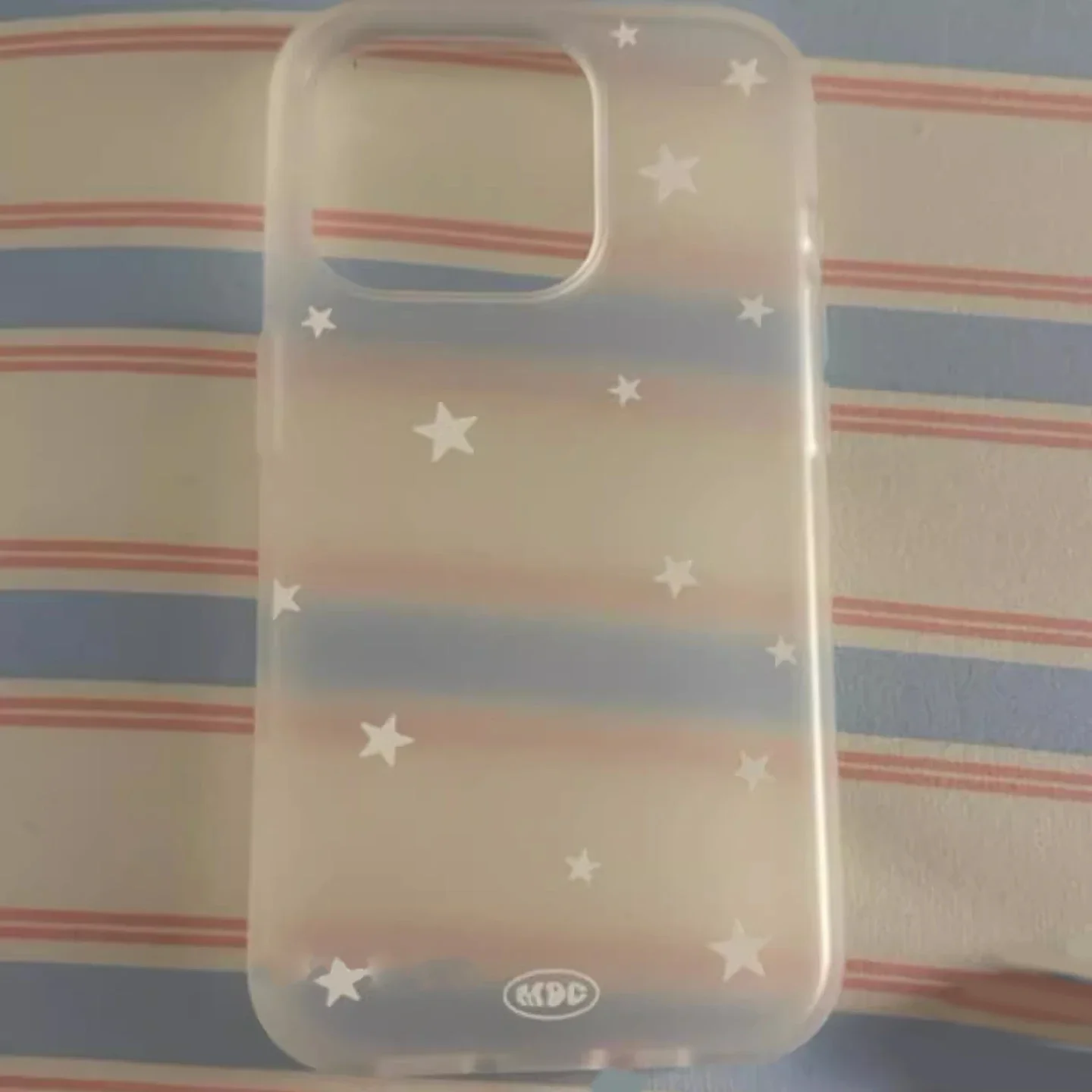
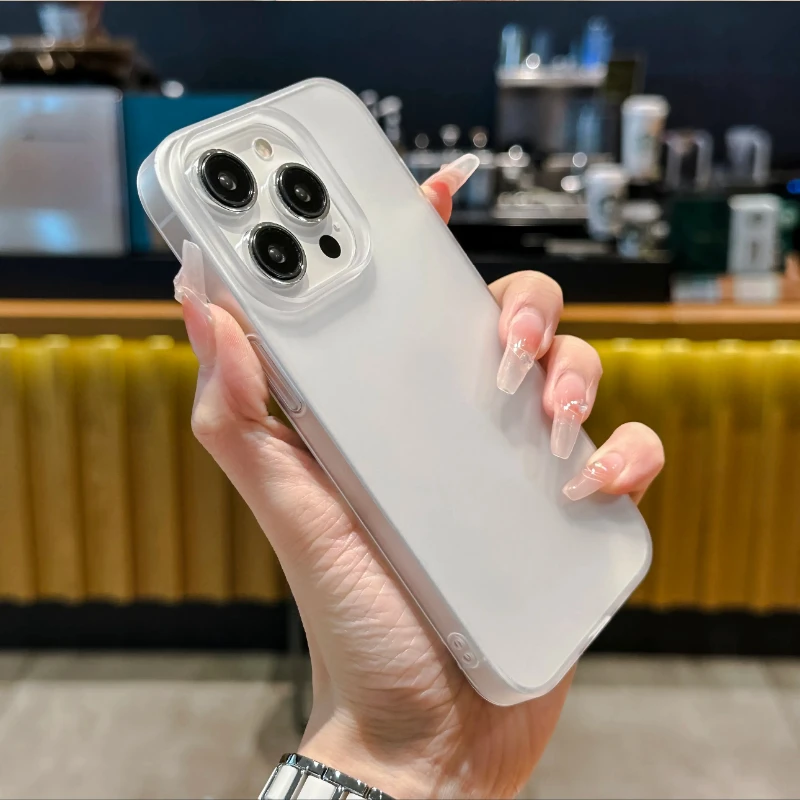
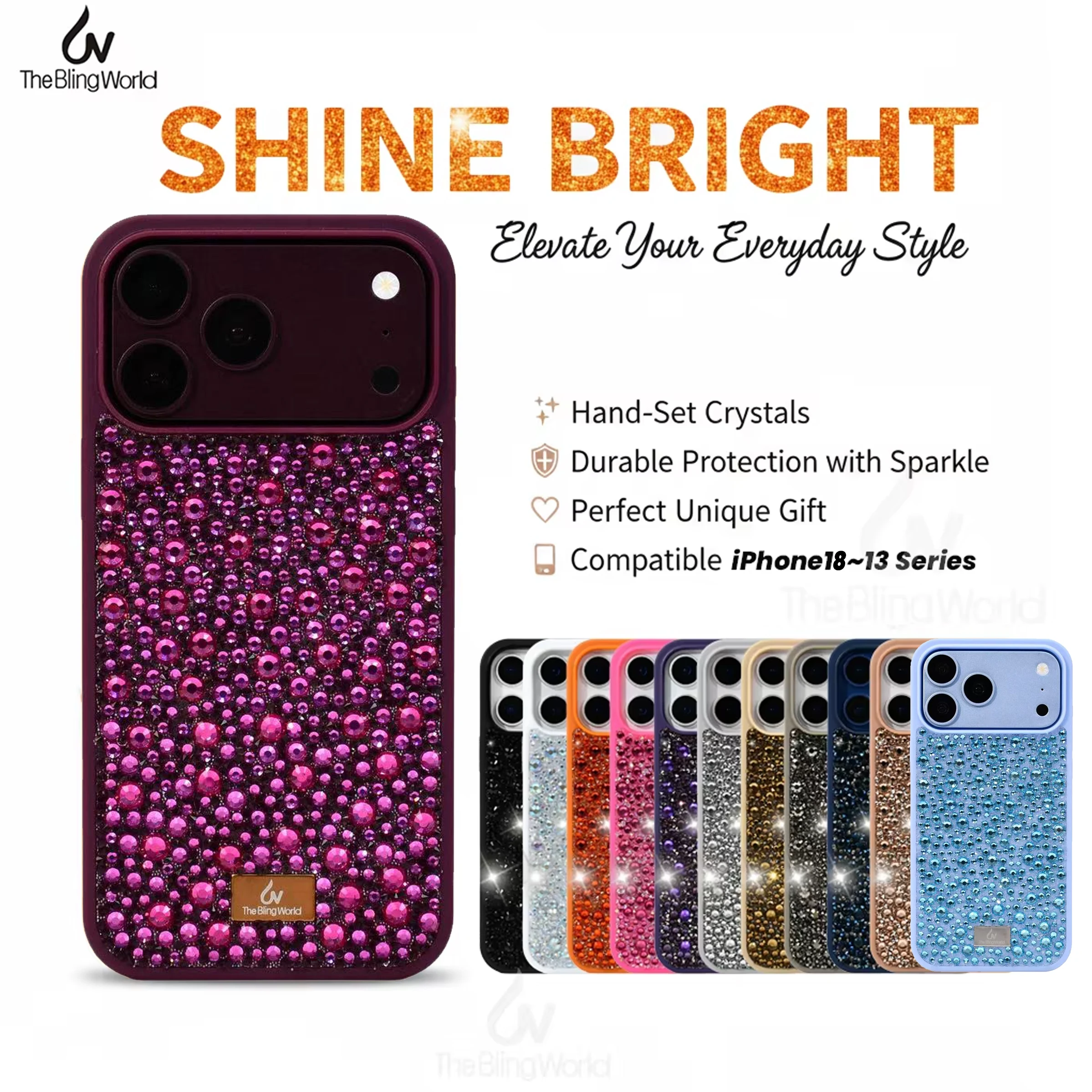
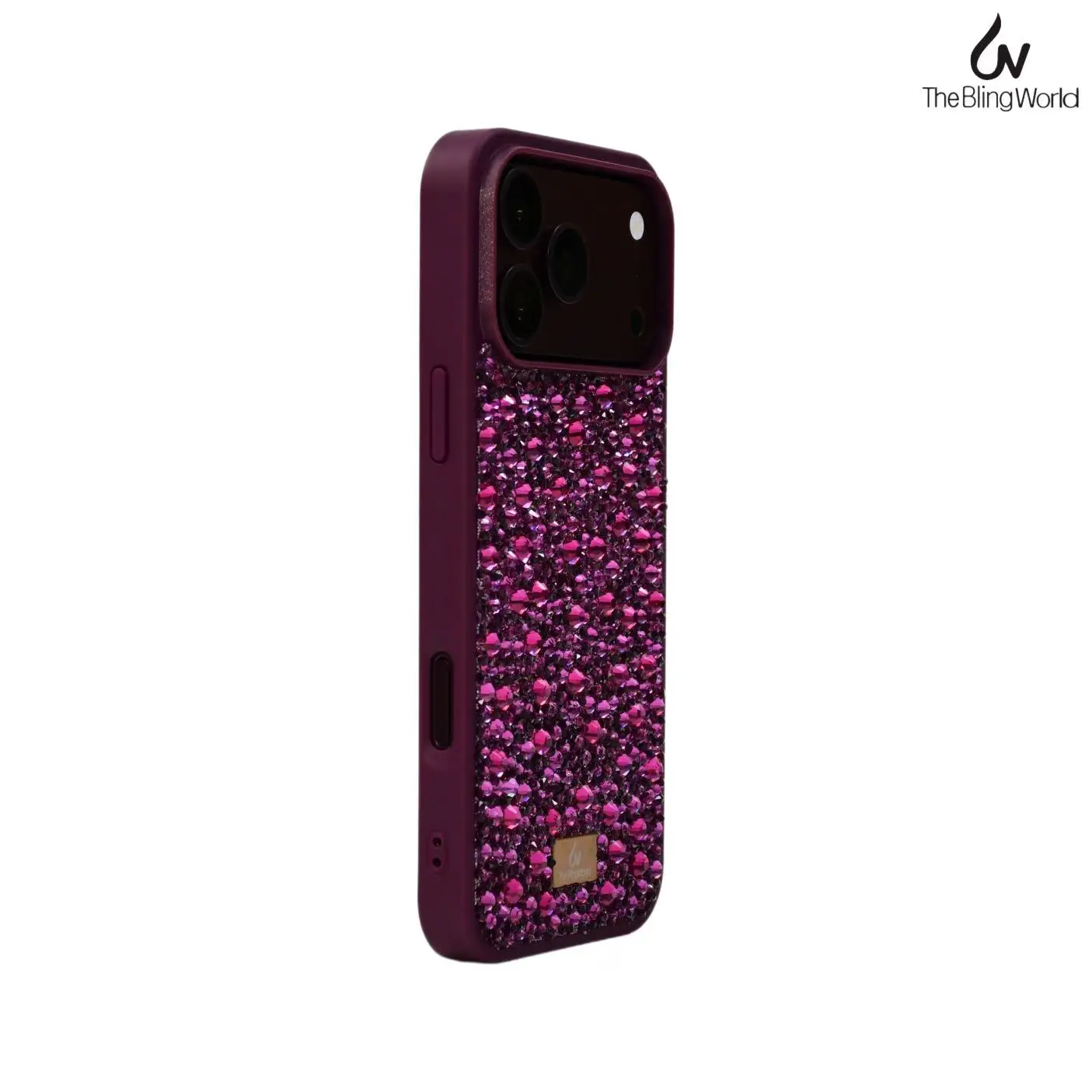
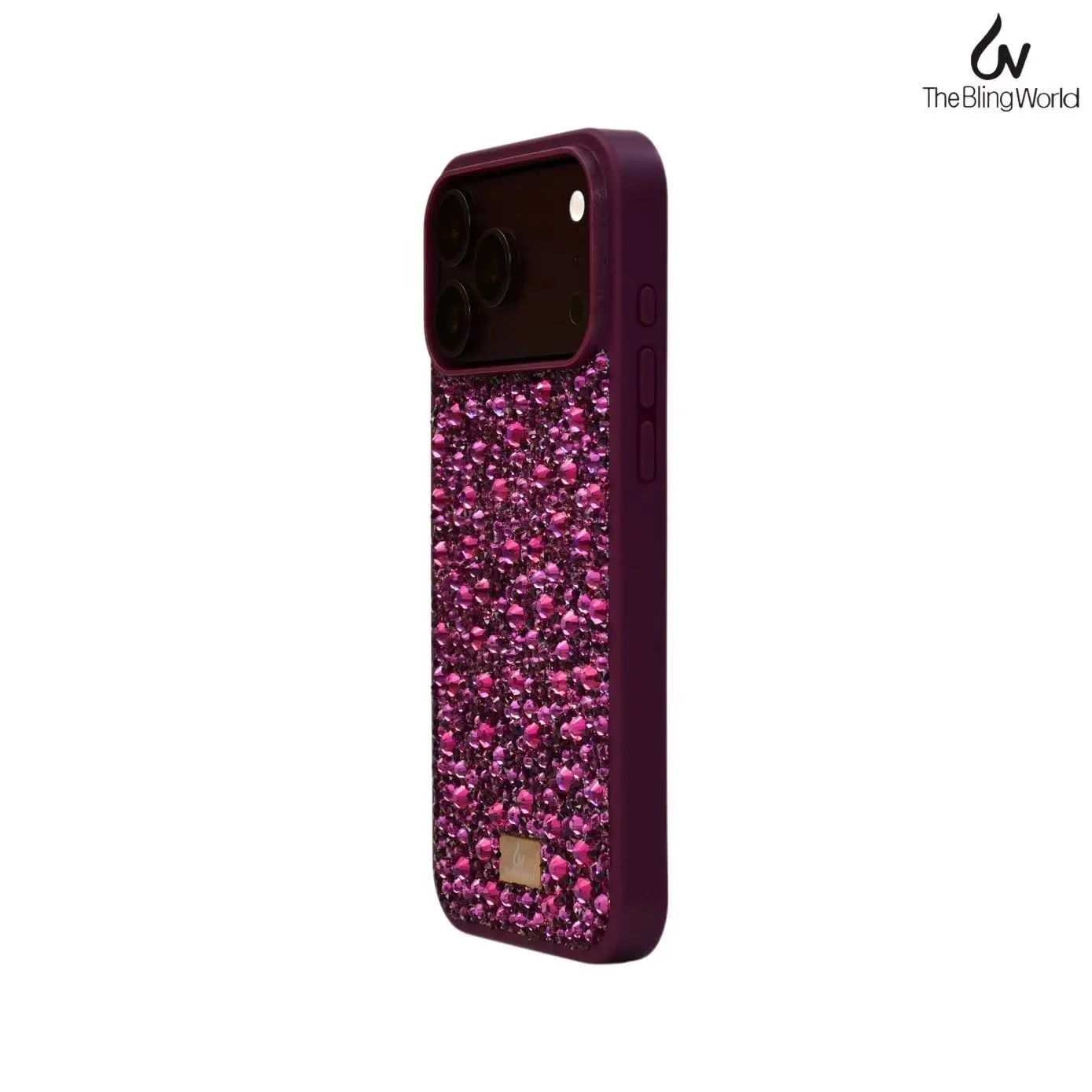
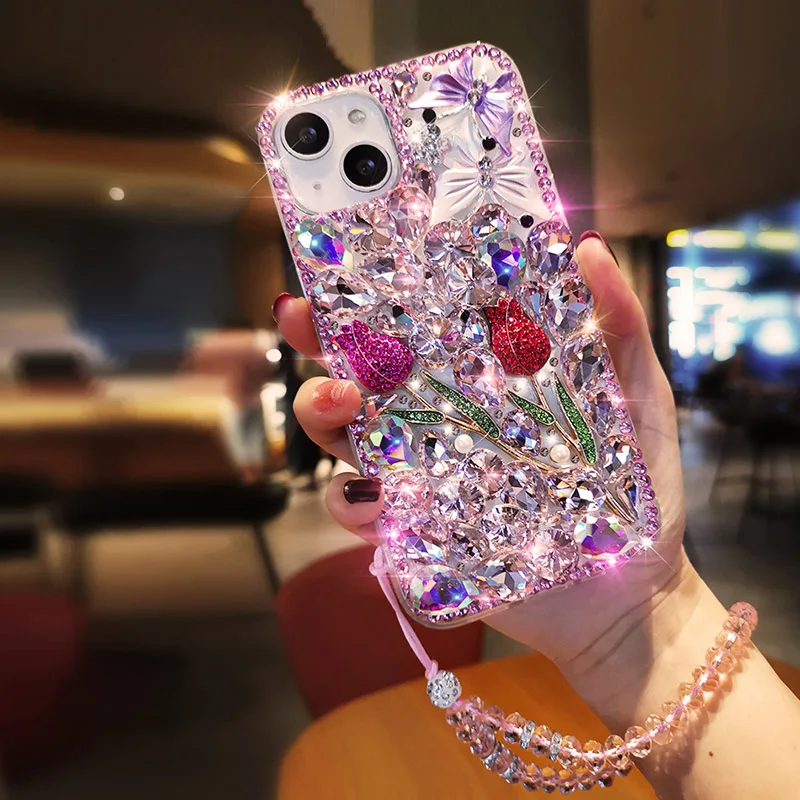
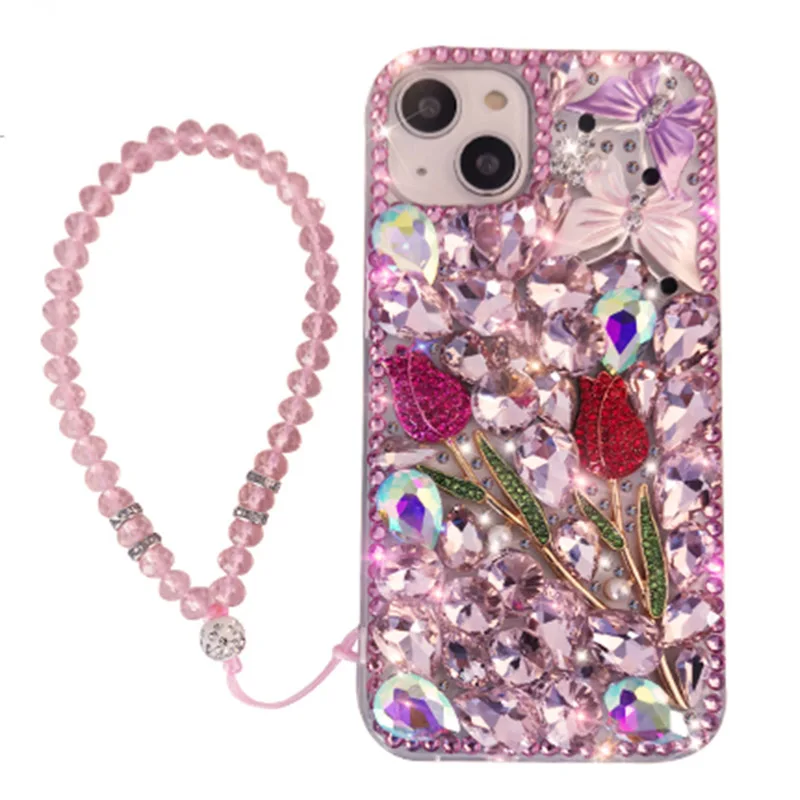
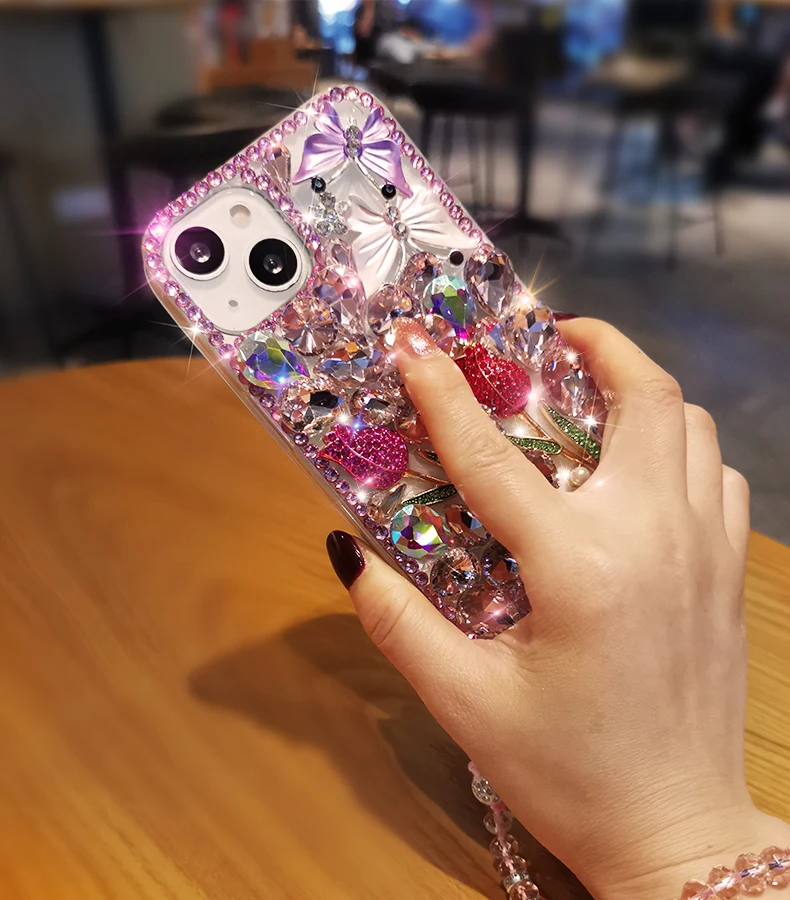
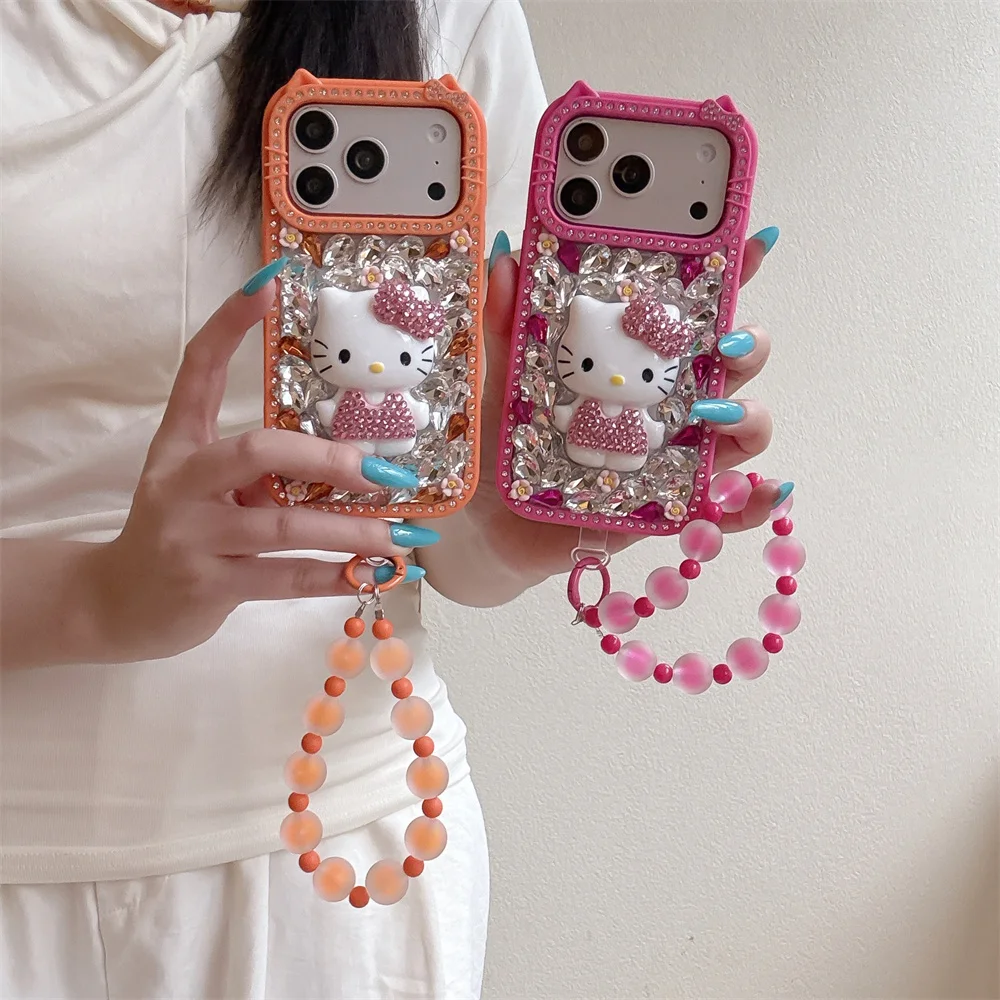
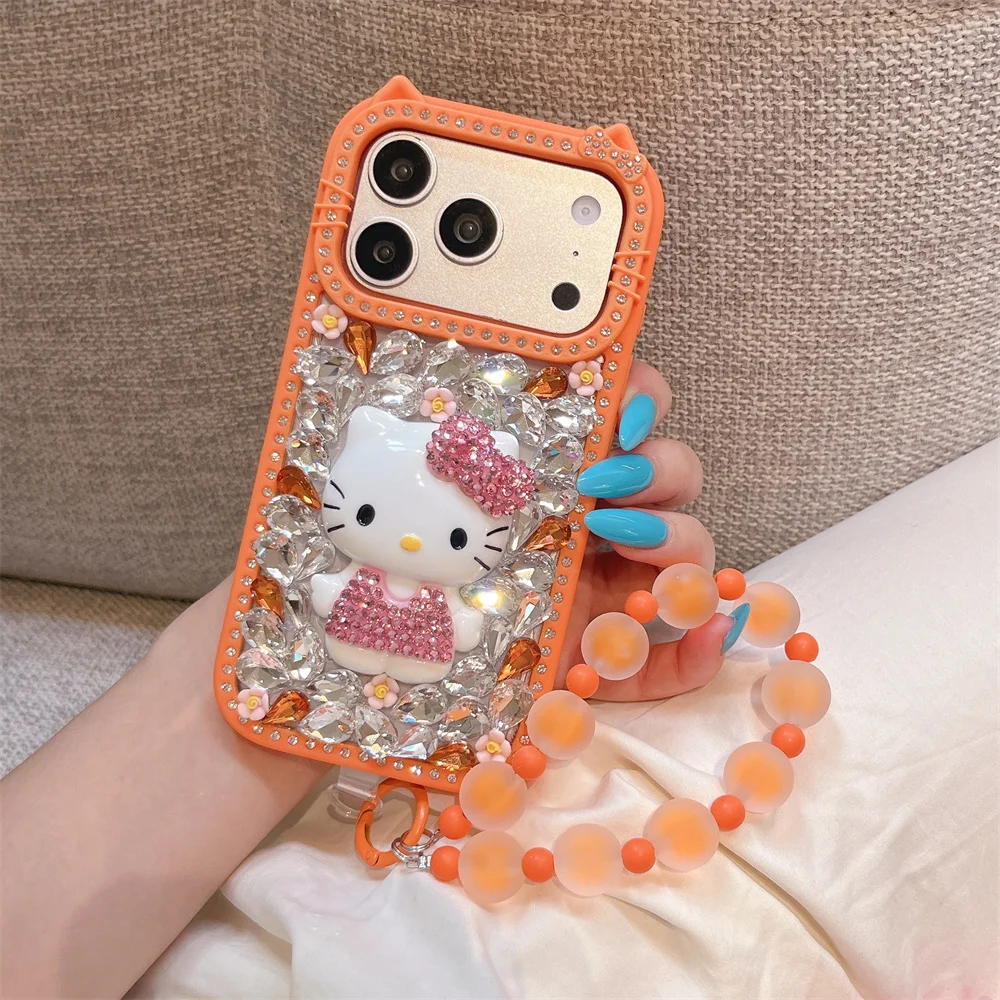
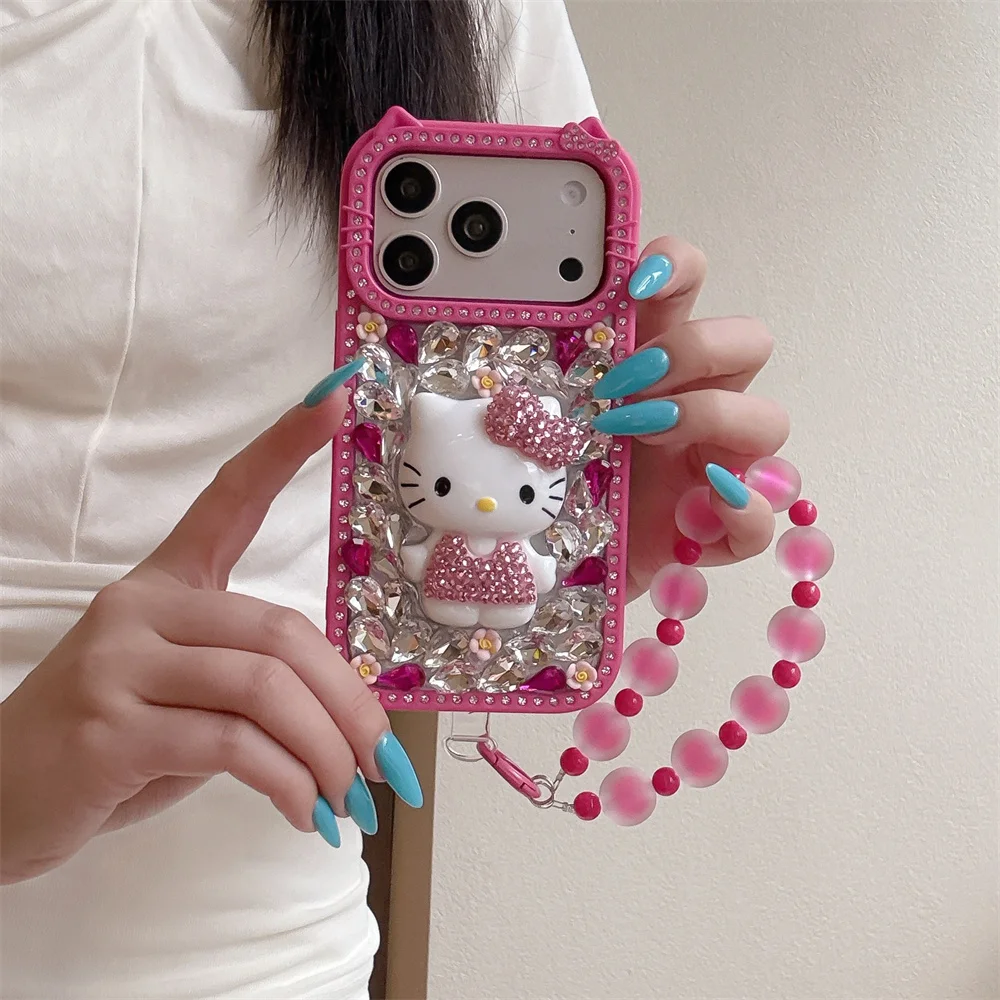
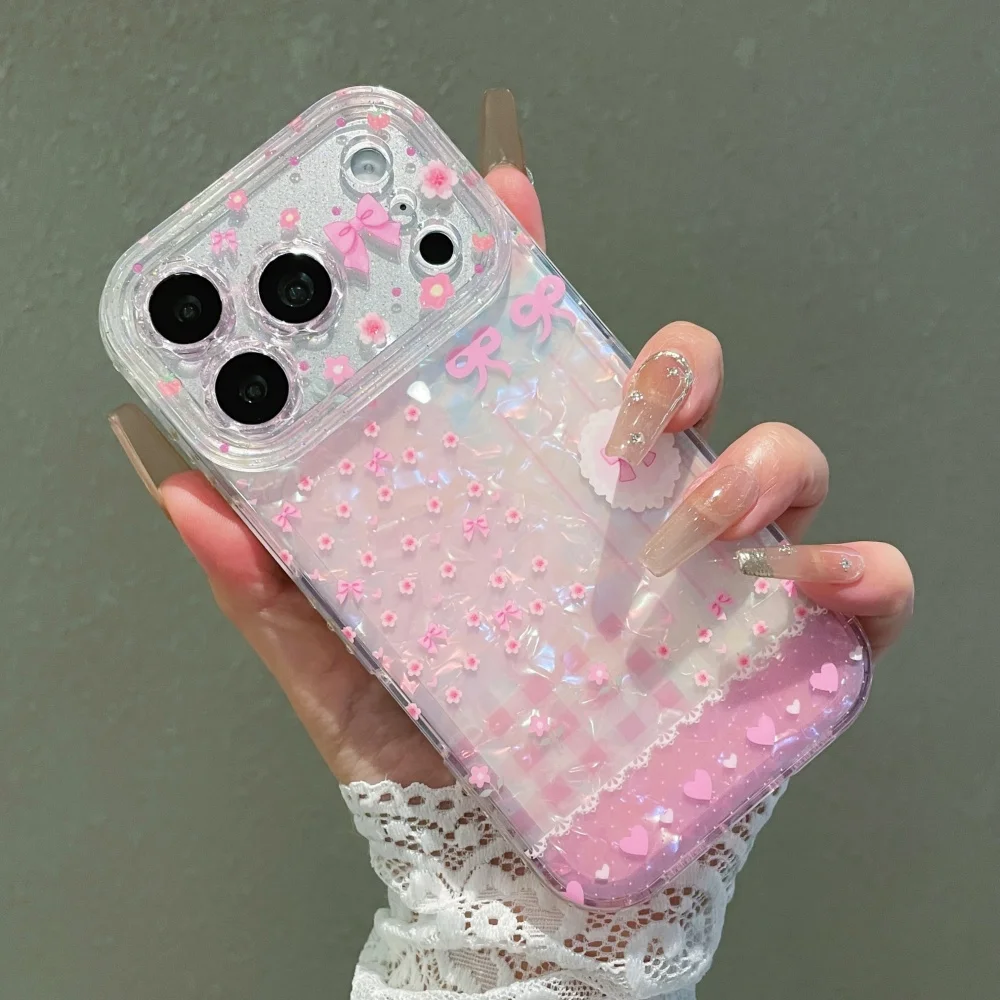
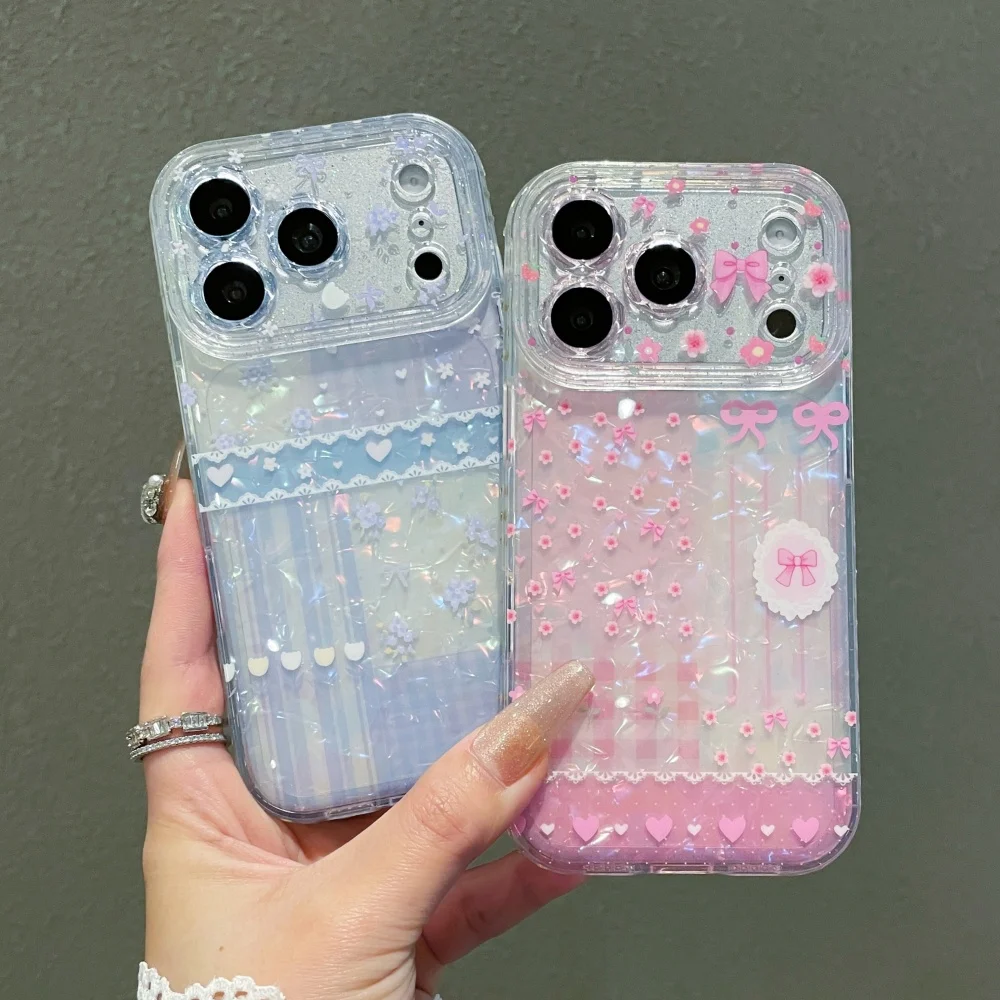
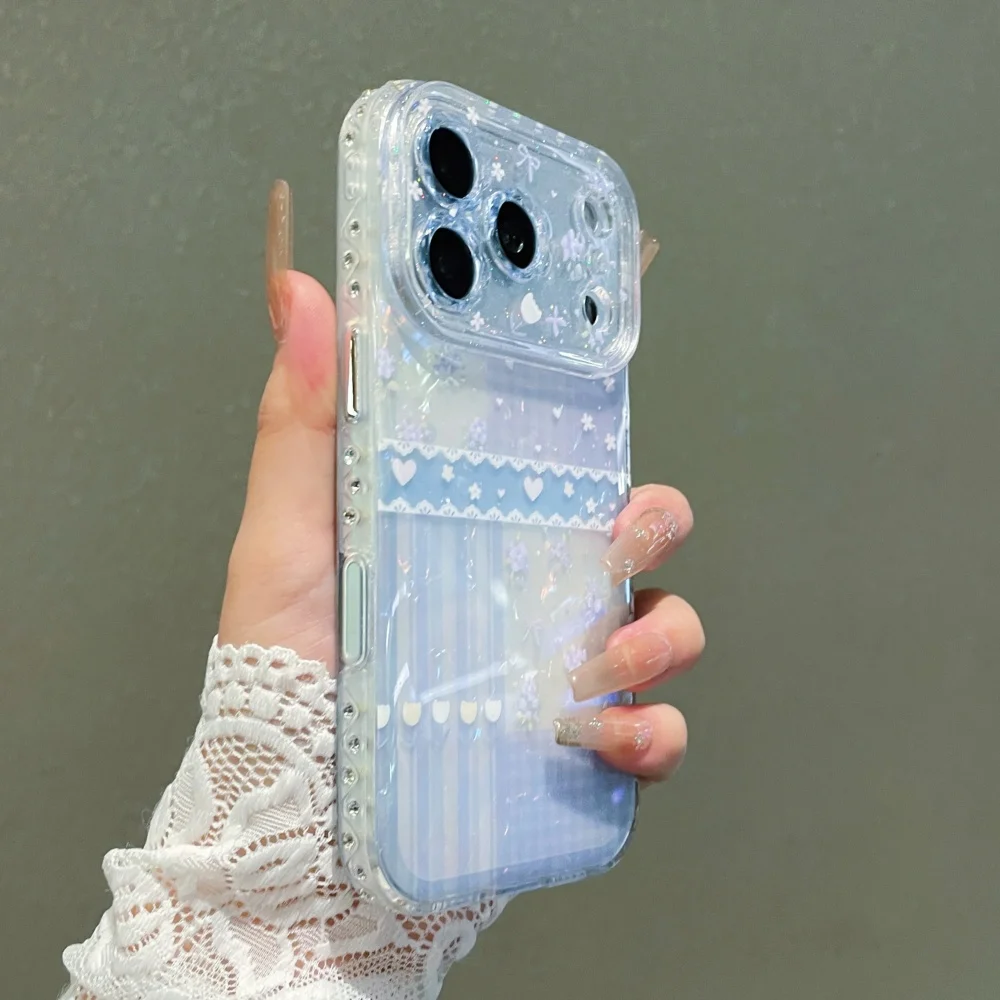
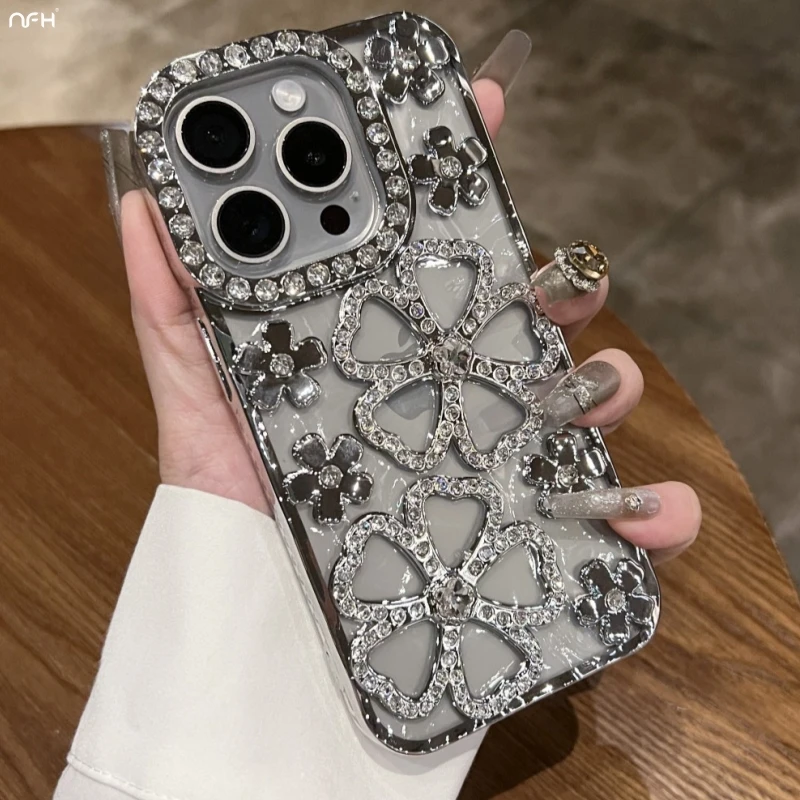
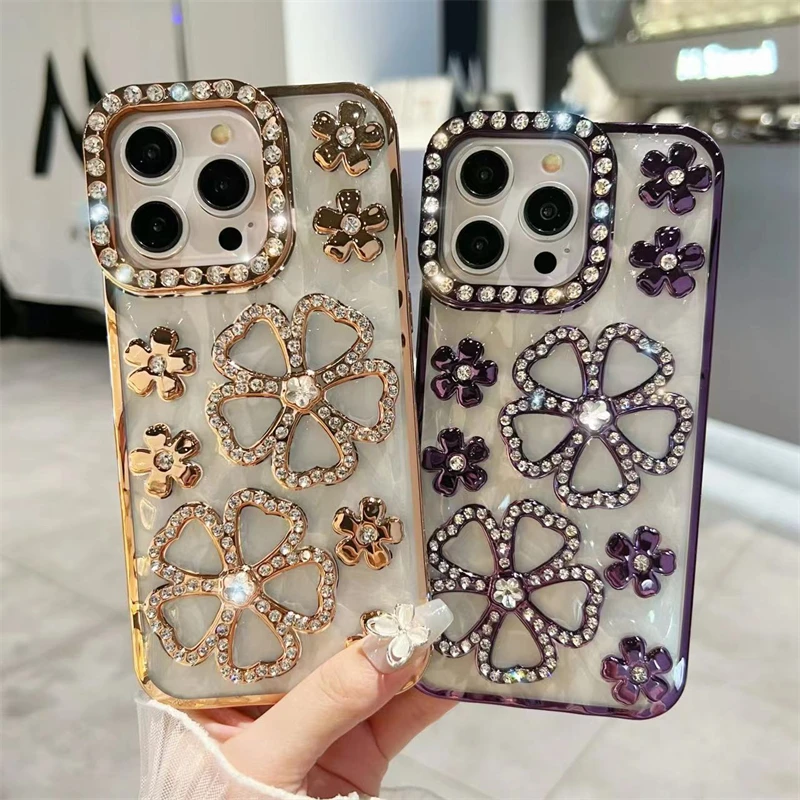
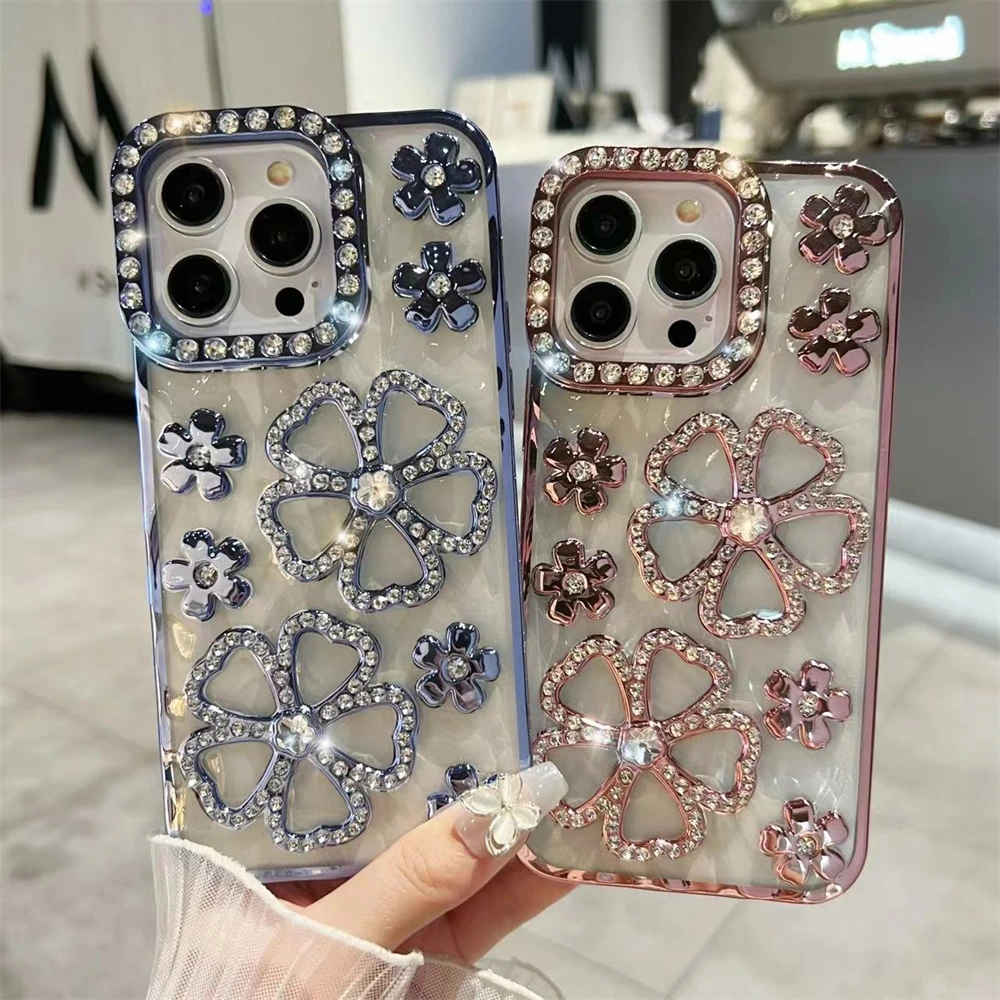
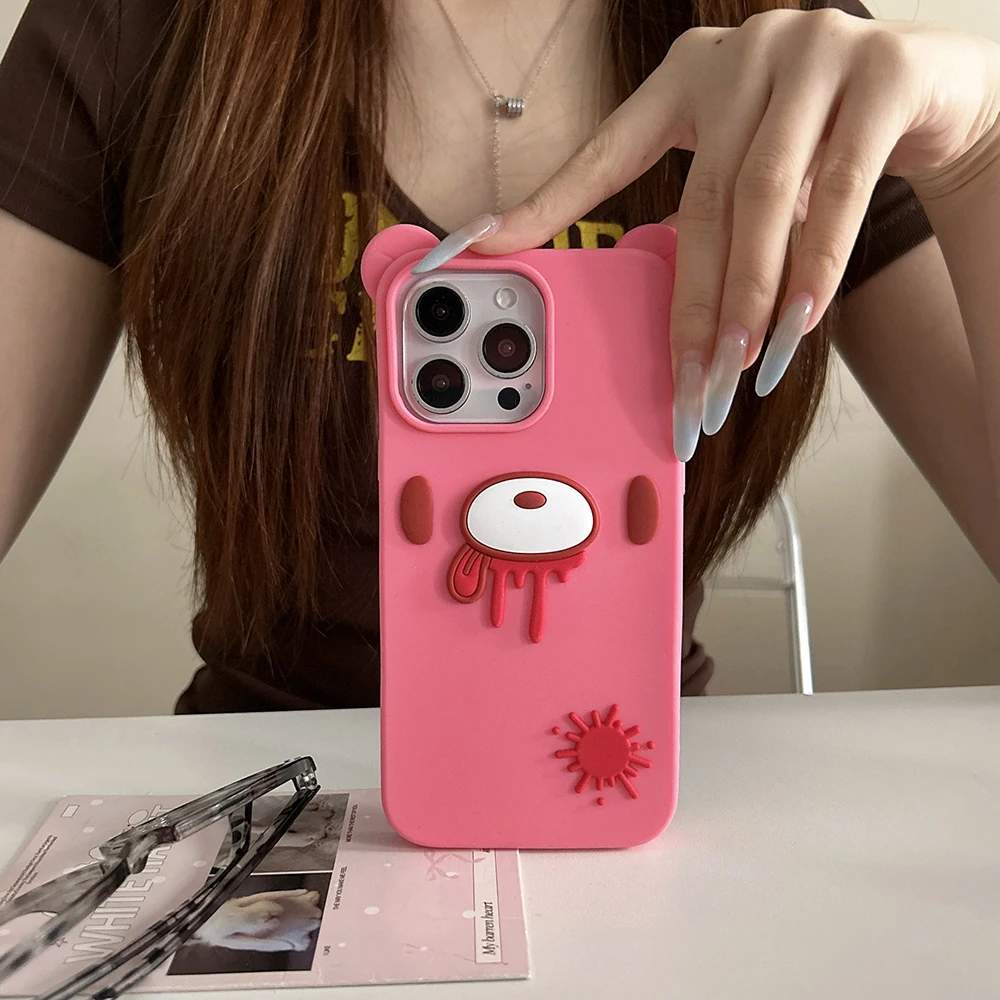
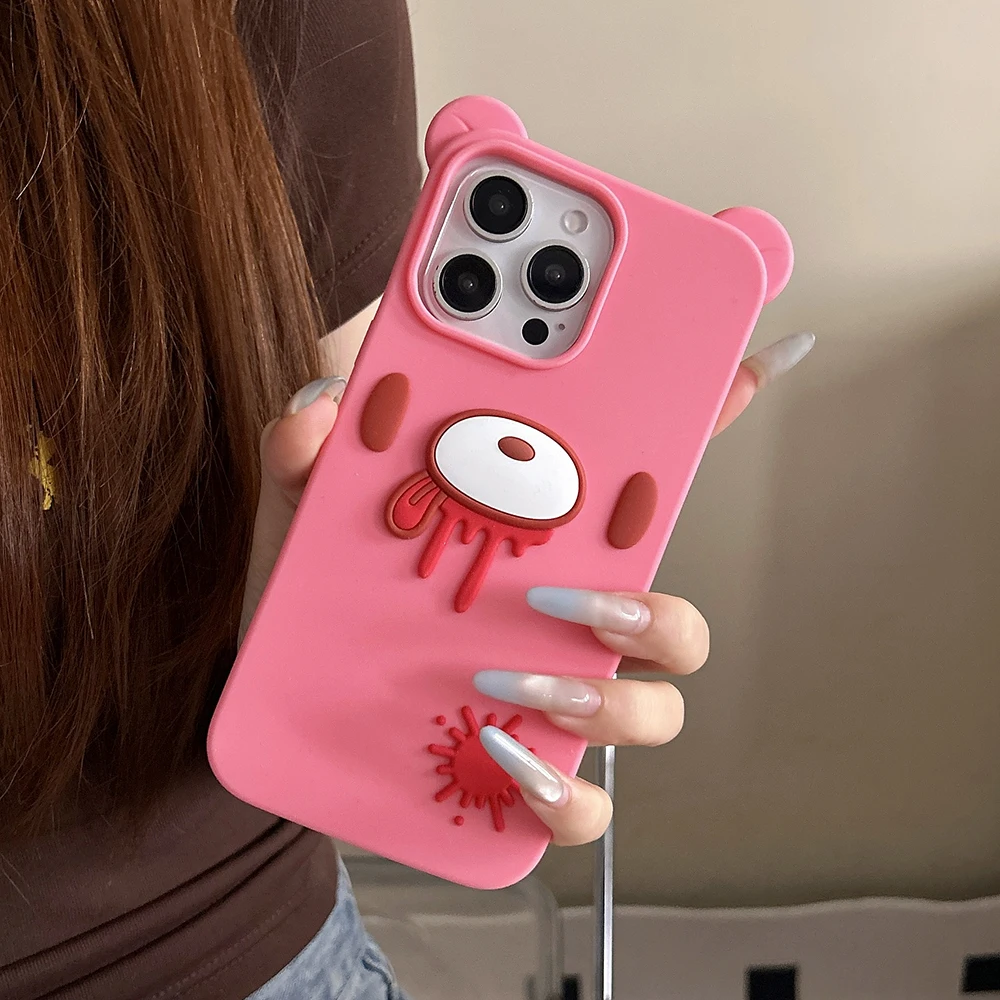
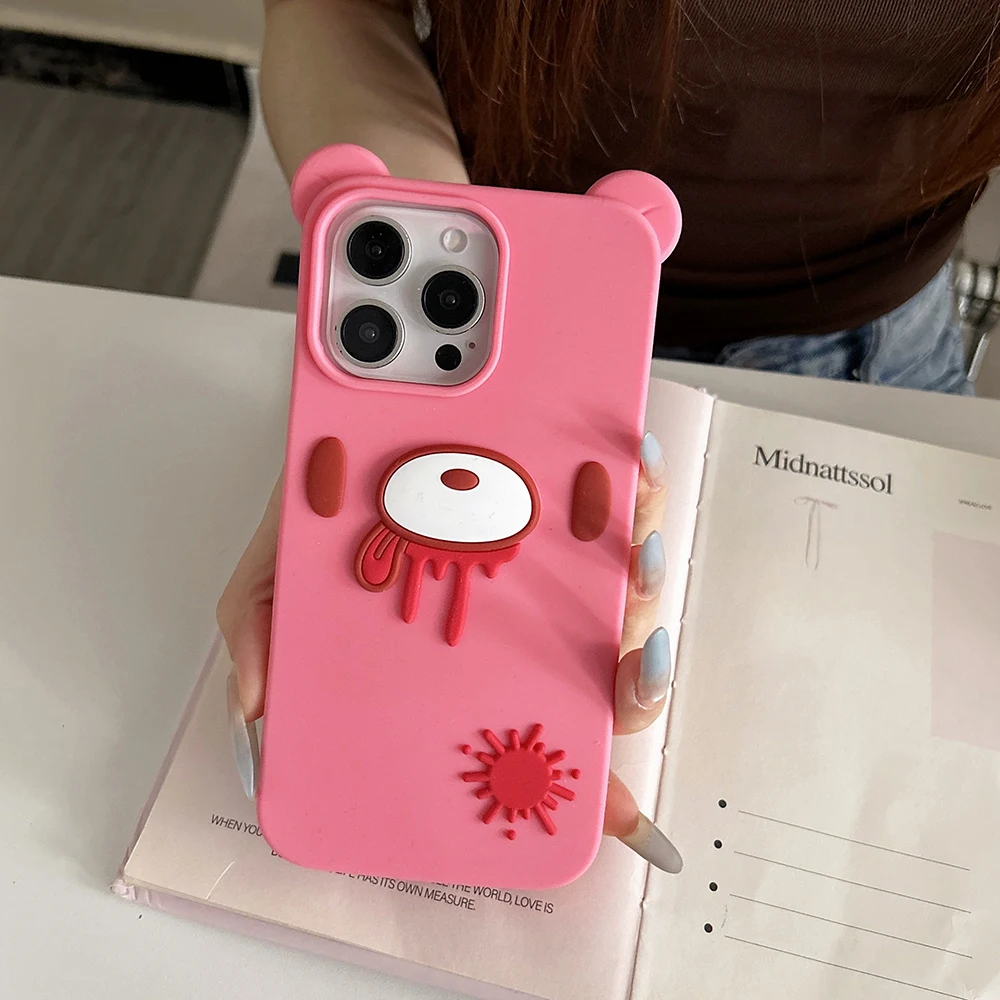
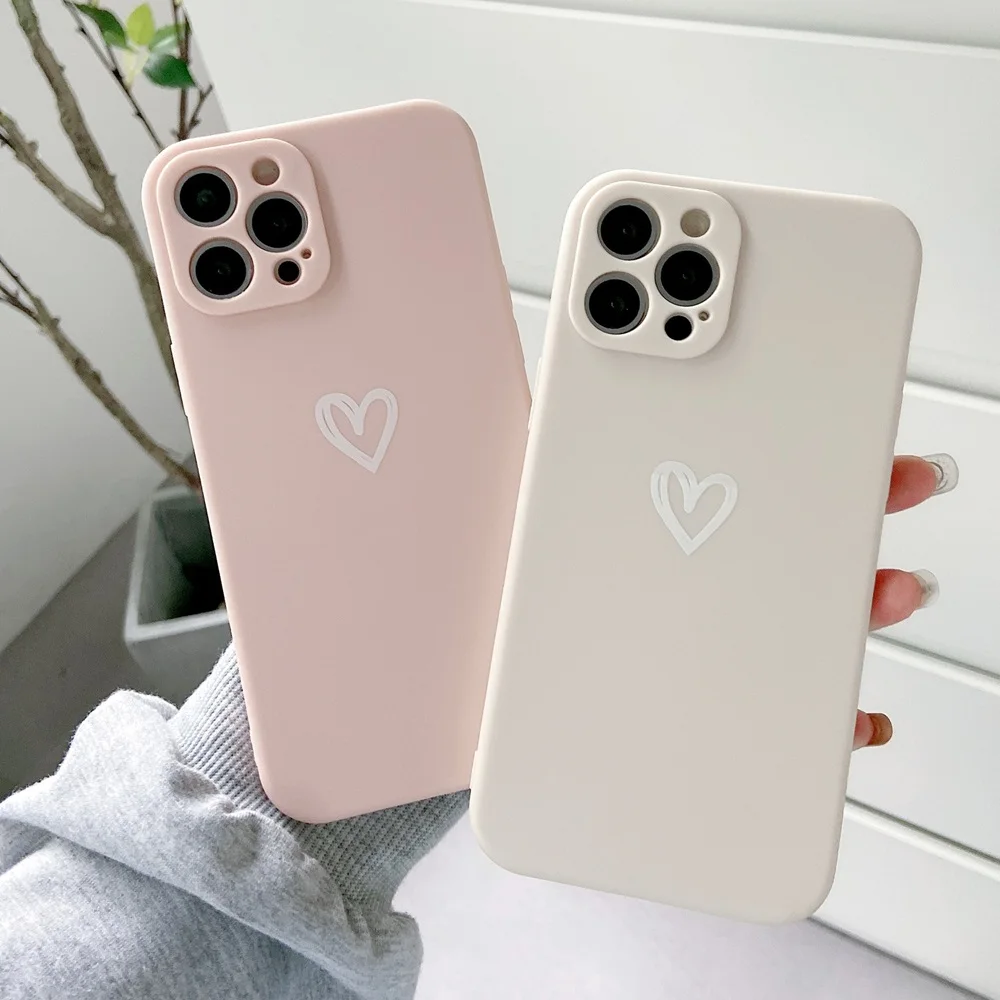
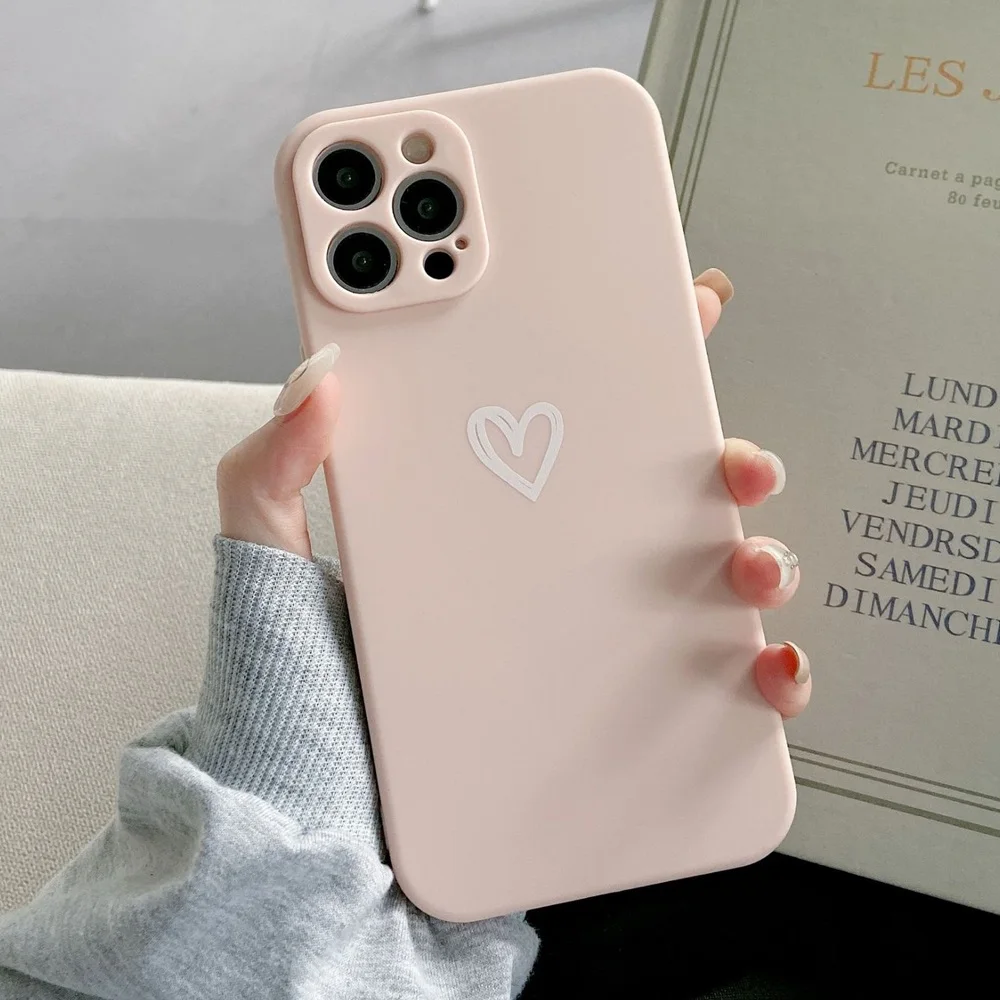
Start with how you use the phone. In a pocket all day, a slim case keeps it easy to slide out: see hard and slim cases and clear cases. Out at work or with children around, a two-layer case protects more: see tough and shockproof cases. To leave the wallet at home, the flip wallet and the card-slot case carry cards; see card holder cases. To watch on a table, the kickstand cases stand it up. And there are mirror, glitter, cute, printed, plated and Y2K cases for the look.
Charging the iPhone 14 Pro
The iPhone 14 Pro charges through a Lightning port. Apple's box has a USB-C to Lightning cable, which fits a USB-C wall plug, and Apple quotes up to 50% in around 30 minutes with a 20W adapter or higher. For more cables, longer ones or one for the car, see Lightning cables. Wirelessly, Apple lists MagSafe at up to 15W and Qi at up to 7.5W.
Questions people ask about the iPhone 14 Pro
Will an iPhone 13 Pro case fit the 14 Pro?
It is not made for it. The 14 Pro is taller and deeper by Apple's figures, so the buttons and the camera opening may not line up. Pick the 14 Pro in the product's choices.
Do I need a new charger?
Not if you already have a USB-C plug: the cable in Apple's box goes from USB-C to Lightning. For a faster charge, use a plug of 20W or more. See 20W to 45W chargers.
Can a screen protector upset Face ID?
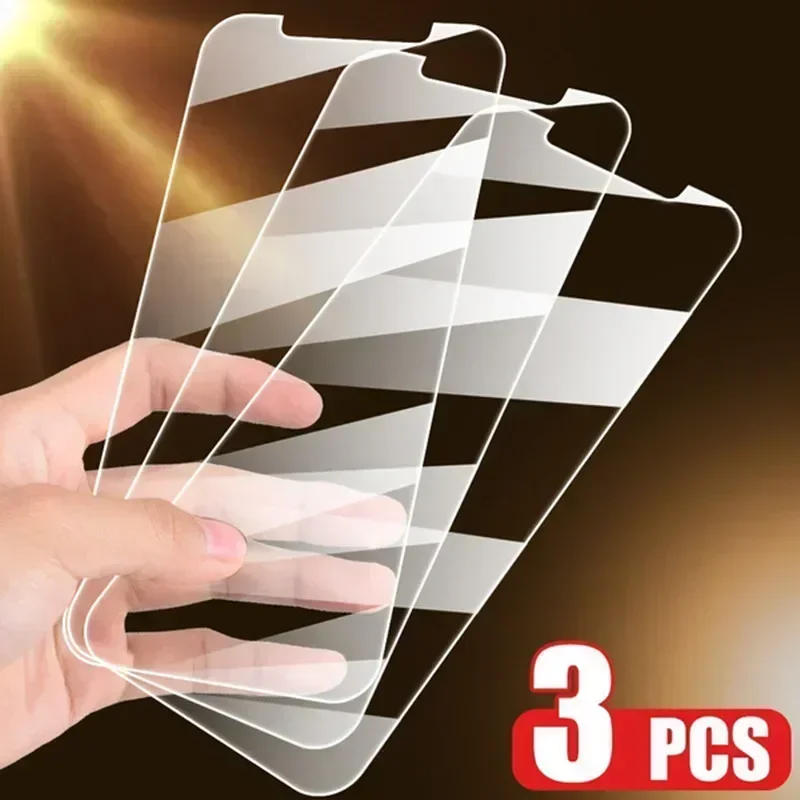
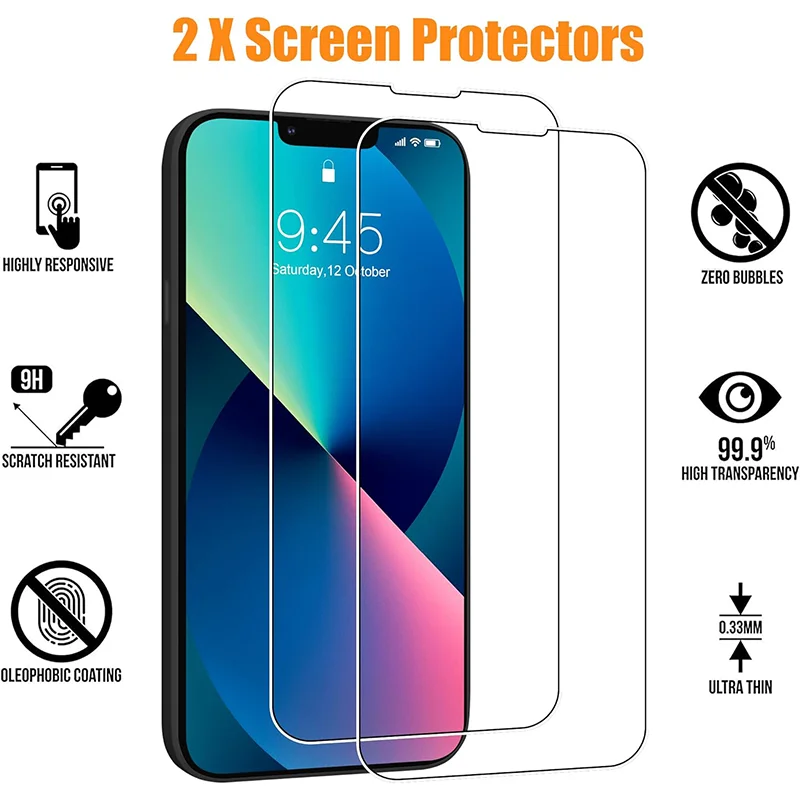
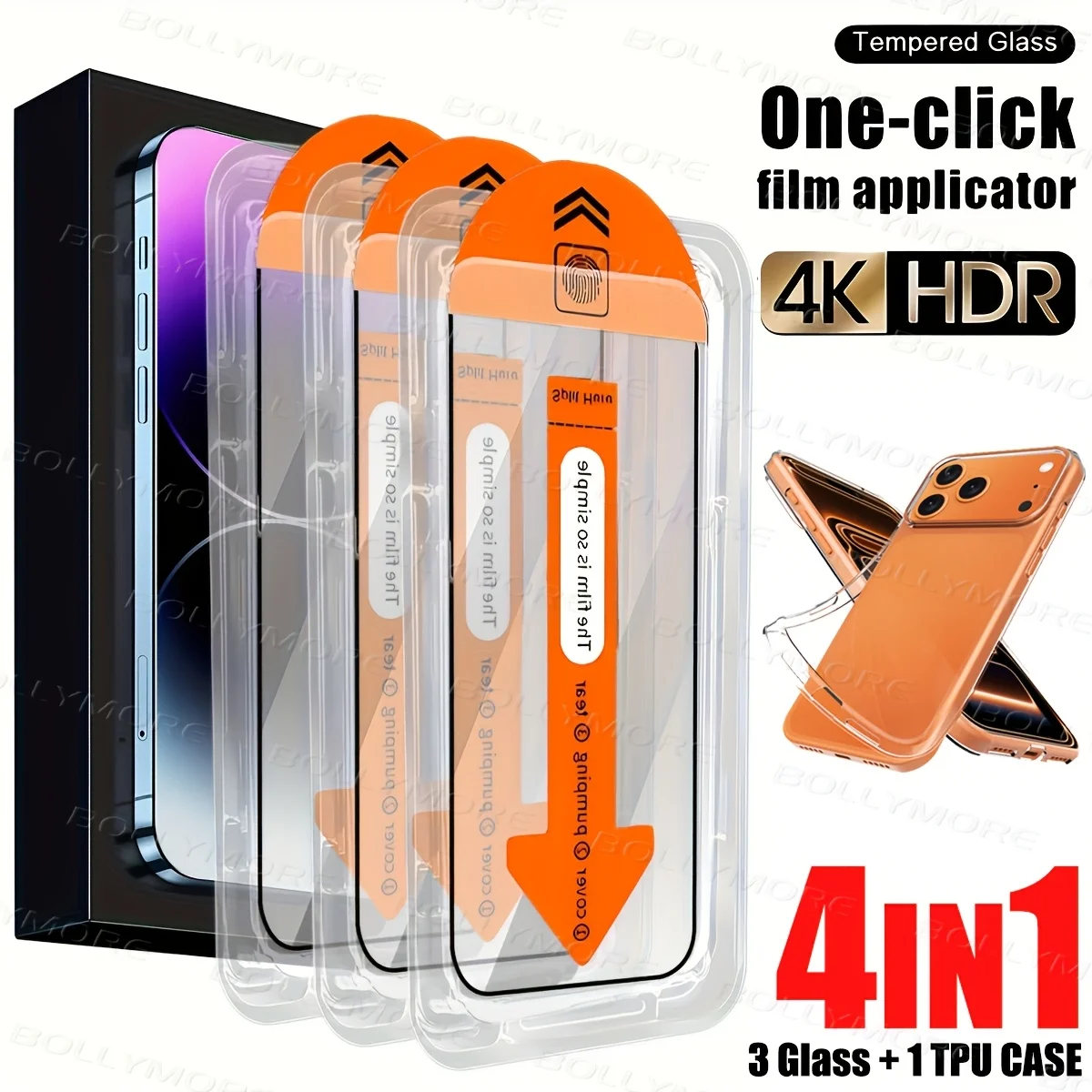
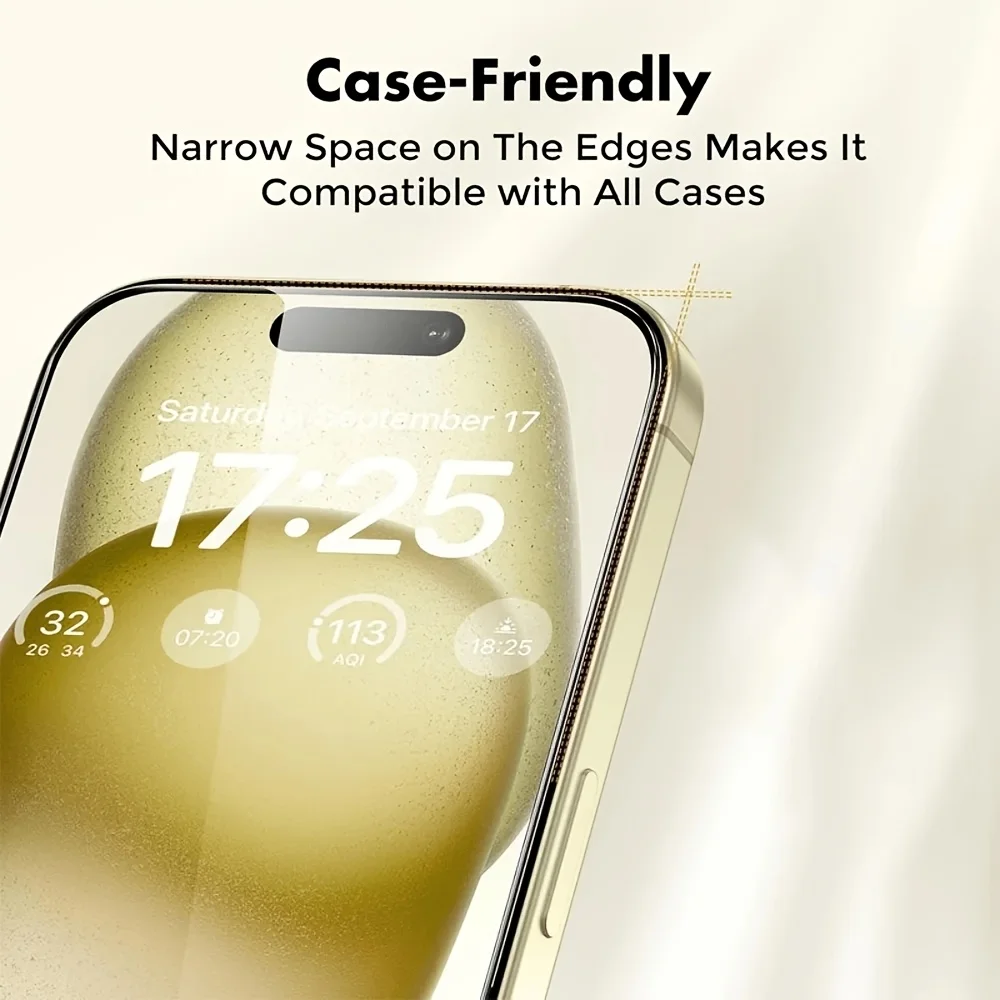
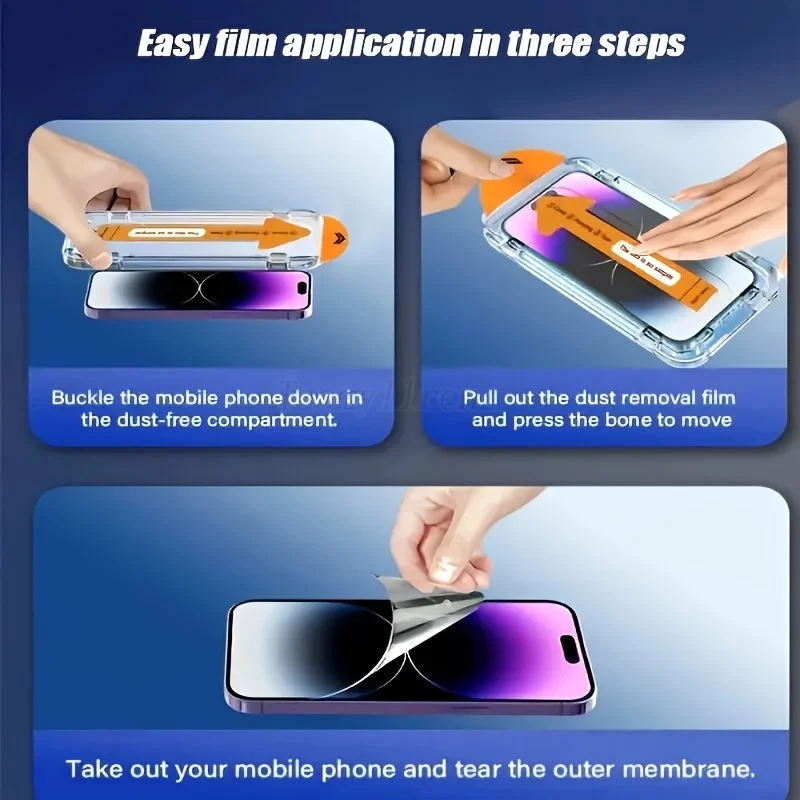
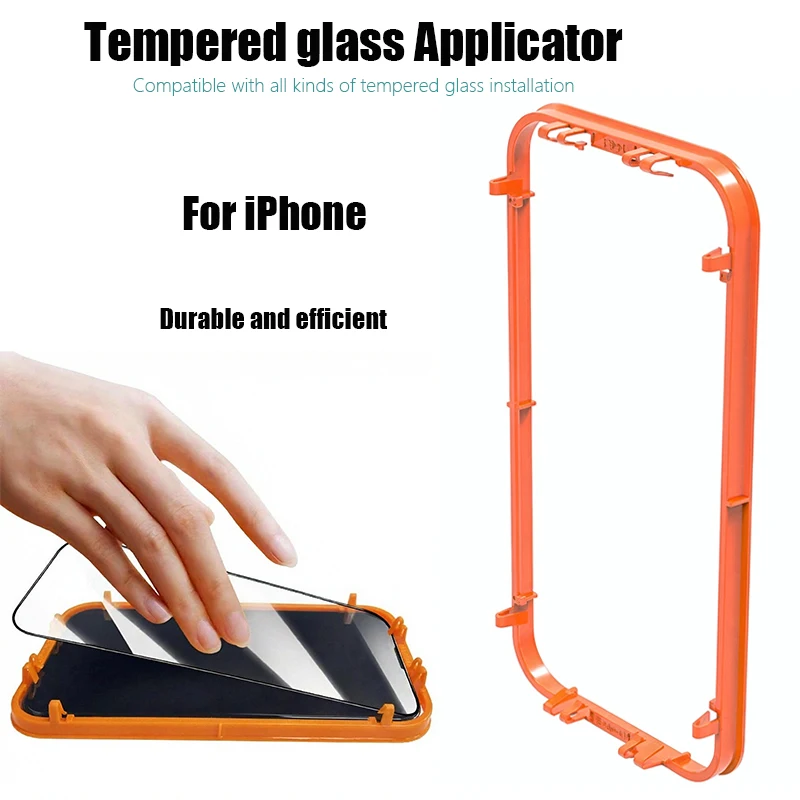
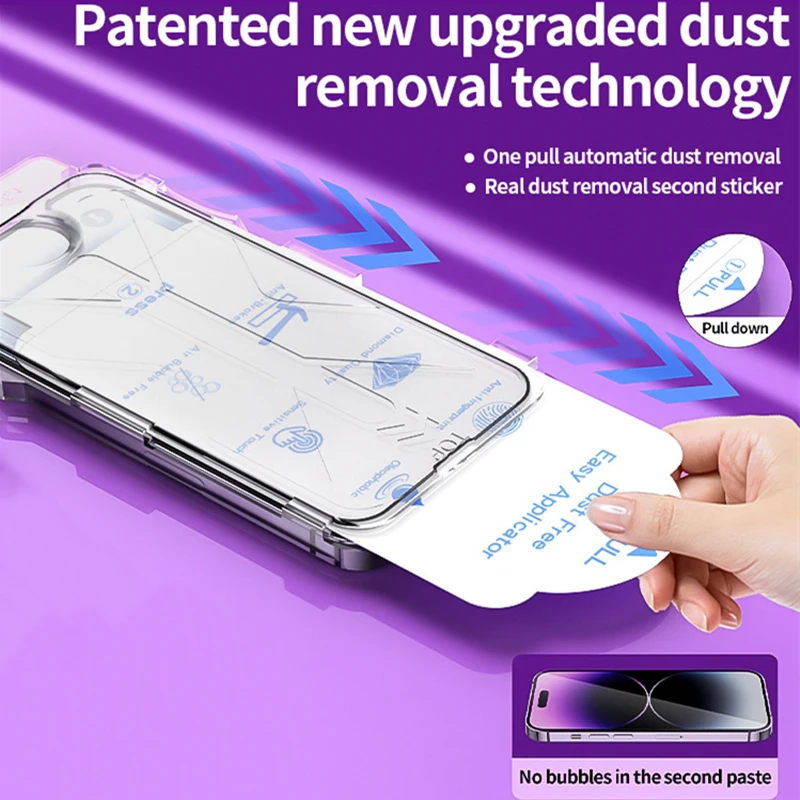
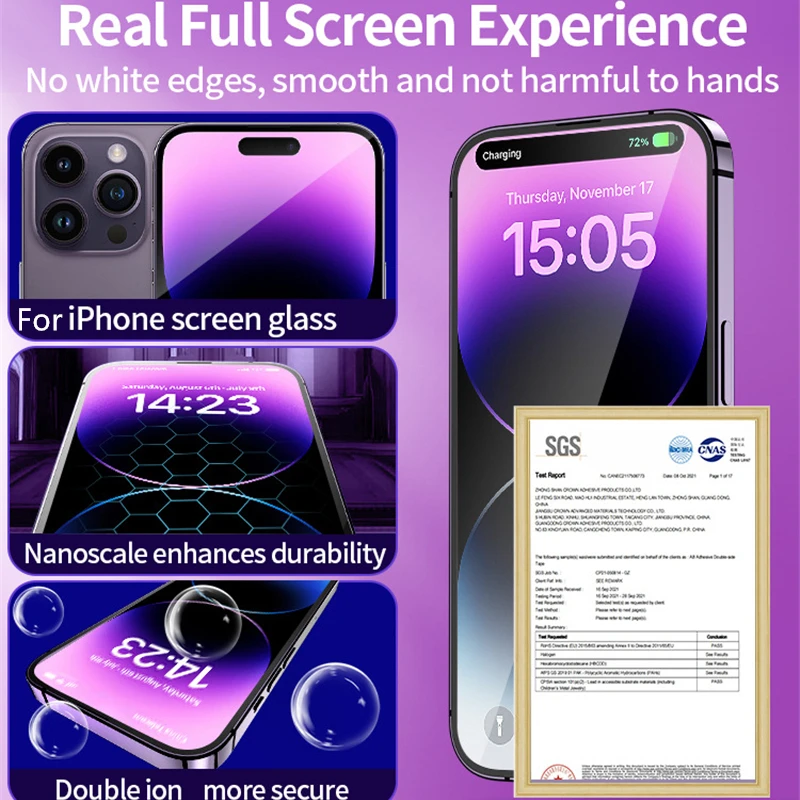
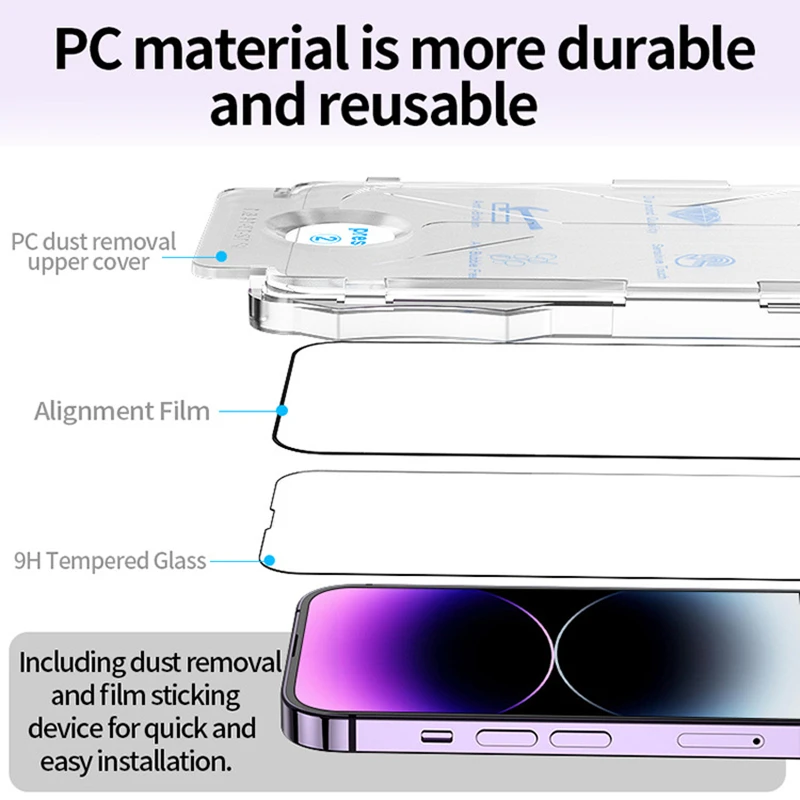
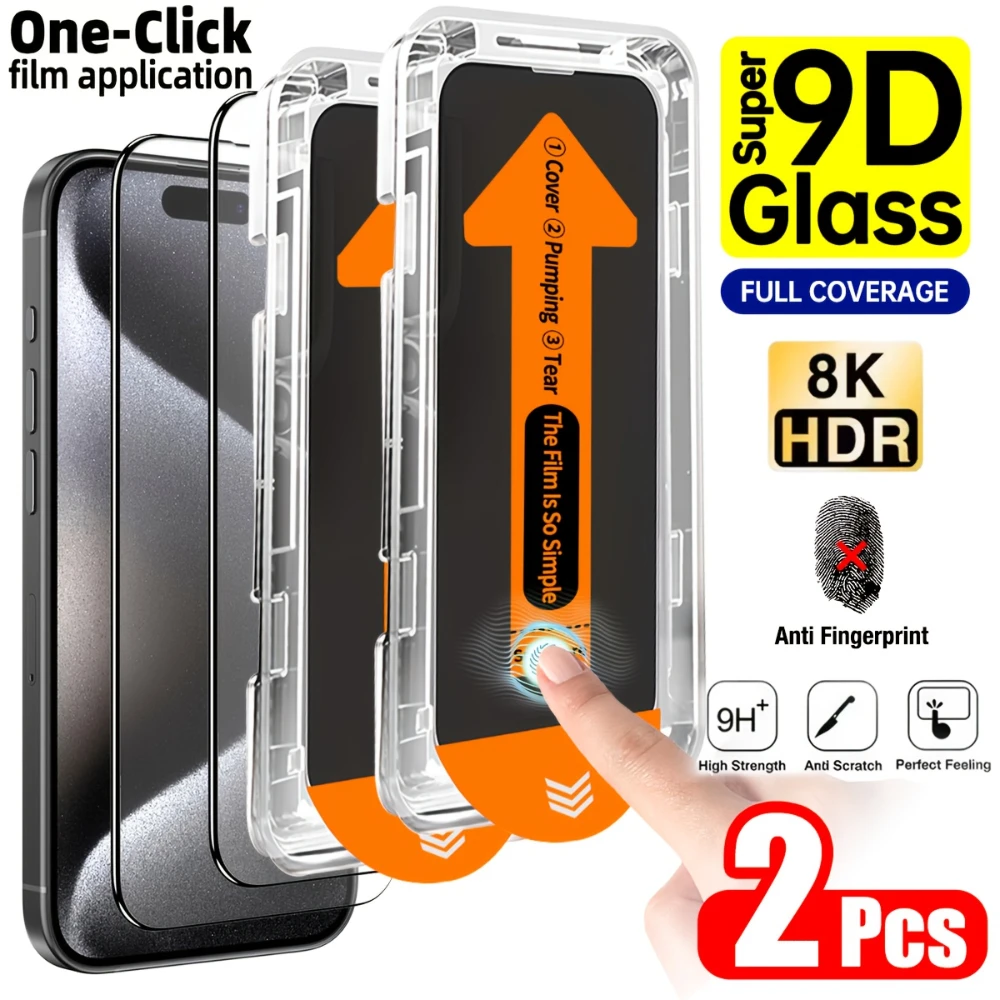
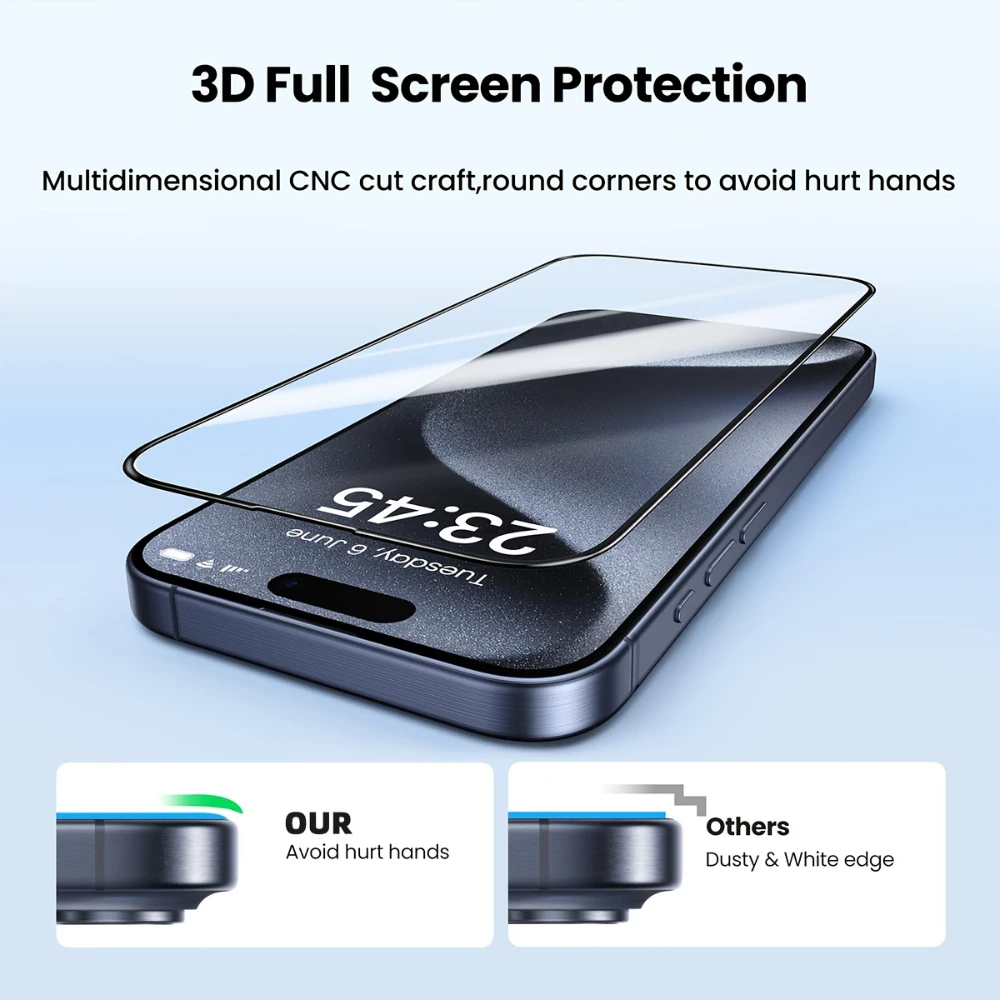
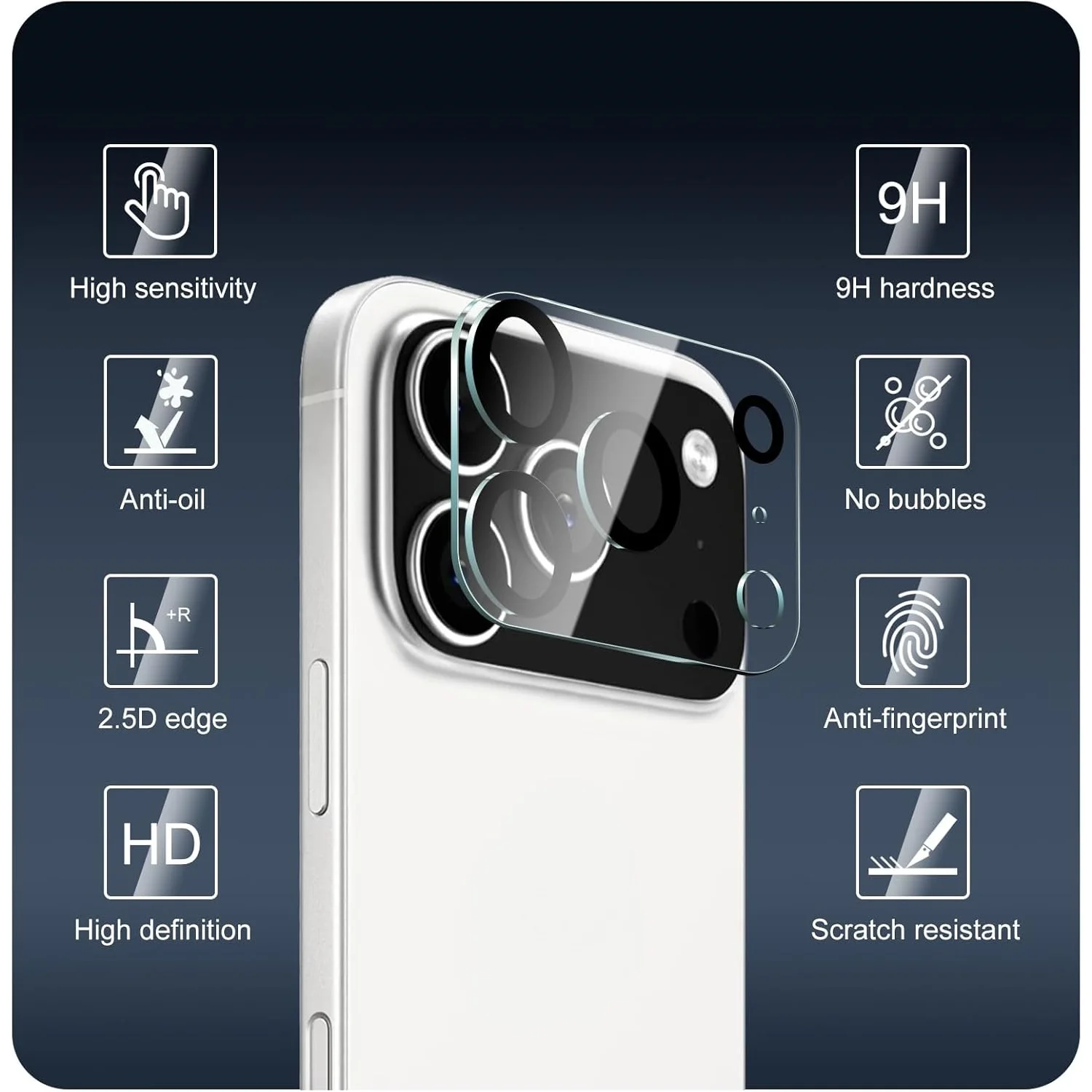
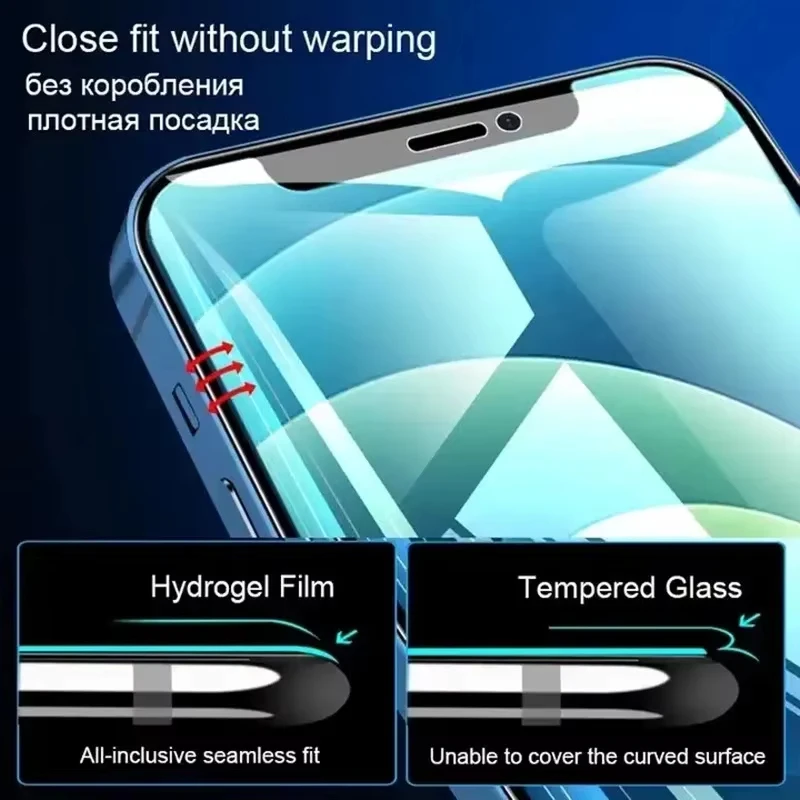
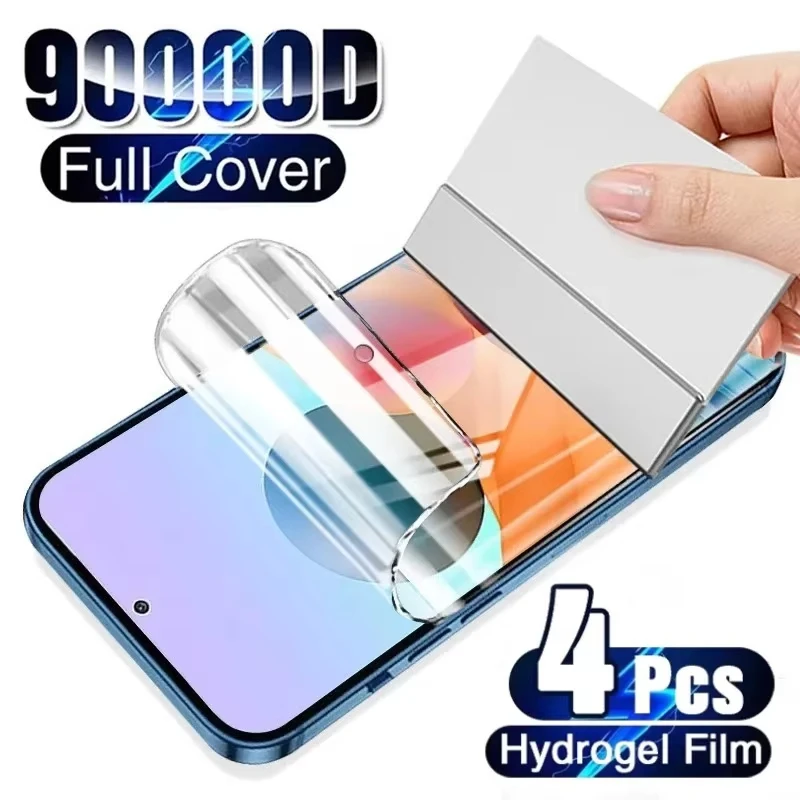
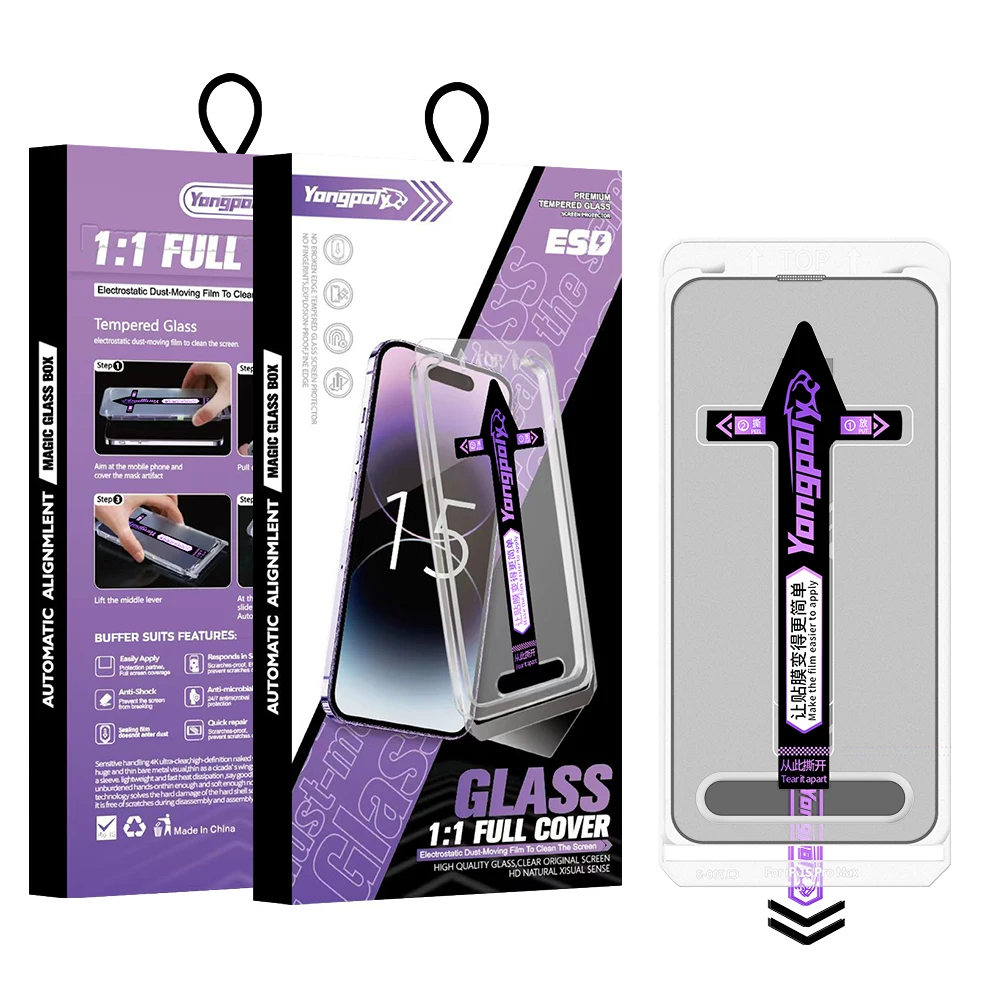
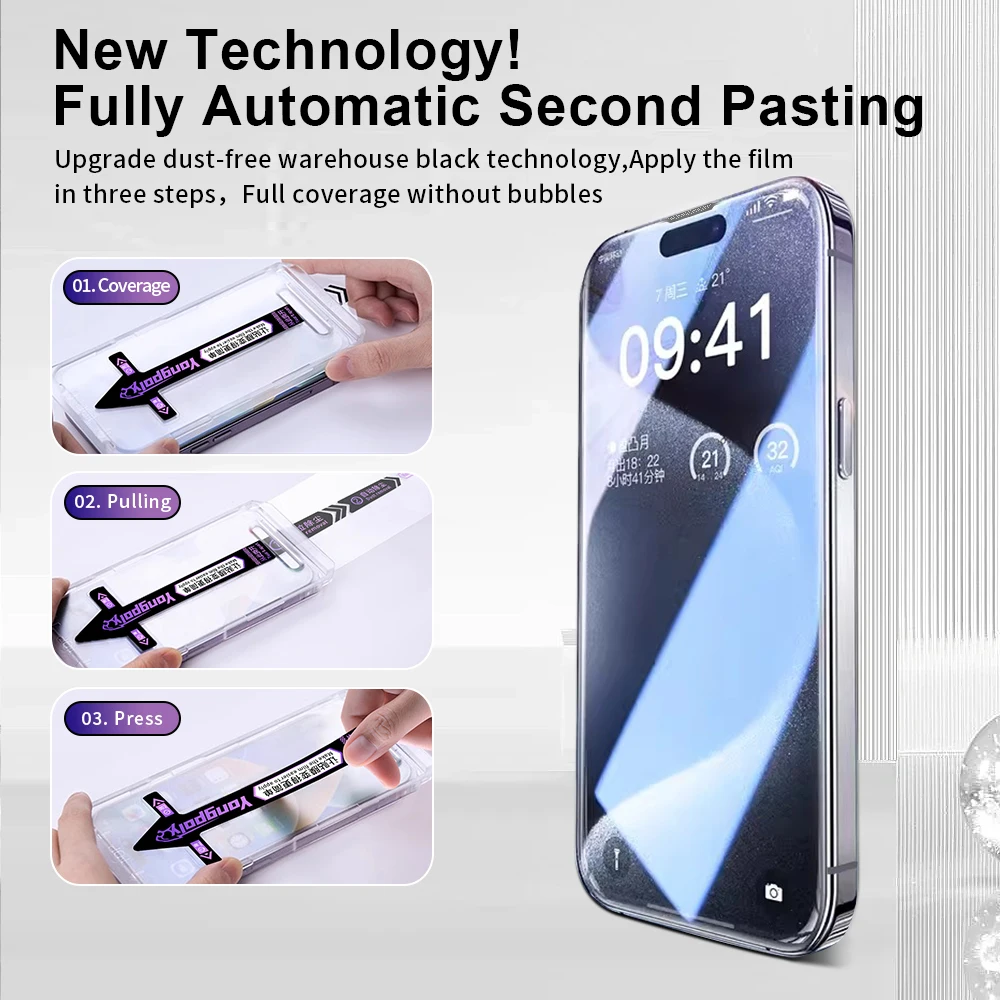
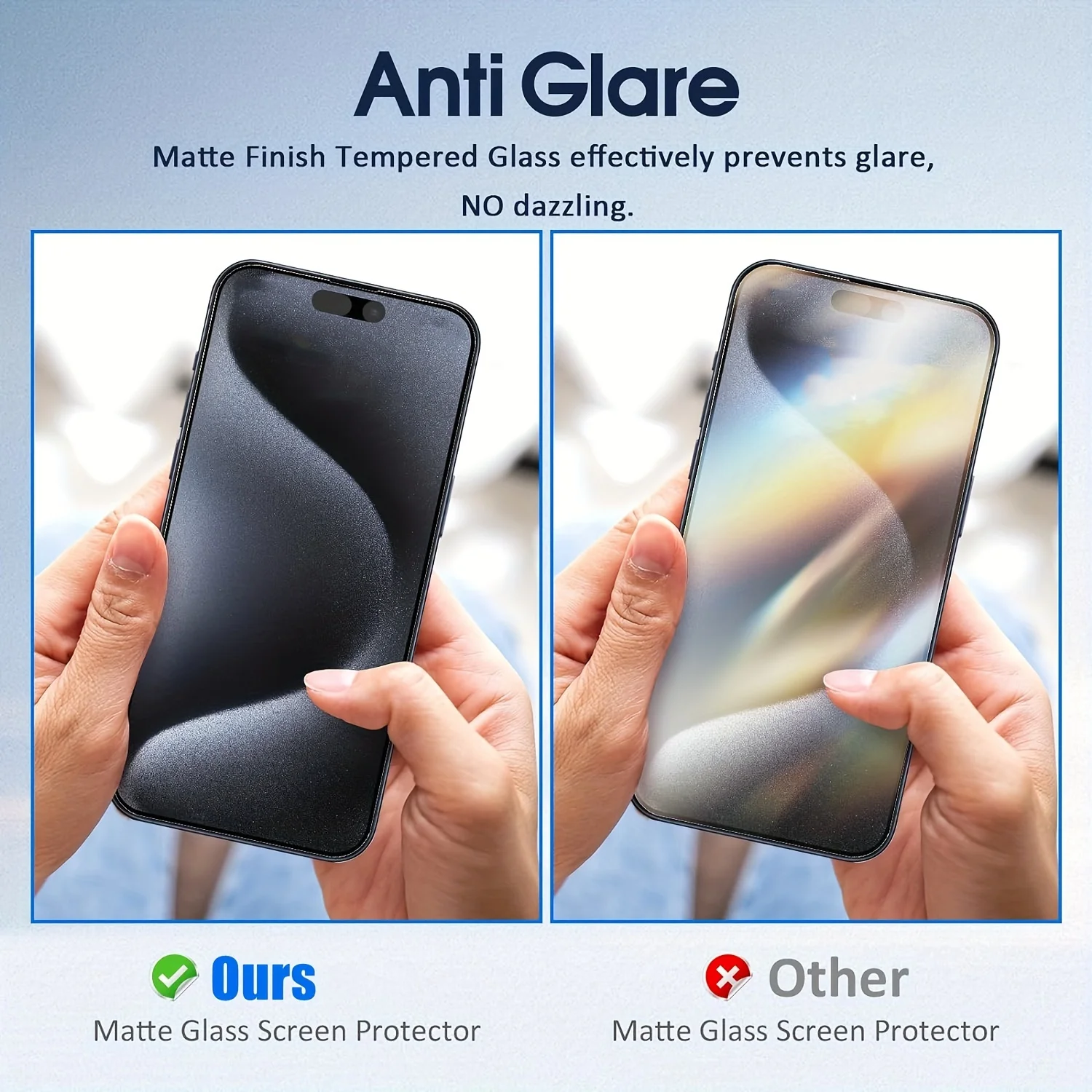
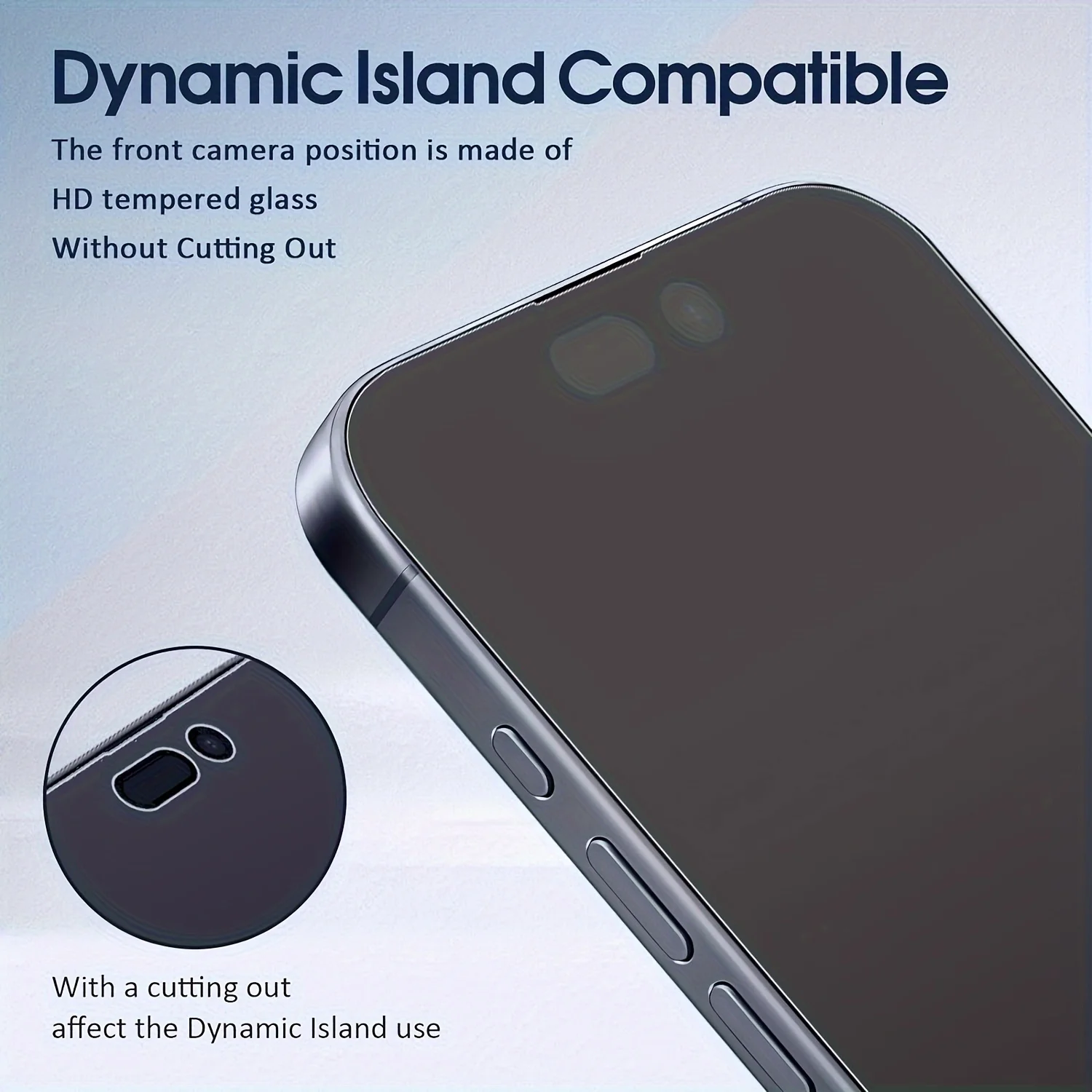
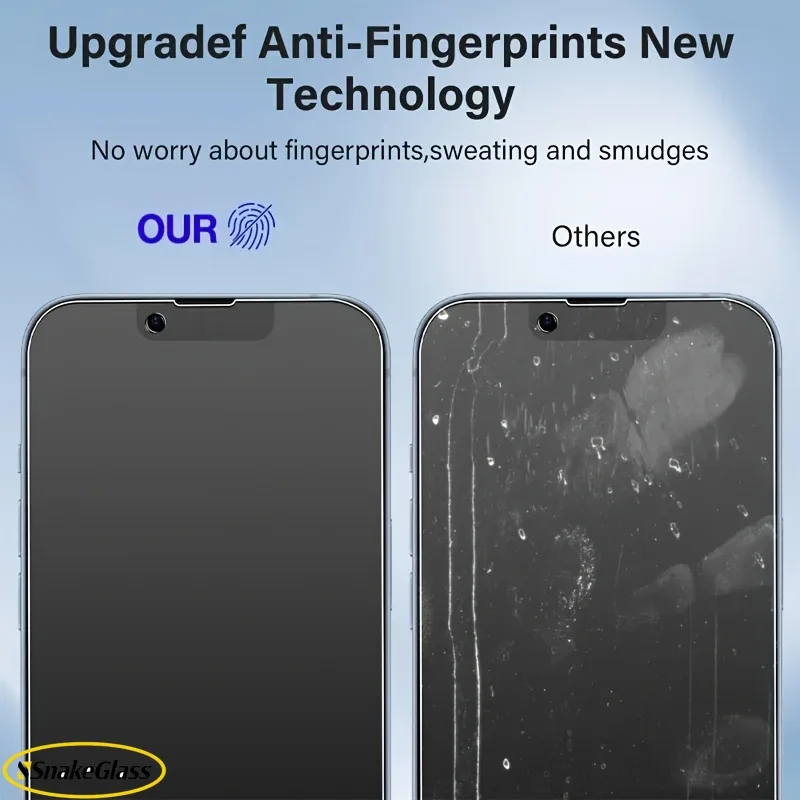
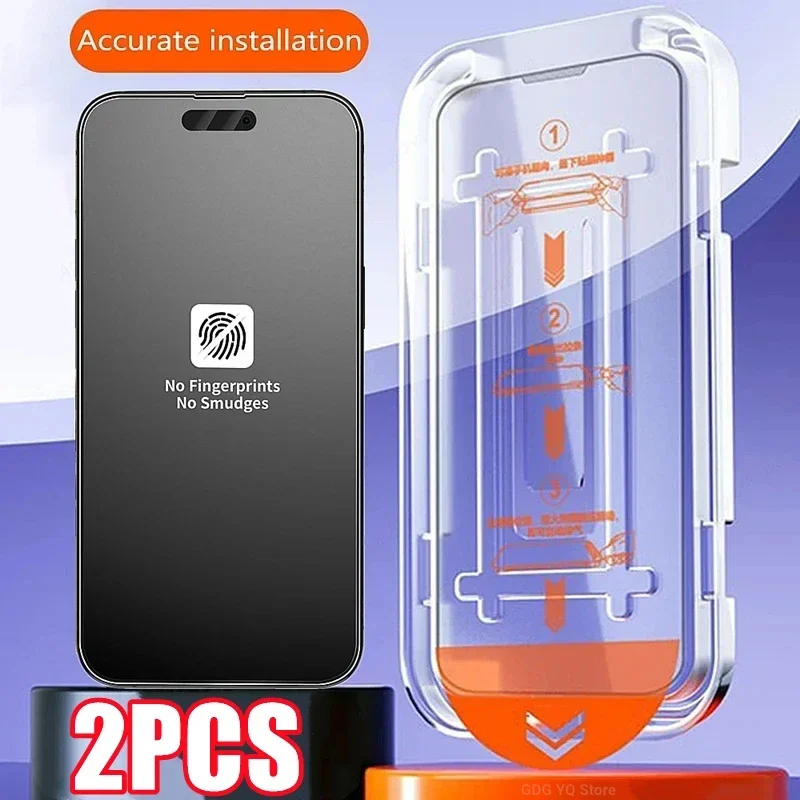
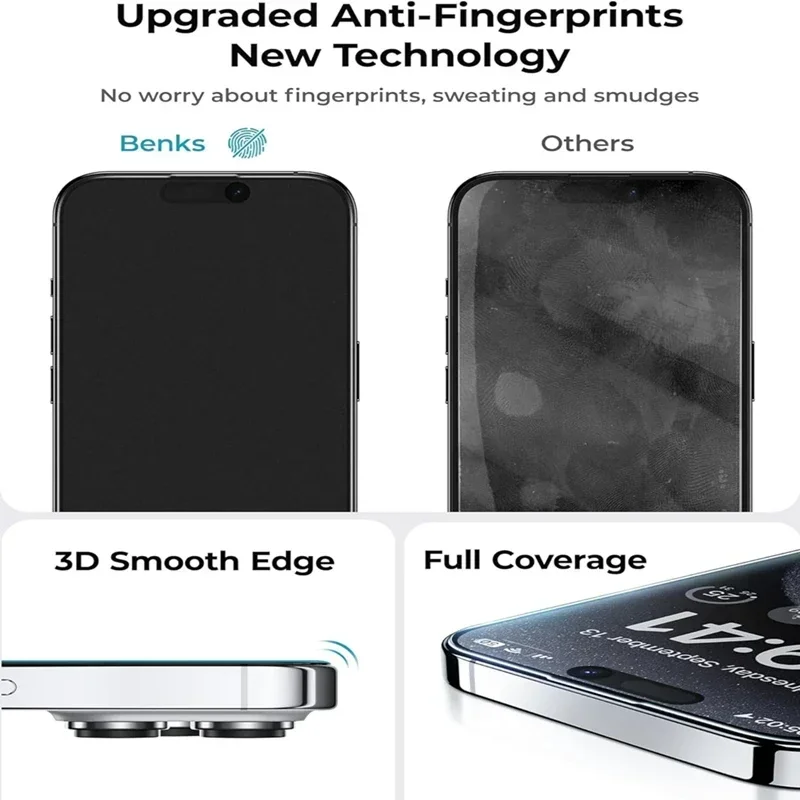
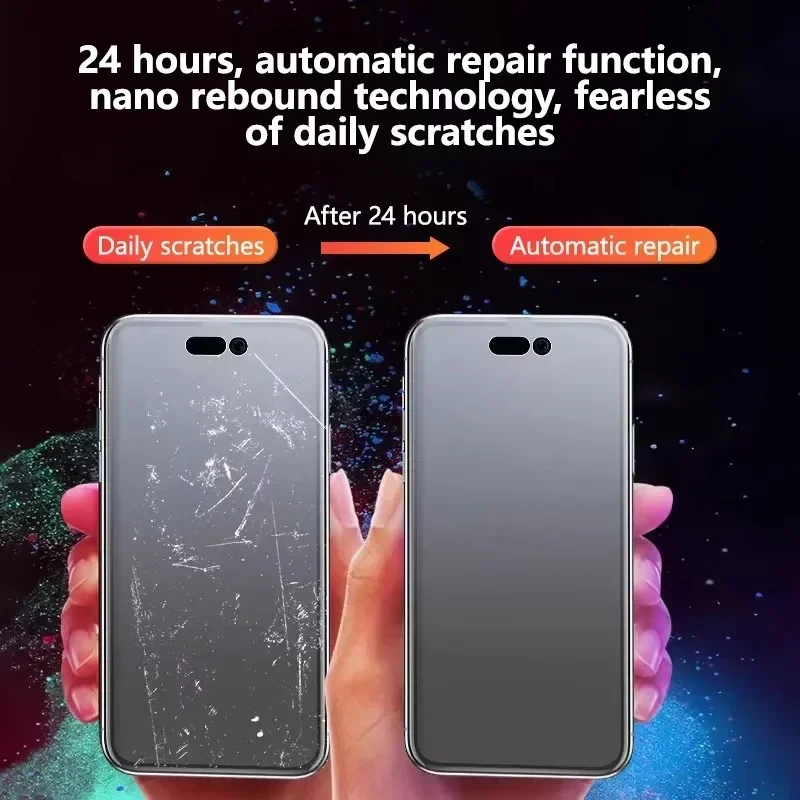
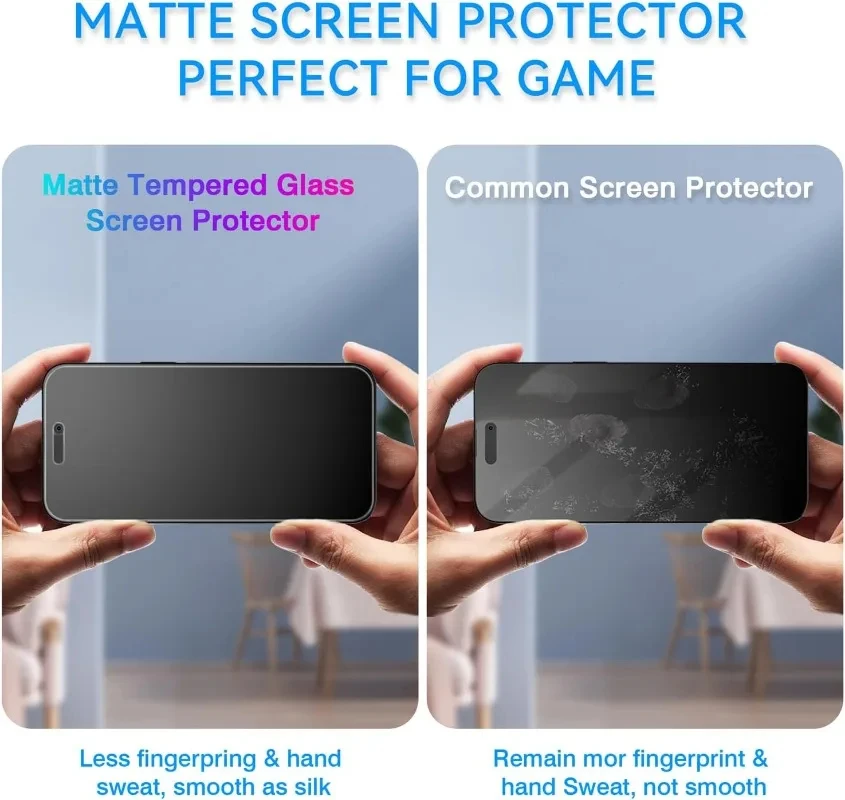
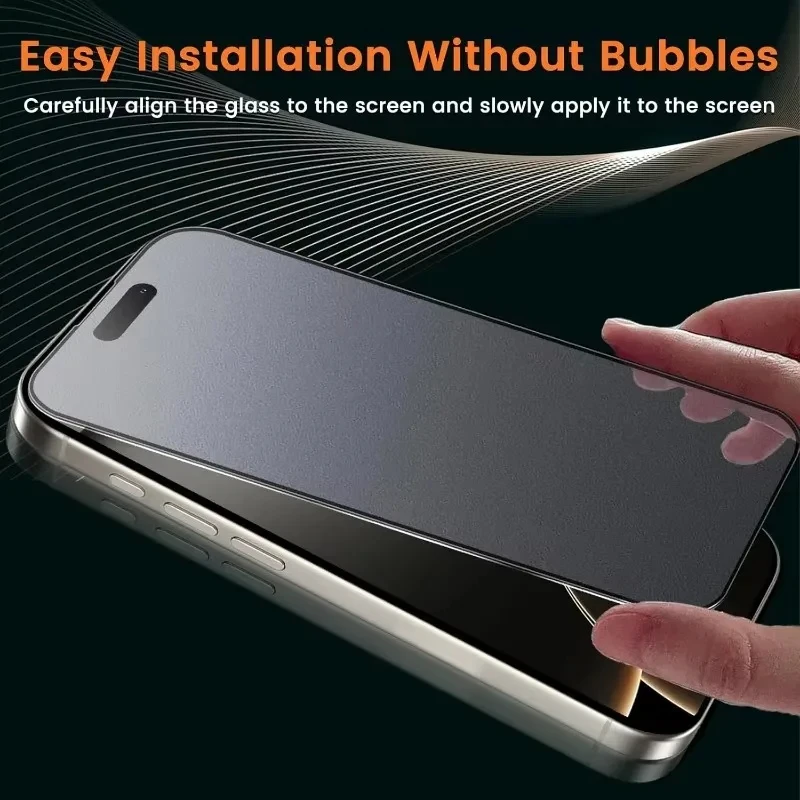
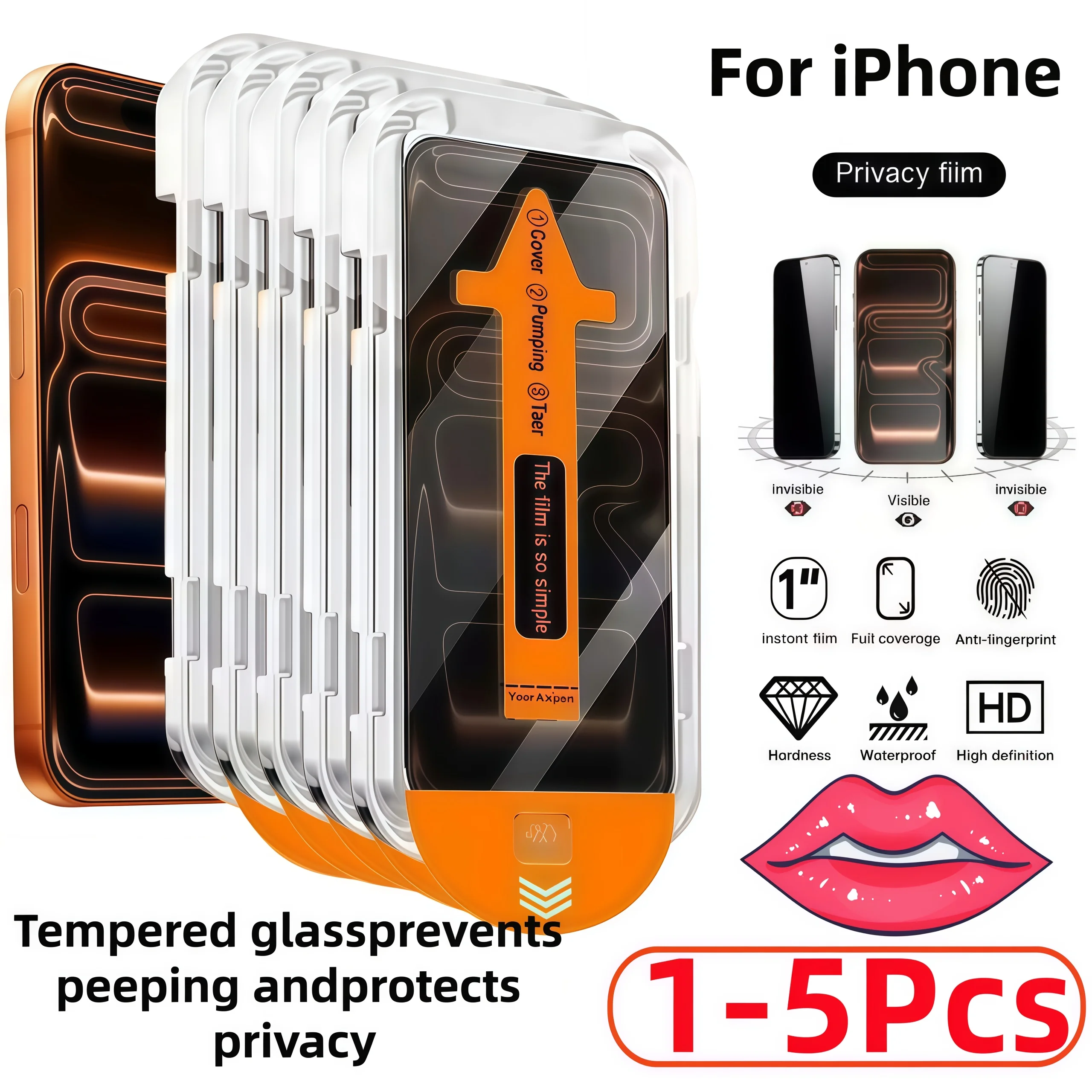
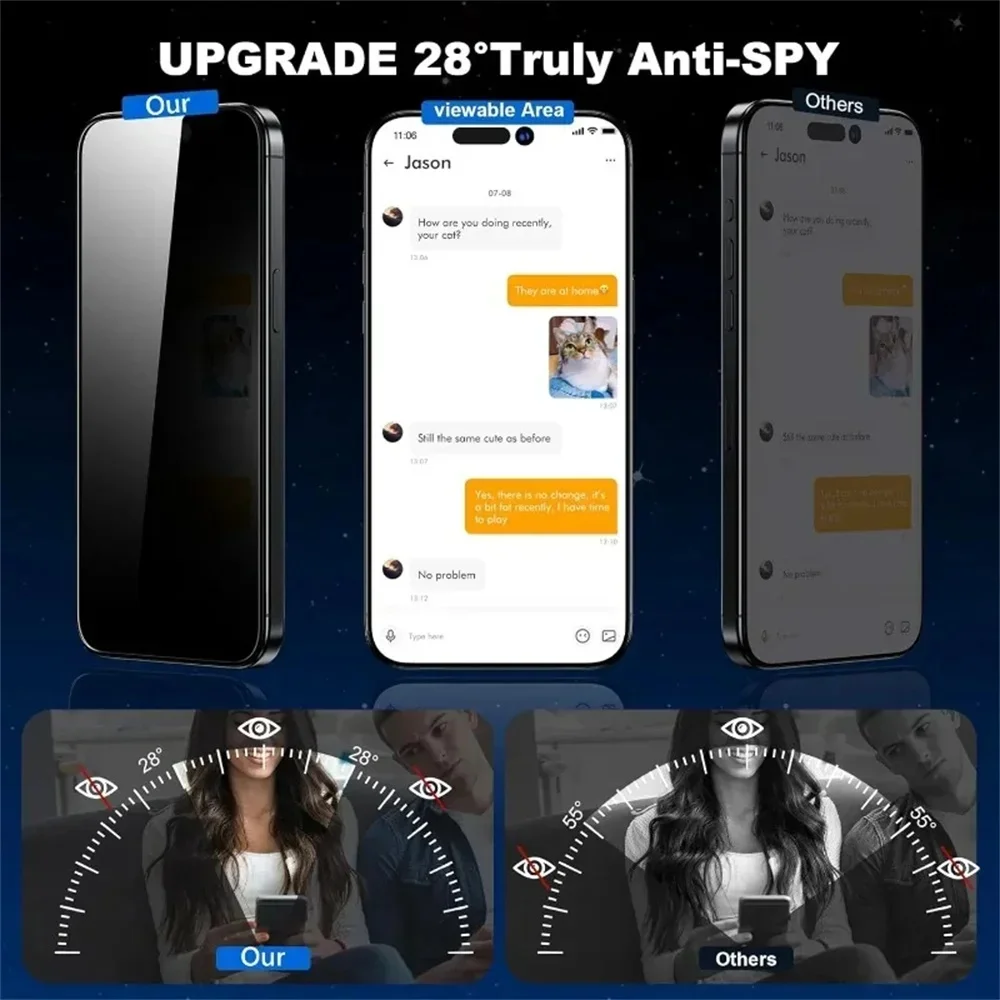
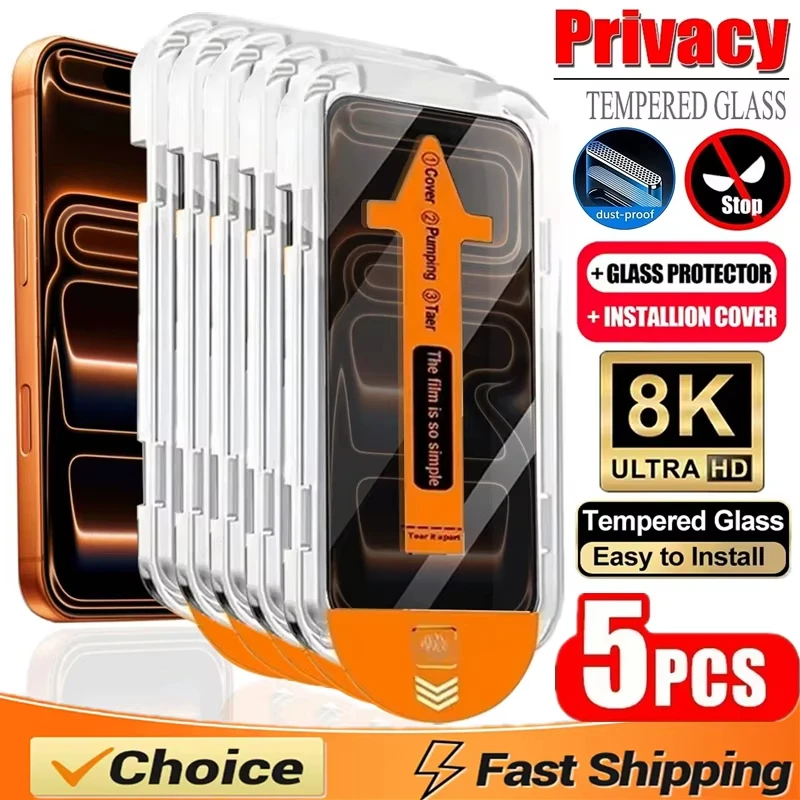
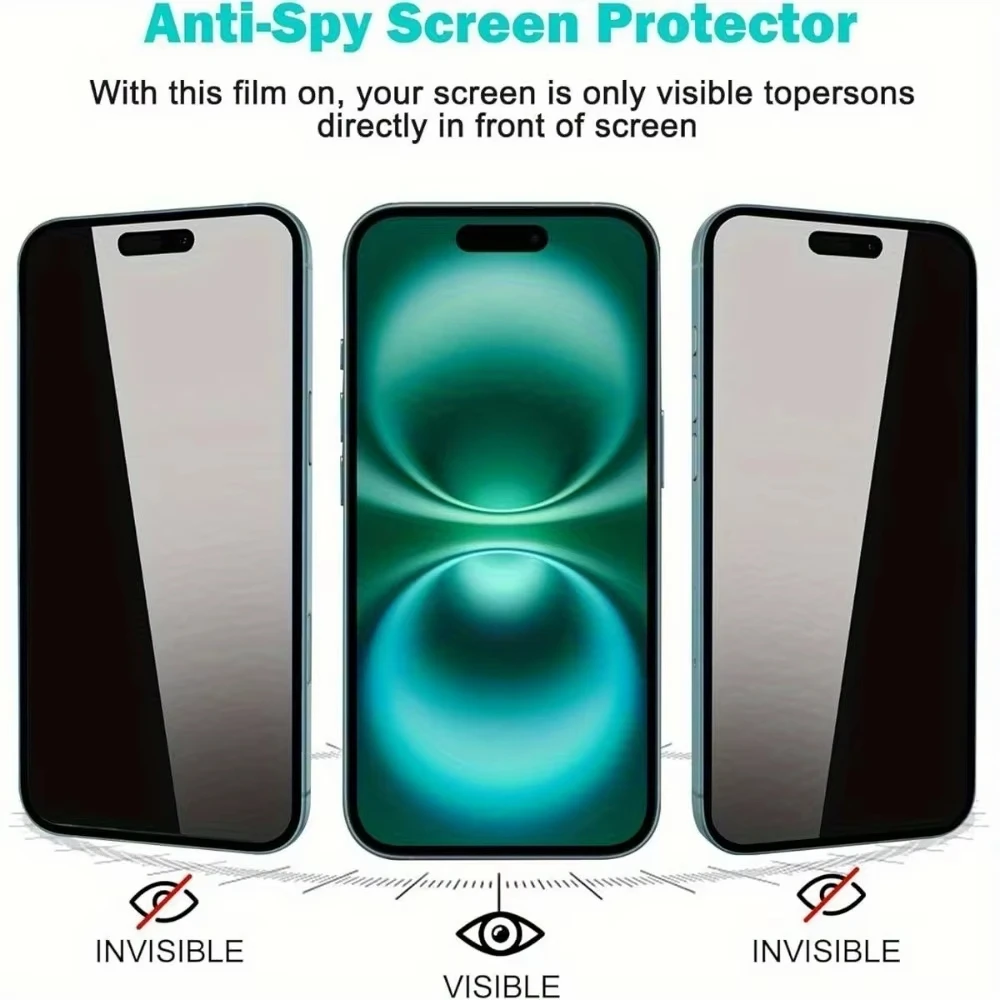
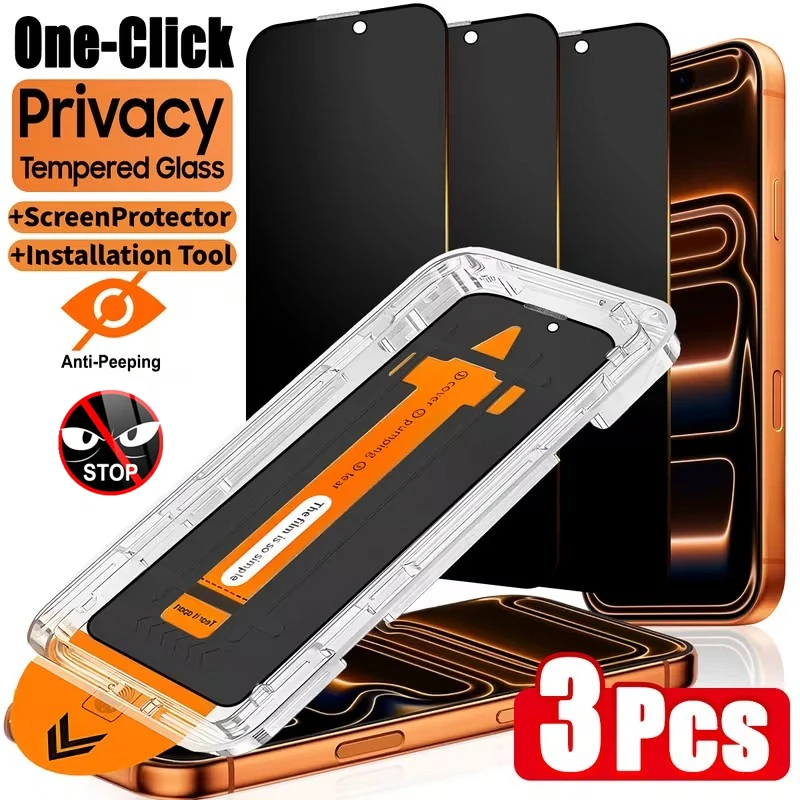
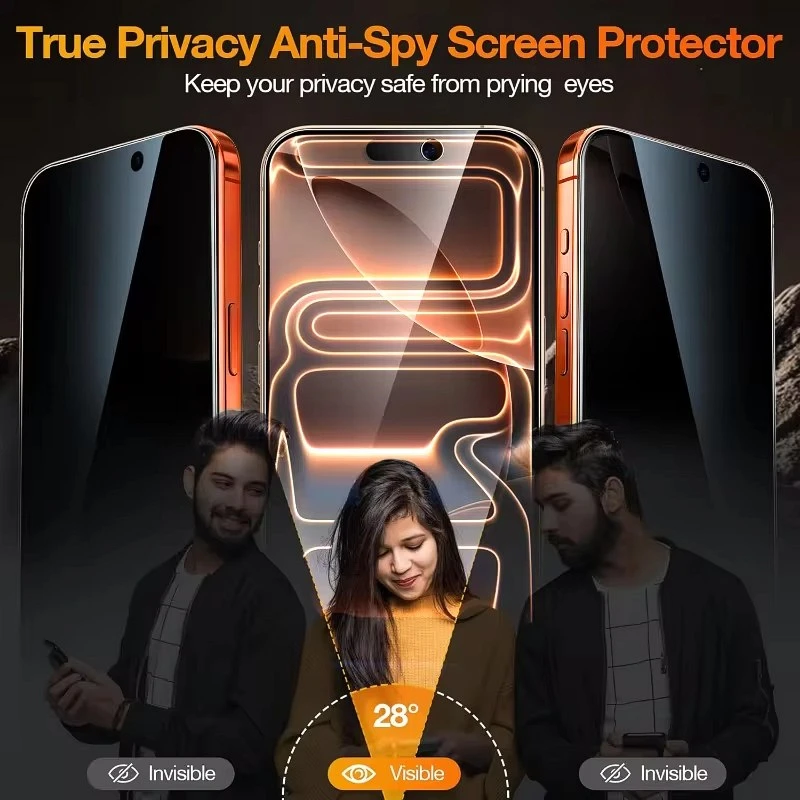
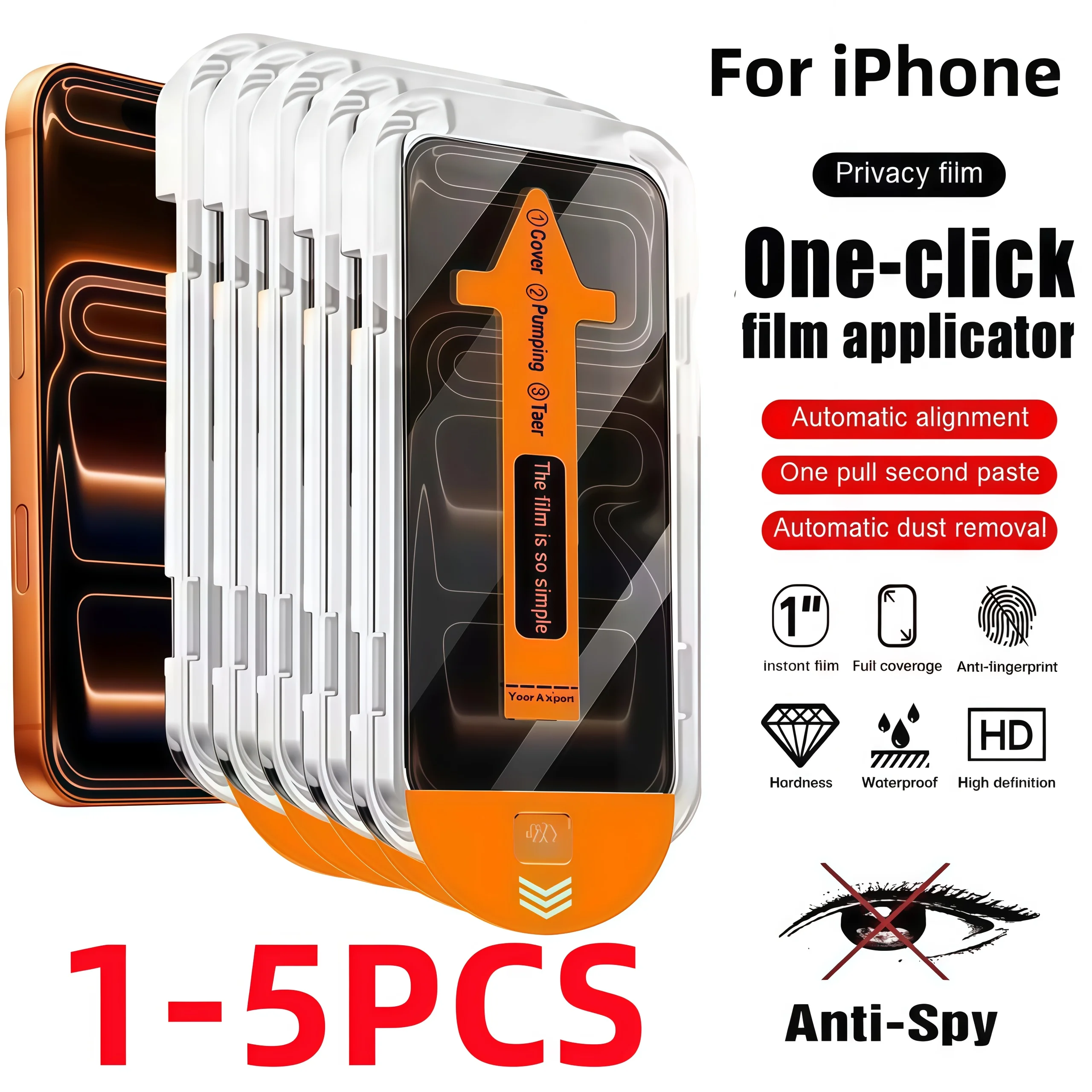
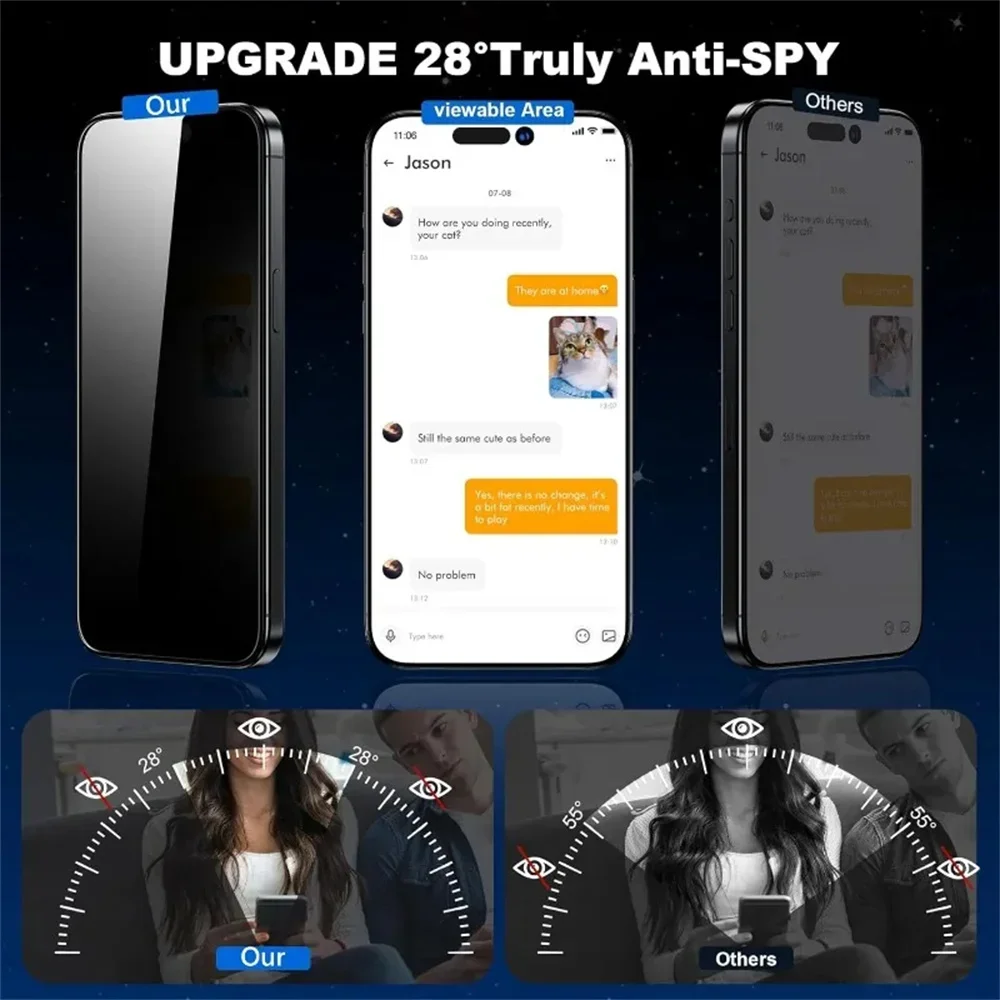
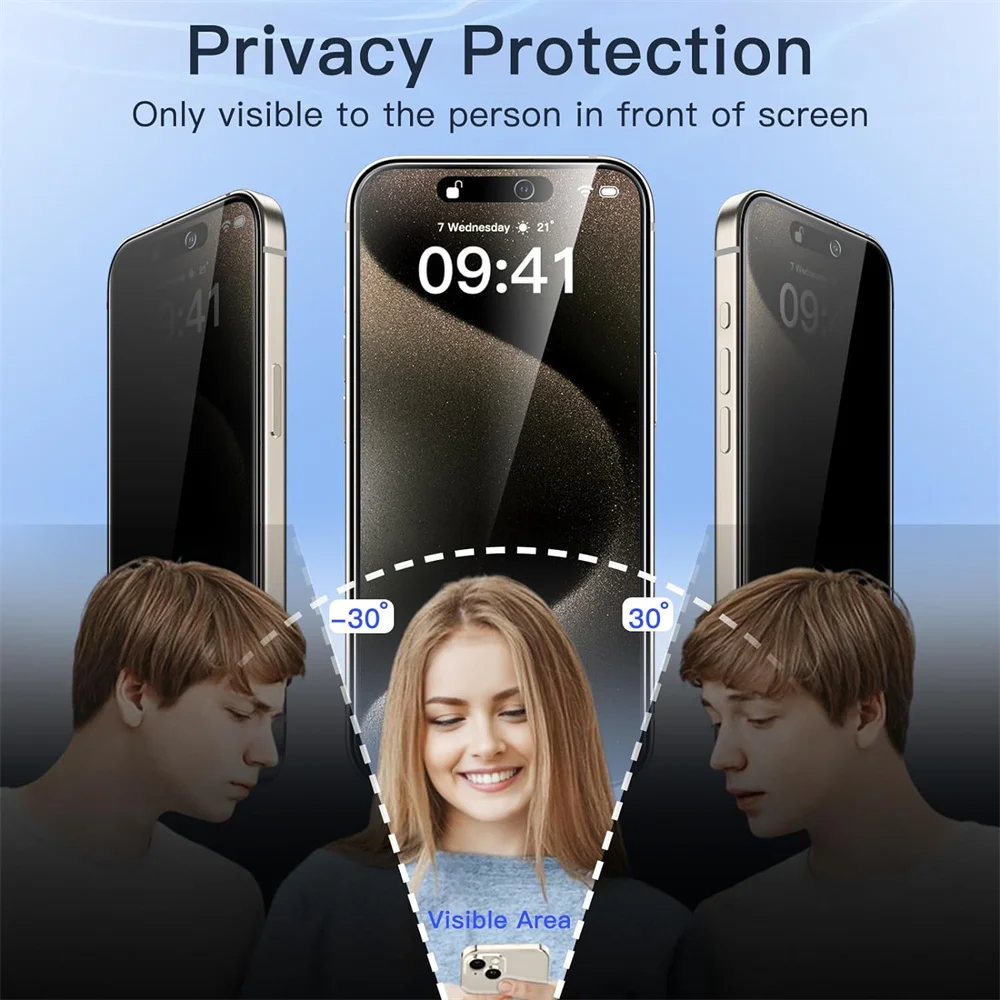
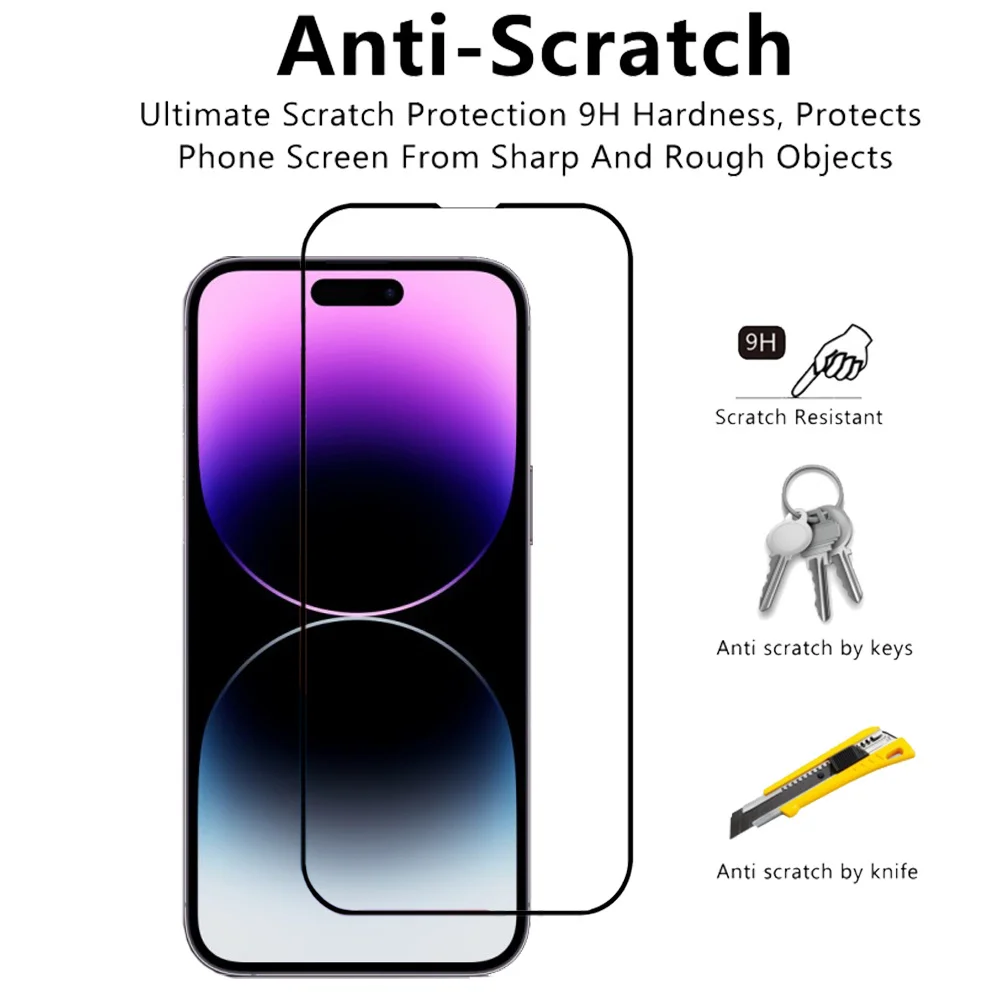
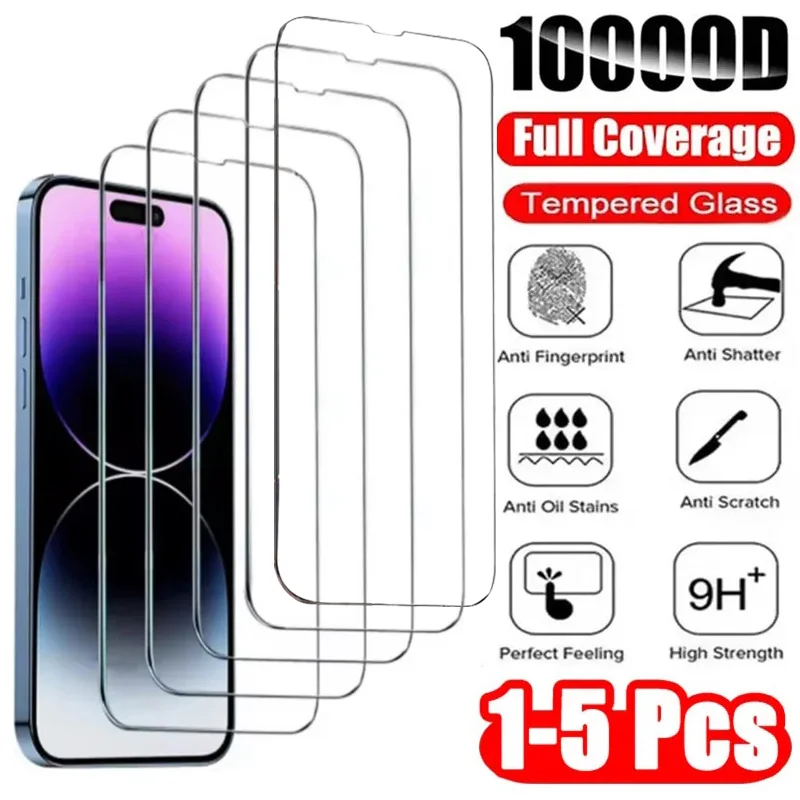
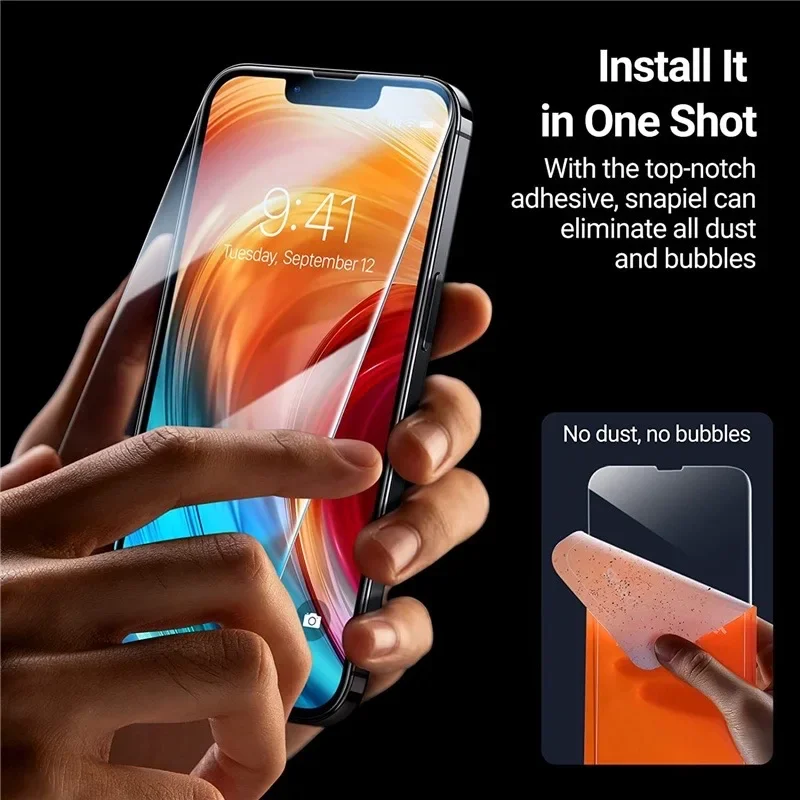
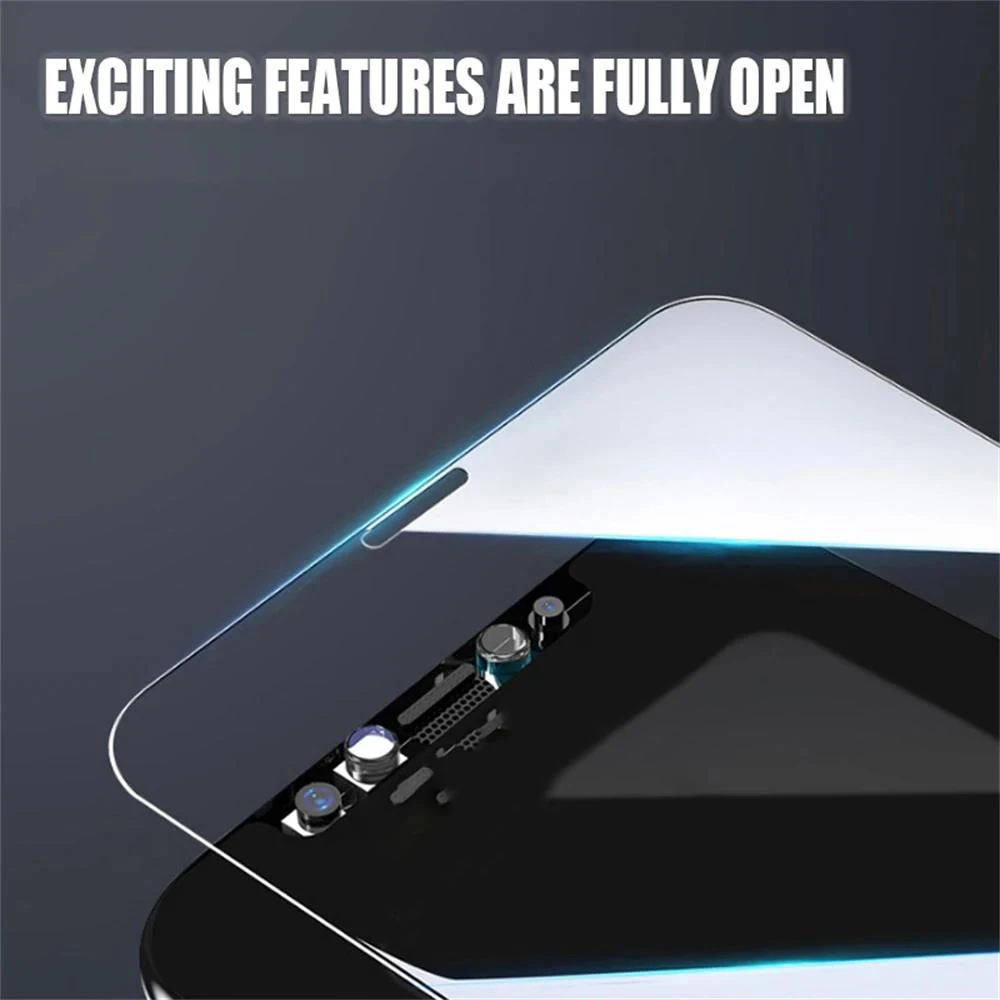
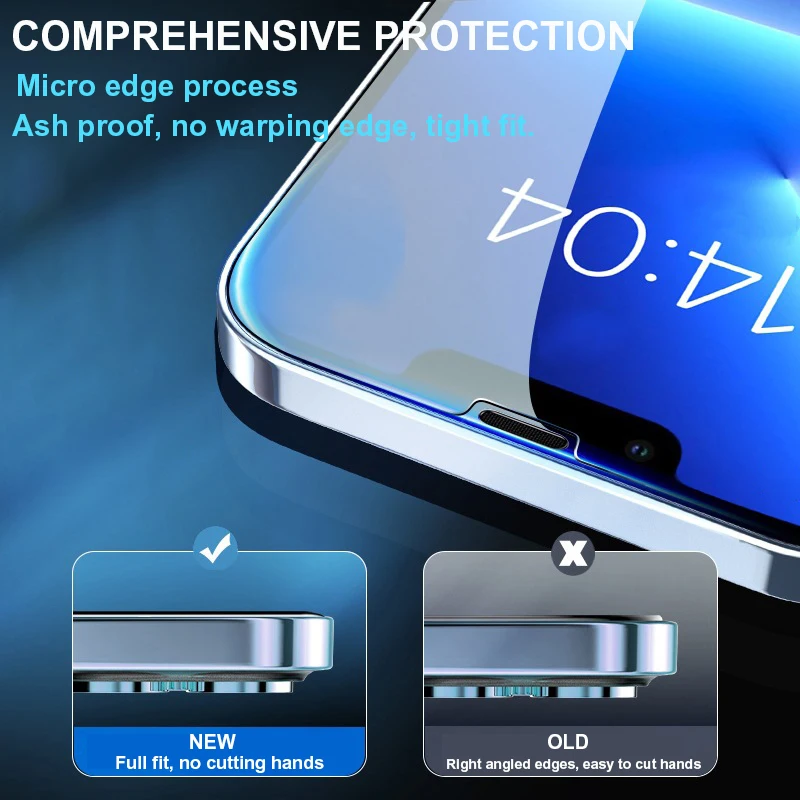
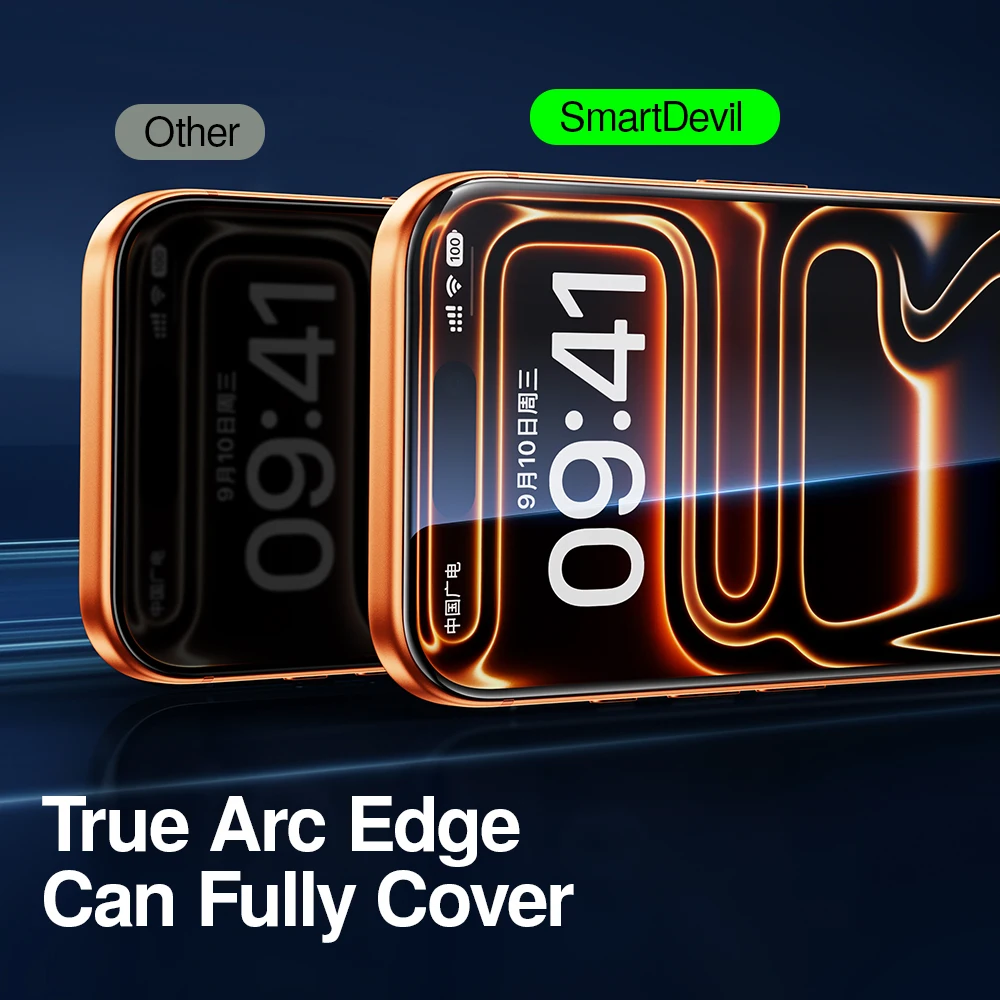
Apple says to remove anything covering the TrueDepth camera, such as a case or screen protector, if Face ID stops working. Glass cut for the 14 Pro is made to fit its screen, so check the model before fitting. See screen protectors explained.
More to look at